


Finding Information 
Effective searching & keeping 
up to date 
James Bisset james.bisset@durham.ac.uk 
Academic Liaison Librarian (Research Support)
Session outline 
- Basic ‘Finding it’ overview: 
Library Catalogue and Discover 
- Effective searching (Basic Skills) 
Synonyms, Wildcards, Truncation tools, Proximity connectors 
- Citation searching 
Making your search results work for you 
- Brick Walls 
Connexions, access rights, document supply, Sconul Access, 
- Keeping up to date 
Alerts, ToCs, Twitter and JISCMail
Part 1 
Basic intro 
to Durham 
University 
Library
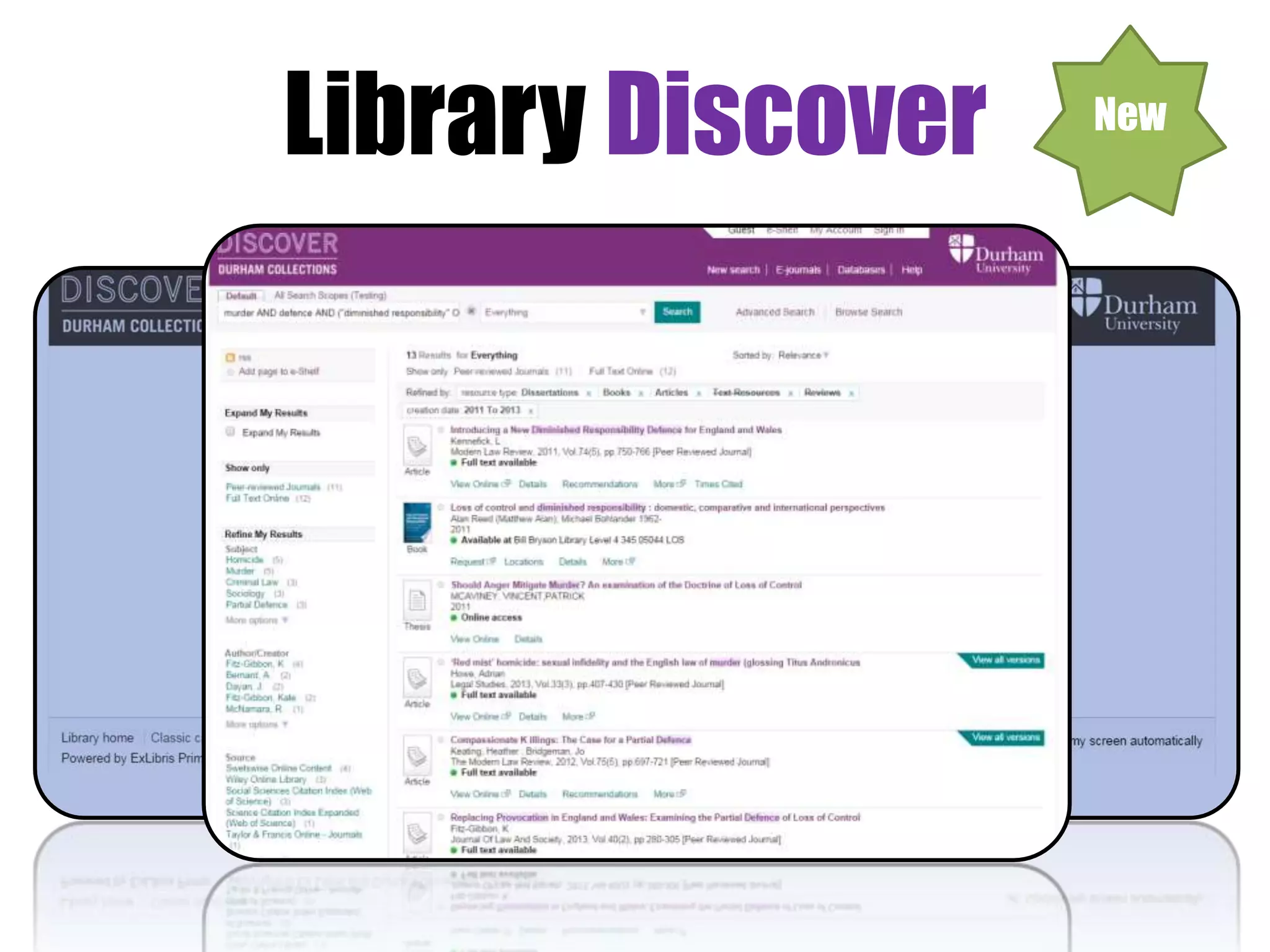
Library Discover New
Exercise 1 
• Example searches of Library Catalogue / Discover 
or 
• Search for items yourself 
Via Flickr Creative Commons, by © Stuti Sakhalkar. Original available 
at http://www.flickr.com/photos/theblackcanvas/2945878325/
Part 2 
Effective searching (Basic Skills)
Effective Searching 
- Define your information need 
- Broaden your search 
- Narrow your search 
- Evaluate your results 
- Make your results work for you
Research
Broaden your search 
(1) Alternative terms
Broaden your search 
Synonyms: 
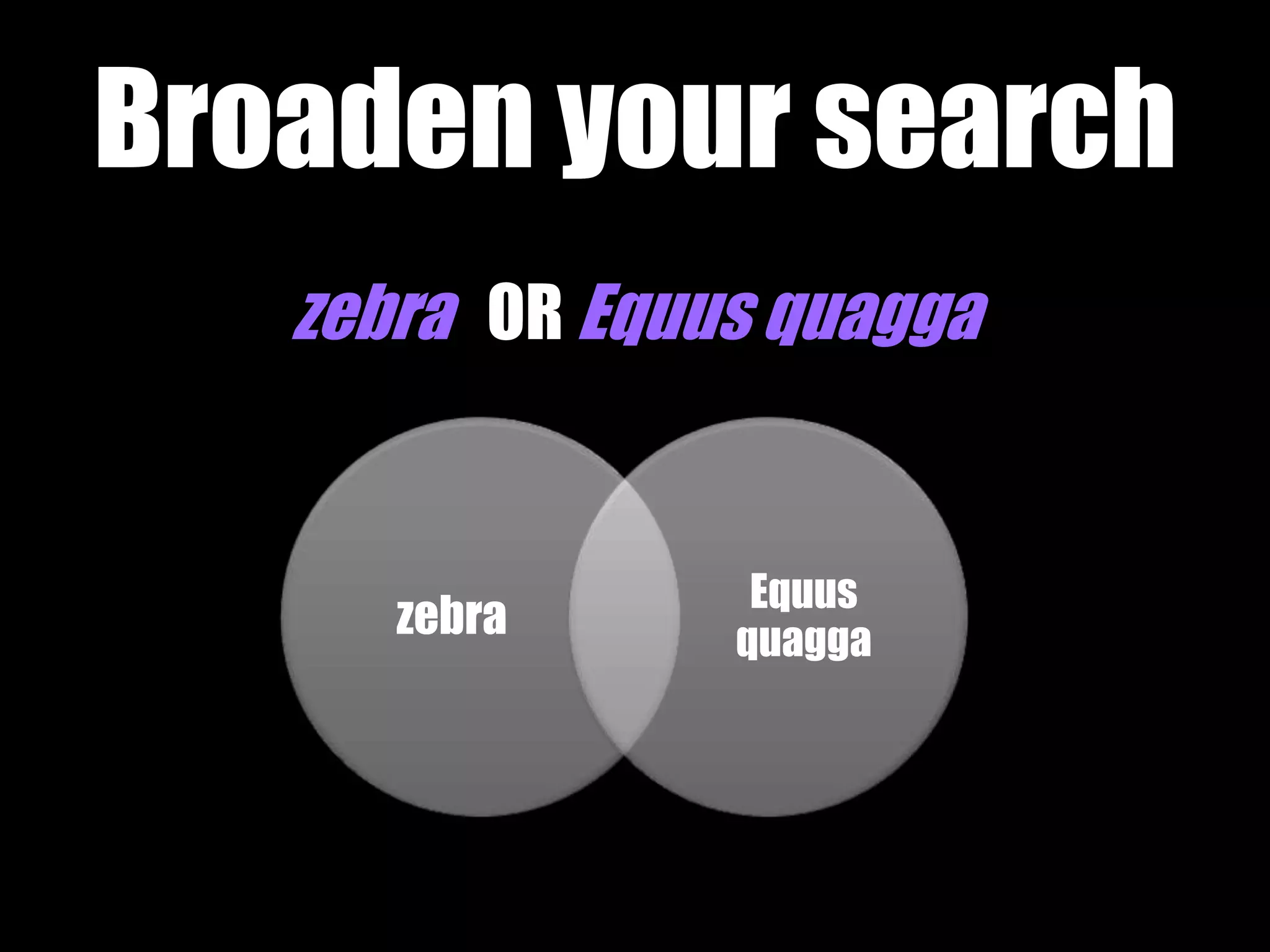
zebra OR Equus quagga
Broaden your search 
zebra OR Equus quagga 
zebra 
Equus 
quagga
Broaden your search 
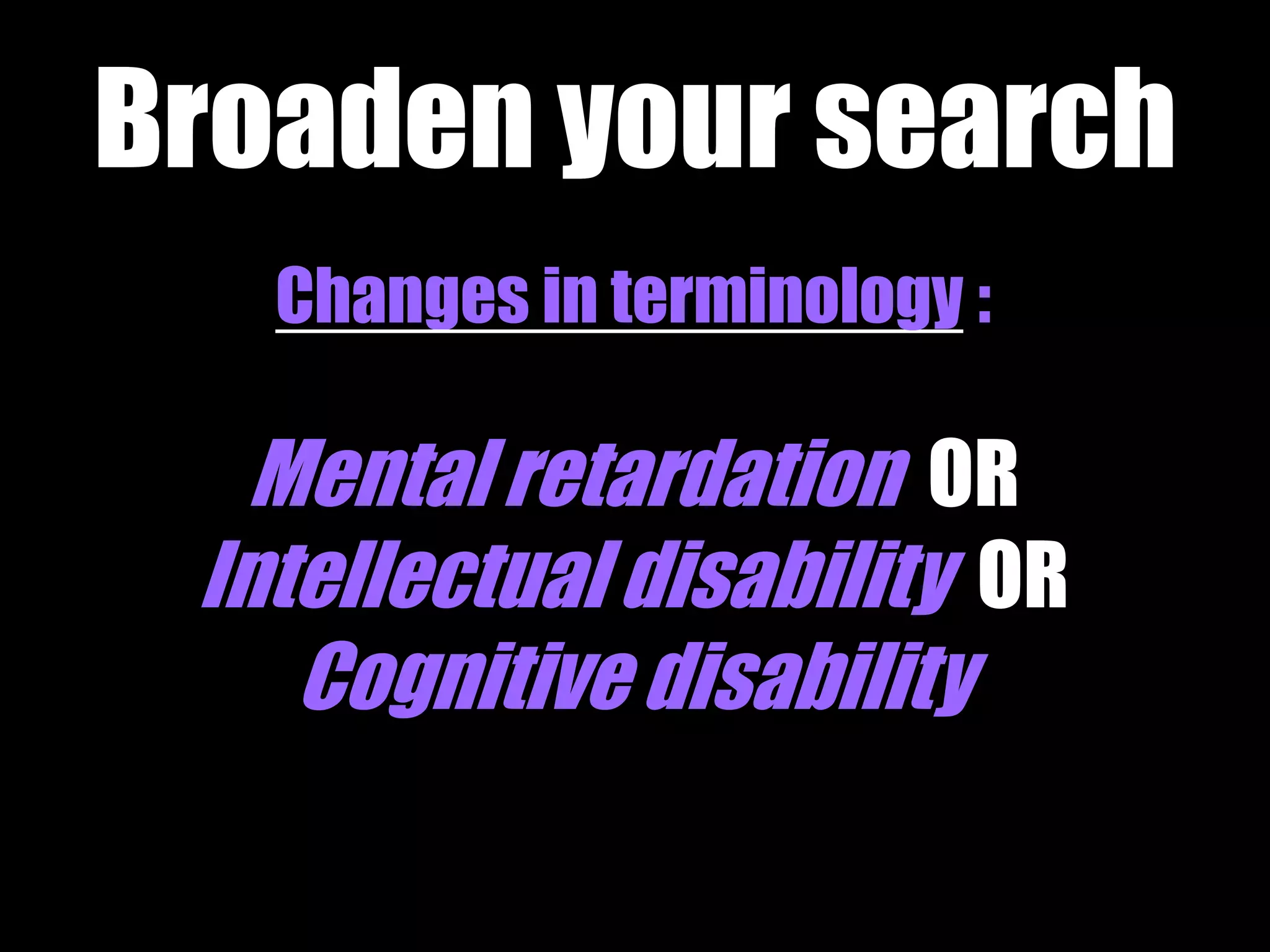
Changes in terminology : 
Mental retardation OR 
Intellectual disability OR 
Cognitive disability
Broaden your search 
(2) Alternative spelling
Broaden your search 
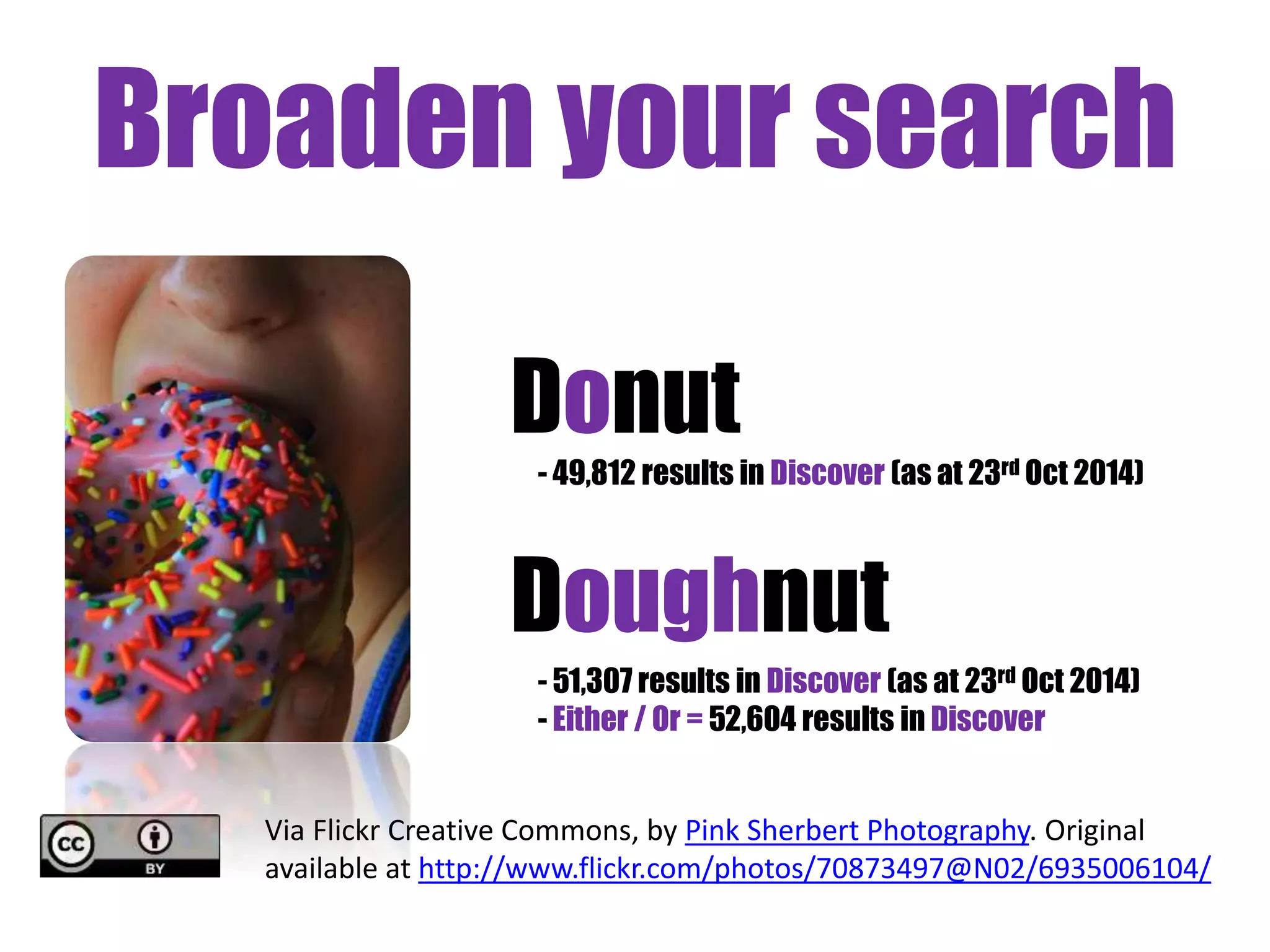
Donut 
- 49,812 results in Discover (as at 23rd Oct 2014) 
Doughnut 
- 51,307 results in Discover (as at 23rd Oct 2014) 
- Either / Or = 52,604 results in Discover 
Via Flickr Creative Commons, by Pink Sherbert Photography. Original 
available at http://www.flickr.com/photos/70873497@N02/6935006104/
Broaden your Search 
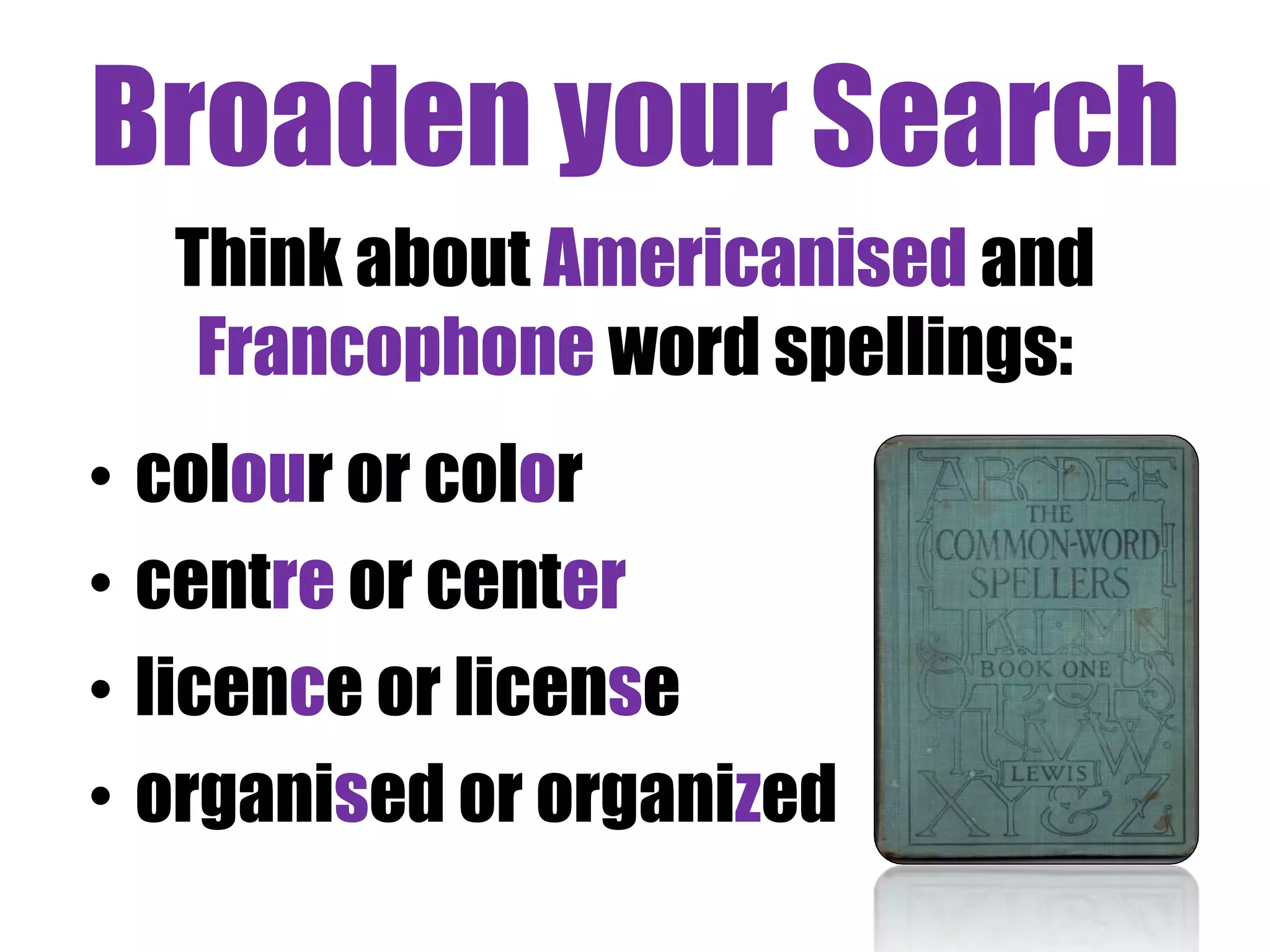
Think about Americanised and 
Francophone word spellings: 
• colour or color 
• centre or center 
• licence or license 
• organised or organized
Broaden your search 
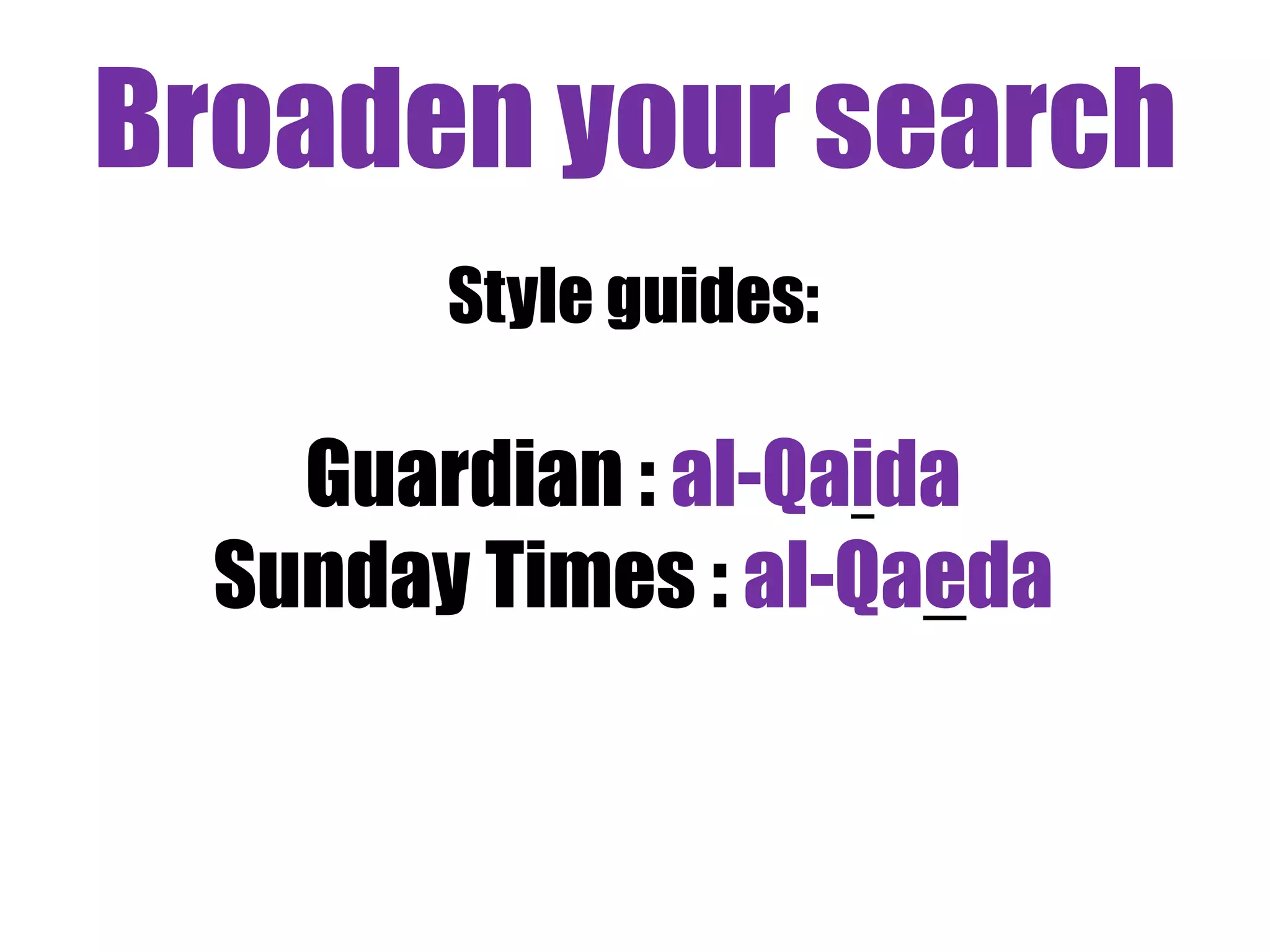
Style guides: 
Guardian : al-Qaida 
Sunday Times : al-Qaeda
Broaden your search 
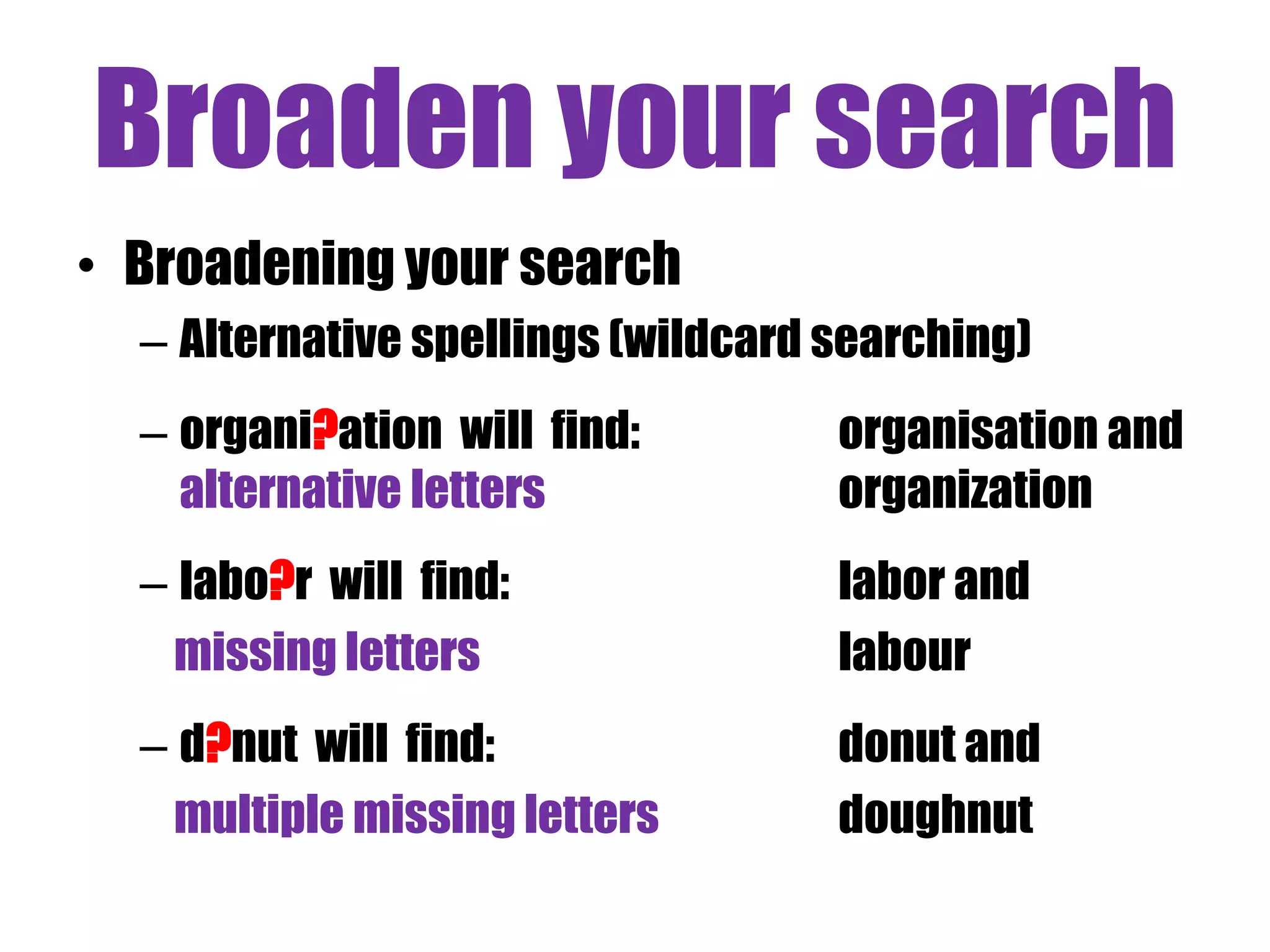
• Broadening your search 
– Alternative spellings (wildcard searching) 
– organi?ation will find: organisation and 
alternative letters organization 
– labo?r will find: labor and 
missing letters labour 
– d?nut will find: donut and 
multiple missing letters doughnut
Broaden your search 
(3) Word stems
Broaden your search 
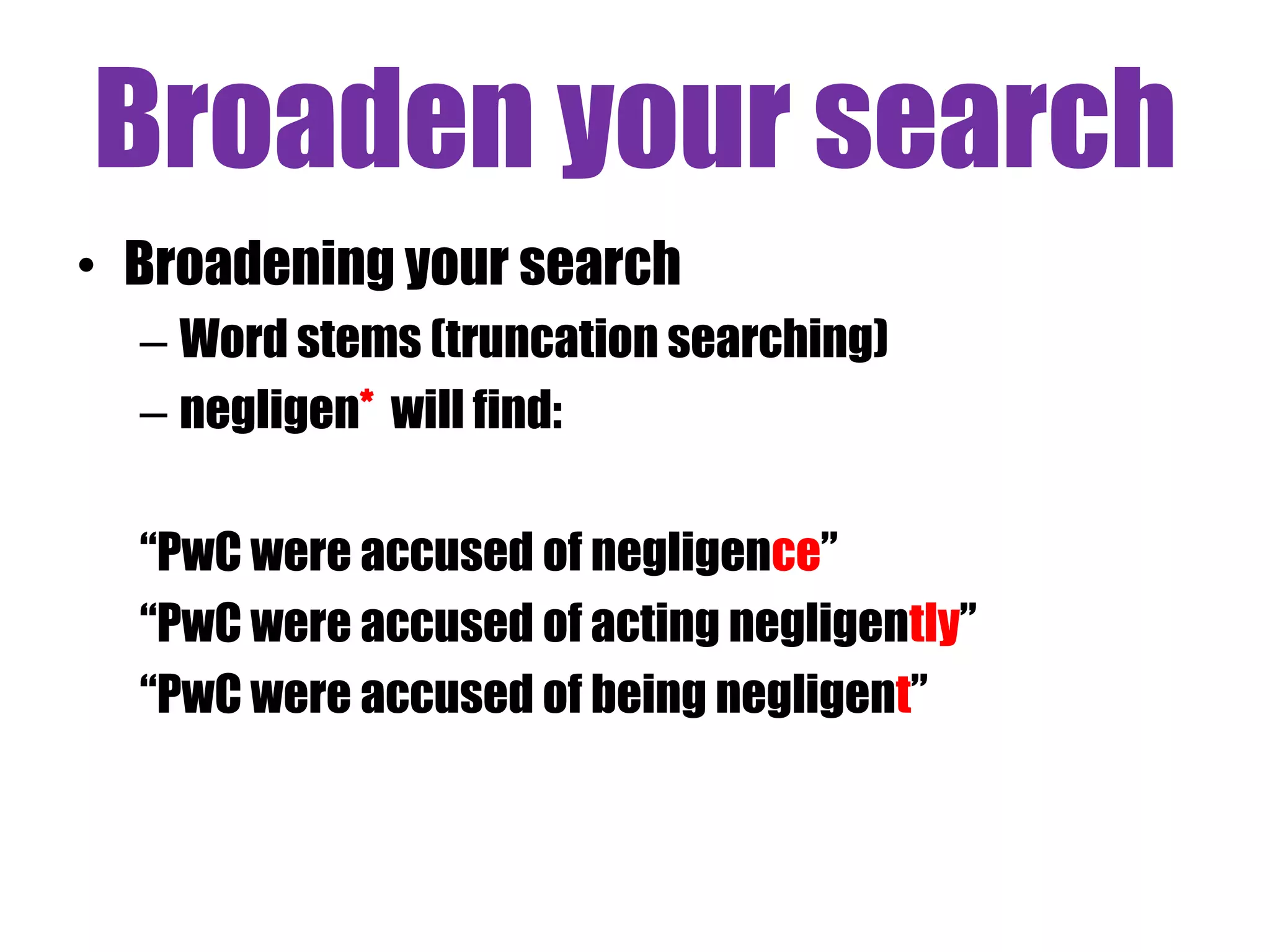
• Broadening your search 
– Word stems (truncation searching) 
– negligen* will find: 
“PwC were accused of negligence” 
“PwC were accused of acting negligently” 
“PwC were accused of being negligent”
Broaden your search 
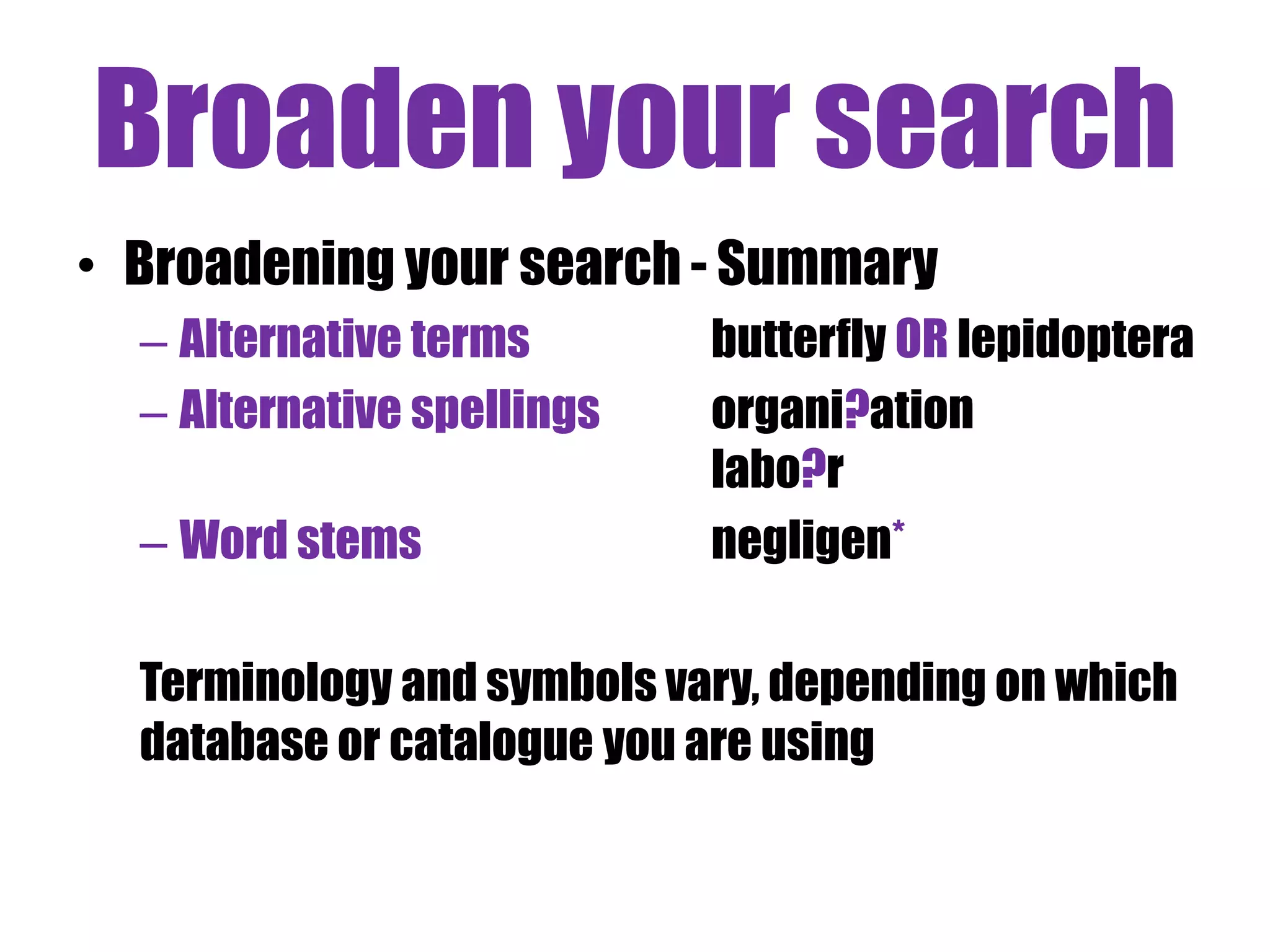
• Broadening your search - Summary 
– Alternative terms butterfly OR lepidoptera 
– Alternative spellings organi?ation 
labo?r 
– Word stems negligen* 
Terminology and symbols vary, depending on which 
database or catalogue you are using
Narrow your search 
(1) Focussing your search
Narrow your search 
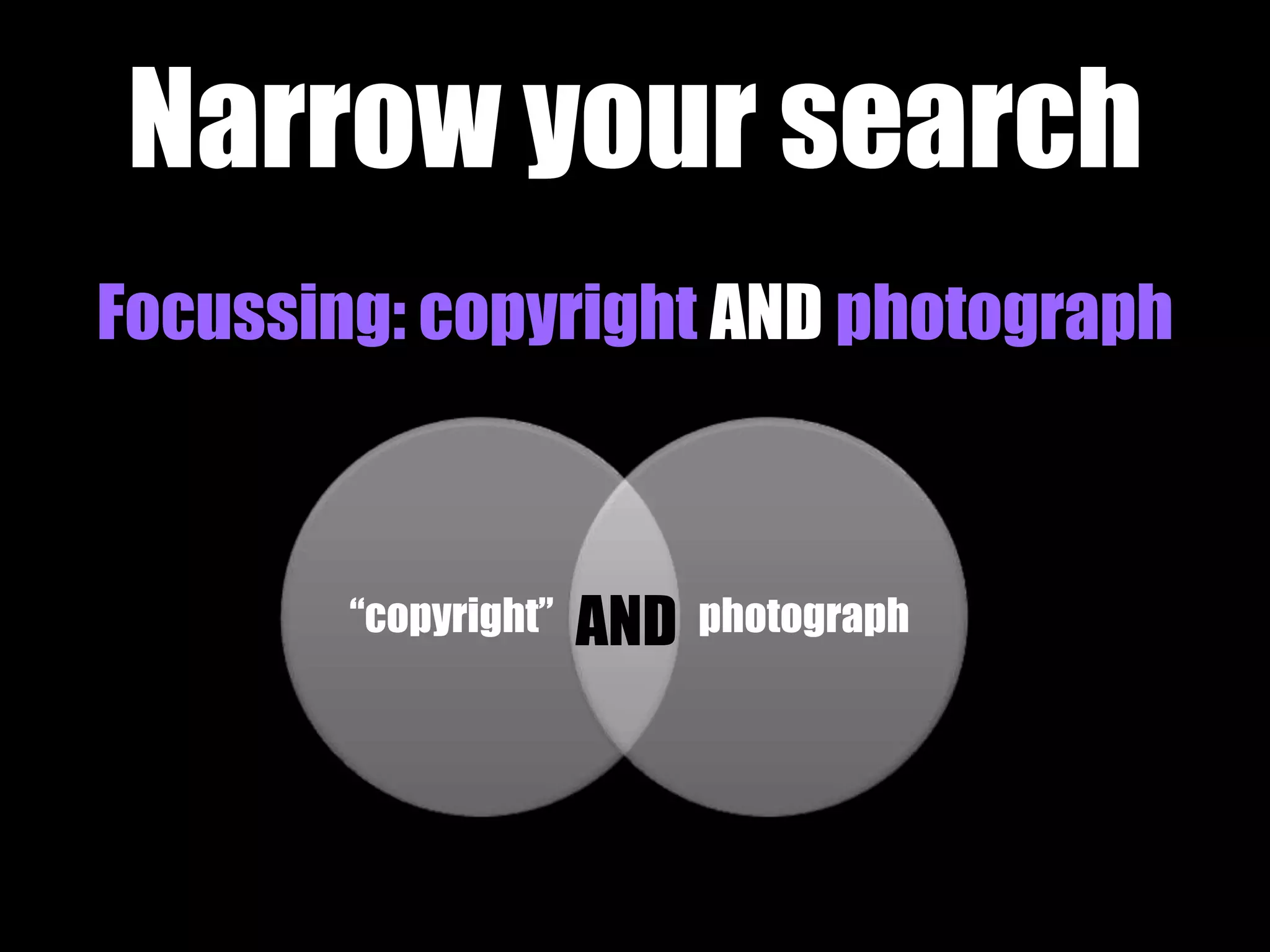
Focussing: copyright AND photograph 
AND 
“copyright” photograph
Narrow your search 
(2) Proximity Connectors
Narrow your search 
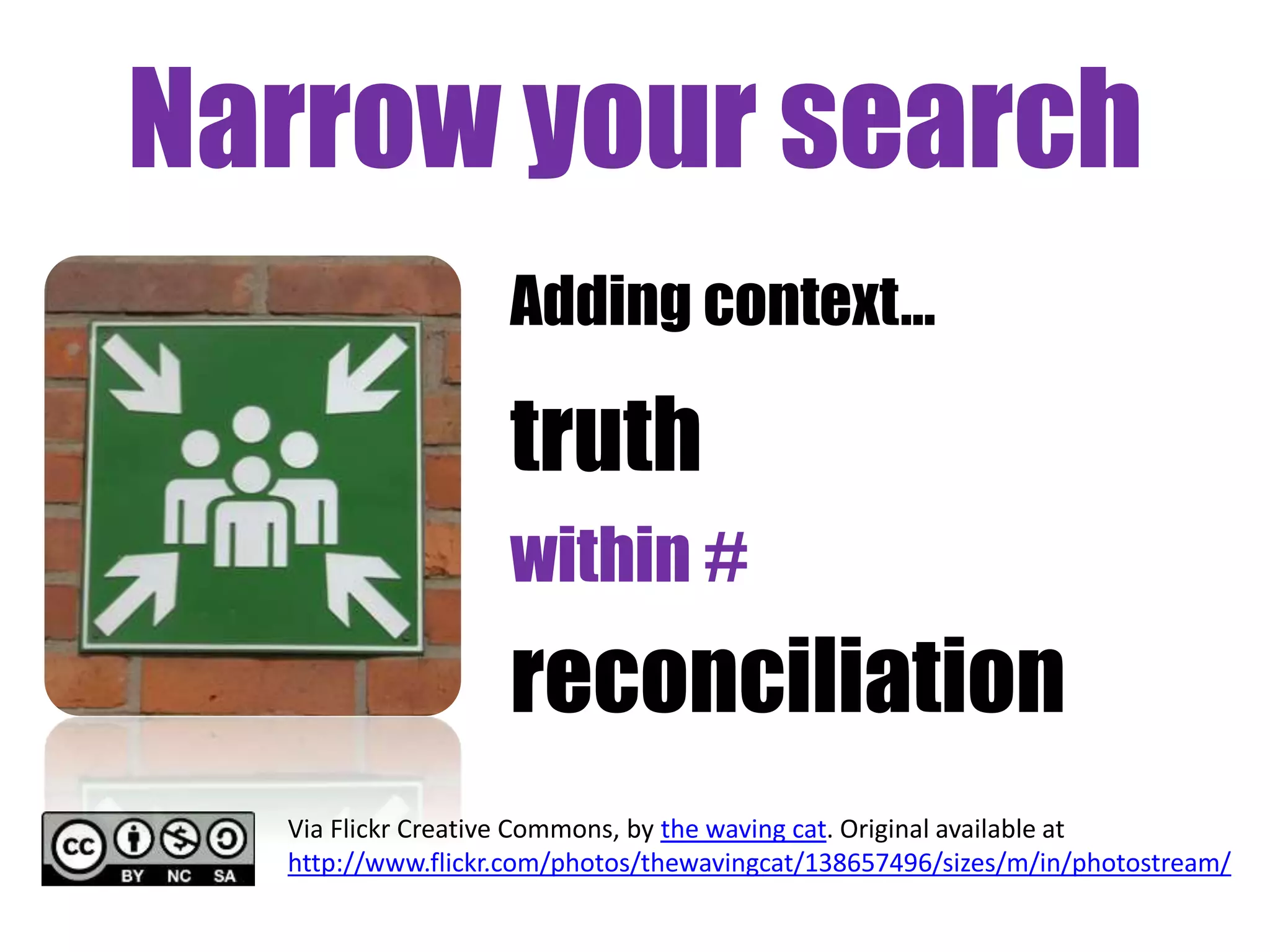
Adding context… 
truth 
within # 
reconciliation 
Via Flickr Creative Commons, by the waving cat. Original available at 
http://www.flickr.com/photos/thewavingcat/138657496/sizes/m/in/photostream/
Narrow your search 
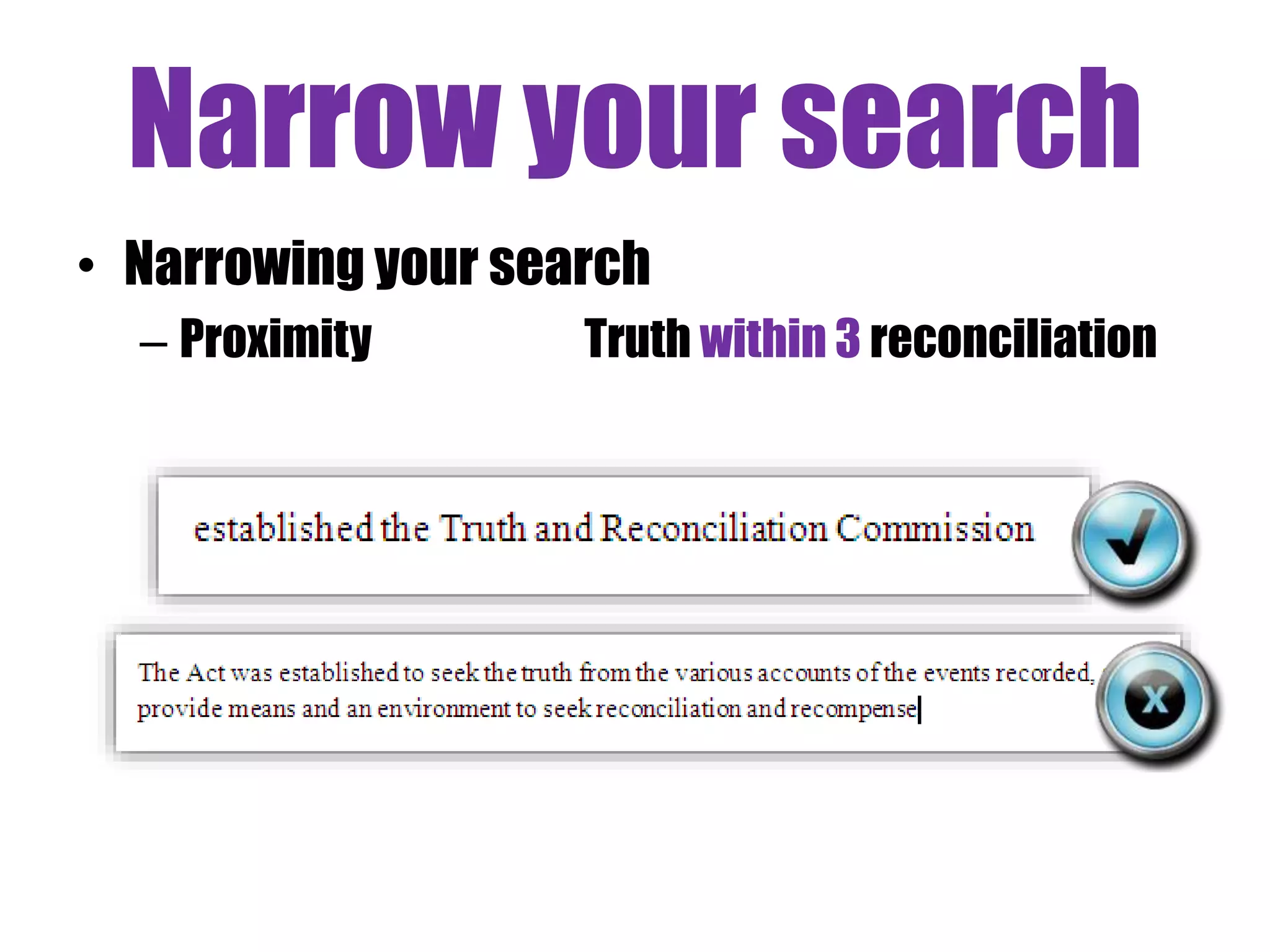
• Narrowing your search 
– Proximity Truth within 3 reconciliation
Narrow your search 
(3) Phrase searching
Narrow your search 
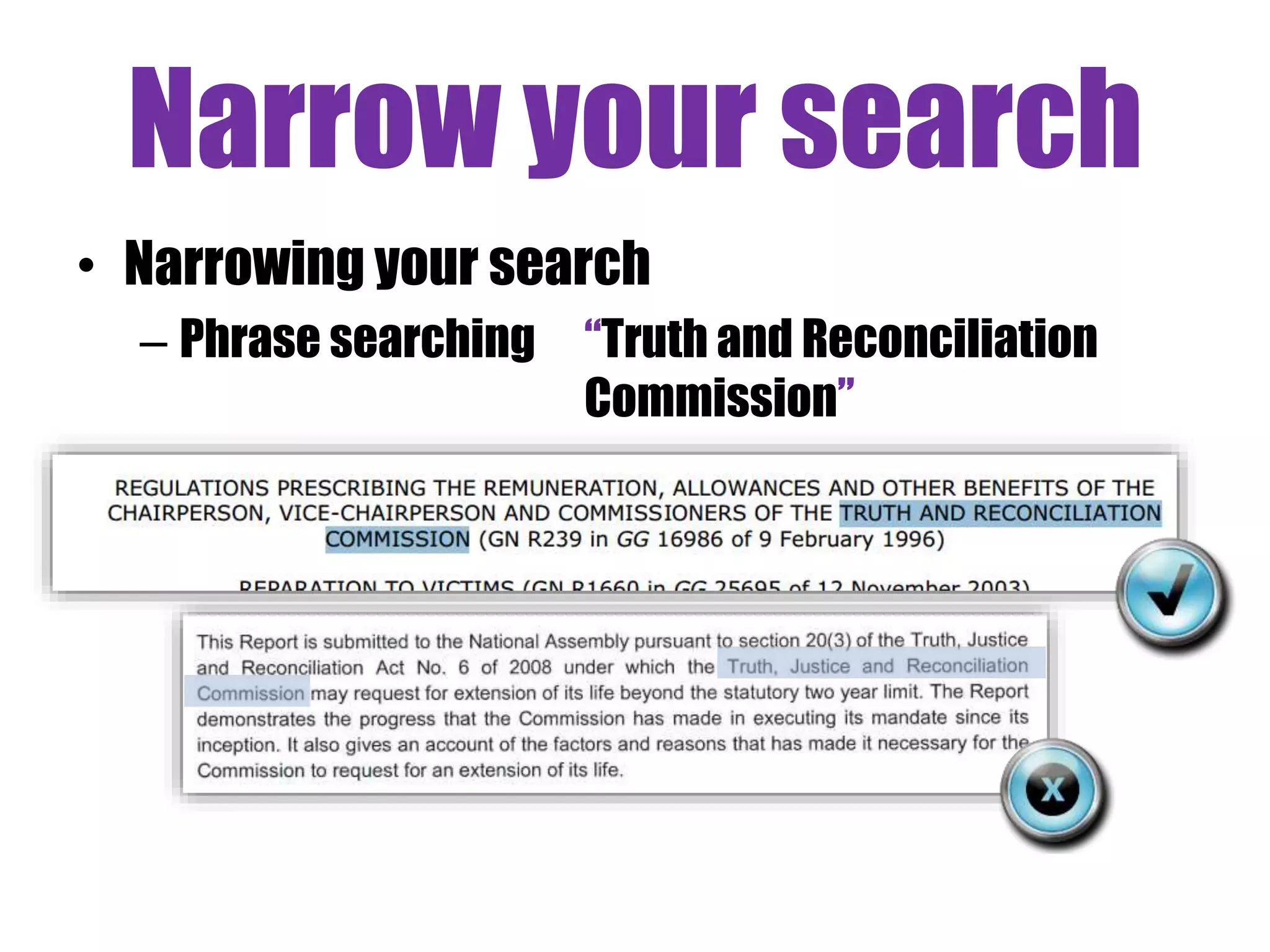
• Narrowing your search 
– Phrase searching “Truth and Reconciliation 
Commission”
Narrow your search 
(4) Excluding terms
Narrow your search 
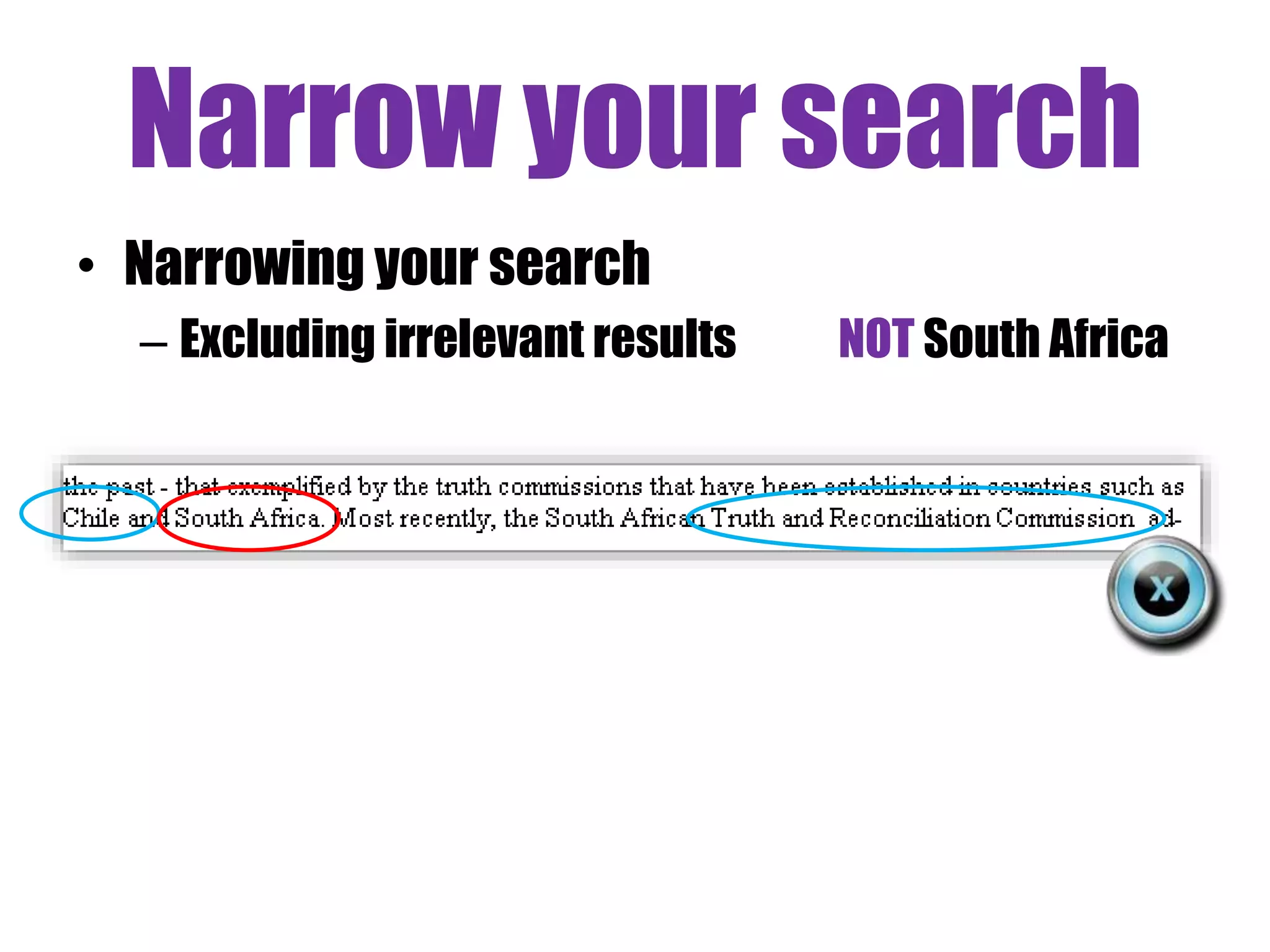
• Narrowing your search 
– Excluding irrelevant results NOT South Africa
Narrow your search 
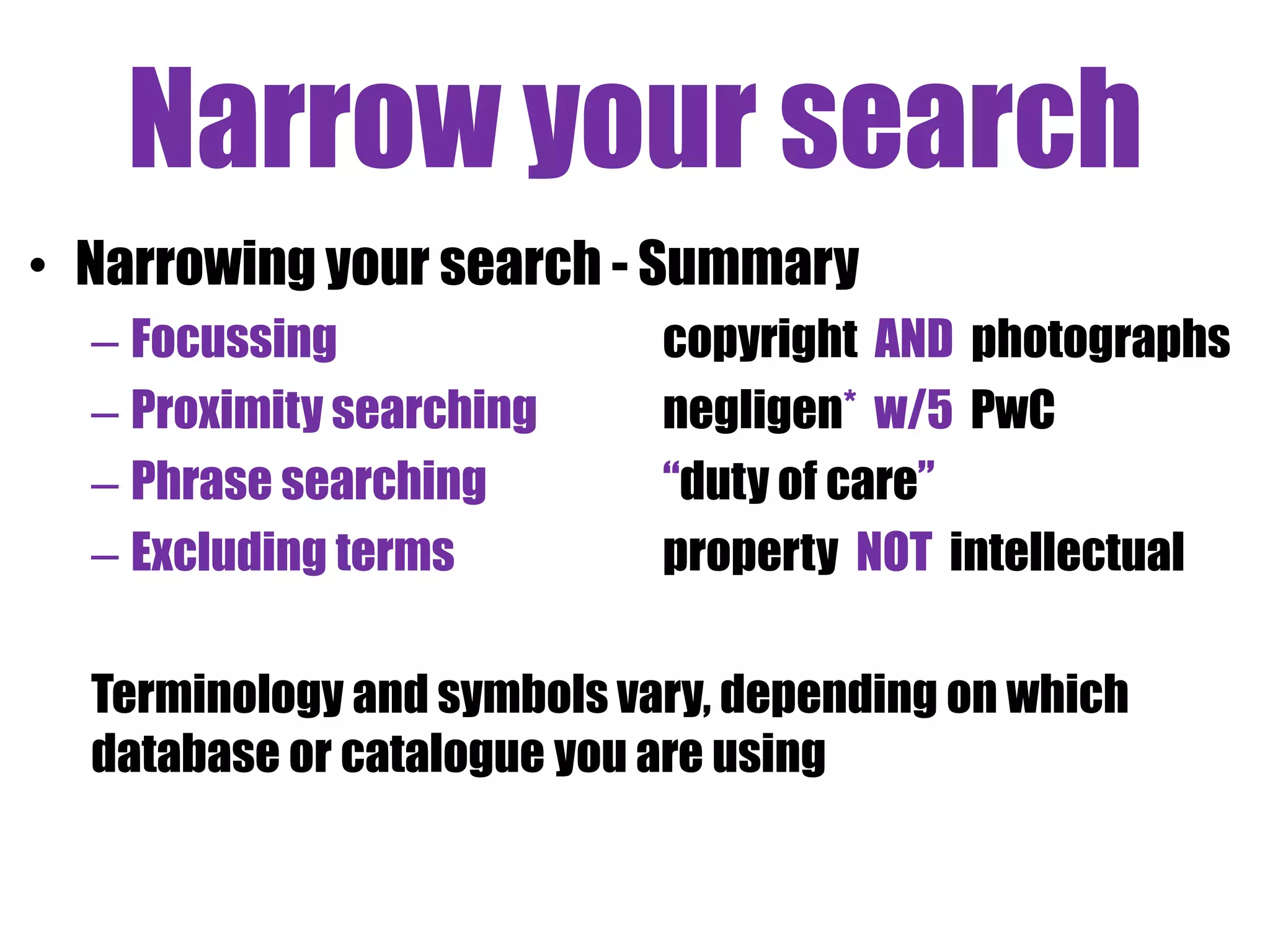
• Narrowing your search - Summary 
– Focussing copyright AND photographs 
– Proximity searching negligen* w/5 PwC 
– Phrase searching “duty of care” 
– Excluding terms property NOT intellectual 
Terminology and symbols vary, depending on which 
database or catalogue you are using
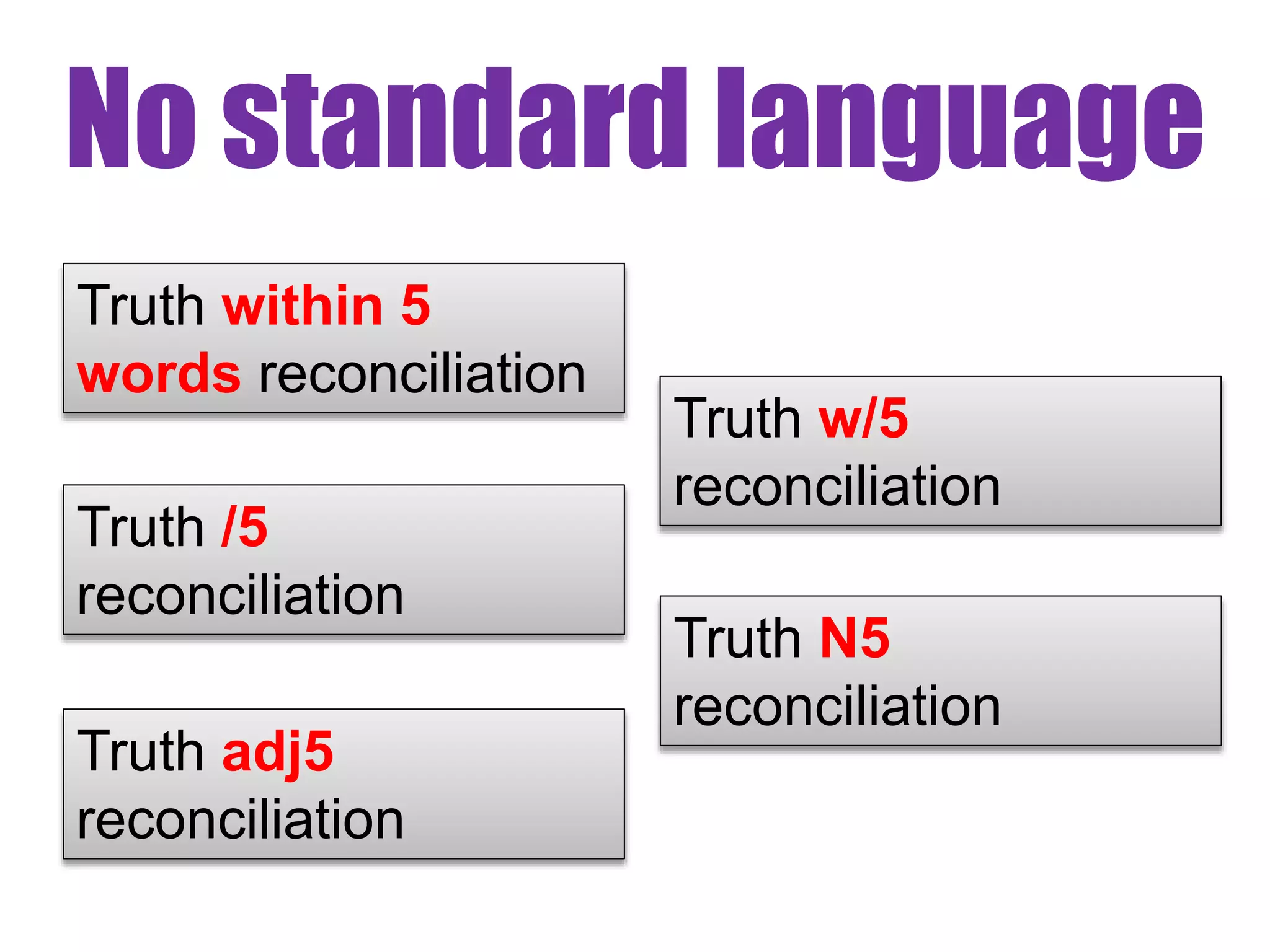
No standard language 
Truth within 5 
words reconciliation 
Truth w/5 
reconciliation 
Truth /5 
reconciliation 
Truth N5 
reconciliation 
Truth adj5 
reconciliation
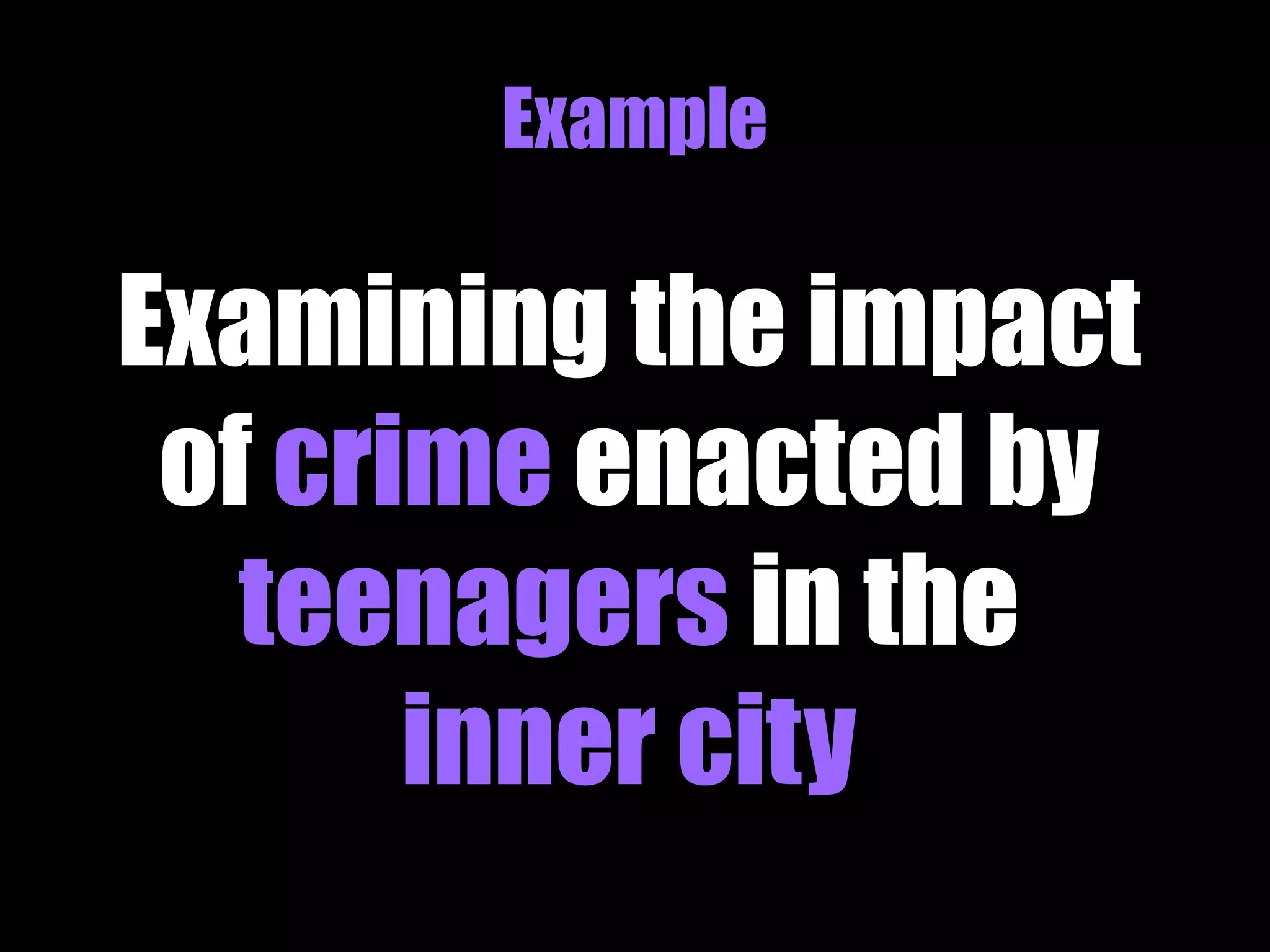
Example 
Examining the impact 
of crime enacted by 
teenagers in the 
inner city
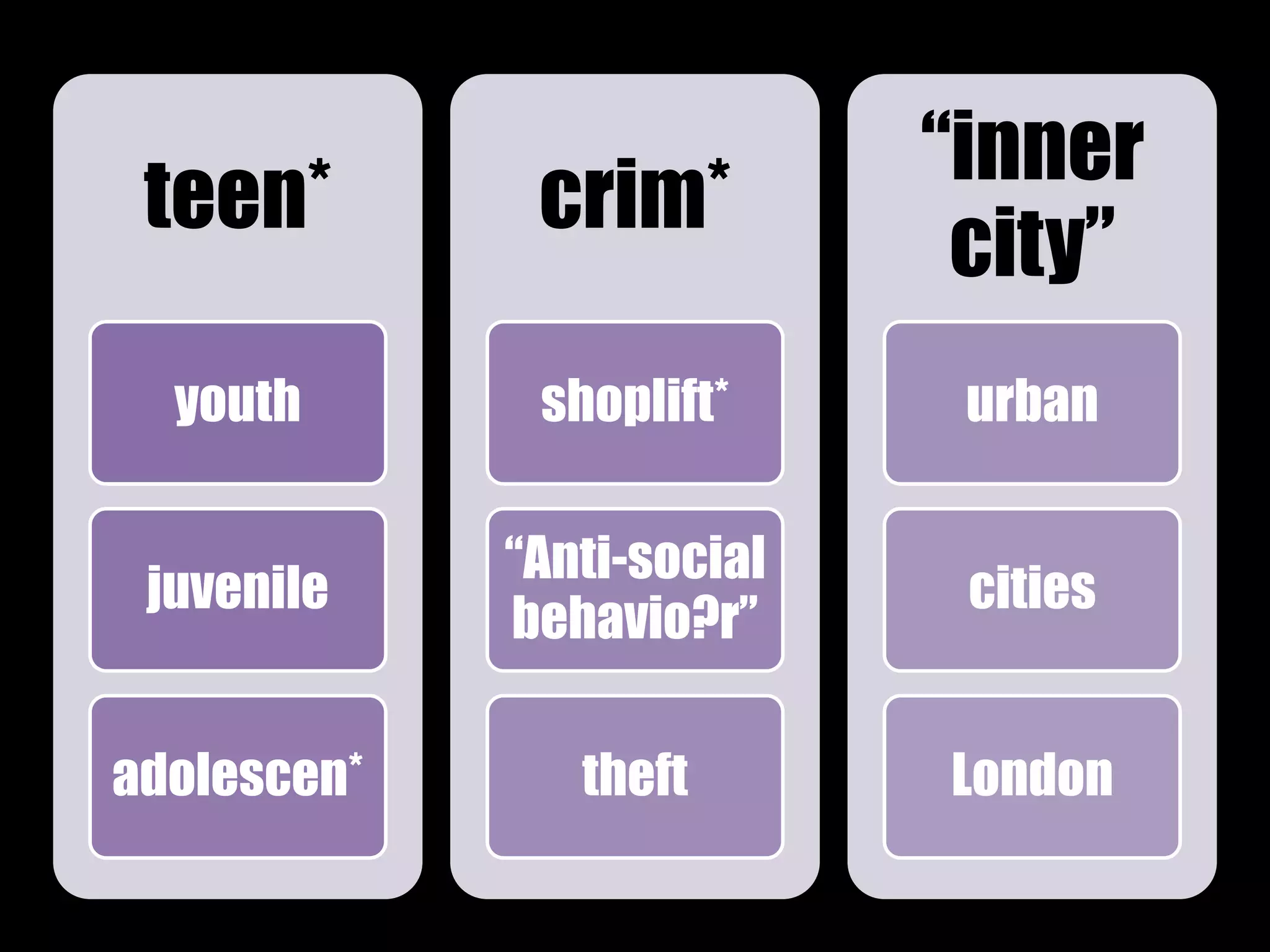
teen* 
youth 
juvenile 
adolescen* 
crim* 
shoplift* 
“Anti-social 
behavio?r” 
theft 
“inner 
city” 
urban 
cities 
London
Example 
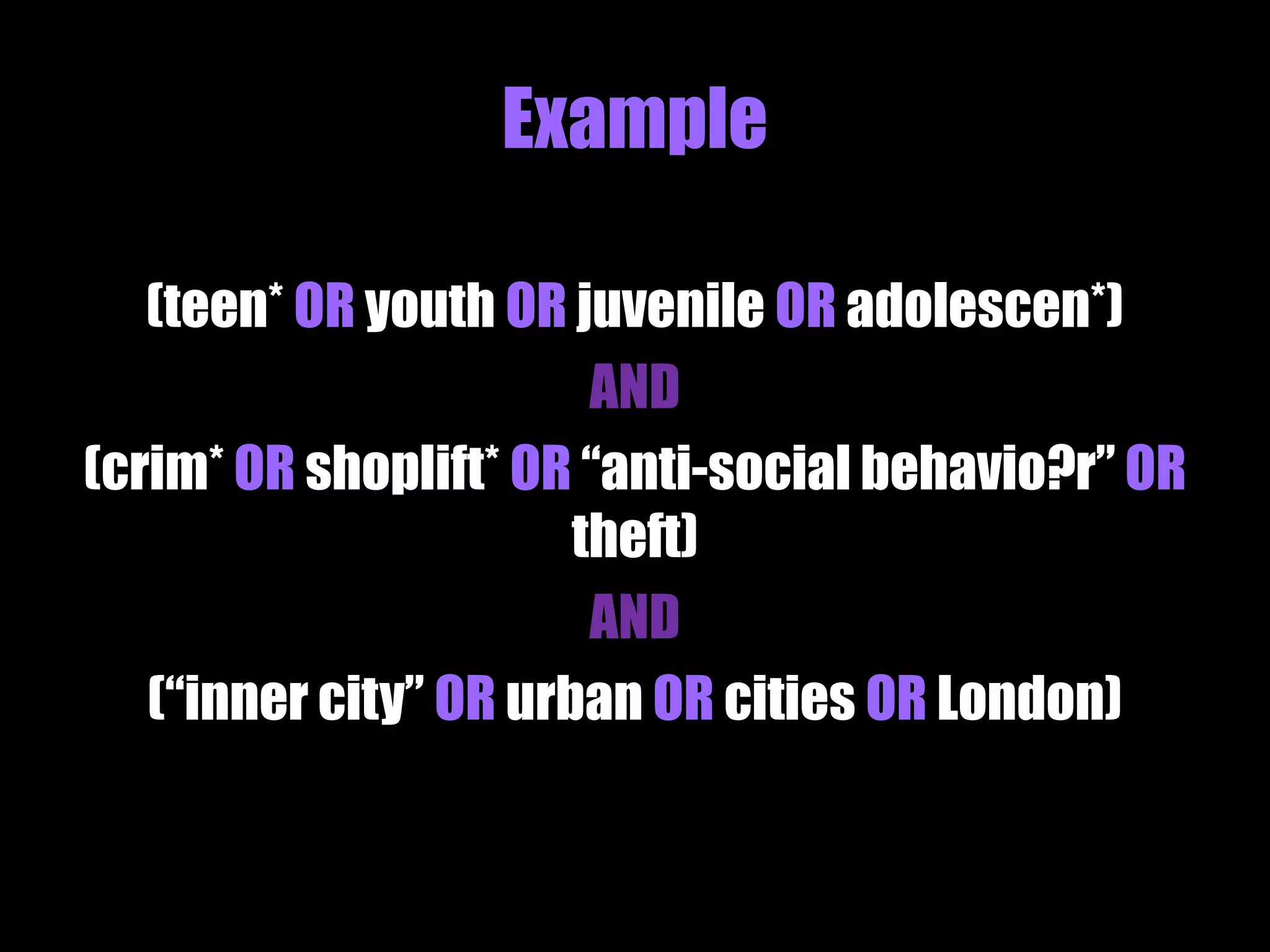
(teen* OR youth OR juvenile OR adolescen*) 
AND 
(crim* OR shoplift* OR “anti-social behavio?r” OR 
theft) 
AND 
(“inner city” OR urban OR cities OR London)
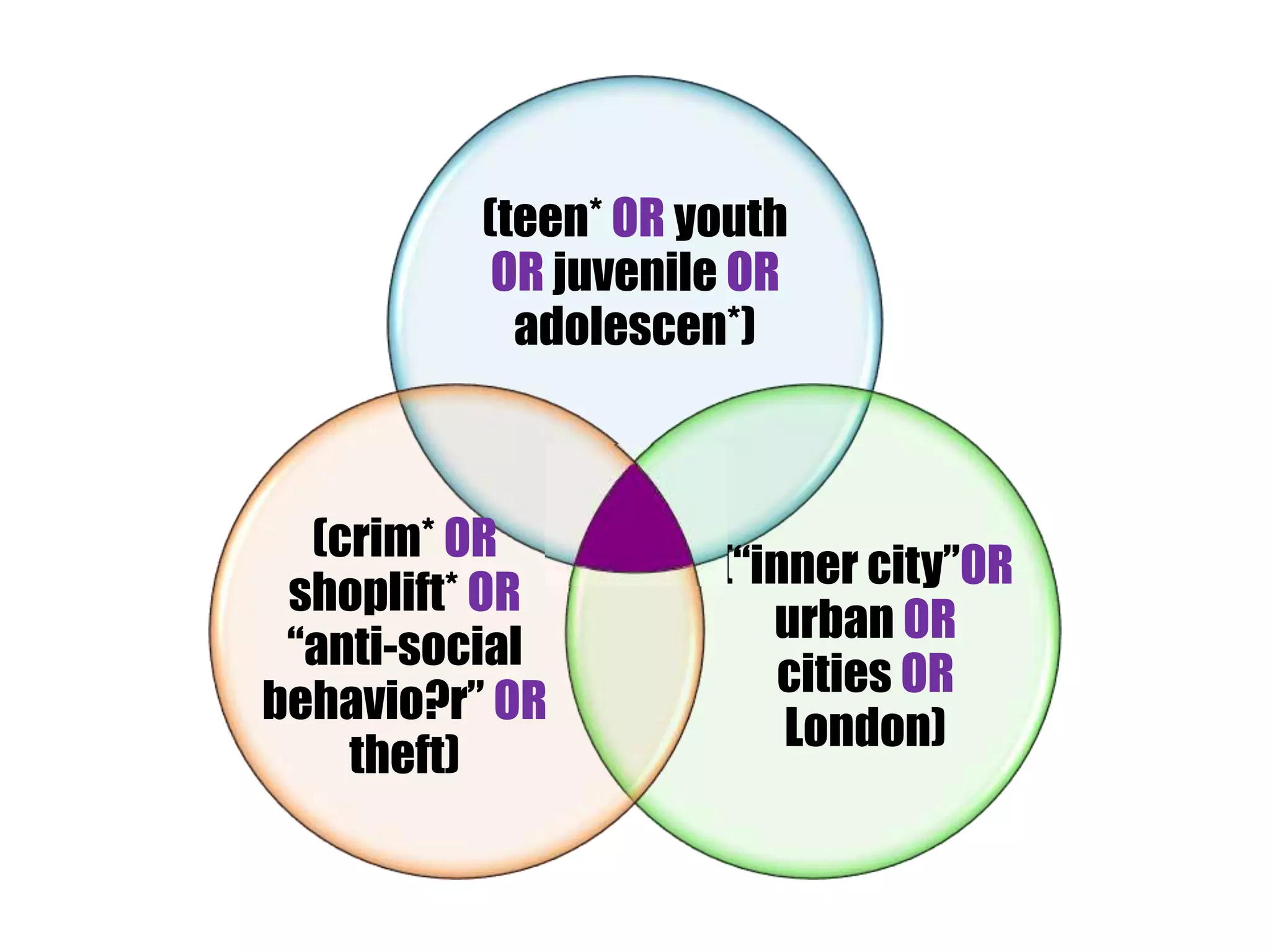
(teen* OR youth 
OR juvenile OR 
adolescen*) 
(“inner city”OR 
urban OR 
cities OR 
London) 
(crim* OR 
shoplift* OR 
“anti-social 
behavio?r” OR 
theft)
Exercise 2 
• Think about a search strategy around your topic(s) of interest and 
explore how using different search terms and connectors affects 
your search 
Via Flickr Creative Commons, by © Stuti Sakhalkar. Original available 
at http://www.flickr.com/photos/theblackcanvas/2945878325/
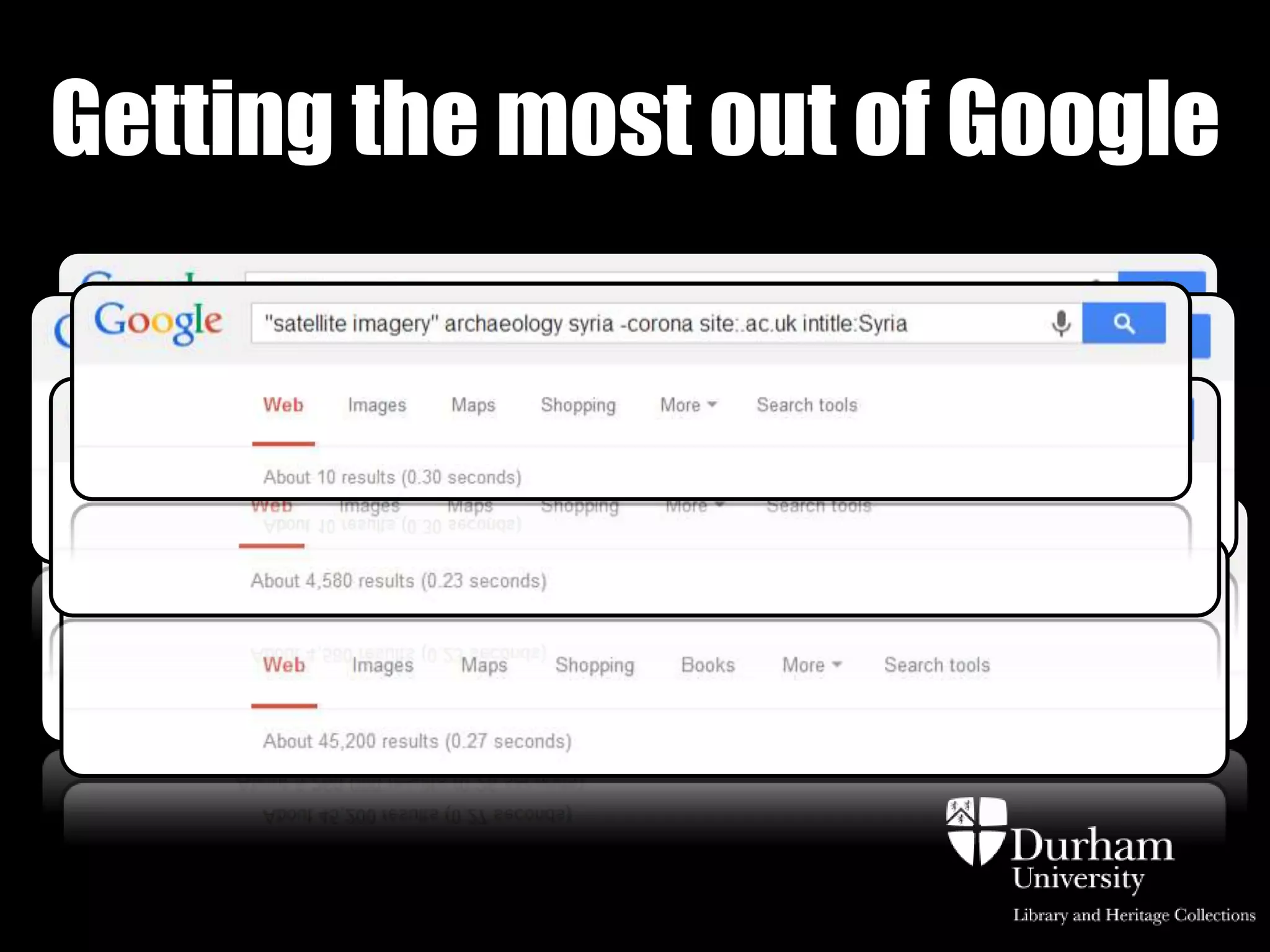
Getting the most out of Google
Getting the most from Google 
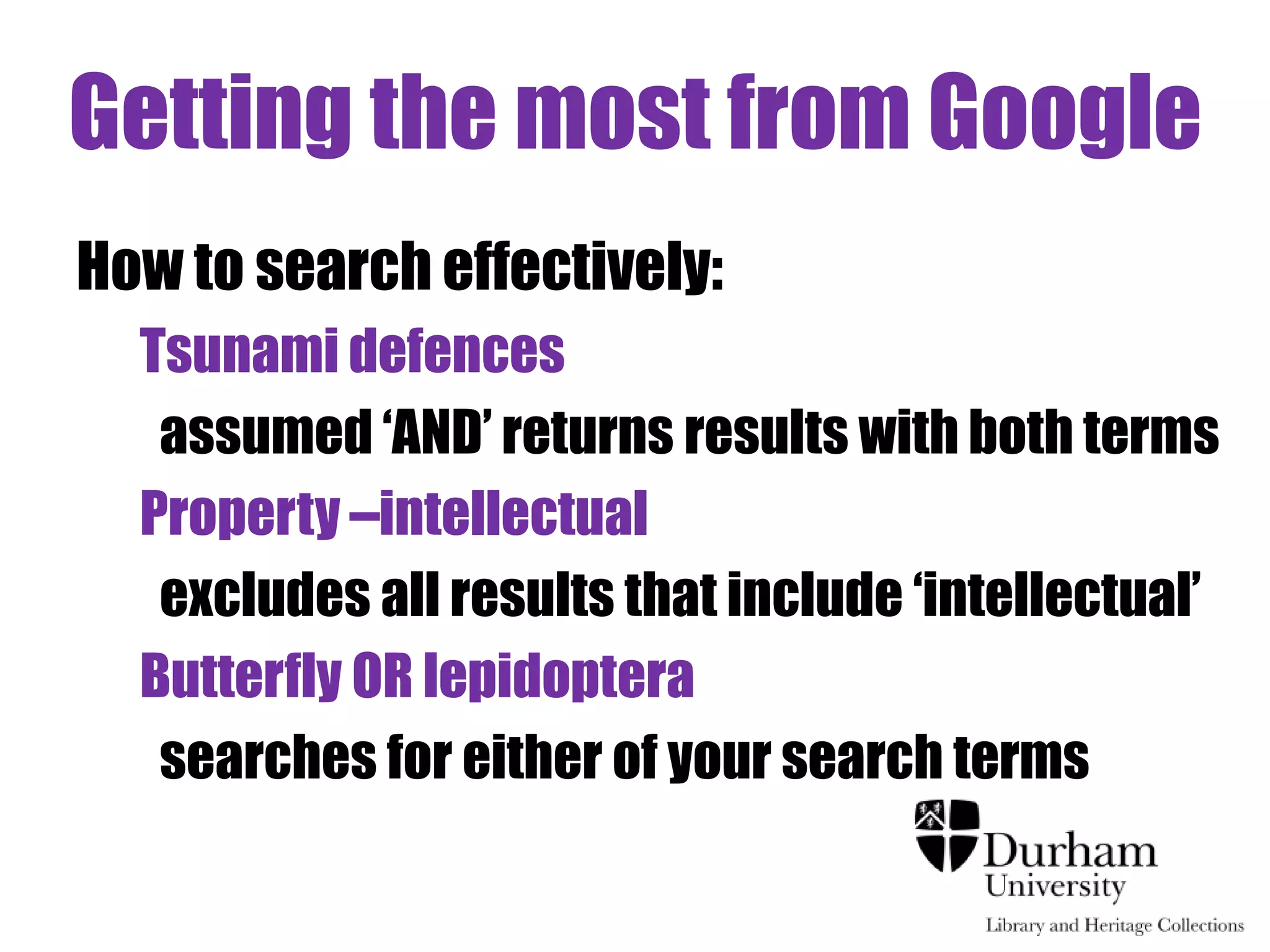
How to search effectively: 
Tsunami defences 
assumed ‘AND’ returns results with both terms 
Property –intellectual 
excludes all results that include ‘intellectual’ 
Butterfly OR lepidoptera 
searches for either of your search terms
Getting the most from Google 
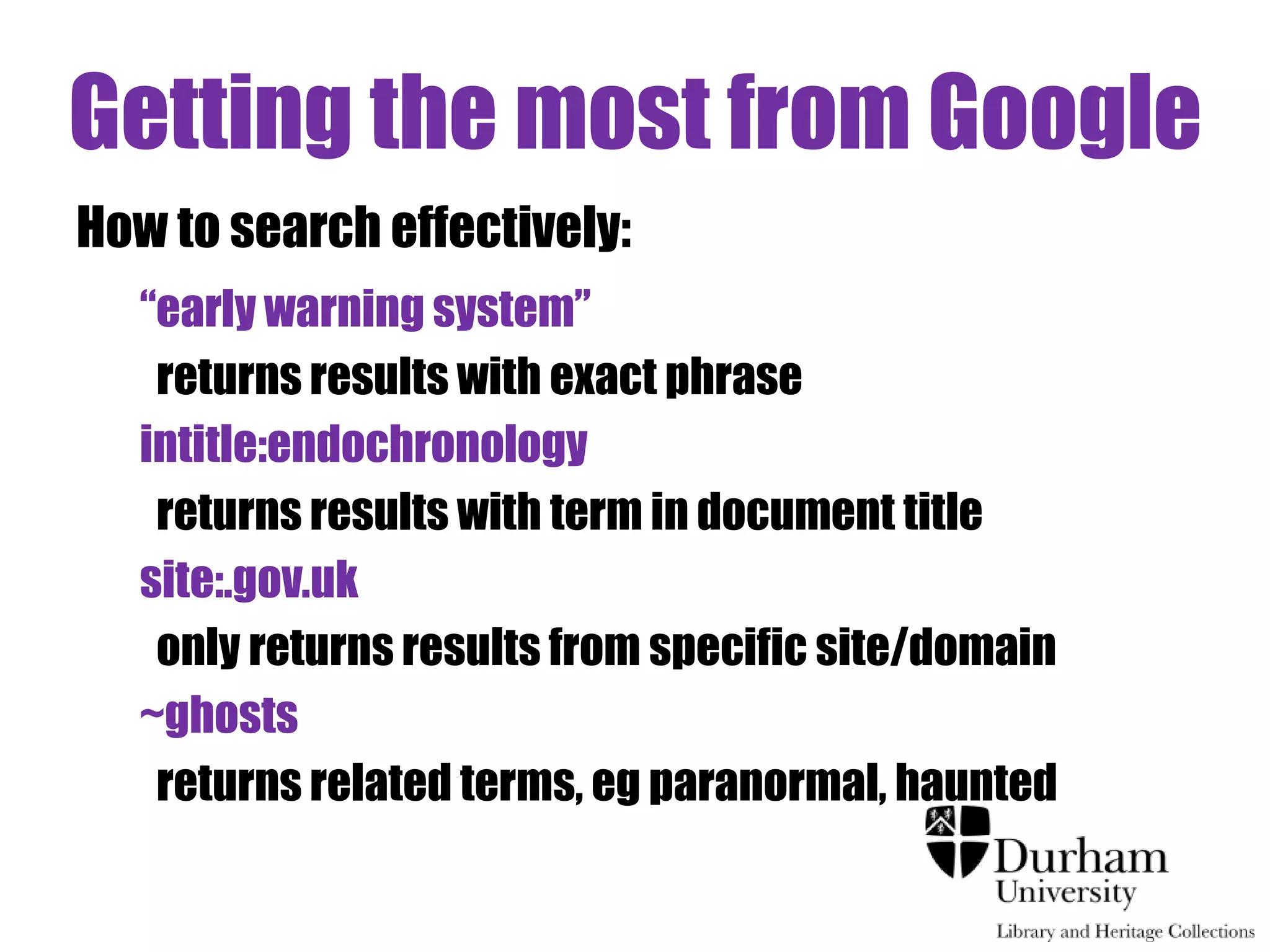
How to search effectively: 
“early warning system” 
returns results with exact phrase 
intitle:endochronology 
returns results with term in document title 
site:.gov.uk 
only returns results from specific site/domain 
~ghosts 
returns related terms, eg paranormal, haunted
Part 3 
Citation 
Searching
Making your results 
work for you
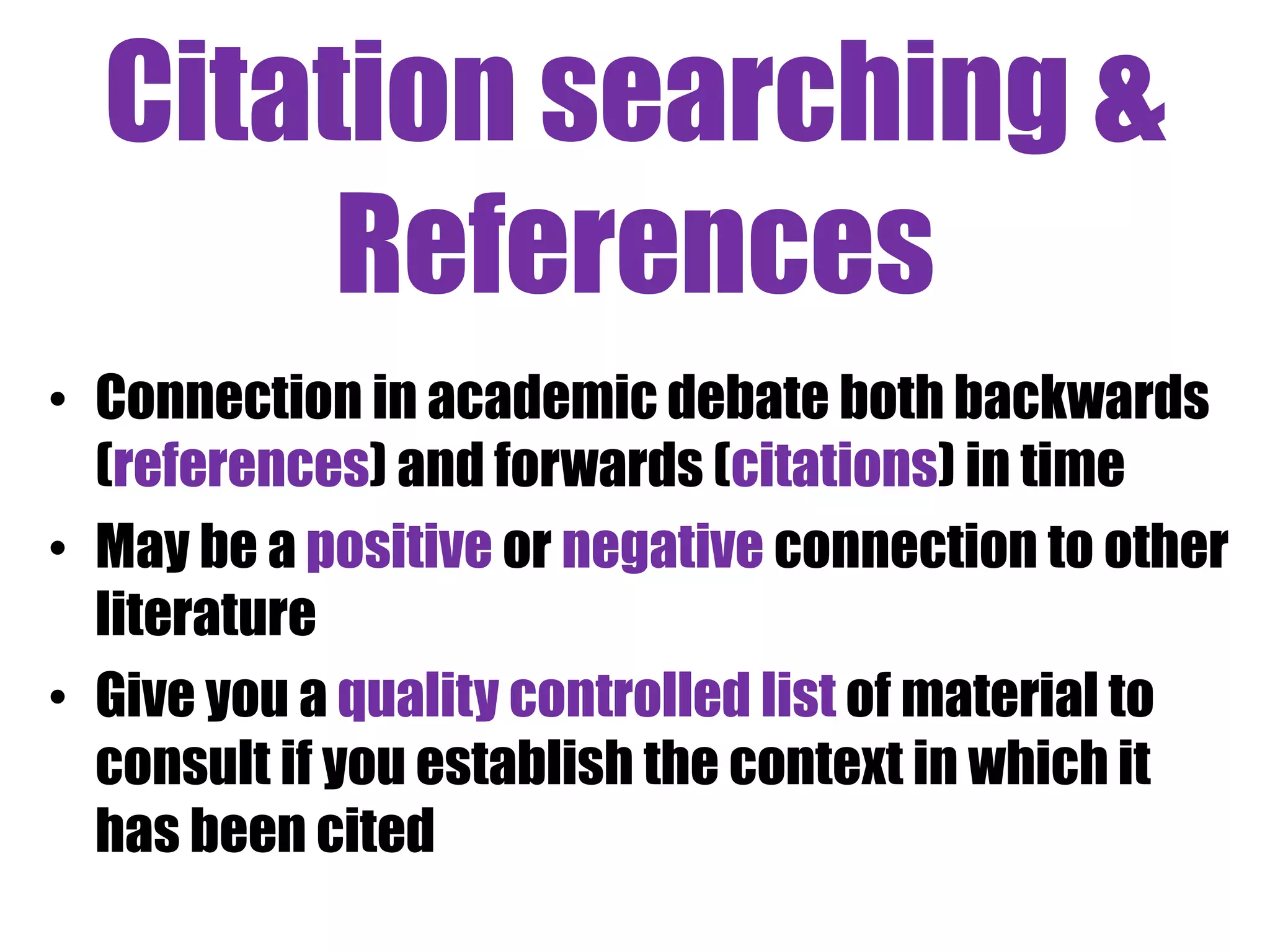
Citation searching & 
References 
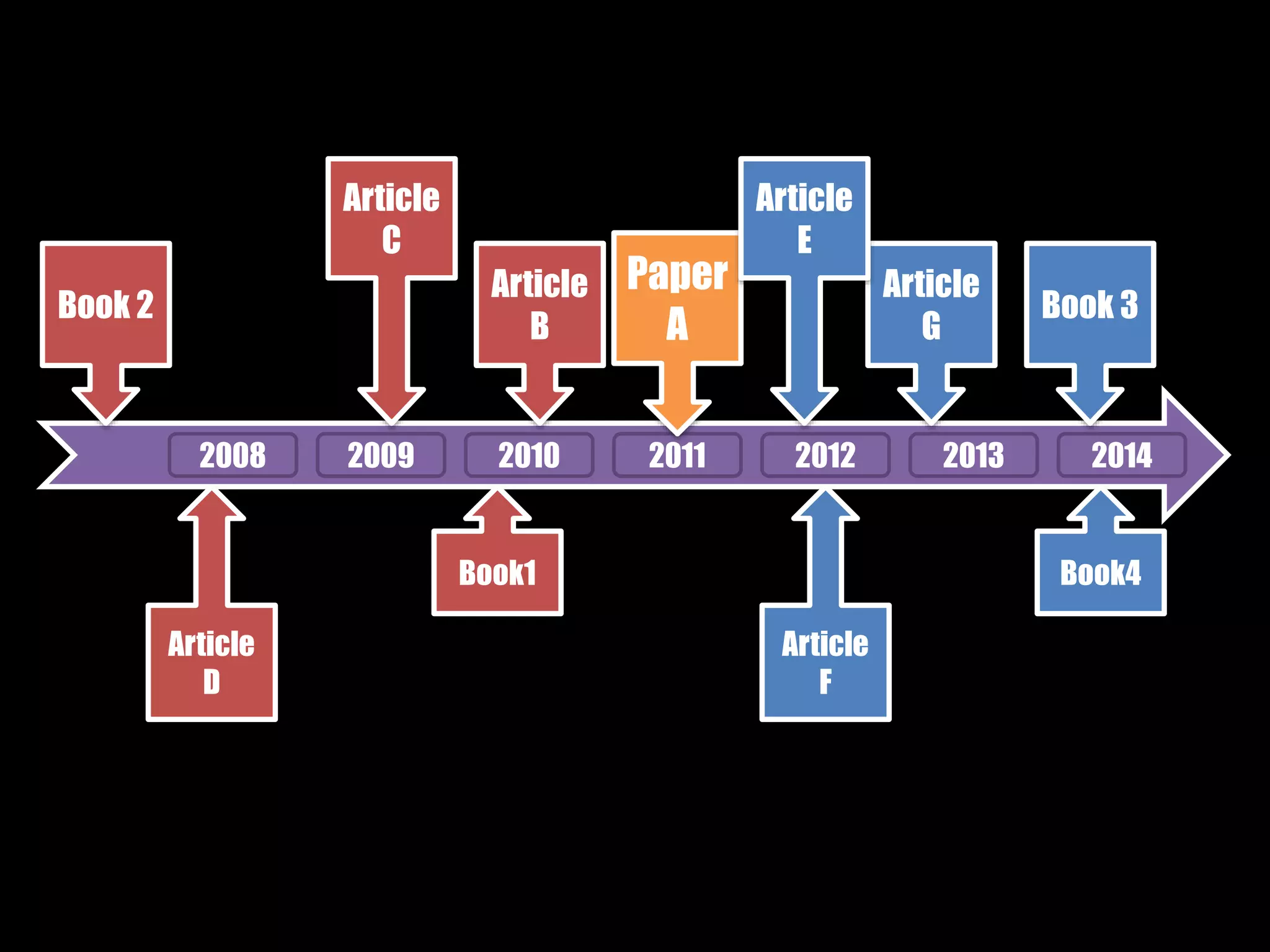
• Connection in academic debate both backwards 
(references) and forwards (citations) in time 
• May be a positive or negative connection to other 
literature 
• Give you a quality controlled list of material to 
consult if you establish the context in which it 
has been cited
Paper 
A 
Article 
B 
Article 
C 
2008 2009 2010 2011 2012 2013 2014 
Book1 
Article 
D 
Book 2 
Article 
G 
Article 
E 
Book4 
Article 
F 
Book 3
Demo 
Web of Science 
- citation searching
Demo 
Google Scholar 
- citation searching
Exercise 3 
• Compare the number of citing articles for the paper below on 
both Web of Science and Google Scholar (or any other database 
you are familiar with): 
Zong, Y. and Tooley, M. J. (2003) 'A historical record of coastal 
floods in Britain : frequencies and associated storm tracks.', 
Natural hazards, 29 (1). pp. 13-36. 
• Or, explore citing articles for a paper you 
have already discovered / read. 
Via Flickr Creative Commons, by © Stuti 
Sakhalkar. Original available at 
http://www.flickr.com/photos/theblackcan 
vas/2945878325/
Part 4 
Finding 
Information: 
Brick Walls
Finding the right tool for the job 
• Overview of what available: Google Scholar 
• Manageable number of results: subject specific 
database such as IBSS, Westlaw UK, Econlit, 
PsycINFO, Embase 
• Full text journal articles: Jstor 
• Multi-disciplinary, up-to-date: Science Direct 
• Primary material: EEBO 
• Popular and Trade commentary: Nexis UK 
• Conference Proceedings: WoS Proceedings, 
Proceedings first
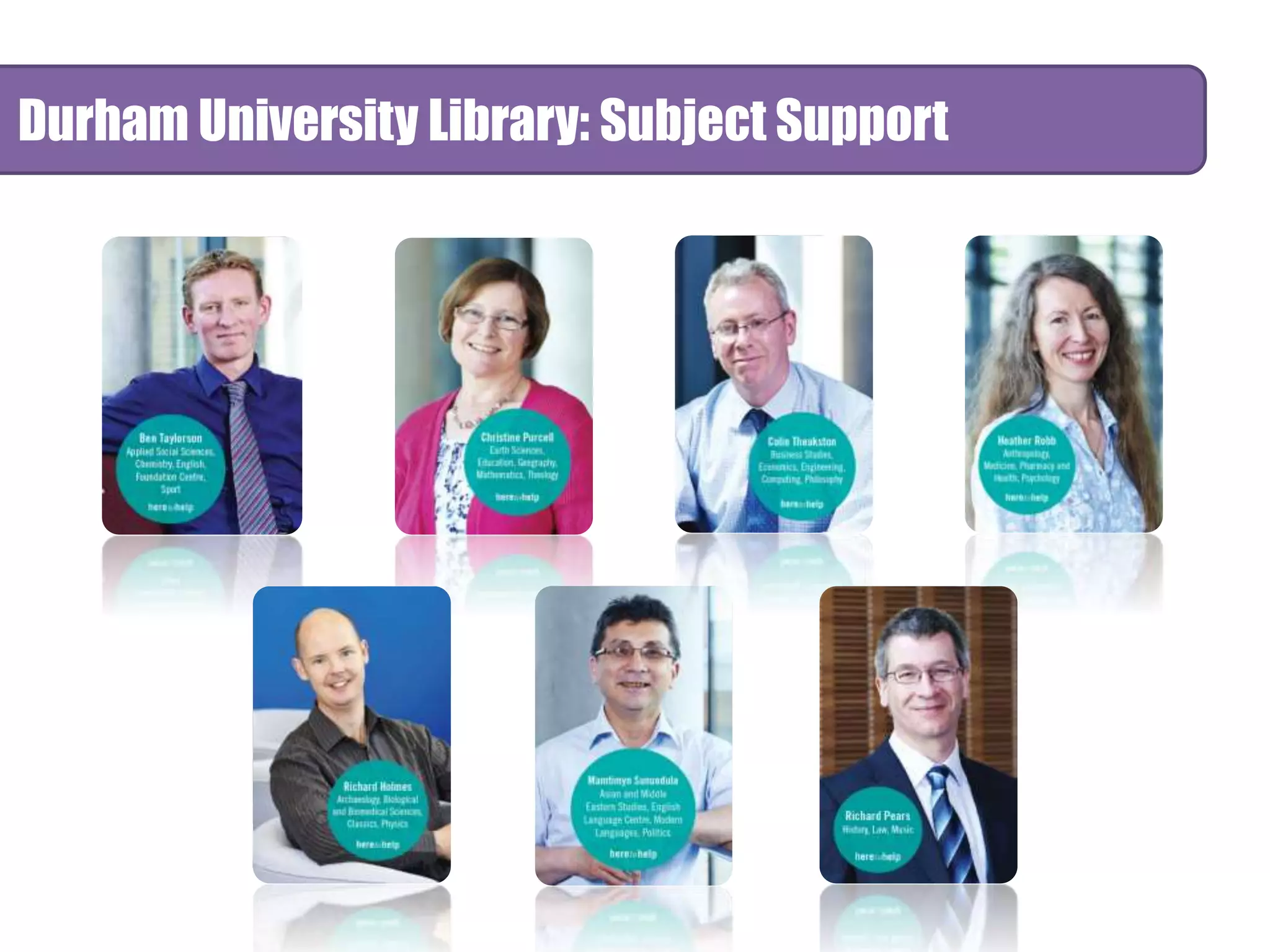
Durham University Library: Subject Support
Accessing Electronic Resources 
• Connexions links works to where 
you might find electronic or print 
full-text copies.
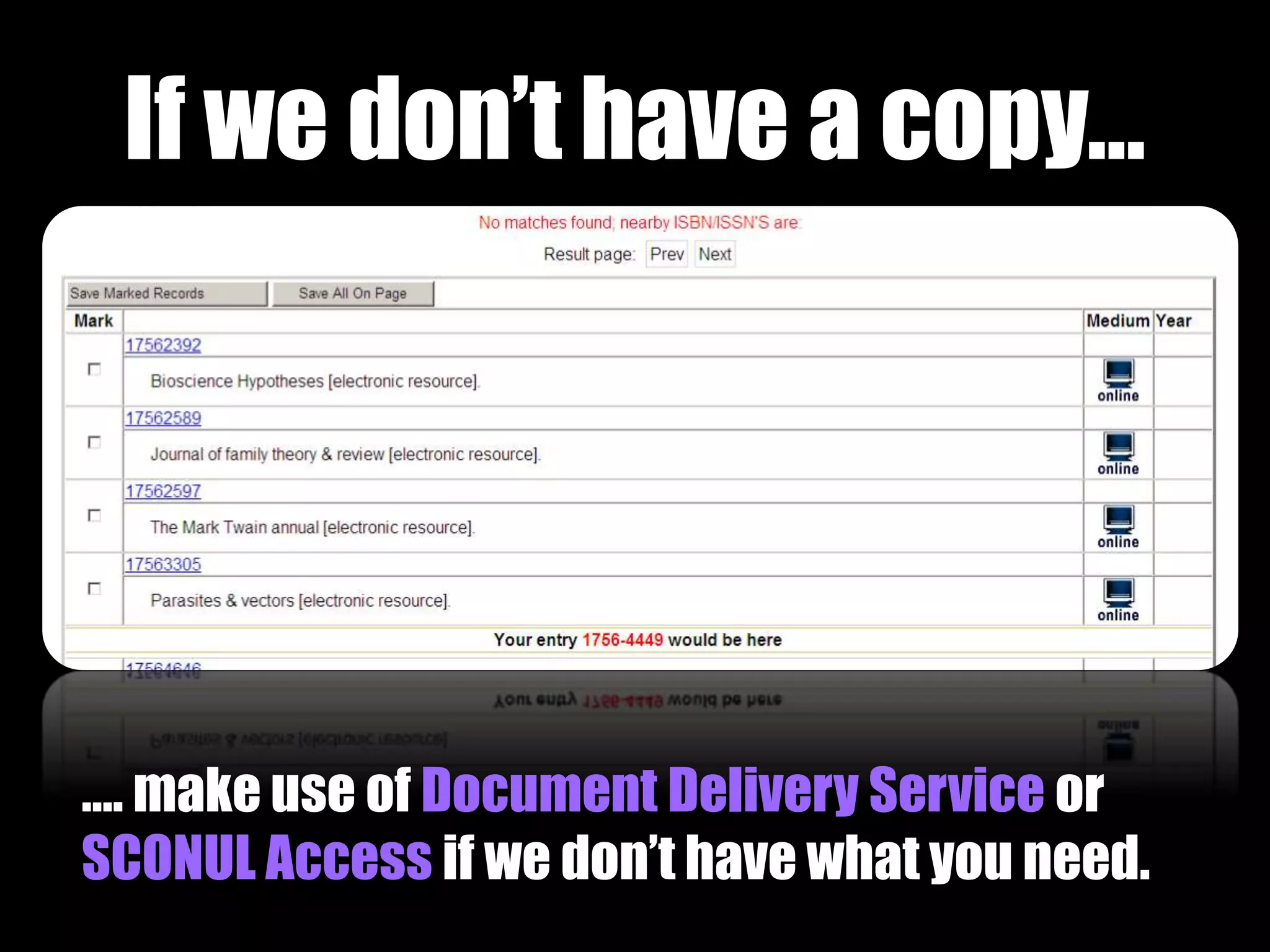
If we don’t have a copy… 
…. make use of Document Delivery Service or 
SCONUL Access if we don’t have what you need.
Accessing Resources 
• Borrow 40 books for up to 6 months 
• Renewals and recalls 
• Copy service and postal loans for p-t students 
• For resources not in stock 
– Ask if the library can purchase it 
– Use Document Delivery Service and check to see if 
your department covers costs 
– SCONUL Access allows you to visit and borrow 
from other institutions
Additional Image Credits 
[Slide 6] Via Flickr Creative Commons, by Stefan. Original available at 
http://www.flickr.com/photos/49462908@N00/3951143570 
[Slide 14] Via Flickr Creative Commons, by Pink Sherbert Photography. 
Available at http://www.flickr.com/photos/70873497@N02/6935006104/ 
[Slide 15] Via Flickr Creative Commons, by Didi. Original available at 
http://www.flickr.com/photos/11356857@N08/4500234472 
[Slide 24] Via Flickr Creative Commons, by the waving cat. Available at 
http://www.flickr.com/photos/thewavingcat/138657496/in/photostream/ 
7[S3li9de 40] Via Flickr Creative Commons by JulyYu. Original available at 
http://www.flickr.com/photos/53953811@N00/311846814 
[Slide 47] Via Flickr Creative Commons, by viZZZual.com. Original available 
at http://www.flickr.com/photos/22394551@N03/2226095398 
[Slides 107-109] Vitae®, © 2010 Careers Research and Advisory Centre 
(CRAC) Limited‘ Available at www.vitae.ac.uk/rdf
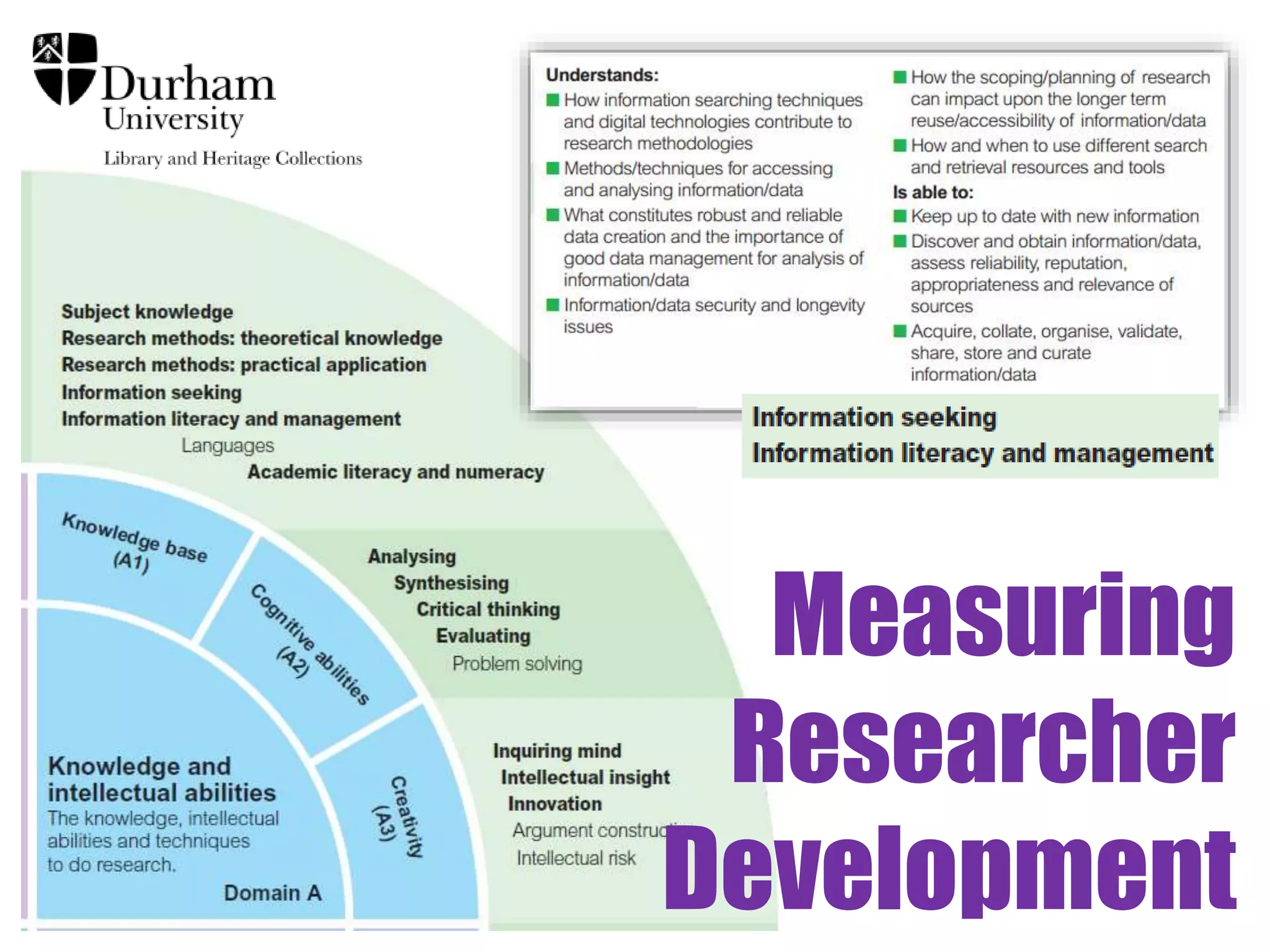
Measuring 
Researcher 
Development
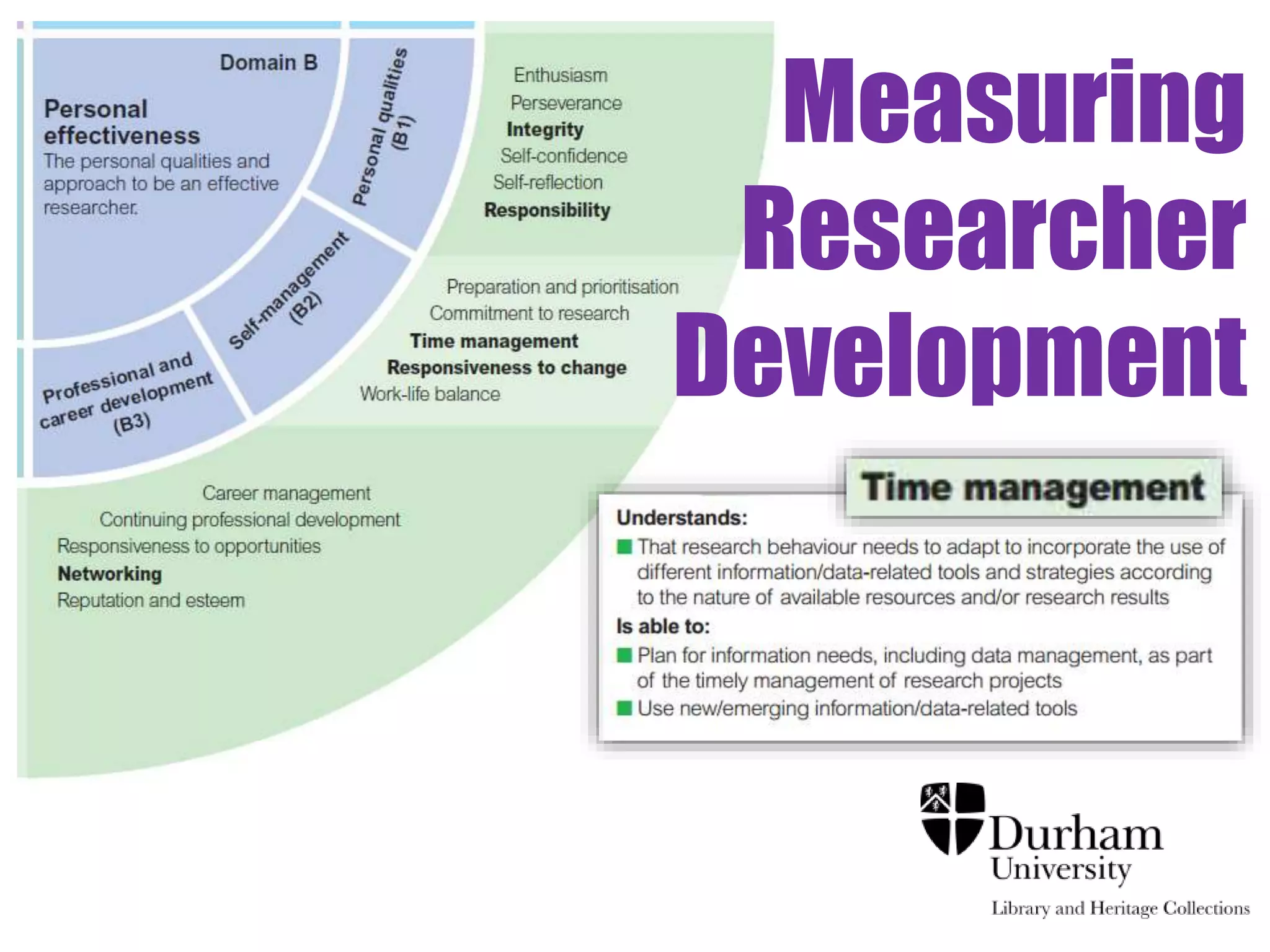
Measuring 
Researcher 
Development
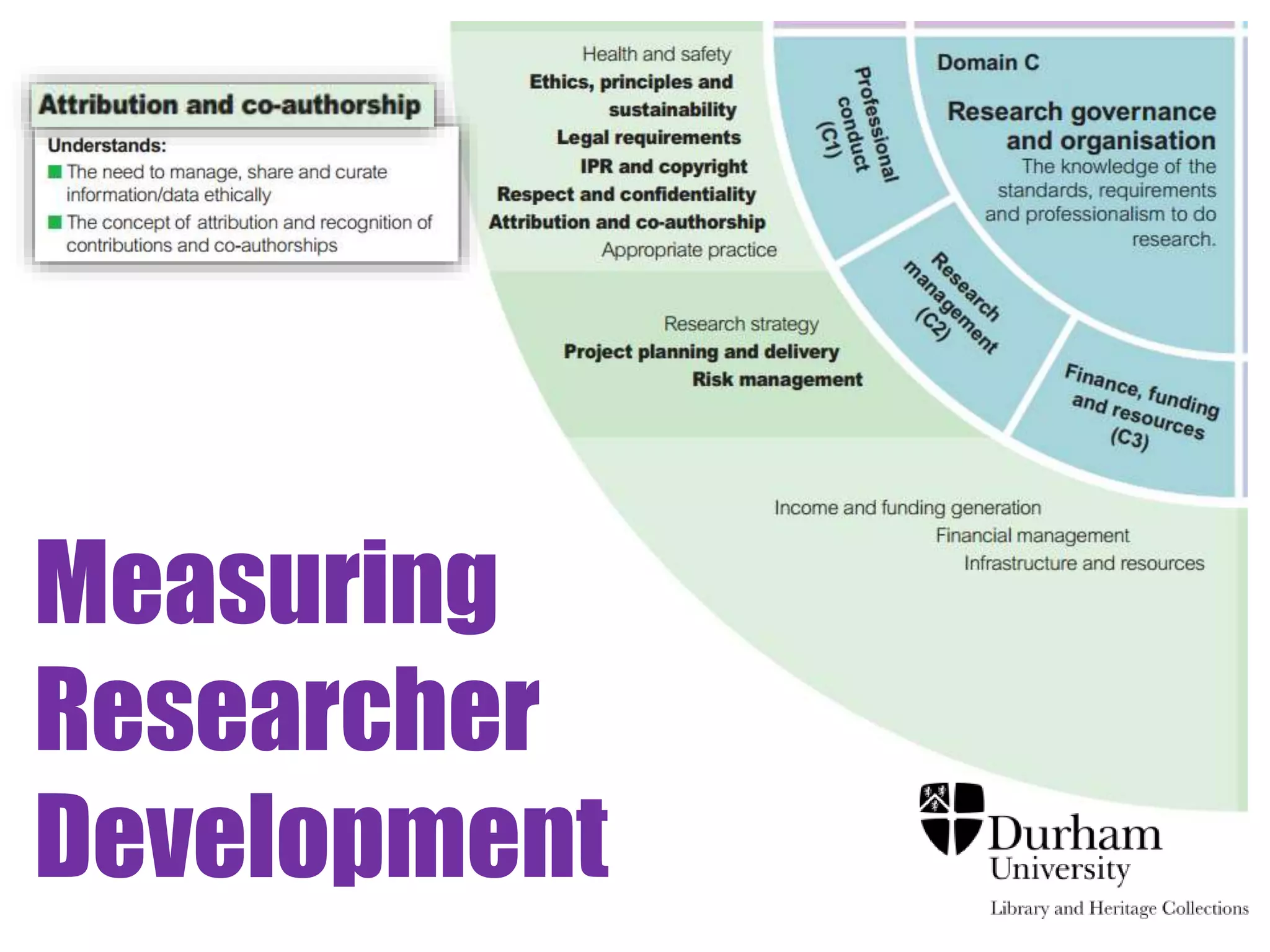
Measuring 
Researcher 
Development

Finding Information

  • 1.
    Finding Information Effectivesearching & keeping up to date James Bisset james.bisset@durham.ac.uk Academic Liaison Librarian (Research Support)
  • 2.
    Session outline -Basic ‘Finding it’ overview: Library Catalogue and Discover - Effective searching (Basic Skills) Synonyms, Wildcards, Truncation tools, Proximity connectors - Citation searching Making your search results work for you - Brick Walls Connexions, access rights, document supply, Sconul Access, - Keeping up to date Alerts, ToCs, Twitter and JISCMail
  • 3.
    Part 1 Basicintro to Durham University Library
  • 4.
  • 5.
    Exercise 1 •Example searches of Library Catalogue / Discover or • Search for items yourself Via Flickr Creative Commons, by © Stuti Sakhalkar. Original available at http://www.flickr.com/photos/theblackcanvas/2945878325/
  • 6.
    Part 2 Effectivesearching (Basic Skills)
  • 7.
    Effective Searching -Define your information need - Broaden your search - Narrow your search - Evaluate your results - Make your results work for you
  • 8.
  • 9.
    Broaden your search (1) Alternative terms
  • 10.
    Broaden your search Synonyms: zebra OR Equus quagga
  • 11.
    Broaden your search zebra OR Equus quagga zebra Equus quagga
  • 12.
    Broaden your search Changes in terminology : Mental retardation OR Intellectual disability OR Cognitive disability
  • 13.
    Broaden your search (2) Alternative spelling
  • 14.
    Broaden your search Donut - 49,812 results in Discover (as at 23rd Oct 2014) Doughnut - 51,307 results in Discover (as at 23rd Oct 2014) - Either / Or = 52,604 results in Discover Via Flickr Creative Commons, by Pink Sherbert Photography. Original available at http://www.flickr.com/photos/70873497@N02/6935006104/
  • 15.
    Broaden your Search Think about Americanised and Francophone word spellings: • colour or color • centre or center • licence or license • organised or organized
  • 16.
    Broaden your search Style guides: Guardian : al-Qaida Sunday Times : al-Qaeda
  • 17.
    Broaden your search • Broadening your search – Alternative spellings (wildcard searching) – organi?ation will find: organisation and alternative letters organization – labo?r will find: labor and missing letters labour – d?nut will find: donut and multiple missing letters doughnut
  • 18.
    Broaden your search (3) Word stems
  • 19.
    Broaden your search • Broadening your search – Word stems (truncation searching) – negligen* will find: “PwC were accused of negligence” “PwC were accused of acting negligently” “PwC were accused of being negligent”
  • 20.
    Broaden your search • Broadening your search - Summary – Alternative terms butterfly OR lepidoptera – Alternative spellings organi?ation labo?r – Word stems negligen* Terminology and symbols vary, depending on which database or catalogue you are using
  • 21.
    Narrow your search (1) Focussing your search
  • 22.
    Narrow your search Focussing: copyright AND photograph AND “copyright” photograph
  • 23.
    Narrow your search (2) Proximity Connectors
  • 24.
    Narrow your search Adding context… truth within # reconciliation Via Flickr Creative Commons, by the waving cat. Original available at http://www.flickr.com/photos/thewavingcat/138657496/sizes/m/in/photostream/
  • 25.
    Narrow your search • Narrowing your search – Proximity Truth within 3 reconciliation
  • 26.
    Narrow your search (3) Phrase searching
  • 27.
    Narrow your search • Narrowing your search – Phrase searching “Truth and Reconciliation Commission”
  • 28.
    Narrow your search (4) Excluding terms
  • 29.
    Narrow your search • Narrowing your search – Excluding irrelevant results NOT South Africa
  • 30.
    Narrow your search • Narrowing your search - Summary – Focussing copyright AND photographs – Proximity searching negligen* w/5 PwC – Phrase searching “duty of care” – Excluding terms property NOT intellectual Terminology and symbols vary, depending on which database or catalogue you are using
  • 31.
    No standard language Truth within 5 words reconciliation Truth w/5 reconciliation Truth /5 reconciliation Truth N5 reconciliation Truth adj5 reconciliation
  • 32.
    Example Examining theimpact of crime enacted by teenagers in the inner city
  • 33.
    teen* youth juvenile adolescen* crim* shoplift* “Anti-social behavio?r” theft “inner city” urban cities London
  • 34.
    Example (teen* ORyouth OR juvenile OR adolescen*) AND (crim* OR shoplift* OR “anti-social behavio?r” OR theft) AND (“inner city” OR urban OR cities OR London)
  • 35.
    (teen* OR youth OR juvenile OR adolescen*) (“inner city”OR urban OR cities OR London) (crim* OR shoplift* OR “anti-social behavio?r” OR theft)
  • 36.
    Exercise 2 •Think about a search strategy around your topic(s) of interest and explore how using different search terms and connectors affects your search Via Flickr Creative Commons, by © Stuti Sakhalkar. Original available at http://www.flickr.com/photos/theblackcanvas/2945878325/
  • 37.
    Getting the mostout of Google
  • 38.
    Getting the mostfrom Google How to search effectively: Tsunami defences assumed ‘AND’ returns results with both terms Property –intellectual excludes all results that include ‘intellectual’ Butterfly OR lepidoptera searches for either of your search terms
  • 39.
    Getting the mostfrom Google How to search effectively: “early warning system” returns results with exact phrase intitle:endochronology returns results with term in document title site:.gov.uk only returns results from specific site/domain ~ghosts returns related terms, eg paranormal, haunted
  • 40.
    Part 3 Citation Searching
  • 41.
    Making your results work for you
  • 42.
    Citation searching & References • Connection in academic debate both backwards (references) and forwards (citations) in time • May be a positive or negative connection to other literature • Give you a quality controlled list of material to consult if you establish the context in which it has been cited
  • 43.
    Paper A Article B Article C 2008 2009 2010 2011 2012 2013 2014 Book1 Article D Book 2 Article G Article E Book4 Article F Book 3
  • 44.
    Demo Web ofScience - citation searching
  • 45.
    Demo Google Scholar - citation searching
  • 46.
    Exercise 3 •Compare the number of citing articles for the paper below on both Web of Science and Google Scholar (or any other database you are familiar with): Zong, Y. and Tooley, M. J. (2003) 'A historical record of coastal floods in Britain : frequencies and associated storm tracks.', Natural hazards, 29 (1). pp. 13-36. • Or, explore citing articles for a paper you have already discovered / read. Via Flickr Creative Commons, by © Stuti Sakhalkar. Original available at http://www.flickr.com/photos/theblackcan vas/2945878325/
  • 47.
    Part 4 Finding Information: Brick Walls
  • 48.
    Finding the righttool for the job • Overview of what available: Google Scholar • Manageable number of results: subject specific database such as IBSS, Westlaw UK, Econlit, PsycINFO, Embase • Full text journal articles: Jstor • Multi-disciplinary, up-to-date: Science Direct • Primary material: EEBO • Popular and Trade commentary: Nexis UK • Conference Proceedings: WoS Proceedings, Proceedings first
  • 49.
  • 50.
    Accessing Electronic Resources • Connexions links works to where you might find electronic or print full-text copies.
  • 51.
    If we don’thave a copy… …. make use of Document Delivery Service or SCONUL Access if we don’t have what you need.
  • 52.
    Accessing Resources •Borrow 40 books for up to 6 months • Renewals and recalls • Copy service and postal loans for p-t students • For resources not in stock – Ask if the library can purchase it – Use Document Delivery Service and check to see if your department covers costs – SCONUL Access allows you to visit and borrow from other institutions
  • 53.
    Additional Image Credits [Slide 6] Via Flickr Creative Commons, by Stefan. Original available at http://www.flickr.com/photos/49462908@N00/3951143570 [Slide 14] Via Flickr Creative Commons, by Pink Sherbert Photography. Available at http://www.flickr.com/photos/70873497@N02/6935006104/ [Slide 15] Via Flickr Creative Commons, by Didi. Original available at http://www.flickr.com/photos/11356857@N08/4500234472 [Slide 24] Via Flickr Creative Commons, by the waving cat. Available at http://www.flickr.com/photos/thewavingcat/138657496/in/photostream/ 7[S3li9de 40] Via Flickr Creative Commons by JulyYu. Original available at http://www.flickr.com/photos/53953811@N00/311846814 [Slide 47] Via Flickr Creative Commons, by viZZZual.com. Original available at http://www.flickr.com/photos/22394551@N03/2226095398 [Slides 107-109] Vitae®, © 2010 Careers Research and Advisory Centre (CRAC) Limited‘ Available at www.vitae.ac.uk/rdf
  • 54.
  • 55.
  • 56.

Editor's Notes

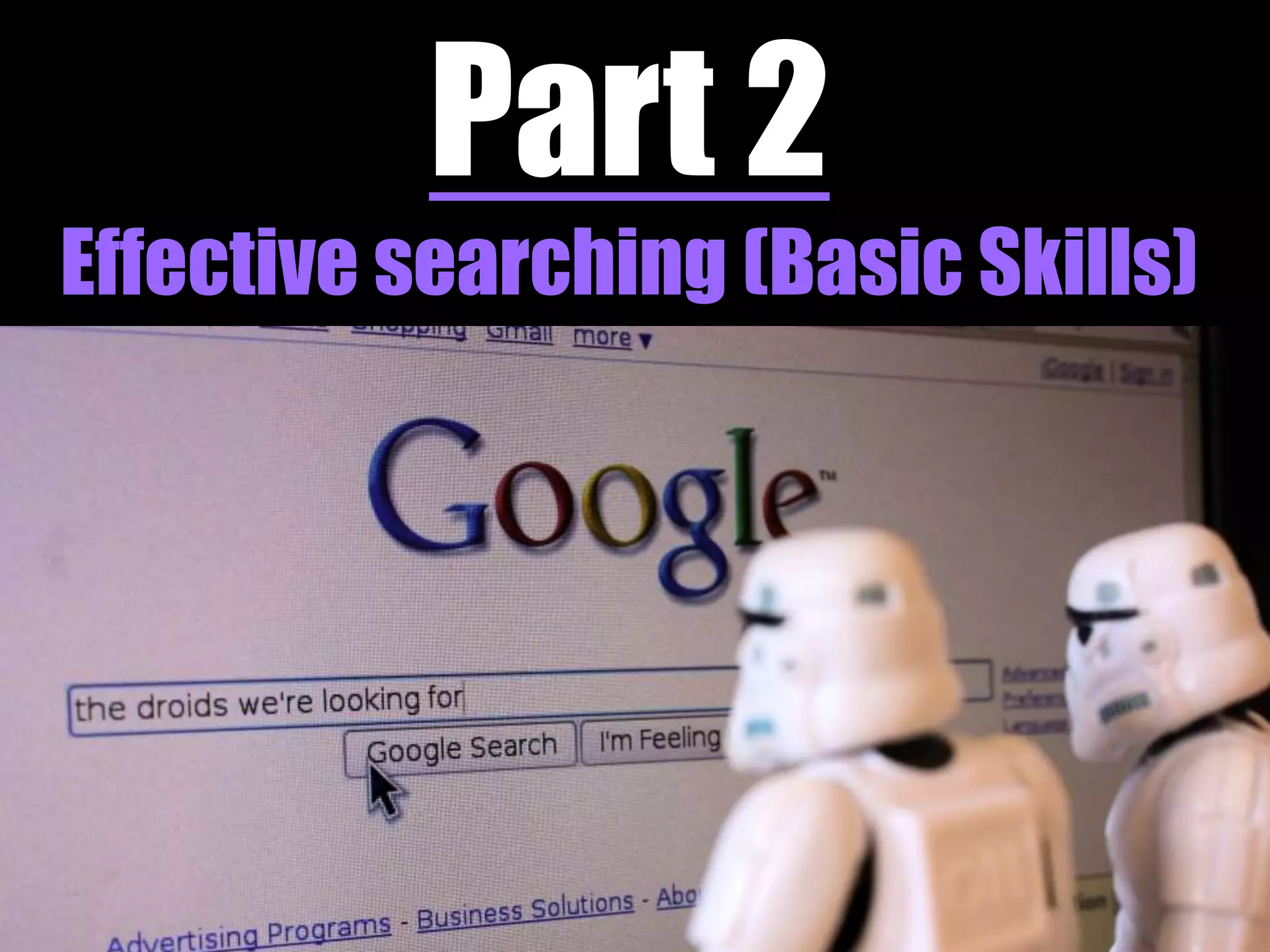
  • #7 Example in image: if you get the reference, it is far more likely that the little storm troopers will got lots of information telling them about what droids they are not looking for. Google does cope better with typing in a sentence or question than many academic databases, but as professional researchers it is not the best way of searching and you should be trying more appropriate techniques, and many of the databases you may need to, or should be using, will not work very well or at all if you search in this way.
  • #8 Finally, this is about using those key sources you locate to work for you:- - providing you with a rich source of pre-selected earlier research from their own list of references - citation searching to see how the ideas and research in the key sources you have identified have been taken and developed further
  • #13  - Now itself perceived as not politically acceptable and being replaced by terms including “intellectual disability”. - Still in use in the United States and by the WHO sometime after the phrase became less commonly used in United Kingdom. - Changes in terminology and spelling especially important when searching historic sources such as newspapers, official publication and pamphlet collections.
  • #15 So, if you only searched for “Donut” you are only missing 5.3% of results. But might these be some key articles? And how does this scale if you happened to be searching for “donut” AND “zebra” - (243 results on 14th October 2014) neuropsychology, ornithology, domestic abuse, how our brains work when translating as we read,
  • #17  - Many publications have their own terminology and spelling style guide. I can only imagine the panic in newspaper offices around the globe as ISIS/ISIL/IS kept changing their name. Will return to alternative spellings in a minute…
  • #32 You do need to check for each database what search tools are available and how to use them… these are just five examples used by some of our key databases which work in roughly the same way.
  • #33 At this point, you also need to recognise that each of these ‘concepts’ could be described in multiple ways, be phrased in different ways or cover a broad range of more focussed topics or areas of interest…
  • #34 Using various tools we have just mentioned:- Truncation tool Wildcard Phrase searching
  • #38 [animations on slide] GOOGLE. Shows use of different search tips to narrow down from over 12 million results, to 8 results. Phrase searching: reduces number of results by 90% (25% in June 2013) Additional keywords: Focusses search, reduces by 40% (75% in June 2013) Exclude results: filter out 99% of results Limit to UK academic sites: Filters out 90% of results…. Good indicator of range of content covered by Google (note, not perfect as by doing this are filtering out academic blogs, most news coverage etc.) Faceted search: Searching a particular part of a document to add focus. In title of document (in part reliant on authors following web standards).
  • #39 AND – the more search terms you include, logically the fewer the number of results as results have to mention all terms. Reason 2 for not typing in a sentence - stop words – Google ignores many terms in searches you might enter, meaning entering a sentence or question is often just a waste of time typing… can include: HE, SHE, AT, THE, A, ZERO, DESCRIBED, UPWARDS, LEAST, THIRD (refer to handout). NOT – be careful, may remove results which may have been useful and just happened to mention a term in passing, or in reference to something else OR - broadens your search
  • #40 Phrase searching – as seen, can have a significant effect. Doesn’t always work (even though Google promote use on their own help pages) but is much better now than was a few years ago Intitle – does rely on authors of web pages coding their site properly, and the term you are searching for being the key focus of the document (and not just one of several focuses) but can massively reduce number of results. Site limitation - I personally find this useful, but if you wish to search different domains/sites I find it easier to run separate searches, especially given different terminology between countries/regions (eg retardation used far more recently in US healthcare terminology than in the UK, whilst homicide is obviously a US term so if limiting to UK sites will be of less use). Synonyms and related terms – useful but difficult to always identify what terms are being searched.
  • #41 http://www.flickr.com/photos/26296445@N05/5917135851
  • #43 You do need to check for each database what search tools are available and how to use them… these are just five examples used by some of our key databases which work in roughly the same way.
  • #45 Demo 1
  • #46 Demo 1
  • #49 Plug ‘Historical Collections’ and ‘Beyond Academic Literature’ sessions
  • #50 Additional assistance on subject specific databases from a team of Liaison Librarians
  • #51 Check: Show how ConneXions works: use Library Catalogue to look for ‘Catholic Historical review’ Show how doesn’t work with ‘Catholic Biblical Quarterly’
  • #53 Re sconul how do know what is elsewhere – COPAC and Worldcat