Web Applications
JEE applications with Darwino
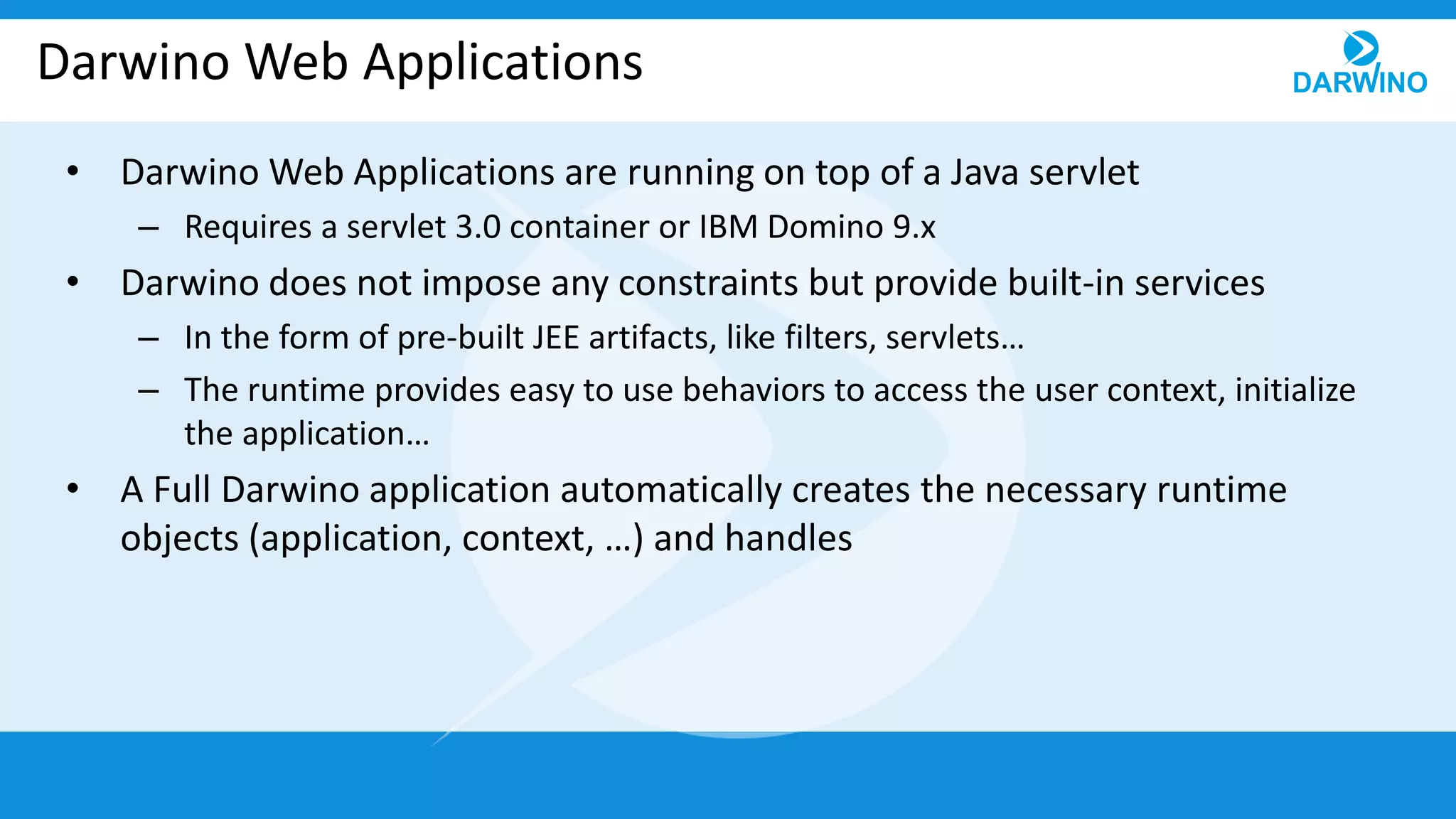
Darwino Web Applications
• Darwino Web Applications are running on top of a Java servlet
– Requires a servlet 3.0 container or IBM Domino 9.x
• Darwino does not impose any constraints but provide built-in services
– In the form of pre-built JEE artifacts, like filters, servlets…
– The runtime provides easy to use behaviors to access the user context, initialize
the application…
• A Full Darwino application automatically creates the necessary runtime
objects (application, context, …) and handles
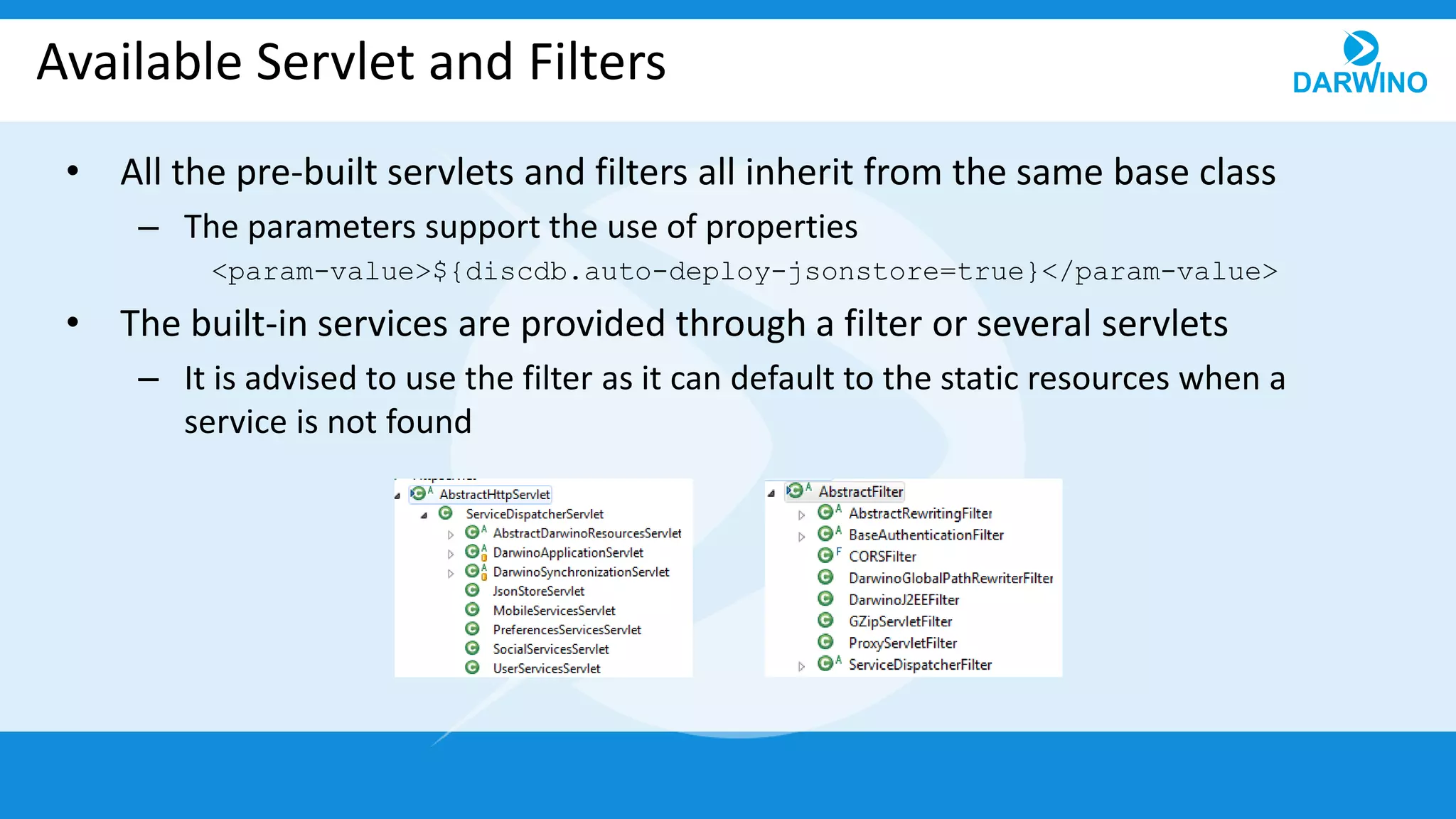
Available Servlet and Filters
• All the pre-built servlets and filters all inherit from the same base class
– The parameters support the use of properties
<param-value>${discdb.auto-deploy-jsonstore=true}</param-value>
• The built-in services are provided through a filter or several servlets
– It is advised to use the filter as it can default to the static resources when a
service is not found
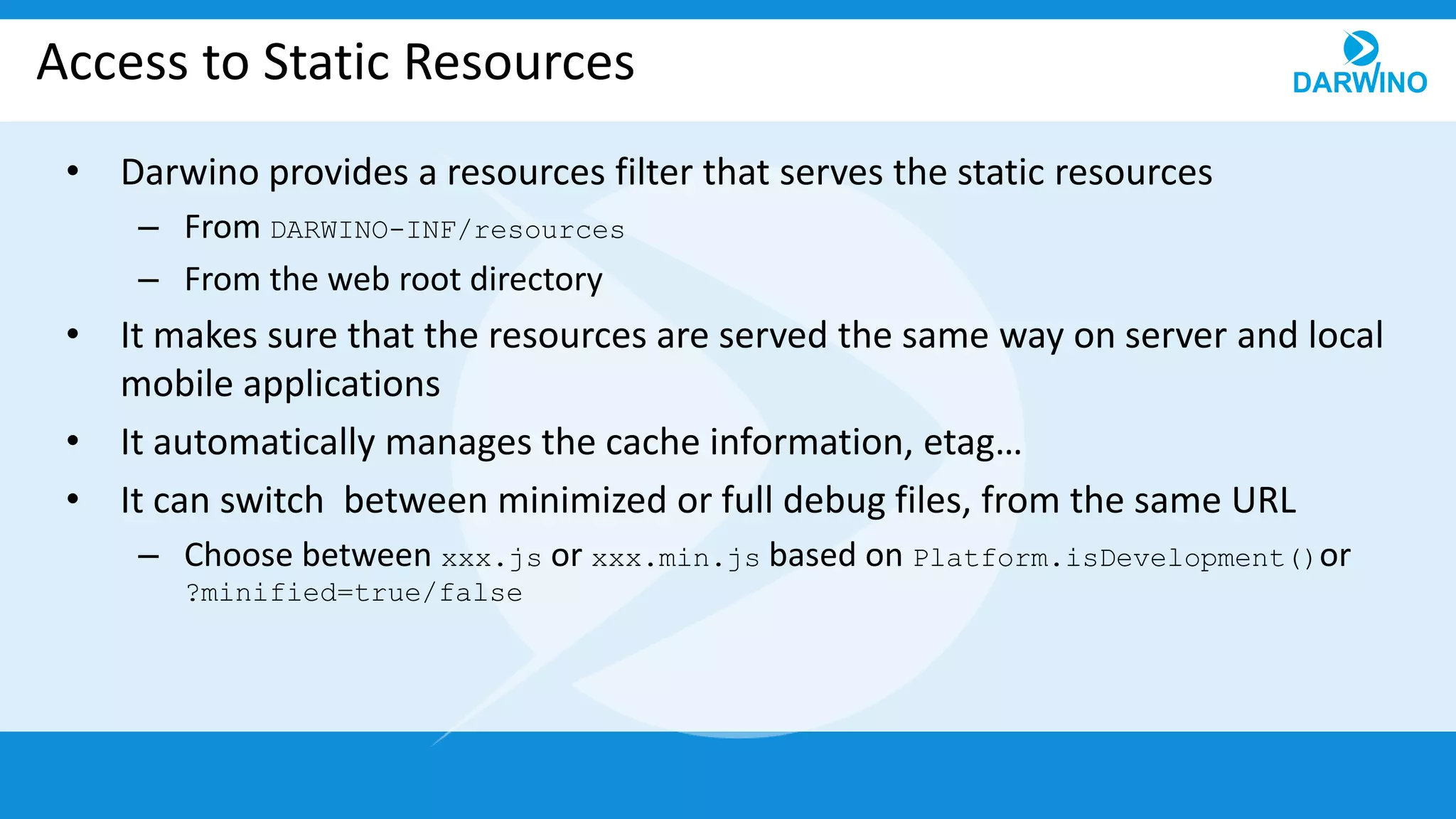
Access to Static Resources
• Darwino provides a resources filter that serves the static resources
– From DARWINO-INF/resources
– From the web root directory
• It makes sure that the resources are served the same way on server and local
mobile applications
• It automatically manages the cache information, etag…
• It can switch between minimized or full debug files, from the same URL
– Choose between xxx.js or xxx.min.js based on Platform.isDevelopment()or
?minified=true/false
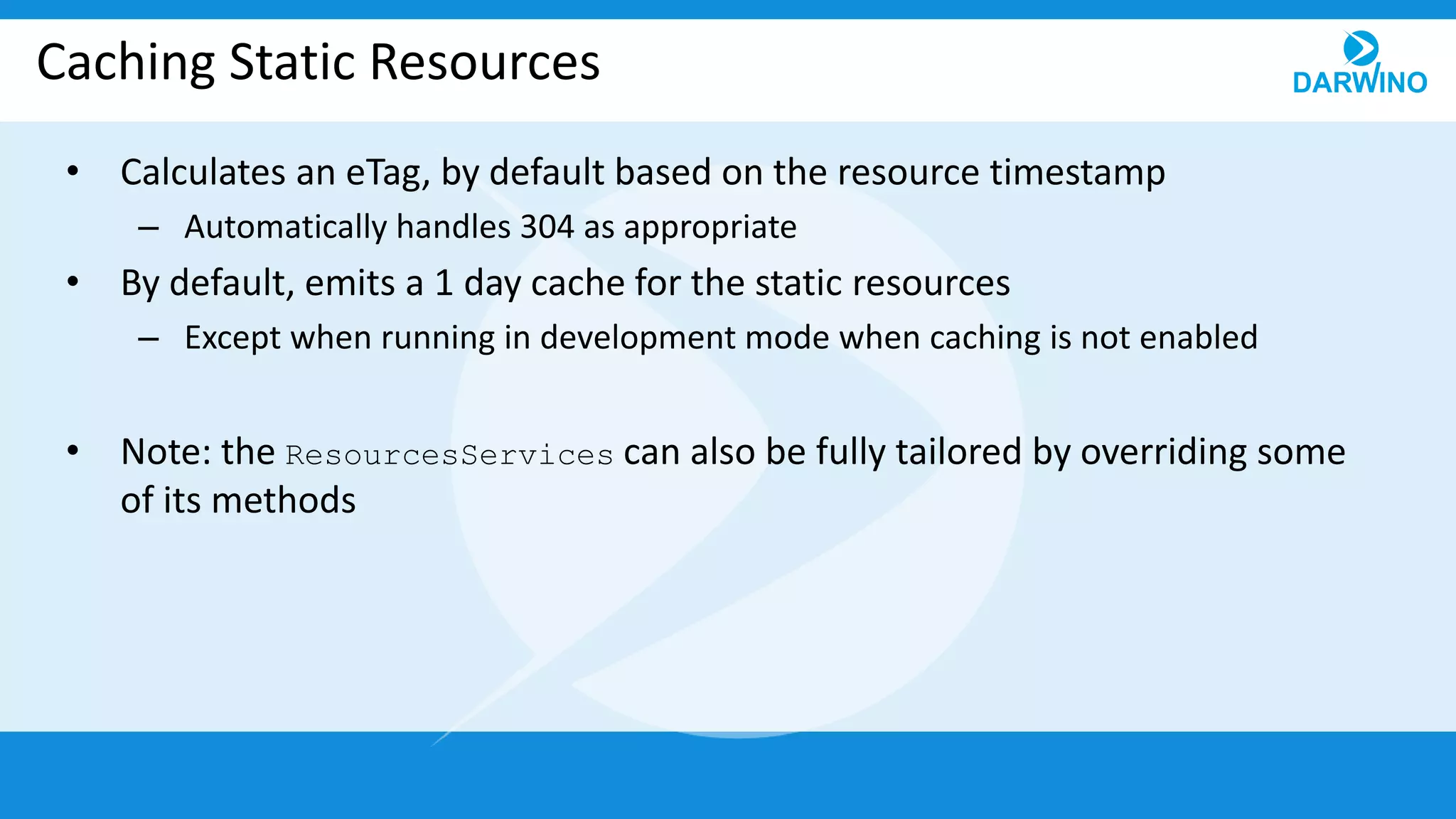
Caching Static Resources
• Calculates an eTag, by default based on the resource timestamp
– Automatically handles 304 as appropriate
• By default, emits a 1 day cache for the static resources
– Except when running in development mode when caching is not enabled
• Note: the ResourcesServices can also be fully tailored by overriding some
of its methods
Authentication
• Two ways to get a user authenticated
– Use the application server capability
• Works, but limited to the JEE capabilities
• Can leverage app server extensions, like SPNEGO
– Use the Darwino specific API
• Supports multiple authentication schemes in the same app (Basic, Form, OAuth…)
– Custom schemes can be handled
• Flexible directories
– LDAP, Social Platforms, …
• Supports programmatic login/logout, as well as ?login parameter
• Can work stateless by providing the authentication information encrypted, as a cookie
• Do not depend on a specific app server
Authentication Filter
• The Darwino authentication filter uses Handlers
– Currently supports Basic, Form & OAuth2
• Custom handlers can be provided as necessary
• Handlers are processed in order until one can is able to process the requests
• Multiple handler can be used with different Path
– Ex: myservice/basic/, myservice/oauth/
Application Initialization
• The Darwino application is initialized using a ServletContextListener,
inheriting from AbstractDarwinoContextListener
– Creates the DarwinoApplication singleton
– Initialize the JSON store if any (auto-deploy the database)
• The initialization is executed in 2 steps
– Synchronous: creation of the in memory objects
– Asynchronous: potentially long processing tasks, like the db deployment
• Does not timeout the application server initialization
• Requests are blocked by the Darwino filter until the initialization is completed
Application Filter
• The filter is executed for every request
• A DarwinoContext is created for the request
• It uses a DarwinoInstanceFinder to get the current instance
– The default uses the URL rewriter to read the instance in [[xxxx]]
– But the instance can come from the current user, HTTP header…
• It uses a UserContextFactory to decorate the current user
– Can add dynamic role based on the current instance id (tenant id)
• Create a JSON store Session object for the current user and instance
Adding the Darwino REST services
• The Darwino REST services can be provided through a servlet or a filter
– It is advised to use a filter and make sure that not handled URLs return static
resources
• All the services are dispatched through a single
DarwinoJ2EEServiceDispatcherFilter.
– Creates instances of common services
– Can be tailored to disable existing services, override the default implementation
or add new services
– Can trace request/response content for debugging purposes
– Security can also be applied by overriding the access methods
• Content can be filtered as well
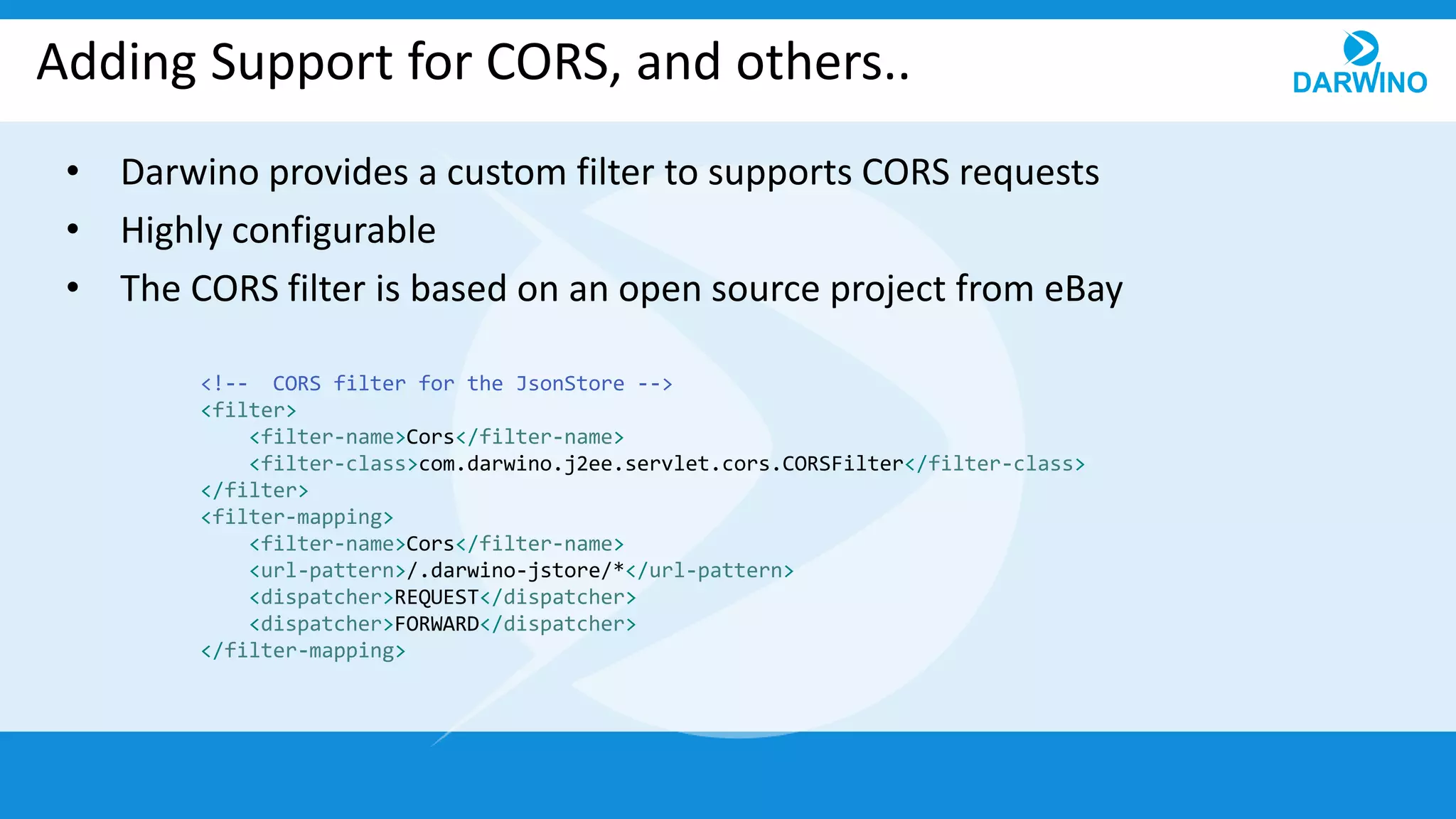
Adding Support for CORS, and others..
• Darwino provides a custom filter to supports CORS requests
• Highly configurable
• The CORS filter is based on an open source project from eBay
<!-- CORS filter for the JsonStore -->
<filter>
<filter-name>Cors</filter-name>
<filter-class>com.darwino.j2ee.servlet.cors.CORSFilter</filter-class>
</filter>
<filter-mapping>
<filter-name>Cors</filter-name>
<url-pattern>/.darwino-jstore/*</url-pattern>
<dispatcher>REQUEST</dispatcher>
<dispatcher>FORWARD</dispatcher>
</filter-mapping>
Adding a Reverse Proxy Service
• Darwino provides a lightweight reverse proxy service
• Avoid CORS issues by calling the same URLs
• Highly configurable
– Filter the headers in and out
– Hook for custom authentication to the remote server
• Used extensively by the Mobile implementation
URL Processing Filter
• Darwino can process the URL and replace parts of it before running the
services
– An instance ID (tenant id) between double brackets [[xxxx]]
• The instance id is removed from the URL and in the DarwinoContext object
– Make URL relative to $darwino-xxx/ URL and replace them
• /yyy/zzz/$darwino-xxx/whatever becomes /.darwino-
xxx/whatever
• Very useful from browser as URLs are relative to the current page
• These behaviors can be customized if necessary
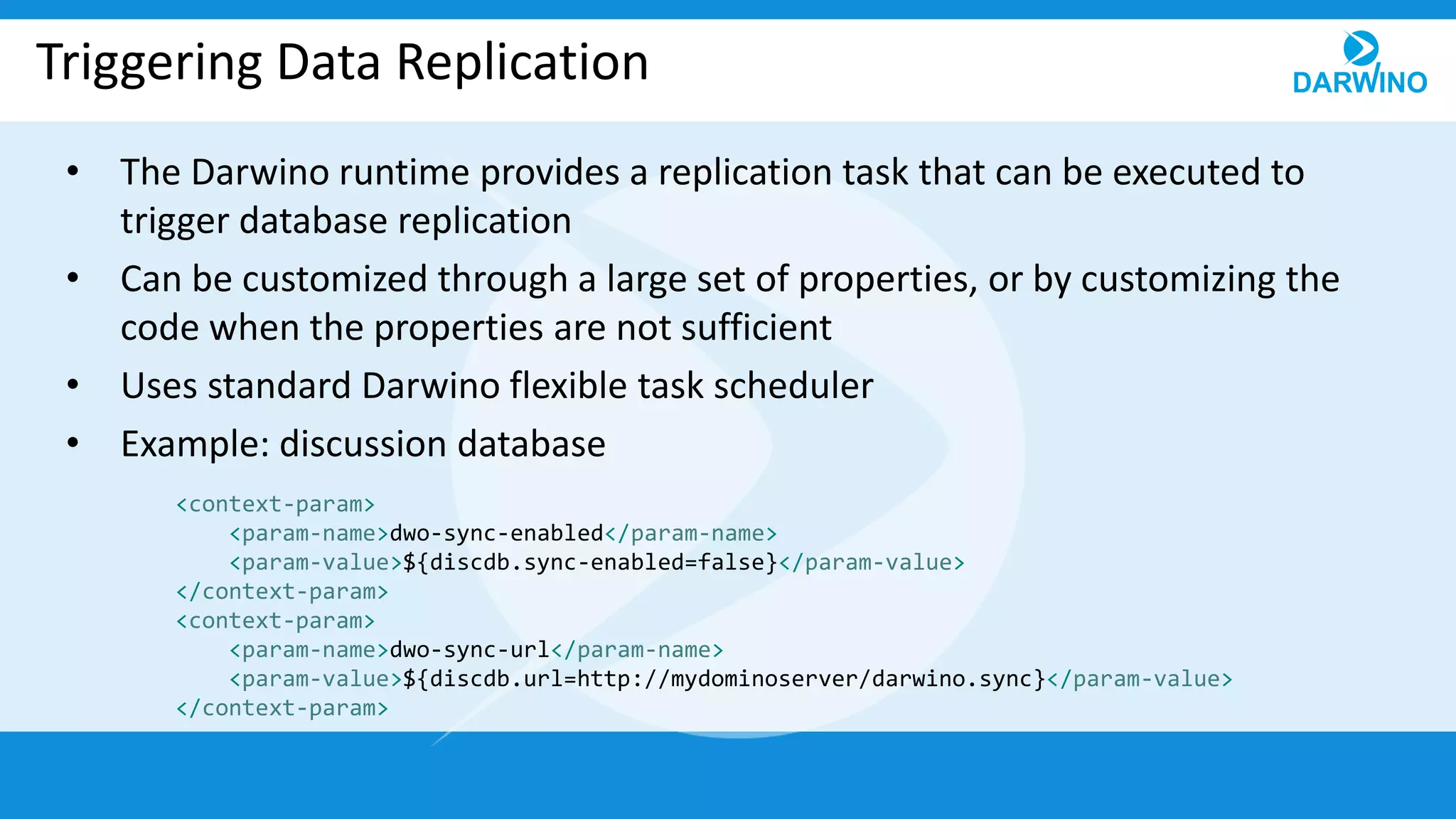
Triggering Data Replication
• The Darwino runtime provides a replication task that can be executed to
trigger database replication
• Can be customized through a large set of properties, or by customizing the
code when the properties are not sufficient
• Uses standard Darwino flexible task scheduler
• Example: discussion database
<context-param>
<param-name>dwo-sync-enabled</param-name>
<param-value>${discdb.sync-enabled=false}</param-value>
</context-param>
<context-param>
<param-name>dwo-sync-url</param-name>
<param-value>${discdb.url=http://mydominoserver/darwino.sync}</param-value>
</context-param>
Detection of the Environment
• Darwino automatically detects the running Server environment
– ApplicationEnvironmentFinder Service
• It provides a default implementation that detects
– Cloud environments
• IBM Bluemix, Microsoft Azure
– On premises environments
• Apache TOMCAT, IBM WebSphere
• Used by the Darwino core code to provide some runtime behavior
• Can be used by the application if necessary
Default Access to the Configuration Files
• darwino.properties & darwino-beans.xml
• Default implementation reads, in order (similar with beans)
– Web App: WEB-INF/darwino.properties
– ClassPath resources (jar): /darwino.properties
– Contextual Environment – Tomcat, Websphere liberty, Bluemix, Azure
• The location of the files depends on the environment
– System variable: darwino-properties [-beans] (System.getProperty)
– JNDI: find a resource java:/comp/env/darwino-properties [or –beans]
• Can be text or a URL pointing to a resource
– User Dir: files in “user.home” or “user.dir”
– Environment variables: darwino-properties [-beans] (System.getEnv)
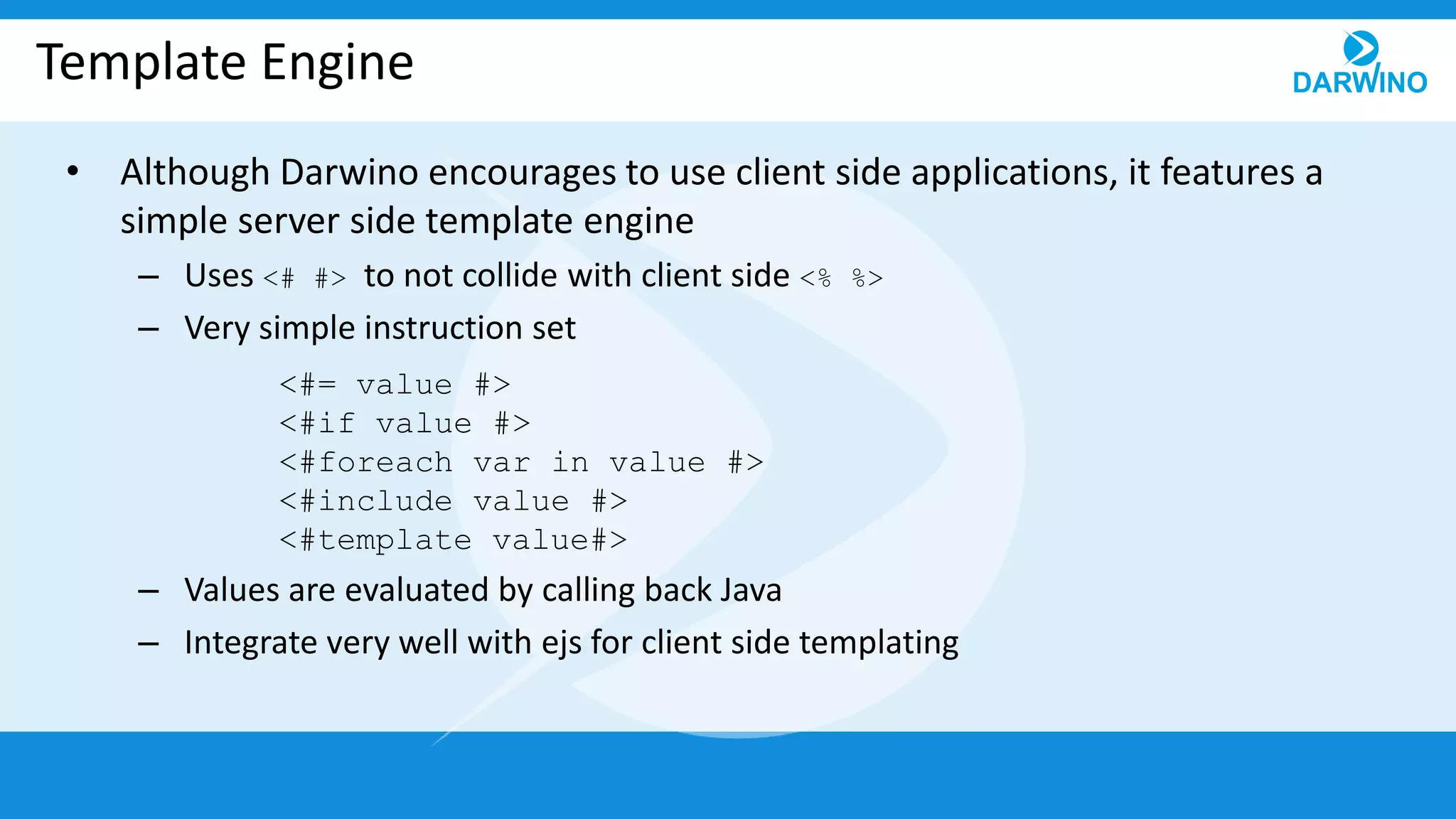
Template Engine
• Although Darwino encourages to use client side applications, it features a
simple server side template engine
– Uses <# #> to not collide with client side <% %>
– Very simple instruction set
– Values are evaluated by calling back Java
– Integrate very well with ejs for client side templating
<#= value #>
<#if value #>
<#foreach var in value #>
<#include value #>
<#template value#>
Thank you for your attention!

06 web applications

  • 1.
  • 2.
    Darwino Web Applications •Darwino Web Applications are running on top of a Java servlet – Requires a servlet 3.0 container or IBM Domino 9.x • Darwino does not impose any constraints but provide built-in services – In the form of pre-built JEE artifacts, like filters, servlets… – The runtime provides easy to use behaviors to access the user context, initialize the application… • A Full Darwino application automatically creates the necessary runtime objects (application, context, …) and handles
  • 3.
    Available Servlet andFilters • All the pre-built servlets and filters all inherit from the same base class – The parameters support the use of properties <param-value>${discdb.auto-deploy-jsonstore=true}</param-value> • The built-in services are provided through a filter or several servlets – It is advised to use the filter as it can default to the static resources when a service is not found
  • 4.
    Access to StaticResources • Darwino provides a resources filter that serves the static resources – From DARWINO-INF/resources – From the web root directory • It makes sure that the resources are served the same way on server and local mobile applications • It automatically manages the cache information, etag… • It can switch between minimized or full debug files, from the same URL – Choose between xxx.js or xxx.min.js based on Platform.isDevelopment()or ?minified=true/false
  • 5.
    Caching Static Resources •Calculates an eTag, by default based on the resource timestamp – Automatically handles 304 as appropriate • By default, emits a 1 day cache for the static resources – Except when running in development mode when caching is not enabled • Note: the ResourcesServices can also be fully tailored by overriding some of its methods
  • 6.
    Authentication • Two waysto get a user authenticated – Use the application server capability • Works, but limited to the JEE capabilities • Can leverage app server extensions, like SPNEGO – Use the Darwino specific API • Supports multiple authentication schemes in the same app (Basic, Form, OAuth…) – Custom schemes can be handled • Flexible directories – LDAP, Social Platforms, … • Supports programmatic login/logout, as well as ?login parameter • Can work stateless by providing the authentication information encrypted, as a cookie • Do not depend on a specific app server
  • 7.
    Authentication Filter • TheDarwino authentication filter uses Handlers – Currently supports Basic, Form & OAuth2 • Custom handlers can be provided as necessary • Handlers are processed in order until one can is able to process the requests • Multiple handler can be used with different Path – Ex: myservice/basic/, myservice/oauth/
  • 8.
    Application Initialization • TheDarwino application is initialized using a ServletContextListener, inheriting from AbstractDarwinoContextListener – Creates the DarwinoApplication singleton – Initialize the JSON store if any (auto-deploy the database) • The initialization is executed in 2 steps – Synchronous: creation of the in memory objects – Asynchronous: potentially long processing tasks, like the db deployment • Does not timeout the application server initialization • Requests are blocked by the Darwino filter until the initialization is completed
  • 9.
    Application Filter • Thefilter is executed for every request • A DarwinoContext is created for the request • It uses a DarwinoInstanceFinder to get the current instance – The default uses the URL rewriter to read the instance in [[xxxx]] – But the instance can come from the current user, HTTP header… • It uses a UserContextFactory to decorate the current user – Can add dynamic role based on the current instance id (tenant id) • Create a JSON store Session object for the current user and instance
  • 10.
    Adding the DarwinoREST services • The Darwino REST services can be provided through a servlet or a filter – It is advised to use a filter and make sure that not handled URLs return static resources • All the services are dispatched through a single DarwinoJ2EEServiceDispatcherFilter. – Creates instances of common services – Can be tailored to disable existing services, override the default implementation or add new services – Can trace request/response content for debugging purposes – Security can also be applied by overriding the access methods • Content can be filtered as well
  • 11.
    Adding Support forCORS, and others.. • Darwino provides a custom filter to supports CORS requests • Highly configurable • The CORS filter is based on an open source project from eBay <!-- CORS filter for the JsonStore --> <filter> <filter-name>Cors</filter-name> <filter-class>com.darwino.j2ee.servlet.cors.CORSFilter</filter-class> </filter> <filter-mapping> <filter-name>Cors</filter-name> <url-pattern>/.darwino-jstore/*</url-pattern> <dispatcher>REQUEST</dispatcher> <dispatcher>FORWARD</dispatcher> </filter-mapping>
  • 12.
    Adding a ReverseProxy Service • Darwino provides a lightweight reverse proxy service • Avoid CORS issues by calling the same URLs • Highly configurable – Filter the headers in and out – Hook for custom authentication to the remote server • Used extensively by the Mobile implementation
  • 13.
    URL Processing Filter •Darwino can process the URL and replace parts of it before running the services – An instance ID (tenant id) between double brackets [[xxxx]] • The instance id is removed from the URL and in the DarwinoContext object – Make URL relative to $darwino-xxx/ URL and replace them • /yyy/zzz/$darwino-xxx/whatever becomes /.darwino- xxx/whatever • Very useful from browser as URLs are relative to the current page • These behaviors can be customized if necessary
  • 14.
    Triggering Data Replication •The Darwino runtime provides a replication task that can be executed to trigger database replication • Can be customized through a large set of properties, or by customizing the code when the properties are not sufficient • Uses standard Darwino flexible task scheduler • Example: discussion database <context-param> <param-name>dwo-sync-enabled</param-name> <param-value>${discdb.sync-enabled=false}</param-value> </context-param> <context-param> <param-name>dwo-sync-url</param-name> <param-value>${discdb.url=http://mydominoserver/darwino.sync}</param-value> </context-param>
  • 15.
    Detection of theEnvironment • Darwino automatically detects the running Server environment – ApplicationEnvironmentFinder Service • It provides a default implementation that detects – Cloud environments • IBM Bluemix, Microsoft Azure – On premises environments • Apache TOMCAT, IBM WebSphere • Used by the Darwino core code to provide some runtime behavior • Can be used by the application if necessary
  • 16.
    Default Access tothe Configuration Files • darwino.properties & darwino-beans.xml • Default implementation reads, in order (similar with beans) – Web App: WEB-INF/darwino.properties – ClassPath resources (jar): /darwino.properties – Contextual Environment – Tomcat, Websphere liberty, Bluemix, Azure • The location of the files depends on the environment – System variable: darwino-properties [-beans] (System.getProperty) – JNDI: find a resource java:/comp/env/darwino-properties [or –beans] • Can be text or a URL pointing to a resource – User Dir: files in “user.home” or “user.dir” – Environment variables: darwino-properties [-beans] (System.getEnv)
  • 17.
    Template Engine • AlthoughDarwino encourages to use client side applications, it features a simple server side template engine – Uses <# #> to not collide with client side <% %> – Very simple instruction set – Values are evaluated by calling back Java – Integrate very well with ejs for client side templating <#= value #> <#if value #> <#foreach var in value #> <#include value #> <#template value#>
  • 18.
    Thank you foryour attention!