Domino Integration
The Goal
• “Native-like” replication with Domino
– Two-way
– Creation and modification times intact
– Shared UNIDs (when compatible)
– High data fidelity
• A few caveats:
– Rich text is converted to MIME (XPage-style)
– Esoteric data types (COLLATION, HIGHLIGHTS, etc.) are ignored
• There may be a future option for binary/Base64 replication
Side Topic: Darwino Replicators
• The Domino replicator is an example of any number of possible third-party
connectors
• Darwino replication is intended to be generic and adaptable: all that’s
needed is for a server component to respond to HTTP requests in the
expected way
• Domino’s data similarity to Darwino happens to make it (sort of)
straightforward, but any data expressable as documents could be replicated
bidirectionally with Darwino
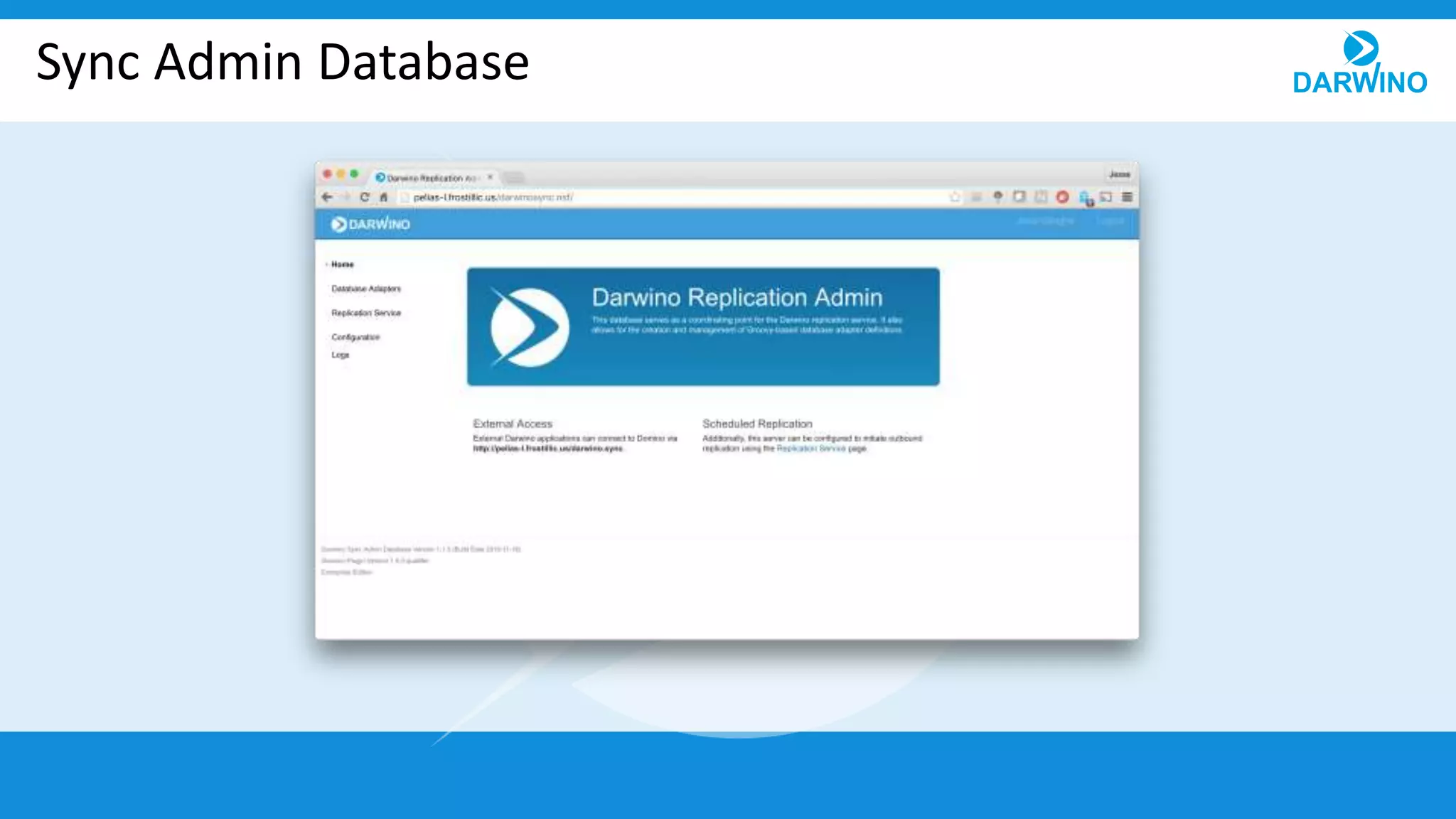
Sync Admin Database
Sync Admin Database
• Low-dependency XPages application
– Not flashy, but it keeps compatibility high
• NSF stores:
– Overall configuration
– Database adapters
– Scheduled replicators
– Replication history stubs
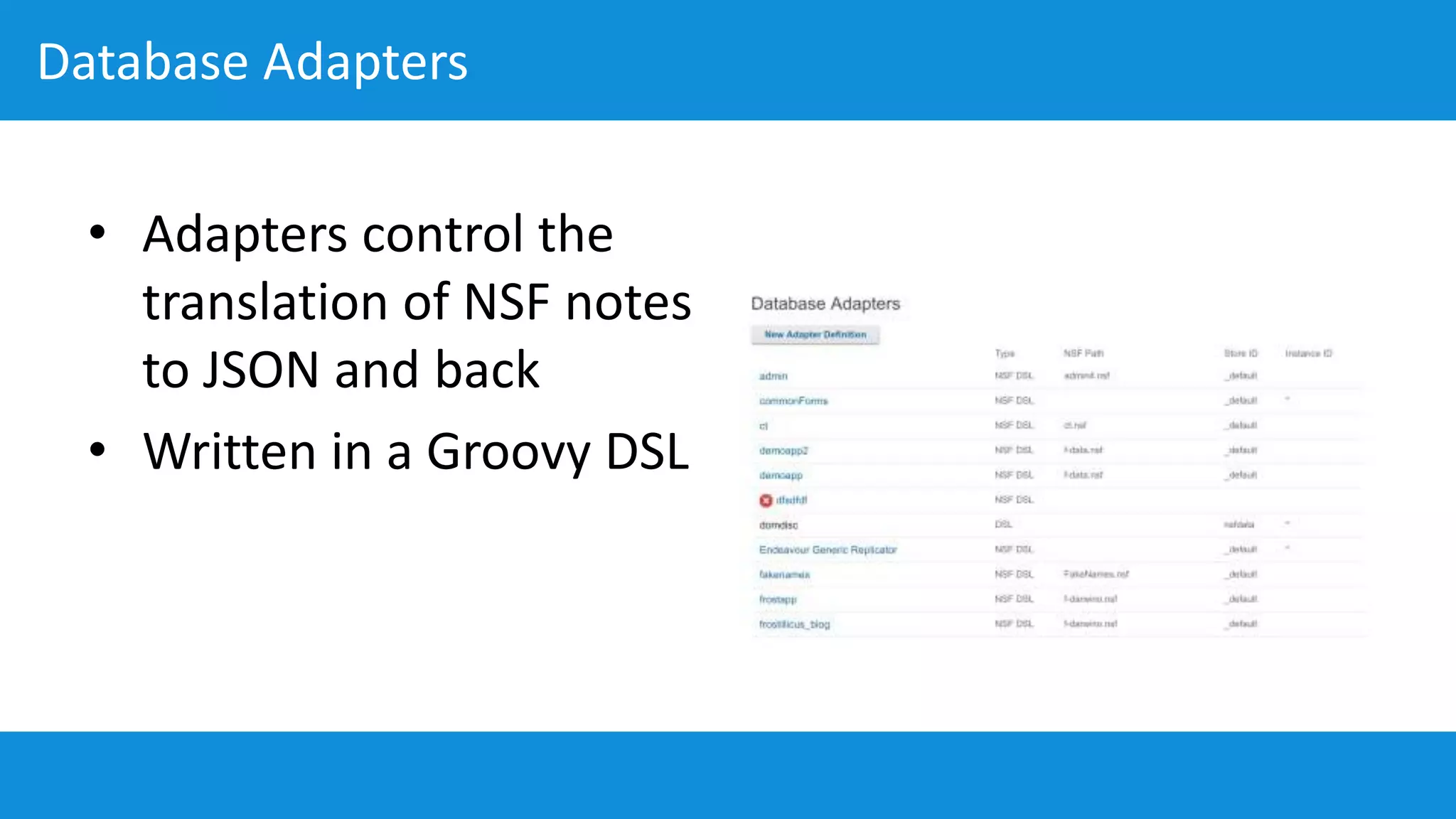
Database Adapters
• Adapters control the
translation of NSF notes
to JSON and back
• Written in a Groovy DSL
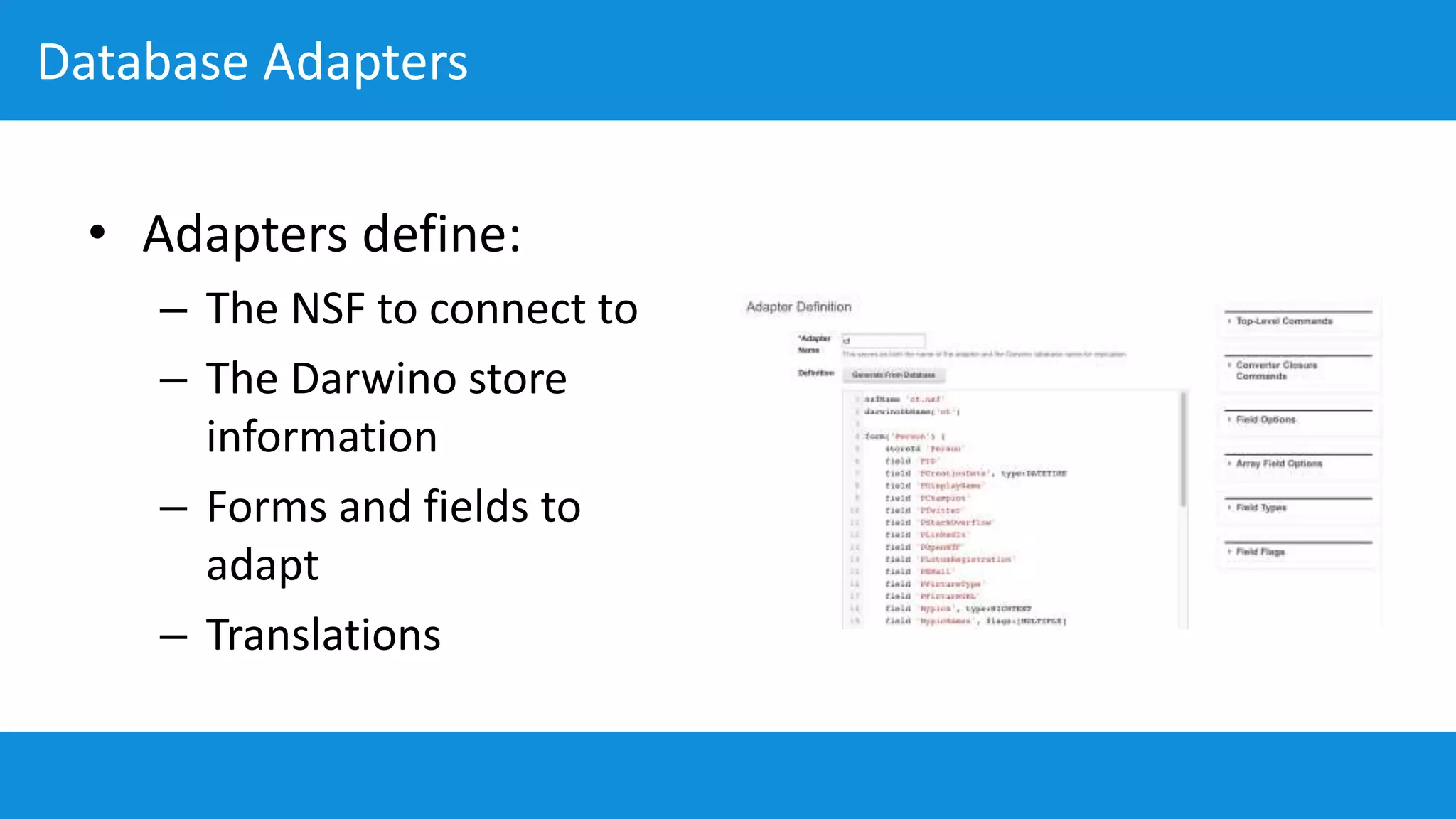
Database Adapters
• Adapters define:
– The NSF to connect to
– The Darwino store
information
– Forms and fields to
adapt
– Translations
Database Adapters (Cont’d)
• By default, an empty DSL will do a “best match” conversion of documents
– Does not enforce any consistency between documents
• The “Generate From Database” action inspects a specified database and
generates a first-pass DSL from it
– A generated DSL from a database will create its “schema” based on the forms in
the database, not the document data
• Since adapters are written in Groovy, any JVM classes can be used
• For advanced cases, adapters can be deployed via a plugin, either as Groovy
or as Java
Replication Service
• Controls replication
pushed from Domino to
Darwino
• Shows status of active
replications
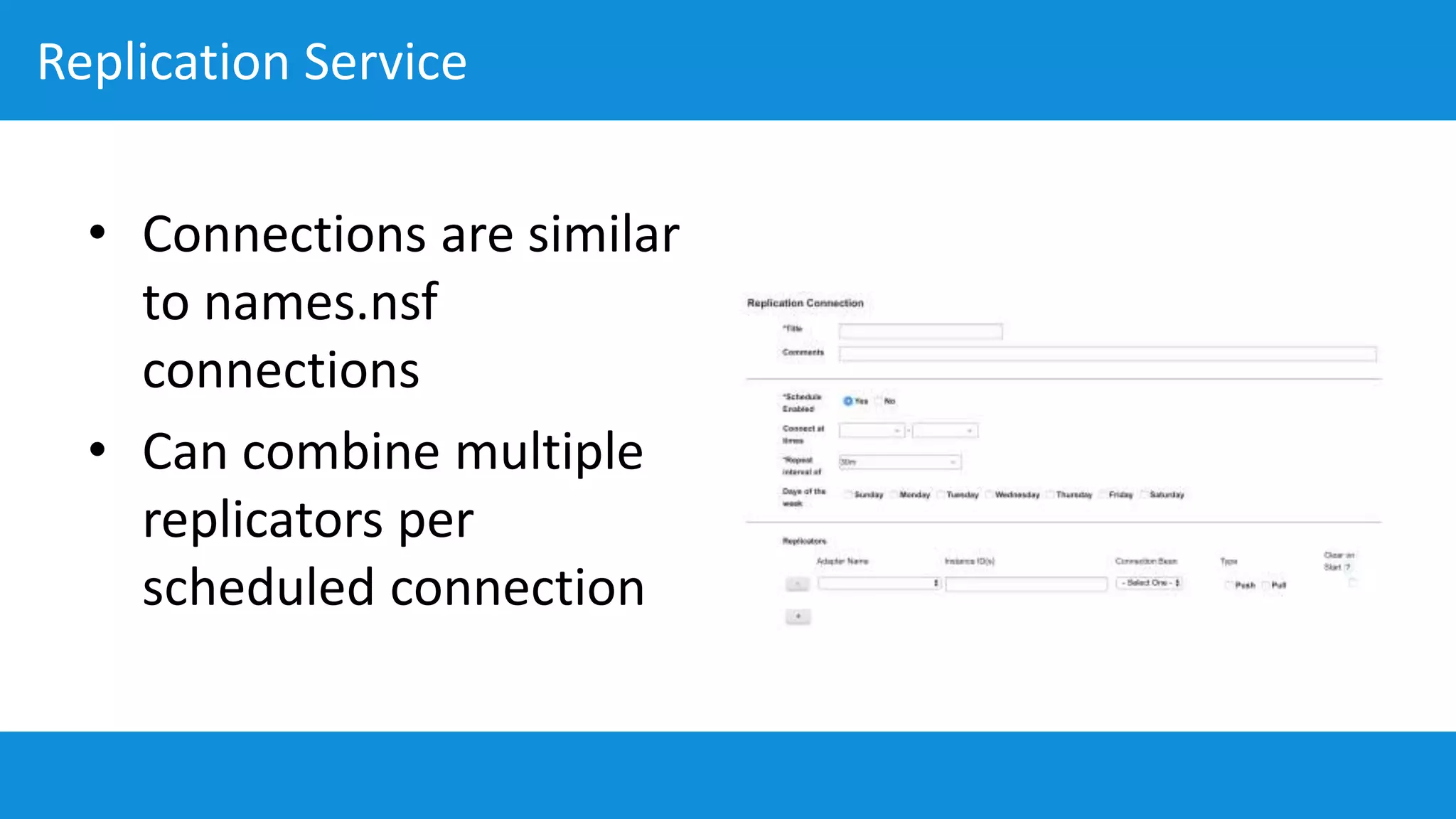
Replication Service
• Connections are similar
to names.nsf
connections
• Can combine multiple
replicators per
scheduled connection
Darwino-Pushed Replication
• Replication can also be configured in the Darwino application, rather than
pushed from Domino
• To Darwino, the Domino server looks like just another Darwino server - the
adapter plugins provide API-compatible REST services
• This is the original way and may be preferred in situations where Domino
does not have direct access to the JDBC data store
• Newly-created Darwino apps have the code necessary for this commented
out with descriptions in the JEE project
Connection Beans
• Configures Darwino
JDBC beans
• Similar to standard
JDBC configuration
• Can also be configured
in darwino-beans.xml
Thank you for your attention!

10 domino integration

  • 1.
  • 2.
    The Goal • “Native-like”replication with Domino – Two-way – Creation and modification times intact – Shared UNIDs (when compatible) – High data fidelity • A few caveats: – Rich text is converted to MIME (XPage-style) – Esoteric data types (COLLATION, HIGHLIGHTS, etc.) are ignored • There may be a future option for binary/Base64 replication
  • 3.
    Side Topic: DarwinoReplicators • The Domino replicator is an example of any number of possible third-party connectors • Darwino replication is intended to be generic and adaptable: all that’s needed is for a server component to respond to HTTP requests in the expected way • Domino’s data similarity to Darwino happens to make it (sort of) straightforward, but any data expressable as documents could be replicated bidirectionally with Darwino
  • 4.
  • 5.
    Sync Admin Database •Low-dependency XPages application – Not flashy, but it keeps compatibility high • NSF stores: – Overall configuration – Database adapters – Scheduled replicators – Replication history stubs
  • 6.
    Database Adapters • Adapterscontrol the translation of NSF notes to JSON and back • Written in a Groovy DSL
  • 7.
    Database Adapters • Adaptersdefine: – The NSF to connect to – The Darwino store information – Forms and fields to adapt – Translations
  • 8.
    Database Adapters (Cont’d) •By default, an empty DSL will do a “best match” conversion of documents – Does not enforce any consistency between documents • The “Generate From Database” action inspects a specified database and generates a first-pass DSL from it – A generated DSL from a database will create its “schema” based on the forms in the database, not the document data • Since adapters are written in Groovy, any JVM classes can be used • For advanced cases, adapters can be deployed via a plugin, either as Groovy or as Java
  • 9.
    Replication Service • Controlsreplication pushed from Domino to Darwino • Shows status of active replications
  • 10.
    Replication Service • Connectionsare similar to names.nsf connections • Can combine multiple replicators per scheduled connection
  • 11.
    Darwino-Pushed Replication • Replicationcan also be configured in the Darwino application, rather than pushed from Domino • To Darwino, the Domino server looks like just another Darwino server - the adapter plugins provide API-compatible REST services • This is the original way and may be preferred in situations where Domino does not have direct access to the JDBC data store • Newly-created Darwino apps have the code necessary for this commented out with descriptions in the JEE project
  • 12.
    Connection Beans • ConfiguresDarwino JDBC beans • Similar to standard JDBC configuration • Can also be configured in darwino-beans.xml
  • 13.
    Thank you foryour attention!