Advanced Domino Replication
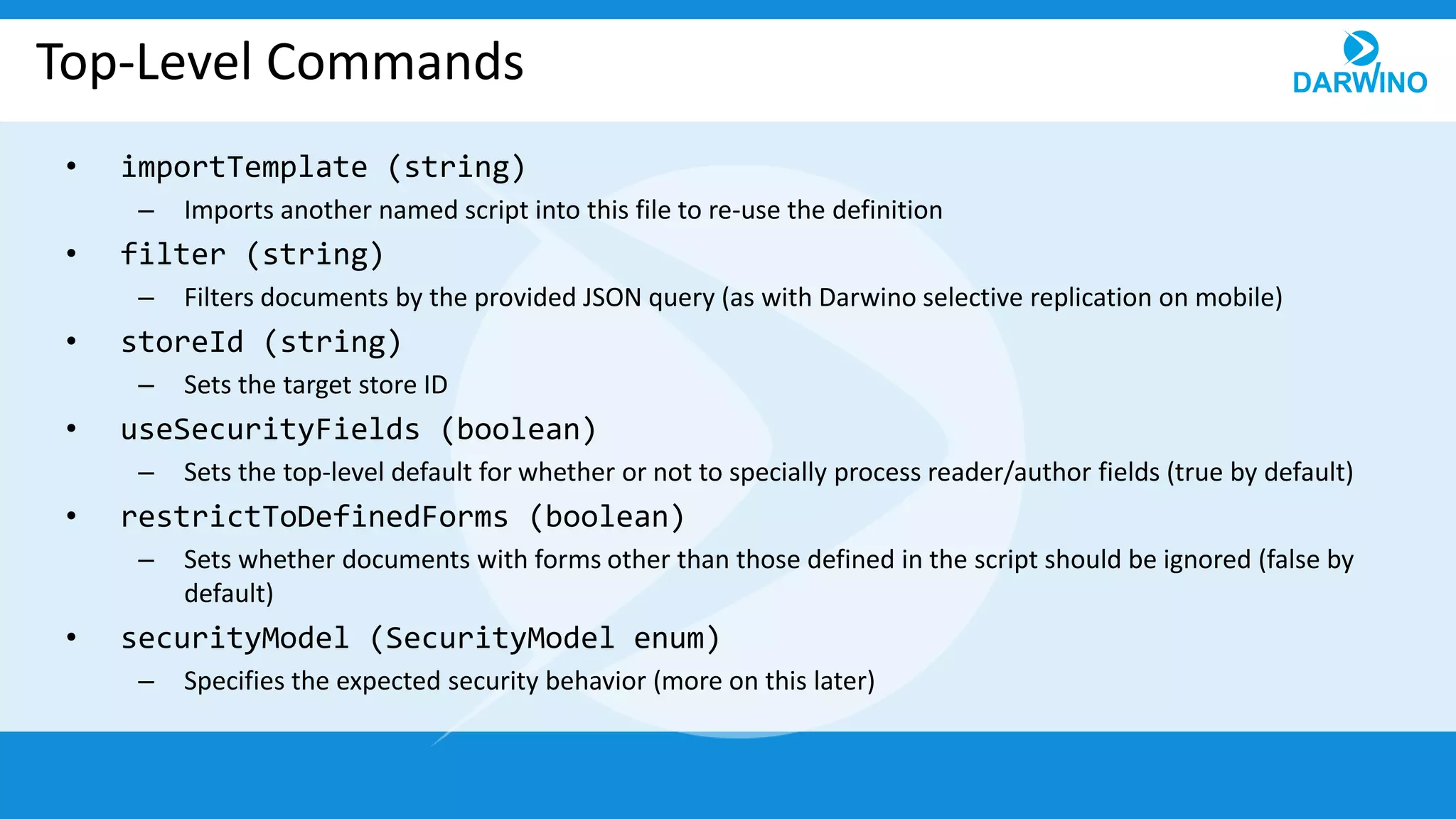
Top-Level Commands
• importTemplate (string)
– Imports another named script into this file to re-use the definition
• filter (string)
– Filters documents by the provided JSON query (as with Darwino selective replication on mobile)
• storeId (string)
– Sets the target store ID
• useSecurityFields (boolean)
– Sets the top-level default for whether or not to specially process reader/author fields (true by default)
• restrictToDefinedForms (boolean)
– Sets whether documents with forms other than those defined in the script should be ignored (false by
default)
• securityModel (SecurityModel enum)
– Specifies the expected security behavior (more on this later)
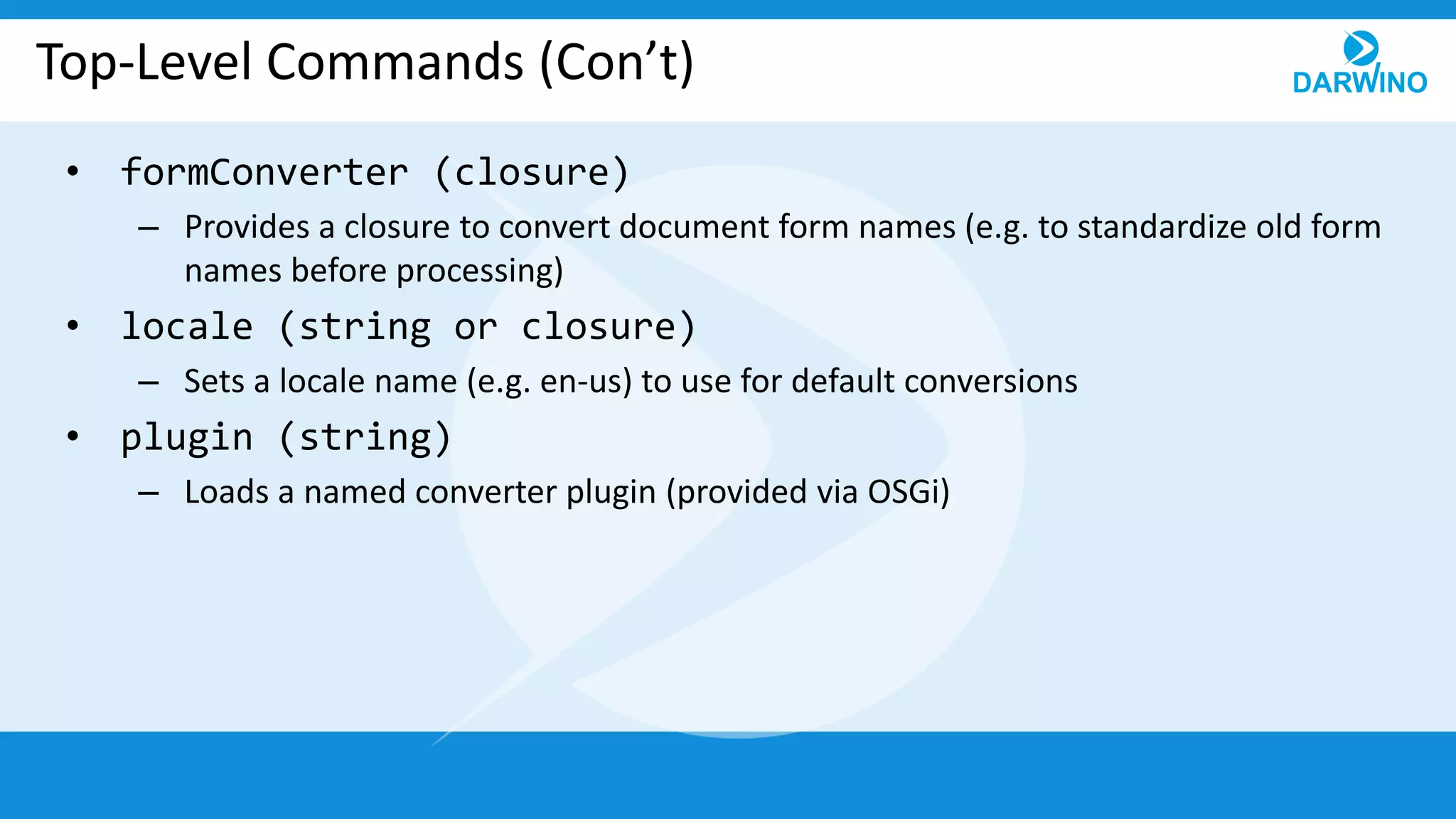
Top-Level Commands (Con’t)
• formConverter (closure)
– Provides a closure to convert document form names (e.g. to standardize old form
names before processing)
• locale (string or closure)
– Sets a locale name (e.g. en-us) to use for default conversions
• plugin (string)
– Loads a named converter plugin (provided via OSGi)
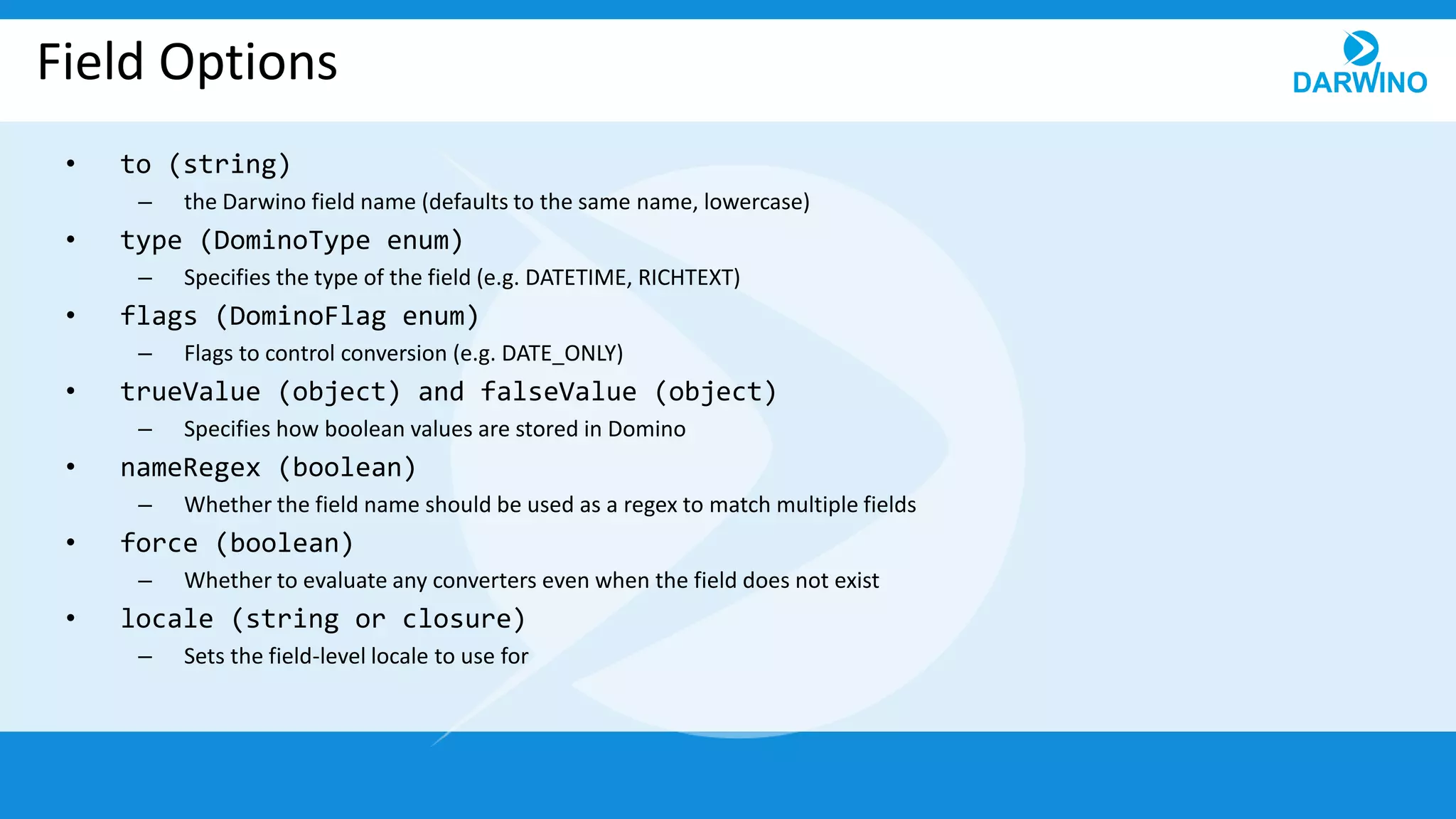
Field Options
• to (string)
– the Darwino field name (defaults to the same name, lowercase)
• type (DominoType enum)
– Specifies the type of the field (e.g. DATETIME, RICHTEXT)
• flags (DominoFlag enum)
– Flags to control conversion (e.g. DATE_ONLY)
• trueValue (object) and falseValue (object)
– Specifies how boolean values are stored in Domino
• nameRegex (boolean)
– Whether the field name should be used as a regex to match multiple fields
• force (boolean)
– Whether to evaluate any converters even when the field does not exist
• locale (string or closure)
– Sets the field-level locale to use for
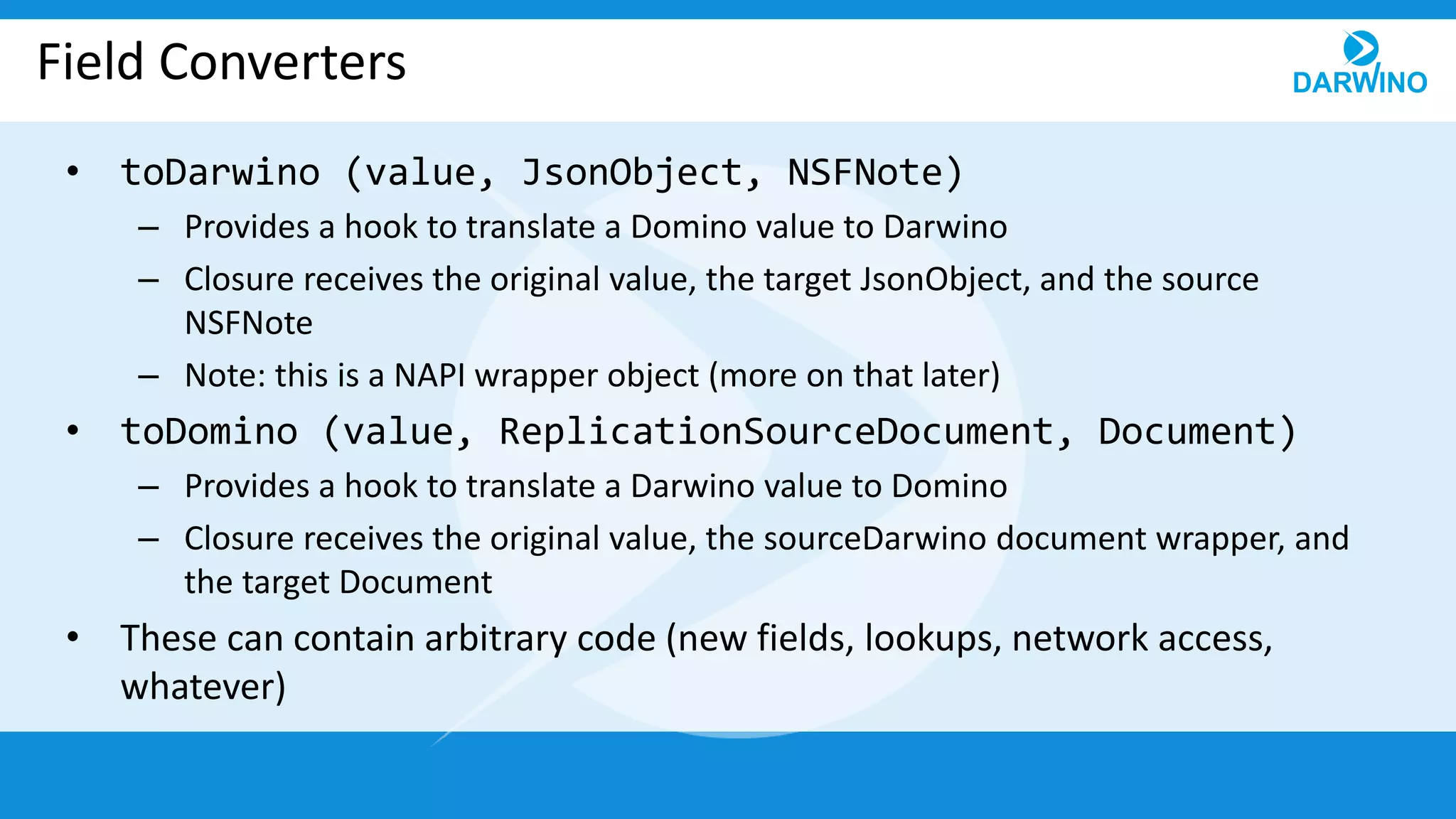
Field Converters
• toDarwino (value, JsonObject, NSFNote)
– Provides a hook to translate a Domino value to Darwino
– Closure receives the original value, the target JsonObject, and the source
NSFNote
– Note: this is a NAPI wrapper object (more on that later)
• toDomino (value, ReplicationSourceDocument, Document)
– Provides a hook to translate a Darwino value to Domino
– Closure receives the original value, the sourceDarwino document wrapper, and
the target Document
• These can contain arbitrary code (new fields, lookups, network access,
whatever)
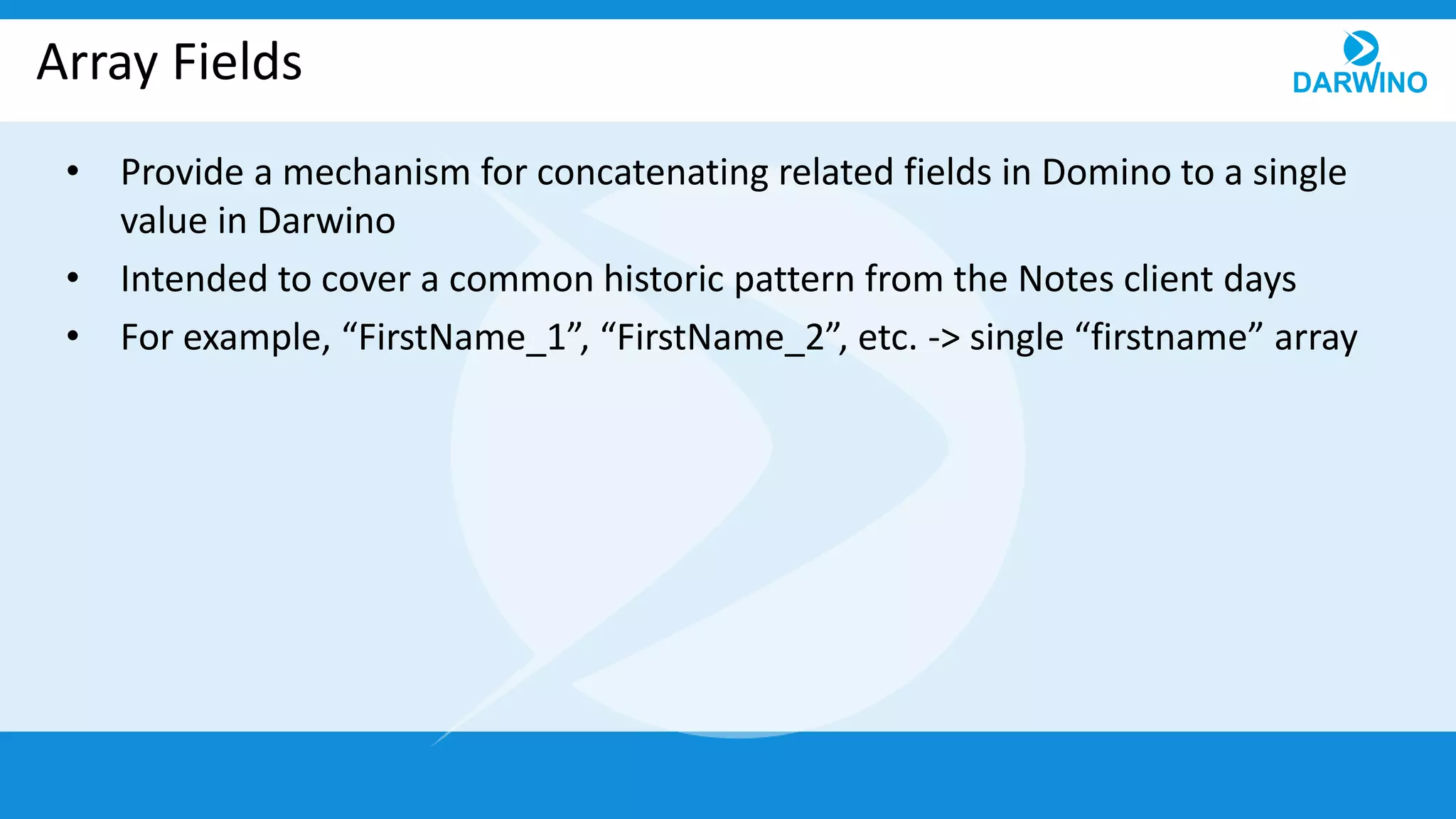
Array Fields
• Provide a mechanism for concatenating related fields in Domino to a single
value in Darwino
• Intended to cover a common historic pattern from the Notes client days
• For example, “FirstName_1”, “FirstName_2”, etc. -> single “firstname” array
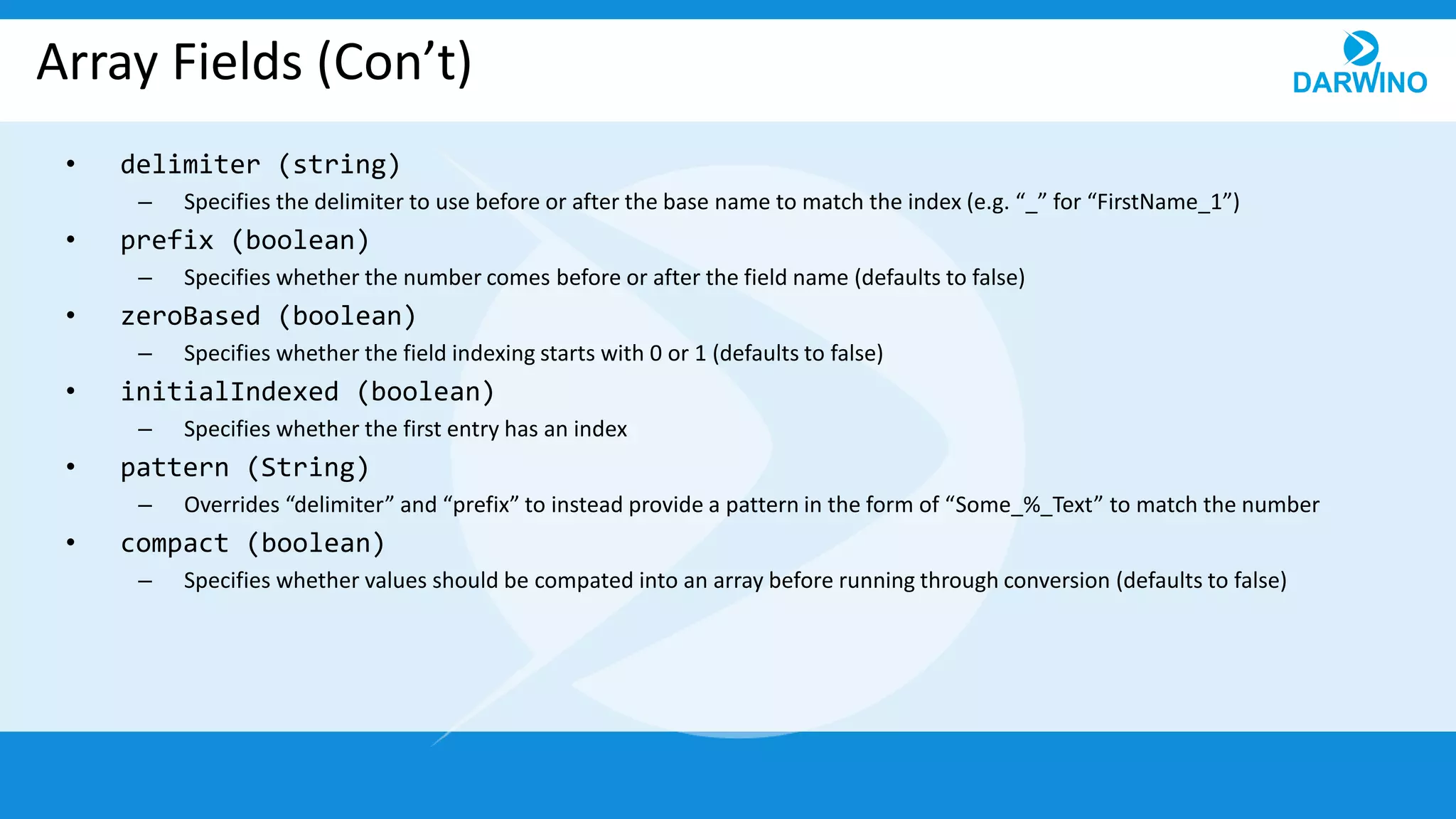
Array Fields (Con’t)
• delimiter (string)
– Specifies the delimiter to use before or after the base name to match the index (e.g. “_” for “FirstName_1”)
• prefix (boolean)
– Specifies whether the number comes before or after the field name (defaults to false)
• zeroBased (boolean)
– Specifies whether the field indexing starts with 0 or 1 (defaults to false)
• initialIndexed (boolean)
– Specifies whether the first entry has an index
• pattern (String)
– Overrides “delimiter” and “prefix” to instead provide a pattern in the form of “Some_%_Text” to match the number
• compact (boolean)
– Specifies whether values should be compated into an array before running through conversion (defaults to false)
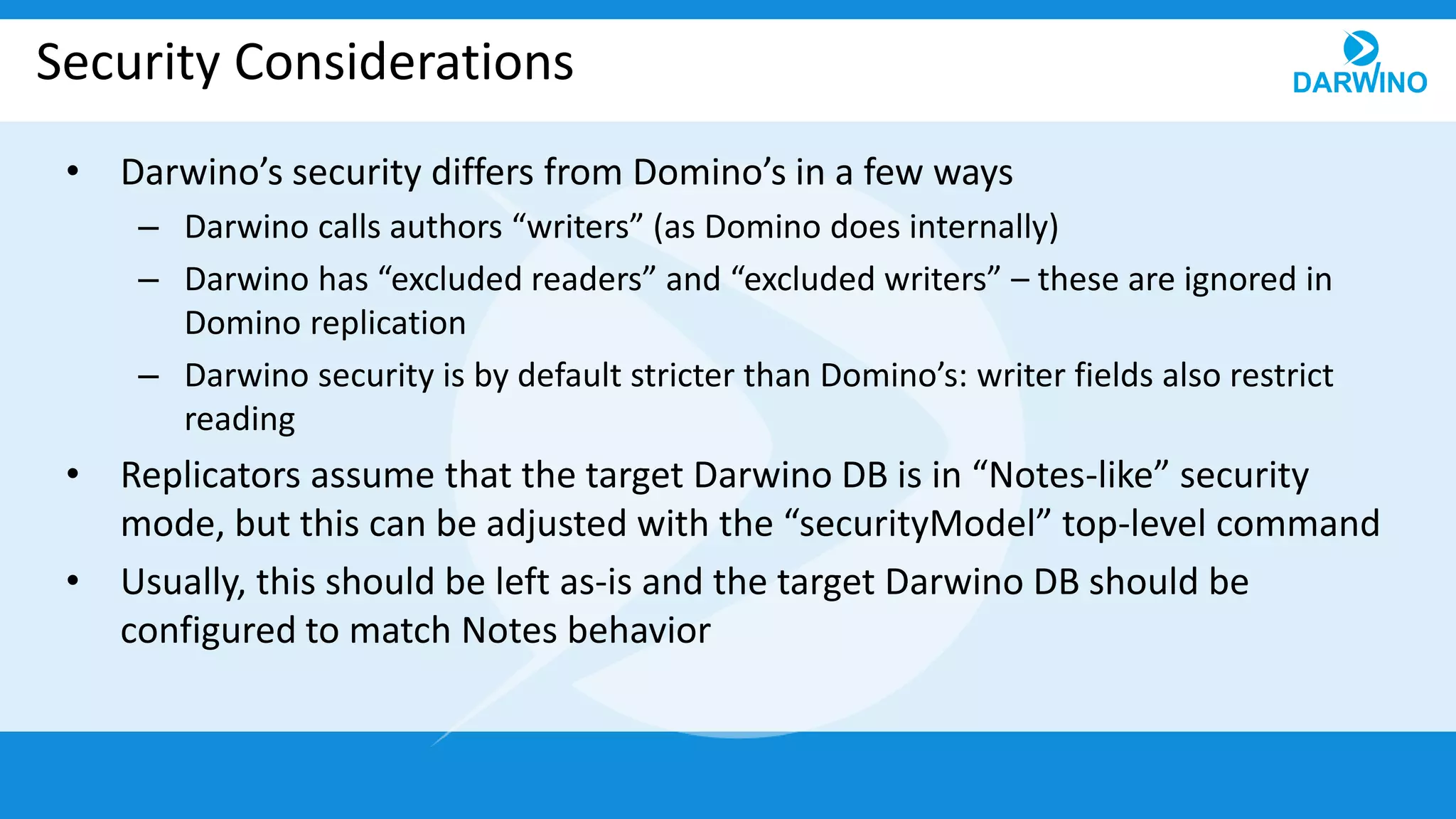
Security Considerations
• Darwino’s security differs from Domino’s in a few ways
– Darwino calls authors “writers” (as Domino does internally)
– Darwino has “excluded readers” and “excluded writers” – these are ignored in
Domino replication
– Darwino security is by default stricter than Domino’s: writer fields also restrict
reading
• Replicators assume that the target Darwino DB is in “Notes-like” security
mode, but this can be adjusted with the “securityModel” top-level command
• Usually, this should be left as-is and the target Darwino DB should be
configured to match Notes behavior
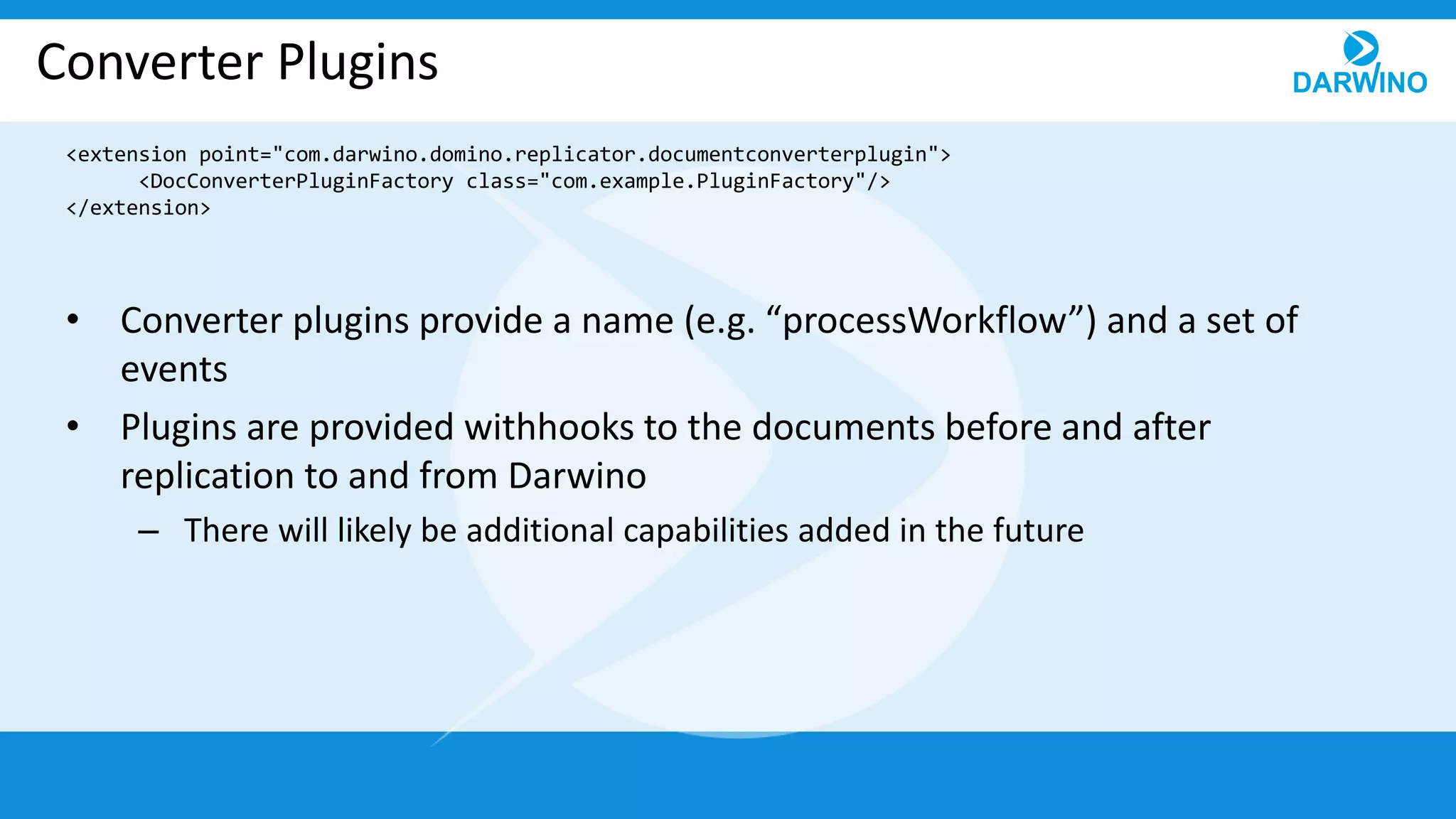
Converter Plugins
• Converter plugins provide a name (e.g. “processWorkflow”) and a set of
events
• Plugins are provided withhooks to the documents before and after
replication to and from Darwino
– There will likely be additional capabilities added in the future
<extension point="com.darwino.domino.replicator.documentconverterplugin">
<DocConverterPluginFactory class="com.example.PluginFactory"/>
</extension>
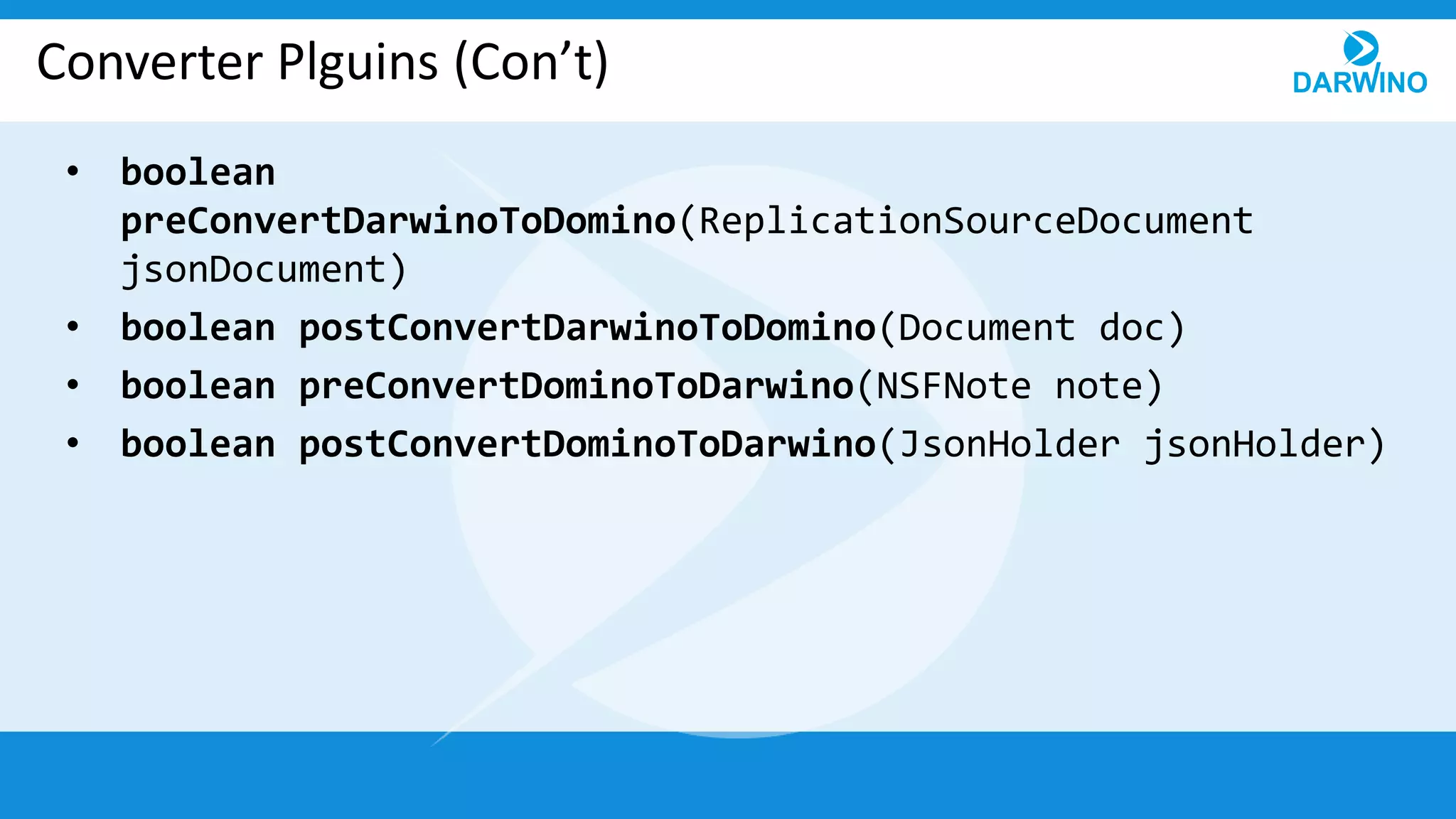
Converter Plguins (Con’t)
• boolean
preConvertDarwinoToDomino(ReplicationSourceDocument
jsonDocument)
• boolean postConvertDarwinoToDomino(Document doc)
• boolean preConvertDominoToDarwino(NSFNote note)
• boolean postConvertDominoToDarwino(JsonHolder jsonHolder)
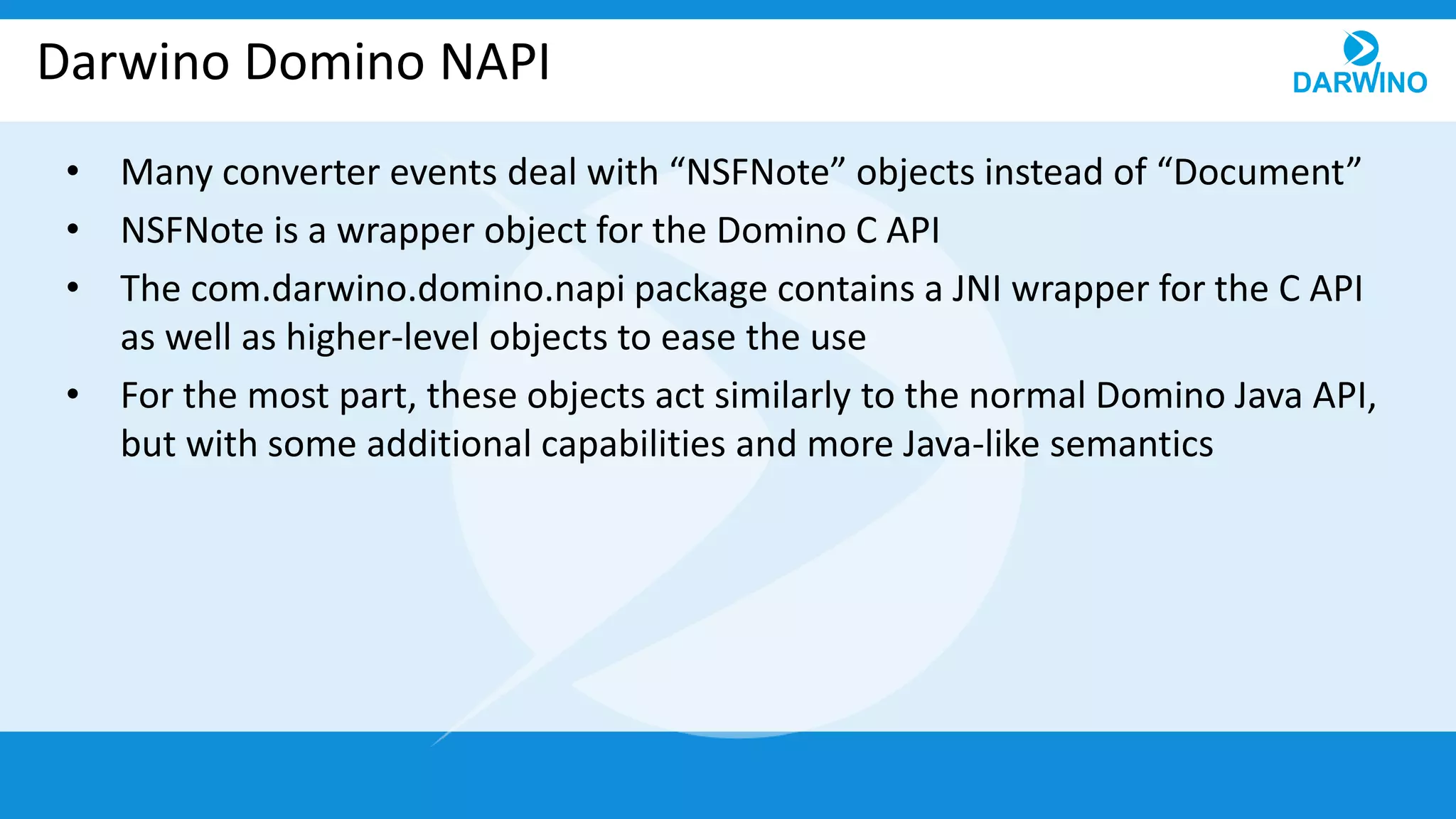
Darwino Domino NAPI
• Many converter events deal with “NSFNote” objects instead of “Document”
• NSFNote is a wrapper object for the Domino C API
• The com.darwino.domino.napi package contains a JNI wrapper for the C API
as well as higher-level objects to ease the use
• For the most part, these objects act similarly to the normal Domino Java API,
but with some additional capabilities and more Java-like semantics
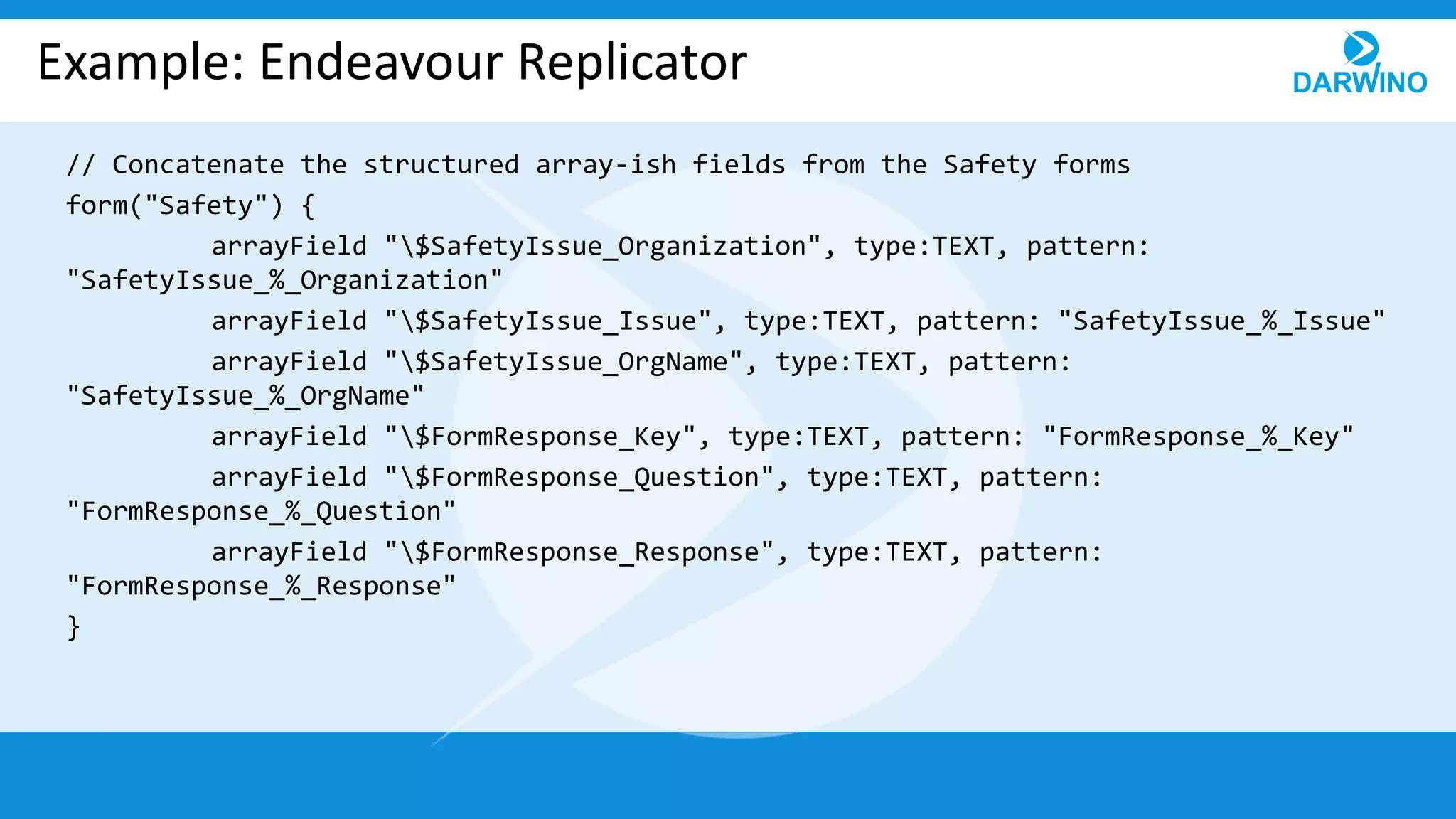
Example: Endeavour Replicator
// Concatenate the structured array-ish fields from the Safety forms
form("Safety") {
arrayField "$SafetyIssue_Organization", type:TEXT, pattern:
"SafetyIssue_%_Organization"
arrayField "$SafetyIssue_Issue", type:TEXT, pattern: "SafetyIssue_%_Issue"
arrayField "$SafetyIssue_OrgName", type:TEXT, pattern:
"SafetyIssue_%_OrgName"
arrayField "$FormResponse_Key", type:TEXT, pattern: "FormResponse_%_Key"
arrayField "$FormResponse_Question", type:TEXT, pattern:
"FormResponse_%_Question"
arrayField "$FormResponse_Response", type:TEXT, pattern:
"FormResponse_%_Response"
}
Example: Endeavour Reporter
// Combine the two meetingdocid fields in MeetingItems and related docs
def meetingDocIdRef = {
// Since these aren't arrayField type, join "manually”
field "MeetingDocIDRef", force: true,
toDarwino: { value, dest, note ->
// Concatenate, but merge duplicates and remove empty values
(Arrays.asList(note.get("OpenMeetingDocID")) +
Arrays.asList(note.get("MeetingDocID"))).unique(false) - [null, ""]
},
toDomino: {
null
}
}
form("MeetingItem", meetingDocIdRef)
form("ActionItem", meetingDocIdRef)
form("Issue", meetingDocIdRef)
Thank you for your attention!

11 advanced replication

  • 1.
  • 2.
    Top-Level Commands • importTemplate(string) – Imports another named script into this file to re-use the definition • filter (string) – Filters documents by the provided JSON query (as with Darwino selective replication on mobile) • storeId (string) – Sets the target store ID • useSecurityFields (boolean) – Sets the top-level default for whether or not to specially process reader/author fields (true by default) • restrictToDefinedForms (boolean) – Sets whether documents with forms other than those defined in the script should be ignored (false by default) • securityModel (SecurityModel enum) – Specifies the expected security behavior (more on this later)
  • 3.
    Top-Level Commands (Con’t) •formConverter (closure) – Provides a closure to convert document form names (e.g. to standardize old form names before processing) • locale (string or closure) – Sets a locale name (e.g. en-us) to use for default conversions • plugin (string) – Loads a named converter plugin (provided via OSGi)
  • 4.
    Field Options • to(string) – the Darwino field name (defaults to the same name, lowercase) • type (DominoType enum) – Specifies the type of the field (e.g. DATETIME, RICHTEXT) • flags (DominoFlag enum) – Flags to control conversion (e.g. DATE_ONLY) • trueValue (object) and falseValue (object) – Specifies how boolean values are stored in Domino • nameRegex (boolean) – Whether the field name should be used as a regex to match multiple fields • force (boolean) – Whether to evaluate any converters even when the field does not exist • locale (string or closure) – Sets the field-level locale to use for
  • 5.
    Field Converters • toDarwino(value, JsonObject, NSFNote) – Provides a hook to translate a Domino value to Darwino – Closure receives the original value, the target JsonObject, and the source NSFNote – Note: this is a NAPI wrapper object (more on that later) • toDomino (value, ReplicationSourceDocument, Document) – Provides a hook to translate a Darwino value to Domino – Closure receives the original value, the sourceDarwino document wrapper, and the target Document • These can contain arbitrary code (new fields, lookups, network access, whatever)
  • 6.
    Array Fields • Providea mechanism for concatenating related fields in Domino to a single value in Darwino • Intended to cover a common historic pattern from the Notes client days • For example, “FirstName_1”, “FirstName_2”, etc. -> single “firstname” array
  • 7.
    Array Fields (Con’t) •delimiter (string) – Specifies the delimiter to use before or after the base name to match the index (e.g. “_” for “FirstName_1”) • prefix (boolean) – Specifies whether the number comes before or after the field name (defaults to false) • zeroBased (boolean) – Specifies whether the field indexing starts with 0 or 1 (defaults to false) • initialIndexed (boolean) – Specifies whether the first entry has an index • pattern (String) – Overrides “delimiter” and “prefix” to instead provide a pattern in the form of “Some_%_Text” to match the number • compact (boolean) – Specifies whether values should be compated into an array before running through conversion (defaults to false)
  • 8.
    Security Considerations • Darwino’ssecurity differs from Domino’s in a few ways – Darwino calls authors “writers” (as Domino does internally) – Darwino has “excluded readers” and “excluded writers” – these are ignored in Domino replication – Darwino security is by default stricter than Domino’s: writer fields also restrict reading • Replicators assume that the target Darwino DB is in “Notes-like” security mode, but this can be adjusted with the “securityModel” top-level command • Usually, this should be left as-is and the target Darwino DB should be configured to match Notes behavior
  • 9.
    Converter Plugins • Converterplugins provide a name (e.g. “processWorkflow”) and a set of events • Plugins are provided withhooks to the documents before and after replication to and from Darwino – There will likely be additional capabilities added in the future <extension point="com.darwino.domino.replicator.documentconverterplugin"> <DocConverterPluginFactory class="com.example.PluginFactory"/> </extension>
  • 10.
    Converter Plguins (Con’t) •boolean preConvertDarwinoToDomino(ReplicationSourceDocument jsonDocument) • boolean postConvertDarwinoToDomino(Document doc) • boolean preConvertDominoToDarwino(NSFNote note) • boolean postConvertDominoToDarwino(JsonHolder jsonHolder)
  • 11.
    Darwino Domino NAPI •Many converter events deal with “NSFNote” objects instead of “Document” • NSFNote is a wrapper object for the Domino C API • The com.darwino.domino.napi package contains a JNI wrapper for the C API as well as higher-level objects to ease the use • For the most part, these objects act similarly to the normal Domino Java API, but with some additional capabilities and more Java-like semantics
  • 12.
    Example: Endeavour Replicator //Concatenate the structured array-ish fields from the Safety forms form("Safety") { arrayField "$SafetyIssue_Organization", type:TEXT, pattern: "SafetyIssue_%_Organization" arrayField "$SafetyIssue_Issue", type:TEXT, pattern: "SafetyIssue_%_Issue" arrayField "$SafetyIssue_OrgName", type:TEXT, pattern: "SafetyIssue_%_OrgName" arrayField "$FormResponse_Key", type:TEXT, pattern: "FormResponse_%_Key" arrayField "$FormResponse_Question", type:TEXT, pattern: "FormResponse_%_Question" arrayField "$FormResponse_Response", type:TEXT, pattern: "FormResponse_%_Response" }
  • 13.
    Example: Endeavour Reporter //Combine the two meetingdocid fields in MeetingItems and related docs def meetingDocIdRef = { // Since these aren't arrayField type, join "manually” field "MeetingDocIDRef", force: true, toDarwino: { value, dest, note -> // Concatenate, but merge duplicates and remove empty values (Arrays.asList(note.get("OpenMeetingDocID")) + Arrays.asList(note.get("MeetingDocID"))).unique(false) - [null, ""] }, toDomino: { null } } form("MeetingItem", meetingDocIdRef) form("ActionItem", meetingDocIdRef) form("Issue", meetingDocIdRef)
  • 14.
    Thank you foryour attention!