GCSE ICT

What is an Information System?
What is data?
• DATA is raw facts and figures.
• These have very little meaning until
  they are sorted or they are used to
  make calculations.
• The process of sorting or calculating
  data is called DATA PROCESSING.
• The result of data processing is
  INFORMATION.
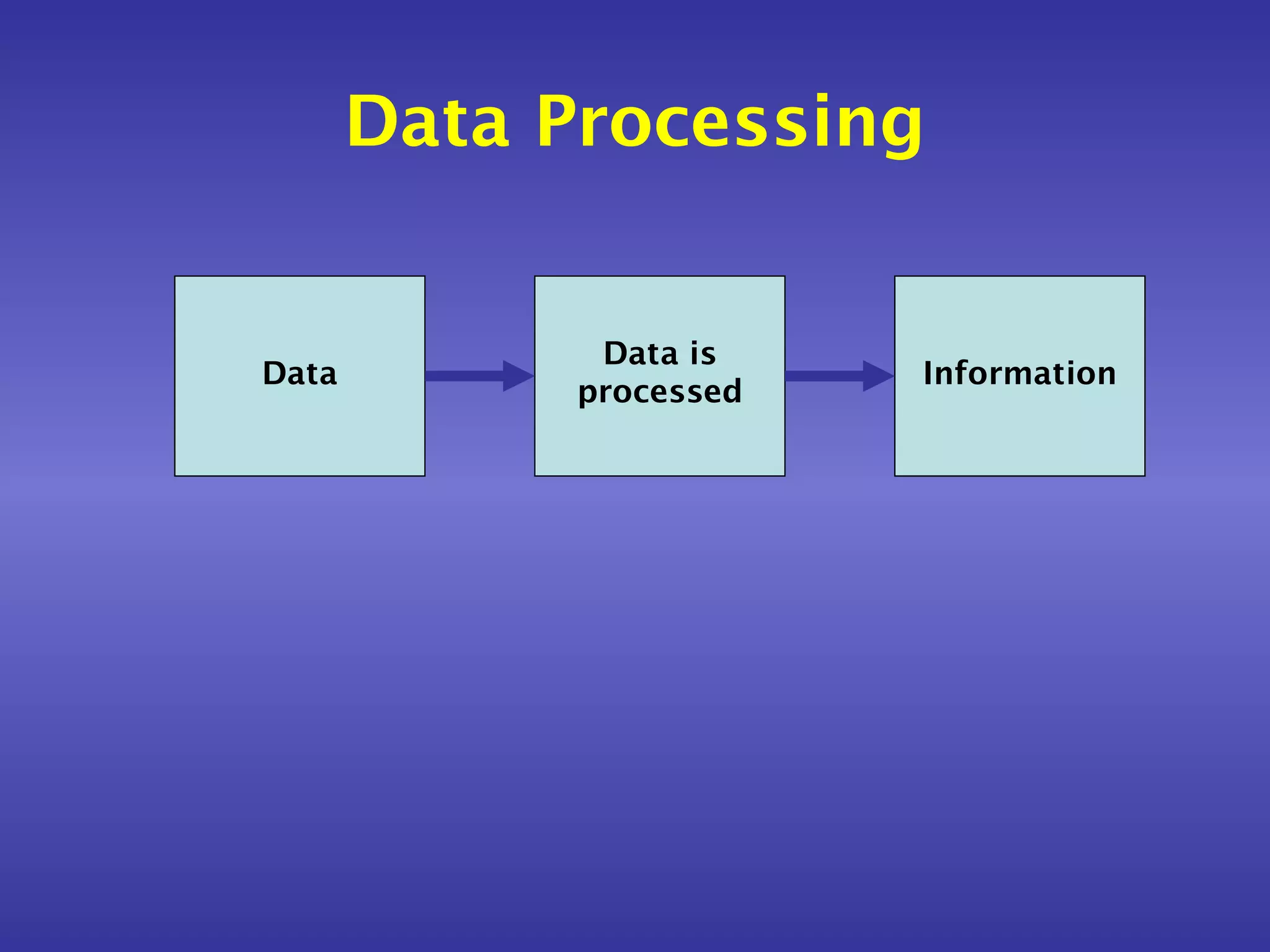
Data Processing


              Data is
Data                     Information
             processed
Information
• INFORMATION is the meaning that we
  attach to data.
• Without processing or additional
  information, data is often
  meaningless.
Information
• For example: What does the number
  29061996 mean?
• Is it:
  –   A   birthday? (29th June 1996)
  –   A   bank account number?
  –   A   club membership number?
  –   A   telephone number?
• Without processing or more
  information this data is meaningless.
The three stages of doing
             tasks

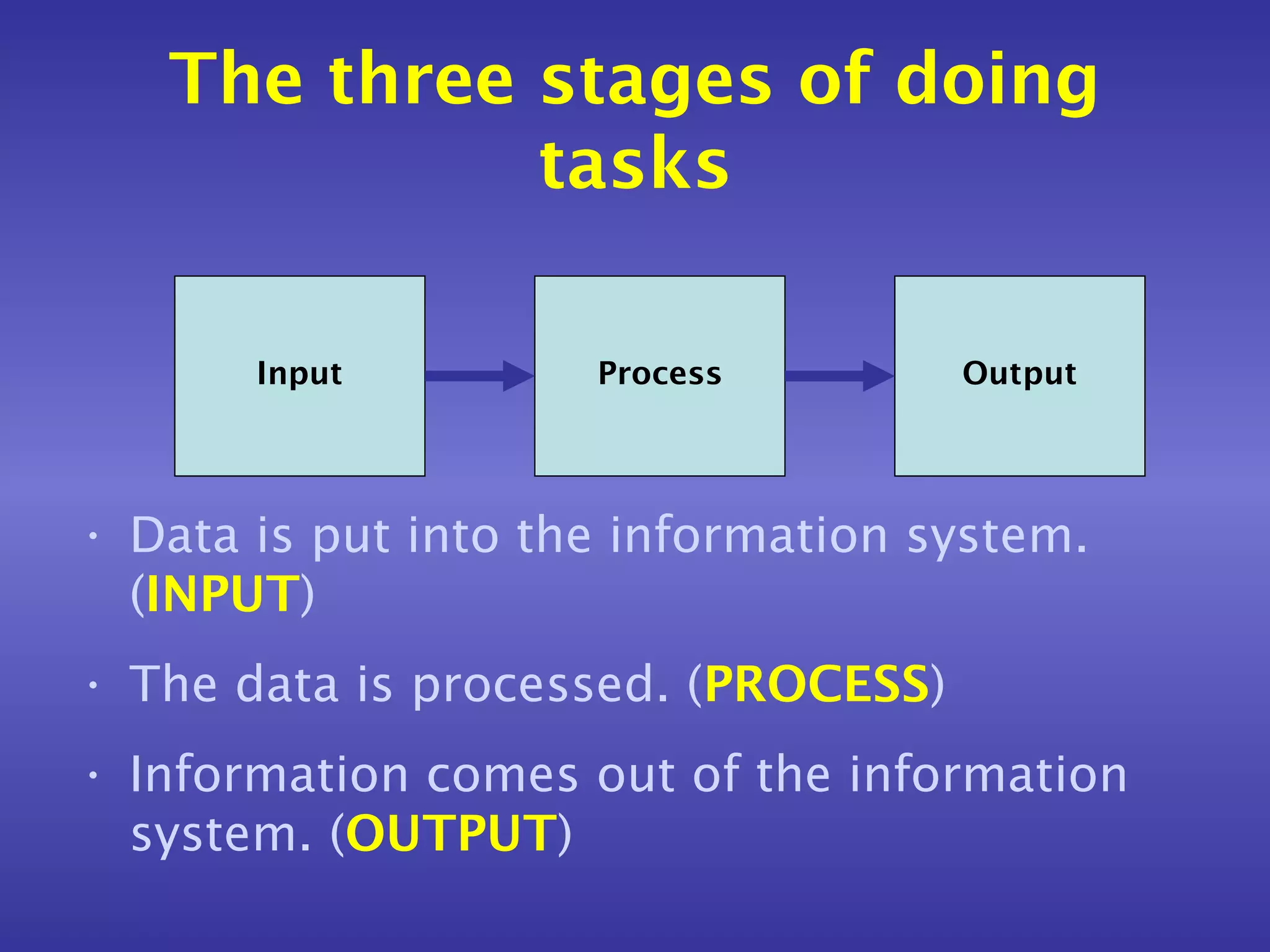
       Input         Process         Output


• Data is put into the information system.
  (INPUT)
• The data is processed. (PROCESS)
• Information comes out of the information
  system. (OUTPUT)
Manual information systems
• We are all used to using manual
  information systems.
• An example of a manual information
  system is a telephone directory.
Manual information systems
• All we need to know to find a person’s
  telephone number in the telephone
  book is their name and address.
  (INPUT)
• We look up the name and the address
  (PROCESS), and we find their
  telephone number. (OUTPUT)
Manual information systems


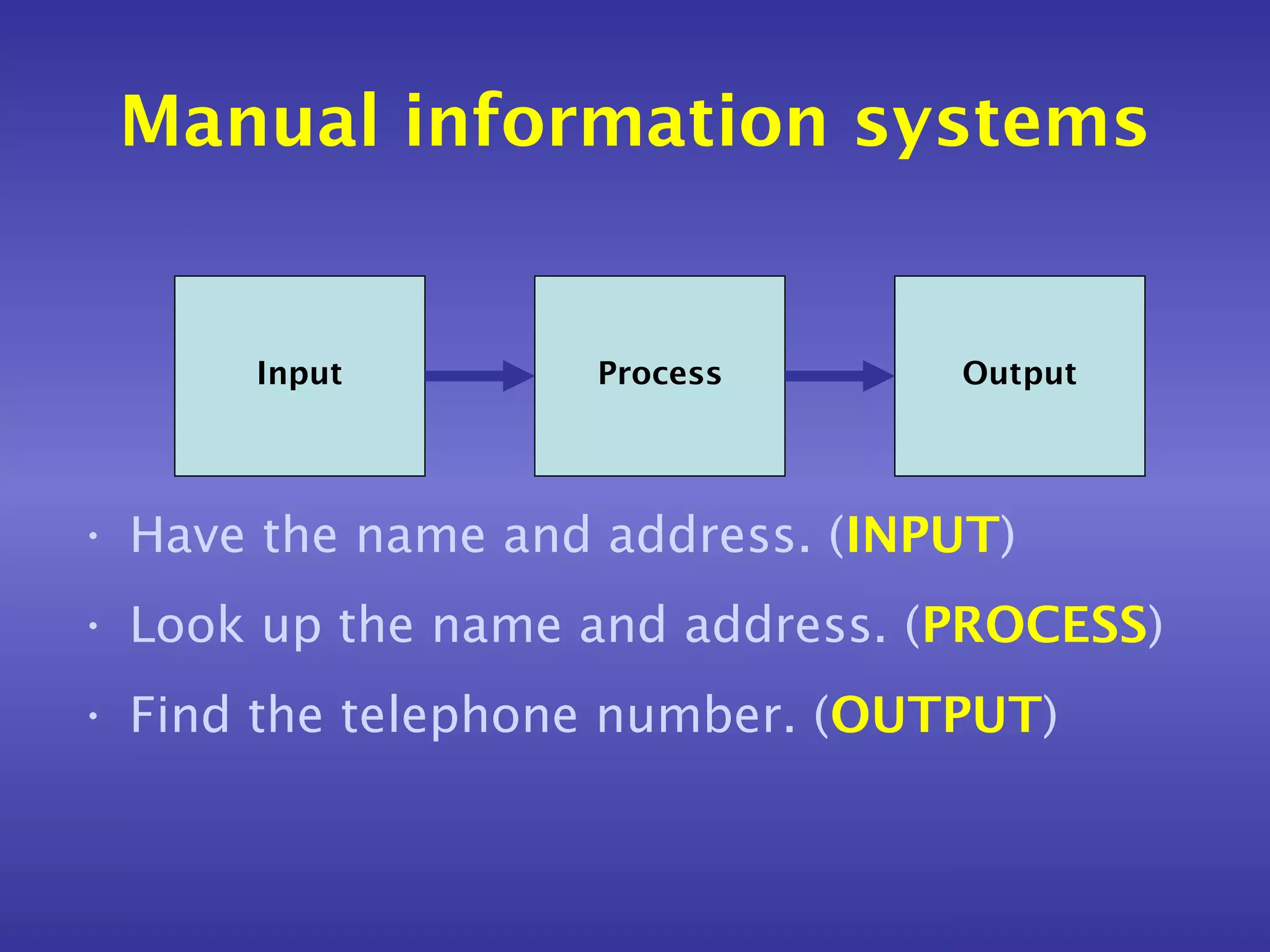
      Input        Process       Output


• Have the name and address. (INPUT)
• Look up the name and address. (PROCESS)
• Find the telephone number. (OUTPUT)
Manual information systems
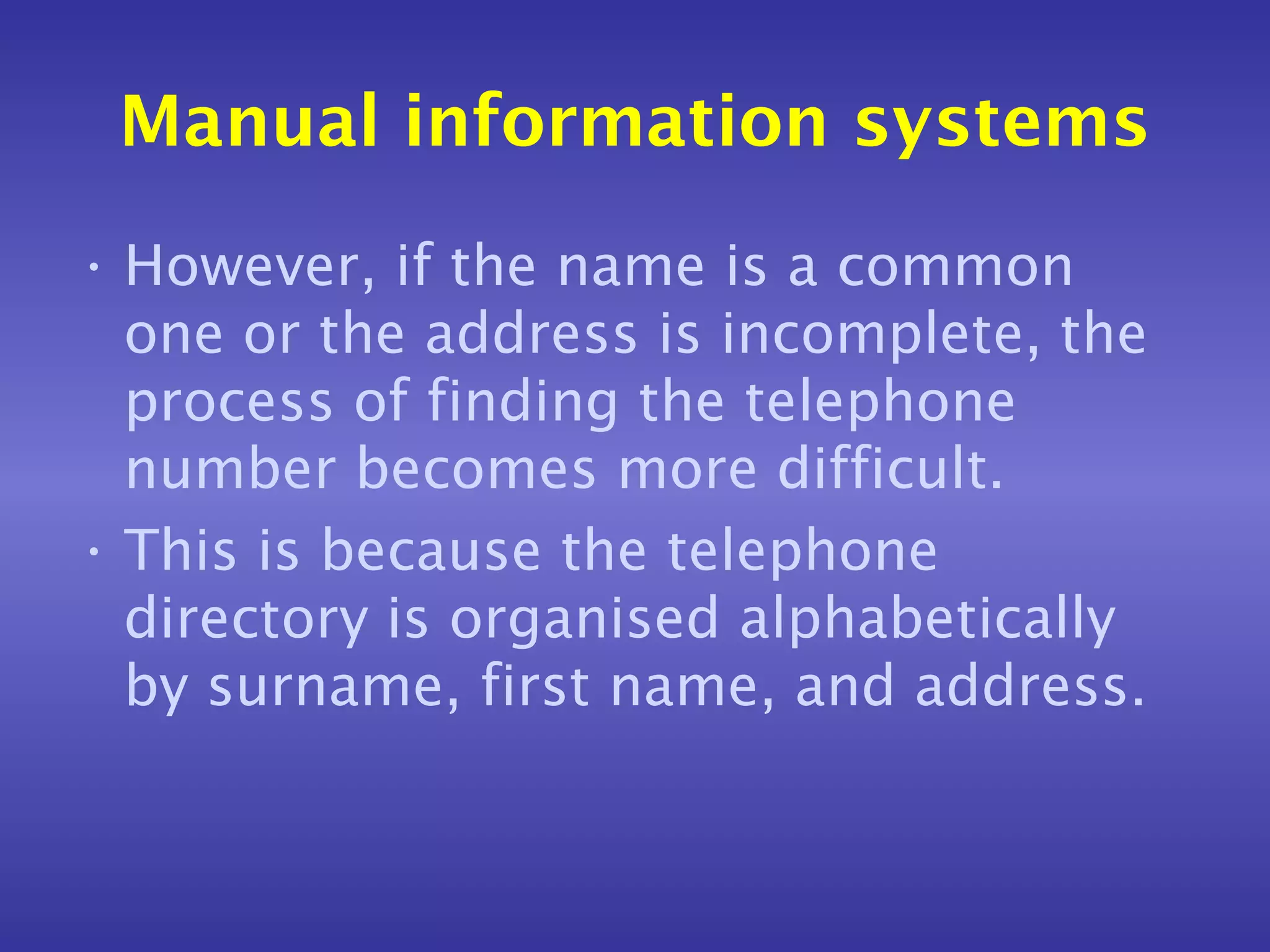
• However, if the name is a common
  one or the address is incomplete, the
  process of finding the telephone
  number becomes more difficult.
• This is because the telephone
  directory is organised alphabetically
  by surname, first name, and address.
Manual information systems
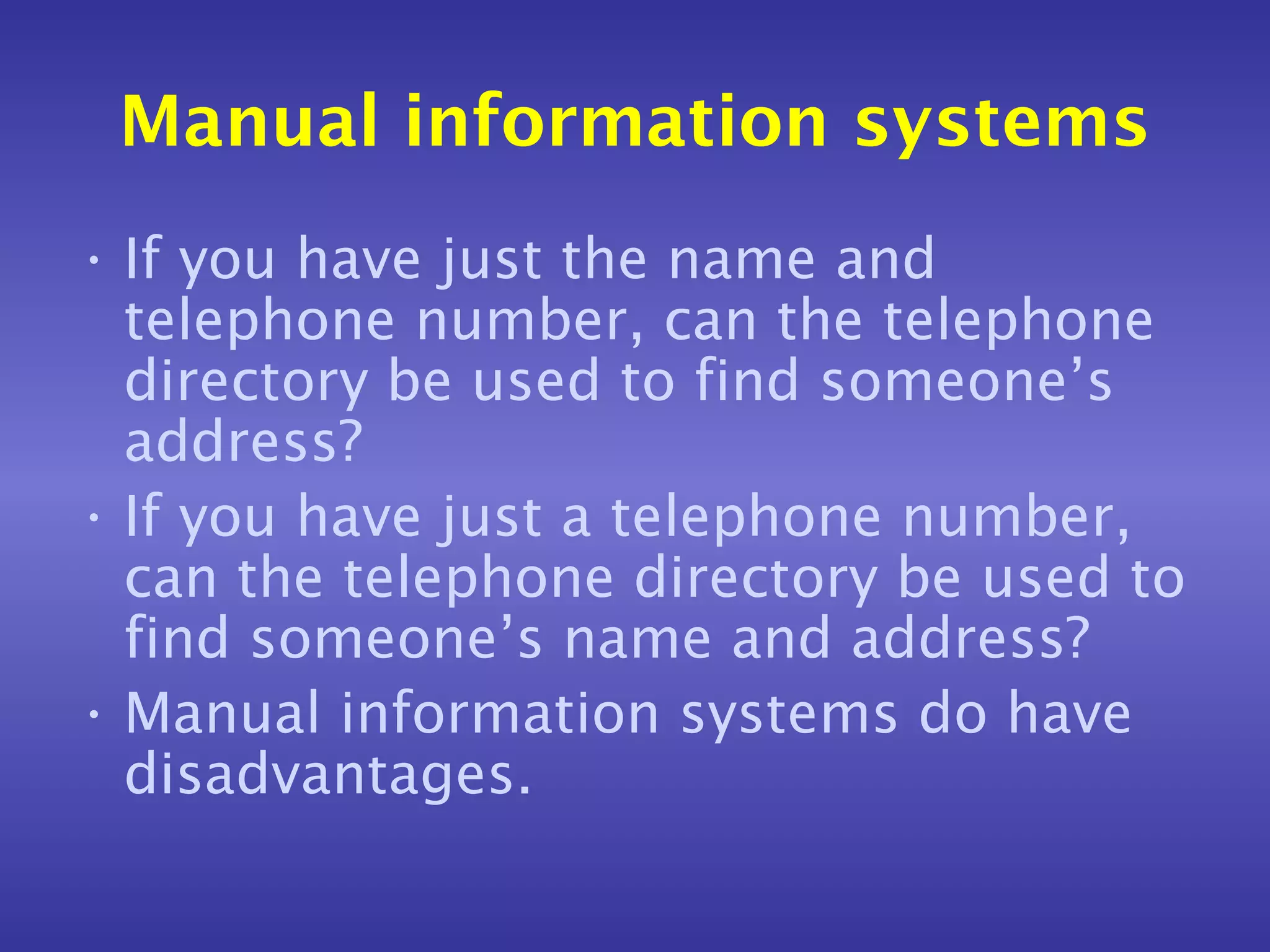
• If you have just the name and
  telephone number, can the telephone
  directory be used to find someone’s
  address?
• If you have just a telephone number,
  can the telephone directory be used to
  find someone’s name and address?
• Manual information systems do have
  disadvantages.
Computerised information
         systems
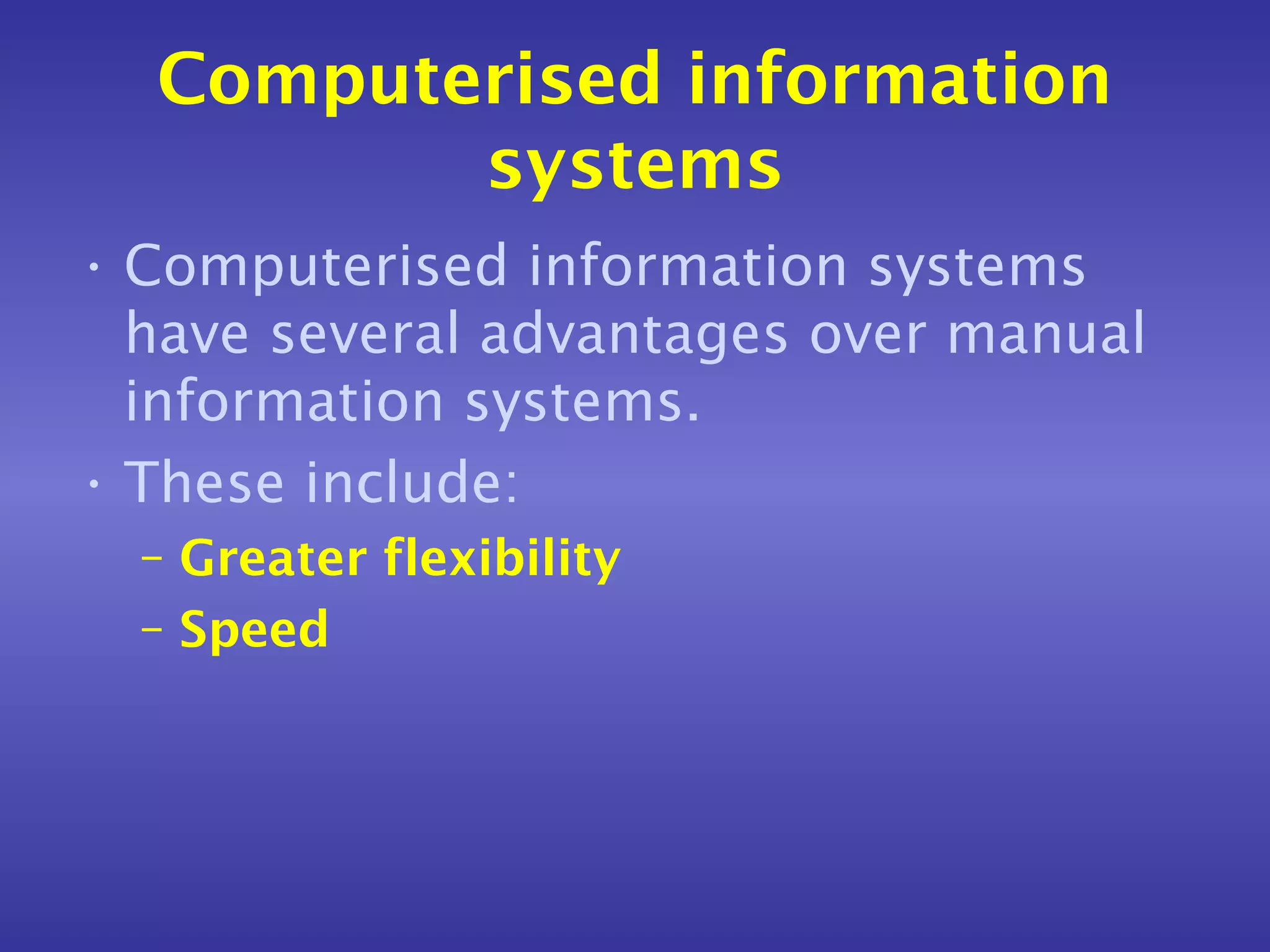
• Computerised information systems
  have several advantages over manual
  information systems.
• These include:
  – Greater flexibility
  – Speed
Examples of computerised
   information systems - 1
• DVLA – Driver Vehicle Licensing
  Authority
• The DVLA has a computerised
  database about every driver and
  vehicle in the UK.
• This database can be used to find
  information about a vehicle or driver
  even if the data is incomplete.
Examples of computerised
   information systems - 2
• SIMS – School Information
  Management System
• The SIMS system (or something like it)
  is used in most schools in the UK.
• It can be used to perform a large
  number of different tasks using the
  data stored within its databases.
Examples of computerised
   information systems - 2
• These tasks include:
  – Recording individual pupil attendance
  – Storing a pupil’s personal details
    (including home address and telephone
    number, date of birth, emergency contact
    numbers, medical conditions)
  – Producing class and group lists for
    teachers
  – Collating a pupil’s annual school report
Advantages of computerised
    information systems
• A single computer can store all the
  information needed.
• By using several terminals different
  people can access information at the
  same time.
• Information is not duplicated.
• Information can be transferred to
  other computer systems easily.
Disadvantages of computerised
     information systems
• If the computer is not working
  information can not be added,
  processed or accessed.
• Users have to be trained.
• The computer system must be secure.
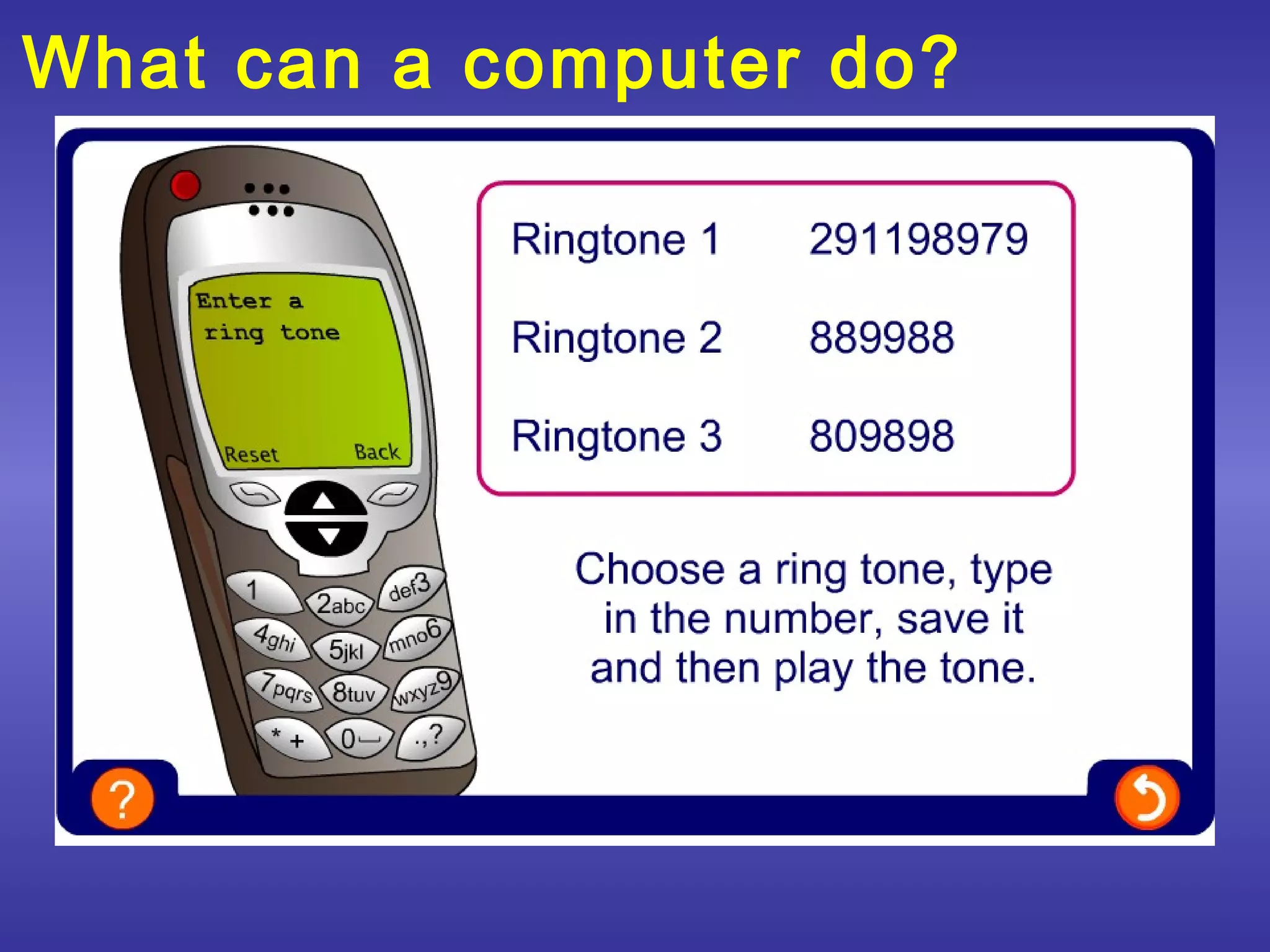
What can a computer do?
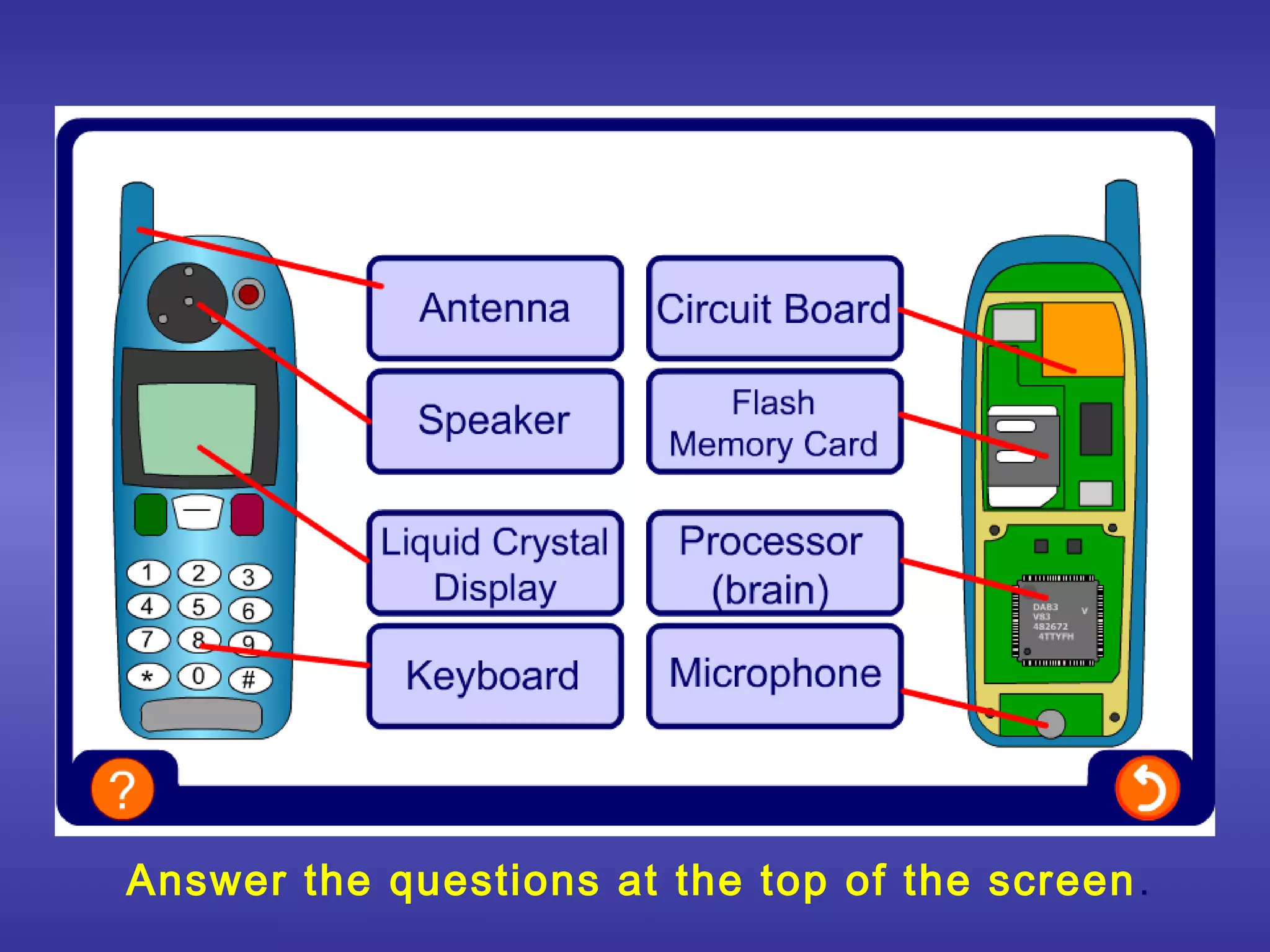
Answer the questions at the top of the screen .
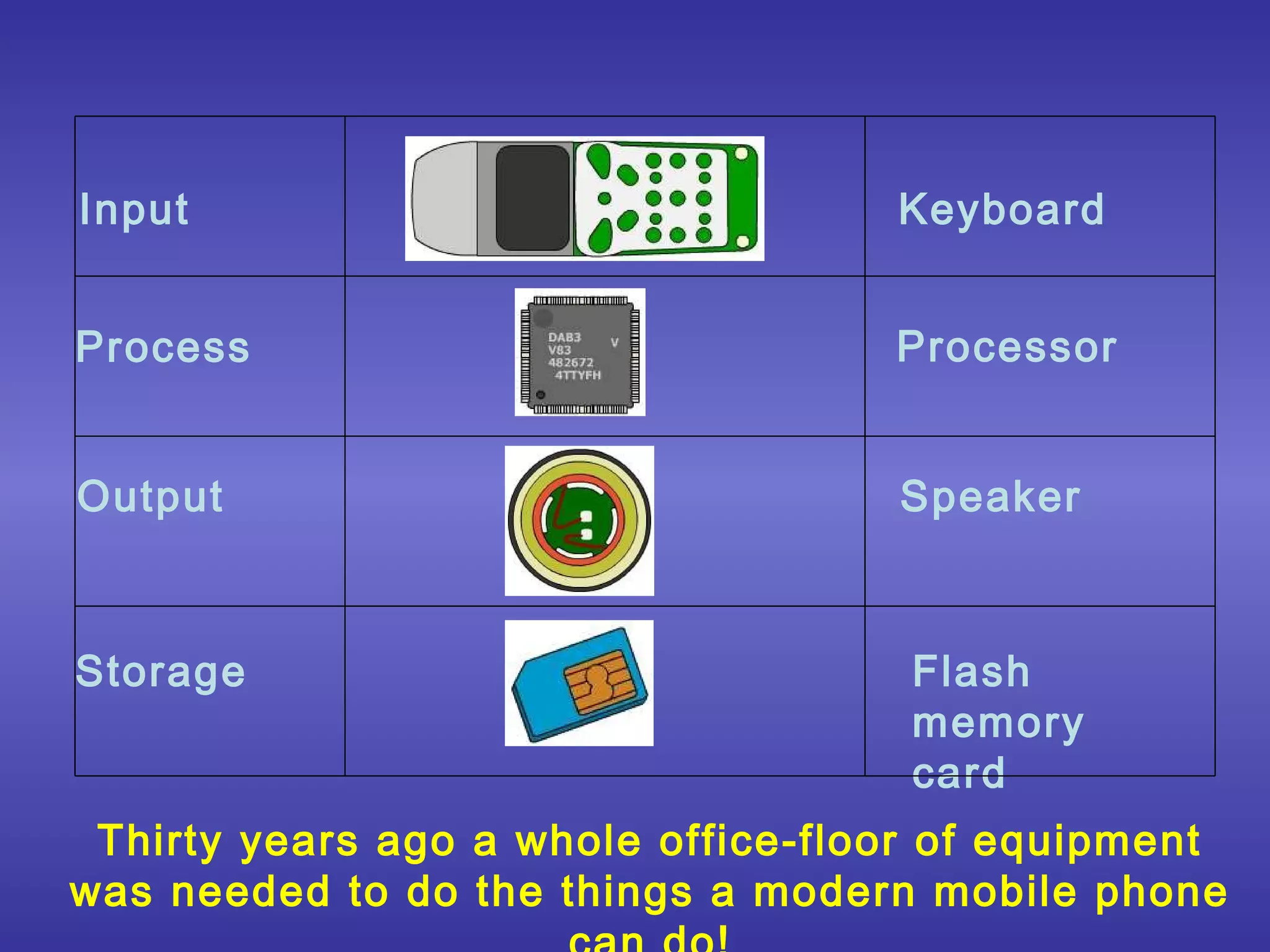
Input                               Keyboard


Process                             Processor


Output                              Speaker


Storage                              Flash
                                     memory
                                     card
 Thirty years ago a whole office-floor of equipment
was needed to do the things a modern mobile phone
What can a computer do?
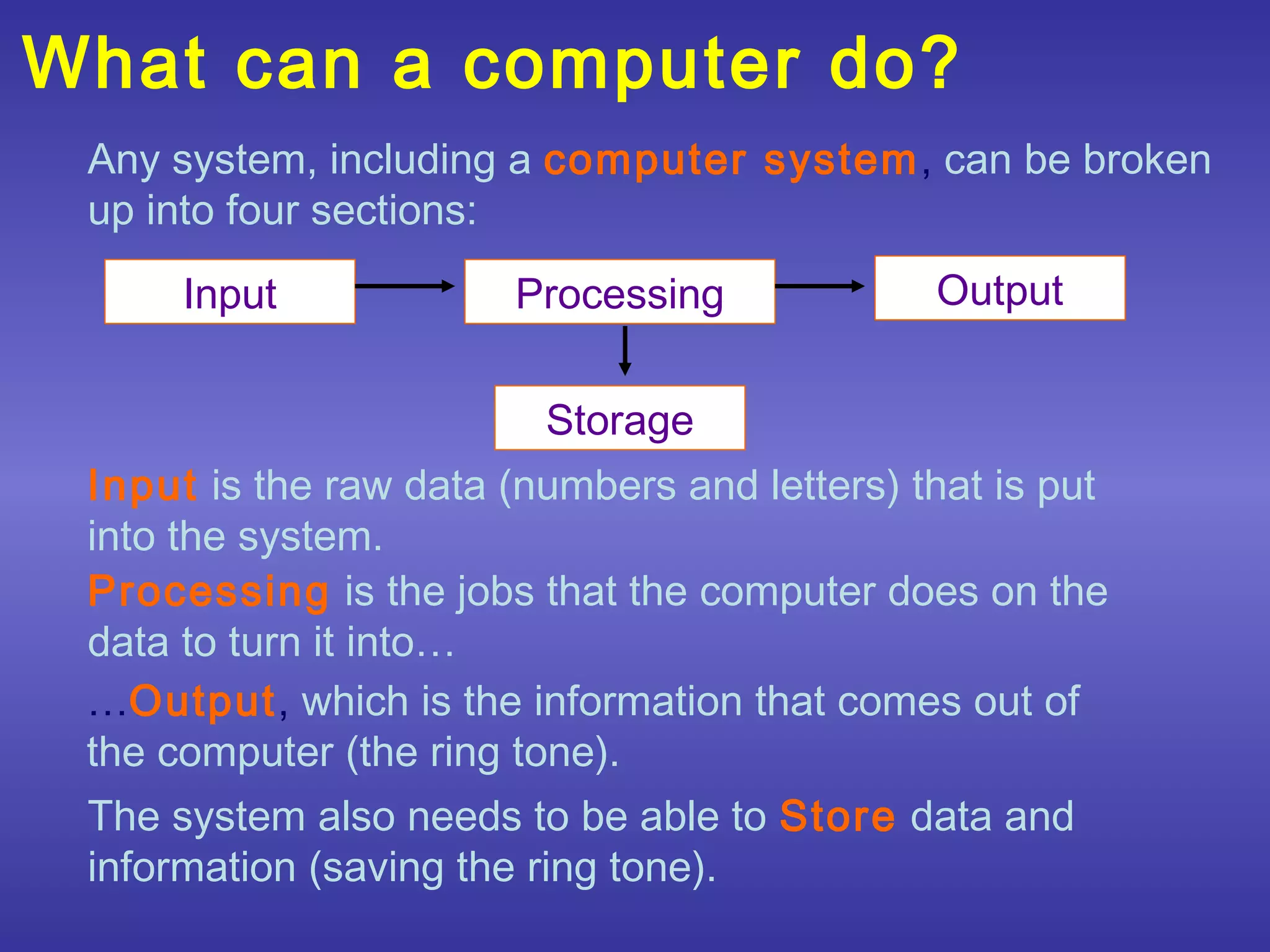
 Any system, including a computer system, can be broken
 up into four sections:
      Input             Processing            Output


                         Storage
 Input is the raw data (numbers and letters) that is put
 into the system.
 Processing is the jobs that the computer does on the
 data to turn it into…
 …Output, which is the information that comes out of
 the computer (the ring tone).
 The system also needs to be able to Store data and
 information (saving the ring tone).
Data
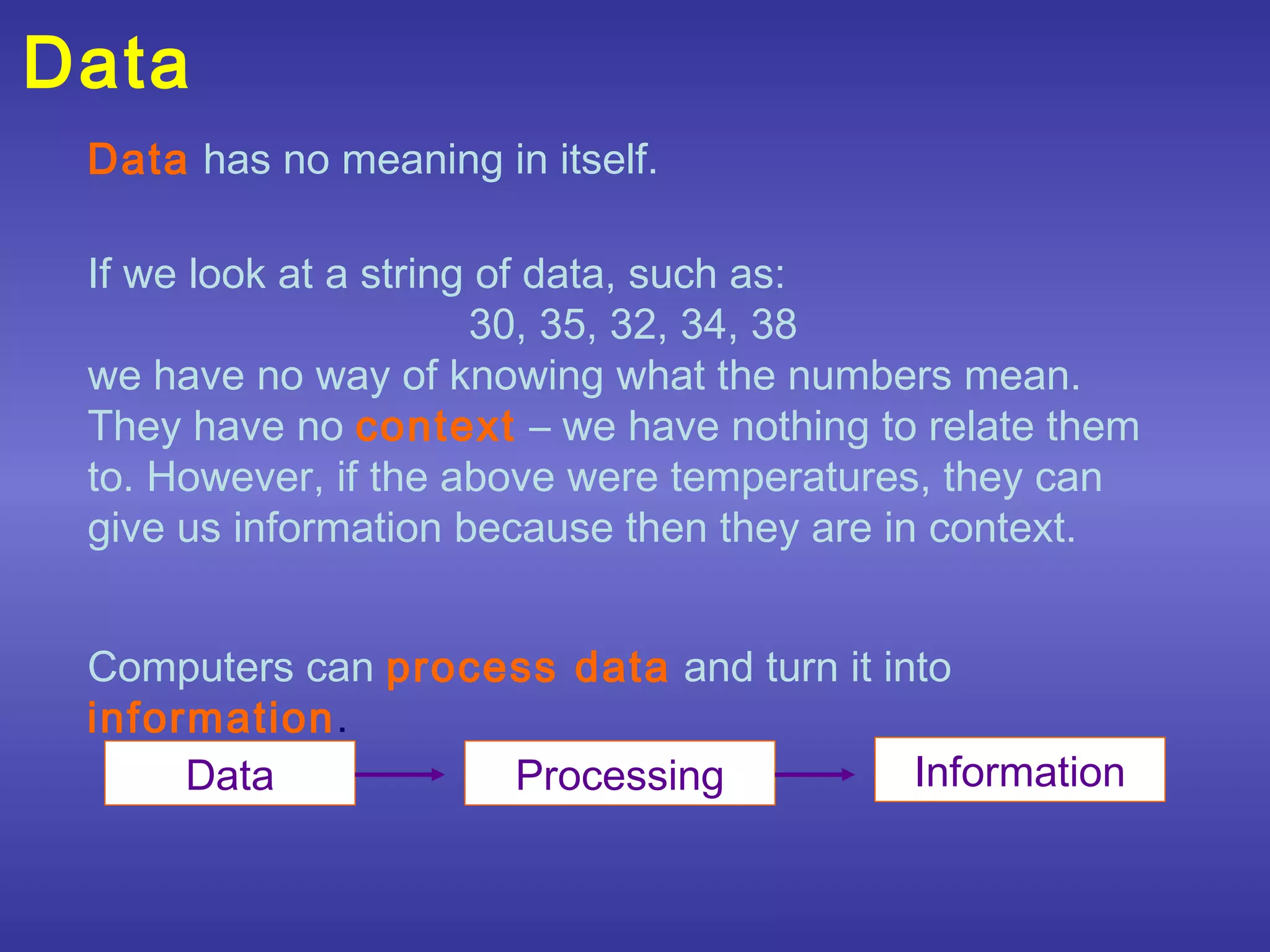
 Data has no meaning in itself.

 If we look at a string of data, such as:
                       30, 35, 32, 34, 38
 we have no way of knowing what the numbers mean.
 They have no context – we have nothing to relate them
 to. However, if the above were temperatures, they can
 give us information because then they are in context.


 Computers can process data and turn it into
 information.
      Data          Processing            Information
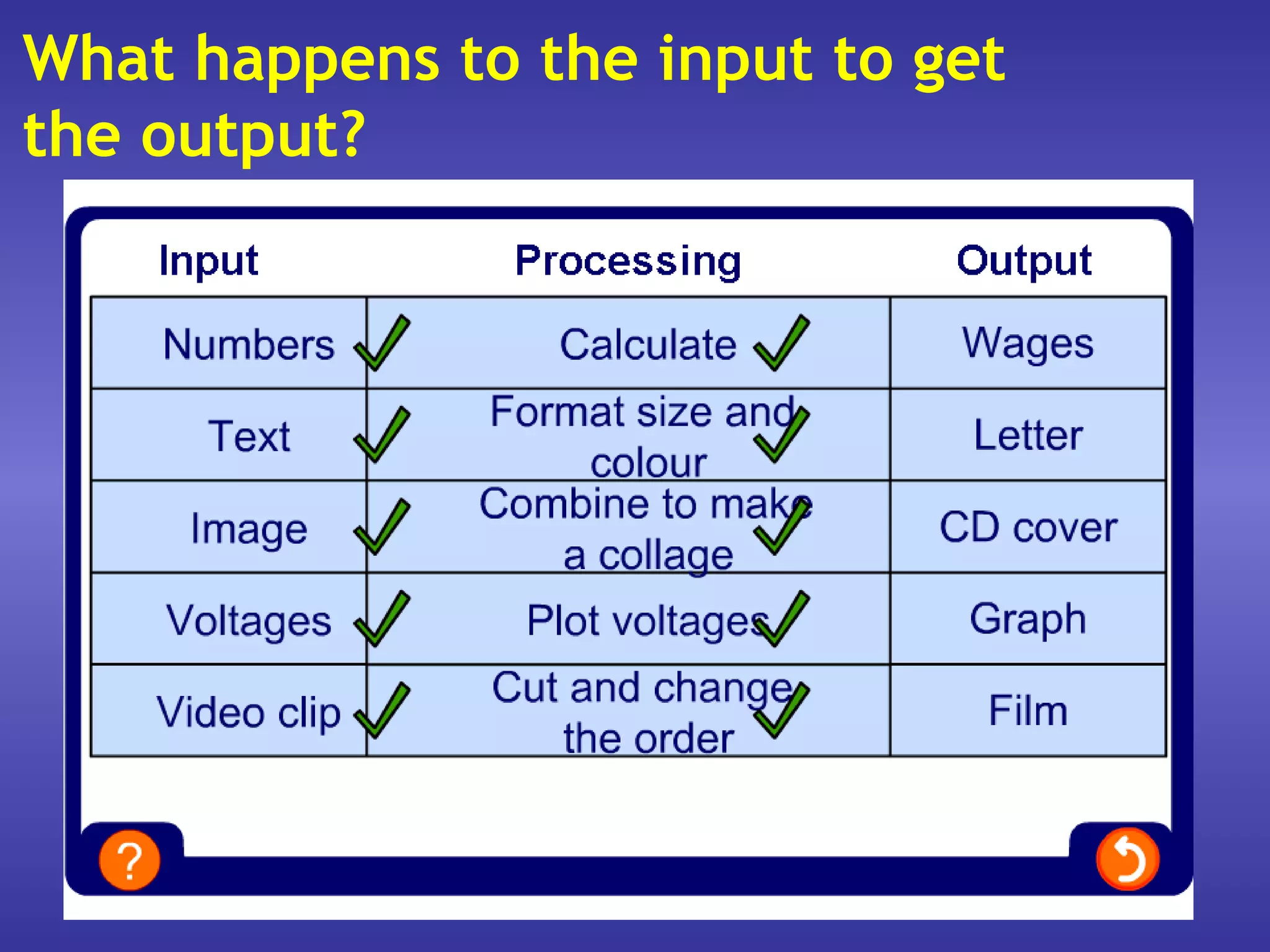
What happens to the input to get
the output?
Devices
 We have looked at what input, output, processing
 and storage mean, but now we need to look at
 the equipment that makes them happen.
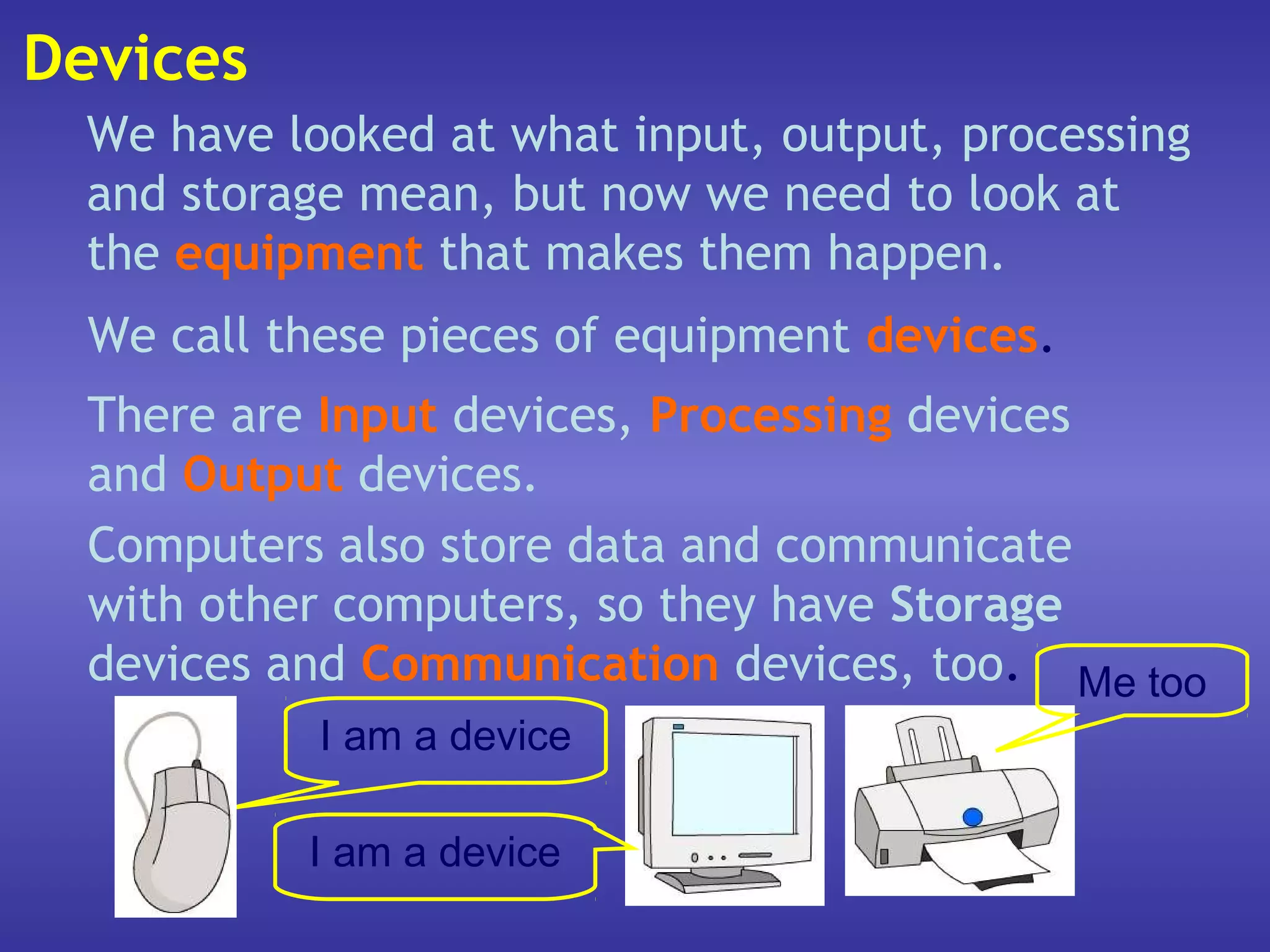
  We call these pieces of equipment devices.
  There are Input devices, Processing devices
  and Output devices.
  Computers also store data and communicate
  with other computers, so they have Storage
  devices and Communication devices, too. Me too
            I am a device

           I am a device
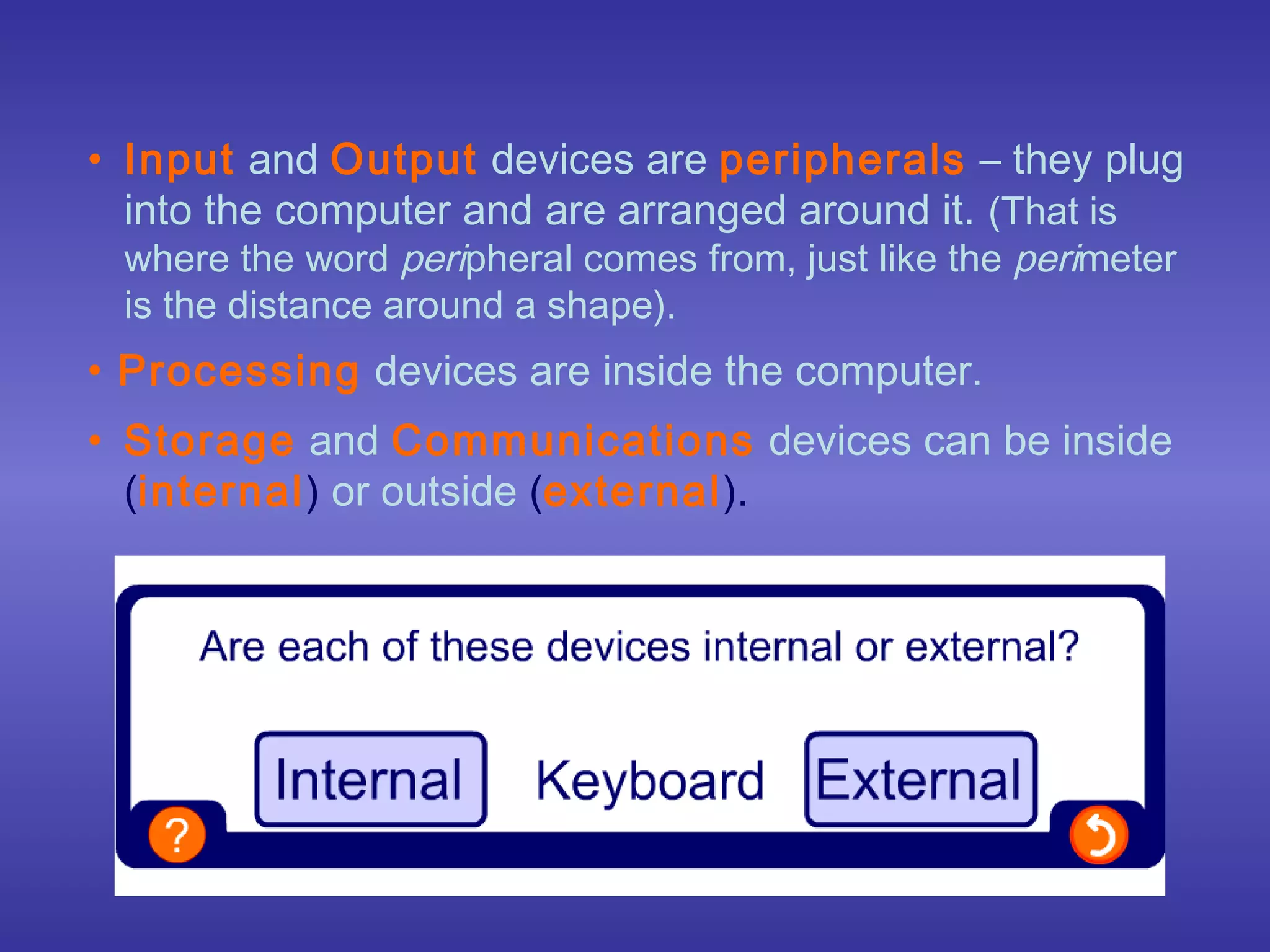
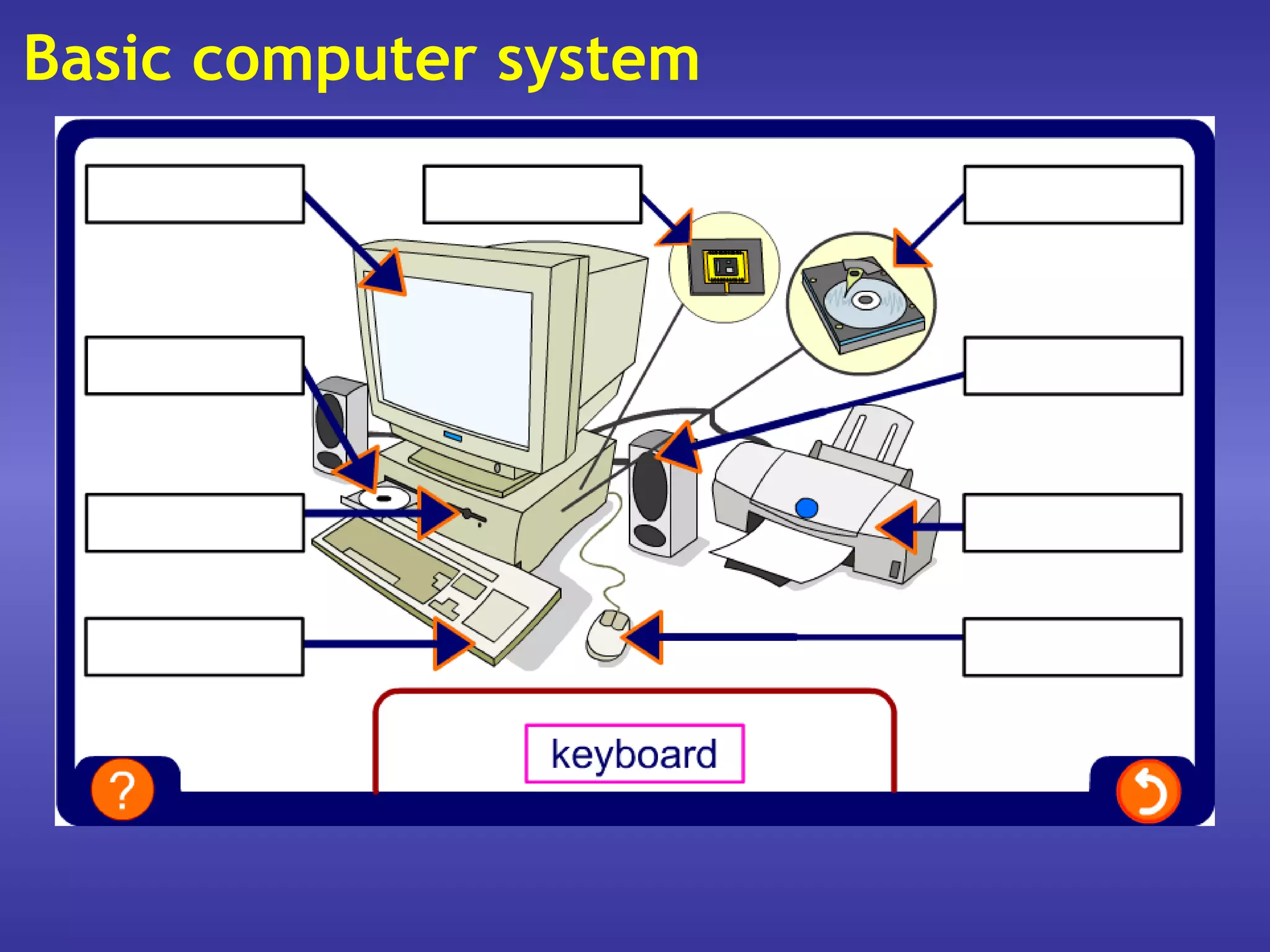
• Input and Output devices are peripherals – they plug
  into the computer and are arranged around it. (That is
 where the word peripheral comes from, just like the perimeter
 is the distance around a shape).
• Processing devices are inside the computer.
• Storage and Communications devices can be inside
  (internal) or outside (external).
Basic computer system
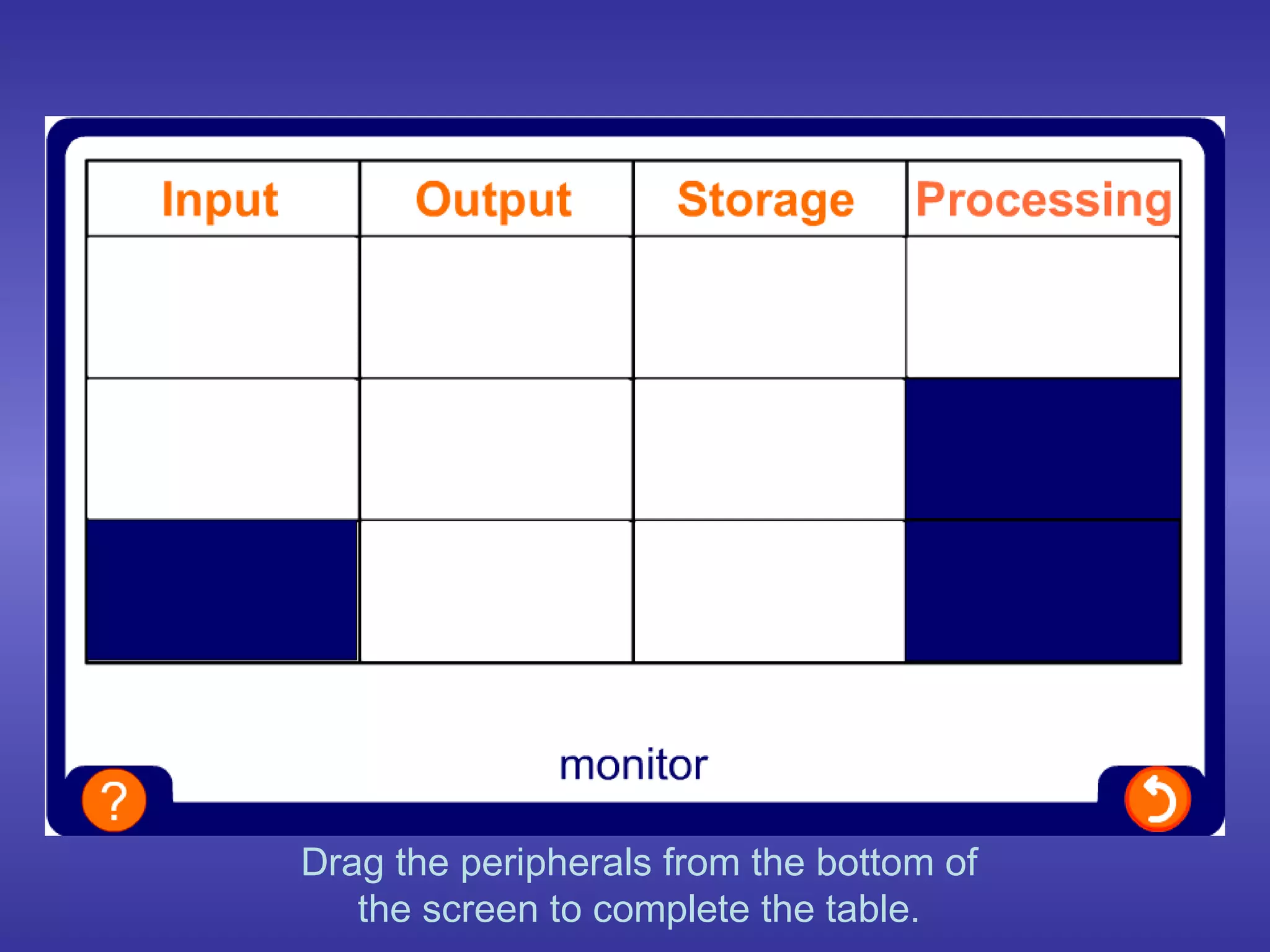
Drag the peripherals from the bottom of
   the screen to complete the table.
Summary
 • A computer system can be broken down into
   four sections: Input, Processing, Output and
   Storage.
 • Data needs to be processed to become
   information.
 • A computer needs devices to input, process,
   output and store data.

01 -what_is_an_information_system

  • 1.
    GCSE ICT What isan Information System?
  • 2.
    What is data? •DATA is raw facts and figures. • These have very little meaning until they are sorted or they are used to make calculations. • The process of sorting or calculating data is called DATA PROCESSING. • The result of data processing is INFORMATION.
  • 3.
    Data Processing Data is Data Information processed
  • 4.
    Information • INFORMATION isthe meaning that we attach to data. • Without processing or additional information, data is often meaningless.
  • 5.
    Information • For example:What does the number 29061996 mean? • Is it: – A birthday? (29th June 1996) – A bank account number? – A club membership number? – A telephone number? • Without processing or more information this data is meaningless.
  • 6.
    The three stagesof doing tasks Input Process Output • Data is put into the information system. (INPUT) • The data is processed. (PROCESS) • Information comes out of the information system. (OUTPUT)
  • 7.
    Manual information systems •We are all used to using manual information systems. • An example of a manual information system is a telephone directory.
  • 8.
    Manual information systems •All we need to know to find a person’s telephone number in the telephone book is their name and address. (INPUT) • We look up the name and the address (PROCESS), and we find their telephone number. (OUTPUT)
  • 9.
    Manual information systems Input Process Output • Have the name and address. (INPUT) • Look up the name and address. (PROCESS) • Find the telephone number. (OUTPUT)
  • 10.
    Manual information systems •However, if the name is a common one or the address is incomplete, the process of finding the telephone number becomes more difficult. • This is because the telephone directory is organised alphabetically by surname, first name, and address.
  • 11.
    Manual information systems •If you have just the name and telephone number, can the telephone directory be used to find someone’s address? • If you have just a telephone number, can the telephone directory be used to find someone’s name and address? • Manual information systems do have disadvantages.
  • 12.
    Computerised information systems • Computerised information systems have several advantages over manual information systems. • These include: – Greater flexibility – Speed
  • 13.
    Examples of computerised information systems - 1 • DVLA – Driver Vehicle Licensing Authority • The DVLA has a computerised database about every driver and vehicle in the UK. • This database can be used to find information about a vehicle or driver even if the data is incomplete.
  • 14.
    Examples of computerised information systems - 2 • SIMS – School Information Management System • The SIMS system (or something like it) is used in most schools in the UK. • It can be used to perform a large number of different tasks using the data stored within its databases.
  • 15.
    Examples of computerised information systems - 2 • These tasks include: – Recording individual pupil attendance – Storing a pupil’s personal details (including home address and telephone number, date of birth, emergency contact numbers, medical conditions) – Producing class and group lists for teachers – Collating a pupil’s annual school report
  • 16.
    Advantages of computerised information systems • A single computer can store all the information needed. • By using several terminals different people can access information at the same time. • Information is not duplicated. • Information can be transferred to other computer systems easily.
  • 17.
    Disadvantages of computerised information systems • If the computer is not working information can not be added, processed or accessed. • Users have to be trained. • The computer system must be secure.
  • 18.
    What can acomputer do?
  • 19.
    Answer the questionsat the top of the screen .
  • 20.
    Input Keyboard Process Processor Output Speaker Storage Flash memory card Thirty years ago a whole office-floor of equipment was needed to do the things a modern mobile phone
  • 21.
    What can acomputer do? Any system, including a computer system, can be broken up into four sections: Input Processing Output Storage Input is the raw data (numbers and letters) that is put into the system. Processing is the jobs that the computer does on the data to turn it into… …Output, which is the information that comes out of the computer (the ring tone). The system also needs to be able to Store data and information (saving the ring tone).
  • 22.
    Data Data hasno meaning in itself. If we look at a string of data, such as: 30, 35, 32, 34, 38 we have no way of knowing what the numbers mean. They have no context – we have nothing to relate them to. However, if the above were temperatures, they can give us information because then they are in context. Computers can process data and turn it into information. Data Processing Information
  • 23.
    What happens tothe input to get the output?
  • 24.
    Devices We havelooked at what input, output, processing and storage mean, but now we need to look at the equipment that makes them happen. We call these pieces of equipment devices. There are Input devices, Processing devices and Output devices. Computers also store data and communicate with other computers, so they have Storage devices and Communication devices, too. Me too I am a device I am a device
  • 25.
    • Input andOutput devices are peripherals – they plug into the computer and are arranged around it. (That is where the word peripheral comes from, just like the perimeter is the distance around a shape). • Processing devices are inside the computer. • Storage and Communications devices can be inside (internal) or outside (external).
  • 26.
  • 27.
    Drag the peripheralsfrom the bottom of the screen to complete the table.
  • 28.
    Summary • Acomputer system can be broken down into four sections: Input, Processing, Output and Storage. • Data needs to be processed to become information. • A computer needs devices to input, process, output and store data.