REVIEWER IN COMPUTER FUNDAMENTALS FOR MMA

First Generation (1952 – 1958)

Awesome in size
Controlled by thousands of vacuum tubes or valves
Consumes great amount of power that often resulted in overheating and failure

Second Generation Computer (1959-1964)

Development of assembly or symbolic language
Development of high level language such as Fortran(1954) and Cobol(1959) allowed programmers to
give more attention to solving problems


Third Generation Computers (1965-1970)

Uses Integrated Circuit, commonly known as the silicon chip, which revolutionized electronic

Fourth Generation Computer (1971-present)

Uses microprocessor, a chip which contains all the main electronic components of a compound

500 BC– the Chinese invented the Abacus, considered to be the first computer device, which can
perform simple addition and subtraction operations.
John Napier, a Scottish mathematician, invented the NAPIER’S Bone – a table of logarithms made of
ivory
William Oughtred, an English mathematician, invented the SLIDE RULE, a device made of wood with
movable scales arrange to slide opposite each other
Blaise Pascal, a French mathematician, invented the PASCALINE – the first mechanical calculating
machine
Herman Hollerith, an American statistician and founder of Tabulating Machine Company (now called
International Business Machine or IBM) invented the CENSUS MACHINE
Charles Babbage also invented the ANALYTICAL MACHINE designed to perform complex mathematical
calculations. This was considered to be the first general purpose computer
John Presper Eckert, Jr. and William Mauchly from the University of Pennsylvania invented the ENIAC
(Electronic Numerical Integrator and Computer) that had the capacity of 5,000 computations per second
GIGO (Garbage In Garbage Out). Computer error may result from erroneously entered input
General-Purpose Computers - A computer that has the ability to store different programs of instructions
and thus to perform a variety of operations.
Special-Purpose Computers - A computer designed to perform one specific task
Classification by Type of Data Handled
Digital Computers – a machine that specialize in counting of items that are distinct from one another,
e.g. Text, integers, morse code
Analog Computer – machine that deals with quantities that are continuous variable. This means that no
individual elements can be identified from any other element, e.g. Light, voice, and video
Hybrid Computers – machine that combines the measuring capabilities of the analog computer and the
logical and control capabilities of the digital computer
Classification of Computers
    Medium-size Computers– They can serve the needs of a university.
    Large Computers –They can be used in government agencies and in the development of space
    technology
    Supercomputers – machines that have capabilities far beyond even the traditional large-scale
    systems. They are essential for applications ranging from nuclear weapon development to accurate
    weather forecasting

   ElectronicDataProcessing (EDP) – the processing of data through the use of computers
   DataProcessing – the manipulating of data into a more useful form.
    Input – in this stage the initial data, or input data, is prepared in some convenient form for
       processing.
    Processing – in this step the input data are charged, and usually combined with other
       information, to produce data into more useful form.
    Output – here the results of the preceding processing steps are collected.

       Classification of Data Processing

   BusinessDataProcessing – characterized by the need to establish, retain, and process files of data
   for producing useful information.
   Scientific Data Processing – involves a limited volume of input and many logical or arithmetic
   calculations.
   Data Processing Operations

      Recording – refers to the transfer on data into some form or document.
      Verifying – refers to the careful checking of the recorded data for any errors.
      Duplicating – refers to the reproduction of the data into many forms or document.
      Classifying – refers to identifying and arranging items with like’s characteristics into groups or
      classes.
      Sorting – refers to arranging or rearranging data in a predetermined sequence to facilitate
      processing.
      Calculating – refers to arithmetic manipulation of the data.
      SummarizingorReporting – it is here where a collection of data is condensed and certain
      conclusions from the data are represented in a meaningful format that is clear, concise and
      effective.
      Merging – this operation takes two or more sets of data, all sets having been sorted by the same
      key, and puts them together to form a single sorted set of data.
      Storing – refers to placing similar data into files for future reference.
      Retrieving– refers to recovering stored data and/or information when needed.
      Feedback – refers to the comparison of the output(s) and the goal set in advance, any
      discrepancy is analysed, corrected, and fed back to proper stage in the processing operation.
   Methods of Processing Data
    BatchProcessing – a technique in which data to be processed are collected into groups to permit
      convenient, efficient, and serial processing.
    On-lineProcessing – a technique that uses devices directly connected to the CPU either for entry
      or inquiry purposes.
   Real-timeProcessing – a method which has the capability of a fast response to obtain data form
    an activity or a physical process.
   DistributedProcessing– it generally consists of remote terminals linked to a large central
    computer system to help the user conduct inquiries about accounts, process jobs, or other data
    processing operations.
    Elements of an EDP System
    a)       Hardware – the physical equipment that make up a computer system.
    b)       CentralProcessingUnit (CPU) – heart and brain of the computer system.
             Parts of CPU
    MainMemory (Primary Storage) – data and instructions are stored here. Sometimes known as
    the ‘internal’ memory of the computer.
    ArithmeticLogicUnit (ALU) – accomplishes the arithmetical and logical operations.
    Accumulator – a kind of holding area which retains answers that are produce by adders.
    Adders – add the bits coming from the memory and produces a 1 or 0 depending upon the
    components of the received bits (contraction for binary digit).
    Control Unit – supervises all the activities based on a set of instructions programs stored in the
    main memory. It selects, interprets and executes the instructions.
    Registers– functions as temporary storage devices during process of computation.
    Input/Output Devices
   InputDevices – physical equipment which reads or translates data consisting of alphabets,
    numbers, or symbols into a form that can be understand by the computer.
   OutputDevices – physical equipment’s which translate the outcome of the computations and
    related activities carried out in the CPU.
   InternalMemory – contained in the silicon chip and can hold instructions and data which the
    computer is currently working on or information which the CPU needs to work very rapidly
    because the speed of the CPU is very high and acquires information to be readily available.
         RandomAccessMemory(RAM) – stores instructions which later can be erased or
             changed. All information stored here are lost and erased when computer is turned off.
         ReadOnlyMemory (ROM) – contains permanently stored instructions that a computer is
             required to keep able to perform its basic routine operations. Part of CPU.
   ExternalMemory – uses tapes and disk to store information. External memory is physically
    separated from CPU.
   Software – the tangible element composed of programs that instruct the computer what to do.
    Types of Software
    OperatingSystem – most important type. It is a group of related programs that supervises or
    monitors the execution of an application program and provides services such as language
    translation, input/output control, and job scheduling.
    B. LanguageTranslators – programs which convert human readable form into a series of binary
    pattern of zeroes and ones.
         LowLevelLanguage – Machine Language, Assembly Language difficult to learn, coding
             was tedious, and difficult to correct and find error in programs.
         HighLevelLanguage – COBOL, BASIC, FORTRAN, RPG or PASCAL
    C. UtilityorServicePrograms – use for specialized data process problems.
    ApplicationSoftware – Provides a solution to a specific business, scientific, engineering or
    research problems, or which perform specific operations or applications.
    Types of Application Software
   Customized – a program developed to solve a specific problem peculiar to a particular company
    or user.
   Packaged – Pre-written programs for common applications that can be used by a number of
    users with little or no changes.
   WordProcessing (e.g. MS Word) – a text editing program which allows the user to type,
    compose and correct manuscripts without the need to retype when errors or changes on such
    manuscript are made.
   Spreadsheet (e.g. Excel) – allows the user to do “what if problems”. These are powerful;
    business tools for budget reporting, financial projections and cost estimating.
   Database (e.g. Access) – allows the user to create and store information based on his own
    requirements. Also called “electronic filing”.
    Peopleware – this refers to the people who work with the computer so that it can be used to
    find solutions to problems. Also, these refer to persons who used the information generated by
    the computer.
   SystemAnalyst – primarily responsible for the analysis, design, development and
    implementation of systems for such applications as payroll, inventory control, accounts
    receivable, and sales analysis.
   DatabaseAdministrator – designs, creates, and maintains the organization’s database.
   DataCommunicationSpecialist– designs and maintains computer networks that link computers
    and terminals for data communications.
   ComputerProgrammers – write programs or perform programming.
         Applicationprogrammers– translate specifications given by system analyst and prepare
             programs for applications.
         SystemProgrammers – develop and maintain system software.
   OperationsPersonnel
         Dataencoder– responsible for transferring data from the source document (e.g. Time
             cards) into a form which the computer can understand.
         Datacontrollers – verify and check whether the data prepared are accurate and
             complete.
         Computeroperators – actually handle the machine; responsible to load and unload the
             programs, mount the data tapes, disks, or cards; prepare to receive the output data
             from printer.
         Librarian – a person who catalog, monitor, and control the distribution of disks, tapes,
             system documentation, and computer-related literature.
    Computer Instructor – conducts the training sessions.

Reviewer in computer fundamentals for mma

  • 1.
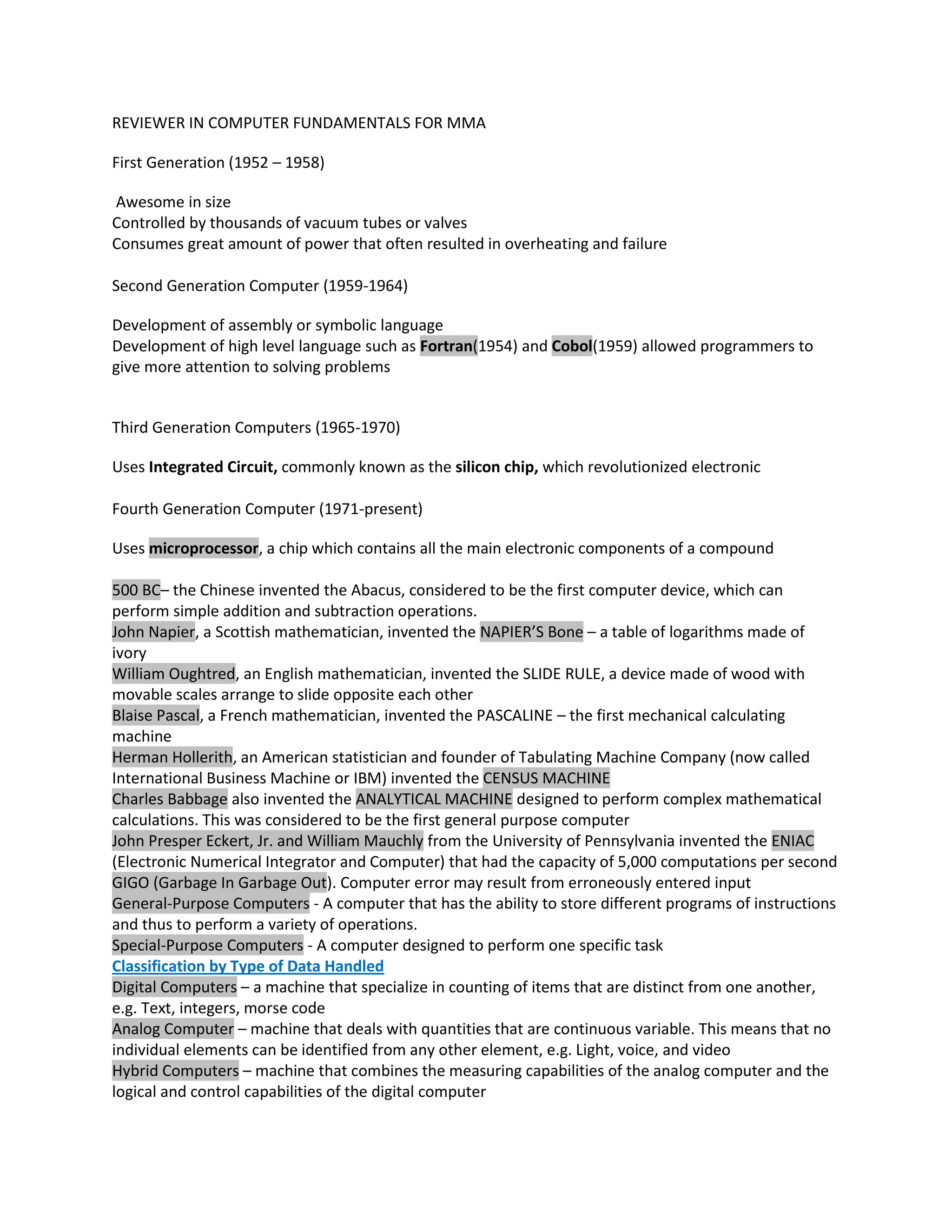
    REVIEWER IN COMPUTERFUNDAMENTALS FOR MMA First Generation (1952 – 1958) Awesome in size Controlled by thousands of vacuum tubes or valves Consumes great amount of power that often resulted in overheating and failure Second Generation Computer (1959-1964) Development of assembly or symbolic language Development of high level language such as Fortran(1954) and Cobol(1959) allowed programmers to give more attention to solving problems Third Generation Computers (1965-1970) Uses Integrated Circuit, commonly known as the silicon chip, which revolutionized electronic Fourth Generation Computer (1971-present) Uses microprocessor, a chip which contains all the main electronic components of a compound 500 BC– the Chinese invented the Abacus, considered to be the first computer device, which can perform simple addition and subtraction operations. John Napier, a Scottish mathematician, invented the NAPIER’S Bone – a table of logarithms made of ivory William Oughtred, an English mathematician, invented the SLIDE RULE, a device made of wood with movable scales arrange to slide opposite each other Blaise Pascal, a French mathematician, invented the PASCALINE – the first mechanical calculating machine Herman Hollerith, an American statistician and founder of Tabulating Machine Company (now called International Business Machine or IBM) invented the CENSUS MACHINE Charles Babbage also invented the ANALYTICAL MACHINE designed to perform complex mathematical calculations. This was considered to be the first general purpose computer John Presper Eckert, Jr. and William Mauchly from the University of Pennsylvania invented the ENIAC (Electronic Numerical Integrator and Computer) that had the capacity of 5,000 computations per second GIGO (Garbage In Garbage Out). Computer error may result from erroneously entered input General-Purpose Computers - A computer that has the ability to store different programs of instructions and thus to perform a variety of operations. Special-Purpose Computers - A computer designed to perform one specific task Classification by Type of Data Handled Digital Computers – a machine that specialize in counting of items that are distinct from one another, e.g. Text, integers, morse code Analog Computer – machine that deals with quantities that are continuous variable. This means that no individual elements can be identified from any other element, e.g. Light, voice, and video Hybrid Computers – machine that combines the measuring capabilities of the analog computer and the logical and control capabilities of the digital computer
  • 2.
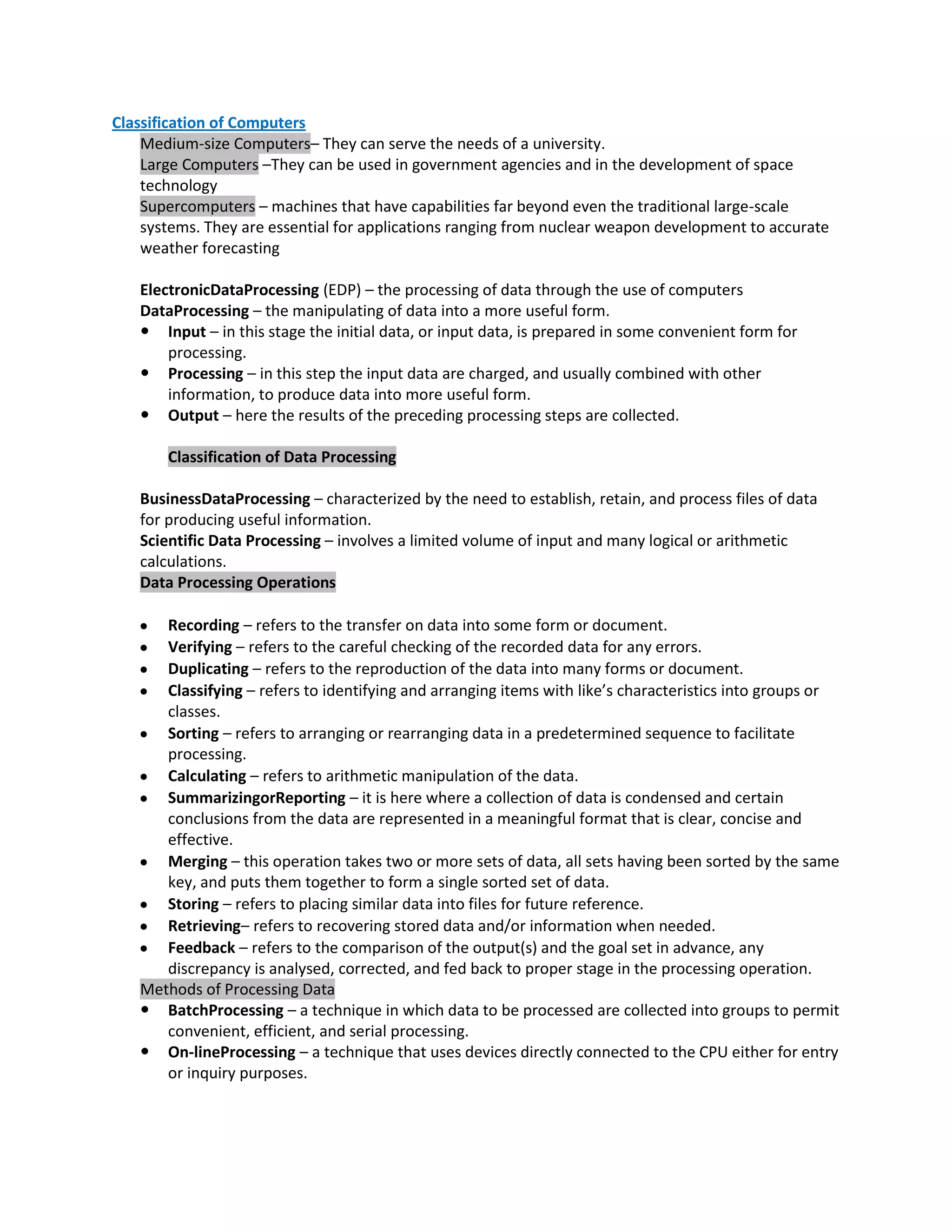
    Classification of Computers Medium-size Computers– They can serve the needs of a university. Large Computers –They can be used in government agencies and in the development of space technology Supercomputers – machines that have capabilities far beyond even the traditional large-scale systems. They are essential for applications ranging from nuclear weapon development to accurate weather forecasting ElectronicDataProcessing (EDP) – the processing of data through the use of computers DataProcessing – the manipulating of data into a more useful form.  Input – in this stage the initial data, or input data, is prepared in some convenient form for processing.  Processing – in this step the input data are charged, and usually combined with other information, to produce data into more useful form.  Output – here the results of the preceding processing steps are collected. Classification of Data Processing BusinessDataProcessing – characterized by the need to establish, retain, and process files of data for producing useful information. Scientific Data Processing – involves a limited volume of input and many logical or arithmetic calculations. Data Processing Operations Recording – refers to the transfer on data into some form or document. Verifying – refers to the careful checking of the recorded data for any errors. Duplicating – refers to the reproduction of the data into many forms or document. Classifying – refers to identifying and arranging items with like’s characteristics into groups or classes. Sorting – refers to arranging or rearranging data in a predetermined sequence to facilitate processing. Calculating – refers to arithmetic manipulation of the data. SummarizingorReporting – it is here where a collection of data is condensed and certain conclusions from the data are represented in a meaningful format that is clear, concise and effective. Merging – this operation takes two or more sets of data, all sets having been sorted by the same key, and puts them together to form a single sorted set of data. Storing – refers to placing similar data into files for future reference. Retrieving– refers to recovering stored data and/or information when needed. Feedback – refers to the comparison of the output(s) and the goal set in advance, any discrepancy is analysed, corrected, and fed back to proper stage in the processing operation. Methods of Processing Data  BatchProcessing – a technique in which data to be processed are collected into groups to permit convenient, efficient, and serial processing.  On-lineProcessing – a technique that uses devices directly connected to the CPU either for entry or inquiry purposes.
  • 3.
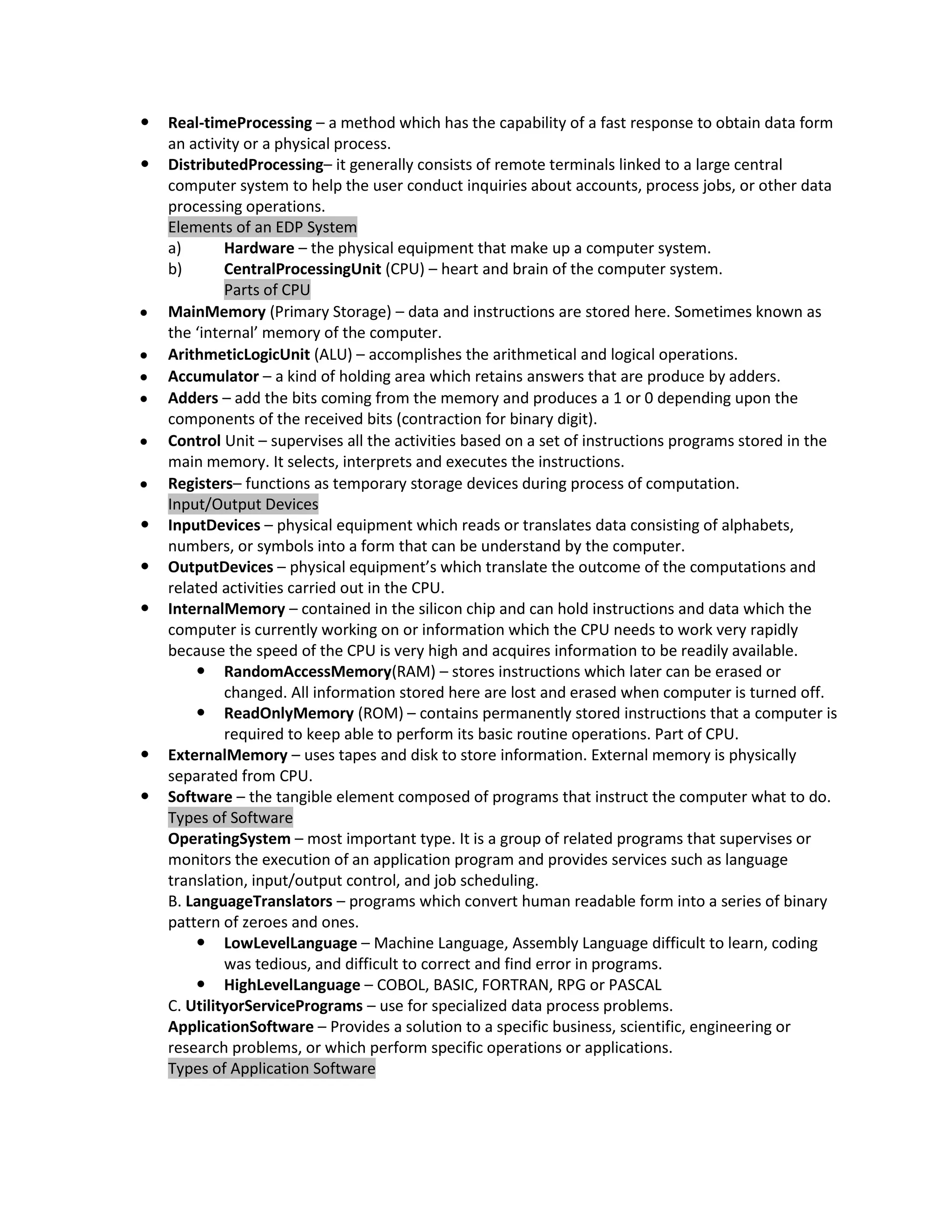
    Real-timeProcessing – a method which has the capability of a fast response to obtain data form an activity or a physical process.  DistributedProcessing– it generally consists of remote terminals linked to a large central computer system to help the user conduct inquiries about accounts, process jobs, or other data processing operations. Elements of an EDP System a) Hardware – the physical equipment that make up a computer system. b) CentralProcessingUnit (CPU) – heart and brain of the computer system. Parts of CPU MainMemory (Primary Storage) – data and instructions are stored here. Sometimes known as the ‘internal’ memory of the computer. ArithmeticLogicUnit (ALU) – accomplishes the arithmetical and logical operations. Accumulator – a kind of holding area which retains answers that are produce by adders. Adders – add the bits coming from the memory and produces a 1 or 0 depending upon the components of the received bits (contraction for binary digit). Control Unit – supervises all the activities based on a set of instructions programs stored in the main memory. It selects, interprets and executes the instructions. Registers– functions as temporary storage devices during process of computation. Input/Output Devices  InputDevices – physical equipment which reads or translates data consisting of alphabets, numbers, or symbols into a form that can be understand by the computer.  OutputDevices – physical equipment’s which translate the outcome of the computations and related activities carried out in the CPU.  InternalMemory – contained in the silicon chip and can hold instructions and data which the computer is currently working on or information which the CPU needs to work very rapidly because the speed of the CPU is very high and acquires information to be readily available.  RandomAccessMemory(RAM) – stores instructions which later can be erased or changed. All information stored here are lost and erased when computer is turned off.  ReadOnlyMemory (ROM) – contains permanently stored instructions that a computer is required to keep able to perform its basic routine operations. Part of CPU.  ExternalMemory – uses tapes and disk to store information. External memory is physically separated from CPU.  Software – the tangible element composed of programs that instruct the computer what to do. Types of Software OperatingSystem – most important type. It is a group of related programs that supervises or monitors the execution of an application program and provides services such as language translation, input/output control, and job scheduling. B. LanguageTranslators – programs which convert human readable form into a series of binary pattern of zeroes and ones.  LowLevelLanguage – Machine Language, Assembly Language difficult to learn, coding was tedious, and difficult to correct and find error in programs.  HighLevelLanguage – COBOL, BASIC, FORTRAN, RPG or PASCAL C. UtilityorServicePrograms – use for specialized data process problems. ApplicationSoftware – Provides a solution to a specific business, scientific, engineering or research problems, or which perform specific operations or applications. Types of Application Software
  • 4.
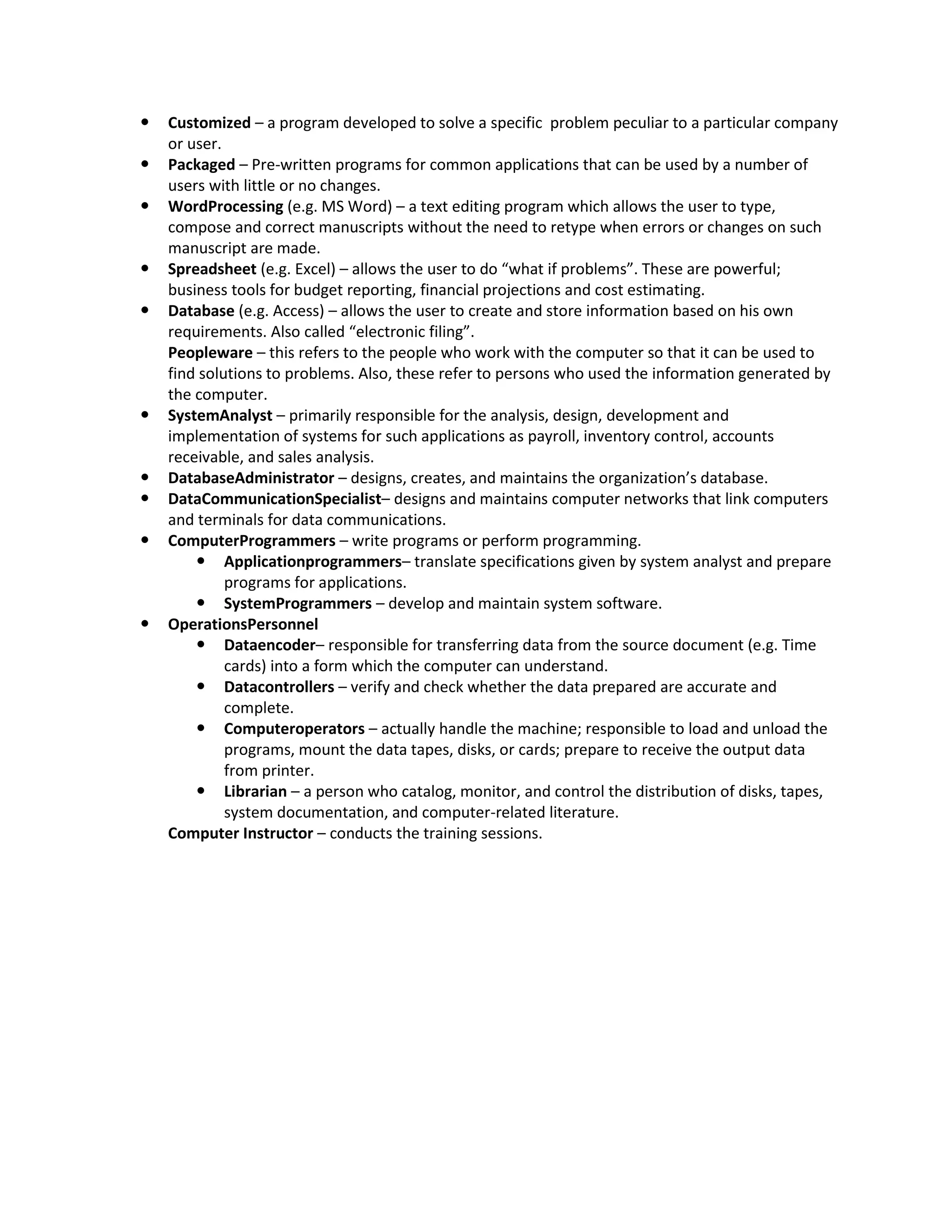
    Customized – a program developed to solve a specific problem peculiar to a particular company or user.  Packaged – Pre-written programs for common applications that can be used by a number of users with little or no changes.  WordProcessing (e.g. MS Word) – a text editing program which allows the user to type, compose and correct manuscripts without the need to retype when errors or changes on such manuscript are made.  Spreadsheet (e.g. Excel) – allows the user to do “what if problems”. These are powerful; business tools for budget reporting, financial projections and cost estimating.  Database (e.g. Access) – allows the user to create and store information based on his own requirements. Also called “electronic filing”. Peopleware – this refers to the people who work with the computer so that it can be used to find solutions to problems. Also, these refer to persons who used the information generated by the computer.  SystemAnalyst – primarily responsible for the analysis, design, development and implementation of systems for such applications as payroll, inventory control, accounts receivable, and sales analysis.  DatabaseAdministrator – designs, creates, and maintains the organization’s database.  DataCommunicationSpecialist– designs and maintains computer networks that link computers and terminals for data communications.  ComputerProgrammers – write programs or perform programming.  Applicationprogrammers– translate specifications given by system analyst and prepare programs for applications.  SystemProgrammers – develop and maintain system software.  OperationsPersonnel  Dataencoder– responsible for transferring data from the source document (e.g. Time cards) into a form which the computer can understand.  Datacontrollers – verify and check whether the data prepared are accurate and complete.  Computeroperators – actually handle the machine; responsible to load and unload the programs, mount the data tapes, disks, or cards; prepare to receive the output data from printer.  Librarian – a person who catalog, monitor, and control the distribution of disks, tapes, system documentation, and computer-related literature. Computer Instructor – conducts the training sessions.