“I Hunt Sys Admins”
(U) Will
@harmj0y
Version 2.0
$ whoami
● Security researcher and red teamer for the
Adaptive Threat Division of Veris Group
● Co-founder of the Veil-Framework and
founder of Veil’s PowerTools
● Cons:
o Shmoocon ‘14: AV Evasion with the Veil Framework
o Defcon ‘14: Veil-Pillage: Post-exploitation 2.0
o Derbycon ‘14: Passing the Torch: Old School Red
Teaming, New School Tactics?
What this is
● Ways to hunt for target users on Windows
domains
● Ya really, that’s it
● Will cover as many tools and technique for
doing this as I have time for
● Setting the stage
● Existing tools
o psloggedon.exe, netsess.exe, PVEFindADUser.exe,
netview.exe, Nmap, smbexec, Veil-Pillage
● Domain data sources
o homeDirectory, profilePath, event logs, email
headers, SPNs
● PowerShellz
o Sidenote: PowerShell WinAPI access
o PowerView
tl;dr
Setting the Stage
● This talk is from the “assume breach”
perspective
o i.e. assume foothold/access to a Windows domain
machine
● I’m also going to assume you know (more or
less) what users you’re targeting
● PowerShell methods are going to heavily
rely on PowerView
o https://github.com/veil-framework/PowerTools
User Hunting: Lateral Spread
● Most common:
o If you have a privileged account, or local admin
account, you want to figure out where high value
users are logged in
● Hunt -> pop box -> Mimikatz -> profit
● Knowing what users log in to what boxes
from where can give you a better
understanding of a network layout and
implicit trust relationships
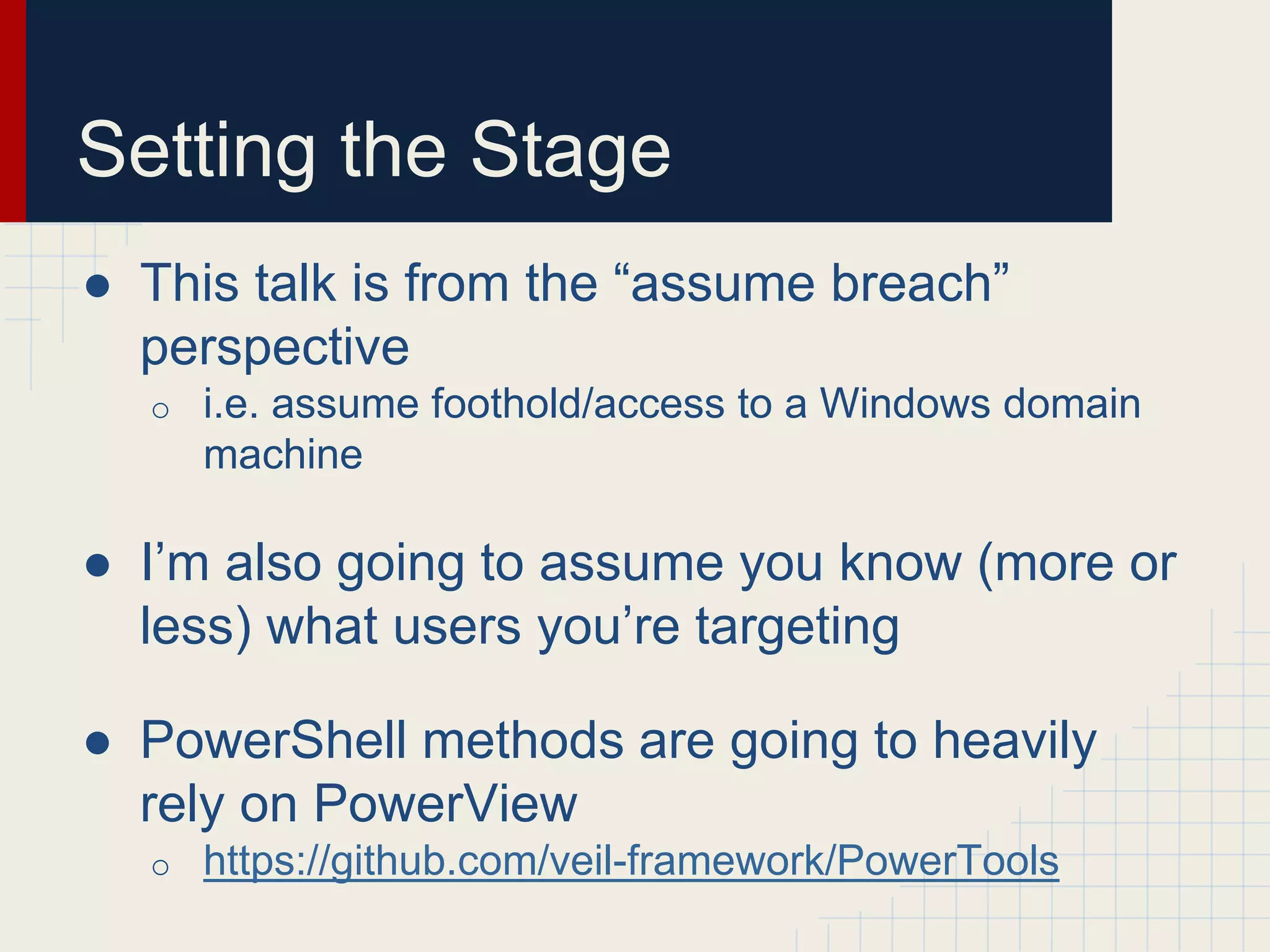
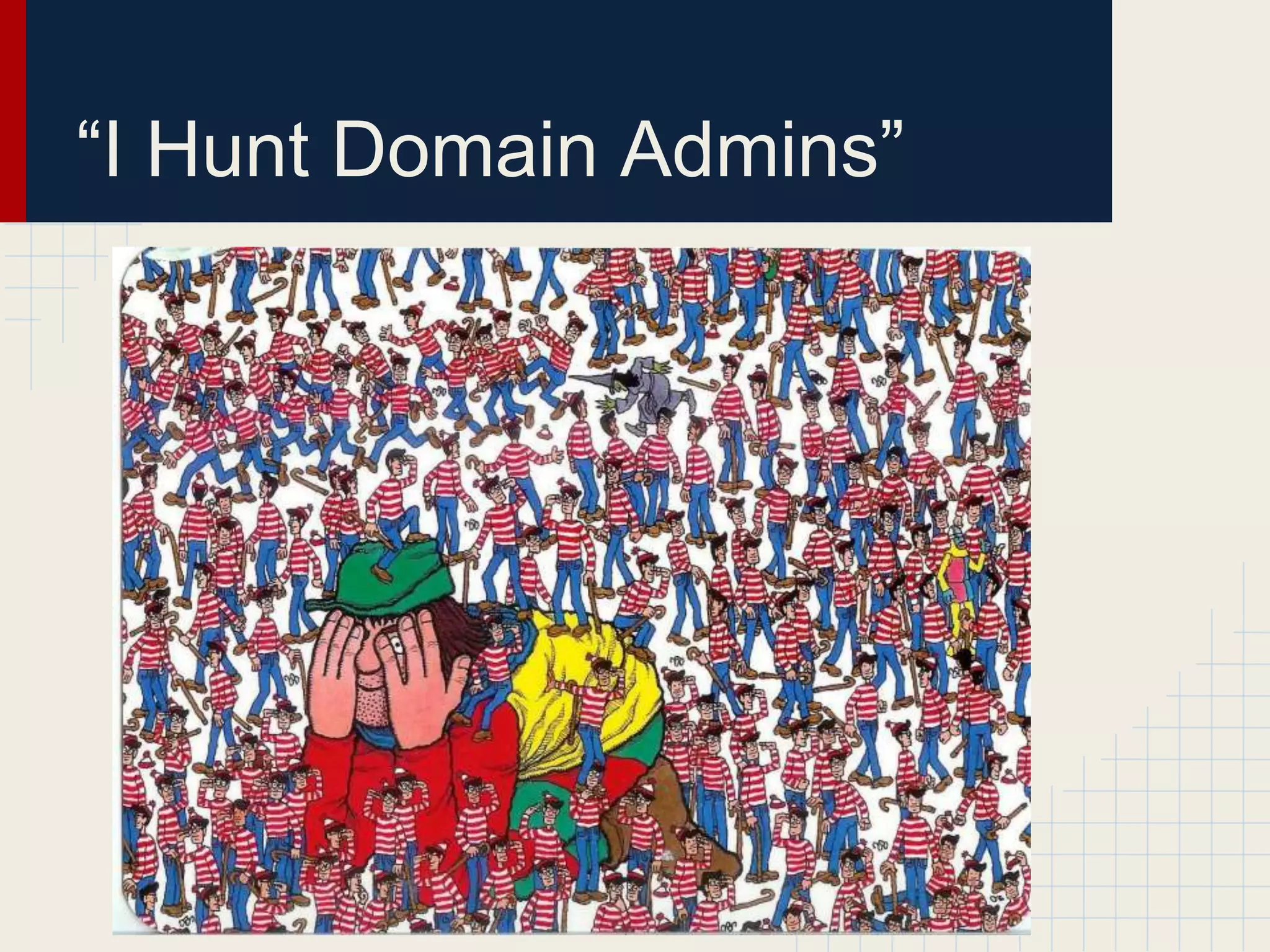
“I Hunt Domain Admins”
User Hunting: Post DA
● Red teaming isn’t about access, it’s about
data and showing impact!
● Once you get privileged access (like domain
admin) there are likely specific targets you
might want to go after
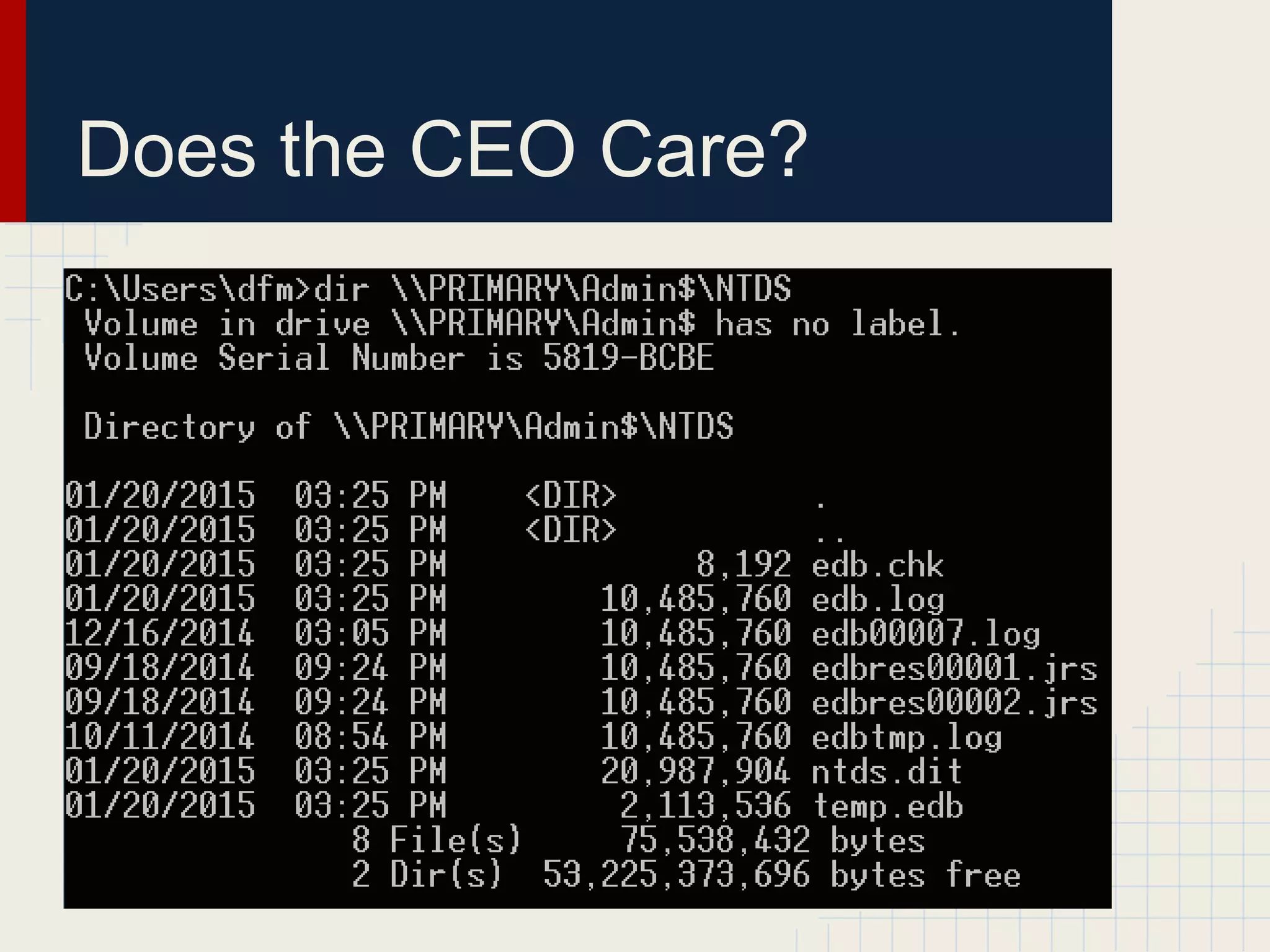
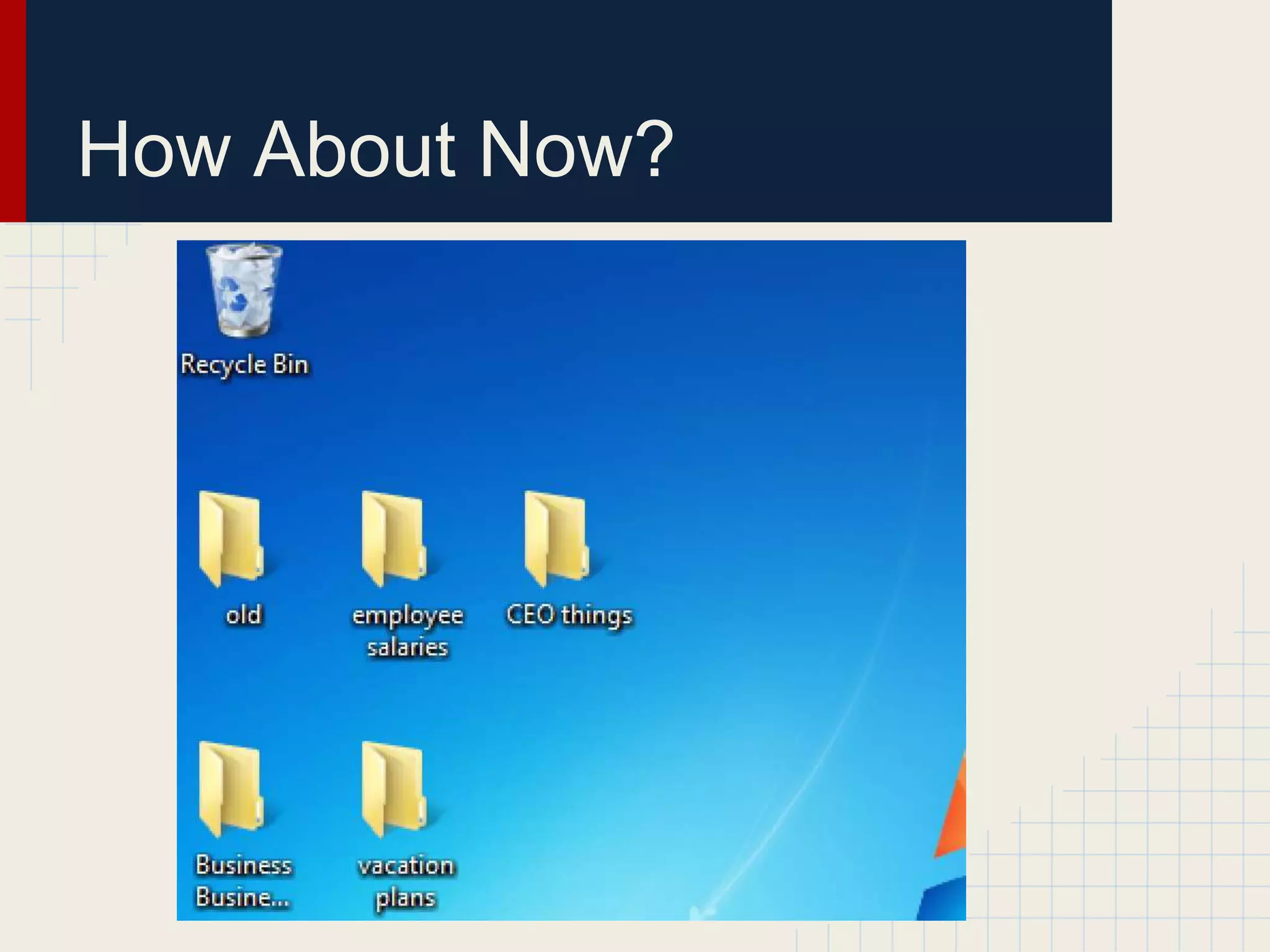
● Think incident response teams, CEOs, the
linux team, database admins, etc.
Does the CEO Care?
How About Now?
Where my sysadmins at?
Finding your prey
Existing Tools
● Several tools have been written that allow
you to figure out who’s logged in where
● I’ll cover what’s already out there, including
the positives/negatives for each
● “Offensive in depth”
o You always want multiple ways of achieving the
same objective
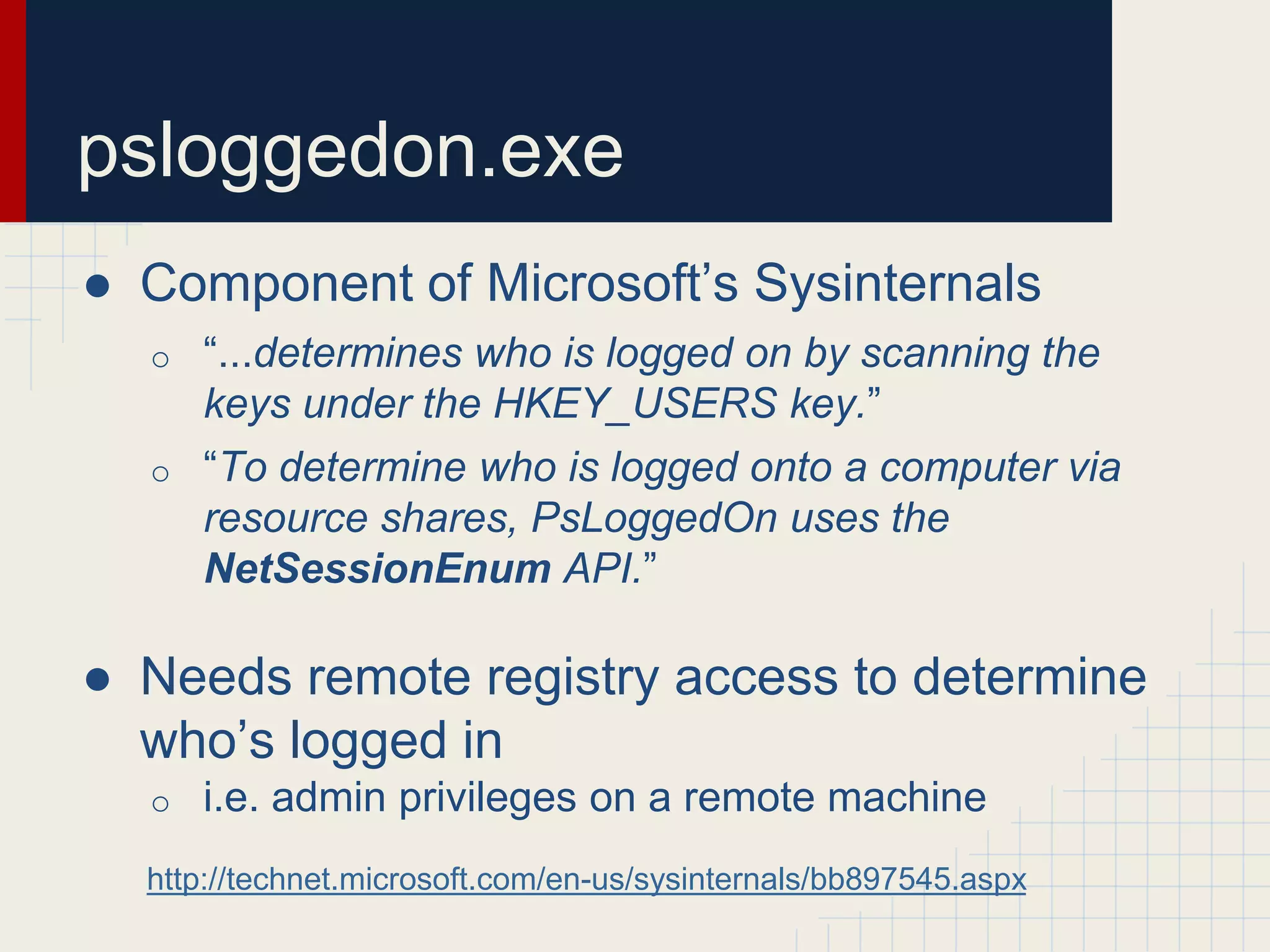
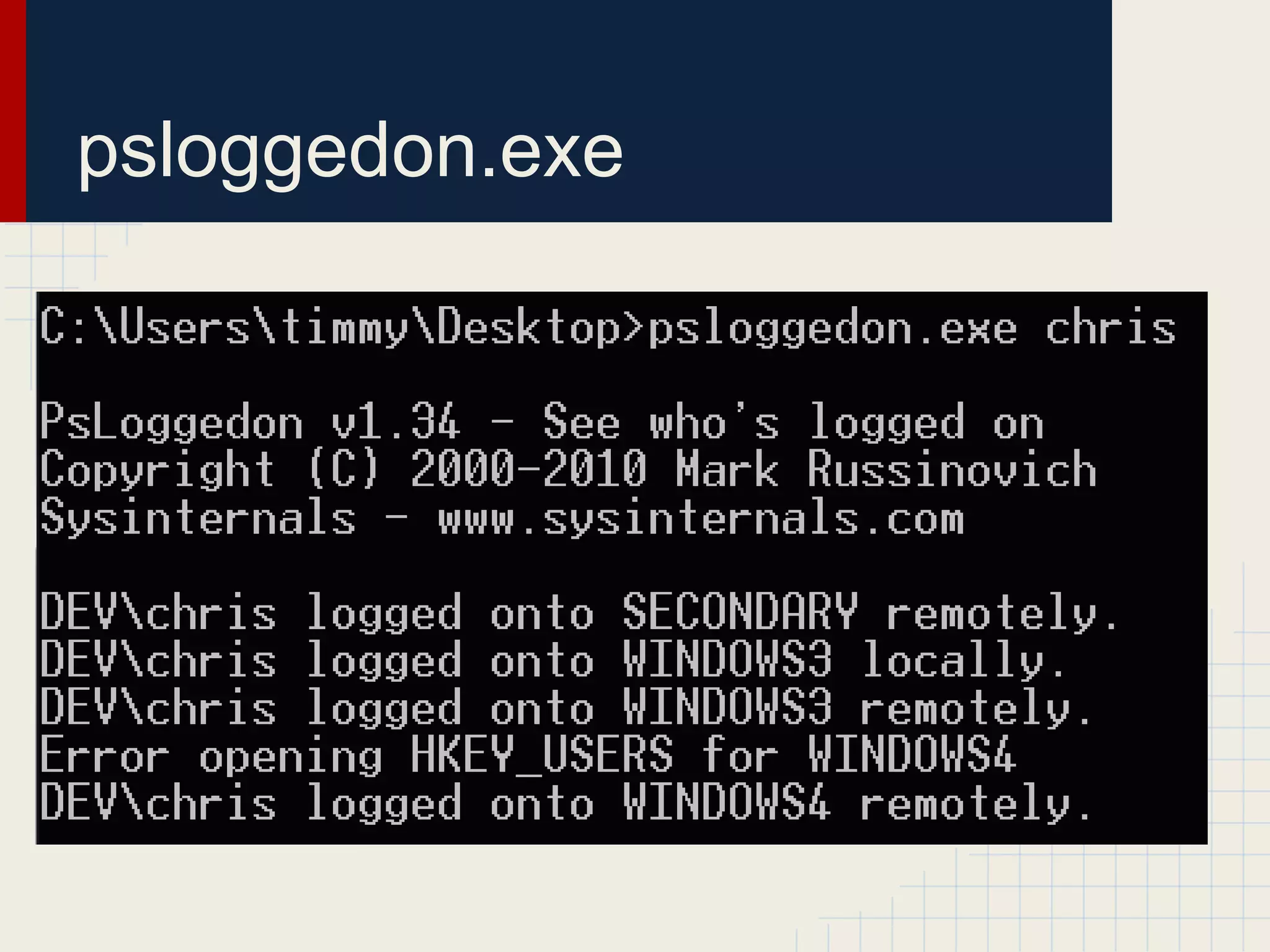
● Component of Microsoft’s Sysinternals
o “...determines who is logged on by scanning the
keys under the HKEY_USERS key.”
o “To determine who is logged onto a computer via
resource shares, PsLoggedOn uses the
NetSessionEnum API.”
● Needs remote registry access to determine
who’s logged in
o i.e. admin privileges on a remote machine
http://technet.microsoft.com/en-us/sysinternals/bb897545.aspx
psloggedon.exe
psloggedon.exe
netsess.exe
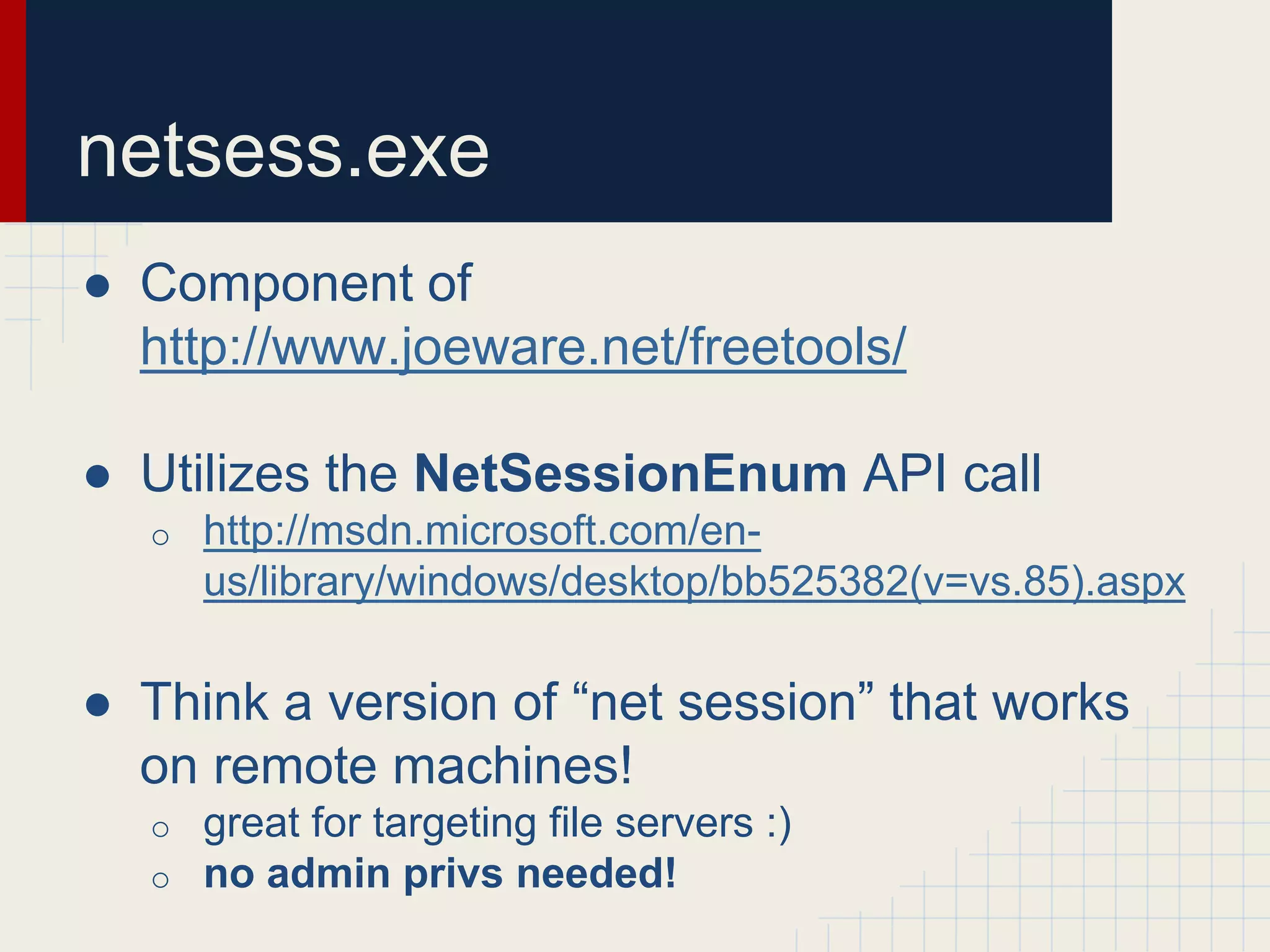
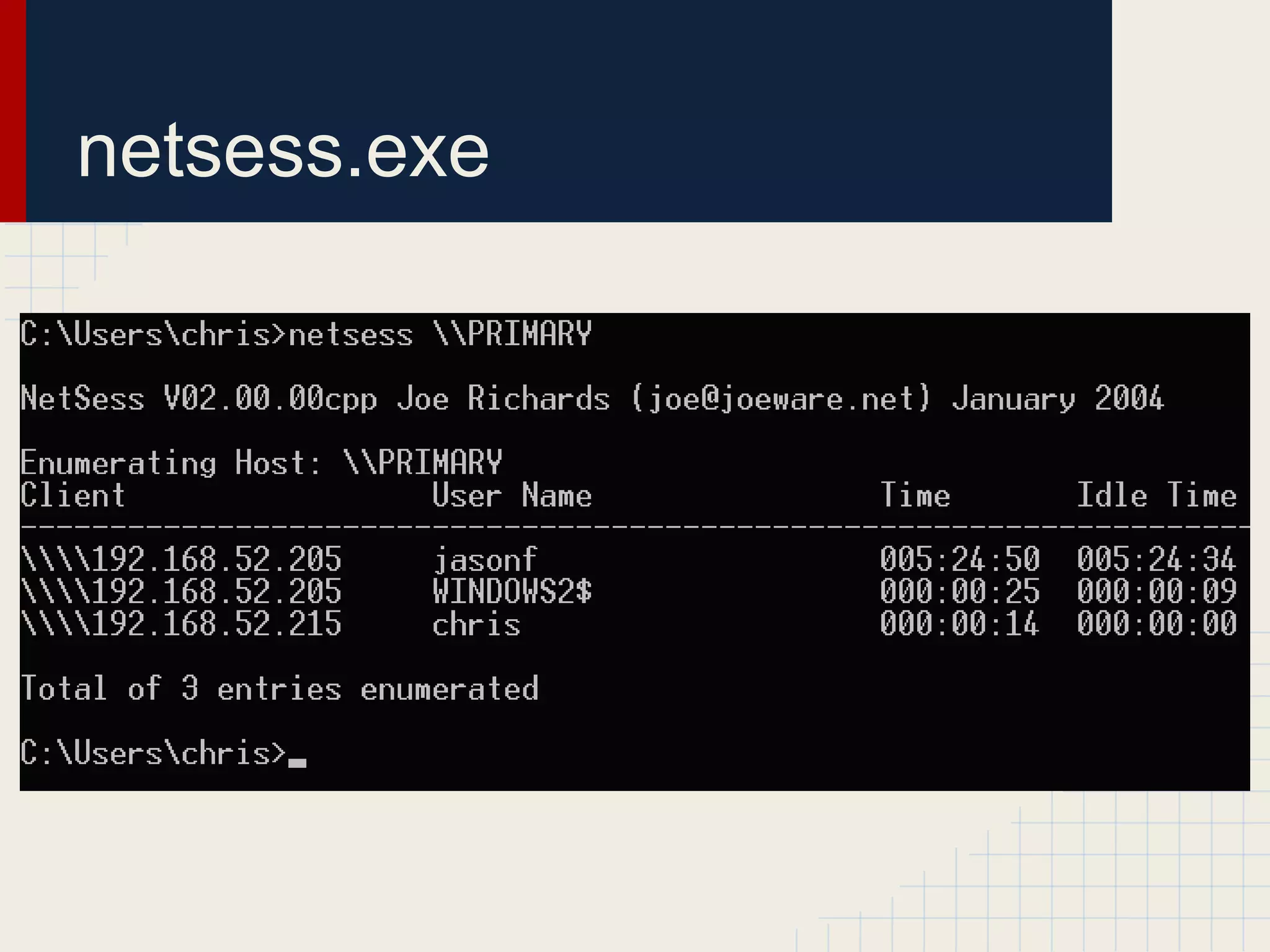
● Component of
http://www.joeware.net/freetools/
● Utilizes the NetSessionEnum API call
o http://msdn.microsoft.com/en-
us/library/windows/desktop/bb525382(v=vs.85).aspx
● Think a version of “net session” that works
on remote machines!
o great for targeting file servers :)
o no admin privs needed!
netsess.exe
PVEFindADUser.exe
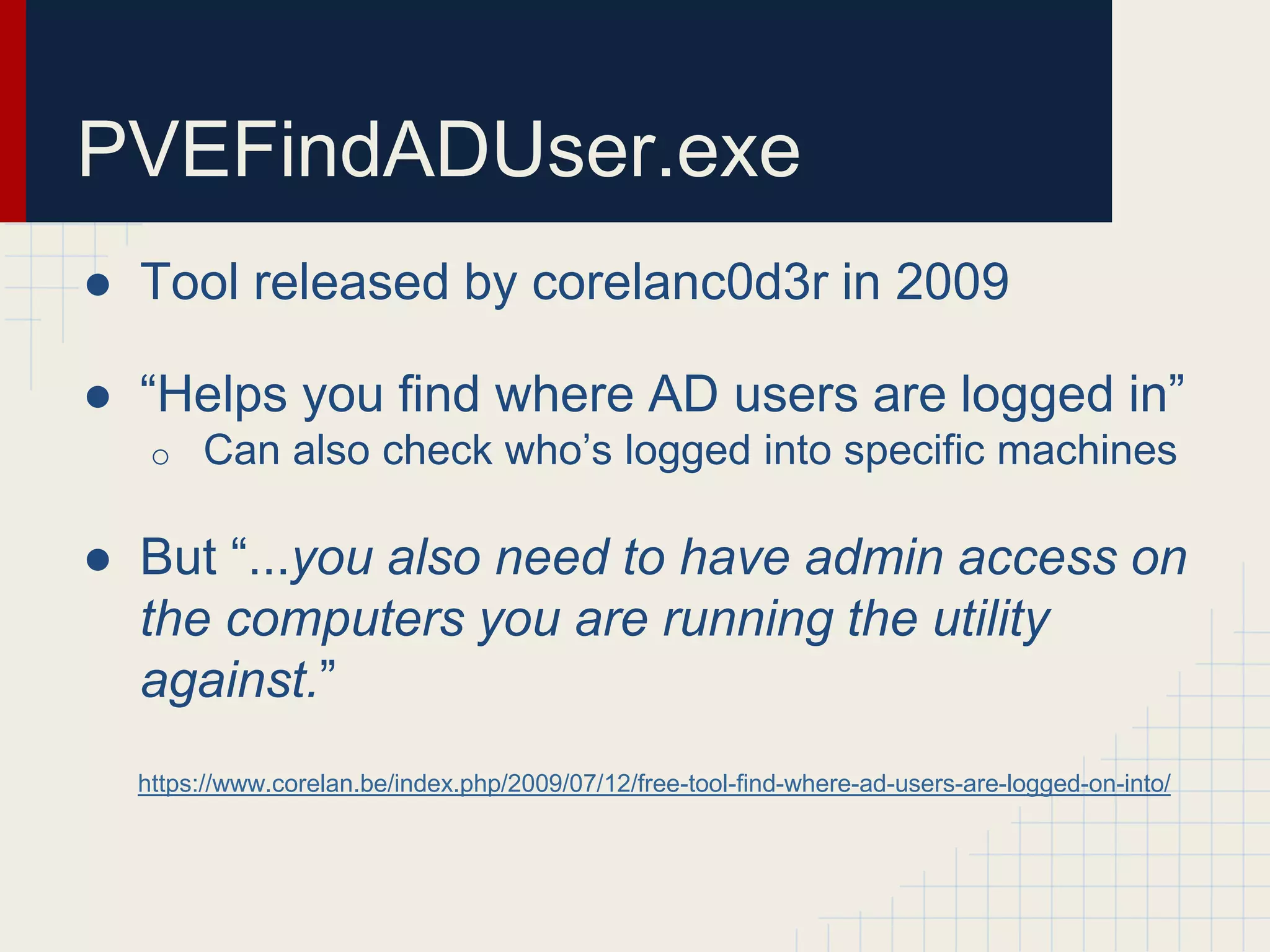
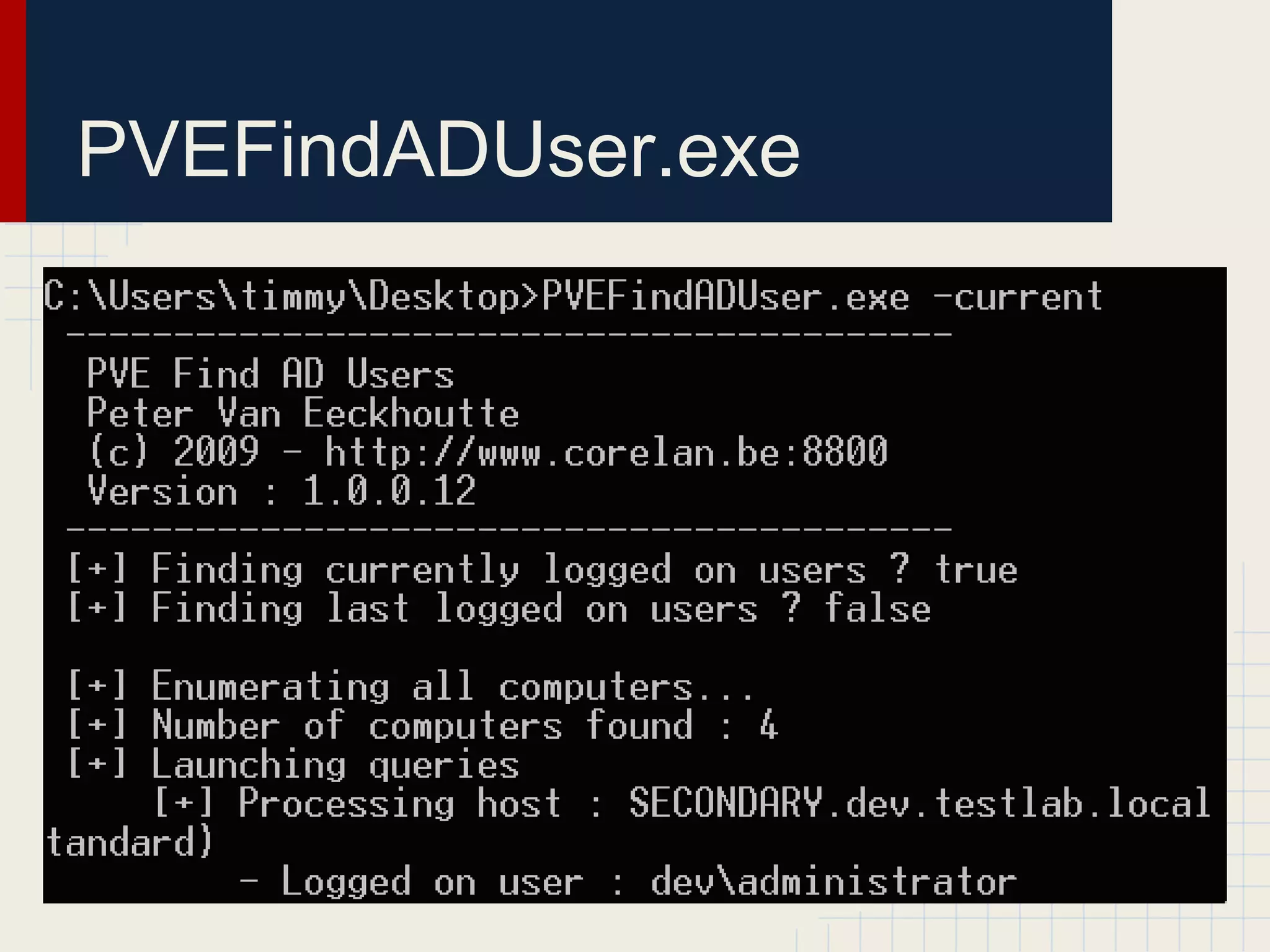
● Tool released by corelanc0d3r in 2009
● “Helps you find where AD users are logged in”
o Can also check who’s logged into specific machines
● But “...you also need to have admin access on
the computers you are running the utility
against.”
https://www.corelan.be/index.php/2009/07/12/free-tool-find-where-ad-users-are-logged-on-into/
PVEFindADUser.exe
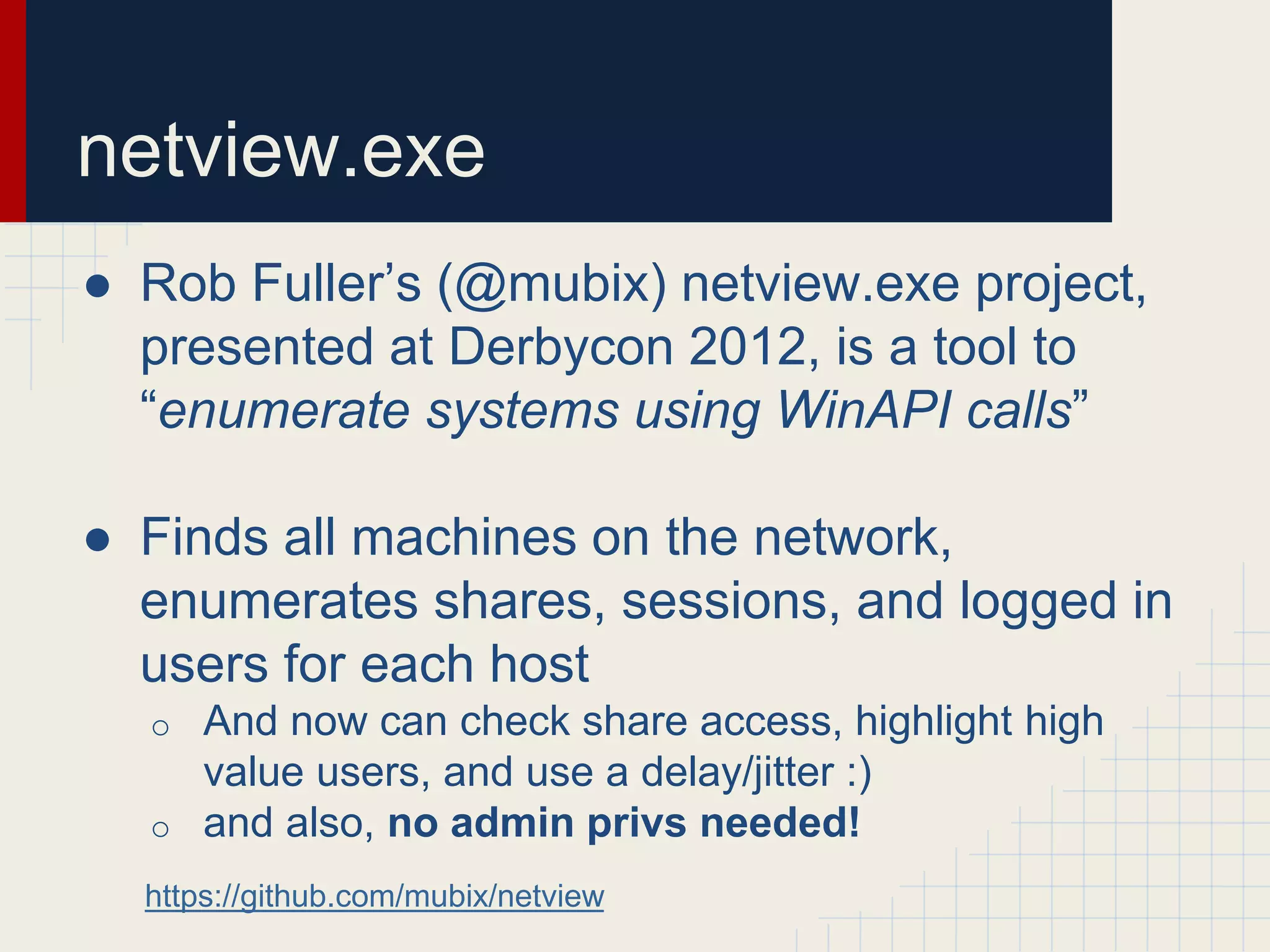
netview.exe
● Rob Fuller’s (@mubix) netview.exe project,
presented at Derbycon 2012, is a tool to
“enumerate systems using WinAPI calls”
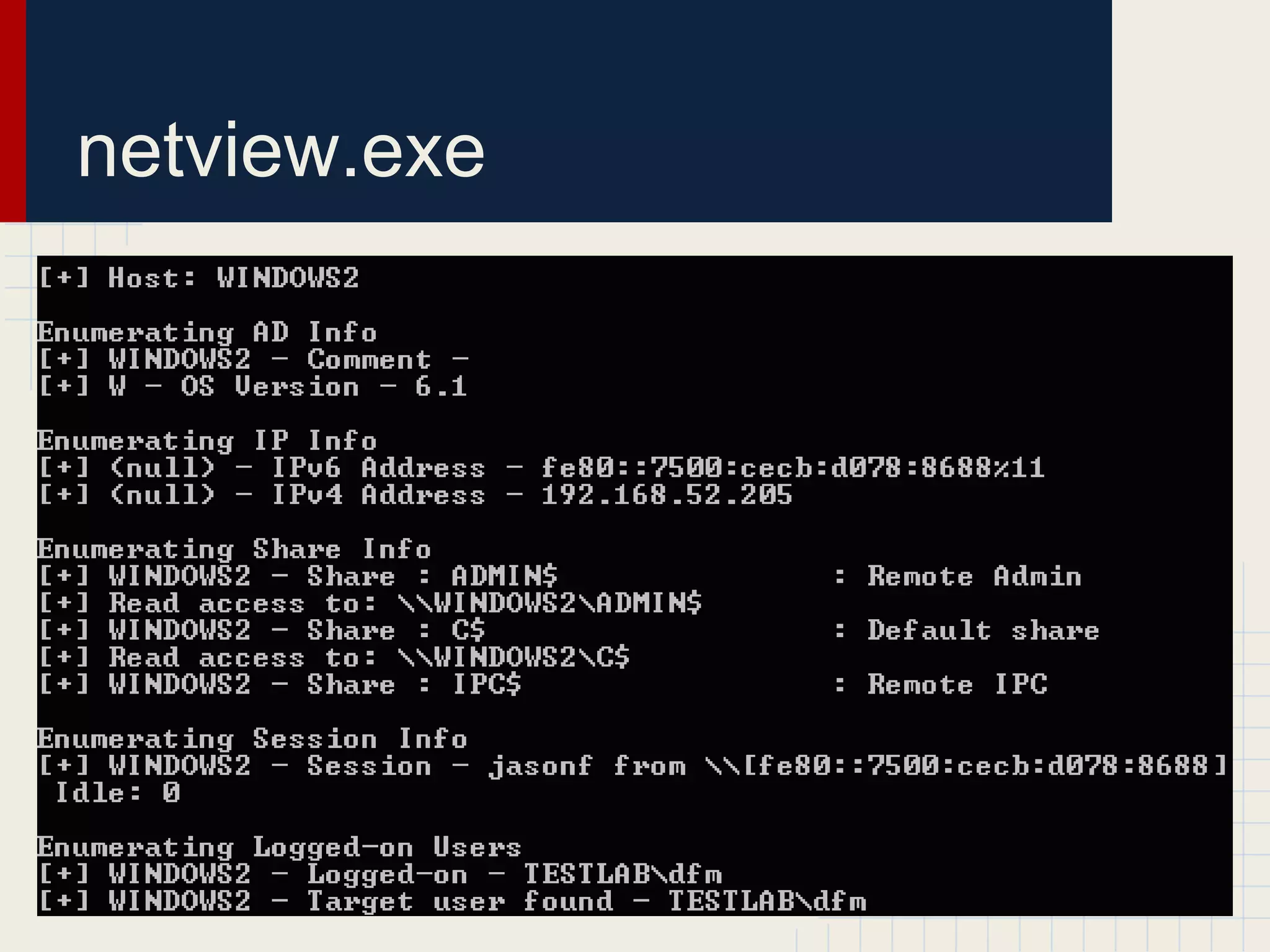
● Finds all machines on the network,
enumerates shares, sessions, and logged in
users for each host
o And now can check share access, highlight high
value users, and use a delay/jitter :)
o and also, no admin privs needed!
https://github.com/mubix/netview
netview.exe
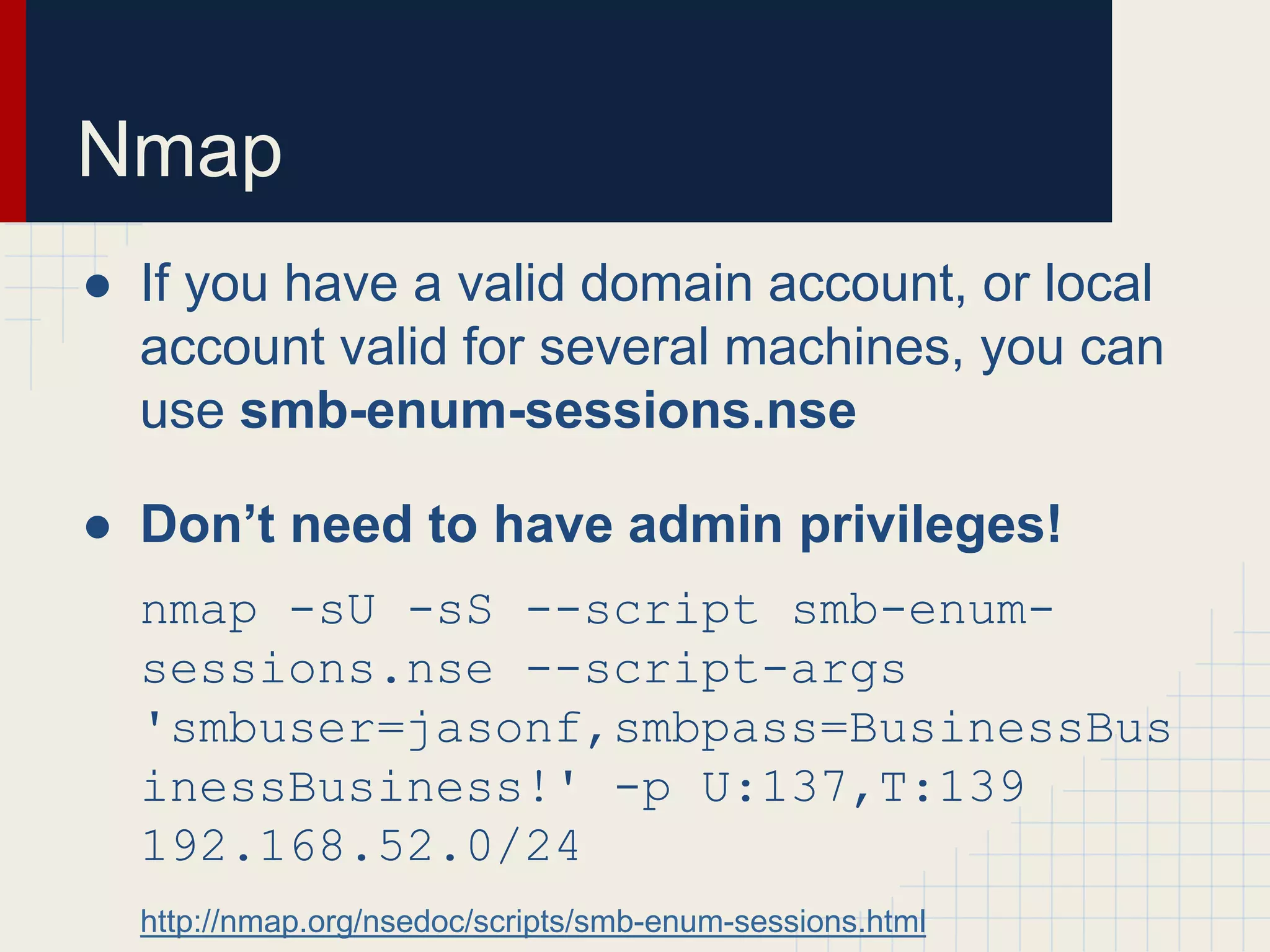
Nmap
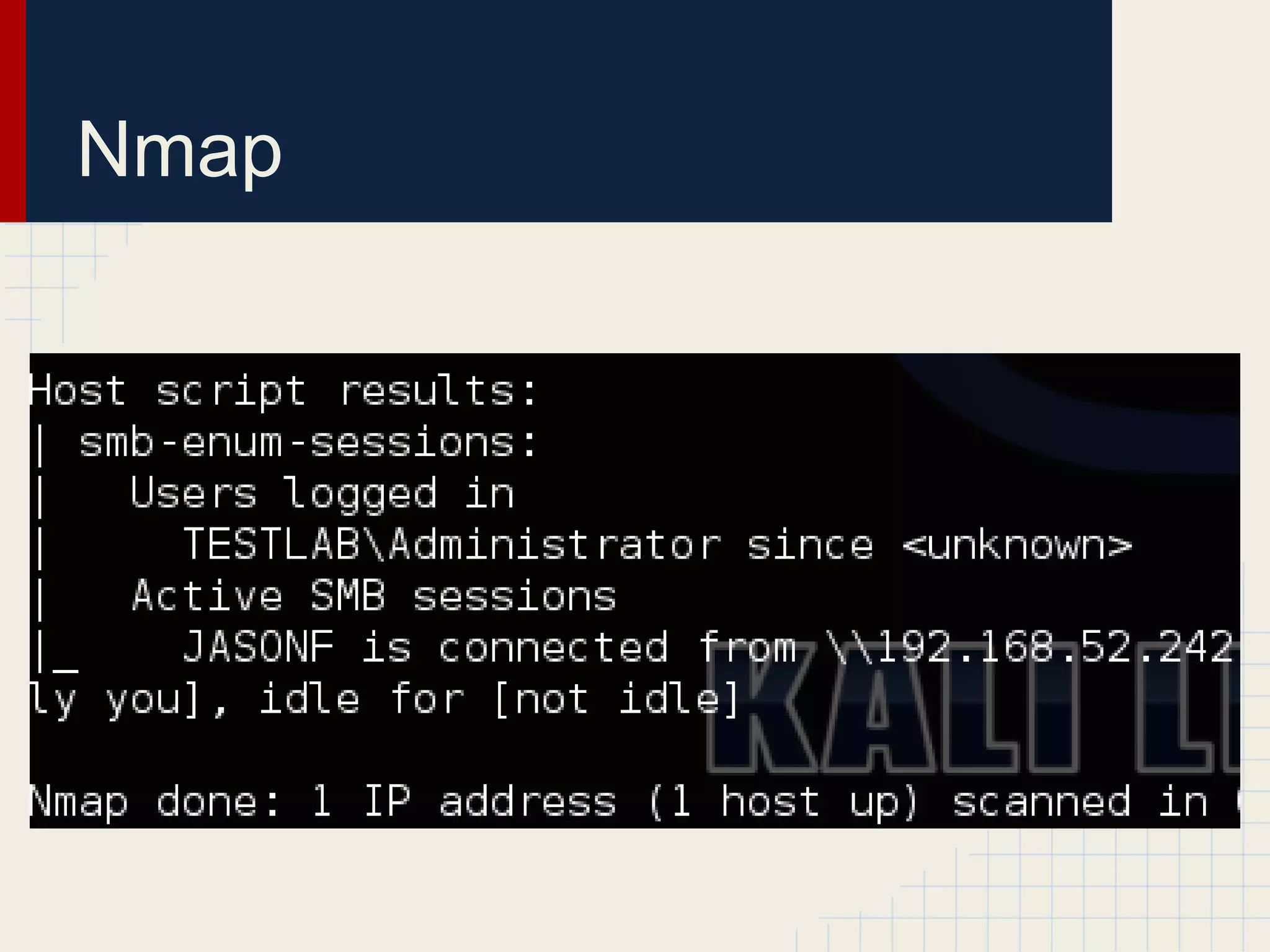
● If you have a valid domain account, or local
account valid for several machines, you can
use smb-enum-sessions.nse
● Don’t need to have admin privileges!
nmap -sU -sS --script smb-enum-
sessions.nse --script-args
'smbuser=jasonf,smbpass=BusinessBus
inessBusiness!' -p U:137,T:139
192.168.52.0/24
http://nmap.org/nsedoc/scripts/smb-enum-sessions.html
Nmap
Smbexec
● Awesome post-exploitation framework built
on top of patched Samba binaries
● The enumeration/checkda module can
check machines for domain admin
processes/sessions on particular targets
● However:
o requires local admin on the target machine
o only can target domain admins
Veil-Pillage
● Veil-Pillage is a post-exploitation framework
conceptually similiar to Smbexec
● The enumeration/domain/group_hunter
and enumeration/host/user_hunter
modules will do the same tasklist and
qwinsta process to hunt for specific target
groups
● However:
o requires local admin on the target machine
o but can target more than just domain admins
Domain Data Sources
“It’s a feature”
Active Directory Sources
● There are a few components of Active
Directory user objects that warrant interest
● homeDirectory
o path to a user’s auto-mounted home directory
● profilePath
o path to a user’s roaming profile
● Why?
o Enumerating remote sessions against common
network servers lots of people use gives an
excellent mapping of what users are where
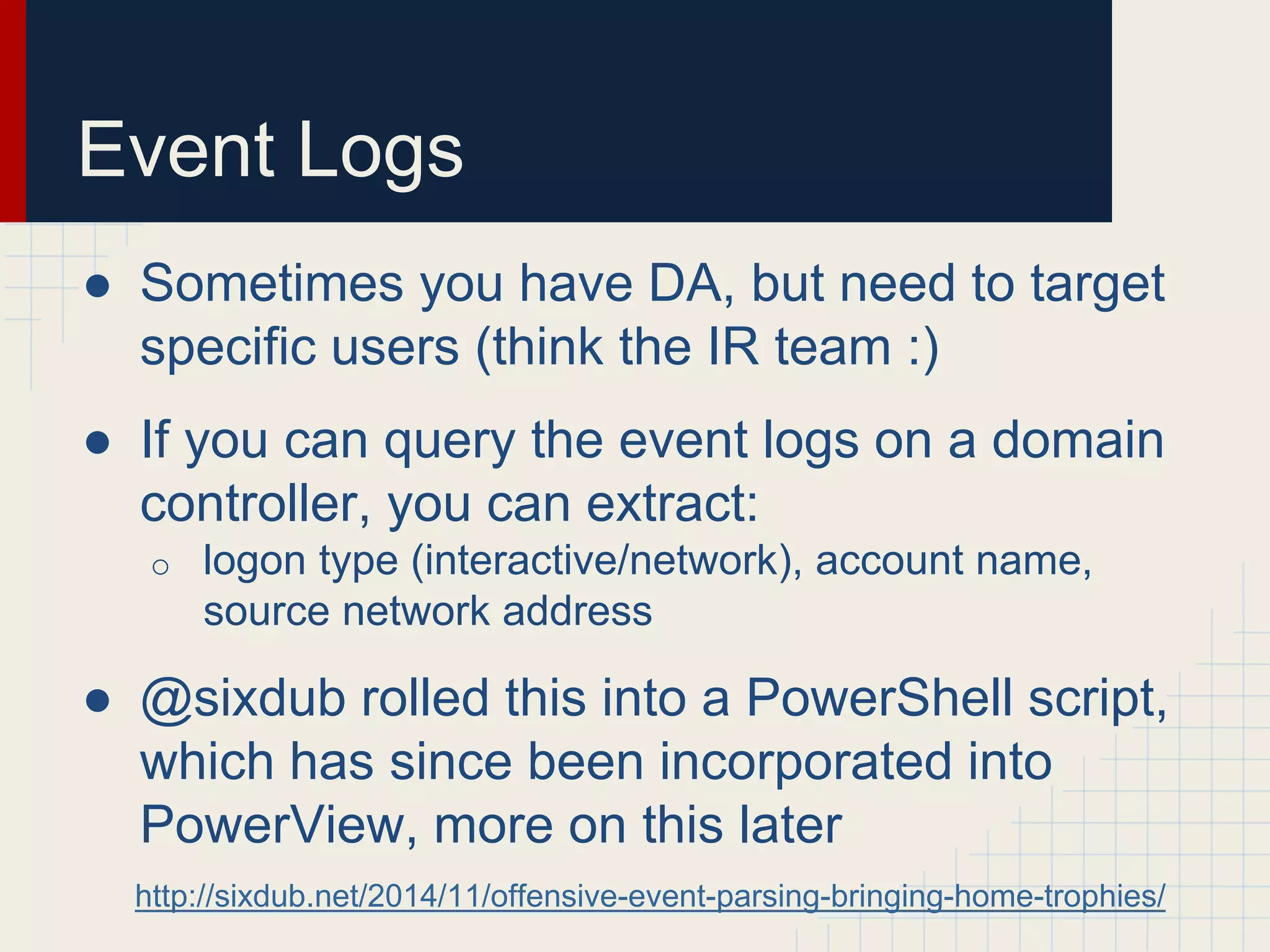
Event Logs
● Sometimes you have DA, but need to target
specific users (think the IR team :)
● If you can query the event logs on a domain
controller, you can extract:
o logon type (interactive/network), account name,
source network address
● @sixdub rolled this into a PowerShell script,
which has since been incorporated into
PowerView, more on this later
http://sixdub.net/2014/11/offensive-event-parsing-bringing-home-trophies/
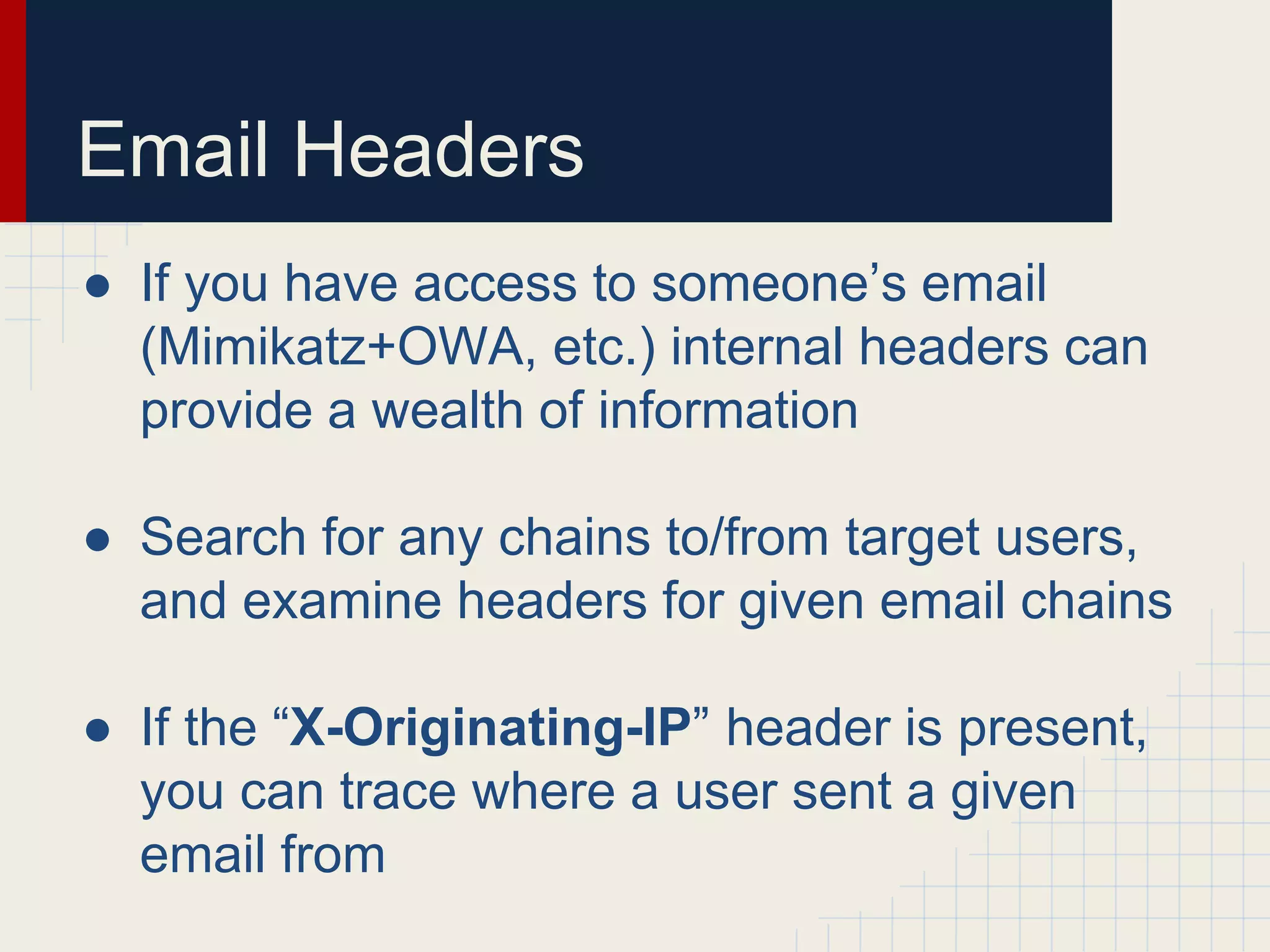
Email Headers
● If you have access to someone’s email
(Mimikatz+OWA, etc.) internal headers can
provide a wealth of information
● Search for any chains to/from target users,
and examine headers for given email chains
● If the “X-Originating-IP” header is present,
you can trace where a user sent a given
email from
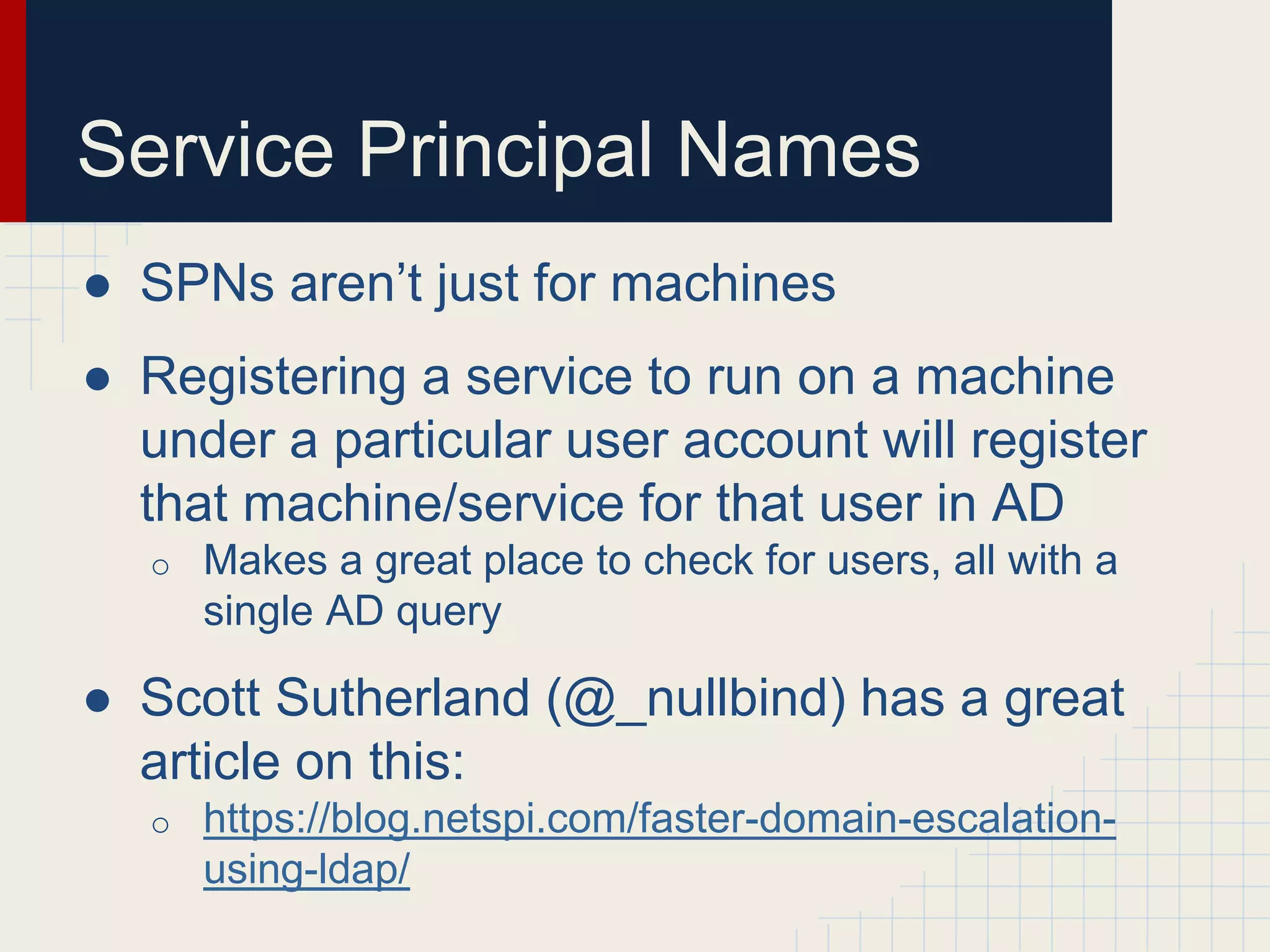
Service Principal Names
● SPNs aren’t just for machines
● Registering a service to run on a machine
under a particular user account will register
that machine/service for that user in AD
o Makes a great place to check for users, all with a
single AD query
● Scott Sutherland (@_nullbind) has a great
article on this:
o https://blog.netspi.com/faster-domain-escalation-
using-ldap/
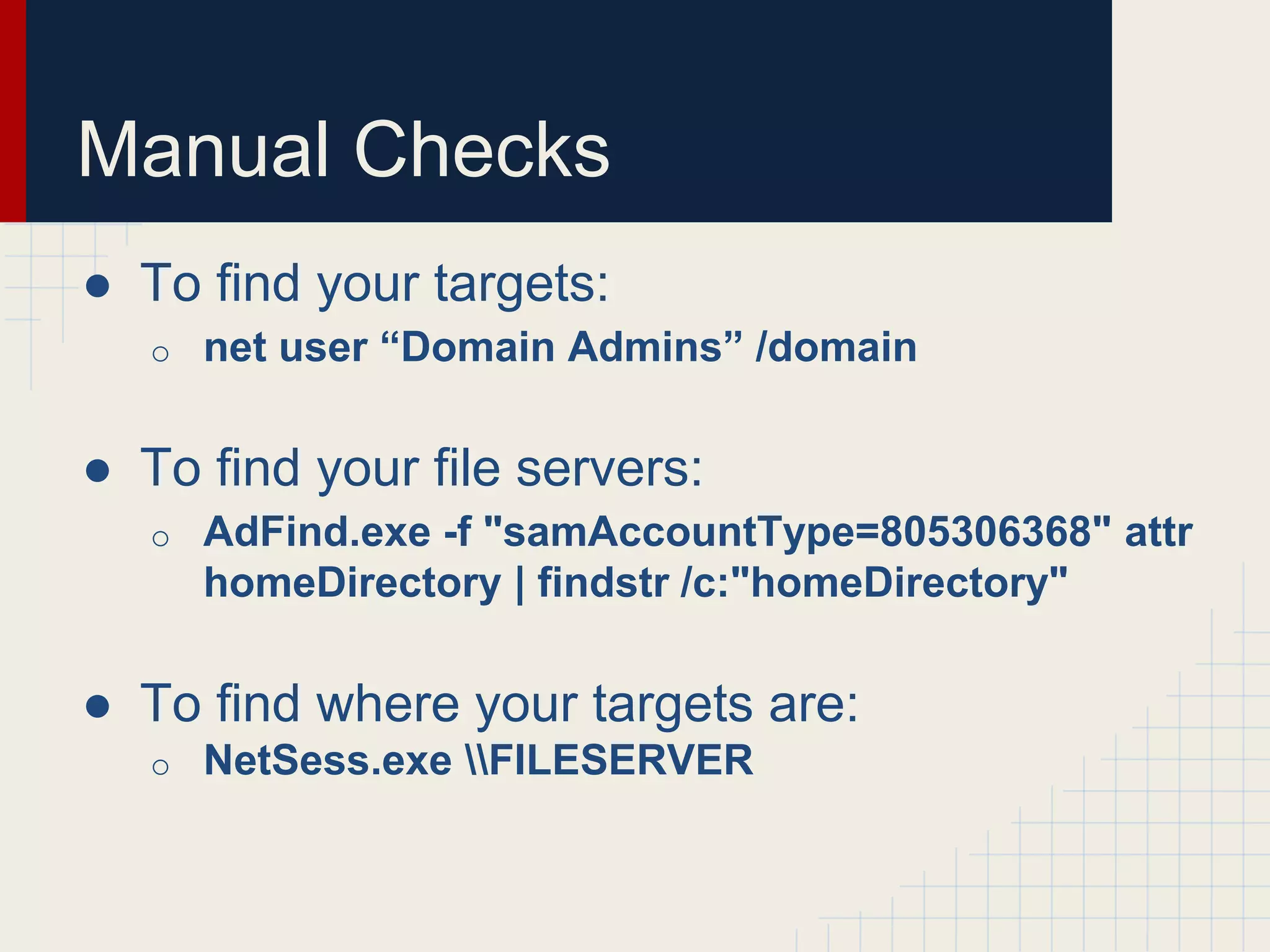
Manual Checks
● To find your targets:
o net user “Domain Admins” /domain
● To find your file servers:
o AdFind.exe -f "samAccountType=805306368" attr
homeDirectory | findstr /c:"homeDirectory"
● To find where your targets are:
o NetSess.exe FILESERVER
Wrapping in VBScript
● You can wrap some of these tools in some
basic VB script to automate it all up
● Run tool, filter for target users, etc.
● But why use VBScript, when you have...
PowerShell
“Microsoft’s Post-Exploitation Language”
-@obscuresec
PowerShellz
● PowerShell has some awesome AD hooks
and has various ways to access the lower-
level Windows API
● You can also access the lower-level Win32
API for interesting functions
○ NetSessionEnum for user sessions
○ NetWkstaUserEnum for logged on users
● Thanks @mattifestation for lots of ways to
access the underlying API functions!
Enumerating Targets
● PowerView has several functions that can
help you enumerate target users and hunt
them down
● Finding targets:
o Get-NetGroups *wildcard* will return groups
containing specific wildcard terms
o Get-UserProperties will extract all user property
fields
 often interesting field names!
o Invoke-UserFieldSearch will search particular user
fields for wildcard terms
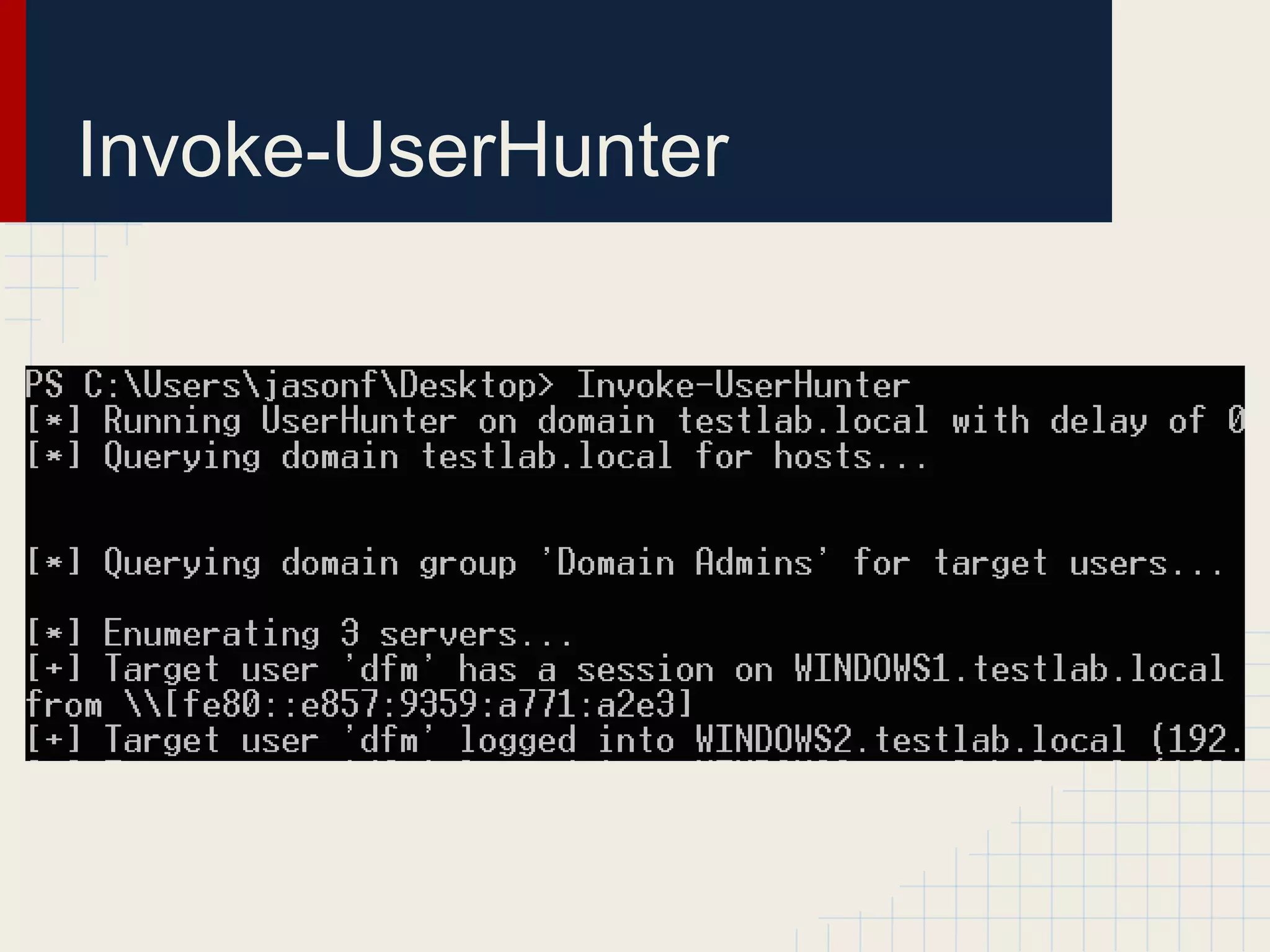
Invoke-UserHunter
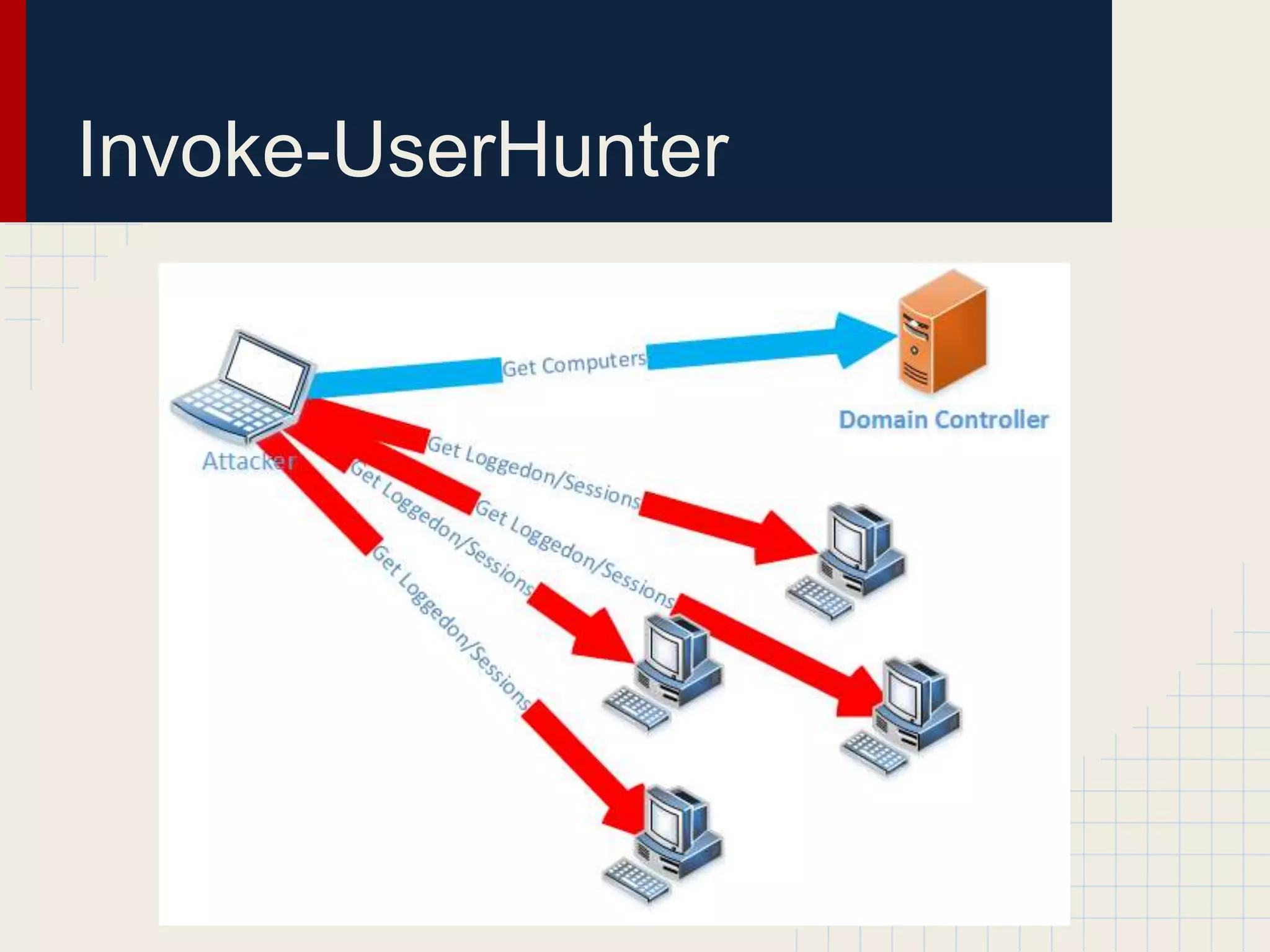
● Flexible function that:
o queries AD for hosts or takes a target list
o queries AD for users of a target group, or takes a
list/single user
o uses Win32 API calls to enumerate sessions
(NetSessionEnum) and logged in users
(NetWkstaUserEnum), matching against the target
user list
● Can also check to see if you have local
admin access on targets
o but no admin privs needed to get good info!
Invoke-UserHunter
Invoke-UserHunter
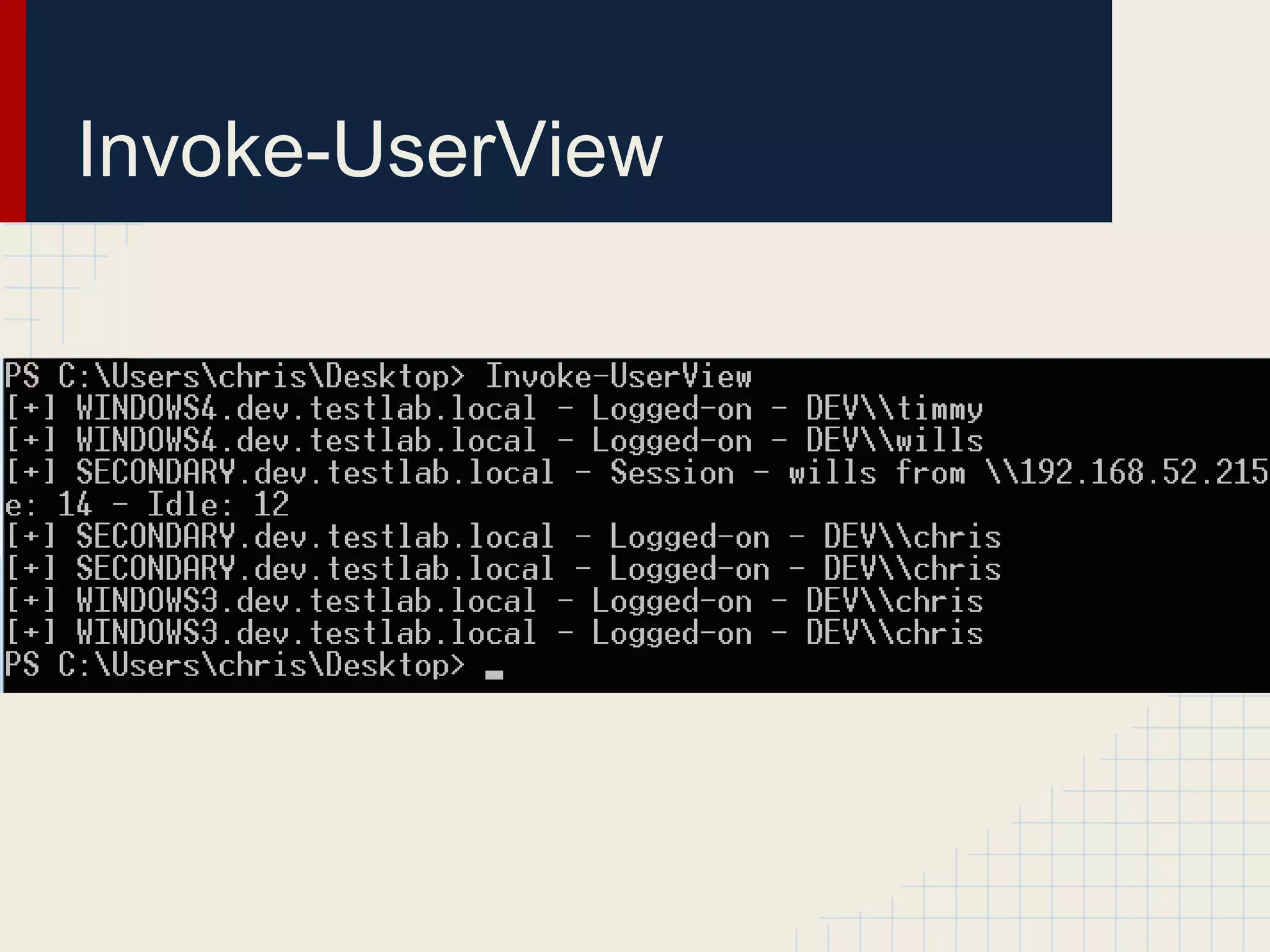
Invoke-UserView
● Several times on engagements we found
ourselves rerunning Invoke-UserHunter in
order to re-hunt for specific users
● This creates a lot of unnecessary noise
● Invoke-UserView will run the exact same
functions/checks that Invoke-UserHunter
does, but preserves all output for later
processing
Invoke-UserView
Invoke-StealthUserHunter
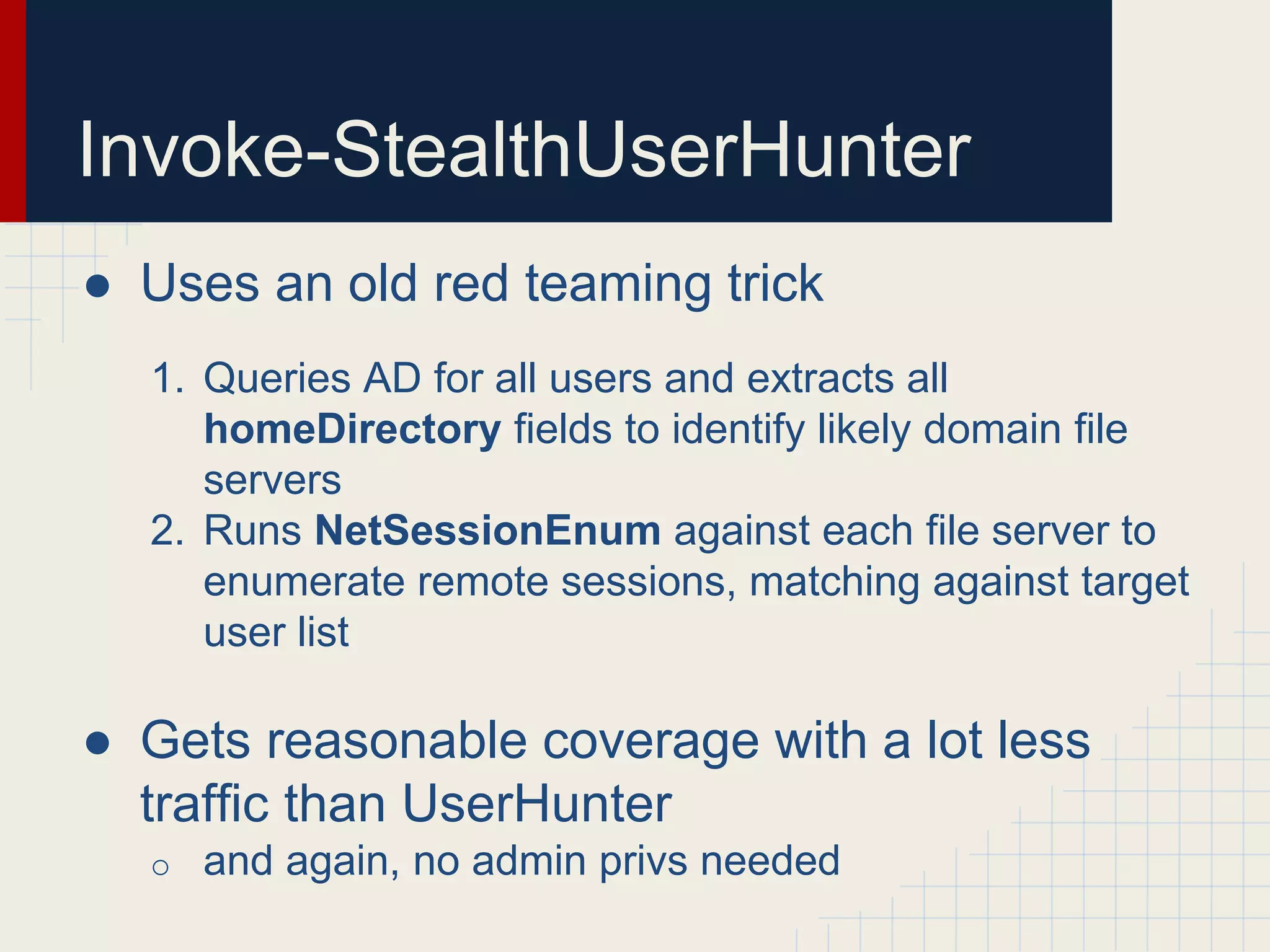
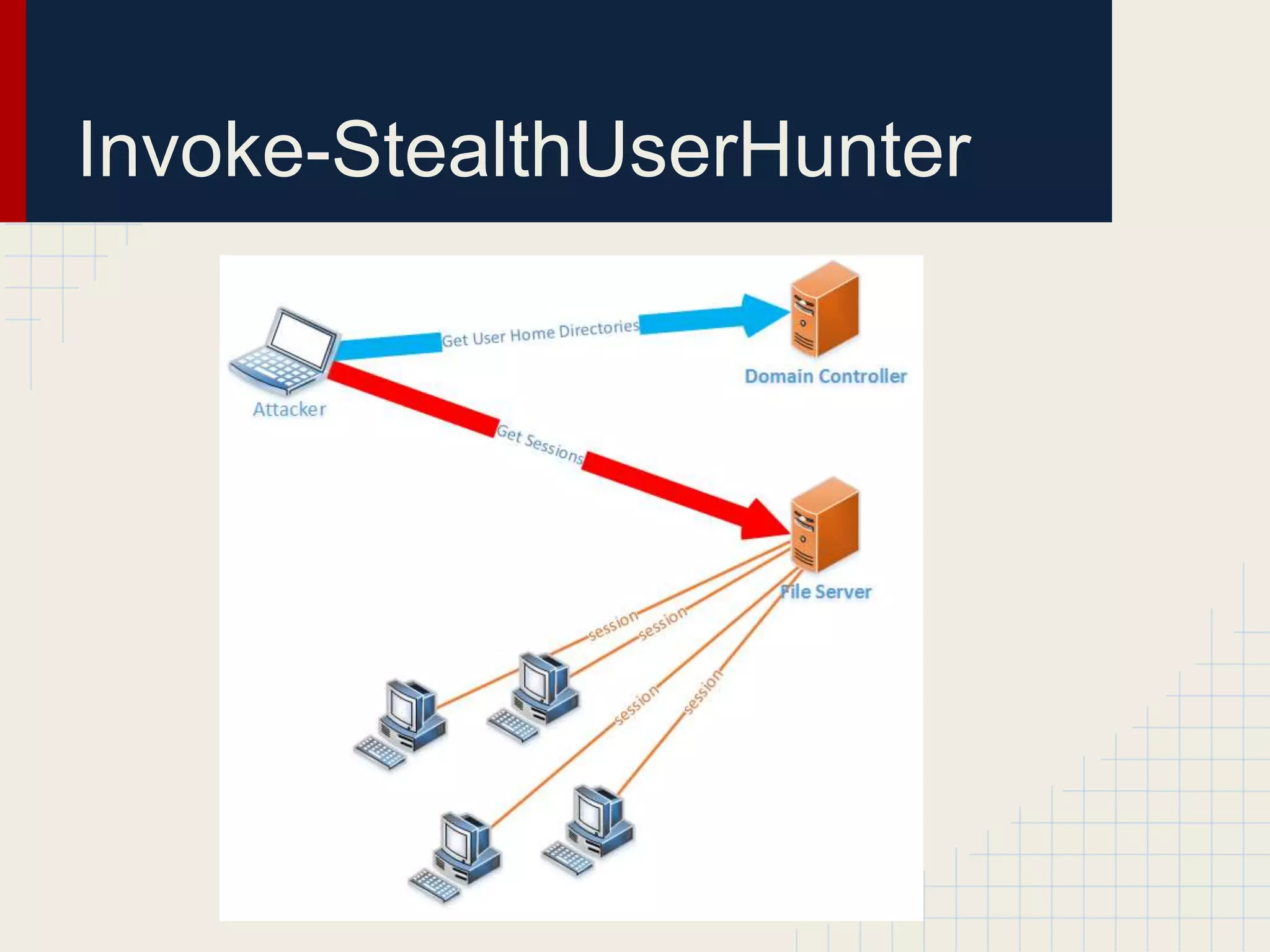
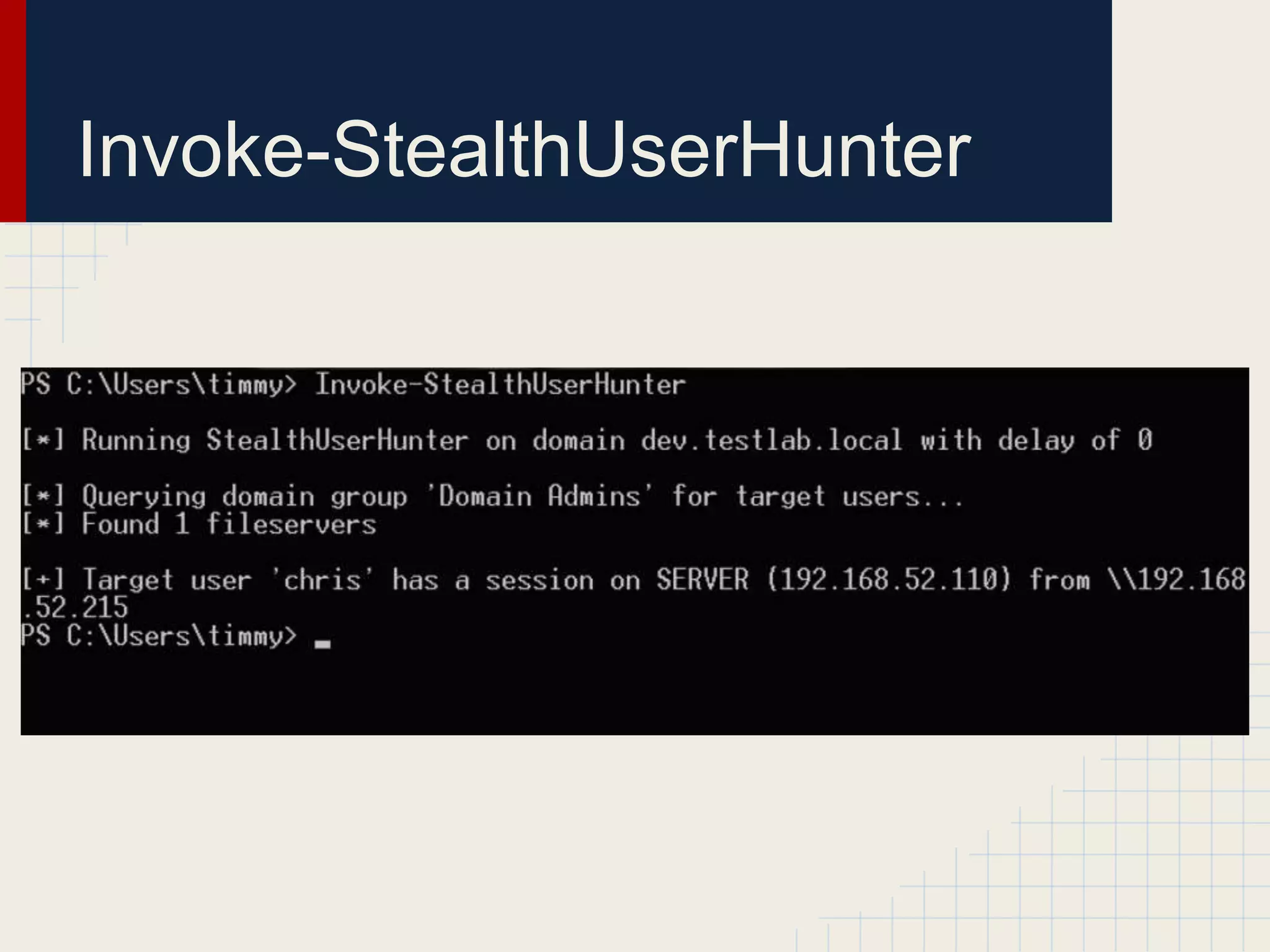
● Uses an old red teaming trick
1. Queries AD for all users and extracts all
homeDirectory fields to identify likely domain file
servers
2. Runs NetSessionEnum against each file server to
enumerate remote sessions, matching against target
user list
● Gets reasonable coverage with a lot less
traffic than UserHunter
o and again, no admin privs needed
Invoke-StealthUserHunter
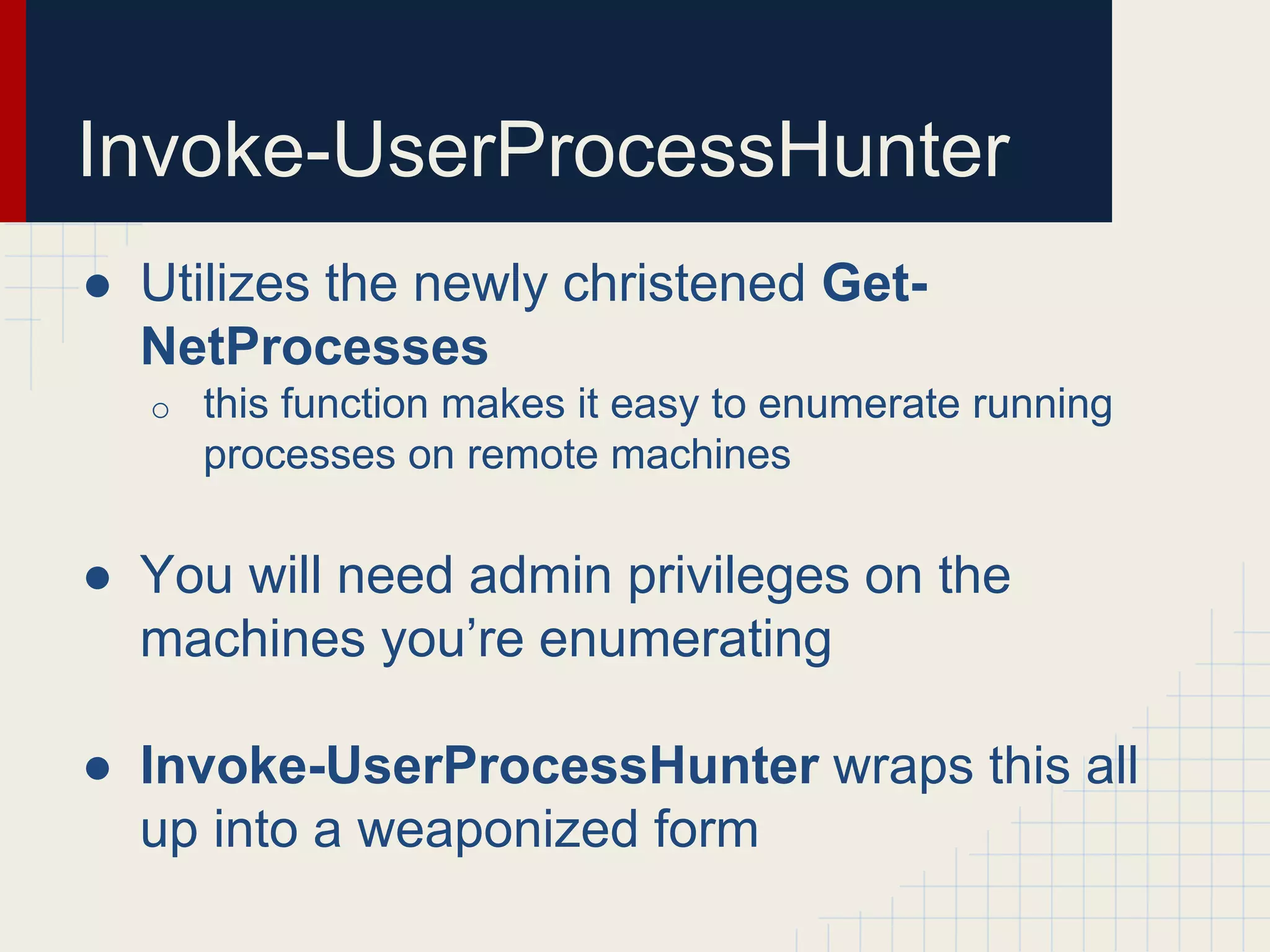
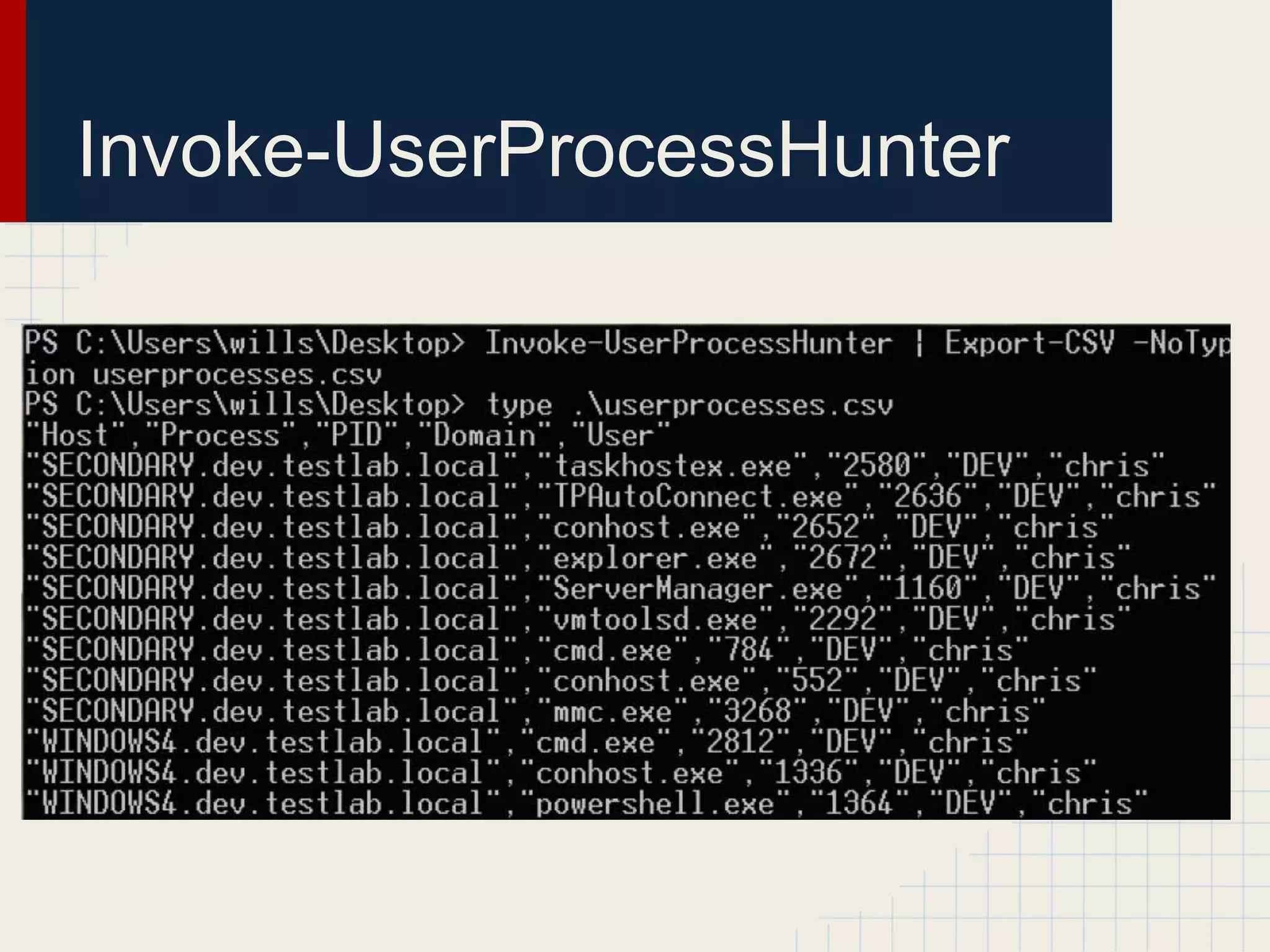
Invoke-UserProcessHunter
● Utilizes the newly christened Get-
NetProcesses
o this function makes it easy to enumerate running
processes on remote machines
● You will need admin privileges on the
machines you’re enumerating
● Invoke-UserProcessHunter wraps this all
up into a weaponized form
Invoke-UserProcessHunter
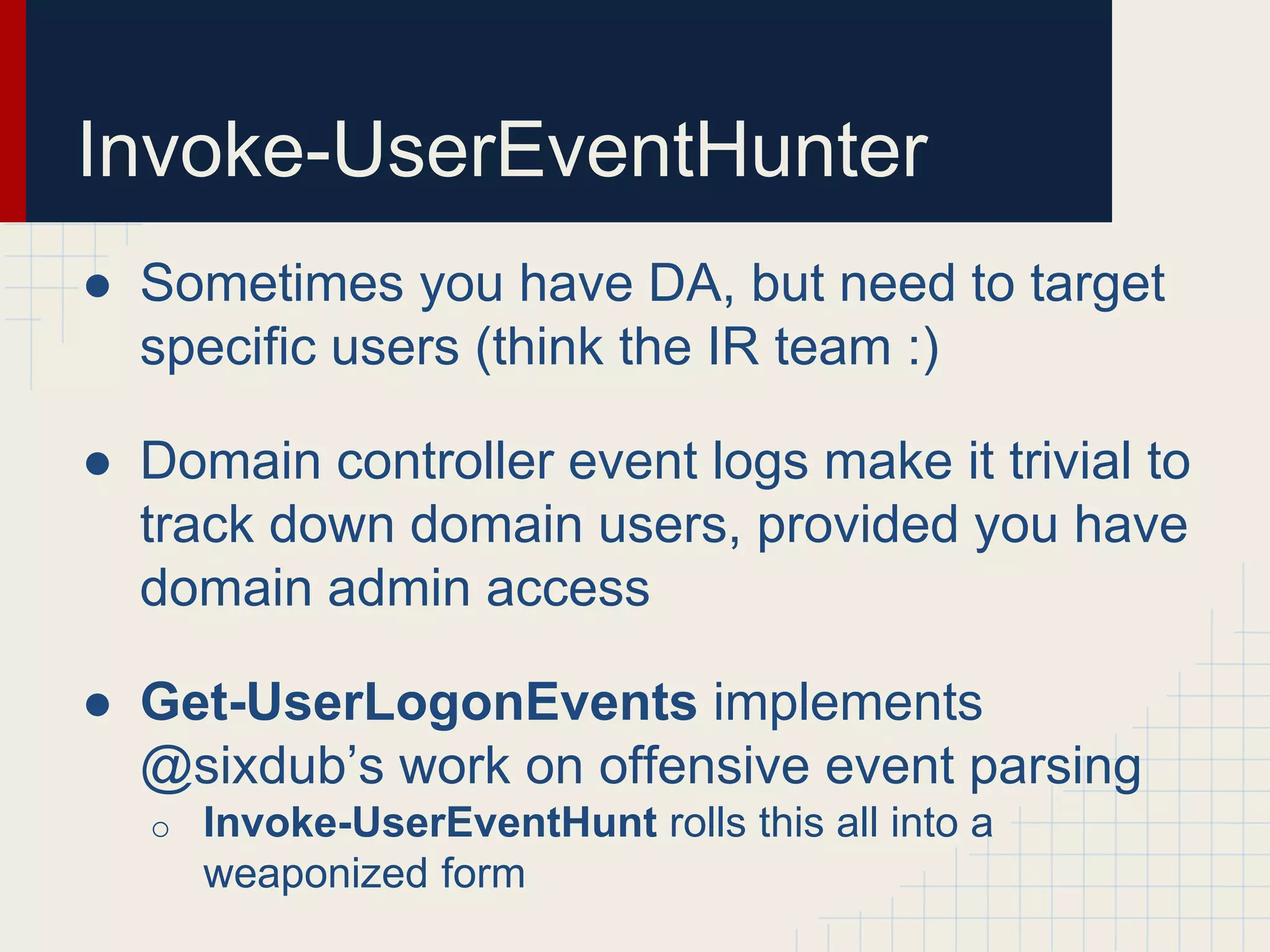
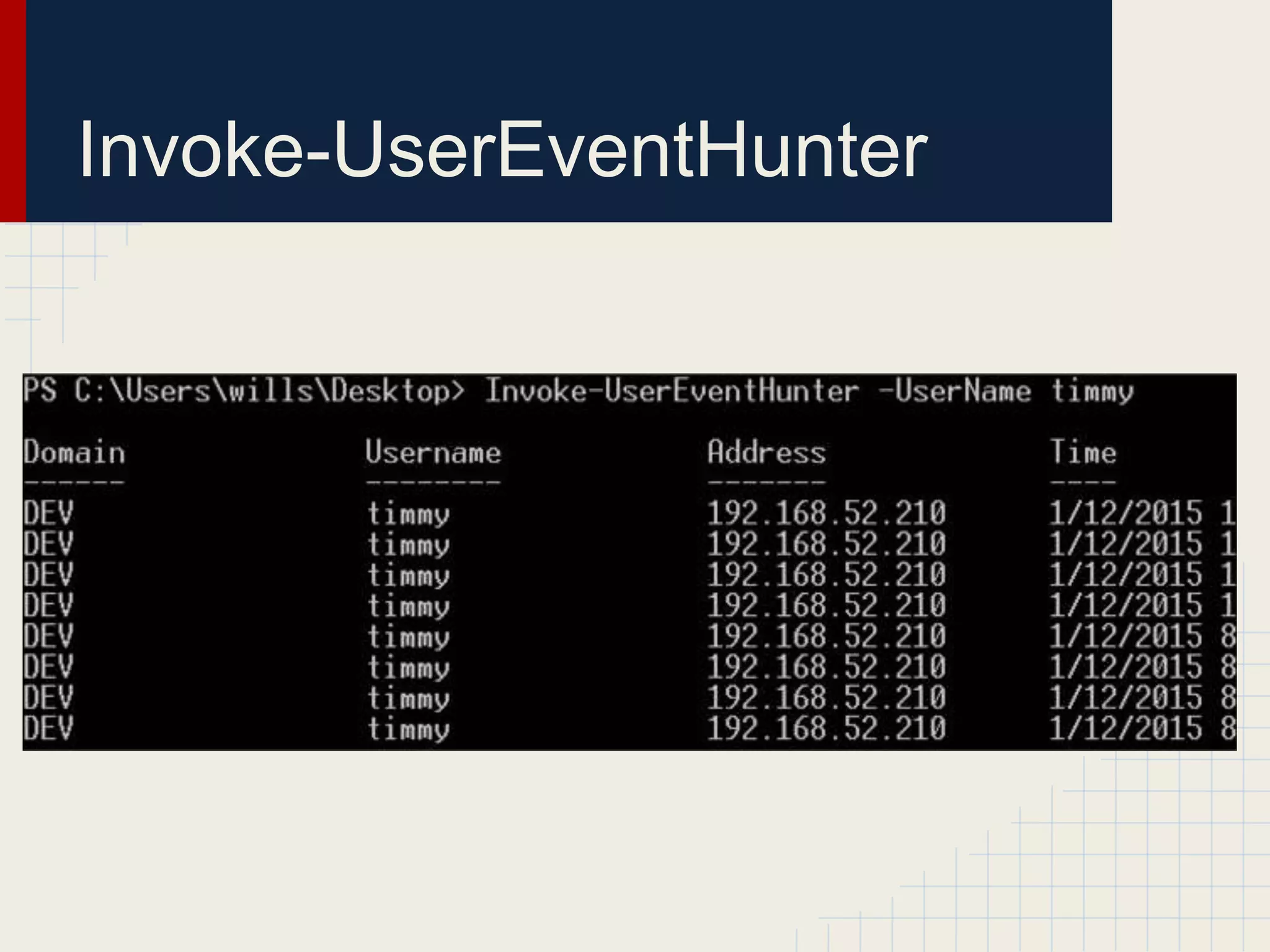
Invoke-UserEventHunter
● Sometimes you have DA, but need to target
specific users (think the IR team :)
● Domain controller event logs make it trivial to
track down domain users, provided you have
domain admin access
● Get-UserLogonEvents implements
@sixdub’s work on offensive event parsing
o Invoke-UserEventHunt rolls this all into a
weaponized form
Invoke-UserEventHunter
Demo(s)
Shameless Sidebar
● Want to research cool stuff like this?
● Want to work with 13 x OSCPs and 3 x
OSCEs?
● Want to do some sweet red teaming?
● Hit me up to join Veris Group’s Adaptive
Threat Division
Questions?
● Contact me:
o @harmj0y
o will [at] harmj0y.net
o harmj0y in #veil and #armitage on Freenode
● Read more:
o http://blog.harmj0y.net
o https://www.veil-framework.com
● Get PowerView:
o https://github.com/Veil-Framework/PowerTools

I hunt sys admins 2.0

  • 1.
    “I Hunt SysAdmins” (U) Will @harmj0y Version 2.0
  • 2.
    $ whoami ● Securityresearcher and red teamer for the Adaptive Threat Division of Veris Group ● Co-founder of the Veil-Framework and founder of Veil’s PowerTools ● Cons: o Shmoocon ‘14: AV Evasion with the Veil Framework o Defcon ‘14: Veil-Pillage: Post-exploitation 2.0 o Derbycon ‘14: Passing the Torch: Old School Red Teaming, New School Tactics?
  • 3.
    What this is ●Ways to hunt for target users on Windows domains ● Ya really, that’s it ● Will cover as many tools and technique for doing this as I have time for
  • 4.
    ● Setting thestage ● Existing tools o psloggedon.exe, netsess.exe, PVEFindADUser.exe, netview.exe, Nmap, smbexec, Veil-Pillage ● Domain data sources o homeDirectory, profilePath, event logs, email headers, SPNs ● PowerShellz o Sidenote: PowerShell WinAPI access o PowerView tl;dr
  • 5.
    Setting the Stage ●This talk is from the “assume breach” perspective o i.e. assume foothold/access to a Windows domain machine ● I’m also going to assume you know (more or less) what users you’re targeting ● PowerShell methods are going to heavily rely on PowerView o https://github.com/veil-framework/PowerTools
  • 6.
    User Hunting: LateralSpread ● Most common: o If you have a privileged account, or local admin account, you want to figure out where high value users are logged in ● Hunt -> pop box -> Mimikatz -> profit ● Knowing what users log in to what boxes from where can give you a better understanding of a network layout and implicit trust relationships
  • 7.
  • 8.
  • 9.
  • 10.
    User Hunting: PostDA ● Red teaming isn’t about access, it’s about data and showing impact! ● Once you get privileged access (like domain admin) there are likely specific targets you might want to go after ● Think incident response teams, CEOs, the linux team, database admins, etc.
  • 11.
  • 12.
  • 13.
    Where my sysadminsat? Finding your prey
  • 14.
    Existing Tools ● Severaltools have been written that allow you to figure out who’s logged in where ● I’ll cover what’s already out there, including the positives/negatives for each ● “Offensive in depth” o You always want multiple ways of achieving the same objective
  • 15.
    ● Component ofMicrosoft’s Sysinternals o “...determines who is logged on by scanning the keys under the HKEY_USERS key.” o “To determine who is logged onto a computer via resource shares, PsLoggedOn uses the NetSessionEnum API.” ● Needs remote registry access to determine who’s logged in o i.e. admin privileges on a remote machine http://technet.microsoft.com/en-us/sysinternals/bb897545.aspx psloggedon.exe
  • 16.
  • 17.
    netsess.exe ● Component of http://www.joeware.net/freetools/ ●Utilizes the NetSessionEnum API call o http://msdn.microsoft.com/en- us/library/windows/desktop/bb525382(v=vs.85).aspx ● Think a version of “net session” that works on remote machines! o great for targeting file servers :) o no admin privs needed!
  • 18.
  • 19.
    PVEFindADUser.exe ● Tool releasedby corelanc0d3r in 2009 ● “Helps you find where AD users are logged in” o Can also check who’s logged into specific machines ● But “...you also need to have admin access on the computers you are running the utility against.” https://www.corelan.be/index.php/2009/07/12/free-tool-find-where-ad-users-are-logged-on-into/
  • 20.
  • 21.
    netview.exe ● Rob Fuller’s(@mubix) netview.exe project, presented at Derbycon 2012, is a tool to “enumerate systems using WinAPI calls” ● Finds all machines on the network, enumerates shares, sessions, and logged in users for each host o And now can check share access, highlight high value users, and use a delay/jitter :) o and also, no admin privs needed! https://github.com/mubix/netview
  • 22.
  • 23.
    Nmap ● If youhave a valid domain account, or local account valid for several machines, you can use smb-enum-sessions.nse ● Don’t need to have admin privileges! nmap -sU -sS --script smb-enum- sessions.nse --script-args 'smbuser=jasonf,smbpass=BusinessBus inessBusiness!' -p U:137,T:139 192.168.52.0/24 http://nmap.org/nsedoc/scripts/smb-enum-sessions.html
  • 24.
  • 25.
    Smbexec ● Awesome post-exploitationframework built on top of patched Samba binaries ● The enumeration/checkda module can check machines for domain admin processes/sessions on particular targets ● However: o requires local admin on the target machine o only can target domain admins
  • 26.
    Veil-Pillage ● Veil-Pillage isa post-exploitation framework conceptually similiar to Smbexec ● The enumeration/domain/group_hunter and enumeration/host/user_hunter modules will do the same tasklist and qwinsta process to hunt for specific target groups ● However: o requires local admin on the target machine o but can target more than just domain admins
  • 27.
  • 28.
    Active Directory Sources ●There are a few components of Active Directory user objects that warrant interest ● homeDirectory o path to a user’s auto-mounted home directory ● profilePath o path to a user’s roaming profile ● Why? o Enumerating remote sessions against common network servers lots of people use gives an excellent mapping of what users are where
  • 29.
    Event Logs ● Sometimesyou have DA, but need to target specific users (think the IR team :) ● If you can query the event logs on a domain controller, you can extract: o logon type (interactive/network), account name, source network address ● @sixdub rolled this into a PowerShell script, which has since been incorporated into PowerView, more on this later http://sixdub.net/2014/11/offensive-event-parsing-bringing-home-trophies/
  • 30.
    Email Headers ● Ifyou have access to someone’s email (Mimikatz+OWA, etc.) internal headers can provide a wealth of information ● Search for any chains to/from target users, and examine headers for given email chains ● If the “X-Originating-IP” header is present, you can trace where a user sent a given email from
  • 31.
    Service Principal Names ●SPNs aren’t just for machines ● Registering a service to run on a machine under a particular user account will register that machine/service for that user in AD o Makes a great place to check for users, all with a single AD query ● Scott Sutherland (@_nullbind) has a great article on this: o https://blog.netspi.com/faster-domain-escalation- using-ldap/
  • 32.
    Manual Checks ● Tofind your targets: o net user “Domain Admins” /domain ● To find your file servers: o AdFind.exe -f "samAccountType=805306368" attr homeDirectory | findstr /c:"homeDirectory" ● To find where your targets are: o NetSess.exe FILESERVER
  • 33.
    Wrapping in VBScript ●You can wrap some of these tools in some basic VB script to automate it all up ● Run tool, filter for target users, etc. ● But why use VBScript, when you have...
  • 34.
  • 35.
    PowerShellz ● PowerShell hassome awesome AD hooks and has various ways to access the lower- level Windows API ● You can also access the lower-level Win32 API for interesting functions ○ NetSessionEnum for user sessions ○ NetWkstaUserEnum for logged on users ● Thanks @mattifestation for lots of ways to access the underlying API functions!
  • 36.
    Enumerating Targets ● PowerViewhas several functions that can help you enumerate target users and hunt them down ● Finding targets: o Get-NetGroups *wildcard* will return groups containing specific wildcard terms o Get-UserProperties will extract all user property fields  often interesting field names! o Invoke-UserFieldSearch will search particular user fields for wildcard terms
  • 37.
    Invoke-UserHunter ● Flexible functionthat: o queries AD for hosts or takes a target list o queries AD for users of a target group, or takes a list/single user o uses Win32 API calls to enumerate sessions (NetSessionEnum) and logged in users (NetWkstaUserEnum), matching against the target user list ● Can also check to see if you have local admin access on targets o but no admin privs needed to get good info!
  • 38.
  • 39.
  • 40.
    Invoke-UserView ● Several timeson engagements we found ourselves rerunning Invoke-UserHunter in order to re-hunt for specific users ● This creates a lot of unnecessary noise ● Invoke-UserView will run the exact same functions/checks that Invoke-UserHunter does, but preserves all output for later processing
  • 41.
  • 42.
    Invoke-StealthUserHunter ● Uses anold red teaming trick 1. Queries AD for all users and extracts all homeDirectory fields to identify likely domain file servers 2. Runs NetSessionEnum against each file server to enumerate remote sessions, matching against target user list ● Gets reasonable coverage with a lot less traffic than UserHunter o and again, no admin privs needed
  • 43.
  • 44.
  • 45.
    Invoke-UserProcessHunter ● Utilizes thenewly christened Get- NetProcesses o this function makes it easy to enumerate running processes on remote machines ● You will need admin privileges on the machines you’re enumerating ● Invoke-UserProcessHunter wraps this all up into a weaponized form
  • 46.
  • 47.
    Invoke-UserEventHunter ● Sometimes youhave DA, but need to target specific users (think the IR team :) ● Domain controller event logs make it trivial to track down domain users, provided you have domain admin access ● Get-UserLogonEvents implements @sixdub’s work on offensive event parsing o Invoke-UserEventHunt rolls this all into a weaponized form
  • 48.
  • 49.
  • 50.
    Shameless Sidebar ● Wantto research cool stuff like this? ● Want to work with 13 x OSCPs and 3 x OSCEs? ● Want to do some sweet red teaming? ● Hit me up to join Veris Group’s Adaptive Threat Division
  • 51.
    Questions? ● Contact me: o@harmj0y o will [at] harmj0y.net o harmj0y in #veil and #armitage on Freenode ● Read more: o http://blog.harmj0y.net o https://www.veil-framework.com ● Get PowerView: o https://github.com/Veil-Framework/PowerTools