 Hardware
 Software
 Liveware
 System Unit
 Central Processing Unit (CPU)
 also called “The Chip”, “Microprocessor” or simply “The Processor”
 Main Memory (RAM)
 Storage Devices
 Input Devices
 Output Devices
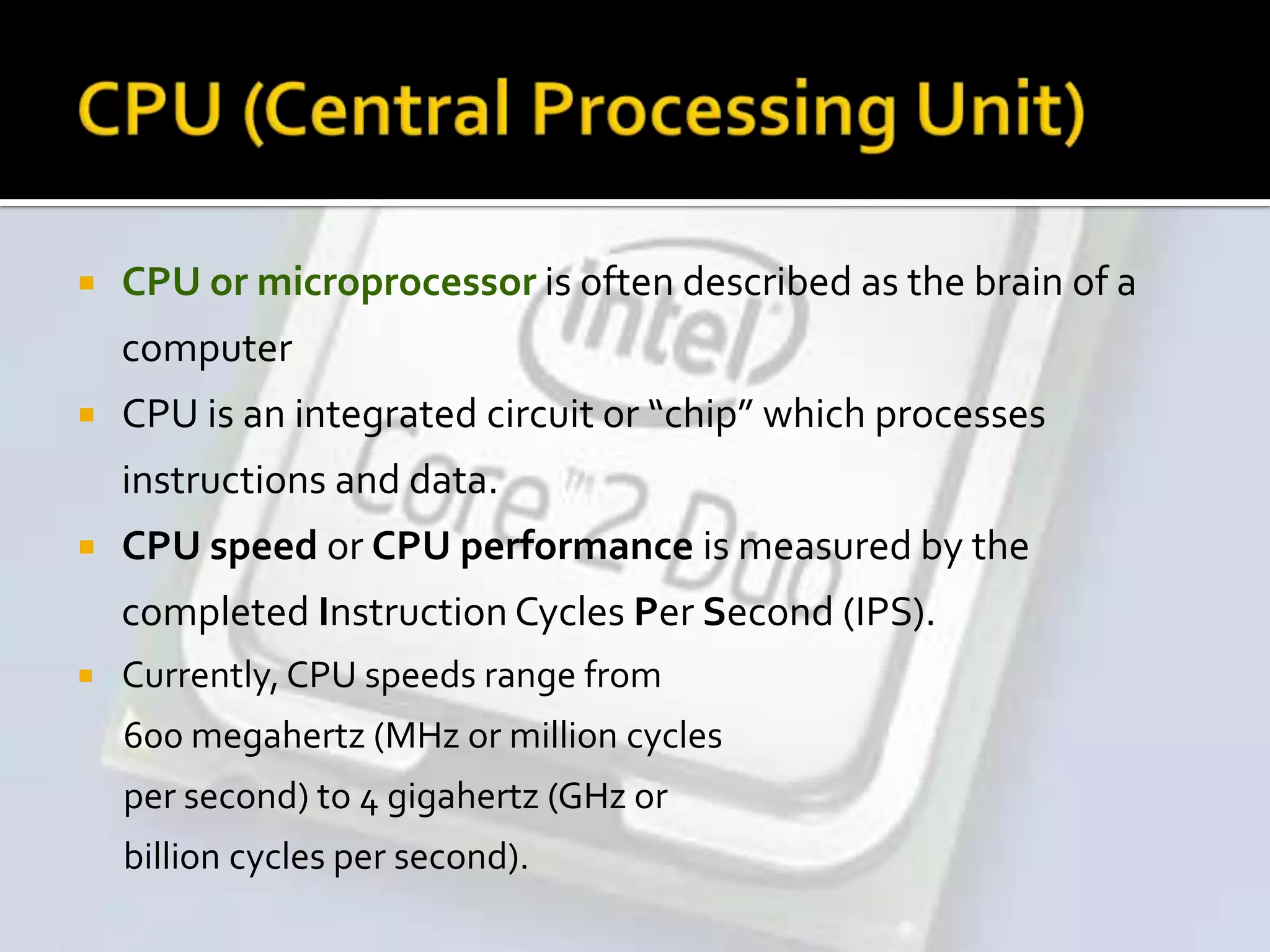
 CPU or microprocessor is often described as the brain of a
computer
 CPU is an integrated circuit or “chip” which processes
instructions and data.
 CPU speed or CPU performance is measured by the
completed Instruction Cycles Per Second (IPS).
 Currently, CPU speeds range from
600 megahertz (MHz or million cycles
per second) to 4 gigahertz (GHz or
billion cycles per second).
 Processing performance of computers is increased by using
multi-core processors, which essentially is plugging two or
more individual processors (called cores in this sense) into
one integrated circuit.
(Eg: Intel Core i5, AMD Phenom II X4, …)
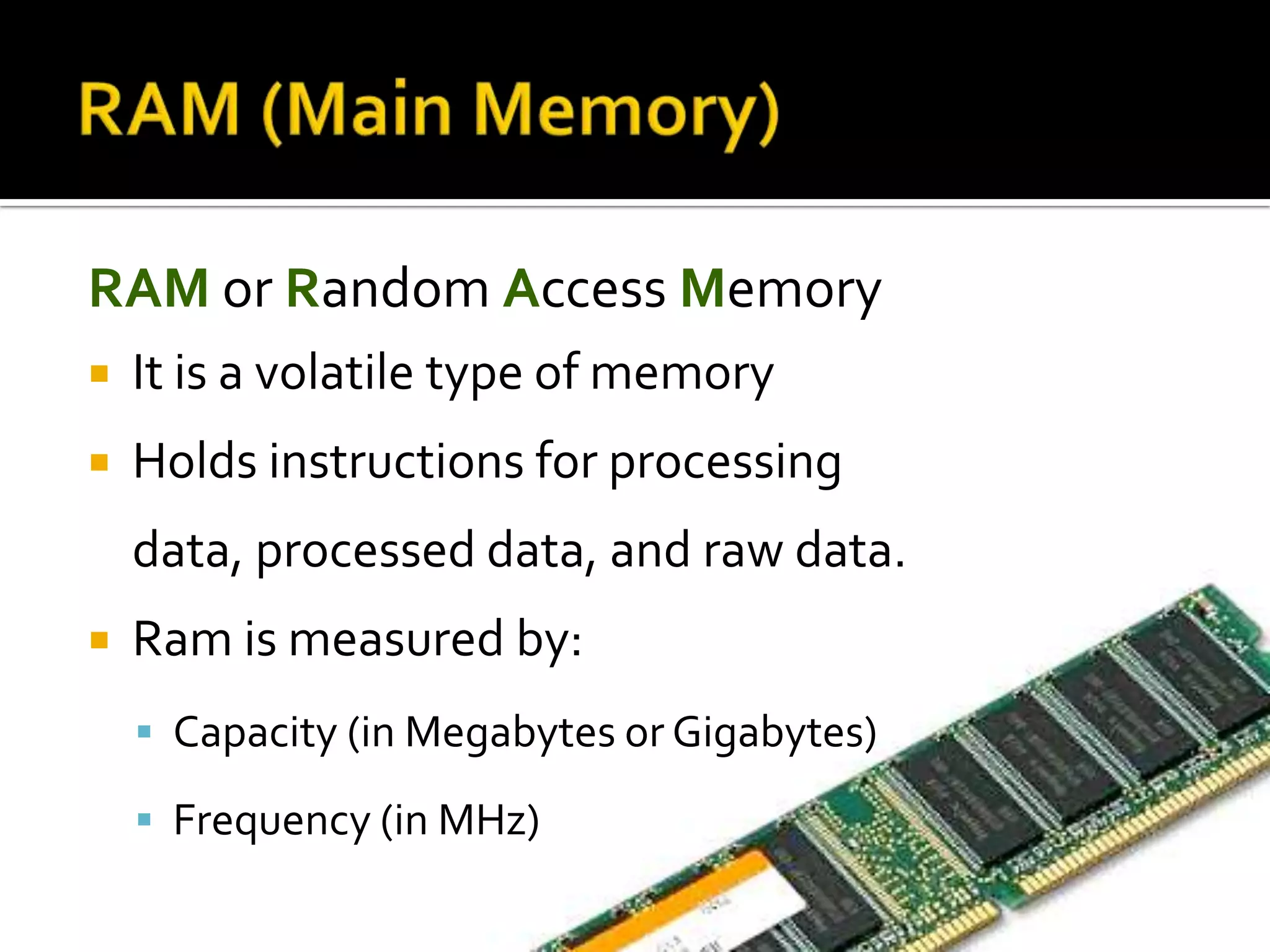
RAM or Random Access Memory
 It is a volatile type of memory
 Holds instructions for processing
data, processed data, and raw data.
 Ram is measured by:
 Capacity (in Megabytes or Gigabytes)
 Frequency (in MHz)
 Amount of RAM installed will determine.
Which software applications will run
(efficiently)?
How many software applications can be open
simultaneously? (multitasking ability)
 Types of RAM:
SRAM (Static RAM)
DRAM (Dynamic RAM)
 Magnetic storage devices store data by
magnetizing particles on a disk or tape.
 Optical storage devices store data as light
and dark spots on the disk surface.
Hard Disk Drives
 Capacity is measured in gigabytes (GB or
billions of bytes).
 Typically permanently installed.
 Used to store operating system, application
software, utilities and data.
 Magnetic storage device.
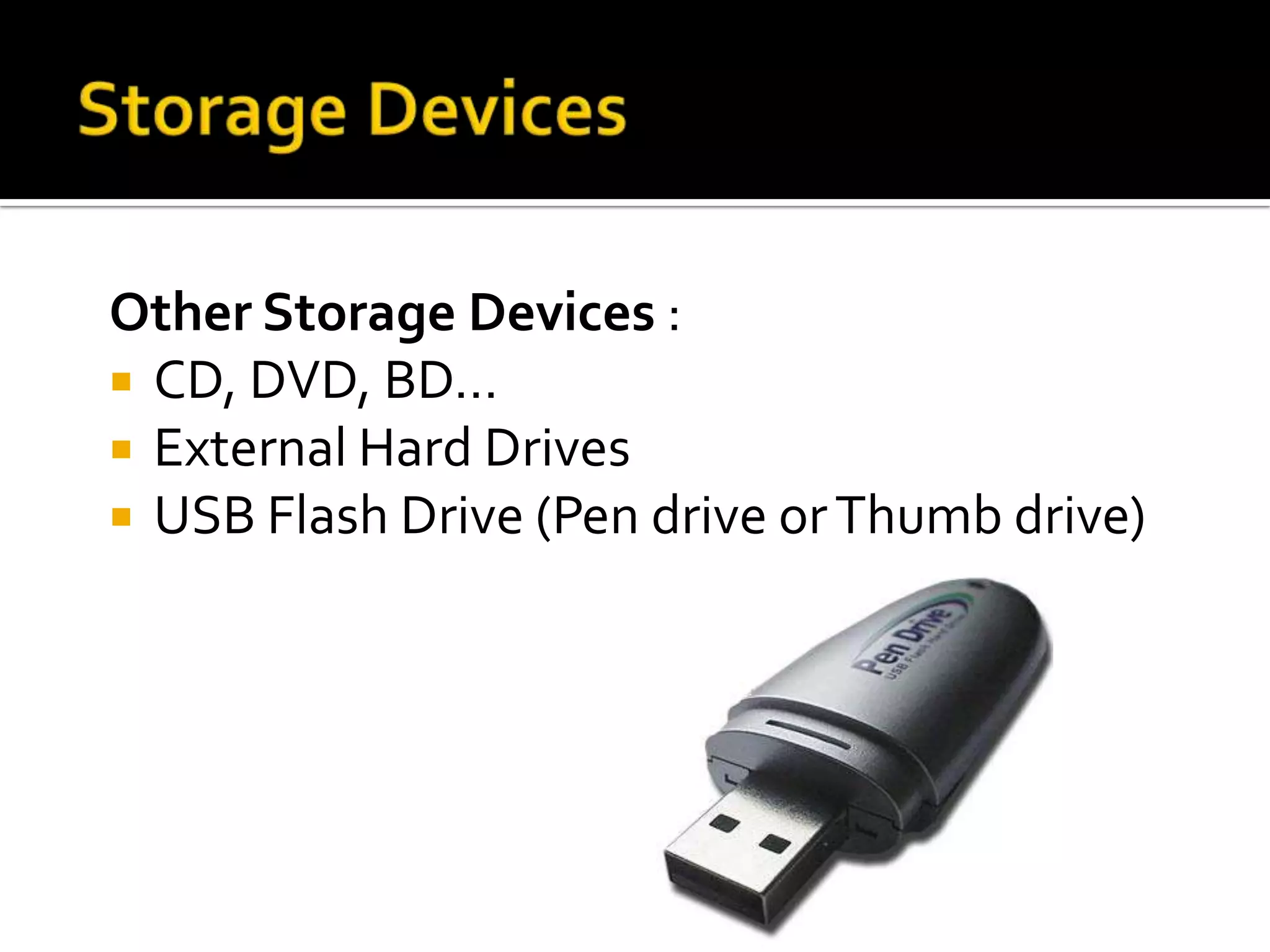
Other Storage Devices :
 CD, DVD, BD…
 External Hard Drives
 USB Flash Drive (Pen drive orThumb drive)
 Input devices gather and translate data
into a form the computer understands.
 Primary input device:
 Keyboard - Most common input device; used to
type in commands and data.
 Mouse or Trackball enhances user’s ability to
input commands, manipulate text, images.
 Touchpad orTouchscreen
 Joystick useful for Gaming
 Scanners
 Webcams
 Microphones
 Monitors are the most commonly used
output device.
Most monitors use a bitmap (Raster) display.
 Allows user to resize the display.
 Divides the screen into a matrix of tiny square “dots”
called pixels.
 The more “dots” a screen can display, the higher the
resolution of the monitor.
 For example: CRT(Cathode RayTube), LCD (Liquid Crystal
Display)…
Other output devices:
 Speakers
 Printers
 Projectors
ThankYou!

01. Basics of Computer Hardware

  • 2.
  • 3.
     System Unit Central Processing Unit (CPU)  also called “The Chip”, “Microprocessor” or simply “The Processor”  Main Memory (RAM)  Storage Devices  Input Devices  Output Devices
  • 4.
     CPU ormicroprocessor is often described as the brain of a computer  CPU is an integrated circuit or “chip” which processes instructions and data.  CPU speed or CPU performance is measured by the completed Instruction Cycles Per Second (IPS).  Currently, CPU speeds range from 600 megahertz (MHz or million cycles per second) to 4 gigahertz (GHz or billion cycles per second).
  • 5.
     Processing performanceof computers is increased by using multi-core processors, which essentially is plugging two or more individual processors (called cores in this sense) into one integrated circuit. (Eg: Intel Core i5, AMD Phenom II X4, …)
  • 6.
    RAM or RandomAccess Memory  It is a volatile type of memory  Holds instructions for processing data, processed data, and raw data.  Ram is measured by:  Capacity (in Megabytes or Gigabytes)  Frequency (in MHz)
  • 7.
     Amount ofRAM installed will determine. Which software applications will run (efficiently)? How many software applications can be open simultaneously? (multitasking ability)  Types of RAM: SRAM (Static RAM) DRAM (Dynamic RAM)
  • 8.
     Magnetic storagedevices store data by magnetizing particles on a disk or tape.  Optical storage devices store data as light and dark spots on the disk surface.
  • 9.
    Hard Disk Drives Capacity is measured in gigabytes (GB or billions of bytes).  Typically permanently installed.  Used to store operating system, application software, utilities and data.  Magnetic storage device.
  • 10.
    Other Storage Devices:  CD, DVD, BD…  External Hard Drives  USB Flash Drive (Pen drive orThumb drive)
  • 11.
     Input devicesgather and translate data into a form the computer understands.  Primary input device:  Keyboard - Most common input device; used to type in commands and data.  Mouse or Trackball enhances user’s ability to input commands, manipulate text, images.  Touchpad orTouchscreen  Joystick useful for Gaming
  • 12.
  • 13.
     Monitors arethe most commonly used output device. Most monitors use a bitmap (Raster) display.  Allows user to resize the display.  Divides the screen into a matrix of tiny square “dots” called pixels.  The more “dots” a screen can display, the higher the resolution of the monitor.  For example: CRT(Cathode RayTube), LCD (Liquid Crystal Display)…
  • 14.
    Other output devices: Speakers  Printers  Projectors
  • 15.