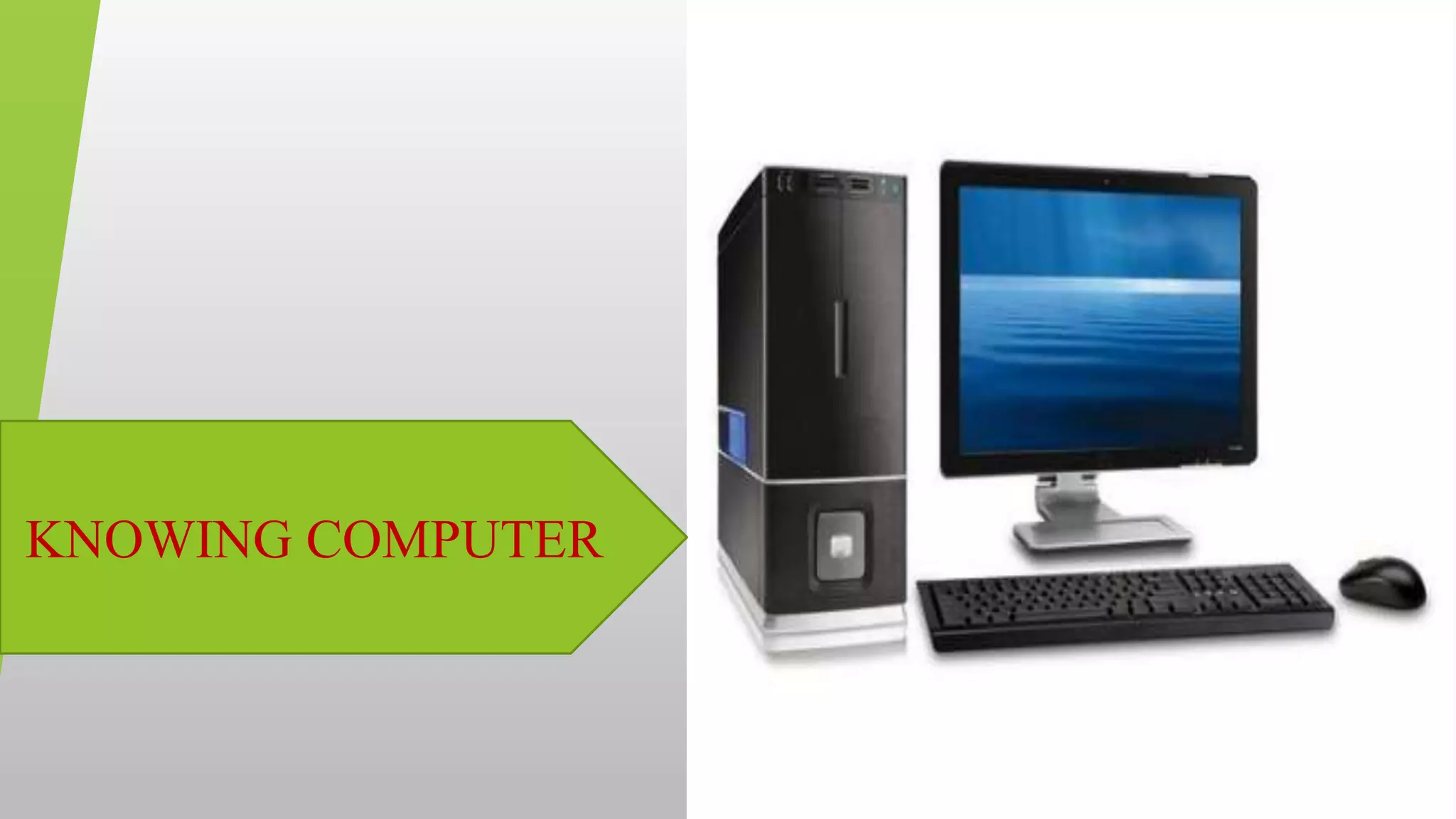
KNOWING COMPUTER
K.Himabindu., M.Tech
31-03-2021
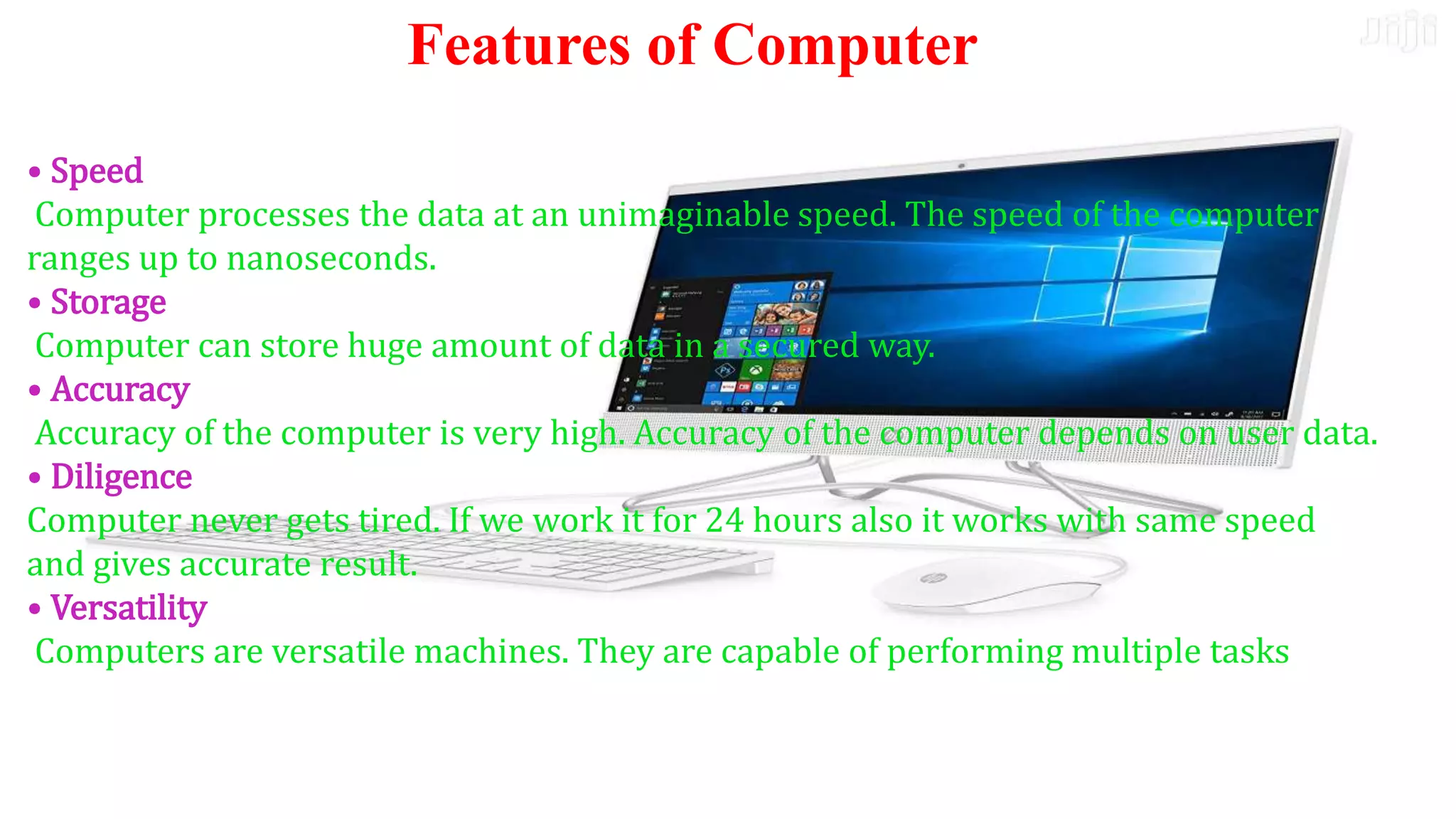
• Speed
Computer processes the data at an unimaginable speed. The
speed of the computer ranges up to nanoseconds.
• Storage
Computer can store huge amount of data in a secured way.
• Accuracy
Accuracy of the computer is very high. Accuracy of the
computer depends on user data.
• Diligence
Computer never gets tired. If we work it for 24 hours also it
works with same speed and gives accurate result.
• Versatility
Computers are versatile machines. They are capable of
performing multiple tasks
• Speed
Computer processes the data at an unimaginable speed. The speed of the computer
ranges up to nanoseconds.
• Storage
Computer can store huge amount of data in a secured way.
• Accuracy
Accuracy of the computer is very high. Accuracy of the computer depends on user data.
• Diligence
Computer never gets tired. If we work it for 24 hours also it works with same speed
and gives accurate result.
• Versatility
Computers are versatile machines. They are capable of performing multiple tasks
Features of Computer
K.Himabindu., M.Tech
31-03-2021
Disadvantages
Lack of common sense.
Depends on human instructions.
Full proof information should be given.
Inability to correct.
K.Himabindu., M.Tech
31-03-2021
Basic applications of computer
 Desktop publishing
 Mathematical Calculations
 Banks
 Travel
 Telecommunications
 Defence
 E-Learning
 Examinations
 Computers in Business
K.Himabindu., M.Tech
31-03-2021
Components of computer system
Hardware
Software
Data
user
K.Himabindu., M.Tech
31-03-2021
Hardware
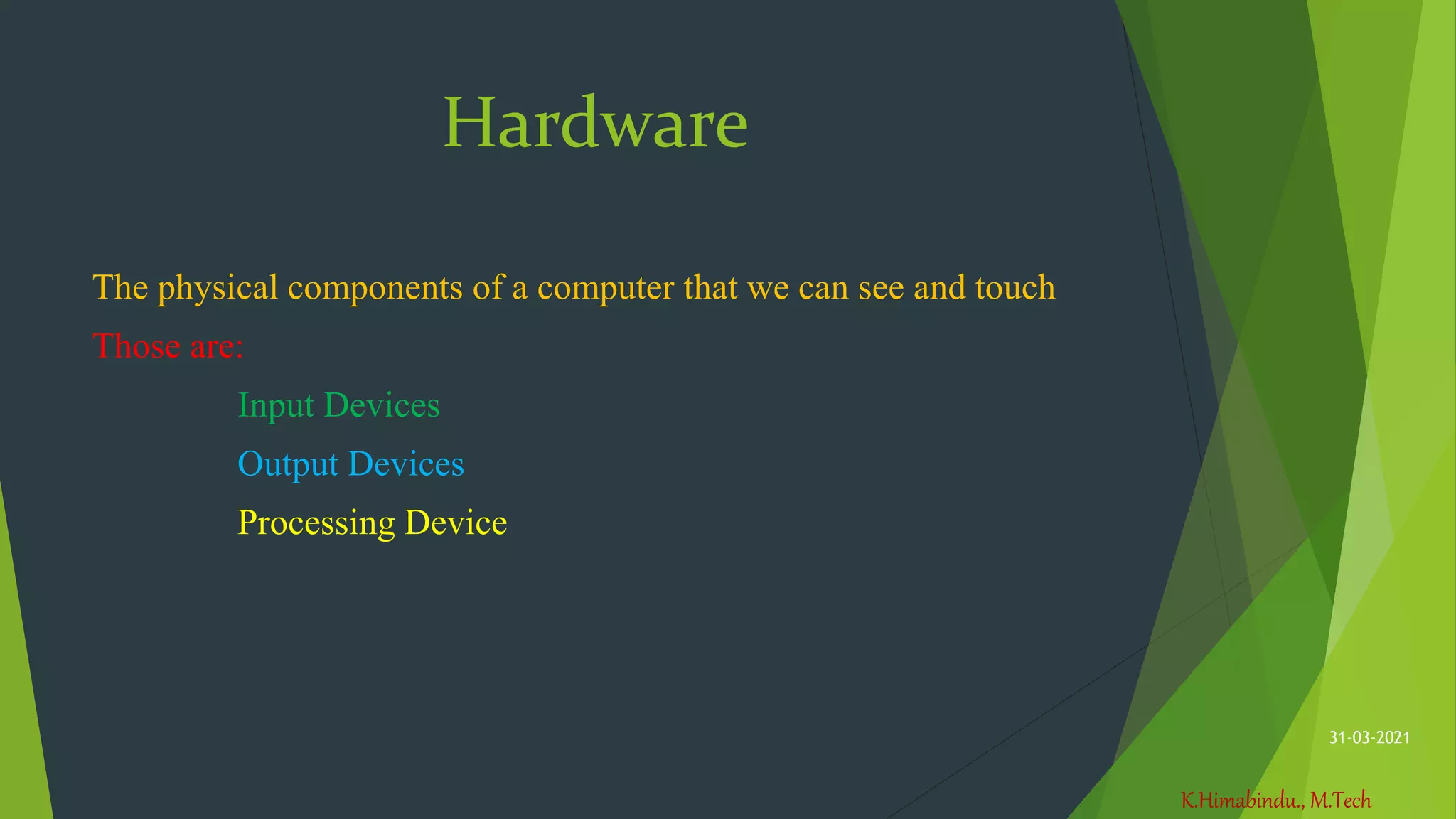
The physical components of a computer that we can see and touch
Those are:
Input Devices
Output Devices
Processing Device
K.Himabindu., M.Tech
31-03-2021
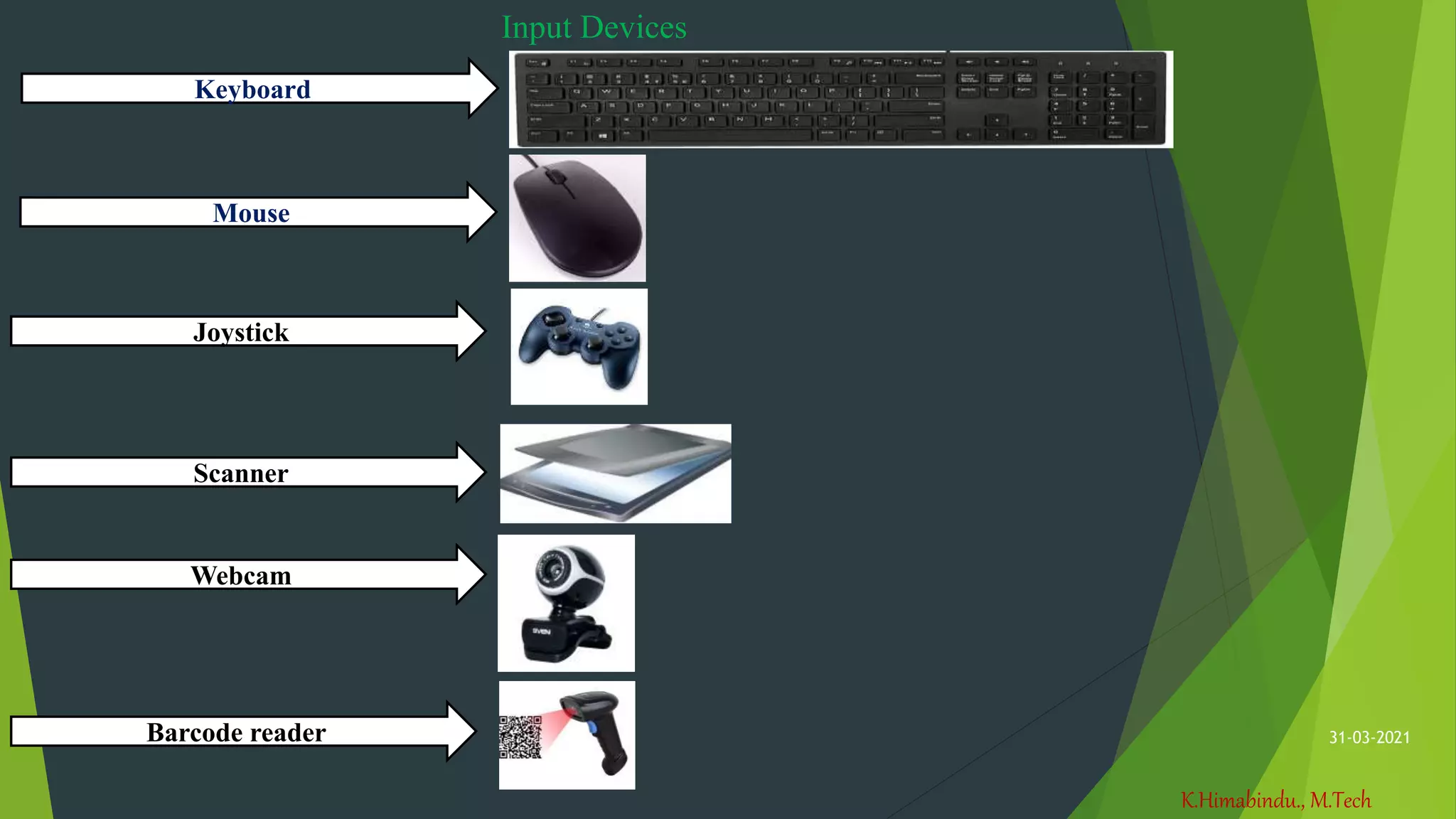
Input Devices
Keyboard
Mouse
Joystick
Scanner
Webcam
Barcode reader
K.Himabindu., M.Tech
31-03-2021
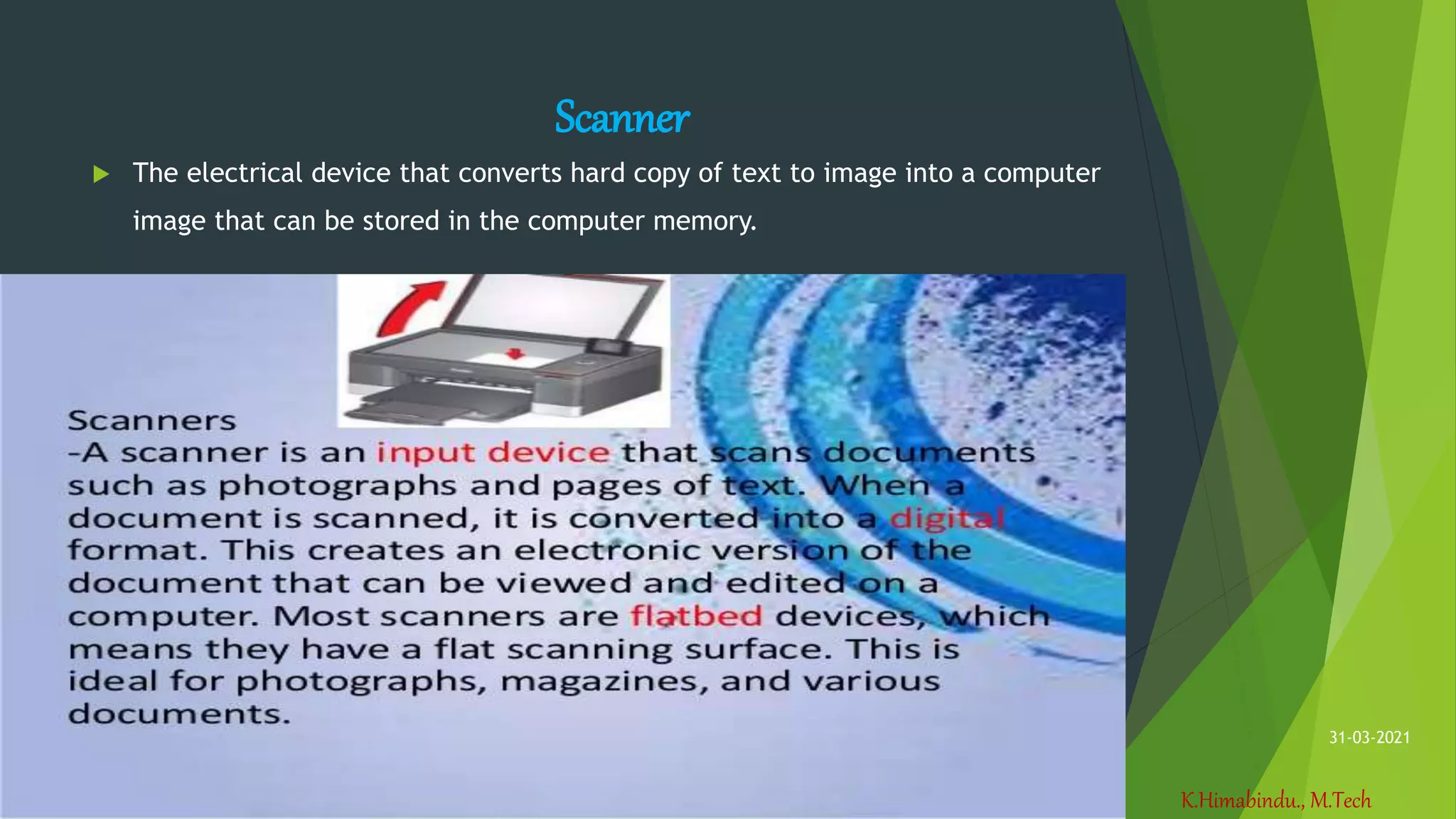
Scanner
 The electrical device that converts hard copy of text to image into a computer
image that can be stored in the computer memory.
K.Himabindu., M.Tech
31-03-2021
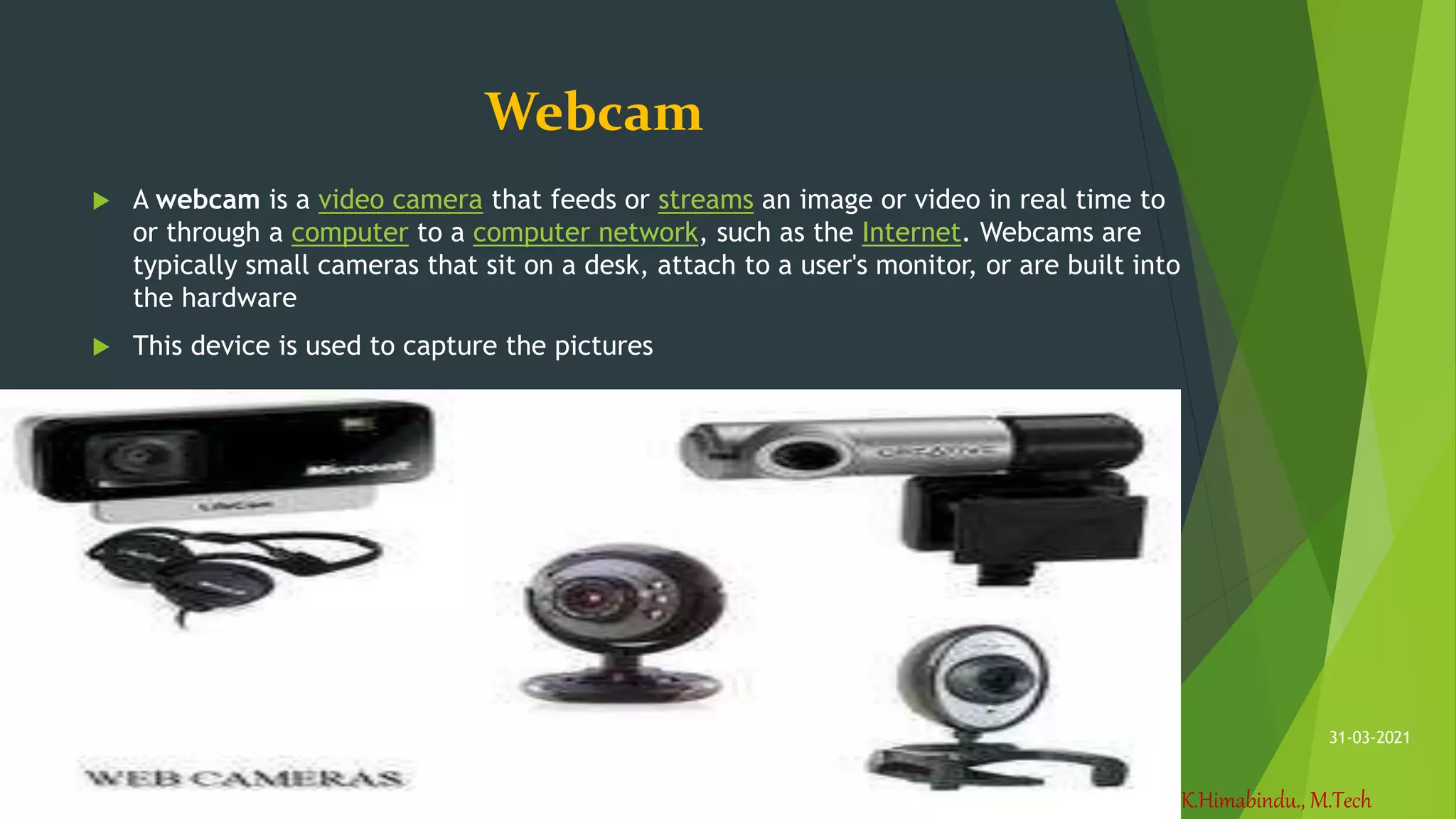
Webcam
 A webcam is a video camera that feeds or streams an image or video in real time to
or through a computer to a computer network, such as the Internet. Webcams are
typically small cameras that sit on a desk, attach to a user's monitor, or are built into
the hardware
 This device is used to capture the pictures
K.Himabindu., M.Tech
31-03-2021
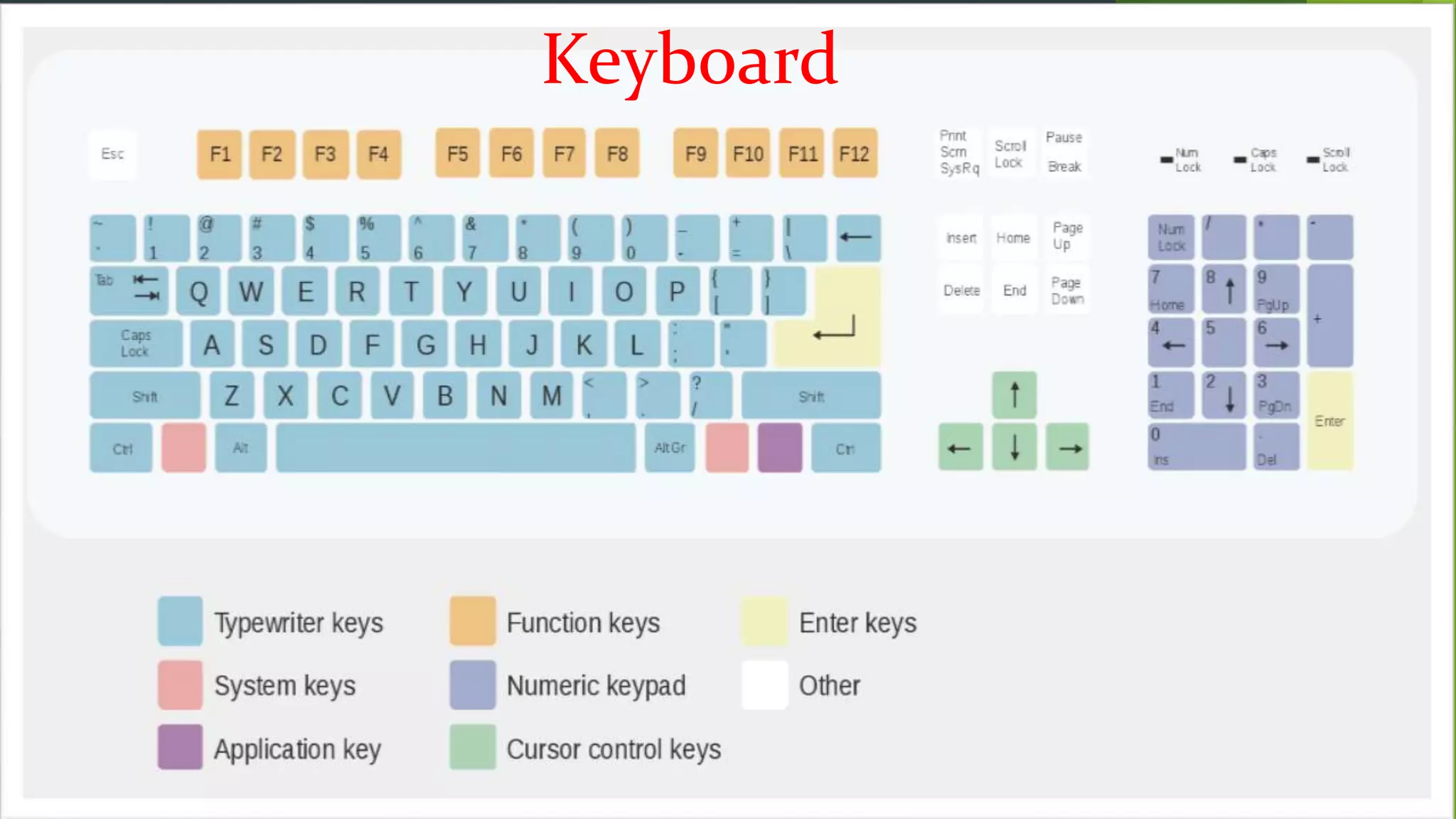
Keyboard
K.Himabindu., M.Tech
31-03-2021
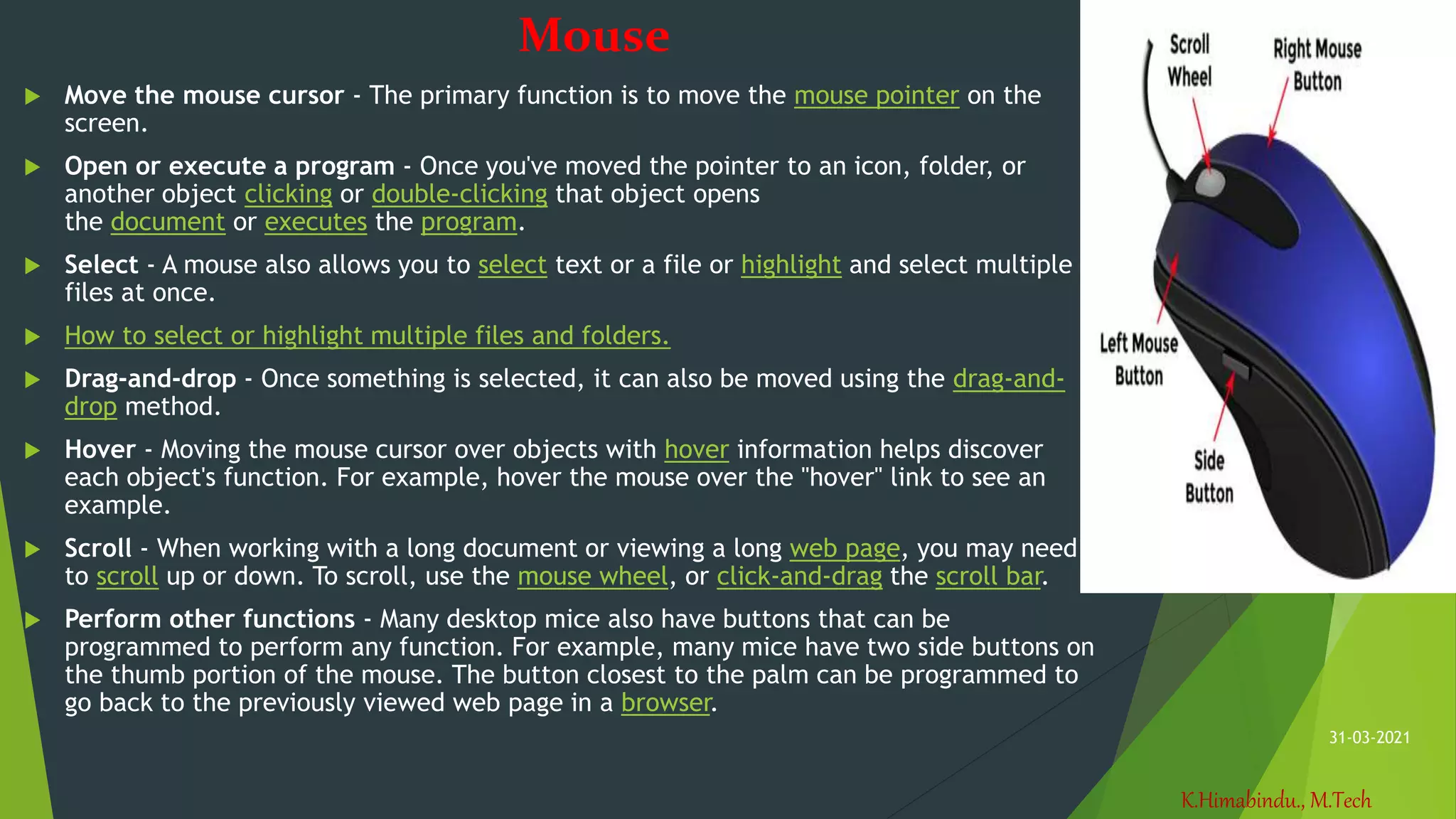
Mouse
 Move the mouse cursor - The primary function is to move the mouse pointer on the
screen.
 Open or execute a program - Once you've moved the pointer to an icon, folder, or
another object clicking or double-clicking that object opens
the document or executes the program.
 Select - A mouse also allows you to select text or a file or highlight and select multiple
files at once.
 How to select or highlight multiple files and folders.
 Drag-and-drop - Once something is selected, it can also be moved using the drag-and-
drop method.
 Hover - Moving the mouse cursor over objects with hover information helps discover
each object's function. For example, hover the mouse over the "hover" link to see an
example.
 Scroll - When working with a long document or viewing a long web page, you may need
to scroll up or down. To scroll, use the mouse wheel, or click-and-drag the scroll bar.
 Perform other functions - Many desktop mice also have buttons that can be
programmed to perform any function. For example, many mice have two side buttons on
the thumb portion of the mouse. The button closest to the palm can be programmed to
go back to the previously viewed web page in a browser.
K.Himabindu., M.Tech
31-03-2021
Joystick
The device used in the
computer for playing
games as an directional
device
K.Himabindu., M.Tech
31-03-2021
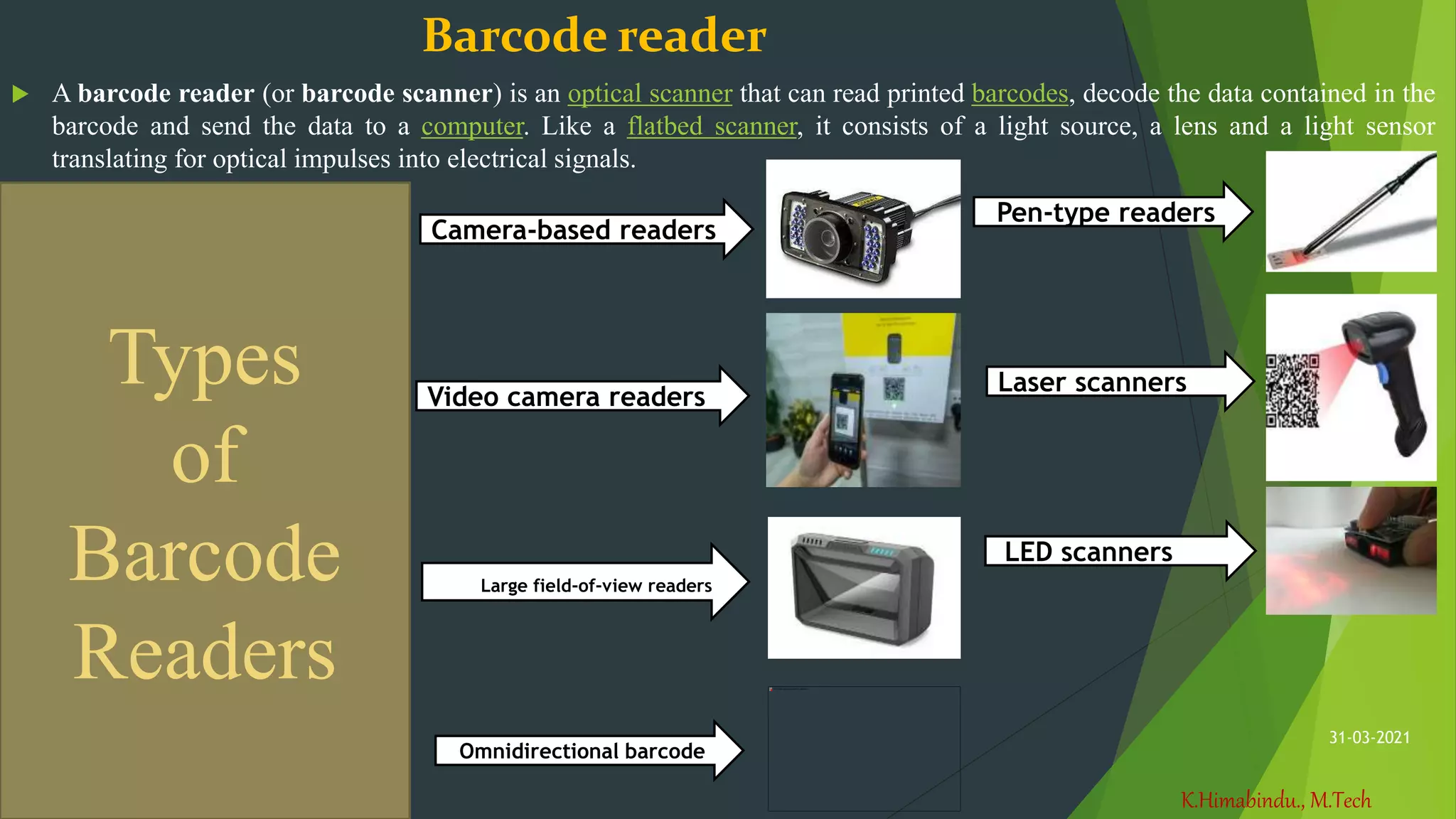
Barcode reader
 A barcode reader (or barcode scanner) is an optical scanner that can read printed barcodes, decode the data contained in the
barcode and send the data to a computer. Like a flatbed scanner, it consists of a light source, a lens and a light sensor
translating for optical impulses into electrical signals.
Pen-type readers
Laser scanners
LED scanners
Camera-based readers
Video camera readers
Large field-of-view readers
Omnidirectional barcode
Types
of
Barcode
Readers
K.Himabindu., M.Tech
31-03-2021
Output Devices
The information that is received from the computer is
an output. The devices which are used to receive
output are said to be output devices.
 Some of the Output Devices are:
1. Monitor
2. Printer
3. Speaker
4. Plotter
K.Himabindu., M.Tech
31-03-2021
Monitor
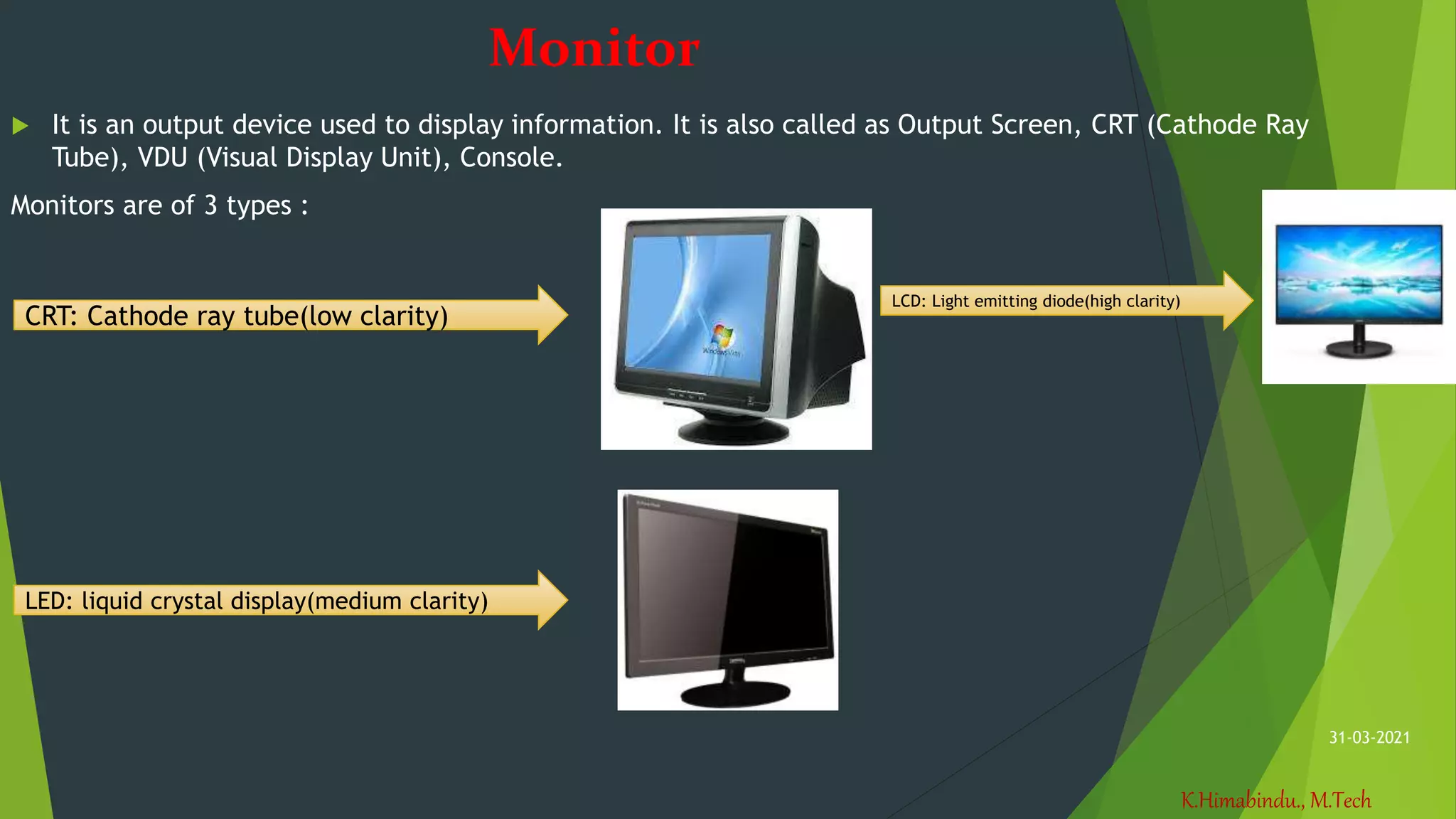
 It is an output device used to display information. It is also called as Output Screen, CRT (Cathode Ray
Tube), VDU (Visual Display Unit), Console.
Monitors are of 3 types :
CRT: Cathode ray tube(low clarity)
LED: liquid crystal display(medium clarity)
LCD: Light emitting diode(high clarity)
K.Himabindu., M.Tech
31-03-2021
Printer
Printers are used to produce hard copy.
Printers are classified according to print quality and printing speed.
K.Himabindu., M.Tech
31-03-2021
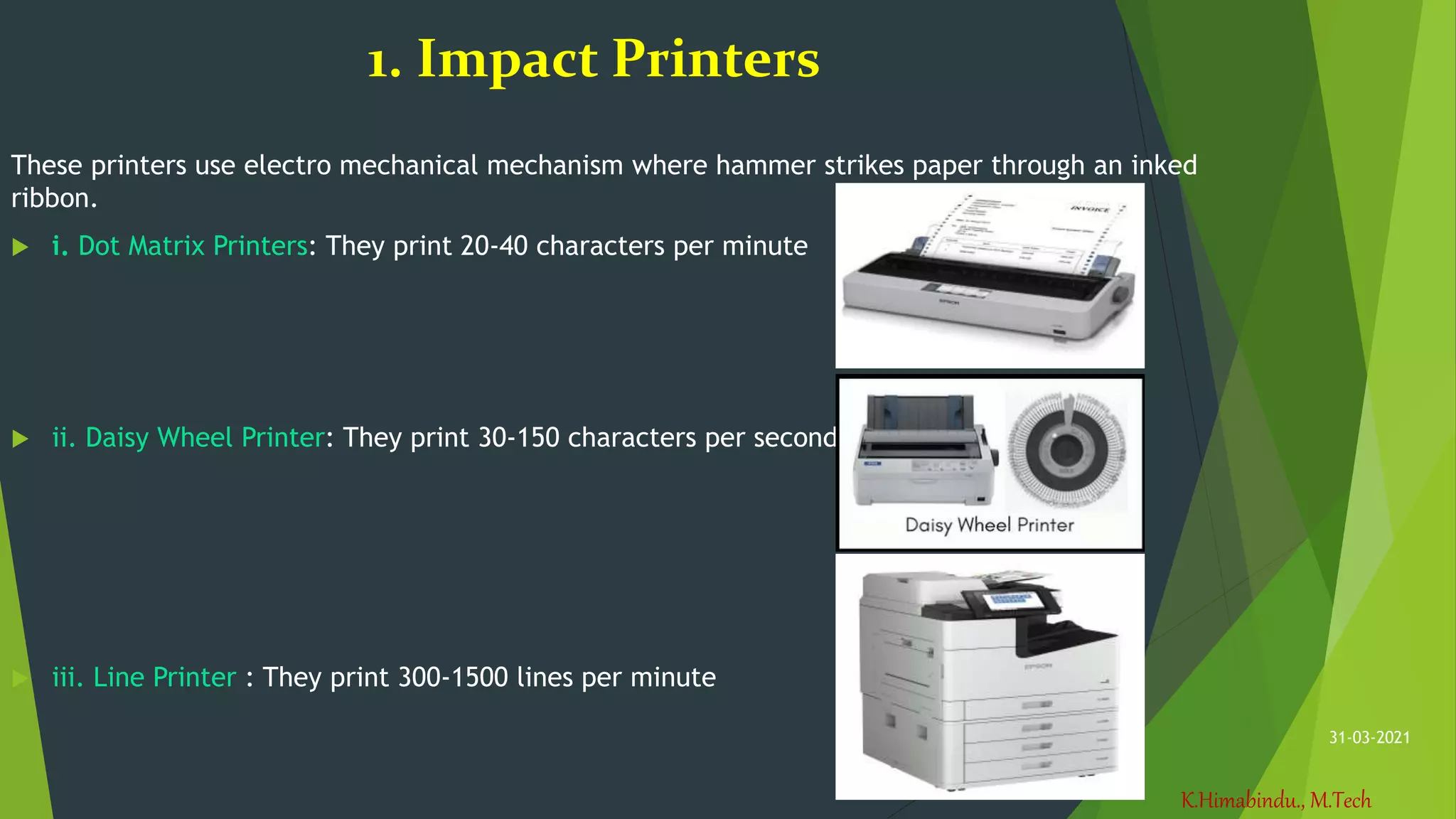
1. Impact Printers
These printers use electro mechanical mechanism where hammer strikes paper through an inked
ribbon.
 i. Dot Matrix Printers: They print 20-40 characters per minute
 ii. Daisy Wheel Printer: They print 30-150 characters per second
 iii. Line Printer : They print 300-1500 lines per minute
K.Himabindu., M.Tech
31-03-2021
2.Non-Impact Printers
 Laser Printers :
• These printers use electrical signals or
chemicals to print the document.
• These printers are page printers and produce
good quality of output
• These printers print 10-20 pages per minute.
2.Non-Impact Printers
Laser Printers :
• These printers use electrical signals or chemicals to print the
document.
• These printers are page printers and produce good quality of output
• These printers print 10-20 pages per minute.
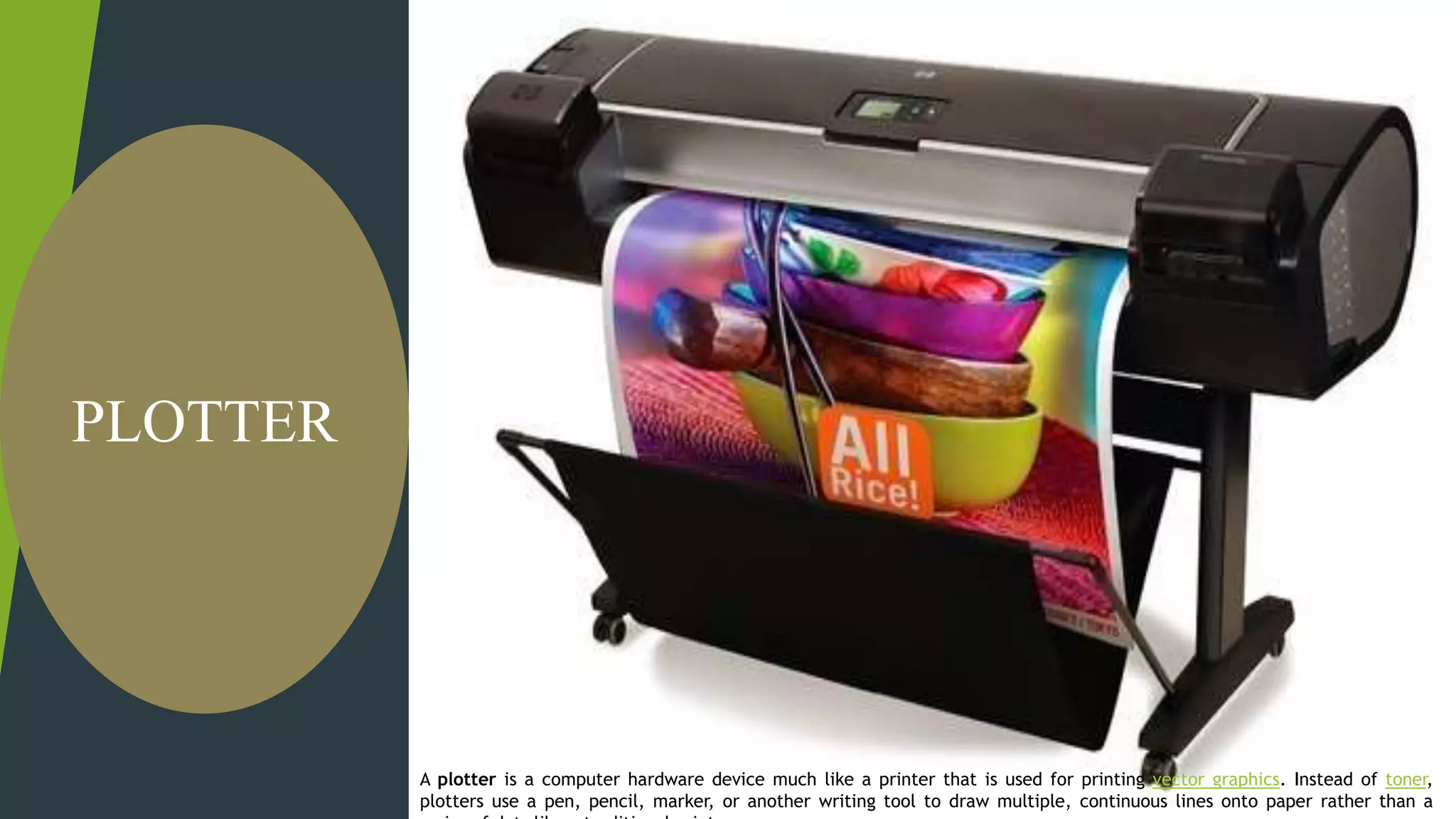
A plotter is a computer hardware device much like a printer that is
used for printing vector graphics. Instead of toner, plotters use a pen,
pencil, marker, or another writing tool to draw multiple, continuous
lines onto paper rather than a series of dots like a traditional printer.
PLOTTER
A plotter is a computer hardware device much like a printer that is used for printing vector graphics. Instead of toner,
plotters use a pen, pencil, marker, or another writing tool to draw multiple, continuous lines onto paper rather than a
K.Himabindu., M.Tech
31-03-2021
Software
It is a set of programs which makes to function the computer.
 Program : It is a set of instructions given in a sequential order to solve a given
problem.
Software Types :
 System Software : The Software which is applicable to a system or hardware is called System Software.
Eg : Operating System, Device Drivers, Compiler, Interpreter
Operating System : It is a set of programs which controls all the activities of the computer.
It acts as an interface between the computer and the user.
Device Drivers : Allows the device to communicate with the system.
 Application Software : The software which is applicable to a particular application is called as Application
Software.
Eg : Bank Software, Library Management Software, Reservation Software, Hotel Management Software…
K.Himabindu., M.Tech
31-03-2021
Data
It is a collection of raw facts. It consists of alphabets from a-z,
numerals from 0-9 and special characters. The word data was
derived from a Latin word called “DATUM”, which means
collection of something.
K.Himabindu., M.Tech
31-03-2021
User
 The one who will work on the system is called as user .
Programmer (software developers)
DBA’s
End user
Testers
K.Himabindu., M.Tech
31-03-2021
Storage devices
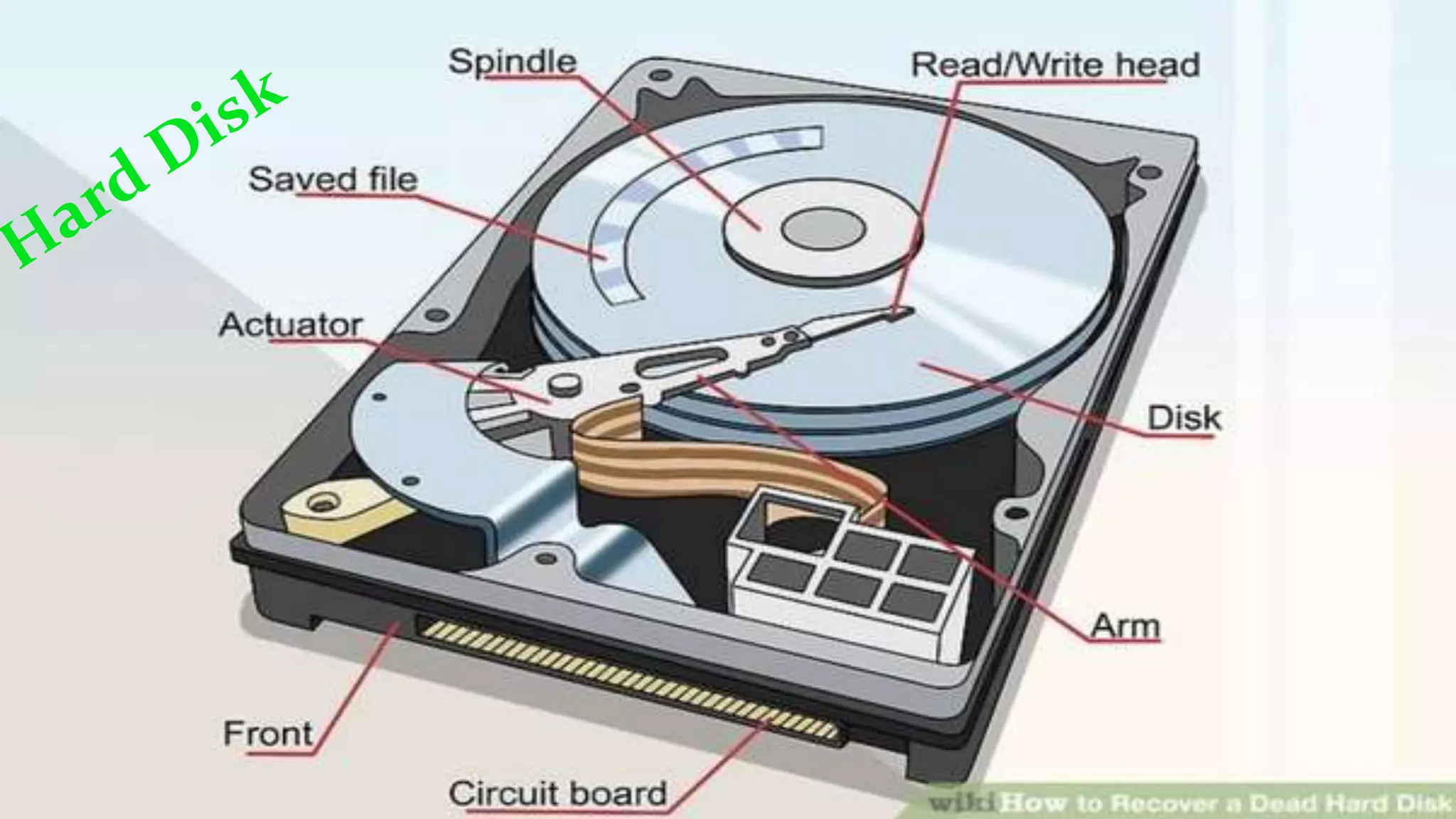
Hard Disk
Floppy disk
CDs
DVDs
Magnetic Disk
Optical Devices
Punched Cards
K.Himabindu., M.Tech
31-03-2021
K.Himabindu., M.Tech
31-03-2021
Floppy disk
It is a round, flat piece of flexible plastic coated with magnetic oxide. It is accompanied by a protective cover that protect it
from mishandling and dust. Circular rings present on the floppy are called as “TRACKS” and tracks are divided into parts
known as “SECTORS”. Floppies were introduced by IBM (International Business Machines).
Floppy Sizes : 8 inch, 5 ¼ inch, 3 ½ inch.
Uses :
• Moving files from one system to another
• Loading files in to the computer
• Backup of data.
K.Himabindu., M.Tech
31-03-2021
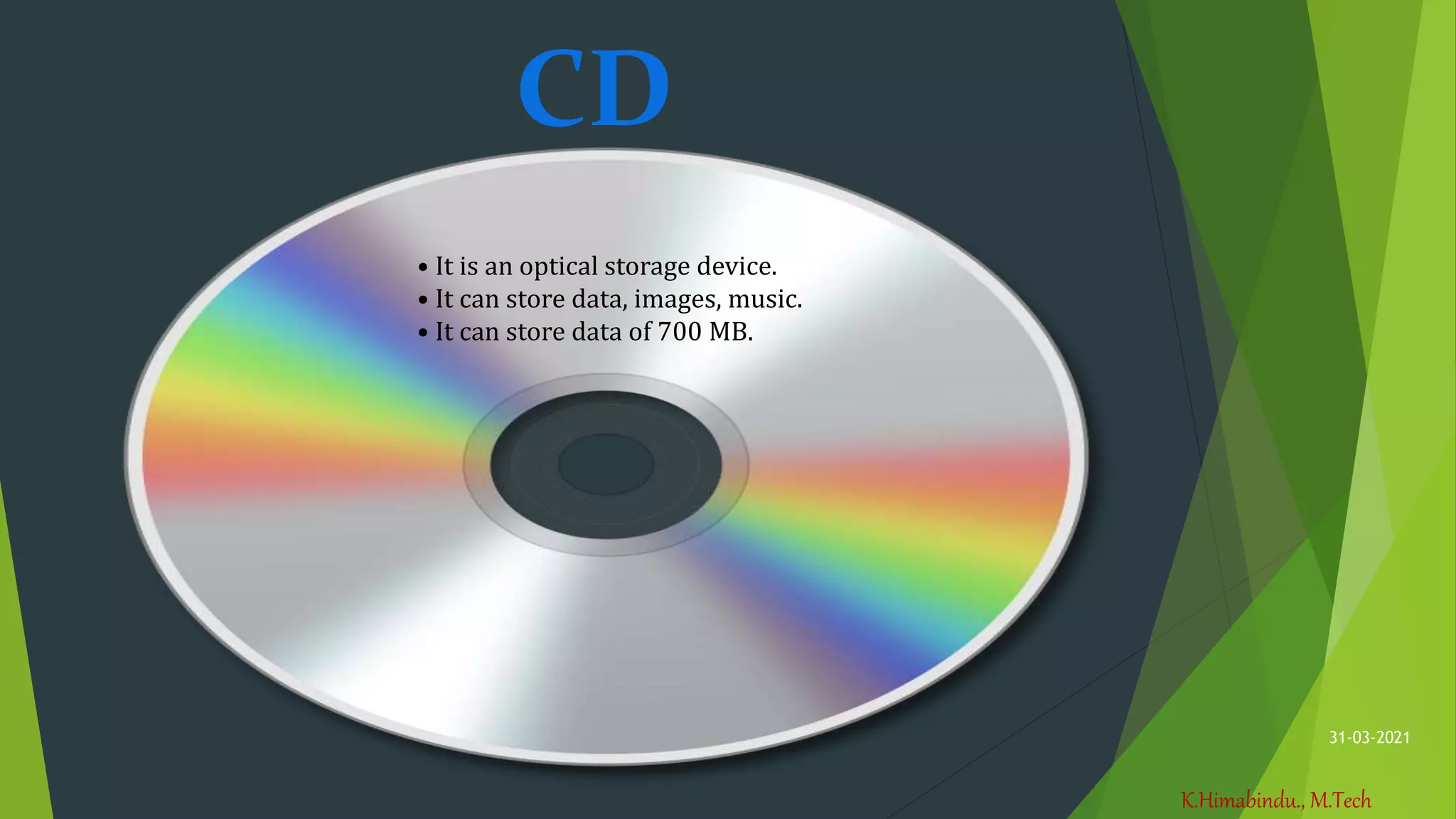
CD
• It is an optical storage device.
• It can store data, images, music.
• It can store data of 700 MB.
K.Himabindu., M.Tech
31-03-2021
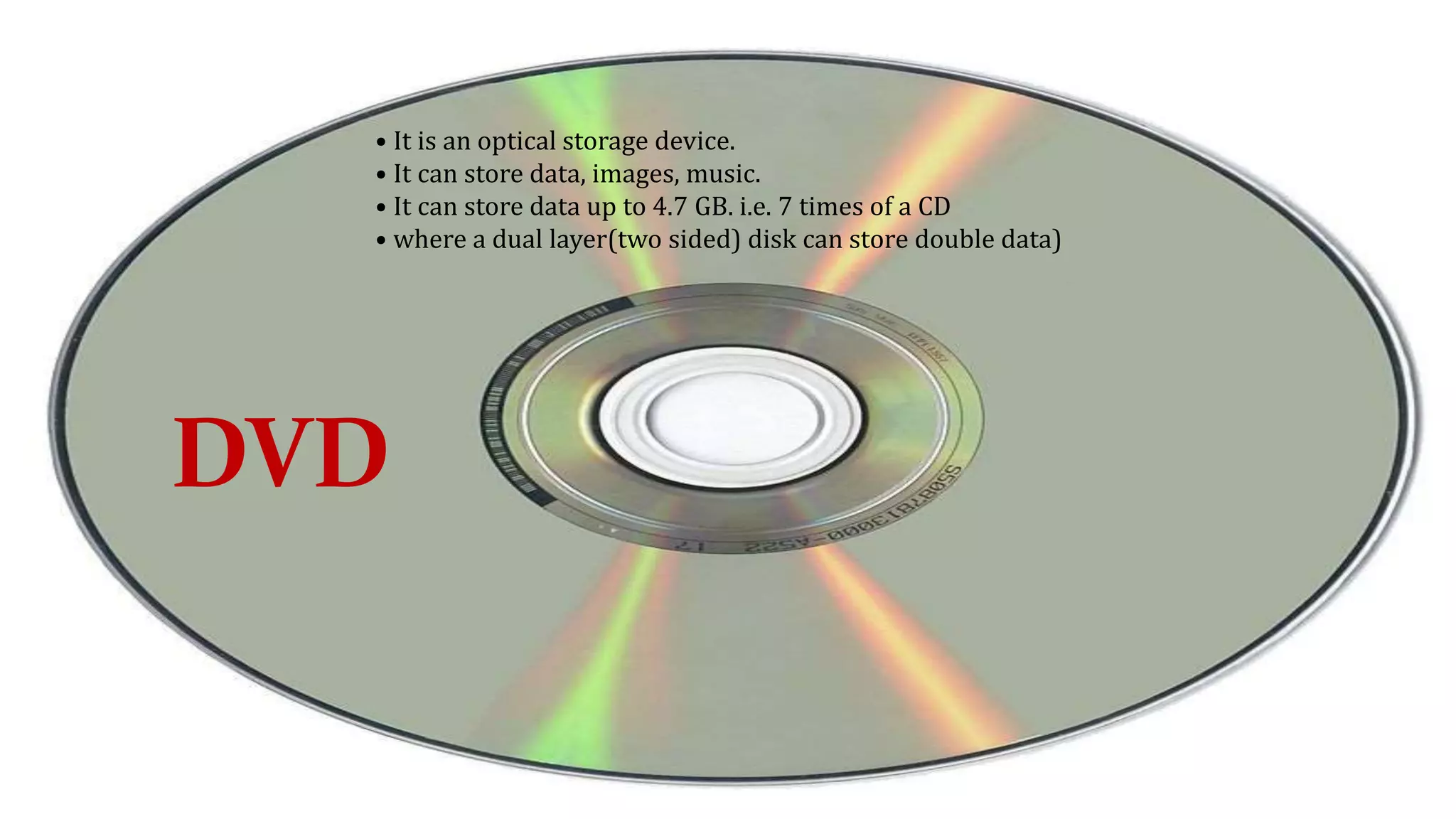
DVD
• It is an optical storage device.
• It can store data, images, music.
• It can store data up to 4.7 GB. i.e. 7 times of a CD
• where a dual layer(two sided) disk can store double data)
DVD
K.Himabindu., M.Tech
31-03-2021
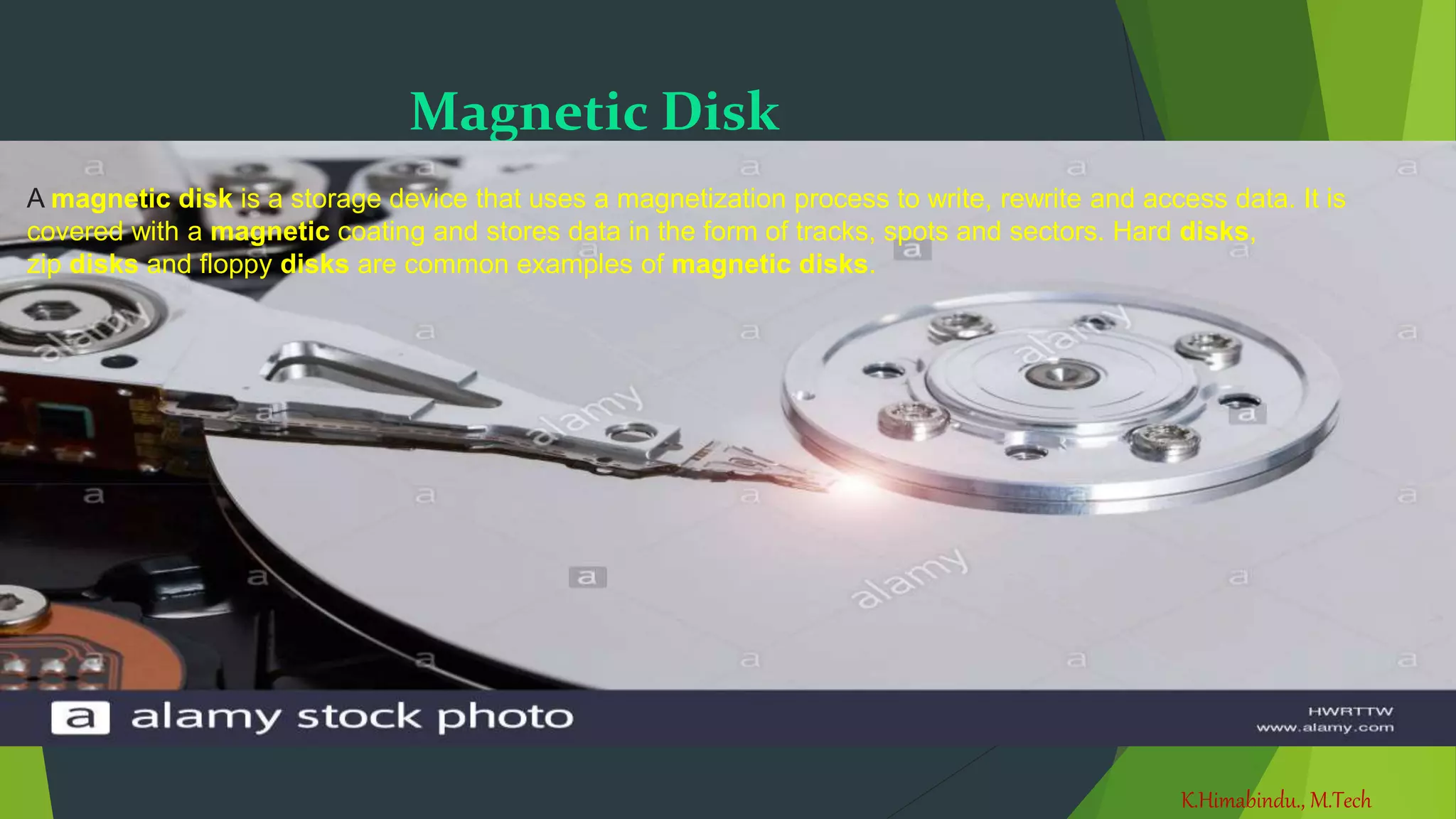
Magnetic Disk
A magnetic disk is a storage device that uses a magnetization process to write, rewrite and access data. It is
covered with a magnetic coating and stores data in the form of tracks, spots and sectors. Hard disks,
zip disks and floppy disks are common examples of magnetic disks.
K.Himabindu., M.Tech
31-03-2021
Thank You

Computer

  • 1.
  • 2.
    K.Himabindu., M.Tech 31-03-2021 • Speed Computerprocesses the data at an unimaginable speed. The speed of the computer ranges up to nanoseconds. • Storage Computer can store huge amount of data in a secured way. • Accuracy Accuracy of the computer is very high. Accuracy of the computer depends on user data. • Diligence Computer never gets tired. If we work it for 24 hours also it works with same speed and gives accurate result. • Versatility Computers are versatile machines. They are capable of performing multiple tasks • Speed Computer processes the data at an unimaginable speed. The speed of the computer ranges up to nanoseconds. • Storage Computer can store huge amount of data in a secured way. • Accuracy Accuracy of the computer is very high. Accuracy of the computer depends on user data. • Diligence Computer never gets tired. If we work it for 24 hours also it works with same speed and gives accurate result. • Versatility Computers are versatile machines. They are capable of performing multiple tasks Features of Computer
  • 3.
    K.Himabindu., M.Tech 31-03-2021 Disadvantages Lack ofcommon sense. Depends on human instructions. Full proof information should be given. Inability to correct.
  • 4.
    K.Himabindu., M.Tech 31-03-2021 Basic applicationsof computer  Desktop publishing  Mathematical Calculations  Banks  Travel  Telecommunications  Defence  E-Learning  Examinations  Computers in Business
  • 5.
    K.Himabindu., M.Tech 31-03-2021 Components ofcomputer system Hardware Software Data user
  • 6.
    K.Himabindu., M.Tech 31-03-2021 Hardware The physicalcomponents of a computer that we can see and touch Those are: Input Devices Output Devices Processing Device
  • 7.
  • 8.
    K.Himabindu., M.Tech 31-03-2021 Scanner  Theelectrical device that converts hard copy of text to image into a computer image that can be stored in the computer memory.
  • 9.
    K.Himabindu., M.Tech 31-03-2021 Webcam  Awebcam is a video camera that feeds or streams an image or video in real time to or through a computer to a computer network, such as the Internet. Webcams are typically small cameras that sit on a desk, attach to a user's monitor, or are built into the hardware  This device is used to capture the pictures
  • 10.
  • 11.
    K.Himabindu., M.Tech 31-03-2021 Mouse  Movethe mouse cursor - The primary function is to move the mouse pointer on the screen.  Open or execute a program - Once you've moved the pointer to an icon, folder, or another object clicking or double-clicking that object opens the document or executes the program.  Select - A mouse also allows you to select text or a file or highlight and select multiple files at once.  How to select or highlight multiple files and folders.  Drag-and-drop - Once something is selected, it can also be moved using the drag-and- drop method.  Hover - Moving the mouse cursor over objects with hover information helps discover each object's function. For example, hover the mouse over the "hover" link to see an example.  Scroll - When working with a long document or viewing a long web page, you may need to scroll up or down. To scroll, use the mouse wheel, or click-and-drag the scroll bar.  Perform other functions - Many desktop mice also have buttons that can be programmed to perform any function. For example, many mice have two side buttons on the thumb portion of the mouse. The button closest to the palm can be programmed to go back to the previously viewed web page in a browser.
  • 12.
    K.Himabindu., M.Tech 31-03-2021 Joystick The deviceused in the computer for playing games as an directional device
  • 13.
    K.Himabindu., M.Tech 31-03-2021 Barcode reader A barcode reader (or barcode scanner) is an optical scanner that can read printed barcodes, decode the data contained in the barcode and send the data to a computer. Like a flatbed scanner, it consists of a light source, a lens and a light sensor translating for optical impulses into electrical signals. Pen-type readers Laser scanners LED scanners Camera-based readers Video camera readers Large field-of-view readers Omnidirectional barcode Types of Barcode Readers
  • 14.
    K.Himabindu., M.Tech 31-03-2021 Output Devices Theinformation that is received from the computer is an output. The devices which are used to receive output are said to be output devices.  Some of the Output Devices are: 1. Monitor 2. Printer 3. Speaker 4. Plotter
  • 15.
    K.Himabindu., M.Tech 31-03-2021 Monitor  Itis an output device used to display information. It is also called as Output Screen, CRT (Cathode Ray Tube), VDU (Visual Display Unit), Console. Monitors are of 3 types : CRT: Cathode ray tube(low clarity) LED: liquid crystal display(medium clarity) LCD: Light emitting diode(high clarity)
  • 16.
    K.Himabindu., M.Tech 31-03-2021 Printer Printers areused to produce hard copy. Printers are classified according to print quality and printing speed.
  • 17.
    K.Himabindu., M.Tech 31-03-2021 1. ImpactPrinters These printers use electro mechanical mechanism where hammer strikes paper through an inked ribbon.  i. Dot Matrix Printers: They print 20-40 characters per minute  ii. Daisy Wheel Printer: They print 30-150 characters per second  iii. Line Printer : They print 300-1500 lines per minute
  • 18.
    K.Himabindu., M.Tech 31-03-2021 2.Non-Impact Printers Laser Printers : • These printers use electrical signals or chemicals to print the document. • These printers are page printers and produce good quality of output • These printers print 10-20 pages per minute. 2.Non-Impact Printers Laser Printers : • These printers use electrical signals or chemicals to print the document. • These printers are page printers and produce good quality of output • These printers print 10-20 pages per minute.
  • 19.
    A plotter isa computer hardware device much like a printer that is used for printing vector graphics. Instead of toner, plotters use a pen, pencil, marker, or another writing tool to draw multiple, continuous lines onto paper rather than a series of dots like a traditional printer. PLOTTER A plotter is a computer hardware device much like a printer that is used for printing vector graphics. Instead of toner, plotters use a pen, pencil, marker, or another writing tool to draw multiple, continuous lines onto paper rather than a
  • 20.
    K.Himabindu., M.Tech 31-03-2021 Software It isa set of programs which makes to function the computer.  Program : It is a set of instructions given in a sequential order to solve a given problem. Software Types :  System Software : The Software which is applicable to a system or hardware is called System Software. Eg : Operating System, Device Drivers, Compiler, Interpreter Operating System : It is a set of programs which controls all the activities of the computer. It acts as an interface between the computer and the user. Device Drivers : Allows the device to communicate with the system.  Application Software : The software which is applicable to a particular application is called as Application Software. Eg : Bank Software, Library Management Software, Reservation Software, Hotel Management Software…
  • 21.
    K.Himabindu., M.Tech 31-03-2021 Data It isa collection of raw facts. It consists of alphabets from a-z, numerals from 0-9 and special characters. The word data was derived from a Latin word called “DATUM”, which means collection of something.
  • 22.
    K.Himabindu., M.Tech 31-03-2021 User  Theone who will work on the system is called as user . Programmer (software developers) DBA’s End user Testers
  • 23.
    K.Himabindu., M.Tech 31-03-2021 Storage devices HardDisk Floppy disk CDs DVDs Magnetic Disk Optical Devices Punched Cards
  • 24.
  • 25.
    K.Himabindu., M.Tech 31-03-2021 Floppy disk Itis a round, flat piece of flexible plastic coated with magnetic oxide. It is accompanied by a protective cover that protect it from mishandling and dust. Circular rings present on the floppy are called as “TRACKS” and tracks are divided into parts known as “SECTORS”. Floppies were introduced by IBM (International Business Machines). Floppy Sizes : 8 inch, 5 ¼ inch, 3 ½ inch. Uses : • Moving files from one system to another • Loading files in to the computer • Backup of data.
  • 26.
    K.Himabindu., M.Tech 31-03-2021 CD • Itis an optical storage device. • It can store data, images, music. • It can store data of 700 MB.
  • 27.
    K.Himabindu., M.Tech 31-03-2021 DVD • Itis an optical storage device. • It can store data, images, music. • It can store data up to 4.7 GB. i.e. 7 times of a CD • where a dual layer(two sided) disk can store double data) DVD
  • 28.
    K.Himabindu., M.Tech 31-03-2021 Magnetic Disk Amagnetic disk is a storage device that uses a magnetization process to write, rewrite and access data. It is covered with a magnetic coating and stores data in the form of tracks, spots and sectors. Hard disks, zip disks and floppy disks are common examples of magnetic disks.
  • 29.