Designing OER with
       Diversity in Mind
Anna Gruszczynska, Sheffield Hallam University, UK
   Jutta Treviranus, OCAD University, Canada
    Jutta Treviranus, OCAD University, Canada
           Una Daly, OCW Consortium
            Una Daly, OCW Consortium
                  March 11, 2013                     1
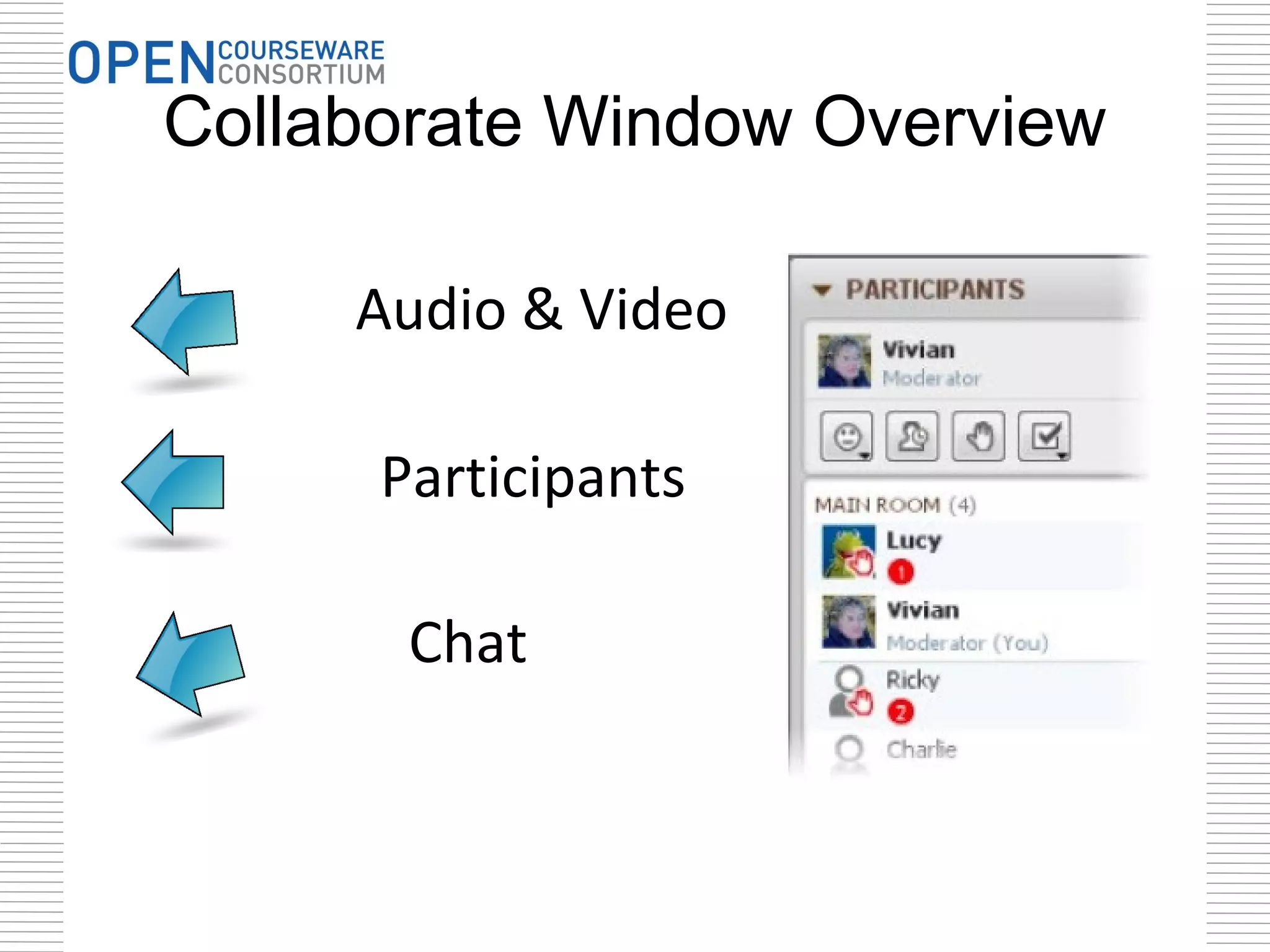
Collaborate Window Overview

     Audio & Video

      Participants

       Chat
Welcome
      Please introduce yourself in the chat
                     window


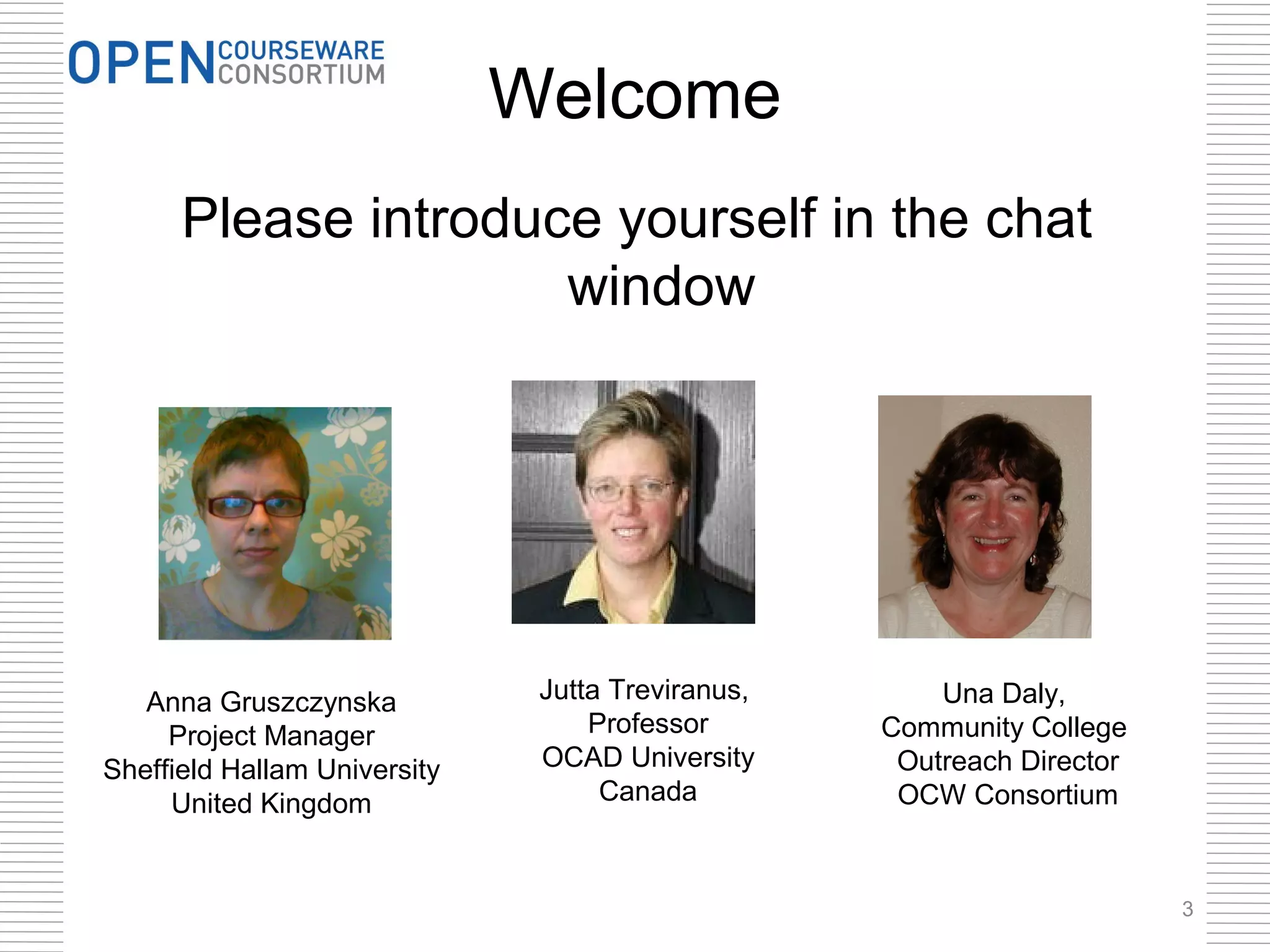
   Anna Gruszczynska           Jutta Treviranus,       Una Daly,
     Project Manager               Professor       Community College
Sheffield Hallam University    OCAD University      Outreach Director
     United Kingdom                 Canada          OCW Consortium


                                                                        3
Today’s Agenda

•   Introductions
•   Overview of Needs
•   OER & Accessibility Research
•   Inclusive Design for Learning
•   Additional Resources
•   Questions

                                    4
OER Defined

Open Educational Resources are
teaching, learning or research
materials that are in the public
domain or released with an
intellectual property license that
allows for free use, adaptation,
and distribution.                               OER Logo 2012, J. Mello CC-BY


The William and Flora Hewlett Foundation
United Nations Education, Science, & Cultural Organization (UNESCO)

                                                                            5
Examples
Includes –
  •   Course materials
  •   Lesson Plans
  •   Modules or lessons
  •   OpenCourseWare (OCW)
  •   Open textbooks
  •   Videos
  •   Images
  •   Tests
  •   Software
  •   Any other tools, materials, or techniques used
      to support ready access to knowledge

         adapted from Judy Baker’s ELI 2011 OER Workshop cc-by license
                                                                         6
Characteristics of OER
• Digital
  – Easy to modify
  – Free to distribute

• Open License
  – Reuse, revise, remix,
    redistribute
                               Labeled for reuse by MrKCoolsPhotostream

• Low cost
  – Lowers barriers to education
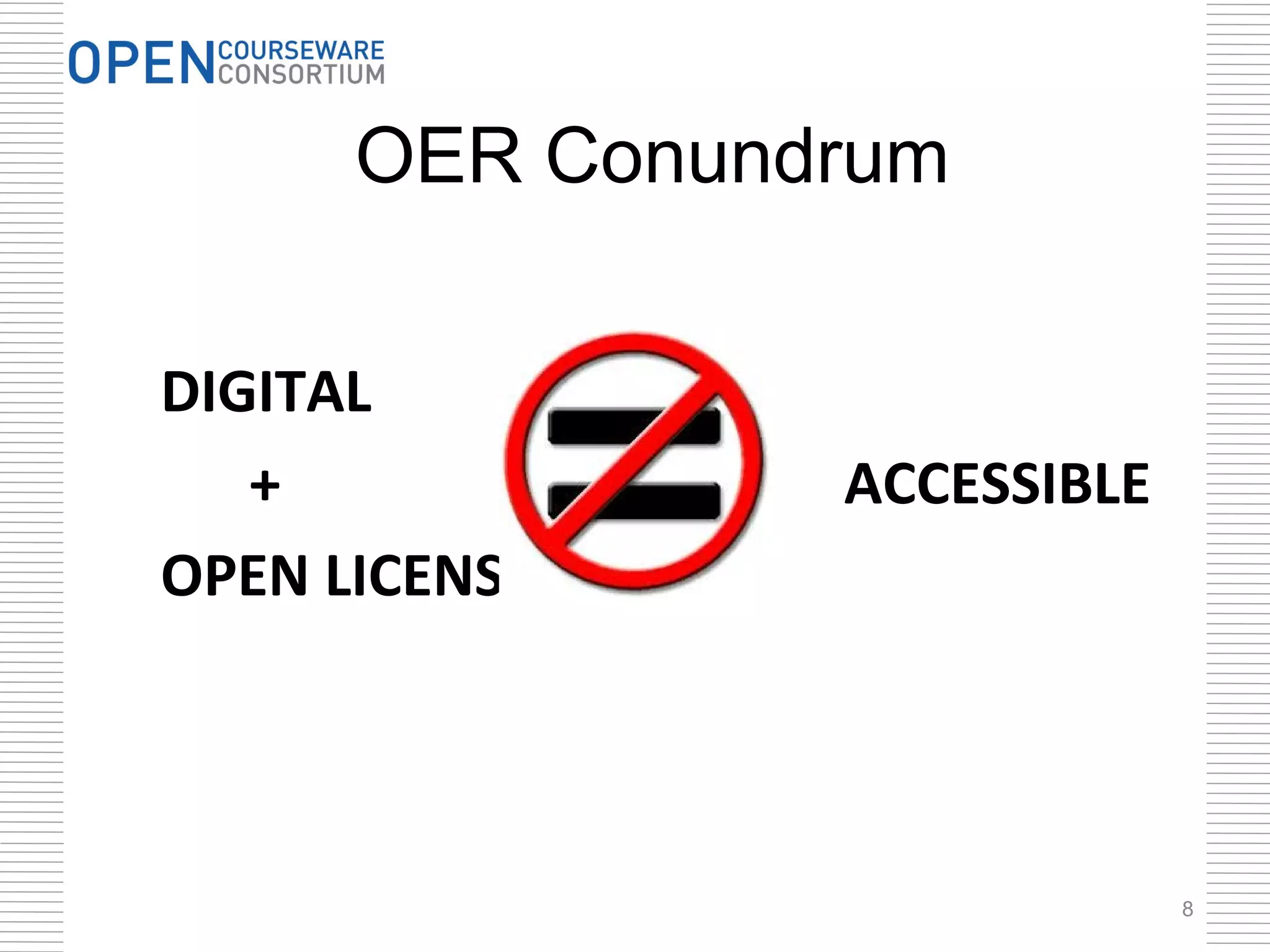
OER Conundrum

DIGITAL
   +            ACCESSIBLE
OPEN LICENSE


                             8
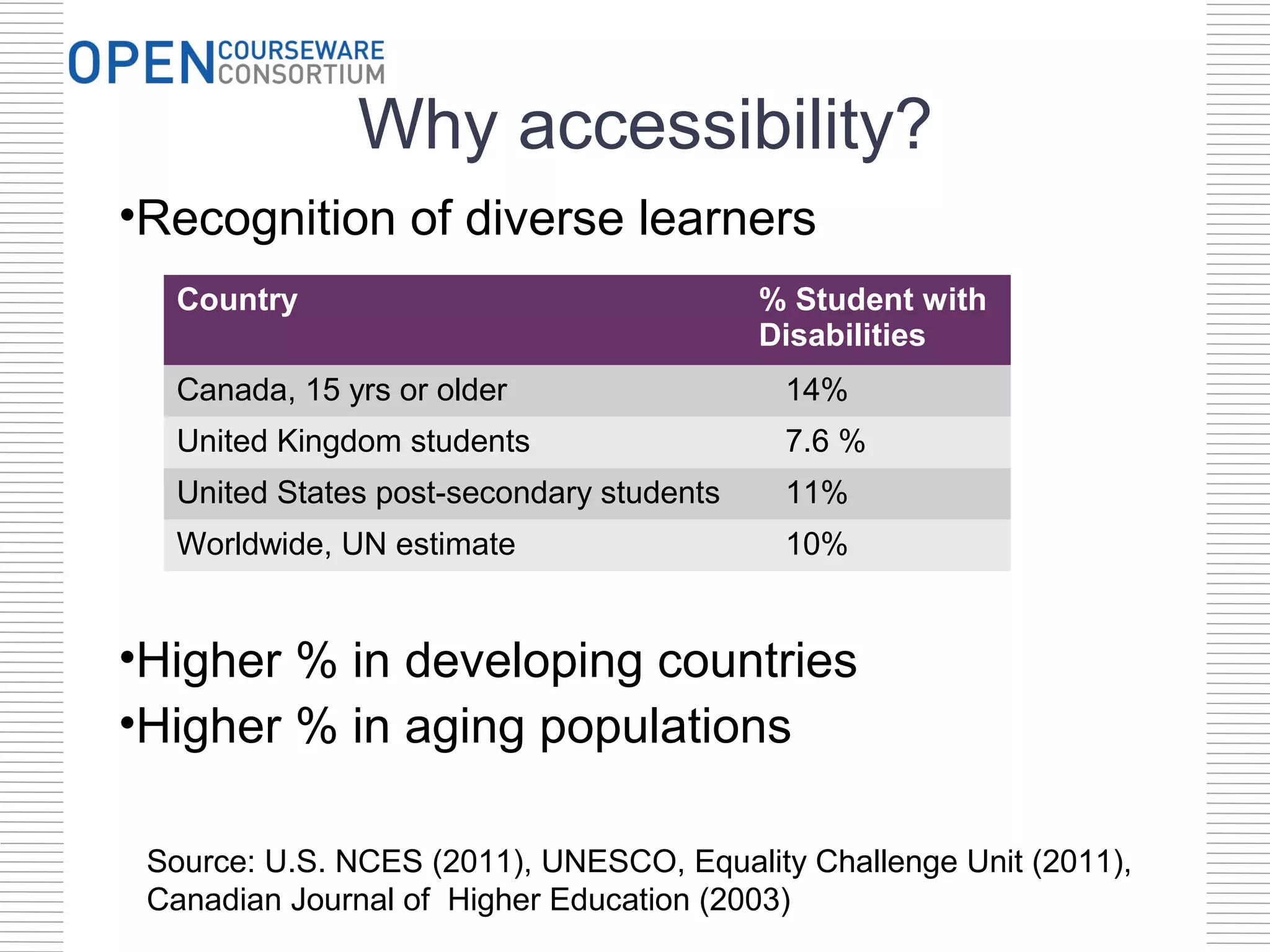
Why accessibility?
•Recognition of diverse learners
  Country                                 % Student with
                                          Disabilities
  Canada, 15 yrs or older                  14%
  United Kingdom students                  7.6 %
  United States post-secondary students    11%
  Worldwide, UN estimate                   10%


•Higher % in developing countries
•Higher % in aging populations

 Source: U.S. NCES (2011), UNESCO, Equality Challenge Unit (2011),
 Canadian Journal of Higher Education (2003)
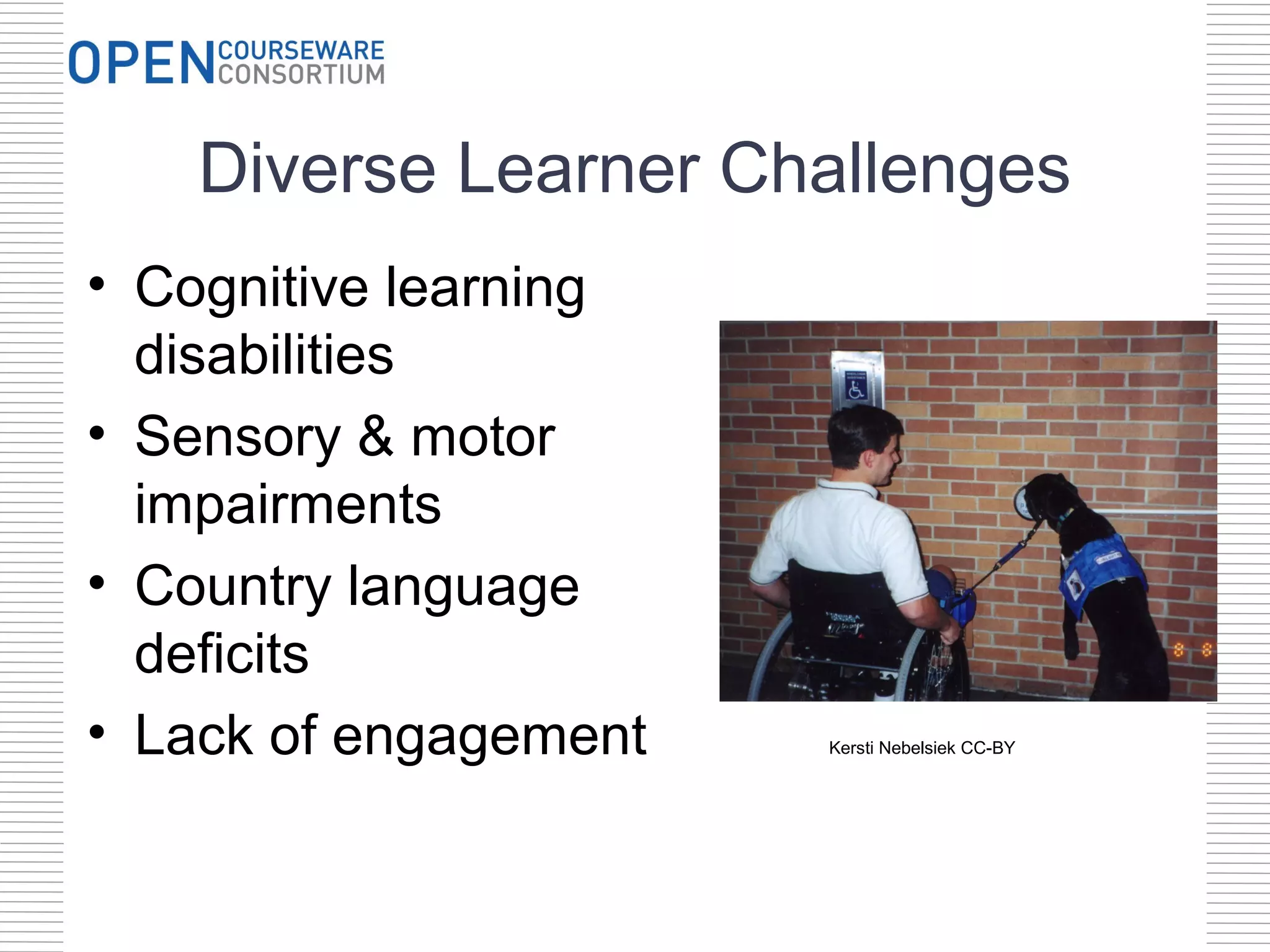
Diverse Learner Challenges
• Cognitive learning
  disabilities
• Sensory & motor
  impairments
• Country language
  deficits
• Lack of engagement   Kersti Nebelsiek CC-BY
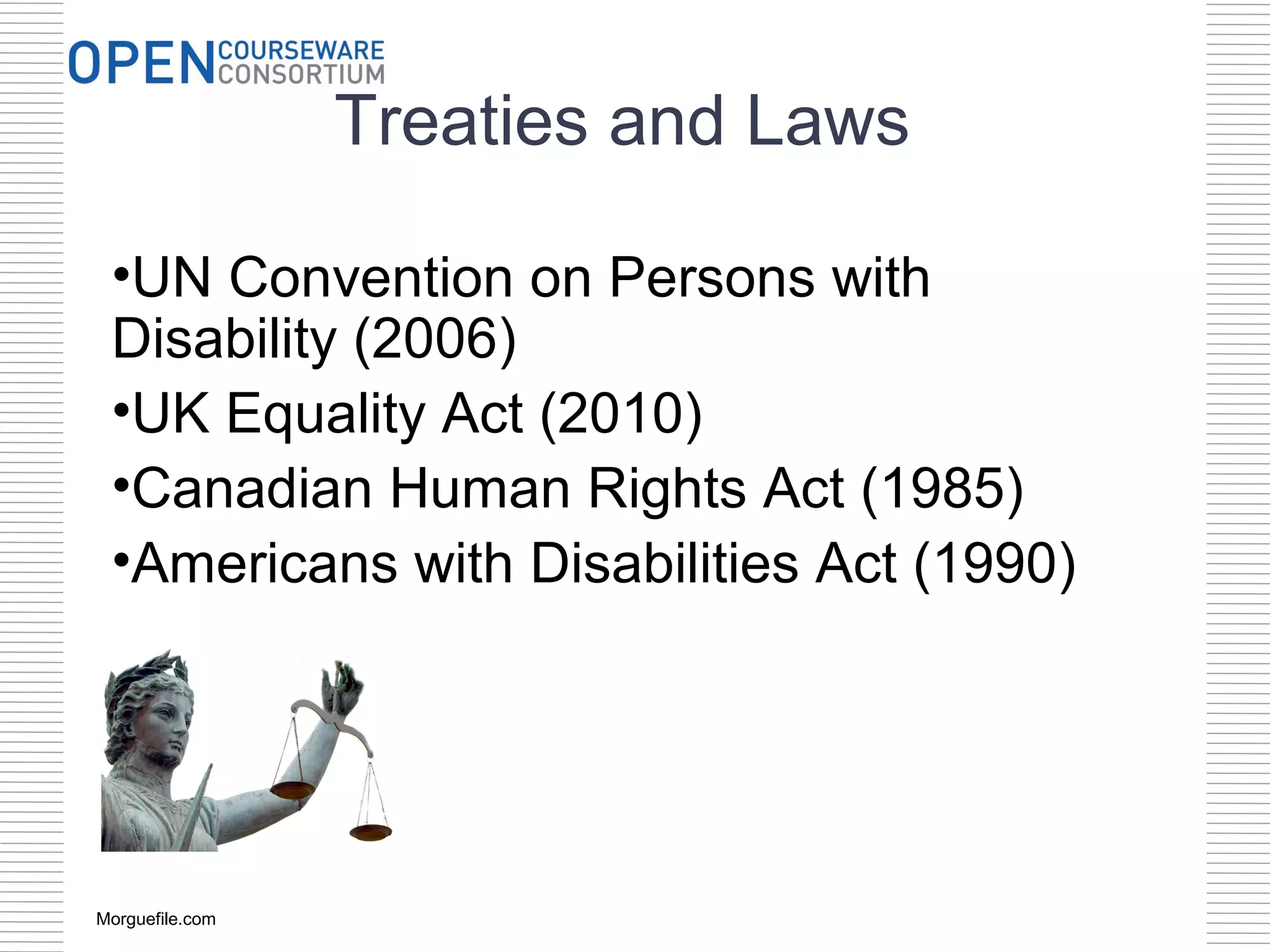
Treaties and Laws

 •UN Convention on Persons with
 Disability (2006)
 •UK Equality Act (2010)
 •Canadian Human Rights Act (1985)
 •Americans with Disabilities Act (1990)


Morguefile.com
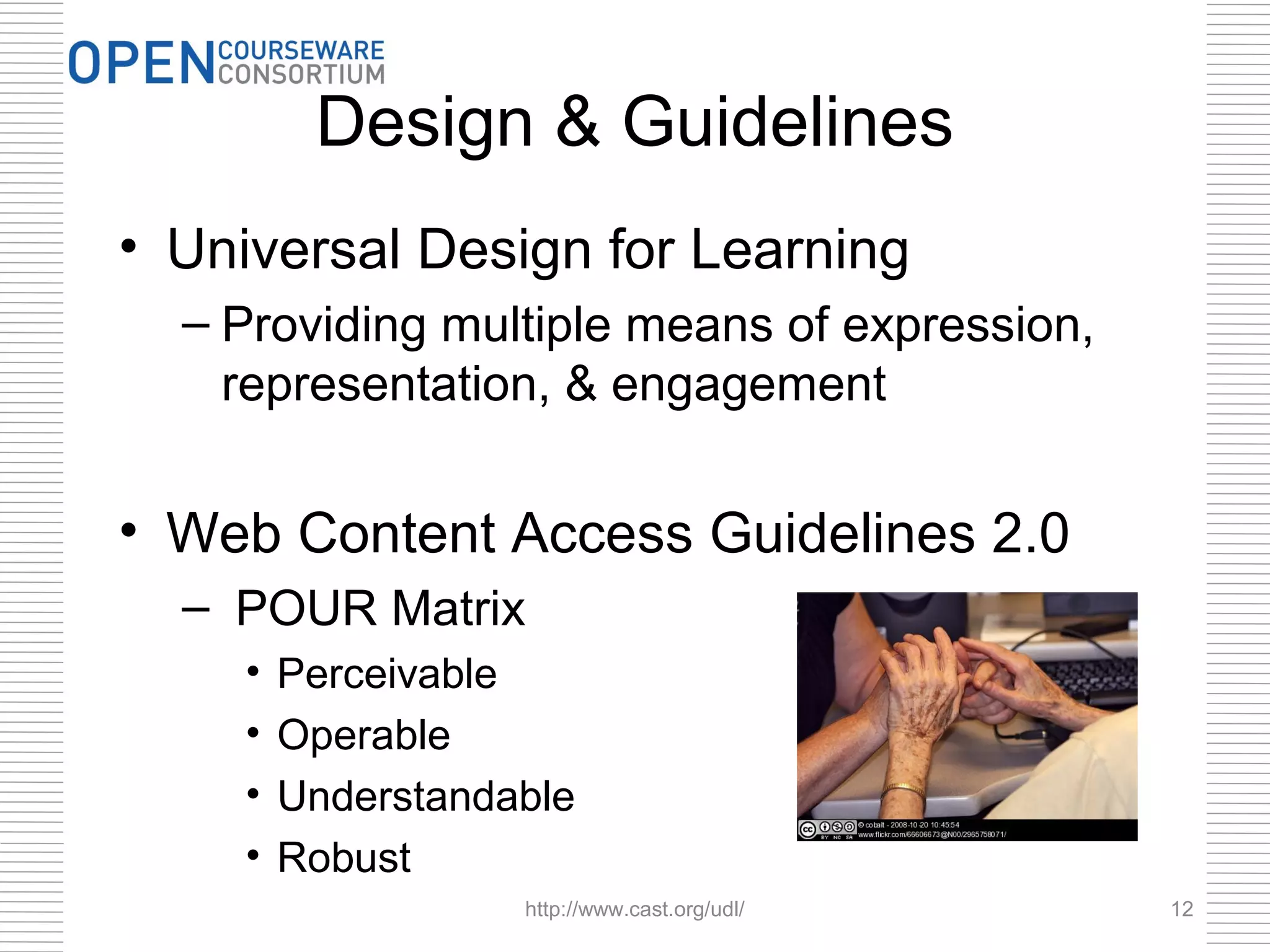
Design & Guidelines
• Universal Design for Learning
  – Providing multiple means of expression,
    representation, & engagement


• Web Content Access Guidelines 2.0
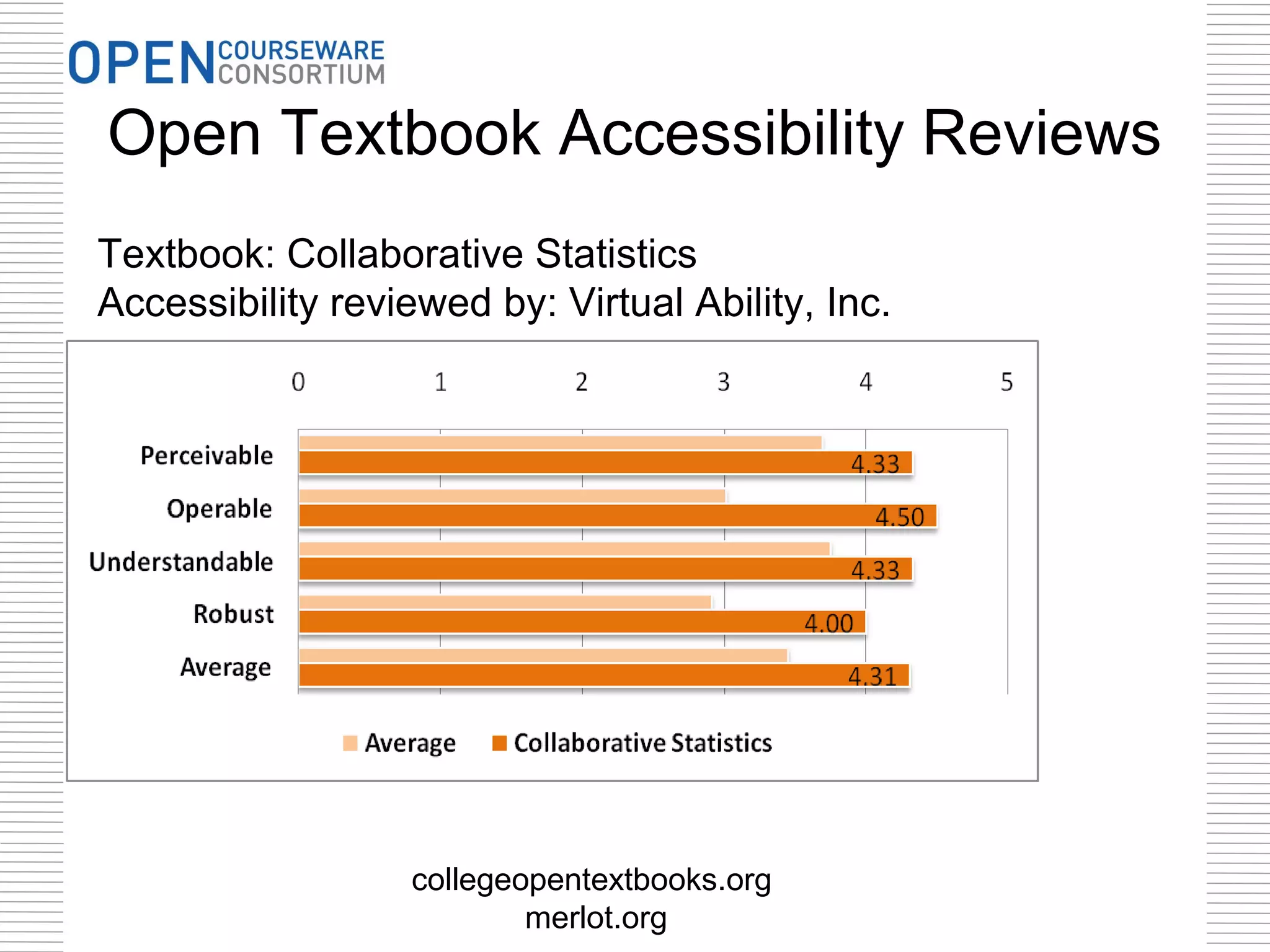
  – POUR Matrix
    •   Perceivable
    •   Operable
    •   Understandable
    •   Robust
                   http://www.cast.org/udl/   12
Top 3 Accessibility Must-dos

• Use semantic markup
  – Structural definitions e.g. styles


• Annotate non-textual items
  – Tag Images
  – Caption Audio & Videos


• Label tables and other complex
  information
                                         13
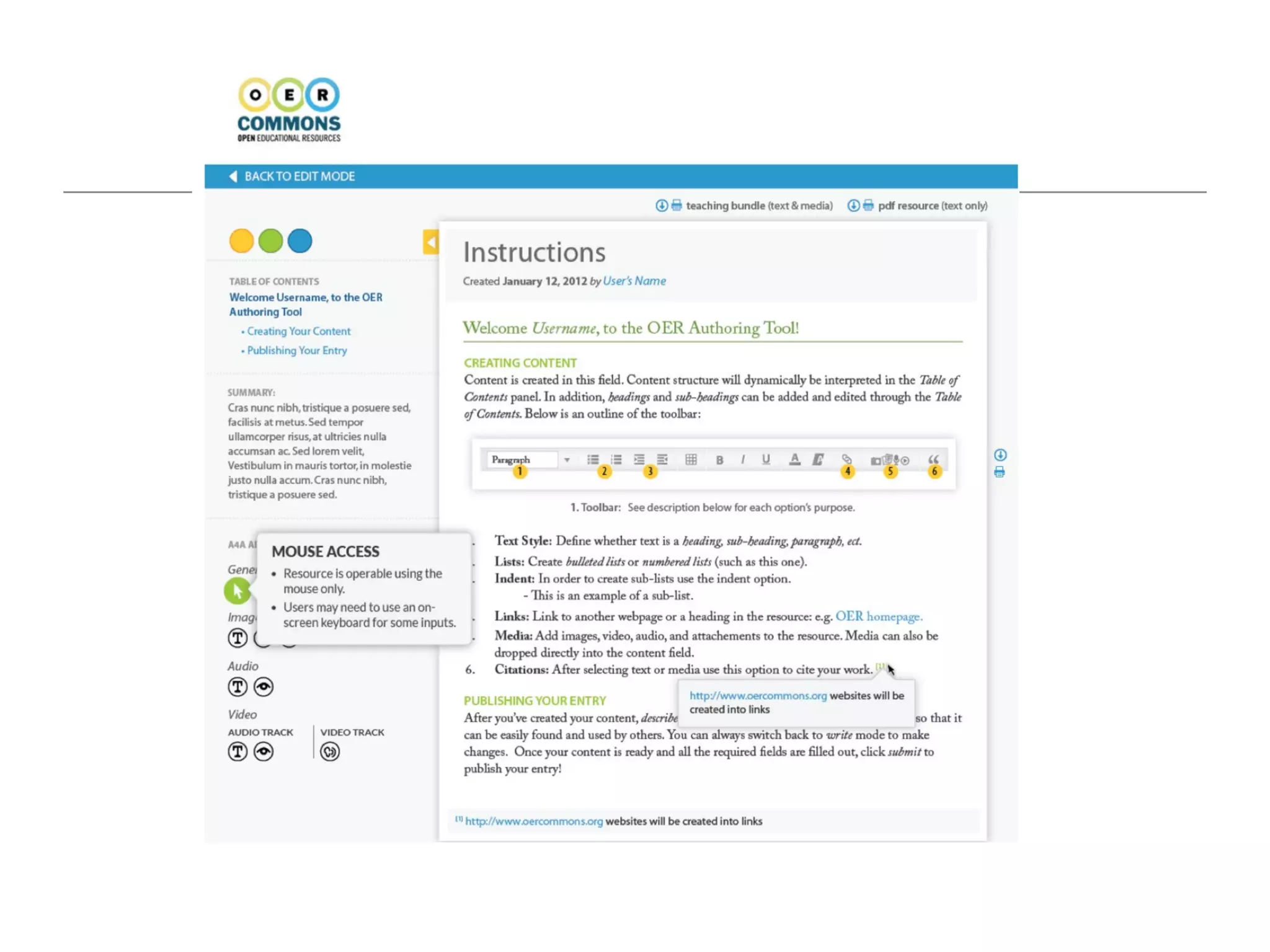
Open Textbook Accessibility Reviews
Textbook: Collaborative Statistics
Accessibility reviewed by: Virtual Ability, Inc.


                  collegeopentextbooks.org
                          merlot.org
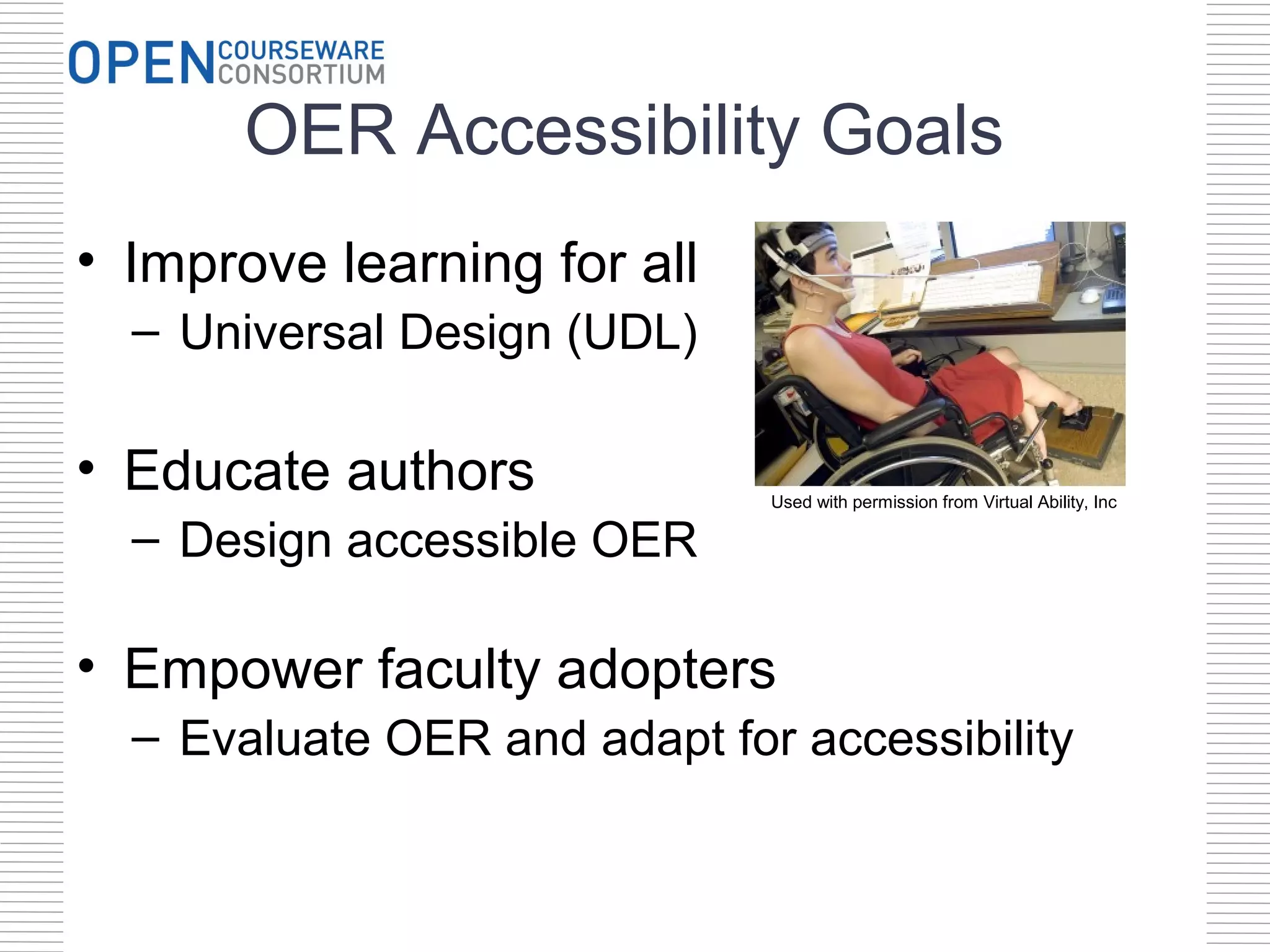
OER Accessibility Goals
• Improve learning for all
  – Universal Design (UDL)

• Educate authors             Used with permission from Virtual Ability, Inc

  – Design accessible OER

• Empower faculty adopters
  – Evaluate OER and adapt for accessibility
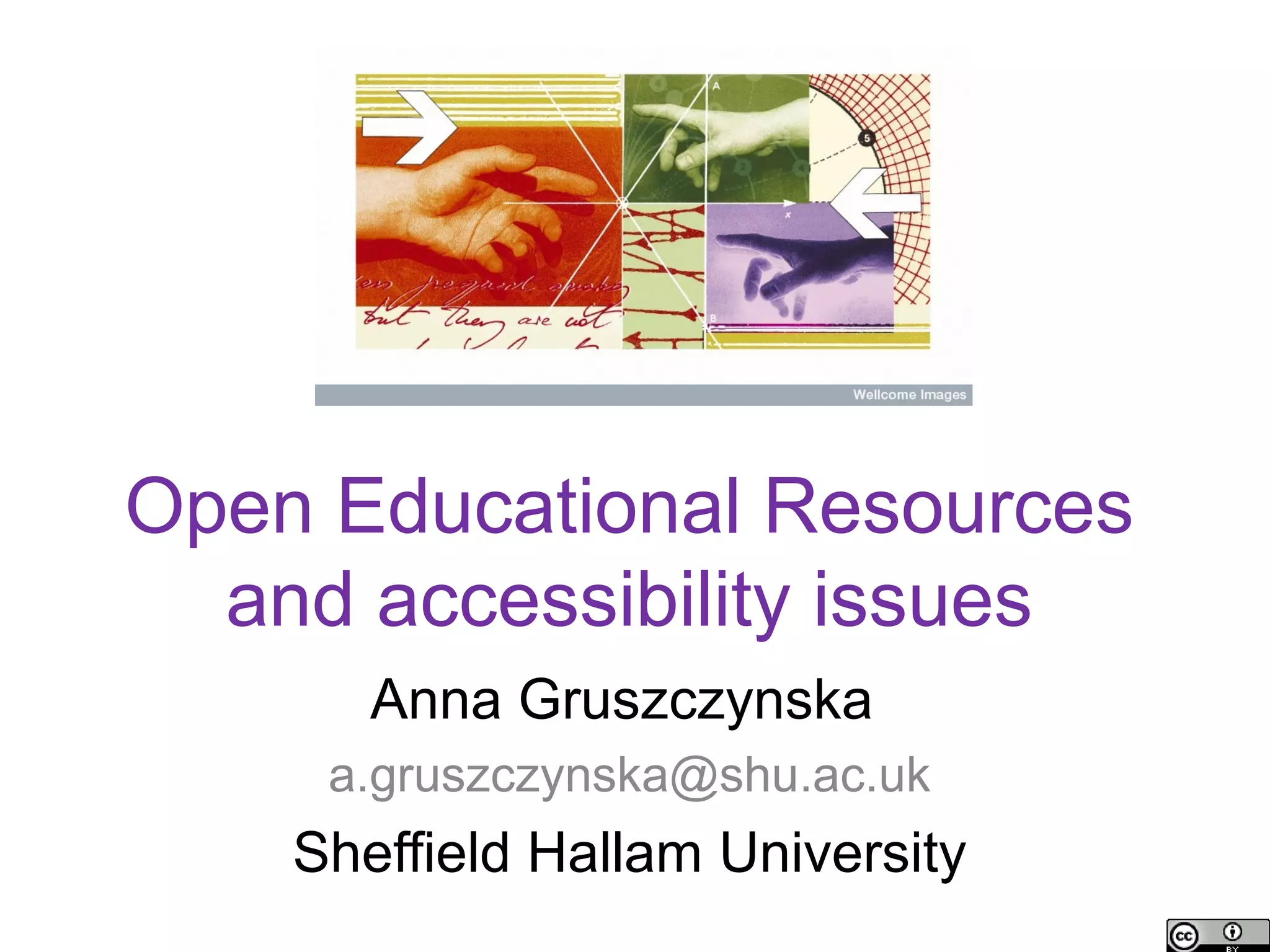
Open Educational Resources
  and accessibility issues
       Anna Gruszczynska
     a.gruszczynska@shu.ac.uk
    Sheffield Hallam University
Background
• SCORE (Support Centre for Open Resources in
  Education) research fellowship
  OER-related accessibility issues and their relevance to
  practices of re-purposing/re-use
  http://oeraccessibility.pbworks.com
• ACTOER (Accessibility Challenges and
  Techniques for Open Educational Resources)
  Improving accessibility support for OERs across a range of
  sectors (higher/further education, vocational and specialist)
  http://actoer.referata.com
Key interests
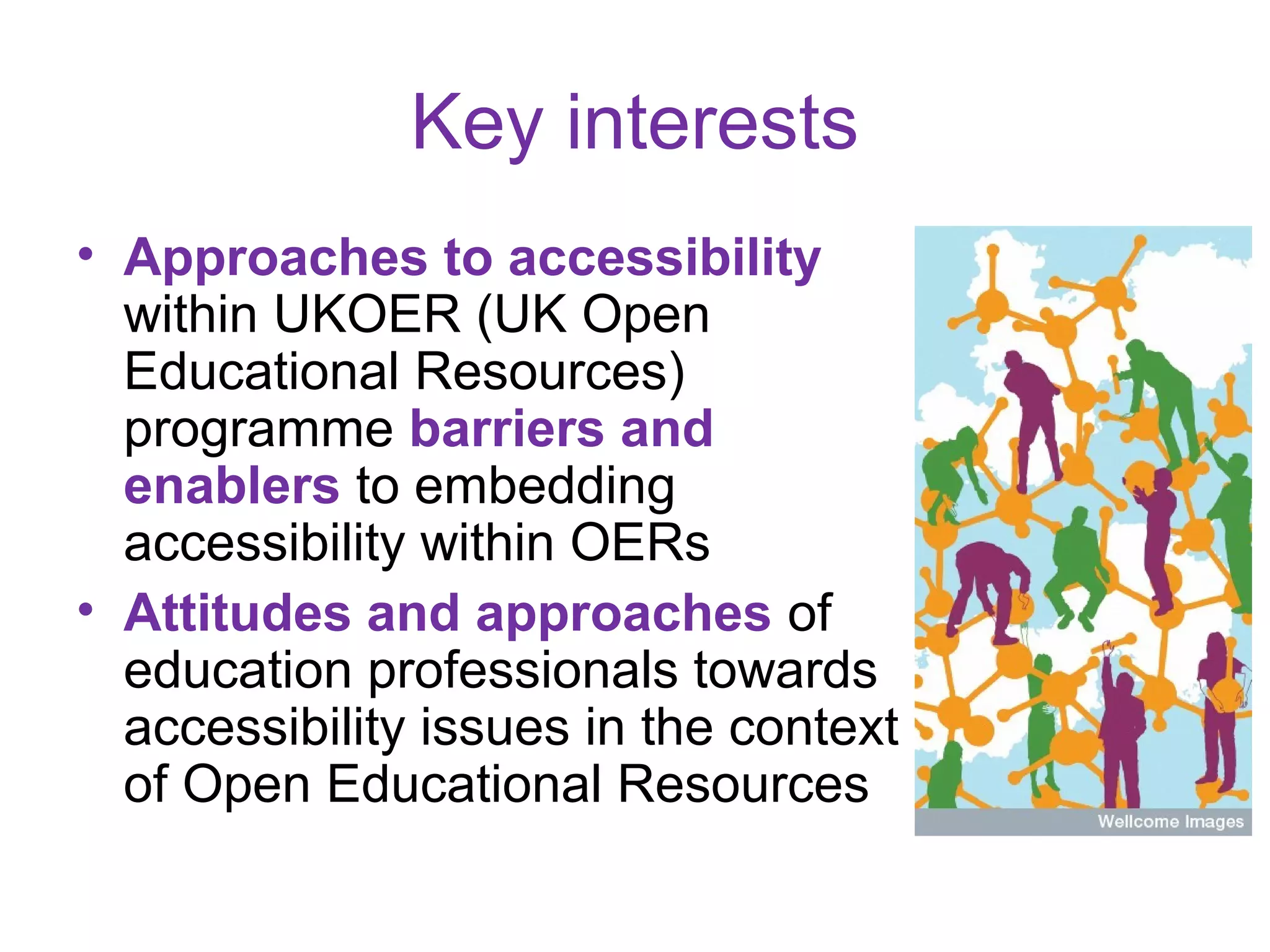
• Approaches to accessibility
  within UKOER (UK Open
  Educational Resources)
  programme barriers and
  enablers to embedding
  accessibility within OERs
• Attitudes and approaches of
  education professionals towards
  accessibility issues in the context
  of Open Educational Resources
Definitions of accessibility
- Accessibility refers to the ability of web-
based resources to be viewed, navigated and
read by everyone, including learners with
additional needs, which may be due to
auditory, visual, mobility, and/or cognitive
impairments
- The ethos of open education and open
access emphasises the need to widen access
and remove educational barriers, including any
barriers related to accessibility
Issues: Good intentions?
If mentioned at all, accessibility is seen as a
low-priority issue, tackled as an afterthought,
resulting in costly retrofitting
  We can also see that there is a real potential to
  develop the resource to further meet the needs of
  disabled students working in the performing arts,
  and to raise awareness of accessibility issues
  amongst a wider cohort of students. It was outside
  the scope of this particular project to consider these
  issues in depth, but the resource could be adapted
  and re-purposed to this end if sufficient time and
  resource was dedicated. (UKOER project final
  report)
Issues: discovery and description
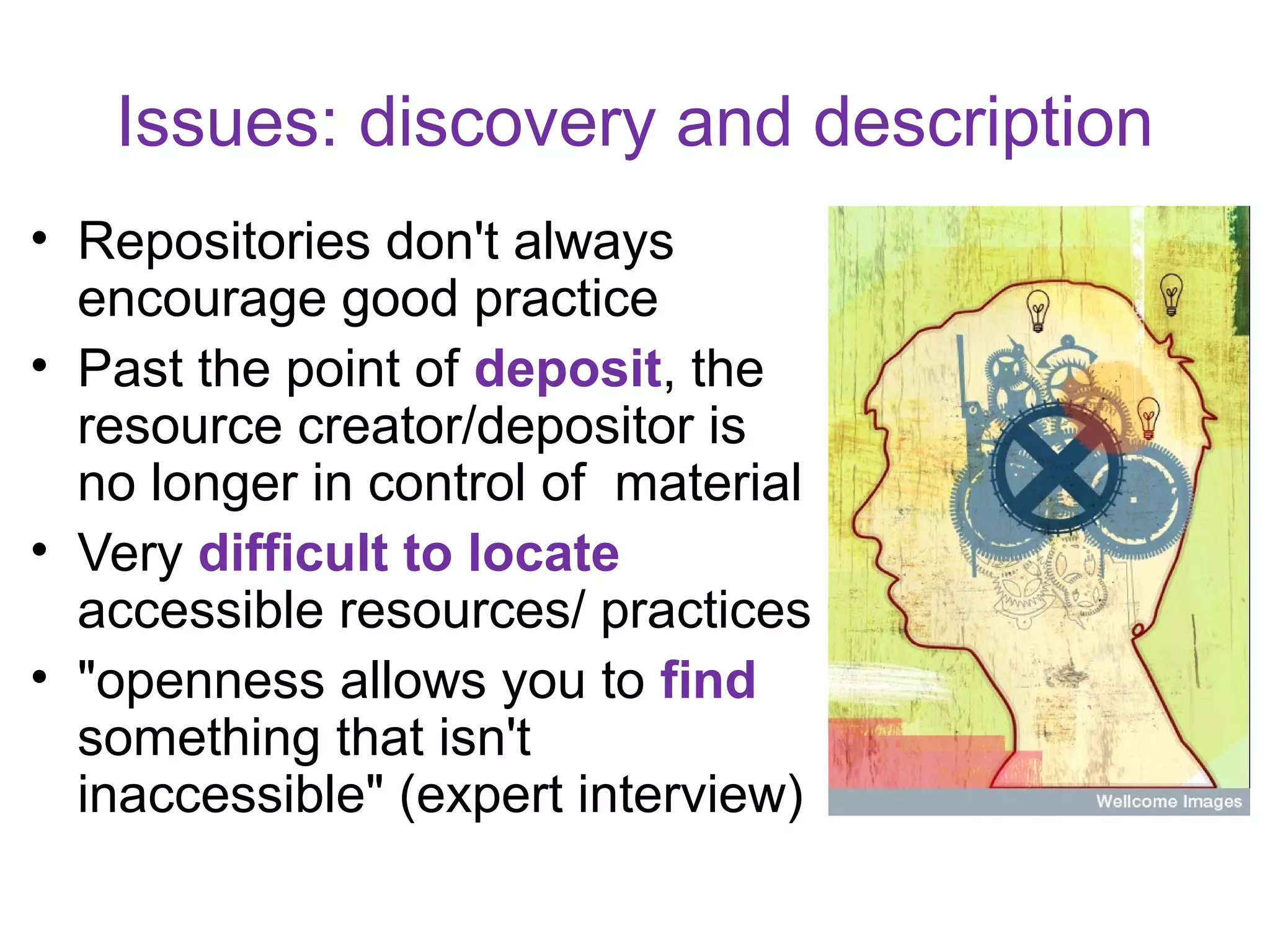
• Repositories don't always
  encourage good practice
• Past the point of deposit, the
  resource creator/depositor is
  no longer in control of material
• Very difficult to locate
  accessible resources/ practices
• "openness allows you to find
  something that isn't
  inaccessible" (expert interview)
Issues: OER "accessibility sins" in JORUM
• Videos/audio: only a very small minority
  (1%!)were accompanied by a transcript
• PowerPoint presentations
  – A small minority provided appropriate alternative
    descriptions for images and charts
  – Most failed to use unique titles for the slides
  – Often overloaded with text, using relatively small
    font
• Documents
  – Very few included appropriate alternative
    descriptions for images
  – Majority failed to use "True styles" to apply
    headings/formatting correctly
Conclusions (1)
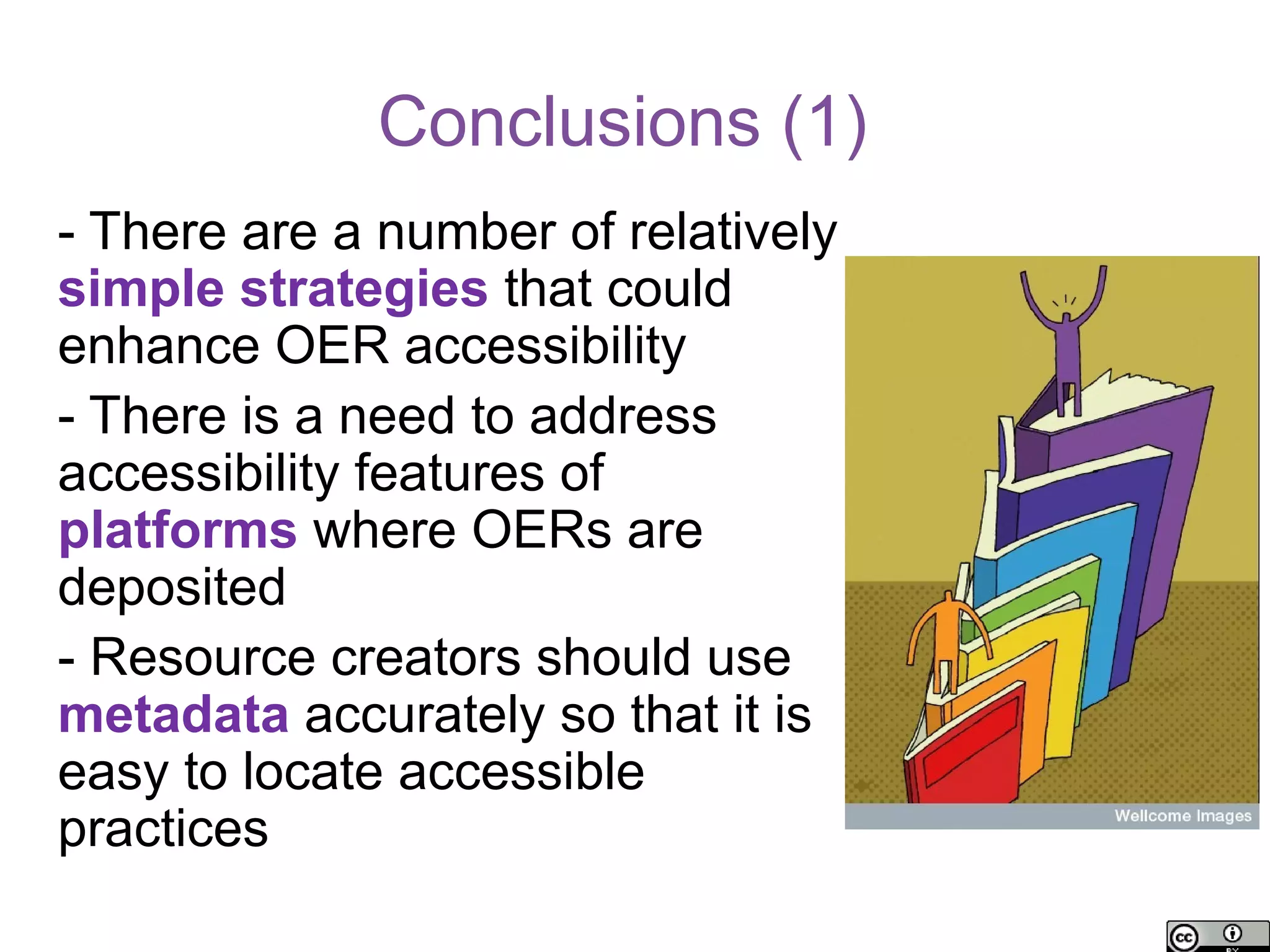
- There are a number of relatively
simple strategies that could
enhance OER accessibility
- There is a need to address
accessibility features of
platforms where OERs are
deposited
- Resource creators should use
metadata accurately so that it is
easy to locate accessible
practices
Conclusions (2)

- Responsibility for ensuring the accessibility of
OERs should not be seen solely as that of
resource creators - there is a need to provide
adequate support and resources
- Accessibility issues are complex and should
not be discussed in isolation from other OER-
related issues such as copyright or practices
related to sharing resources
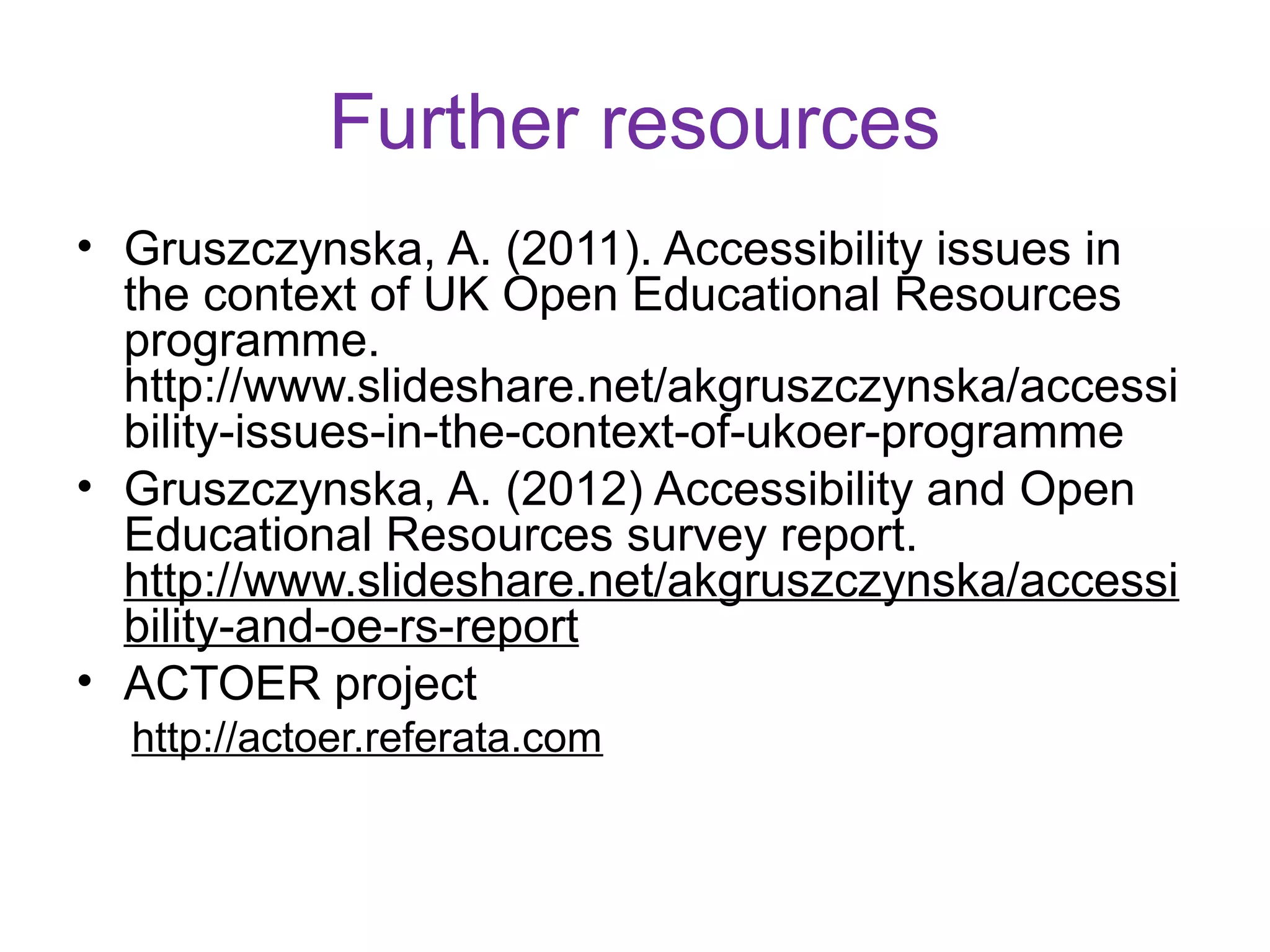
Comments? Questions?
Further resources
• Gruszczynska, A. (2011). Accessibility issues in
  the context of UK Open Educational Resources
  programme.
  http://www.slideshare.net/akgruszczynska/accessi
  bility-issues-in-the-context-of-ukoer-programme
• Gruszczynska, A. (2012) Accessibility and Open
  Educational Resources survey report.
  http://www.slideshare.net/akgruszczynska/accessi
  bility-and-oe-rs-report
• ACTOER project
  http://actoer.referata.com
Inclusive Design for Learning
Jutta Treviranus

Inclusive Design Research Centre
Inclusive Design Institute
OCAD University
The Inclusive Design Research Centre

• inclusive design of emerging information and communication systems and
  practices, since 1993

• open source, open access, open standards, open data

• over 18 multi-partner, multi-sector proactive research projects at any one time


                                                                                    28
Inclusive Design

• Design that considers the full
  range of human diversity with
  respect to ability, language,
  culture, gender, age and other
  forms of human difference


• Designing for Diversity


• Addressing the beginning of the
  development “food chain” to
  support integrated accessibility
  from the start


29
Revised Notion of Disability
in Design

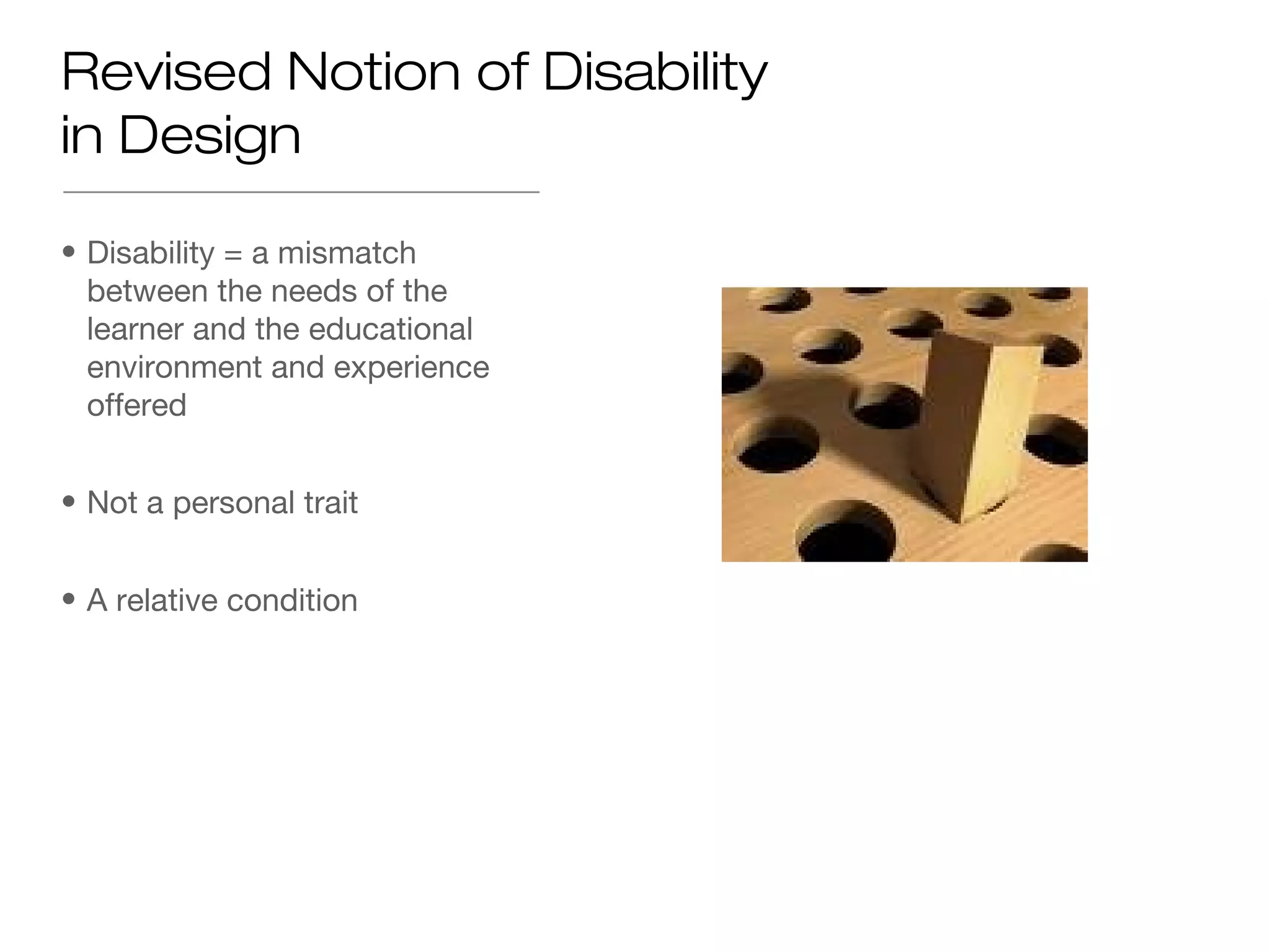
• Disability = a mismatch
  between the needs of the
  learner and the educational
  environment and experience
  offered


• Not a personal trait


• A relative condition
Accessibility =

• Ability of the learning
  environment to adjust to the
  needs of all learners


• Flexibility of education
  environment, curriculum and
  delivery


• To optimize the learning
  environment for each individual
  learner


• A relative quality
Important relearned insight:
Learners learn differently

• “Learning breakdown and drop out occurs when students face barriers to
  learning, feel disadvantaged by the learning experience offered or feel that
  their personal learning needs are ignored” ~2009 Report


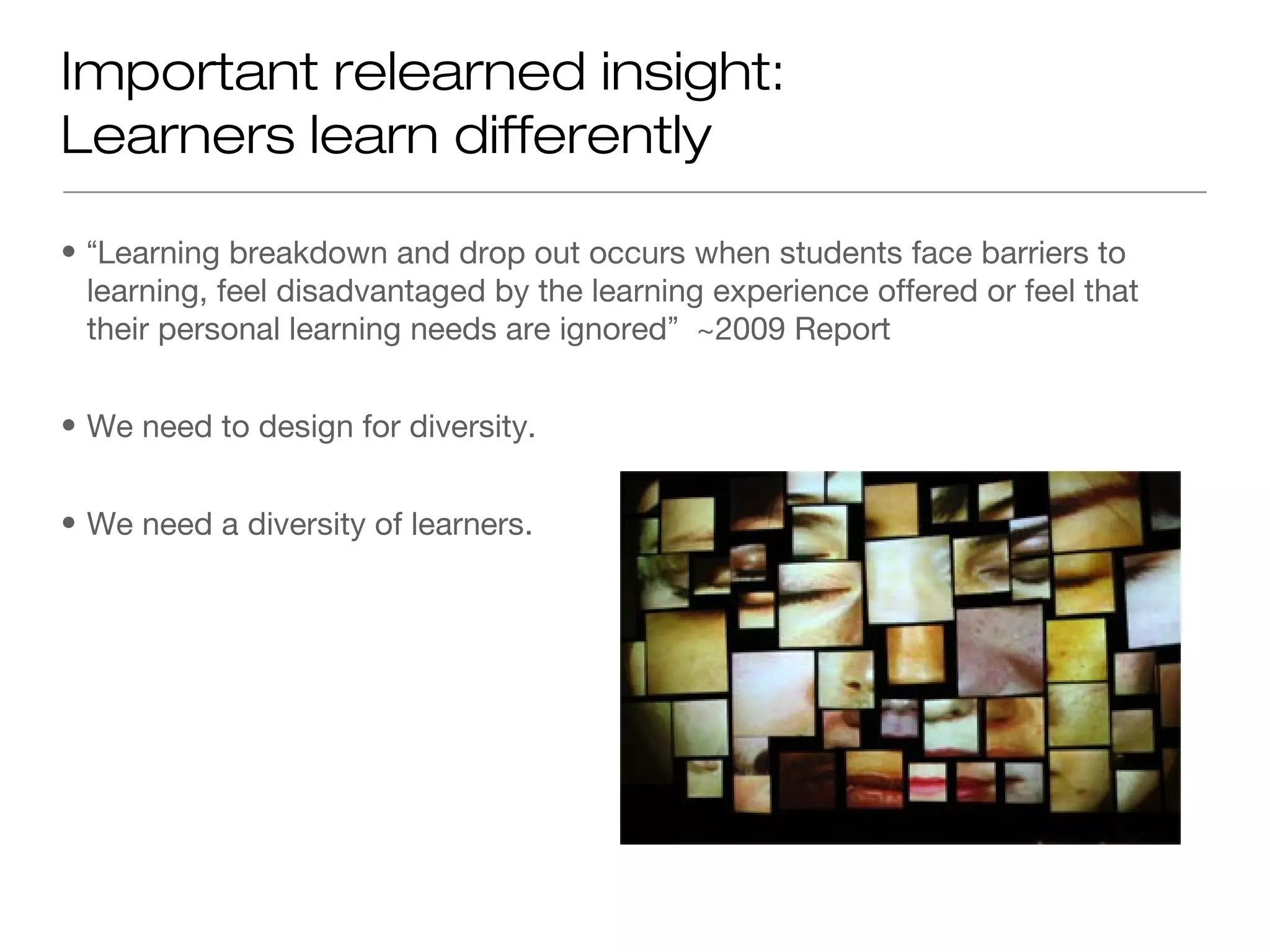
• We need to design for diversity.


• We need a diversity of learners.
The problem with One-Size-Fits-All
Accessibility Approaches
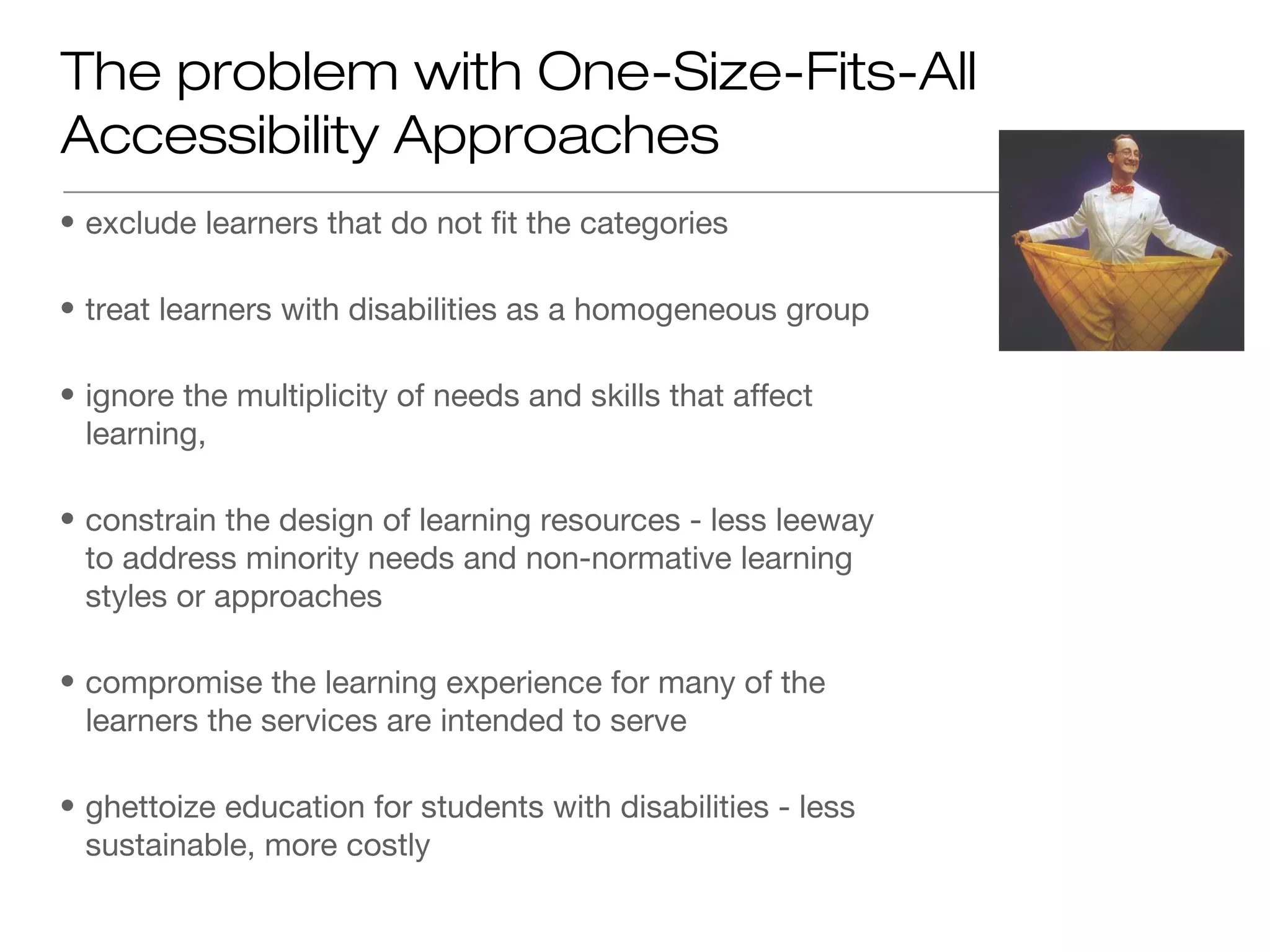
• exclude learners that do not fit the categories

• treat learners with disabilities as a homogeneous group

• ignore the multiplicity of needs and skills that affect
  learning,

• constrain the design of learning resources - less leeway
  to address minority needs and non-normative learning
  styles or approaches

• compromise the learning experience for many of the
  learners the services are intended to serve

• ghettoize education for students with disabilities - less
  sustainable, more costly
One-Size-Fits-One Education

• optimizing learning for each learner


• Learning needs that affect learning include:


   • sensory, motor, cognitive, emotional and social
     constraints,


   • individual learning styles and approaches,


   • linguistic or cultural preferences,


   • technical, financial or environmental constraints.
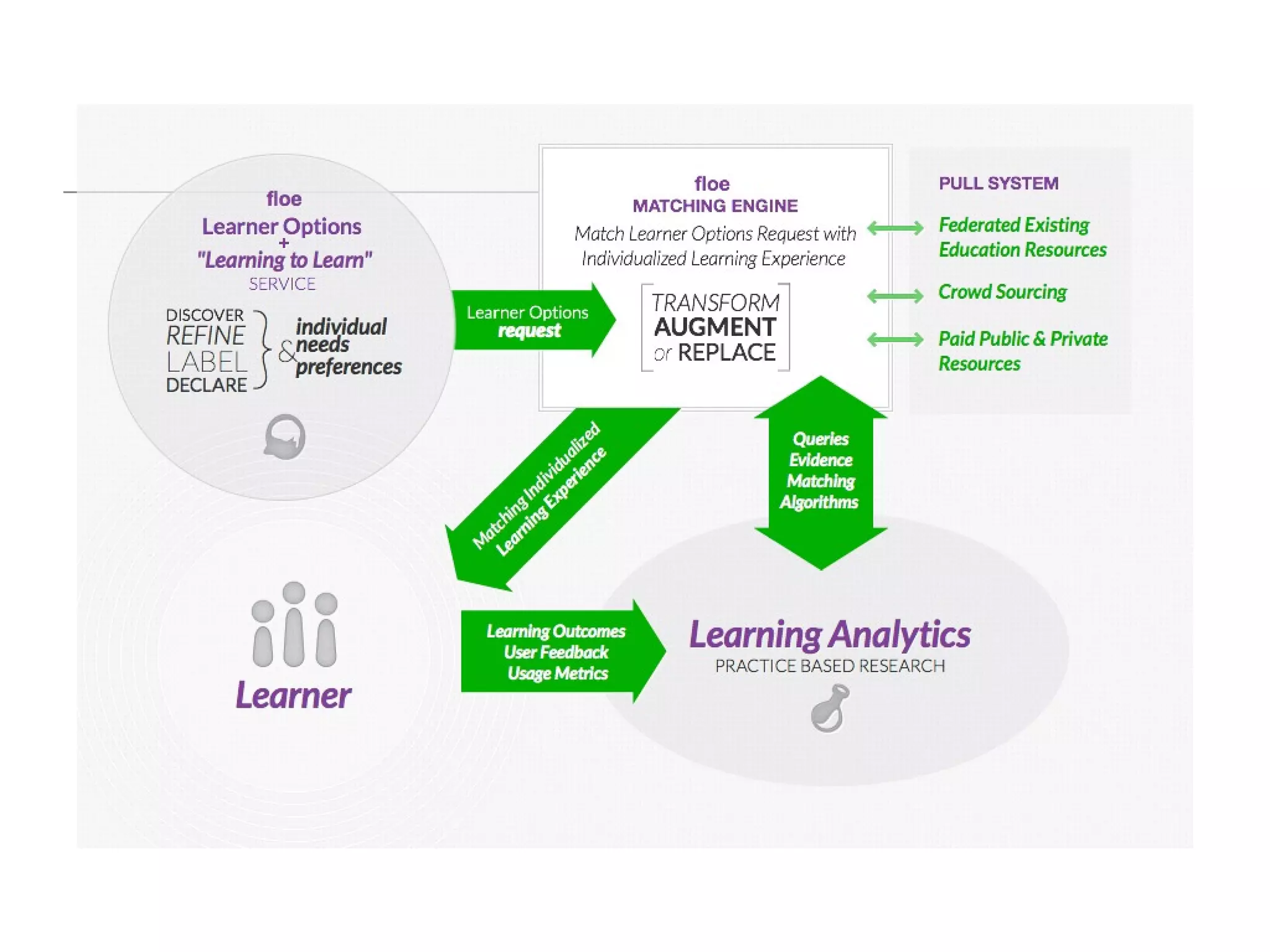
Flexible Resources and Making the Match

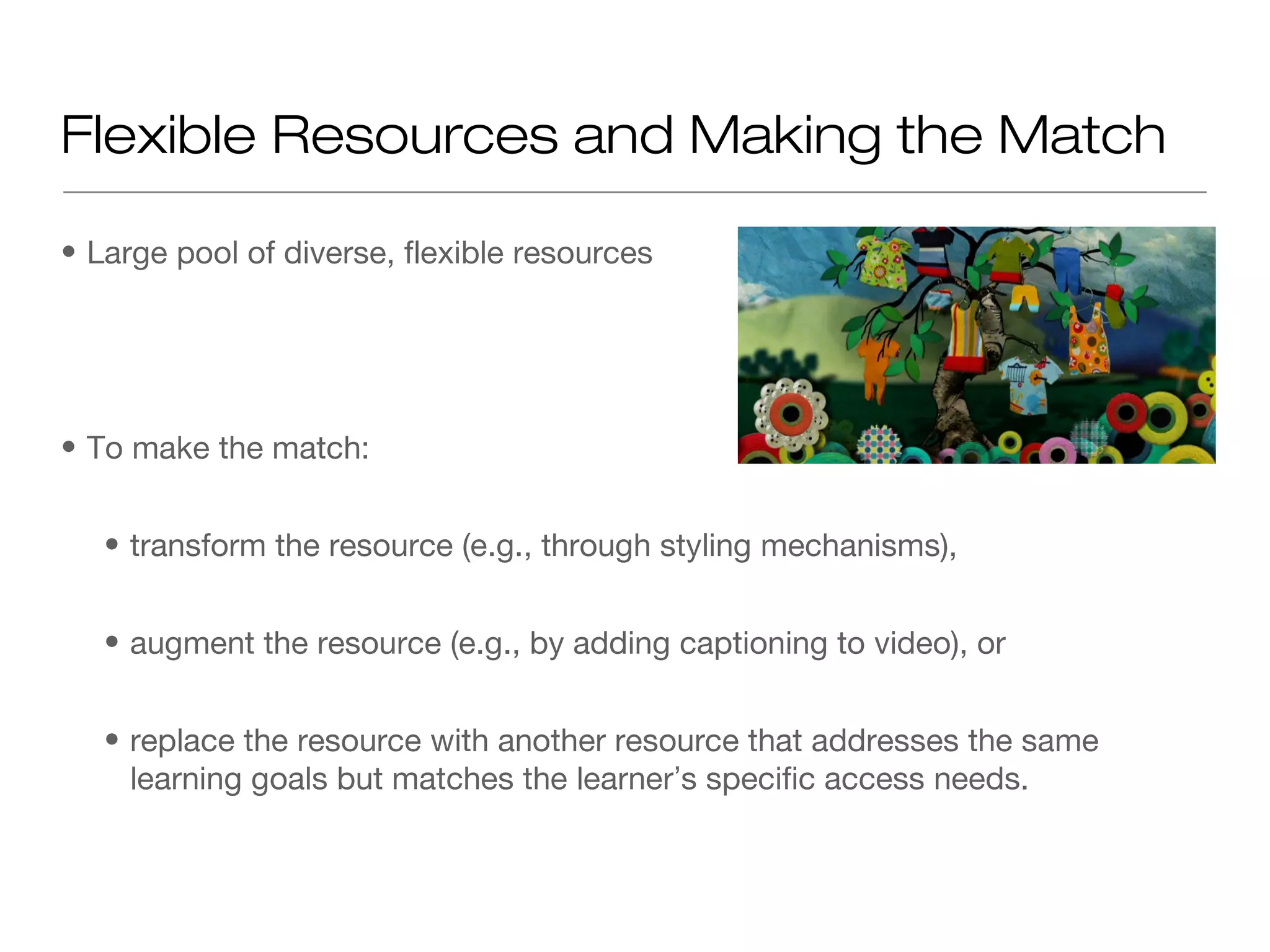
• Large pool of diverse, flexible resources


• To make the match:


   • transform the resource (e.g., through styling mechanisms),


   • augment the resource (e.g., by adding captioning to video), or


   • replace the resource with another resource that addresses the same
     learning goals but matches the learner’s specific access needs.
FLOE Project

• Global, public infrastructure to deliver a learning experience that matches each
  learner’s individual needs


• uses AccessForAll ISO 24751 interoperability standard, a common language
  for describing learner needs and labelling resources that meet those needs


• support for creating resources amenable to transformation and augmentation


• support for filling the gaps


• http://floeproject.org


• Funded by William and Flora Hewlett Foundation (with feasibility study funded
  by US Dept of Education)
Requires...

1. information about each learner’s access needs,


2. information about the learner needs addressed by each resource, (a11y
  metadata effort and schema.org)


3. resources that are amenable to transformation, and a pool of alternative
  equivalent resources, and


4. a method of matching learner needs with the appropriate learning experience
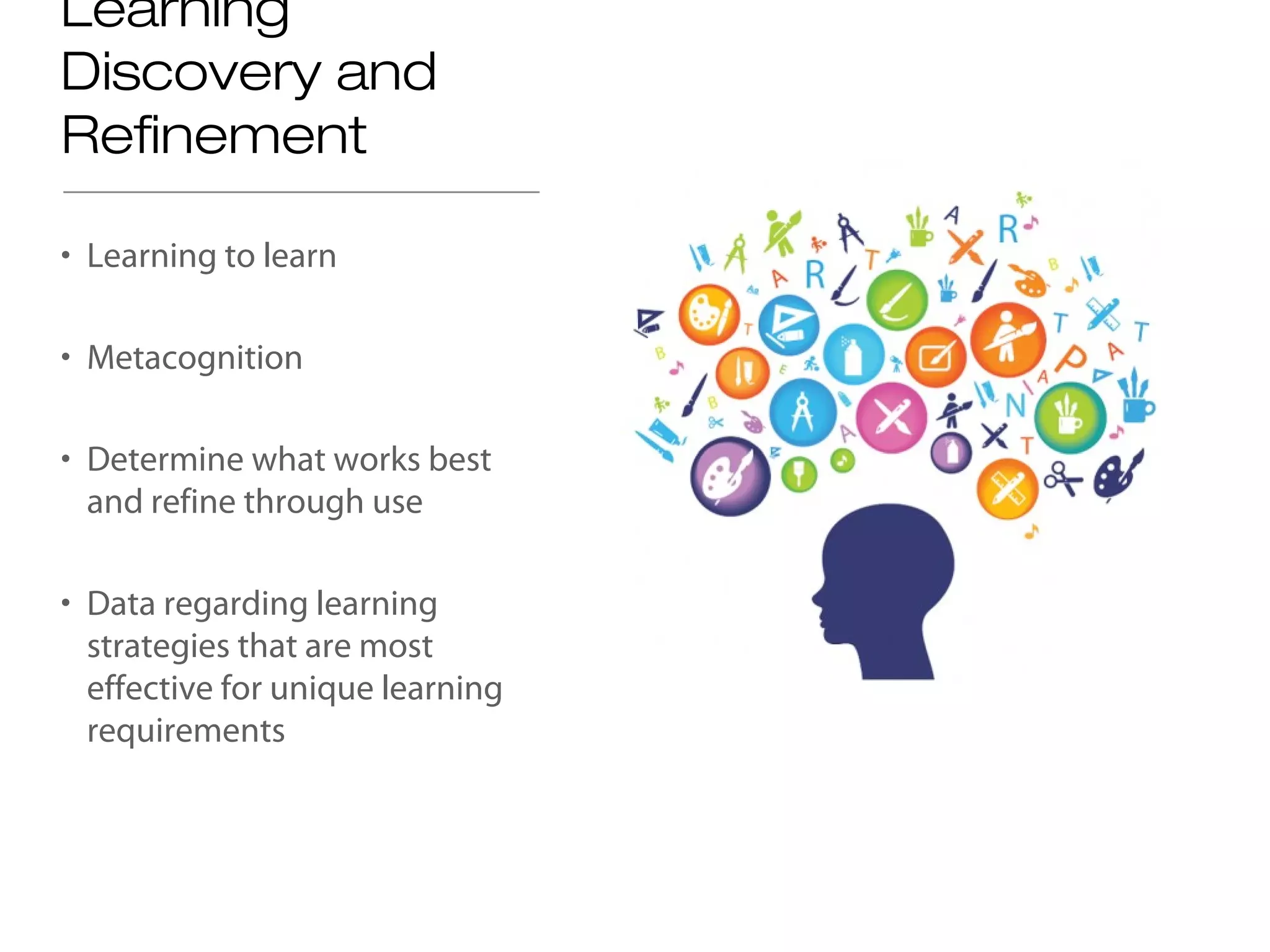
Learning
Discovery and
Refinement

• Learning to learn

• Metacognition

• Determine what works best
  and refine through use

• Data regarding learning
  strategies that are most
  effective for unique learning
  requirements
FLOE Video

• http://www.openeducationweek.org/floe-animation-for-open-
  education-week/
Authoring Support

• Handbook for authors - http://handbook.floeproject.org


• Support within Open Author


• Support within OERPub


• http://adod.idrc.ocad.ca/ for simple document accessibility
Checking and Web Content Accessibility
Guidelines

• One example http://achecker.ca
Players, Browsers, Learning Management
Systems

• http://build.fluidproject.org/videoPlayer/videoPlayer/demos/Mammals.html
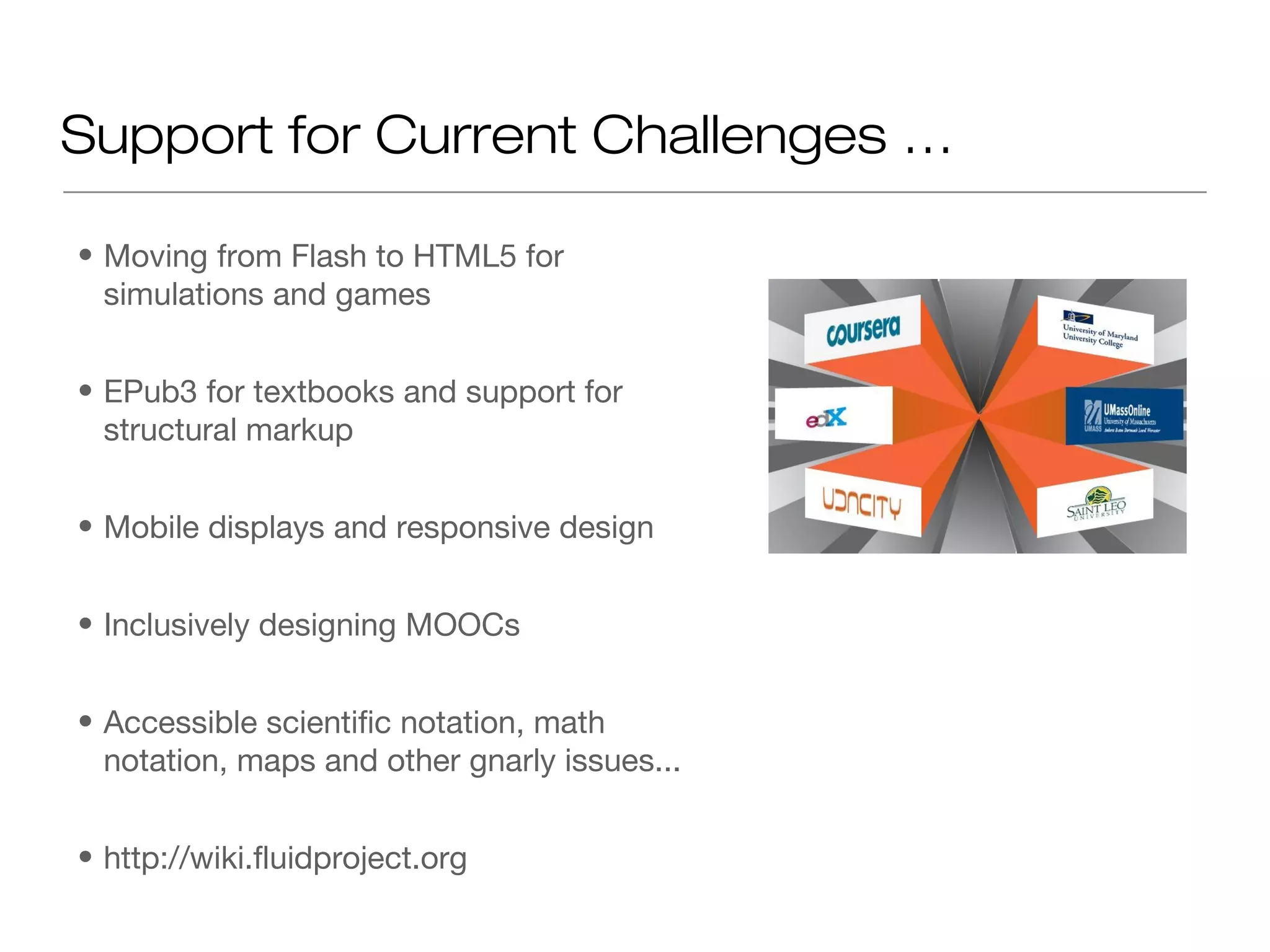
Support for Current Challenges …

• Moving from Flash to HTML5 for
  simulations and games


• EPub3 for textbooks and support for
  structural markup


• Mobile displays and responsive design


• Inclusively designing MOOCs


• Accessible scientific notation, math
  notation, maps and other gnarly issues...


• http://wiki.fluidproject.org
Conclusion

• Reach more learners


• Easier updating


• Easier internationalization


• Better browser and device compatibility


• Reach doubly marginalized learners


• Greater resource longevity


• Learning to learn resulting in deeper learning
Thank you for attending!


Contact Info:

  Una Daly, unatdaly@ocwconsortium.org
  Anna Gruszynska, a.gruszczynska@shu.ac.uk
  Jutta Treviranus, jtreviranus@faculty.ocadu.ca

Designing OER with Diversity in Mind

  • 1.
    Designing OER with Diversity in Mind Anna Gruszczynska, Sheffield Hallam University, UK Anna Gruszczynska, Sheffield Hallam University, UK Jutta Treviranus, OCAD University, Canada Jutta Treviranus, OCAD University, Canada Una Daly, OCW Consortium Una Daly, OCW Consortium March 11, 2013 1
  • 2.
    Collaborate Window Overview Audio & Video Participants Chat
  • 3.
    Welcome Please introduce yourself in the chat window Anna Gruszczynska Jutta Treviranus, Una Daly, Project Manager Professor Community College Sheffield Hallam University OCAD University Outreach Director United Kingdom Canada OCW Consortium 3
  • 4.
    Today’s Agenda • Introductions • Overview of Needs • OER & Accessibility Research • Inclusive Design for Learning • Additional Resources • Questions 4
  • 5.
    OER Defined Open EducationalResources are teaching, learning or research materials that are in the public domain or released with an intellectual property license that allows for free use, adaptation, and distribution. OER Logo 2012, J. Mello CC-BY The William and Flora Hewlett Foundation United Nations Education, Science, & Cultural Organization (UNESCO) 5
  • 6.
    Examples Includes – • Course materials • Lesson Plans • Modules or lessons • OpenCourseWare (OCW) • Open textbooks • Videos • Images • Tests • Software • Any other tools, materials, or techniques used to support ready access to knowledge adapted from Judy Baker’s ELI 2011 OER Workshop cc-by license 6
  • 7.
    Characteristics of OER •Digital – Easy to modify – Free to distribute • Open License – Reuse, revise, remix, redistribute Labeled for reuse by MrKCoolsPhotostream • Low cost – Lowers barriers to education
  • 8.
    OER Conundrum DIGITAL + ACCESSIBLE OPEN LICENSE 8
  • 9.
    Why accessibility? •Recognition ofdiverse learners Country % Student with Disabilities Canada, 15 yrs or older 14% United Kingdom students 7.6 % United States post-secondary students 11% Worldwide, UN estimate 10% •Higher % in developing countries •Higher % in aging populations Source: U.S. NCES (2011), UNESCO, Equality Challenge Unit (2011), Canadian Journal of Higher Education (2003)
  • 10.
    Diverse Learner Challenges •Cognitive learning disabilities • Sensory & motor impairments • Country language deficits • Lack of engagement Kersti Nebelsiek CC-BY
  • 11.
    Treaties and Laws •UN Convention on Persons with Disability (2006) •UK Equality Act (2010) •Canadian Human Rights Act (1985) •Americans with Disabilities Act (1990) Morguefile.com
  • 12.
    Design & Guidelines •Universal Design for Learning – Providing multiple means of expression, representation, & engagement • Web Content Access Guidelines 2.0 – POUR Matrix • Perceivable • Operable • Understandable • Robust http://www.cast.org/udl/ 12
  • 13.
    Top 3 AccessibilityMust-dos • Use semantic markup – Structural definitions e.g. styles • Annotate non-textual items – Tag Images – Caption Audio & Videos • Label tables and other complex information 13
  • 14.
    Open Textbook AccessibilityReviews Textbook: Collaborative Statistics Accessibility reviewed by: Virtual Ability, Inc. collegeopentextbooks.org merlot.org
  • 15.
    OER Accessibility Goals •Improve learning for all – Universal Design (UDL) • Educate authors Used with permission from Virtual Ability, Inc – Design accessible OER • Empower faculty adopters – Evaluate OER and adapt for accessibility
  • 16.
    Open Educational Resources and accessibility issues Anna Gruszczynska a.gruszczynska@shu.ac.uk Sheffield Hallam University
  • 17.
    Background • SCORE (SupportCentre for Open Resources in Education) research fellowship OER-related accessibility issues and their relevance to practices of re-purposing/re-use http://oeraccessibility.pbworks.com • ACTOER (Accessibility Challenges and Techniques for Open Educational Resources) Improving accessibility support for OERs across a range of sectors (higher/further education, vocational and specialist) http://actoer.referata.com
  • 18.
    Key interests • Approachesto accessibility within UKOER (UK Open Educational Resources) programme barriers and enablers to embedding accessibility within OERs • Attitudes and approaches of education professionals towards accessibility issues in the context of Open Educational Resources
  • 19.
    Definitions of accessibility -Accessibility refers to the ability of web- based resources to be viewed, navigated and read by everyone, including learners with additional needs, which may be due to auditory, visual, mobility, and/or cognitive impairments - The ethos of open education and open access emphasises the need to widen access and remove educational barriers, including any barriers related to accessibility
  • 20.
    Issues: Good intentions? Ifmentioned at all, accessibility is seen as a low-priority issue, tackled as an afterthought, resulting in costly retrofitting We can also see that there is a real potential to develop the resource to further meet the needs of disabled students working in the performing arts, and to raise awareness of accessibility issues amongst a wider cohort of students. It was outside the scope of this particular project to consider these issues in depth, but the resource could be adapted and re-purposed to this end if sufficient time and resource was dedicated. (UKOER project final report)
  • 21.
    Issues: discovery anddescription • Repositories don't always encourage good practice • Past the point of deposit, the resource creator/depositor is no longer in control of material • Very difficult to locate accessible resources/ practices • "openness allows you to find something that isn't inaccessible" (expert interview)
  • 22.
    Issues: OER "accessibilitysins" in JORUM • Videos/audio: only a very small minority (1%!)were accompanied by a transcript • PowerPoint presentations – A small minority provided appropriate alternative descriptions for images and charts – Most failed to use unique titles for the slides – Often overloaded with text, using relatively small font • Documents – Very few included appropriate alternative descriptions for images – Majority failed to use "True styles" to apply headings/formatting correctly
  • 23.
    Conclusions (1) - Thereare a number of relatively simple strategies that could enhance OER accessibility - There is a need to address accessibility features of platforms where OERs are deposited - Resource creators should use metadata accurately so that it is easy to locate accessible practices
  • 24.
    Conclusions (2) - Responsibilityfor ensuring the accessibility of OERs should not be seen solely as that of resource creators - there is a need to provide adequate support and resources - Accessibility issues are complex and should not be discussed in isolation from other OER- related issues such as copyright or practices related to sharing resources
  • 25.
  • 26.
    Further resources • Gruszczynska,A. (2011). Accessibility issues in the context of UK Open Educational Resources programme. http://www.slideshare.net/akgruszczynska/accessi bility-issues-in-the-context-of-ukoer-programme • Gruszczynska, A. (2012) Accessibility and Open Educational Resources survey report. http://www.slideshare.net/akgruszczynska/accessi bility-and-oe-rs-report • ACTOER project http://actoer.referata.com
  • 27.
    Inclusive Design forLearning Jutta Treviranus Inclusive Design Research Centre Inclusive Design Institute OCAD University
  • 28.
    The Inclusive DesignResearch Centre • inclusive design of emerging information and communication systems and practices, since 1993 • open source, open access, open standards, open data • over 18 multi-partner, multi-sector proactive research projects at any one time 28
  • 29.
    Inclusive Design • Designthat considers the full range of human diversity with respect to ability, language, culture, gender, age and other forms of human difference • Designing for Diversity • Addressing the beginning of the development “food chain” to support integrated accessibility from the start 29
  • 30.
    Revised Notion ofDisability in Design • Disability = a mismatch between the needs of the learner and the educational environment and experience offered • Not a personal trait • A relative condition
  • 31.
    Accessibility = • Abilityof the learning environment to adjust to the needs of all learners • Flexibility of education environment, curriculum and delivery • To optimize the learning environment for each individual learner • A relative quality
  • 32.
    Important relearned insight: Learnerslearn differently • “Learning breakdown and drop out occurs when students face barriers to learning, feel disadvantaged by the learning experience offered or feel that their personal learning needs are ignored” ~2009 Report • We need to design for diversity. • We need a diversity of learners.
  • 33.
    The problem withOne-Size-Fits-All Accessibility Approaches • exclude learners that do not fit the categories • treat learners with disabilities as a homogeneous group • ignore the multiplicity of needs and skills that affect learning, • constrain the design of learning resources - less leeway to address minority needs and non-normative learning styles or approaches • compromise the learning experience for many of the learners the services are intended to serve • ghettoize education for students with disabilities - less sustainable, more costly
  • 34.
    One-Size-Fits-One Education • optimizinglearning for each learner • Learning needs that affect learning include: • sensory, motor, cognitive, emotional and social constraints, • individual learning styles and approaches, • linguistic or cultural preferences, • technical, financial or environmental constraints.
  • 35.
    Flexible Resources andMaking the Match • Large pool of diverse, flexible resources • To make the match: • transform the resource (e.g., through styling mechanisms), • augment the resource (e.g., by adding captioning to video), or • replace the resource with another resource that addresses the same learning goals but matches the learner’s specific access needs.
  • 36.
    FLOE Project • Global,public infrastructure to deliver a learning experience that matches each learner’s individual needs • uses AccessForAll ISO 24751 interoperability standard, a common language for describing learner needs and labelling resources that meet those needs • support for creating resources amenable to transformation and augmentation • support for filling the gaps • http://floeproject.org • Funded by William and Flora Hewlett Foundation (with feasibility study funded by US Dept of Education)
  • 37.
    Requires... 1. information abouteach learner’s access needs, 2. information about the learner needs addressed by each resource, (a11y metadata effort and schema.org) 3. resources that are amenable to transformation, and a pool of alternative equivalent resources, and 4. a method of matching learner needs with the appropriate learning experience
  • 39.
    Learning Discovery and Refinement • Learningto learn • Metacognition • Determine what works best and refine through use • Data regarding learning strategies that are most effective for unique learning requirements
  • 40.
  • 41.
    Authoring Support • Handbookfor authors - http://handbook.floeproject.org • Support within Open Author • Support within OERPub • http://adod.idrc.ocad.ca/ for simple document accessibility
  • 43.
    Checking and WebContent Accessibility Guidelines • One example http://achecker.ca
  • 44.
    Players, Browsers, LearningManagement Systems • http://build.fluidproject.org/videoPlayer/videoPlayer/demos/Mammals.html
  • 45.
    Support for CurrentChallenges … • Moving from Flash to HTML5 for simulations and games • EPub3 for textbooks and support for structural markup • Mobile displays and responsive design • Inclusively designing MOOCs • Accessible scientific notation, math notation, maps and other gnarly issues... • http://wiki.fluidproject.org
  • 46.
    Conclusion • Reach morelearners • Easier updating • Easier internationalization • Better browser and device compatibility • Reach doubly marginalized learners • Greater resource longevity • Learning to learn resulting in deeper learning
  • 47.
    Thank you forattending! Contact Info: Una Daly, unatdaly@ocwconsortium.org Anna Gruszynska, a.gruszczynska@shu.ac.uk Jutta Treviranus, jtreviranus@faculty.ocadu.ca

Editor's Notes

  • #3 ELLUMINATE/CCC Conference Opening Script   [Start recording…] Welcome to the ________ Webinar for DAY, MONTH, YEAR [sponsored by]. [If applicable] Today ’s guests come to us from _______ in ____, ___. I will introduce them shortly, but first I want to go over a few details about this [Elluminate/CCC Confer] session for those who are new to [Elluminate/CCC Confer]. Details At the upper left of your screen, you should see the Participants window , which lists the participants in this session. You can use the icons underneath this window to: Raise your hand if you have a question or comment and you wish to speak There are also happy and sad faces and an applaud icon Below the Participants window is the Chat window to the center-left of this screen where you can type a question or comment into the box at any time. You can also send a private message to another participant at any time, but please be aware that moderators can see all private messages. Below the chat area is the Audio window in the bottom left of the screen. Click on the raised your hand button to let us know you would like to speak. You can use a head set or your phone for audio chat. If you are using a microphone and have been recognized to speak, Click the button with the microphone on it and begin speaking. Remember to click the button again when you finish speaking so that someone else can have a turn. You can control your mic and volume levels with the sliders. And if you are having trouble with your headset or microphone, you can access the Audio Setup Wizard from the Tools menu on the top toolbar. From Tools , select Audio , and then Audio Setup Wizard , and follow the on-screen instructions. [CCC Confer ONLY] If you are using the telephone to speak, Click on the phone handset below the microphone and audio volume sliders. The call-number and pin will then appear in a dialog box.
  • #7 Atkins, D. E., J. S. Brown and A. L. Hammond, 2007. A Review of the Open Educational Resources (OER) Movement: Achievements, Challenges, and New Opportunities , Report to The William and Flora Hewlett Foundation.
  • #11 Returning Veterans. Learning styles, dyslexia, attention deficit disorder, etc.
  • #18 The aim of the project was to gather evidence on how teaching and learning resource creators and re-users approach the inclusion of accessibility criteria within their materials The aim of the project was to investigate and improve accessibility support for OERs across a range of sectors (higher/further education, vocational and specialist) Scoping exercise: review of over 60 UKOER phase 1 and 2 plans and final reports Expert interviews Accessibility and OERs online survey with 94 UK-based education practitioners (full report from ) - Targeted education professionals - 94 respondents - Majority based in the UK and involved in teaching and research within higher education sector - Approximately half have worked on an OER project in the past three years - Full report available from http://oeraccessibility.pbworks.com
  • #20 approaches to accessibility within UKOER programme barriers and enablers to embedding accessibility within OERs attitudes and approaches of education professionals towards accessibility issues in the context of Open Educational Resources
  • #21 if addressed at all, accessibility was frequently positioned within the realm of good intentions which were frequently thwarted by lack of necessary resources in terms of staff time or project funding
  • #22 bottom-up approach preferable to the impossible task of controlling resources centrally
  • #23 most presentations followed best practice guidelines with regard to accessible fonts and adequate colour contrast; however quite a few were
  • #24 necessary to negotiate learner expectations and provide for user preferences as much as possible