Moodle Demo at NJIT

Loading...

Flash Player 9 (or above) is needed to view presentations.
We have detected that you do not have it on your computer. To install it, go here.

0 comments

Post a comment

    Post a comment
    Embed Video
    Edit your comment Cancel

    5 Favorites & 1 Group

    Moodle Demo at NJIT - Presentation Transcript

    1. Ken Ronkowitz & Blake Haggerty Instructional Technology Tim Kellers & Bhavna Vij System Administration
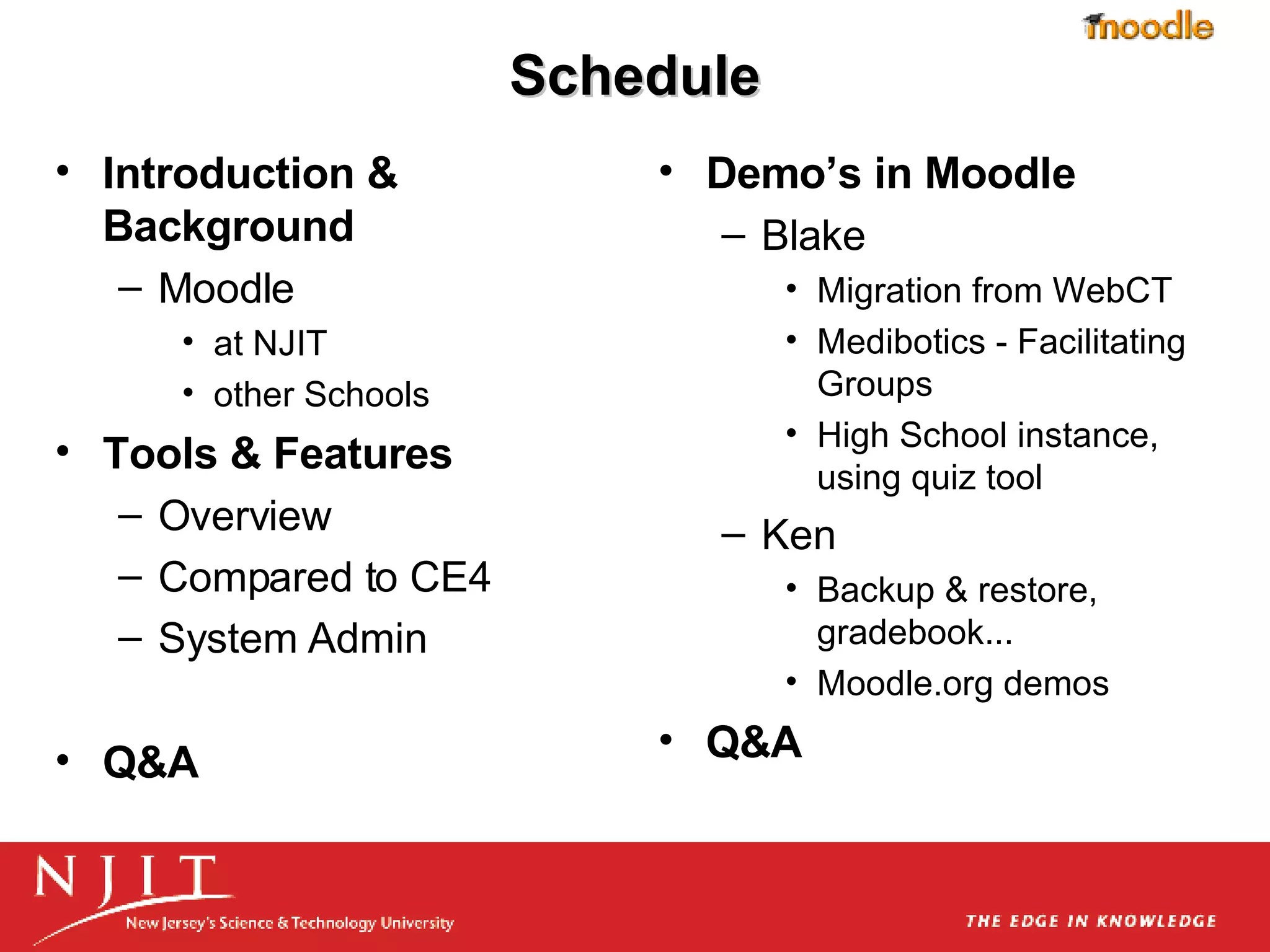
    2. Schedule
      • Introduction & Background
        • Moodle
          • at NJIT
          • other Schools
      • Tools & Features
        • Overview
        • Compared to CE4
        • System Admin
      • Q&A
      • Demo’s in Moodle
        • Blake
          • Migration from WebCT
          • Medibotics - Facilitating Groups
          • High School instance, using quiz tool
        • Ken
          • Backup & restore, gradebook...
          • Moodle.org demos
      • Q&A
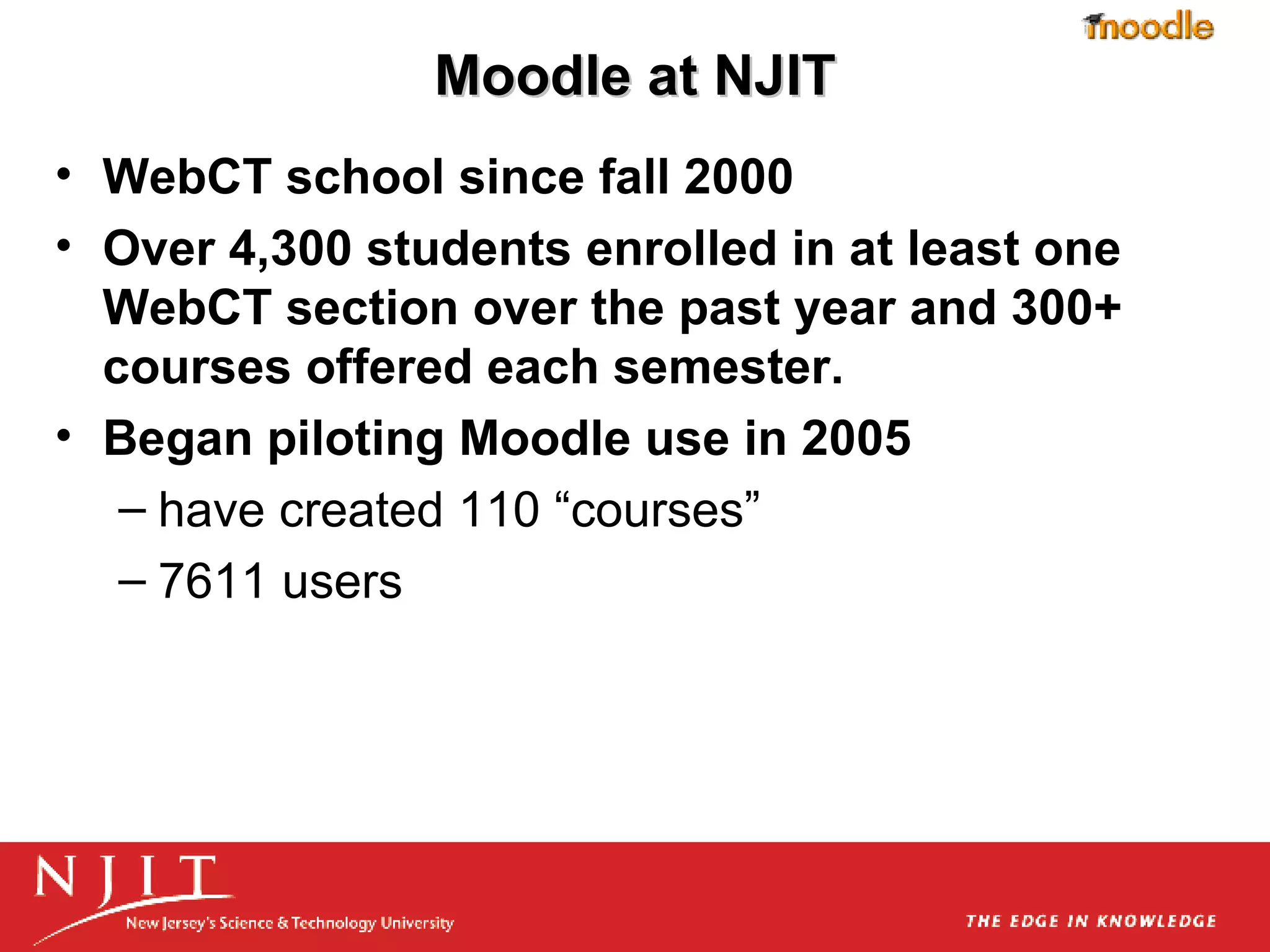
    3. Moodle at NJIT
      • WebCT school since fall 2000
      • Over 4,300 students enrolled in at least one WebCT section over the past year and 300+ courses offered each semester.
      • Began piloting Moodle use in 2005
        • have created 110 “courses”
        • 7611 users
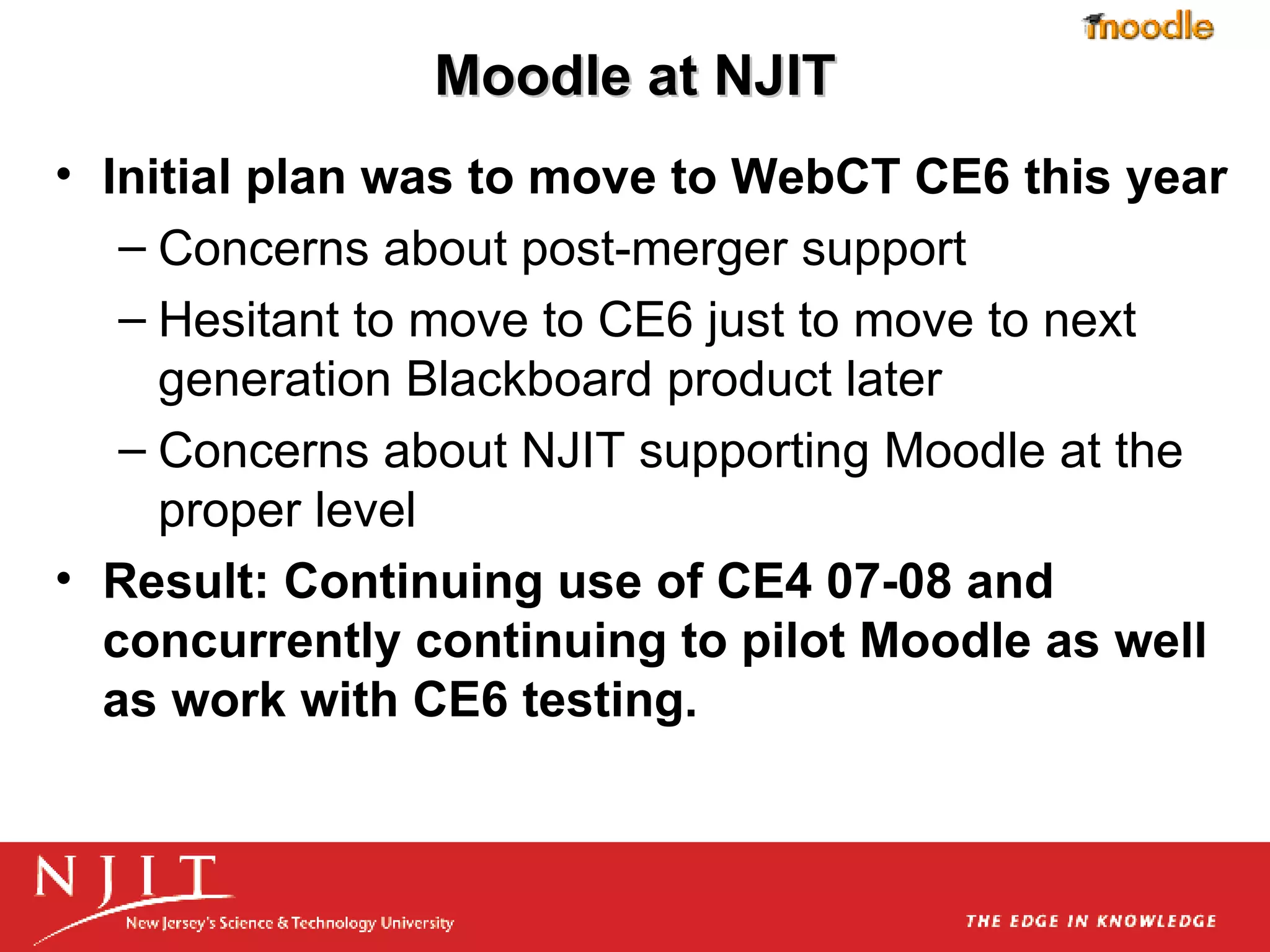
    4. Moodle at NJIT
      • Initial plan was to move to WebCT CE6 this year
        • Concerns about post-merger support
        • Hesitant to move to CE6 just to move to next generation Blackboard product later
        • Concerns about NJIT supporting Moodle at the proper level
      • Result: Continuing use of CE4 07-08 and concurrently continuing to pilot Moodle as well as work with CE6 testing.
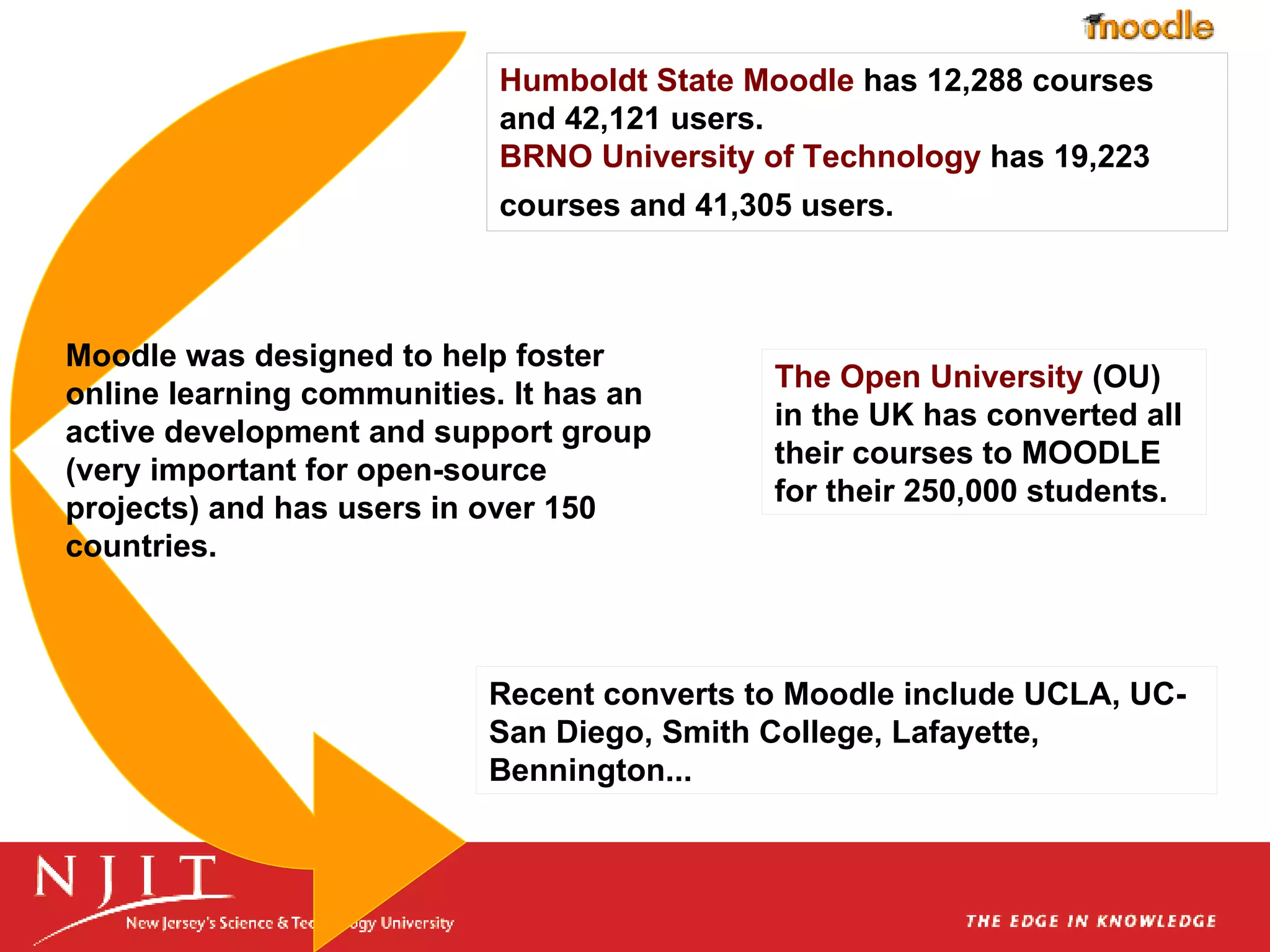
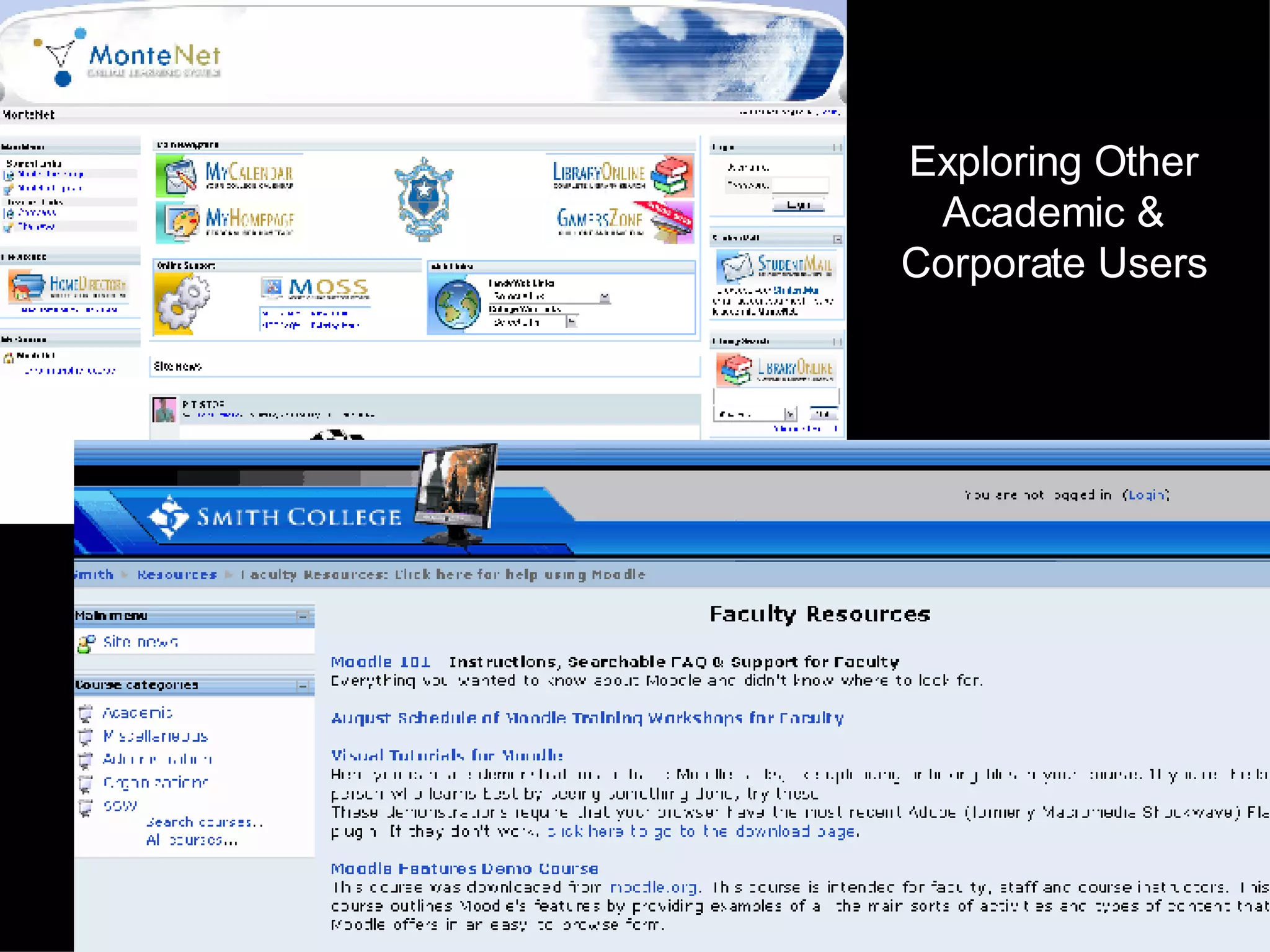
    5. Moodle was designed to help foster online learning communities. It has an active development and support group (very important for open-source projects) and has users in over 150 countries. Humboldt State Moodle has 12,288 courses and 42,121 users. BRNO University of Technology has 19,223 courses and 41,305 users. The Open University (OU) in the UK has converted all their courses to MOODLE for their 250,000 students. Recent converts to Moodle include UCLA, UC-San Diego, Smith College, Lafayette, Bennington...
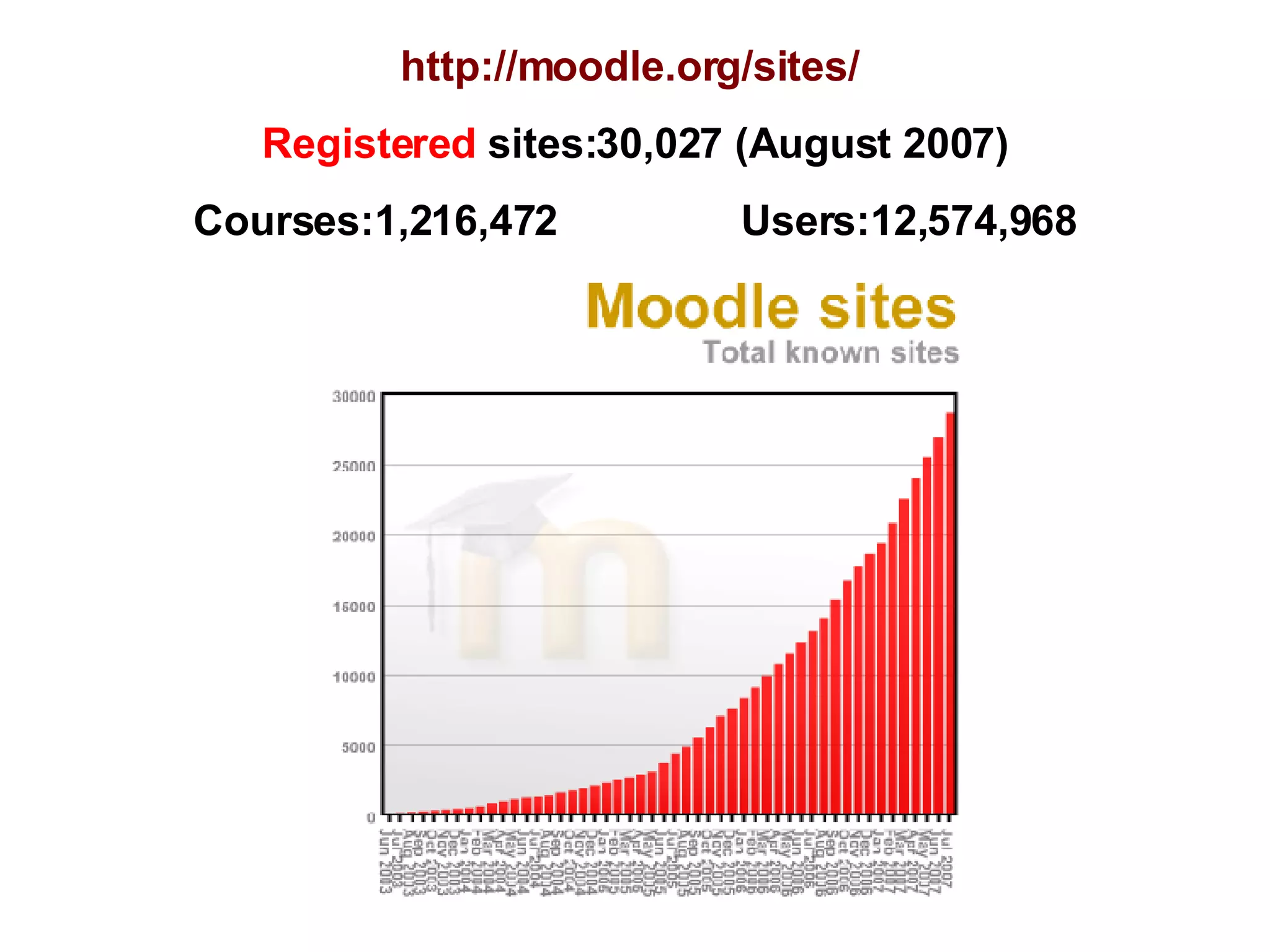
    6. http://moodle.org/sites/ Registered sites:30,027 (August 2007) Courses:1,216,472 Users:12,574,968
    7. Moodle?
      • verb - the process of lazily meandering through something; doing things as it occurs to you to do them; an enjoyable tinkering that often leads to insight and creativity.
      • or Modular Object-Oriented Dynamic Learning Environment
      • Either applies to both to the way Moodle was developed, and to the constructivist pedagogy that guided the original users group.
    8. What is Social Constructivism?
      • People actively construct new knowledge as they interact with their environment.
      • Everything you read, see, hear, feel, and touch is tested against your prior knowledge
      • Knowledge is strengthened if you can use it successfully in your wider environment.
      • You are not just a memory bank passively absorbing information, nor can knowledge be "transmitted" to you just by reading something or listening to someone.
      • Learning is particularly effective when constructing something for others to experience
      • Social Constructivism extends the above ideas into a social group constructing things for one another, collaboratively creating a small culture of shared artifacts with shared meanings.
      • More at http://docs.moodle.org/en/Philosophy
      • Moodle is provided freely as Open Source software (under the GNU Public License).
      • Basically this means Moodle is copyrighted, but that you are allowed to copy, use and modify Moodle provided that you agree to:
        • provide the source to others;
        • not modify or remove the original license and copyrights,
        • and apply this same license to any derivative work.
    9. Moodle Support Recommendations
      • Planning
        • minimally, 2 full semesters prior to launch
      • Transfer of current CMS courses
        • Moodle accepts IMS course packages with some caveats
      • System Admin
        • minimum 2X current admin for a hosted/commercial product
      • User Training (3 semesters)
        • training materials with initial course transfers
        • faculty training (at least 2 semesters prior launch)
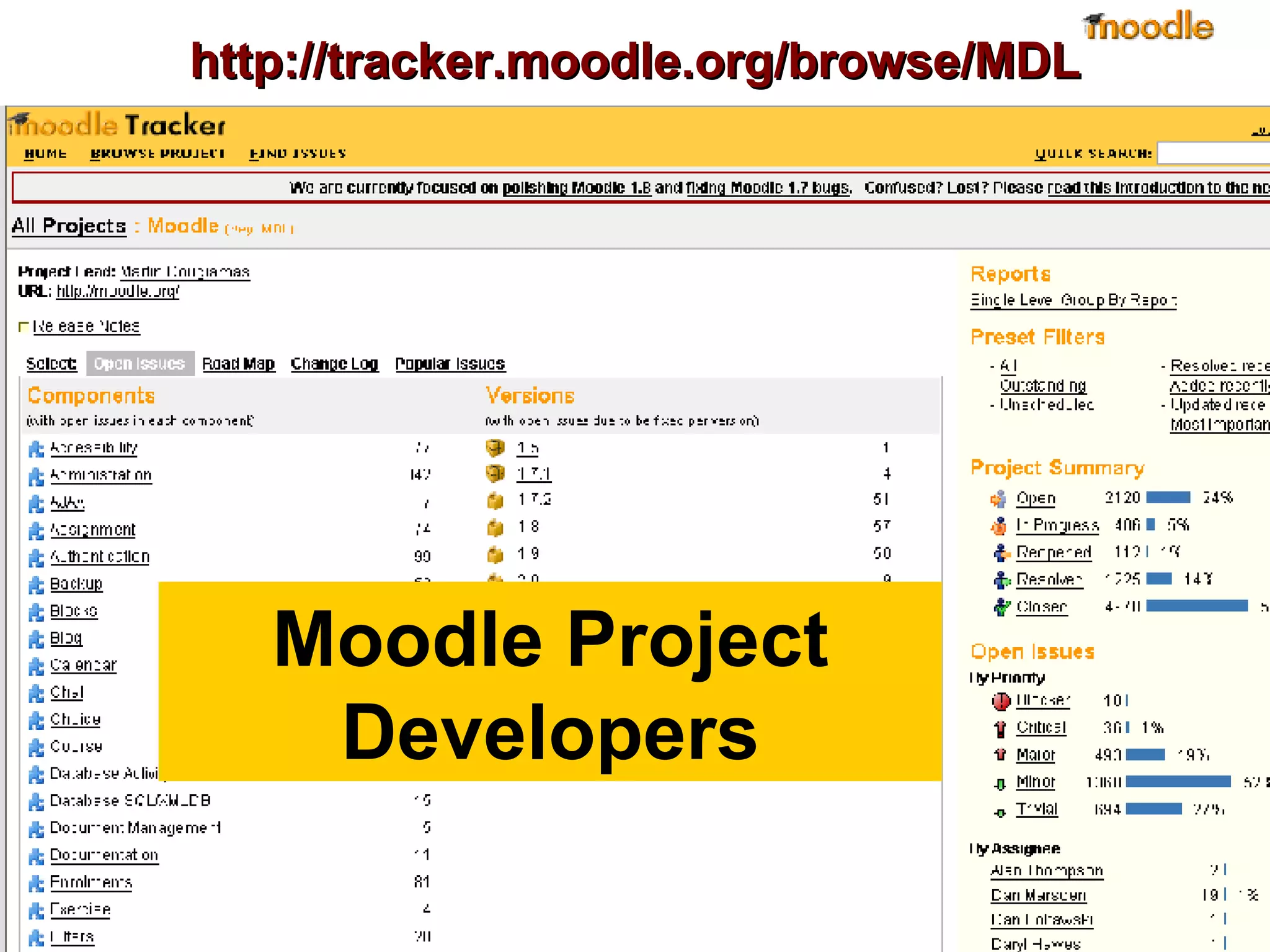
    10. http://tracker.moodle.org/browse/MDL Moodle Project Developers
    11. Commercial Support?
      • Example: moodlerooms.com
        • support
        • hosting
        • customization
        • instruction
        • training
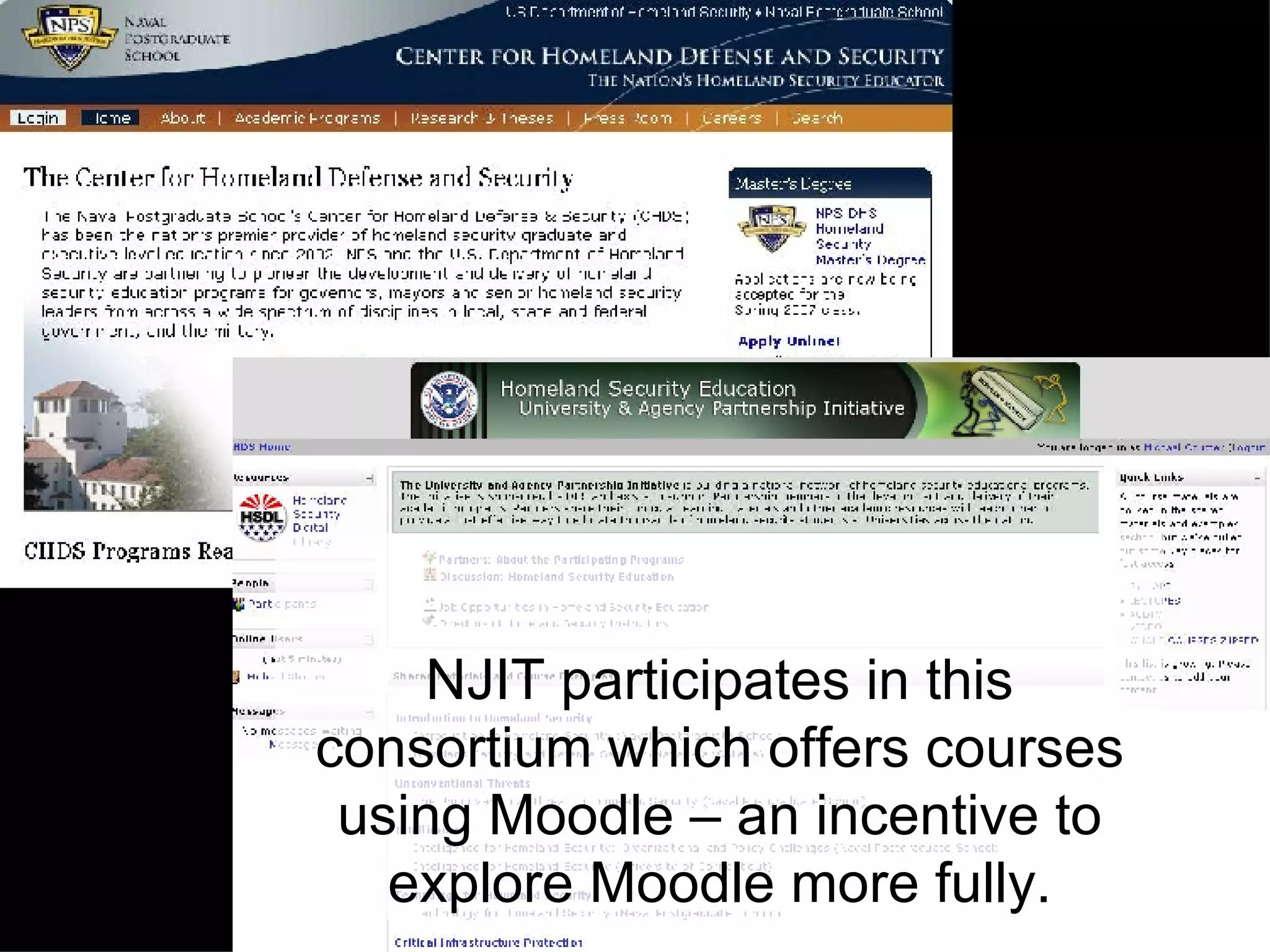
    12. NJIT participates in this consortium which offers courses using Moodle – an incentive to explore Moodle more fully.
    13. Exploring Other Academic & Corporate Users
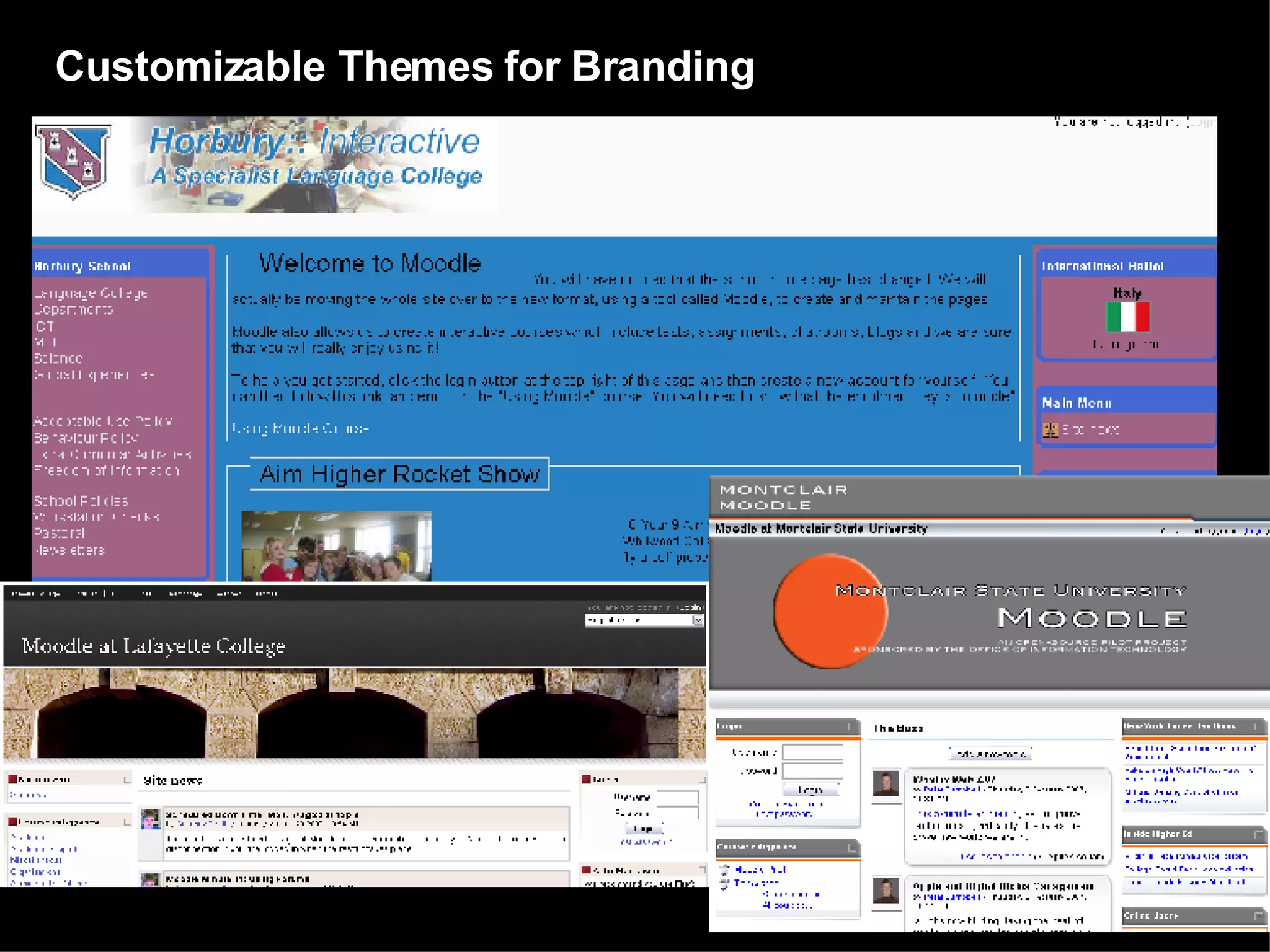
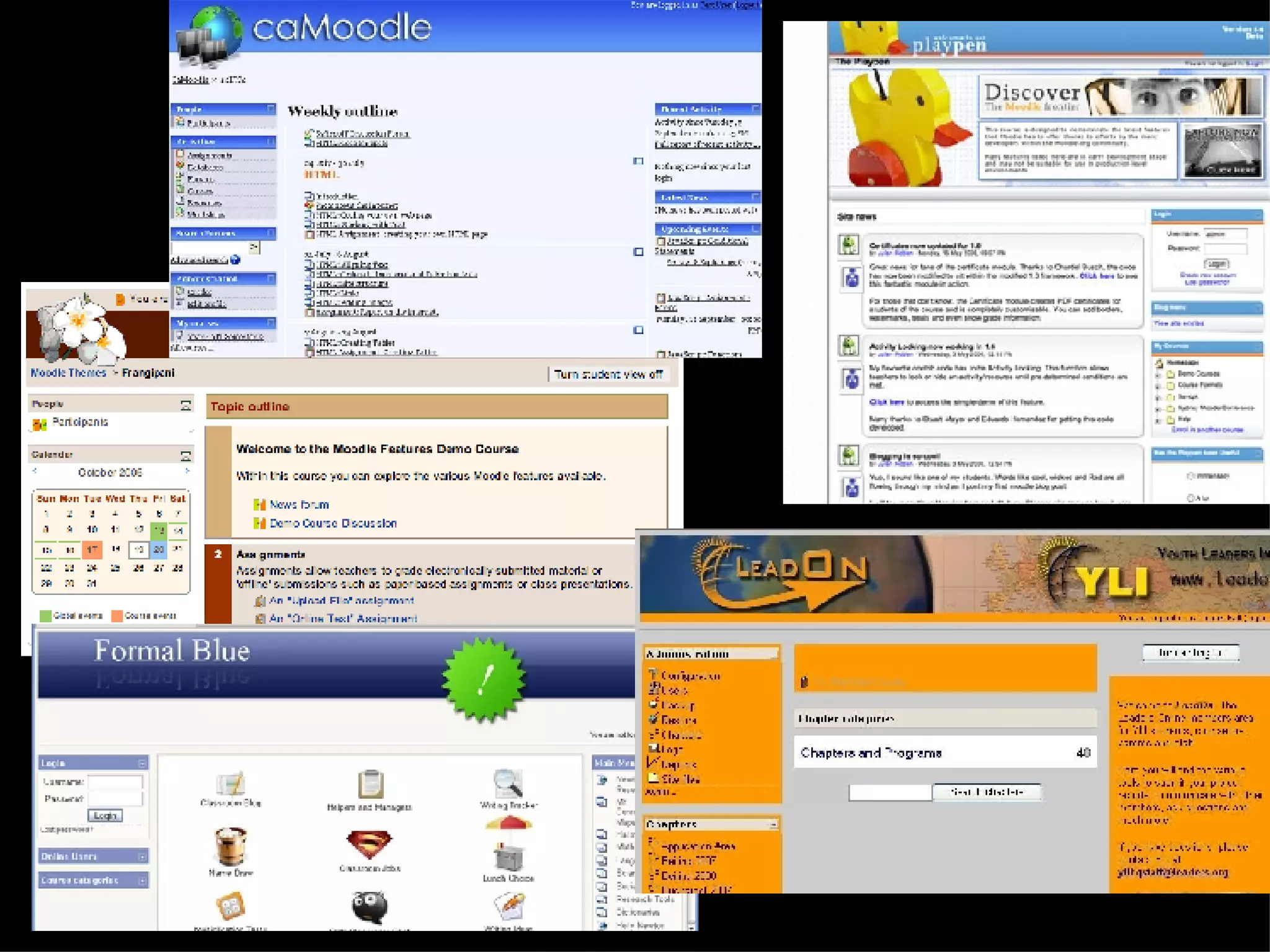
    14. Customizable Themes for Branding
    15.  
    16. Basic System Admin
      • Moodle runs without modification on Unix, Linux, Windows, Mac OS X, Netware and any other system that supports PHP 4.3.0+
      • Designed in a modular way - allows flexibility to add/remove functionality at many levels.
      • Upgrades easily - has an internal system to upgrade its own databases and repair itself over time.
    17. Basic System Admin
      • Requires only one database, generally SQL, and can share it with other applications if necessary. (MySQL 4.1.16+).
      • Includes comprehensive database abstraction that supports many major brands of database.
      • Emphasis on security - forms are all checked, data validated, cookies encrypted etc.
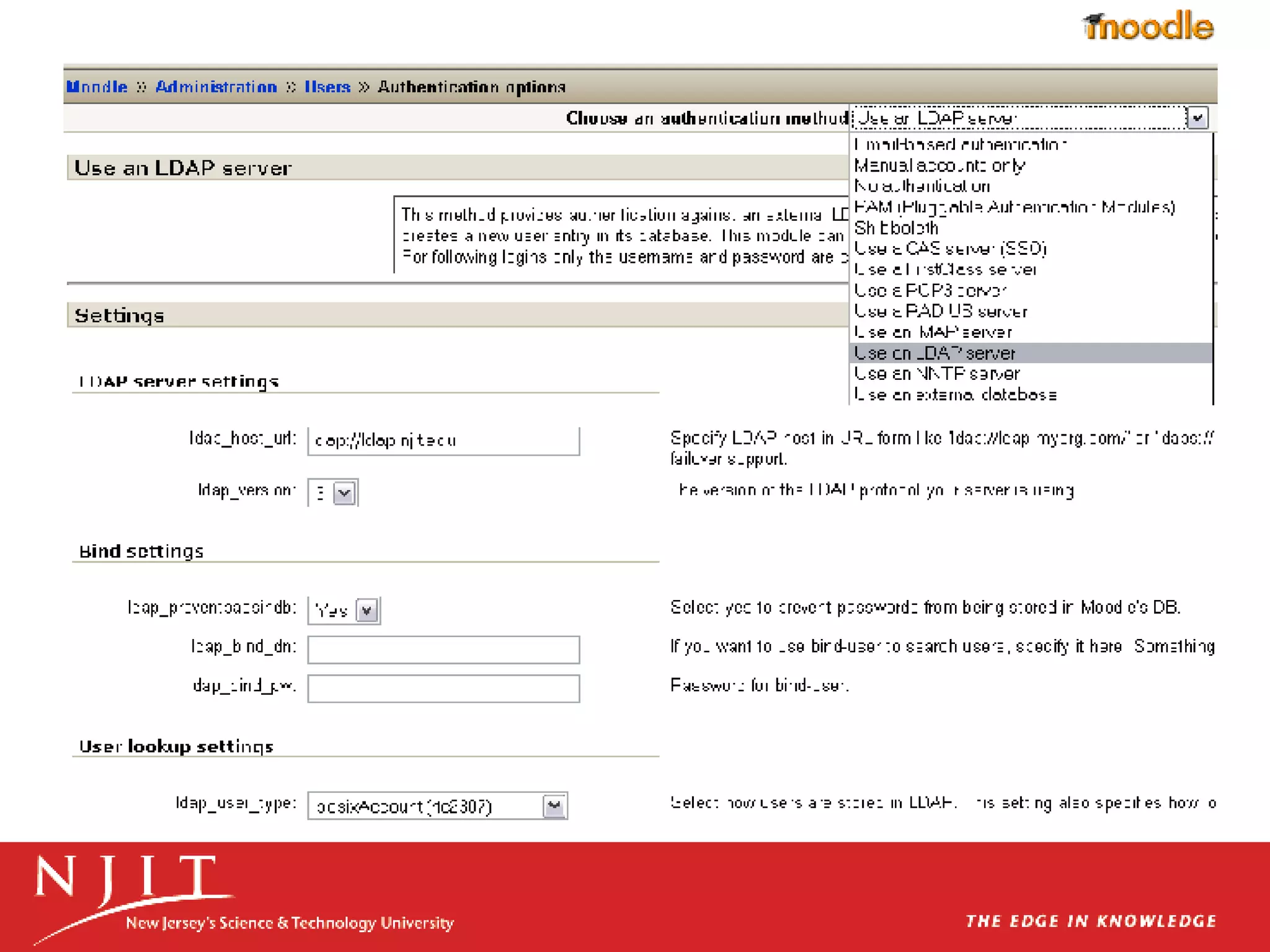
    18. Log In authentication using LDAP
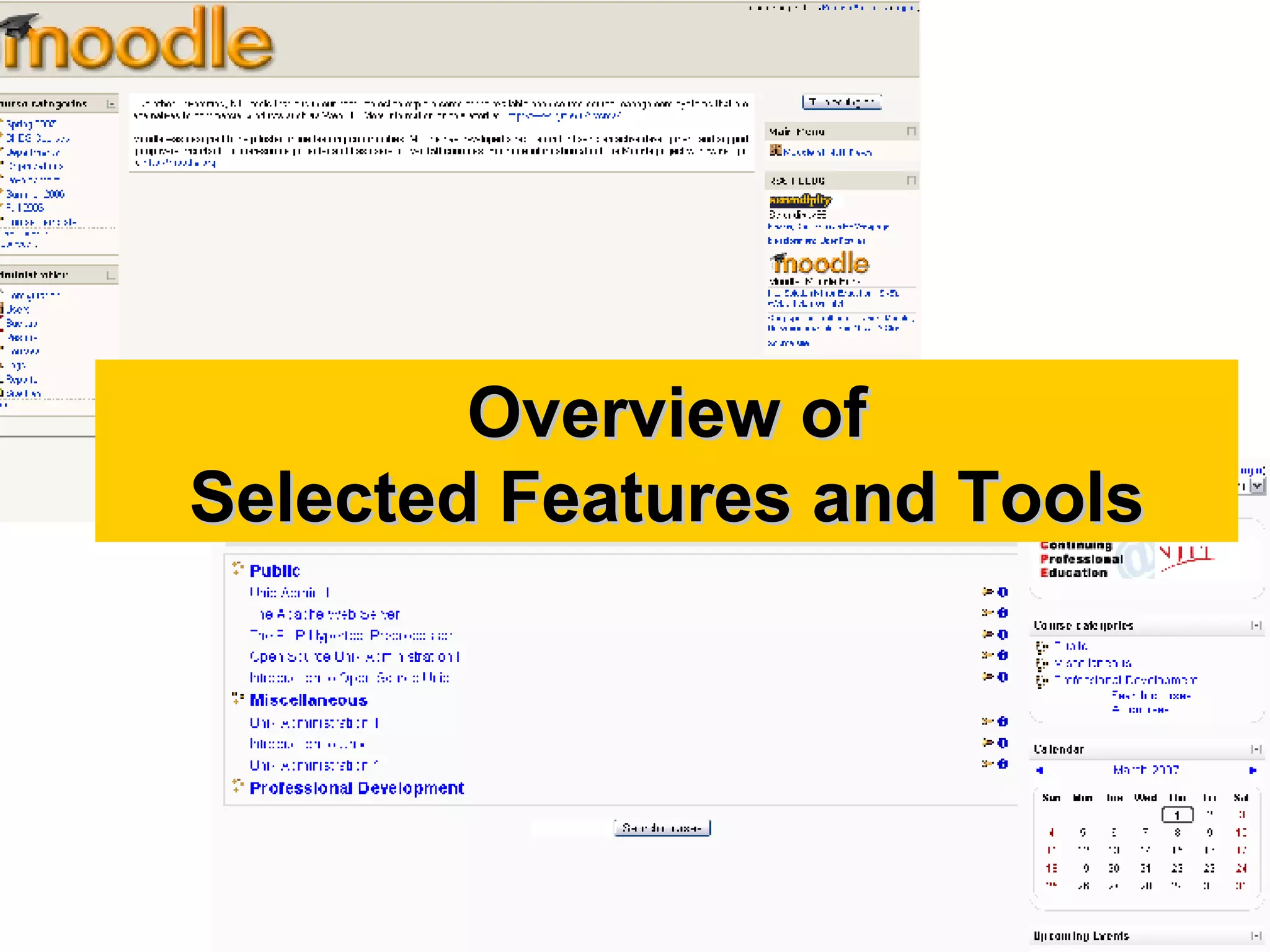
    19. Overview of Selected Features and Tools
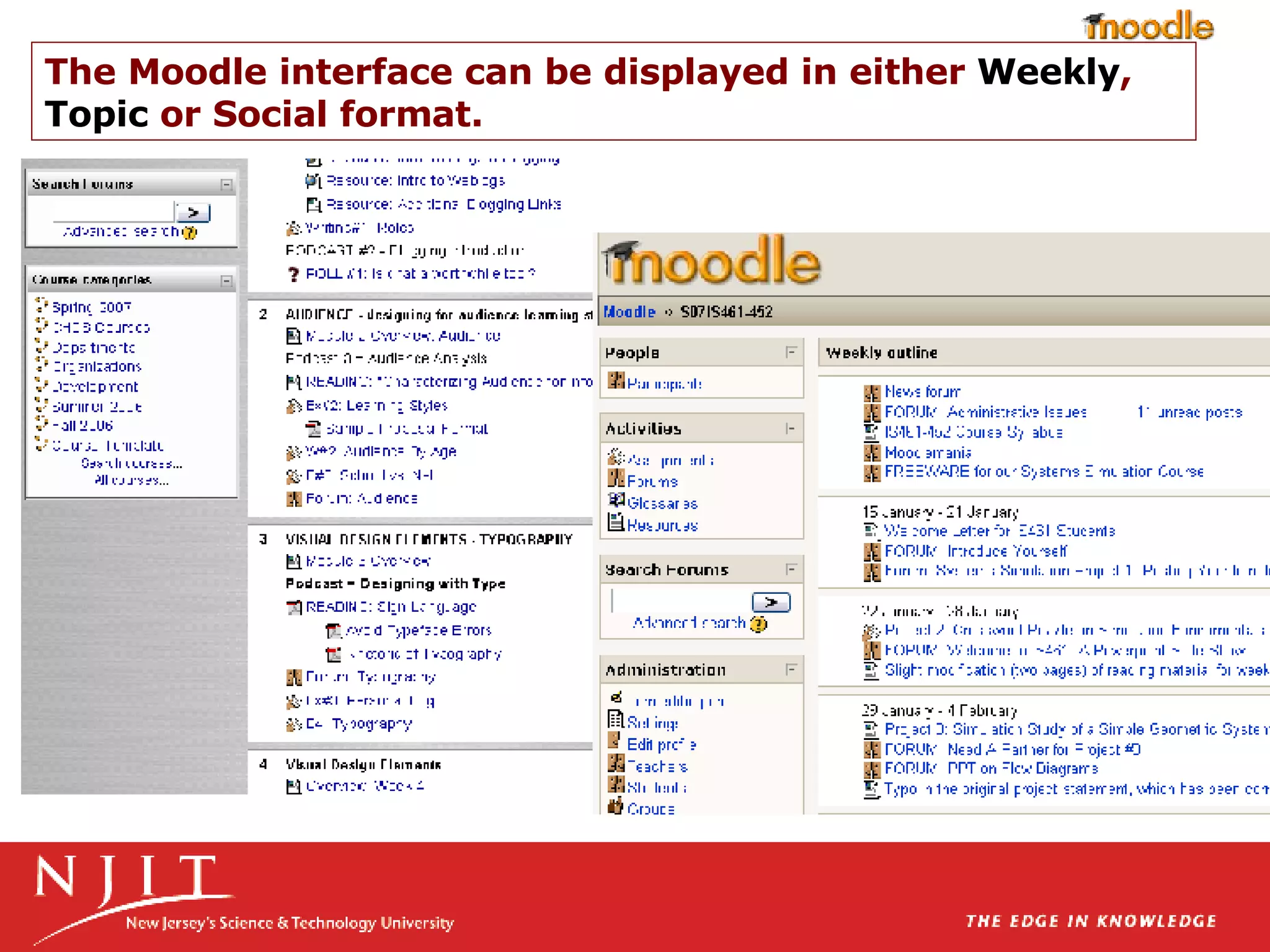
    20. The Moodle interface can be displayed in either Weekly , Topic or Social format.
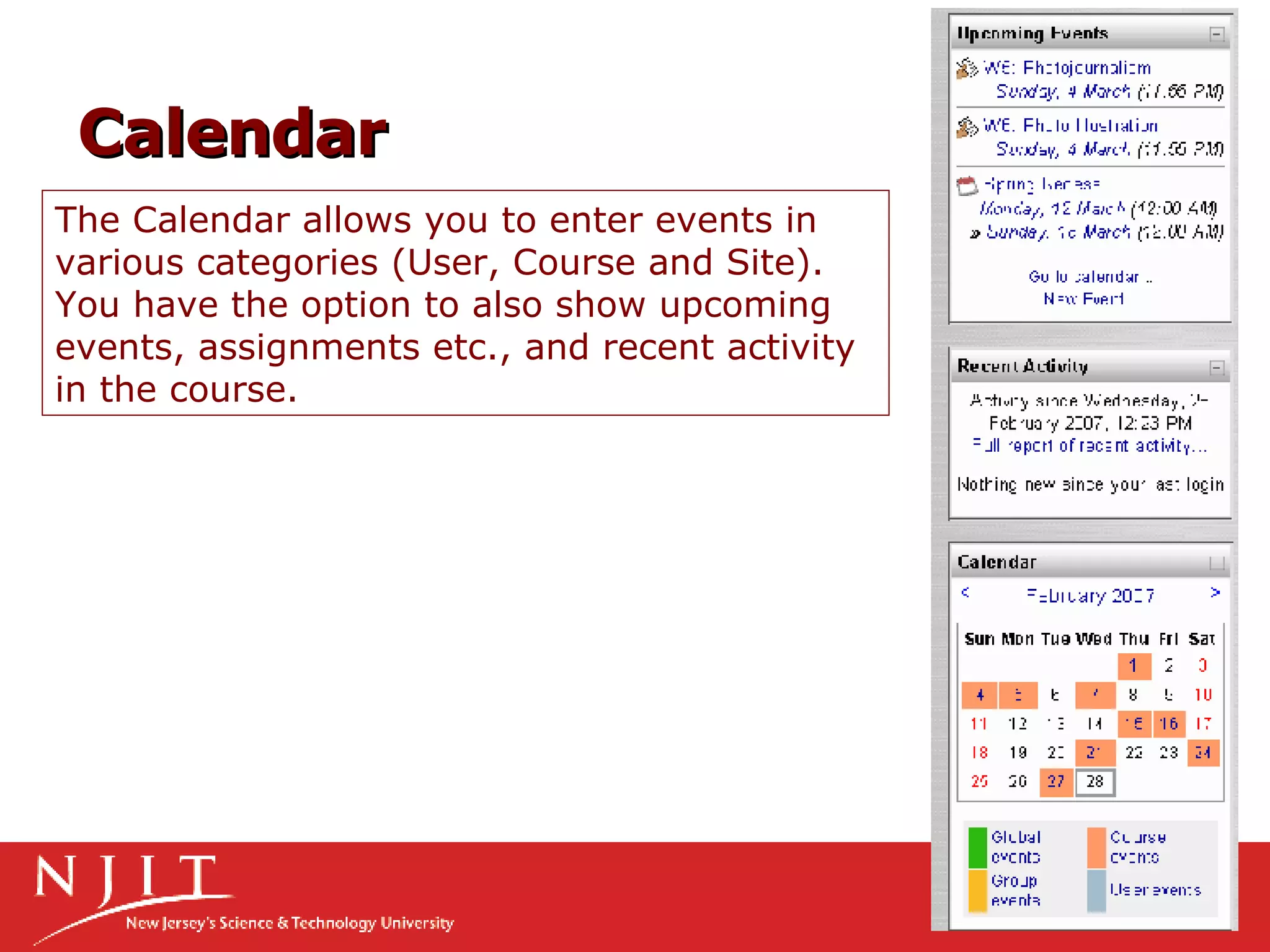
    21. The Calendar allows you to enter events in various categories (User, Course and Site). You have the option to also show upcoming events, assignments etc., and recent activity in the course. Calendar
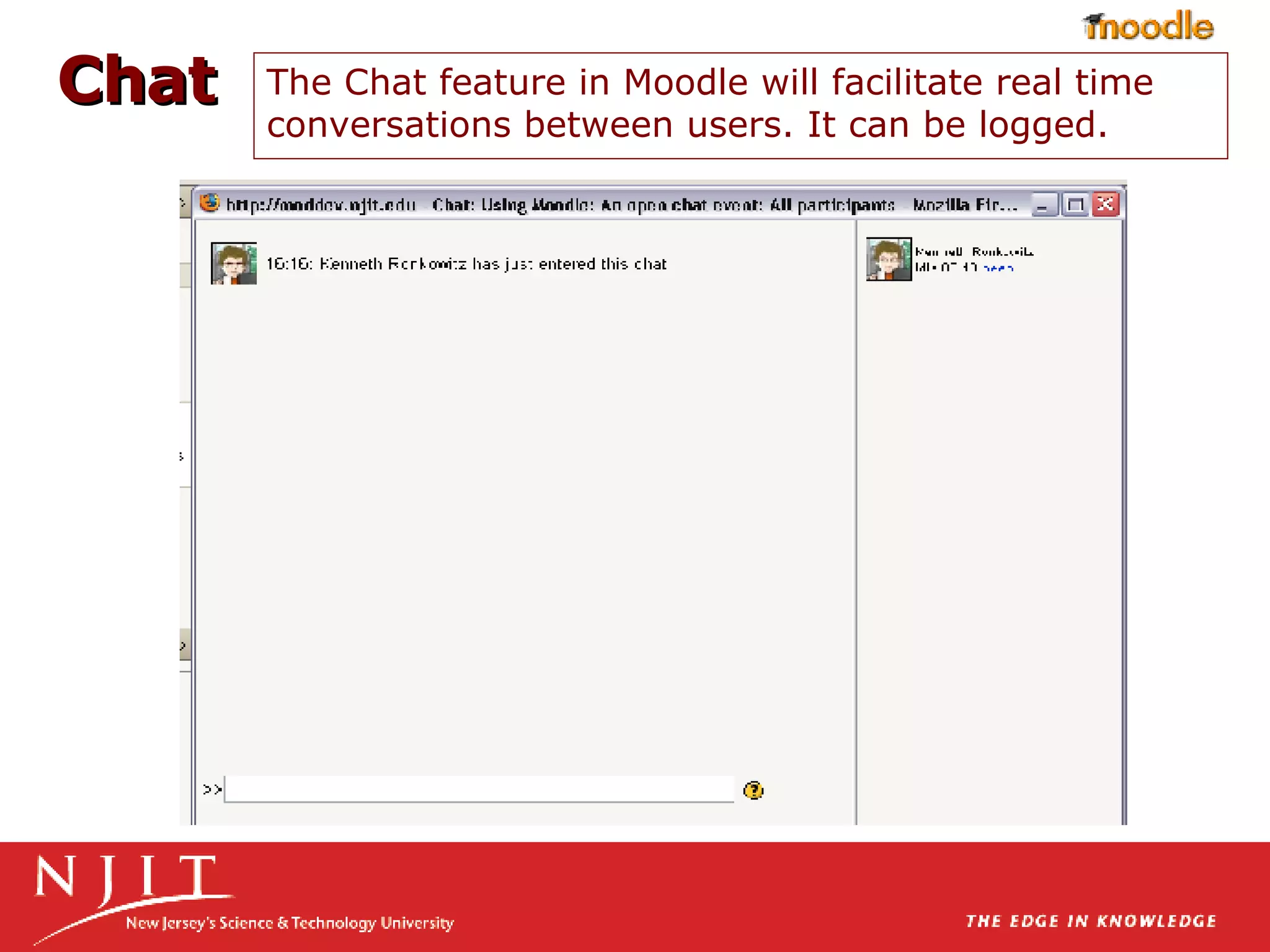
    22. The Chat feature in Moodle will facilitate real time conversations between users. It can be logged. Chat
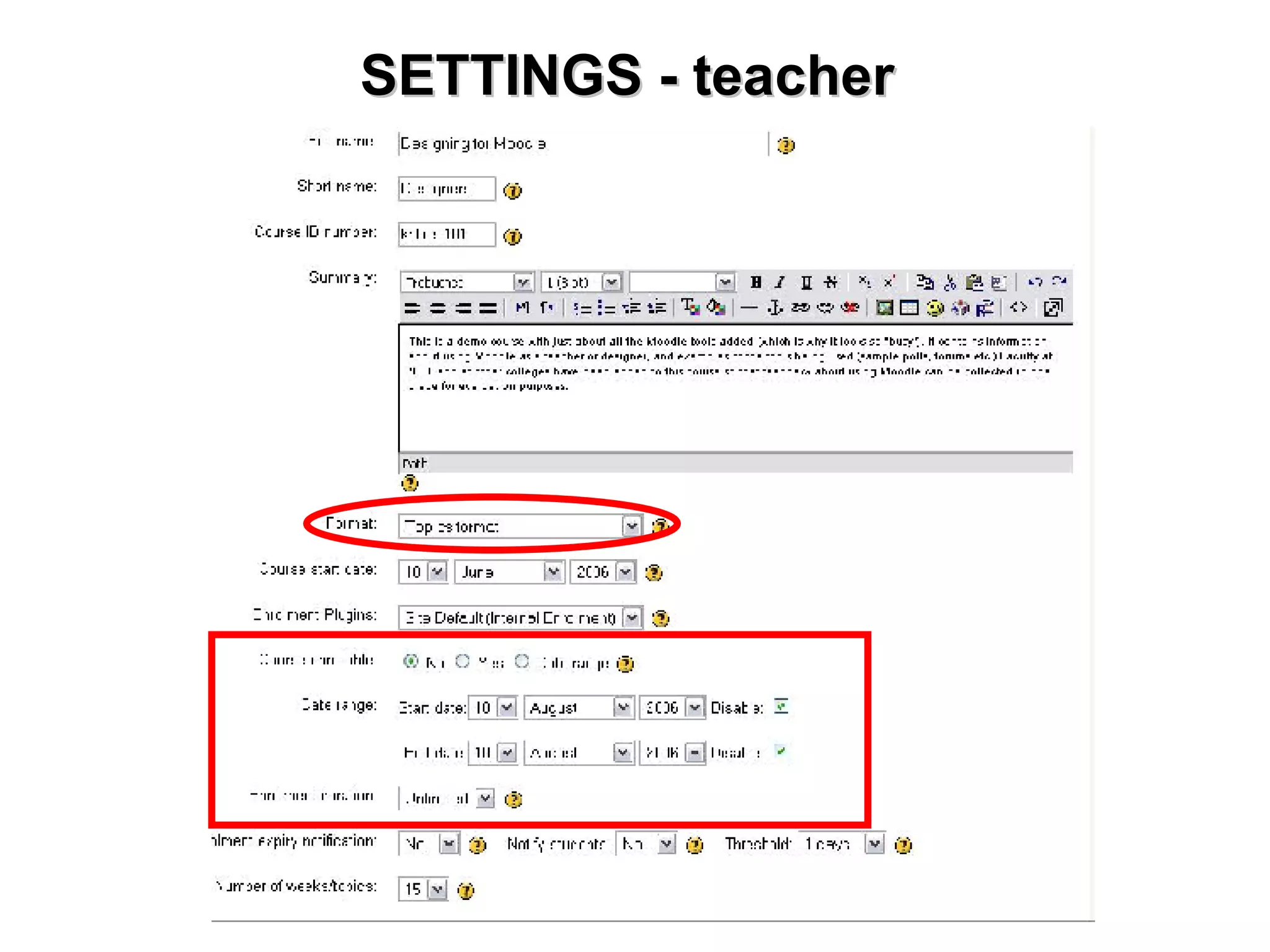
    23. SETTINGS - teacher
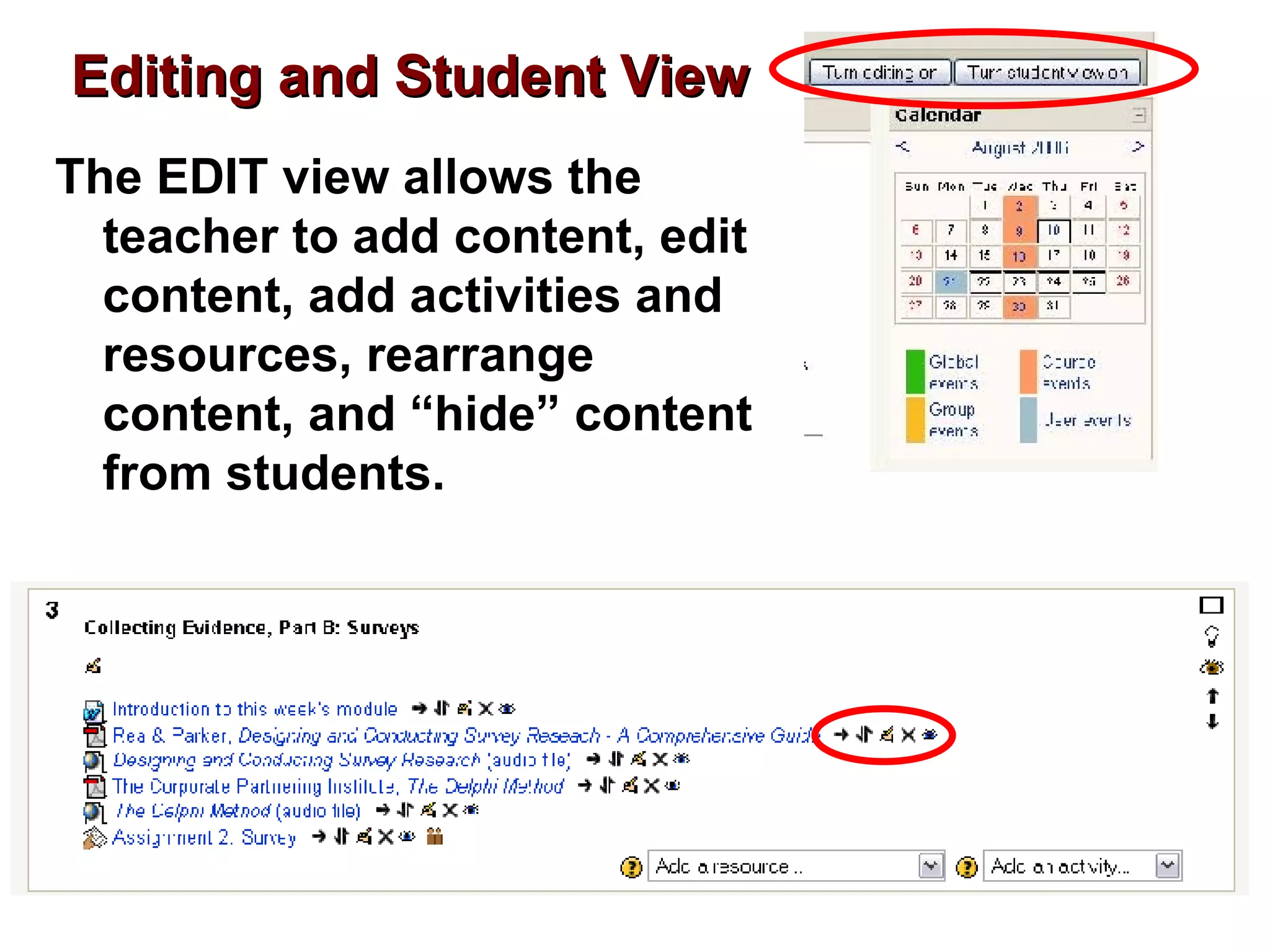
    24. Editing and Student View
      • The EDIT view allows the teacher to add content, edit content, add activities and resources, rearrange content, and “hide” content from students.
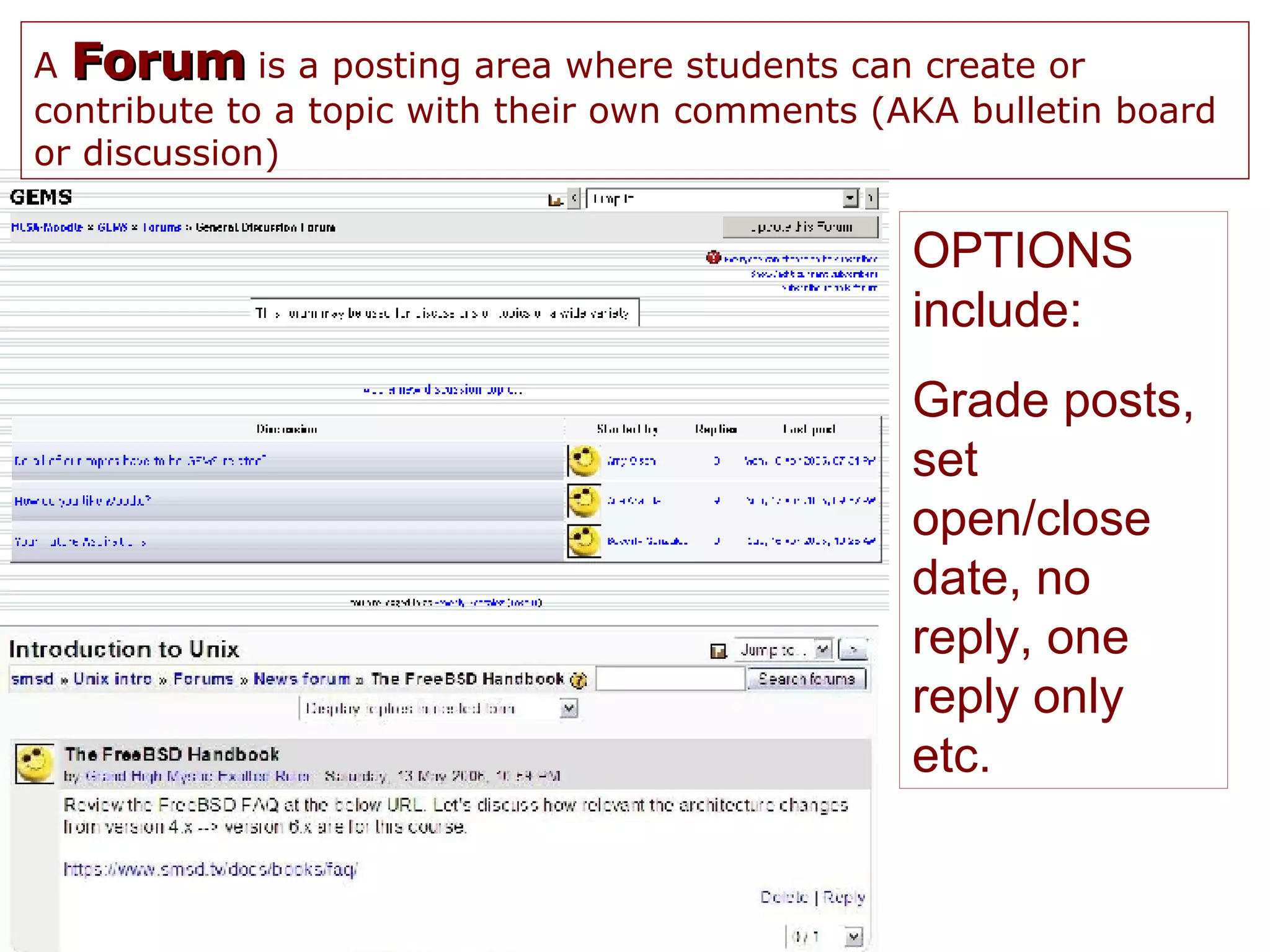
    25. A Forum is a posting area where students can create or contribute to a topic with their own comments (AKA bulletin board or discussion) OPTIONS include: Grade posts, set open/close date, no reply, one reply only etc.
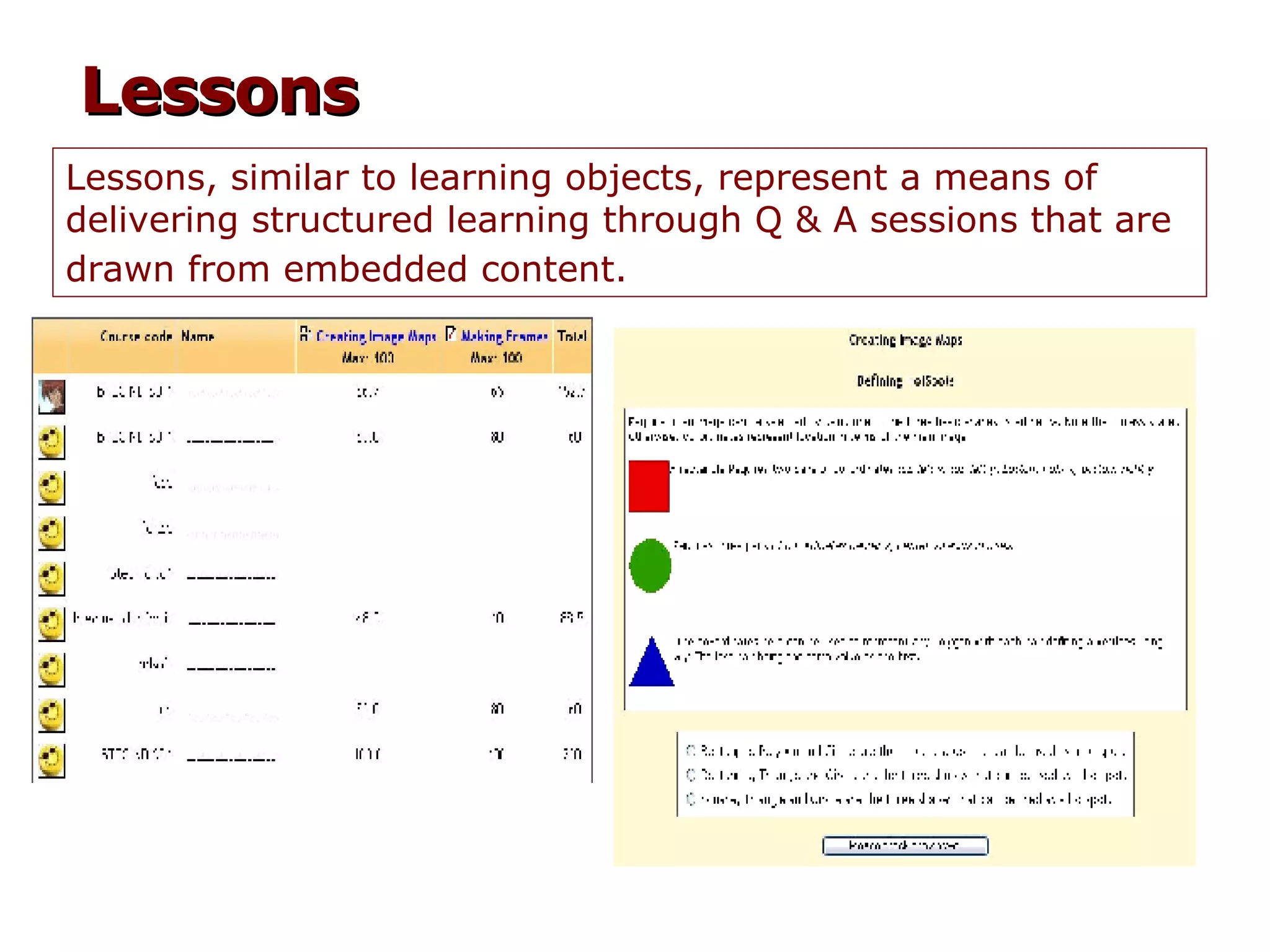
    26. Lessons, similar to learning objects, represent a means of delivering structured learning through Q & A sessions that are drawn from embedded content. Lessons
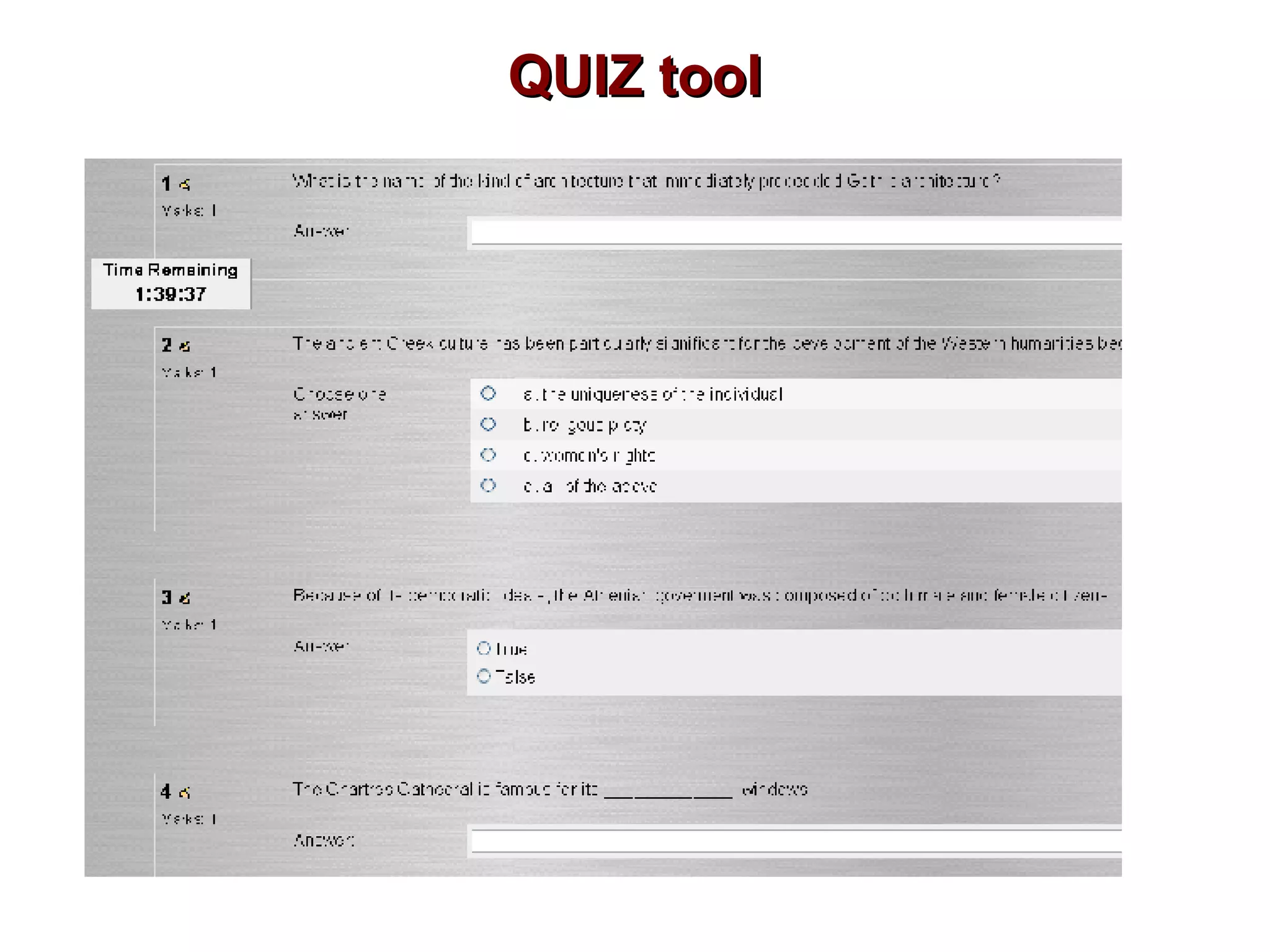
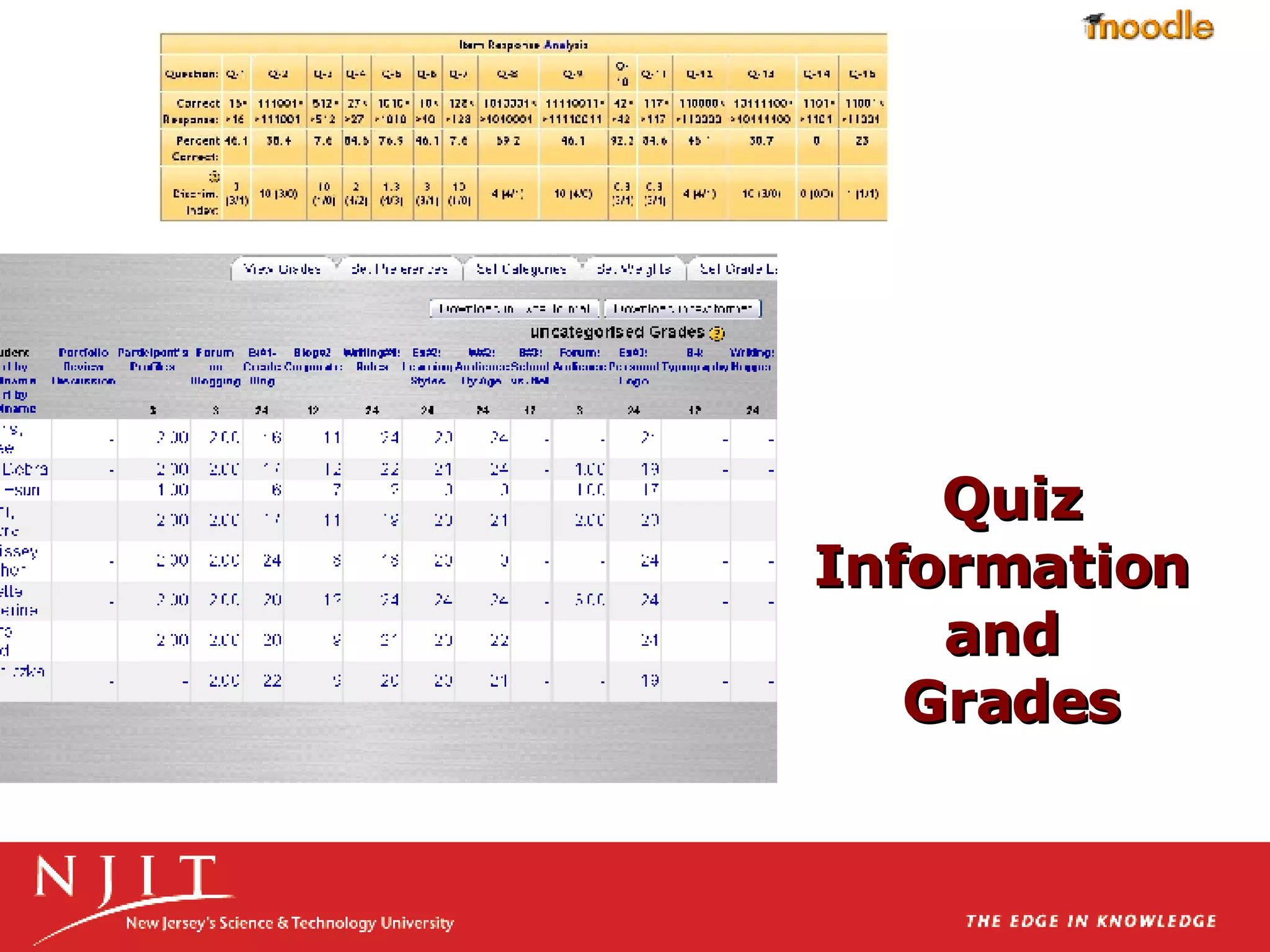
    27. QUIZ tool
    28. Quiz Information and Grades
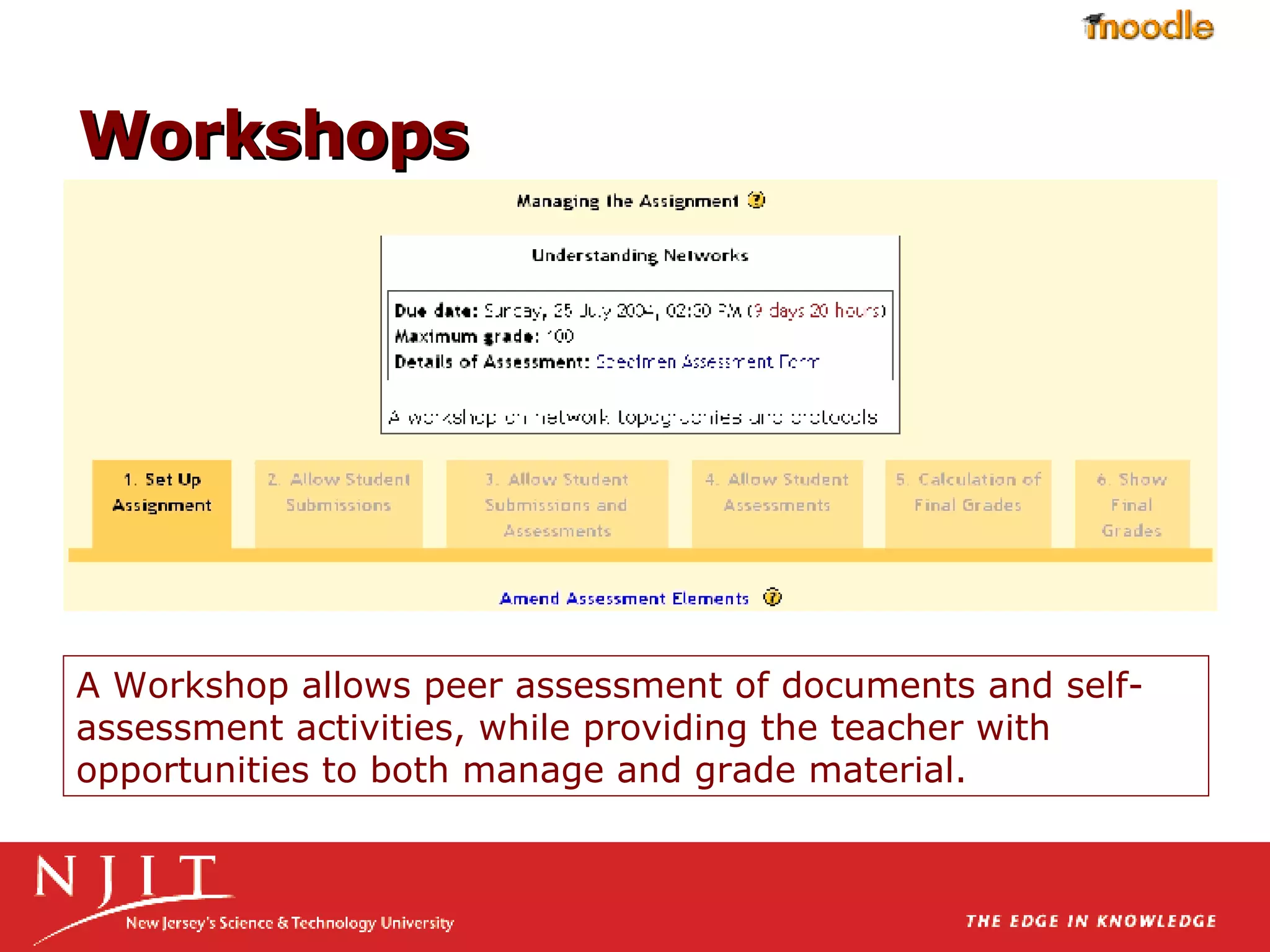
    29. A Workshop allows peer assessment of documents and self-assessment activities, while providing the teacher with opportunities to both manage and grade material. Workshops
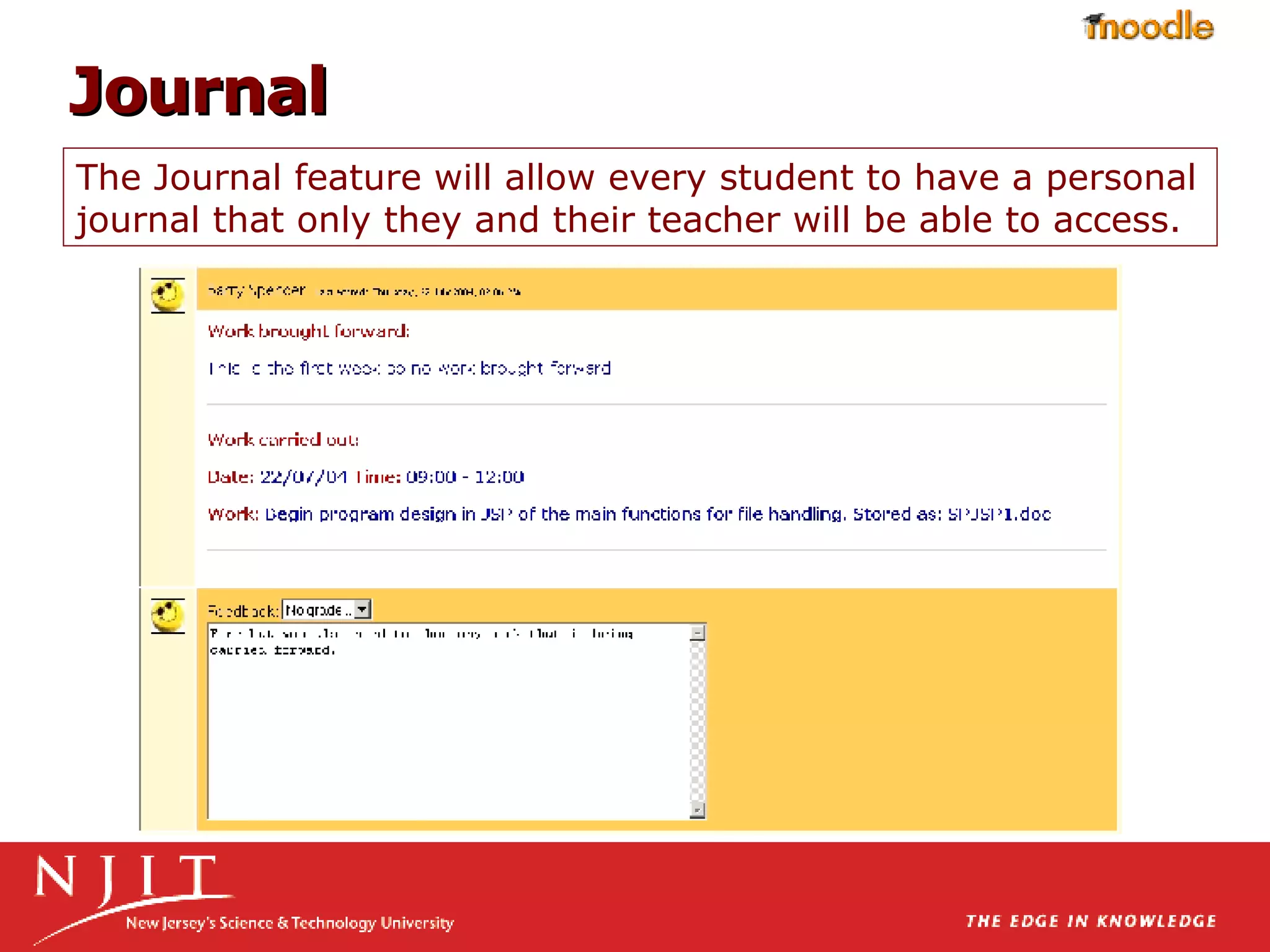
    30. The Journal feature will allow every student to have a personal journal that only they and their teacher will be able to access. Journal
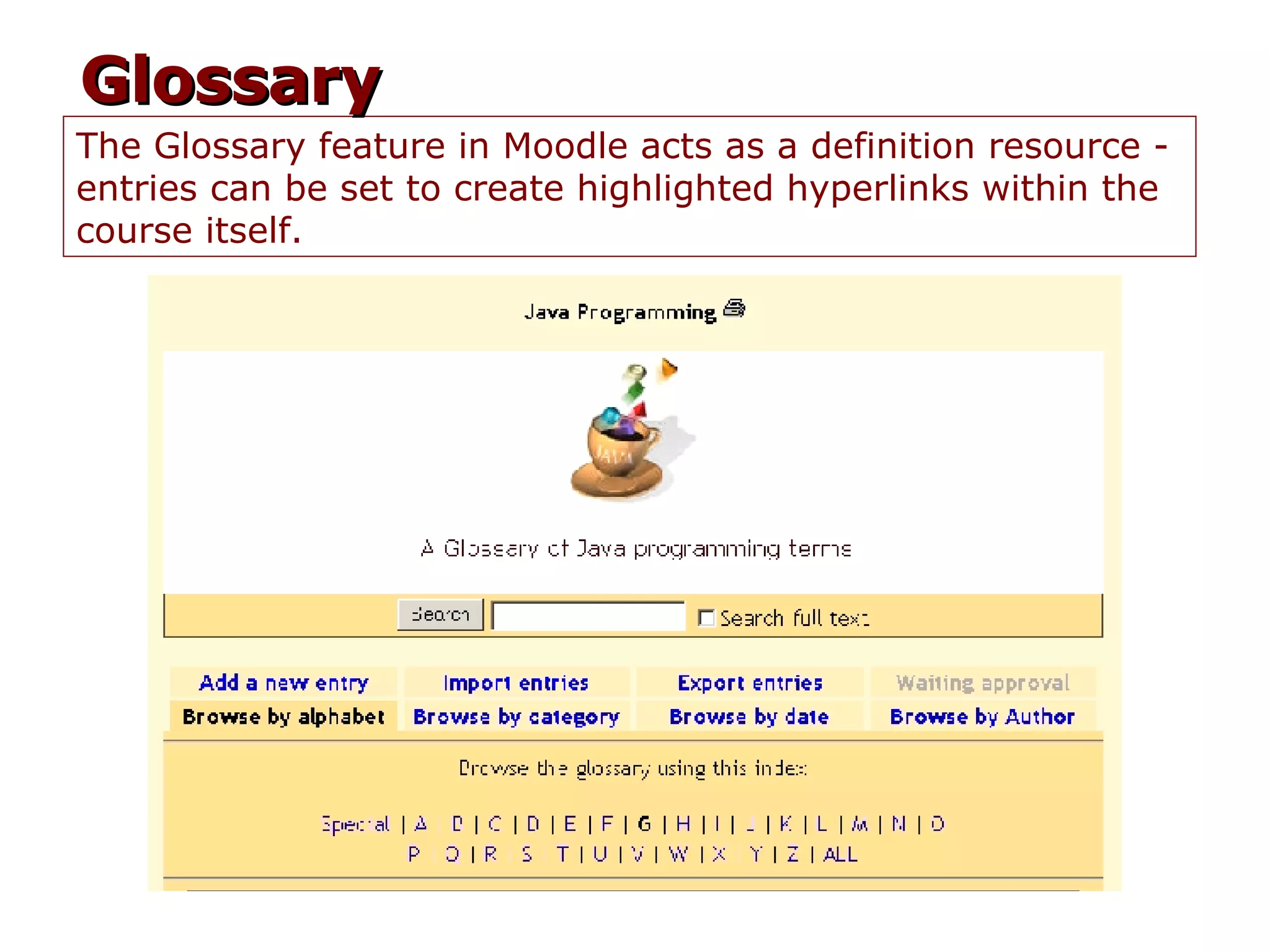
    31. The Glossary feature in Moodle acts as a definition resource - entries can be set to create highlighted hyperlinks within the course itself. Glossary
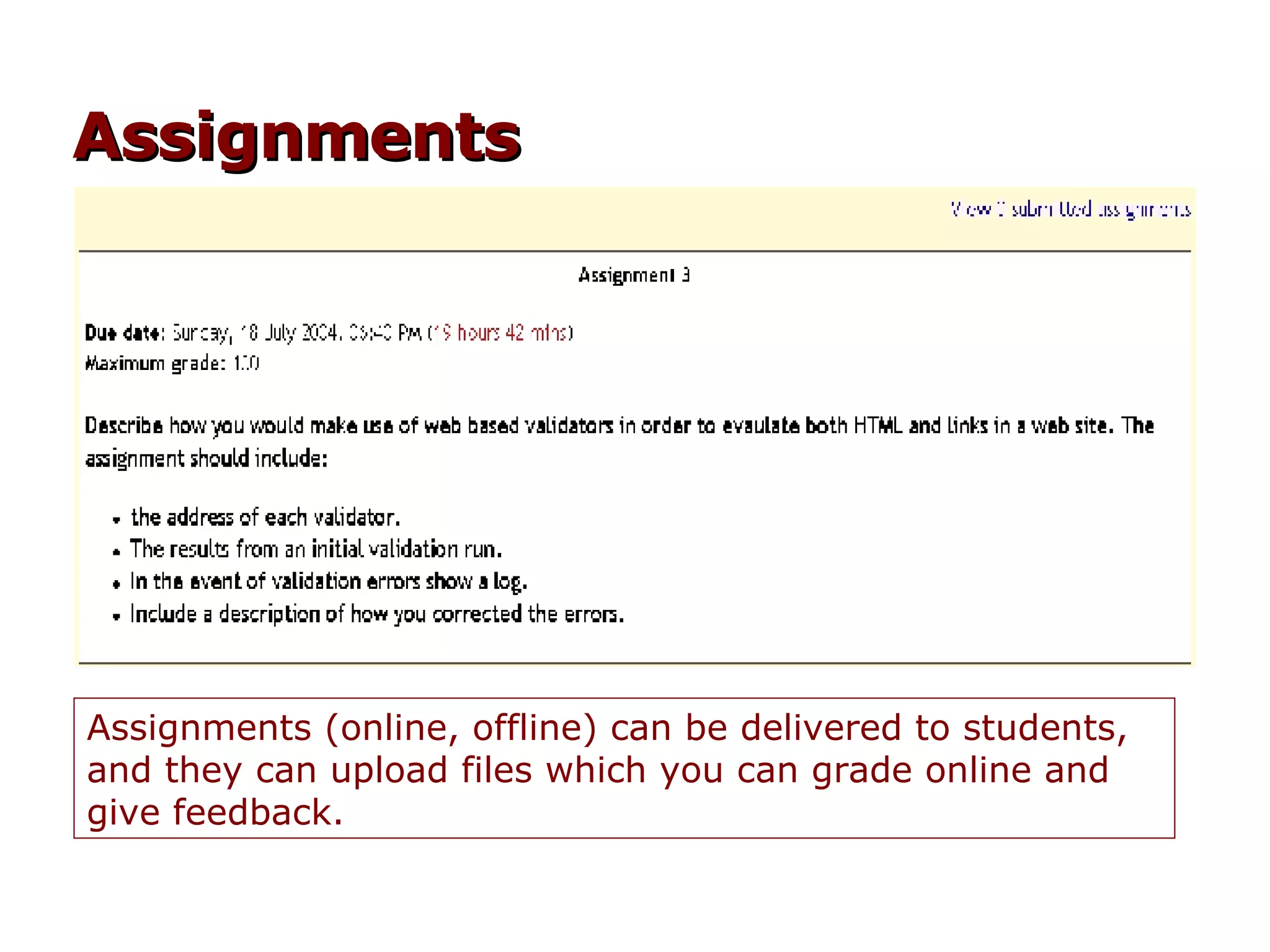
    32. Assignments (online, offline) can be delivered to students, and they can upload files which you can grade online and give feedback. Assignments
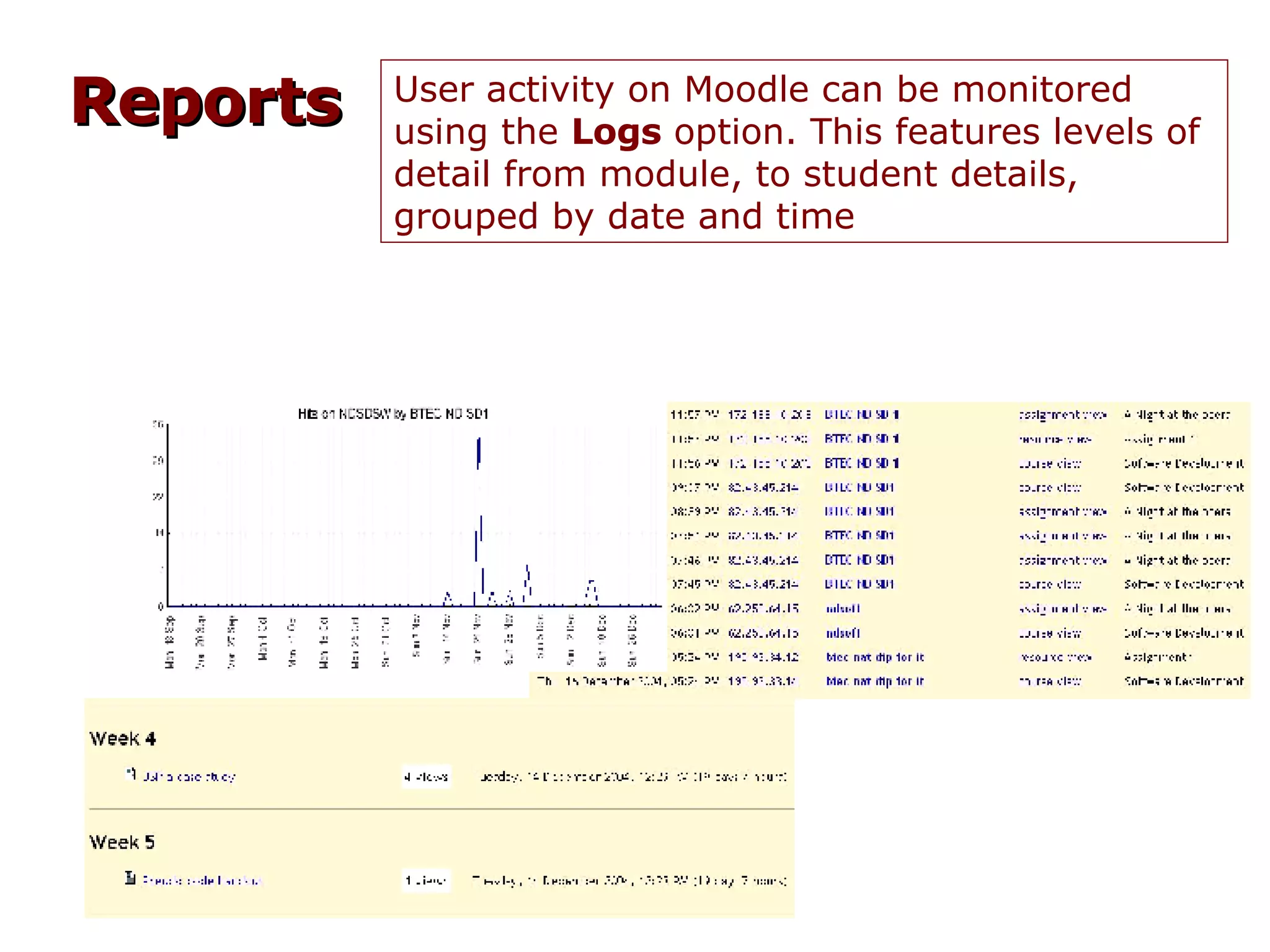
    33. Reports User activity on Moodle can be monitored using the Logs option. This features levels of detail from module, to student details, grouped by date and time
    34. Additional Activities (tools)
      • Blogs
      • Wikis
      • Quizzes with different kinds of questions
      • Database activities
      • Surveys (not fully featured yet)
      • Activities
    35. WebCT 4 vs Moodle
      • WebCT
      • Tool Driven
      • Add tool(s) – organize
        • Weekly activities reside in multiple places
        • Look at assignment tool, single page, discussion board
        • Difficult to keep organized
        • Toolset reflects age of product
      • Moodle
      • Weeks/topics driven
      • Add activities to topics
        • Activities for a week are displayed as a list
        • One week/topic gets the appropriate assignment, files, forums, etc.
        • Easier to keep organized
        • Continuously and rapidly improving
    36. Additional Features
      • Peer assessment
      • Multi-language support (60+ languages supported)
      • Modular, can be extended by creating plugins for specific new functionality.
      • Graphical themes
      • Data field types (for the database activity)
      • Authentication methods
      • Enrollment methods (manual, LDAP…)
      • Content Filters
    37. Moodle Community Discussion http://moodle.org/course/ Using Moodle by Jason Cole Moodle: Learning Course Development by William Rice IV
    38. Check our Serendipity35 blog entry for 8/22/07 for links mentioned today, the presentation and more information. http://devel2.njit.edu/serendipity/
    39. After the Break... Demo in NJIT Moodle Courses

    + Ken RonkowitzKen Ronkowitz, 3 years ago

    custom

    3856 views, 5 favs, 1 embeds more stats

    Presentation on NJIT's pilot program using Moodle a more

    More info about this document

    © All Rights Reserved

    Go to text version

    • Total Views 3856
      • 3855 on SlideShare
      • 1 from embeds
    • Comments 0
    • Favorites 5
    • Downloads 0
    Most viewed embeds
    • 1 views on https://portal.raona.com

    more

    All embeds
    • 1 views on https://portal.raona.com

    less

    Flagged as inappropriate Flag as inappropriate
    Flag as inappropriate

    Select your reason for flagging this presentation as inappropriate. If needed, use the feedback form to let us know more details.

    Cancel
    File a copyright complaint
    Having problems? Go to our helpdesk?

    Categories