Maarten Visser
InfoPath alternatives and
the potential of PowerApps
Maarten Visser
Email : mvisser@meetroo.com
Twitter : @mvisser
Web: maartenvisser.com
FORMS BIO
Outlook/Exchange Forms in 1999
SharePoint Forms since 2001
InfoPath Forms since 2007
Third party tools (now)
Product Manager
Standard Intranets,
Workflows and Dashboards
for Office 365
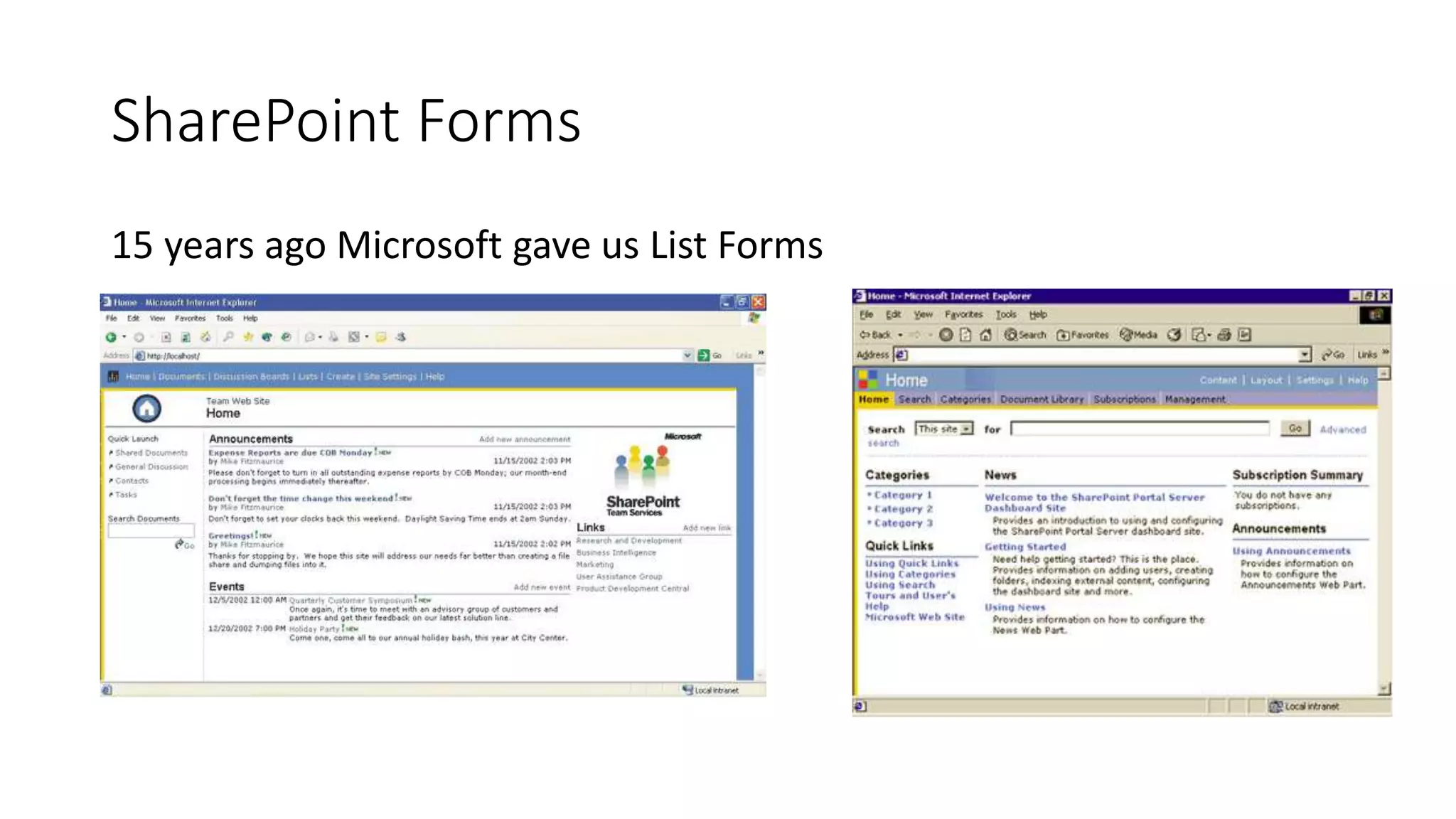
SharePoint Forms
15 years ago Microsoft gave us List Forms
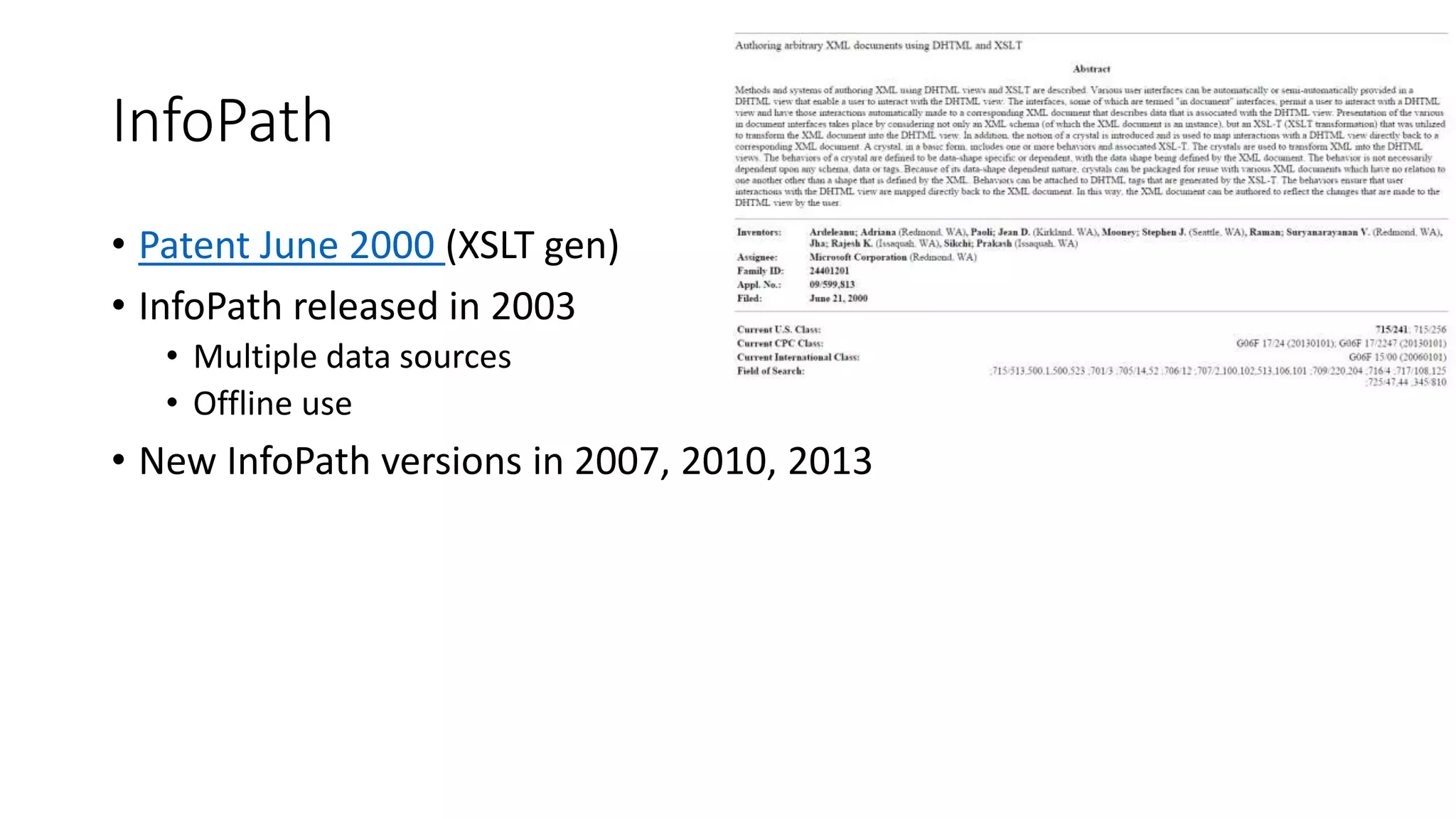
• Patent June 2000 (XSLT gen)
• InfoPath released in 2003
• Multiple data sources
• Offline use
• New InfoPath versions in 2007, 2010, 2013
InfoPath
• Microsoft announced InfoPath was discontinued on January 31, 2014
The InfoPath/FoSL drama story
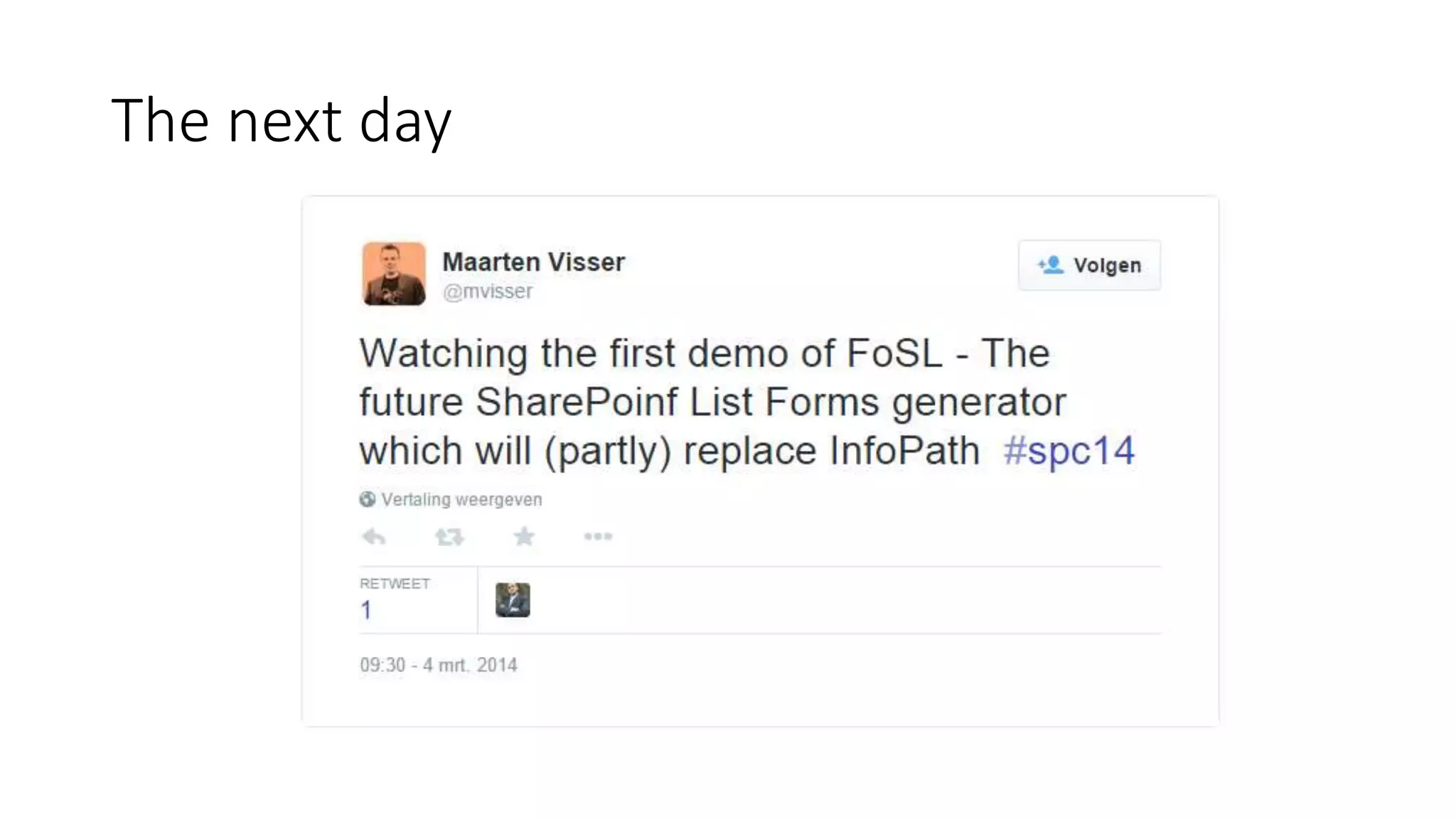
The next day
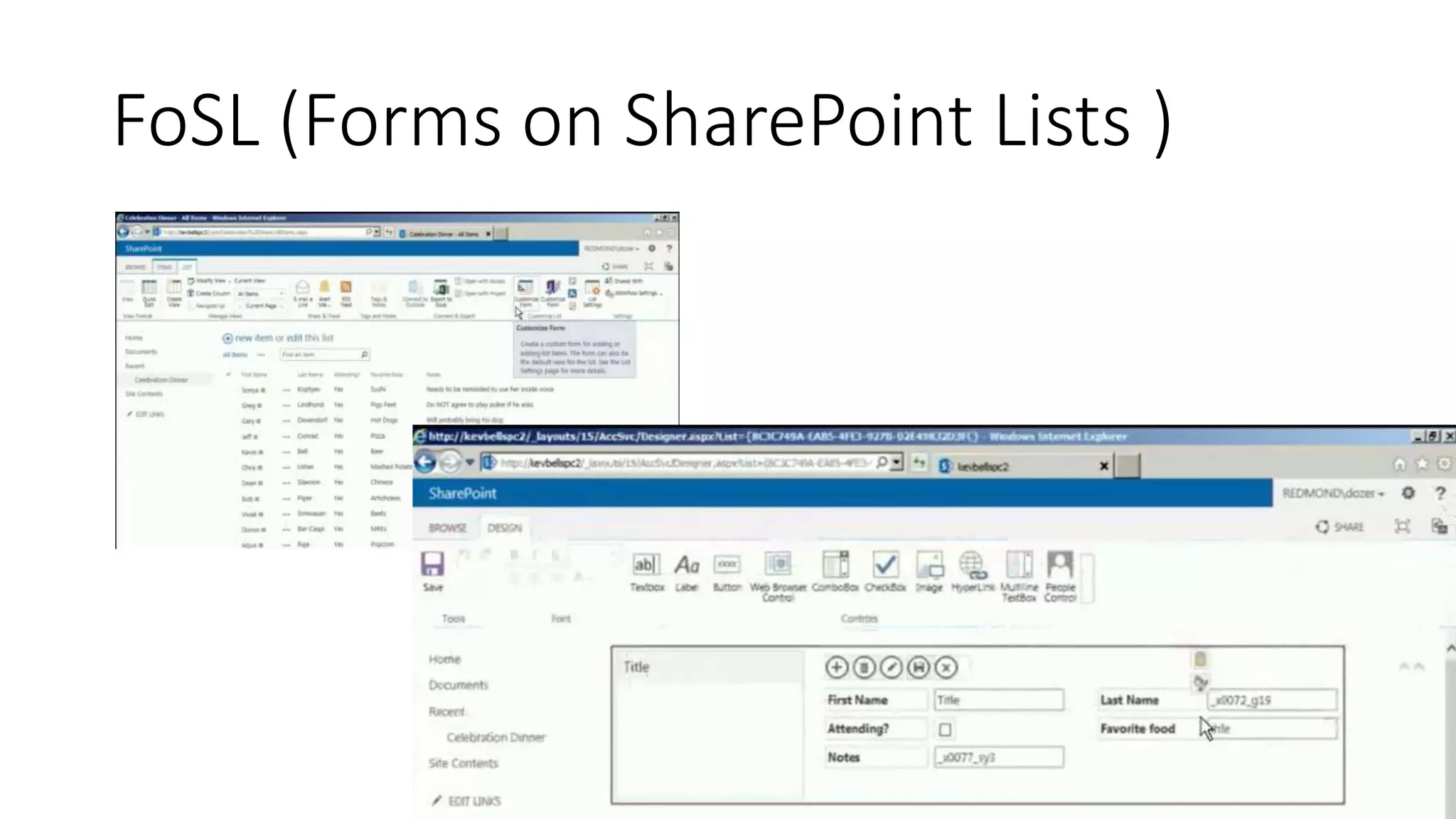
FoSL (Forms on SharePoint Lists )
Forward to February 2015….
InfoPath support confirmed for SharePoint 2016
Office client & InfoPath Services support were (again)
confirmed until 2023
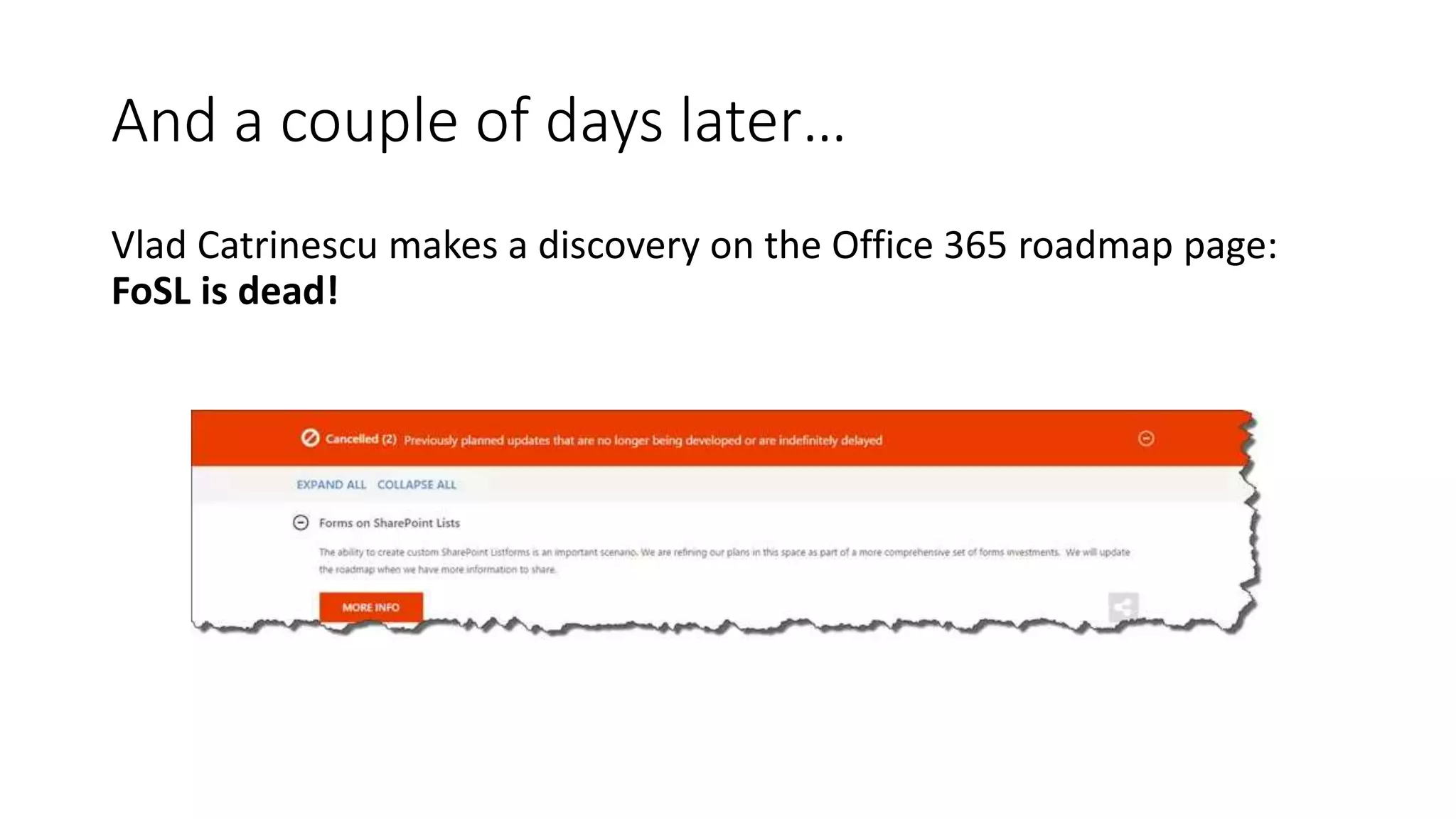
And a couple of days later…
Vlad Catrinescu makes a discovery on the Office 365 roadmap page:
FoSL is dead!
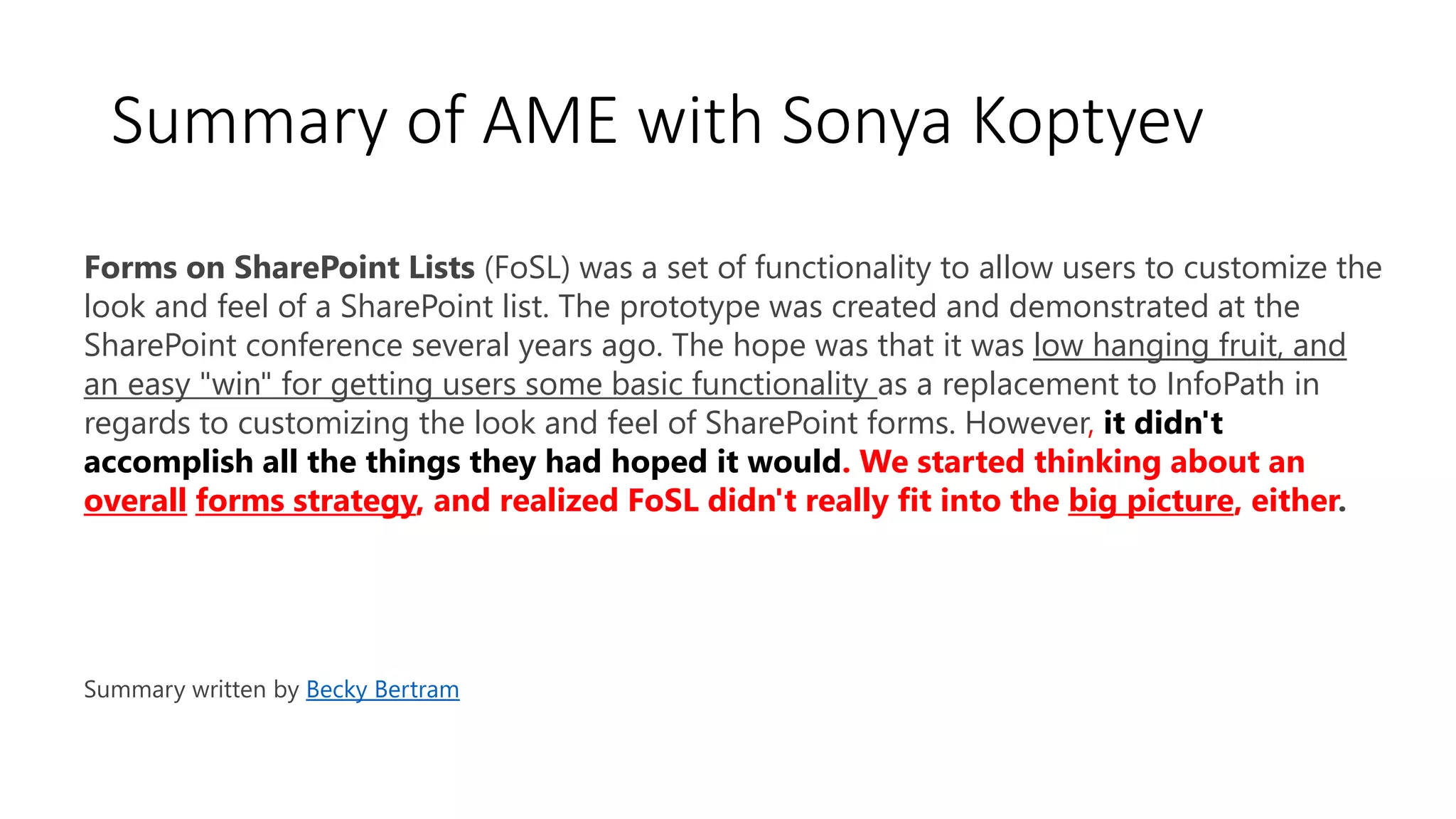
Forms on SharePoint Lists (FoSL) was a set of functionality to allow users to customize the
look and feel of a SharePoint list. The prototype was created and demonstrated at the
SharePoint conference several years ago. The hope was that it was low hanging fruit, and
an easy "win" for getting users some basic functionality as a replacement to InfoPath in
regards to customizing the look and feel of SharePoint forms. However, it didn't
accomplish all the things they had hoped it would. We started thinking about an
overall forms strategy, and realized FoSL didn't really fit into the big picture, either.
Summary written by Becky Bertram
Summary of AME with Sonya Koptyev
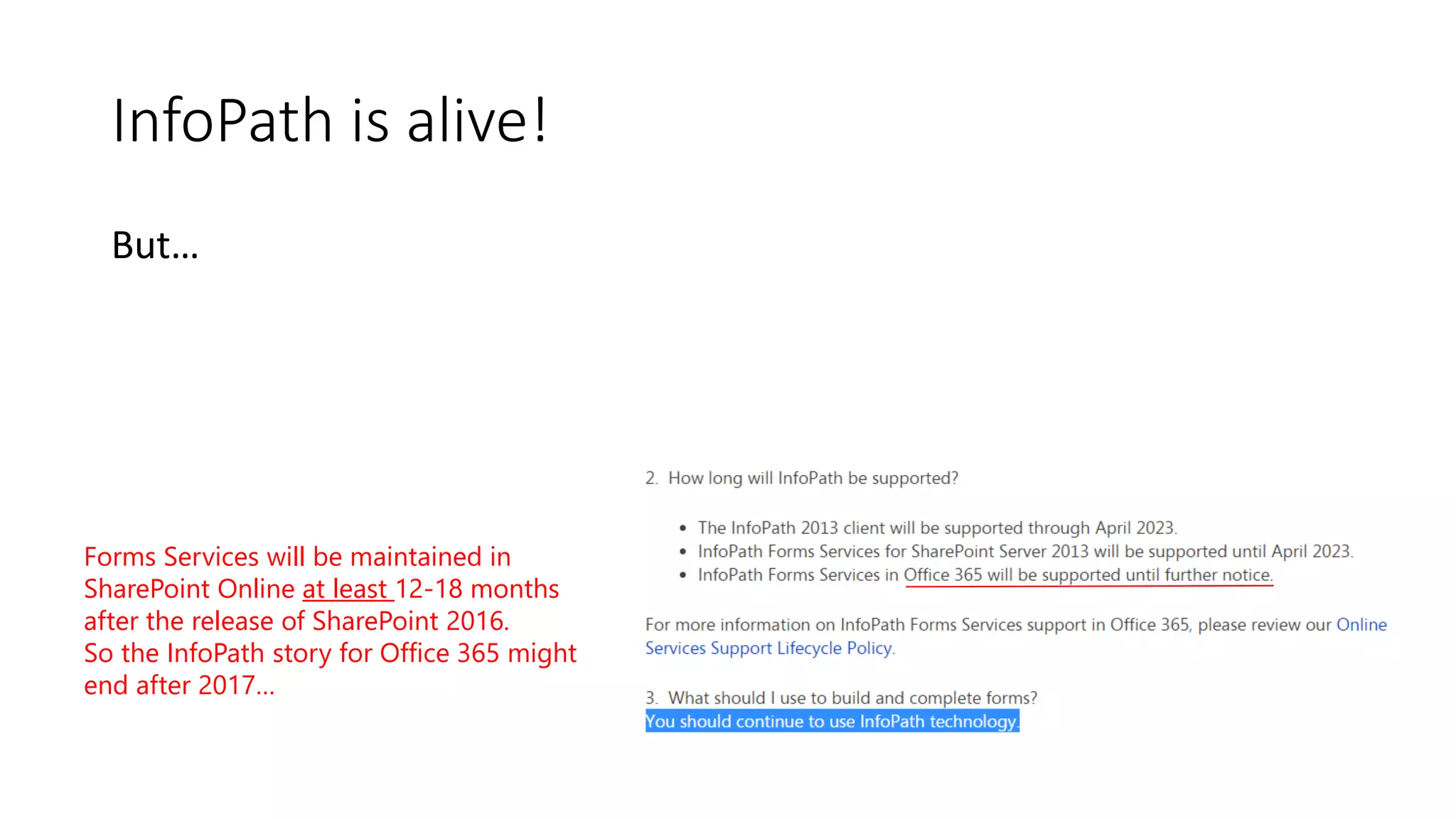
InfoPath is alive!
But…
Forms Services will be maintained in
SharePoint Online at least 12-18 months
after the release of SharePoint 2016.
So the InfoPath story for Office 365 might
end after 2017…
So what to do?
InfoPath Alternatives
• Form Designer
• Form Filler
• Form Publishing
• Microsoft Specials
What is InfoPath? (InfoPath Core Features)
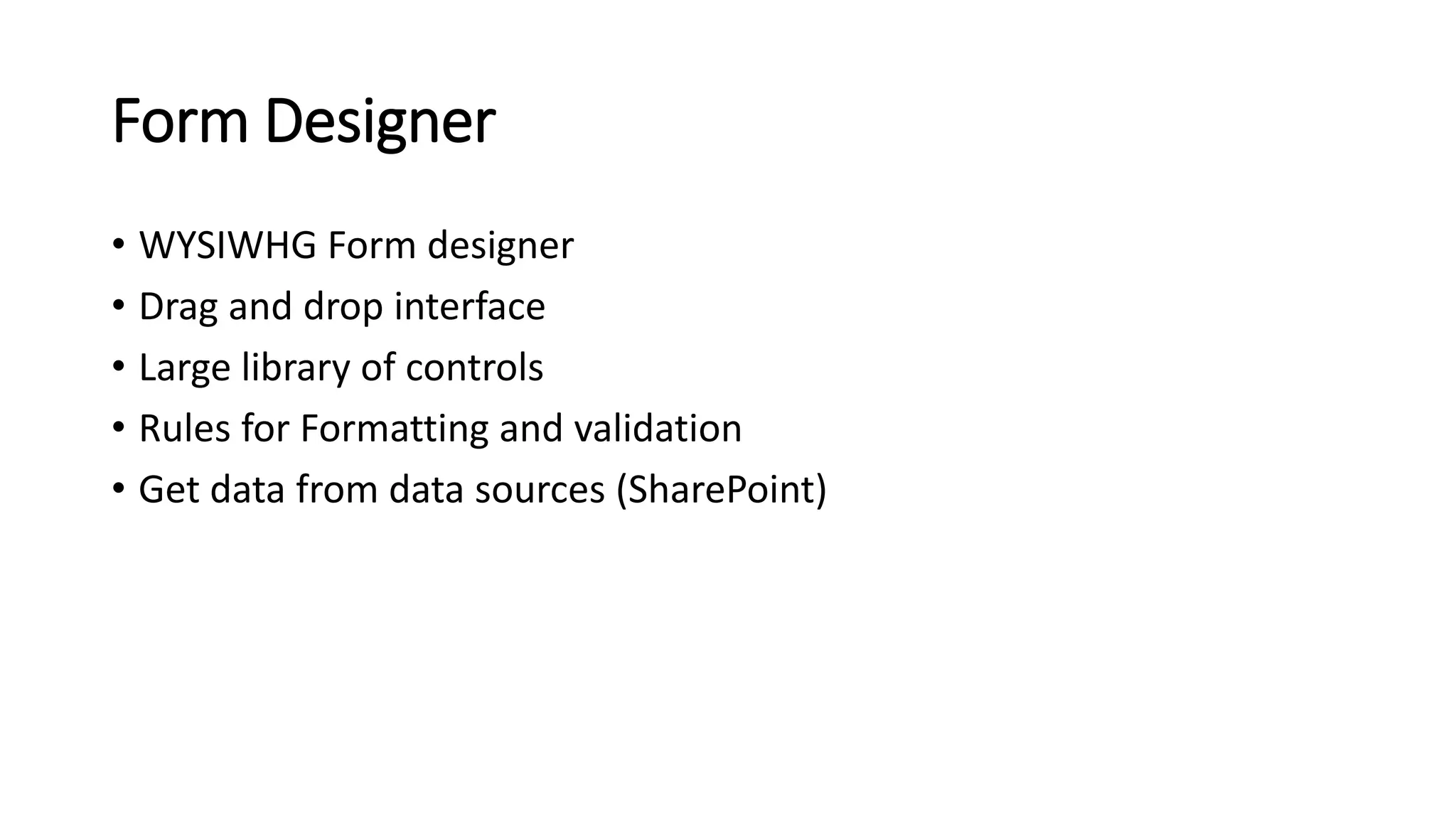
Form Designer
• WYSIWHG Form designer
• Drag and drop interface
• Large library of controls
• Rules for Formatting and validation
• Get data from data sources (SharePoint)
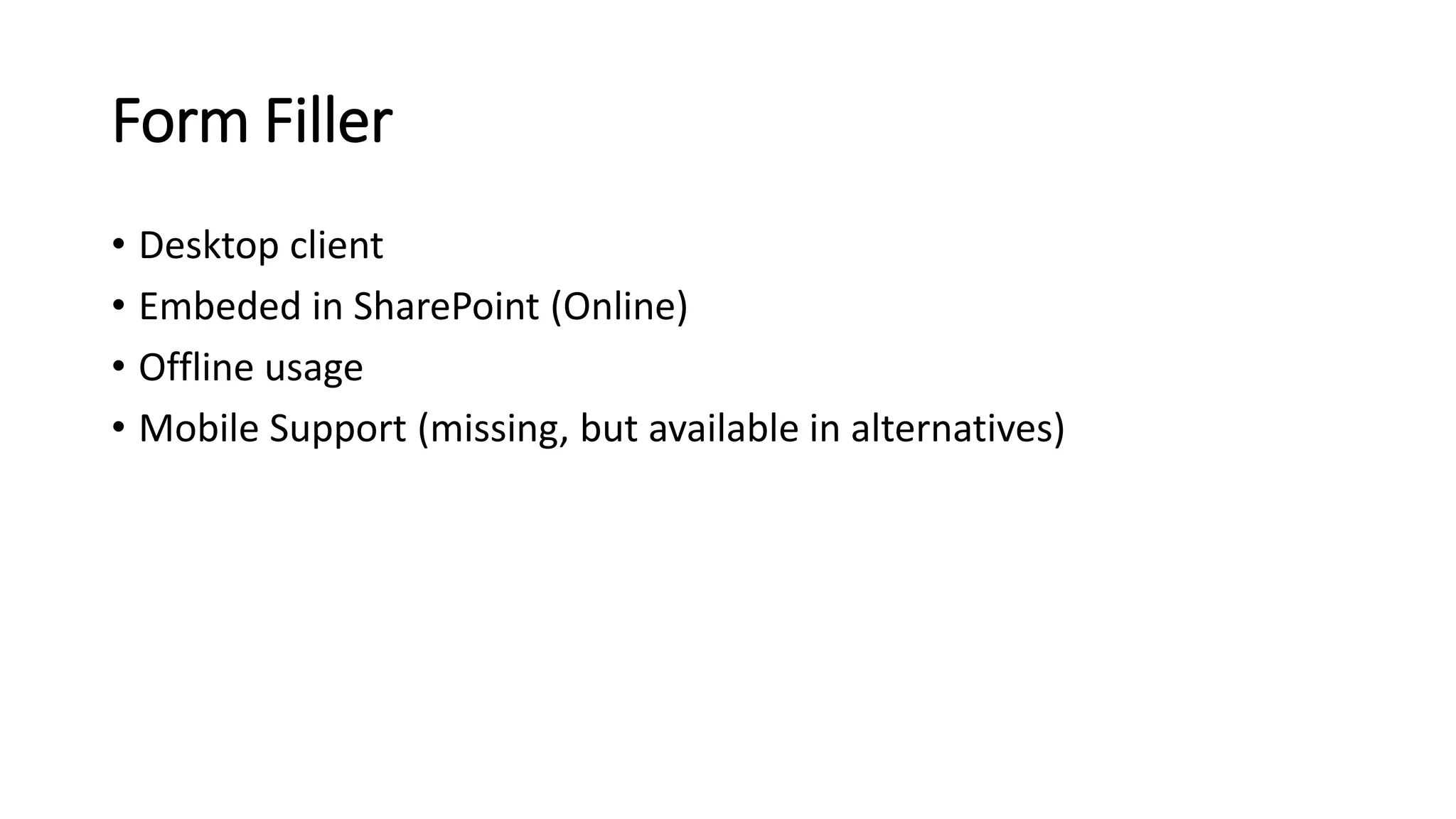
Form Filler
• Desktop client
• Embeded in SharePoint (Online)
• Offline usage
• Mobile Support (missing, but available in alternatives)
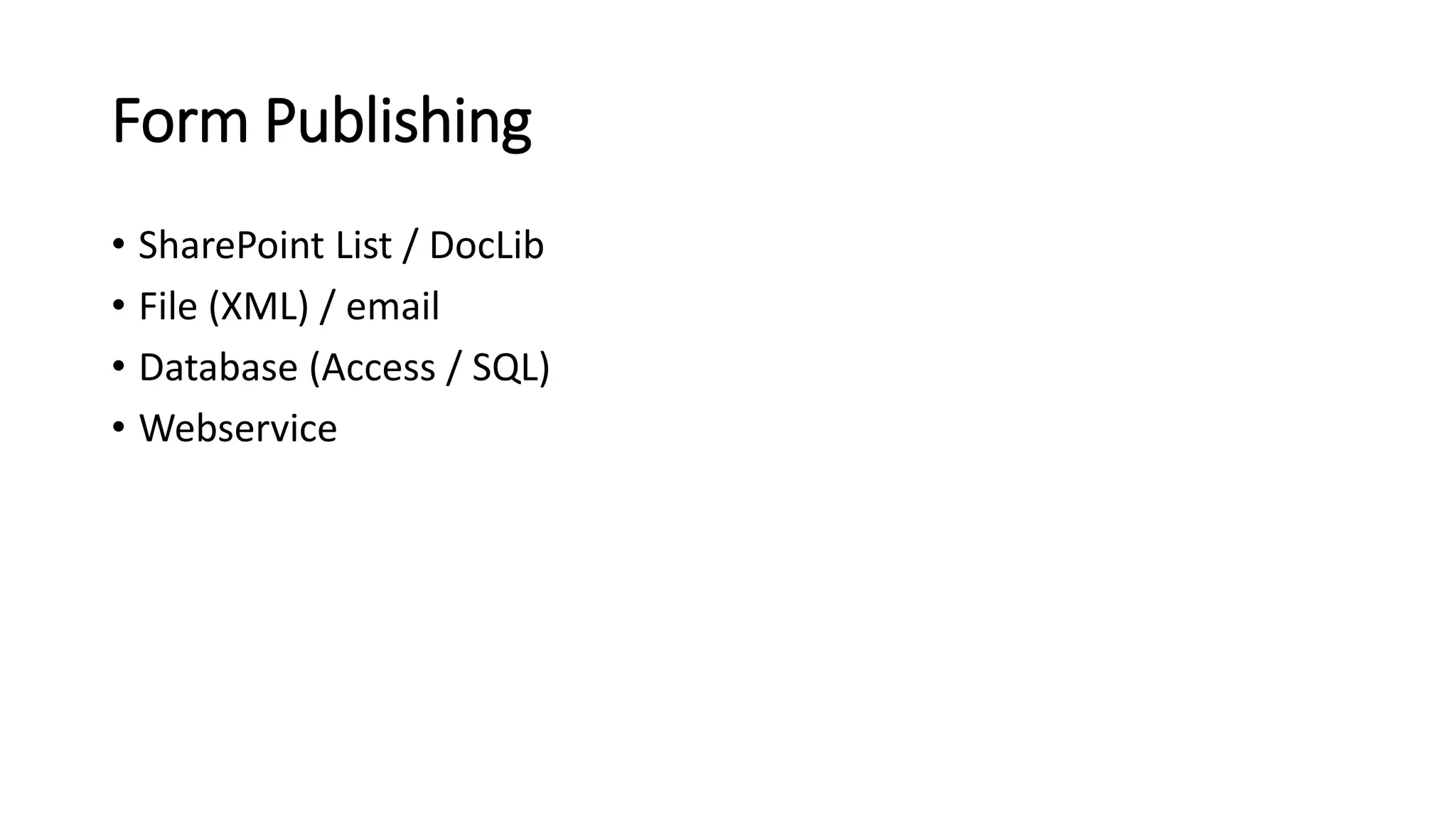
Form Publishing
• SharePoint List / DocLib
• File (XML) / email
• Database (Access / SQL)
• Webservice
Microsoft Specials
• Outlook/SharePoint Task Integration
• Custom Actions (Custom Code)
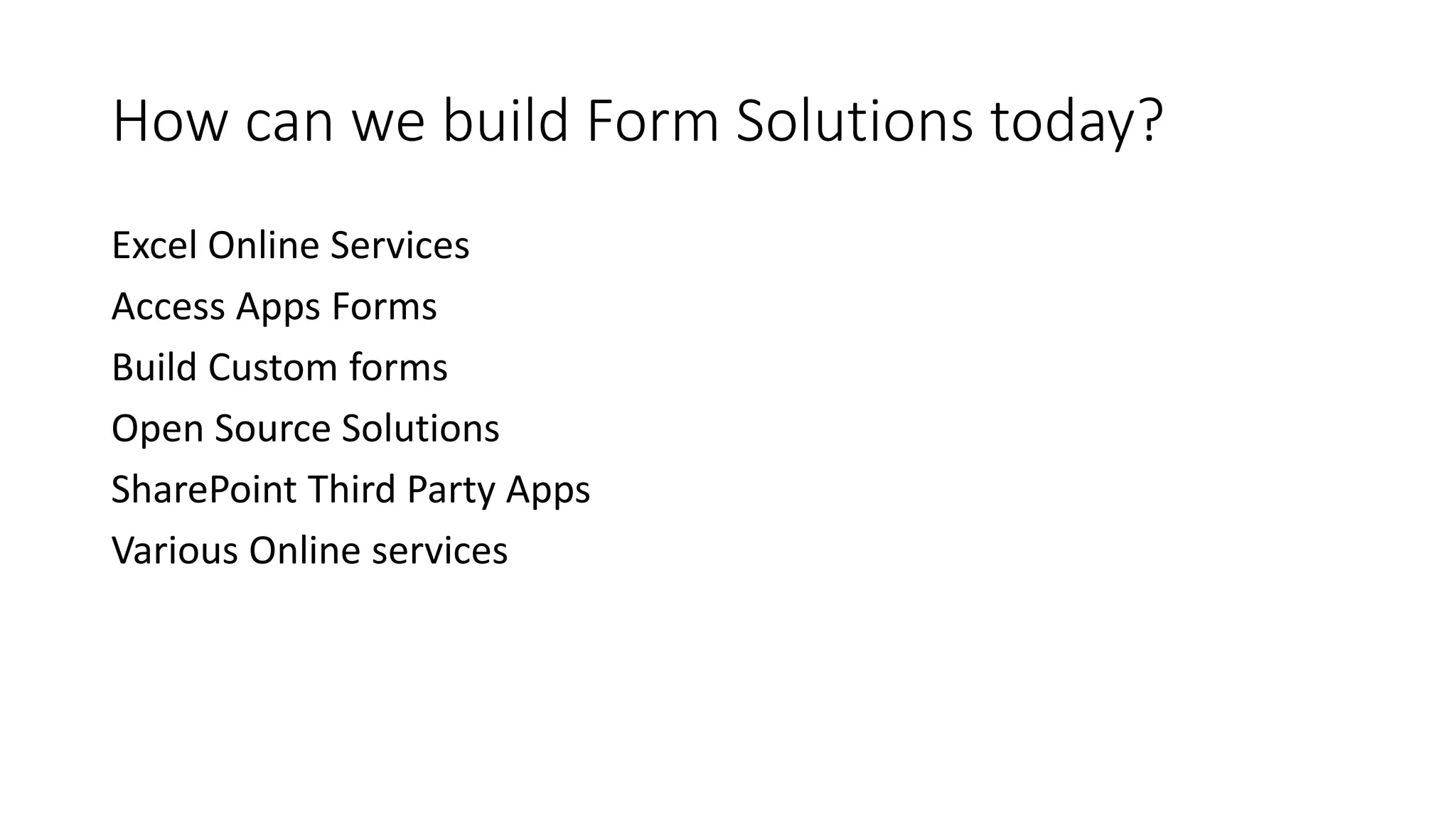
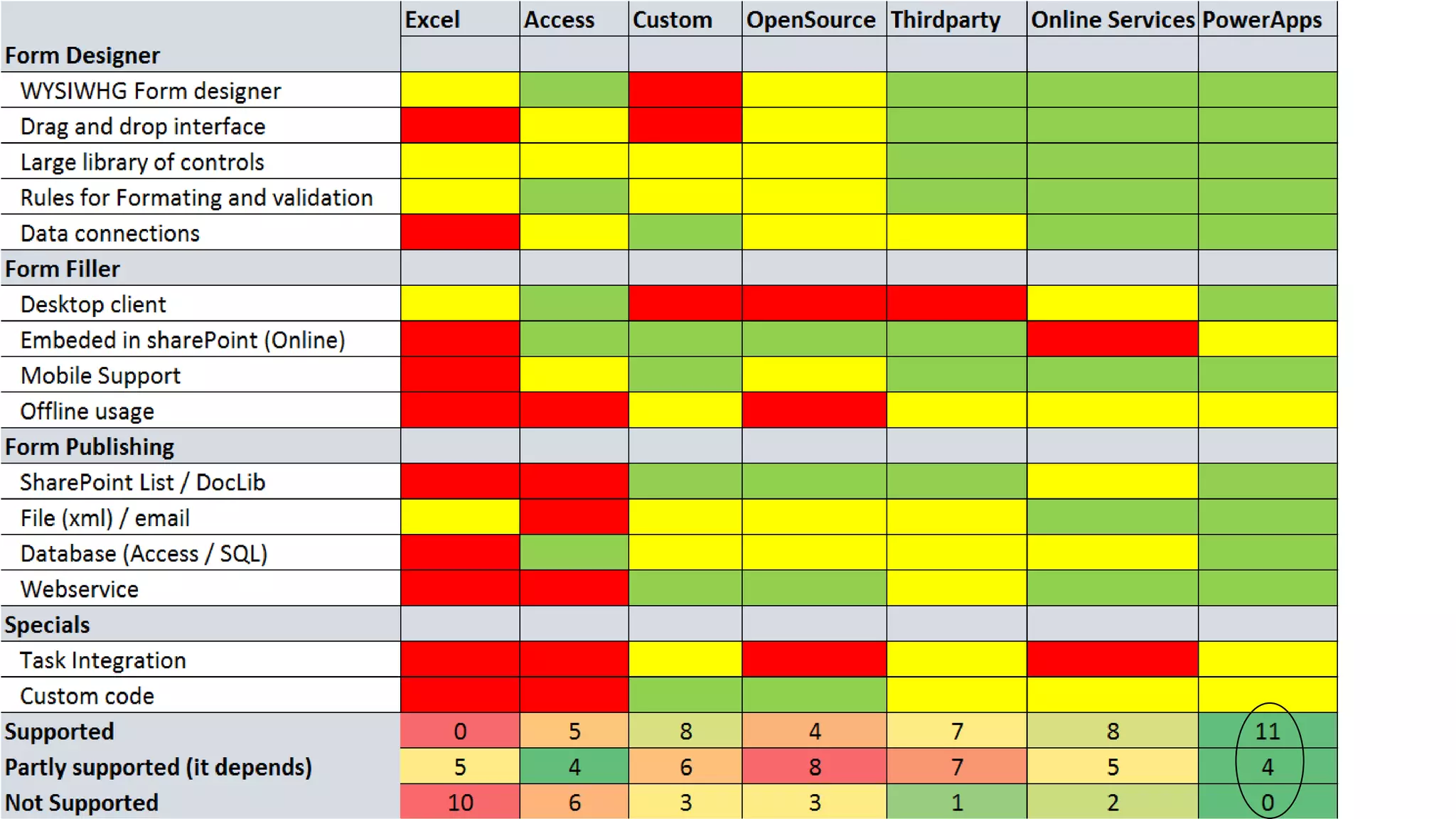
How can we build Form Solutions today?
Excel Online Services
Access Apps Forms
Build Custom forms
Open Source Solutions
SharePoint Third Party Apps
Various Online services
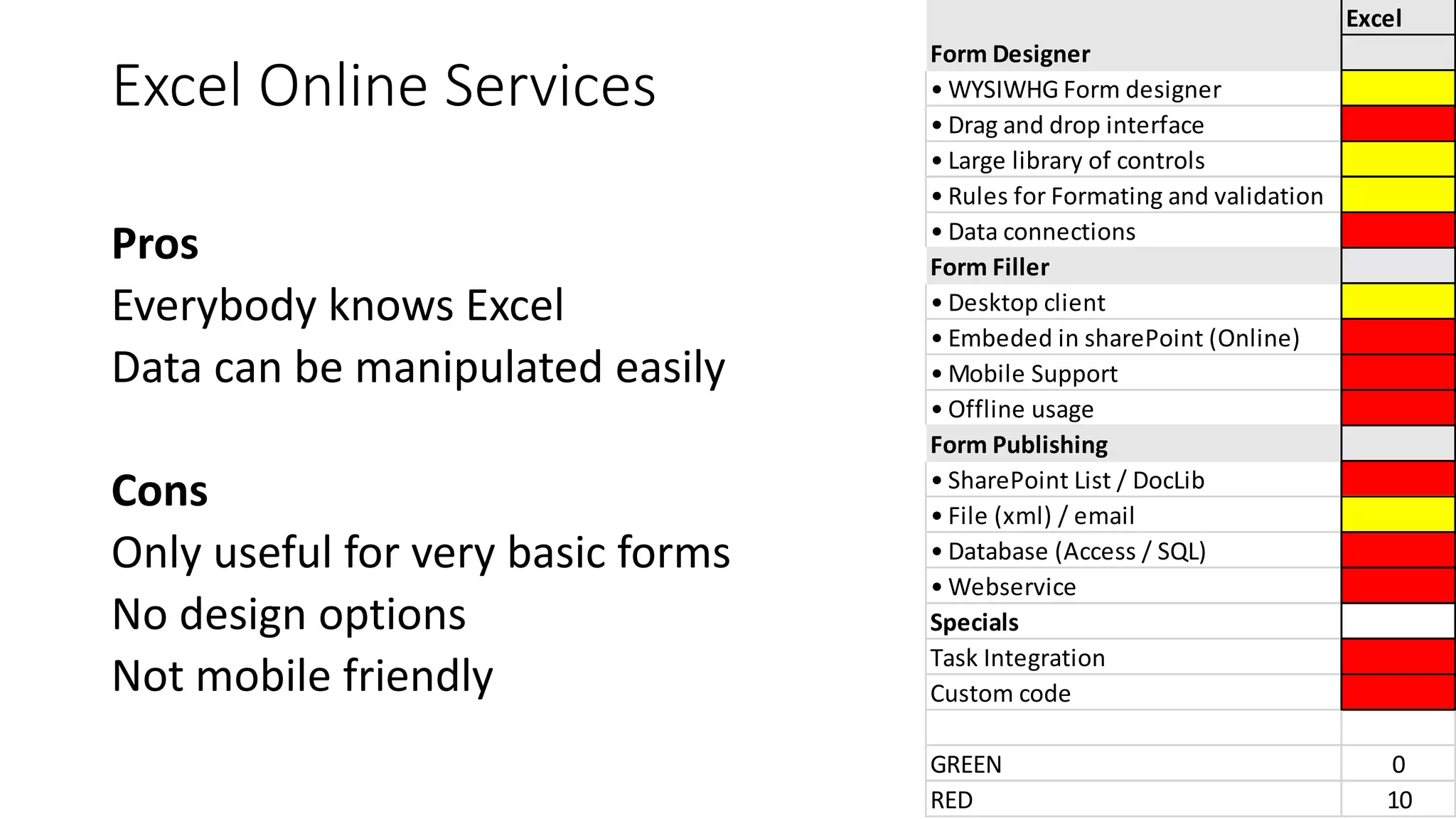
Excel Online Services
Pros
Everybody knows Excel
Data can be manipulated easily
Cons
Only useful for very basic forms
No design options
Not mobile friendly
Excel
Form Designer
• WYSIWHG Form designer
• Drag and drop interface
• Large library of controls
• Rules for Formating and validation
• Data connections
Form Filler
• Desktop client
• Embeded in sharePoint (Online)
• Mobile Support
• Offline usage
Form Publishing
• SharePoint List / DocLib
• File (xml) / email
• Database (Access / SQL)
• Webservice
Specials
Task Integration
Custom code
GREEN 0
RED 10
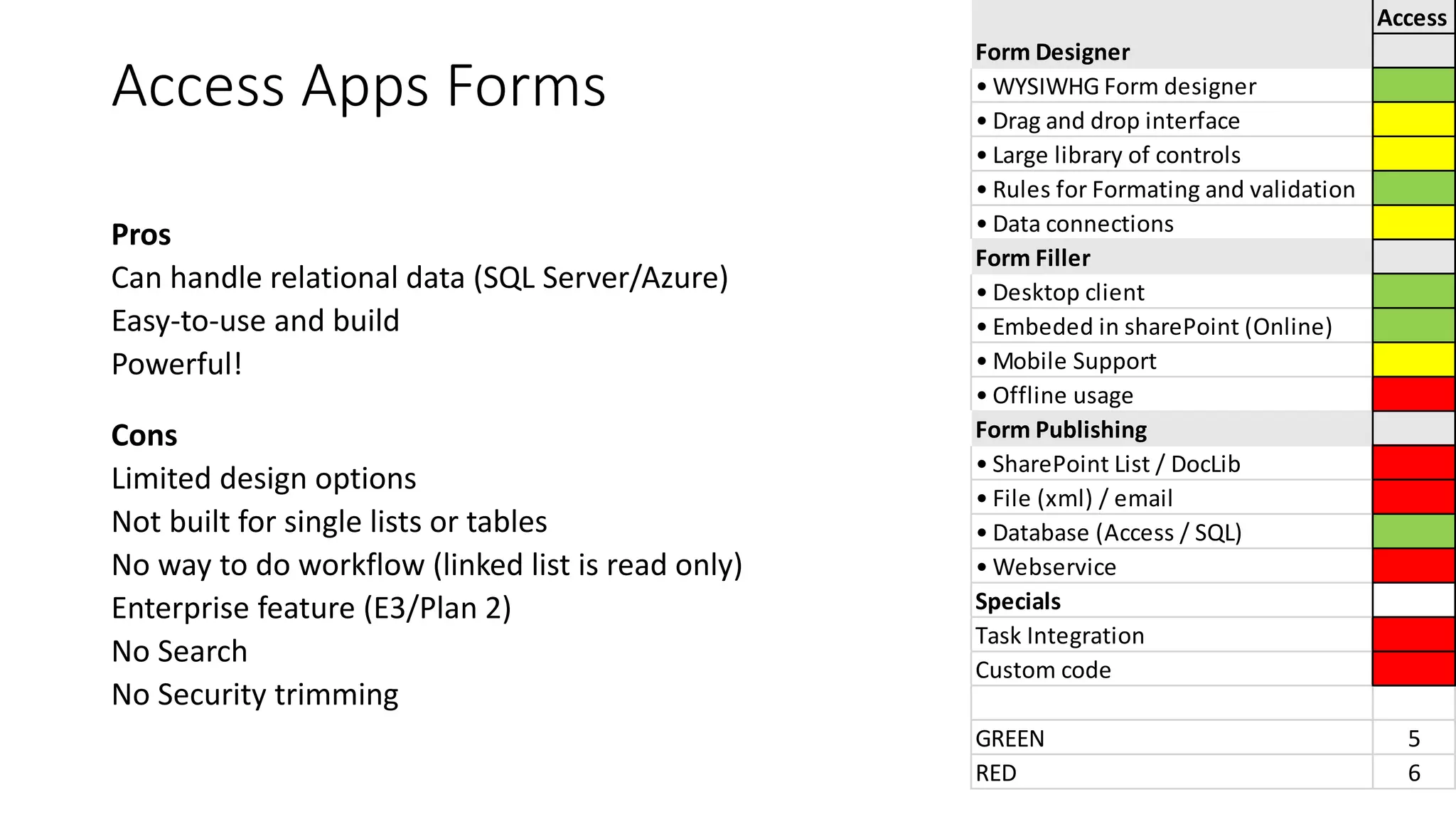
Access Apps Forms
Pros
Can handle relational data (SQL Server/Azure)
Easy-to-use and build
Powerful!
Cons
Limited design options
Not built for single lists or tables
No way to do workflow (linked list is read only)
Enterprise feature (E3/Plan 2)
No Search
No Security trimming
Access
Form Designer
• WYSIWHG Form designer
• Drag and drop interface
• Large library of controls
• Rules for Formating and validation
• Data connections
Form Filler
• Desktop client
• Embeded in sharePoint (Online)
• Mobile Support
• Offline usage
Form Publishing
• SharePoint List / DocLib
• File (xml) / email
• Database (Access / SQL)
• Webservice
Specials
Task Integration
Custom code
GREEN 5
RED 6
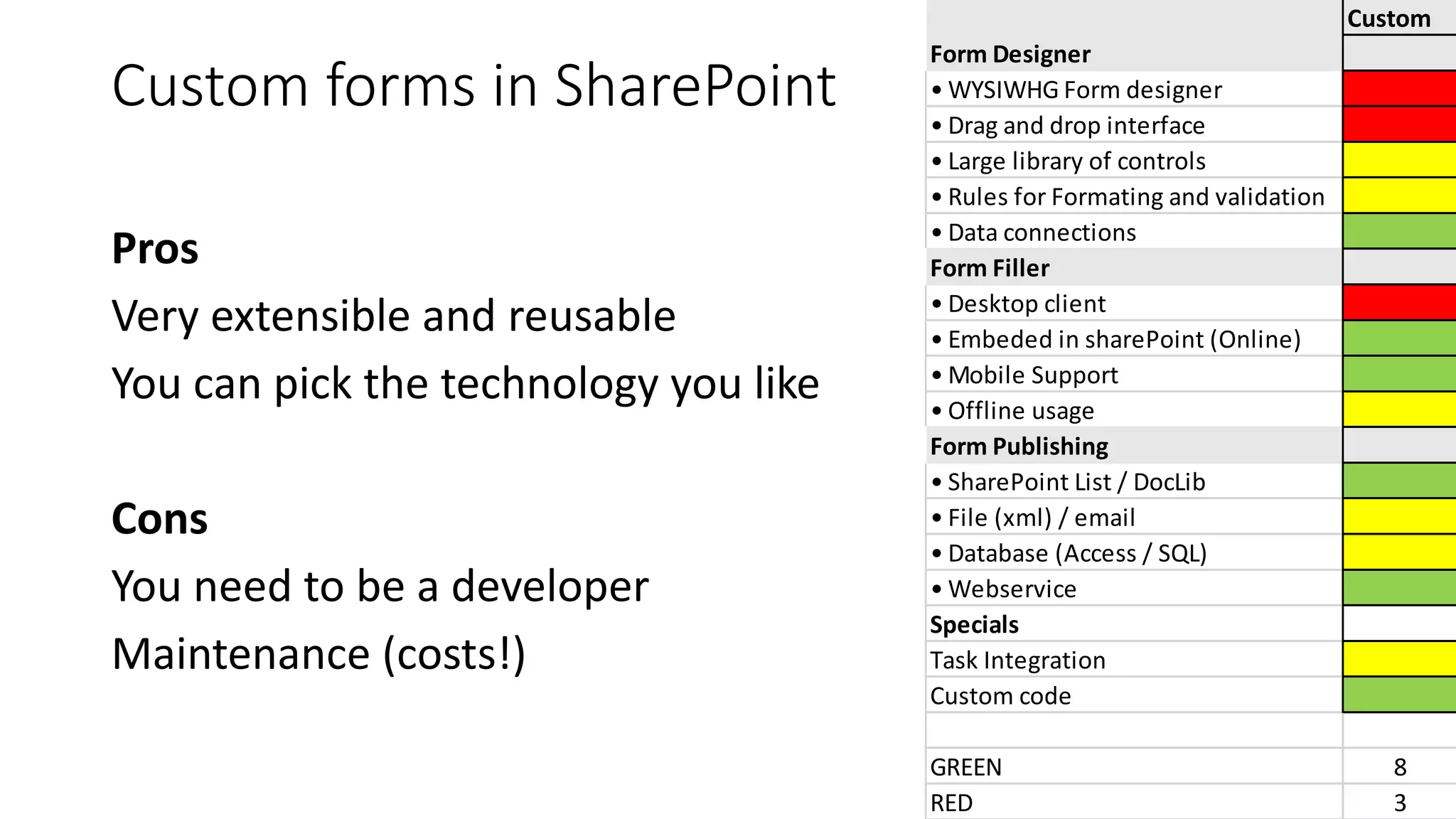
Custom forms in SharePoint
Pros
Very extensible and reusable
You can pick the technology you like
Cons
You need to be a developer
Maintenance (costs!)
Custom
Form Designer
• WYSIWHG Form designer
• Drag and drop interface
• Large library of controls
• Rules for Formating and validation
• Data connections
Form Filler
• Desktop client
• Embeded in sharePoint (Online)
• Mobile Support
• Offline usage
Form Publishing
• SharePoint List / DocLib
• File (xml) / email
• Database (Access / SQL)
• Webservice
Specials
Task Integration
Custom code
GREEN 8
RED 3
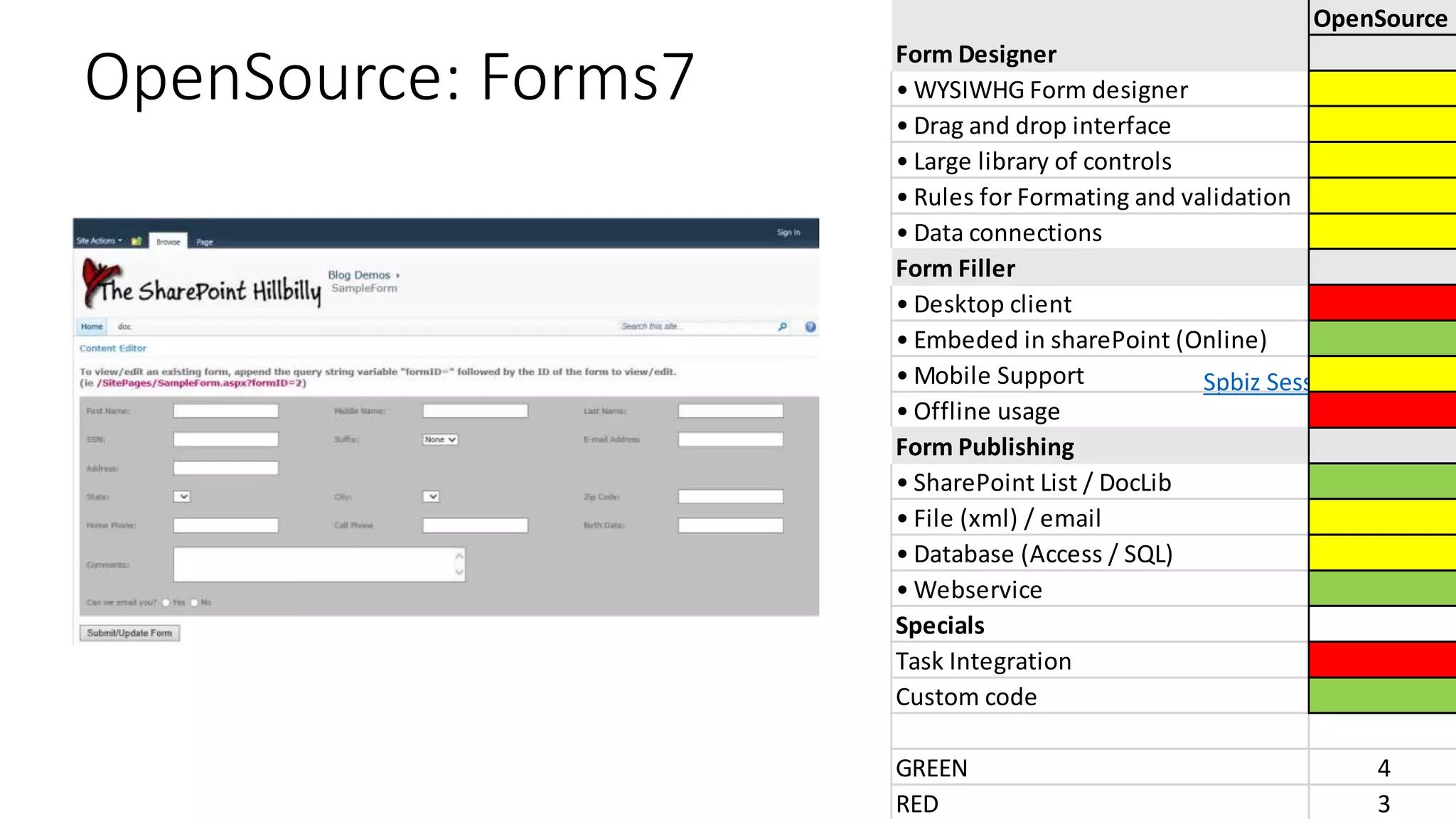
OpenSource: Forms7
Spbiz Session
OpenSource
Form Designer
• WYSIWHG Form designer
• Drag and drop interface
• Large library of controls
• Rules for Formating and validation
• Data connections
Form Filler
• Desktop client
• Embeded in sharePoint (Online)
• Mobile Support
• Offline usage
Form Publishing
• SharePoint List / DocLib
• File (xml) / email
• Database (Access / SQL)
• Webservice
Specials
Task Integration
Custom code
GREEN 4
RED 3
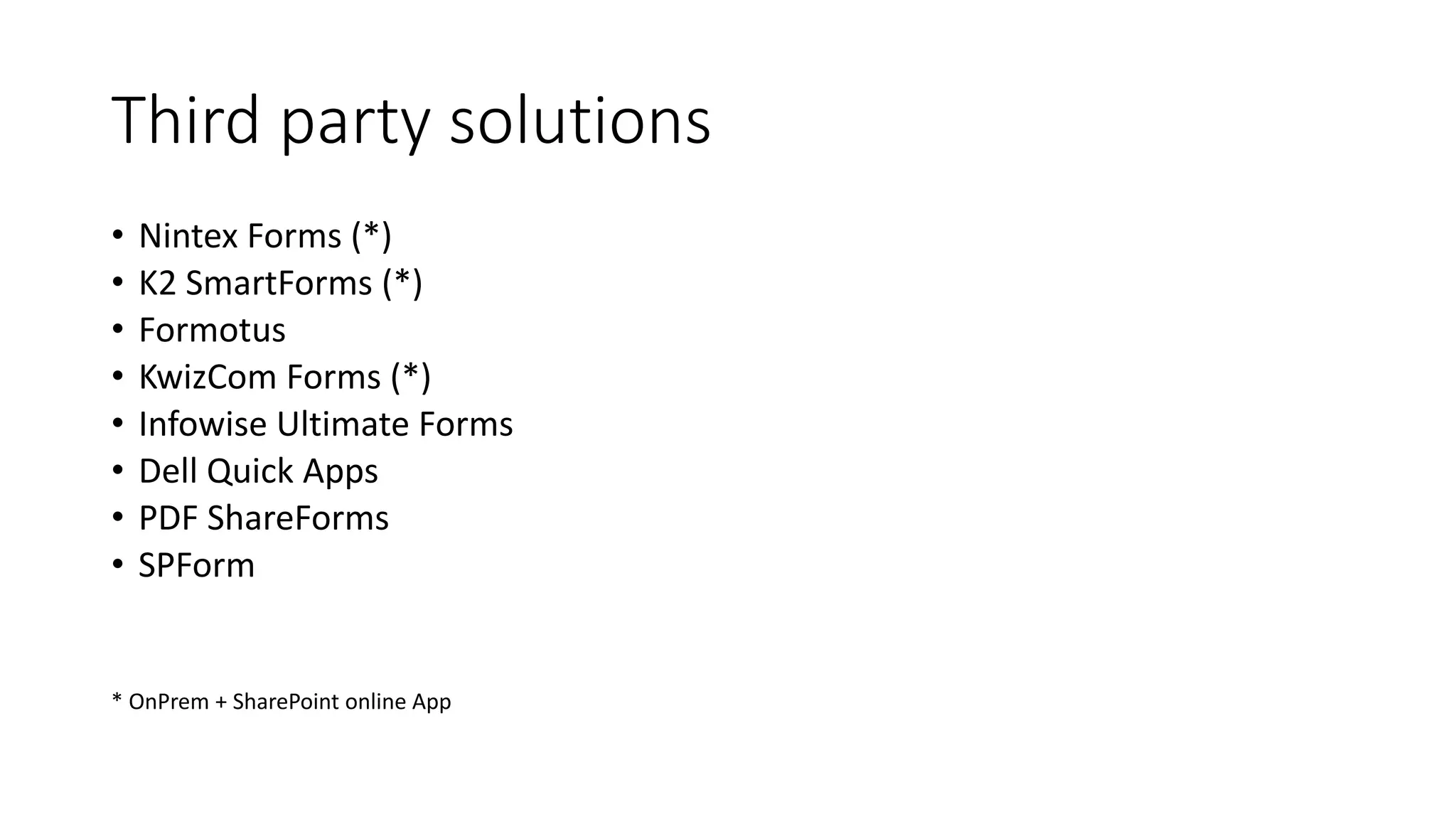
• Nintex Forms (*)
• K2 SmartForms (*)
• Formotus
• KwizCom Forms (*)
• Infowise Ultimate Forms
• Dell Quick Apps
• PDF ShareForms
• SPForm
* OnPrem + SharePoint online App
Third party solutions
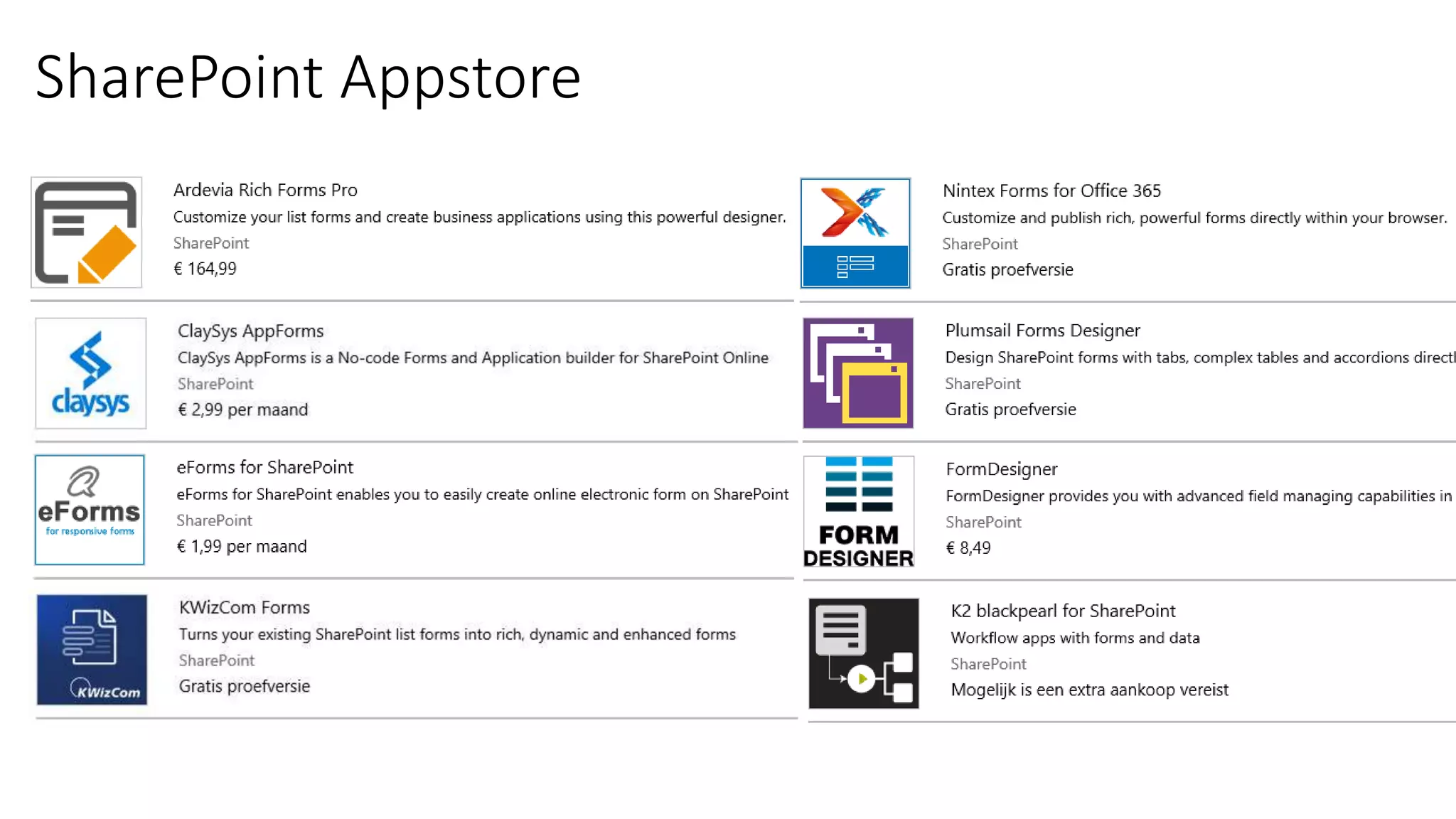
SharePoint Appstore
Third Party Apps
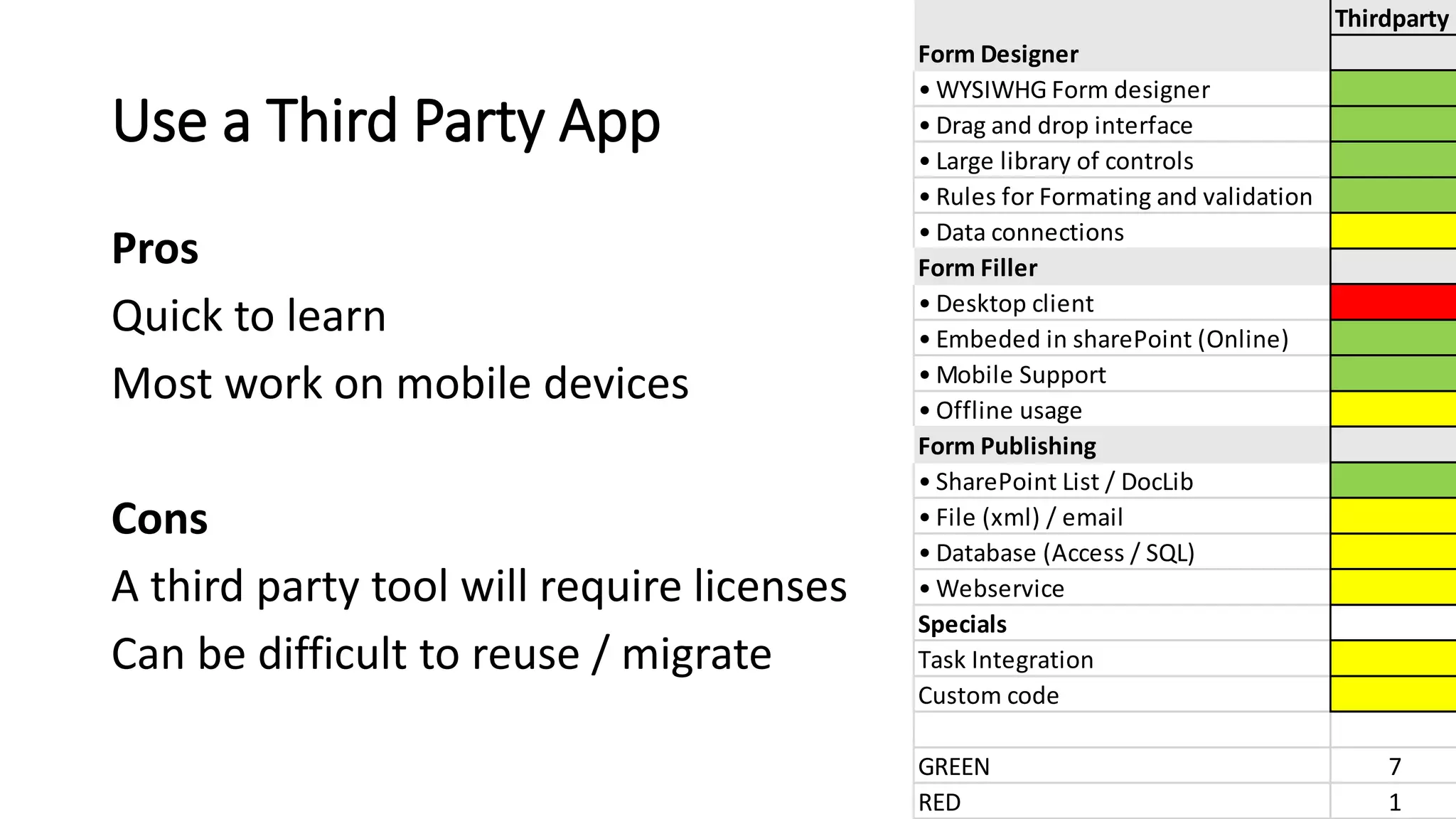
Pros
Quick to learn
Most work on mobile devices
Cons
A third party tool will require licenses
Can be difficult to reuse / migrate
Thirdparty
Form Designer
• WYSIWHG Form designer
• Drag and drop interface
• Large library of controls
• Rules for Formating and validation
• Data connections
Form Filler
• Desktop client
• Embeded in sharePoint (Online)
• Mobile Support
• Offline usage
Form Publishing
• SharePoint List / DocLib
• File (xml) / email
• Database (Access / SQL)
• Webservice
Specials
Task Integration
Custom code
GREEN 8
RED 1
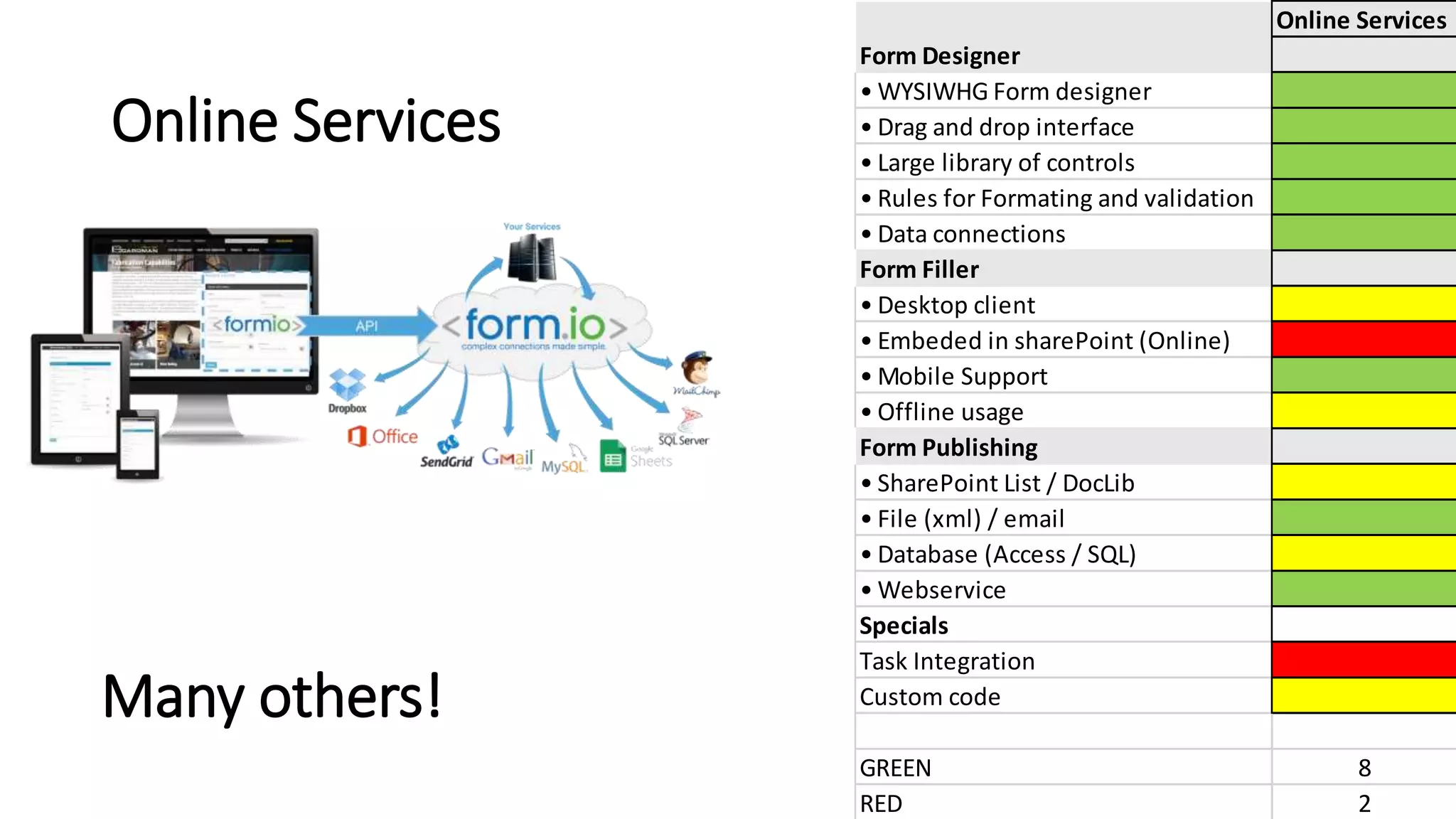
And many more (combined) SaaS services could
help you build forms that post to SharePoint!
Think IFTTT for business services
Online Services
Online Services
Form Designer
• WYSIWHG Form designer
• Drag and drop interface
• Large library of controls
• Rules for Formating and validation
• Data connections
Form Filler
• Desktop client
• Embeded in sharePoint (Online)
• Mobile Support
• Offline usage
Form Publishing
• SharePoint List / DocLib
• File (xml) / email
• Database (Access / SQL)
• Webservice
Specials
Task Integration
Custom code
GREEN 8
RED 2
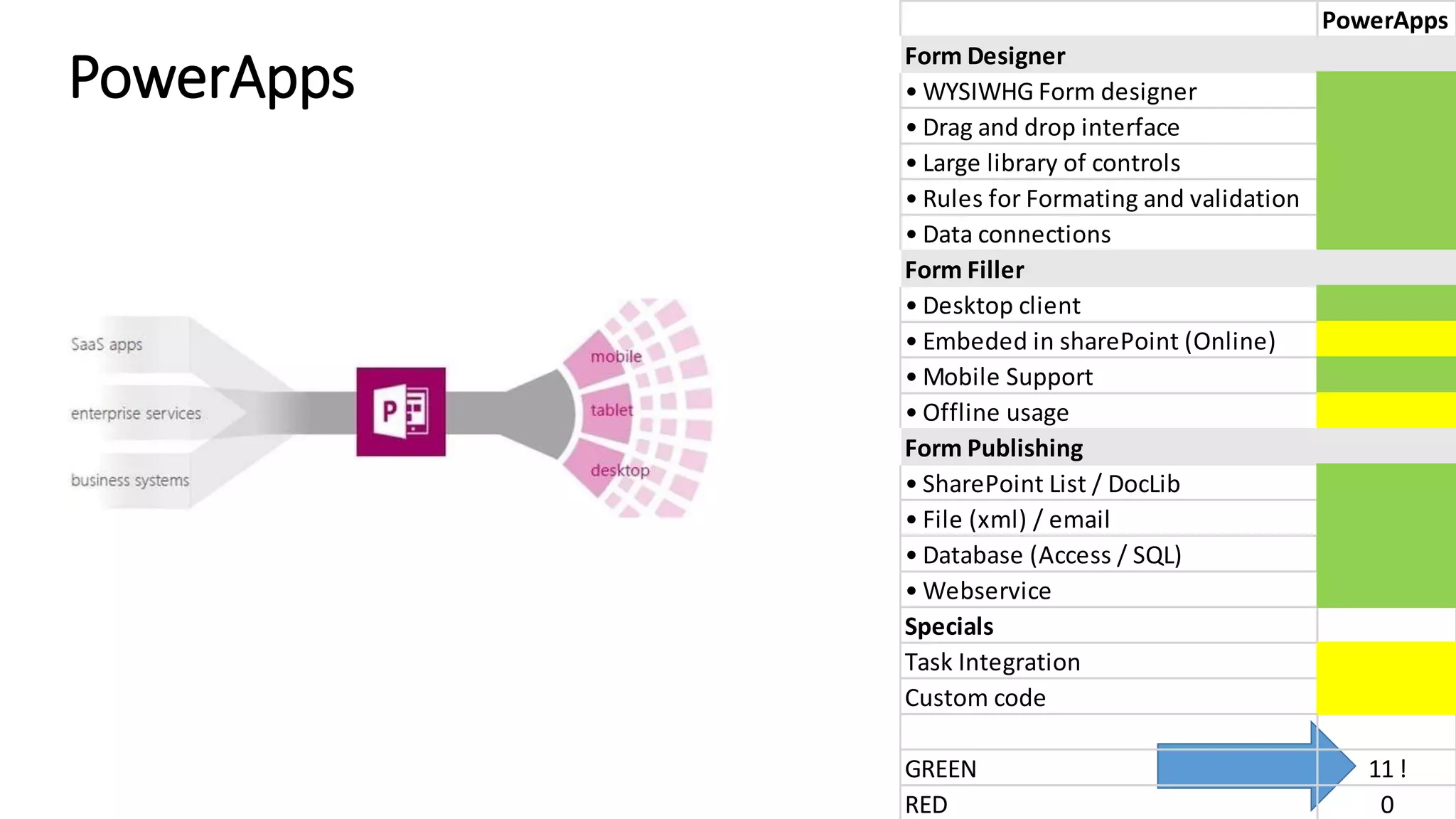
PowerApps
PowerApps
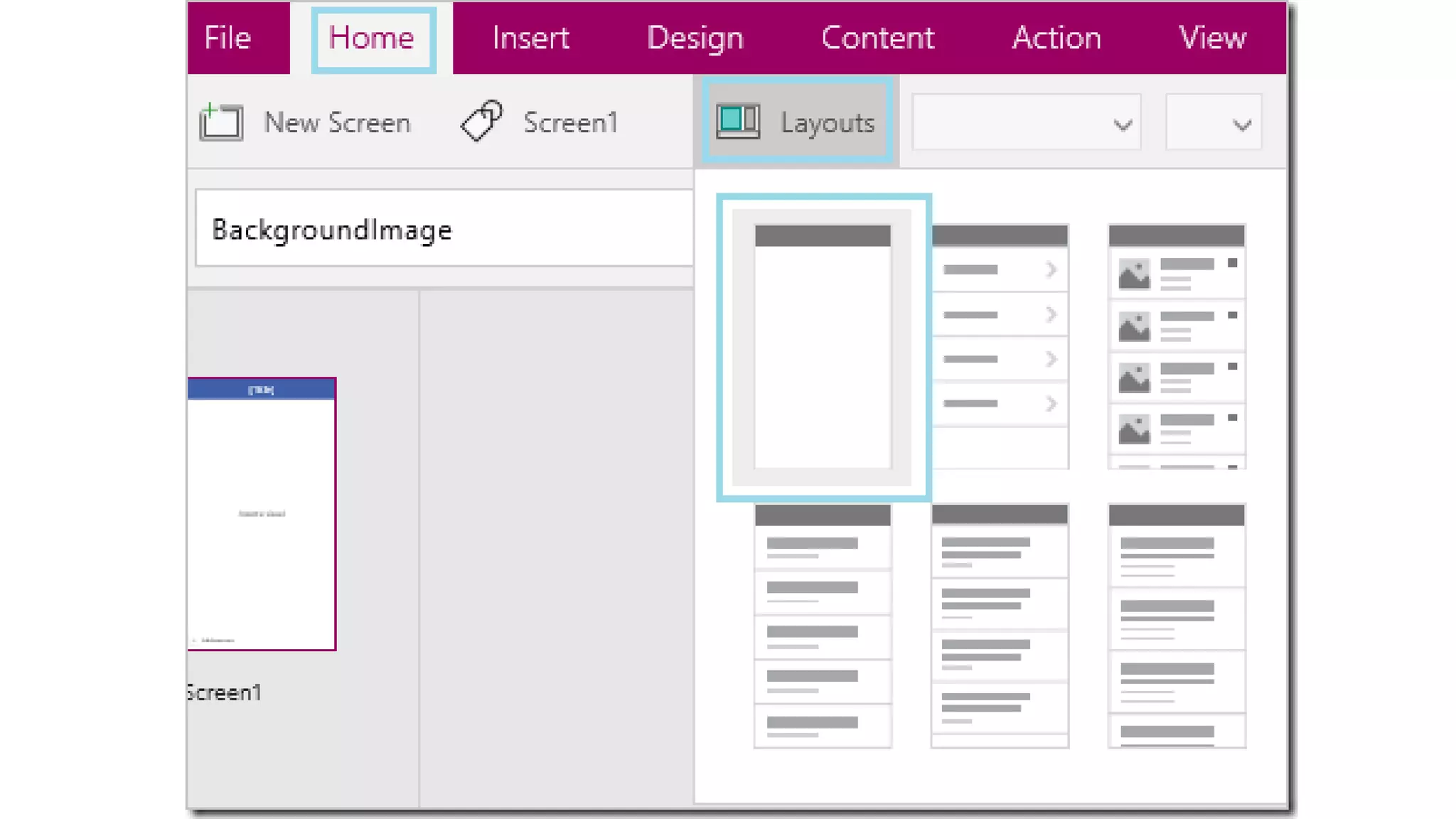
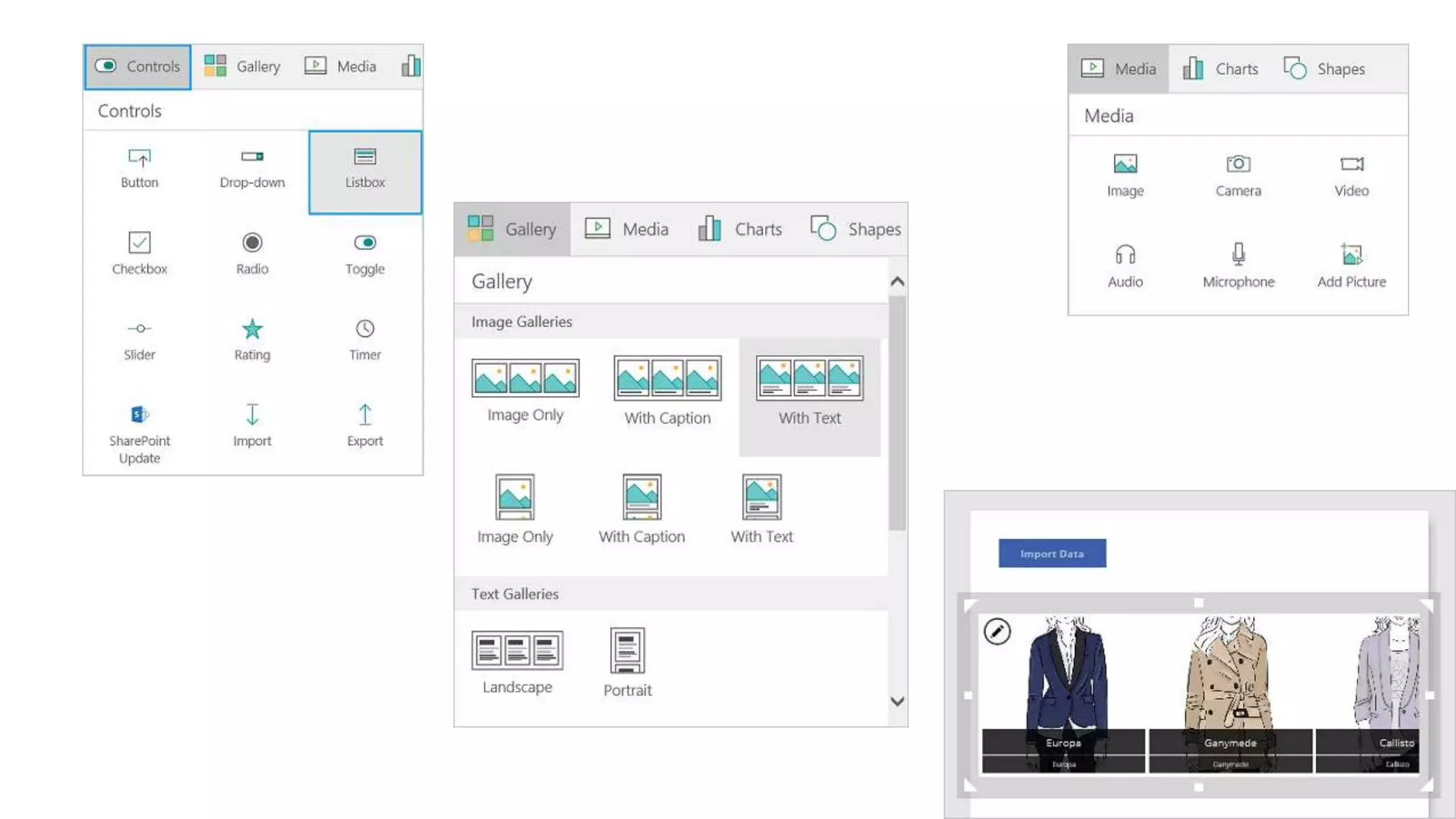
Form Designer
• WYSIWHG Form designer
• Drag and drop interface
• Large library of controls
• Rules for Formating and validation
• Data connections
Form Filler
• Desktop client
• Embeded in sharePoint (Online)
• Mobile Support
• Offline usage
Form Publishing
• SharePoint List / DocLib
• File (xml) / email
• Database (Access / SQL)
• Webservice
Specials
Task Integration
Custom code
GREEN 11 !
RED 0
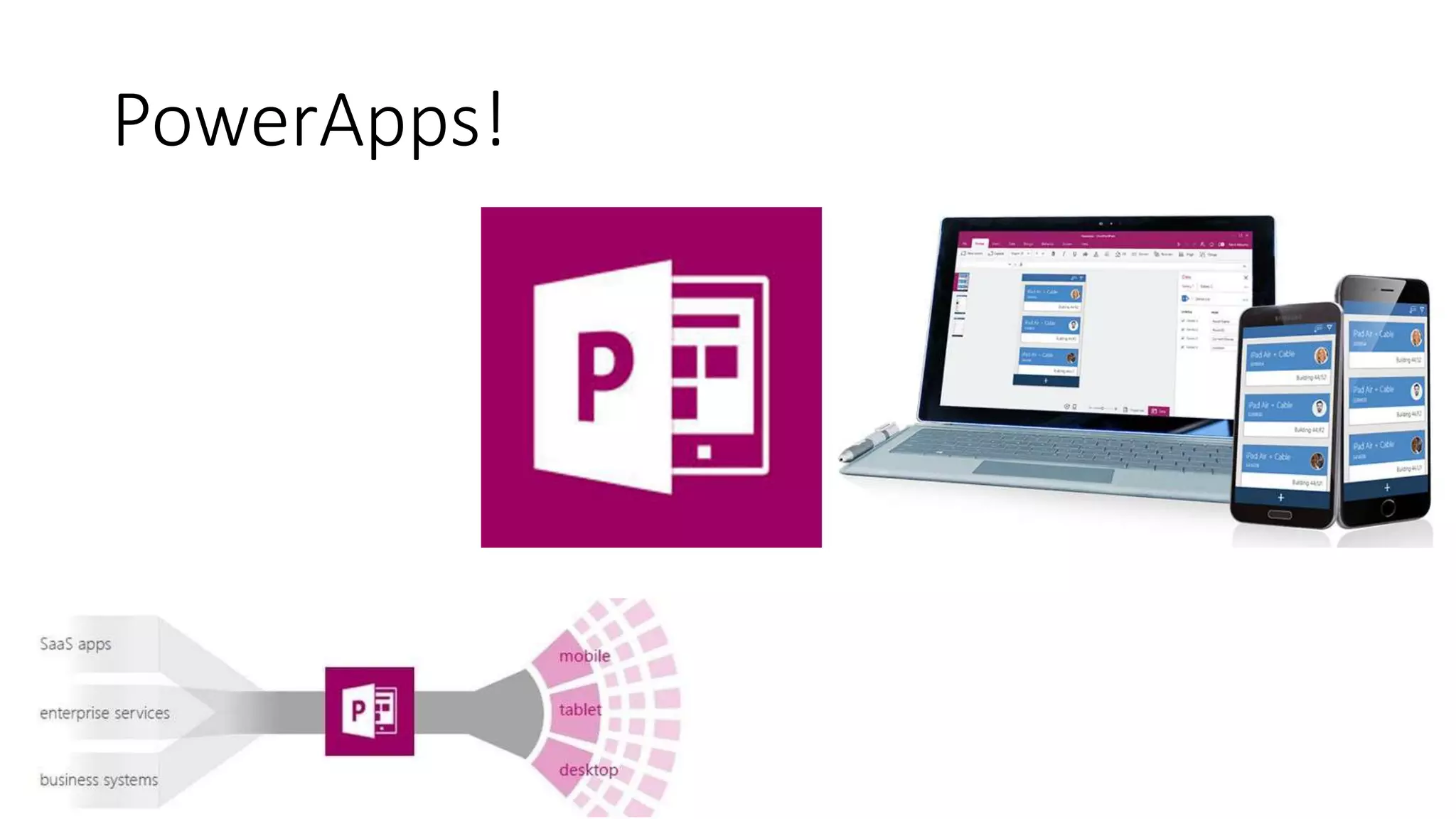
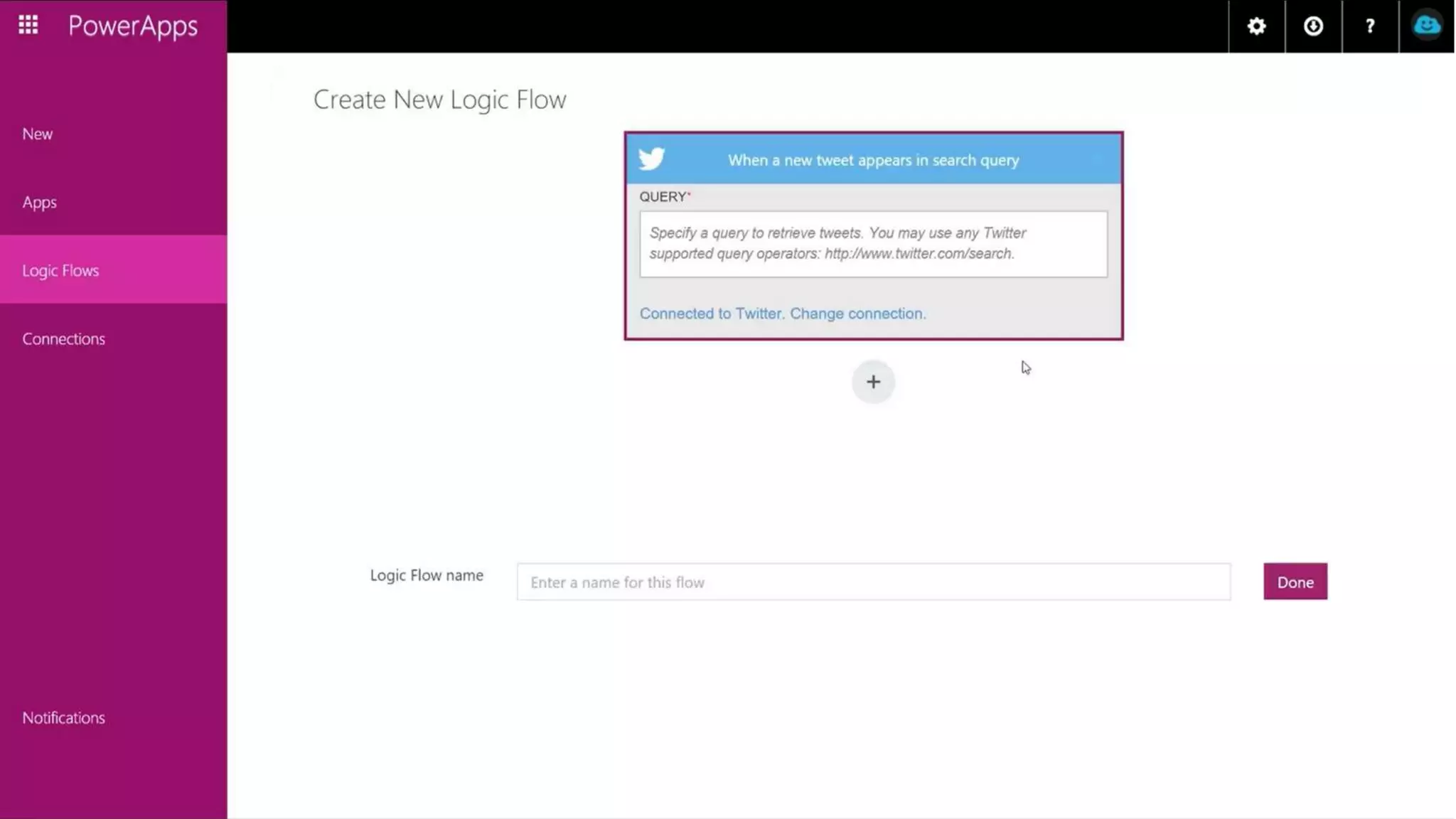
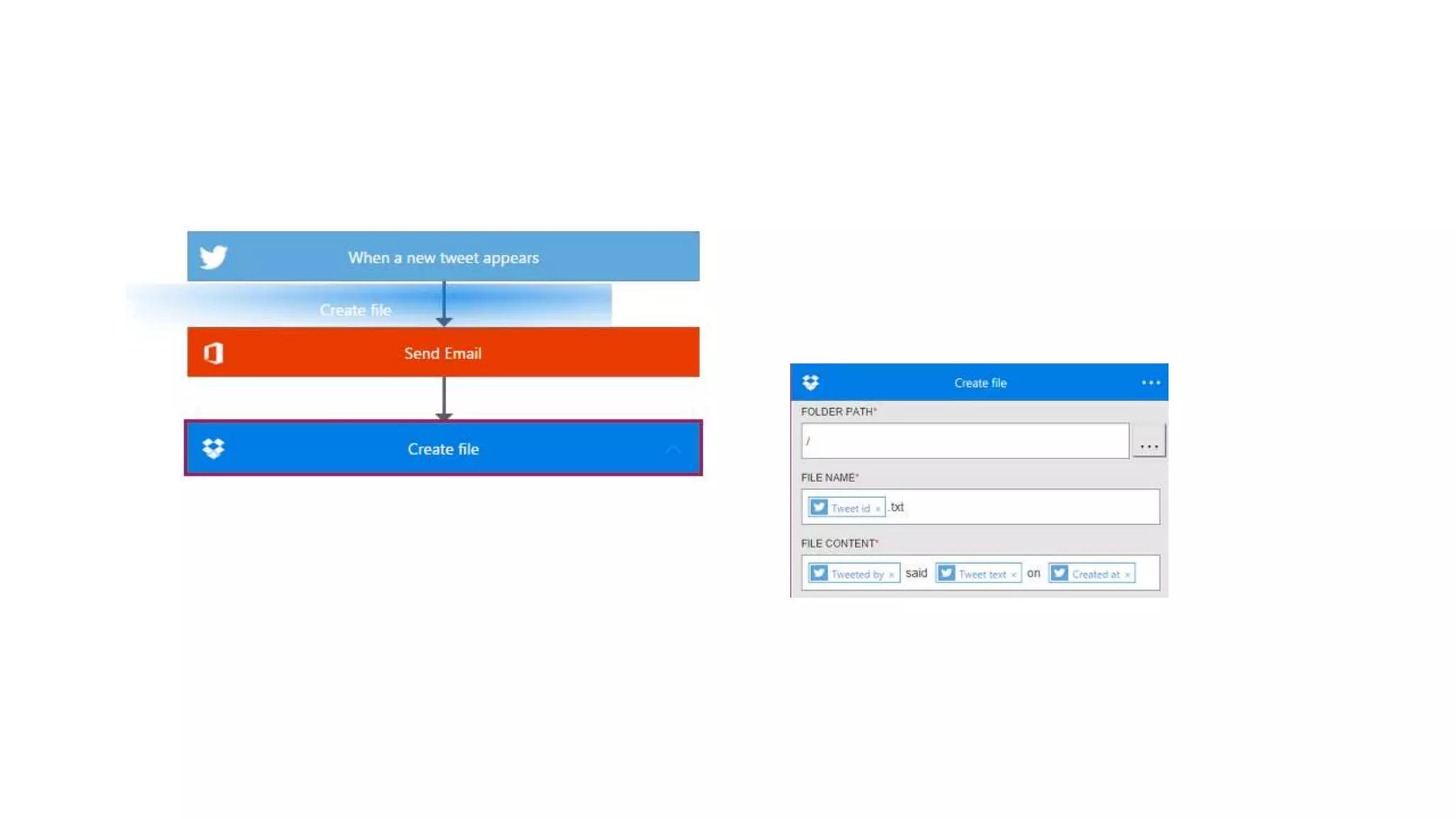
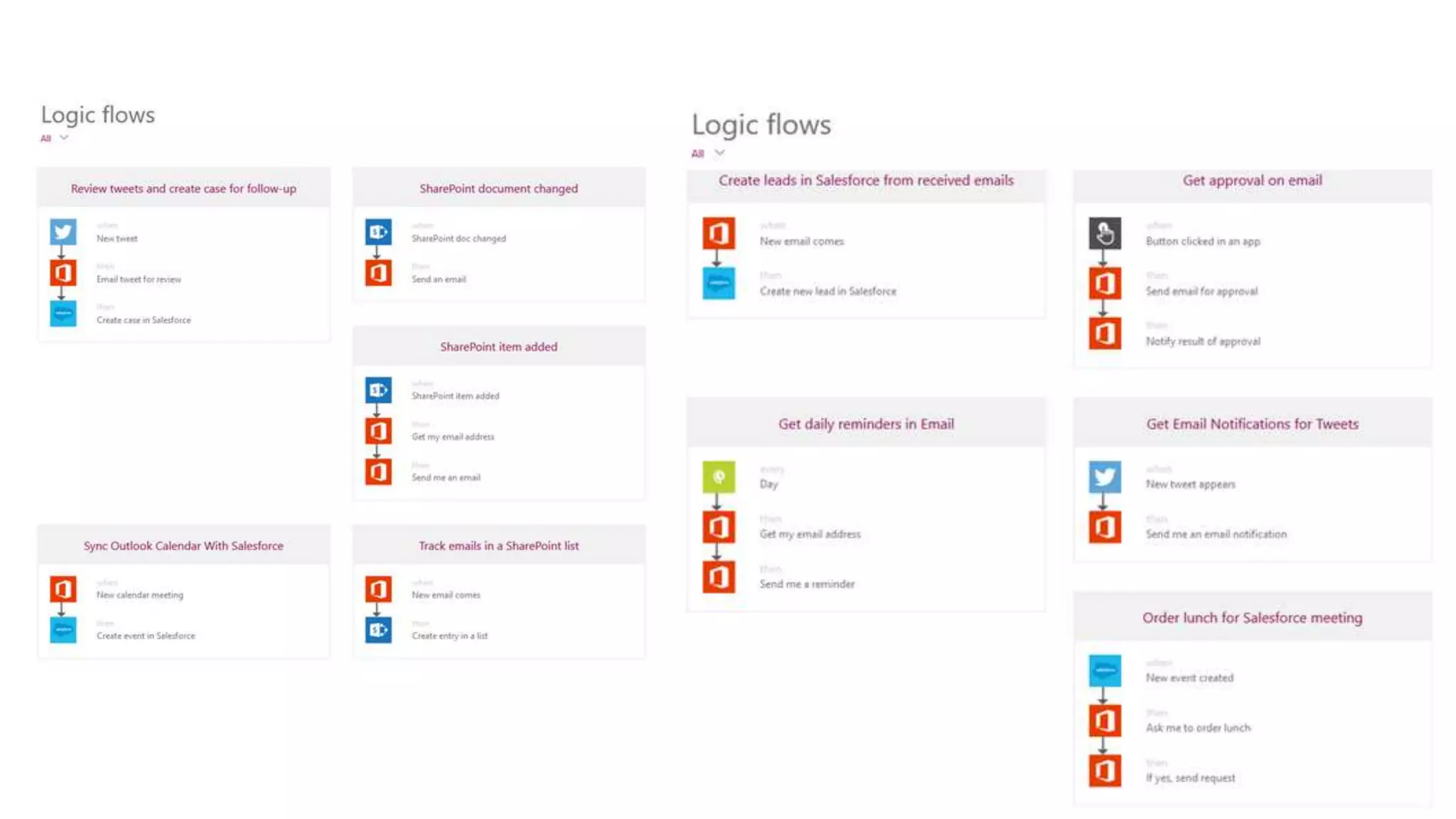
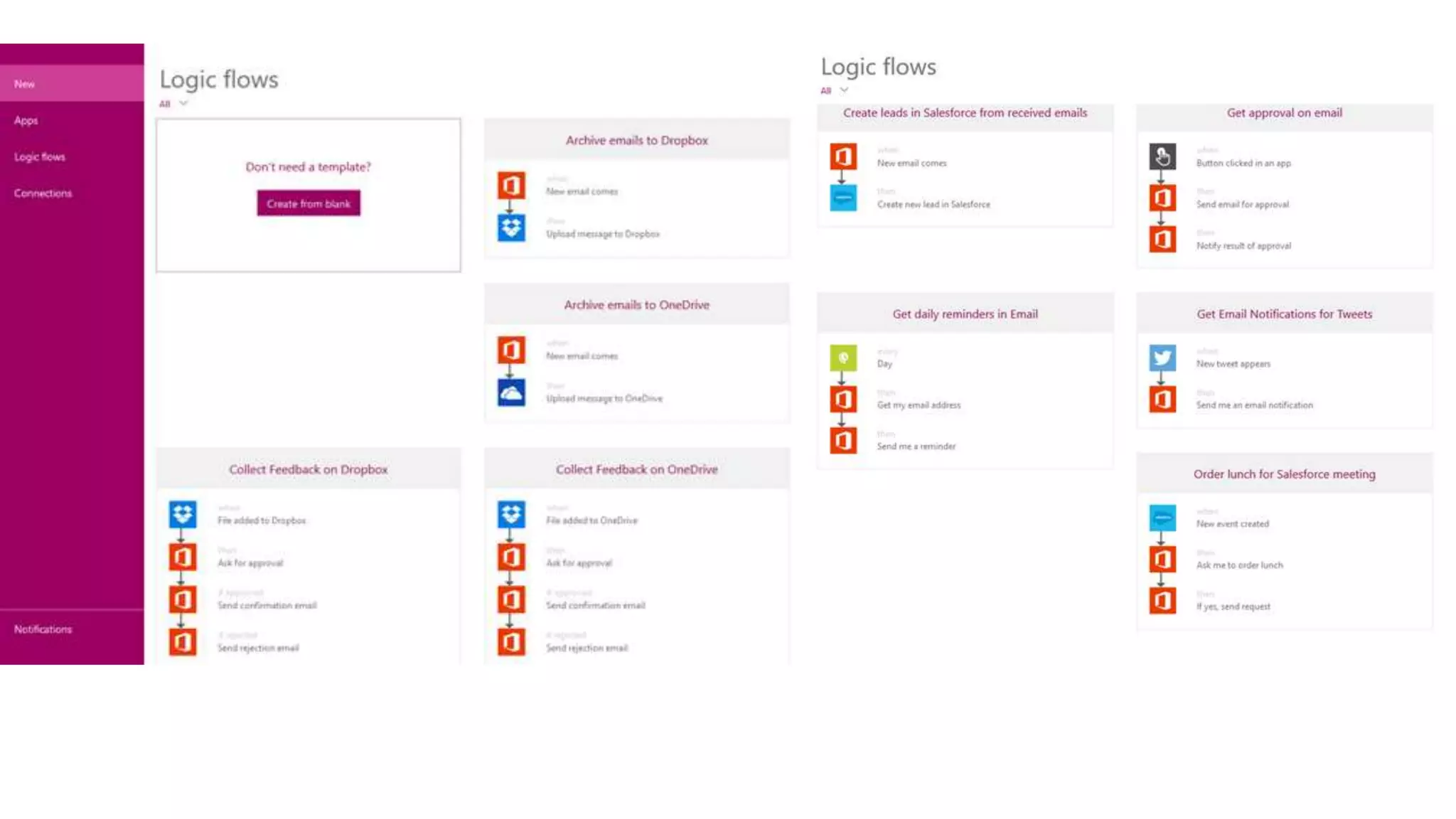
PowerApps!
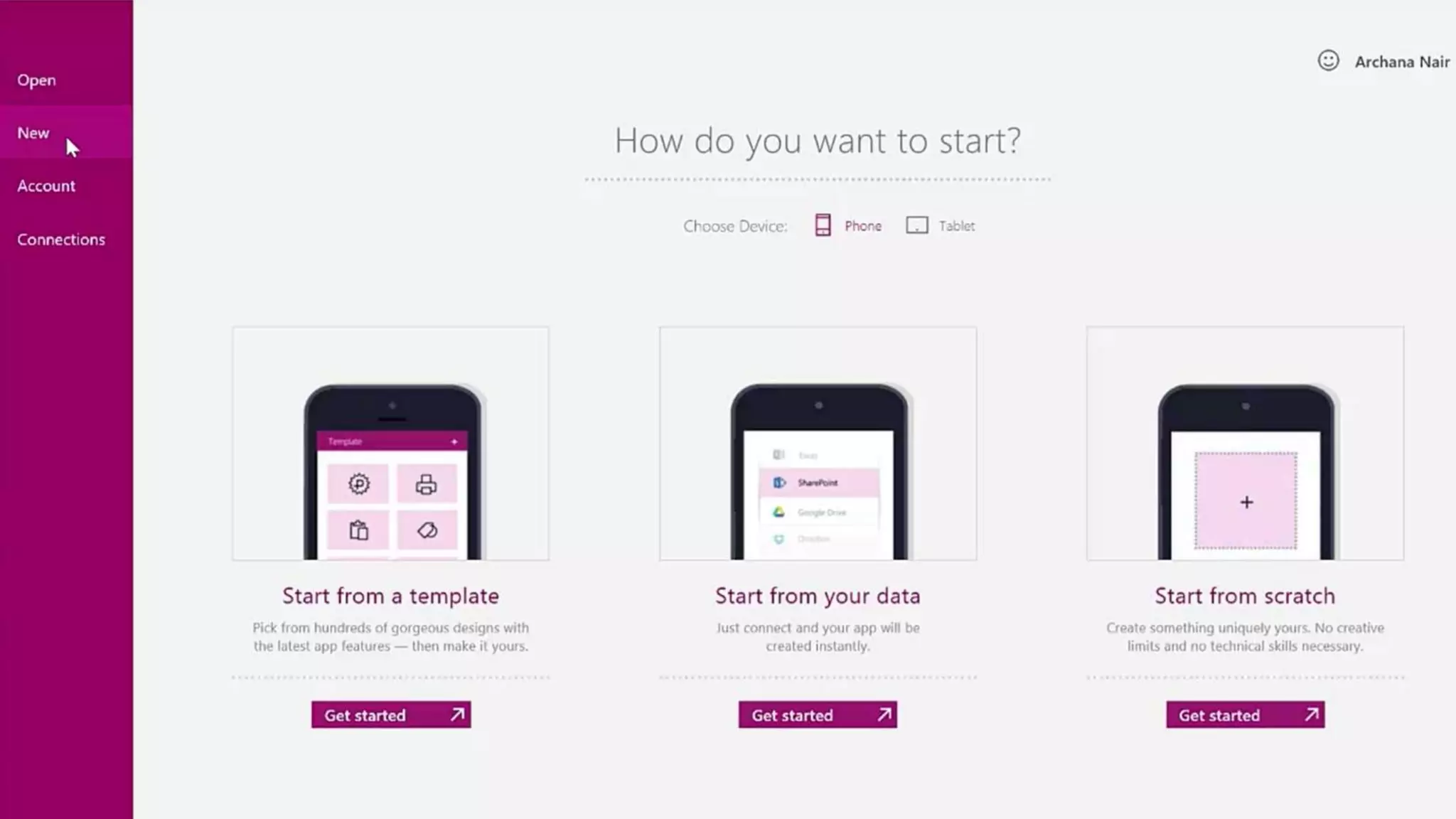
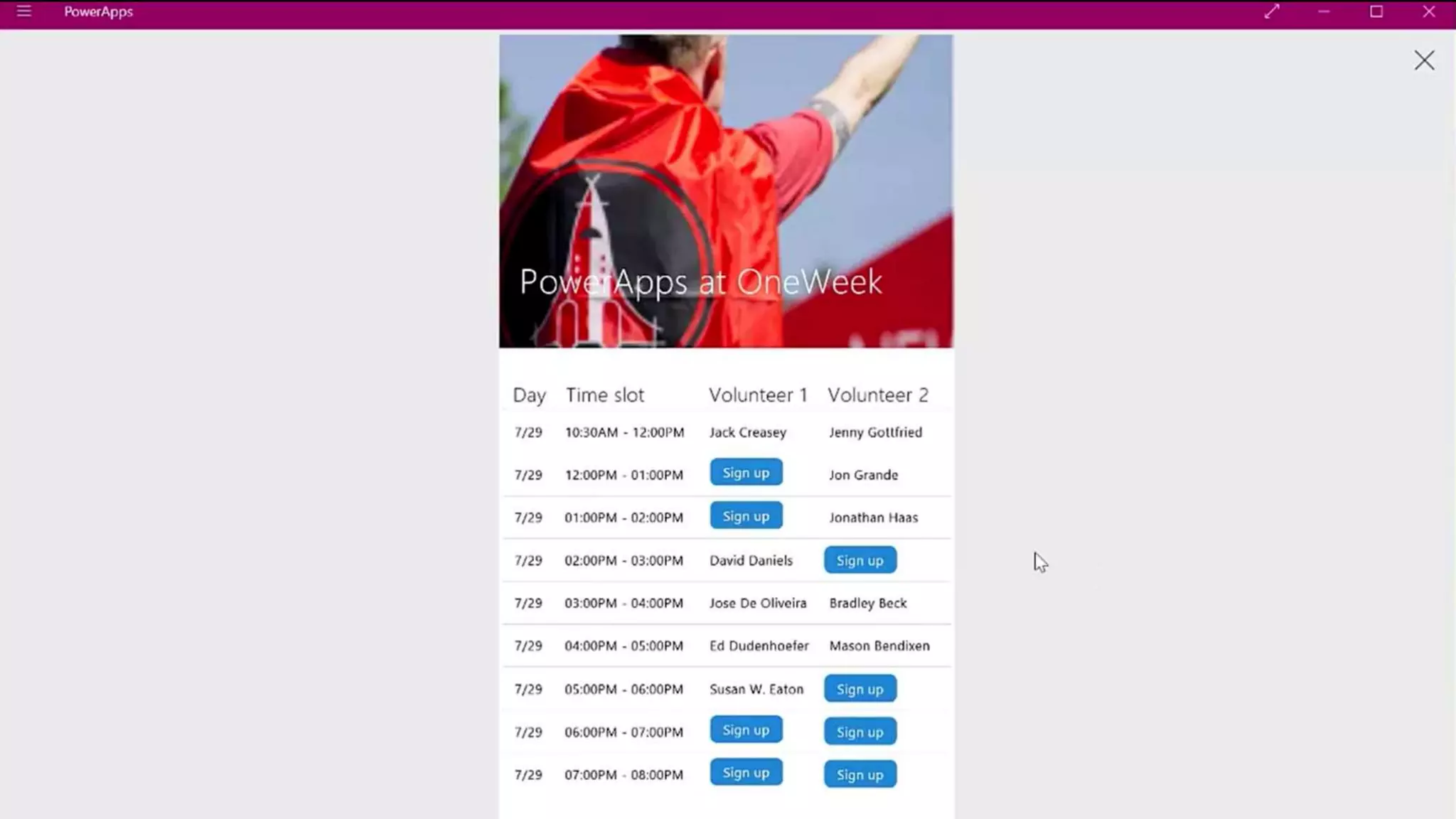
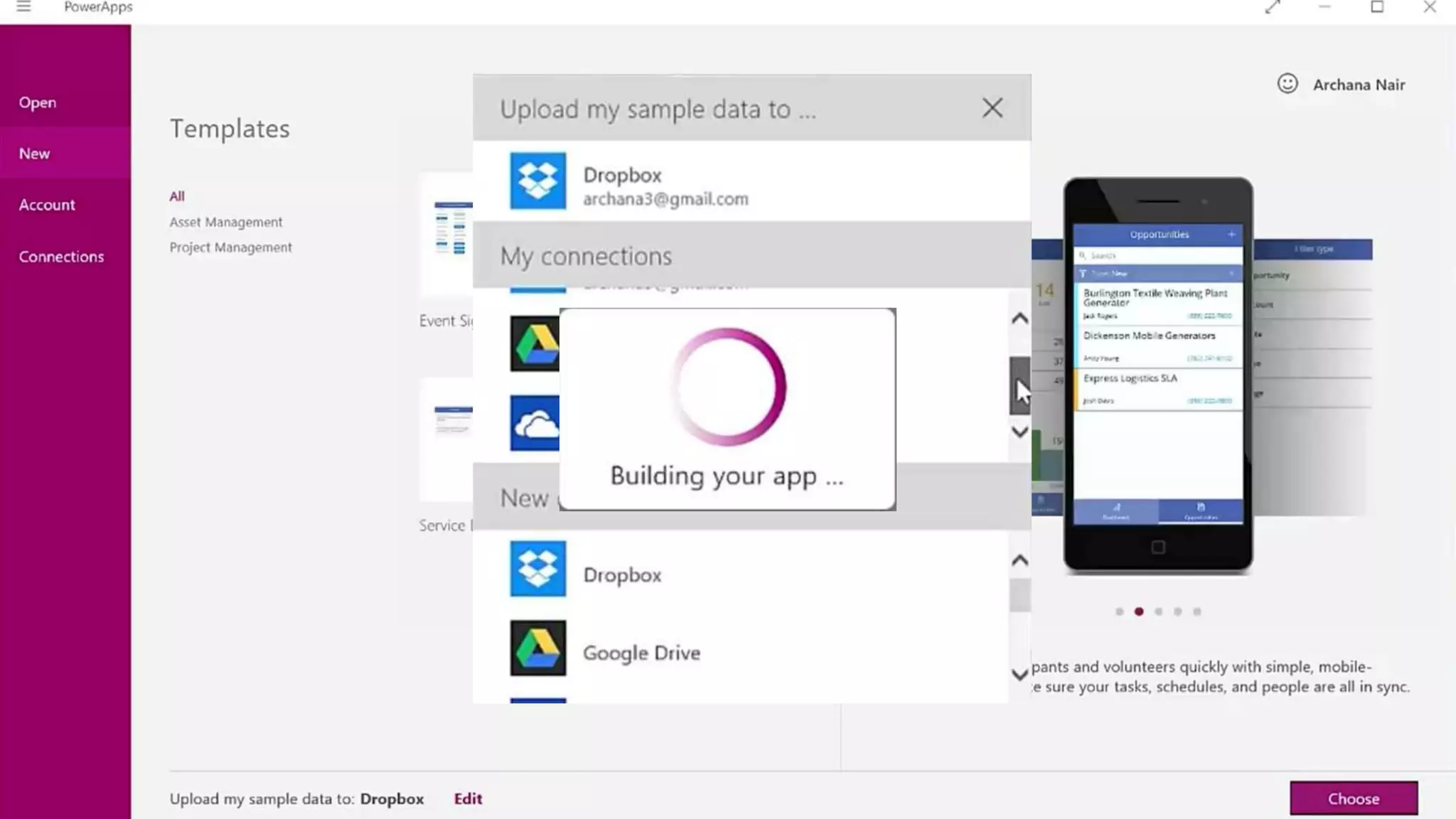
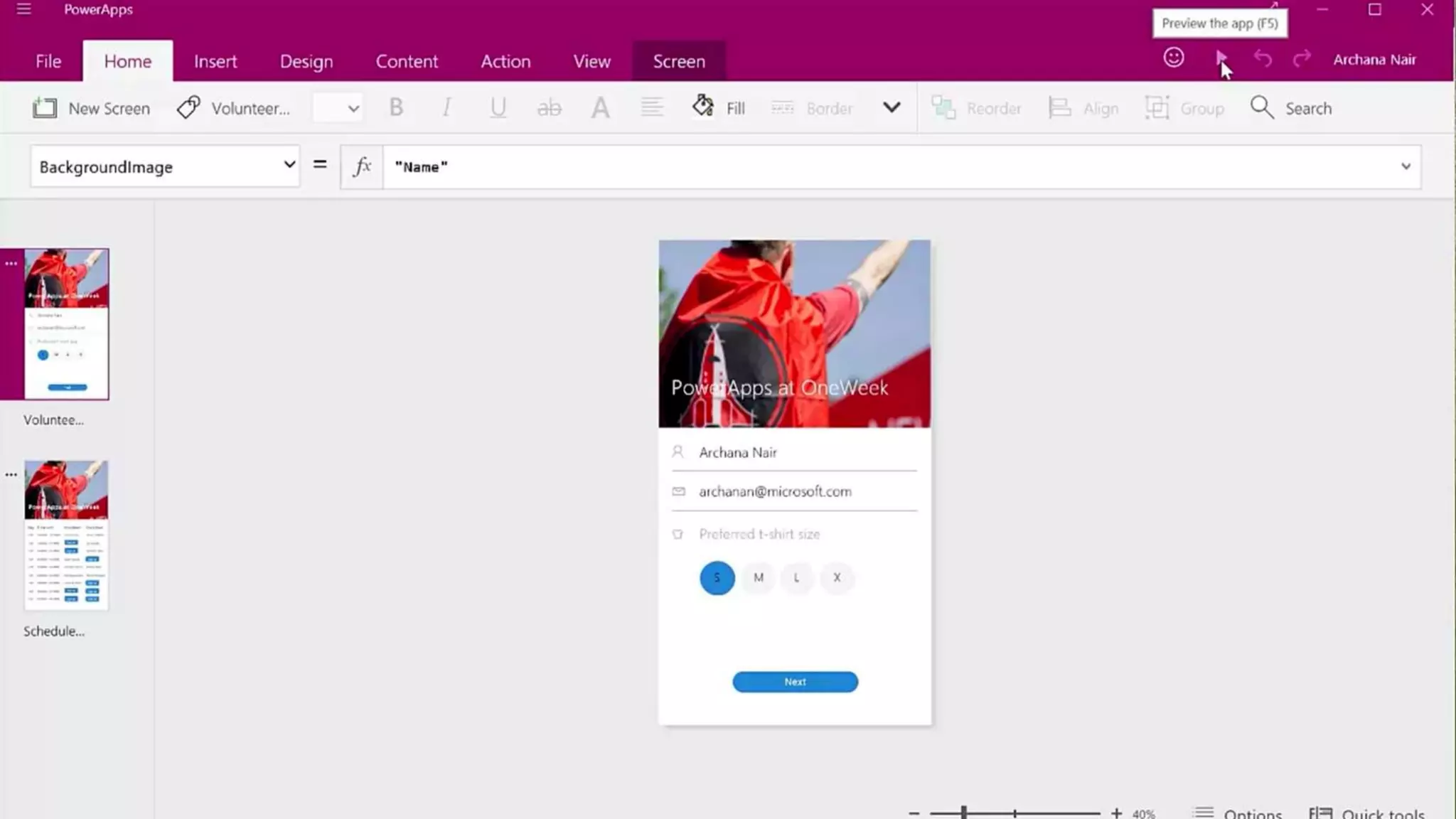
What is it?
• No InfoPath replacement accoring to Microsoft, but..
• Most core InfoPath features are supported
• Most important missing: No Web Forms (to embed in SharePoint)
• Only Native apps in current preview
• Windows 8
• Windows 10,
• iOS (iPad and iPhone)
• Android (coming later)
• Webforms are in the Roadmap (currently in development)
• All forms are based on HTML5/JavaScript/CSS
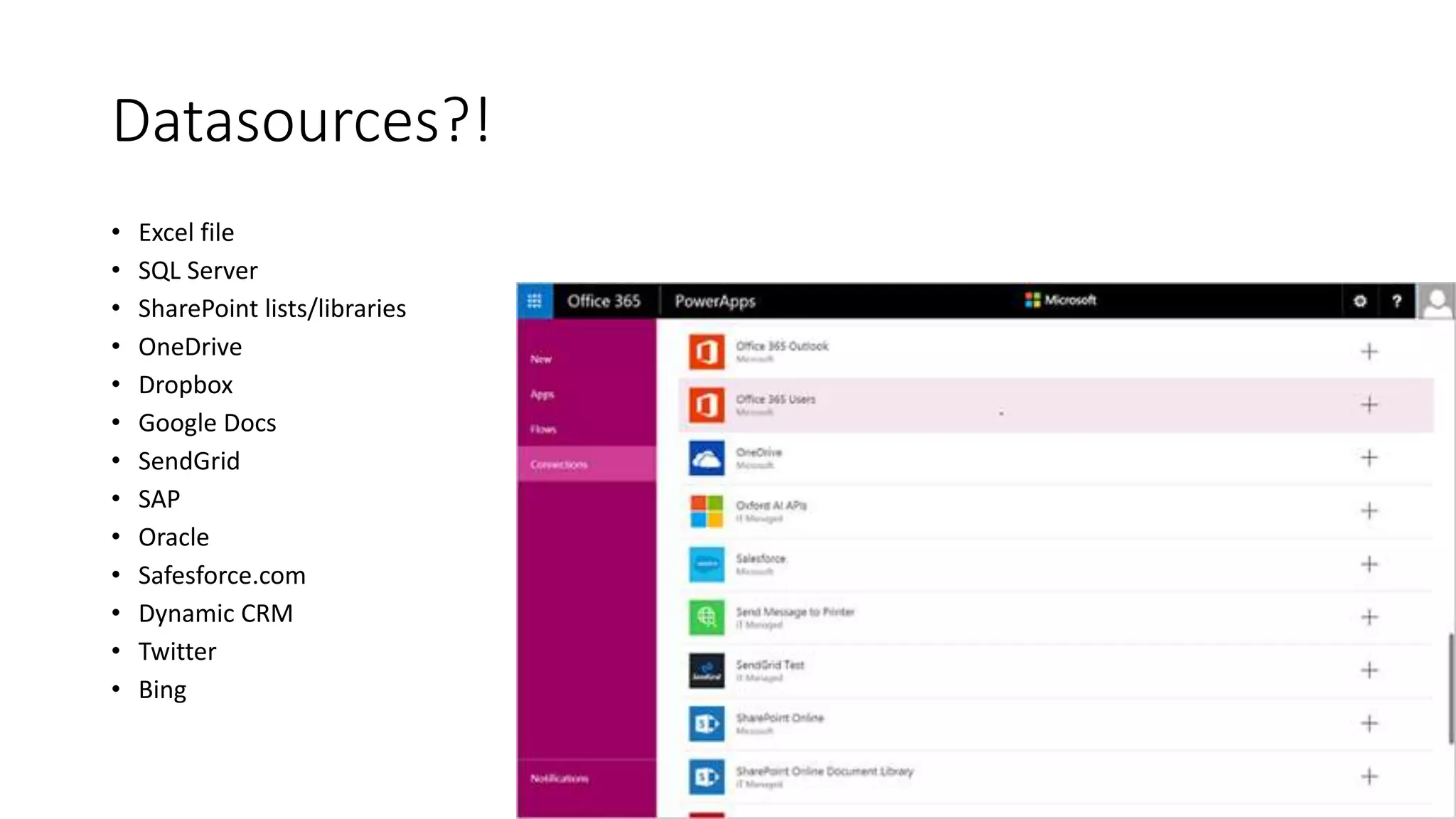
Datasources?!
• Excel file
• SQL Server
• SharePoint lists/libraries
• OneDrive
• Dropbox
• Google Docs
• SendGrid
• SAP
• Oracle
• Safesforce.com
• Dynamic CRM
• Twitter
• Bing
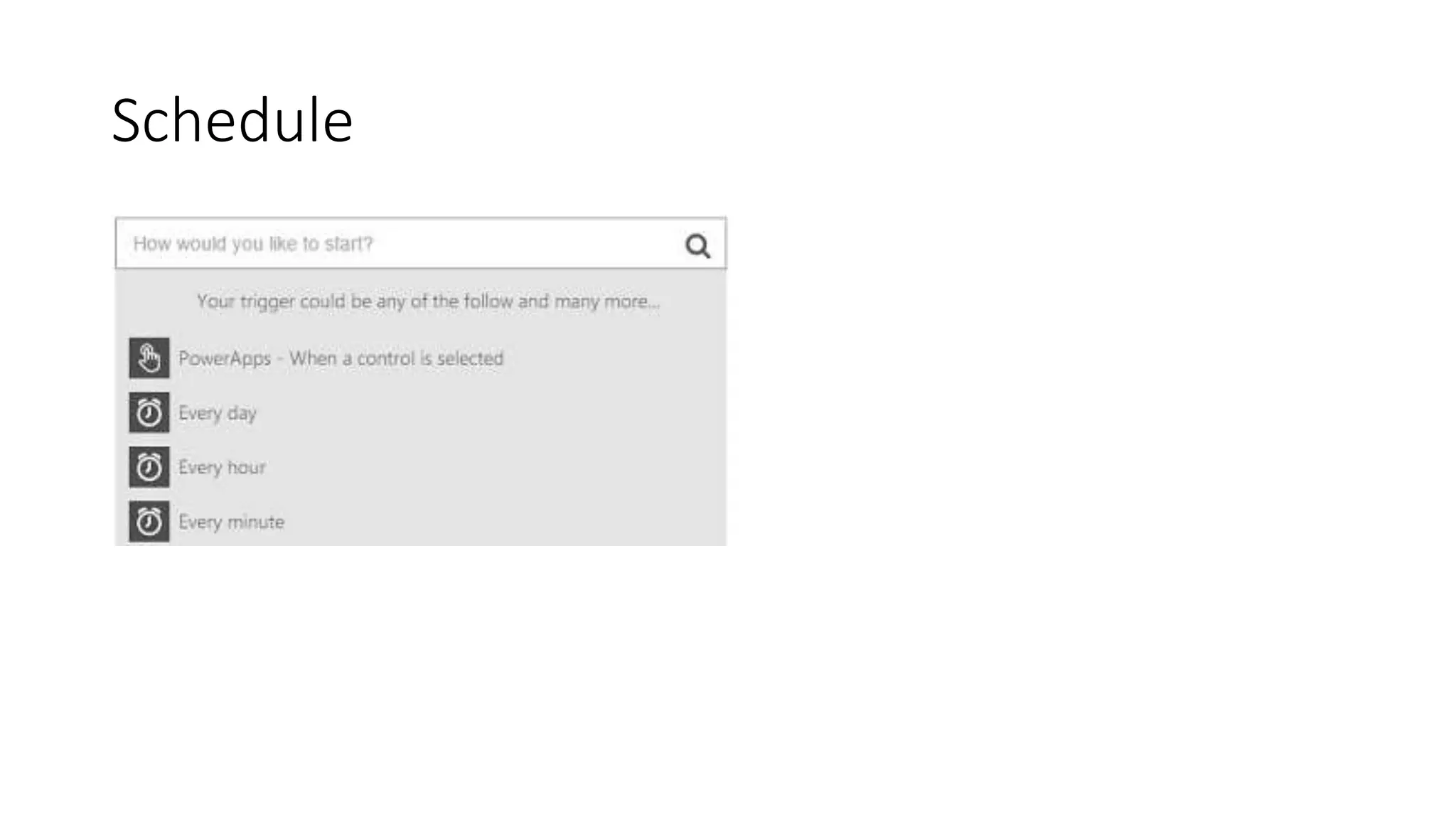
Schedule
The future?
Now hoping for a Spring 2016 release
Office 365 Roadmap
The office roadmap said:
"The ability to create custom SharePoint List forms is an
important scenario. We are refining our plans in this
space as part of a more comprehensive set of forms
investments. We will update the roadmap when we
have more information to share.“
Now hoping for a Spring 2016 release
What I learned at Ignite 2015
The ‘Forms Session’ was te only session scraped from the
Ignite conference.
Team is working on something but was not ready to launch.
When the solution is there, tools will be supplied to migrate
InfoPath forms to the new ‘Forms vNext’.
Thanks.
That was it!
www.slideshare.net/mvisser

InfoPath alternatives and the potential of PowerApps

  • 1.
    Maarten Visser InfoPath alternativesand the potential of PowerApps
  • 2.
    Maarten Visser Email :mvisser@meetroo.com Twitter : @mvisser Web: maartenvisser.com FORMS BIO Outlook/Exchange Forms in 1999 SharePoint Forms since 2001 InfoPath Forms since 2007 Third party tools (now) Product Manager Standard Intranets, Workflows and Dashboards for Office 365
  • 4.
    SharePoint Forms 15 yearsago Microsoft gave us List Forms
  • 5.
    • Patent June2000 (XSLT gen) • InfoPath released in 2003 • Multiple data sources • Offline use • New InfoPath versions in 2007, 2010, 2013 InfoPath
  • 6.
    • Microsoft announcedInfoPath was discontinued on January 31, 2014 The InfoPath/FoSL drama story
  • 8.
  • 9.
    FoSL (Forms onSharePoint Lists )
  • 10.
    Forward to February2015…. InfoPath support confirmed for SharePoint 2016 Office client & InfoPath Services support were (again) confirmed until 2023
  • 12.
    And a coupleof days later… Vlad Catrinescu makes a discovery on the Office 365 roadmap page: FoSL is dead!
  • 13.
    Forms on SharePointLists (FoSL) was a set of functionality to allow users to customize the look and feel of a SharePoint list. The prototype was created and demonstrated at the SharePoint conference several years ago. The hope was that it was low hanging fruit, and an easy "win" for getting users some basic functionality as a replacement to InfoPath in regards to customizing the look and feel of SharePoint forms. However, it didn't accomplish all the things they had hoped it would. We started thinking about an overall forms strategy, and realized FoSL didn't really fit into the big picture, either. Summary written by Becky Bertram Summary of AME with Sonya Koptyev
  • 14.
    InfoPath is alive! But… FormsServices will be maintained in SharePoint Online at least 12-18 months after the release of SharePoint 2016. So the InfoPath story for Office 365 might end after 2017…
  • 15.
  • 16.
  • 17.
    • Form Designer •Form Filler • Form Publishing • Microsoft Specials What is InfoPath? (InfoPath Core Features)
  • 18.
    Form Designer • WYSIWHGForm designer • Drag and drop interface • Large library of controls • Rules for Formatting and validation • Get data from data sources (SharePoint)
  • 19.
    Form Filler • Desktopclient • Embeded in SharePoint (Online) • Offline usage • Mobile Support (missing, but available in alternatives)
  • 20.
    Form Publishing • SharePointList / DocLib • File (XML) / email • Database (Access / SQL) • Webservice
  • 21.
    Microsoft Specials • Outlook/SharePointTask Integration • Custom Actions (Custom Code)
  • 22.
    How can webuild Form Solutions today? Excel Online Services Access Apps Forms Build Custom forms Open Source Solutions SharePoint Third Party Apps Various Online services
  • 23.
    Excel Online Services Pros Everybodyknows Excel Data can be manipulated easily Cons Only useful for very basic forms No design options Not mobile friendly Excel Form Designer • WYSIWHG Form designer • Drag and drop interface • Large library of controls • Rules for Formating and validation • Data connections Form Filler • Desktop client • Embeded in sharePoint (Online) • Mobile Support • Offline usage Form Publishing • SharePoint List / DocLib • File (xml) / email • Database (Access / SQL) • Webservice Specials Task Integration Custom code GREEN 0 RED 10
  • 24.
    Access Apps Forms Pros Canhandle relational data (SQL Server/Azure) Easy-to-use and build Powerful! Cons Limited design options Not built for single lists or tables No way to do workflow (linked list is read only) Enterprise feature (E3/Plan 2) No Search No Security trimming Access Form Designer • WYSIWHG Form designer • Drag and drop interface • Large library of controls • Rules for Formating and validation • Data connections Form Filler • Desktop client • Embeded in sharePoint (Online) • Mobile Support • Offline usage Form Publishing • SharePoint List / DocLib • File (xml) / email • Database (Access / SQL) • Webservice Specials Task Integration Custom code GREEN 5 RED 6
  • 25.
    Custom forms inSharePoint Pros Very extensible and reusable You can pick the technology you like Cons You need to be a developer Maintenance (costs!) Custom Form Designer • WYSIWHG Form designer • Drag and drop interface • Large library of controls • Rules for Formating and validation • Data connections Form Filler • Desktop client • Embeded in sharePoint (Online) • Mobile Support • Offline usage Form Publishing • SharePoint List / DocLib • File (xml) / email • Database (Access / SQL) • Webservice Specials Task Integration Custom code GREEN 8 RED 3
  • 26.
    OpenSource: Forms7 Spbiz Session OpenSource FormDesigner • WYSIWHG Form designer • Drag and drop interface • Large library of controls • Rules for Formating and validation • Data connections Form Filler • Desktop client • Embeded in sharePoint (Online) • Mobile Support • Offline usage Form Publishing • SharePoint List / DocLib • File (xml) / email • Database (Access / SQL) • Webservice Specials Task Integration Custom code GREEN 4 RED 3
  • 27.
    • Nintex Forms(*) • K2 SmartForms (*) • Formotus • KwizCom Forms (*) • Infowise Ultimate Forms • Dell Quick Apps • PDF ShareForms • SPForm * OnPrem + SharePoint online App Third party solutions
  • 28.
  • 29.
    Third Party Apps Pros Quickto learn Most work on mobile devices Cons A third party tool will require licenses Can be difficult to reuse / migrate Thirdparty Form Designer • WYSIWHG Form designer • Drag and drop interface • Large library of controls • Rules for Formating and validation • Data connections Form Filler • Desktop client • Embeded in sharePoint (Online) • Mobile Support • Offline usage Form Publishing • SharePoint List / DocLib • File (xml) / email • Database (Access / SQL) • Webservice Specials Task Integration Custom code GREEN 8 RED 1
  • 30.
    And many more(combined) SaaS services could help you build forms that post to SharePoint! Think IFTTT for business services Online Services Online Services Form Designer • WYSIWHG Form designer • Drag and drop interface • Large library of controls • Rules for Formating and validation • Data connections Form Filler • Desktop client • Embeded in sharePoint (Online) • Mobile Support • Offline usage Form Publishing • SharePoint List / DocLib • File (xml) / email • Database (Access / SQL) • Webservice Specials Task Integration Custom code GREEN 8 RED 2
  • 31.
    PowerApps PowerApps Form Designer • WYSIWHGForm designer • Drag and drop interface • Large library of controls • Rules for Formating and validation • Data connections Form Filler • Desktop client • Embeded in sharePoint (Online) • Mobile Support • Offline usage Form Publishing • SharePoint List / DocLib • File (xml) / email • Database (Access / SQL) • Webservice Specials Task Integration Custom code GREEN 11 ! RED 0
  • 33.
  • 34.
    What is it? •No InfoPath replacement accoring to Microsoft, but.. • Most core InfoPath features are supported • Most important missing: No Web Forms (to embed in SharePoint) • Only Native apps in current preview • Windows 8 • Windows 10, • iOS (iPad and iPhone) • Android (coming later) • Webforms are in the Roadmap (currently in development) • All forms are based on HTML5/JavaScript/CSS
  • 35.
    Datasources?! • Excel file •SQL Server • SharePoint lists/libraries • OneDrive • Dropbox • Google Docs • SendGrid • SAP • Oracle • Safesforce.com • Dynamic CRM • Twitter • Bing
  • 52.
  • 54.
    The future? Now hopingfor a Spring 2016 release
  • 55.
    Office 365 Roadmap Theoffice roadmap said: "The ability to create custom SharePoint List forms is an important scenario. We are refining our plans in this space as part of a more comprehensive set of forms investments. We will update the roadmap when we have more information to share.“ Now hoping for a Spring 2016 release
  • 56.
    What I learnedat Ignite 2015 The ‘Forms Session’ was te only session scraped from the Ignite conference. Team is working on something but was not ready to launch. When the solution is there, tools will be supplied to migrate InfoPath forms to the new ‘Forms vNext’.
  • 57.