






May 7th, 2016
SharePoint Saturday
Madrid
Working with a Supermodel for SharePoint
Sonja Madsen
Sonja Madsen
Owner
SONJASAPPS
sp2013.blogspot.com
@sonjamadsen
SharePoint MVP, Best International Developer
SharePoint Add-ins
Set up
Deployment
Working with SharePoint lists and libraries
Office UI Fabric
SharePoint Framework
Set up
Deployment
Working with SharePoint lists and libraries
Office UI Fabric
&
Visual Studio Developer Site
SharePoint add-in and Office 365
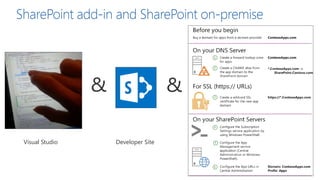
& &
SharePoint add-in and SharePoint on-premiseSharePoint add-in and SharePoint on-premise
Visual Studio Developer Site
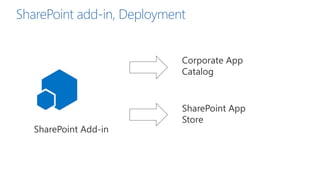
Corporate App
Catalog
SharePoint App
Store
SharePoint Add-in
SharePoint add-in, Deployment
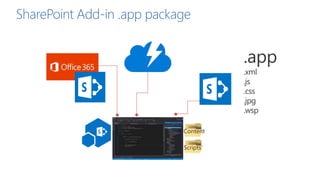
Scripts
Content
SharePoint Add-in .app package
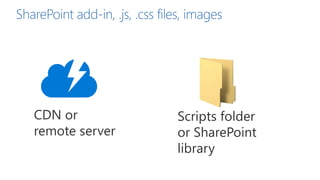
CDN or
remote server
Scripts folder
or SharePoint
library
SharePoint add-in, .js, .css files, images
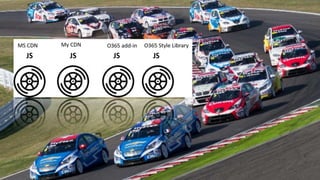
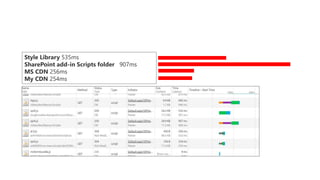
Style Library 535ms
SharePoint add-in Scripts folder 907ms
MS CDN 256ms
My CDN 254ms
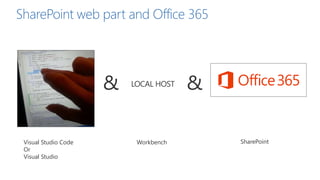
&
Visual Studio Code
Or
Visual Studio
Workbench
SharePoint web part and Office 365
&
SharePoint
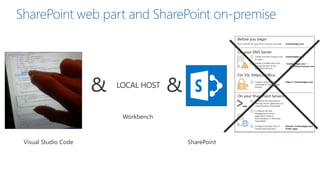
& &
SharePoint web part and SharePoint on-premise
Visual Studio Code SharePoint
Workbench
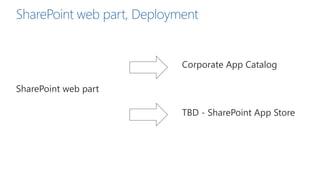
Corporate App Catalog
TBD - SharePoint App Store
SharePoint web part
SharePoint web part, Deployment
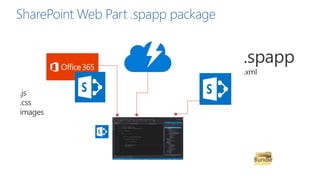
Bundle
SharePoint Web Part .spapp package
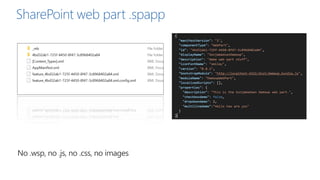
SharePoint web part .spapp
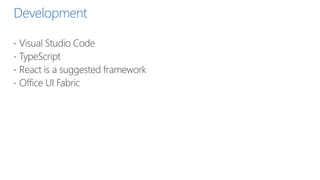
Development
 Visual Studio Code
 TypeScript
 React is a suggested framework
 Office UI Fabric
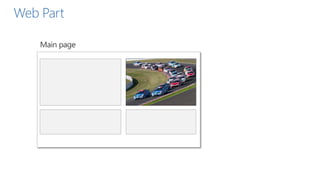
Web Part
DEMO
SharePoint
Framework
Euroean Premiere
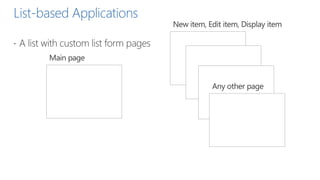
List-based Applications
 A list with custom list form pages
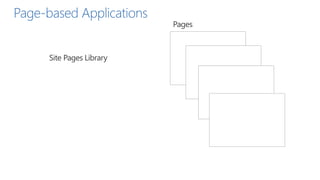
Page-based Applications
Webhooks
 List item receivers
 Add item, delete item, check-out, check-in
SharePoint Add-ins - Advantages
 You can hide the lists from end-user
 Both pages and an app part
 .aspx page – HTML
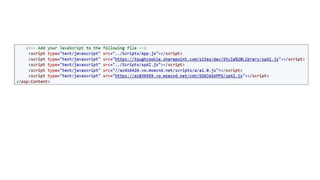
 Images, scripts, stylesheets hosted on SharePoint
 Isolated is not always a bad thing
SharePoint Framework - Advantages
 Responsive mobile friendly
 No iframe
 Dynamic properties
 Webhooks
 List-based and Page-based
 No need for cross-domain library to access SharePoint resources
Office UI Fabric
 http://dev.office.com/fabric/styles
 Fonts, colors, message colors
 Grid
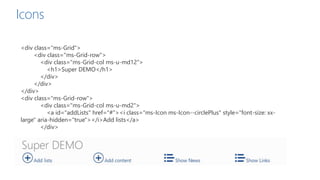
 Icons
 Controls
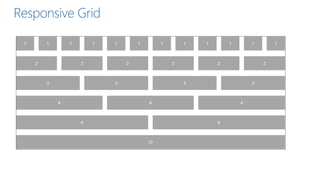
Responsive Grid
<div class="ms-Grid">
<div class="ms-Grid-row">
<div class="ms-Grid-col ms-u-md12">
<h1>Super DEMO</h1>
</div>
</div>
</div>
<div class="ms-Grid-row">
<div class="ms-Grid-col ms-u-md2">
<a id="addLists" href="#"><i class="ms-Icon ms-Icon--circlePlus" style="font-size: xx-
large" aria-hidden="true"></i>Add lists</a>
</div>
Icons
Raffle
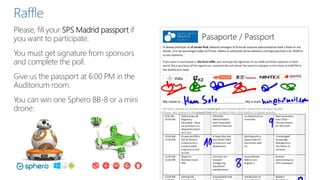
Please, fill your SPS Madrid passport if
you want to participate.
You must get signature from sponsors
and complete the poll.
Give us the passport at 6:00 PM in the
Auditorium room.
You can win one Sphero BB-8 or a mini
drone:
Gold sponsors
Silver sponsors
Bronze sponsors
Collaborate

SharePoint Framework SPS Madrid 2016

Editor's Notes

  • #2 This slide is mandatory. Please do not remove.
  • #33 This slide is mandatory. Please do not remove and try to use it during Q&A at the end of your session. Thank you!