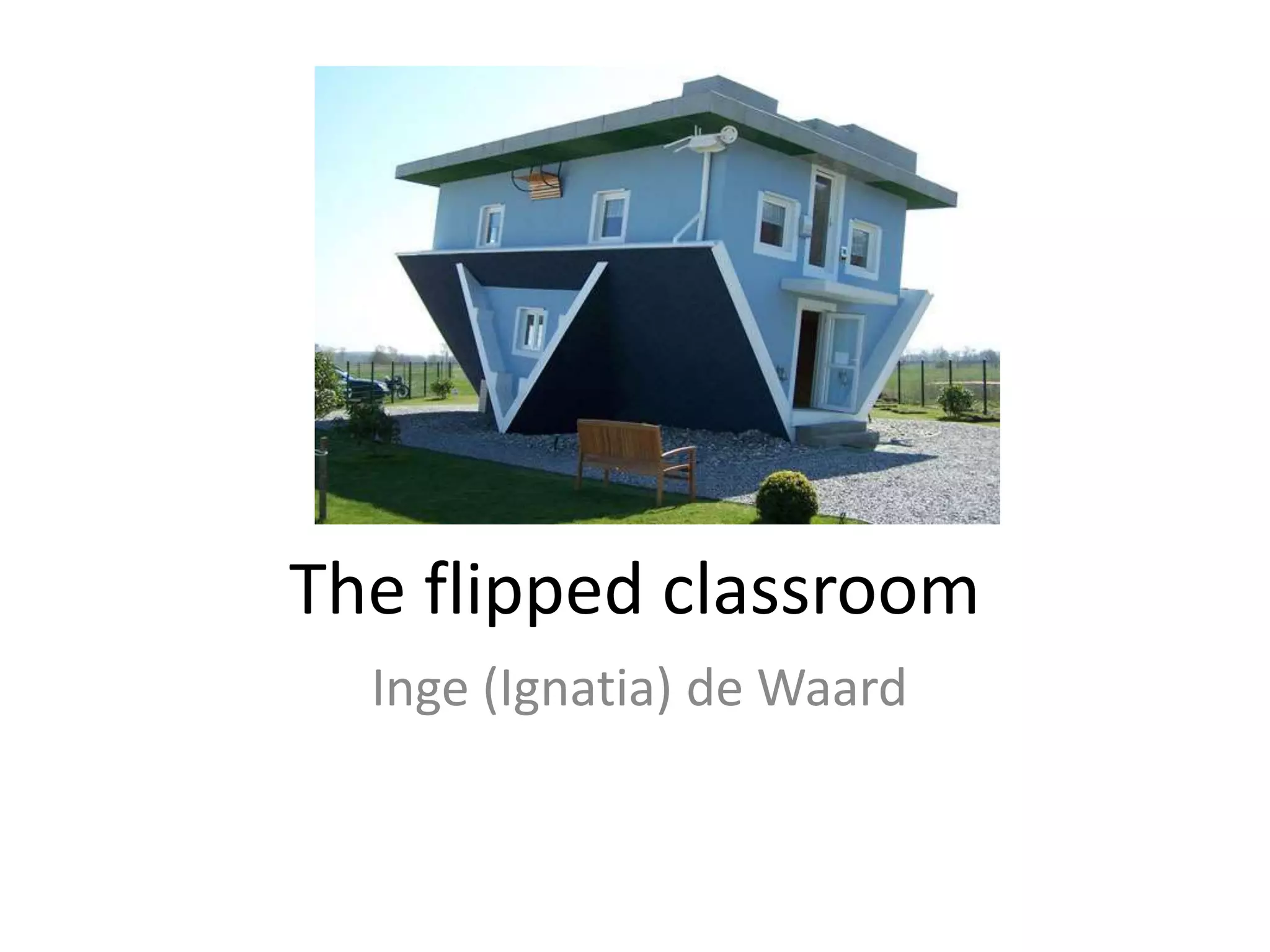
The flipped classroom
Inge (Ignatia) de Waard
Pre-presentation intro
• English: why I flipped my classroom by Katie
Gimbar:
https://www.youtube.com/watch?v=9aGuLuip
Twg
• Dutch teacher sharing his flipped classroom
experience :
https://www.youtube.com/watch?v=bfEdSitC
diI
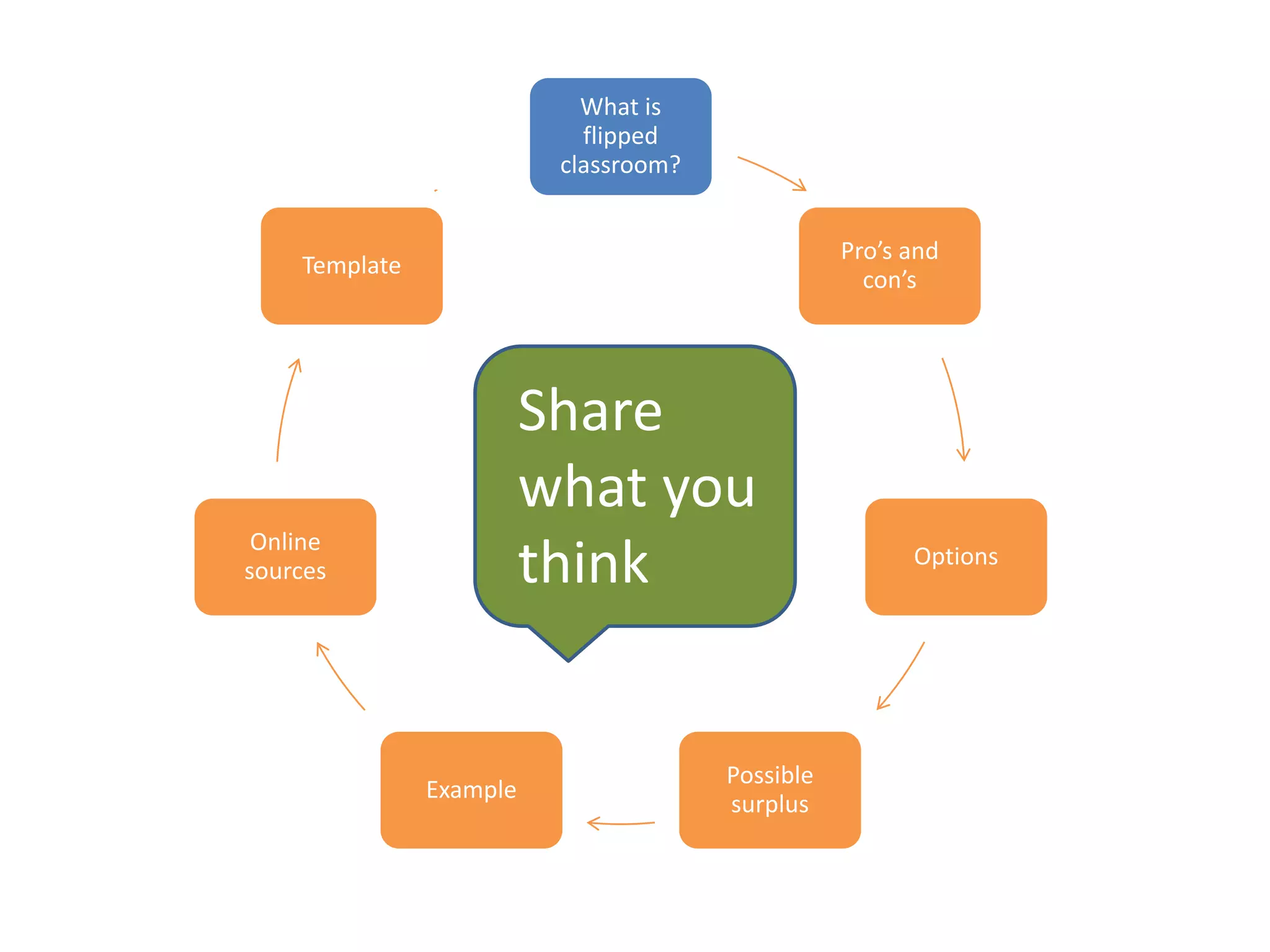
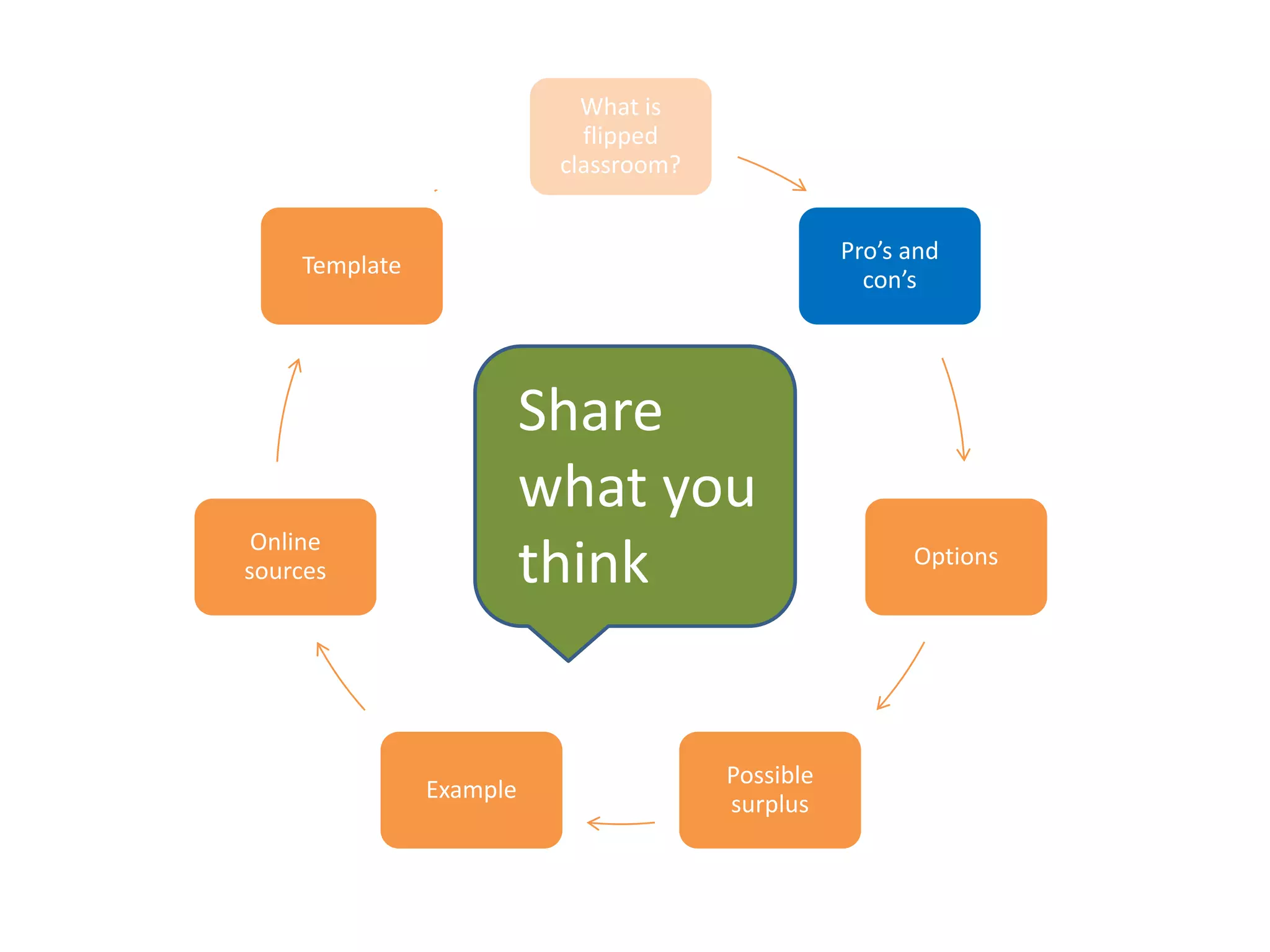
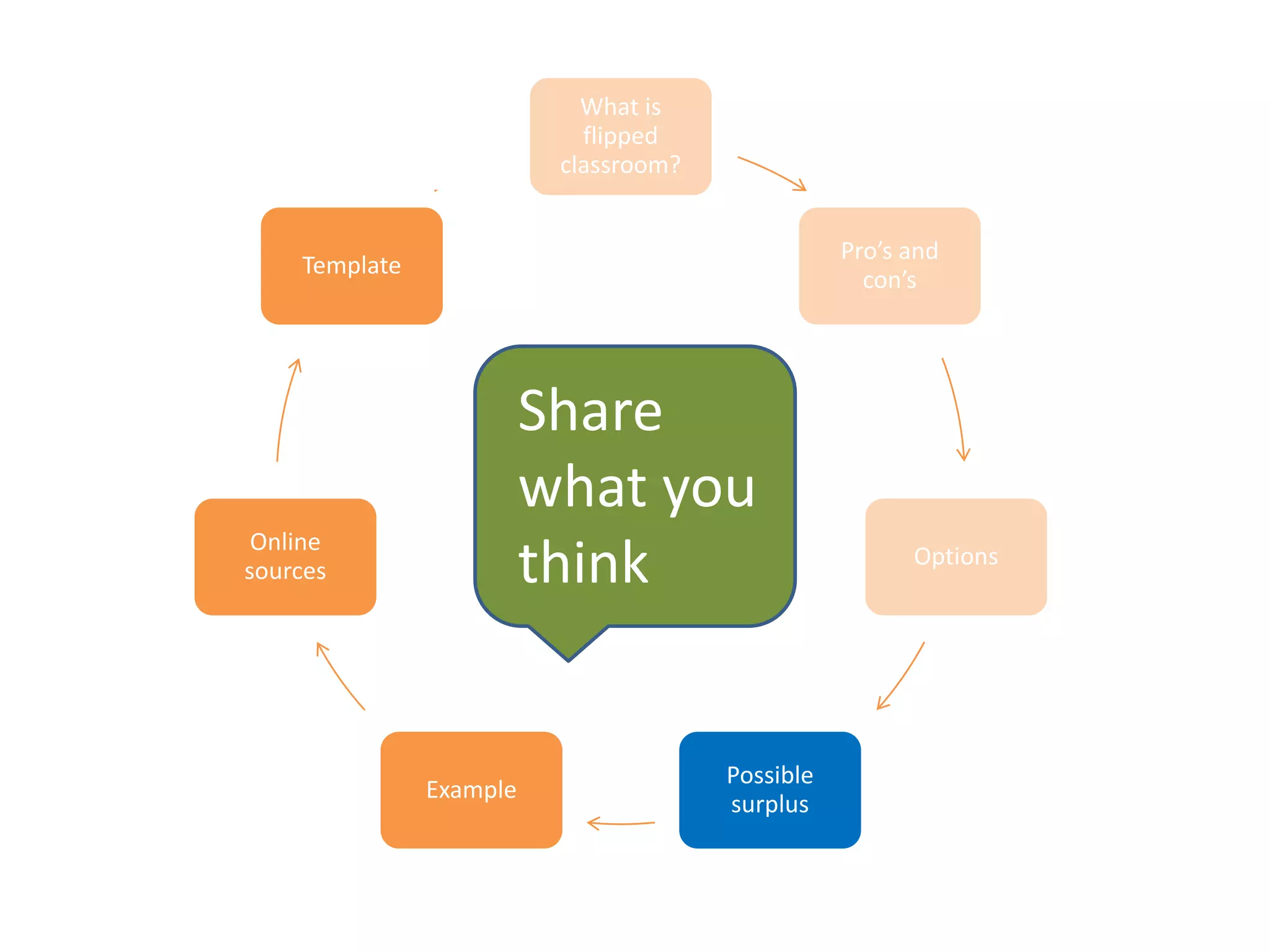
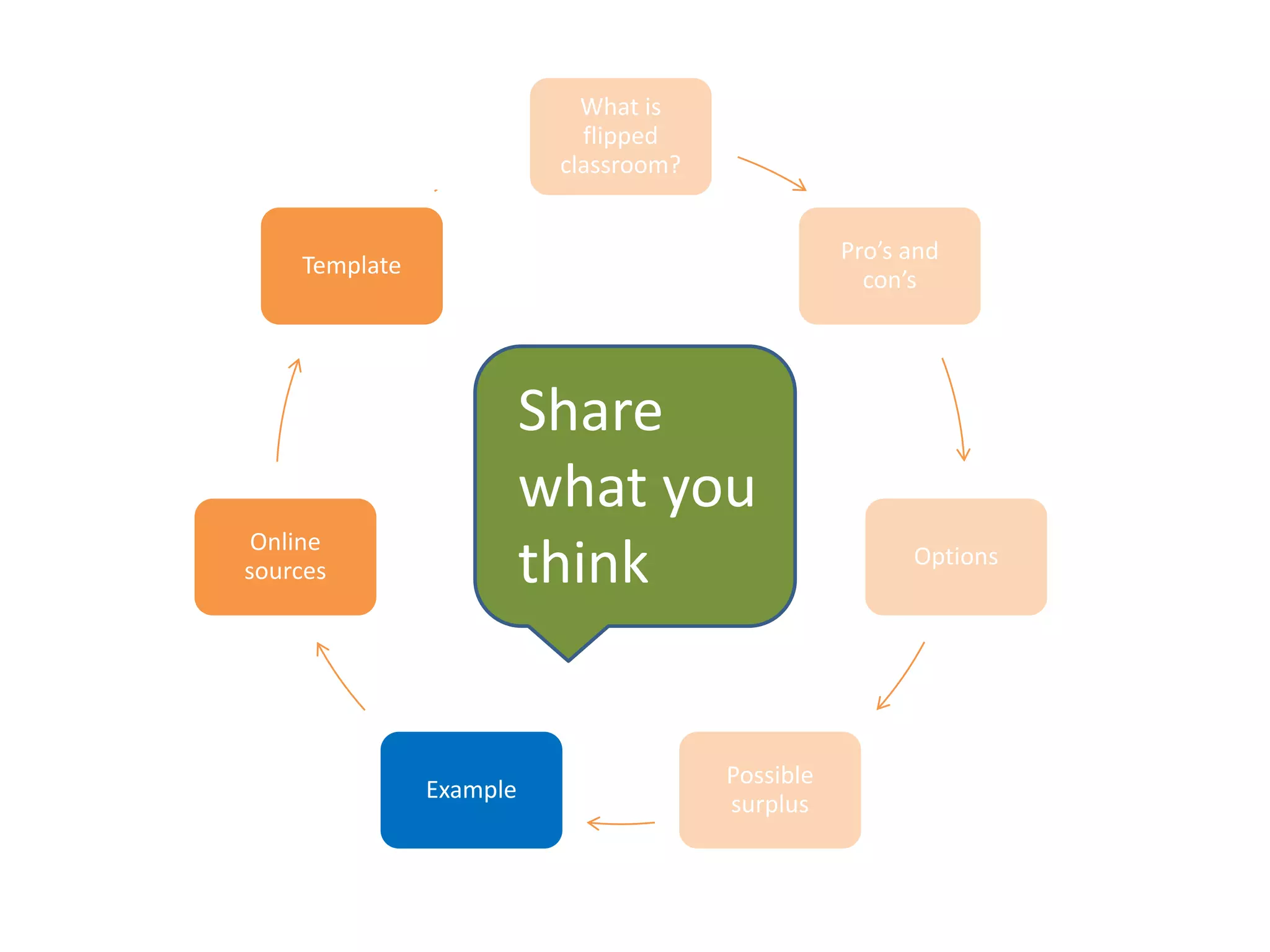
What is
flipped
classroom?
Pro’s and
con’s
Options
Possible
surplus
Example
Online
sources
Template
Share
what you
think
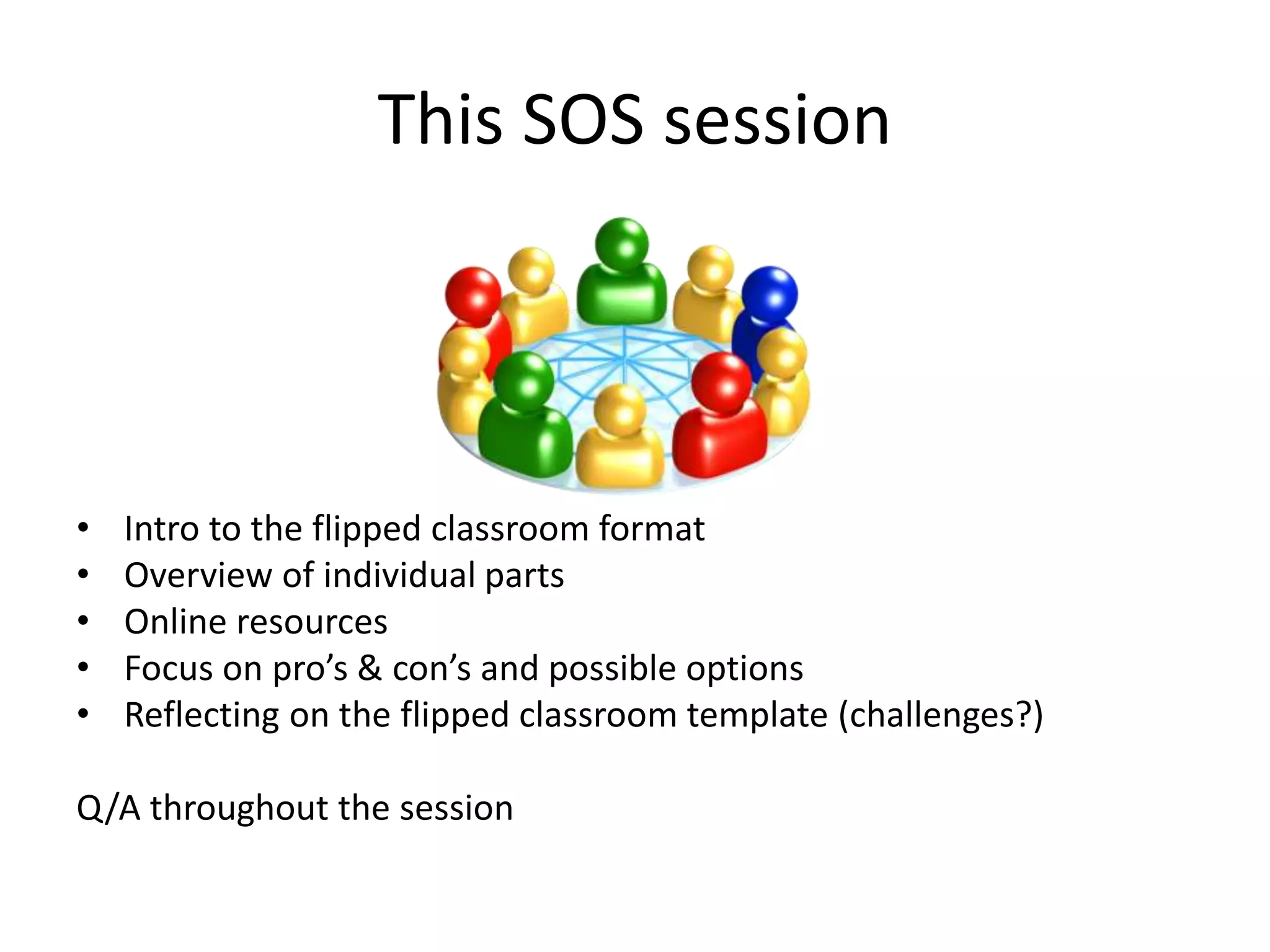
This SOS session
• Intro to the flipped classroom format
• Overview of individual parts
• Online resources
• Focus on pro’s & con’s and possible options
• Reflecting on the flipped classroom template (challenges?)
Q/A throughout the session
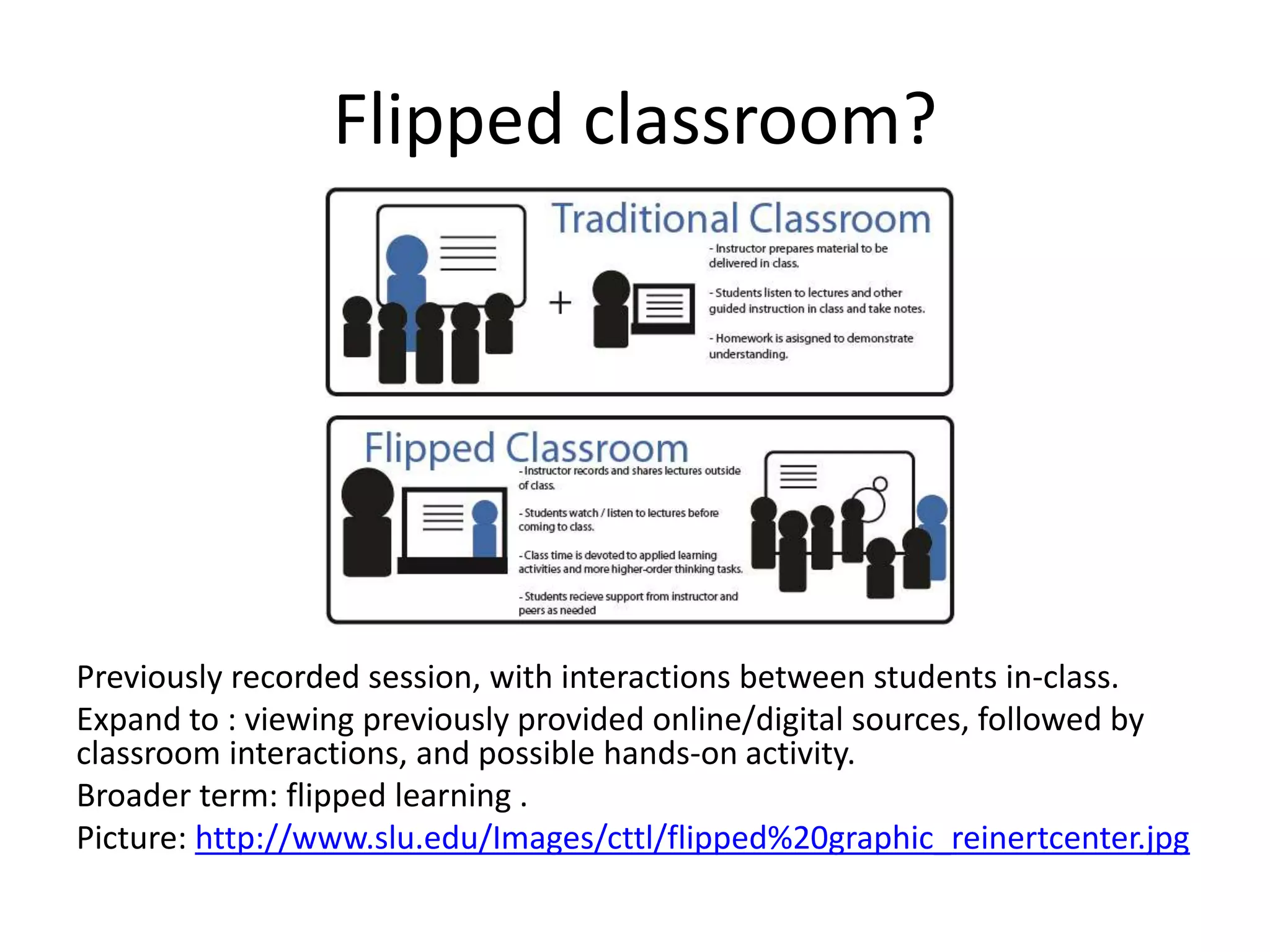
Flipped classroom?
Previously recorded session, with interactions between students in-class.
Expand to : viewing previously provided online/digital sources, followed by
classroom interactions, and possible hands-on activity.
Broader term: flipped learning .
Picture: http://www.slu.edu/Images/cttl/flipped%20graphic_reinertcenter.jpg
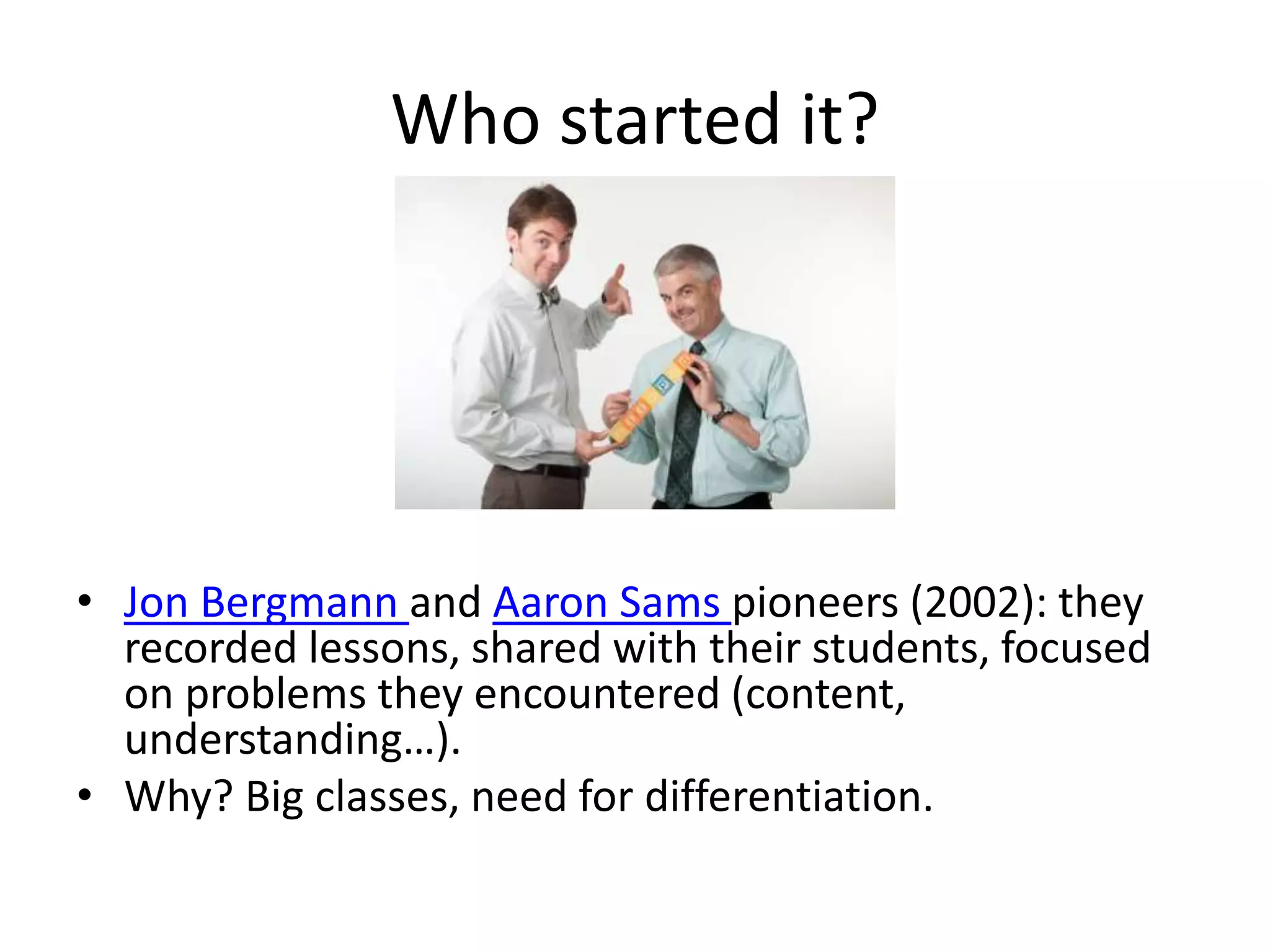
Who started it?
• Jon Bergmann and Aaron Sams pioneers (2002): they
recorded lessons, shared with their students, focused
on problems they encountered (content,
understanding…).
• Why? Big classes, need for differentiation.
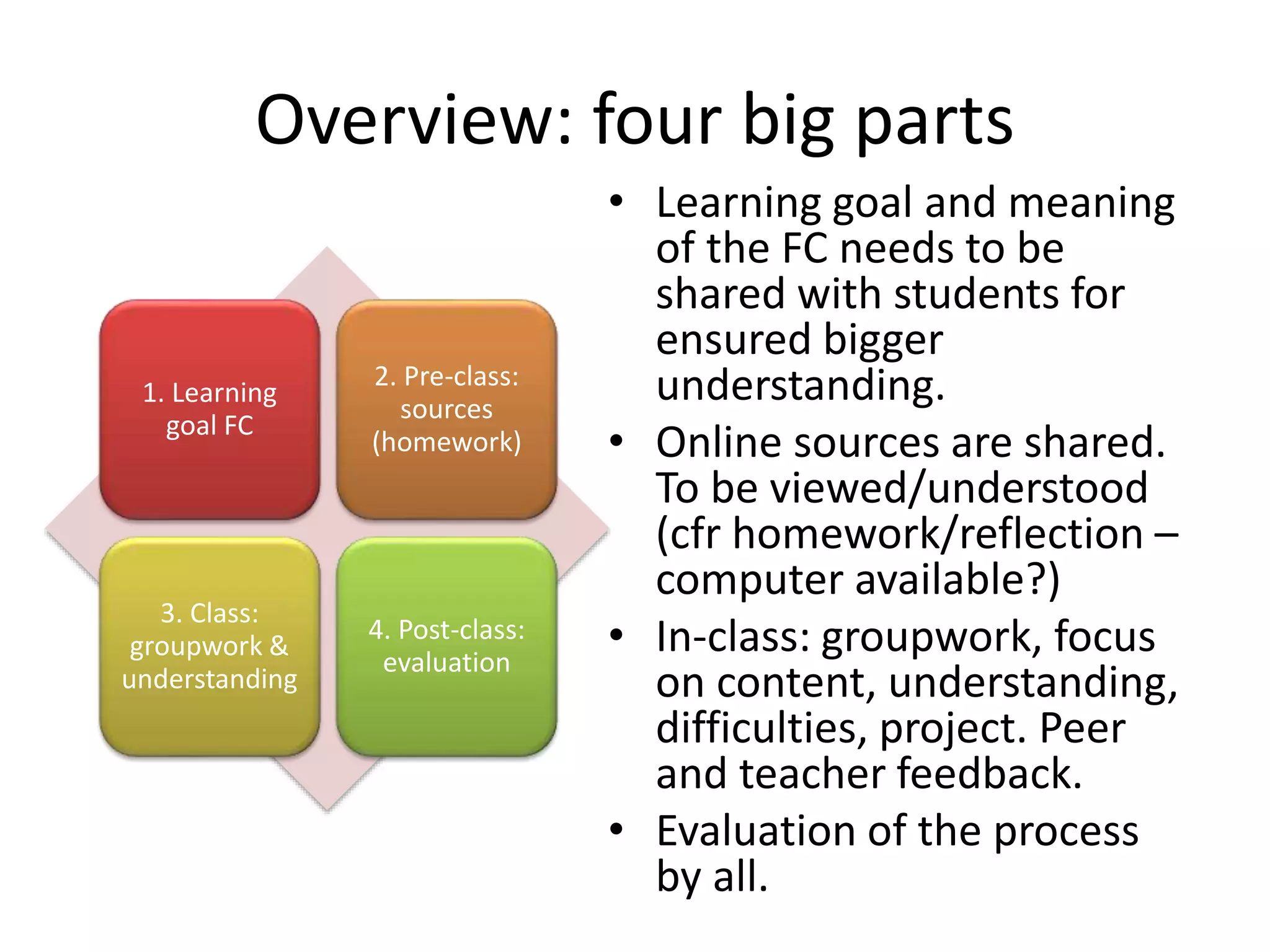
Overview: four big parts
• Learning goal and meaning
of the FC needs to be
shared with students for
ensured bigger
understanding.
• Online sources are shared.
To be viewed/understood
(cfr homework/reflection –
computer available?)
• In-class: groupwork, focus
on content, understanding,
difficulties, project. Peer
and teacher feedback.
• Evaluation of the process
by all.
1. Learning
goal FC
2. Pre-class:
sources
(homework)
3. Class:
groupwork &
understanding
4. Post-class:
evaluation
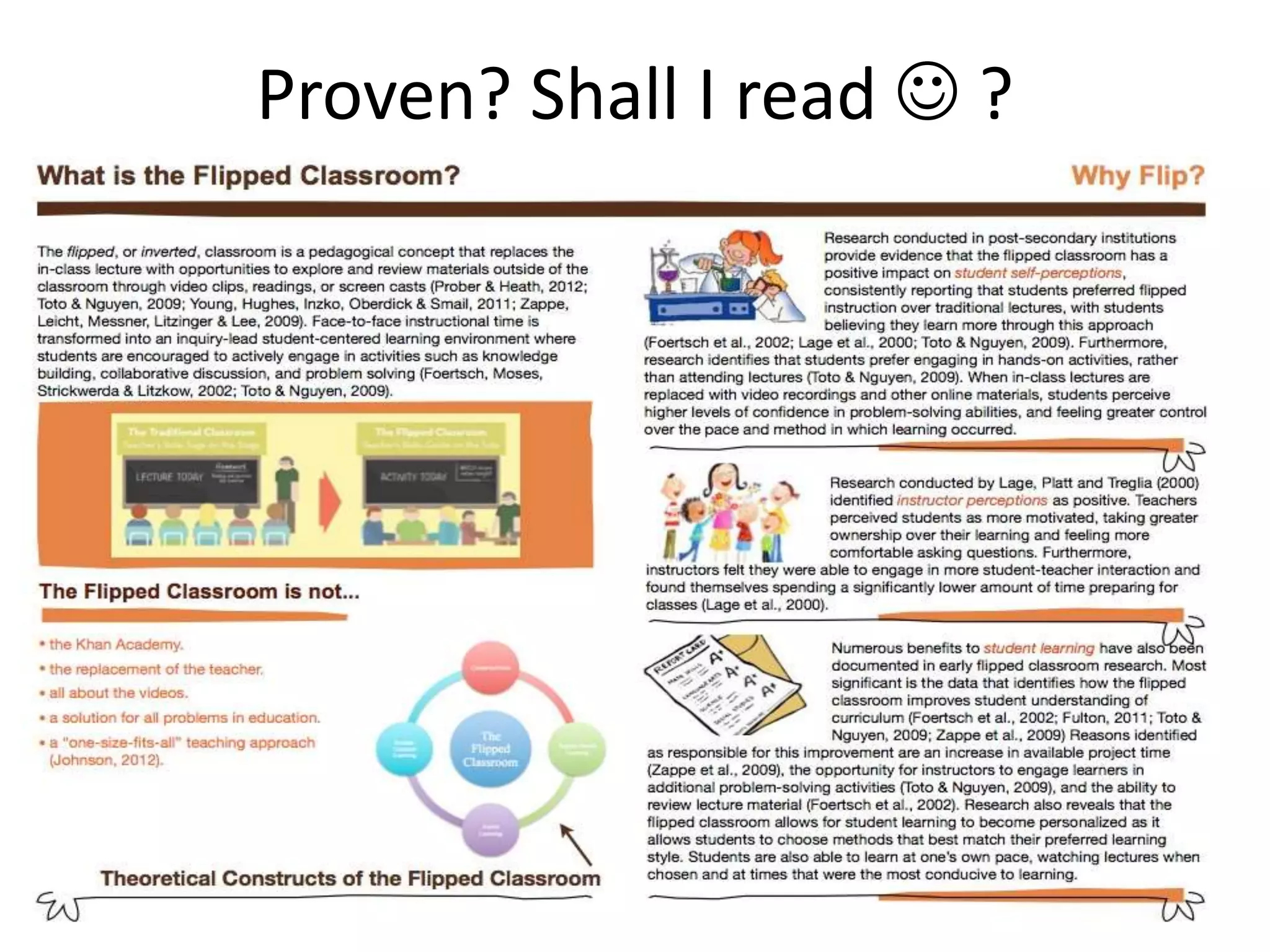
Proven? Shall I read  ?
Proven points
• Classtime shifts to problem solving dynamic (Foertsch,
Moses, Strickwerda, Litzkow, 2002; Toto & Nguyen,
2009)
• Students get a better understanding of their own
learning potential or challenges (Lage et al., 2000 –
paid paper)
• Teacher time big for preparing, less later (Lage et al.)
• Students prefer hands-on compared to lectures (Toto &
Nguyen, 2009)
• Students get a better understanding of full curriculum
(Fulton, 2012), effective project tome (Zappe et al.,
2009)
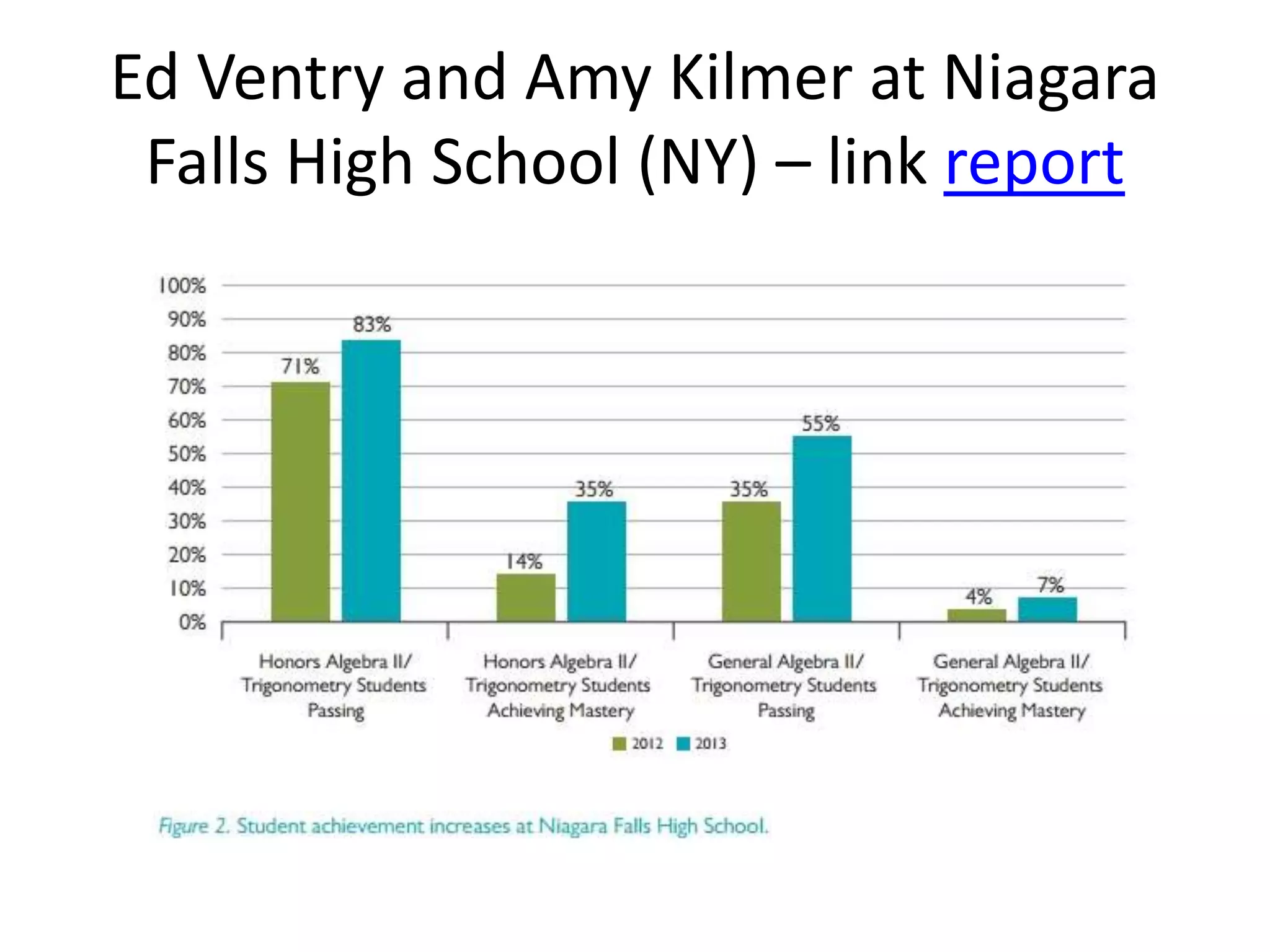
Ed Ventry and Amy Kilmer at Niagara
Falls High School (NY) – link report
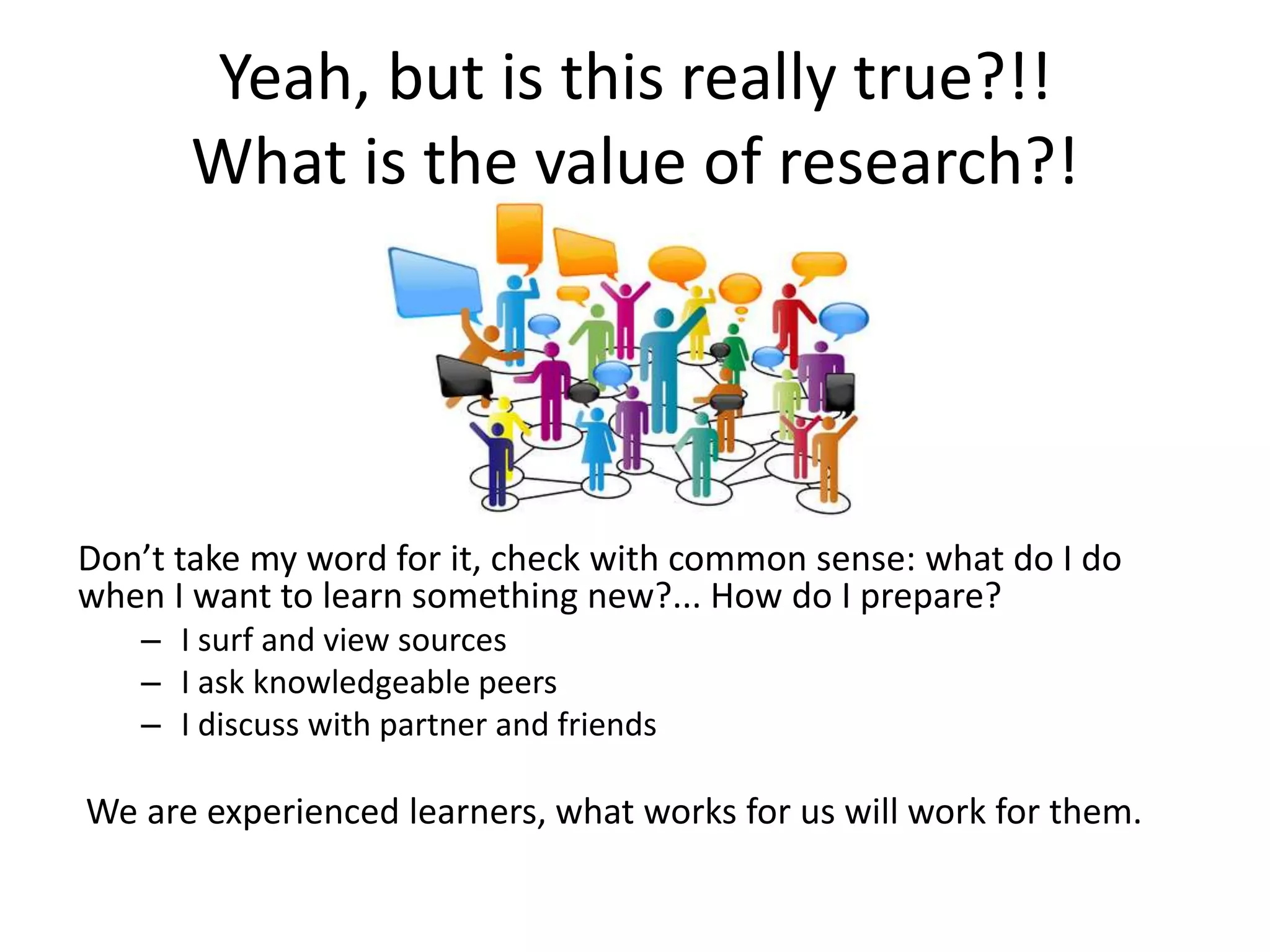
Yeah, but is this really true?!!
What is the value of research?!
Don’t take my word for it, check with common sense: what do I do
when I want to learn something new?... How do I prepare?
– I surf and view sources
– I ask knowledgeable peers
– I discuss with partner and friends
We are experienced learners, what works for us will work for them.
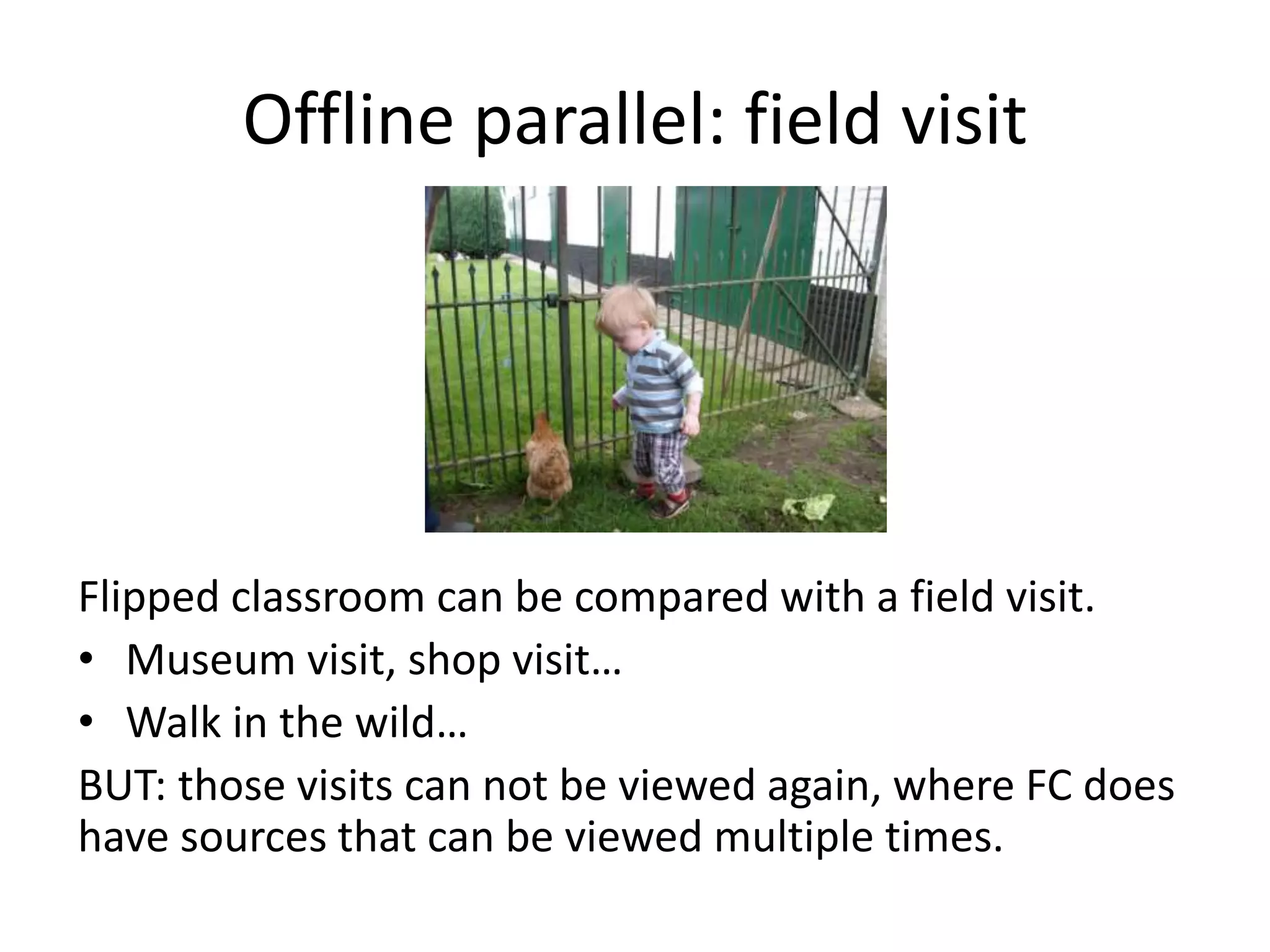
Offline parallel: field visit
Flipped classroom can be compared with a field visit.
• Museum visit, shop visit…
• Walk in the wild…
BUT: those visits can not be viewed again, where FC does
have sources that can be viewed multiple times.
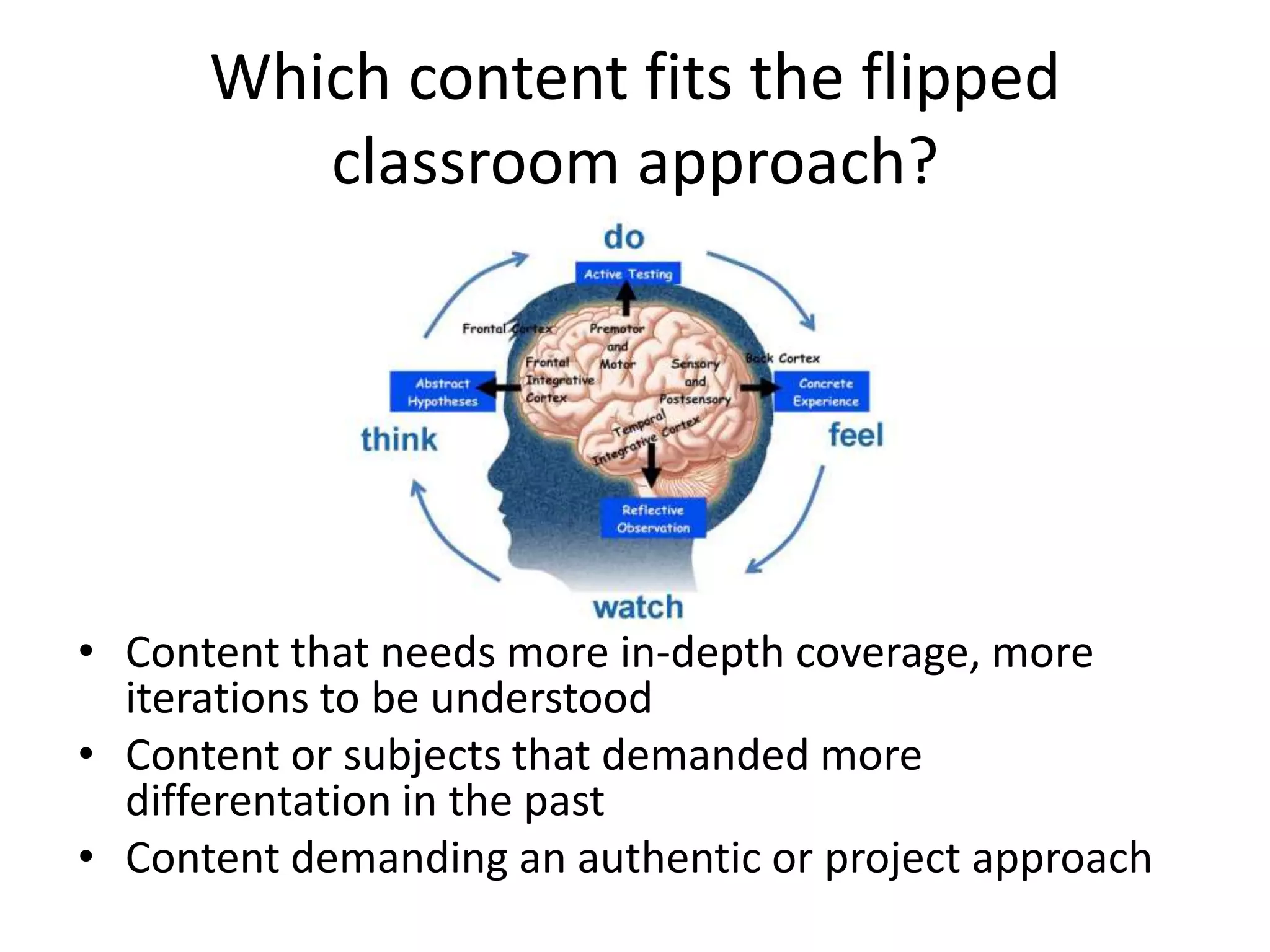
Which content fits the flipped
classroom approach?
• Content that needs more in-depth coverage, more
iterations to be understood
• Content or subjects that demanded more
differentation in the past
• Content demanding an authentic or project approach
What is
flipped
classroom?
Pro’s and
con’s
Options
Possible
surplus
Example
Online
sources
Template
Share
what you
think
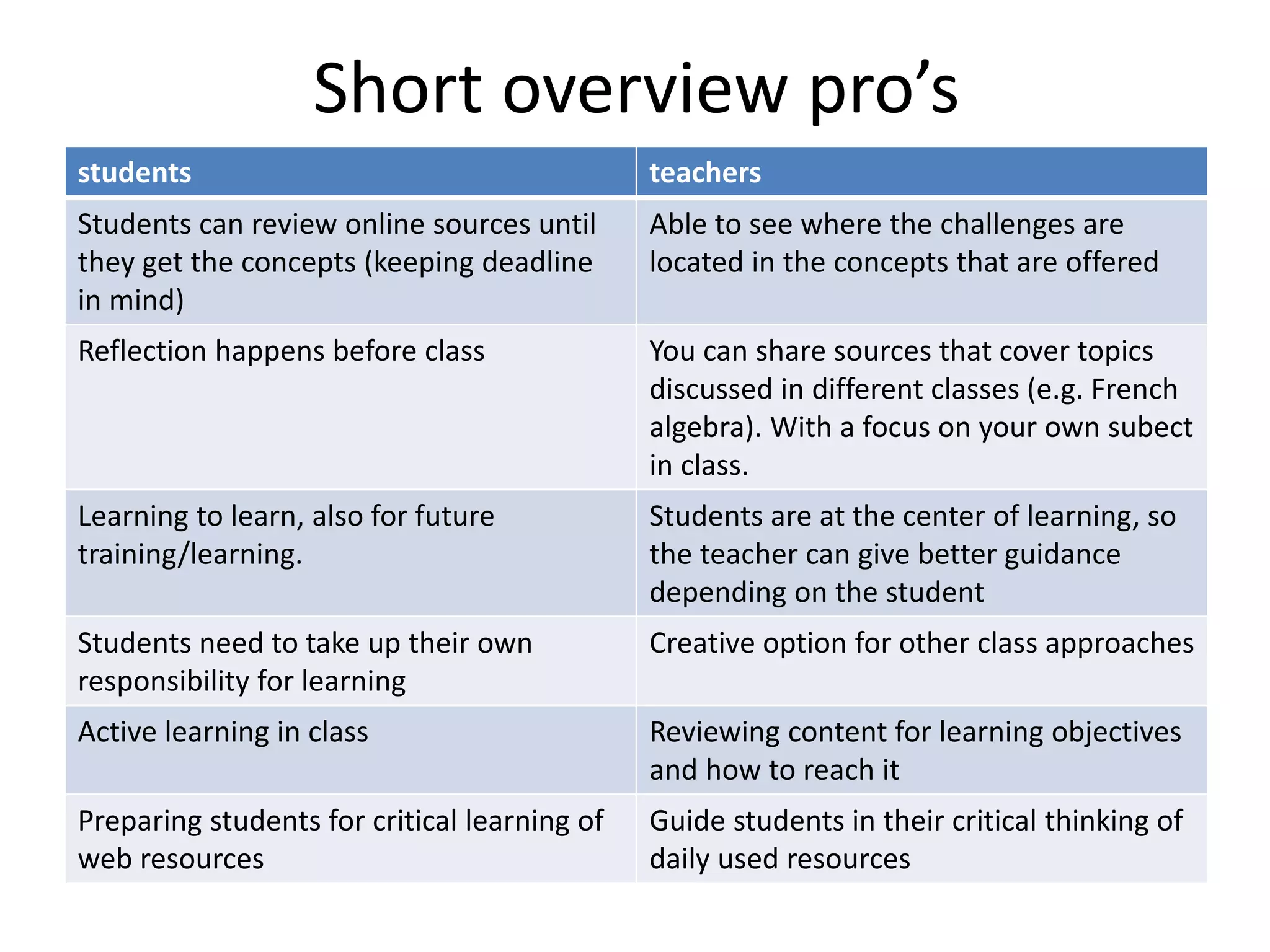
Short overview pro’s
students teachers
Students can review online sources until
they get the concepts (keeping deadline
in mind)
Able to see where the challenges are
located in the concepts that are offered
Reflection happens before class You can share sources that cover topics
discussed in different classes (e.g. French
algebra). With a focus on your own subect
in class.
Learning to learn, also for future
training/learning.
Students are at the center of learning, so
the teacher can give better guidance
depending on the student
Students need to take up their own
responsibility for learning
Creative option for other class approaches
Active learning in class Reviewing content for learning objectives
and how to reach it
Preparing students for critical learning of
web resources
Guide students in their critical thinking of
daily used resources
Important consideration:
time and quality
Time investment of the teacher
– Time to prepare a FC increases (127% more – link report,
p. 15)
– But resources are reusable (especially when recording own
videos)
quality:
– Demands time and effort to select quality resources
– ICT support to make videos or audio/slides
What is
flipped
classroom?
Pro’s and
con’s
Options
Possible
surplus
Example
Online
sources
Template
Share
what you
think
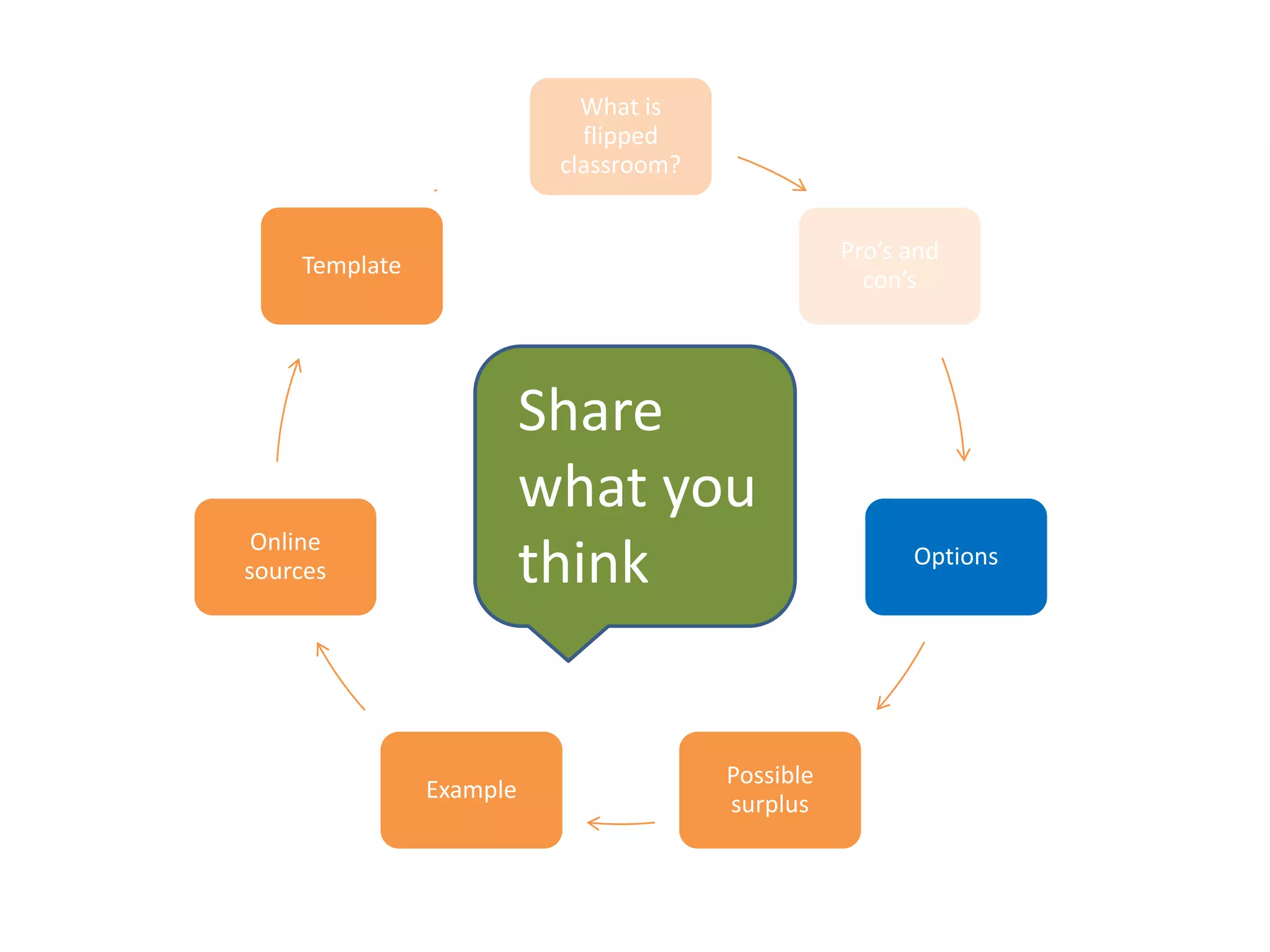
Options
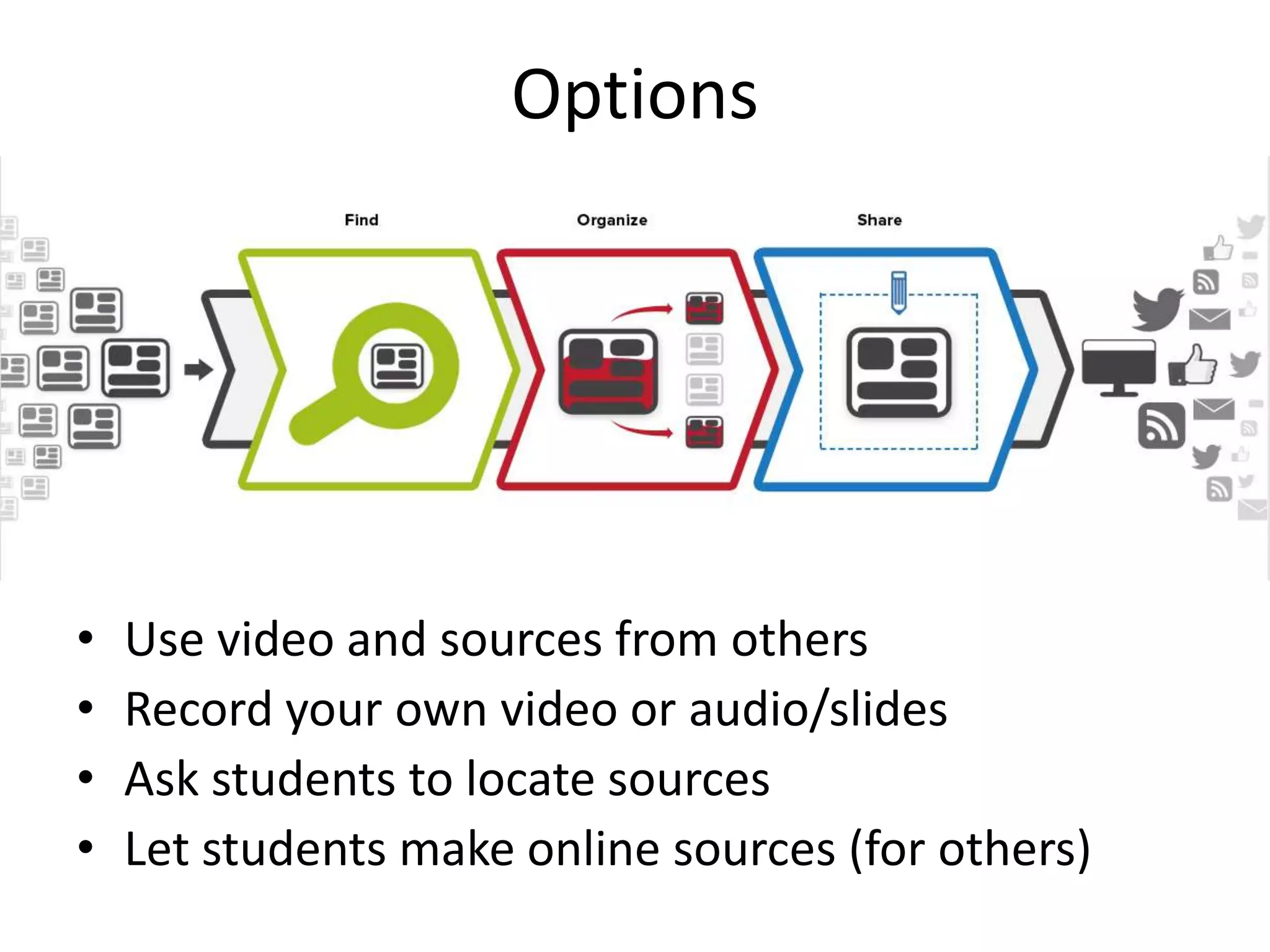
• Use video and sources from others
• Record your own video or audio/slides
• Ask students to locate sources
• Let students make online sources (for others)
Benodigdheden voor iedere aanpak
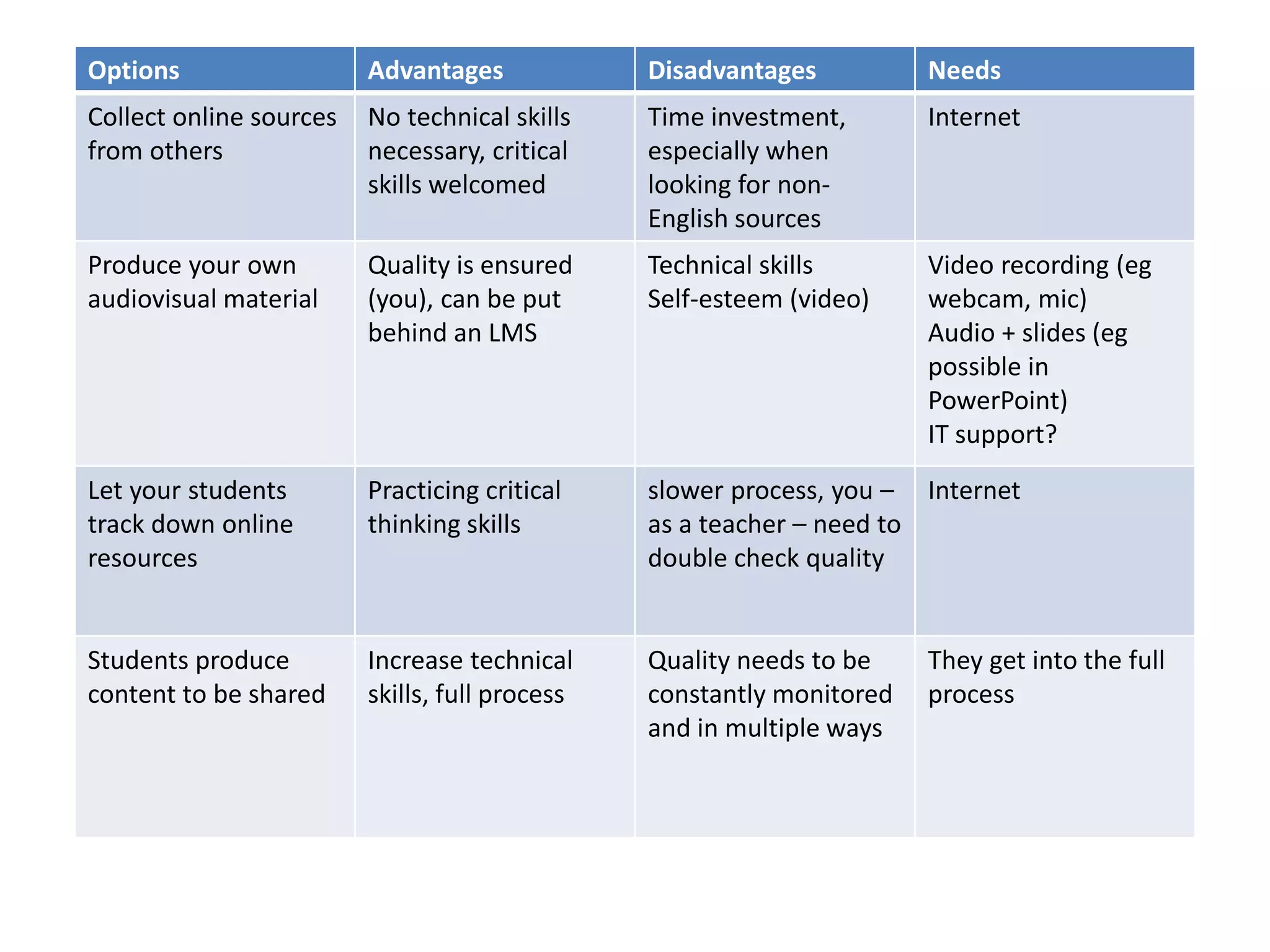
Options Advantages Disadvantages Needs
Collect online sources
from others
No technical skills
necessary, critical
skills welcomed
Time investment,
especially when
looking for non-
English sources
Internet
Produce your own
audiovisual material
Quality is ensured
(you), can be put
behind an LMS
Technical skills
Self-esteem (video)
Video recording (eg
webcam, mic)
Audio + slides (eg
possible in
PowerPoint)
IT support?
Let your students
track down online
resources
Practicing critical
thinking skills
slower process, you –
as a teacher – need to
double check quality
Internet
Students produce
content to be shared
Increase technical
skills, full process
Quality needs to be
constantly monitored
and in multiple ways
They get into the full
process
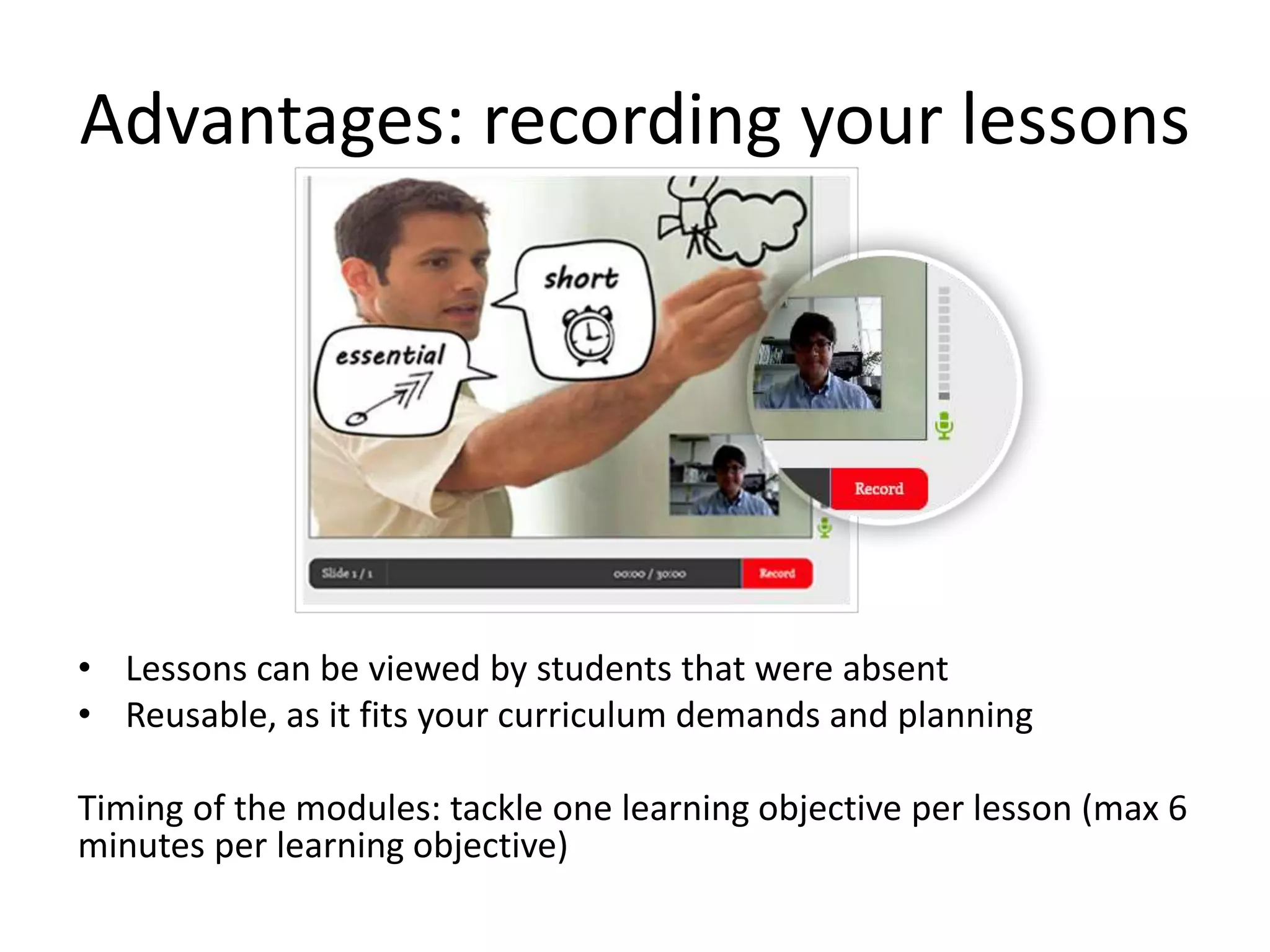
Advantages: recording your lessons
• Lessons can be viewed by students that were absent
• Reusable, as it fits your curriculum demands and planning
Timing of the modules: tackle one learning objective per lesson (max 6
minutes per learning objective)
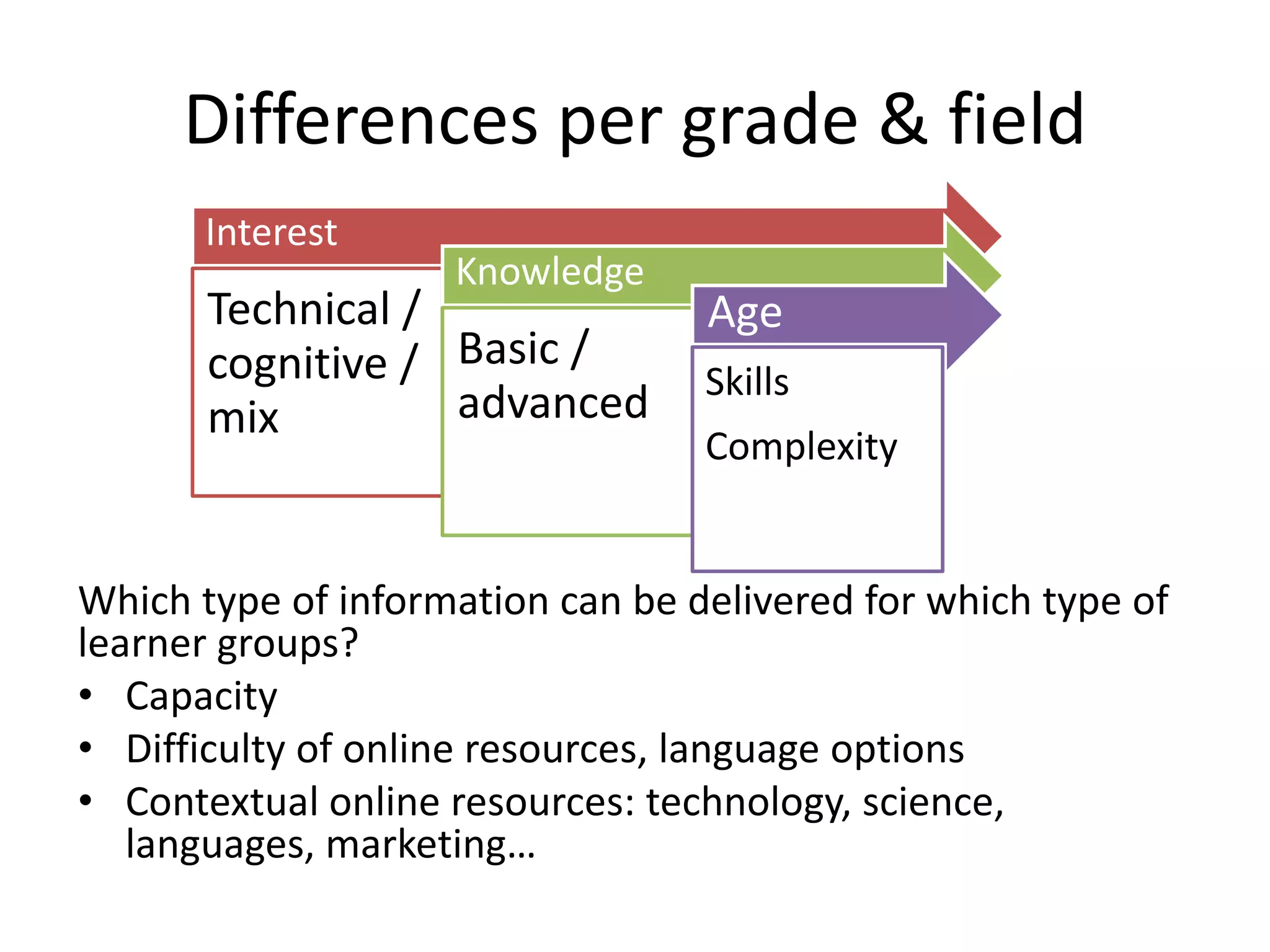
Differences per grade & field
Which type of information can be delivered for which type of
learner groups?
• Capacity
• Difficulty of online resources, language options
• Contextual online resources: technology, science,
languages, marketing…
Interest
Technical /
cognitive /
mix
Knowledge
Basic /
advanced
Age
Skills
Complexity
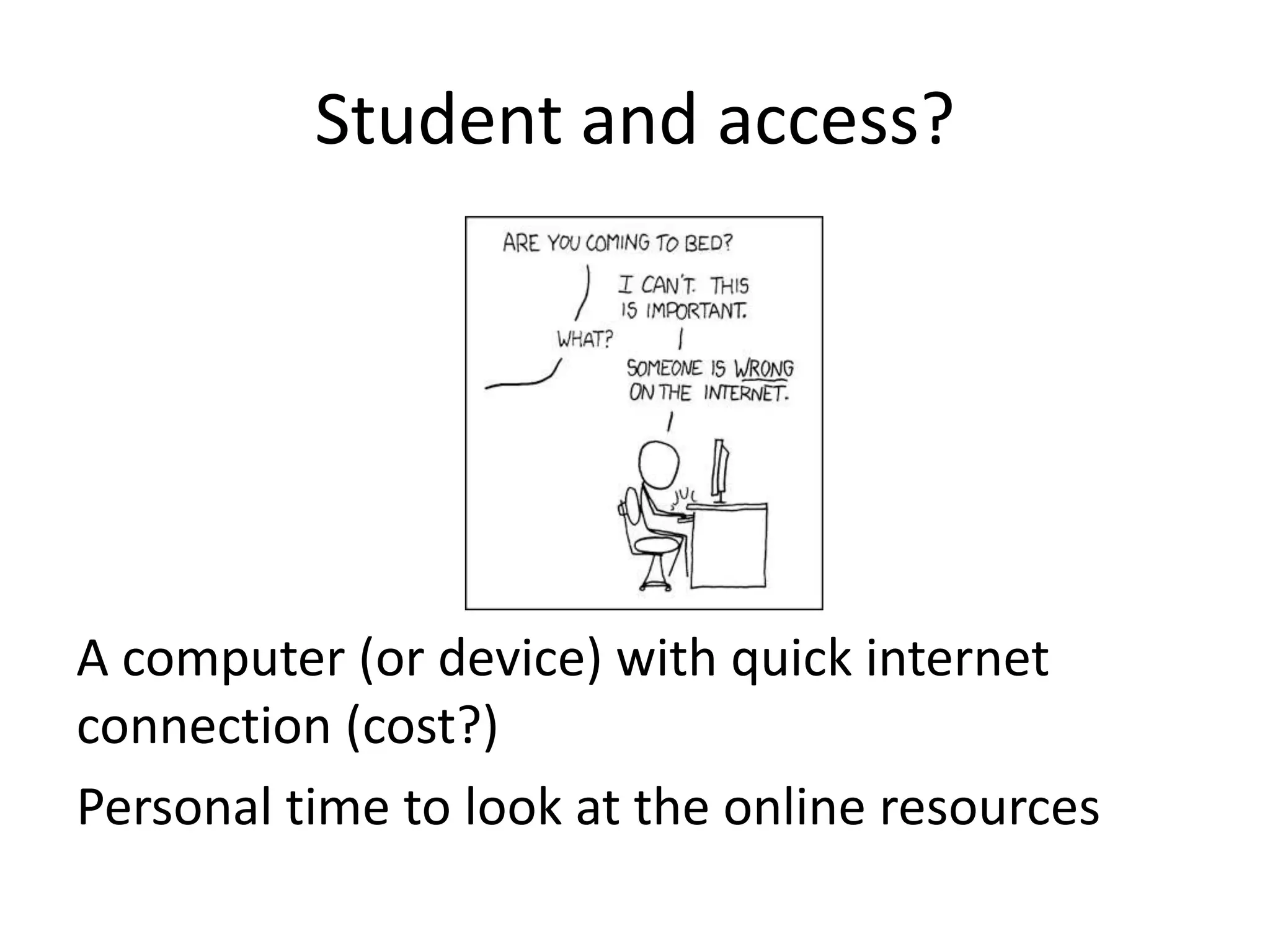
Student and access?
A computer (or device) with quick internet
connection (cost?)
Personal time to look at the online resources
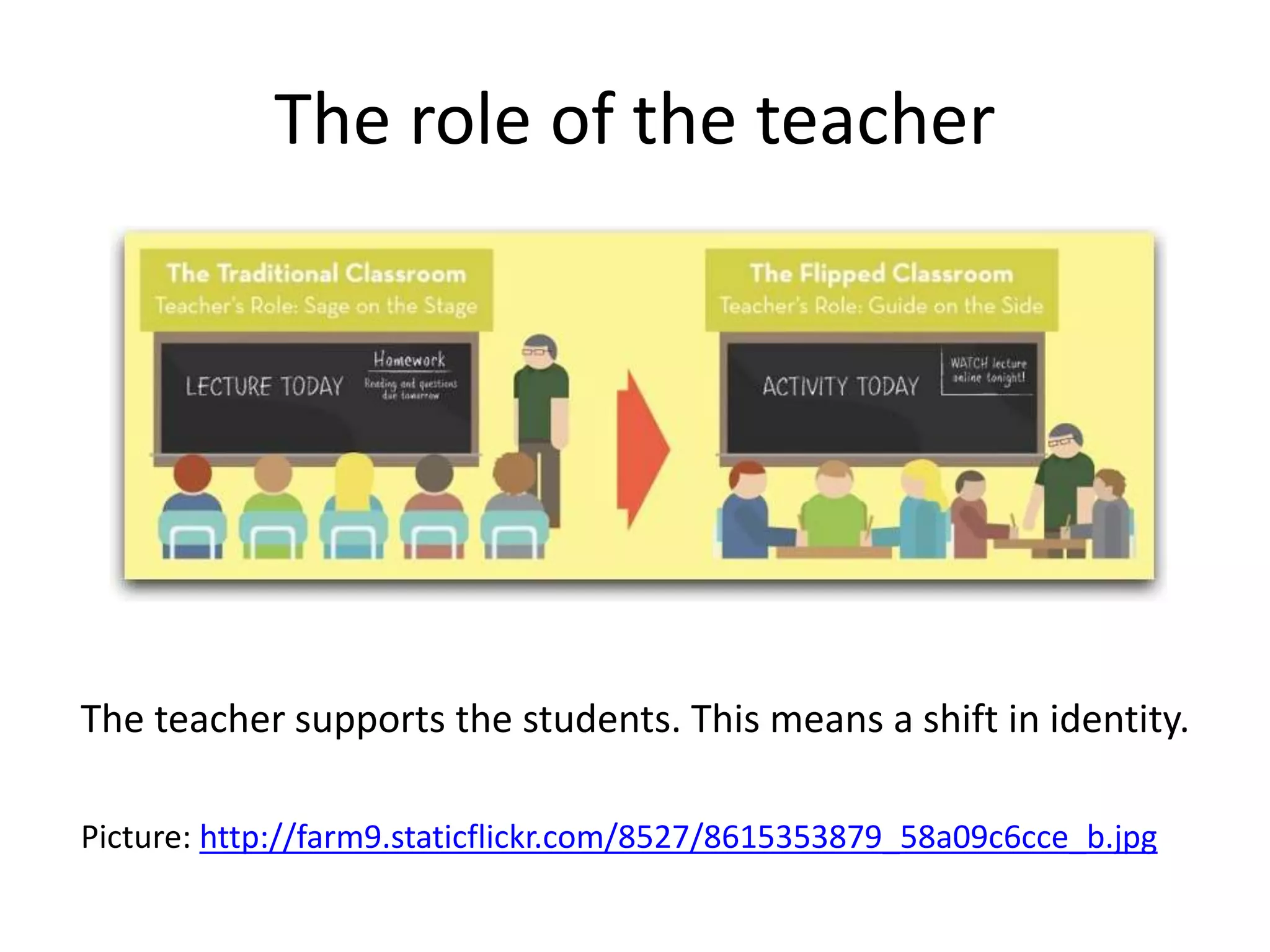
The role of the teacher
Picture: http://farm9.staticflickr.com/8527/8615353879_58a09c6cce_b.jpg
The teacher supports the students. This means a shift in identity.
How do you know the students have
actually accessed the resources?
Classical approach will do (with or without grades):
• Provide a quiz or some questions they need to answer, and
which demand reflection (intro to class discussion)
• Make sure you get the results before the class moment
Additional help for individual learning: a guiding text which
highlights the focus and concepts of the topic/reflection.
What is
flipped
classroom?
Pro’s and
con’s
Options
Possible
surplus
Example
Online
sources
Template
Share
what you
think
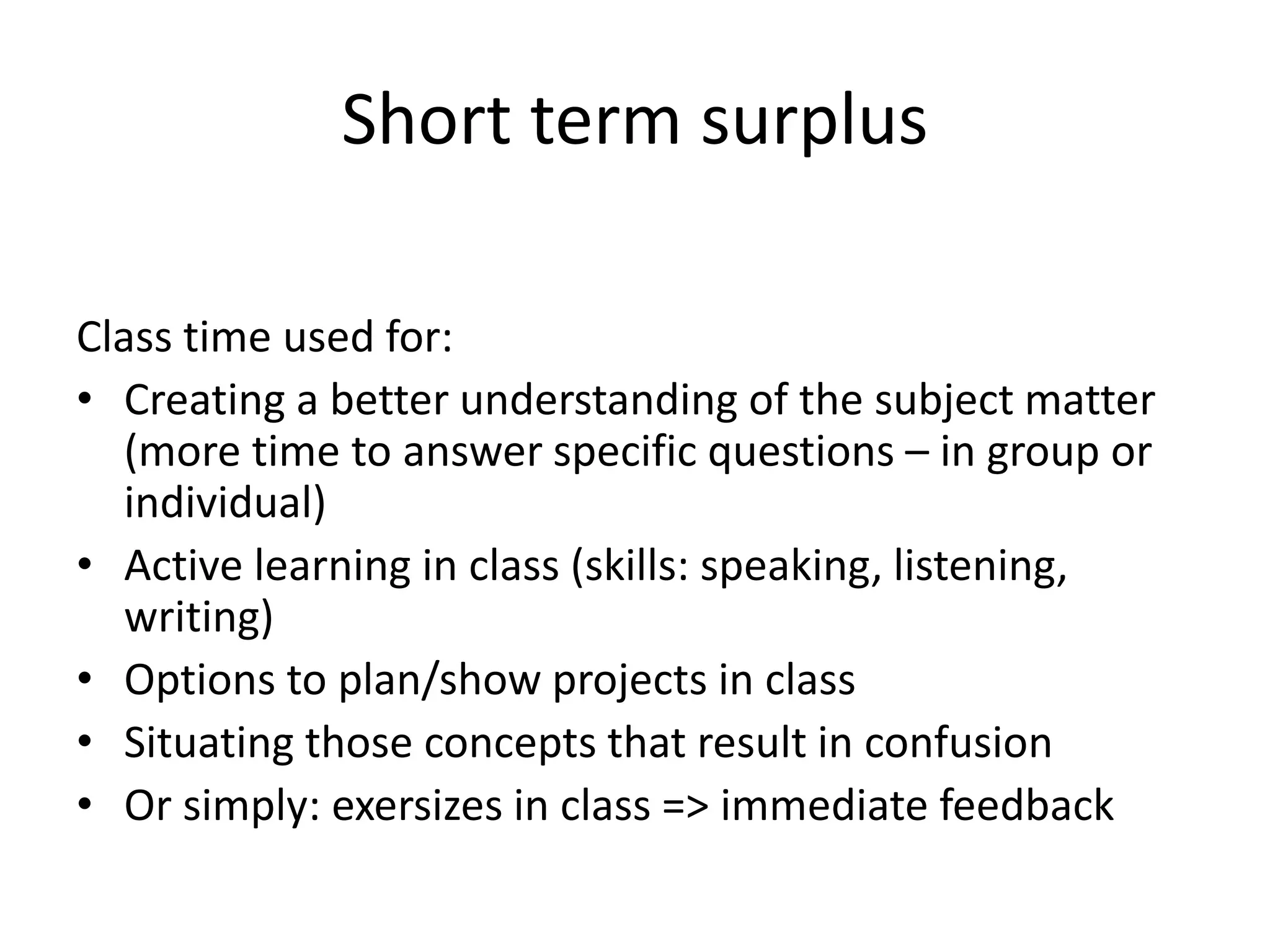
Short term surplus
Class time used for:
• Creating a better understanding of the subject matter
(more time to answer specific questions – in group or
individual)
• Active learning in class (skills: speaking, listening,
writing)
• Options to plan/show projects in class
• Situating those concepts that result in confusion
• Or simply: exersizes in class => immediate feedback
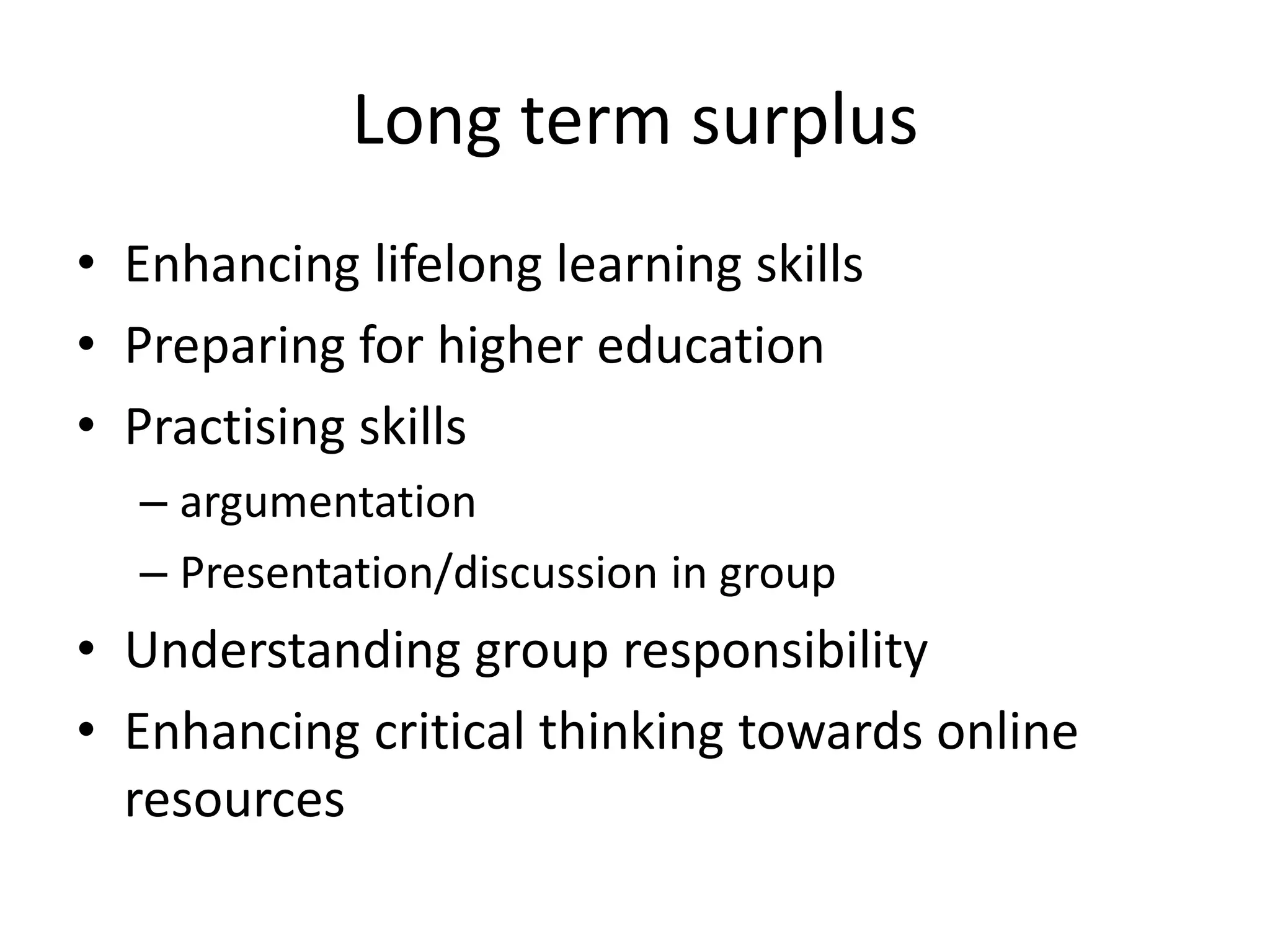
Long term surplus
• Enhancing lifelong learning skills
• Preparing for higher education
• Practising skills
– argumentation
– Presentation/discussion in group
• Understanding group responsibility
• Enhancing critical thinking towards online
resources
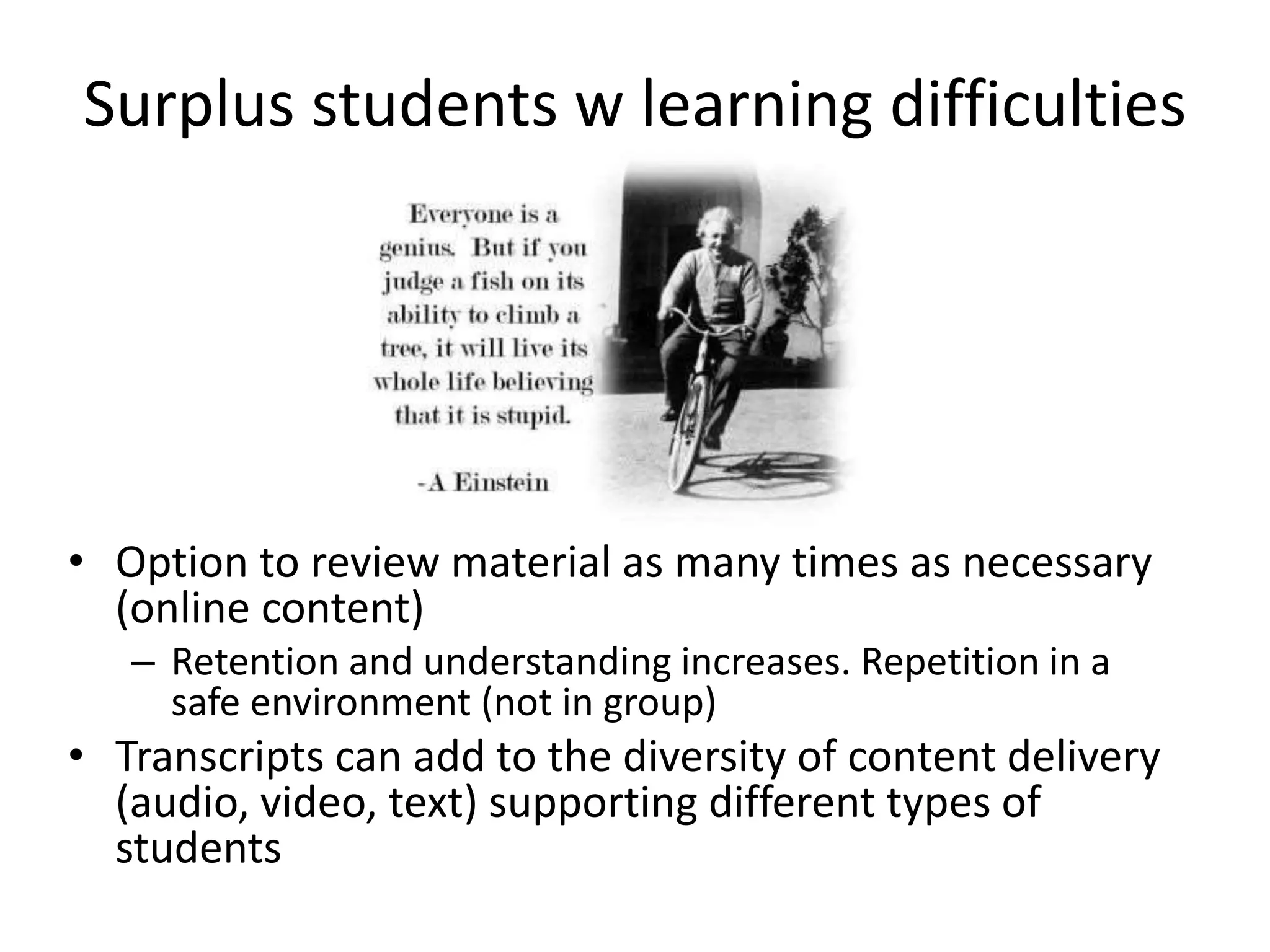
Surplus students w learning difficulties
• Option to review material as many times as necessary
(online content)
– Retention and understanding increases. Repetition in a
safe environment (not in group)
• Transcripts can add to the diversity of content delivery
(audio, video, text) supporting different types of
students
What is
flipped
classroom?
Pro’s and
con’s
Options
Possible
surplus
Example
Online
sources
Template
Share
what you
think
MobiMOOC
Adult learners
Subject matter: mobile learning (intro
http://mobimooc.wikispaces.com/Introduction+to+
mLearning )
Learning outcome: write a mobile learning project
which fits your training needs and field of expertise.
Challenge: international group, multiple languages,
multiple disciplines
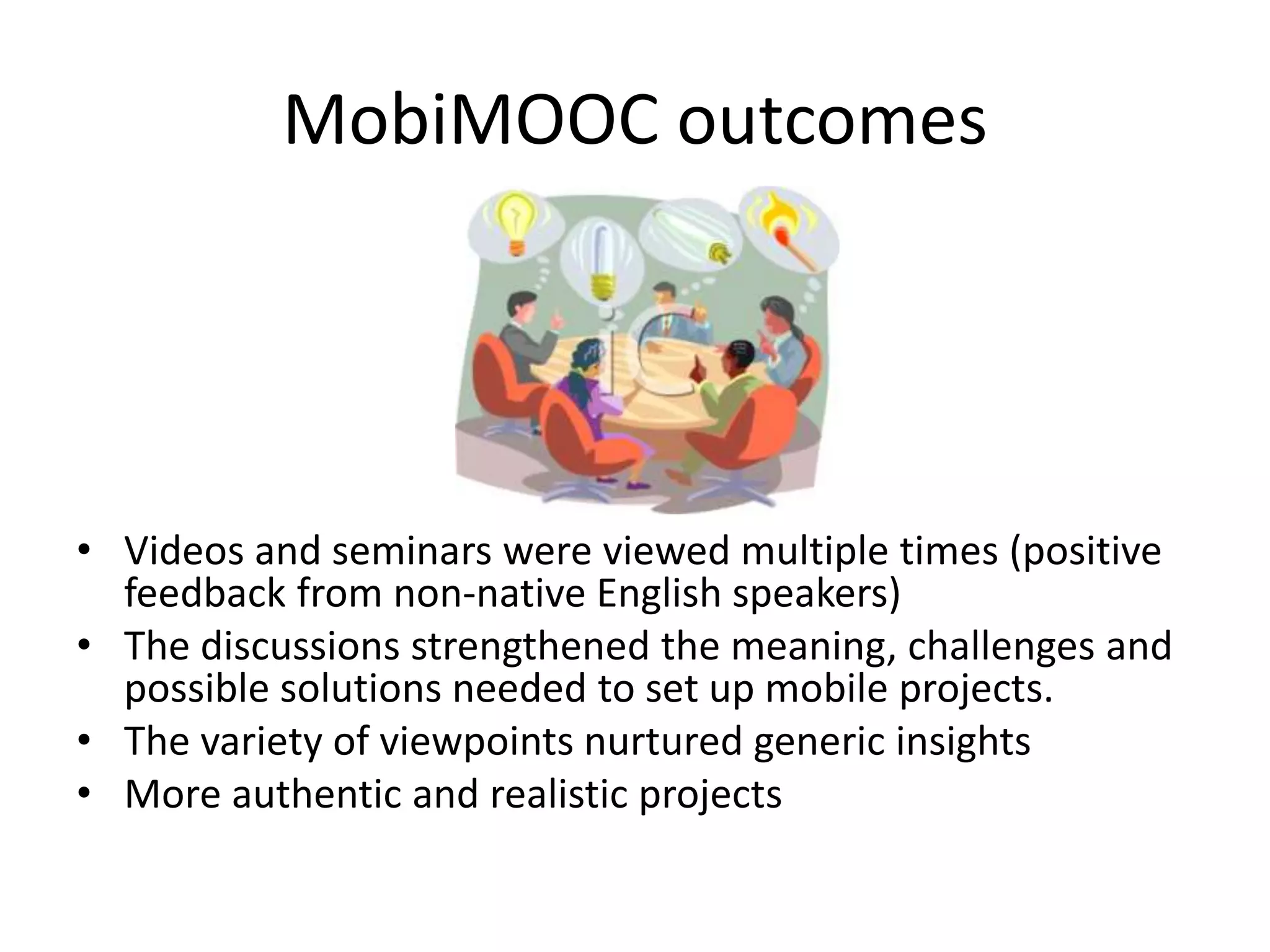
MobiMOOC outcomes
• Videos and seminars were viewed multiple times (positive
feedback from non-native English speakers)
• The discussions strengthened the meaning, challenges and
possible solutions needed to set up mobile projects.
• The variety of viewpoints nurtured generic insights
• More authentic and realistic projects
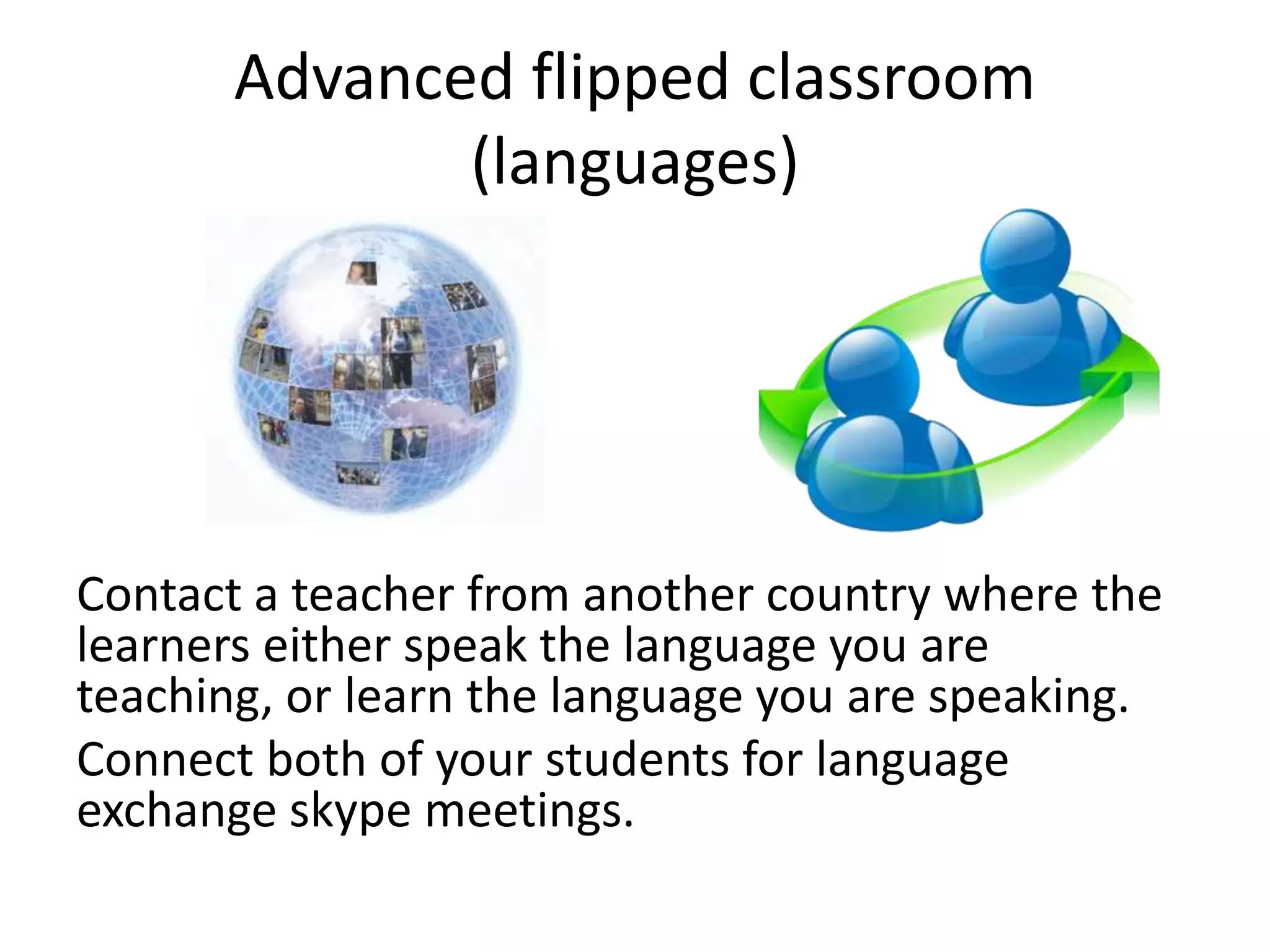
Advanced flipped classroom
(languages)
Contact a teacher from another country where the
learners either speak the language you are
teaching, or learn the language you are speaking.
Connect both of your students for language
exchange skype meetings.
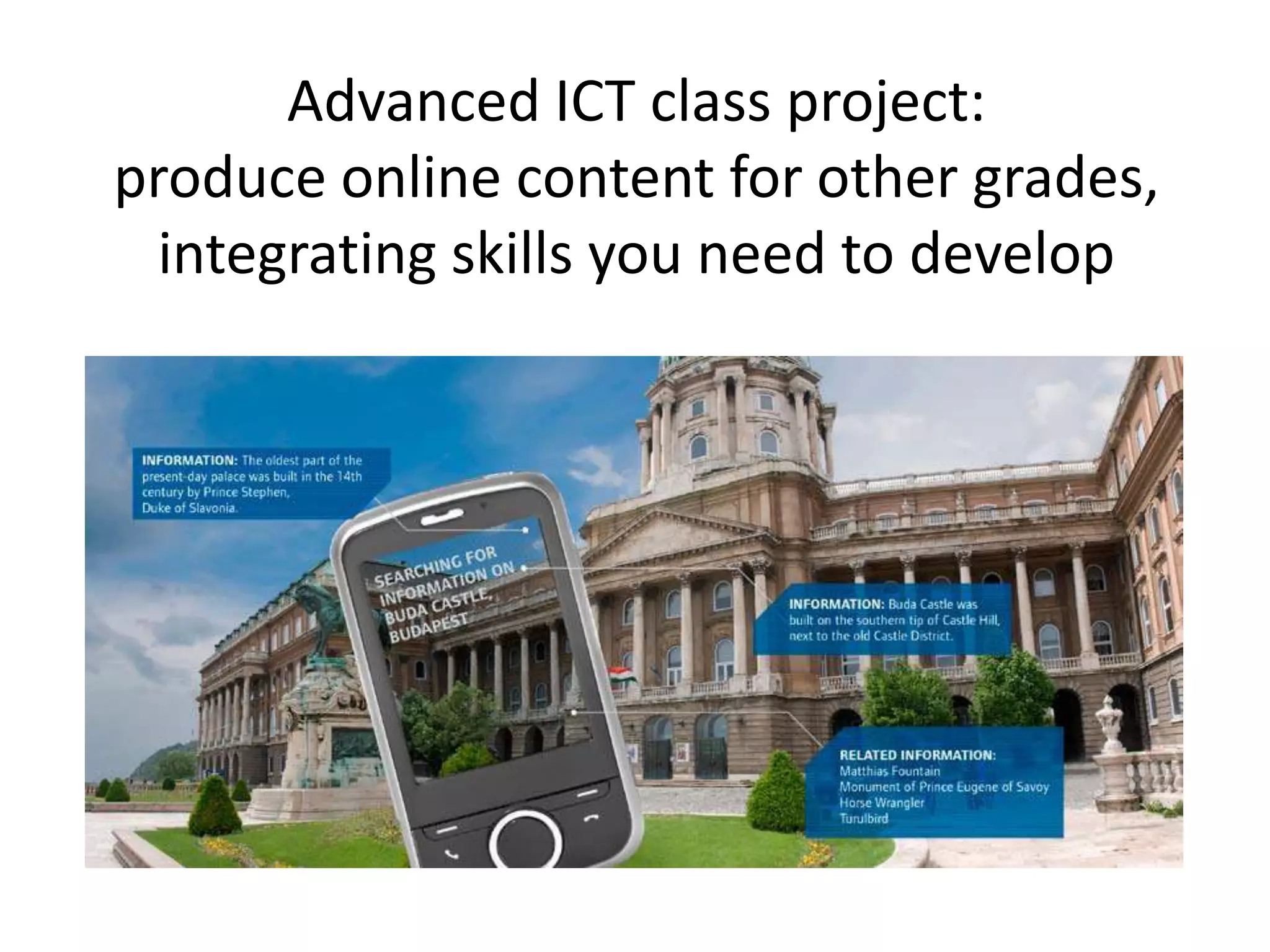
Advanced ICT class project:
produce online content for other grades,
integrating skills you need to develop
What is
flipped
classroom?
Pro’s and
con’s
Options
Possible
surplus
Example
Online
sources
Template
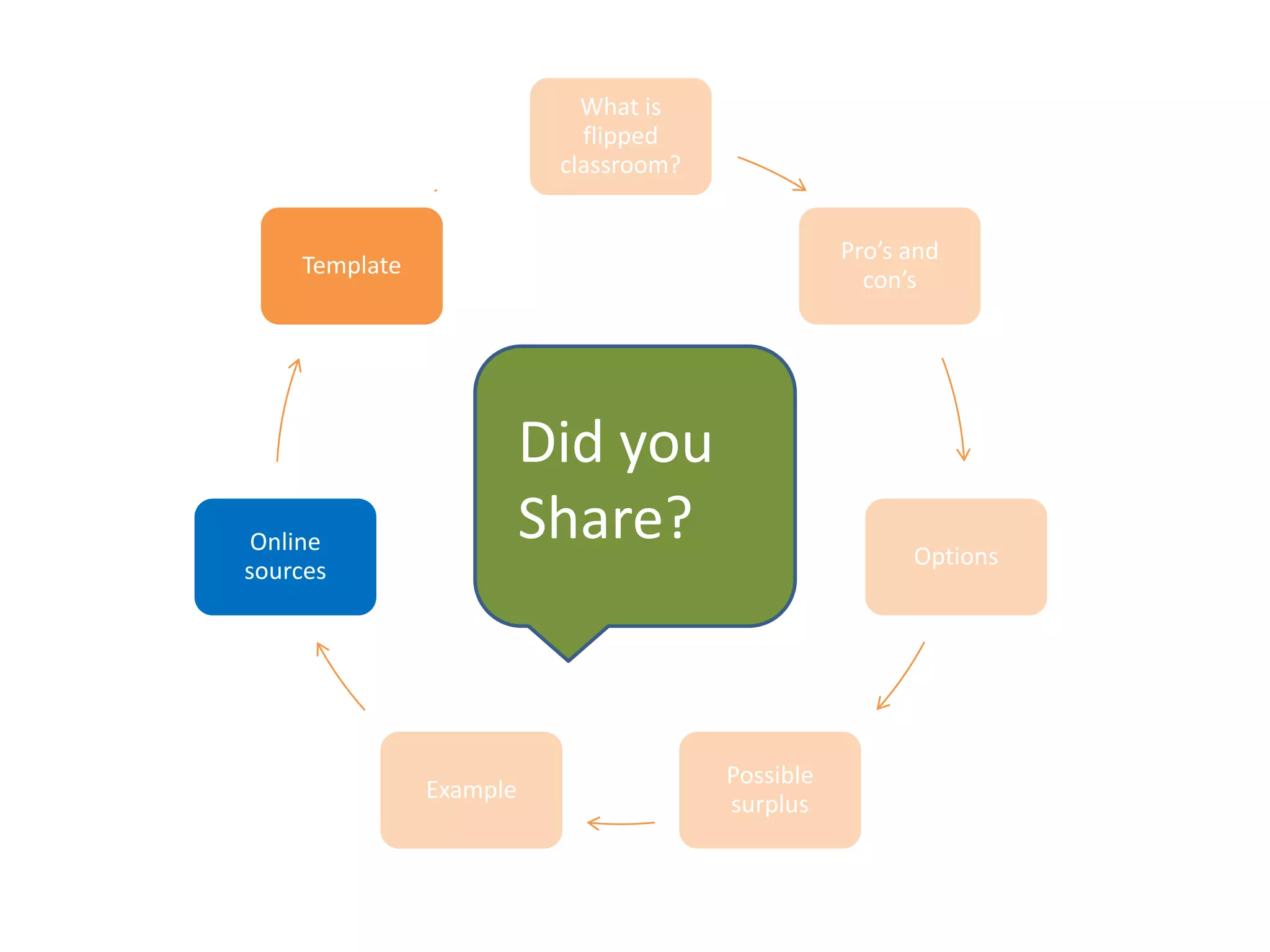
Did you
Share?
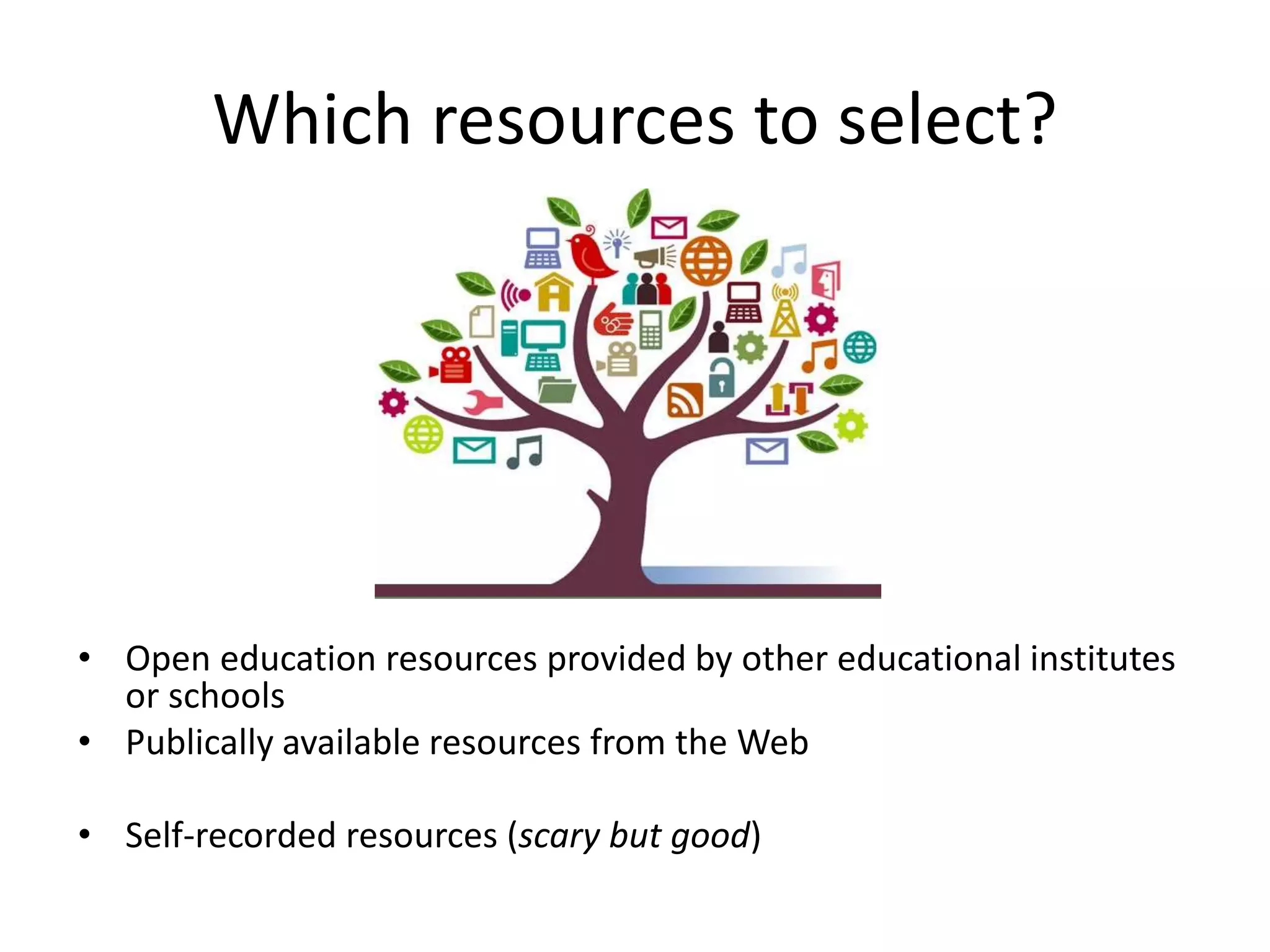
Which resources to select?
• Open education resources provided by other educational institutes
or schools
• Publically available resources from the Web
• Self-recorded resources (scary but good)
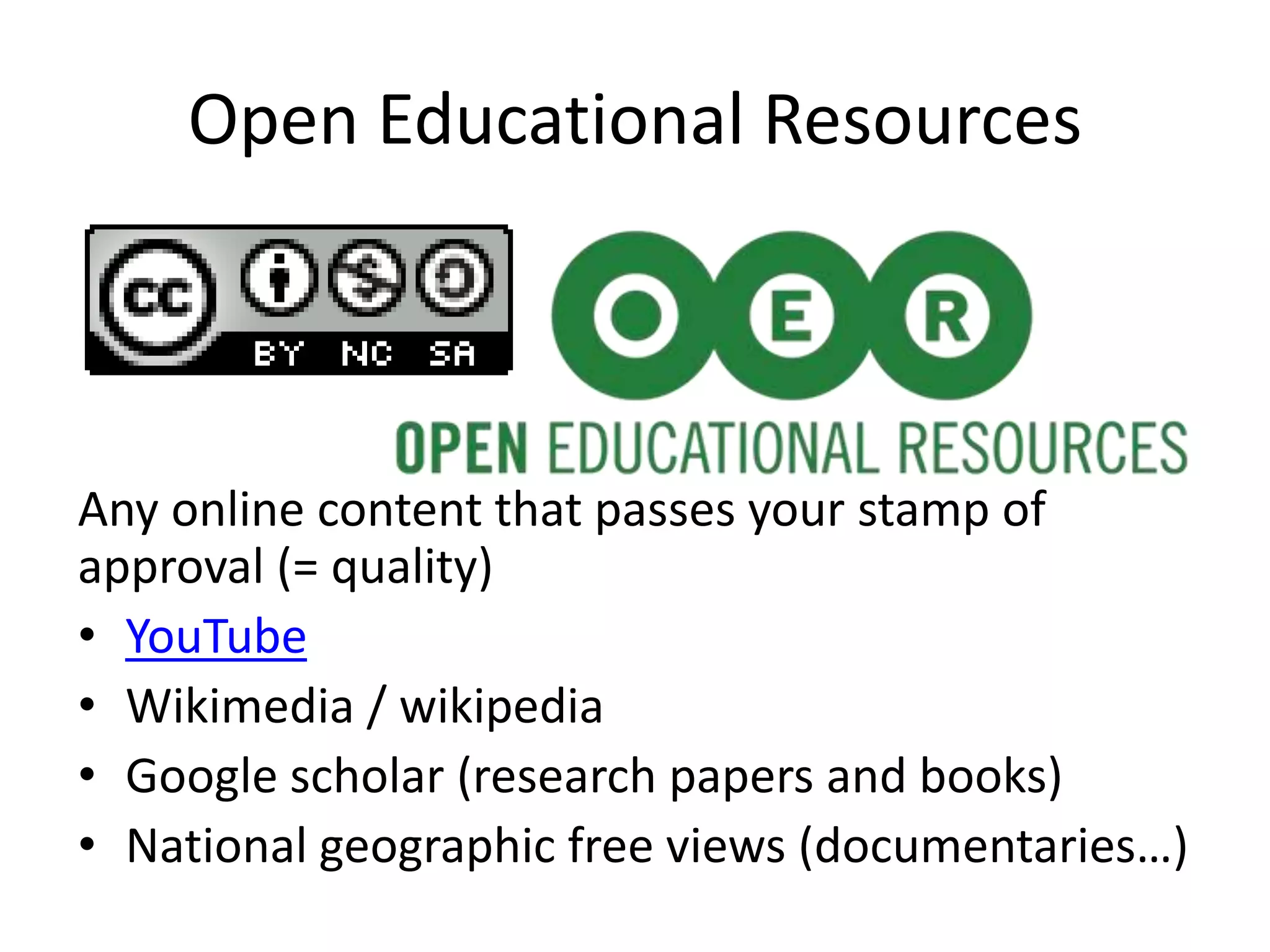
Open Educational Resources
Any online content that passes your stamp of
approval (= quality)
• YouTube
• Wikimedia / wikipedia
• Google scholar (research papers and books)
• National geographic free views (documentaries…)
What do you use already?
• What content or which tools do your students
use? (Facebook for sharing homework?)
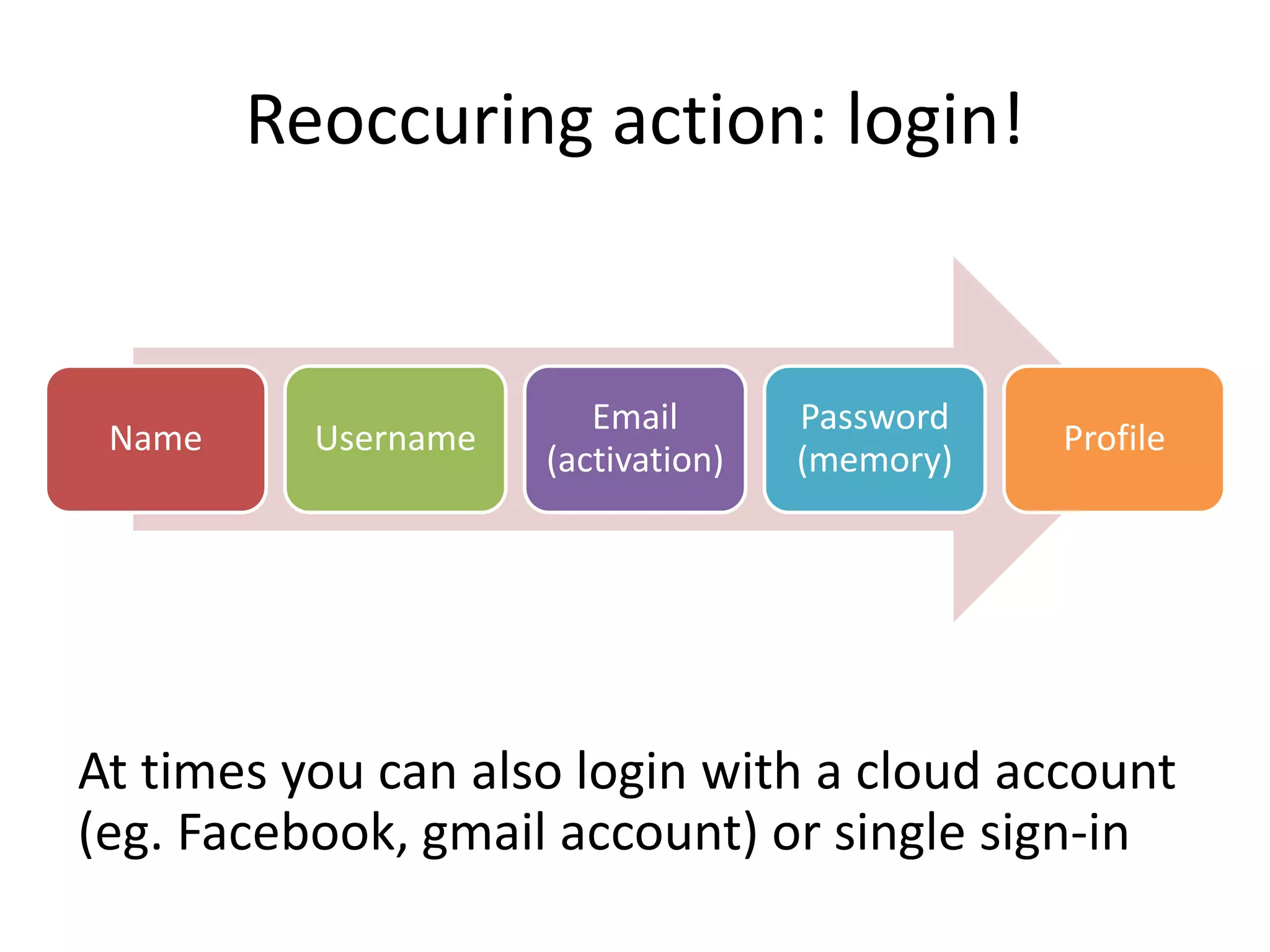
Reoccuring action: login!
At times you can also login with a cloud account
(eg. Facebook, gmail account) or single sign-in
Name Username
Email
(activation)
Password
(memory)
Profile
Add material from MOOCs (Massive
Open Online Courses)
Some MOOCs only offer audiovisual materials for a
limited time, others keep it open for those who
registered for that particular course.
– www.coursera.com, www.FutureLearn.com ,
Iversity.org , canvas.net , udacity.com,
https://www.edx.org/
– https://eliademy.com
Taking a look (login needed)
Choice:
• Intro to a lesson Archeologie Portus, Rome (2min51)
• Video DNA from a kiwi experiment – Link (4min38)
• Creative writing video ordinary words for vivid images
(1min16)
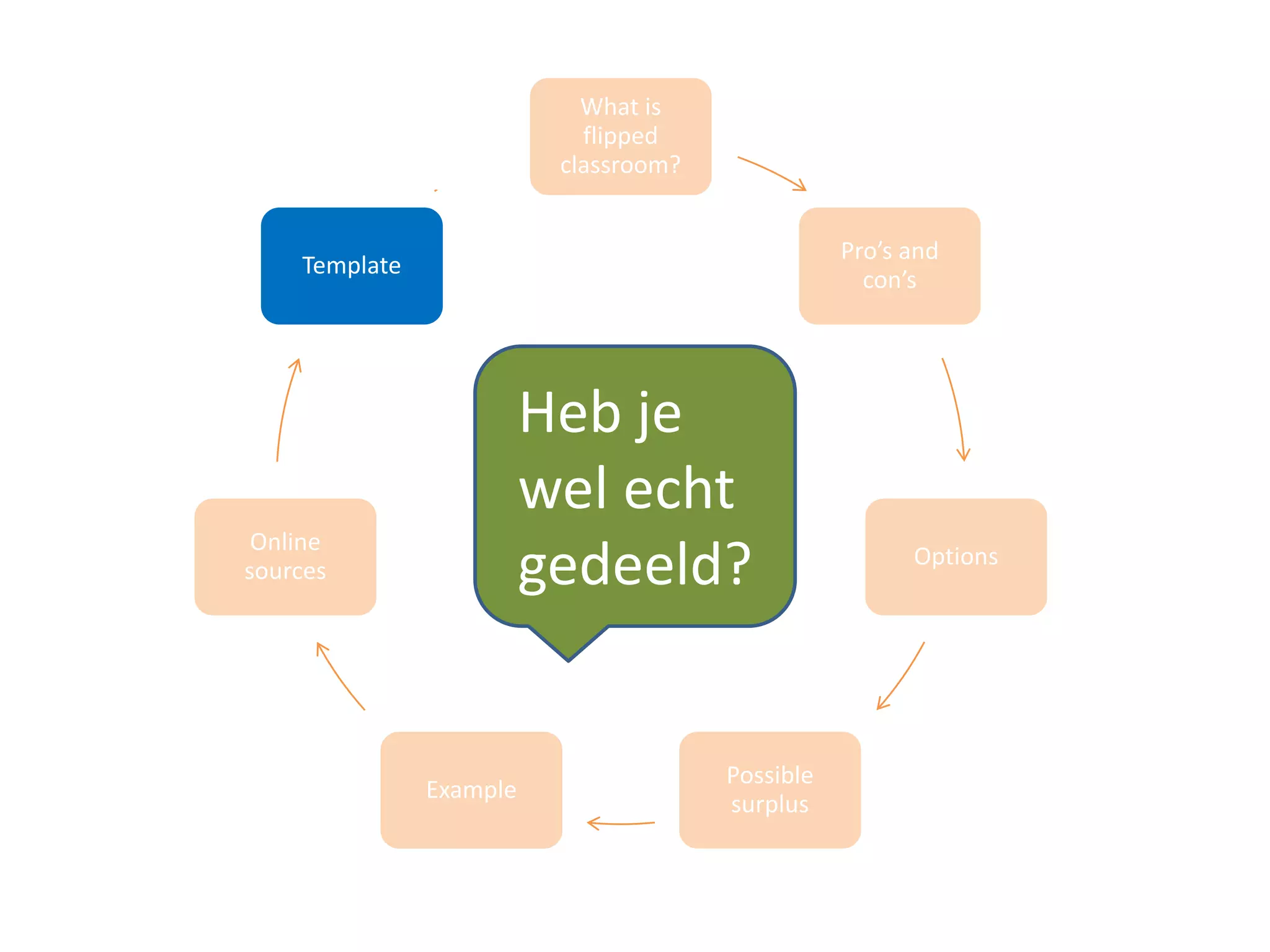
What is
flipped
classroom?
Pro’s and
con’s
Options
Possible
surplus
Example
Online
sources
Template
Heb je
wel echt
gedeeld?
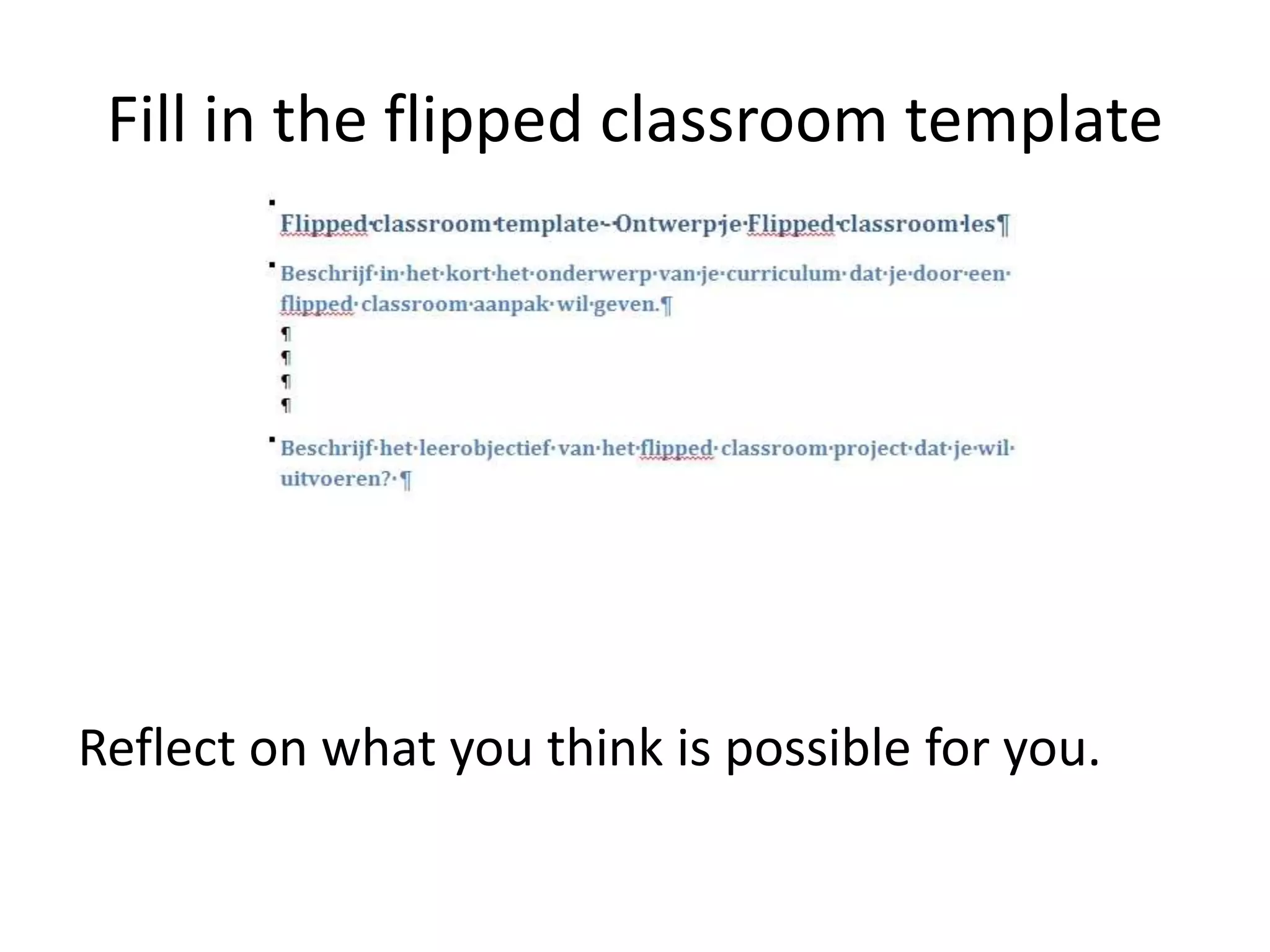
Fill in the flipped classroom template
Reflect on what you think is possible for you.
Question:
Looking at what we did now.. what if
• I first would have send you all an introduction with relevant
online content links?
• I had given you the template in advance, as a reflective
exercise?
• …
• How much time would we have had to focus on drawing up
a full Flipped classroom project for personal use?
What would have been the surplus? Time, depth, and focus
Sources (later reading)
• English sources
– OER commons (inlog for free, but email needed for activation)
https://www.oercommons.org/browse/
– The code academy (coding & web) http://www.codecademy.com/
– Ted Ed http://ed.ted.com/ (inlog via facebook login or other)
– Khan Academy https://www.khanacademy.org/ (inlog via FB or gmail)
– TeacherTube http://www.teachertube.com/collections/
– MOOCs (Massive Open Online Course) materiaal: www.coursera.com, www.FutureLearn.com ,
Iversity.org , canvas.net , udacity.com, https://www.edx.org/
– https://eliademy.com
–
• Dutch sources
– Klascement.be (Flemish/Dutch site) http://www.klascement.be/
– Teacherlinks (Dutch) http://www.lerarenlinks.be/index.php?pid=21
– Kennisnet (Dutch) all sorts of material – curriculum & non-curriculum => wikiwijsleren
(http://www.wikiwijsleermiddelenplein.nl/ )
Flipped classroom links (later reading)
Information
• https://www1.plymouth.ac.uk/ouruniversity/teachlearn/guidanceresourc
es/Documents/7%20Steps%20to%20a%20Flipped%20Classroom.pdf
• Eng rapport met voorbeelden:
http://fln.schoolwires.net/cms/lib07/VA01923112/Centricity/Domain/41/
Extension%20of%20FLipped%20Learning%20LIt%20Review%20June%202
014.pdf
• http://flippedlearning.org/site/default.aspx?PageID=1
• http://net.educause.edu/ir/library/pdf/ELI7081.pdf
• Research: http://fln.schoolwires.net/domain/41
• Examples of lesson plans
https://tch4902012mb7393.wikispaces.com/Flipped+Classroom+Lesson+P
lan
Contact and networking
47
E-mail: ingedewaard (at) gmail.com
Blog: ignatiawebs.blogspot.com
Twitter: http://twitter.com/Ignatia
Publications:
http://www.ingedewaard.net/pubconsulpres.htm
Presentations: http://www.slideshare.net/ignatia
linkedIn: http://www.linkedin.com/in/ingedewaard

The flipped classroom introduction and sources

  • 1.
    The flipped classroom Inge(Ignatia) de Waard
  • 2.
    Pre-presentation intro • English:why I flipped my classroom by Katie Gimbar: https://www.youtube.com/watch?v=9aGuLuip Twg • Dutch teacher sharing his flipped classroom experience : https://www.youtube.com/watch?v=bfEdSitC diI
  • 3.
  • 4.
    This SOS session •Intro to the flipped classroom format • Overview of individual parts • Online resources • Focus on pro’s & con’s and possible options • Reflecting on the flipped classroom template (challenges?) Q/A throughout the session
  • 5.
    Flipped classroom? Previously recordedsession, with interactions between students in-class. Expand to : viewing previously provided online/digital sources, followed by classroom interactions, and possible hands-on activity. Broader term: flipped learning . Picture: http://www.slu.edu/Images/cttl/flipped%20graphic_reinertcenter.jpg
  • 6.
    Who started it? •Jon Bergmann and Aaron Sams pioneers (2002): they recorded lessons, shared with their students, focused on problems they encountered (content, understanding…). • Why? Big classes, need for differentiation.
  • 7.
    Overview: four bigparts • Learning goal and meaning of the FC needs to be shared with students for ensured bigger understanding. • Online sources are shared. To be viewed/understood (cfr homework/reflection – computer available?) • In-class: groupwork, focus on content, understanding, difficulties, project. Peer and teacher feedback. • Evaluation of the process by all. 1. Learning goal FC 2. Pre-class: sources (homework) 3. Class: groupwork & understanding 4. Post-class: evaluation
  • 8.
    Proven? Shall Iread  ?
  • 9.
    Proven points • Classtimeshifts to problem solving dynamic (Foertsch, Moses, Strickwerda, Litzkow, 2002; Toto & Nguyen, 2009) • Students get a better understanding of their own learning potential or challenges (Lage et al., 2000 – paid paper) • Teacher time big for preparing, less later (Lage et al.) • Students prefer hands-on compared to lectures (Toto & Nguyen, 2009) • Students get a better understanding of full curriculum (Fulton, 2012), effective project tome (Zappe et al., 2009)
  • 10.
    Ed Ventry andAmy Kilmer at Niagara Falls High School (NY) – link report
  • 11.
    Yeah, but isthis really true?!! What is the value of research?! Don’t take my word for it, check with common sense: what do I do when I want to learn something new?... How do I prepare? – I surf and view sources – I ask knowledgeable peers – I discuss with partner and friends We are experienced learners, what works for us will work for them.
  • 12.
    Offline parallel: fieldvisit Flipped classroom can be compared with a field visit. • Museum visit, shop visit… • Walk in the wild… BUT: those visits can not be viewed again, where FC does have sources that can be viewed multiple times.
  • 13.
    Which content fitsthe flipped classroom approach? • Content that needs more in-depth coverage, more iterations to be understood • Content or subjects that demanded more differentation in the past • Content demanding an authentic or project approach
  • 14.
  • 15.
    Short overview pro’s studentsteachers Students can review online sources until they get the concepts (keeping deadline in mind) Able to see where the challenges are located in the concepts that are offered Reflection happens before class You can share sources that cover topics discussed in different classes (e.g. French algebra). With a focus on your own subect in class. Learning to learn, also for future training/learning. Students are at the center of learning, so the teacher can give better guidance depending on the student Students need to take up their own responsibility for learning Creative option for other class approaches Active learning in class Reviewing content for learning objectives and how to reach it Preparing students for critical learning of web resources Guide students in their critical thinking of daily used resources
  • 16.
    Important consideration: time andquality Time investment of the teacher – Time to prepare a FC increases (127% more – link report, p. 15) – But resources are reusable (especially when recording own videos) quality: – Demands time and effort to select quality resources – ICT support to make videos or audio/slides
  • 17.
  • 18.
    Options • Use videoand sources from others • Record your own video or audio/slides • Ask students to locate sources • Let students make online sources (for others)
  • 19.
    Benodigdheden voor iedereaanpak Options Advantages Disadvantages Needs Collect online sources from others No technical skills necessary, critical skills welcomed Time investment, especially when looking for non- English sources Internet Produce your own audiovisual material Quality is ensured (you), can be put behind an LMS Technical skills Self-esteem (video) Video recording (eg webcam, mic) Audio + slides (eg possible in PowerPoint) IT support? Let your students track down online resources Practicing critical thinking skills slower process, you – as a teacher – need to double check quality Internet Students produce content to be shared Increase technical skills, full process Quality needs to be constantly monitored and in multiple ways They get into the full process
  • 20.
    Advantages: recording yourlessons • Lessons can be viewed by students that were absent • Reusable, as it fits your curriculum demands and planning Timing of the modules: tackle one learning objective per lesson (max 6 minutes per learning objective)
  • 22.
    Differences per grade& field Which type of information can be delivered for which type of learner groups? • Capacity • Difficulty of online resources, language options • Contextual online resources: technology, science, languages, marketing… Interest Technical / cognitive / mix Knowledge Basic / advanced Age Skills Complexity
  • 23.
    Student and access? Acomputer (or device) with quick internet connection (cost?) Personal time to look at the online resources
  • 24.
    The role ofthe teacher Picture: http://farm9.staticflickr.com/8527/8615353879_58a09c6cce_b.jpg The teacher supports the students. This means a shift in identity.
  • 25.
    How do youknow the students have actually accessed the resources? Classical approach will do (with or without grades): • Provide a quiz or some questions they need to answer, and which demand reflection (intro to class discussion) • Make sure you get the results before the class moment Additional help for individual learning: a guiding text which highlights the focus and concepts of the topic/reflection.
  • 26.
  • 27.
    Short term surplus Classtime used for: • Creating a better understanding of the subject matter (more time to answer specific questions – in group or individual) • Active learning in class (skills: speaking, listening, writing) • Options to plan/show projects in class • Situating those concepts that result in confusion • Or simply: exersizes in class => immediate feedback
  • 28.
    Long term surplus •Enhancing lifelong learning skills • Preparing for higher education • Practising skills – argumentation – Presentation/discussion in group • Understanding group responsibility • Enhancing critical thinking towards online resources
  • 29.
    Surplus students wlearning difficulties • Option to review material as many times as necessary (online content) – Retention and understanding increases. Repetition in a safe environment (not in group) • Transcripts can add to the diversity of content delivery (audio, video, text) supporting different types of students
  • 30.
  • 31.
    MobiMOOC Adult learners Subject matter:mobile learning (intro http://mobimooc.wikispaces.com/Introduction+to+ mLearning ) Learning outcome: write a mobile learning project which fits your training needs and field of expertise. Challenge: international group, multiple languages, multiple disciplines
  • 32.
    MobiMOOC outcomes • Videosand seminars were viewed multiple times (positive feedback from non-native English speakers) • The discussions strengthened the meaning, challenges and possible solutions needed to set up mobile projects. • The variety of viewpoints nurtured generic insights • More authentic and realistic projects
  • 33.
    Advanced flipped classroom (languages) Contacta teacher from another country where the learners either speak the language you are teaching, or learn the language you are speaking. Connect both of your students for language exchange skype meetings.
  • 34.
    Advanced ICT classproject: produce online content for other grades, integrating skills you need to develop
  • 35.
  • 36.
    Which resources toselect? • Open education resources provided by other educational institutes or schools • Publically available resources from the Web • Self-recorded resources (scary but good)
  • 37.
    Open Educational Resources Anyonline content that passes your stamp of approval (= quality) • YouTube • Wikimedia / wikipedia • Google scholar (research papers and books) • National geographic free views (documentaries…)
  • 38.
    What do youuse already? • What content or which tools do your students use? (Facebook for sharing homework?)
  • 39.
    Reoccuring action: login! Attimes you can also login with a cloud account (eg. Facebook, gmail account) or single sign-in Name Username Email (activation) Password (memory) Profile
  • 40.
    Add material fromMOOCs (Massive Open Online Courses) Some MOOCs only offer audiovisual materials for a limited time, others keep it open for those who registered for that particular course. – www.coursera.com, www.FutureLearn.com , Iversity.org , canvas.net , udacity.com, https://www.edx.org/ – https://eliademy.com
  • 41.
    Taking a look(login needed) Choice: • Intro to a lesson Archeologie Portus, Rome (2min51) • Video DNA from a kiwi experiment – Link (4min38) • Creative writing video ordinary words for vivid images (1min16)
  • 42.
  • 43.
    Fill in theflipped classroom template Reflect on what you think is possible for you.
  • 44.
    Question: Looking at whatwe did now.. what if • I first would have send you all an introduction with relevant online content links? • I had given you the template in advance, as a reflective exercise? • … • How much time would we have had to focus on drawing up a full Flipped classroom project for personal use? What would have been the surplus? Time, depth, and focus
  • 45.
    Sources (later reading) •English sources – OER commons (inlog for free, but email needed for activation) https://www.oercommons.org/browse/ – The code academy (coding & web) http://www.codecademy.com/ – Ted Ed http://ed.ted.com/ (inlog via facebook login or other) – Khan Academy https://www.khanacademy.org/ (inlog via FB or gmail) – TeacherTube http://www.teachertube.com/collections/ – MOOCs (Massive Open Online Course) materiaal: www.coursera.com, www.FutureLearn.com , Iversity.org , canvas.net , udacity.com, https://www.edx.org/ – https://eliademy.com – • Dutch sources – Klascement.be (Flemish/Dutch site) http://www.klascement.be/ – Teacherlinks (Dutch) http://www.lerarenlinks.be/index.php?pid=21 – Kennisnet (Dutch) all sorts of material – curriculum & non-curriculum => wikiwijsleren (http://www.wikiwijsleermiddelenplein.nl/ )
  • 46.
    Flipped classroom links(later reading) Information • https://www1.plymouth.ac.uk/ouruniversity/teachlearn/guidanceresourc es/Documents/7%20Steps%20to%20a%20Flipped%20Classroom.pdf • Eng rapport met voorbeelden: http://fln.schoolwires.net/cms/lib07/VA01923112/Centricity/Domain/41/ Extension%20of%20FLipped%20Learning%20LIt%20Review%20June%202 014.pdf • http://flippedlearning.org/site/default.aspx?PageID=1 • http://net.educause.edu/ir/library/pdf/ELI7081.pdf • Research: http://fln.schoolwires.net/domain/41 • Examples of lesson plans https://tch4902012mb7393.wikispaces.com/Flipped+Classroom+Lesson+P lan
  • 47.
    Contact and networking 47 E-mail:ingedewaard (at) gmail.com Blog: ignatiawebs.blogspot.com Twitter: http://twitter.com/Ignatia Publications: http://www.ingedewaard.net/pubconsulpres.htm Presentations: http://www.slideshare.net/ignatia linkedIn: http://www.linkedin.com/in/ingedewaard