Flipped Learning CPD 
Let’s flip, not flop
Objectives 
Understand the concept of flipped 
learning 
Consider the purpose of flipping 
Be aware of barriers with this approach 
Look at how to flip your classroom 
Know where to find out more
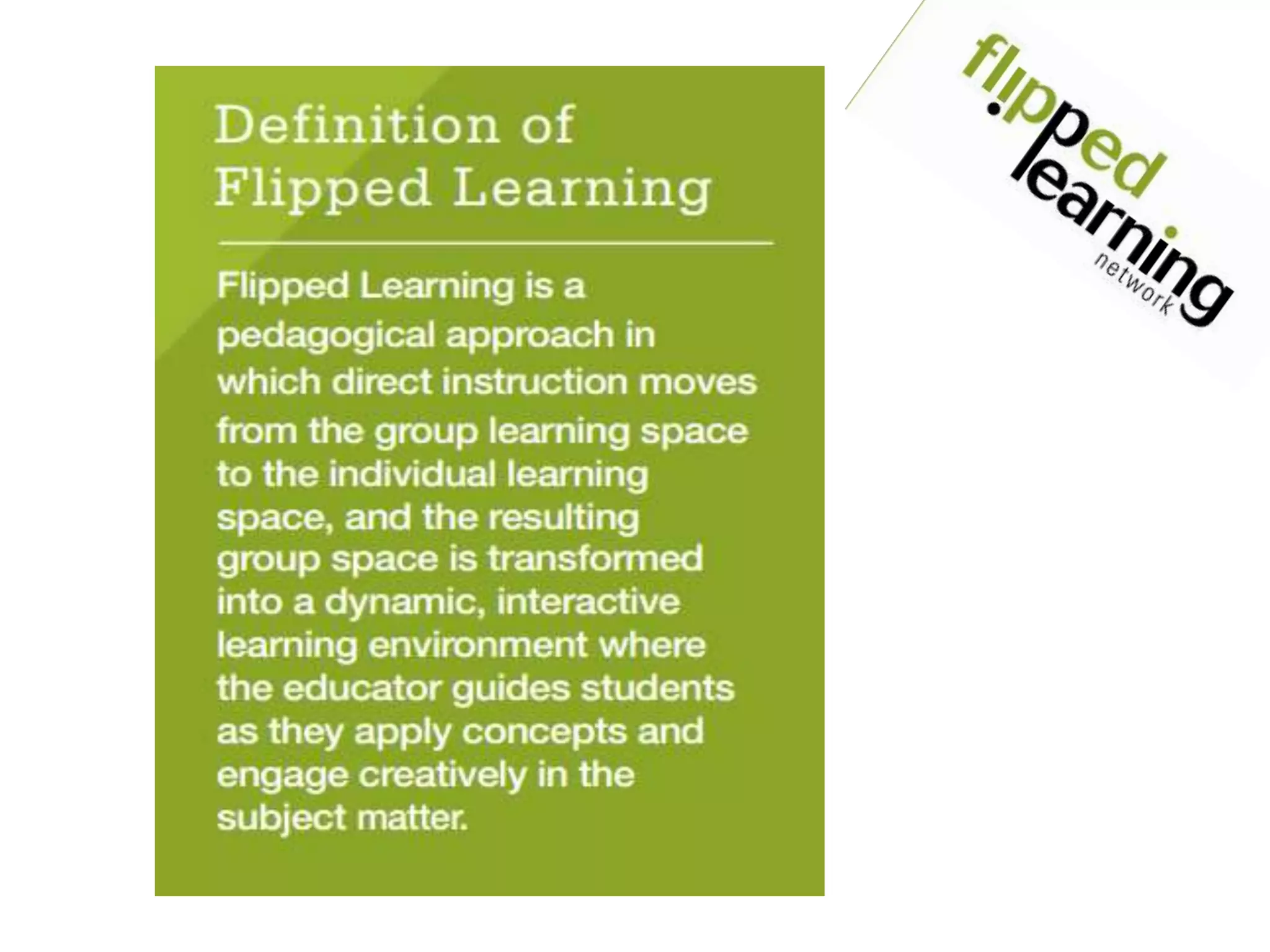
What is Flipped Learning?
Now for a quick quiz… 
Go to Kahoot.it on any device
Why flip? 
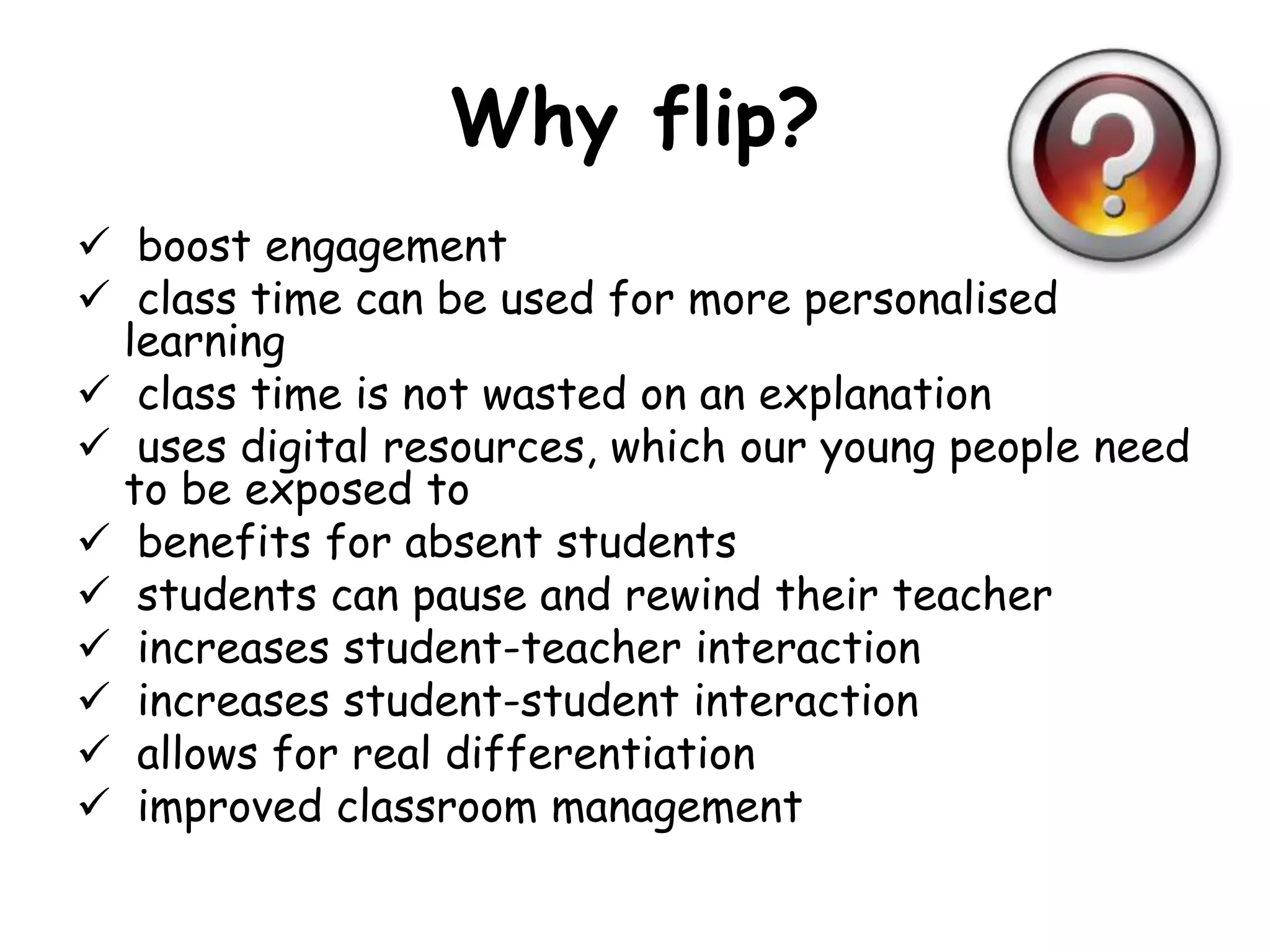
 boost engagement 
 class time can be used for more personalised 
learning 
 class time is not wasted on an explanation 
 uses digital resources, which our young people need 
to be exposed to 
 benefits for absent students 
 students can pause and rewind their teacher 
 increases student-teacher interaction 
 increases student-student interaction 
 allows for real differentiation 
 improved classroom management
Barriers 
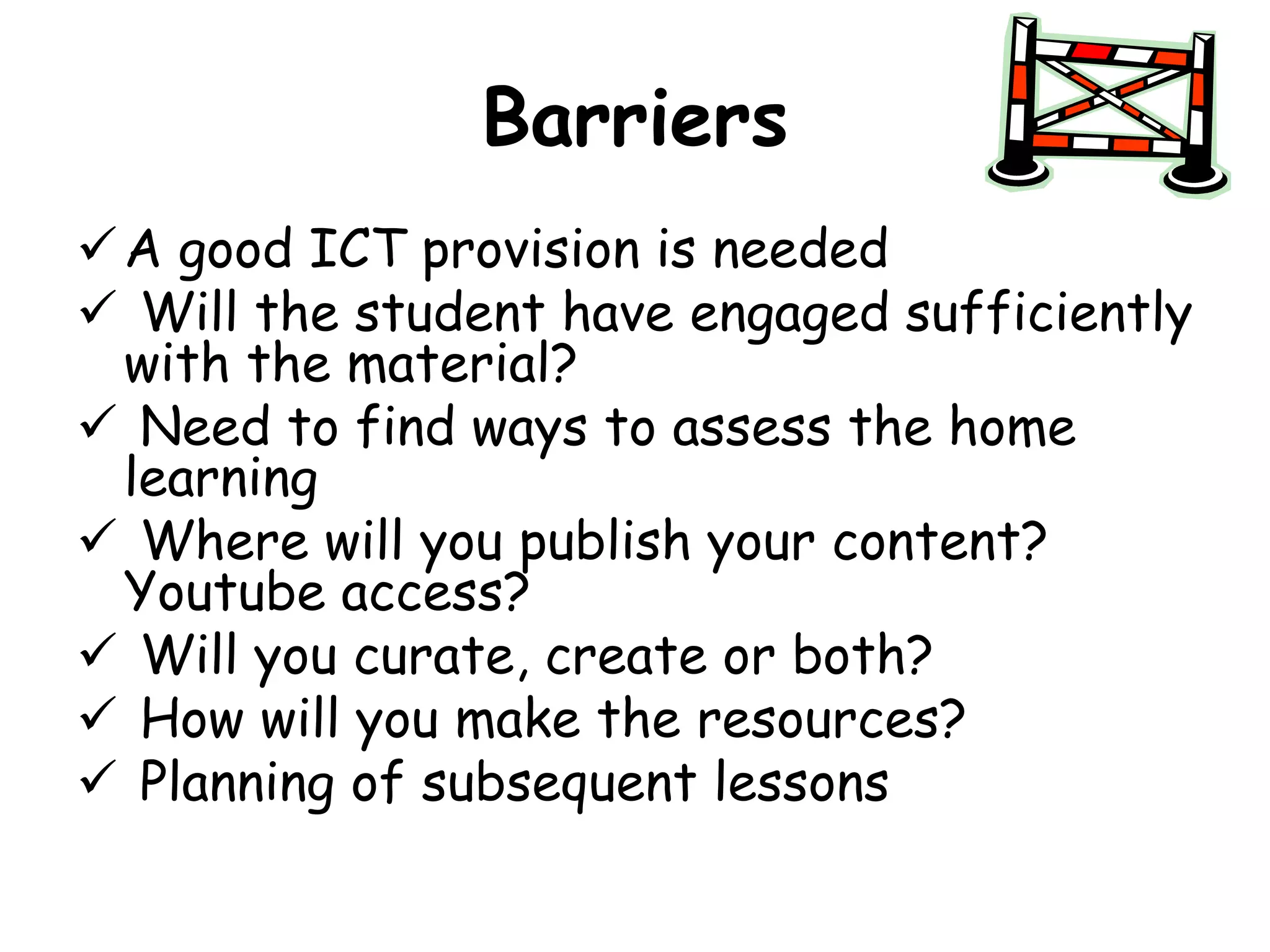
A good ICT provision is needed 
 Will the student have engaged sufficiently 
with the material? 
 Need to find ways to assess the home 
learning 
 Where will you publish your content? 
Youtube access? 
 Will you curate, create or both? 
 How will you make the resources? 
 Planning of subsequent lessons
Flipped Classroom Approach 
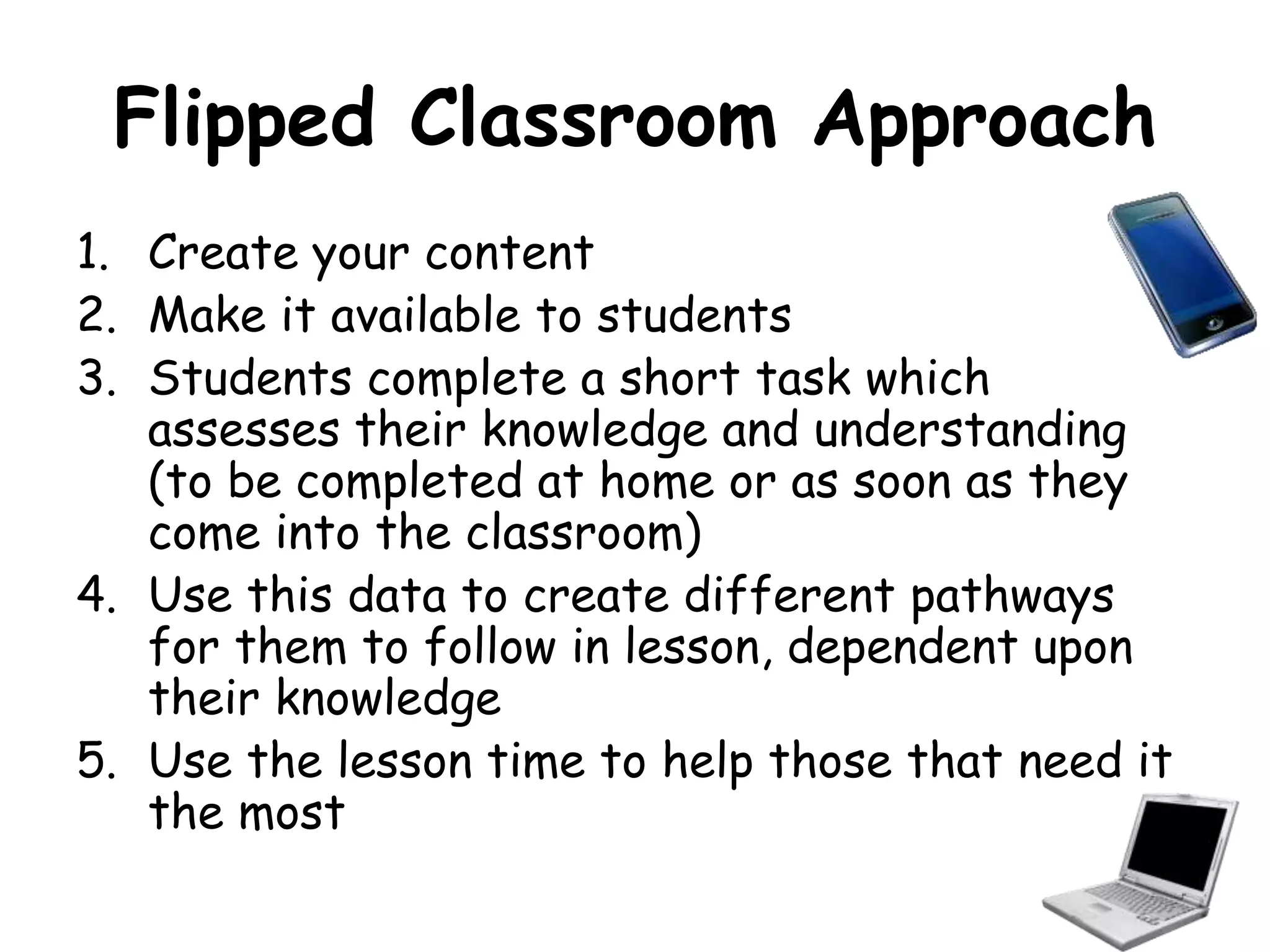
1. Create your content 
2. Make it available to students 
3. Students complete a short task which 
assesses their knowledge and understanding 
(to be completed at home or as soon as they 
come into the classroom) 
4. Use this data to create different pathways 
for them to follow in lesson, dependent upon 
their knowledge 
5. Use the lesson time to help those that need it 
the most
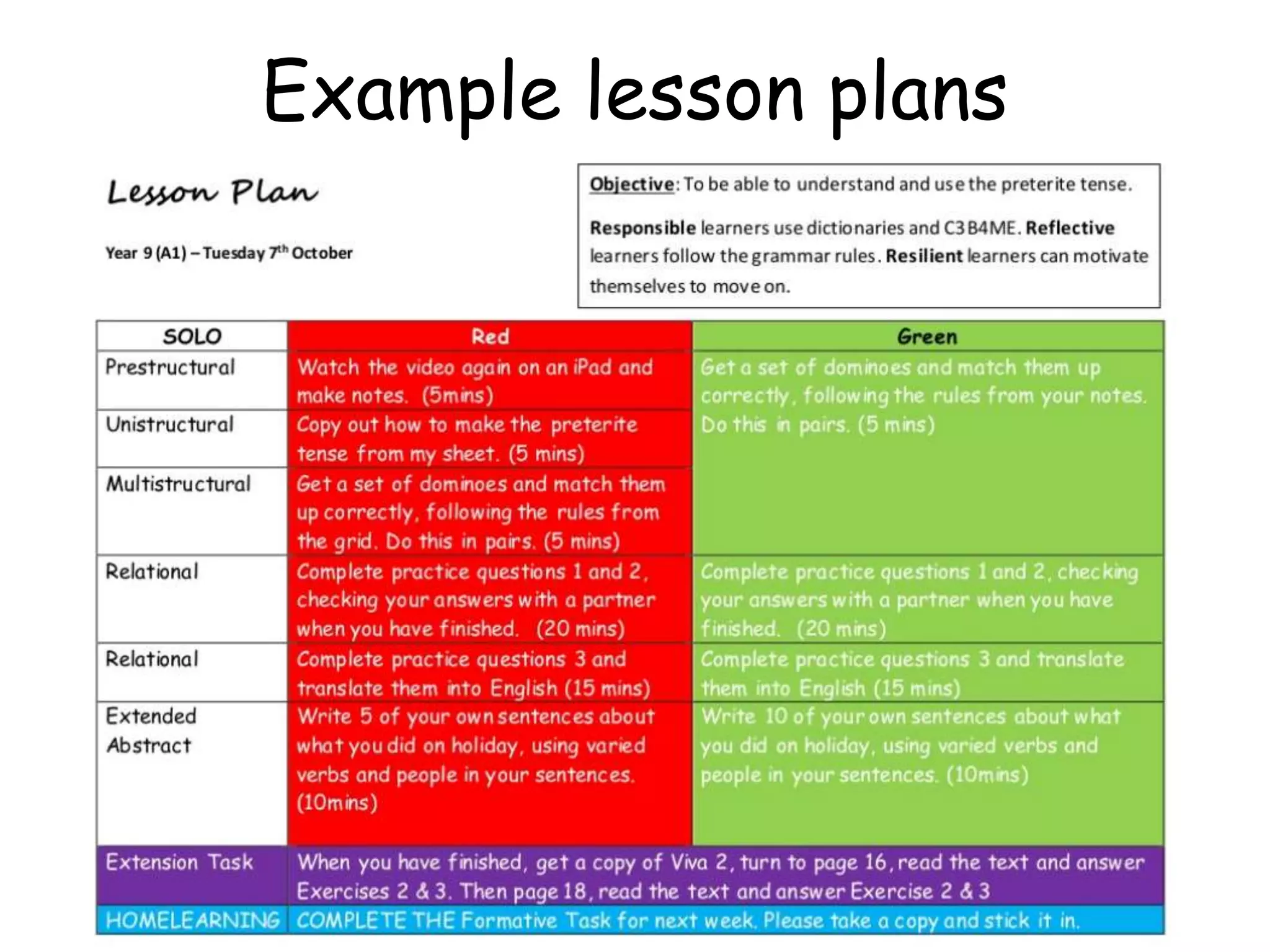
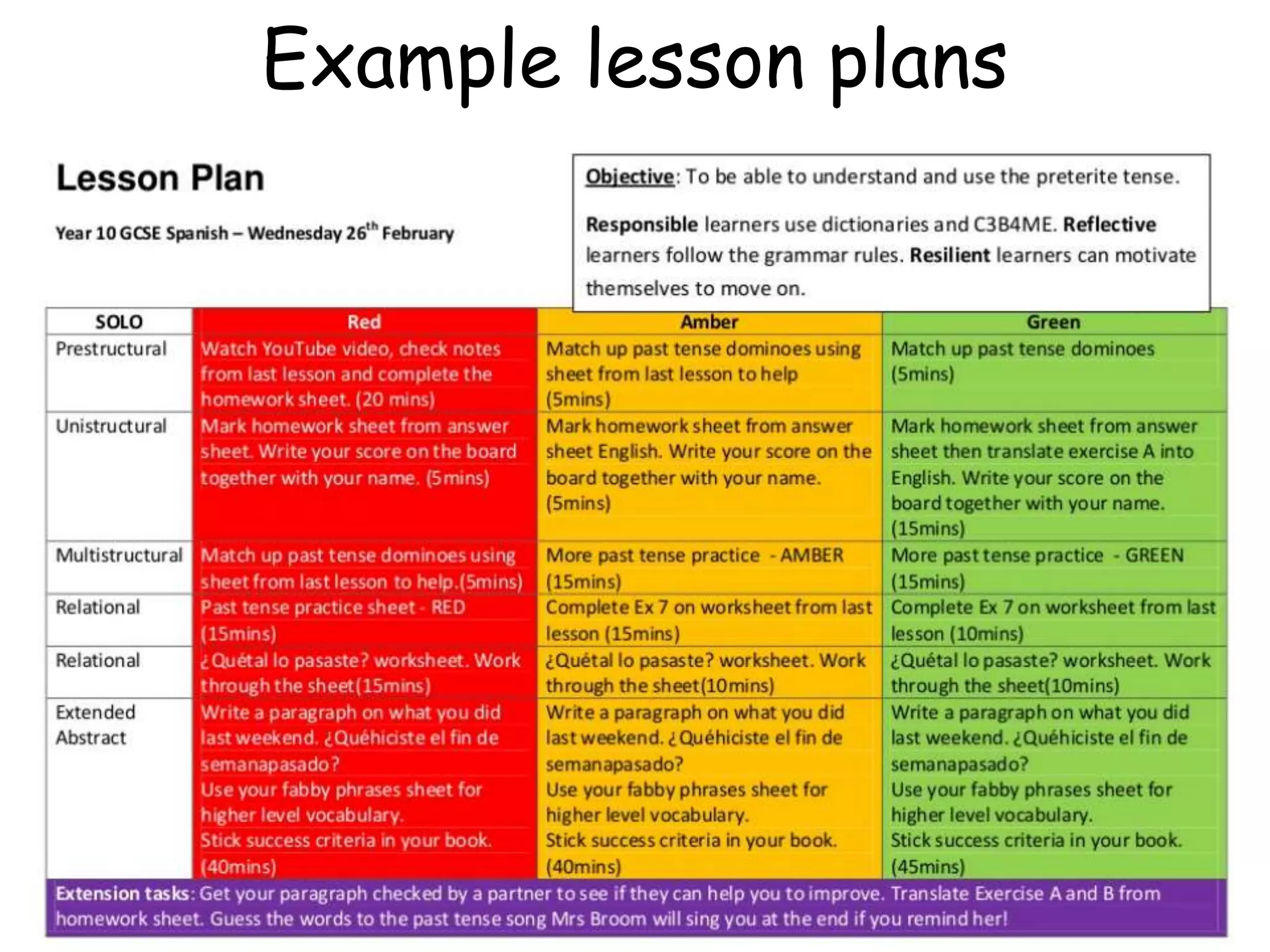
Example lesson plans
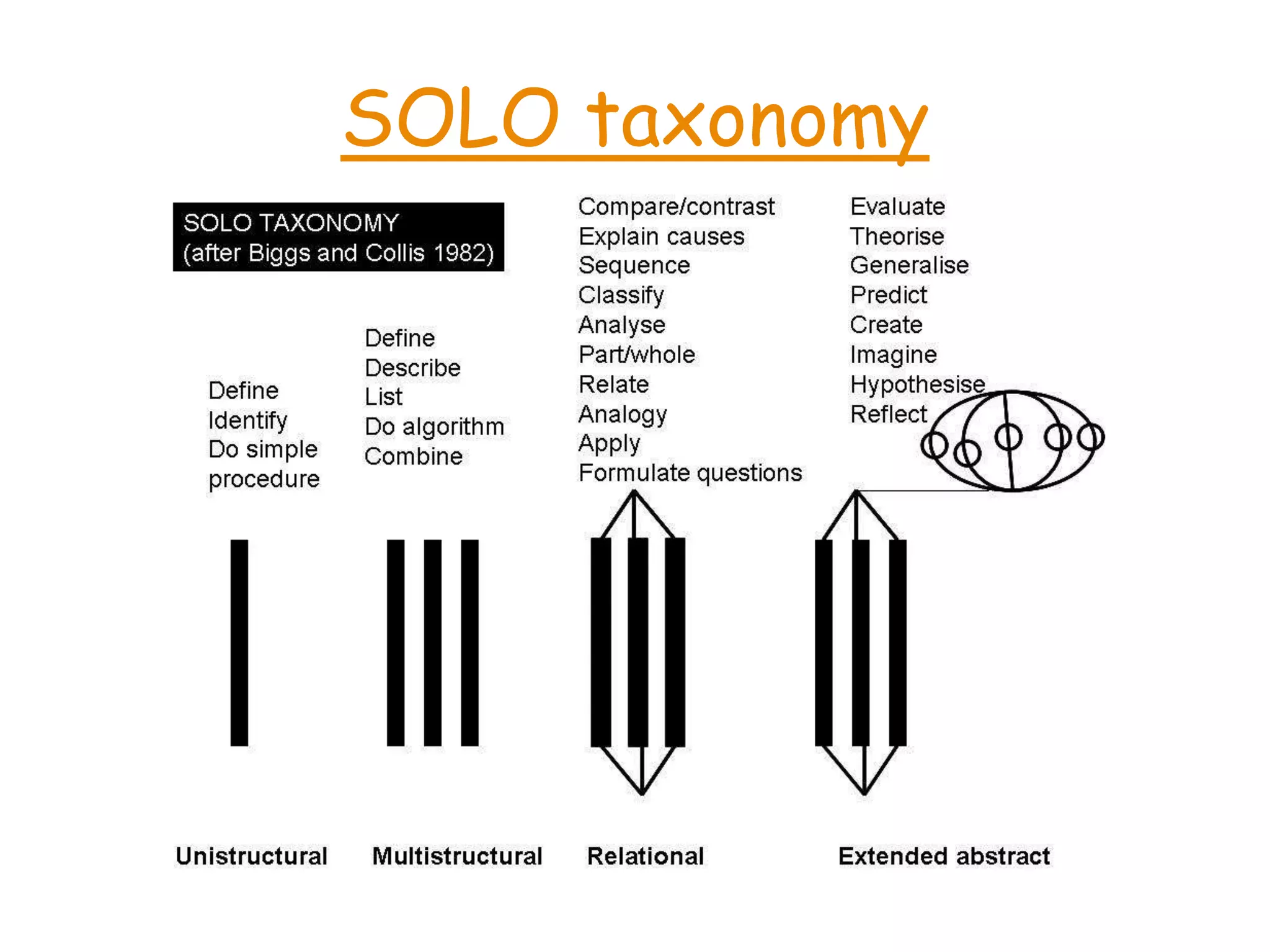
SOLO taxonomy
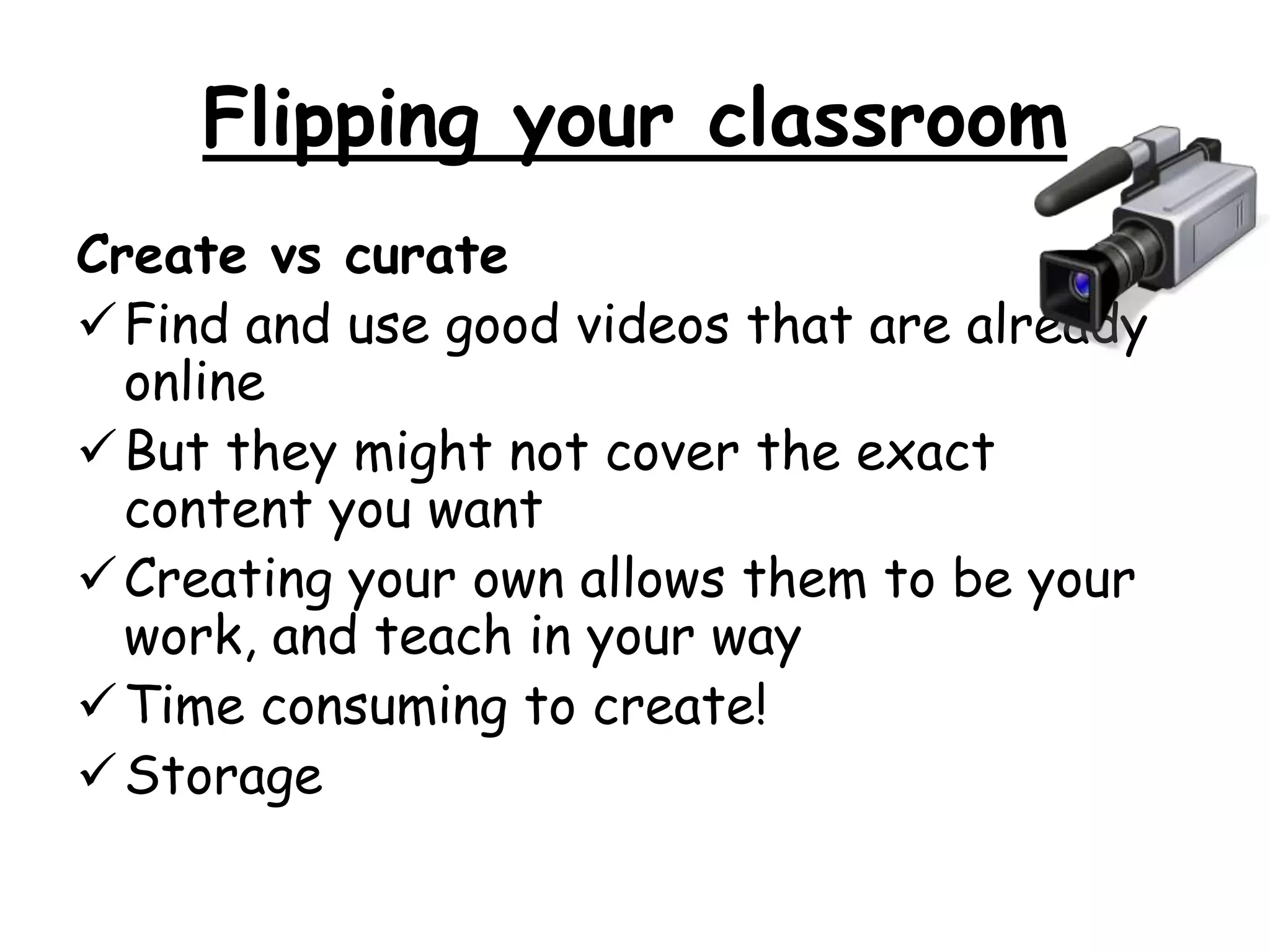
Flipping your classroom 
Create vs curate 
Find and use good videos that are already 
online 
But they might not cover the exact 
content you want 
Creating your own allows them to be your 
work, and teach in your way 
Time consuming to create! 
Storage
Creating videos 
 Grab a camera (and a colleague?!) and 
record what you want 
 Use online video tools eg. Powtoon 
 Use apps eg. ExplainEverything, Doceri 
 Use screen capture software to record 
what you are doing 
 Use presentation software eg. 
PowerPoint, Prezi, KeyNote
Top Tips 
Check sound 
Use illustrations 
Use as many demonstrations as you can 
Don’t attempt to explain too much in one 
video 
 Decide if you want to script it or not 
 Don’t spend too long worrying about what 
it looks like, content is more important 
 Have fun! Be a great teacher! 
Don’t flip every lesson
Where can I put the materials? 
o Make it accessible for students 
o Online platforms 
o Moodle or other VLE 
o Independent platforms eg Edmodo 
o Sophia.org 
o Youtube, Teachertube, Schooltube 
o Google Classroom 
o Disseminate via school email eg. 
googlemail
How can I assess students? 
• Traditional 
– Paper quiz 
– Show of hands to answer 
– Multiple choice quiz 
• Technological 
– Kahoot.it (getkahoot.com) 
– Google Form (with flubaroo) 
– Socrative 
– QuickKey
How can I find out more? 
• My blog: 
www.Languagesresources.wordpress.com 
• Flippedinstitute.org 
• Twitter 
– #fliplearn 
– #flipclass 
• Formal research: 2013 whitepaper: A 
second year review of flipped learning
Questions 
Samantha Broom 
Head of MFL 
St Mary’s Catholic Academy 
slu@st-mary.blackpool.sch.uk 
@spanishsam 
Languagesresources.wordpress.com

Flipped learning cpd for CLC

  • 1.
    Flipped Learning CPD Let’s flip, not flop
  • 2.
    Objectives Understand theconcept of flipped learning Consider the purpose of flipping Be aware of barriers with this approach Look at how to flip your classroom Know where to find out more
  • 3.
    What is FlippedLearning?
  • 4.
    Now for aquick quiz… Go to Kahoot.it on any device
  • 6.
    Why flip? boost engagement  class time can be used for more personalised learning  class time is not wasted on an explanation  uses digital resources, which our young people need to be exposed to  benefits for absent students  students can pause and rewind their teacher  increases student-teacher interaction  increases student-student interaction  allows for real differentiation  improved classroom management
  • 7.
    Barriers A goodICT provision is needed  Will the student have engaged sufficiently with the material?  Need to find ways to assess the home learning  Where will you publish your content? Youtube access?  Will you curate, create or both?  How will you make the resources?  Planning of subsequent lessons
  • 8.
    Flipped Classroom Approach 1. Create your content 2. Make it available to students 3. Students complete a short task which assesses their knowledge and understanding (to be completed at home or as soon as they come into the classroom) 4. Use this data to create different pathways for them to follow in lesson, dependent upon their knowledge 5. Use the lesson time to help those that need it the most
  • 9.
  • 10.
  • 11.
  • 12.
    Flipping your classroom Create vs curate Find and use good videos that are already online But they might not cover the exact content you want Creating your own allows them to be your work, and teach in your way Time consuming to create! Storage
  • 13.
    Creating videos Grab a camera (and a colleague?!) and record what you want  Use online video tools eg. Powtoon  Use apps eg. ExplainEverything, Doceri  Use screen capture software to record what you are doing  Use presentation software eg. PowerPoint, Prezi, KeyNote
  • 14.
    Top Tips Checksound Use illustrations Use as many demonstrations as you can Don’t attempt to explain too much in one video  Decide if you want to script it or not  Don’t spend too long worrying about what it looks like, content is more important  Have fun! Be a great teacher! Don’t flip every lesson
  • 15.
    Where can Iput the materials? o Make it accessible for students o Online platforms o Moodle or other VLE o Independent platforms eg Edmodo o Sophia.org o Youtube, Teachertube, Schooltube o Google Classroom o Disseminate via school email eg. googlemail
  • 16.
    How can Iassess students? • Traditional – Paper quiz – Show of hands to answer – Multiple choice quiz • Technological – Kahoot.it (getkahoot.com) – Google Form (with flubaroo) – Socrative – QuickKey
  • 17.
    How can Ifind out more? • My blog: www.Languagesresources.wordpress.com • Flippedinstitute.org • Twitter – #fliplearn – #flipclass • Formal research: 2013 whitepaper: A second year review of flipped learning
  • 18.
    Questions Samantha Broom Head of MFL St Mary’s Catholic Academy slu@st-mary.blackpool.sch.uk @spanishsam Languagesresources.wordpress.com

Editor's Notes

  • #4 http://www.youtube.com/watch?v=nteyw1sF7Ao
  • #6 http://flippedlearning.org/cms/lib07/VA01923112/Centricity/Domain/46/FLIP_handout_FNL_Web.pdf
  • #7 Some ideas from http://www.ascd.org/publications/books/112060/chapters/Why-You-Should-Flip-Your-Classroom.aspx
  • #10 http://languagesresources.wordpress.com/
  • #11 http://languagesresources.wordpress.com/
  • #12 Video link to SOLO via lego http://www.youtube.com/watch?v=uDXXV-mCLPg