Download to read offline




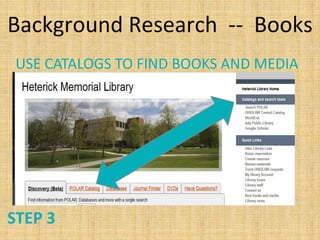



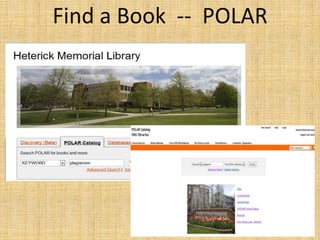
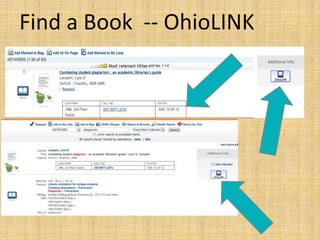
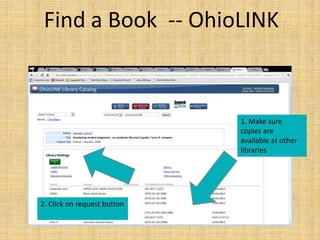
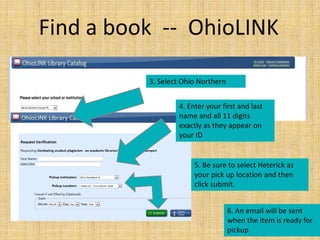

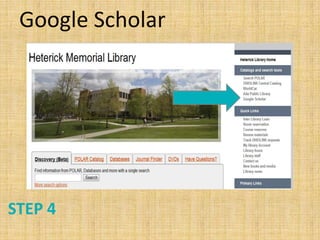
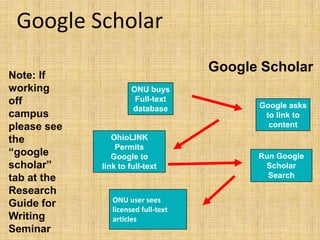
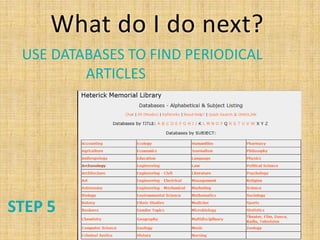
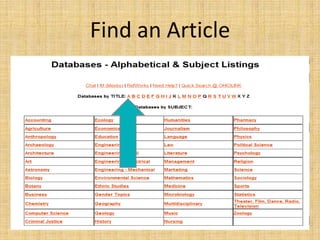
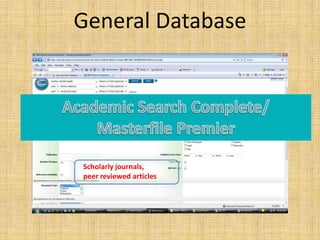
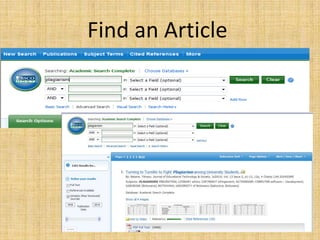
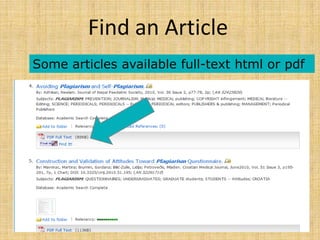
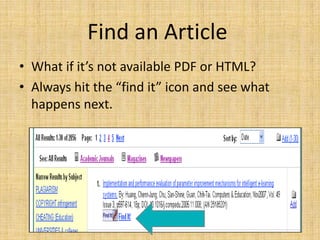
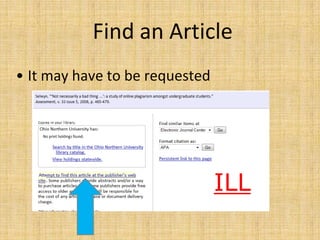
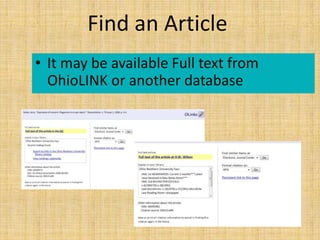
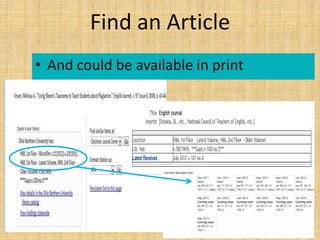
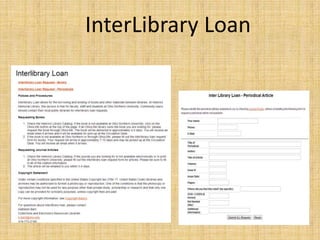
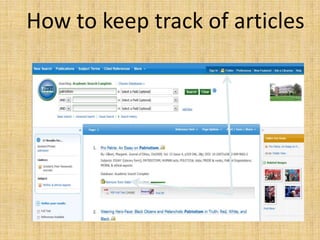
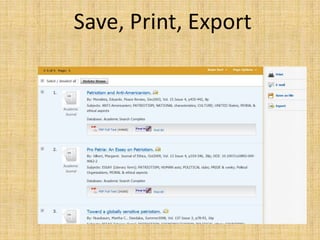
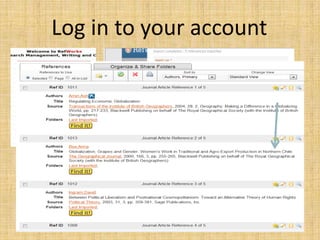
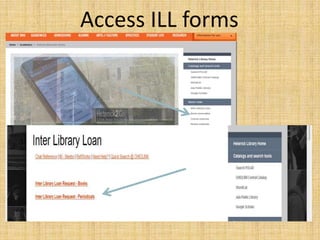
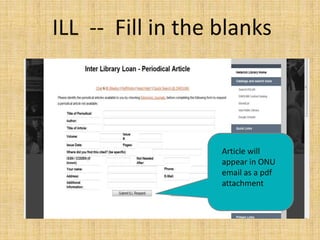



Here are the steps to request an article: 1. Click on "Find It" next to the citation. This will check if we have access to the full text. 2. If we don't have full text access, it will say "Request via: ILLiad." Click on that link. 3. Log into your ILLiad account or create one if you don't have one yet. 4. Fill out the request form with the citation information. Be sure to select Heterick as the pickup location. 5. Click submit. The article will be requested through interlibrary loan. You'll get an email when it arrives. 6. Pick it up at the


