Annotated Bibliography
 Research Strategies
        ENGL 1221


                        Traci Welch Moritz
  Public Services Librarian/Assistant Professor
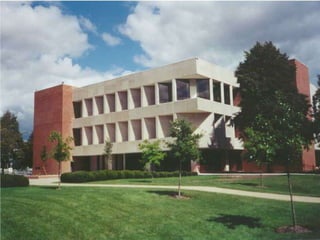
                    Heterick Memorial Library
What today is all about
ď‚—Aid in constructing research
 strategy for finding resources for
 annotated bibliography
ď‚—Find resources in library catalog
 and databases available
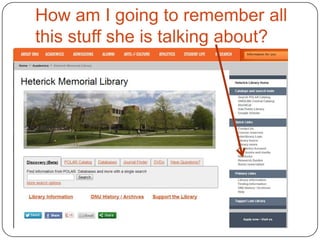
How am I going to remember all
this stuff she is talking about?
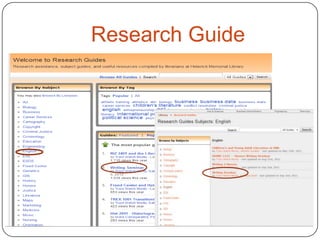
Research Guide
Annotated Bibliography

ď‚— Allows you to see what is out there
ď‚— Helps you narrow your topic and
  discard any irrelevant materials
ď‚— Aids in developing the thesis
ď‚— Makes you a better scholar
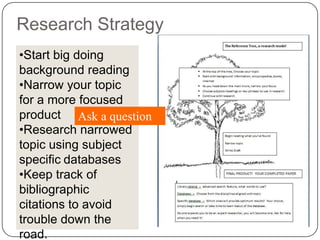
Research Strategy
•Start big doing
background reading
•Narrow your topic
for a more focused
product Ask a question
•Research narrowed
topic using subject
specific databases
•Keep track of
bibliographic
citations to avoid
trouble down the
road.
What do I do first?
ď‚— Take a look at your topic and identify key
  search terms, Ask a question.
ď‚— Most databases now use an implied Boolean
  logic search scheme so a keyword search
  will get you started.
ď‚— Boolean logic is the use of AND, NOT, OR
  to narrow or expand your search
ď‚— See Research Guide for Writing Seminar


             WHO
Internet Tools

      Aren’t evil
     ď‚— Can prove valuable
      Can’t be used as a source
     ď‚— Turn to the databases for source
        materials

From the University of Wisconsin Library, worksheet for evaluating web sites
Internet Tools
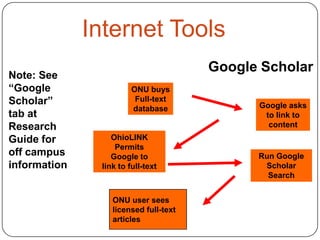
                                       Google Scholar
Note: See
“Google                 ONU buys
Scholar”                 Full-text
                                             Google asks
                        database
tab at                                        to link to
Research                                       content
Guide for         OhioLINK
                   Permits
off campus        Google to                  Run Google
information    link to full-text              Scholar
                                               Search


                  ONU user sees
                  licensed full-text
                  articles
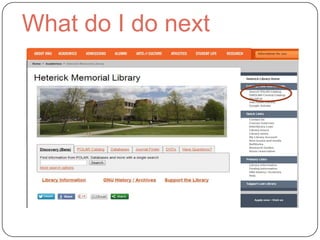
What do I do next
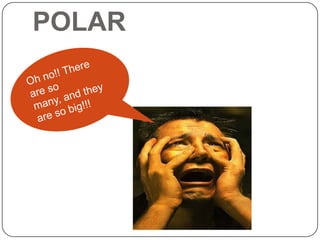
POLAR
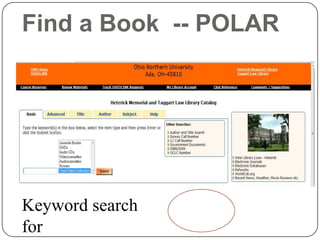
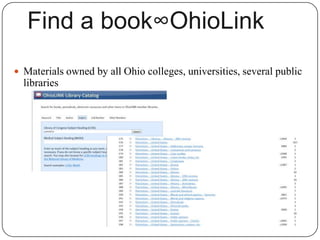
Find a Book -- POLAR


Keyword search
for
ď‚— Materials owned by all Ohio colleges, universities, several public
  libraries
Definitions
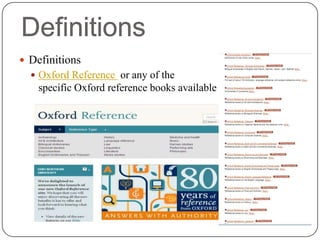
ď‚— Definitions
  ď‚— Oxford Reference or any of the                 subject
    specific Oxford reference books available electronically
Databases
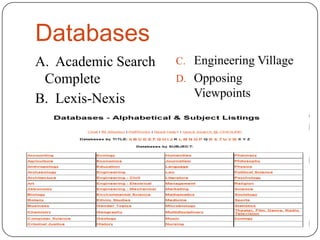
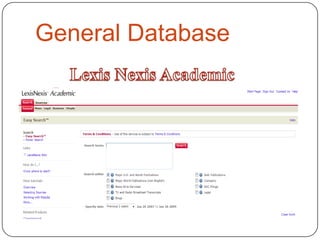
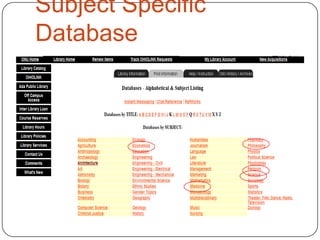
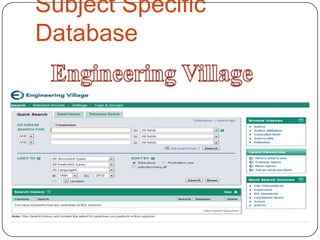
A. Academic Search   C. Engineering Village
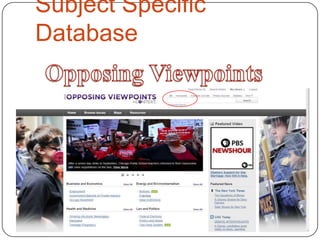
 Complete            D. Opposing
B. Lexis-Nexis          Viewpoints
General Database


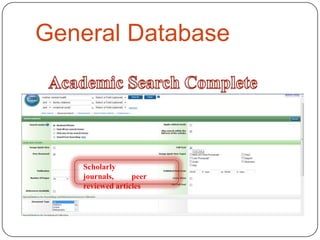
   Scholarly
   journals,     peer
   reviewed articles
General Database
Subject Specific
Database
Subject Specific
Database
Subject Specific
Database
Bibliographic Citation
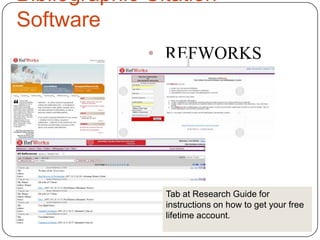
Software
              • REFWORKS


                Tab at Research Guide for
                instructions on how to get your free
                lifetime account.
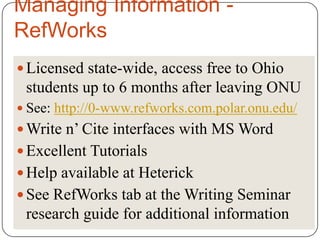
Managing Information -
RefWorks
ď‚— Licensed state-wide, access free to Ohio
 students up to 6 months after leaving ONU
ď‚— See: http://0-www.refworks.com.polar.onu.edu/
 Write n’ Cite interfaces with MS Word
ď‚— Excellent Tutorials
ď‚— Help available at Heterick
ď‚— See RefWorks tab at the Writing Seminar
 research guide for additional information
Interlibrary Loan (ILL)

ď‚— Use when you need a book or article that
  is not available online, not owned by
  ONU or available via OhioLINK
ď‚— No charge/ limit on requests
ď‚— Most requests take 5-7 days to fill
ď‚— Use ILL form on library web pages.
Writing Seminar Putt 2012

Writing Seminar Putt 2012

  • 1.
    Annotated Bibliography ResearchStrategies ENGL 1221 Traci Welch Moritz Public Services Librarian/Assistant Professor Heterick Memorial Library
  • 2.
    What today isall about ď‚—Aid in constructing research strategy for finding resources for annotated bibliography ď‚—Find resources in library catalog and databases available
  • 3.
    How am Igoing to remember all this stuff she is talking about?
  • 4.
  • 5.
    Annotated Bibliography ď‚— Allowsyou to see what is out there ď‚— Helps you narrow your topic and discard any irrelevant materials ď‚— Aids in developing the thesis ď‚— Makes you a better scholar
  • 6.
    Research Strategy •Start bigdoing background reading •Narrow your topic for a more focused product Ask a question •Research narrowed topic using subject specific databases •Keep track of bibliographic citations to avoid trouble down the road.
  • 7.
    What do Ido first? ď‚— Take a look at your topic and identify key search terms, Ask a question. ď‚— Most databases now use an implied Boolean logic search scheme so a keyword search will get you started. ď‚— Boolean logic is the use of AND, NOT, OR to narrow or expand your search ď‚— See Research Guide for Writing Seminar WHO
  • 8.
    Internet Tools  Aren’t evil  Can prove valuable  Can’t be used as a source  Turn to the databases for source materials From the University of Wisconsin Library, worksheet for evaluating web sites
  • 9.
    Internet Tools Google Scholar Note: See “Google ONU buys Scholar” Full-text Google asks database tab at to link to Research content Guide for OhioLINK Permits off campus Google to Run Google information link to full-text Scholar Search ONU user sees licensed full-text articles
  • 10.
    What do Ido next
  • 11.
  • 12.
    Find a Book-- POLAR Keyword search for
  • 13.
    ď‚— Materials ownedby all Ohio colleges, universities, several public libraries
  • 14.
    Definitions ď‚— Definitions ď‚— Oxford Reference or any of the subject specific Oxford reference books available electronically
  • 15.
    Databases A. Academic Search C. Engineering Village Complete D. Opposing B. Lexis-Nexis Viewpoints
  • 16.
    General Database Scholarly journals, peer reviewed articles
  • 17.
  • 18.
  • 19.
  • 20.
  • 21.
    Bibliographic Citation Software • REFWORKS Tab at Research Guide for instructions on how to get your free lifetime account.
  • 22.
    Managing Information - RefWorks Licensed state-wide, access free to Ohio students up to 6 months after leaving ONU  See: http://0-www.refworks.com.polar.onu.edu/  Write n’ Cite interfaces with MS Word  Excellent Tutorials  Help available at Heterick  See RefWorks tab at the Writing Seminar research guide for additional information
  • 23.
    Interlibrary Loan (ILL) ď‚—Use when you need a book or article that is not available online, not owned by ONU or available via OhioLINK ď‚— No charge/ limit on requests ď‚— Most requests take 5-7 days to fill ď‚— Use ILL form on library web pages.