An Introduction to WordPress
          Security
         WordCamp Detroit
     November 12th - 13th, 2011
David Wilemski
                @davidwilemski


davidwilemski.com        github.com/davidwilemski
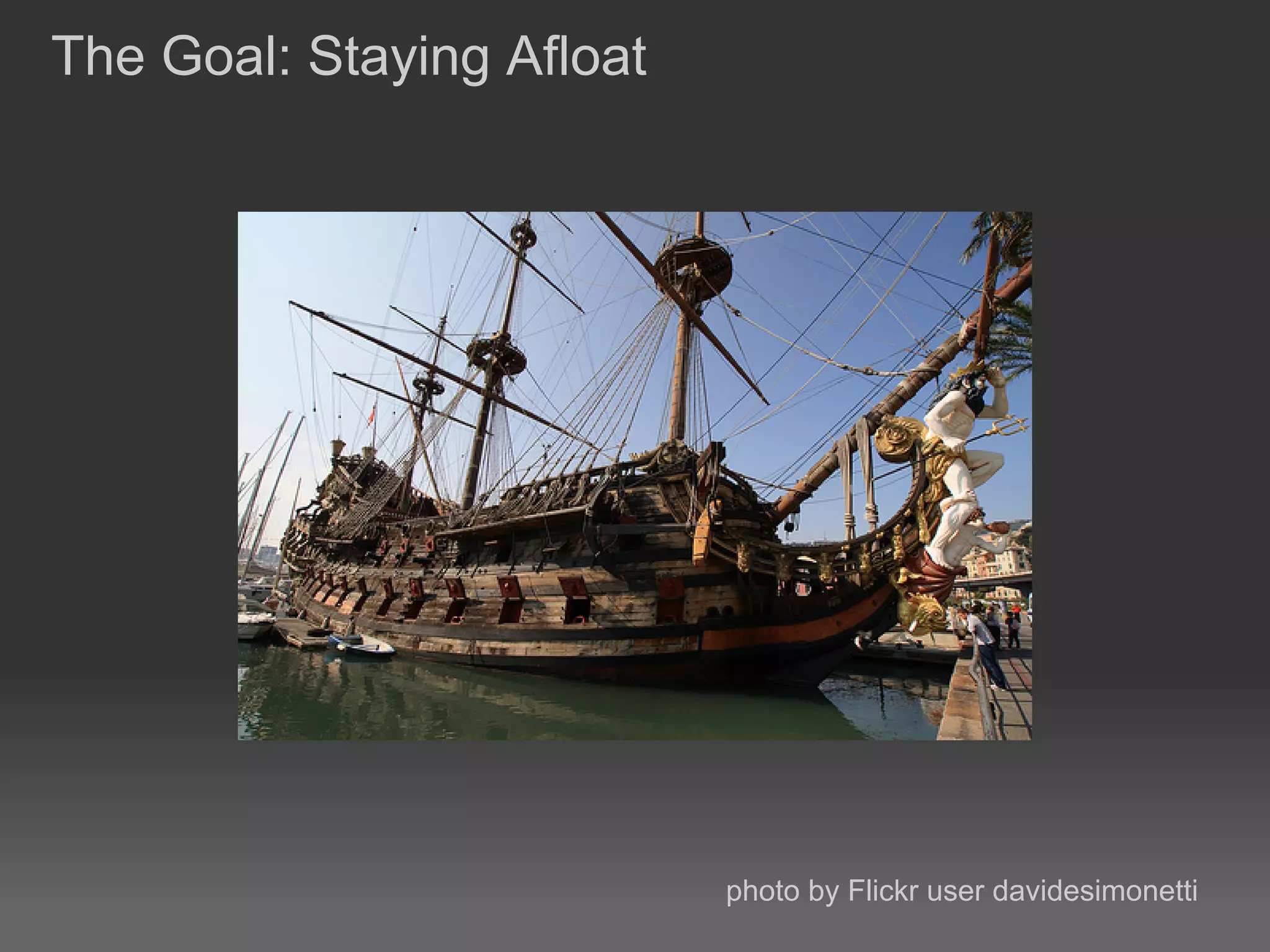
The Goal: Staying Afloat


                           photo by Flickr user davidesimonetti
WordPress Security

● Raise the security bar

● Plugins and services

● Disaster recovery
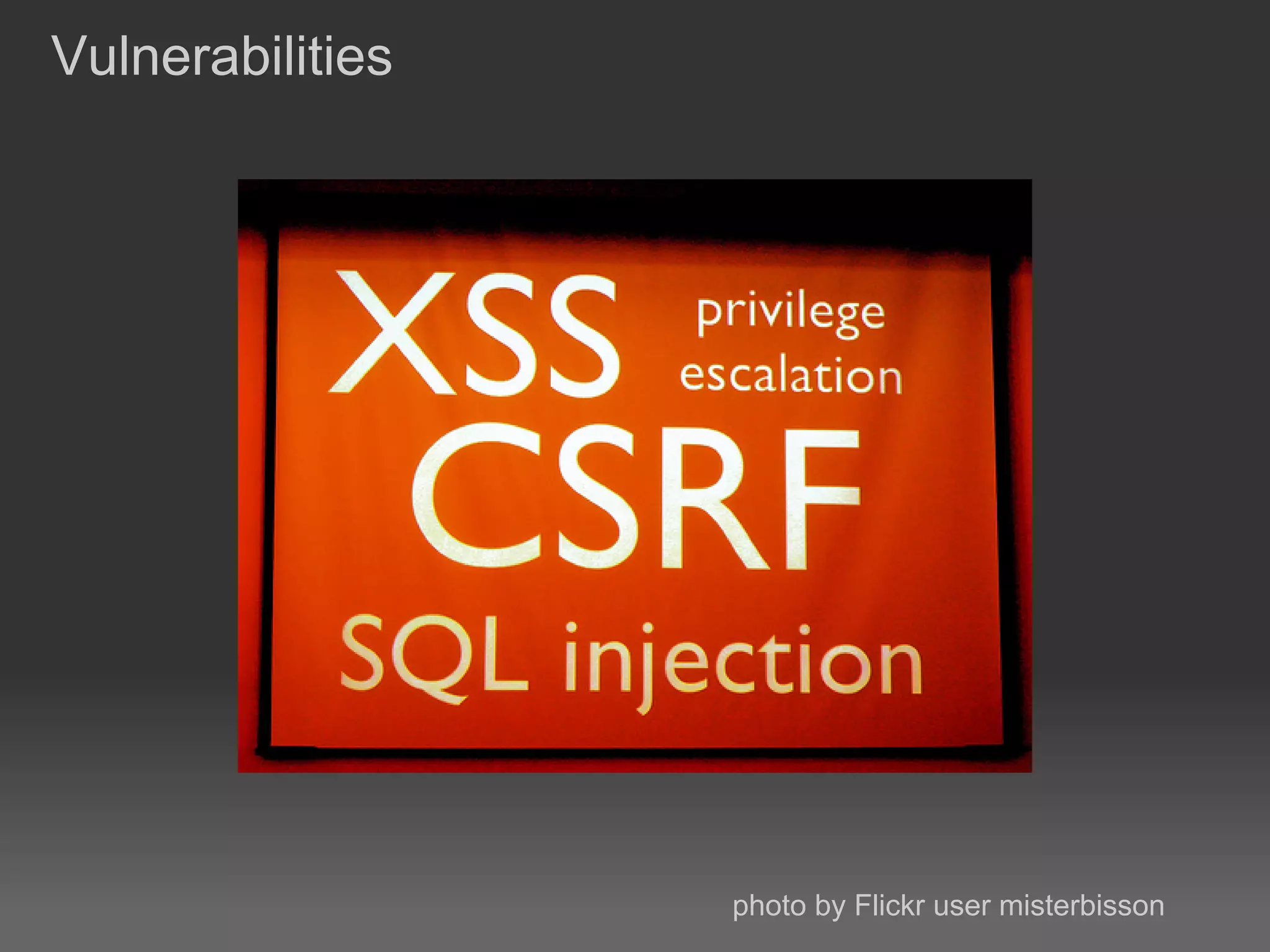
Vulnerabilities


                  photo by Flickr user misterbisson
Drive by exploits

 ● Most attacks aren't targeted

 ● Little time per site

 ● Known exploits
timthumb.php exploit

 ● Common image library used in WP themes

 ● Exploited poor error checking

 ● Arbitrary code execution


http://markmaunder.com/2011/08/01/zero-day-vulnerability-in-
many-wordpress-themes/
Password Brute-forcing

 ● Automated attack on a user account

 ● Takes time, will show up in logs

 ● Some evidence of scripts that are distributed across multiple
   nodes


http://isc.sans.edu/diary.html?storyid=7663
Raising The Bar


                  photo by Flickr user Mike_tn
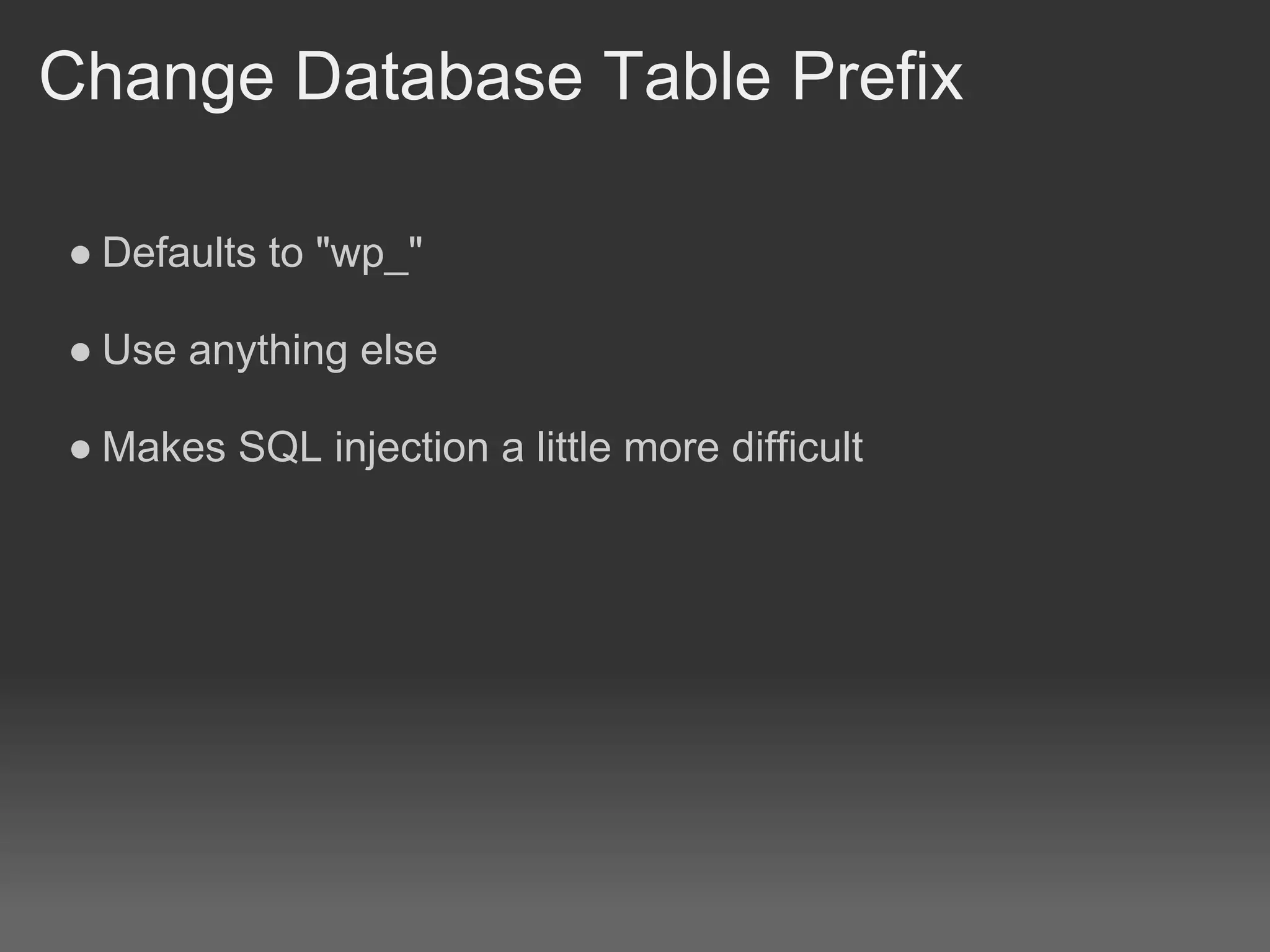
Change Database Table Prefix

● Defaults to "wp_"

● Use anything else

● Makes SQL injection a little more difficult
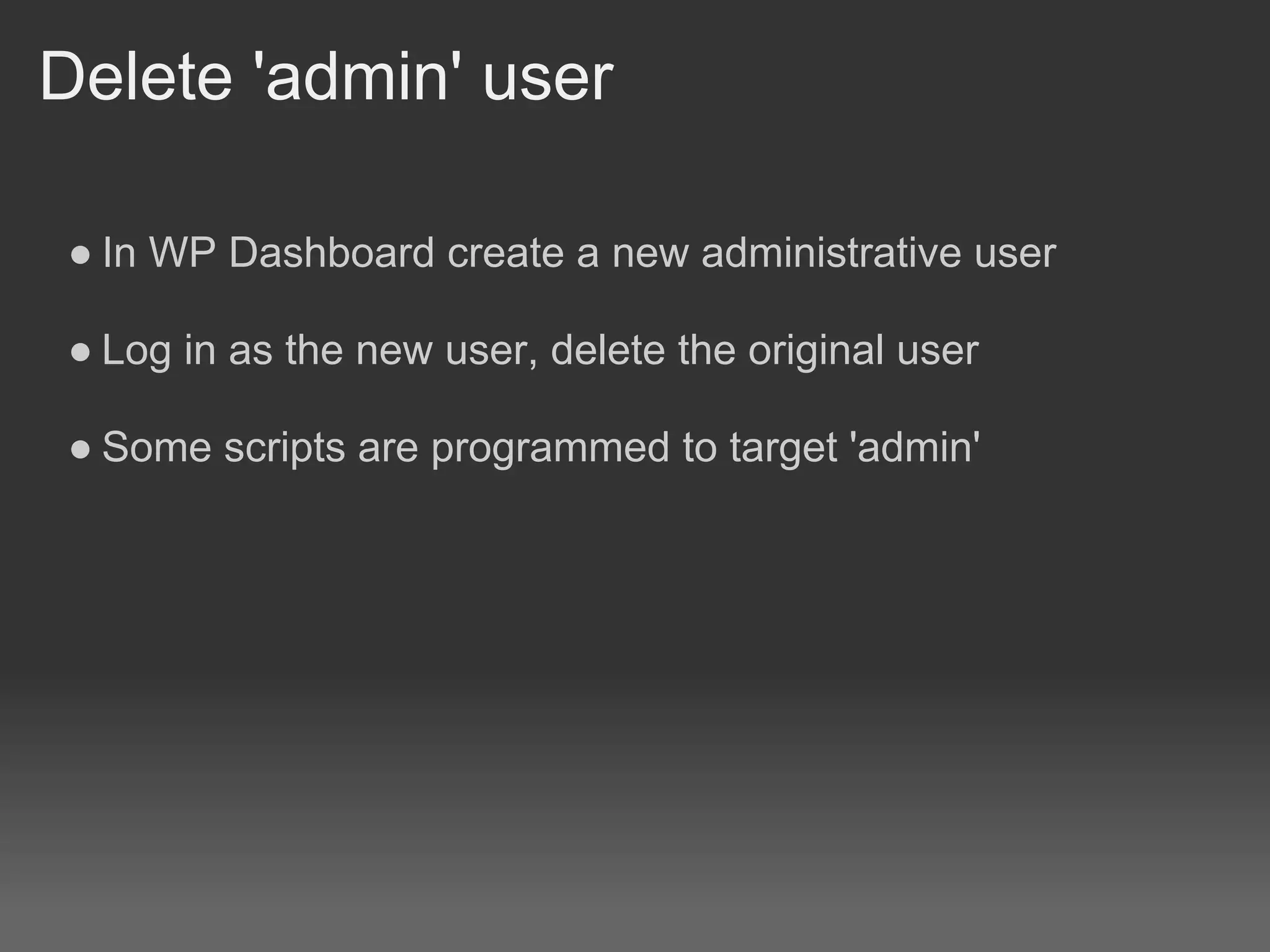
Delete 'admin' user

● In WP Dashboard create a new administrative user

● Log in as the new user, delete the original user

● Some scripts are programmed to target 'admin'
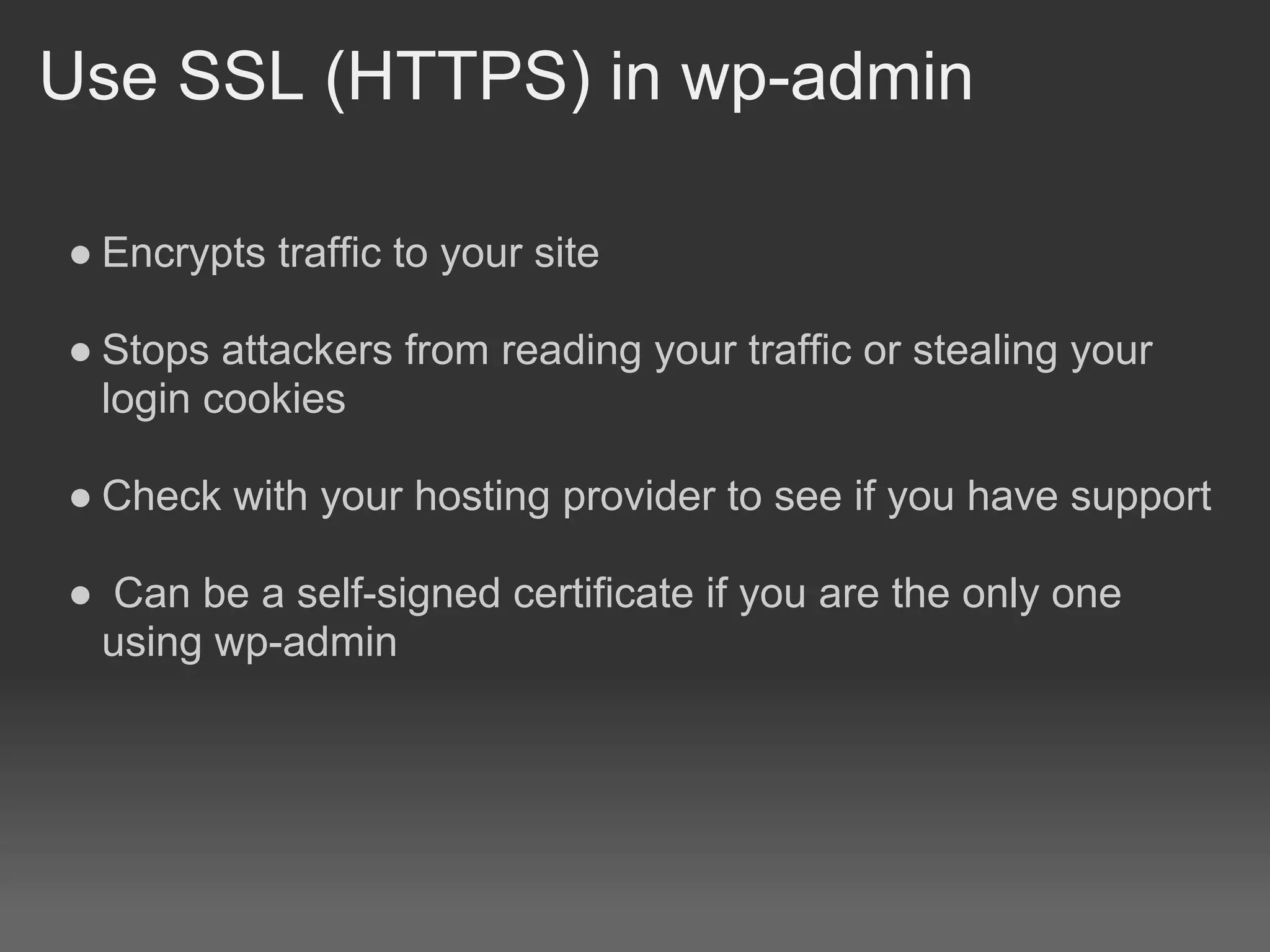
Use SSL (HTTPS) in wp-admin

● Encrypts traffic to your site

● Stops attackers from reading your traffic or stealing your
  login cookies

● Check with your hosting provider to see if you have support

● Can be a self-signed certificate if you are the only one
 using wp-admin
File Permissions

 ● Only as loose as required, NOT more

 ● Recommended 755 for directories and 644 for files


http://codex.wordpress.org/Hardening_WordPress#File_Permissions
Change wp-config.php secrets

● Security keys used for setting various cookies and internal
  crypto properties

● Changing them will just cause any logged in user to need to
  re-authenticate

● Use the generator:


 https://api.wordpress.org/secret-key/1.1/salt/
● Bonus: IP restrict wp-admin

 ● Use .htaccess to restrict access to the dashboard

 ● If your public IP address changes you will get locked out of
   WP and need to edit the .htaccess via FTP or shell access


http://httpd.apache.org/docs/2.2/mod/mod_authz_host.html
Unlimited Power


                  photo by Flickr user Frank.Li
Limit Login Attempts

 ● Rate limits failed login attempts

 ● Can hinder brute force attacks

 ● Notifies in case of too many failures


http://wordpress.org/extend/plugins/limit-login-attempts/
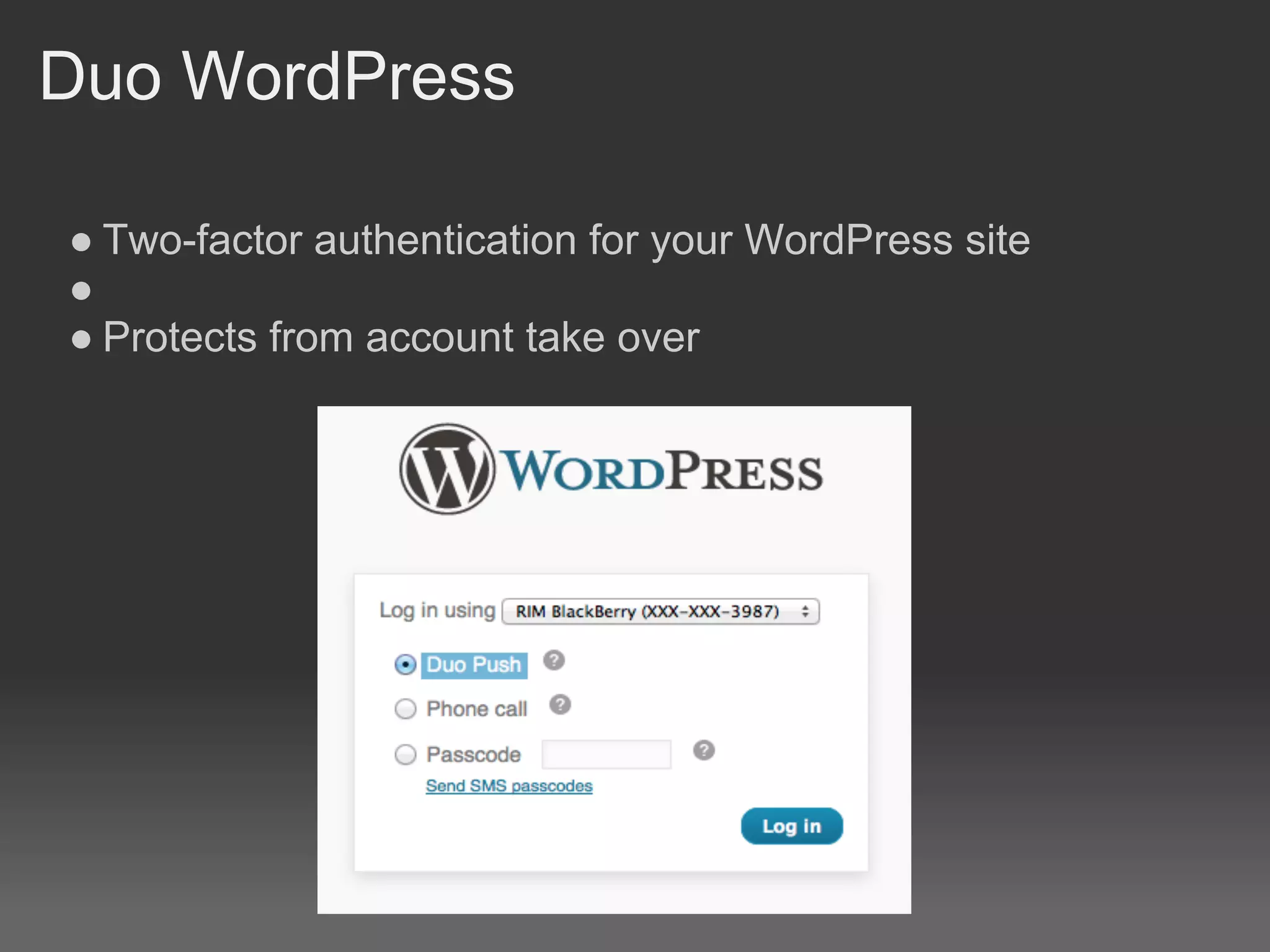
Duo WordPress

● Two-factor authentication for your WordPress site
●
● Protects from account take over
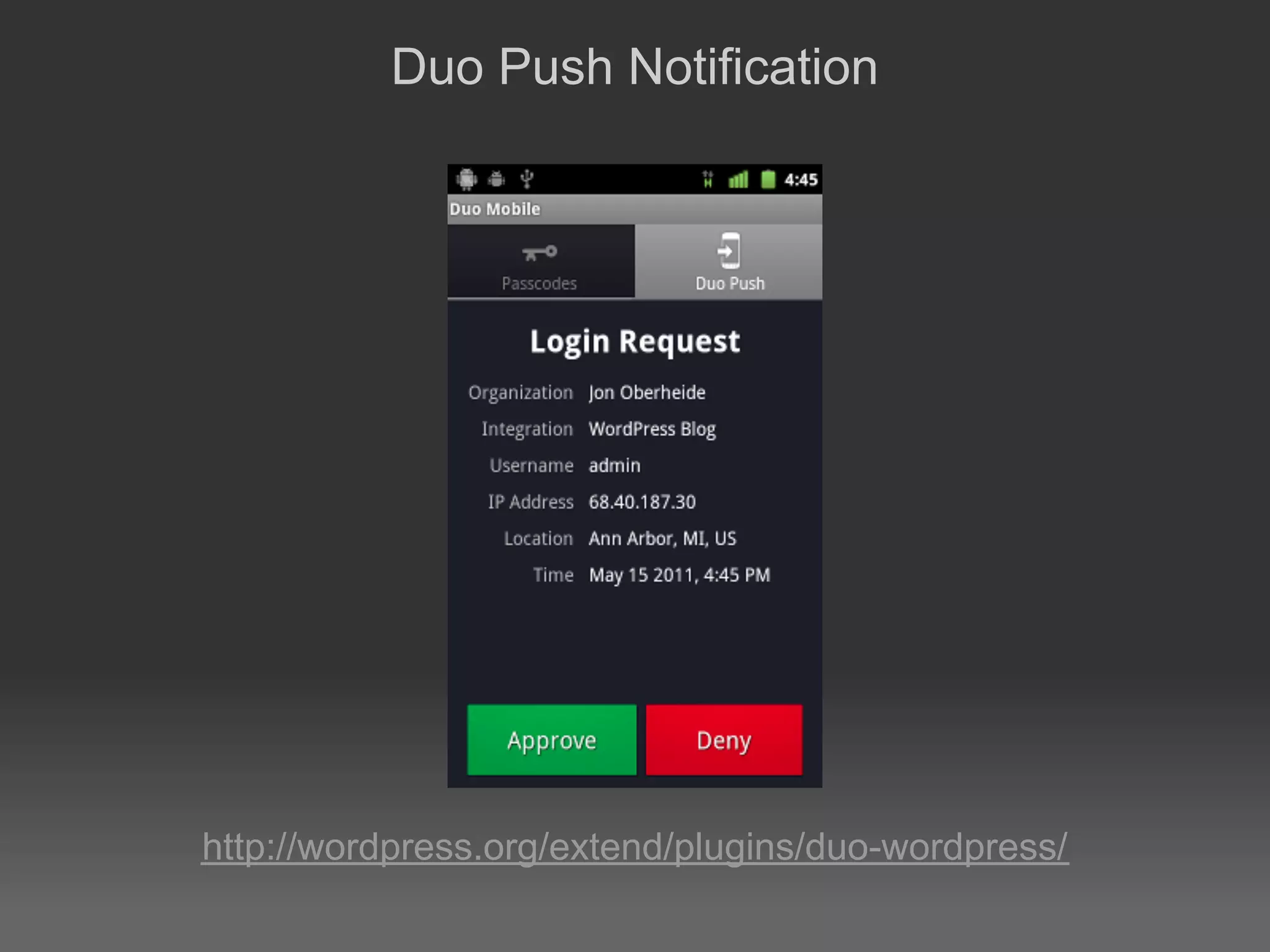
Duo Push Notification


http://wordpress.org/extend/plugins/duo-wordpress/
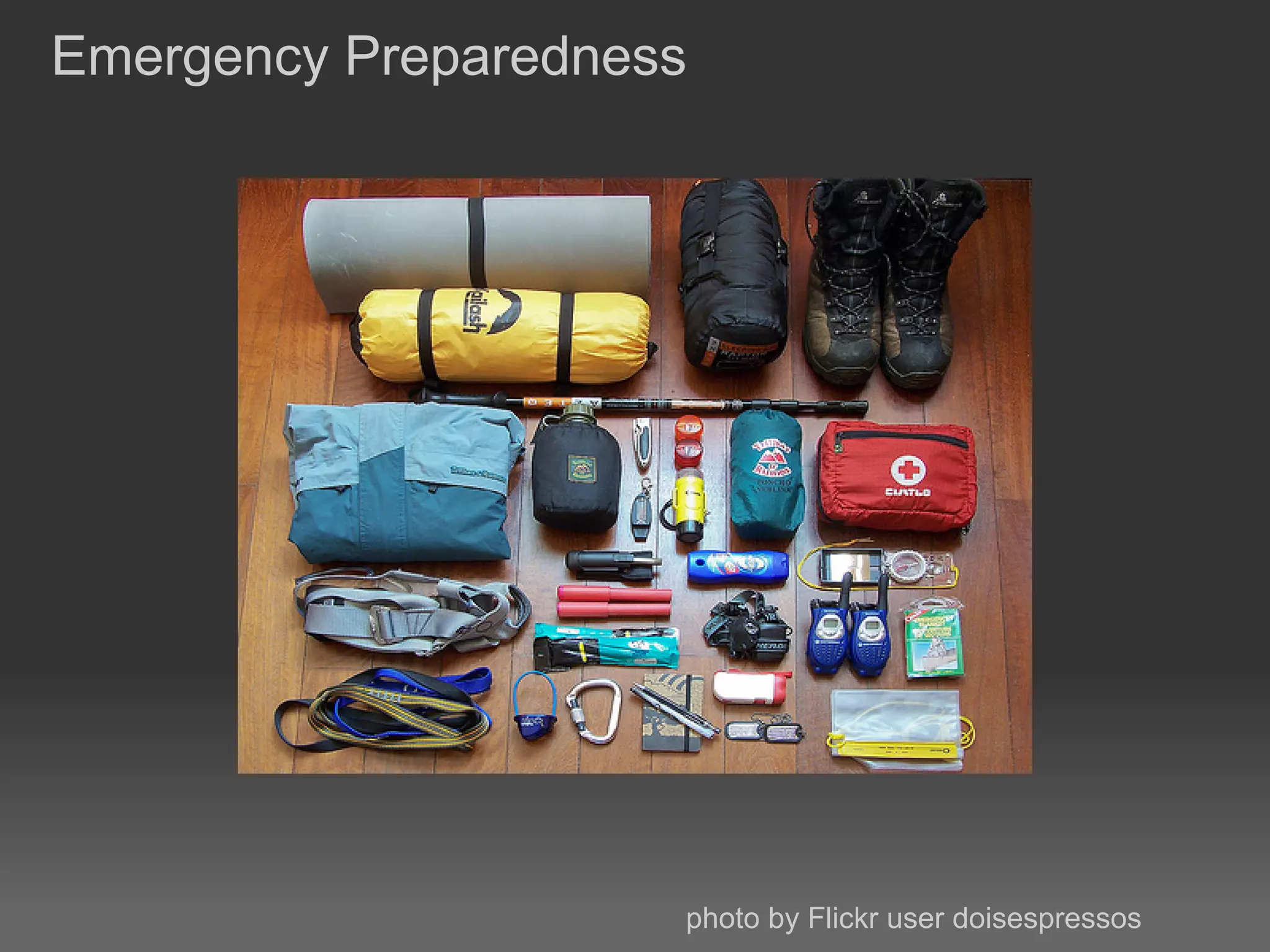
Emergency Preparedness


                     photo by Flickr user doisespressos
Backups!

● Backup your WP database regularly (and the site files)!

● Do them, test them!

● Plugins: WP-DB-Backup or PressBackup


 http://wordpress.org/extend/plugins/pressbackup/

 http://wordpress.org/extend/plugins/wp-db-backup/
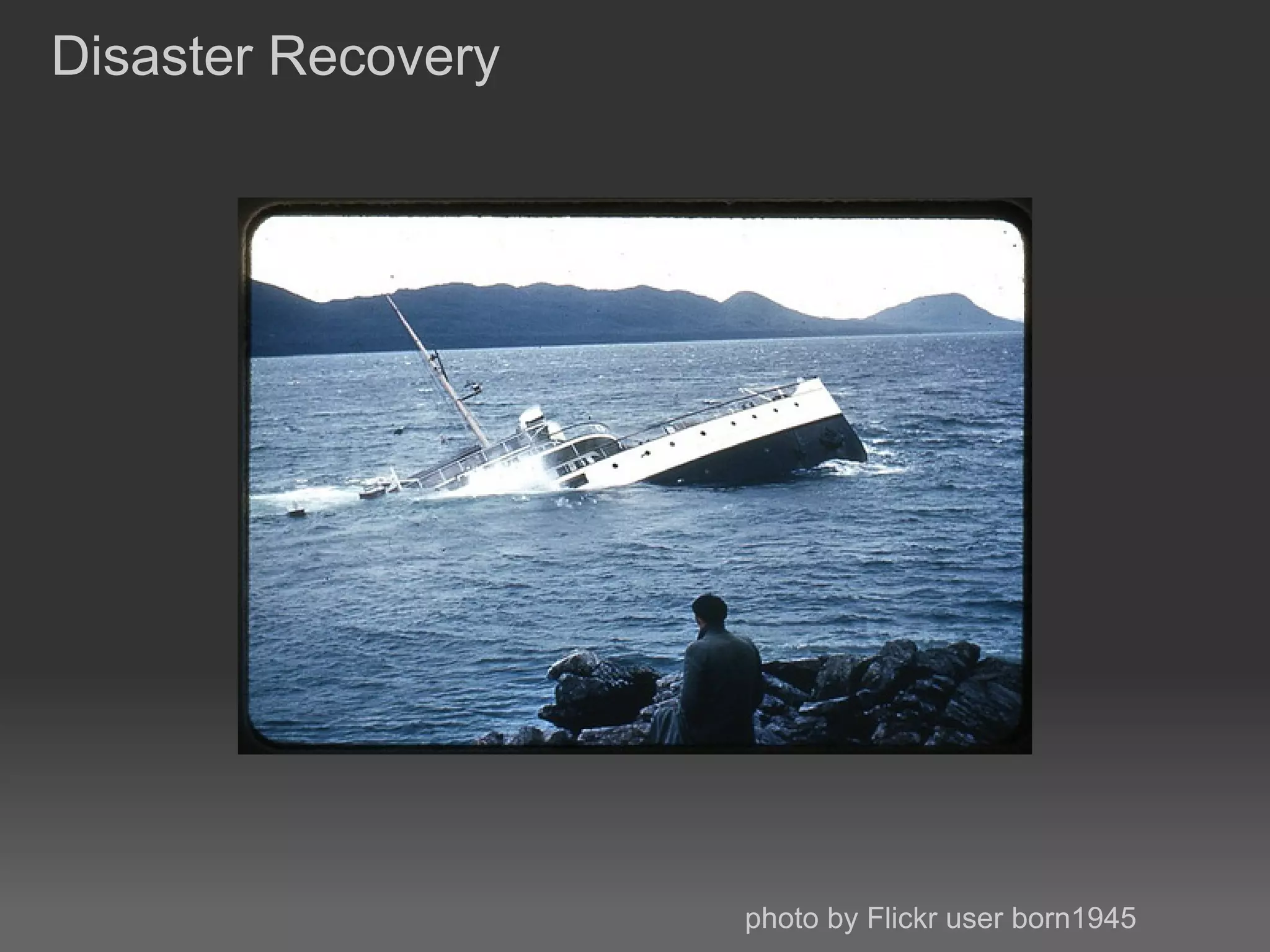
Disaster Recovery


                    photo by Flickr user born1945
Restore your site

● Don't just try to clean the site

● You could miss hidden backdoors

● Backup the infected site for later analysis

● Restore from a known good backup
Protect your online identity

 ● Change your passwords to your database and WP user
   accounts

 ● Check your computer for malware

 ● Update your site and plugins
Investigate the attack

 ● Consider checking up the backed up copy of your site

 ● If the attack is made via a flaw in WP, file a bug or inform
   the mailing list


  http://ottopress.com/2011/how-to-cope-with-a-hacked-site/

  http://codex.wordpress.org/FAQ_My_site_was_hacked
Overwhelmed yet?


                   photo by Flickr user andresthor
VaultPress

● Paid service offered by Automattic to backup, scan, and
  protect your WordPress website

● Makes it easy to restore site backups

● Worth it if you don't have the time or want to manage things
  yourself
Once more

● Your site can be better protected with just a little effort

● It's all about raising the bar!

● Backups, backups, backups!
Thank You!
Questions?

 David Wilemski
 @davidwilemski

Word camp2011 introwordpresssecurity

  • 1.
    An Introduction toWordPress Security WordCamp Detroit November 12th - 13th, 2011
  • 2.
    David Wilemski @davidwilemski davidwilemski.com github.com/davidwilemski
  • 3.
    The Goal: StayingAfloat photo by Flickr user davidesimonetti
  • 4.
    WordPress Security ● Raisethe security bar ● Plugins and services ● Disaster recovery
  • 5.
    Vulnerabilities photo by Flickr user misterbisson
  • 6.
    Drive by exploits ● Most attacks aren't targeted ● Little time per site ● Known exploits
  • 7.
    timthumb.php exploit ●Common image library used in WP themes ● Exploited poor error checking ● Arbitrary code execution http://markmaunder.com/2011/08/01/zero-day-vulnerability-in- many-wordpress-themes/
  • 8.
    Password Brute-forcing ●Automated attack on a user account ● Takes time, will show up in logs ● Some evidence of scripts that are distributed across multiple nodes http://isc.sans.edu/diary.html?storyid=7663
  • 9.
    Raising The Bar photo by Flickr user Mike_tn
  • 10.
    Change Database TablePrefix ● Defaults to "wp_" ● Use anything else ● Makes SQL injection a little more difficult
  • 11.
    Delete 'admin' user ●In WP Dashboard create a new administrative user ● Log in as the new user, delete the original user ● Some scripts are programmed to target 'admin'
  • 12.
    Use SSL (HTTPS)in wp-admin ● Encrypts traffic to your site ● Stops attackers from reading your traffic or stealing your login cookies ● Check with your hosting provider to see if you have support ● Can be a self-signed certificate if you are the only one using wp-admin
  • 13.
    File Permissions ●Only as loose as required, NOT more ● Recommended 755 for directories and 644 for files http://codex.wordpress.org/Hardening_WordPress#File_Permissions
  • 14.
    Change wp-config.php secrets ●Security keys used for setting various cookies and internal crypto properties ● Changing them will just cause any logged in user to need to re-authenticate ● Use the generator: https://api.wordpress.org/secret-key/1.1/salt/
  • 15.
    ● Bonus: IPrestrict wp-admin ● Use .htaccess to restrict access to the dashboard ● If your public IP address changes you will get locked out of WP and need to edit the .htaccess via FTP or shell access http://httpd.apache.org/docs/2.2/mod/mod_authz_host.html
  • 16.
    Unlimited Power photo by Flickr user Frank.Li
  • 17.
    Limit Login Attempts ● Rate limits failed login attempts ● Can hinder brute force attacks ● Notifies in case of too many failures http://wordpress.org/extend/plugins/limit-login-attempts/
  • 18.
    Duo WordPress ● Two-factorauthentication for your WordPress site ● ● Protects from account take over
  • 19.
  • 20.
    Emergency Preparedness photo by Flickr user doisespressos
  • 21.
    Backups! ● Backup yourWP database regularly (and the site files)! ● Do them, test them! ● Plugins: WP-DB-Backup or PressBackup http://wordpress.org/extend/plugins/pressbackup/ http://wordpress.org/extend/plugins/wp-db-backup/
  • 22.
    Disaster Recovery photo by Flickr user born1945
  • 23.
    Restore your site ●Don't just try to clean the site ● You could miss hidden backdoors ● Backup the infected site for later analysis ● Restore from a known good backup
  • 24.
    Protect your onlineidentity ● Change your passwords to your database and WP user accounts ● Check your computer for malware ● Update your site and plugins
  • 25.
    Investigate the attack ● Consider checking up the backed up copy of your site ● If the attack is made via a flaw in WP, file a bug or inform the mailing list http://ottopress.com/2011/how-to-cope-with-a-hacked-site/ http://codex.wordpress.org/FAQ_My_site_was_hacked
  • 26.
    Overwhelmed yet? photo by Flickr user andresthor
  • 27.
    VaultPress ● Paid serviceoffered by Automattic to backup, scan, and protect your WordPress website ● Makes it easy to restore site backups ● Worth it if you don't have the time or want to manage things yourself
  • 28.
    Once more ● Yoursite can be better protected with just a little effort ● It's all about raising the bar! ● Backups, backups, backups!
  • 29.
    Thank You! Questions? DavidWilemski @davidwilemski