Setting up a wireless network
Wireless Computing uses the radio
spectrum, rather than telephone or
Ethernet cable, to send digital information.
The name hearkens back t the earliest
days of radio, and appropriate, since
wireless computing is very much a yunge
field.
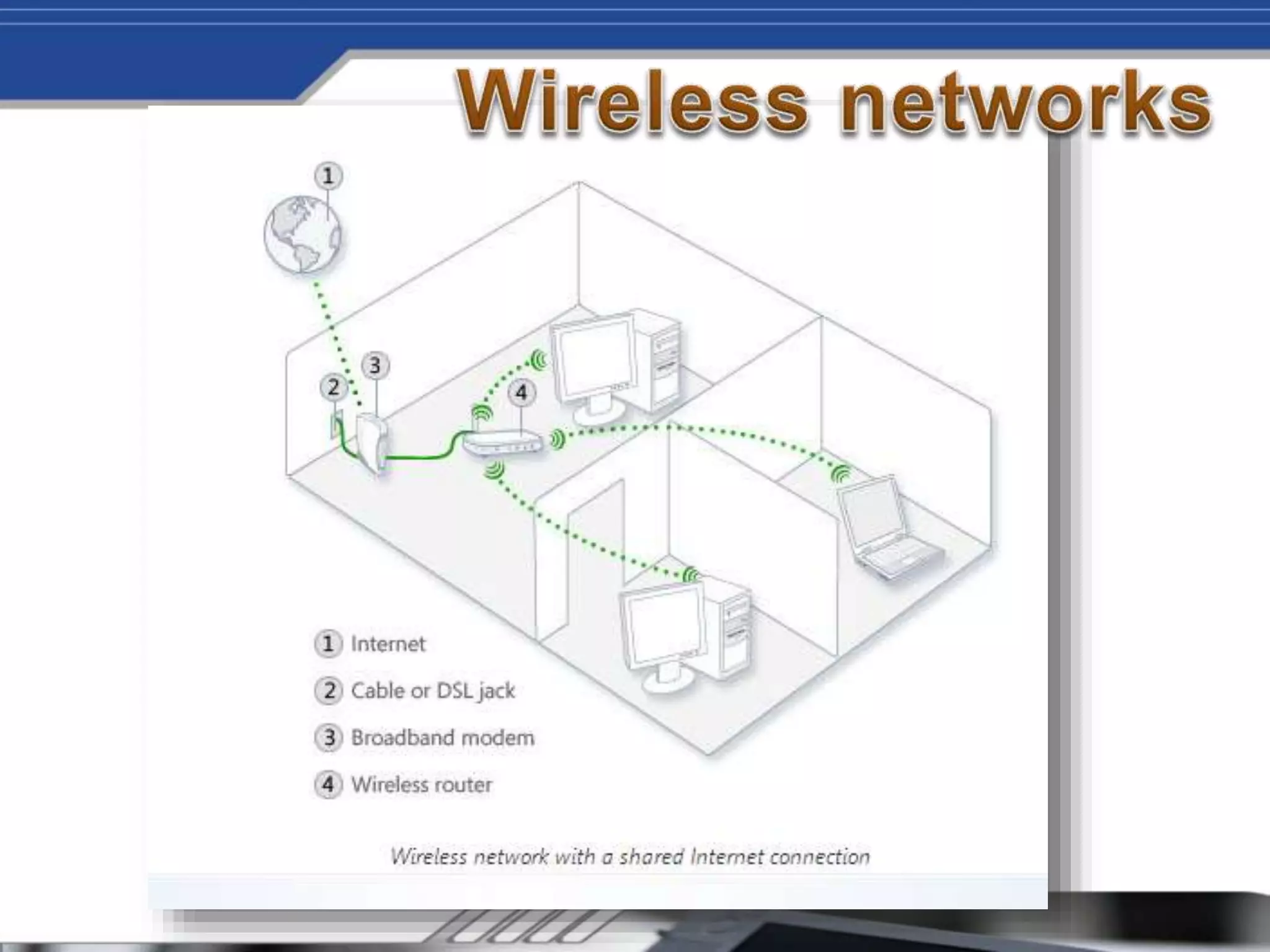
• A broadband Internet connection is a high-speed
Internet connection—in contrast to a dial-up
connection, which is slower and not powerful enough
to support a wireless network. Digital Subscriber Line
(DSL) and cable are two of the most common
broadband connections. You can get a broadband
connection by contacting an Internet service provider
(ISP). Typically, ISPs that provide DSL are telephone
companies and ISPs that provide cable are cable TV
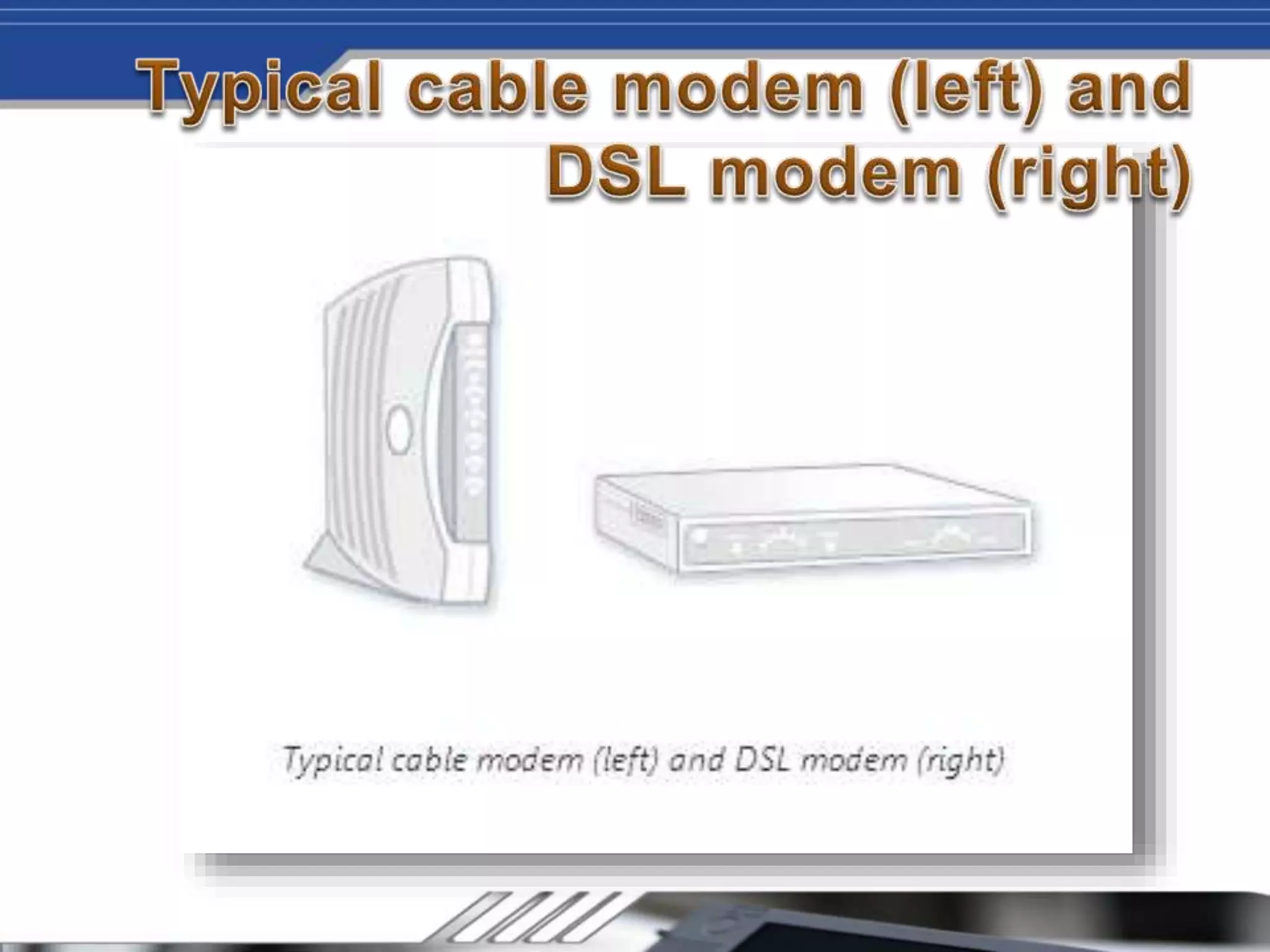
companies. ISPs often offer broadband modems and
might even install it for you. Some ISPs also offer
combination modem/wireless routers. You can also
find these at computer or electronics stores.
Imagine sitting on the couch in your living room
browsing the web, or chatting with friends
online while relaxing in bed at night, or
sending documents from the computer in the
kitchen to the printer in your home office. A
wireless network provides the ultimate in
networking flexibility, and setting one up is
easier than you might think. This article walks
you through the steps to set up your wireless
network and start using it.
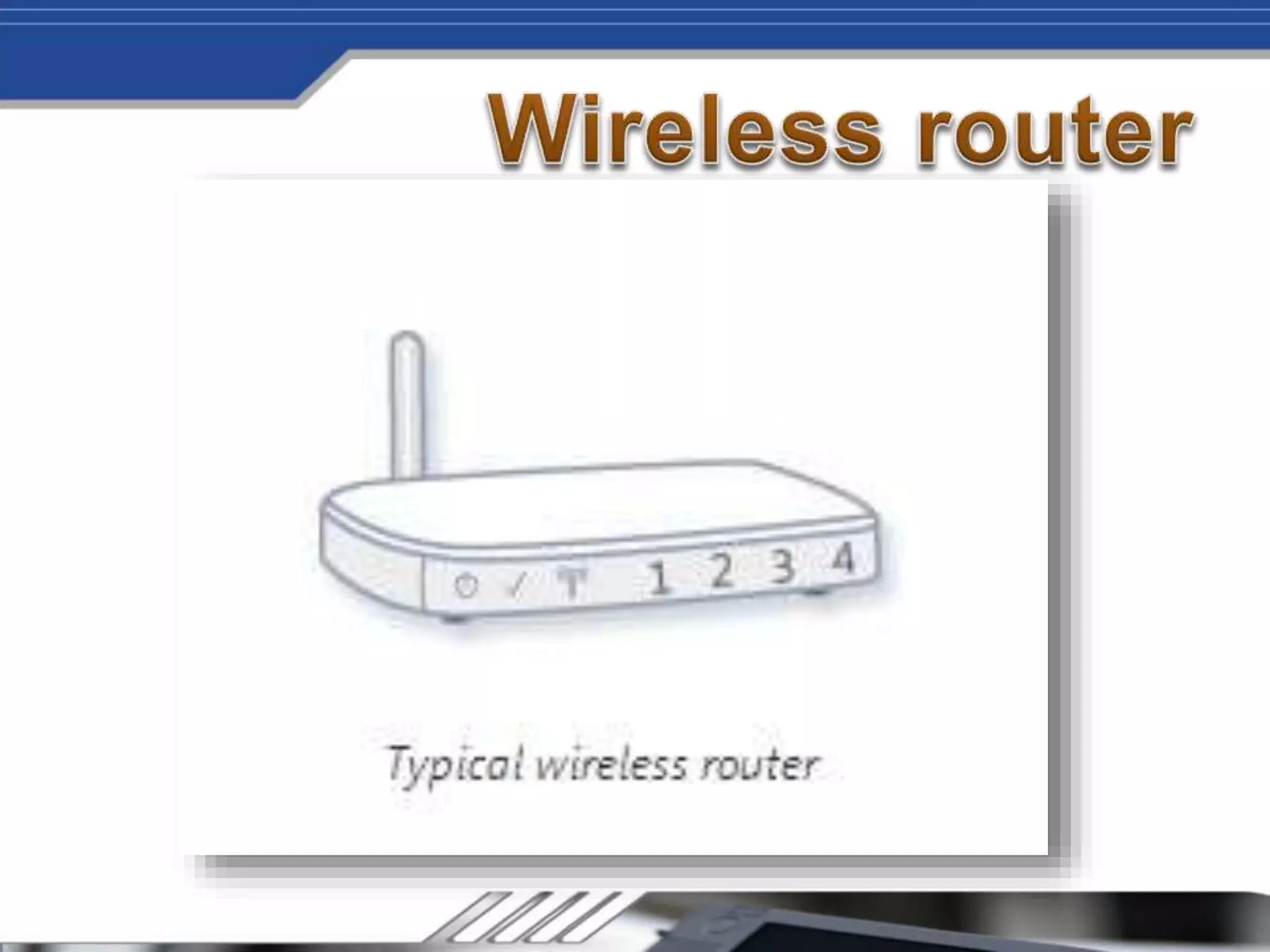
A router sends information between your
network and the Internet. With a wireless
router, you can connect computers to your
network using radio signals instead of wires.
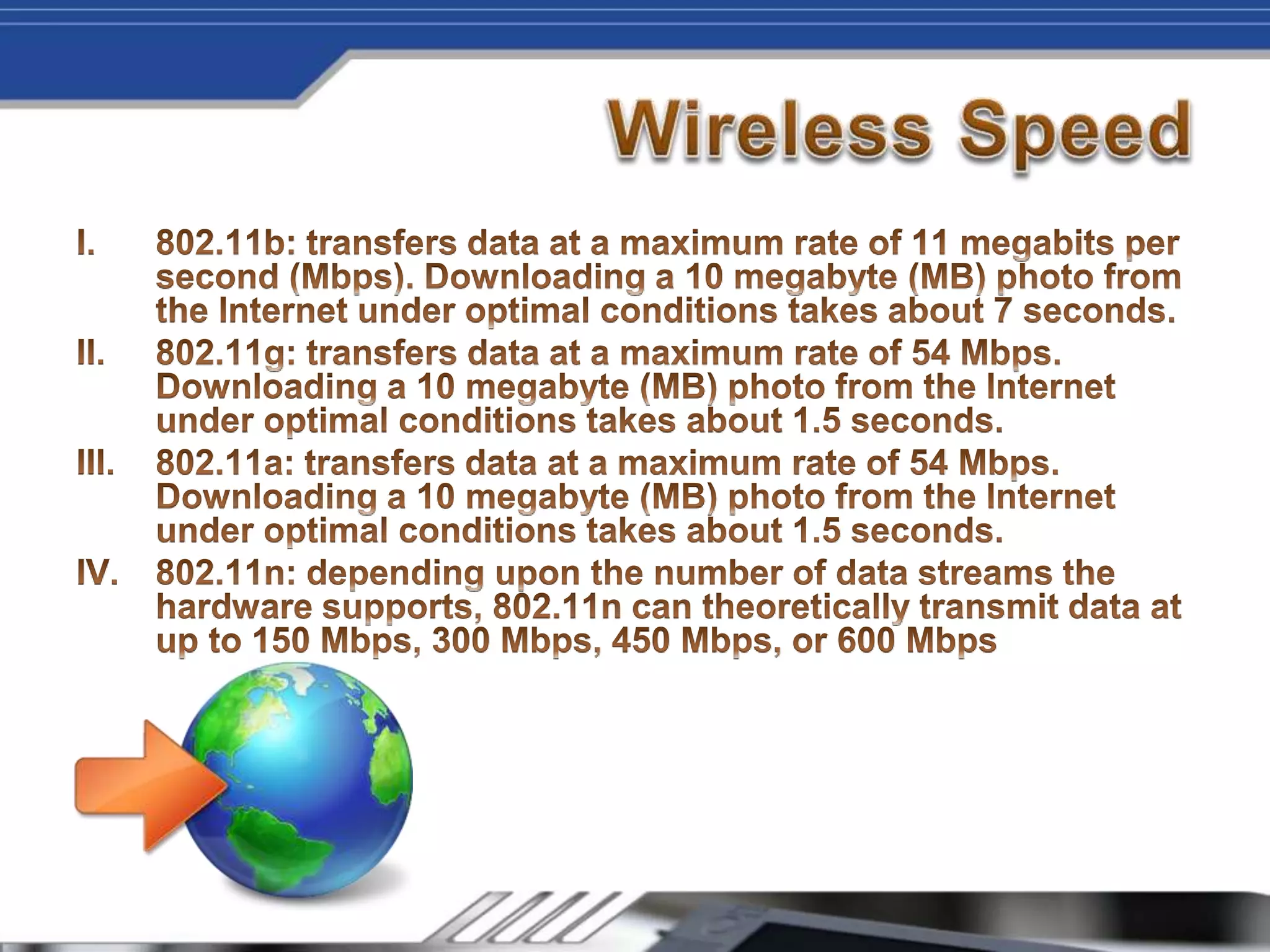
There are a few different types of wireless
network technologies, including 802.11a,
802.11b, and 802.11g. We recommend using
a router that supports 802.11g because it is
fast and provides a strong wireless signal.
For more information about wireless network
technologies
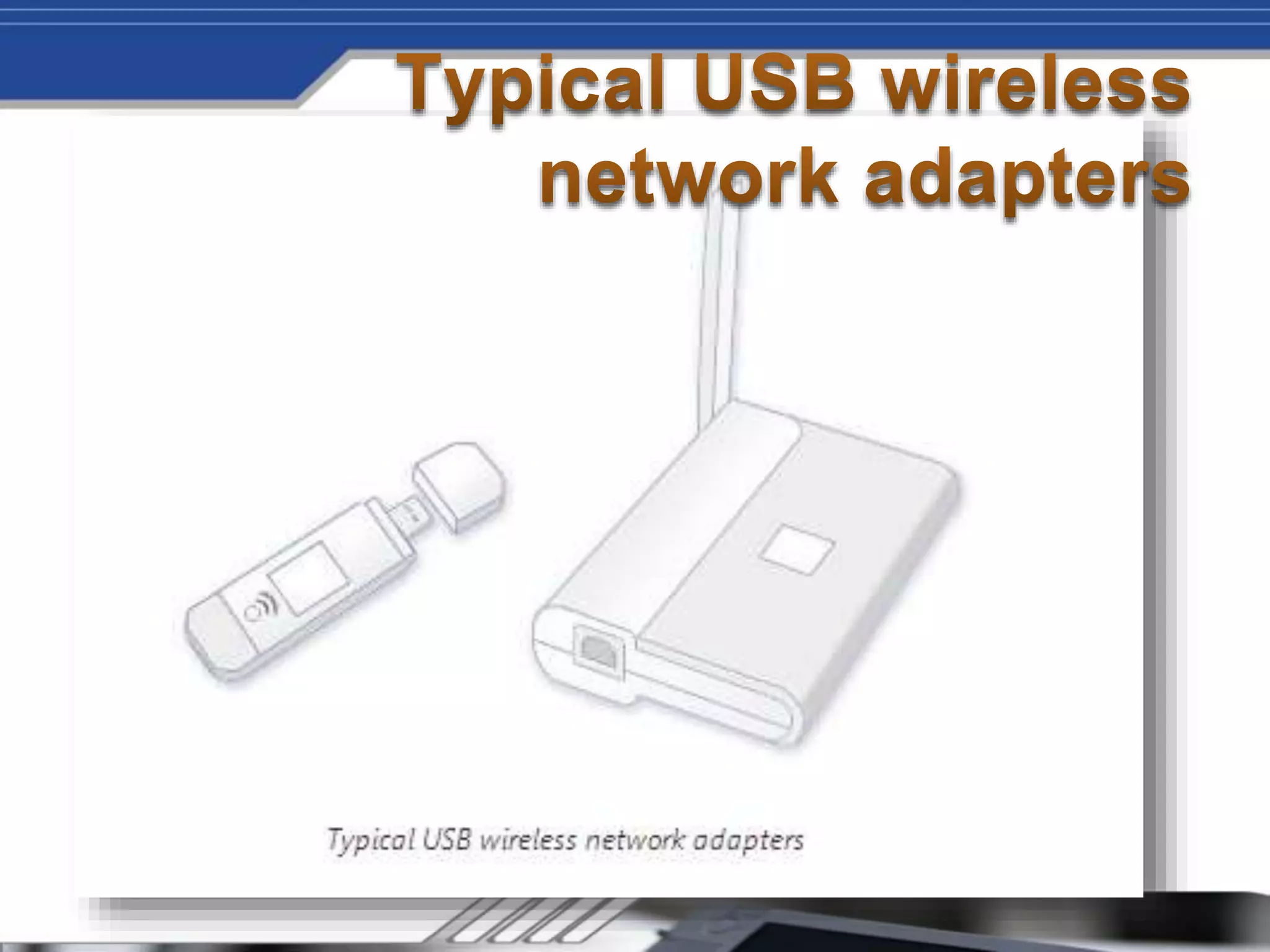
If your computer needs a wireless network
adapter, you can purchase one from a
computer or electronics store and install it
yourself. The universal serial bus (USB) type
are a nice choice because they are small,
easy to install, and they can be moved
around to different computers. Make sure you
get the same type of adapters as your
wireless router. The type of adapter is usually
marked on the package, typically with a letter,
such as G or A.
Presented by : Mukul
Source : Microsoft Windows

Wireless computing

  • 1.
    Setting up awireless network
  • 2.
    Wireless Computing usesthe radio spectrum, rather than telephone or Ethernet cable, to send digital information. The name hearkens back t the earliest days of radio, and appropriate, since wireless computing is very much a yunge field.
  • 5.
    • A broadbandInternet connection is a high-speed Internet connection—in contrast to a dial-up connection, which is slower and not powerful enough to support a wireless network. Digital Subscriber Line (DSL) and cable are two of the most common broadband connections. You can get a broadband connection by contacting an Internet service provider (ISP). Typically, ISPs that provide DSL are telephone companies and ISPs that provide cable are cable TV companies. ISPs often offer broadband modems and might even install it for you. Some ISPs also offer combination modem/wireless routers. You can also find these at computer or electronics stores.
  • 6.
    Imagine sitting onthe couch in your living room browsing the web, or chatting with friends online while relaxing in bed at night, or sending documents from the computer in the kitchen to the printer in your home office. A wireless network provides the ultimate in networking flexibility, and setting one up is easier than you might think. This article walks you through the steps to set up your wireless network and start using it.
  • 8.
    A router sendsinformation between your network and the Internet. With a wireless router, you can connect computers to your network using radio signals instead of wires. There are a few different types of wireless network technologies, including 802.11a, 802.11b, and 802.11g. We recommend using a router that supports 802.11g because it is fast and provides a strong wireless signal. For more information about wireless network technologies
  • 10.
    If your computerneeds a wireless network adapter, you can purchase one from a computer or electronics store and install it yourself. The universal serial bus (USB) type are a nice choice because they are small, easy to install, and they can be moved around to different computers. Make sure you get the same type of adapters as your wireless router. The type of adapter is usually marked on the package, typically with a letter, such as G or A.
  • 14.
    Presented by :Mukul Source : Microsoft Windows