Downloaded 51 times
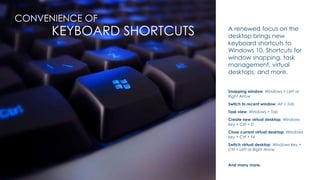
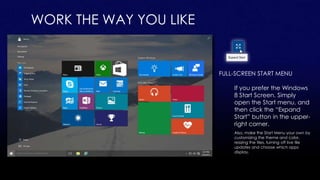
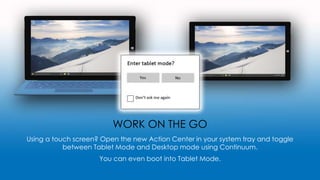
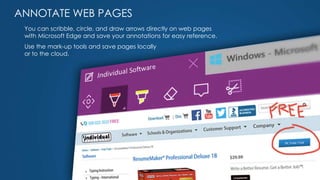
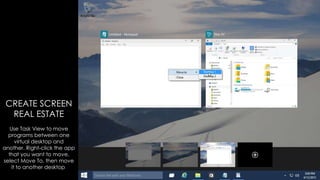
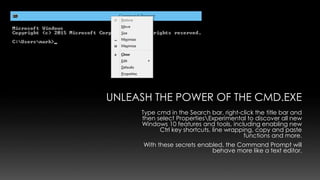
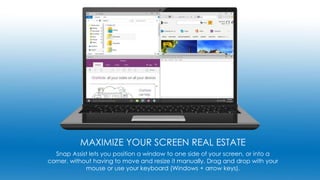

This document provides 8 tips for using new and improved features in Windows 10. It describes how to use the voice-activated Cortana personal assistant, take advantage of new keyboard shortcuts for window and task management, customize the Start menu, toggle between tablet and desktop modes, annotate web pages in Microsoft Edge, move apps between virtual desktops, unlock additional features in the Command Prompt, and maximize screen space using Snap Assist. The tips are intended to help users learn and make the most of new Windows 10 capabilities.


