By :- Live PC Geeks
LivePcGeeks is an independent provider of on-demand
tech support and not affiliated with any third party brand
unless specified.
For More Information
visit us at
http://www.livepcgeeks.us/
Email us at
support@livpcgeeks.us
 What is an Operating System?
 History
 New Features
 System Requirements
 Conclusion
 References
 An Operating system is a software that manages
computer hardware and software resources and
provides common services for computer programs.
 The operating system is an essential component of the
software system.
 Application programs usually require an operating
system to function.
Dept. of IT, AITS 1
 Start Menu
 One Windows for all devices
 Cortana
 Xbox App
 Project Spartan Browser
 Improved Multitasking
 Snap assist
 universal apps can be windowed
 Action Center
 Continuum
 when click on the Start button at
the bottom left of the screen, you
get two panels side by side, with
the left column showing pinned,
recently added and most-used
apps.
• The right column features a selection of live tiles that you can
customize, resize and reorganize.
• We can have the Start Menu expand to full screen whenever we want.
• Windows 10 is meant to unify desktop PCs, Windows tablets
and Windows smartphones with one interface, one way of operating
and one account.
• Microsoft is using Windows
10 to attempt to unify its
various software platforms
across different devices under
one Windows brand.
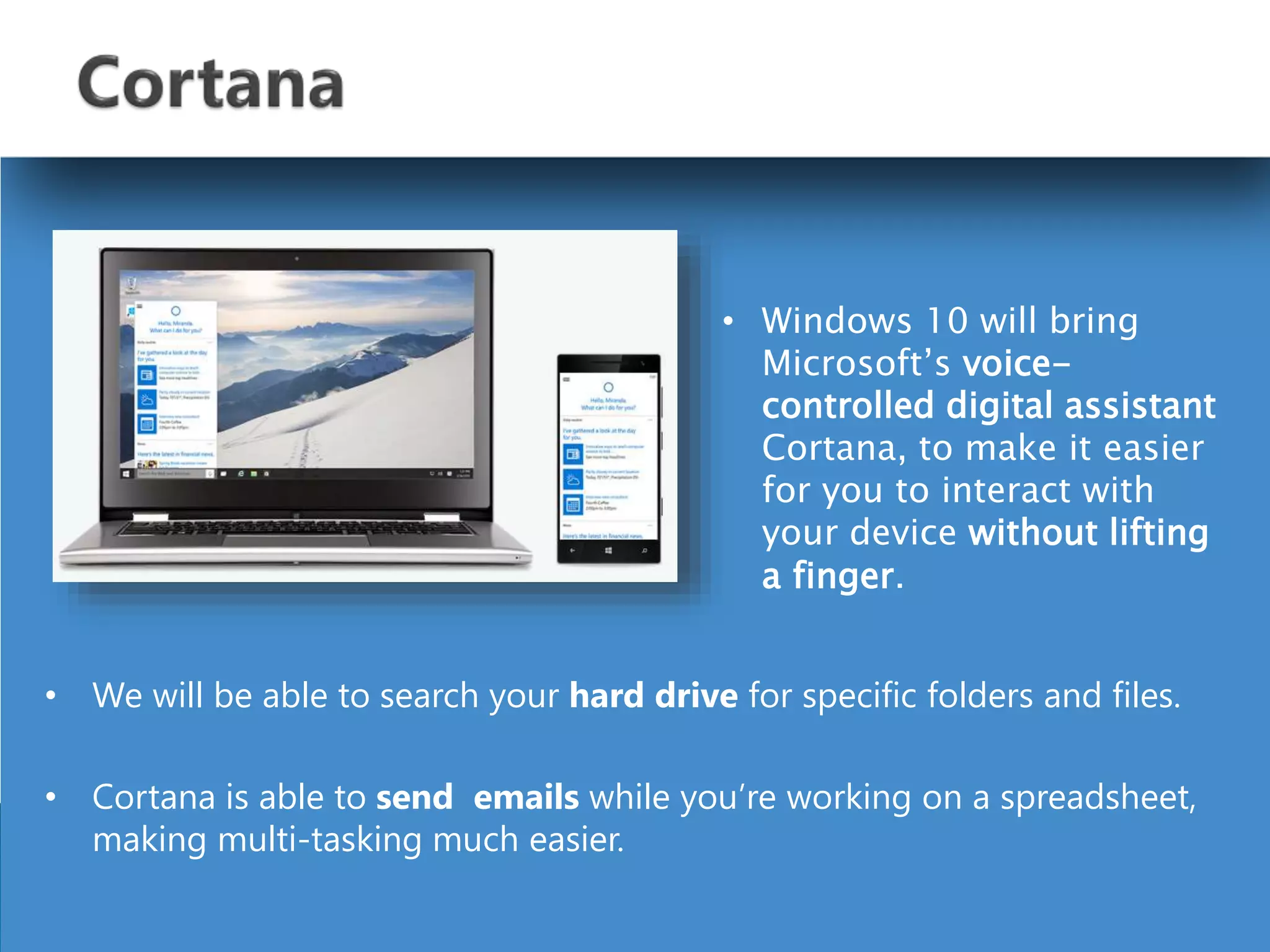
• We will be able to search your hard drive for specific folders and files.
• Cortana is able to send emails while you’re working on a spreadsheet,
making multi-tasking much easier.
• Windows 10 will bring
Microsoft’s voice-
controlled digital assistant
Cortana, to make it easier
for you to interact with
your device without lifting
a finger.
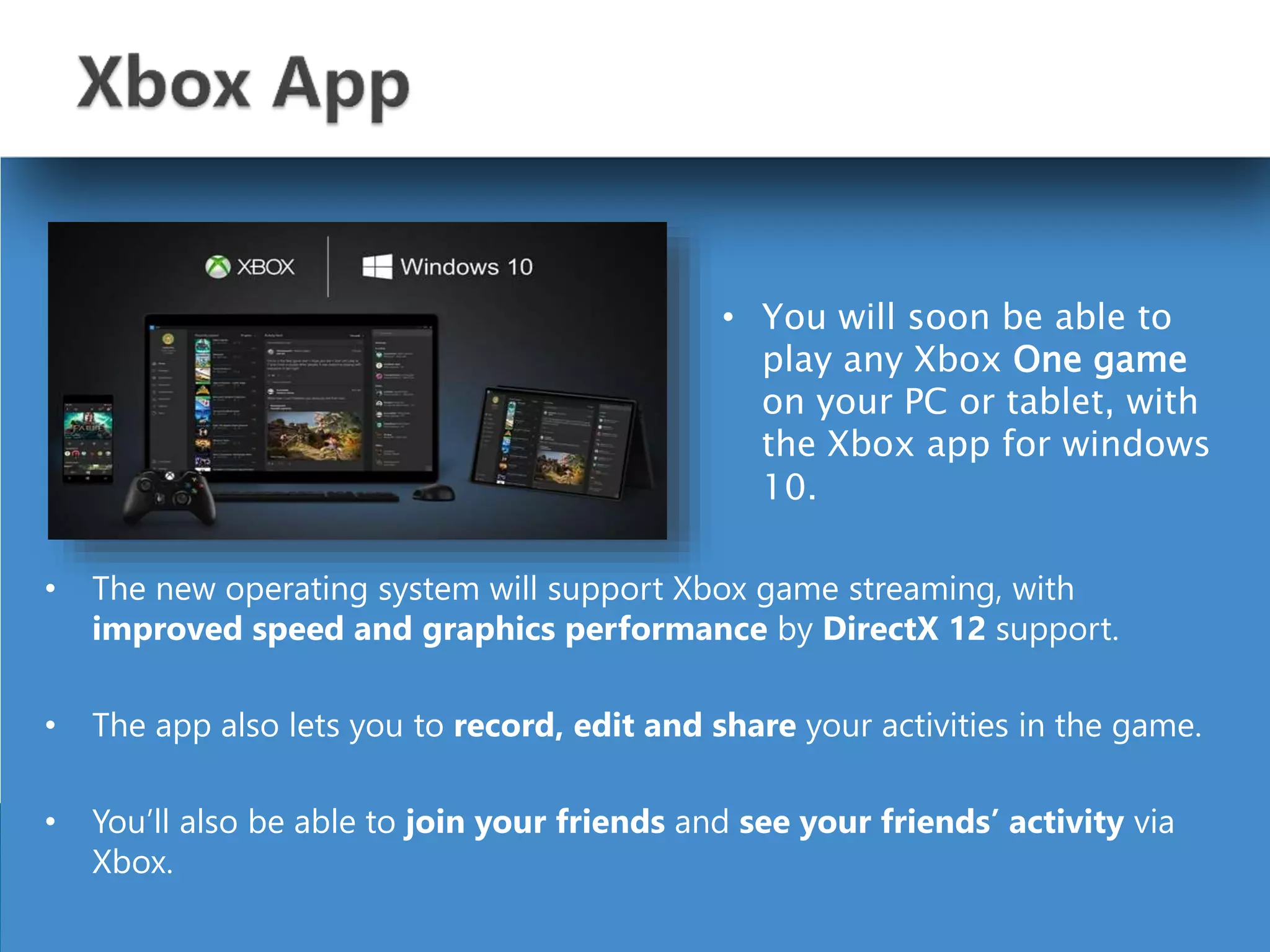
• The new operating system will support Xbox game streaming, with
improved speed and graphics performance by DirectX 12 support.
• The app also lets you to record, edit and share your activities in the game.
• You’ll also be able to join your friends and see your friends’ activity via
Xbox.
• You will soon be able to
play any Xbox One game
on your PC or tablet, with
the Xbox app for windows
10.
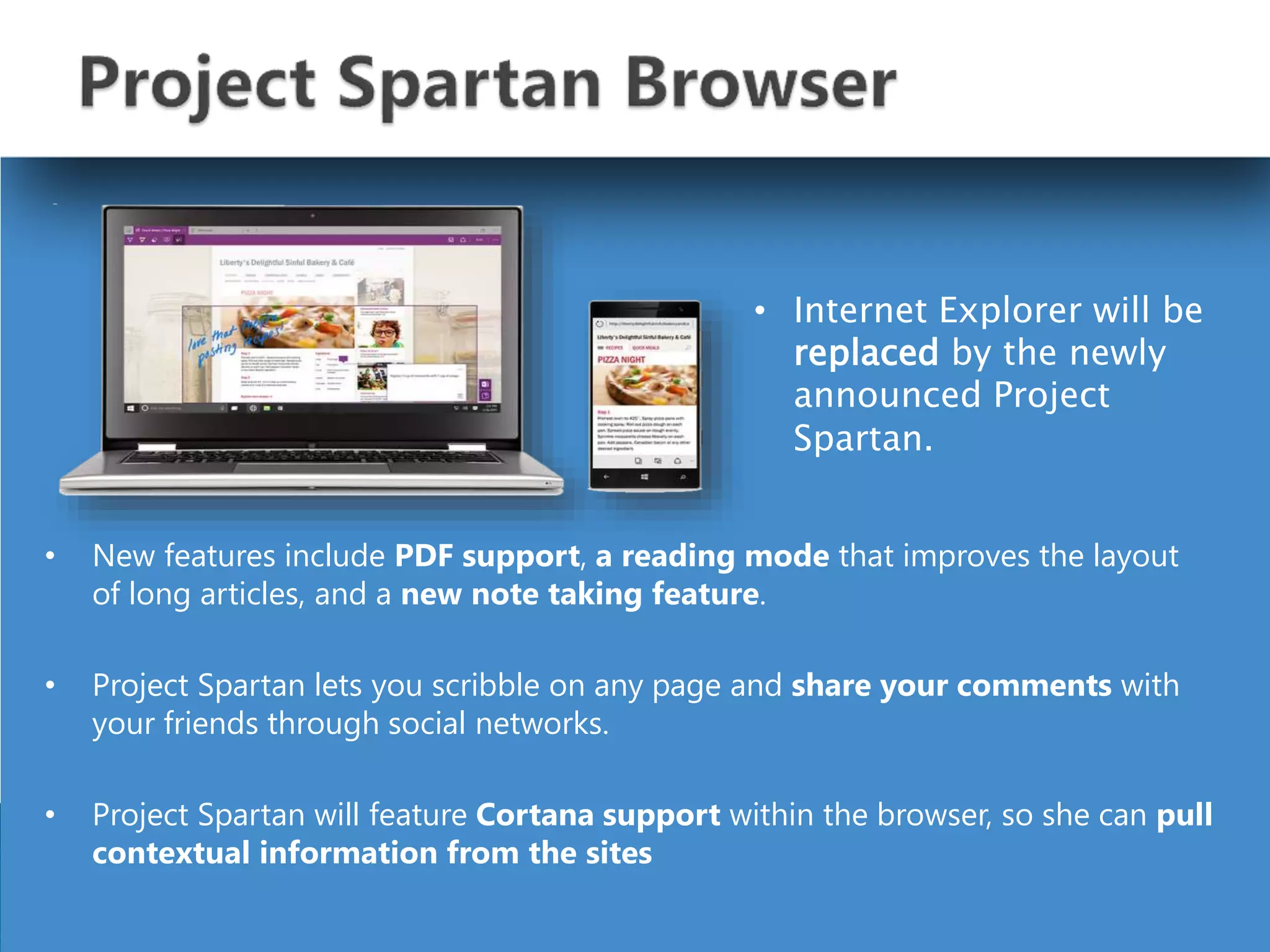
• New features include PDF support, a reading mode that improves the layout
of long articles, and a new note taking feature.
• Project Spartan lets you scribble on any page and share your comments with
your friends through social networks.
• Project Spartan will feature Cortana support within the browser, so she can pull
contextual information from the sites
• Internet Explorer will be
replaced by the newly
announced Project
Spartan.
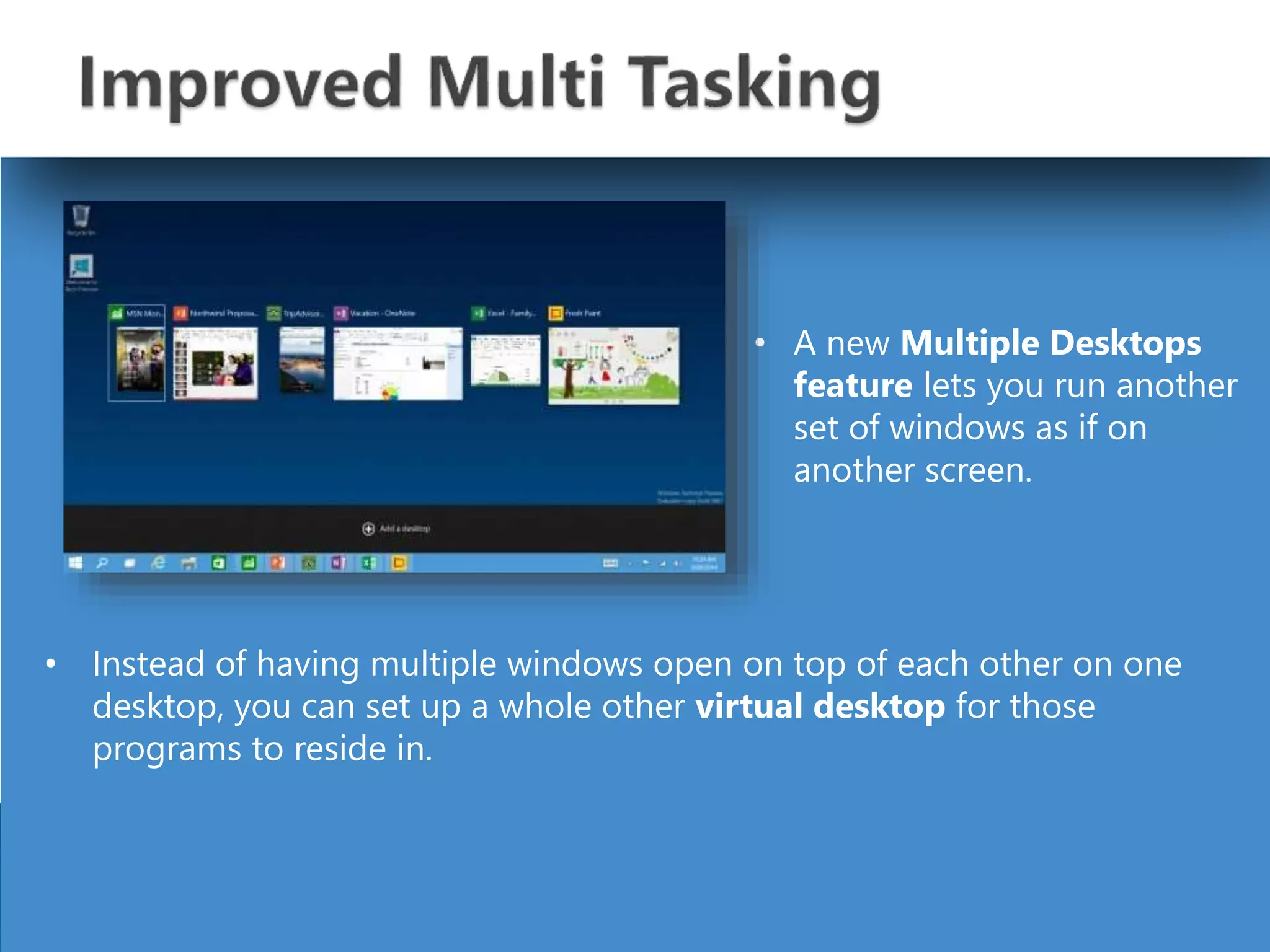
• Instead of having multiple windows open on top of each other on one
desktop, you can set up a whole other virtual desktop for those
programs to reside in.
• A new Multiple Desktops
feature lets you run another
set of windows as if on
another screen.
• Microsoft also updated its Snap View multitasking feature to let
you windows to the four corners of your screen.
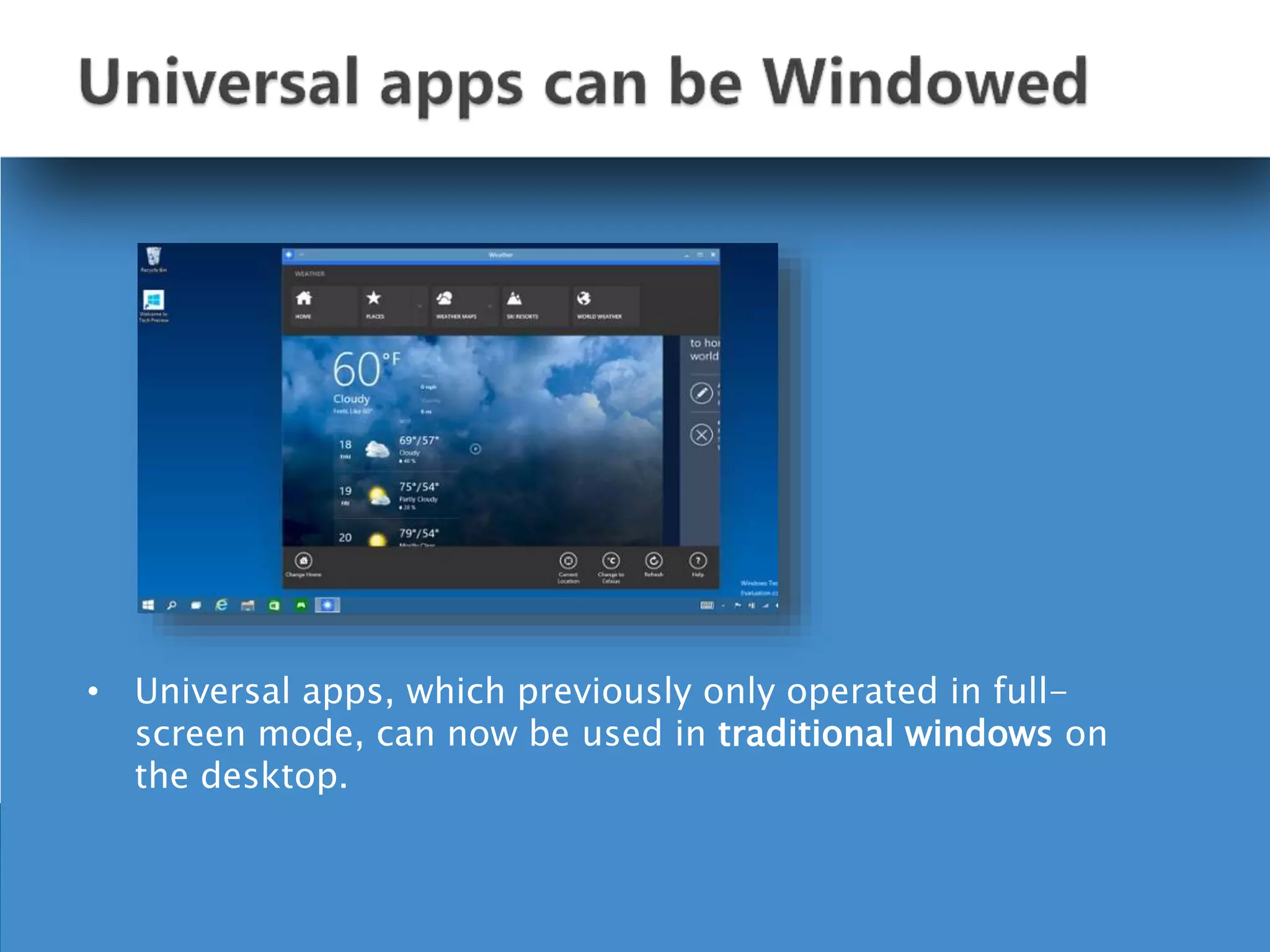
• Universal apps, which previously only operated in full-
screen mode, can now be used in traditional windows on
the desktop.
• It collects alerts from your device from all your apps, similar to the
notifications drawers like in our smartphones.
• Windows 10 will provide
a new way to look at all
your notifications in one
place.
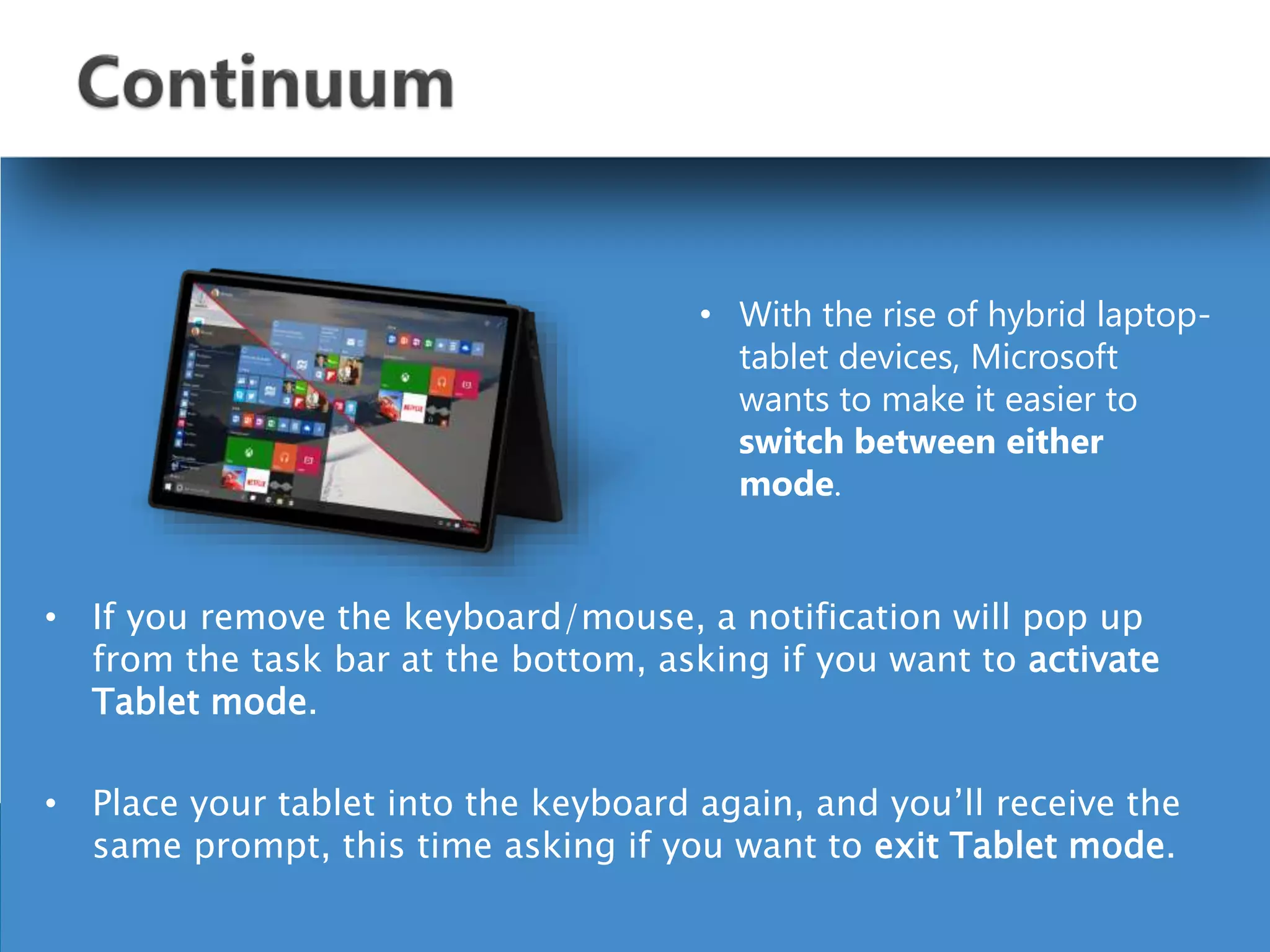
• If you remove the keyboard/mouse, a notification will pop up
from the task bar at the bottom, asking if you want to activate
Tablet mode.
• Place your tablet into the keyboard again, and you’ll receive the
same prompt, this time asking if you want to exit Tablet mode.
• With the rise of hybrid laptop-
tablet devices, Microsoft
wants to make it easier to
switch between either
mode.
 Processor : 1 gigahertz (GHz) or faster
 RAM : 1 GB (32-bit) or 2 GB (64-bit)
 Free hard disk space : 16 GB
 Graphics card : Microsoft DirectX 9 graphics device
Windows 10 as a Service and Mobility with improved
applications, graphic user interface and fast booting.
Windows 10 features

Windows 10 features

  • 1.
    By :- LivePC Geeks
  • 2.
    LivePcGeeks is anindependent provider of on-demand tech support and not affiliated with any third party brand unless specified. For More Information visit us at http://www.livepcgeeks.us/ Email us at support@livpcgeeks.us
  • 3.
     What isan Operating System?  History  New Features  System Requirements  Conclusion  References
  • 4.
     An Operatingsystem is a software that manages computer hardware and software resources and provides common services for computer programs.  The operating system is an essential component of the software system.  Application programs usually require an operating system to function.
  • 5.
  • 6.
     Start Menu One Windows for all devices  Cortana  Xbox App  Project Spartan Browser  Improved Multitasking  Snap assist  universal apps can be windowed  Action Center  Continuum
  • 7.
     when clickon the Start button at the bottom left of the screen, you get two panels side by side, with the left column showing pinned, recently added and most-used apps. • The right column features a selection of live tiles that you can customize, resize and reorganize. • We can have the Start Menu expand to full screen whenever we want.
  • 8.
    • Windows 10is meant to unify desktop PCs, Windows tablets and Windows smartphones with one interface, one way of operating and one account. • Microsoft is using Windows 10 to attempt to unify its various software platforms across different devices under one Windows brand.
  • 9.
    • We willbe able to search your hard drive for specific folders and files. • Cortana is able to send emails while you’re working on a spreadsheet, making multi-tasking much easier. • Windows 10 will bring Microsoft’s voice- controlled digital assistant Cortana, to make it easier for you to interact with your device without lifting a finger.
  • 10.
    • The newoperating system will support Xbox game streaming, with improved speed and graphics performance by DirectX 12 support. • The app also lets you to record, edit and share your activities in the game. • You’ll also be able to join your friends and see your friends’ activity via Xbox. • You will soon be able to play any Xbox One game on your PC or tablet, with the Xbox app for windows 10.
  • 11.
    • New featuresinclude PDF support, a reading mode that improves the layout of long articles, and a new note taking feature. • Project Spartan lets you scribble on any page and share your comments with your friends through social networks. • Project Spartan will feature Cortana support within the browser, so she can pull contextual information from the sites • Internet Explorer will be replaced by the newly announced Project Spartan.
  • 12.
    • Instead ofhaving multiple windows open on top of each other on one desktop, you can set up a whole other virtual desktop for those programs to reside in. • A new Multiple Desktops feature lets you run another set of windows as if on another screen.
  • 13.
    • Microsoft alsoupdated its Snap View multitasking feature to let you windows to the four corners of your screen.
  • 14.
    • Universal apps,which previously only operated in full- screen mode, can now be used in traditional windows on the desktop.
  • 15.
    • It collectsalerts from your device from all your apps, similar to the notifications drawers like in our smartphones. • Windows 10 will provide a new way to look at all your notifications in one place.
  • 16.
    • If youremove the keyboard/mouse, a notification will pop up from the task bar at the bottom, asking if you want to activate Tablet mode. • Place your tablet into the keyboard again, and you’ll receive the same prompt, this time asking if you want to exit Tablet mode. • With the rise of hybrid laptop- tablet devices, Microsoft wants to make it easier to switch between either mode.
  • 17.
     Processor :1 gigahertz (GHz) or faster  RAM : 1 GB (32-bit) or 2 GB (64-bit)  Free hard disk space : 16 GB  Graphics card : Microsoft DirectX 9 graphics device
  • 18.
    Windows 10 asa Service and Mobility with improved applications, graphic user interface and fast booting.