WINDOW 10
CONTENTS
 What is an Operating System
 IntroductionWindow 10
 New Features
 System Requirements
 Conclusion
WHAT IS AN OPERATING SYSTEM :-
An Operating system is a software that manages
computer hardware and software resources and
provides common services for computer programs.
The operating system is an essential components of the
software system.
Application programs usually require an operating
system of function.
INTRODUCTION WINDOW 10
 CodenamedThreshold
 Developed by Microsoft
 Frist presented in April 2014 at the
build Conference
 Scheduled to be released in late 2015
 FREE upgrade toWindow 10
 Goal ofWindow 10 is to unify the
Window pc,Window phone, Window
Embedded and Xbox one product
families, Surface Hub and HoloLens,
etc.
WHY MICROSOFT CALL ITWINDOW 10 NOT
WINDOW 9 ?
“We know, based on the product that’s coming, and just how different our approach
will be overall, it wouldn’t be right to call itWindow 10.”
-Terry Myerson , windows chief
NEW FEATURES
 Start Menu
 Cortana
 Project Spartan Browser
 Improved Multitasking
 Action centre
 Continuum
 Virtual Desktop
THE START SCREEN
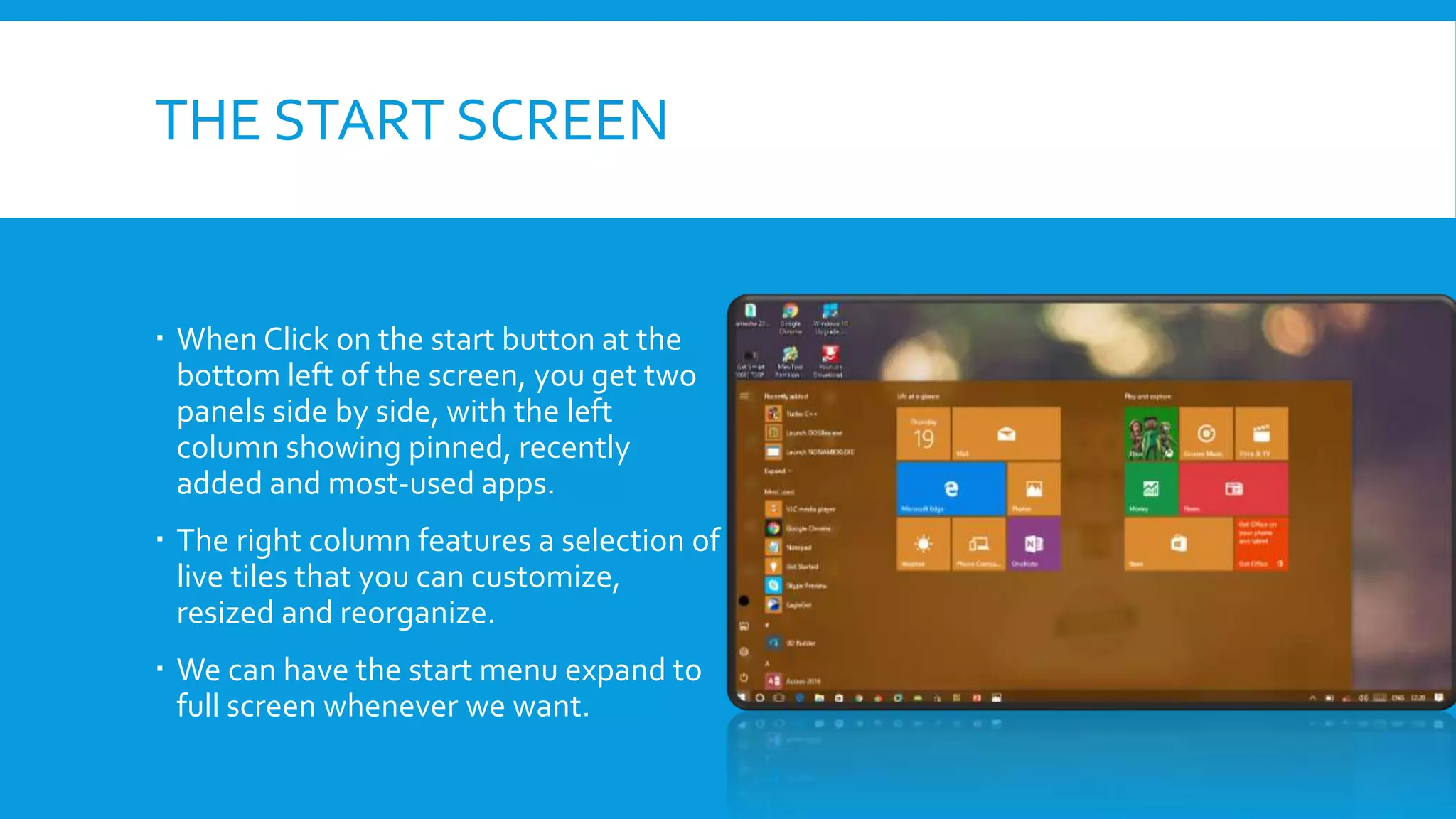
 When Click on the start button at the
bottom left of the screen, you get two
panels side by side, with the left
column showing pinned, recently
added and most-used apps.
 The right column features a selection of
live tiles that you can customize,
resized and reorganize.
 We can have the start menu expand to
full screen whenever we want.
CORTANA
 Cortana , similar to as google Now
is a feature which helps you finds
anything by your voice .You just
need to say “ Hey Cortana!”.
 With helps of Cortana we can
search anything like Cricket score,
TrainTiming, Newspaper etc.
SPARTAN
 Internet Explorer will be replaced
by the newly announced Spartan.
 New feature include PDF support,
a reading mode that improves the
layout of long articles, and a new
note taking feature.
 Spartan will feature Cortana
support within the browser, so she
can pull contextual information
from the sites
IMPROVED MULTITASKING
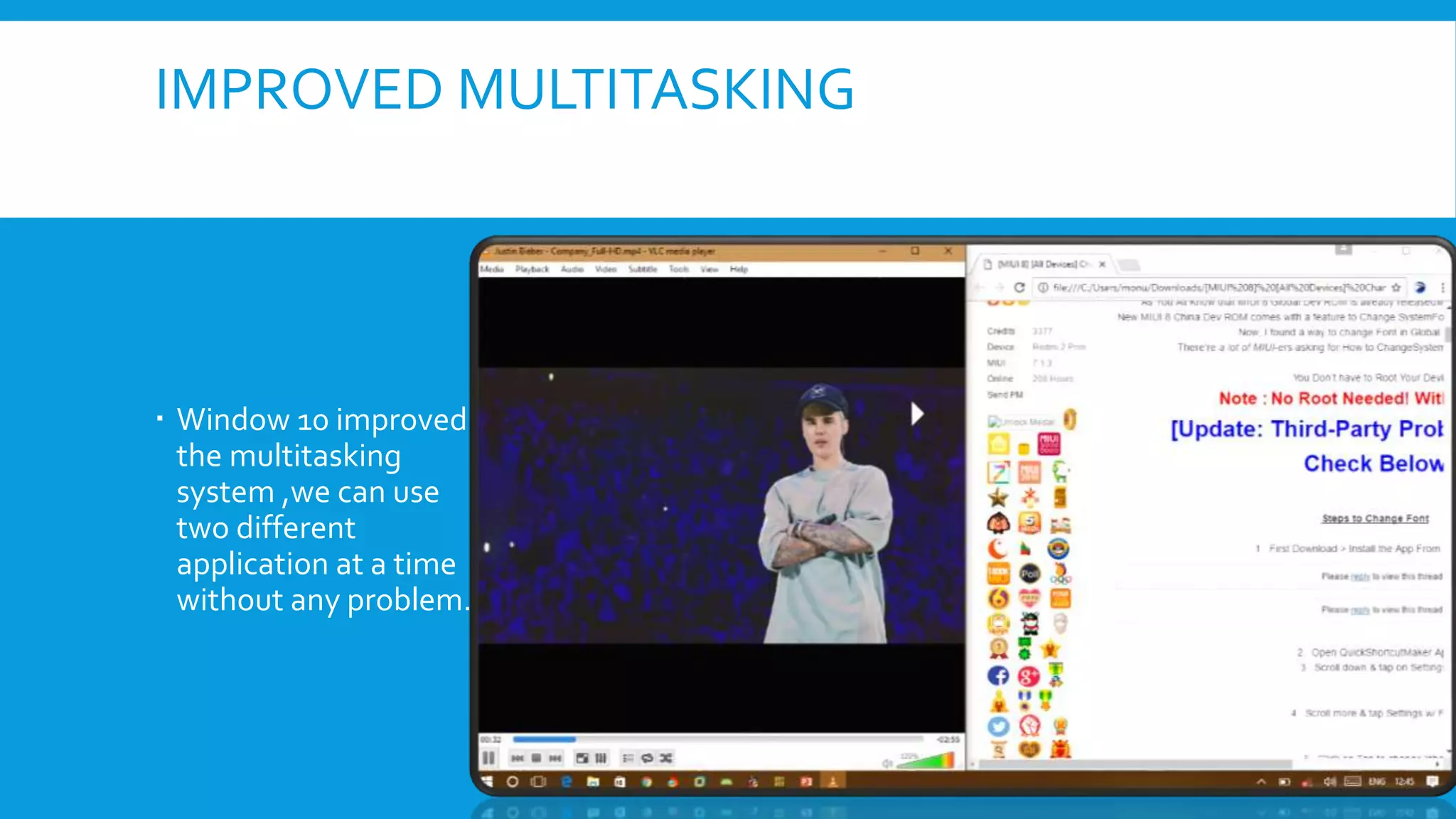
 Window 10 improved
the multitasking
system ,we can use
two different
application at a time
without any problem.
ACTION CENTRE
 Window 10 will provide a new
way to look at all your
notification in one place.
 It collects alerts from your
device from all your apps,
similar to the notification
drawer like in our
smartphones.
CONTINUUM
 With the rise of hybrid laptop-tablet
device, Microsoft want to make it
easier to switch between either
mode.
 If you remove the keyboard/mouse, a
notification will pop up from the task
bar at the bottom, asking if you want
to activateTablet mode.
VIRTUAL DESKTOP
 A new Multiple Desktops
feature lets you run
another set of window as
if on another screen.
 New desktop can be
added by either pressing
Window tab or clicking the
newTaskView button.
SYSTEM REQUIREMENTS
 Processor : 1 Ghz or Faster
 RAM : 1 GB (32-bit) or 2 GB (64 bit)
 Free hard disk space : 16GB
 Graphics card : Microsoft DirectX 9 graphics device
CONCLUSION
 Window 10 as a Services and Mobility with improved application, graphics user
interface and fast booting
THANK YOU

Window 10 ppt

  • 1.
  • 2.
    CONTENTS  What isan Operating System  IntroductionWindow 10  New Features  System Requirements  Conclusion
  • 3.
    WHAT IS ANOPERATING SYSTEM :- An Operating system is a software that manages computer hardware and software resources and provides common services for computer programs. The operating system is an essential components of the software system. Application programs usually require an operating system of function.
  • 4.
    INTRODUCTION WINDOW 10 CodenamedThreshold  Developed by Microsoft  Frist presented in April 2014 at the build Conference  Scheduled to be released in late 2015  FREE upgrade toWindow 10  Goal ofWindow 10 is to unify the Window pc,Window phone, Window Embedded and Xbox one product families, Surface Hub and HoloLens, etc.
  • 5.
    WHY MICROSOFT CALLITWINDOW 10 NOT WINDOW 9 ? “We know, based on the product that’s coming, and just how different our approach will be overall, it wouldn’t be right to call itWindow 10.” -Terry Myerson , windows chief
  • 6.
    NEW FEATURES  StartMenu  Cortana  Project Spartan Browser  Improved Multitasking  Action centre  Continuum  Virtual Desktop
  • 7.
    THE START SCREEN When Click on the start button at the bottom left of the screen, you get two panels side by side, with the left column showing pinned, recently added and most-used apps.  The right column features a selection of live tiles that you can customize, resized and reorganize.  We can have the start menu expand to full screen whenever we want.
  • 8.
    CORTANA  Cortana ,similar to as google Now is a feature which helps you finds anything by your voice .You just need to say “ Hey Cortana!”.  With helps of Cortana we can search anything like Cricket score, TrainTiming, Newspaper etc.
  • 9.
    SPARTAN  Internet Explorerwill be replaced by the newly announced Spartan.  New feature include PDF support, a reading mode that improves the layout of long articles, and a new note taking feature.  Spartan will feature Cortana support within the browser, so she can pull contextual information from the sites
  • 10.
    IMPROVED MULTITASKING  Window10 improved the multitasking system ,we can use two different application at a time without any problem.
  • 11.
    ACTION CENTRE  Window10 will provide a new way to look at all your notification in one place.  It collects alerts from your device from all your apps, similar to the notification drawer like in our smartphones.
  • 12.
    CONTINUUM  With therise of hybrid laptop-tablet device, Microsoft want to make it easier to switch between either mode.  If you remove the keyboard/mouse, a notification will pop up from the task bar at the bottom, asking if you want to activateTablet mode.
  • 13.
    VIRTUAL DESKTOP  Anew Multiple Desktops feature lets you run another set of window as if on another screen.  New desktop can be added by either pressing Window tab or clicking the newTaskView button.
  • 14.
    SYSTEM REQUIREMENTS  Processor: 1 Ghz or Faster  RAM : 1 GB (32-bit) or 2 GB (64 bit)  Free hard disk space : 16GB  Graphics card : Microsoft DirectX 9 graphics device
  • 15.
    CONCLUSION  Window 10as a Services and Mobility with improved application, graphics user interface and fast booting
  • 16.