A Guided Tour ofWindows 7Professor Corinne Hoisington
Windows 7October 22, 2009
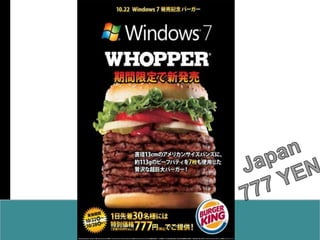
Japan777 YEN
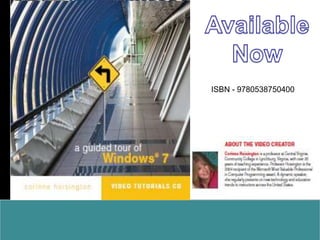
AvailableNowISBN - 9780538750400
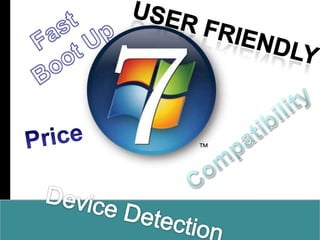
Fast Boot UpUser friendlyPriceCompatibilityDevice Detection
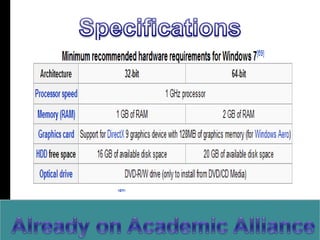
SpecificationsAlready on Academic Alliance
TRANSITIONAL PAGEDual Release???
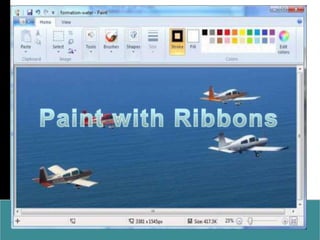
Paint with Ribbons
How Different?
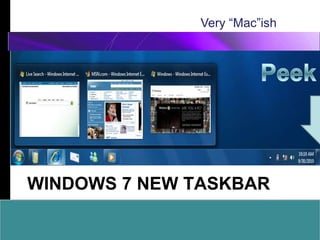
Different ApproachVery “Mac”ishPeekWindows 7 New TaskBar
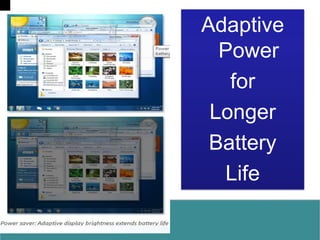
Adaptive PowerforLongerBatteryLife
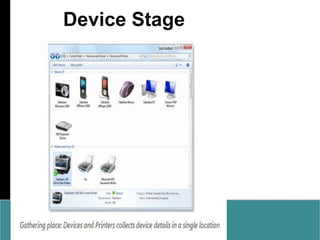
Device Stage
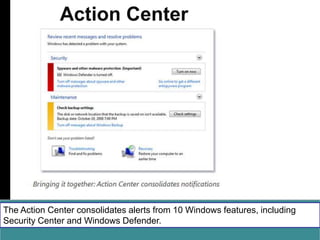
Action CenterThe Action Center consolidates alerts from 10 Windows features, including Security Center and Windows Defender.
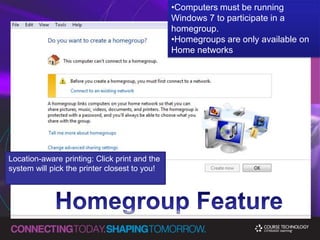
Computers must be running Windows 7 to participate in a homegroup.
Homegroups are only available on Home networksLocation-aware printing: Click print and the system will pick the printer closest to you!Homegroup Feature
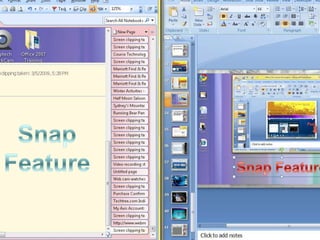
SnapFeatureSnap Feature
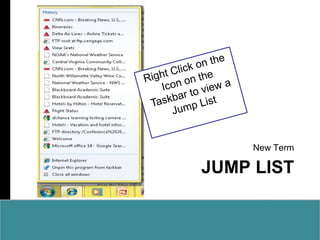
Jump ListNew TermRight Click on the Icon on the Taskbar to view a Jump List
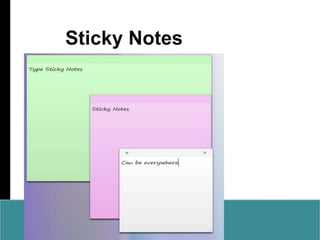
Sticky Notes
Windows 7 Home PremiumThe follow-up to Vista Home Premium. It should be the most popular version sold in the USA and the one most home users will end up with.
Windows 7 ProfessionalThis version replaces Vista Business. The name clearly recalls XP Professional and it will have business features that Home Premium doesn’t.Windows 7 UltimateUltimate is unchanged–it’s for home buyers who want all the features available and don’t mind spending extra for them. A big feature is BitLocker drive encryption.Windows 7 EnterpriseThis basically is the same as Ultimate, but it is for high volume licenses.
Windows 7 Starter EditionA crippled version that can only run three programs at once (open programs, not background ones). Available worldwide, but only preinstalled. This is the version you’ll probably be seeing on netbooks. No Aero.
Windows 7 Home BasicSort of like Home Premium but without Aero. It’s only available in emerging markets.Versions
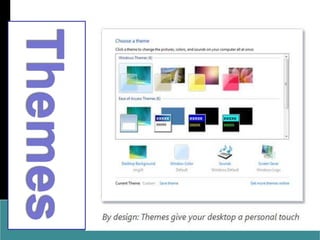
Themes
Upgrade AnytimeUsing Windows Anytime Upgrade, you can upgrade from one edition of Windows 7 to another edition of Windows 7 and add features to Windows, such as Windows Media Center or networking capabilities. All it takes is about 10 minutes. There’s no Windows installation disc, either. Get the upgrade online or at a computer retail store, and unlock your new features using just an upgrade key—with no changes to your current files and settings.
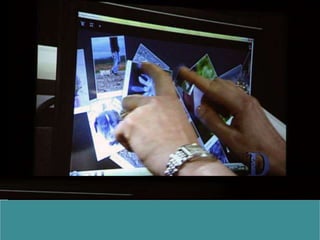
Multi-Touch Windows 7
Template Provided Bywww.animationfactory.com500,000 Downloadable PowerPoint Templates, Animated Clip Art, Backgrounds and Videos

Windows 7 Presentation