Downloaded 44 times


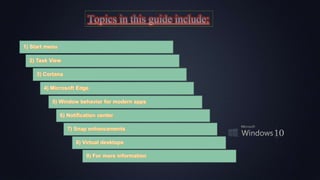
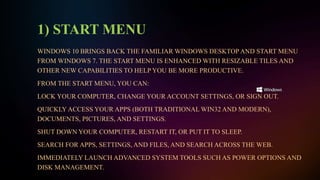
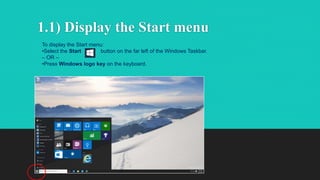
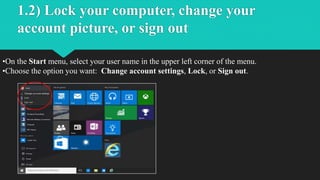
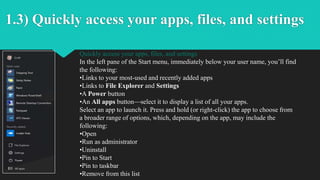
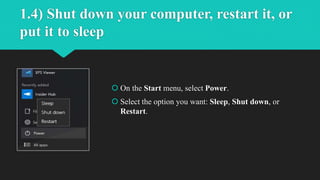
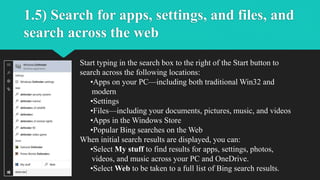
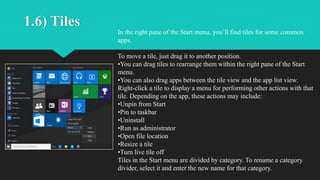
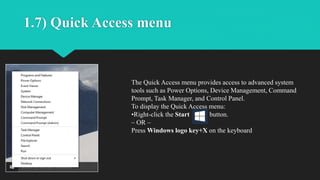
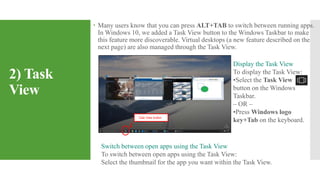
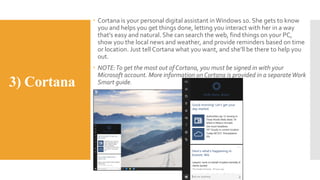
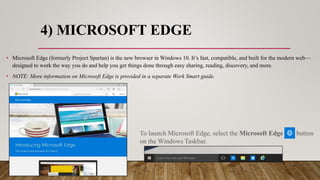
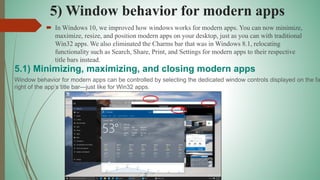
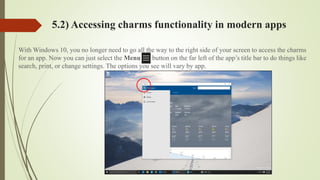
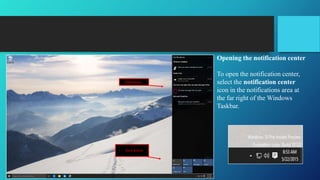
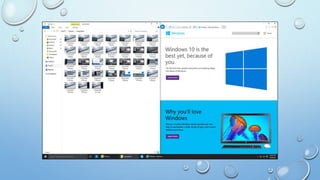
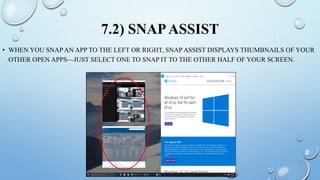
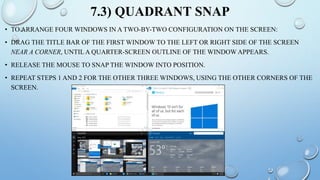
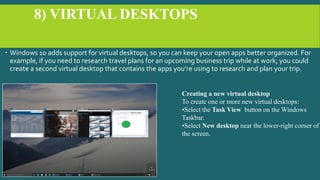
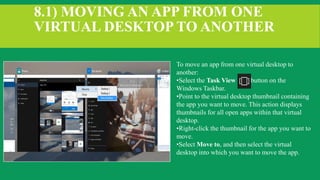
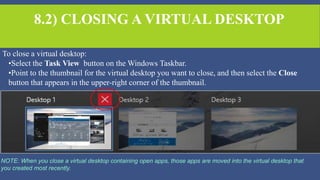

The document serves as a productivity guide for Windows 10, highlighting its user-friendly features suitable for both touch and mouse users, including the return of the Start Menu and integration of Cortana for assistance. Key functionalities such as task management, modern app behavior, the new Microsoft Edge browser, notification center, snap enhancements, and virtual desktops are detailed to improve user efficiency. The guide emphasizes quick access to frequently used apps and provides instructions for utilizing various features to enhance the Windows 10 experience.


