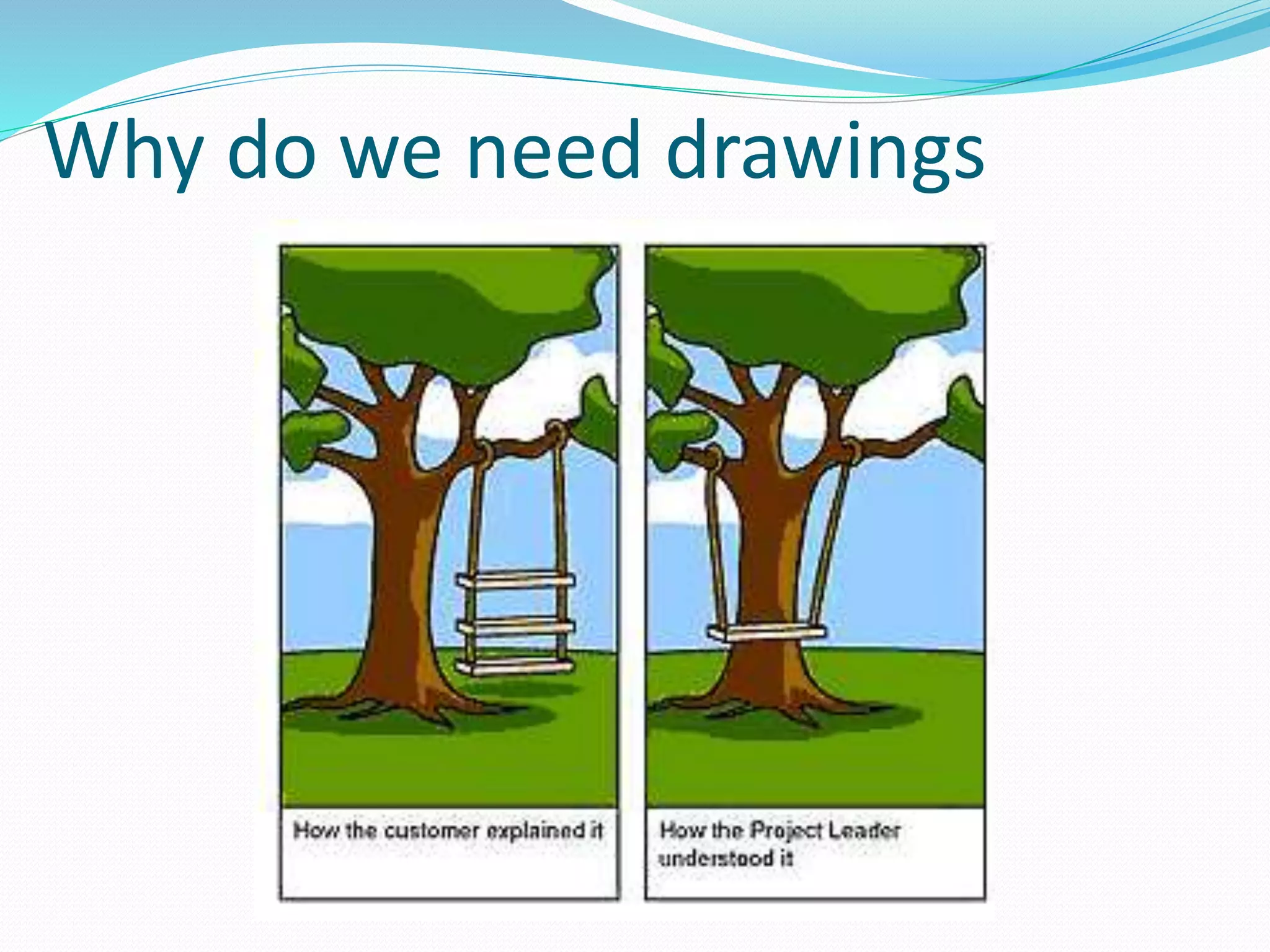
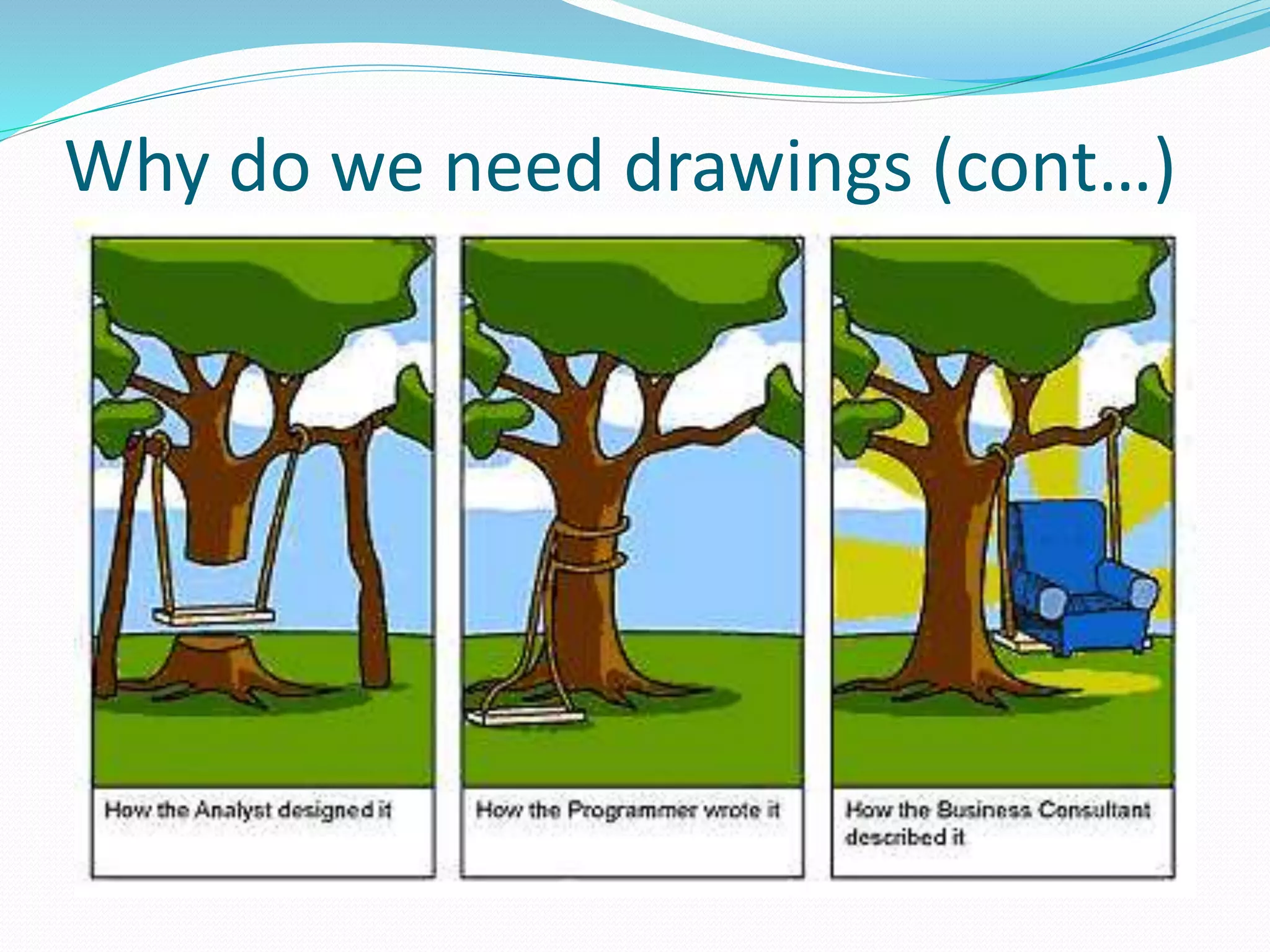
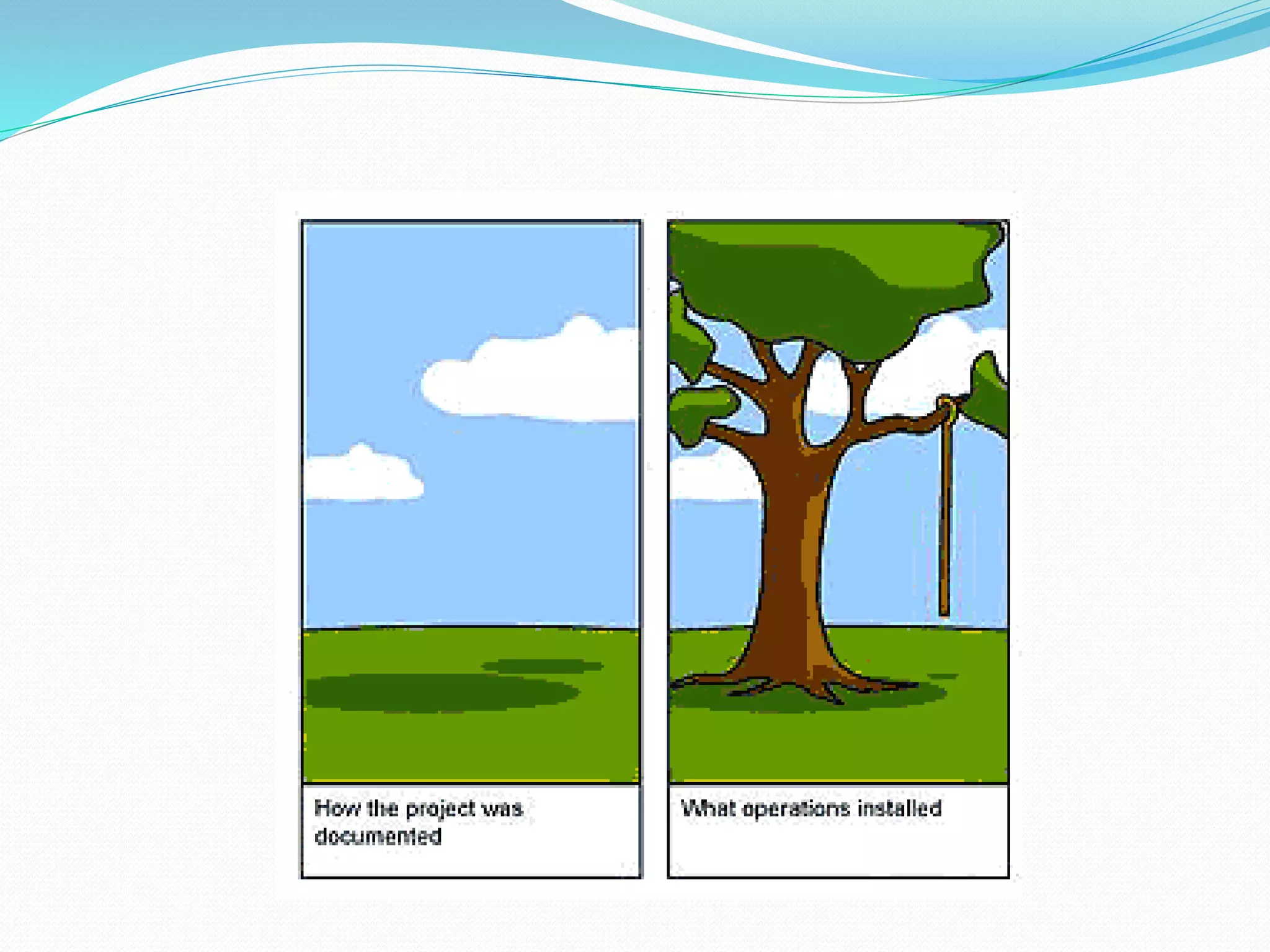

Why do we draw?
Why do we need drawings
Why do we need drawings (cont…)
So what’s this class about?
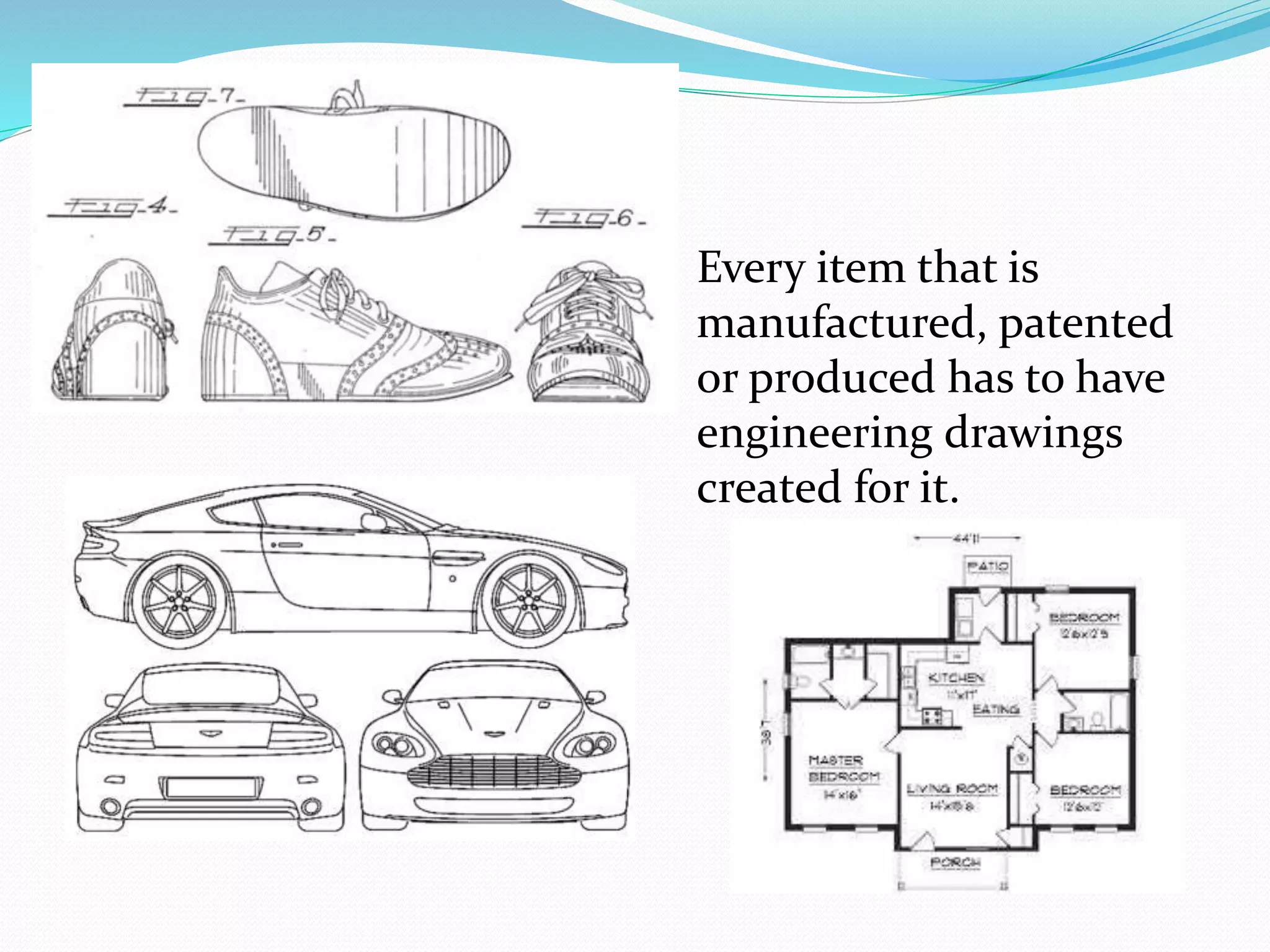
 What do these items
have in common?
 Every item that is
manufactured, patented
or produced has to have
engineering drawings
created for it.
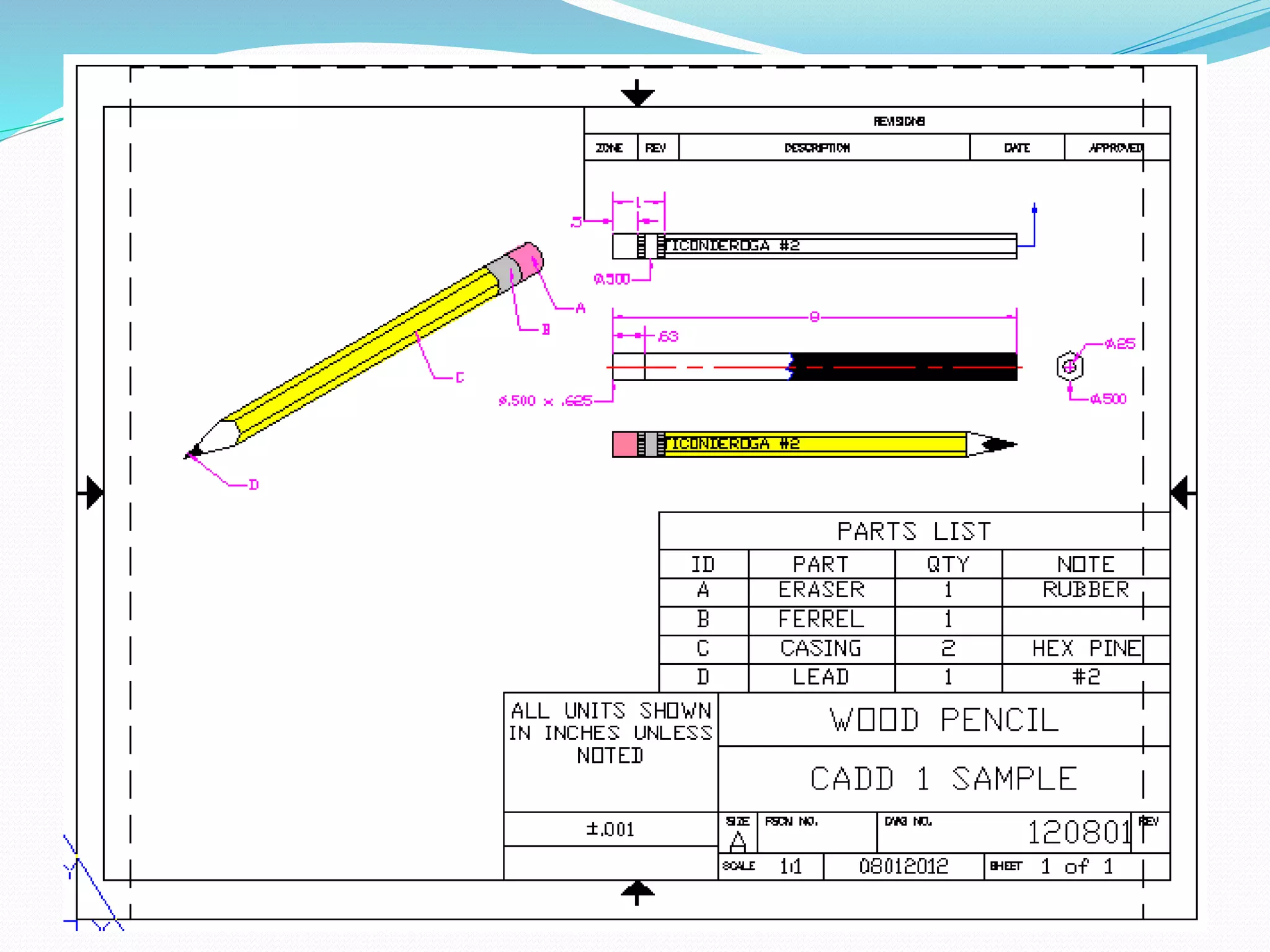
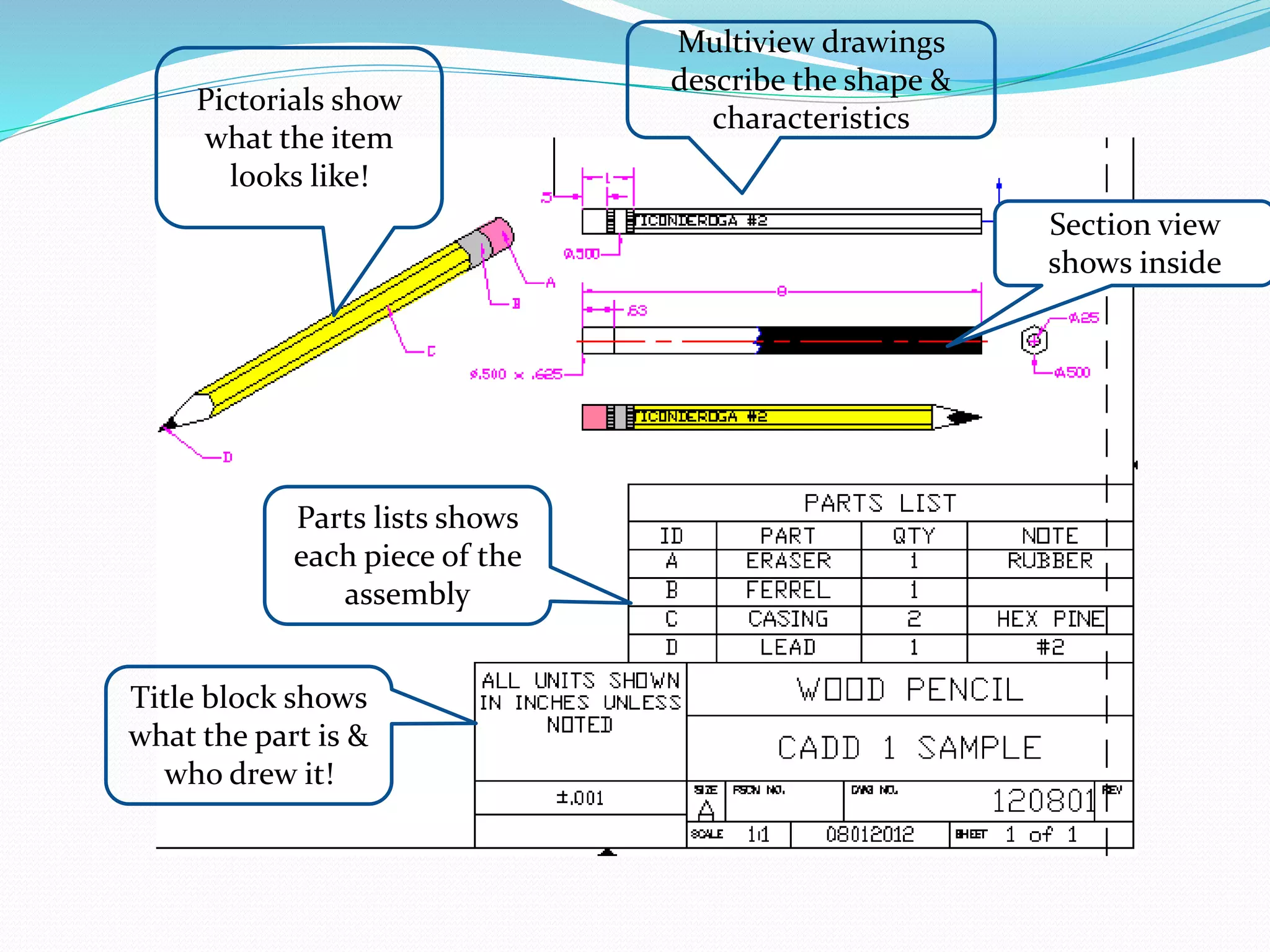
Multiview drawings
describe the shape &
characteristics
Pictorials show
what the item
looks like!
Parts lists shows
each piece of the
assembly
Section view
shows inside
Title block shows
what the part is &
who drew it!
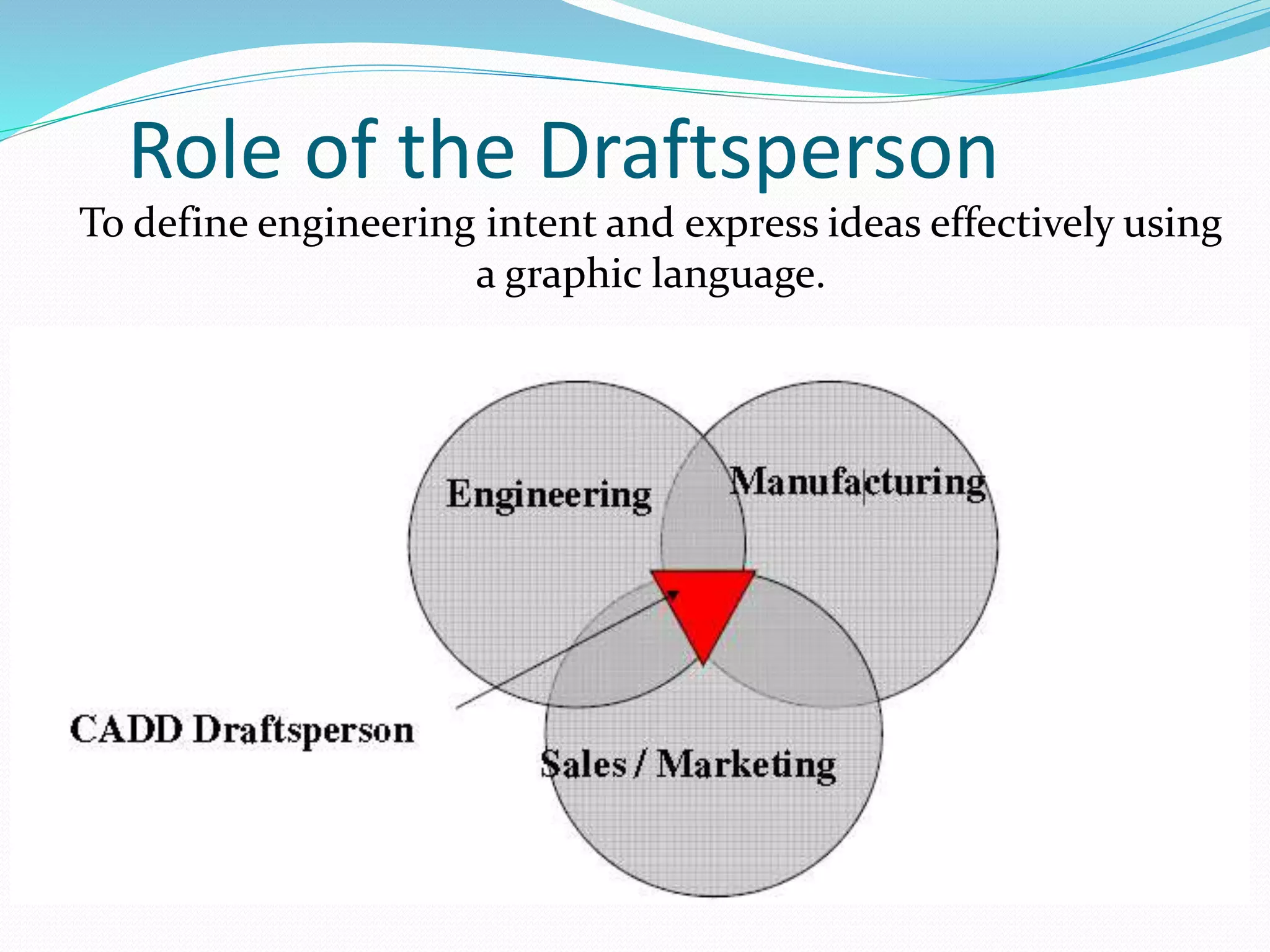
Role of the Draftsperson
To define engineering intent and express ideas effectively using
a graphic language.
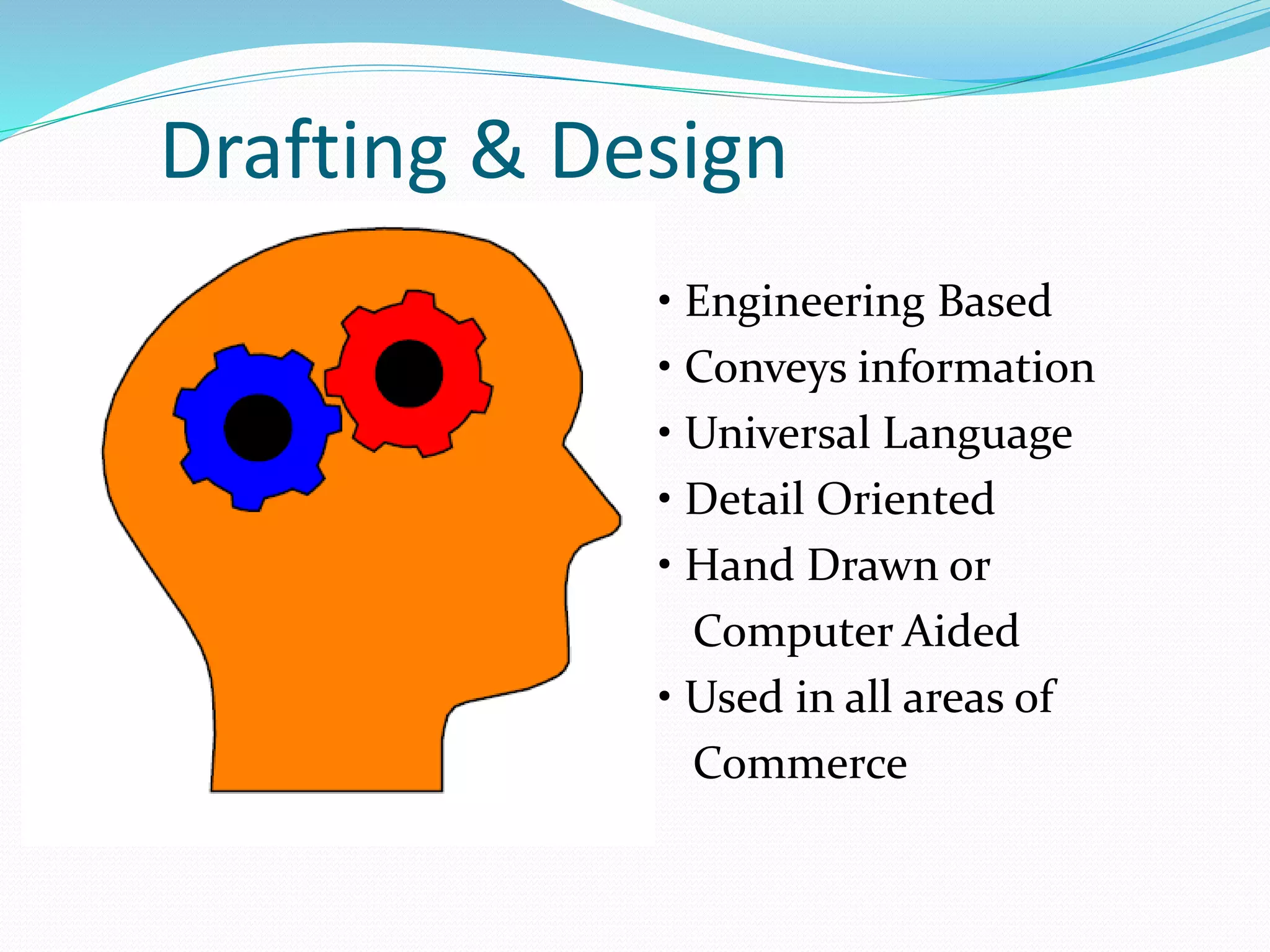
Drafting & Design
• Engineering Based
• Conveys information
• Universal Language
• Detail Oriented
• Hand Drawn or
Computer Aided
• Used in all areas of
Commerce
Where Do We Use It?
• Construction
• Electronics
• Automotive
• Manufacturing
• Medical
• Retail
• Logistics
How Do We Use It?
• Drawing is a universal language used to
convey ideas and information.
• Used to represent items that may not
physically exist.
• Symbols used to provide information across
language barriers.
• Used to create products and goods.
PRESENTATION TYPES
• Sketching
• Manual Drawing - Drafting
• Computer Aided
SKETCHING
• Used to process development.
• Usually freehand
• May be a drawn from any angle or view.
SKETCHING
ADVANTAGES DISADVANTAGES
• Quick
• Only need pencil & paper
• Good for getting ideas out
• Used for thumbnails,
problem solving,
brainstorming
• May not be clear
• Little detail
• Not very accurate
Mechanical Drawing
 Uses hand tools such as rulers, templates, compasses,
triangles and a variety of pencils to create working
drawings.
 May be very simple 2 view drawings or complex, multi-
view, multi-page drawings.
 Shows detail.
Mechanical Drawing
ADVANTAGES DISADVANTAGES
• Very detailed
• Accurate
• Draftsman can draw as
many views as needed.
• Provided employment
for many people.
• If error made - difficult to
correct.
• Easy to damage/destroy
• Time consuming
• Needed specific tools.
Computer Aided
• Modern technology to do an old job.
• Allows for more detail and accuracy.
• Faster than traditional methods.
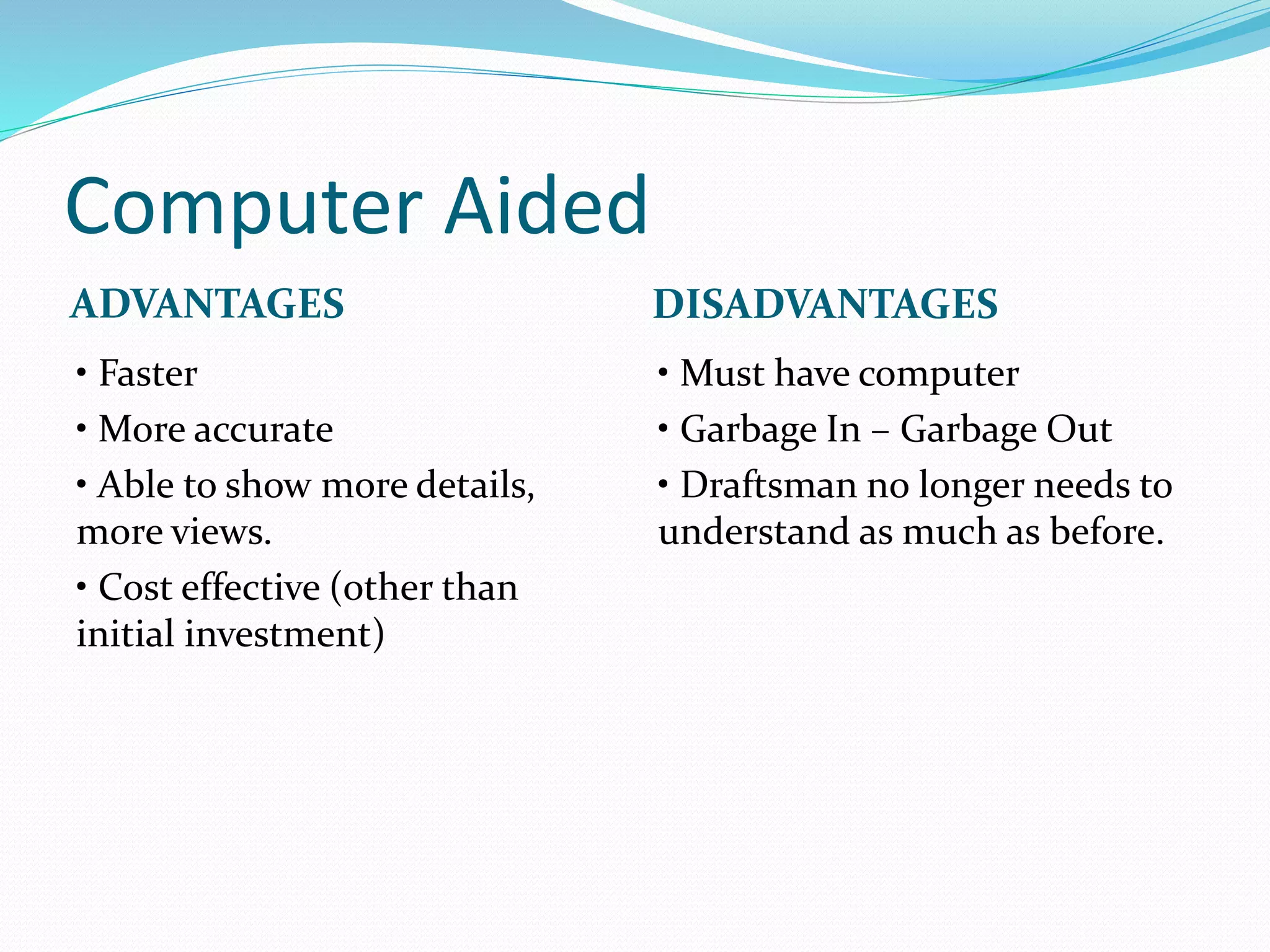
Computer Aided
ADVANTAGES DISADVANTAGES
• Faster
• More accurate
• Able to show more details,
more views.
• Cost effective (other than
initial investment)
• Must have computer
• Garbage In – Garbage Out
• Draftsman no longer needs to
understand as much as before.
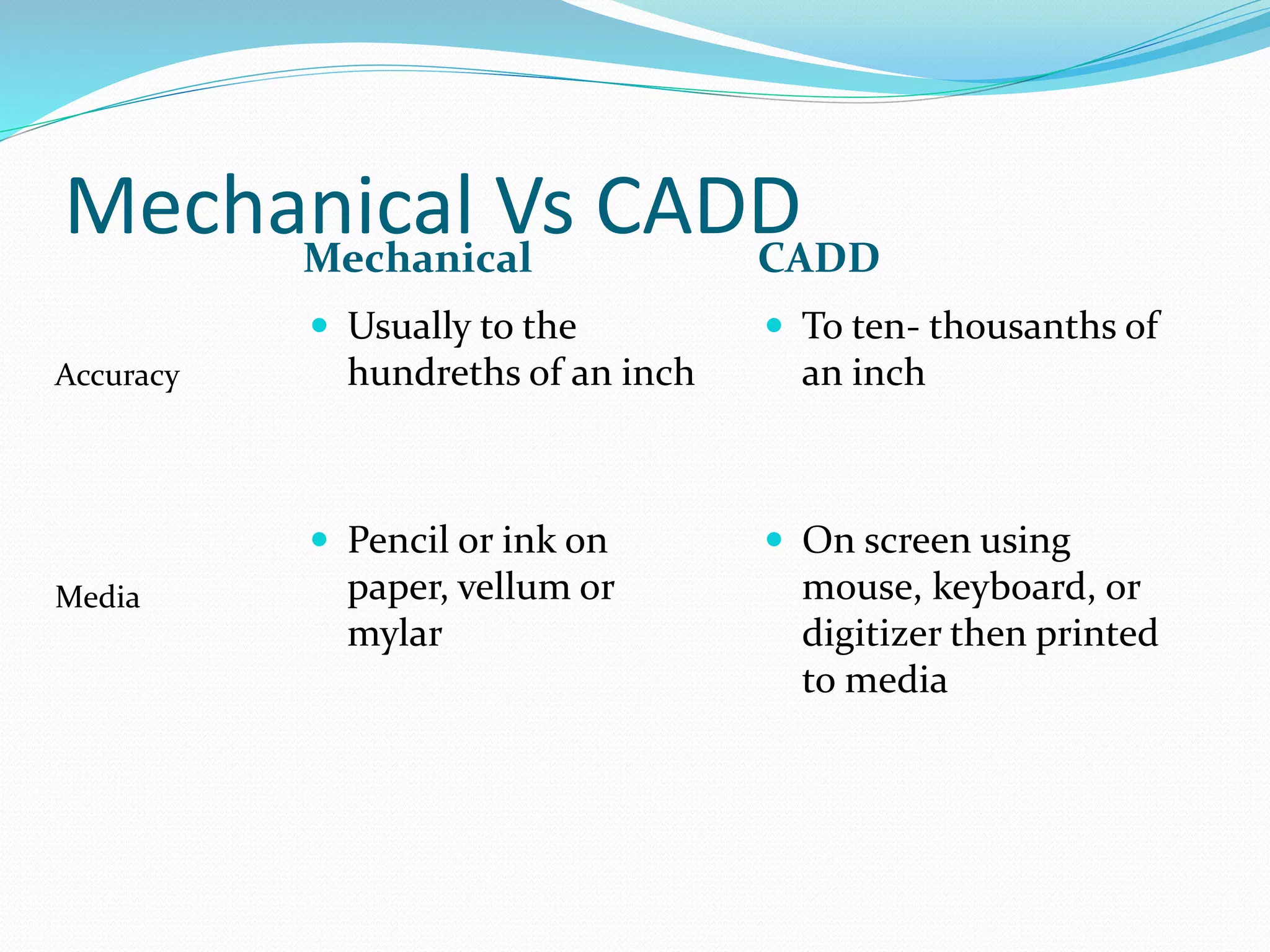
Mechanical Vs CADDMechanical CADD
 Usually to the
hundreths of an inch
 Pencil or ink on
paper, vellum or
mylar
 To ten- thousanths of
an inch
 On screen using
mouse, keyboard, or
digitizer then printed
to media
Accuracy
Media
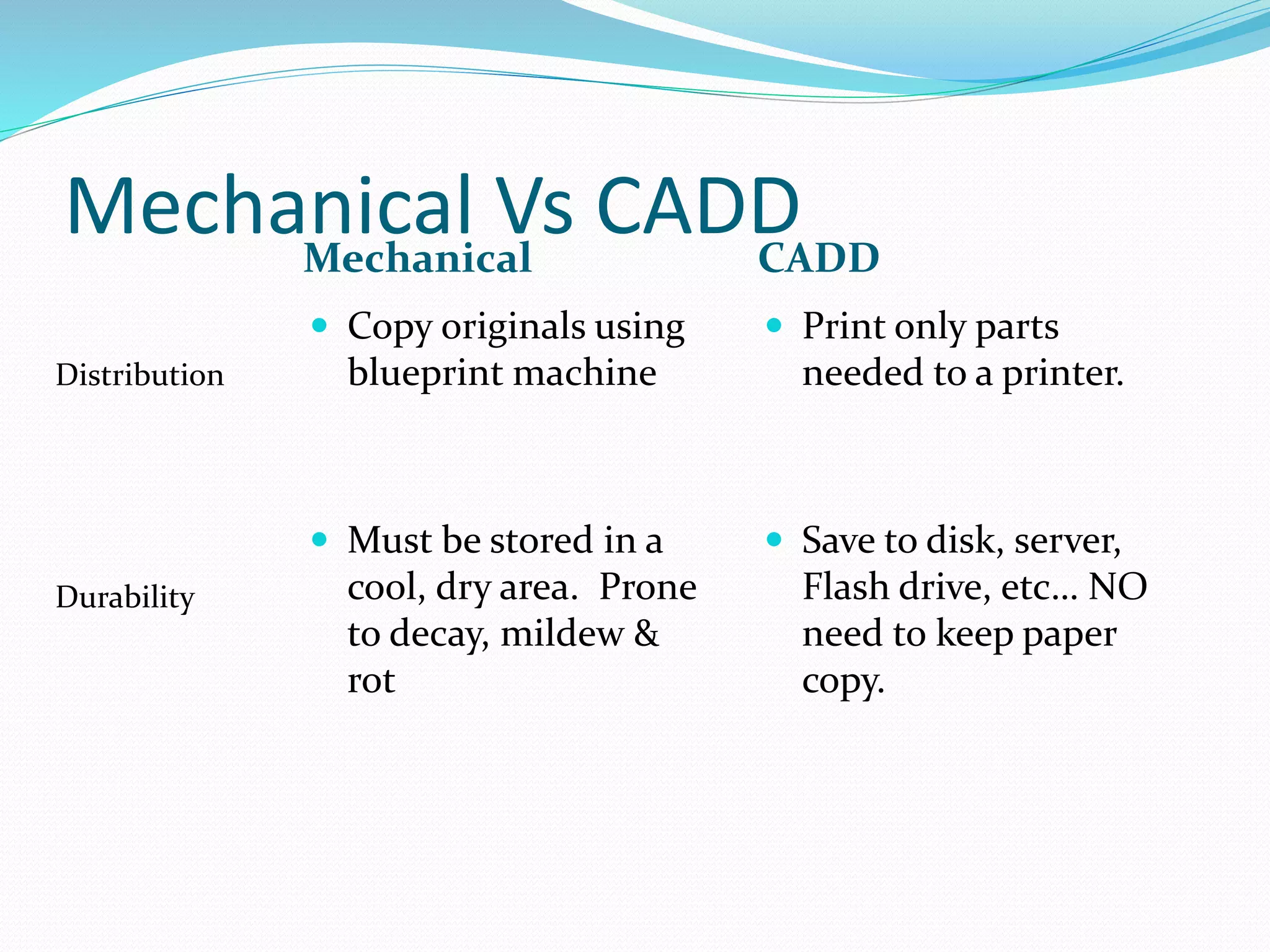
Mechanical Vs CADDMechanical CADD
 Copy originals using
blueprint machine
 Must be stored in a
cool, dry area. Prone
to decay, mildew &
rot
 Print only parts
needed to a printer.
 Save to disk, server,
Flash drive, etc… NO
need to keep paper
copy.
Distribution
Durability
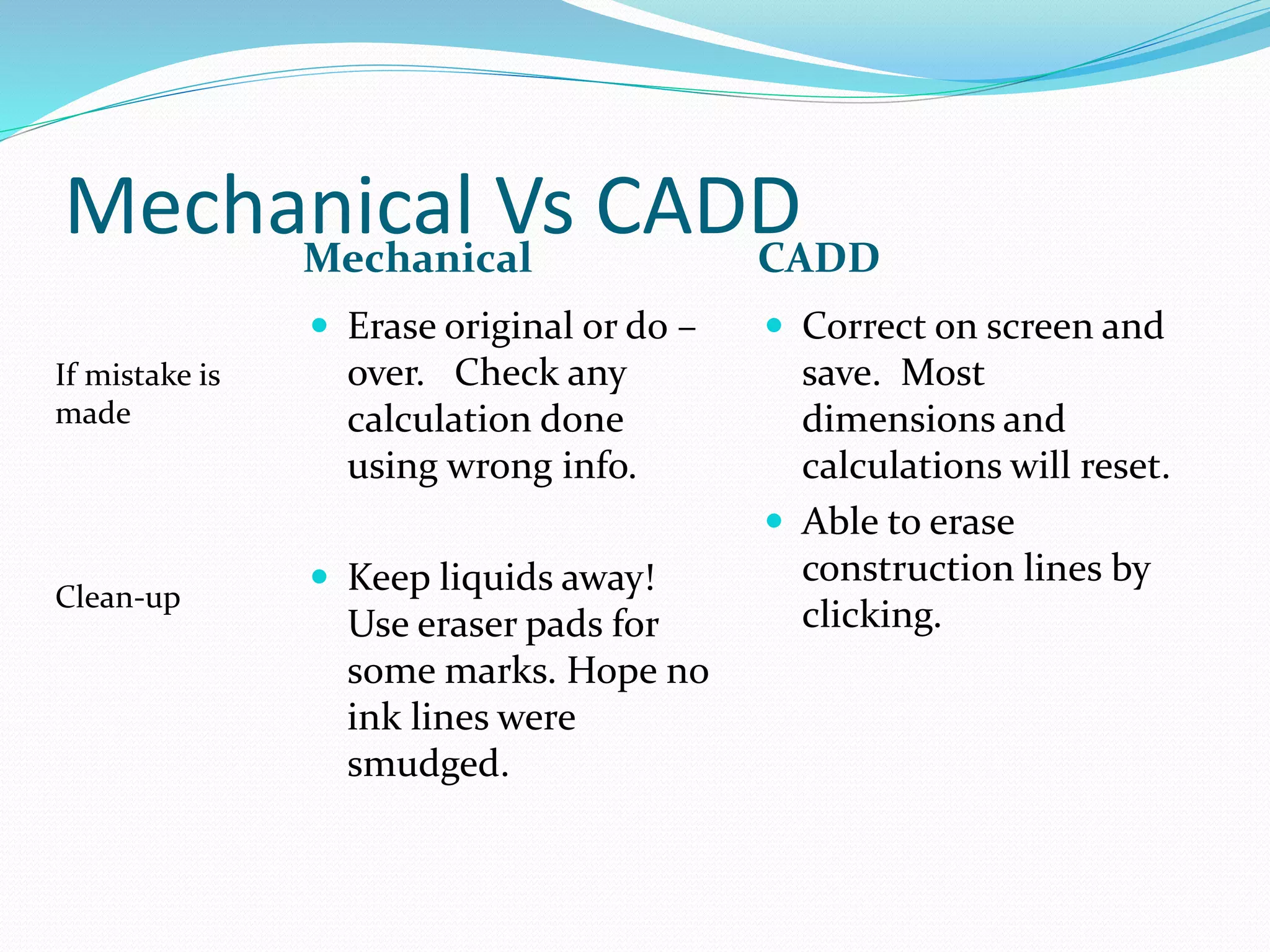
Mechanical Vs CADDMechanical CADD
 Erase original or do –
over. Check any
calculation done
using wrong info.
 Keep liquids away!
Use eraser pads for
some marks. Hope no
ink lines were
smudged.
 Correct on screen and
save. Most
dimensions and
calculations will reset.
 Able to erase
construction lines by
clicking.
If mistake is
made
Clean-up
Tools: Mechanical Drawing
• Table & Chair - usually height and angle adjustable
• T-squares and rulers
• Pencils, pens and erasers
• Compass, protractors, triangles, French curves
• Templates
Tools: CADD
• CPU or Server to run software
• Software
• Storage device - flash or hard drive, CD
• Monitor
• Input device - mouse, keyboard, digitizer
• Output device - printer
• Net access to electronically share files
Why Know the “Old” Way
• May not have access to computer
• May not have compatible programs
• Gives the “Draftsman” a better understanding of what
is being created.
• Givers the “Reader” a better understanding of how and
what a drawing is saying.
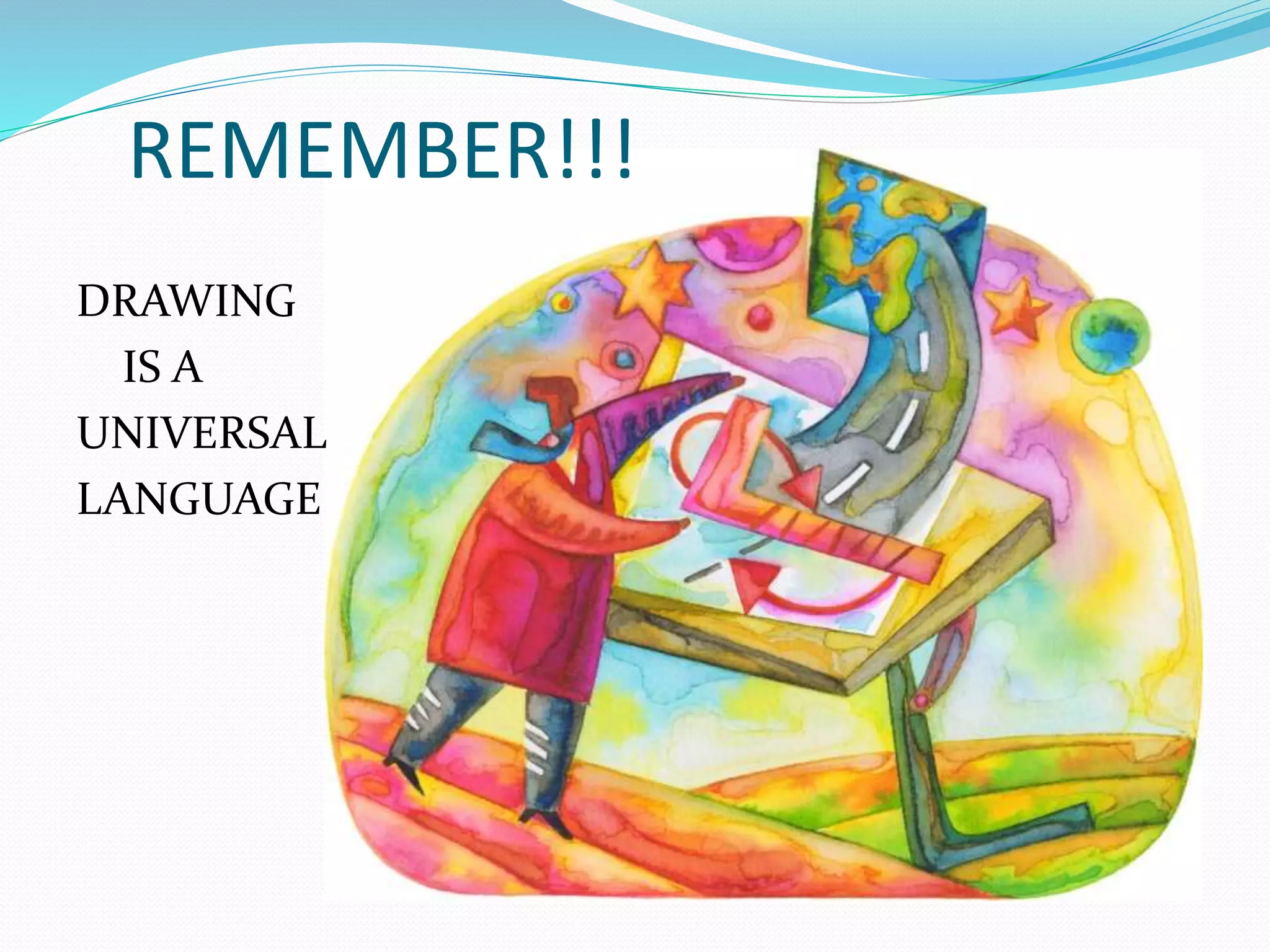
REMEMBER!!!
DRAWING
IS A
UNIVERSAL
LANGUAGE
REMEMBER!!!
A DRAWING
MAY BE A
LEGAL
DOCUMENT
REMEMBER!!!
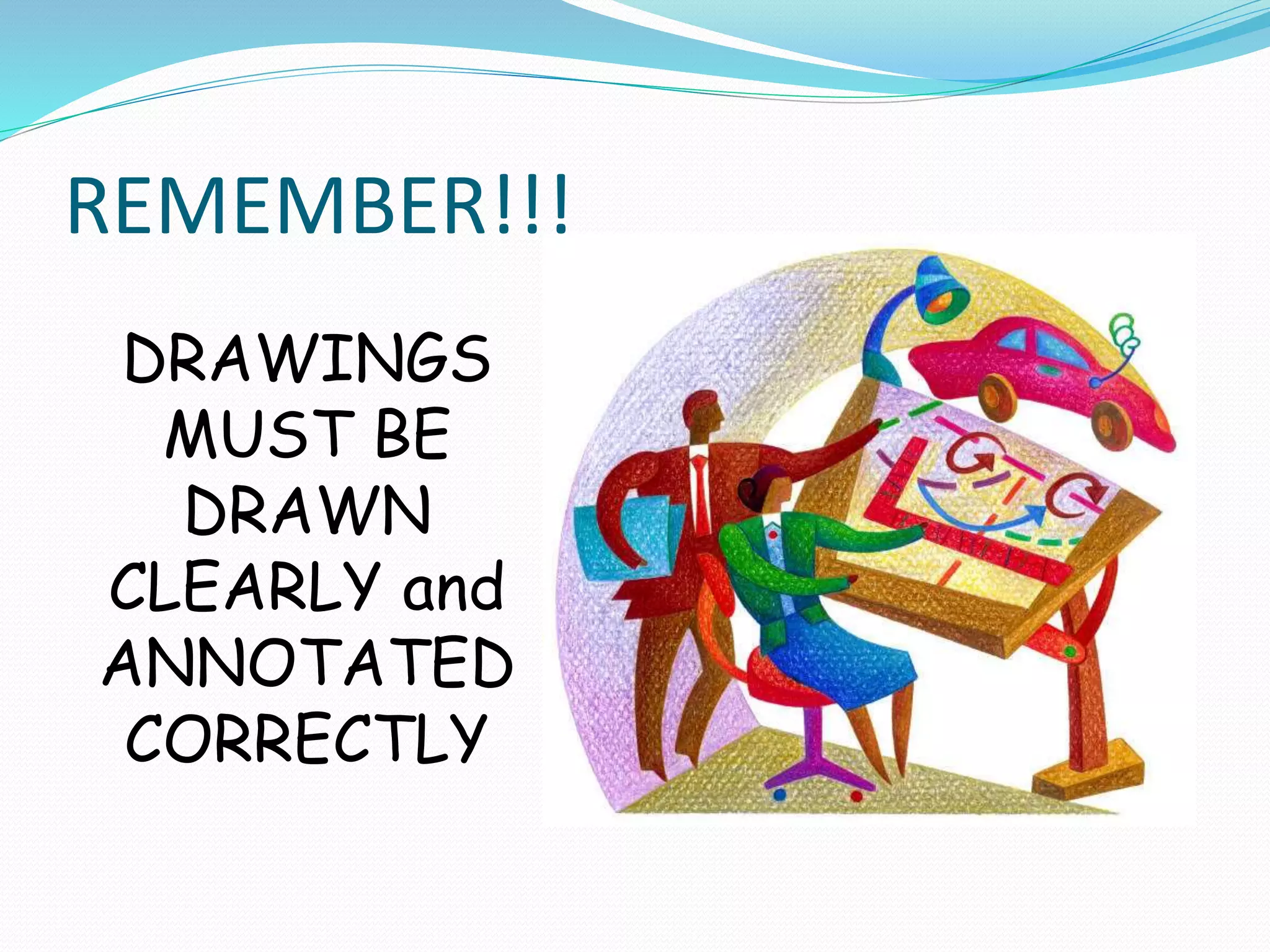
DRAWINGS
MUST BE
DRAWN
CLEARLY and
ANNOTATED
CORRECTLY
REMEMBER!!!
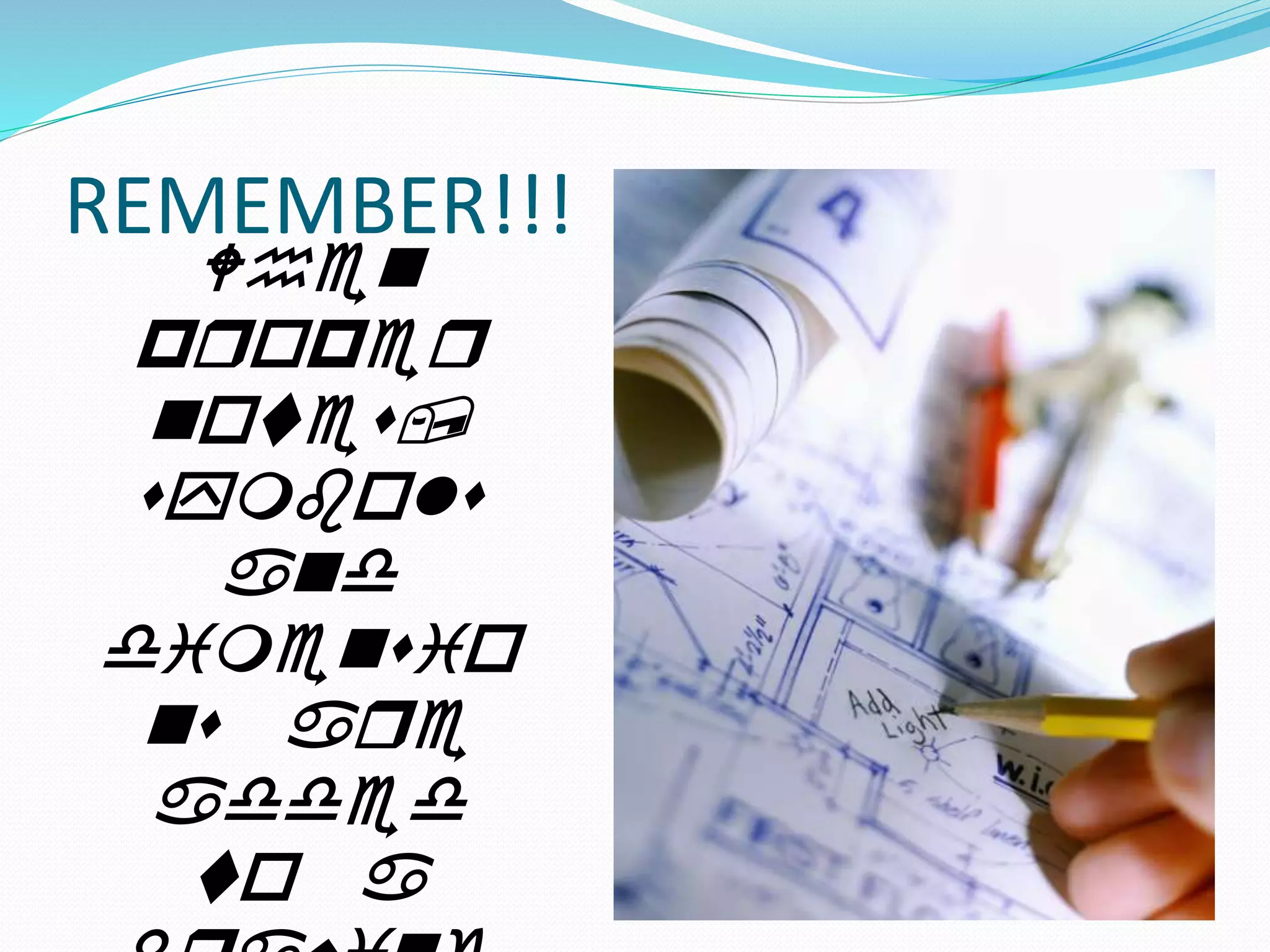
When
proper
notes,
symbols
and
dimensio
ns are
added
to a
Terms to Know
• CIM: Computer
Integrated Manufacturing
- Use of computers and
CAD/CADD programs to
control
• CAD: Computer Aided
Design; Computer Aided
Drafting
• CADD: Computer
Aided Drafting & Design
• Working Drawing: A
engineering drawing that
has notes and dimensions

What is engineering

  • 1.
    Why do wedraw?
  • 2.
    Why do weneed drawings
  • 3.
    Why do weneed drawings (cont…)
  • 7.
    So what’s thisclass about?  What do these items have in common?
  • 8.
     Every itemthat is manufactured, patented or produced has to have engineering drawings created for it.
  • 11.
    Multiview drawings describe theshape & characteristics Pictorials show what the item looks like! Parts lists shows each piece of the assembly Section view shows inside Title block shows what the part is & who drew it!
  • 12.
    Role of theDraftsperson To define engineering intent and express ideas effectively using a graphic language.
  • 13.
    Drafting & Design •Engineering Based • Conveys information • Universal Language • Detail Oriented • Hand Drawn or Computer Aided • Used in all areas of Commerce
  • 14.
    Where Do WeUse It? • Construction • Electronics • Automotive • Manufacturing • Medical • Retail • Logistics
  • 15.
    How Do WeUse It? • Drawing is a universal language used to convey ideas and information. • Used to represent items that may not physically exist. • Symbols used to provide information across language barriers. • Used to create products and goods.
  • 16.
    PRESENTATION TYPES • Sketching •Manual Drawing - Drafting • Computer Aided
  • 17.
    SKETCHING • Used toprocess development. • Usually freehand • May be a drawn from any angle or view.
  • 18.
    SKETCHING ADVANTAGES DISADVANTAGES • Quick •Only need pencil & paper • Good for getting ideas out • Used for thumbnails, problem solving, brainstorming • May not be clear • Little detail • Not very accurate
  • 19.
    Mechanical Drawing  Useshand tools such as rulers, templates, compasses, triangles and a variety of pencils to create working drawings.  May be very simple 2 view drawings or complex, multi- view, multi-page drawings.  Shows detail.
  • 20.
    Mechanical Drawing ADVANTAGES DISADVANTAGES •Very detailed • Accurate • Draftsman can draw as many views as needed. • Provided employment for many people. • If error made - difficult to correct. • Easy to damage/destroy • Time consuming • Needed specific tools.
  • 21.
    Computer Aided • Moderntechnology to do an old job. • Allows for more detail and accuracy. • Faster than traditional methods.
  • 22.
    Computer Aided ADVANTAGES DISADVANTAGES •Faster • More accurate • Able to show more details, more views. • Cost effective (other than initial investment) • Must have computer • Garbage In – Garbage Out • Draftsman no longer needs to understand as much as before.
  • 23.
    Mechanical Vs CADDMechanicalCADD  Usually to the hundreths of an inch  Pencil or ink on paper, vellum or mylar  To ten- thousanths of an inch  On screen using mouse, keyboard, or digitizer then printed to media Accuracy Media
  • 24.
    Mechanical Vs CADDMechanicalCADD  Copy originals using blueprint machine  Must be stored in a cool, dry area. Prone to decay, mildew & rot  Print only parts needed to a printer.  Save to disk, server, Flash drive, etc… NO need to keep paper copy. Distribution Durability
  • 25.
    Mechanical Vs CADDMechanicalCADD  Erase original or do – over. Check any calculation done using wrong info.  Keep liquids away! Use eraser pads for some marks. Hope no ink lines were smudged.  Correct on screen and save. Most dimensions and calculations will reset.  Able to erase construction lines by clicking. If mistake is made Clean-up
  • 26.
    Tools: Mechanical Drawing •Table & Chair - usually height and angle adjustable • T-squares and rulers • Pencils, pens and erasers • Compass, protractors, triangles, French curves • Templates
  • 27.
    Tools: CADD • CPUor Server to run software • Software • Storage device - flash or hard drive, CD • Monitor • Input device - mouse, keyboard, digitizer • Output device - printer • Net access to electronically share files
  • 28.
    Why Know the“Old” Way • May not have access to computer • May not have compatible programs • Gives the “Draftsman” a better understanding of what is being created. • Givers the “Reader” a better understanding of how and what a drawing is saying.
  • 29.
  • 30.
  • 31.
  • 32.
  • 33.
    Terms to Know •CIM: Computer Integrated Manufacturing - Use of computers and CAD/CADD programs to control • CAD: Computer Aided Design; Computer Aided Drafting • CADD: Computer Aided Drafting & Design • Working Drawing: A engineering drawing that has notes and dimensions