Web Mapping 101:
What Is It and Making it Work For You
Meet the Presenters
Sienna Emery
Technical Support Specialist,
Customer Solutions
Sanae Mendoza
Technical Support
Specialist, FME Server
Mark Warren
Technical Support
Specialist, FME Server
Agenda
● Overview: web mapping & how it
works
● Translating Data to Arcgis Online
and a Simple Web Map
● Working with Mapbox and
Vector Tiles
● Custom coding and the
HTMLReportGenerator
● Q&A and Wrap Up
Web maps provide a widely
accessible way to visualize and
share valuable data.
Web Mapping Overview
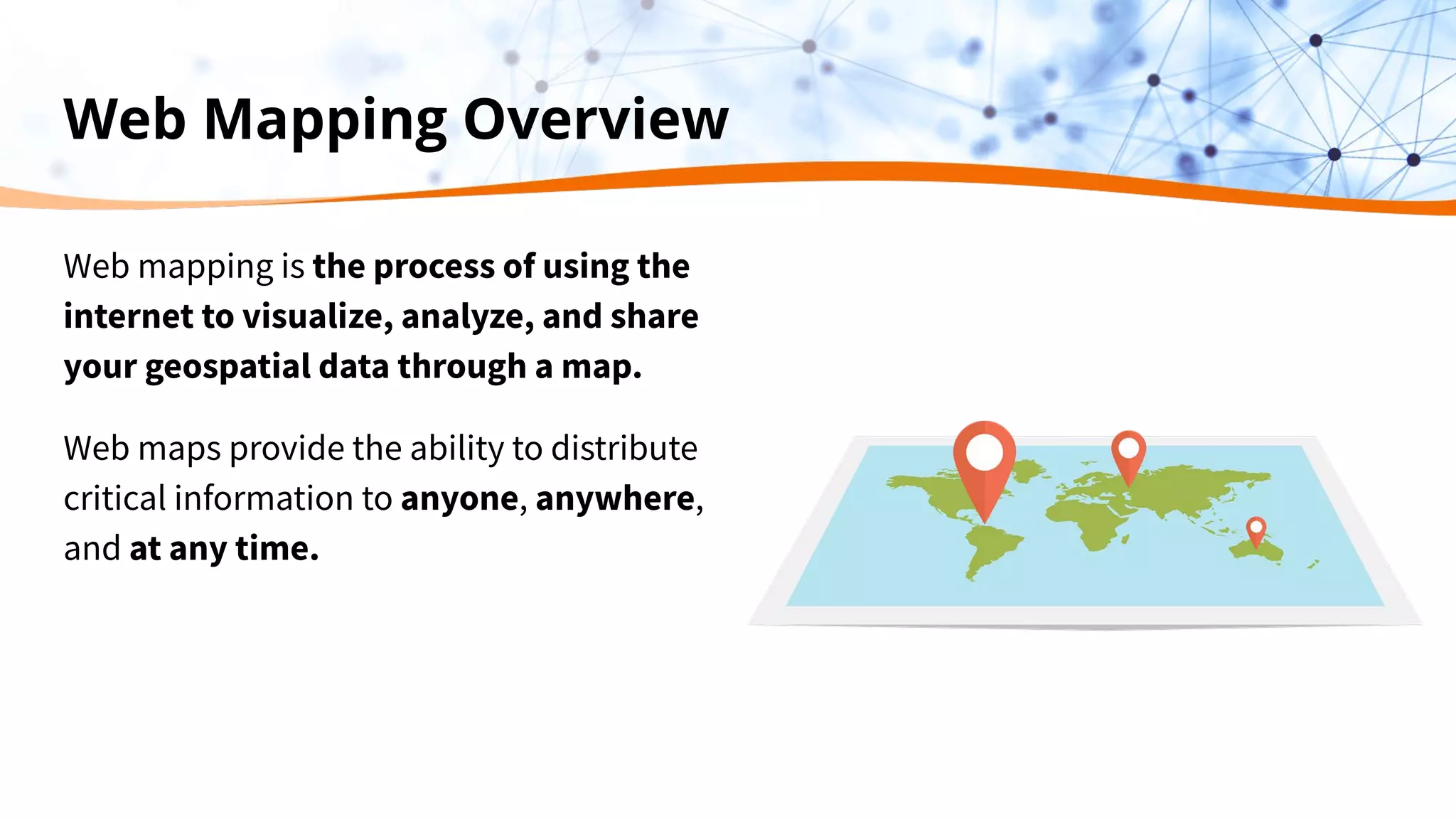
Web mapping is the process of using the
internet to visualize, analyze, and share
your geospatial data through a map.
Web maps provide the ability to distribute
critical information to anyone, anywhere,
and at any time.
Web Mapping
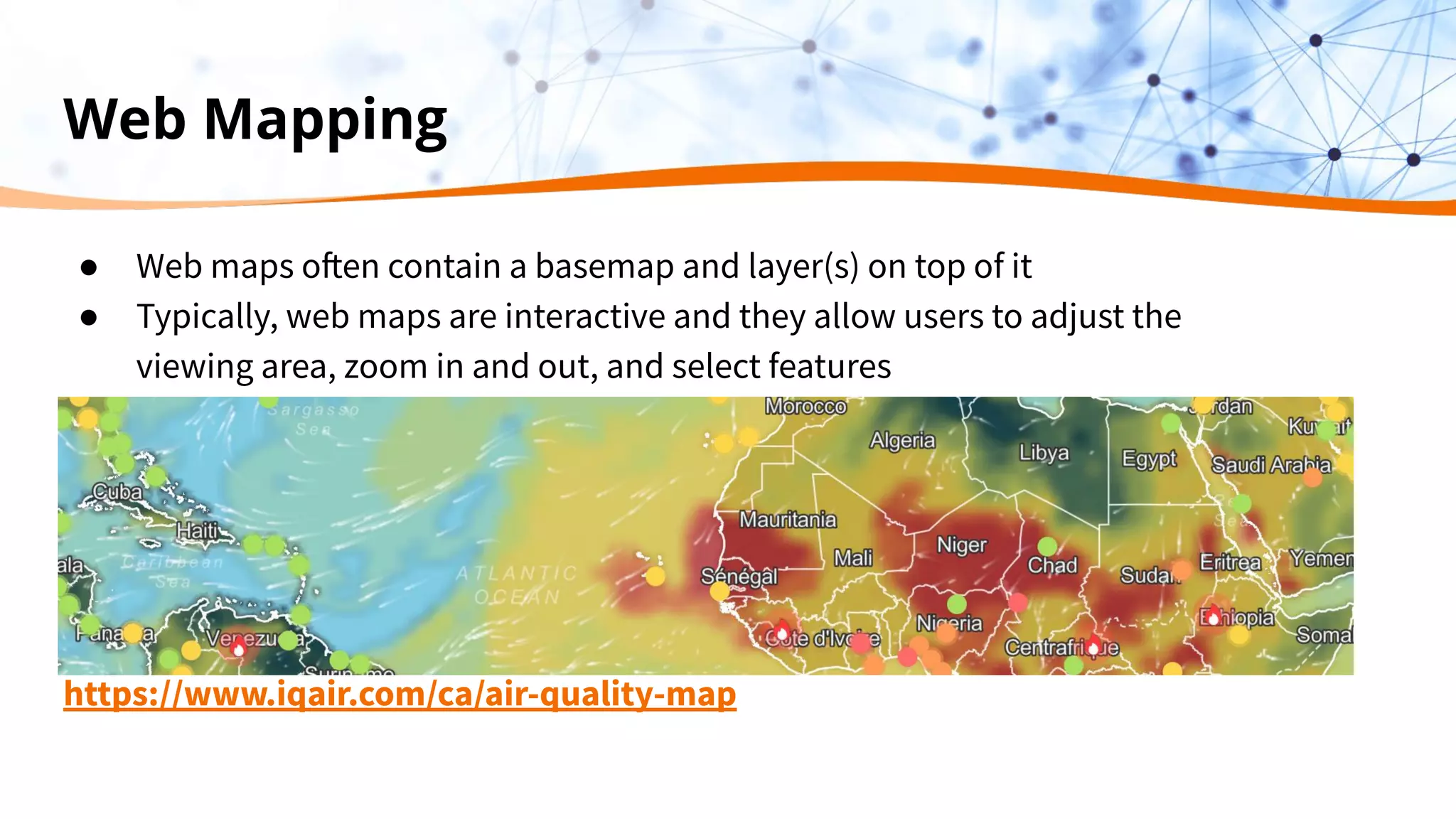
● Web maps often contain a basemap and layer(s) on top of it
● Typically, web maps are interactive and they allow users to adjust the
viewing area, zoom in and out, and select features
https://www.iqair.com/ca/air-quality-map
Neogeography
“Traditional Geographic Information Systems historically have developed tools and
techniques targeted towards formal applications that require precision and accuracy.
By contrast, neogeography tends to apply to the areas of approachable, colloquial
applications. The two realms can have overlap as the same problems are presented
to different sets of users: experts and non-experts”
- Wikipedia
Types Web Mapping Platforms
1. Web Mapping Applications
a. Easy to get started- just import your data
b. Hosted for you
c. Analysis is built into the platform
2. Web Mapping APIs
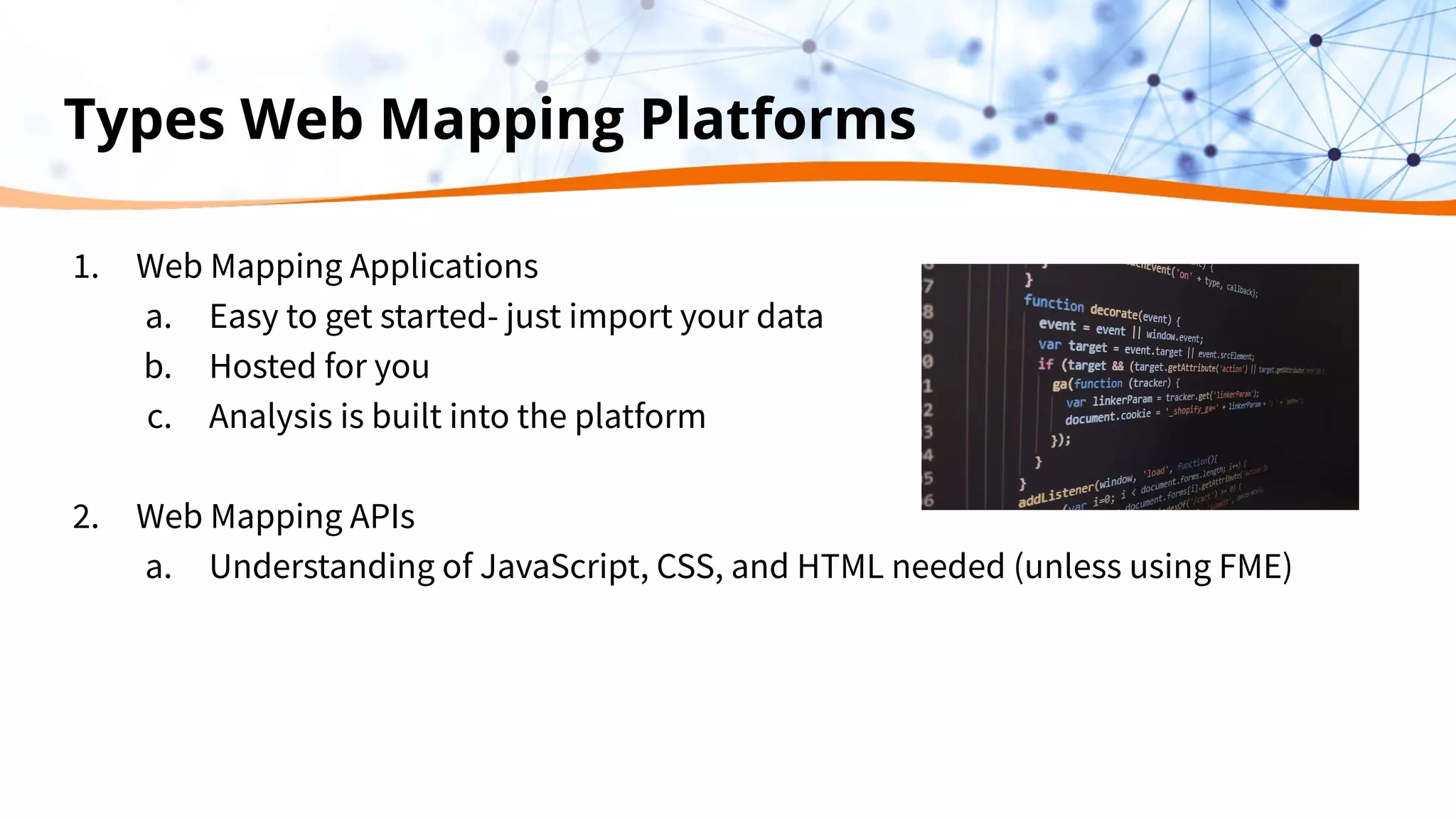
a. Understanding of JavaScript, CSS, and HTML needed (unless using FME)
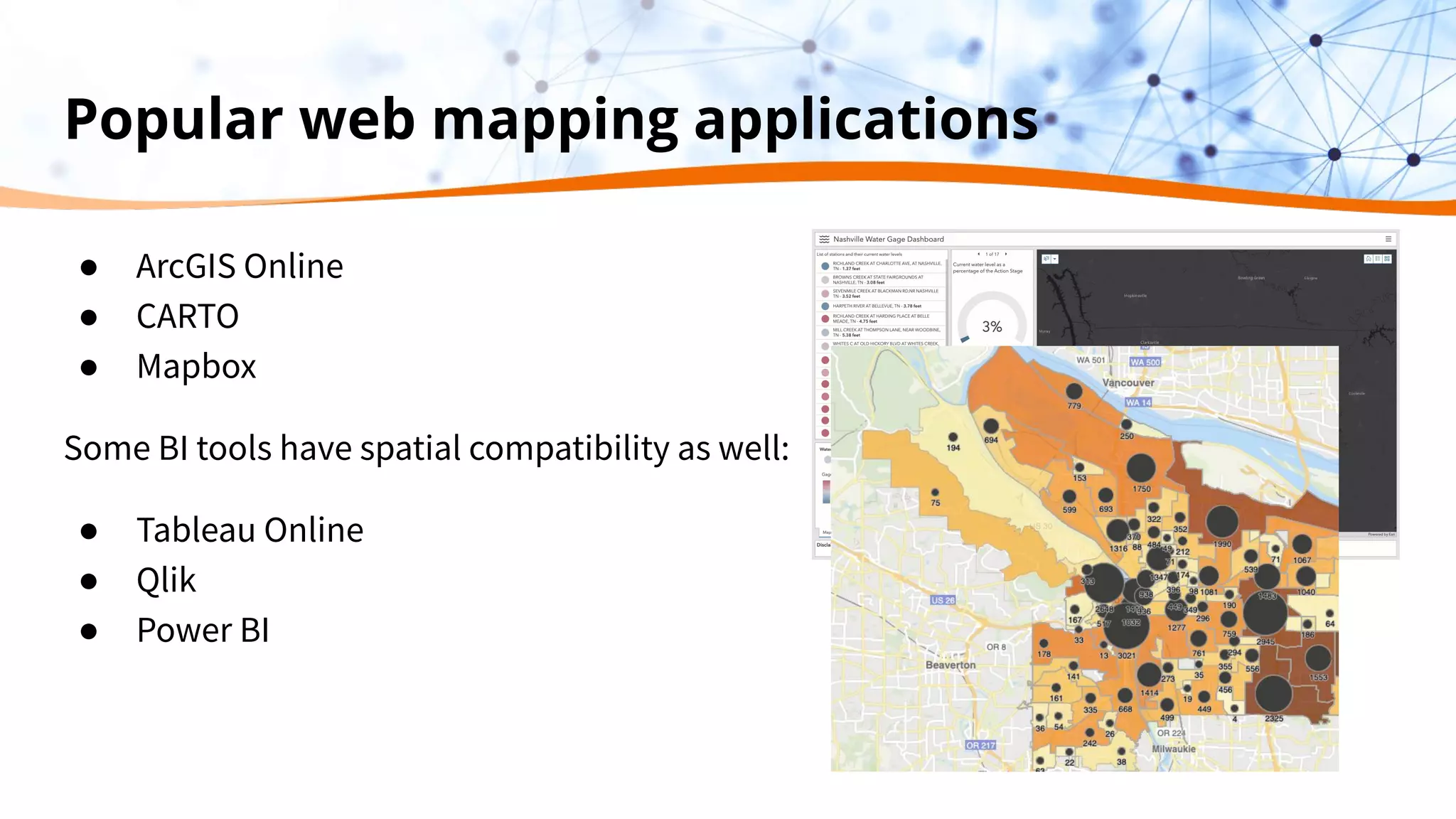
Popular web mapping applications
● ArcGIS Online
● CARTO
● Mapbox
Some BI tools have spatial compatibility as well:
● Tableau Online
● Qlik
● Power BI
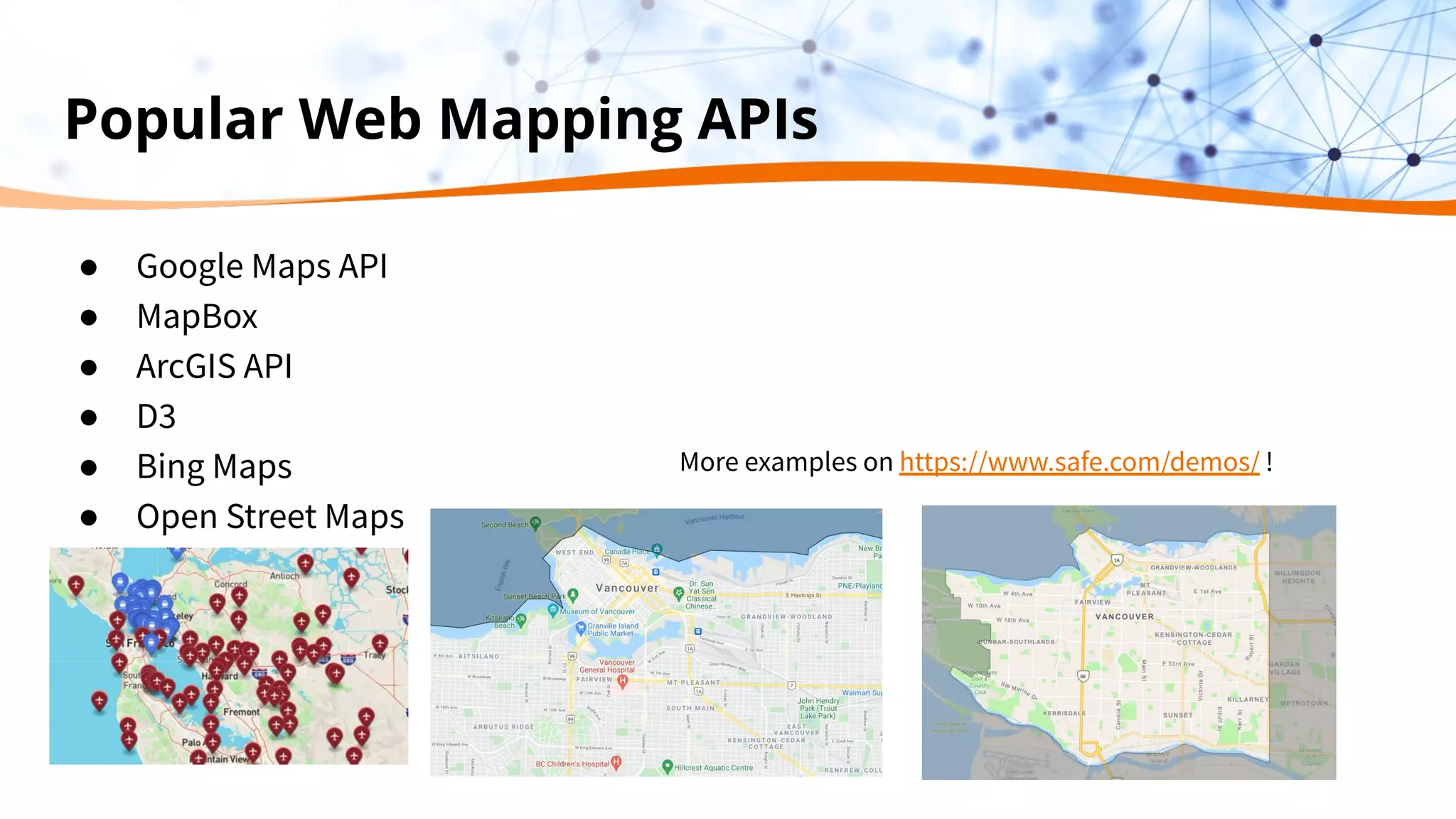
Popular Web Mapping APIs
● Google Maps API
● MapBox
● ArcGIS API
● D3
● Bing Maps
● Open Street Maps
More examples on https://www.safe.com/demos/ !
But how can I get my
geographic data into a
web map?
… well FME can do that!
Our Strength
We bring the power of spatial data
to your decision making.
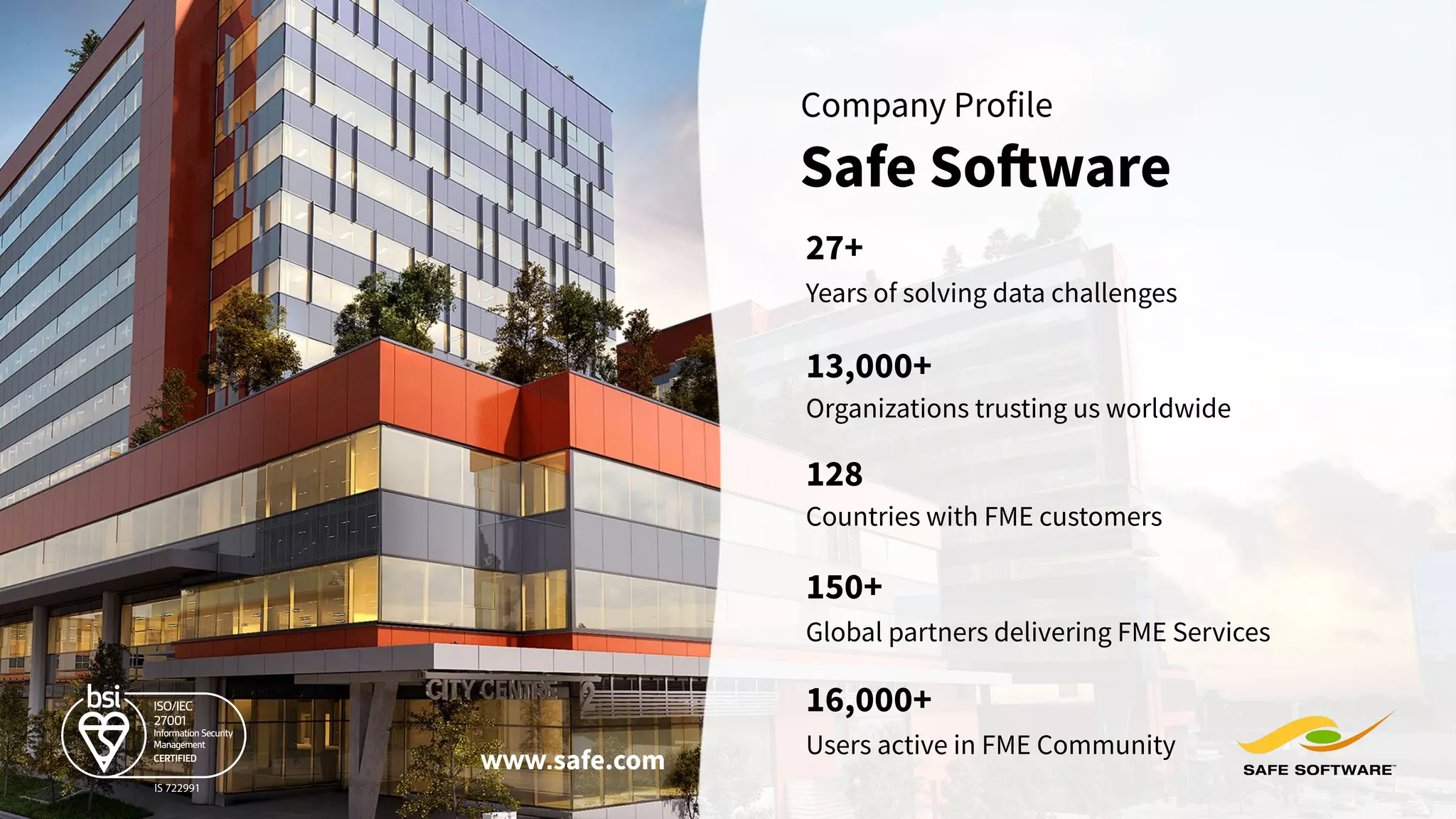
Years of solving data challenges
27+
13,000+
Organizations trusting us worldwide
Global partners delivering FME Services
150+
128
Countries with FME customers
Safe Software
Company Profile
www.safe.com
Users active in FME Community
16,000+
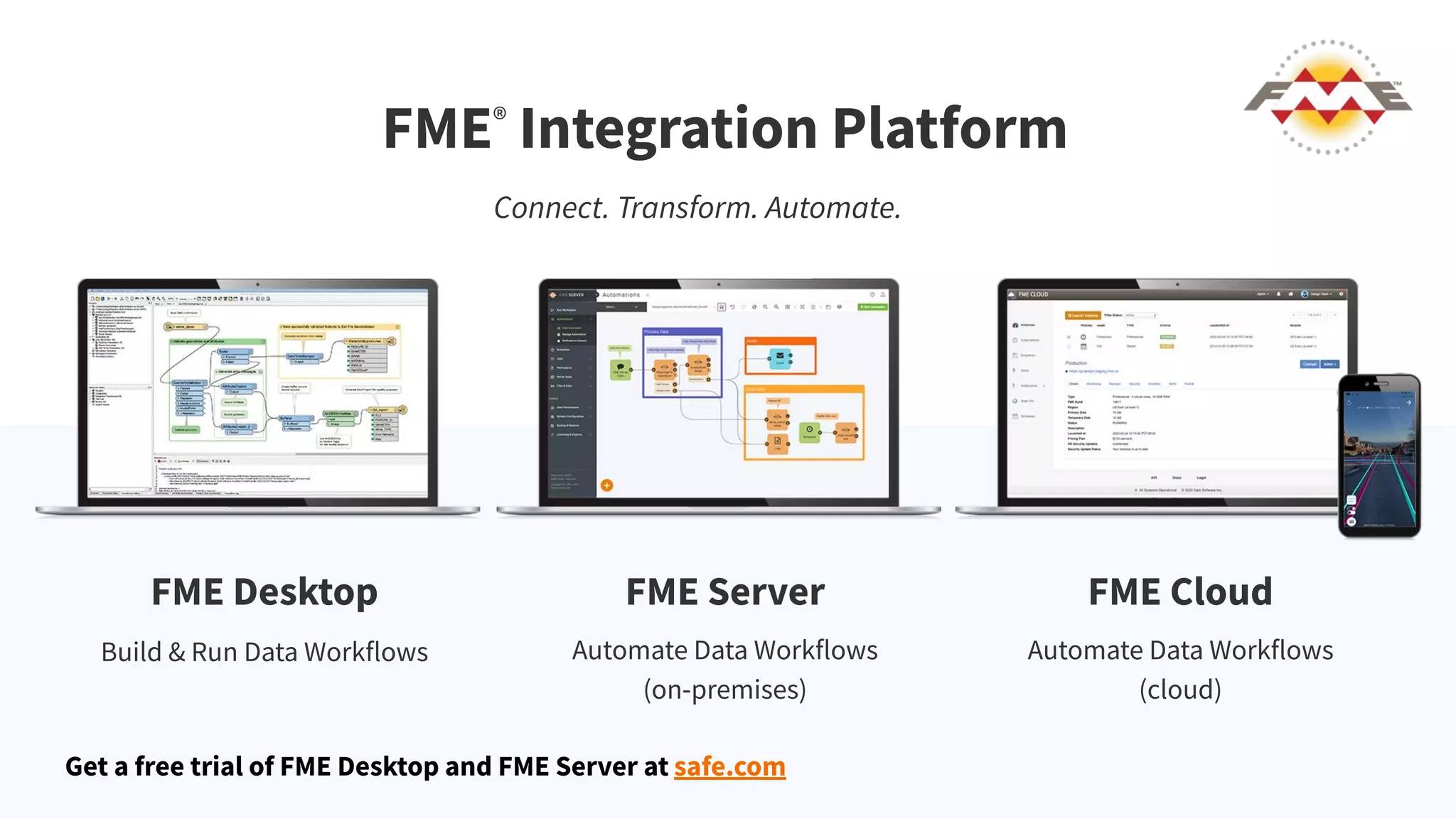
FME®
Integration Platform
Connect. Transform. Automate.
FME Desktop FME Server FME Cloud
Build & Run Data Workflows Automate Data Workflows
(on-premises)
Automate Data Workflows
(cloud)
Get a free trial of FME Desktop and FME Server at safe.com
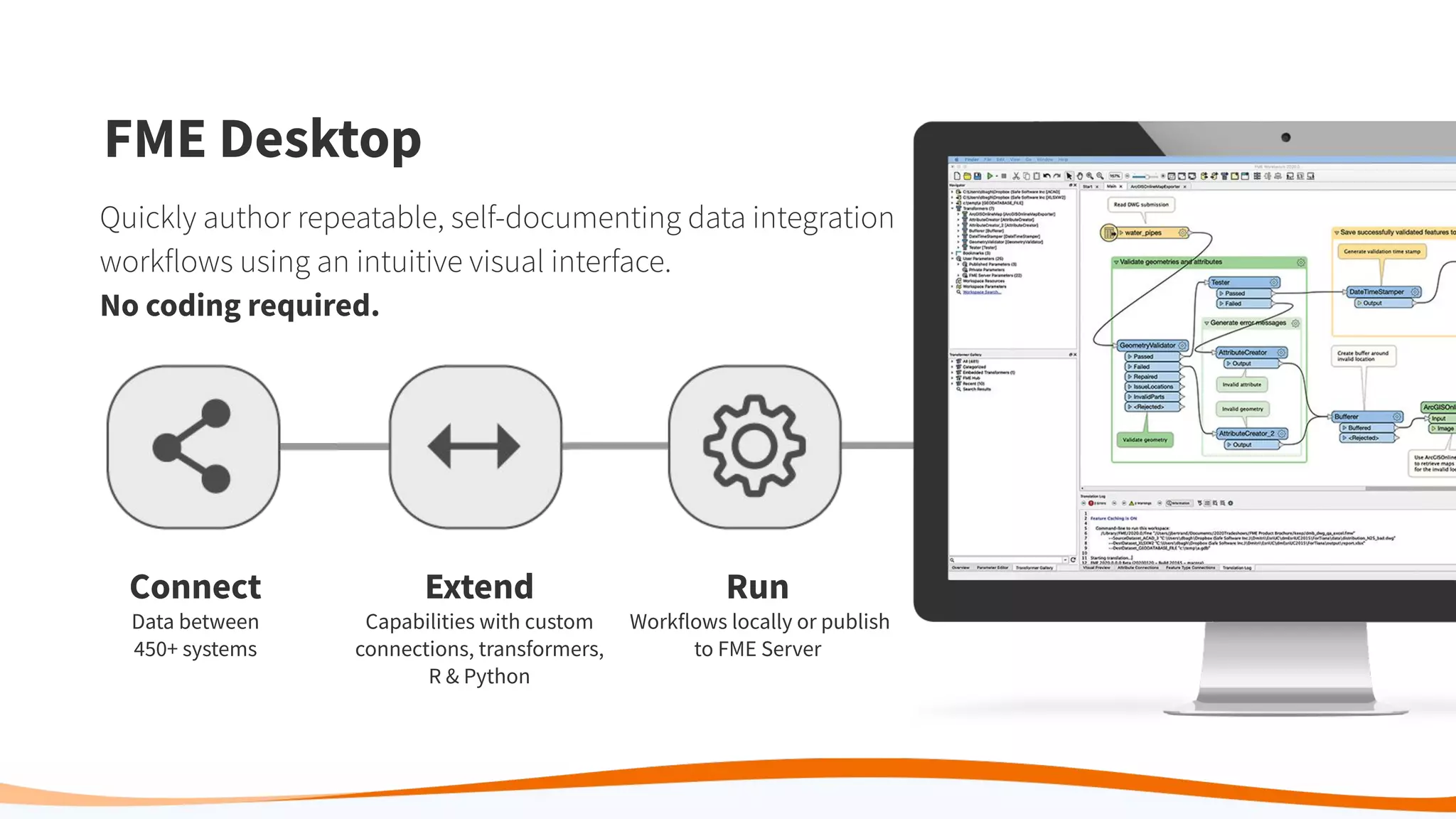
Connect
Data between
450+ systems
Extend
Capabilities with custom
connections, transformers,
R & Python
Run
Workflows locally or publish
to FME Server
FME Desktop
Quickly author repeatable, self-documenting data integration
workflows using an intuitive visual interface.
No coding required.
Getting Data into ArcGIS Online and
a simple HTML
Posting data to ArcGIS Online
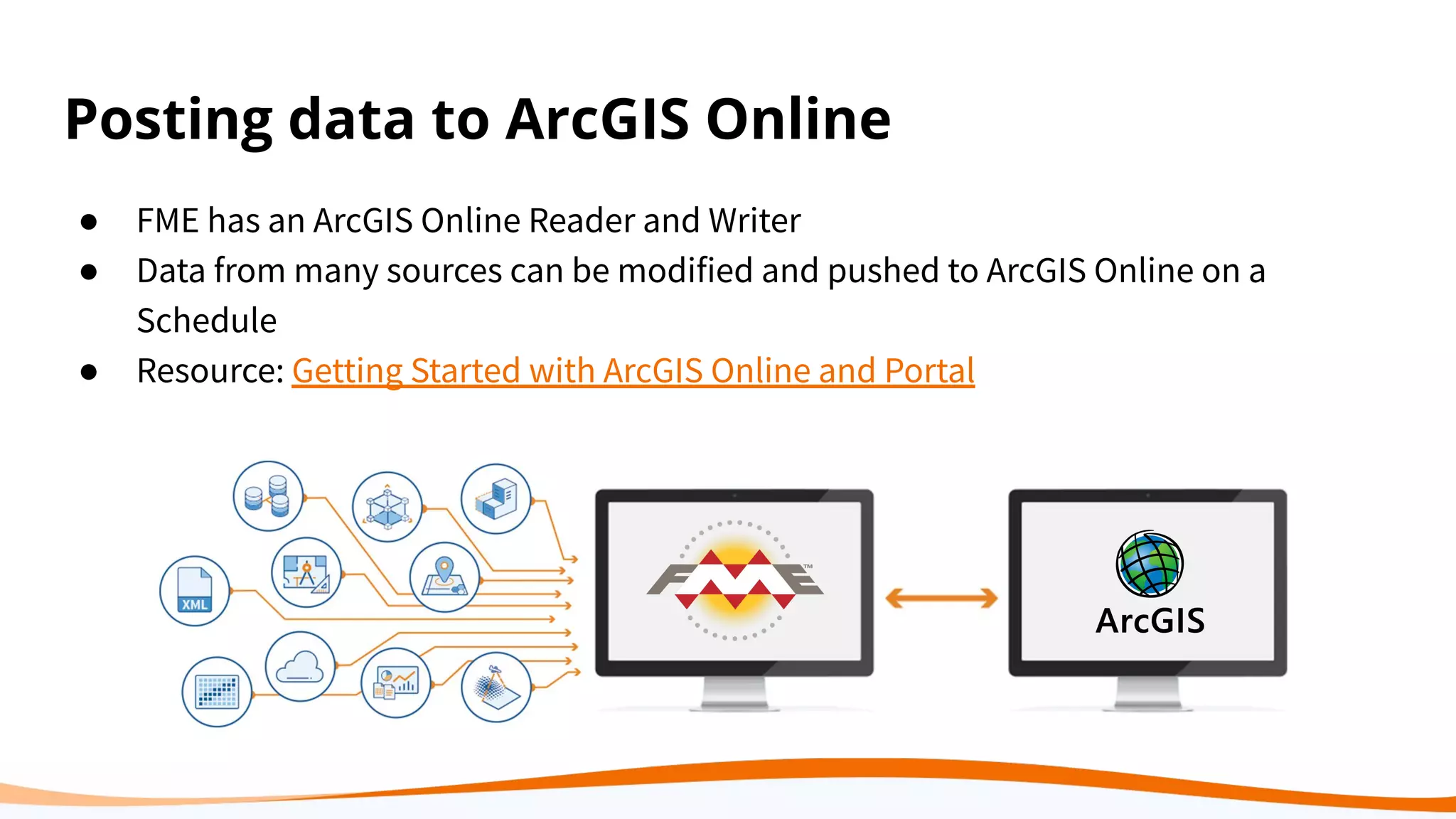
● FME has an ArcGIS Online Reader and Writer
● Data from many sources can be modified and pushed to ArcGIS Online on a
Schedule
● Resource: Getting Started with ArcGIS Online and Portal
Once data is in ArcGIS Online
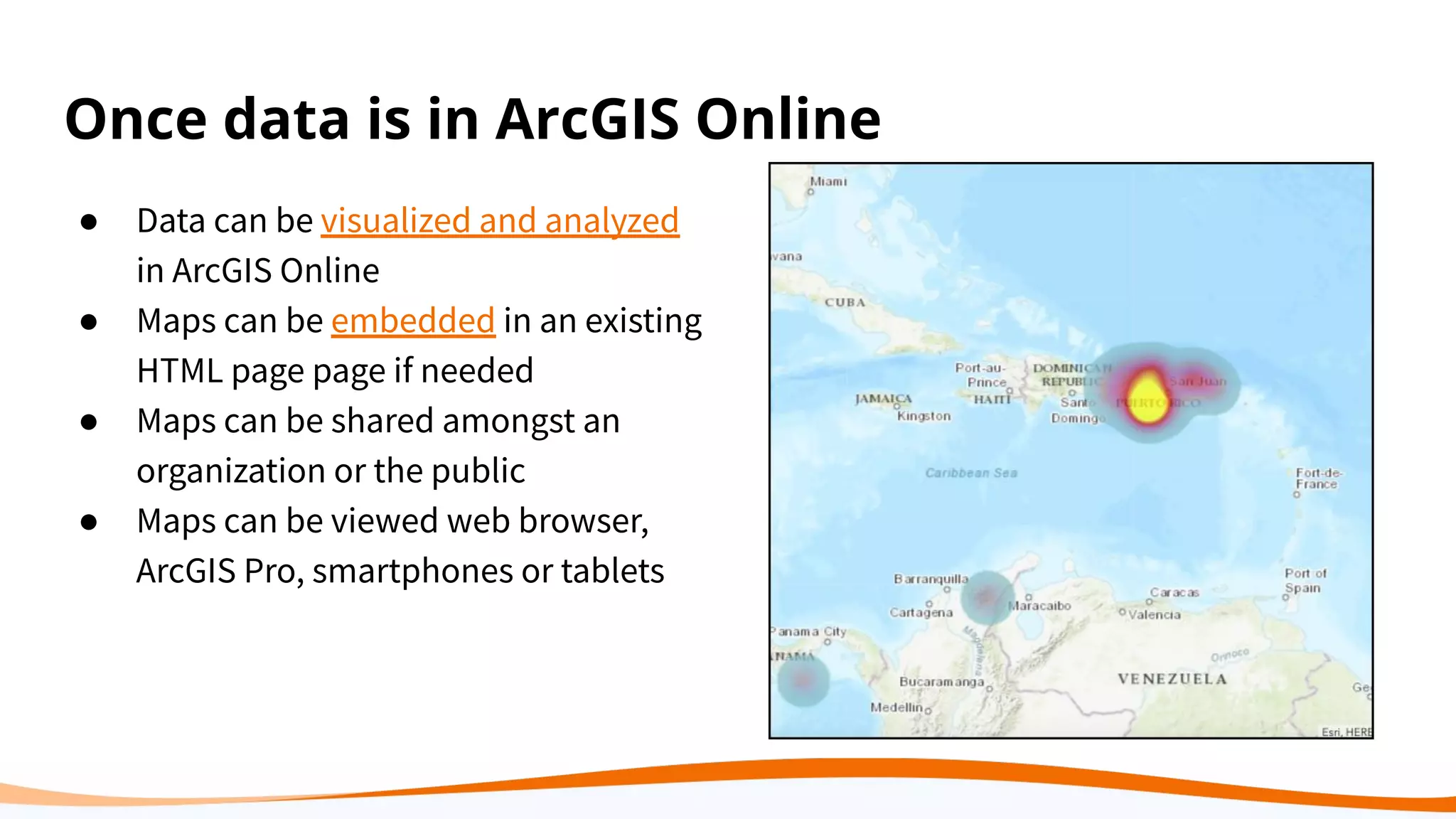
● Data can be visualized and analyzed
in ArcGIS Online
● Maps can be embedded in an existing
HTML page page if needed
● Maps can be shared amongst an
organization or the public
● Maps can be viewed web browser,
ArcGIS Pro, smartphones or tablets
Creating HTML pages in FME
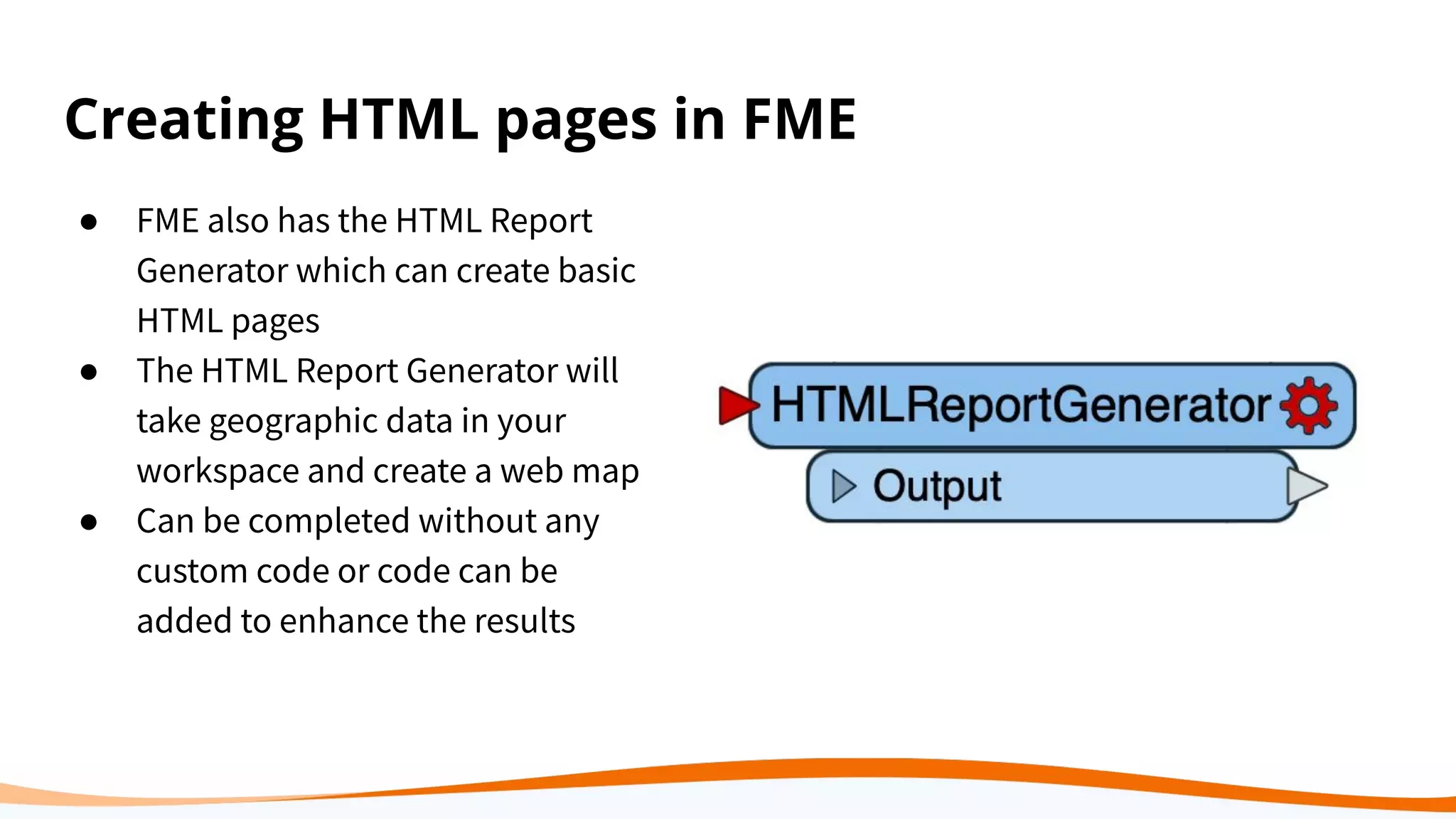
● FME also has the HTML Report
Generator which can create basic
HTML pages
● The HTML Report Generator will
take geographic data in your
workspace and create a web map
● Can be completed without any
custom code or code can be
added to enhance the results
Translating Data to Arcgis Online
The Goal
I have JSON data
that is updated
regularly and I
need to post it to
ArcGIS Online
The Obstacles
I donʼt want to
manually
transform and
upload this data
every two weeks
The Solution
FME can help you
transform this data
and post it.
The Result
Now I have an
automated way of
pushing data to
ArcGIS Online
Demo
FME Tools for Web Mapping
Web maps have a lot of moving parts.
There are readers, writers and transformers
that can used be at each step.
Web Mapping Layers
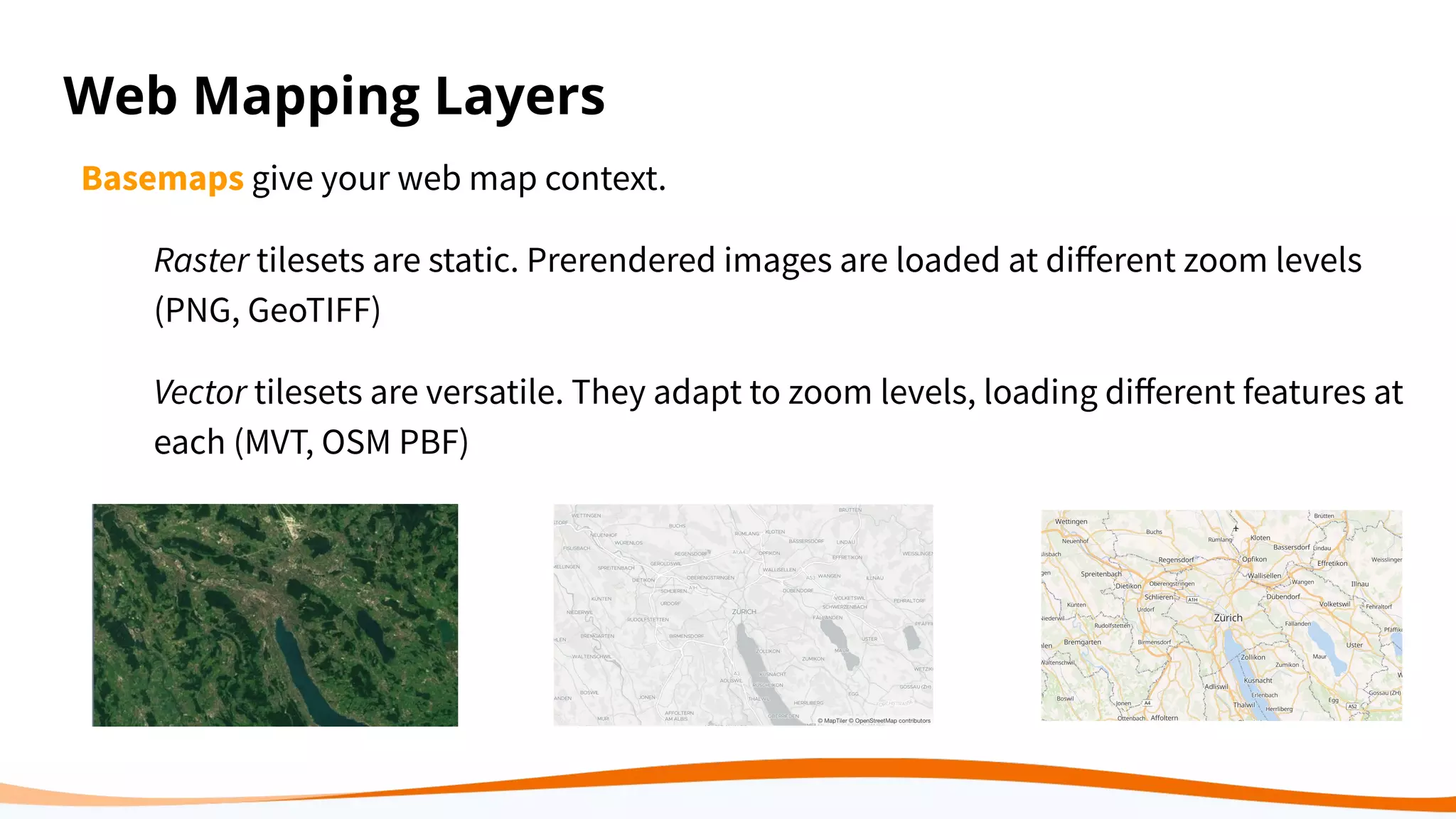
Basemaps give your web map context.
Raster tilesets are static. Prerendered images are loaded at different zoom levels
(PNG, GeoTIFF)
Vector tilesets are versatile. They adapt to zoom levels, loading different features at
each (MVT, OSM PBF)
Web Mapping Layers
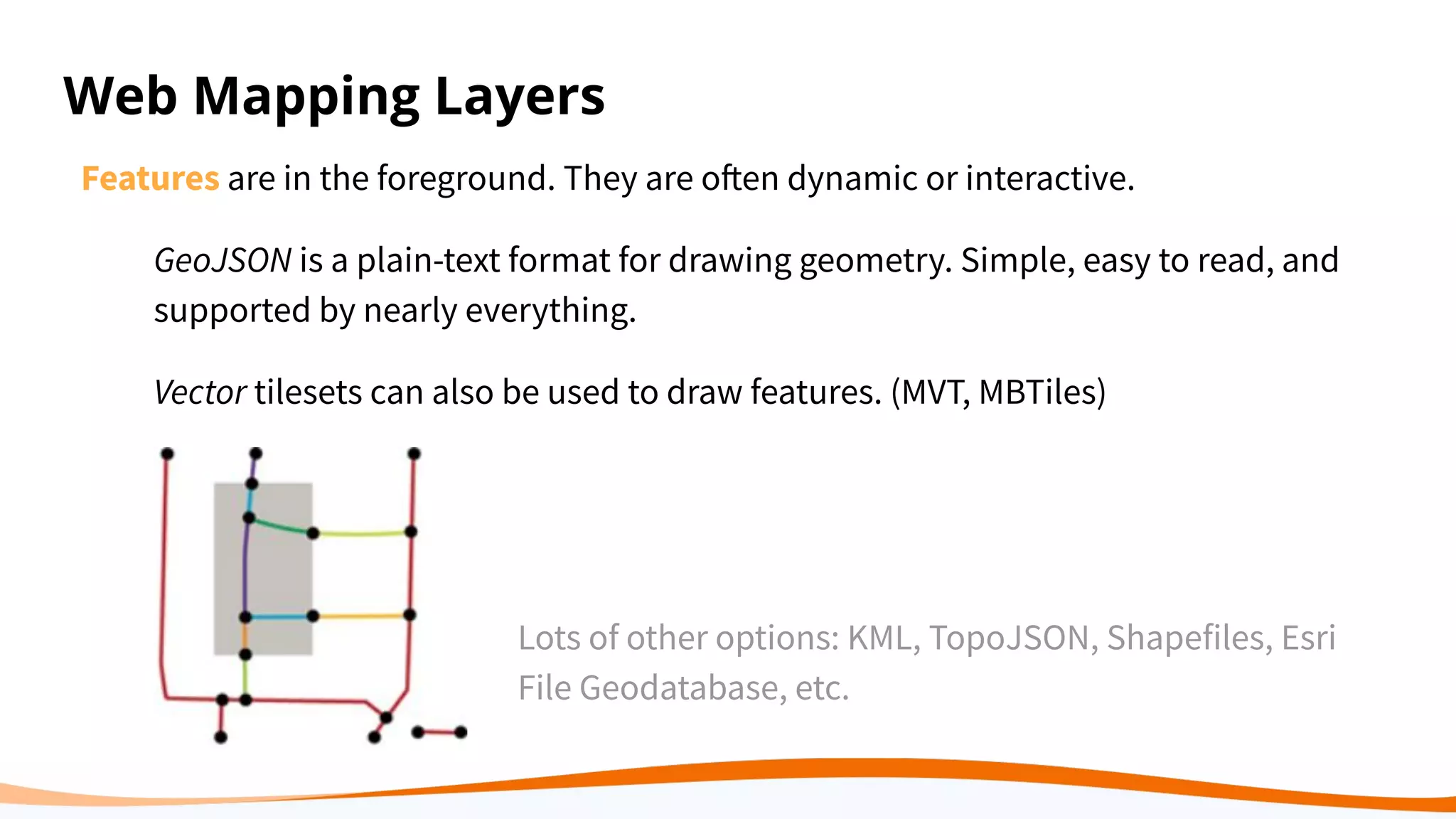
Features are in the foreground. They are often dynamic or interactive.
GeoJSON is a plain-text format for drawing geometry. Simple, easy to read, and
supported by nearly everything.
Vector tilesets can also be used to draw features. (MVT, MBTiles)
Lots of other options: KML, TopoJSON, Shapefiles, Esri
File Geodatabase, etc.
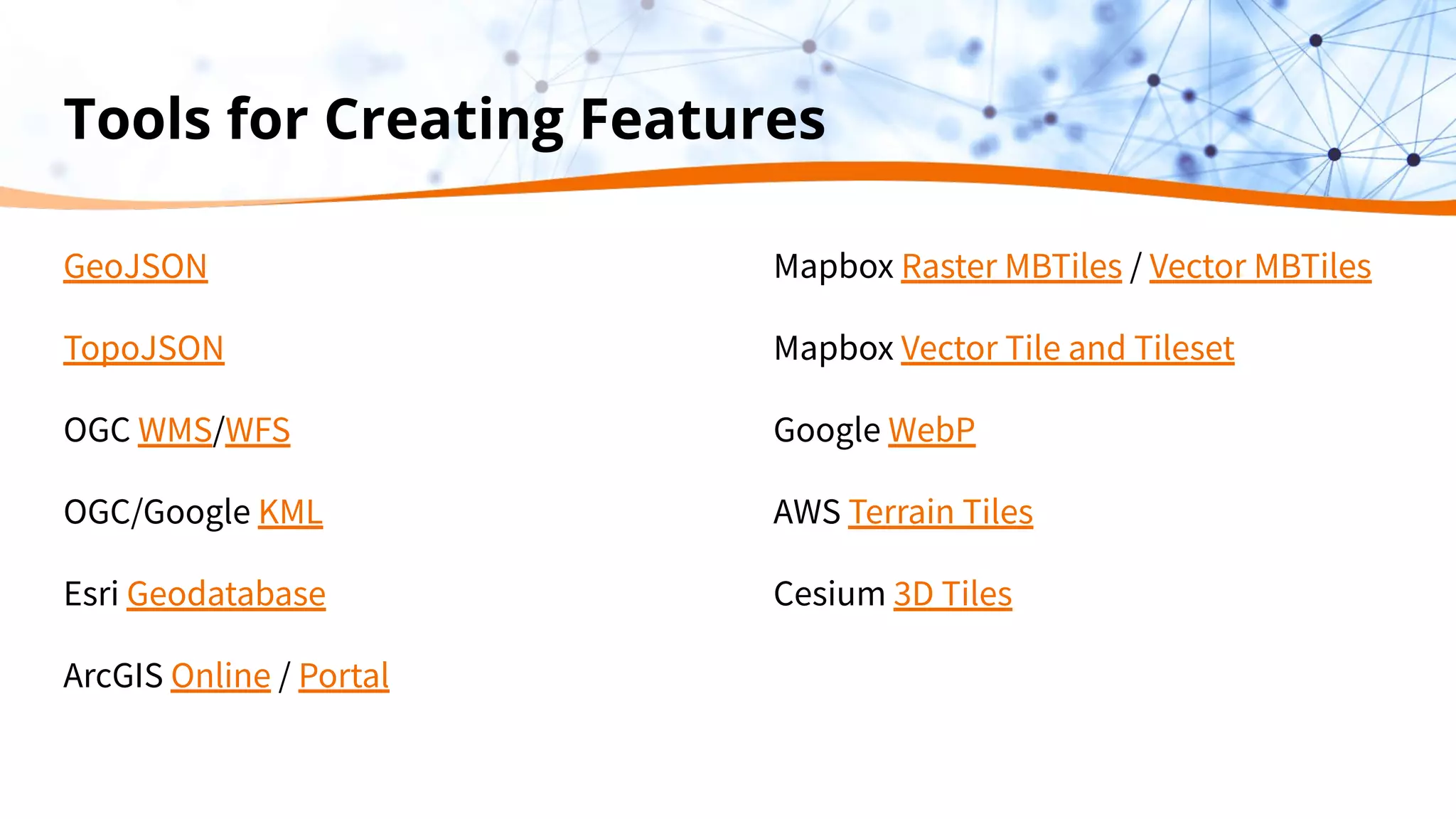
Tools for Creating Features
GeoJSON
TopoJSON
OGC WMS/WFS
OGC/Google KML
Esri Geodatabase
ArcGIS Online / Portal
Mapbox Raster MBTiles / Vector MBTiles
Mapbox Vector Tile and Tileset
Google WebP
AWS Terrain Tiles
Cesium 3D Tiles
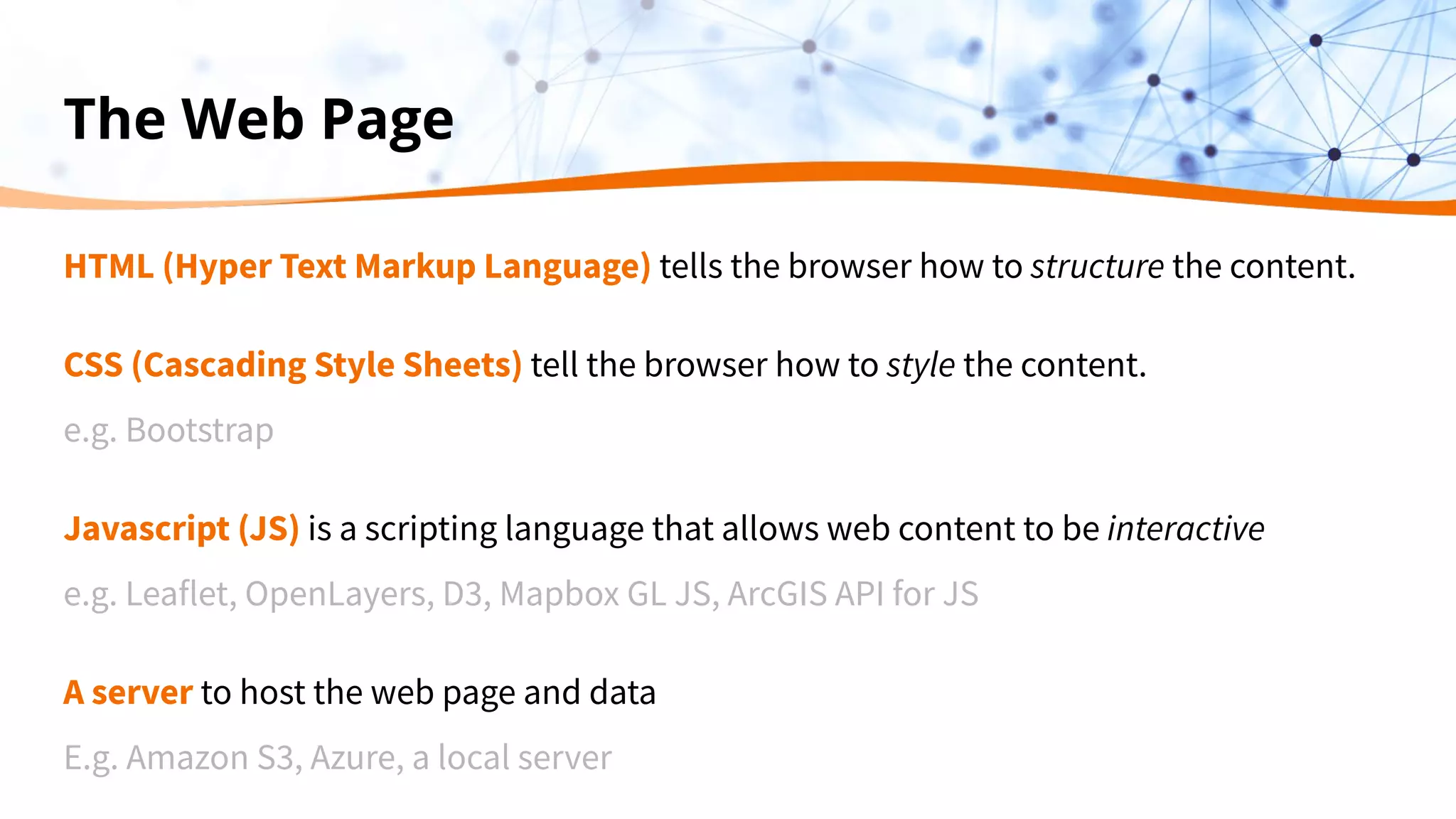
The Web Page
HTML (Hyper Text Markup Language) tells the browser how to structure the content.
CSS (Cascading Style Sheets) tell the browser how to style the content.
e.g. Bootstrap
Javascript (JS) is a scripting language that allows web content to be interactive
e.g. Leaflet, OpenLayers, D3, Mapbox GL JS, ArcGIS API for JS
A server to host the web page and data
E.g. Amazon S3, Azure, a local server
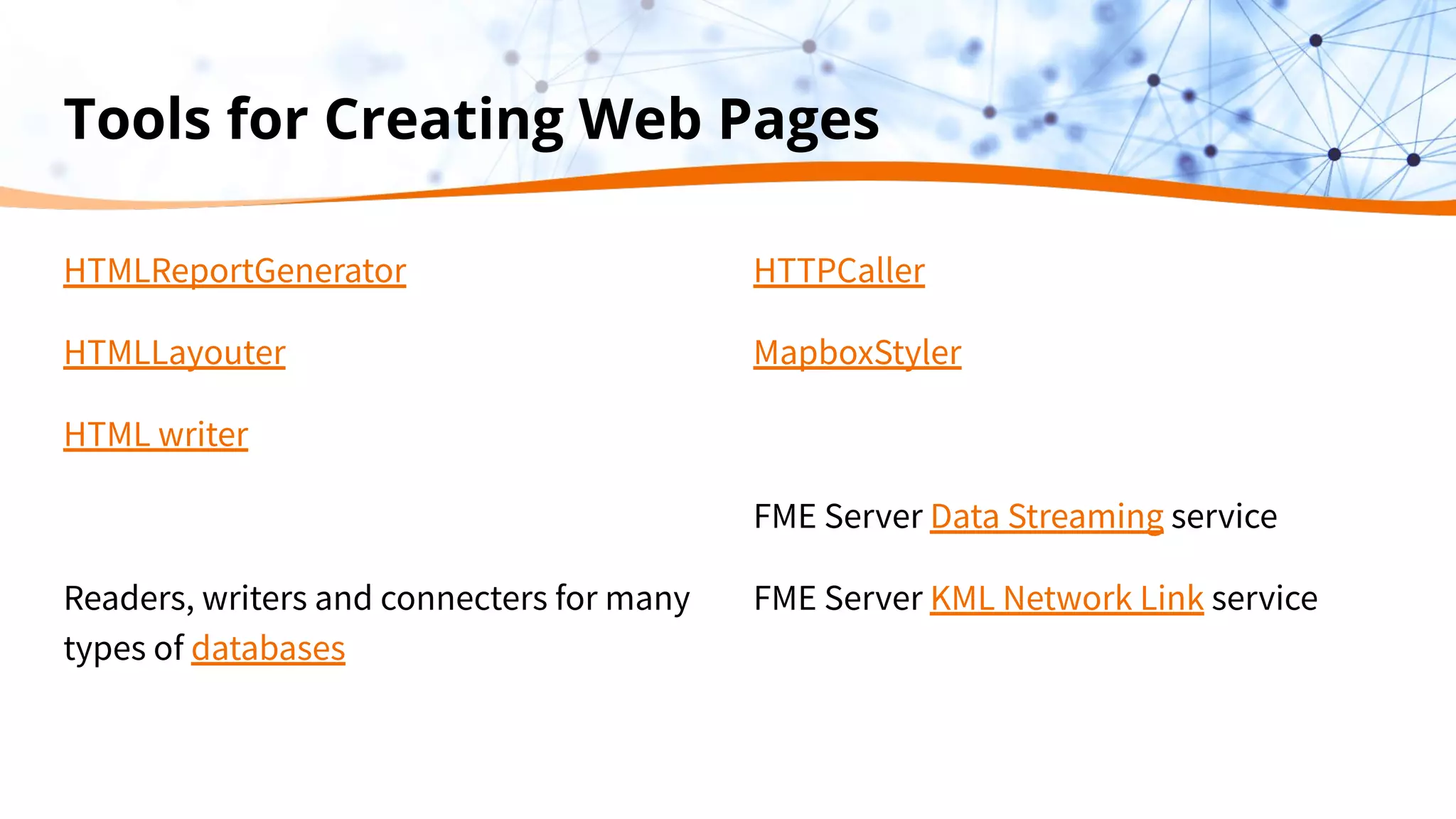
Tools for Creating Web Pages
HTMLReportGenerator
HTMLLayouter
HTML writer
Readers, writers and connecters for many
types of databases
HTTPCaller
MapboxStyler
FME Server Data Streaming service
FME Server KML Network Link service
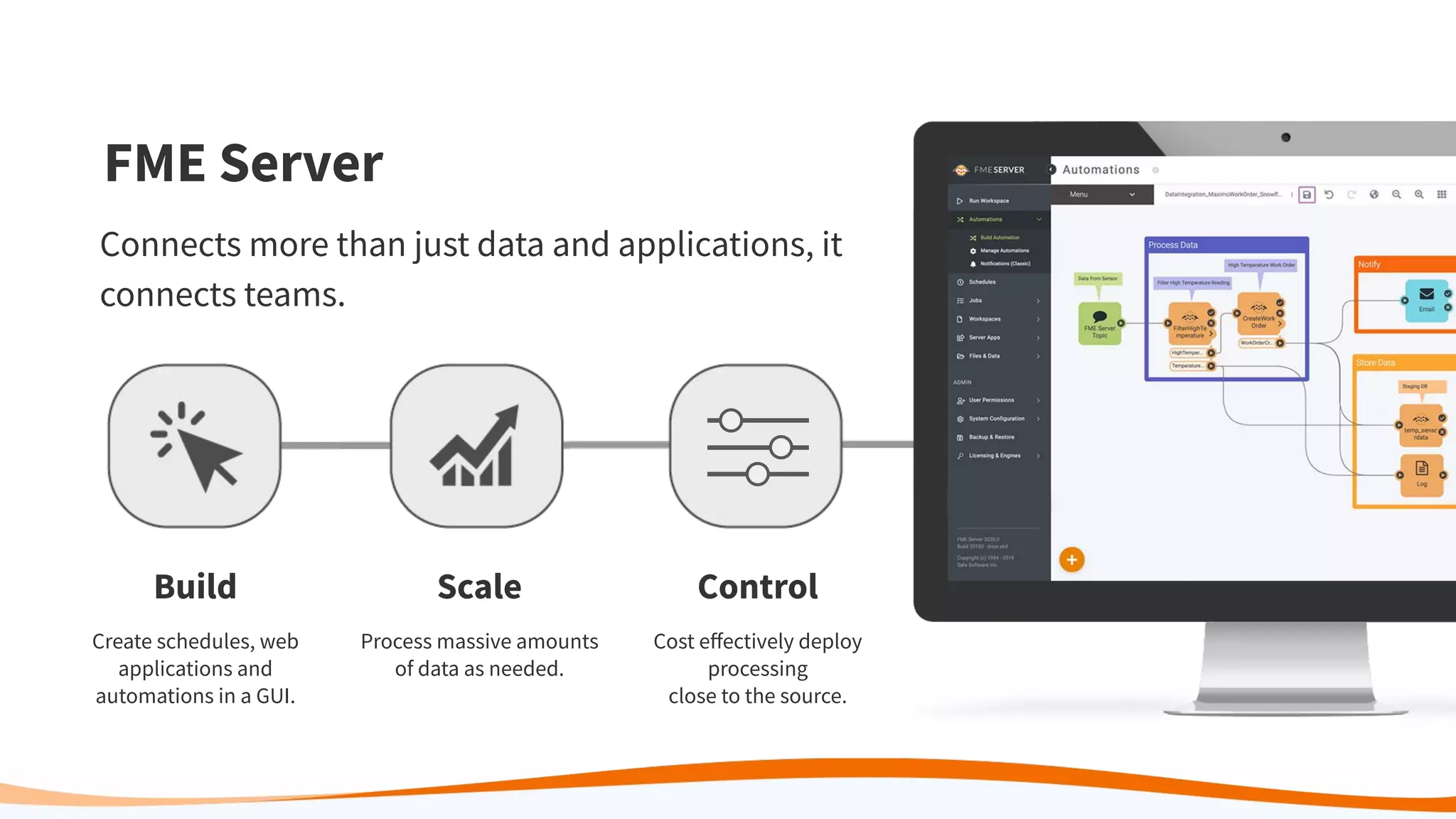
Build
Create schedules, web
applications and
automations in a GUI.
Scale
Process massive amounts
of data as needed.
Control
Cost effectively deploy
processing
close to the source.
FME Server
Connects more than just data and applications, it
connects teams.
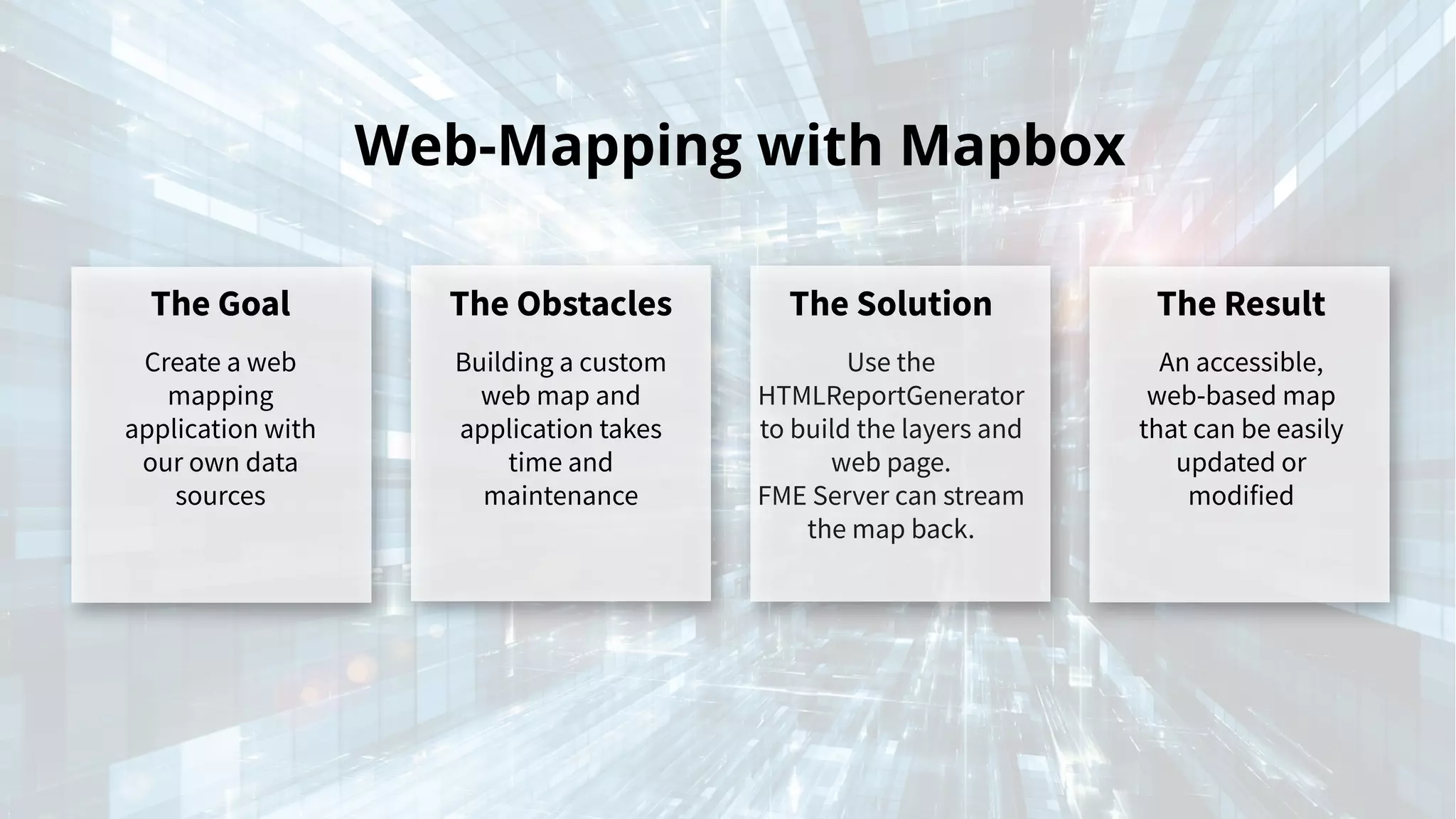
Web-Mapping with Mapbox
The Goal
Create a web
mapping
application with
our own data
sources
The Obstacles
Building a custom
web map and
application takes
time and
maintenance
The Solution
Use the
HTMLReportGenerator
to build the layers and
web page.
FME Server can stream
the map back.
The Result
An accessible,
web-based map
that can be easily
updated or
modified
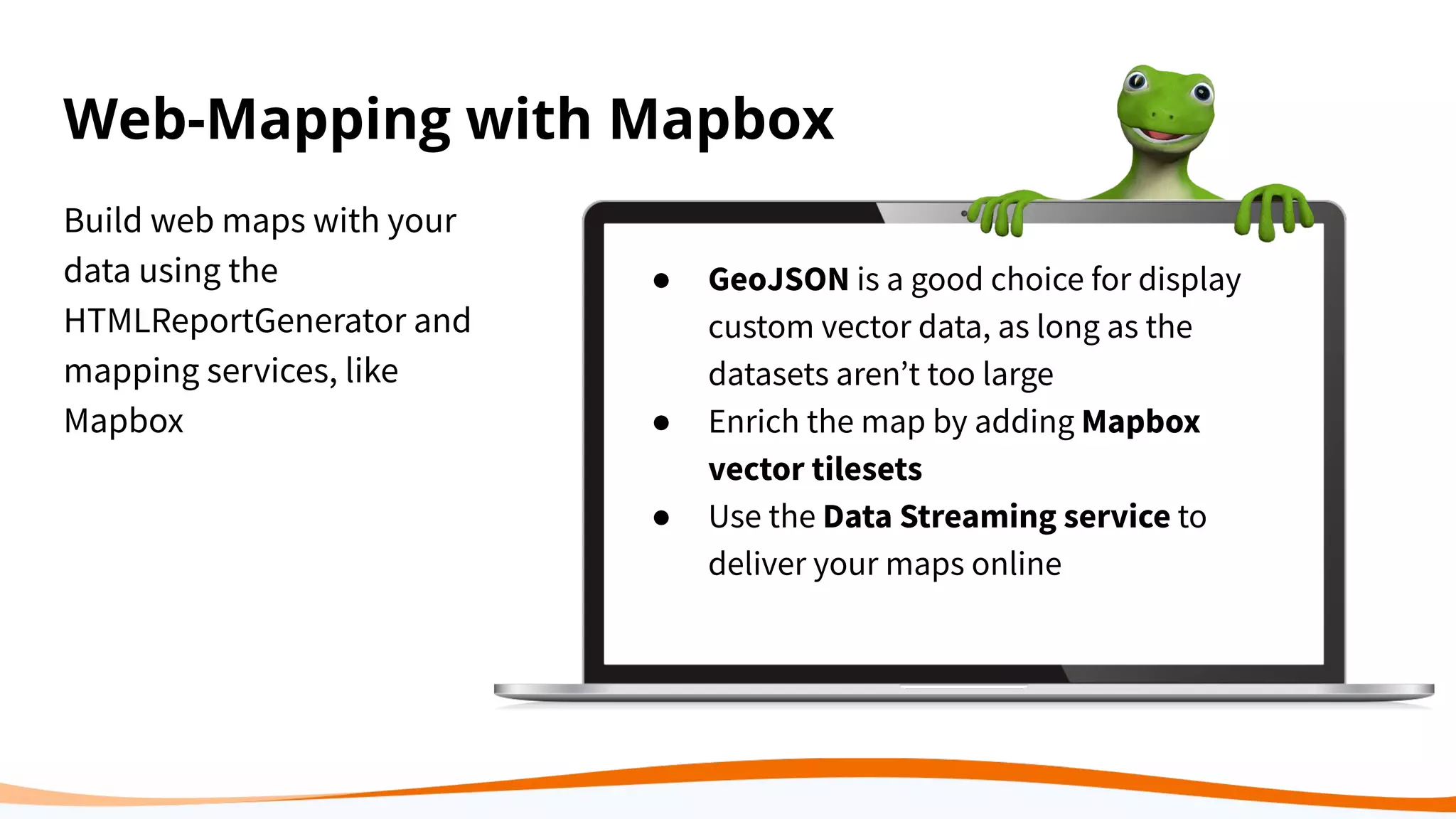
Web-Mapping with Mapbox
Build web maps with your
data using the
HTMLReportGenerator and
mapping services, like
Mapbox
● GeoJSON is a good choice for display
custom vector data, as long as the
datasets arenʼt too large
● Enrich the map by adding Mapbox
vector tilesets
● Use the Data Streaming service to
deliver your maps online
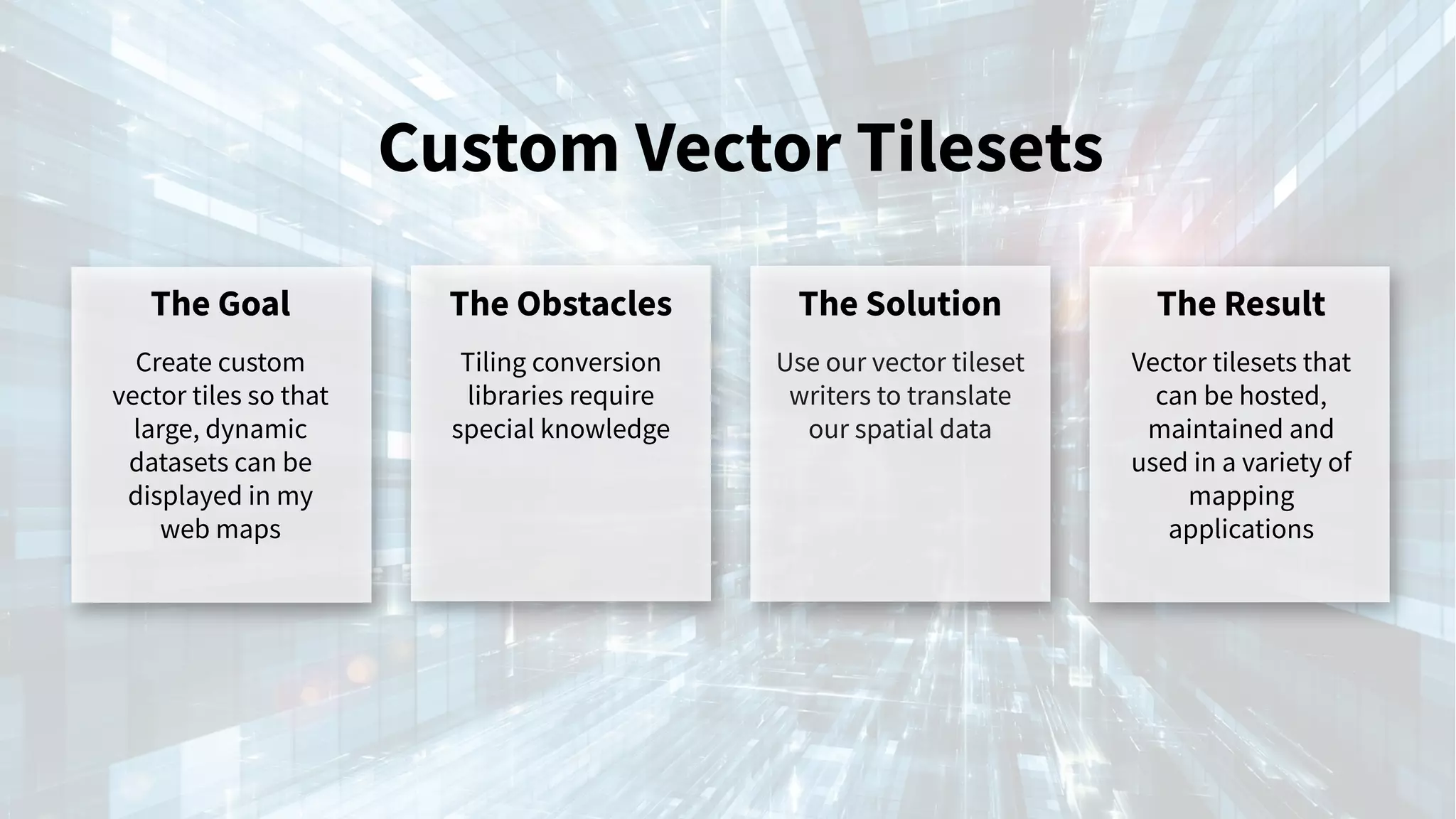
Custom Vector Tilesets
The Goal
Create custom
vector tiles so that
large, dynamic
datasets can be
displayed in my
web maps
The Obstacles
Tiling conversion
libraries require
special knowledge
The Solution
Use our vector tileset
writers to translate
our spatial data
The Result
Vector tilesets that
can be hosted,
maintained and
used in a variety of
mapping
applications
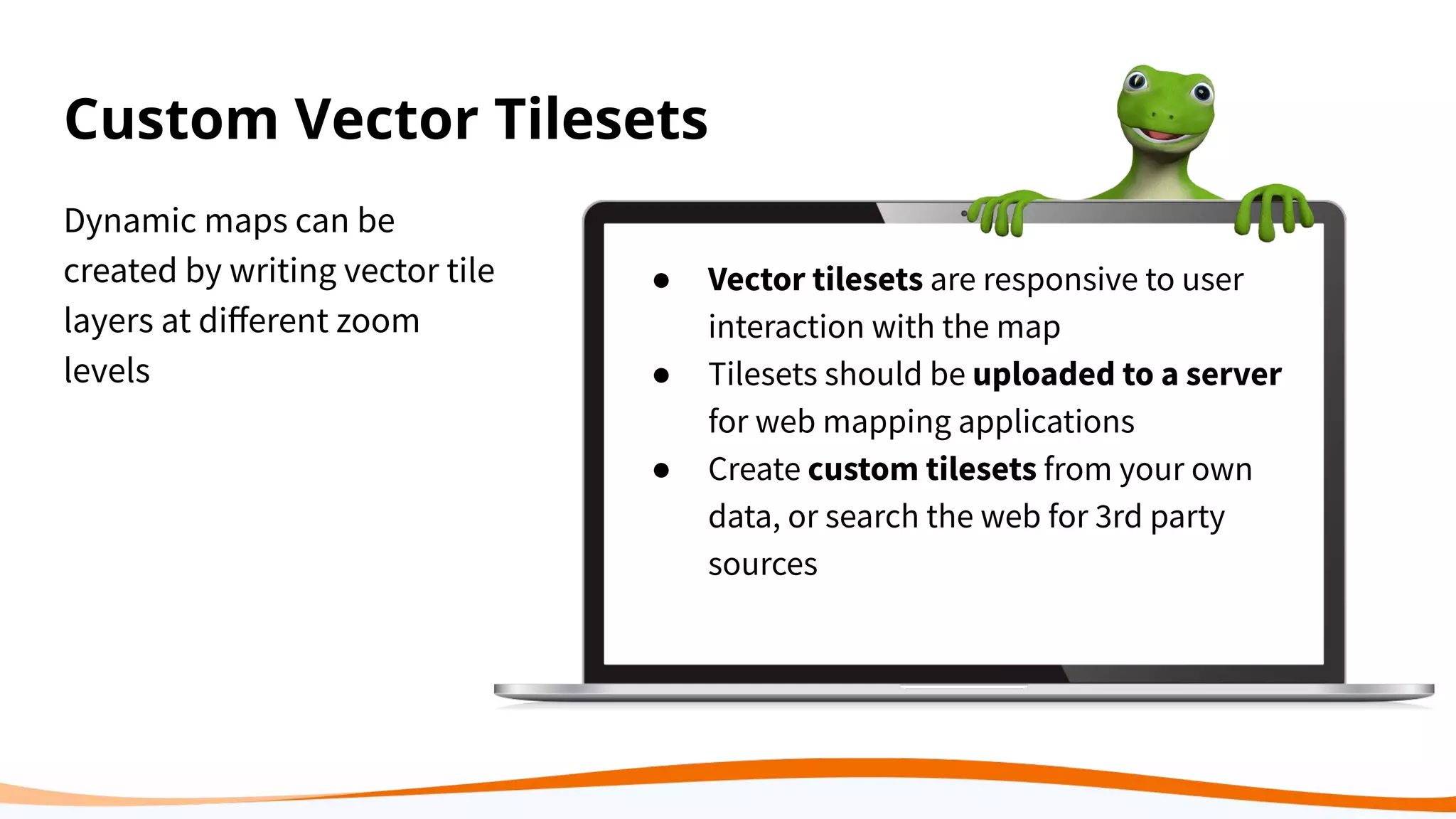
Custom Vector Tilesets
Dynamic maps can be
created by writing vector tile
layers at different zoom
levels
● Vector tilesets are responsive to user
interaction with the map
● Tilesets should be uploaded to a server
for web mapping applications
● Create custom tilesets from your own
data, or search the web for 3rd party
sources
Demo
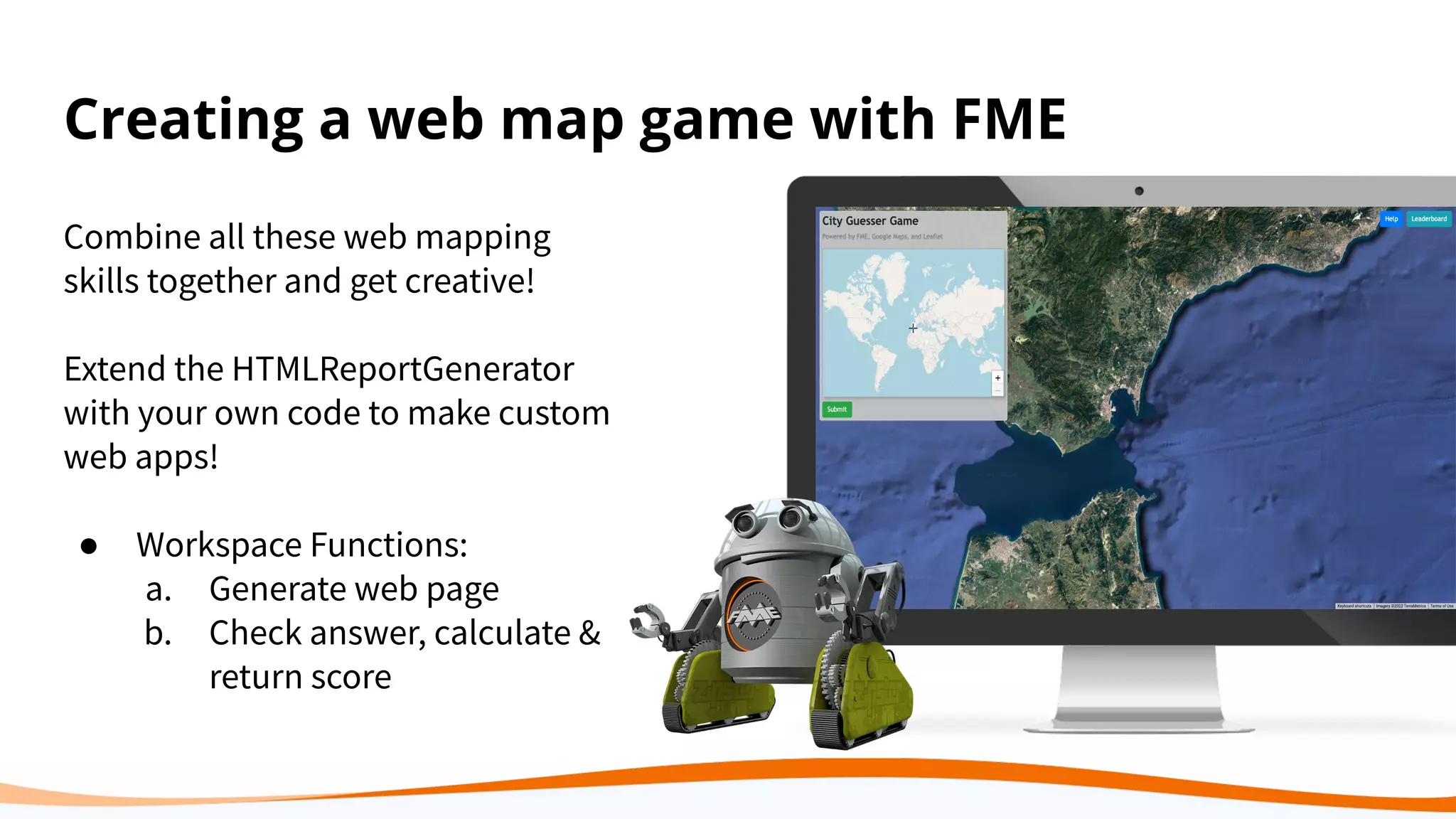
Creating a web map game with FME
Combine all these web mapping
skills together and get creative!
Extend the HTMLReportGenerator
with your own code to make custom
web apps!
● Workspace Functions:
a. Generate web page
b. Check answer, calculate &
return score
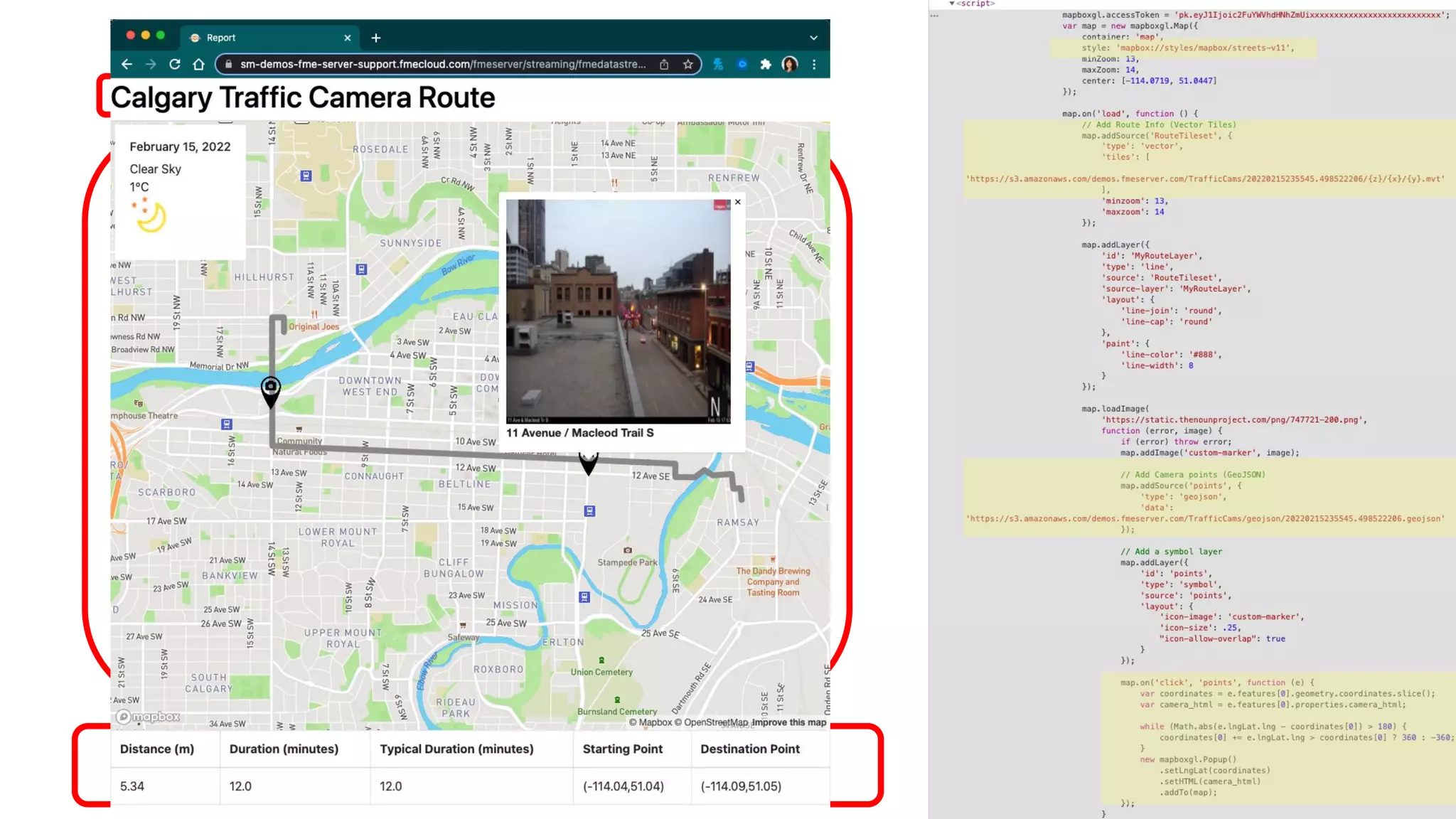
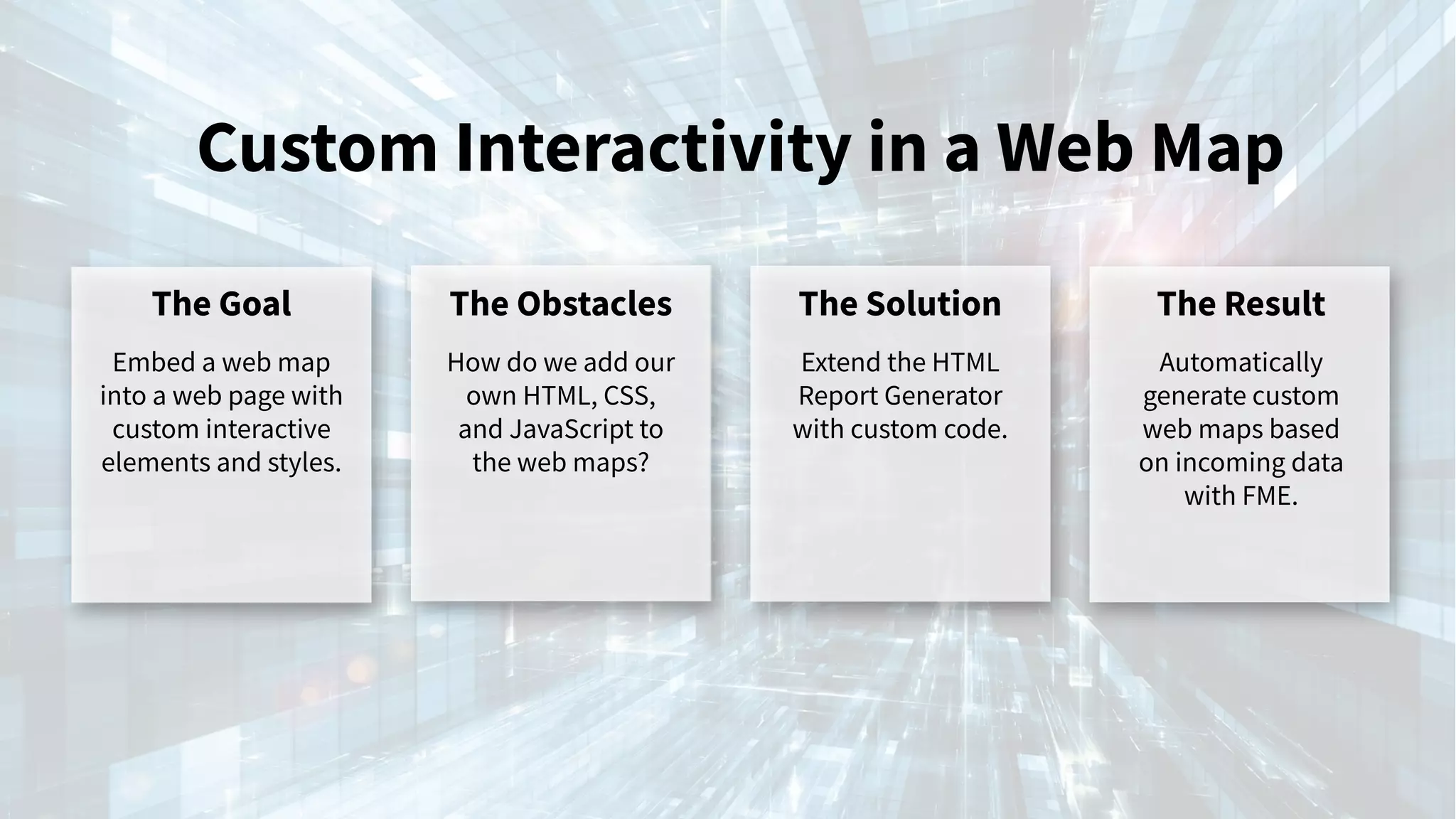
Custom Interactivity in a Web Map
The Goal
Embed a web map
into a web page with
custom interactive
elements and styles.
The Obstacles
How do we add our
own HTML, CSS,
and JavaScript to
the web maps?
The Solution
Extend the HTML
Report Generator
with custom code.
The Result
Automatically
generate custom
web maps based
on incoming data
with FME.
Demo
Share data online!
Summary Points
● Web mapping can be easy!
You just need a few tools
to get started
● With FME, you can choose
how much or little youʼd
like to code
Provide critical
information in a visual,
easy to understand way
to anyone, anywhere,
and at any time.
Next Steps
Download
FME 2022.0 &
the webinar
workspaces
Apply the
workspaces to your
own data to
manage changes
Free Trial | Upgrade
Contact us. We
would love to chat
with you about
anything data
info@safe.com
Resources
Blog: The Ultimate Guide to Online Mapping
Blog: 8+ Ways to Visualize Geospatial Data in a Web Browser
How to Customize HTML Reports
Getting Started with ArcGIS Online
Claim Your Community Badge
Get community badges for
watching webinars!
fme.ly/WebinarBadge Todayʼs Code: WGMFS
We Value Your Feedback
Share Your Experience with FME on
Gartner Peer Insights
Gartner Peer Insights content consists of the opinions of individual end users based on their own experiences with the vendors listed on the platform, should not be construed as statements of fact, nor do they
represent the views of Gartner or its affiliates. Gartner does not endorse any vendor, product or service depicted in this content nor makes any warranties, expressed or implied, with respect to this content, about its
accuracy or completeness, including any warranties of merchantability or fitness for a particular purpose. Gartner and Gartner Peer Insights are registered trademarks of Gartner, Inc. and/or its affiliates in the U.S.
and internationally and are used herein with permission. All rights reserved.
Gartner Peer Insights
Reviews from your enterprise peers – verified by Gartner
● Reviews are anonymous and take approximately 10
minutes to complete.
● You will be asked to create a profile using your business
email or LinkedIn account prior to completing the survey
for validation purposes.
Contribute a review today
Email vivian.tang@safe.com if you have any questions
The Peak of Data Integration 2022 UC
August 24-26, 2022 Vancouver, Canada
Register now
Check out our upcoming
& on-demand webinars:
safe.com/webinars
Q&A
Thank you!
Download FME 2022.0 Free Trial | Upgrade
Contact us info@safe.com
Connect with us in the Community
Connect with us for more FME
Please share
your feedback
with us through
the webinar
survey!

Web Mapping 101: What Is It and Making It Work For You

  • 1.
    Web Mapping 101: WhatIs It and Making it Work For You
  • 2.
    Meet the Presenters SiennaEmery Technical Support Specialist, Customer Solutions Sanae Mendoza Technical Support Specialist, FME Server Mark Warren Technical Support Specialist, FME Server
  • 3.
    Agenda ● Overview: webmapping & how it works ● Translating Data to Arcgis Online and a Simple Web Map ● Working with Mapbox and Vector Tiles ● Custom coding and the HTMLReportGenerator ● Q&A and Wrap Up
  • 4.
    Web maps providea widely accessible way to visualize and share valuable data.
  • 5.
    Web Mapping Overview Webmapping is the process of using the internet to visualize, analyze, and share your geospatial data through a map. Web maps provide the ability to distribute critical information to anyone, anywhere, and at any time.
  • 6.
    Web Mapping ● Webmaps often contain a basemap and layer(s) on top of it ● Typically, web maps are interactive and they allow users to adjust the viewing area, zoom in and out, and select features https://www.iqair.com/ca/air-quality-map
  • 7.
    Neogeography “Traditional Geographic InformationSystems historically have developed tools and techniques targeted towards formal applications that require precision and accuracy. By contrast, neogeography tends to apply to the areas of approachable, colloquial applications. The two realms can have overlap as the same problems are presented to different sets of users: experts and non-experts” - Wikipedia
  • 8.
    Types Web MappingPlatforms 1. Web Mapping Applications a. Easy to get started- just import your data b. Hosted for you c. Analysis is built into the platform 2. Web Mapping APIs a. Understanding of JavaScript, CSS, and HTML needed (unless using FME)
  • 9.
    Popular web mappingapplications ● ArcGIS Online ● CARTO ● Mapbox Some BI tools have spatial compatibility as well: ● Tableau Online ● Qlik ● Power BI
  • 10.
    Popular Web MappingAPIs ● Google Maps API ● MapBox ● ArcGIS API ● D3 ● Bing Maps ● Open Street Maps More examples on https://www.safe.com/demos/ !
  • 11.
    But how canI get my geographic data into a web map? … well FME can do that!
  • 12.
    Our Strength We bringthe power of spatial data to your decision making.
  • 13.
    Years of solvingdata challenges 27+ 13,000+ Organizations trusting us worldwide Global partners delivering FME Services 150+ 128 Countries with FME customers Safe Software Company Profile www.safe.com Users active in FME Community 16,000+
  • 14.
    FME® Integration Platform Connect. Transform.Automate. FME Desktop FME Server FME Cloud Build & Run Data Workflows Automate Data Workflows (on-premises) Automate Data Workflows (cloud) Get a free trial of FME Desktop and FME Server at safe.com
  • 15.
    Connect Data between 450+ systems Extend Capabilitieswith custom connections, transformers, R & Python Run Workflows locally or publish to FME Server FME Desktop Quickly author repeatable, self-documenting data integration workflows using an intuitive visual interface. No coding required.
  • 16.
    Getting Data intoArcGIS Online and a simple HTML
  • 17.
    Posting data toArcGIS Online ● FME has an ArcGIS Online Reader and Writer ● Data from many sources can be modified and pushed to ArcGIS Online on a Schedule ● Resource: Getting Started with ArcGIS Online and Portal
  • 18.
    Once data isin ArcGIS Online ● Data can be visualized and analyzed in ArcGIS Online ● Maps can be embedded in an existing HTML page page if needed ● Maps can be shared amongst an organization or the public ● Maps can be viewed web browser, ArcGIS Pro, smartphones or tablets
  • 19.
    Creating HTML pagesin FME ● FME also has the HTML Report Generator which can create basic HTML pages ● The HTML Report Generator will take geographic data in your workspace and create a web map ● Can be completed without any custom code or code can be added to enhance the results
  • 20.
    Translating Data toArcgis Online The Goal I have JSON data that is updated regularly and I need to post it to ArcGIS Online The Obstacles I donʼt want to manually transform and upload this data every two weeks The Solution FME can help you transform this data and post it. The Result Now I have an automated way of pushing data to ArcGIS Online
  • 21.
  • 22.
    FME Tools forWeb Mapping
  • 23.
    Web maps havea lot of moving parts. There are readers, writers and transformers that can used be at each step.
  • 24.
    Web Mapping Layers Basemapsgive your web map context. Raster tilesets are static. Prerendered images are loaded at different zoom levels (PNG, GeoTIFF) Vector tilesets are versatile. They adapt to zoom levels, loading different features at each (MVT, OSM PBF)
  • 25.
    Web Mapping Layers Featuresare in the foreground. They are often dynamic or interactive. GeoJSON is a plain-text format for drawing geometry. Simple, easy to read, and supported by nearly everything. Vector tilesets can also be used to draw features. (MVT, MBTiles) Lots of other options: KML, TopoJSON, Shapefiles, Esri File Geodatabase, etc.
  • 26.
    Tools for CreatingFeatures GeoJSON TopoJSON OGC WMS/WFS OGC/Google KML Esri Geodatabase ArcGIS Online / Portal Mapbox Raster MBTiles / Vector MBTiles Mapbox Vector Tile and Tileset Google WebP AWS Terrain Tiles Cesium 3D Tiles
  • 27.
    The Web Page HTML(Hyper Text Markup Language) tells the browser how to structure the content. CSS (Cascading Style Sheets) tell the browser how to style the content. e.g. Bootstrap Javascript (JS) is a scripting language that allows web content to be interactive e.g. Leaflet, OpenLayers, D3, Mapbox GL JS, ArcGIS API for JS A server to host the web page and data E.g. Amazon S3, Azure, a local server
  • 28.
    Tools for CreatingWeb Pages HTMLReportGenerator HTMLLayouter HTML writer Readers, writers and connecters for many types of databases HTTPCaller MapboxStyler FME Server Data Streaming service FME Server KML Network Link service
  • 31.
    Build Create schedules, web applicationsand automations in a GUI. Scale Process massive amounts of data as needed. Control Cost effectively deploy processing close to the source. FME Server Connects more than just data and applications, it connects teams.
  • 32.
    Web-Mapping with Mapbox TheGoal Create a web mapping application with our own data sources The Obstacles Building a custom web map and application takes time and maintenance The Solution Use the HTMLReportGenerator to build the layers and web page. FME Server can stream the map back. The Result An accessible, web-based map that can be easily updated or modified
  • 33.
    Web-Mapping with Mapbox Buildweb maps with your data using the HTMLReportGenerator and mapping services, like Mapbox ● GeoJSON is a good choice for display custom vector data, as long as the datasets arenʼt too large ● Enrich the map by adding Mapbox vector tilesets ● Use the Data Streaming service to deliver your maps online
  • 34.
    Custom Vector Tilesets TheGoal Create custom vector tiles so that large, dynamic datasets can be displayed in my web maps The Obstacles Tiling conversion libraries require special knowledge The Solution Use our vector tileset writers to translate our spatial data The Result Vector tilesets that can be hosted, maintained and used in a variety of mapping applications
  • 35.
    Custom Vector Tilesets Dynamicmaps can be created by writing vector tile layers at different zoom levels ● Vector tilesets are responsive to user interaction with the map ● Tilesets should be uploaded to a server for web mapping applications ● Create custom tilesets from your own data, or search the web for 3rd party sources
  • 36.
  • 37.
    Creating a webmap game with FME Combine all these web mapping skills together and get creative! Extend the HTMLReportGenerator with your own code to make custom web apps! ● Workspace Functions: a. Generate web page b. Check answer, calculate & return score
  • 38.
    Custom Interactivity ina Web Map The Goal Embed a web map into a web page with custom interactive elements and styles. The Obstacles How do we add our own HTML, CSS, and JavaScript to the web maps? The Solution Extend the HTML Report Generator with custom code. The Result Automatically generate custom web maps based on incoming data with FME.
  • 39.
  • 40.
  • 41.
    Summary Points ● Webmapping can be easy! You just need a few tools to get started ● With FME, you can choose how much or little youʼd like to code
  • 42.
    Provide critical information ina visual, easy to understand way to anyone, anywhere, and at any time.
  • 43.
    Next Steps Download FME 2022.0& the webinar workspaces Apply the workspaces to your own data to manage changes Free Trial | Upgrade Contact us. We would love to chat with you about anything data info@safe.com
  • 44.
    Resources Blog: The UltimateGuide to Online Mapping Blog: 8+ Ways to Visualize Geospatial Data in a Web Browser How to Customize HTML Reports Getting Started with ArcGIS Online
  • 45.
    Claim Your CommunityBadge Get community badges for watching webinars! fme.ly/WebinarBadge Todayʼs Code: WGMFS
  • 46.
    We Value YourFeedback Share Your Experience with FME on Gartner Peer Insights Gartner Peer Insights content consists of the opinions of individual end users based on their own experiences with the vendors listed on the platform, should not be construed as statements of fact, nor do they represent the views of Gartner or its affiliates. Gartner does not endorse any vendor, product or service depicted in this content nor makes any warranties, expressed or implied, with respect to this content, about its accuracy or completeness, including any warranties of merchantability or fitness for a particular purpose. Gartner and Gartner Peer Insights are registered trademarks of Gartner, Inc. and/or its affiliates in the U.S. and internationally and are used herein with permission. All rights reserved. Gartner Peer Insights Reviews from your enterprise peers – verified by Gartner ● Reviews are anonymous and take approximately 10 minutes to complete. ● You will be asked to create a profile using your business email or LinkedIn account prior to completing the survey for validation purposes. Contribute a review today Email vivian.tang@safe.com if you have any questions
  • 47.
    The Peak ofData Integration 2022 UC August 24-26, 2022 Vancouver, Canada Register now
  • 48.
    Check out ourupcoming & on-demand webinars: safe.com/webinars
  • 49.
  • 50.
    Thank you! Download FME2022.0 Free Trial | Upgrade Contact us info@safe.com Connect with us in the Community Connect with us for more FME Please share your feedback with us through the webinar survey!