









Automating ArcGIS Content
Discovery with FME: A Real
World Use Case
Kieran
O'Donnell
Founder
Ripple
Meet the Presenters
Don
Murray
CEO
Safe Software
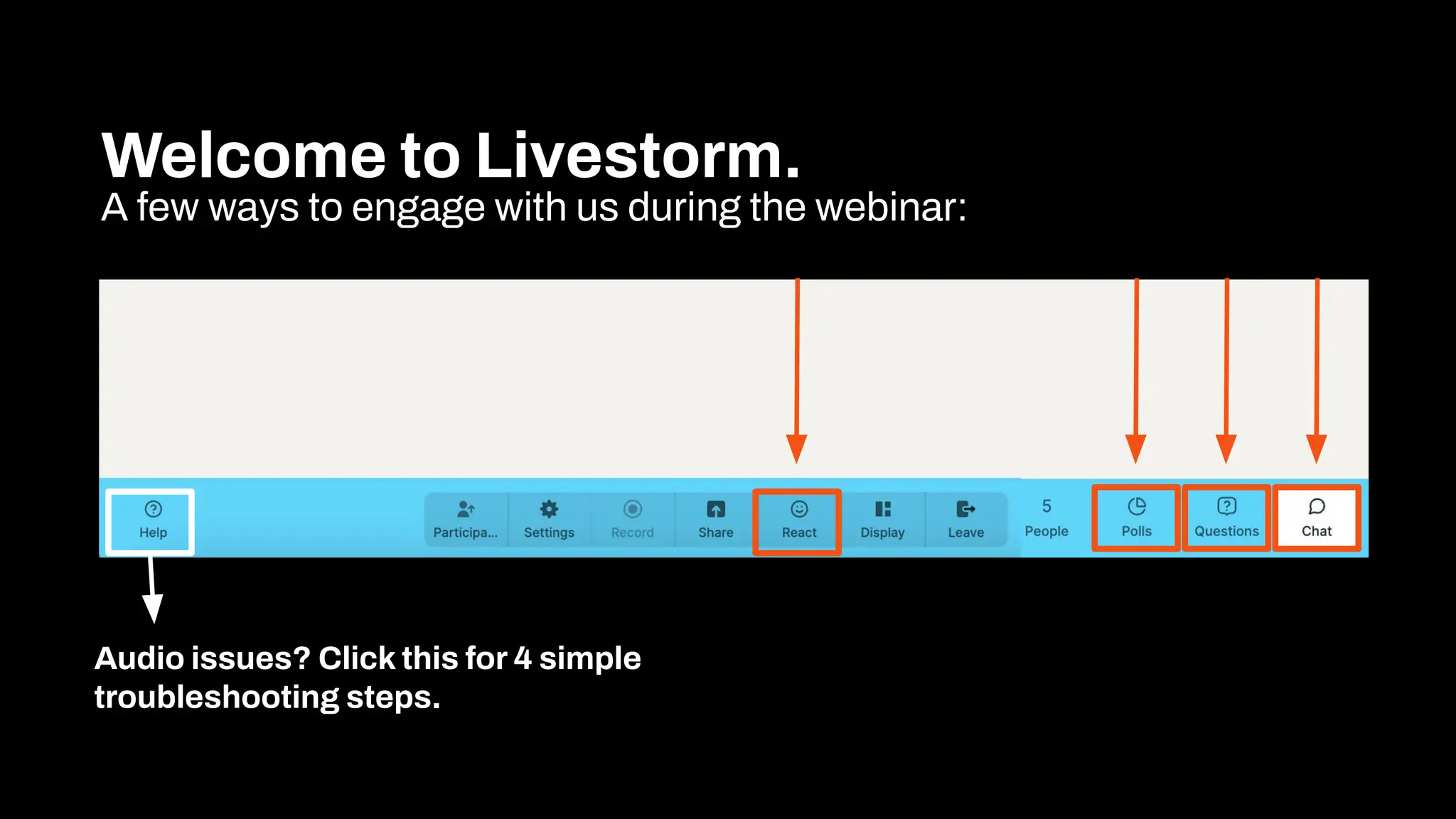
Welcome to Livestorm.
A few ways to engage with us during the webinar:
Audio issues? Click this for 4 simple
troubleshooting steps.
Agenda
1 Introduction
2 The problem
3 The Idea
4 The Solution
5 Who Benefits
6 Resources & Next Steps
9 Q&A
Agenda
1
Introduction
Discover how to automate
ArcGIS content discovery,
reporting, and relationship
mapping using FME.
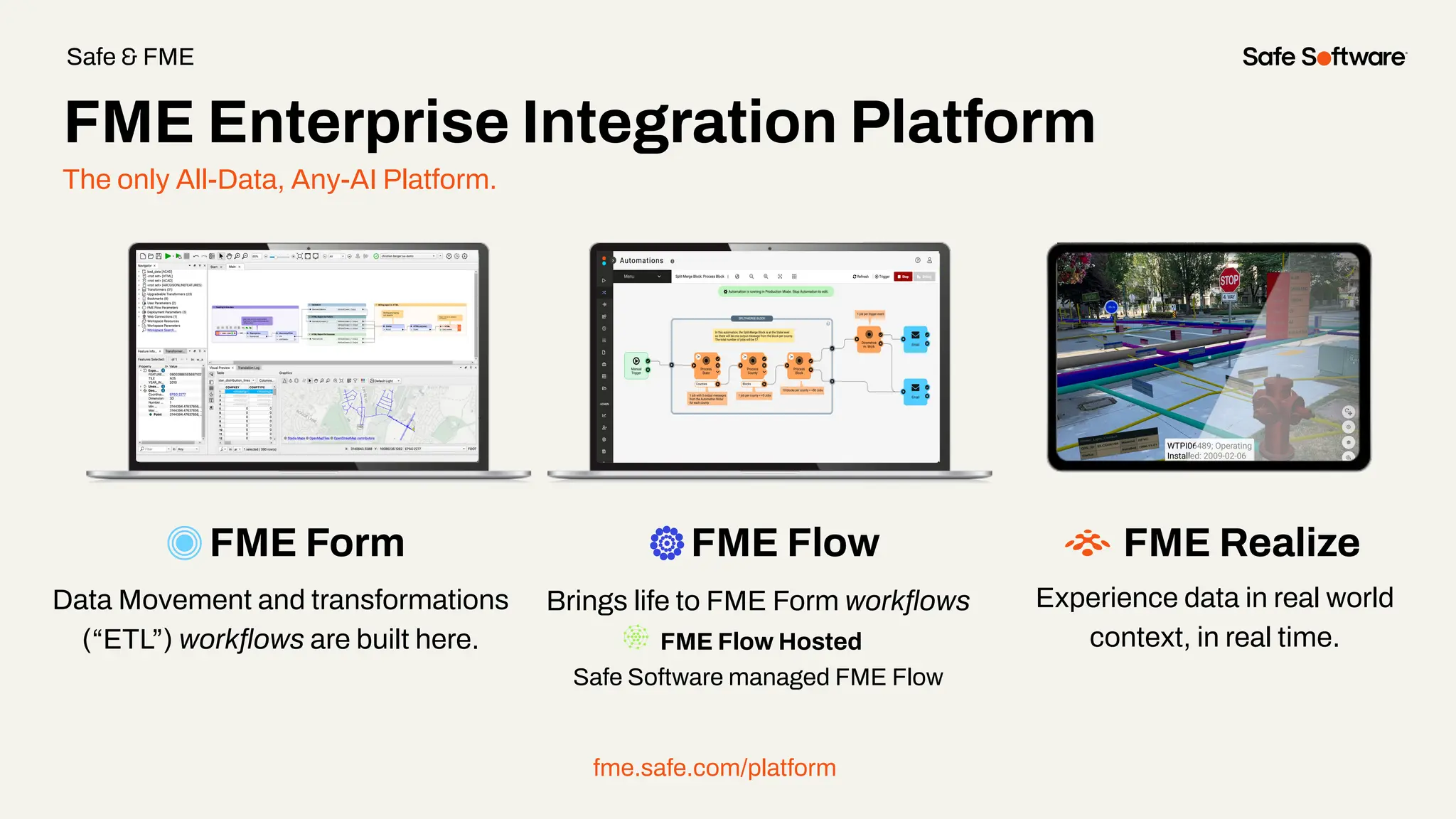
The only All-Data, Any-AI Platform.
FME Form FME Flow
Data Movement and transformations
(“ETL”) workflows are built here.
Brings life to FME Form workflows
FME Flow Hosted
Safe Software managed FME Flow
fme.safe.com/platform
FME Enterprise Integration Platform
Safe & FME
FME Realize
Experience data in real world
context, in real time.
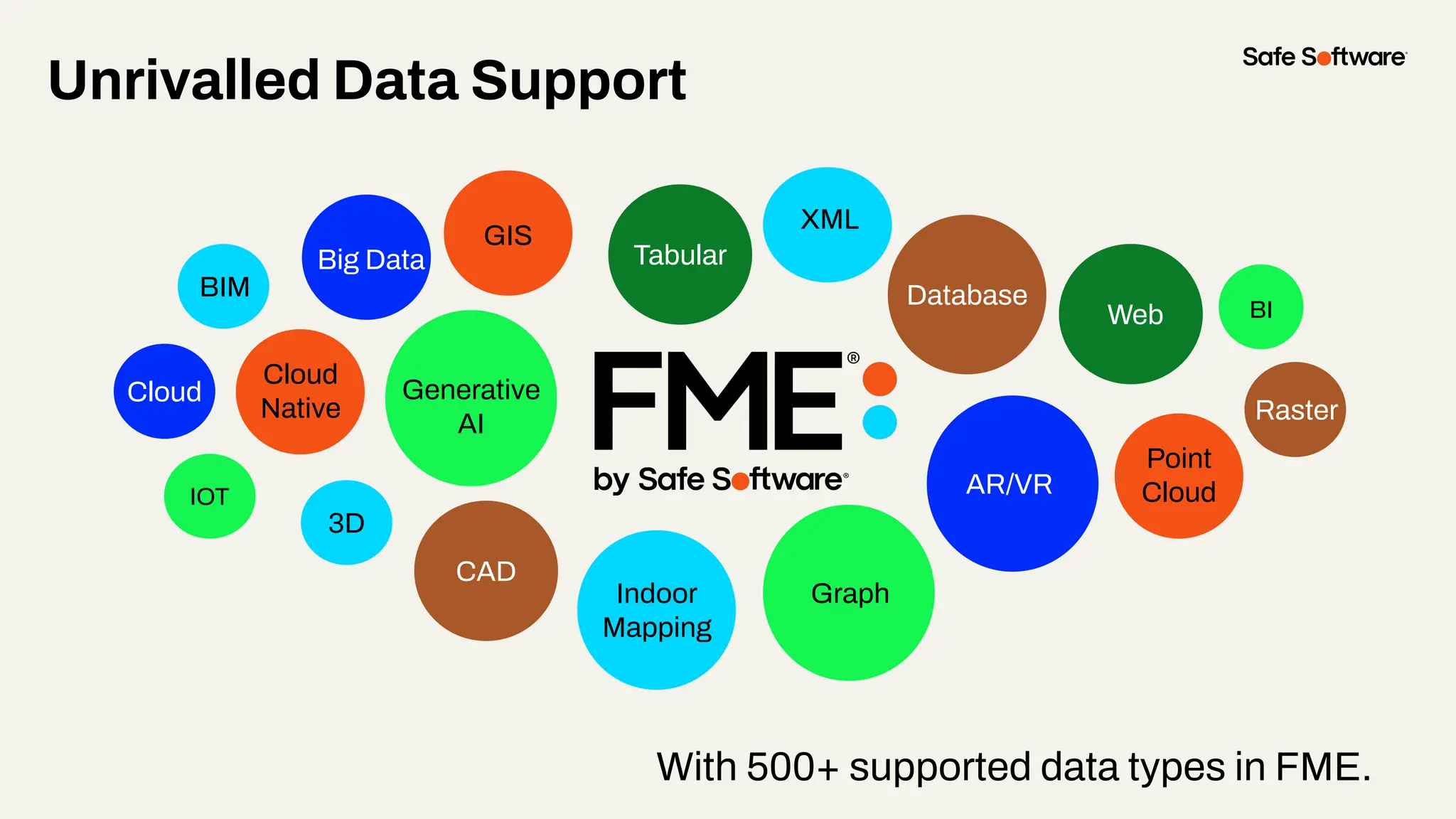
With 500+ supported data types in FME.
Unrivalled Data Support
GIS
CAD
Database
XML
Raster
3D
BIM
Web
Point
Cloud
Cloud
Big Data
IOT
Graph
BI
Indoor
Mapping
AR/VR
Generative
AI
Cloud
Native
Tabular
2
The Challenge
ArcGIS is an excellent tool for
building and sharing content.
However, its ease of use can lead
to content sprawl - an ongoing
challenge for administrators.
The reality for GIS professionals:
More time spent managing content
than building solutions.
Pain points:
● Manual, time-consuming, and prone to error
● Dependencies aren’t always clear
● No quick way to assess impact
The challenge:
Discovering Content
relationships
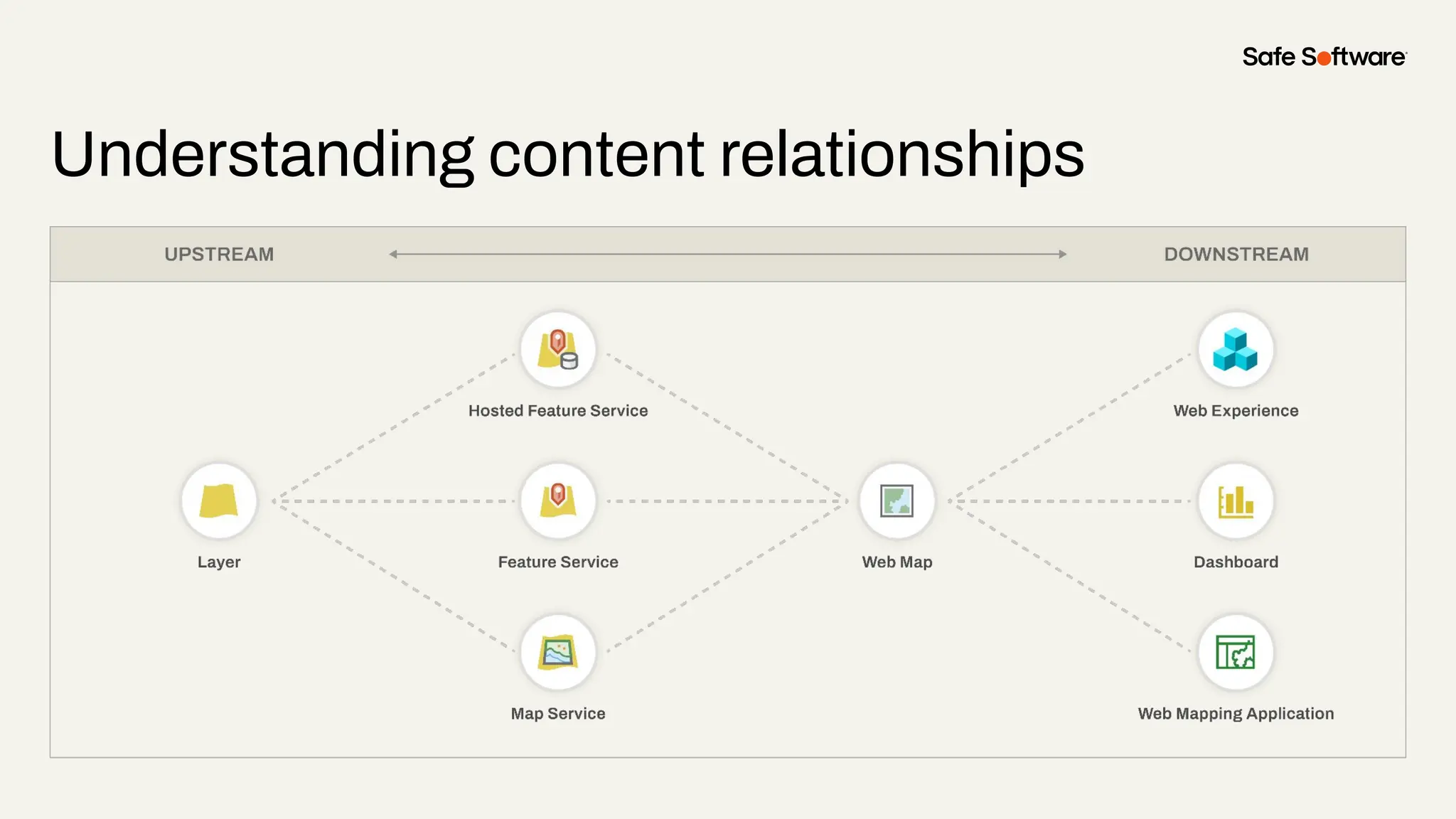
Understanding content relationships
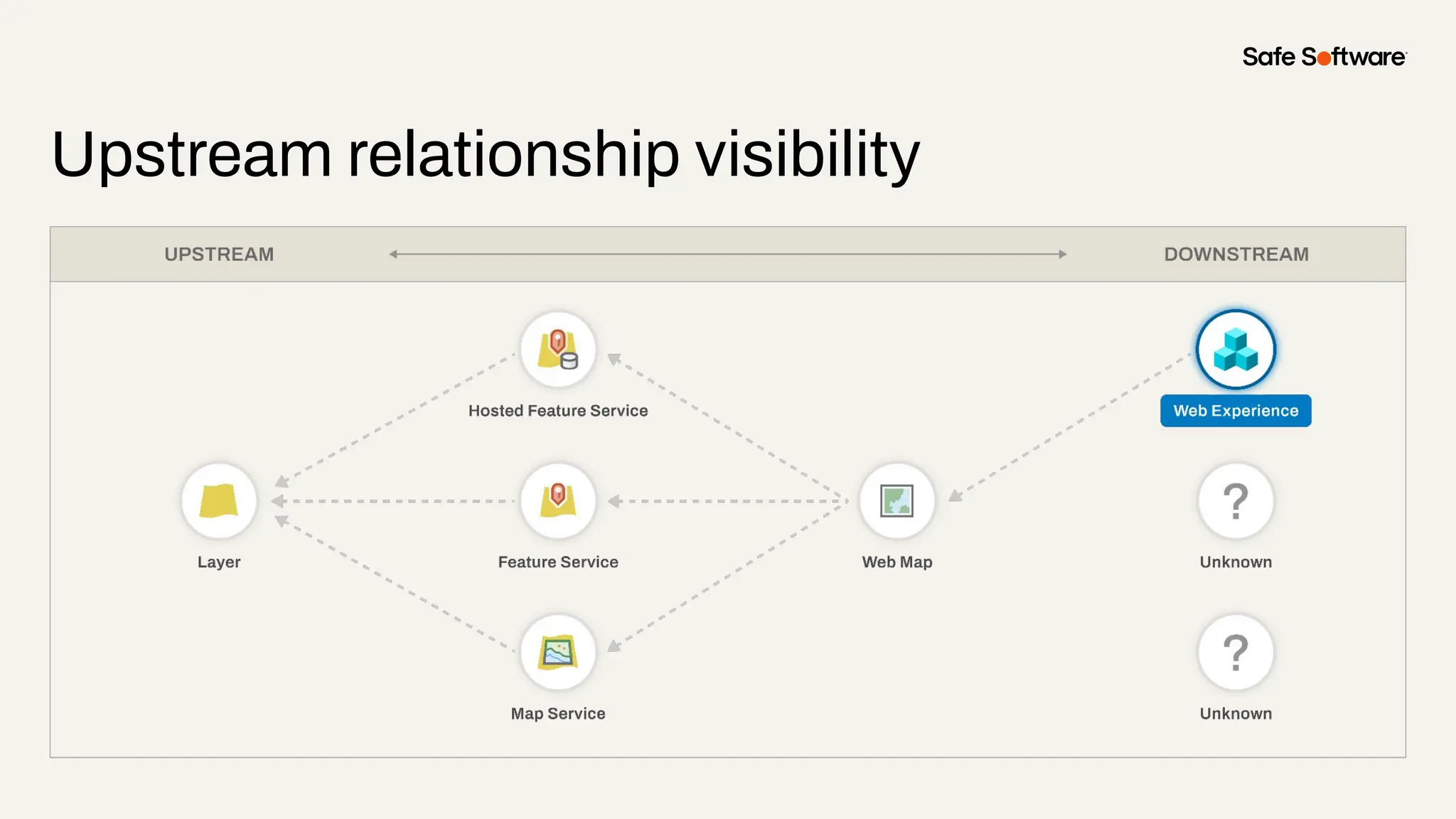
Upstream relationship visibility
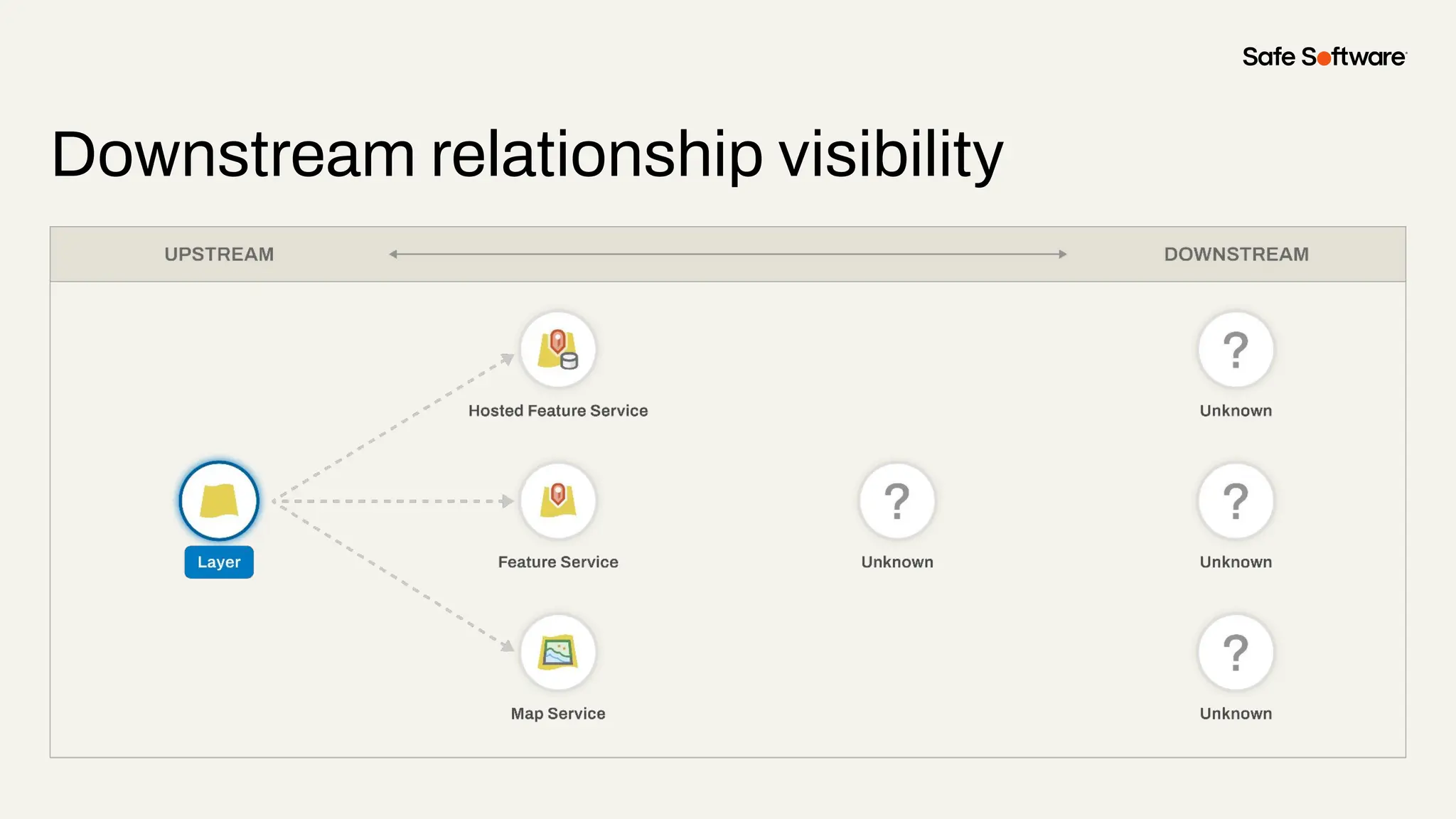
Downstream relationship visibility
3
The Idea
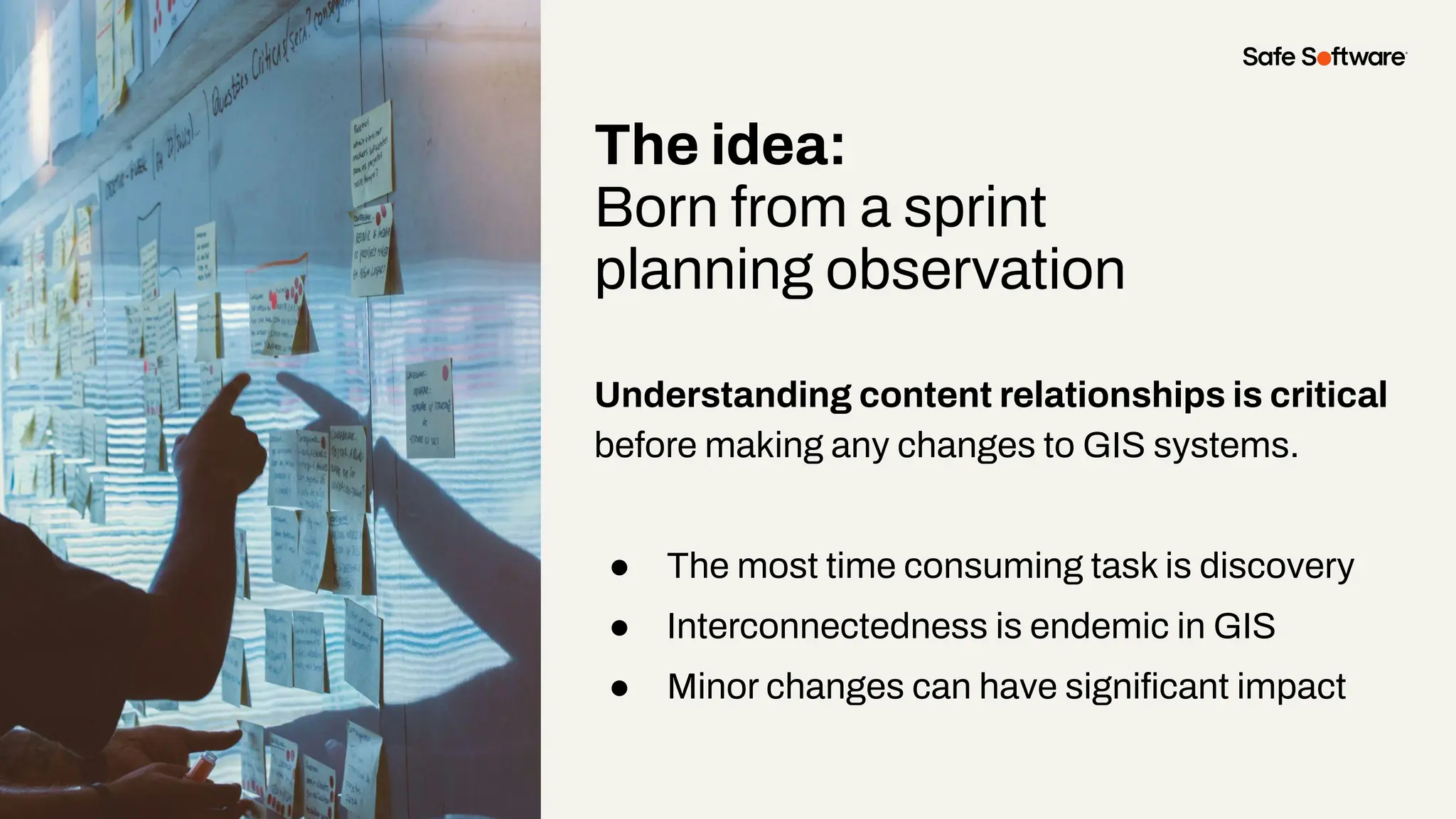
The idea:
Born from a sprint
planning observation
Understanding content relationships is critical
before making any changes to GIS systems.
● The most time consuming task is discovery
● Interconnectedness is endemic in GIS
● Minor changes can have significant impact
80% of time per developer,
per sprint was spent searching
for content relationships
There had to be a way to
automate this process, saving
time and improving accuracy
4
The Solution
Building the solution:
The process
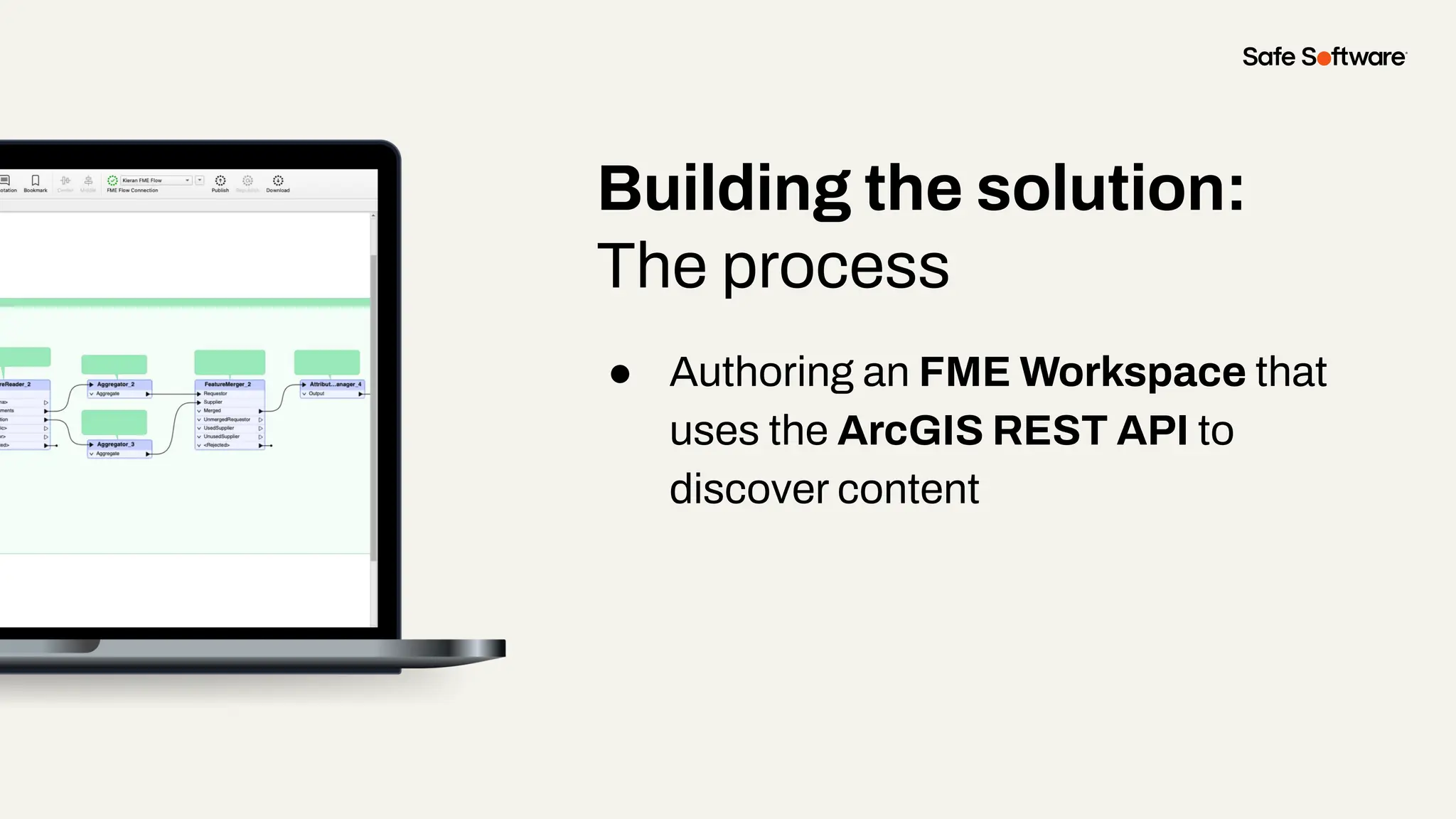
● Authoring an FME Workspace that
uses the ArcGIS REST API to
discover content
Building the solution:
The process
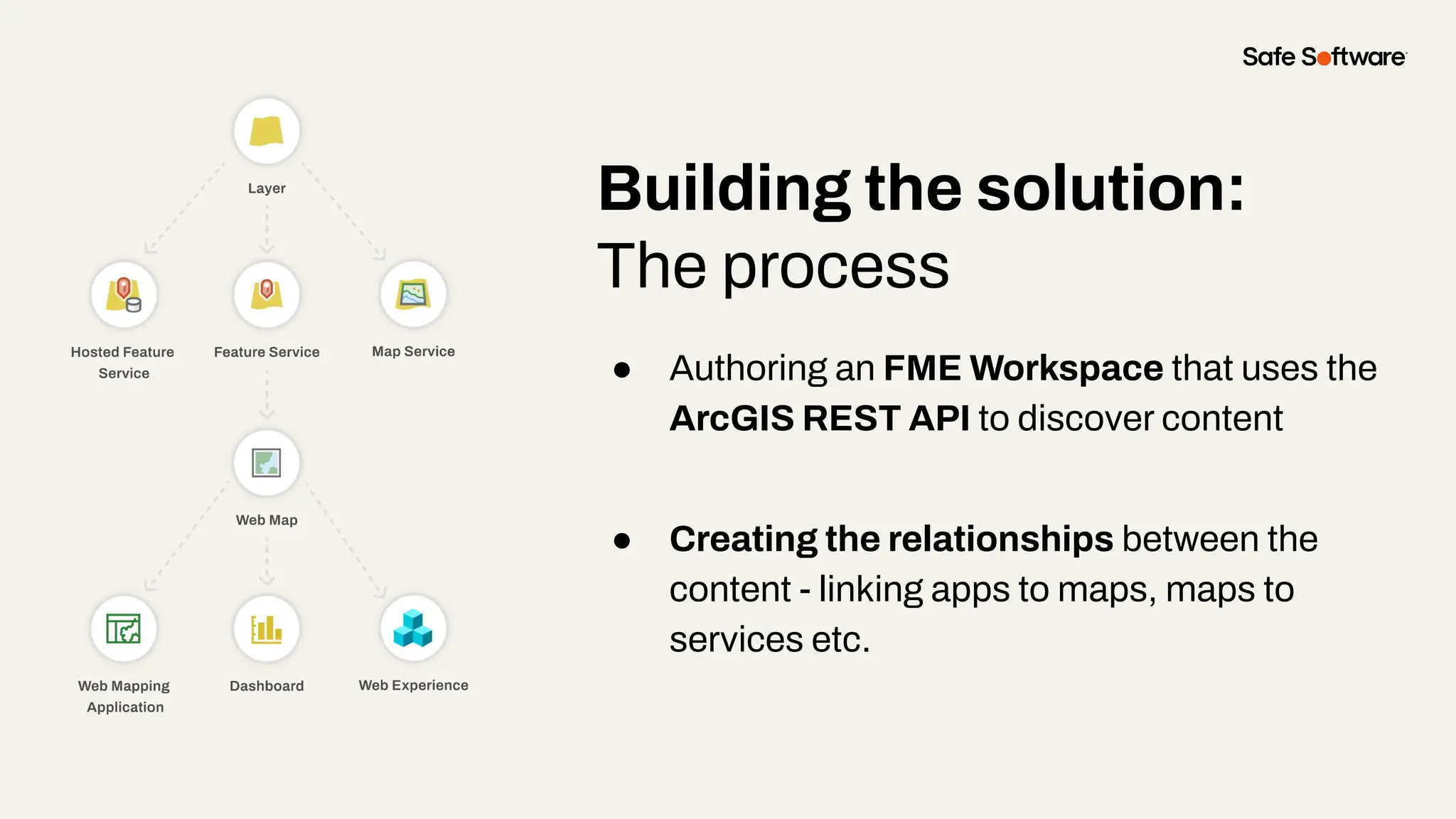
● Authoring an FME Workspace that uses the
ArcGIS REST API to discover content
● Creating the relationships between the
content - linking apps to maps, maps to
services etc.
Building the solution:
The process
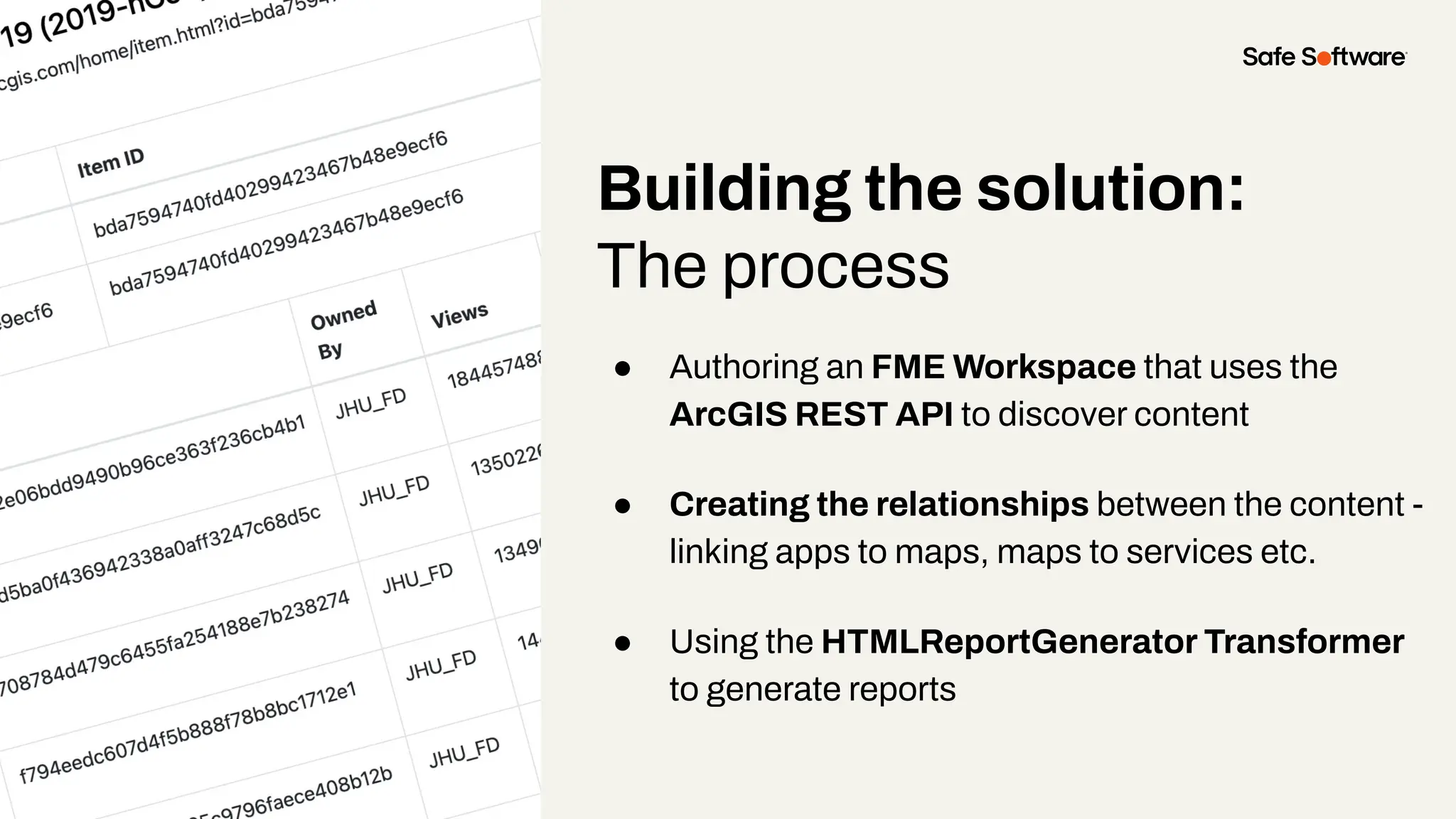
● Authoring an FME Workspace that uses the
ArcGIS REST API to discover content
● Creating the relationships between the content -
linking apps to maps, maps to services etc.
● Using the HTMLReportGenerator Transformer
to generate reports
Demo
Pros
✅ Unified view – See all content
dependencies in a single interface
✅ Exportable reports – Easily download
and share findings
✅ Saves time – Automates relationship
discovery, eliminating manual effort
Cons
❌ Report complexity – Relationships could be
clearer for easier interpretation
❌ Limited scope – No cross-domain support
❌ Performance improvements needed –
Processing and analysis still take time
The next challenge?
Translating this information
into a user-friendly format.
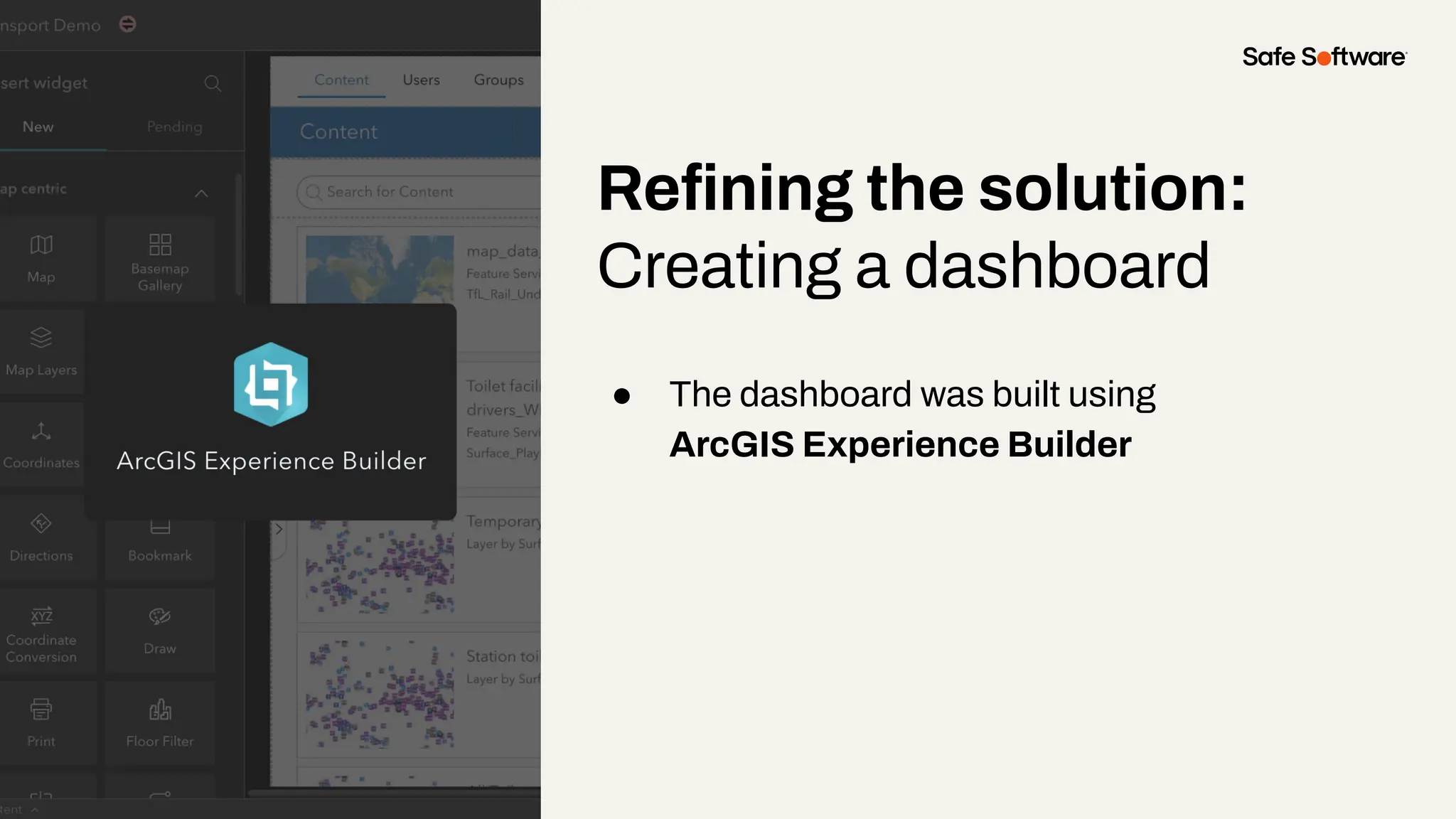
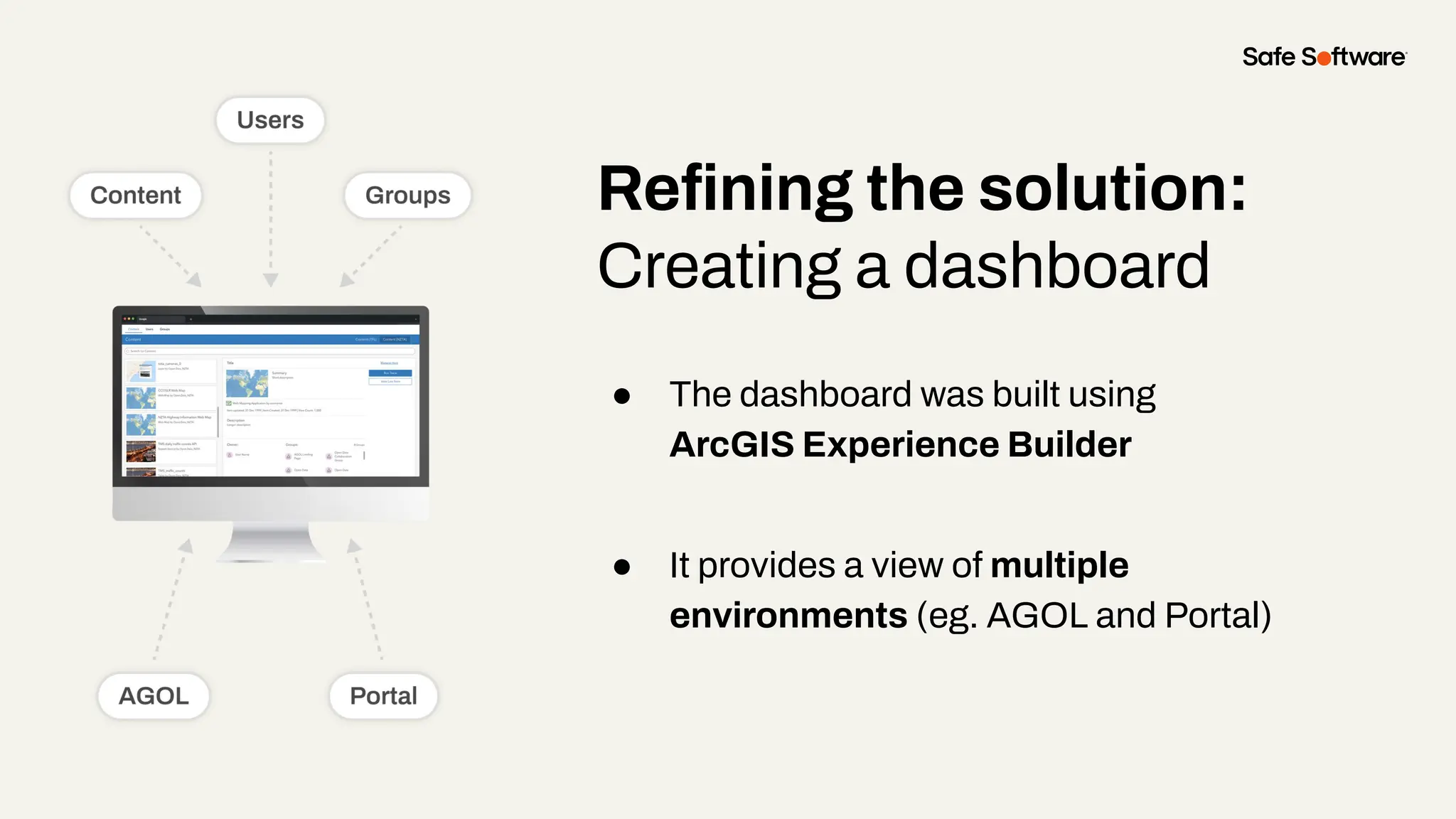
Refining the solution:
Creating a dashboard
● The dashboard was built using
ArcGIS Experience Builder
Refining the solution:
Creating a dashboard
● The dashboard was built using
ArcGIS Experience Builder
● It provides a view of multiple
environments (eg. AGOL and Portal)
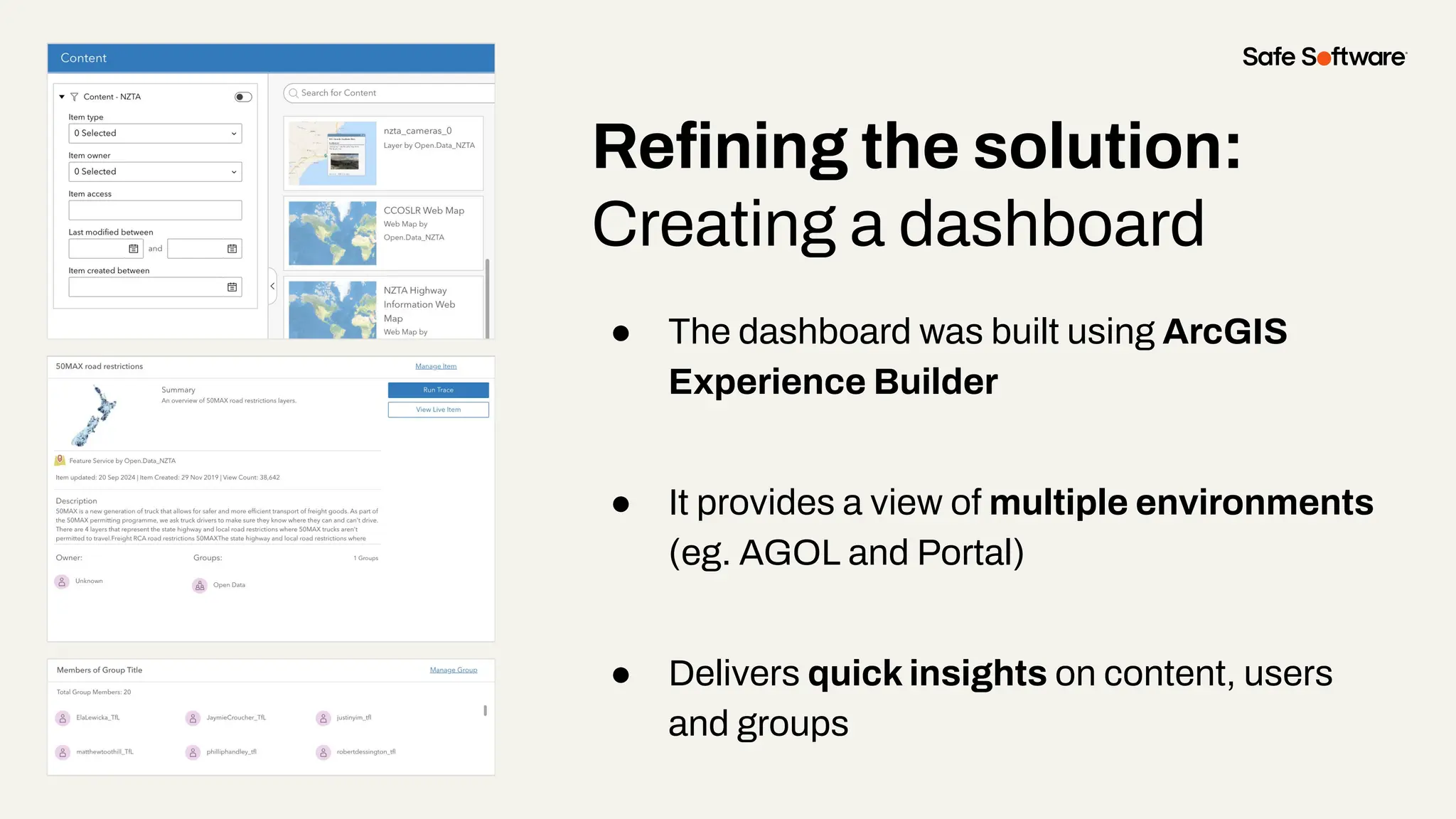
Refining the solution:
Creating a dashboard
● The dashboard was built using ArcGIS
Experience Builder
● It provides a view of multiple environments
(eg. AGOL and Portal)
● Delivers quick insights on content, users
and groups
Demo
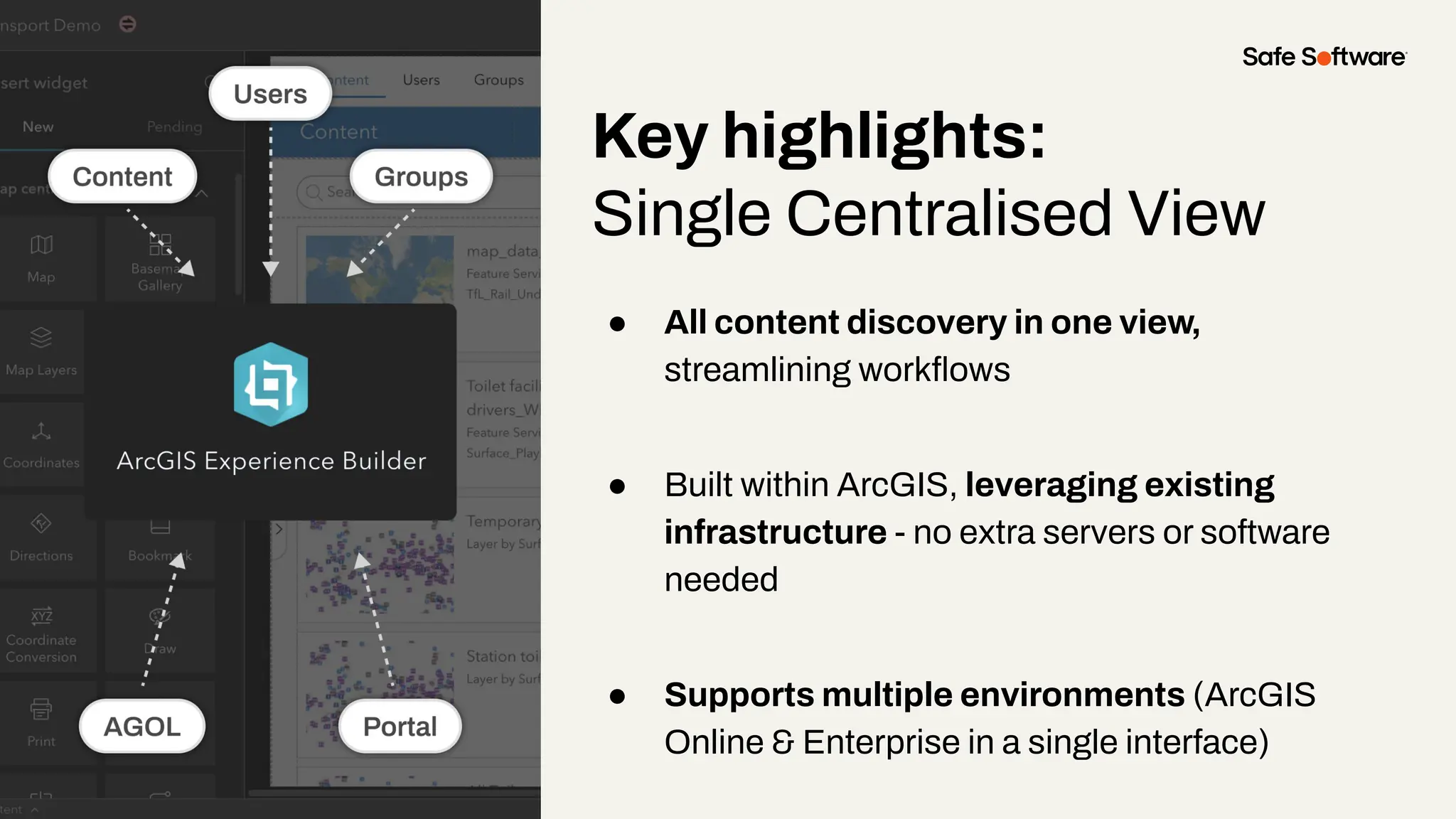
Key highlights:
Single Centralised View
● All content discovery in one view,
streamlining workflows
● Built within ArcGIS, leveraging existing
infrastructure - no extra servers or software
needed
● Supports multiple environments (ArcGIS
Online & Enterprise in a single interface)
Key highlights:
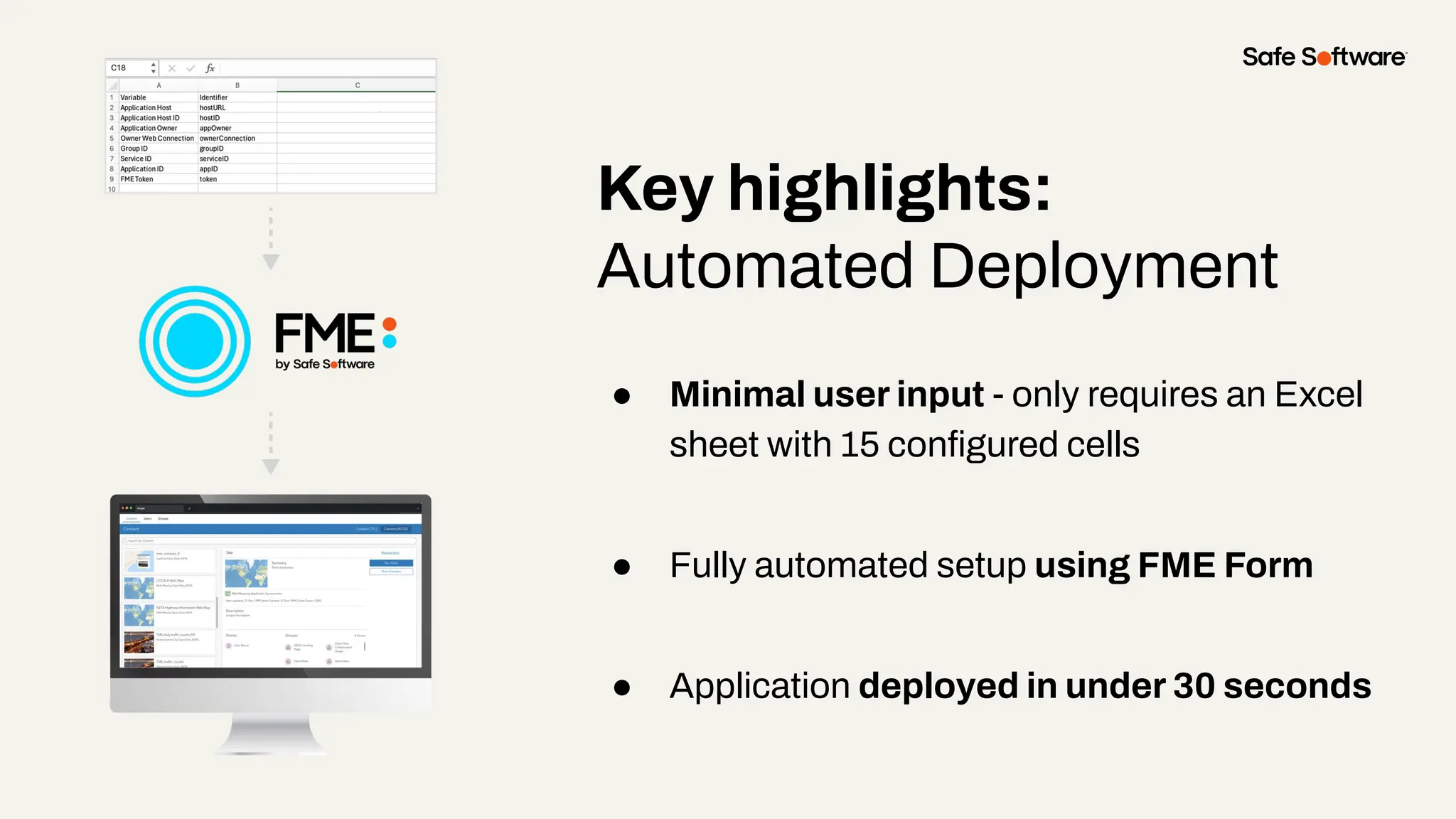
Automated Deployment
● Minimal user input - only requires an Excel
sheet with 15 configured cells
● Fully automated setup using FME Form
● Application deployed in under 30 seconds
Demo
Key highlights:
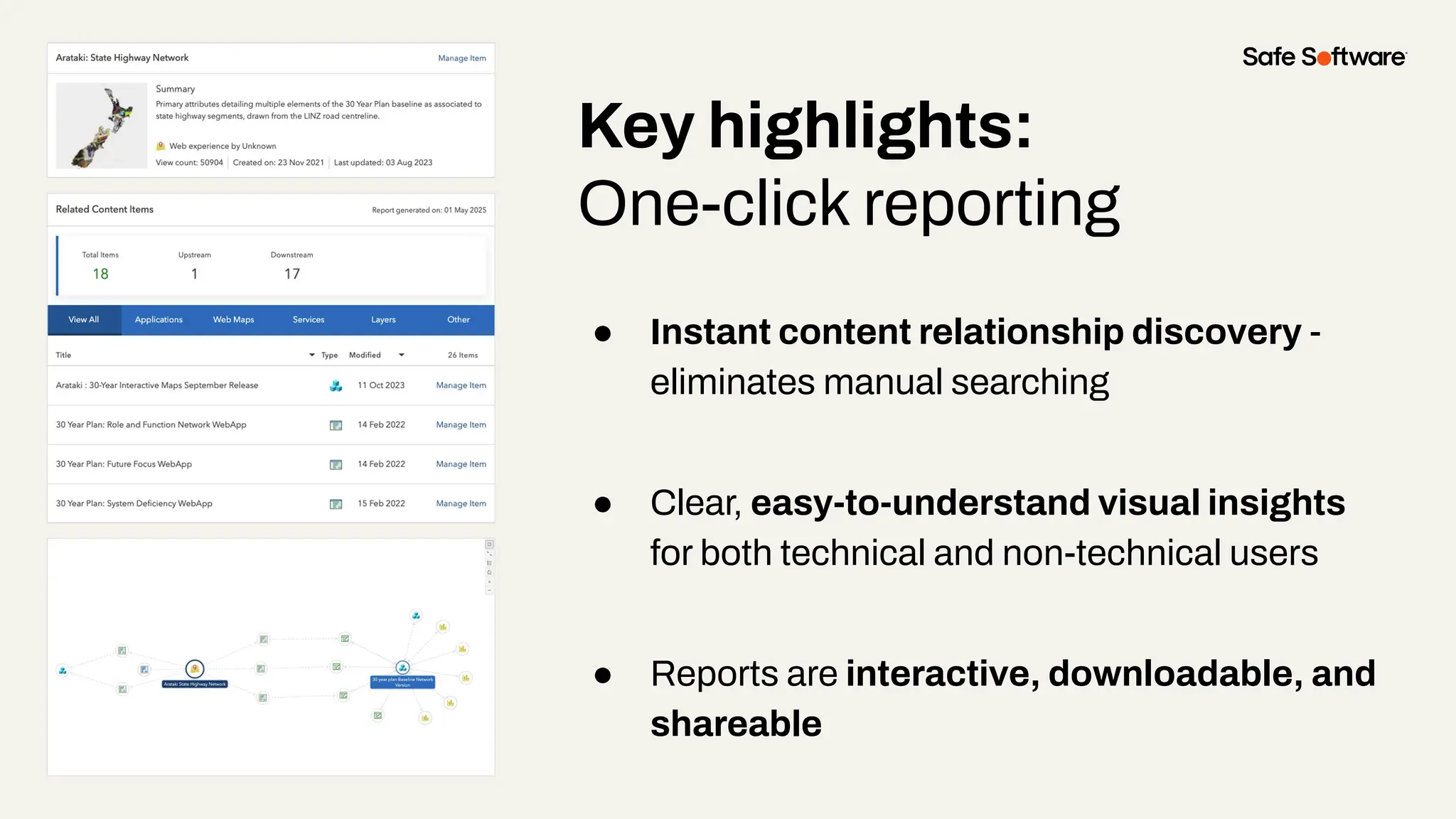
One-click reporting
● Instant content relationship discovery -
eliminates manual searching
● Clear, easy-to-understand visual insights
for both technical and non-technical users
● Reports are interactive, downloadable, and
shareable
Demo
Key highlights:
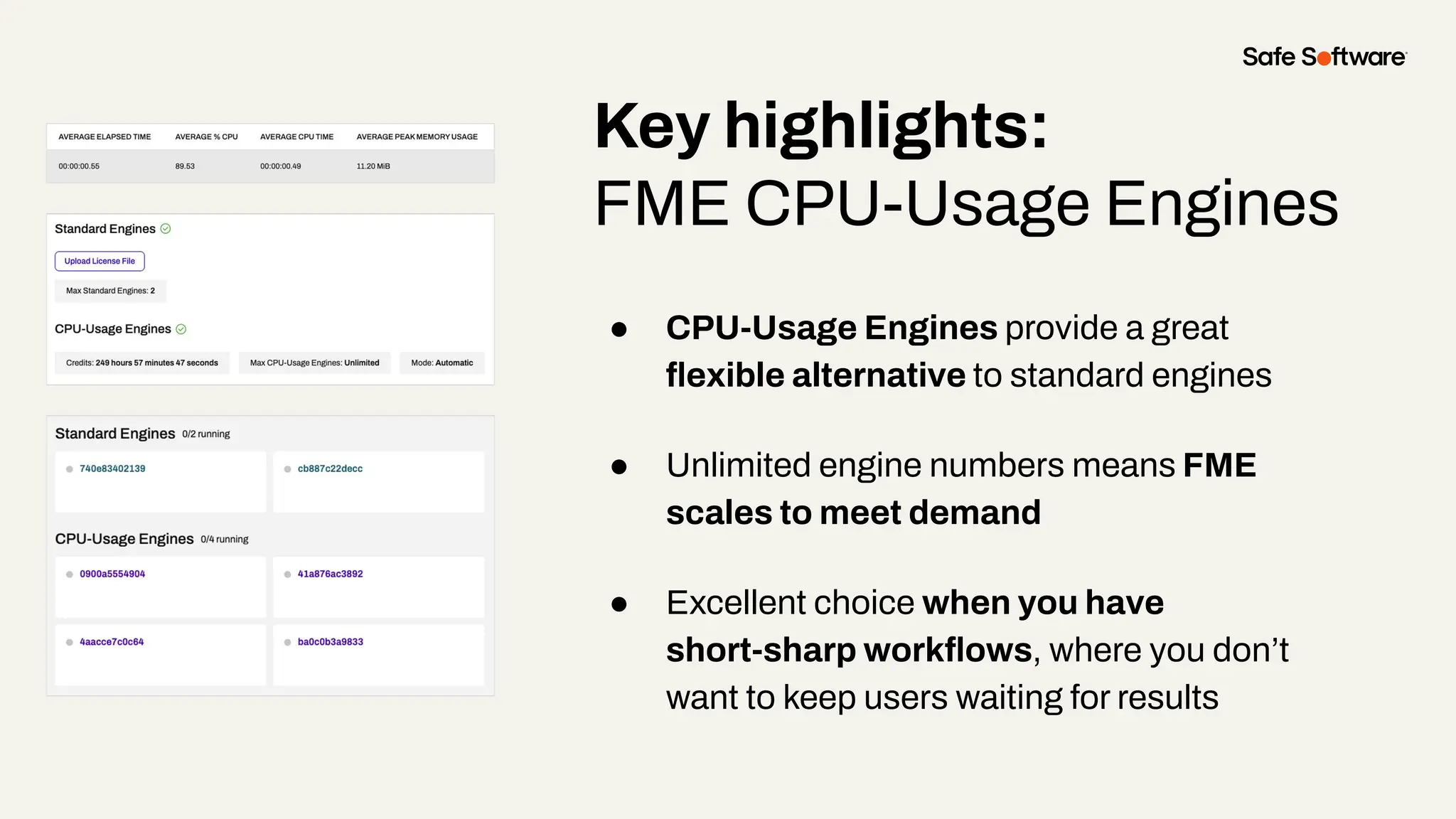
FME CPU-Usage Engines
● CPU-Usage Engines provide a great
flexible alternative to standard engines
● Unlimited engine numbers means FME
scales to meet demand
● Excellent choice when you have
short-sharp workflows, where you don’t
want to keep users waiting for results
5
Who Benefits
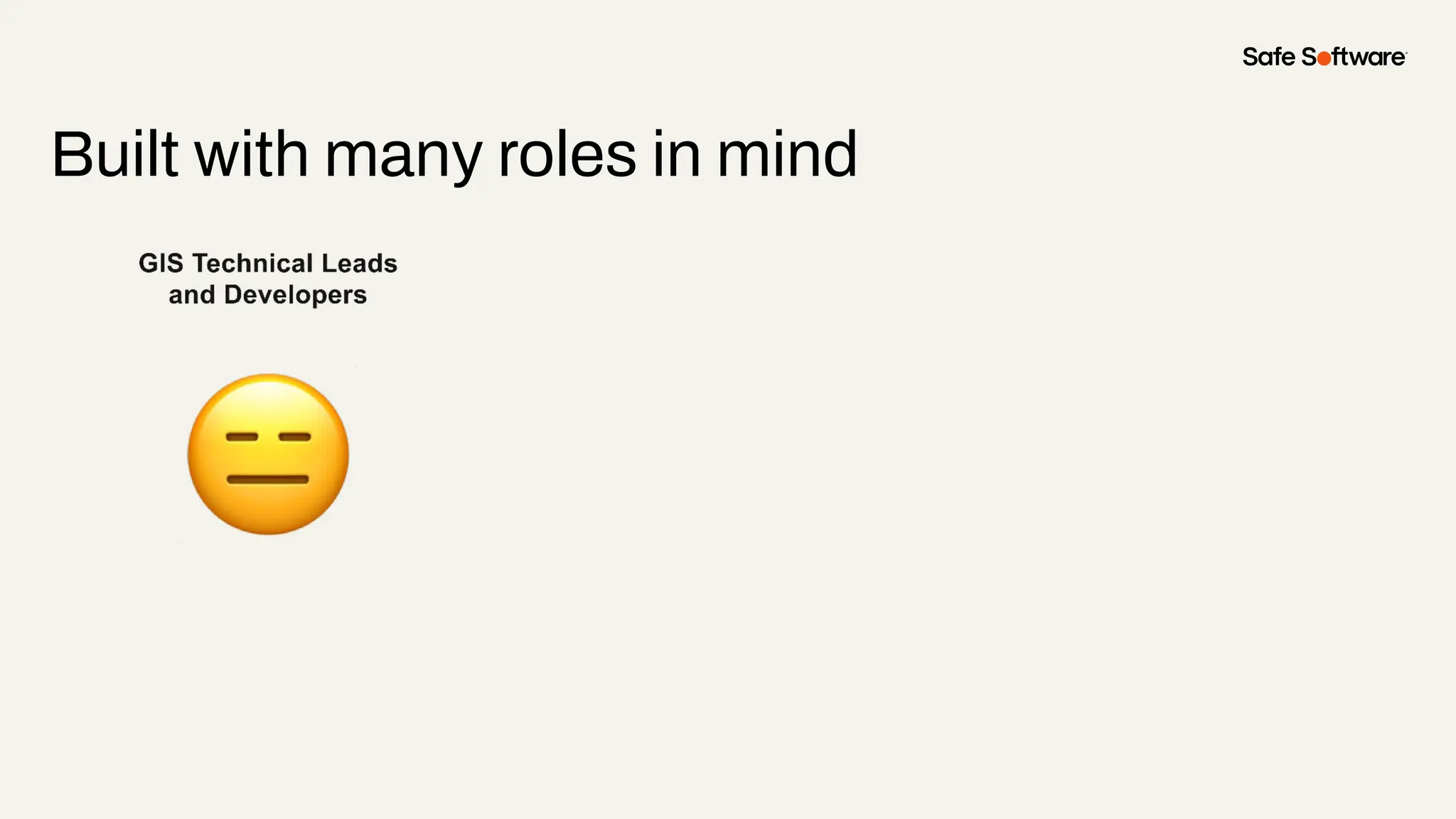
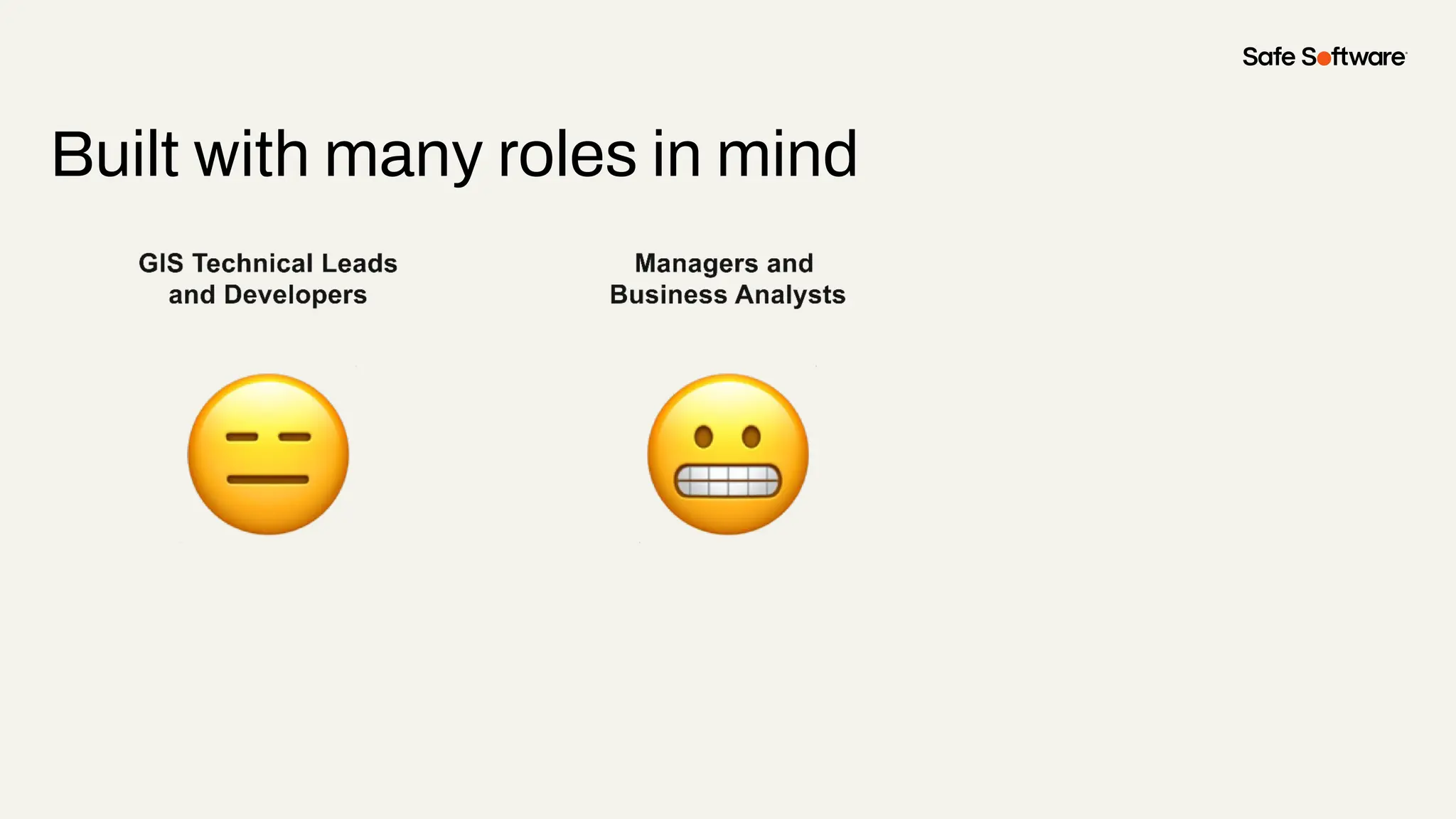
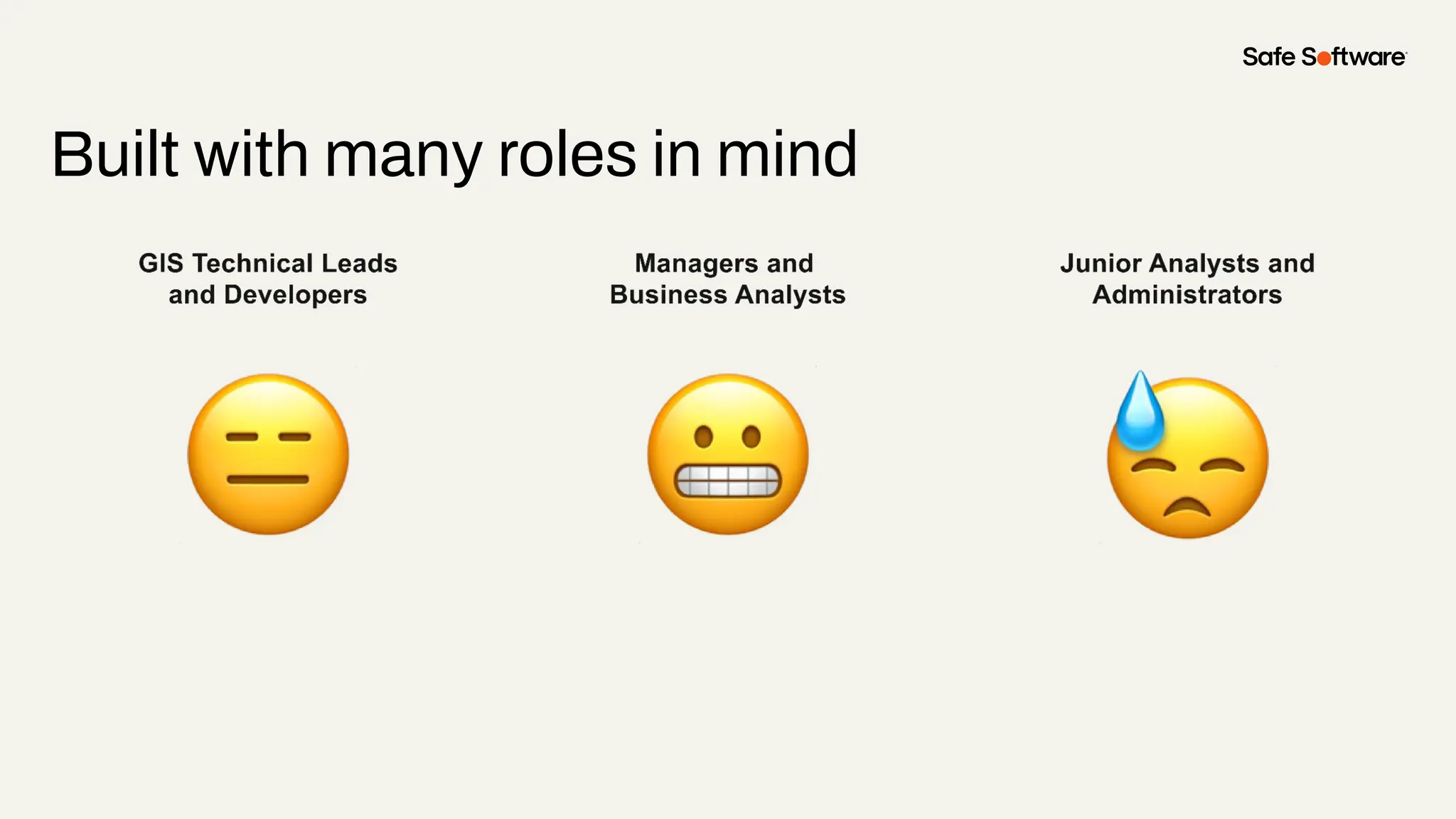
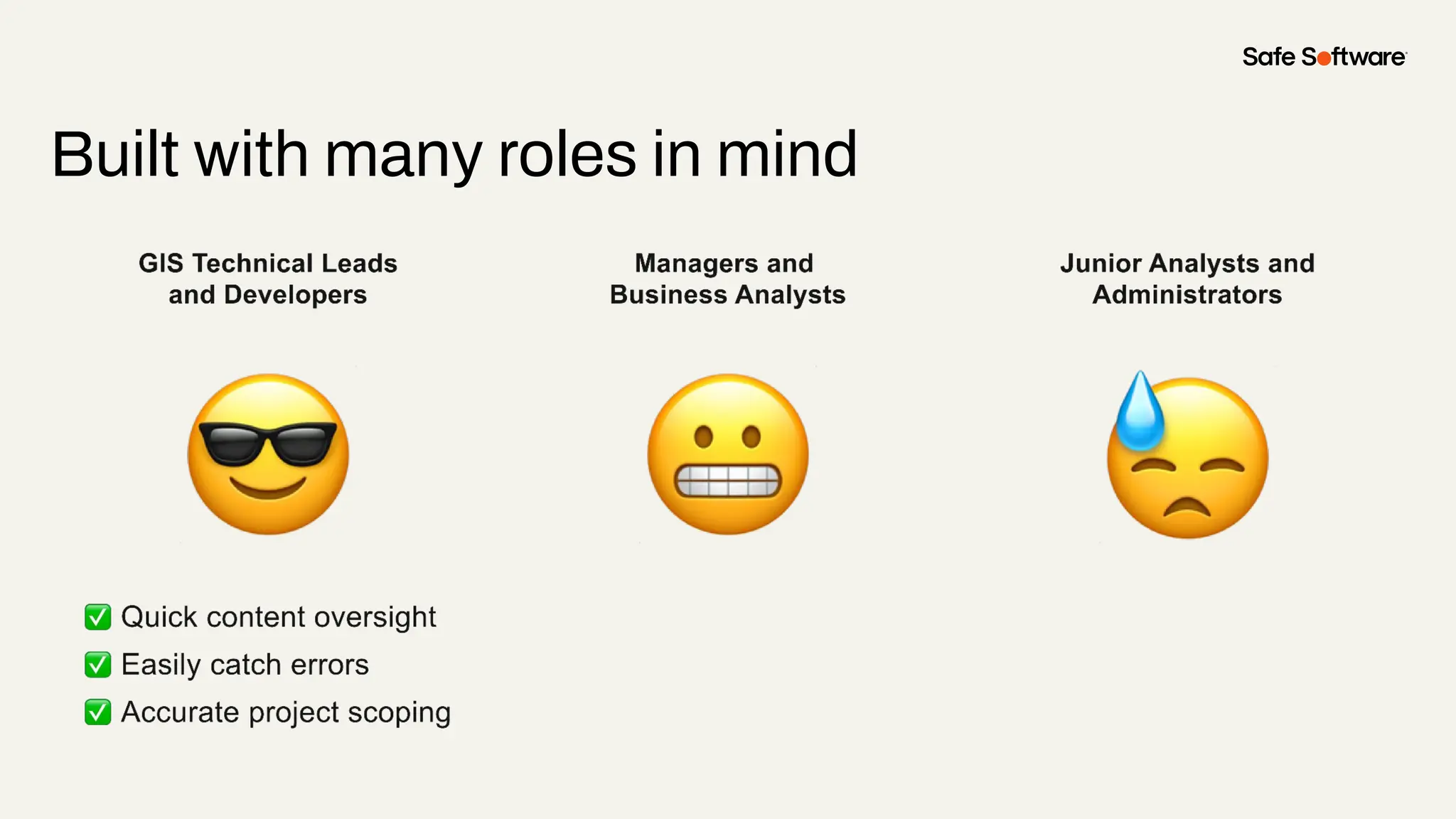
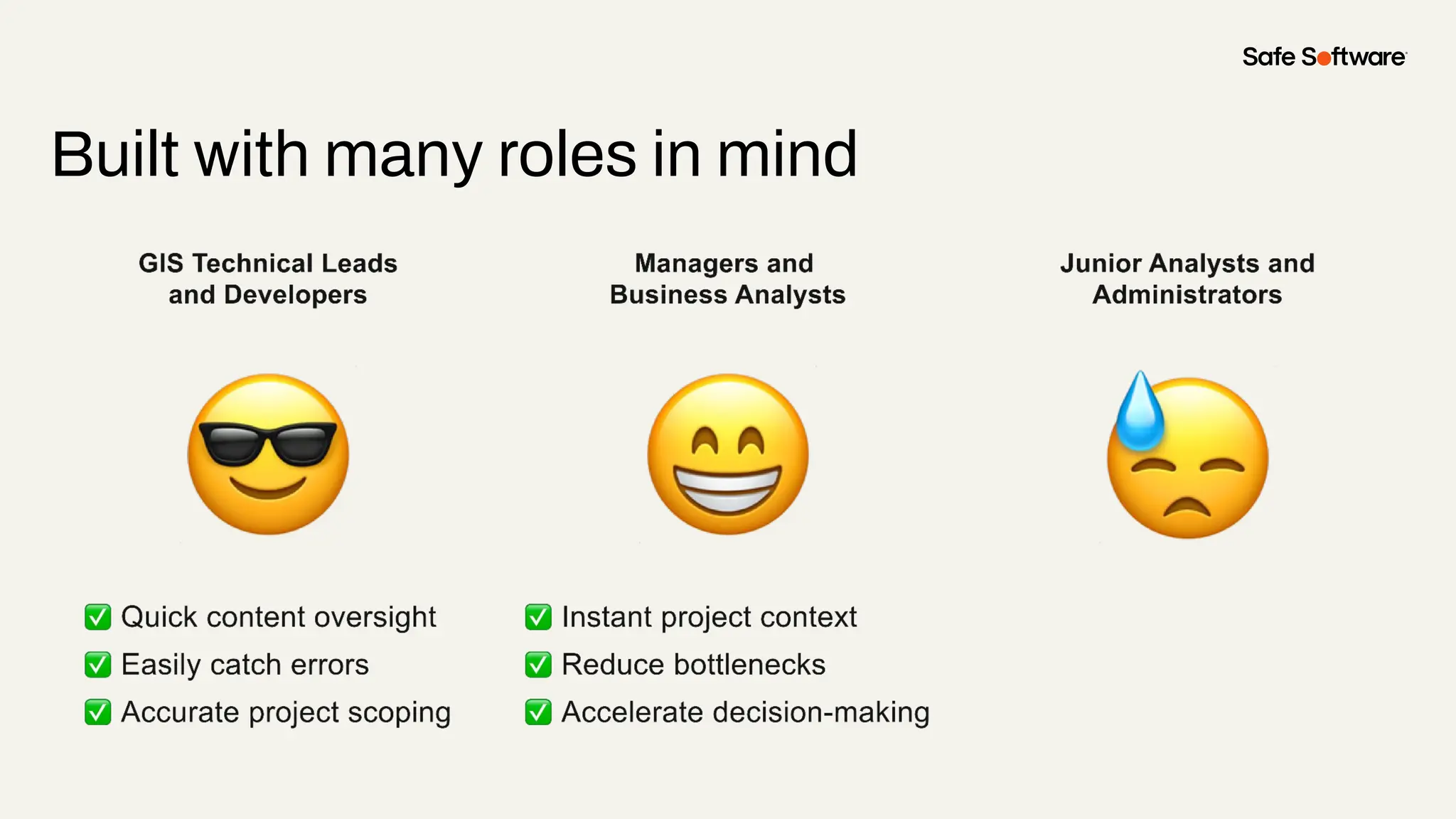
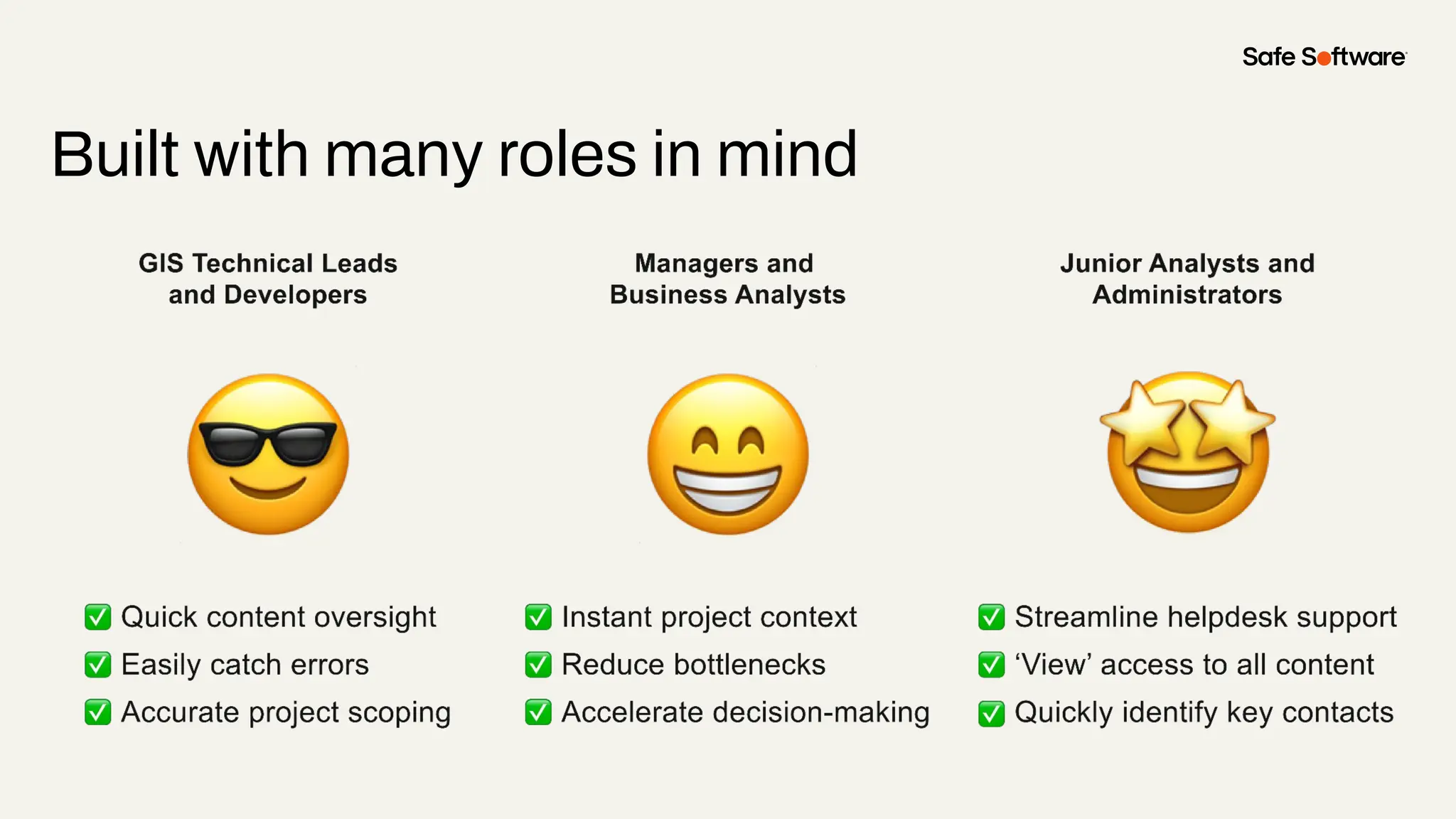
Built with many roles in mind
Automate, automate, automate!
If it can be done manually, it can be done
automatically.
Key lessons:
Work smarter, not harder.
Data is only valuable if it’s understandable.
Even the most detailed data has limited impact if
users can’t make sense of it quickly.
Key lessons:
Make the data engaging.
Thank you
Kieran O’Donnell
Founder
Ripple
hello@ripple.uno
Reseller Partner
Ruby Donaldson
Locus Australia
ruby.donaldson@locusau.com
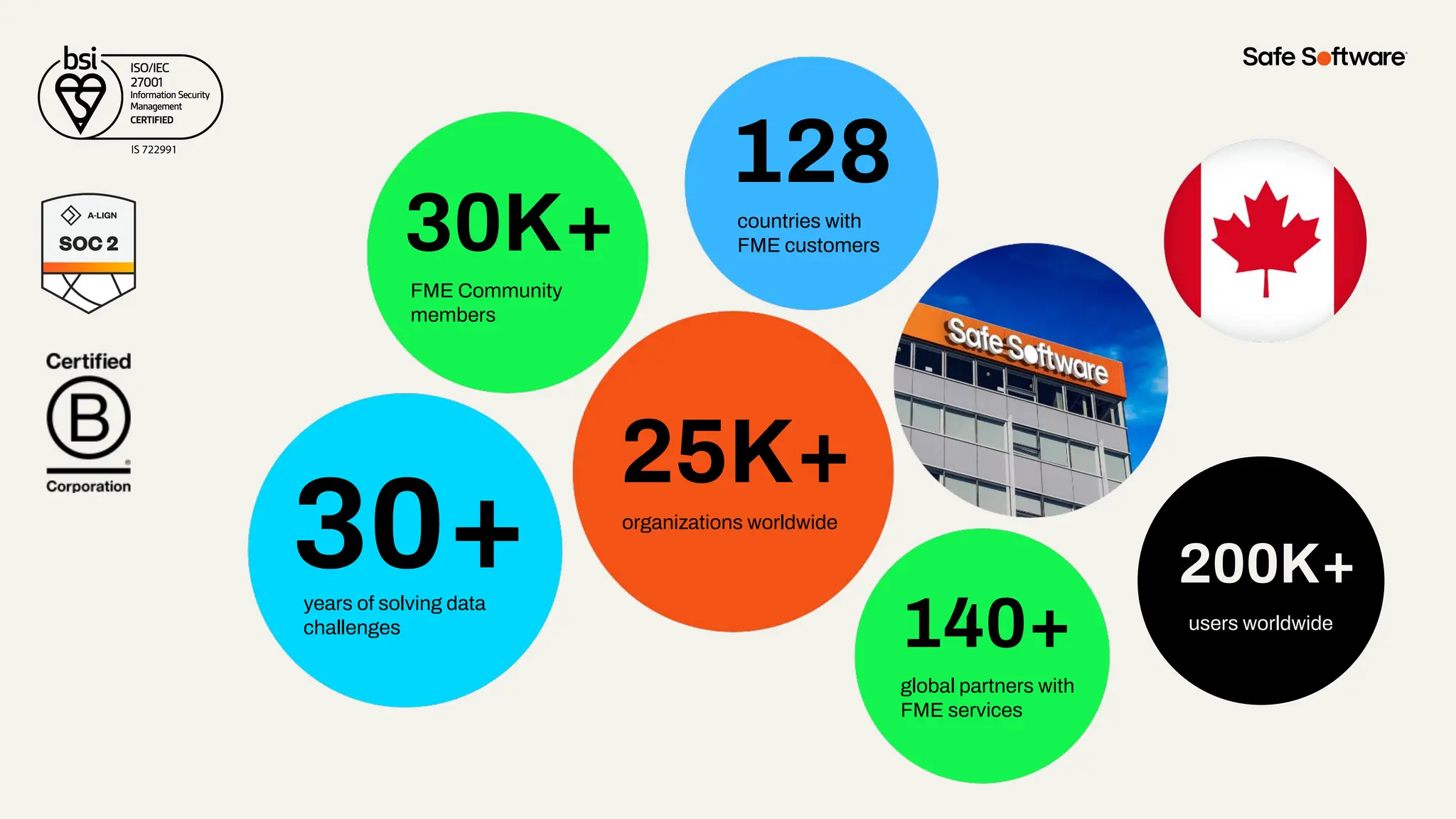
30+
30K+
128
140+
25K+
years of solving data
challenges
FME Community
members
countries with
FME customers
organizations worldwide
global partners with
FME services
200K+
users worldwide
200K+
users worldwide
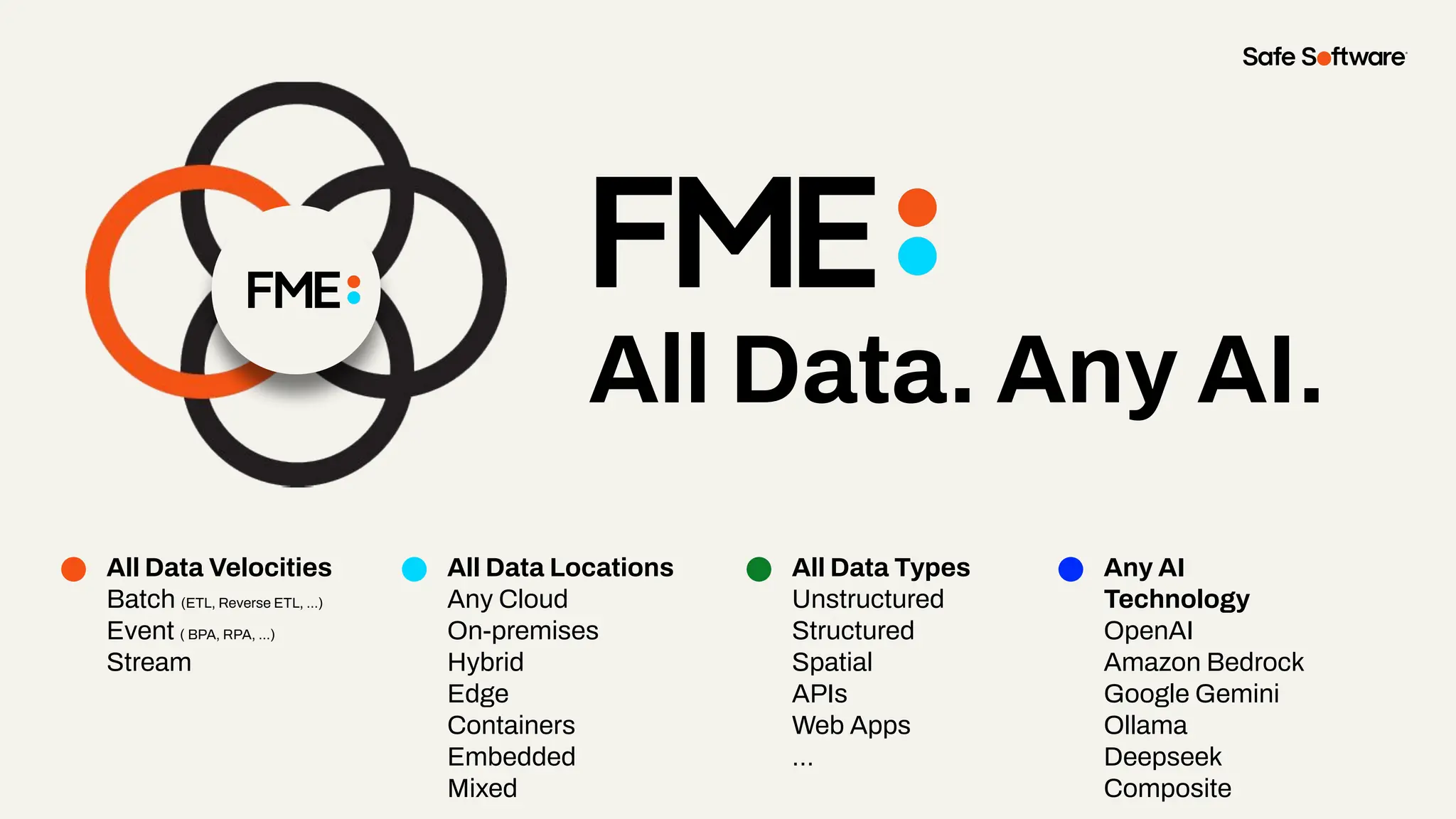
All Data. Any AI.
All Data Velocities
Batch (ETL, Reverse ETL, ...)
Event ( BPA, RPA, ...)
Stream
All Data Locations
Any Cloud
On-premises
Hybrid
Edge
Containers
Embedded
Mixed
All Data Types
Unstructured
Structured
Spatial
APIs
Web Apps
…
Any AI
Technology
OpenAI
Amazon Bedrock
Google Gemini
Ollama
Deepseek
Composite
6
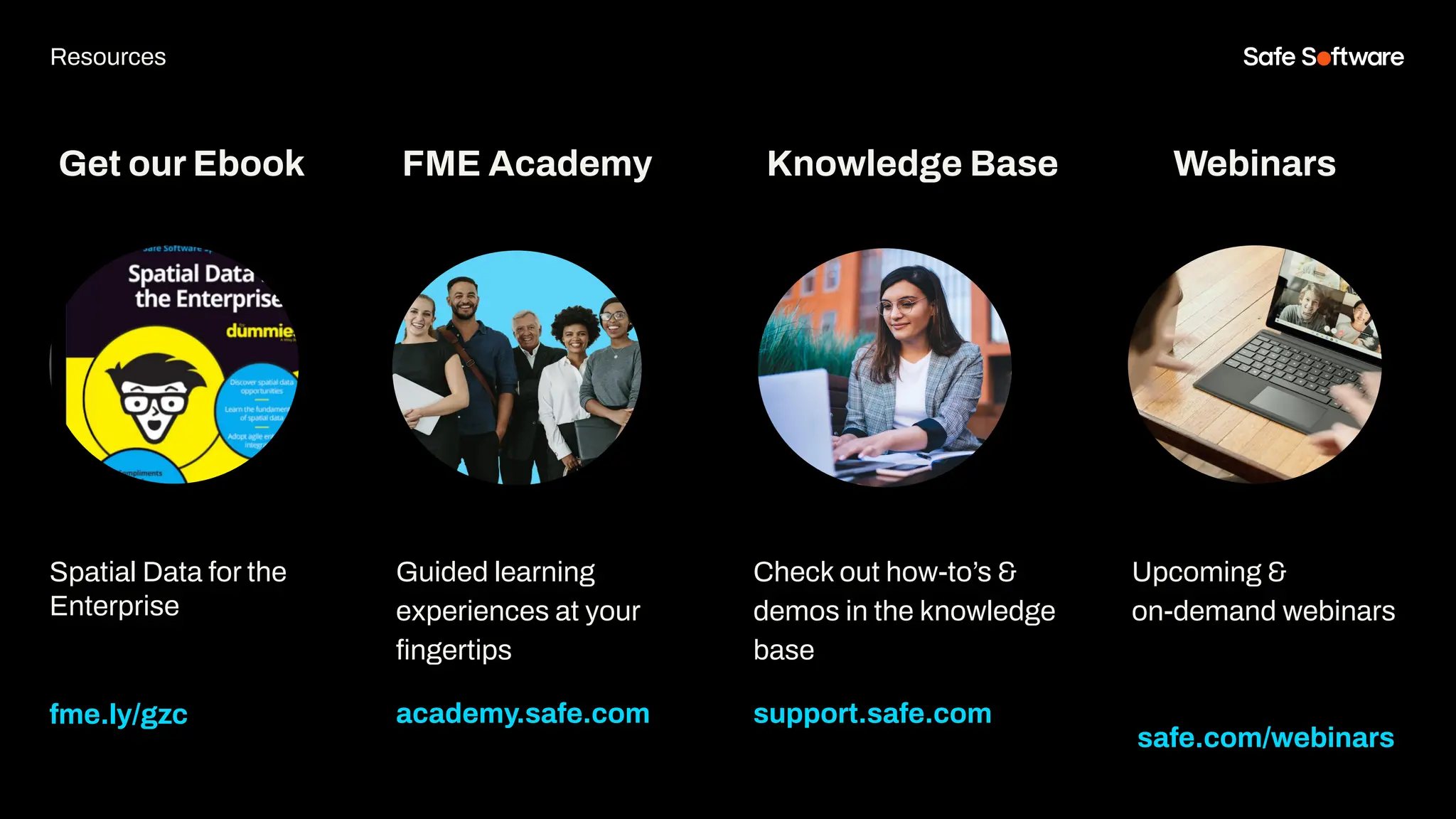
Resources
Get our Ebook
Spatial Data for the
Enterprise
fme.ly/gzc
Guided learning
experiences at your
fingertips
academy.safe.com
FME Academy
Resources
Check out how-to’s &
demos in the knowledge
base
support.safe.com
Knowledge Base Webinars
Upcoming &
on-demand webinars
safe.com/webinars
7
Next Steps
We’d love to help you get
started.
Get in touch with us at:
info@safe.com
Or Kieran: hello@ripple.uno
Experience the
FME Accelerator
Contact Us
A world where data is not just a
commodity but a catalyst for
real change.
fme.safe.com/accelerator
Next Steps
ClaimYour Community Badge &
Dive into the new Community!
● Get community badges for watching
webinars
● community.safe.com
● Today’s code: FQZQ25
Join the Community today!
Next Steps
8
Q&A
ThankYou
Recap of Next Steps
1 Follow us on LinkedIn!
2 Contact us
3 Experience the FME Accelerator
Please fill out our
webinar survey

Automating ArcGIS Content Discovery with FME: A Real World Use Case

  • 1.
    Automating ArcGIS Content Discoverywith FME: A Real World Use Case
  • 2.
  • 3.
    Welcome to Livestorm. Afew ways to engage with us during the webinar: Audio issues? Click this for 4 simple troubleshooting steps.
  • 4.
    Agenda 1 Introduction 2 Theproblem 3 The Idea 4 The Solution 5 Who Benefits 6 Resources & Next Steps 9 Q&A Agenda
  • 5.
  • 6.
    Discover how toautomate ArcGIS content discovery, reporting, and relationship mapping using FME.
  • 7.
    The only All-Data,Any-AI Platform. FME Form FME Flow Data Movement and transformations (“ETL”) workflows are built here. Brings life to FME Form workflows FME Flow Hosted Safe Software managed FME Flow fme.safe.com/platform FME Enterprise Integration Platform Safe & FME FME Realize Experience data in real world context, in real time.
  • 8.
    With 500+ supporteddata types in FME. Unrivalled Data Support GIS CAD Database XML Raster 3D BIM Web Point Cloud Cloud Big Data IOT Graph BI Indoor Mapping AR/VR Generative AI Cloud Native Tabular
  • 9.
  • 10.
    ArcGIS is anexcellent tool for building and sharing content. However, its ease of use can lead to content sprawl - an ongoing challenge for administrators.
  • 17.
    The reality forGIS professionals: More time spent managing content than building solutions.
  • 18.
    Pain points: ● Manual,time-consuming, and prone to error ● Dependencies aren’t always clear ● No quick way to assess impact The challenge: Discovering Content relationships
  • 19.
  • 20.
  • 21.
  • 22.
  • 23.
    The idea: Born froma sprint planning observation Understanding content relationships is critical before making any changes to GIS systems. ● The most time consuming task is discovery ● Interconnectedness is endemic in GIS ● Minor changes can have significant impact
  • 24.
    80% of timeper developer, per sprint was spent searching for content relationships
  • 25.
    There had tobe a way to automate this process, saving time and improving accuracy
  • 26.
  • 27.
    Building the solution: Theprocess ● Authoring an FME Workspace that uses the ArcGIS REST API to discover content
  • 28.
    Building the solution: Theprocess ● Authoring an FME Workspace that uses the ArcGIS REST API to discover content ● Creating the relationships between the content - linking apps to maps, maps to services etc.
  • 29.
    Building the solution: Theprocess ● Authoring an FME Workspace that uses the ArcGIS REST API to discover content ● Creating the relationships between the content - linking apps to maps, maps to services etc. ● Using the HTMLReportGenerator Transformer to generate reports
  • 30.
  • 31.
    Pros ✅ Unified view– See all content dependencies in a single interface ✅ Exportable reports – Easily download and share findings ✅ Saves time – Automates relationship discovery, eliminating manual effort
  • 32.
    Cons ❌ Report complexity– Relationships could be clearer for easier interpretation ❌ Limited scope – No cross-domain support ❌ Performance improvements needed – Processing and analysis still take time
  • 33.
    The next challenge? Translatingthis information into a user-friendly format.
  • 34.
    Refining the solution: Creatinga dashboard ● The dashboard was built using ArcGIS Experience Builder
  • 35.
    Refining the solution: Creatinga dashboard ● The dashboard was built using ArcGIS Experience Builder ● It provides a view of multiple environments (eg. AGOL and Portal)
  • 36.
    Refining the solution: Creatinga dashboard ● The dashboard was built using ArcGIS Experience Builder ● It provides a view of multiple environments (eg. AGOL and Portal) ● Delivers quick insights on content, users and groups
  • 37.
  • 38.
    Key highlights: Single CentralisedView ● All content discovery in one view, streamlining workflows ● Built within ArcGIS, leveraging existing infrastructure - no extra servers or software needed ● Supports multiple environments (ArcGIS Online & Enterprise in a single interface)
  • 39.
    Key highlights: Automated Deployment ●Minimal user input - only requires an Excel sheet with 15 configured cells ● Fully automated setup using FME Form ● Application deployed in under 30 seconds
  • 40.
  • 41.
    Key highlights: One-click reporting ●Instant content relationship discovery - eliminates manual searching ● Clear, easy-to-understand visual insights for both technical and non-technical users ● Reports are interactive, downloadable, and shareable
  • 42.
  • 43.
    Key highlights: FME CPU-UsageEngines ● CPU-Usage Engines provide a great flexible alternative to standard engines ● Unlimited engine numbers means FME scales to meet demand ● Excellent choice when you have short-sharp workflows, where you don’t want to keep users waiting for results
  • 44.
  • 45.
    Built with manyroles in mind
  • 46.
    Built with manyroles in mind
  • 47.
    Built with manyroles in mind
  • 48.
    Built with manyroles in mind
  • 49.
    Built with manyroles in mind
  • 50.
    Built with manyroles in mind
  • 51.
    Automate, automate, automate! Ifit can be done manually, it can be done automatically. Key lessons: Work smarter, not harder.
  • 52.
    Data is onlyvaluable if it’s understandable. Even the most detailed data has limited impact if users can’t make sense of it quickly. Key lessons: Make the data engaging.
  • 53.
    Thank you Kieran O’Donnell Founder Ripple hello@ripple.uno ResellerPartner Ruby Donaldson Locus Australia ruby.donaldson@locusau.com
  • 54.
    30+ 30K+ 128 140+ 25K+ years of solvingdata challenges FME Community members countries with FME customers organizations worldwide global partners with FME services 200K+ users worldwide 200K+ users worldwide
  • 55.
    All Data. AnyAI. All Data Velocities Batch (ETL, Reverse ETL, ...) Event ( BPA, RPA, ...) Stream All Data Locations Any Cloud On-premises Hybrid Edge Containers Embedded Mixed All Data Types Unstructured Structured Spatial APIs Web Apps … Any AI Technology OpenAI Amazon Bedrock Google Gemini Ollama Deepseek Composite
  • 56.
  • 57.
    Get our Ebook SpatialData for the Enterprise fme.ly/gzc Guided learning experiences at your fingertips academy.safe.com FME Academy Resources Check out how-to’s & demos in the knowledge base support.safe.com Knowledge Base Webinars Upcoming & on-demand webinars safe.com/webinars
  • 58.
  • 59.
    We’d love tohelp you get started. Get in touch with us at: info@safe.com Or Kieran: hello@ripple.uno Experience the FME Accelerator Contact Us A world where data is not just a commodity but a catalyst for real change. fme.safe.com/accelerator Next Steps
  • 60.
    ClaimYour Community Badge& Dive into the new Community! ● Get community badges for watching webinars ● community.safe.com ● Today’s code: FQZQ25 Join the Community today! Next Steps
  • 61.
  • 62.
    ThankYou Recap of NextSteps 1 Follow us on LinkedIn! 2 Contact us 3 Experience the FME Accelerator Please fill out our webinar survey