











Sienna
Emery
Customer Solutions
Safe Software
Bruce
Harold
Product Manager
Esri
Renato
Salvaleon
Product Engineer
Esri
Meet the Presenters
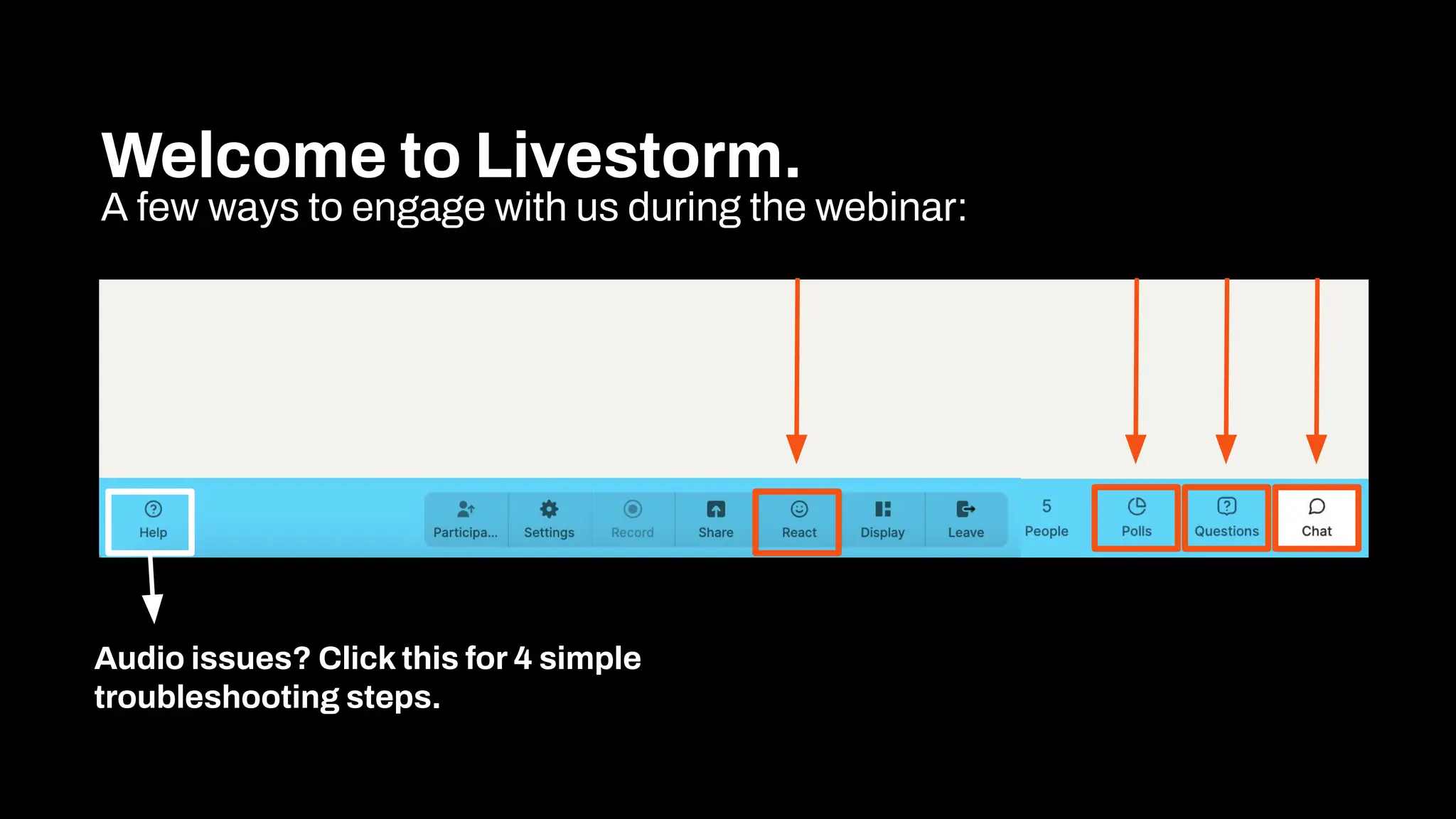
Welcome to Livestorm.
A few ways to engage with us during the webinar:
Audio issues? Click this for 4 simple
troubleshooting steps.
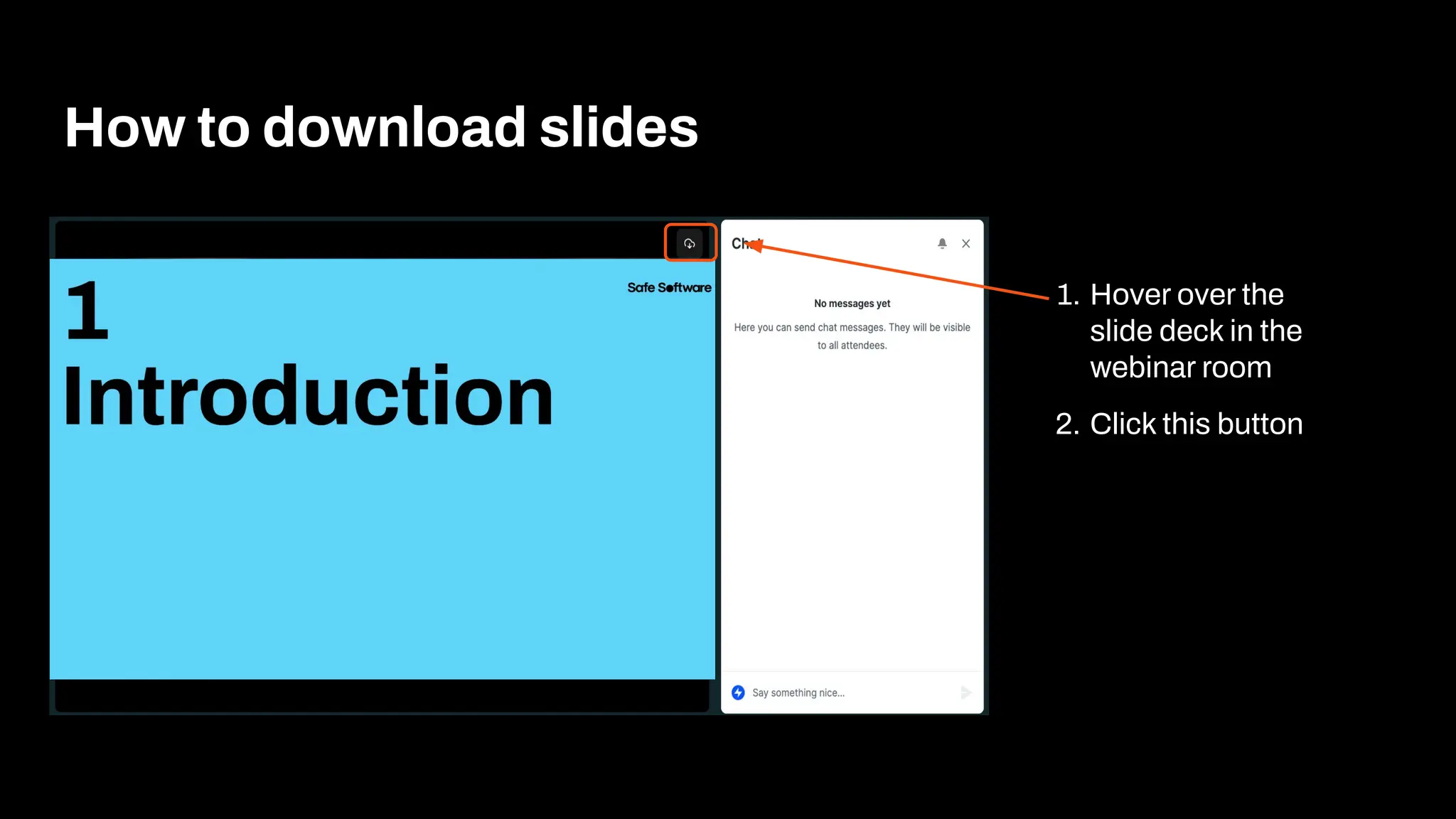
How to download slides
1. Hover over the
slide deck in the
webinar room
2. Click this button
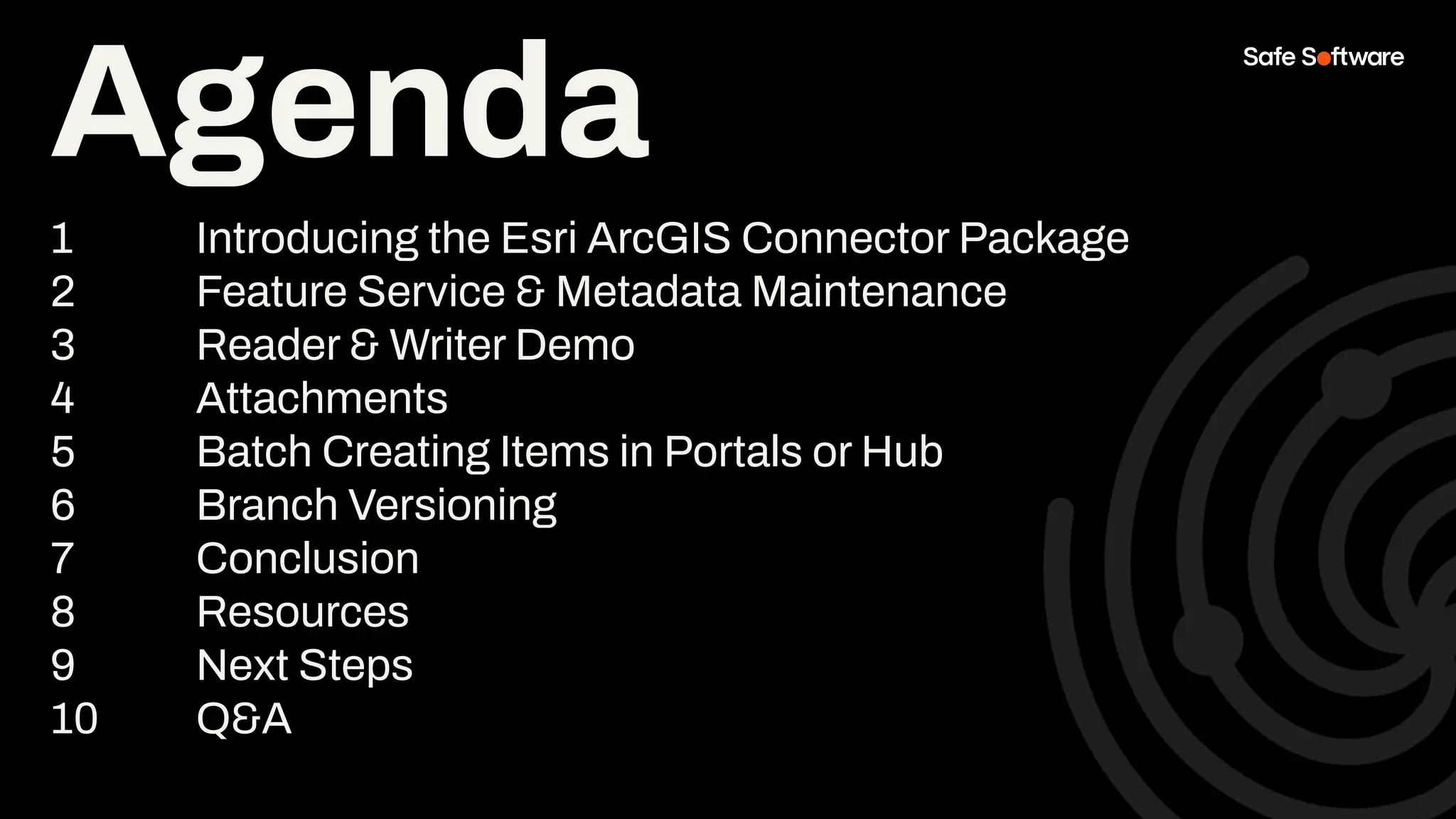
Agenda
1 Introducing the Esri ArcGIS Connector Package
2 Feature Service & Metadata Maintenance
3 Reader & Writer Demo
4 Attachments
5 Batch Creating Items in Portals or Hub
6 Branch Versioning
7 Conclusion
8 Resources
9 Next Steps
10 Q&A
Poll:
How do you currently
handle metadata?
1
Introduction
Master the new ArcGIS Connector to
publish faster, automate metadata,
and eliminate manual bottlenecks in
your ArcGIS workflows.
● Simplify and automate publishing to
ArcGIS Portals
● Leverage the latest FME updates for
ArcGISConnector, Branch Versioning, and
Attachments
● Ensure consistent, secure, and accurate
data delivery across your ArcGIS
environments
Today, you’ll learn to:
FME centralizes and automates workflows with
intuitive tools, enhanced connectors, and
compatibility-focused updates: so you can streamline
complex publication pipelines into repeatable,
low-maintenance processes.
Bootstrap your
metadata
maintenance using
FME & ArcGIS Data
Interoperability.
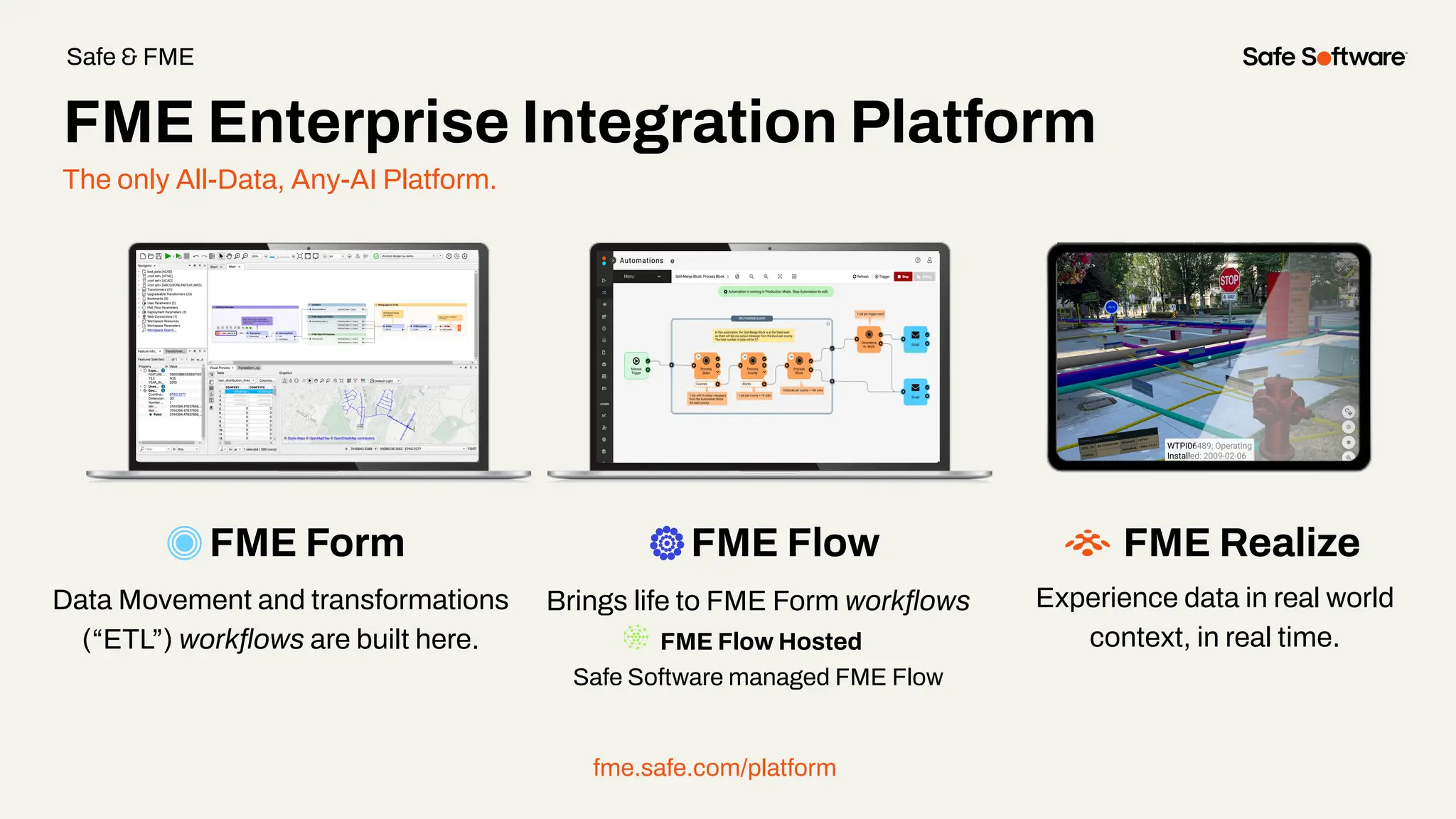
The only All-Data, Any-AI Platform.
FME Form FME Flow
Data Movement and transformations
(“ETL”) workflows are built here.
Brings life to FME Form workflows
FME Flow Hosted
Safe Software managed FME Flow
fme.safe.com/platform
FME Enterprise Integration Platform
Safe & FME
FME Realize
Experience data in real world
context, in real time.
FME Hub
The central marketplace for extending FME.
● Official & Community Content: A mix of developer-built tools and community contributions.
● Always Up to Date: Hub-based content lets us push updates instantly, so you don’t need to upgrade FME just to stay
connected.
● Trusted & Reliable: The official publisher contains, developer-built components are tested, maintained, and ready for
production use.
FME Hub ensures you always have access to the latest integrations and capabilities without extra effort.
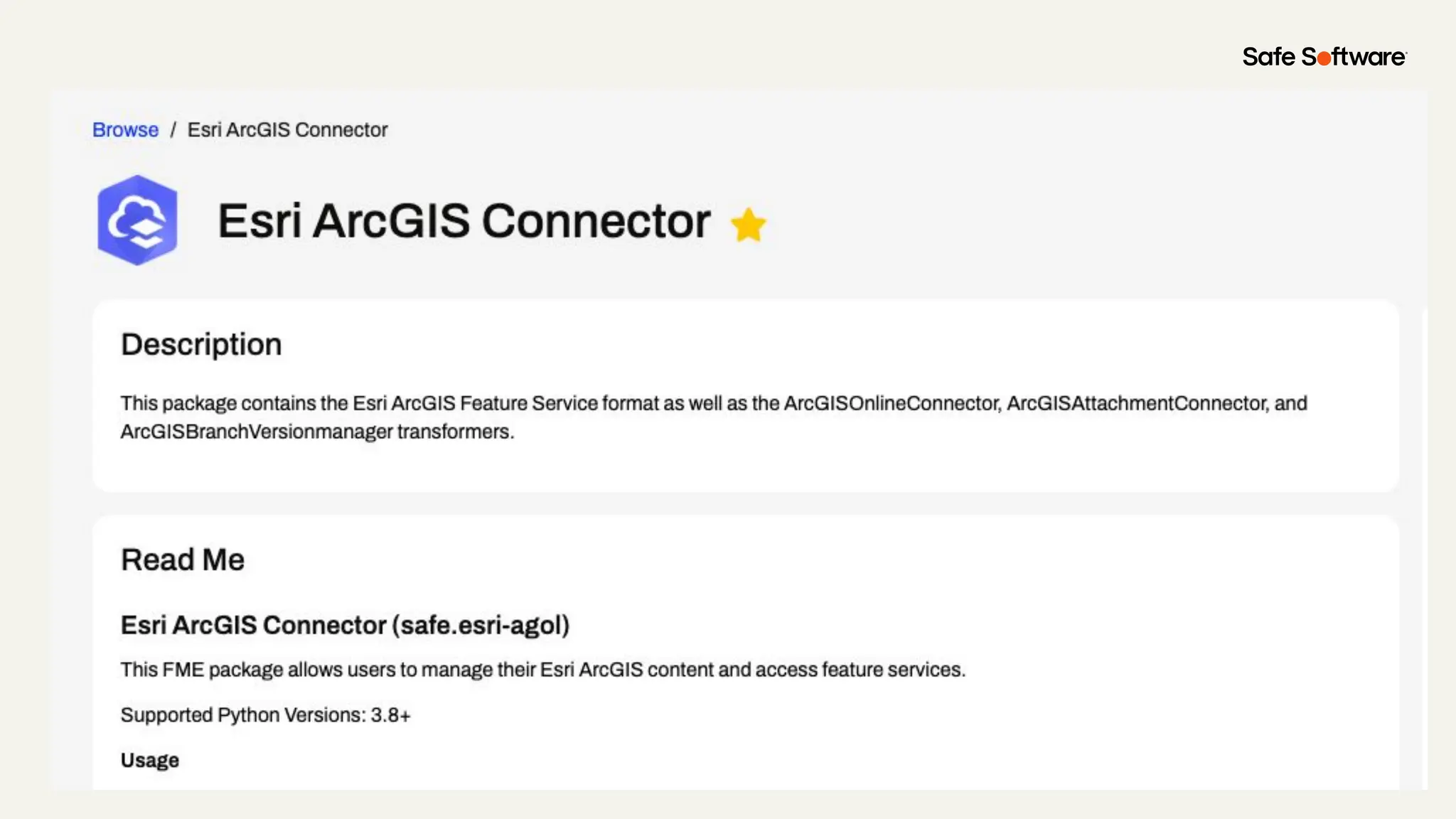
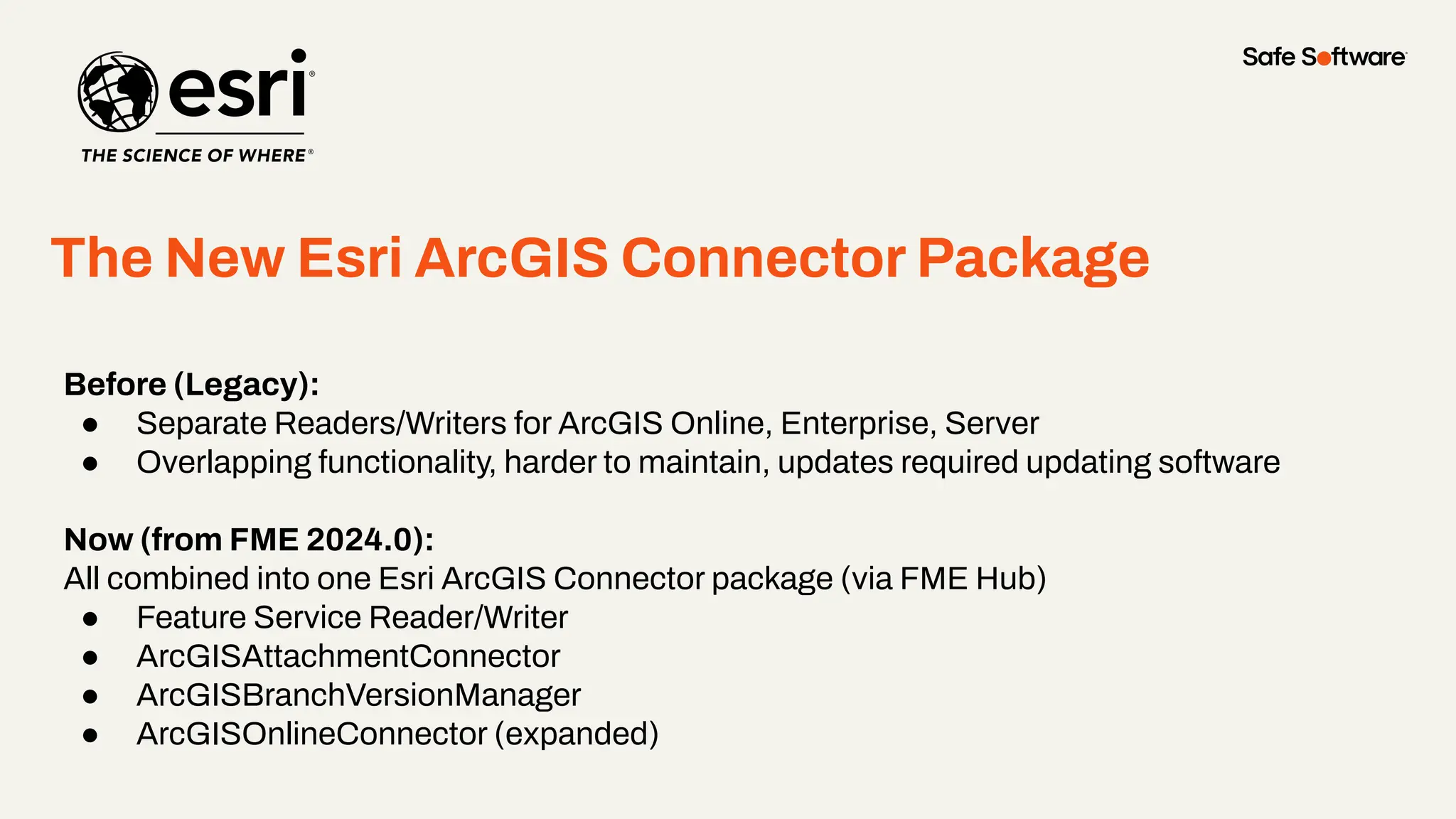
The New Esri ArcGIS Connector Package
●
Before (Legacy):
● Separate Readers/Writers for ArcGIS Online, Enterprise, Server
● Overlapping functionality, harder to maintain, updates required updating software
Now (from FME 2024.0):
All combined into one Esri ArcGIS Connector package (via FME Hub)
● Feature Service Reader/Writer
● ArcGISAttachmentConnector
● ArcGISBranchVersionManager
● ArcGISOnlineConnector (expanded)
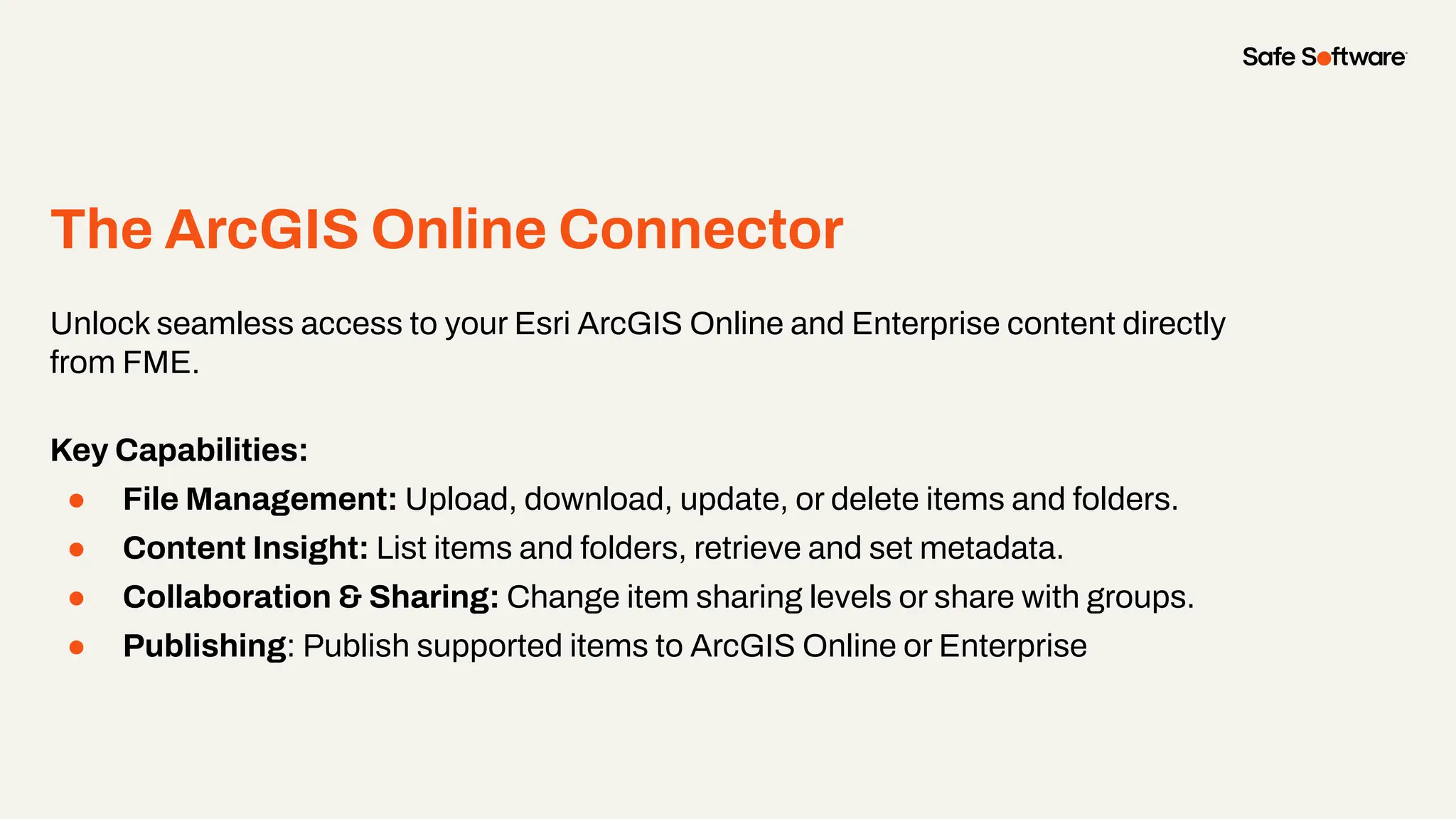
The ArcGIS Online Connector
●
Unlock seamless access to your Esri ArcGIS Online and Enterprise content directly
from FME.
Key Capabilities:
● File Management: Upload, download, update, or delete items and folders.
● Content Insight: List items and folders, retrieve and set metadata.
● Collaboration & Sharing: Change item sharing levels or share with groups.
● Publishing: Publish supported items to ArcGIS Online or Enterprise
Chat storm!
ArcGISOnlineConnector: Action Items
What else do you want?
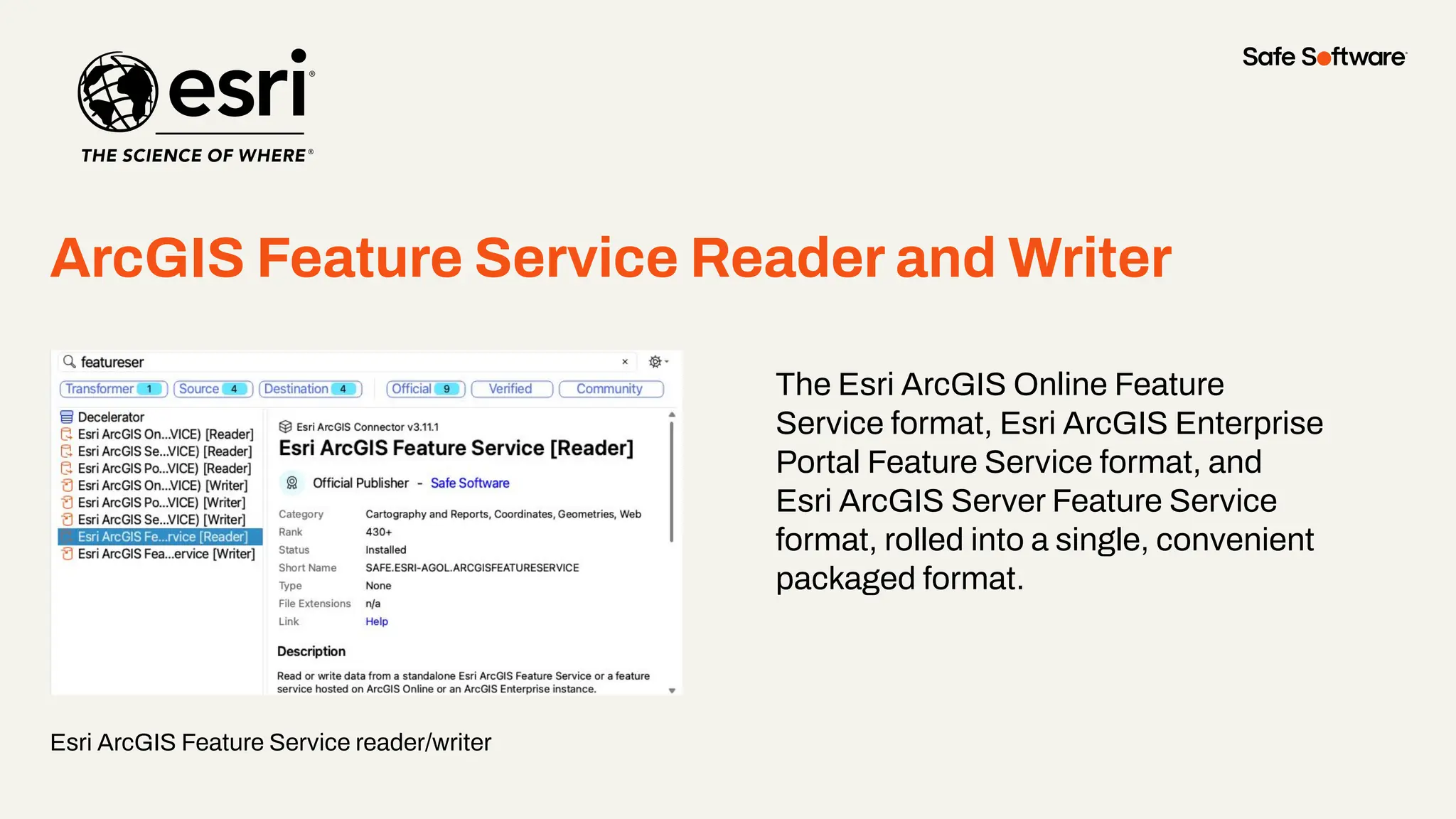
ArcGIS Feature Service Reader and Writer
Esri ArcGIS Feature Service reader/writer
●
The Esri ArcGIS Online Feature
Service format, Esri ArcGIS Enterprise
Portal Feature Service format, and
Esri ArcGIS Server Feature Service
format, rolled into a single, convenient
packaged format.
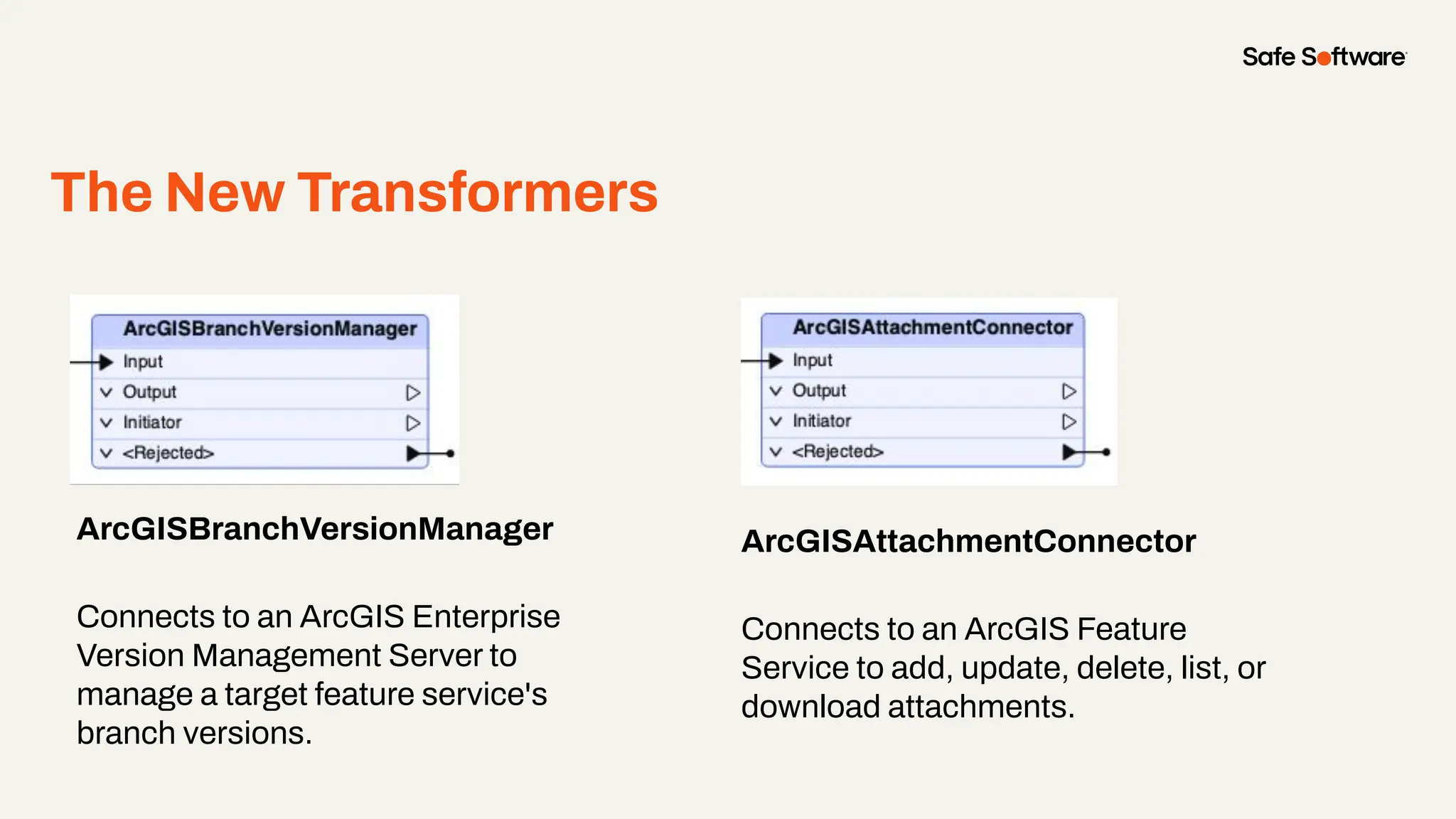
The New Transformers
ArcGISBranchVersionManager
Connects to an ArcGIS Enterprise
Version Management Server to
manage a target feature service's
branch versions.
●
ArcGISAttachmentConnector
Connects to an ArcGIS Feature
Service to add, update, delete, list, or
download attachments.
Breaking Change Ahead!
● Upgrading from the older Esri ArcGIS Online
Connector to the new Esri ArcGIS Connector
package introduces a breaking change
● Existing web connections from the old
connector will not work with the new version
● Users must create new web connections with
the updated web services
For full details and step-by-step instructions, see
the article: Working with Esri ArcGIS Feature
Services in FME
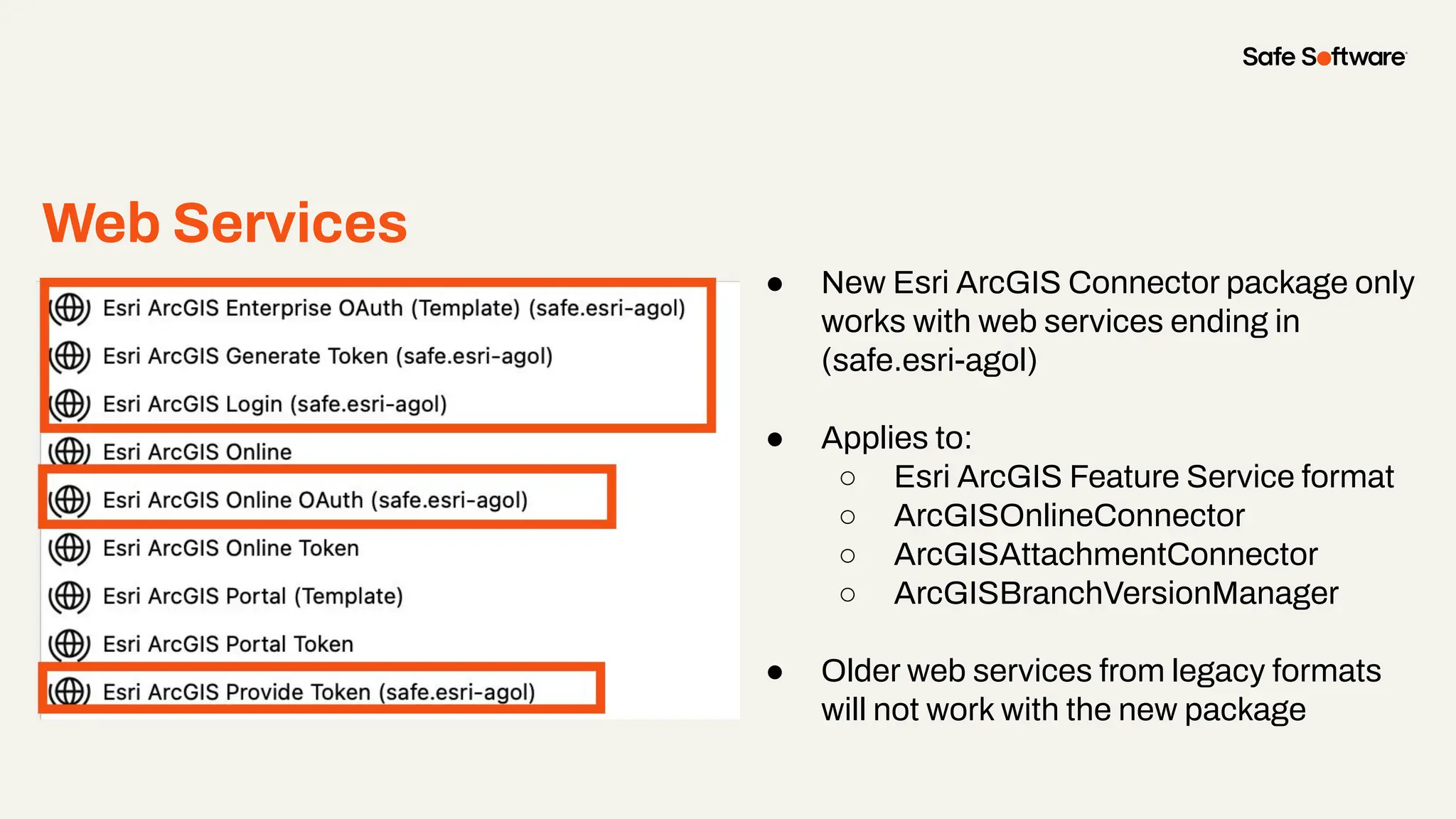
Web Services
● New Esri ArcGIS Connector package only
works with web services ending in
(safe.esri-agol)
● Applies to:
○ Esri ArcGIS Feature Service format
○ ArcGISOnlineConnector
○ ArcGISAttachmentConnector
○ ArcGISBranchVersionManager
● Older web services from legacy formats
will not work with the new package
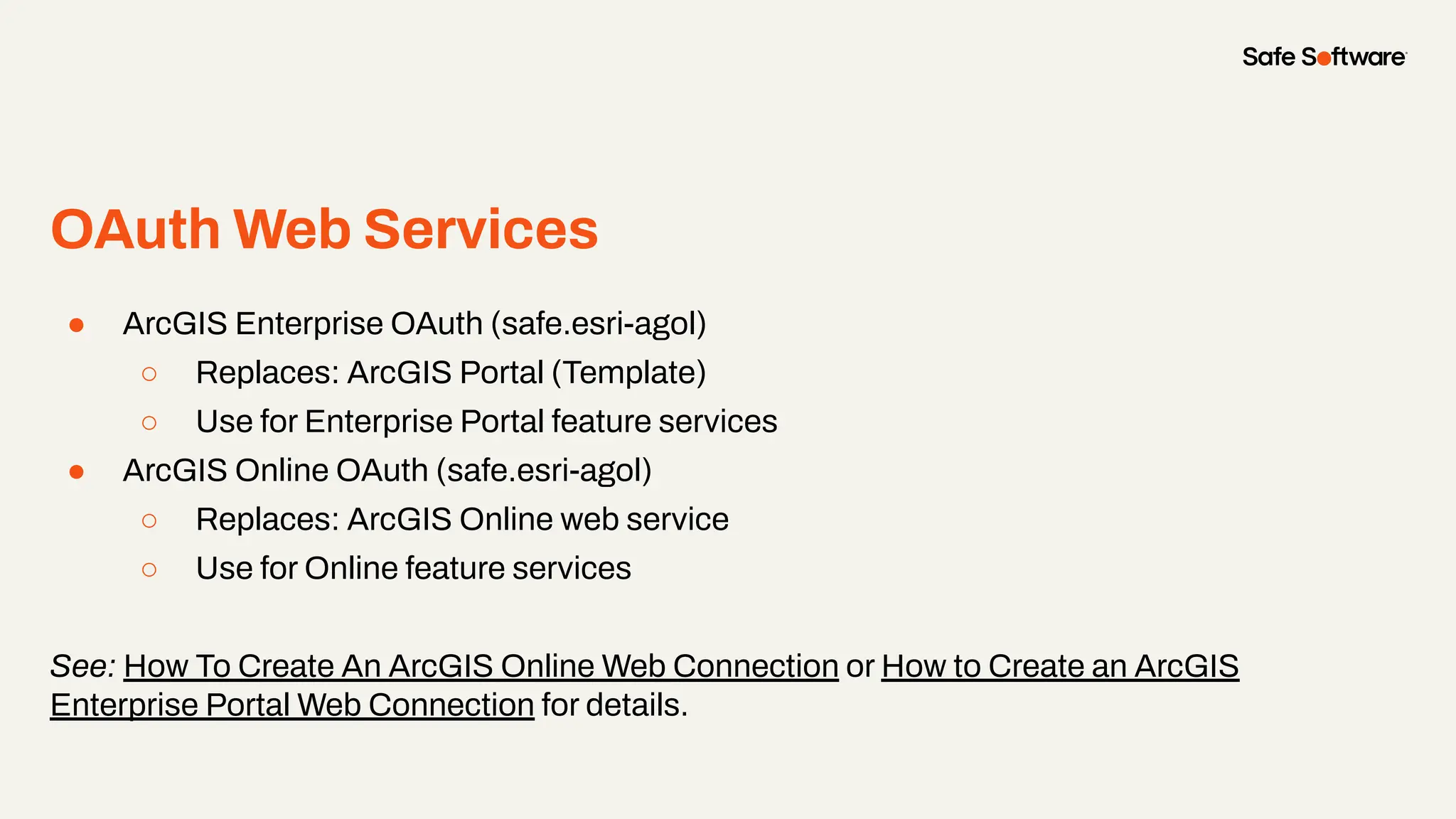
OAuth Web Services
●
● ArcGIS Enterprise OAuth (safe.esri-agol)
○ Replaces: ArcGIS Portal (Template)
○ Use for Enterprise Portal feature services
● ArcGIS Online OAuth (safe.esri-agol)
○ Replaces: ArcGIS Online web service
○ Use for Online feature services
See: How To Create An ArcGIS Online Web Connection or How to Create an ArcGIS
Enterprise Portal Web Connection for details.
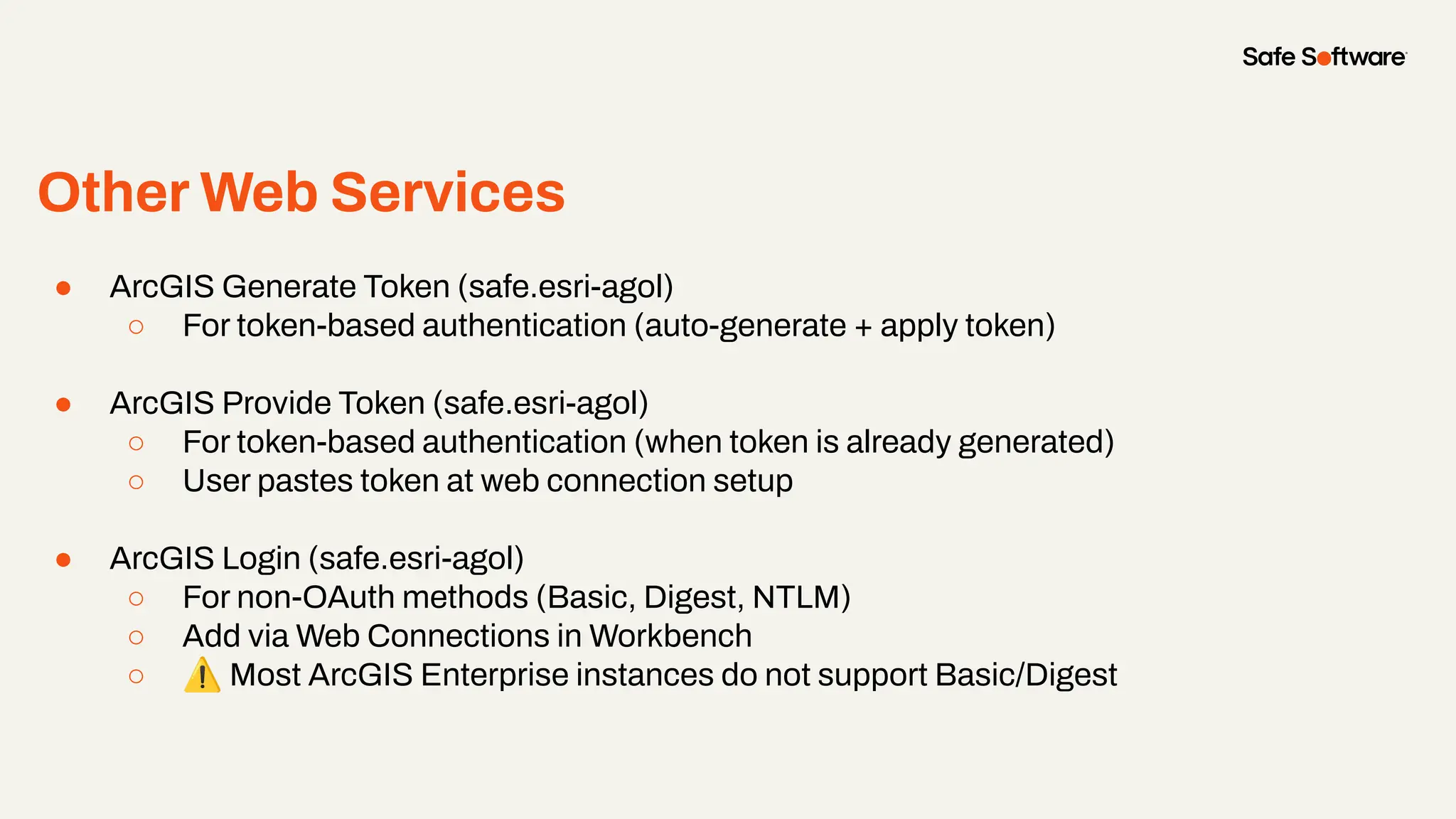
Other Web Services
●
● ArcGIS Generate Token (safe.esri-agol)
○ For token-based authentication (auto-generate + apply token)
● ArcGIS Provide Token (safe.esri-agol)
○ For token-based authentication (when token is already generated)
○ User pastes token at web connection setup
● ArcGIS Login (safe.esri-agol)
○ For non-OAuth methods (Basic, Digest, NTLM)
○ Add via Web Connections in Workbench
○ ⚠ Most ArcGIS Enterprise instances do not support Basic/Digest
2
Feature Service
& Metadata
Maintenance
Feature
Service &
Metadata
Maintenance
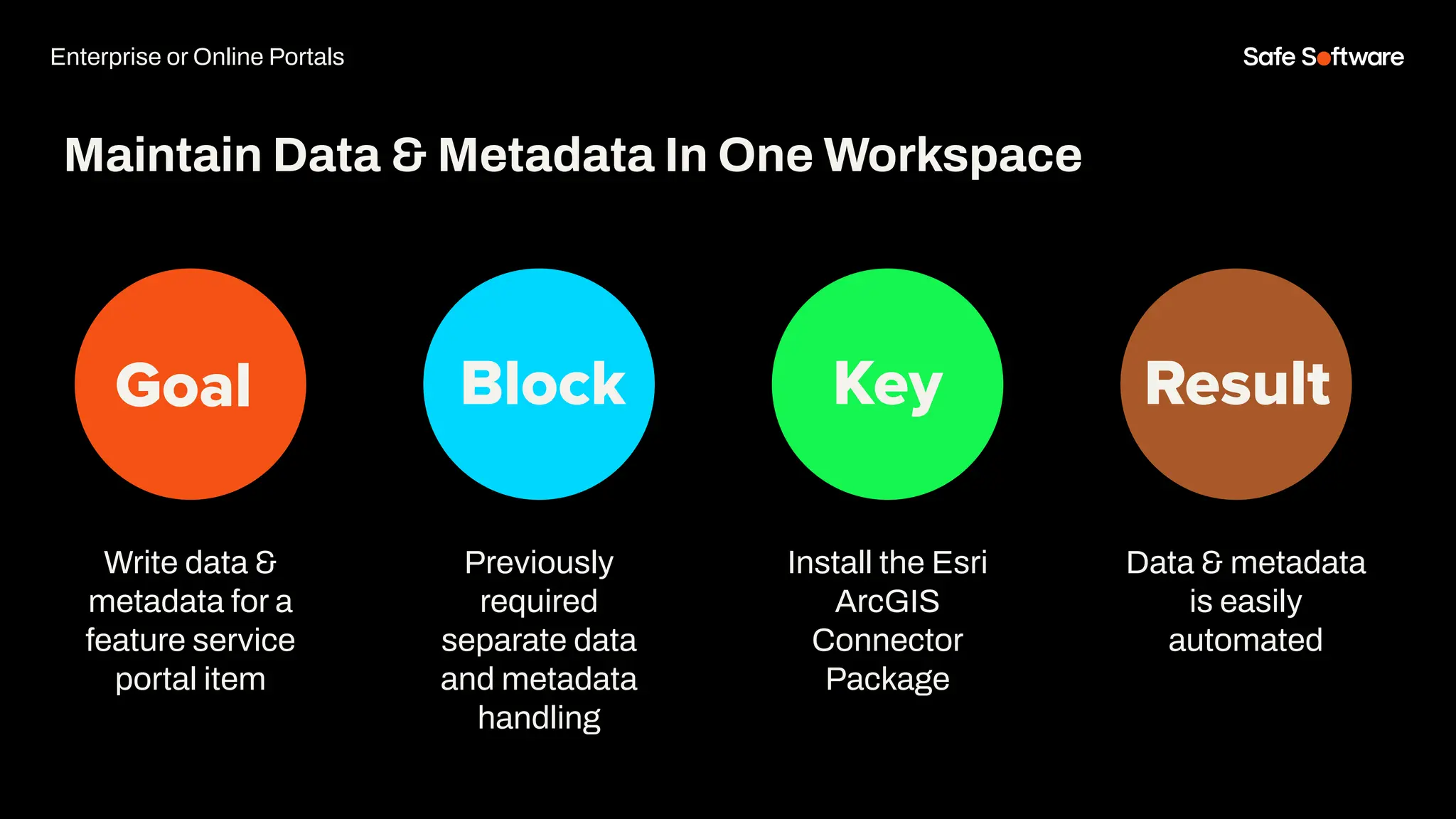
Goal Block Key Result
Write data &
metadata for a
feature service
portal item
Maintain Data & Metadata In One Workspace
Previously
required
separate data
and metadata
handling
Install the Esri
ArcGIS
Connector
Package
Data & metadata
is easily
automated
Enterprise or Online Portals
Demo
3
Attachments
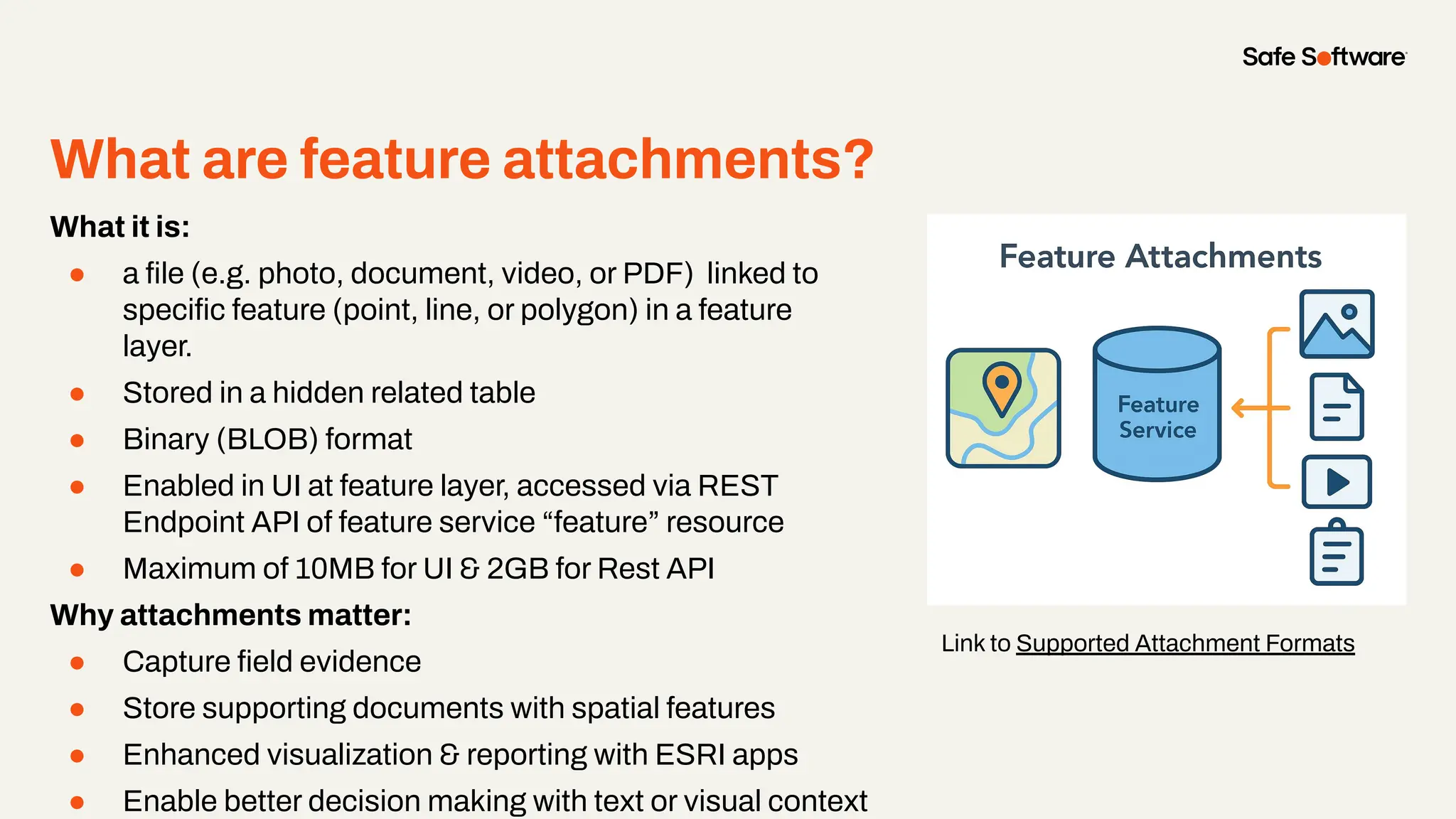
What are feature attachments?
●
What it is:
● a file (e.g. photo, document, video, or PDF) linked to
specific feature (point, line, or polygon) in a feature
layer.
● Stored in a hidden related table
● Binary (BLOB) format
● Enabled in UI at feature layer, accessed via REST
Endpoint API of feature service “feature” resource
● Maximum of 10MB for UI & 2GB for Rest API
Why attachments matter:
● Capture field evidence
● Store supporting documents with spatial features
● Enhanced visualization & reporting with ESRI apps
● Enable better decision making with text or visual context
Link to Supported Attachment Formats
Slide Title
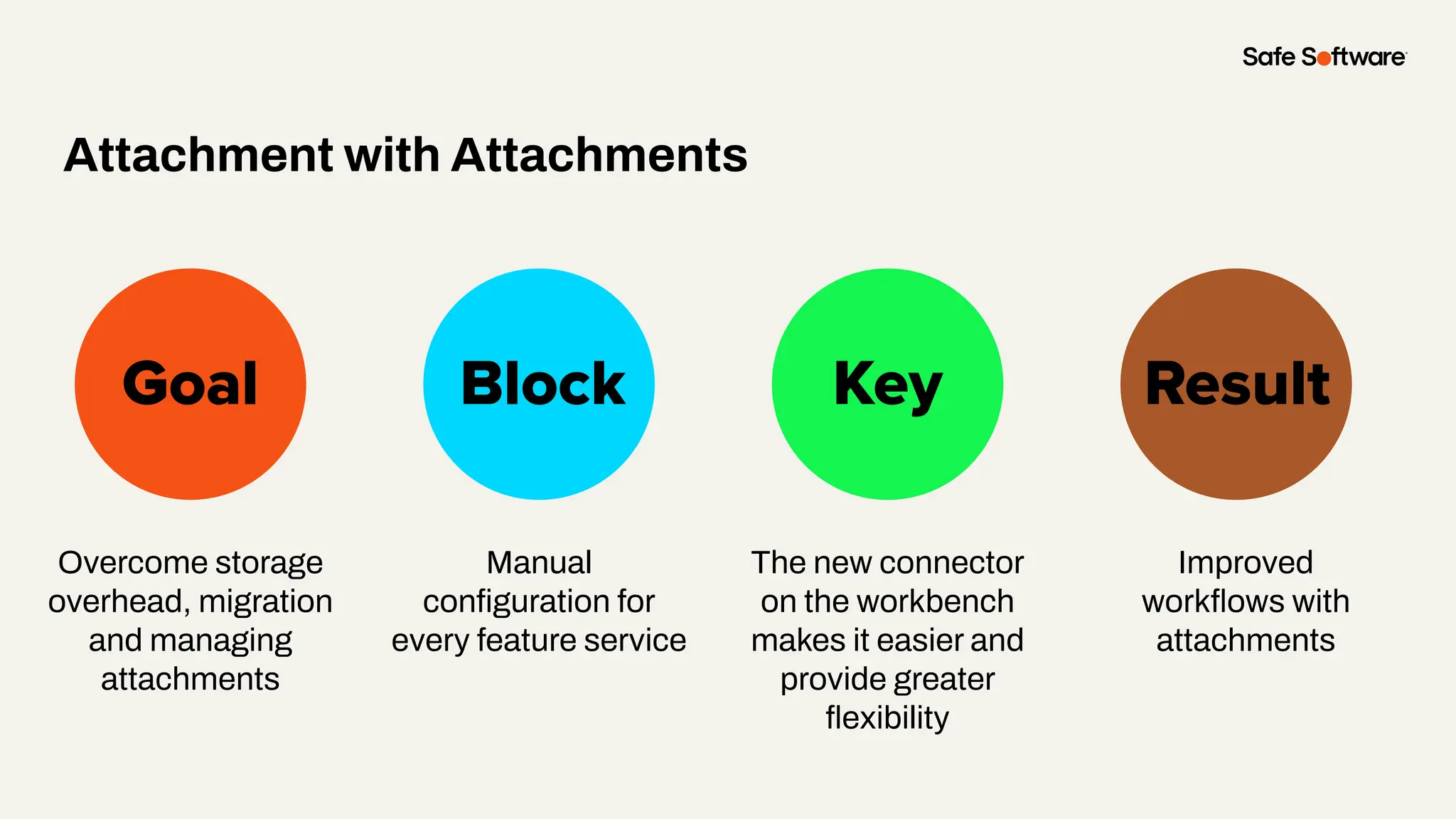
Overcome storage
overhead, migration
and managing
attachments
Goal Block Key
Attachment with Attachments
Result
Manual
configuration for
every feature service
The new connector
on the workbench
makes it easier and
provide greater
flexibility
Improved
workflows with
attachments
Demo
● ArcGISAttachmentConnector help
build repeatable attachment
workflows
● Migration from portal to portal is
easier
● Repeatable solutions can be done
with use of a parameter, reusable
custom transformers and the new
ArcGISAttachmentConnector
transformer
Lesson Slide
4
Batch Creating
Items in portals
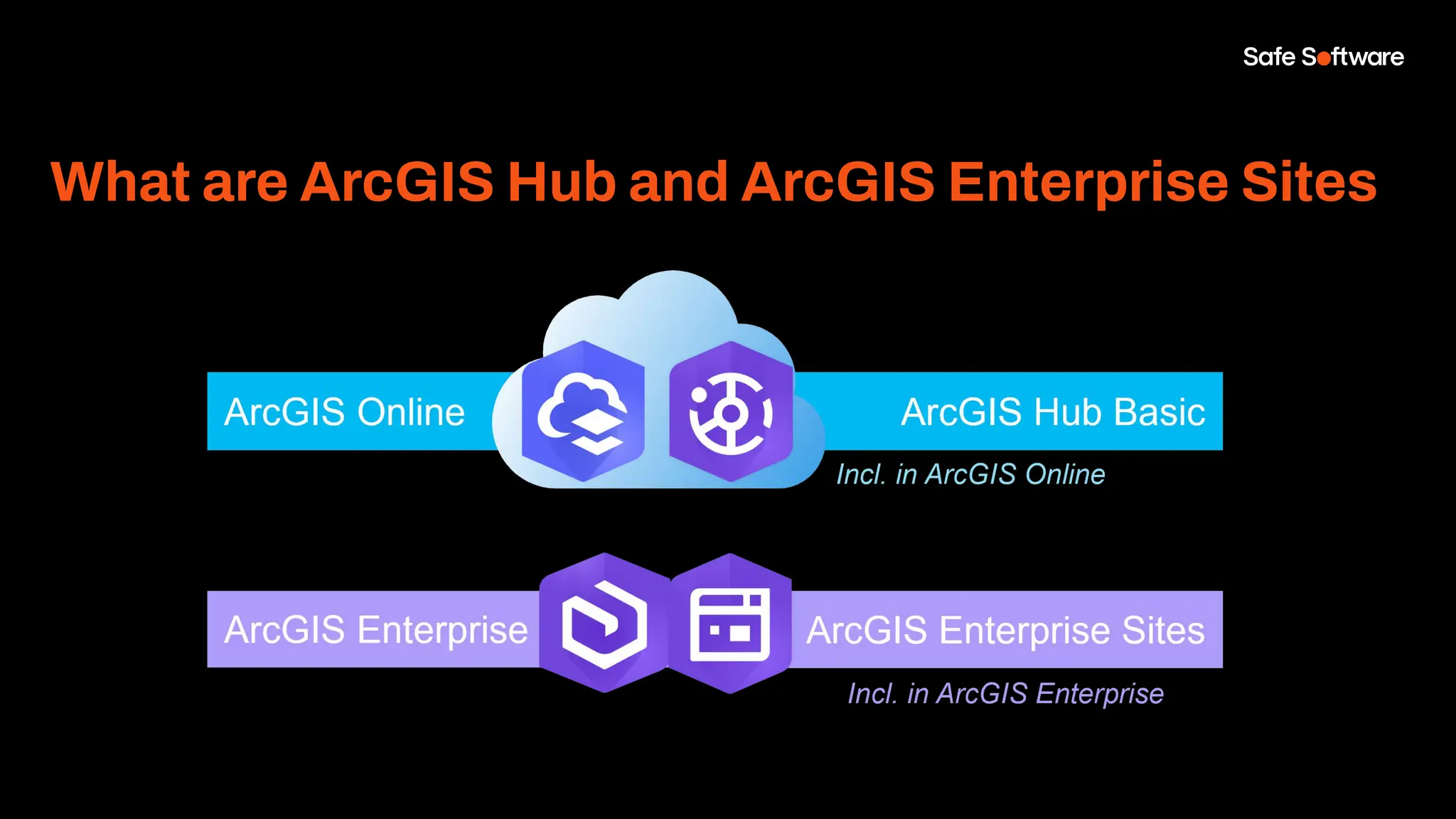
What are ArcGIS Hub and ArcGIS Enterprise Sites
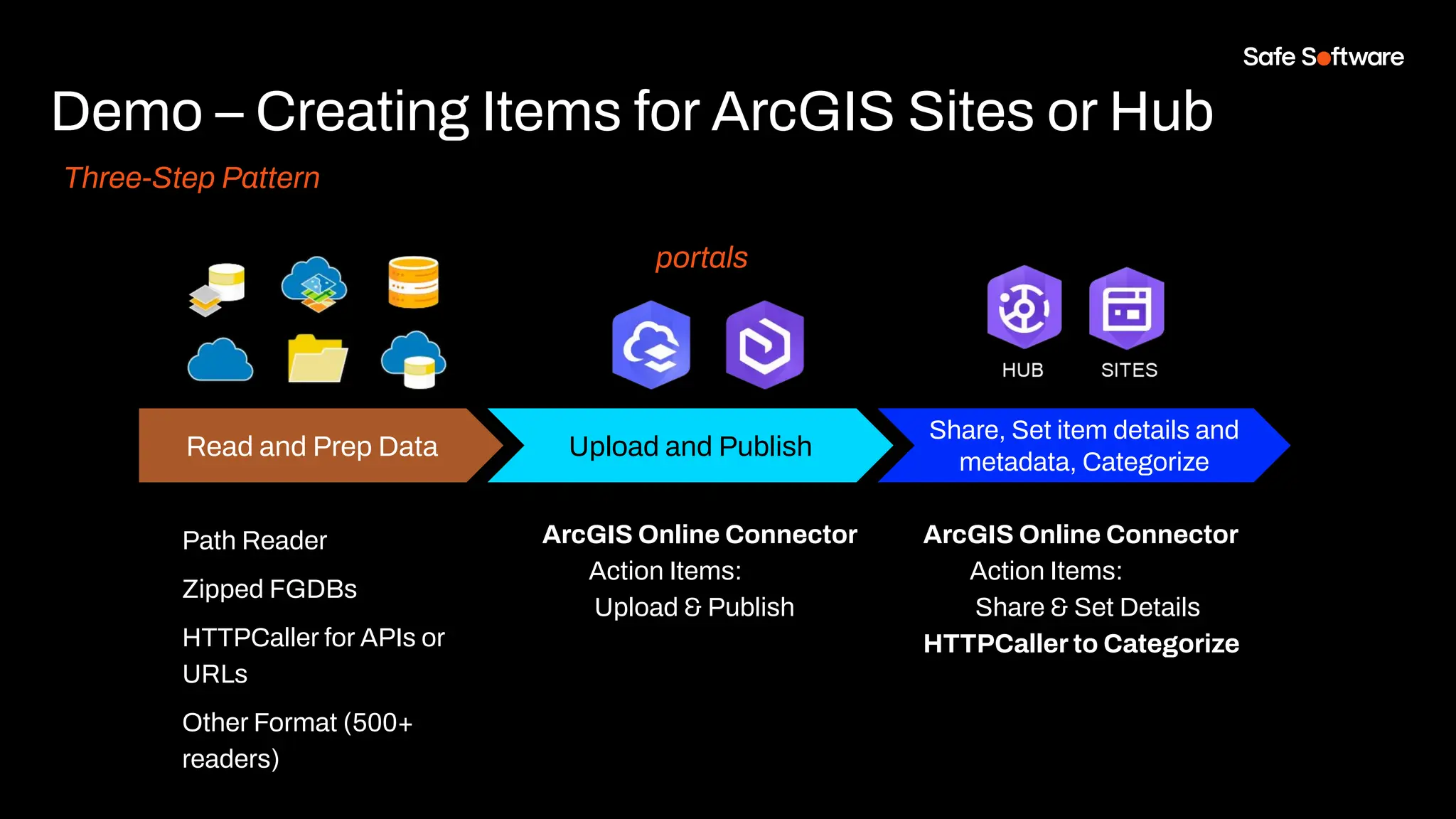
Demo – Creating Items for ArcGIS Sites or Hub
Three-Step Pattern
Share, Set item details and
metadata, Categorize
ArcGIS Online Connector
Action Items:
Share & Set Details
HTTPCaller to Categorize
Read and Prep Data
Path Reader
Zipped FGDBs
HTTPCaller for APIs or
URLs
Other Format (500+
readers)
Upload and Publish
ArcGIS Online Connector
Action Items:
Upload & Publish
portals
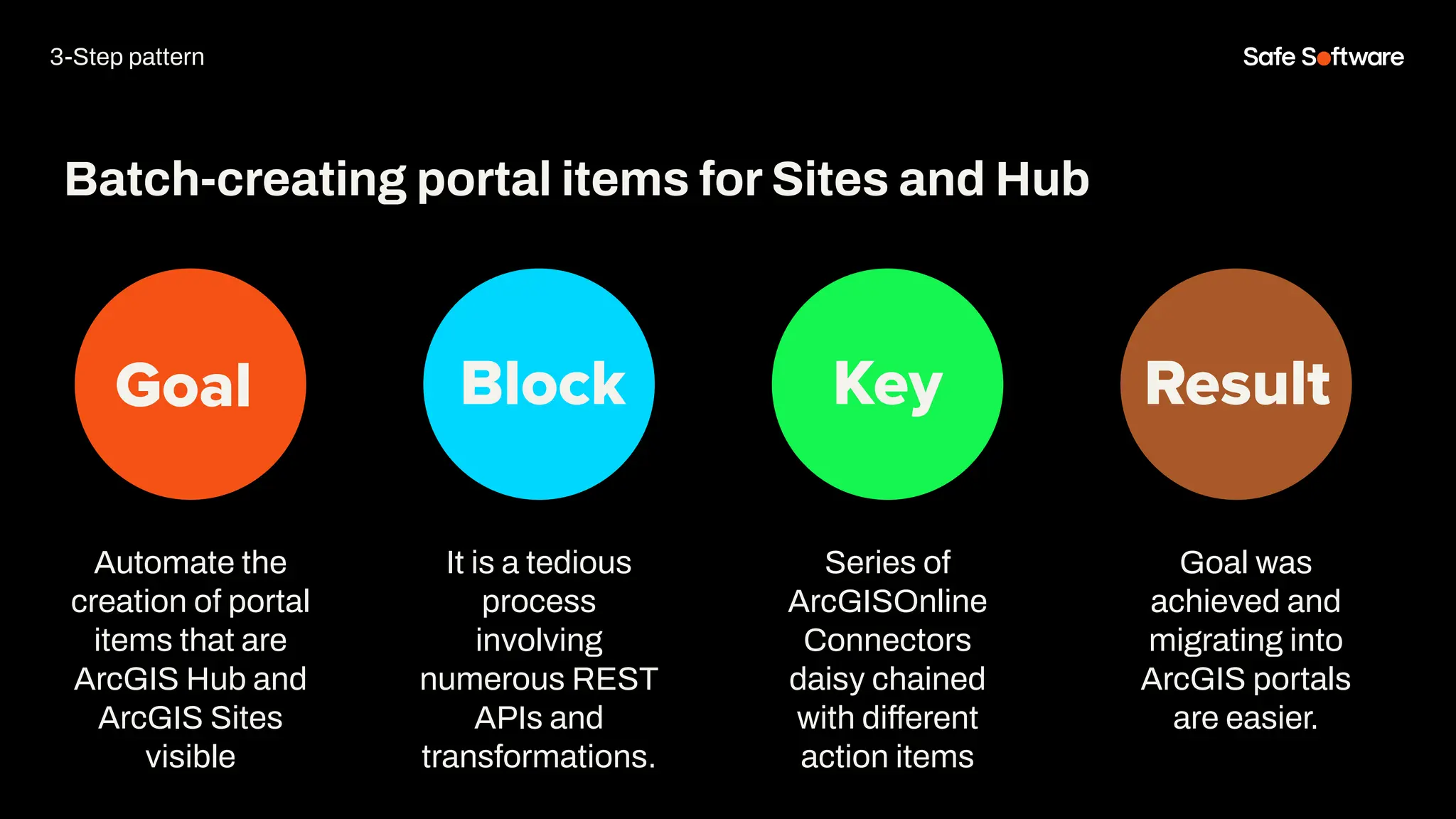
Goal Block Key Result
Automate the
creation of portal
items that are
ArcGIS Hub and
ArcGIS Sites
visible
Batch-creating portal items for Sites and Hub
It is a tedious
process
involving
numerous REST
APIs and
transformations.
Series of
ArcGISOnline
Connectors
daisy chained
with different
action items
Goal was
achieved and
migrating into
ArcGIS portals
are easier.
3-Step pattern
Demo
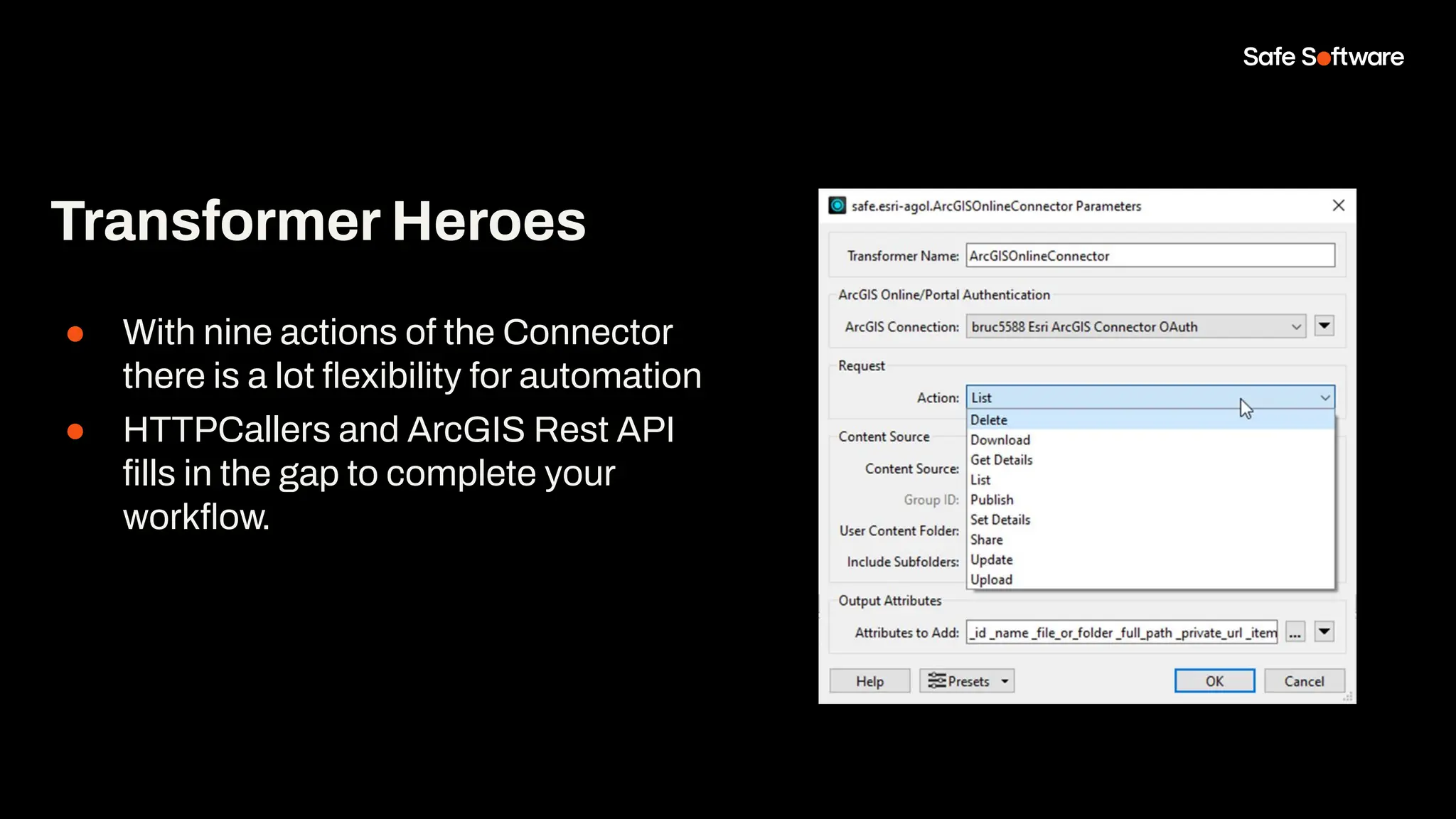
● With nine actions of the Connector
there is a lot flexibility for automation
● HTTPCallers and ArcGIS Rest API
fills in the gap to complete your
workflow.
Transformer Heroes
5
Branch
Versioning
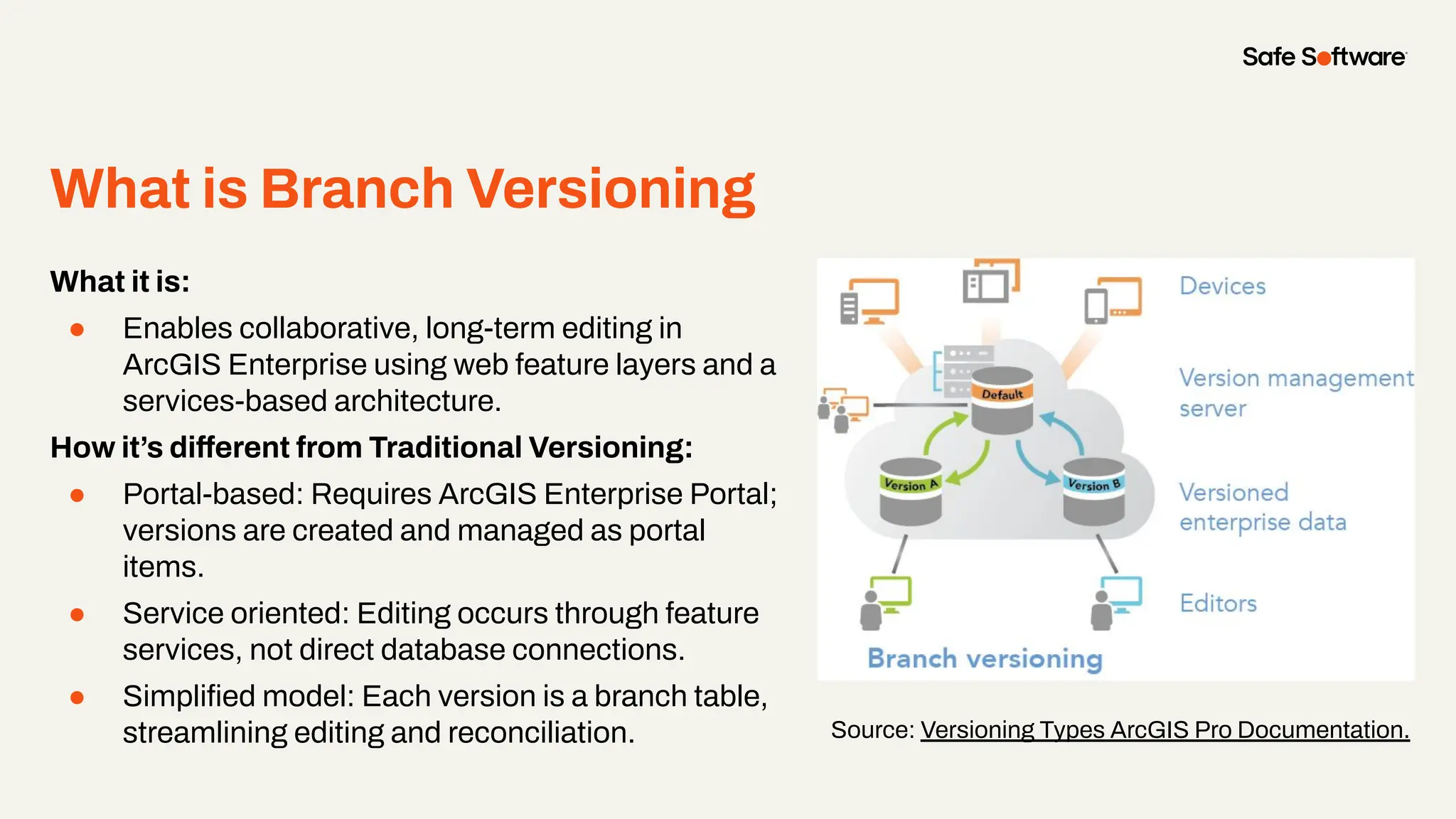
What is Branch Versioning
●
What it is:
● Enables collaborative, long-term editing in
ArcGIS Enterprise using web feature layers and a
services-based architecture.
How it’s different from Traditional Versioning:
● Portal-based: Requires ArcGIS Enterprise Portal;
versions are created and managed as portal
items.
● Service oriented: Editing occurs through feature
services, not direct database connections.
● Simplified model: Each version is a branch table,
streamlining editing and reconciliation. Source: Versioning Types ArcGIS Pro Documentation.
Geodatabase Requirements For
Branch Versioning
●
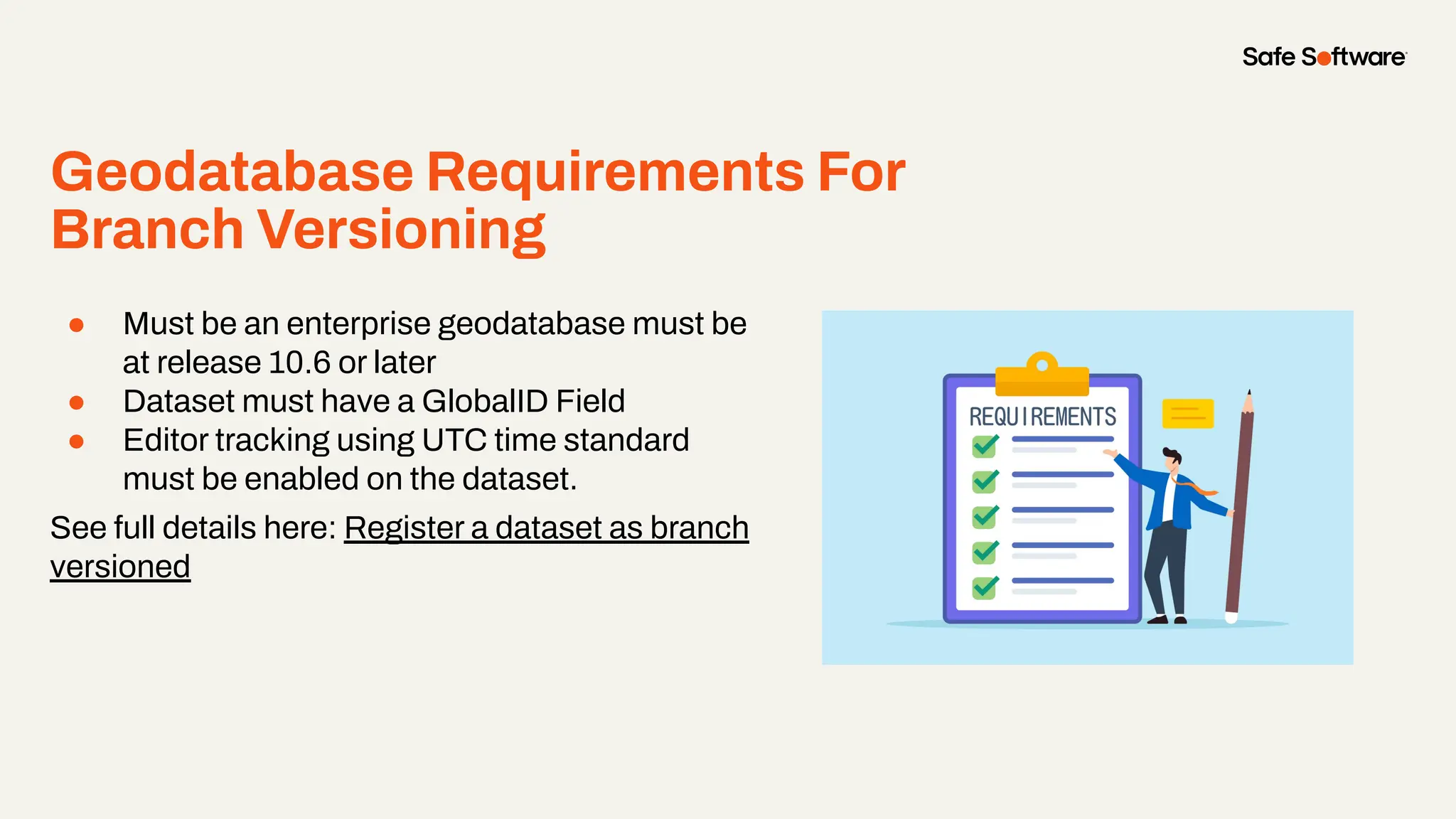
● Must be an enterprise geodatabase must be
at release 10.6 or later
● Dataset must have a GlobalID Field
● Editor tracking using UTC time standard
must be enabled on the dataset.
See full details here: Register a dataset as branch
versioned
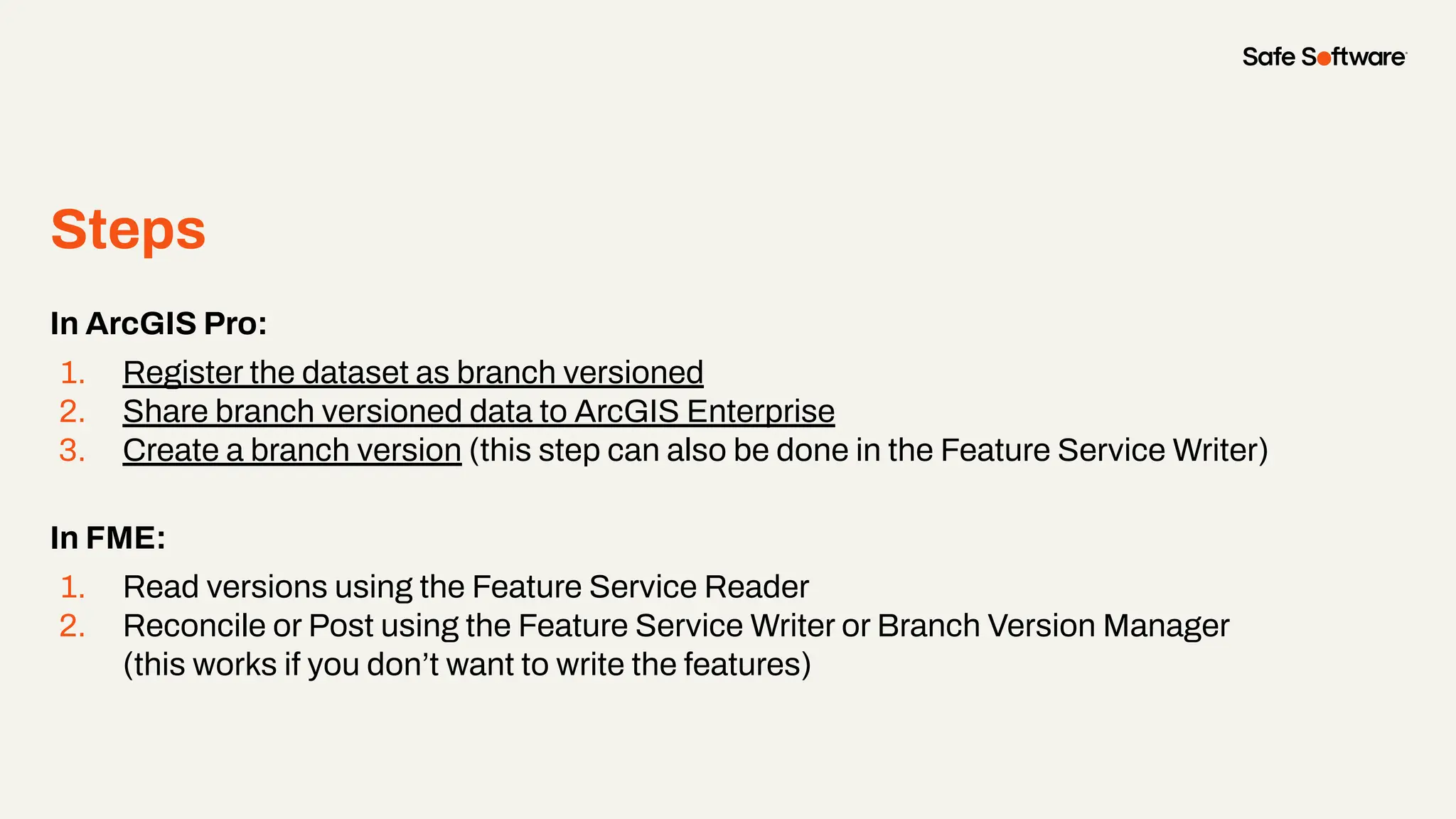
Steps
●
In ArcGIS Pro:
1. Register the dataset as branch versioned
2. Share branch versioned data to ArcGIS Enterprise
3. Create a branch version (this step can also be done in the Feature Service Writer)
In FME:
1. Read versions using the Feature Service Reader
2. Reconcile or Post using the Feature Service Writer or Branch Version Manager
(this works if you don’t want to write the features)
● Interfaces with an ArcGIS Enterprise
Version Management Server to manage
branch versions of feature services.
● Enables three core actions:
○ List branch versions with metadata.
○ Reconcile branch versions with the
default version and detect conflicts.
○ Post branch edits back to the
default version, flagging any issues.
ArcGIS Branch Version
Manager
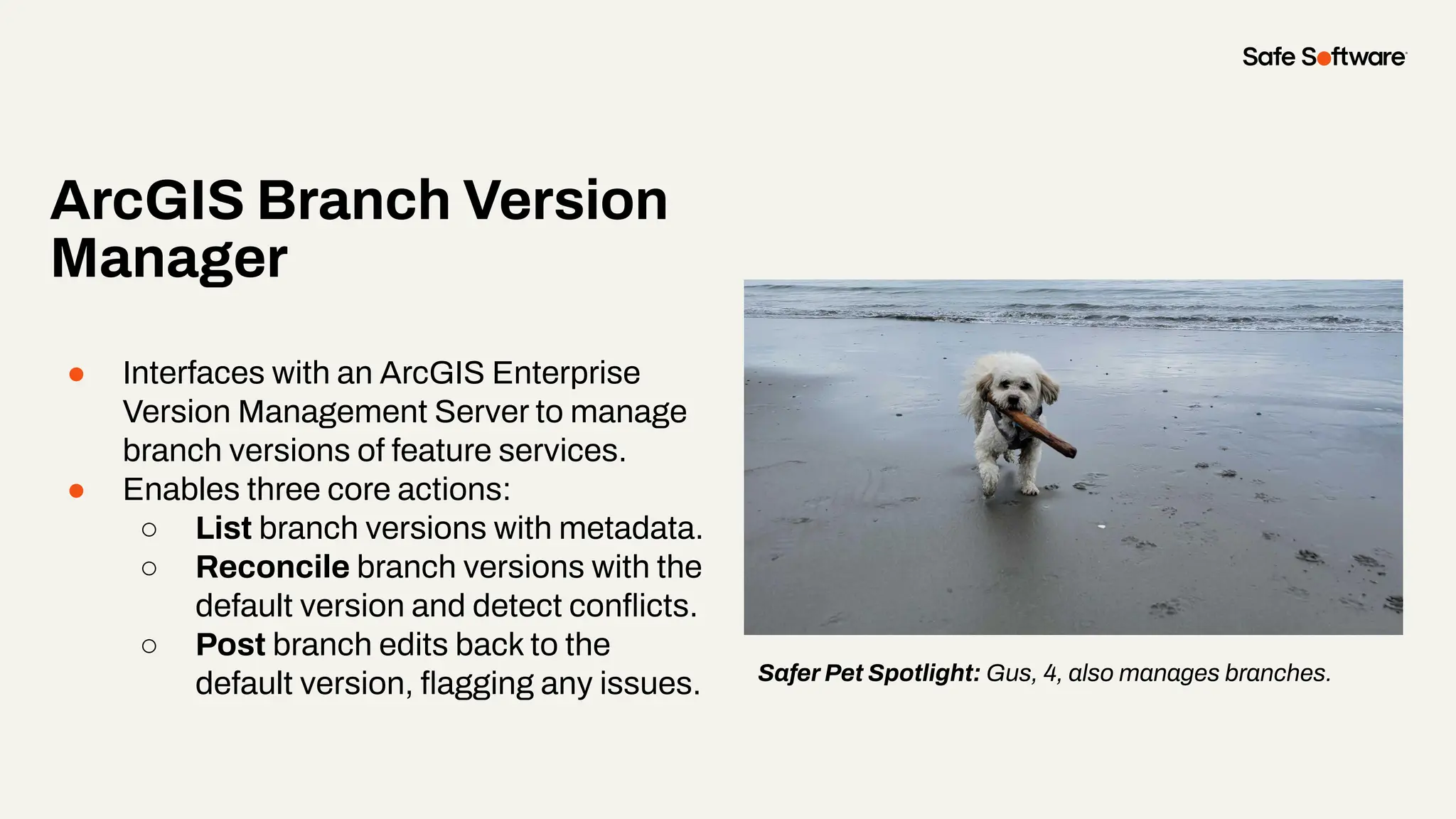
Safer Pet Spotlight: Gus, 4, also manages branches.
Slide Title
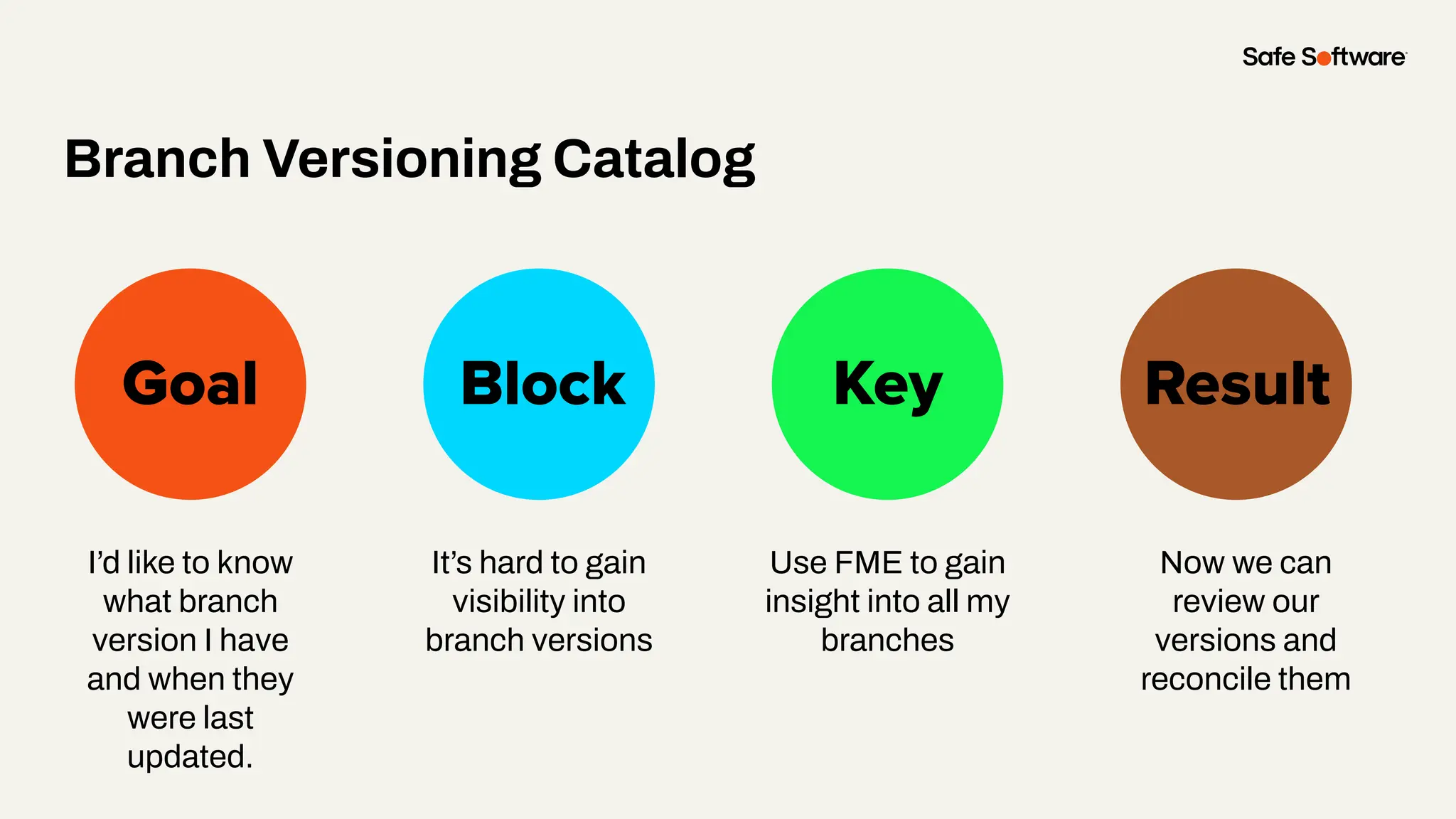
I’d like to know
what branch
version I have
and when they
were last
updated.
Goal Block Key
Branch Versioning Catalog
Result
It’s hard to gain
visibility into
branch versions
Use FME to gain
insight into all my
branches
Now we can
review our
versions and
reconcile them
Demo
● The branch version manager allows
users to manage versions outside a
write session
● The branch version manager can
allow users to gain insight into their
branches and resolve any conflicts
that exist.
Lesson learned!
6
Conclusion
Summary
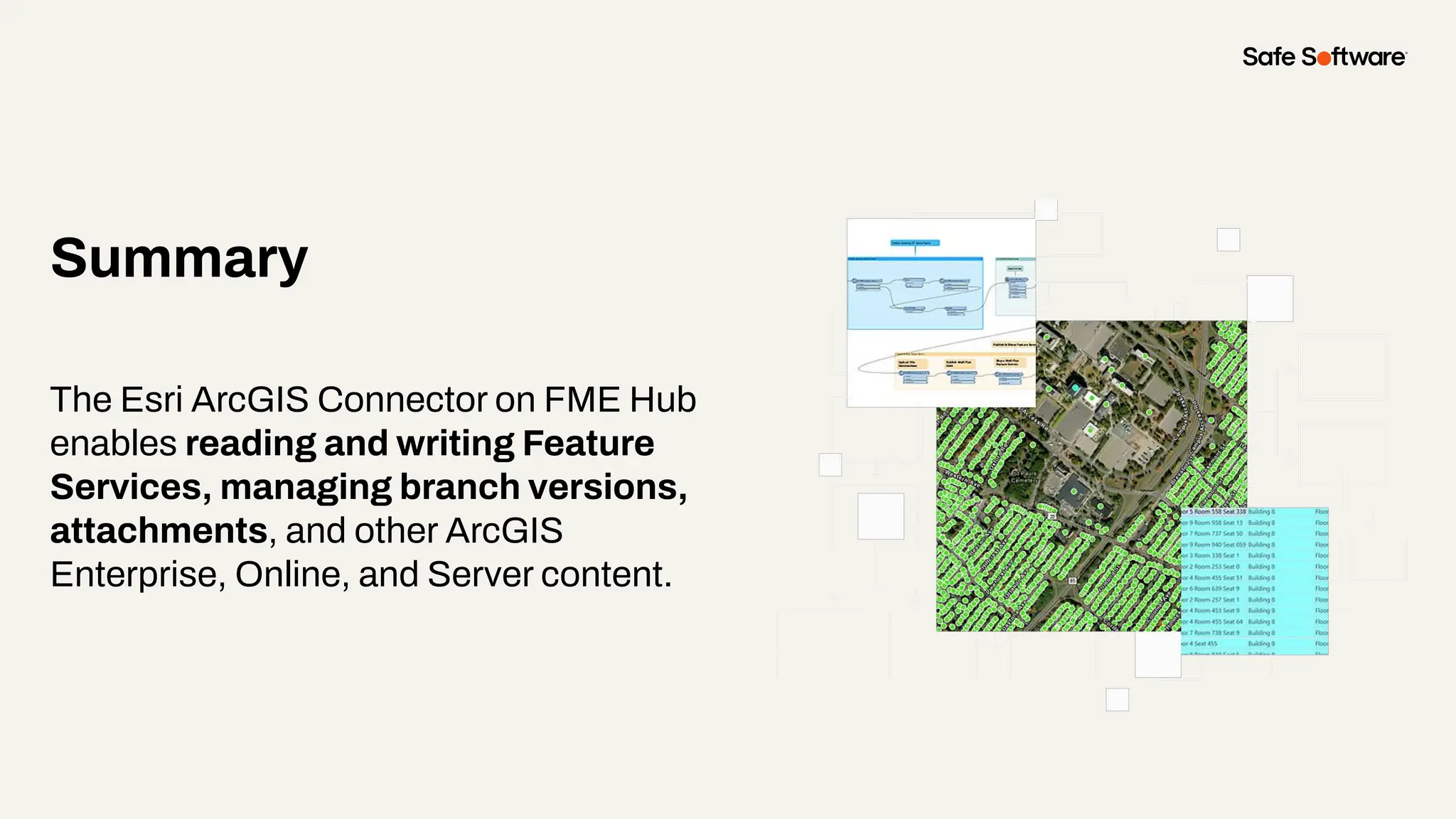
The Esri ArcGIS Connector on FME Hub
enables reading and writing Feature
Services, managing branch versions,
attachments, and other ArcGIS
Enterprise, Online, and Server content.
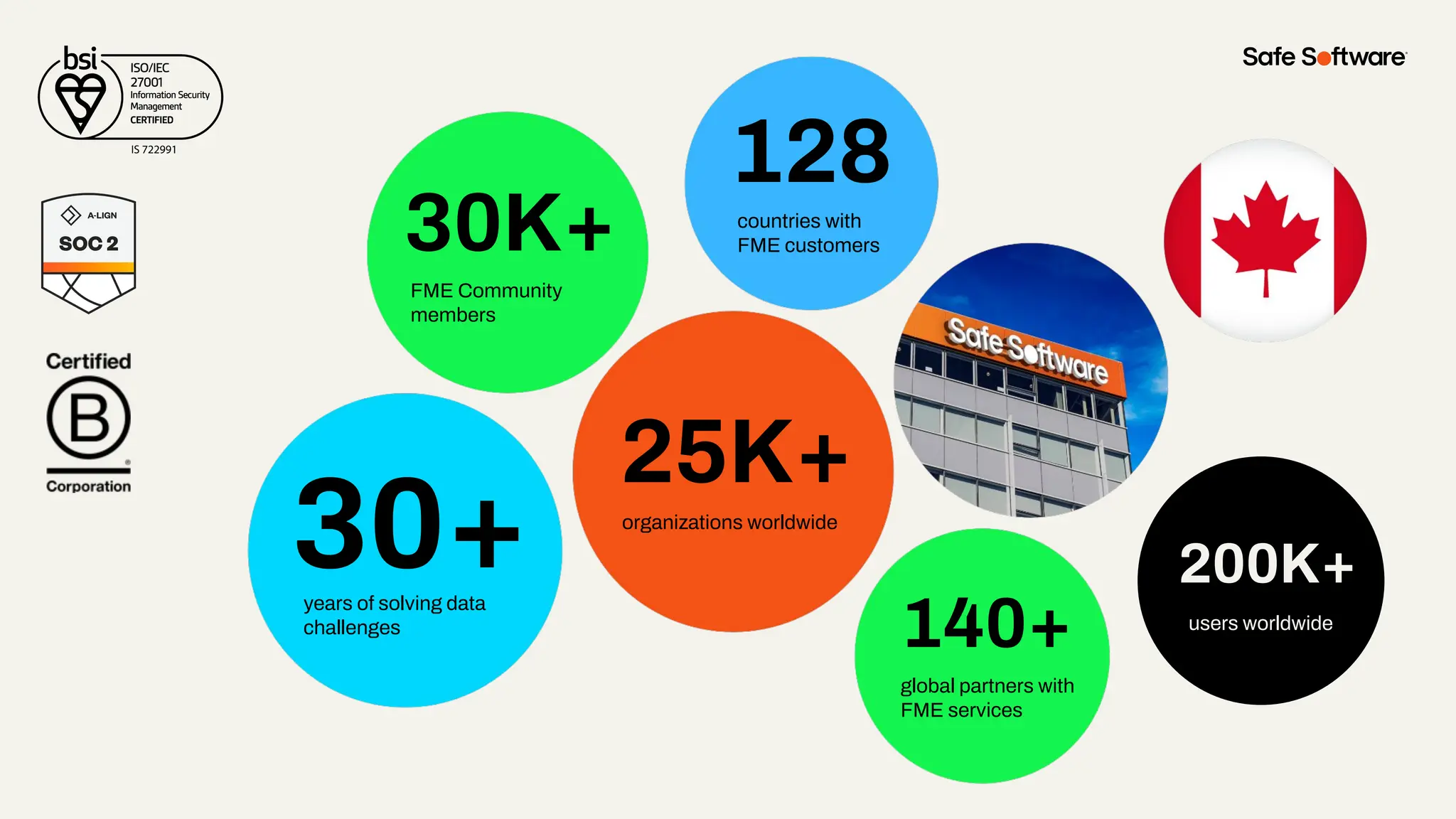
30+
30K+
128
140+
25K+
years of solving data
challenges
FME Community
members
countries with
FME customers
organizations worldwide
global partners with
FME services
200K+
users worldwide
200K+
users worldwide
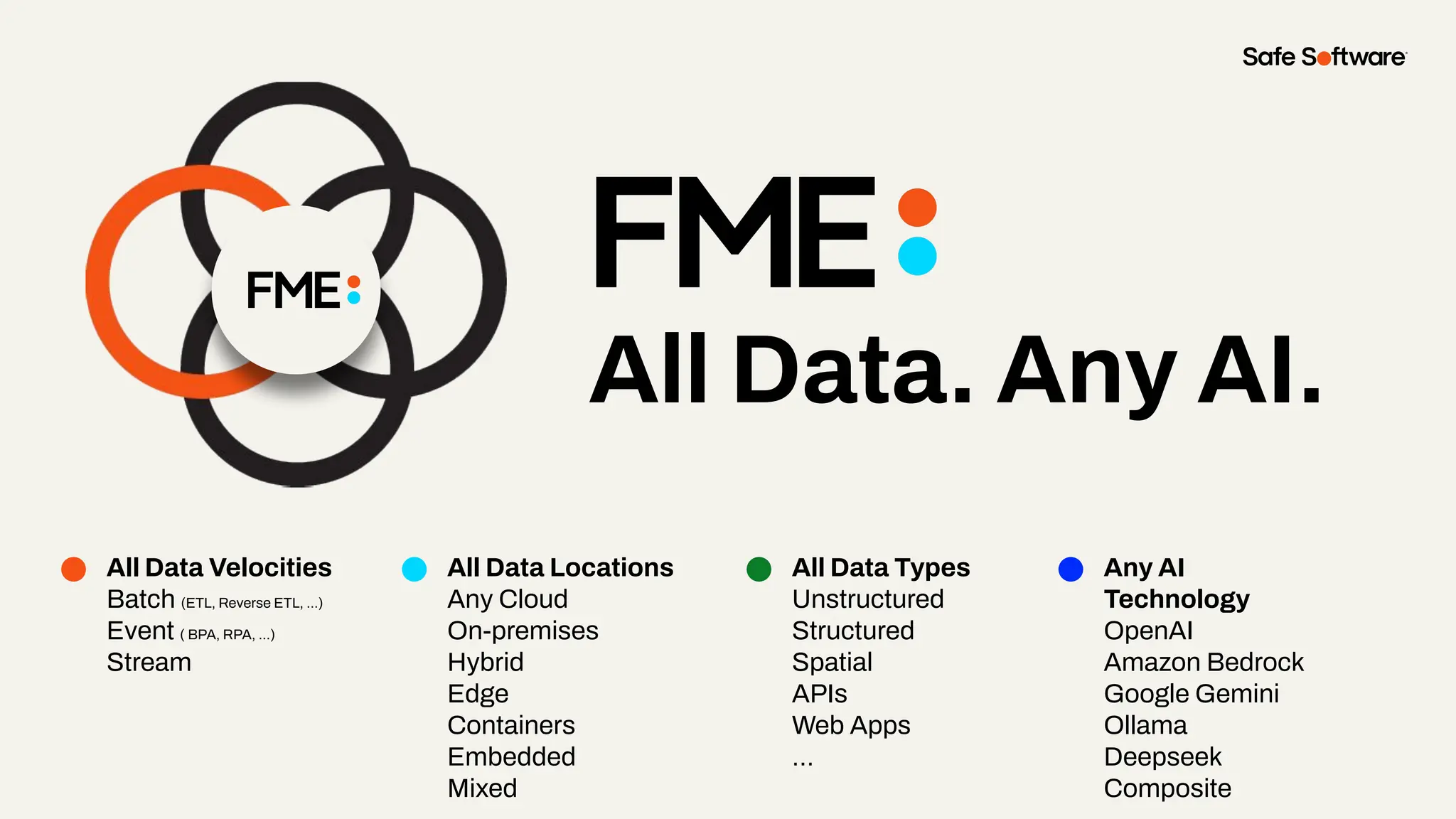
All Data. Any AI.
All Data Velocities
Batch (ETL, Reverse ETL, ...)
Event ( BPA, RPA, ...)
Stream
All Data Locations
Any Cloud
On-premises
Hybrid
Edge
Containers
Embedded
Mixed
All Data Types
Unstructured
Structured
Spatial
APIs
Web Apps
…
Any AI
Technology
OpenAI
Amazon Bedrock
Google Gemini
Ollama
Deepseek
Composite
7
Resources
Articles
● Working with Esri ArcGIS Feature
Services in FME
● How to Use the
ArcGISAttachmentConnector
● Managing ArcGIS Online Metadata
in FME
● Check out Bruce’s blogs!
● How does Data Interoperability relate
to FME?
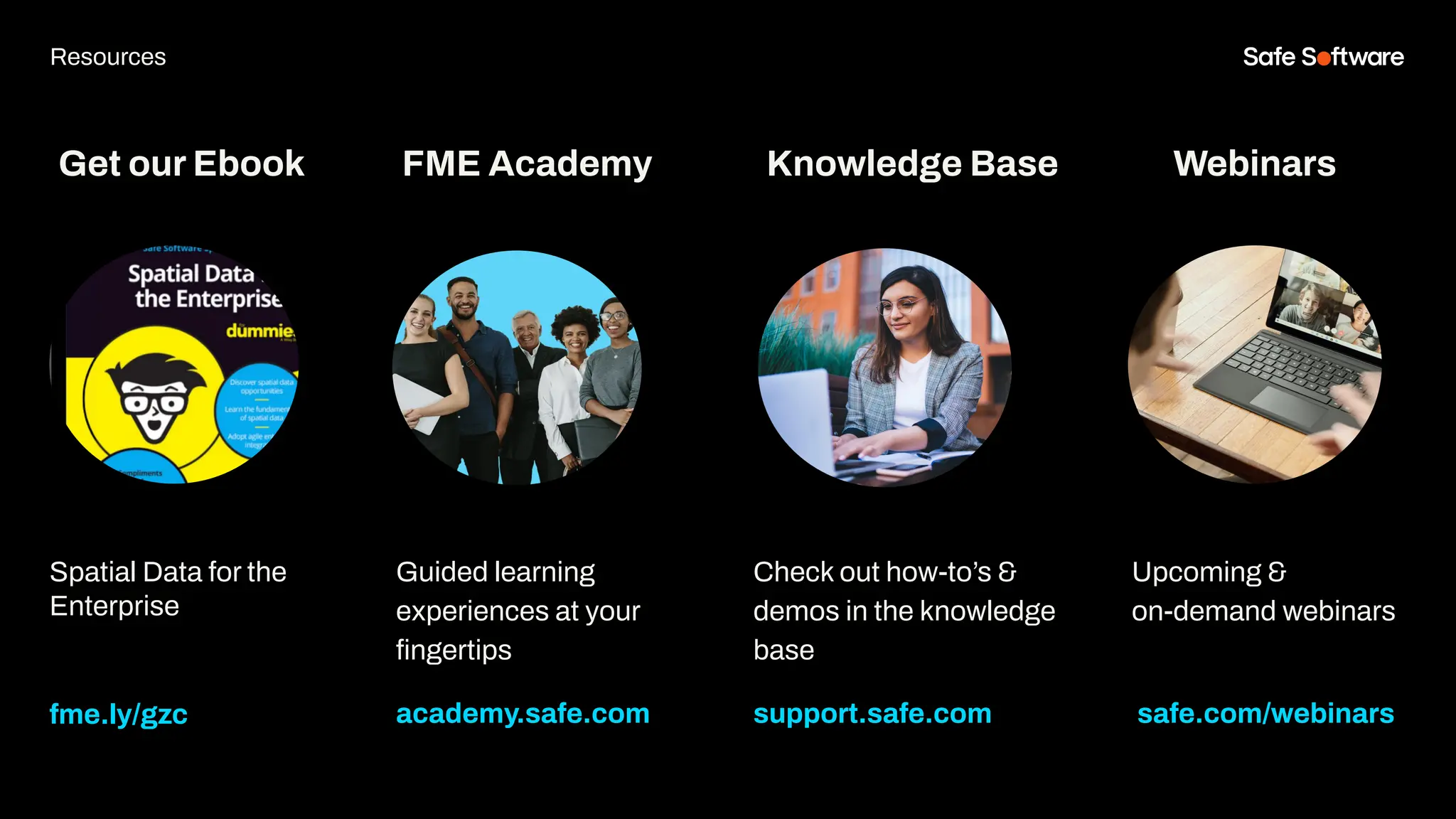
Get our Ebook
Spatial Data for the
Enterprise
fme.ly/gzc
Guided learning
experiences at your
fingertips
academy.safe.com
FME Academy
Resources
Check out how-to’s &
demos in the knowledge
base
support.safe.com
Knowledge Base Webinars
Upcoming &
on-demand webinars
safe.com/webinars
8
Next Steps
We’d love to help you get
started.
Get in touch with us at
info@safe.com
Experience the
FME Accelerator
Contact Us
A world where data is not just a
commodity but a catalyst for
real change.
fme.safe.com/accelerator
Next Steps
ClaimYour Community Badge &
Dive into the new Community!
● Get community badges for watching
webinars
● community.safe.com
● Today’s code: P8QBZY
Join the Community today!
Next Steps
9
Q&A
Thank you
Bruce Harold
Product Manager
Esri
Renato Salvaleon
Product Engineer
Esri
ThankYou
Recap of Next Steps
1 Follow us on LinkedIn!
2 Contact us
3 Experience the FME Accelerator
Please fill out our
webinar survey

Master the New ArcGIS Connector: Streamlined Data Management & Robust Metadata

  • 2.
    Sienna Emery Customer Solutions Safe Software Bruce Harold ProductManager Esri Renato Salvaleon Product Engineer Esri Meet the Presenters
  • 3.
    Welcome to Livestorm. Afew ways to engage with us during the webinar: Audio issues? Click this for 4 simple troubleshooting steps.
  • 4.
    How to downloadslides 1. Hover over the slide deck in the webinar room 2. Click this button
  • 5.
    Agenda 1 Introducing theEsri ArcGIS Connector Package 2 Feature Service & Metadata Maintenance 3 Reader & Writer Demo 4 Attachments 5 Batch Creating Items in Portals or Hub 6 Branch Versioning 7 Conclusion 8 Resources 9 Next Steps 10 Q&A
  • 6.
    Poll: How do youcurrently handle metadata?
  • 7.
  • 8.
    Master the newArcGIS Connector to publish faster, automate metadata, and eliminate manual bottlenecks in your ArcGIS workflows.
  • 9.
    ● Simplify andautomate publishing to ArcGIS Portals ● Leverage the latest FME updates for ArcGISConnector, Branch Versioning, and Attachments ● Ensure consistent, secure, and accurate data delivery across your ArcGIS environments Today, you’ll learn to:
  • 10.
    FME centralizes andautomates workflows with intuitive tools, enhanced connectors, and compatibility-focused updates: so you can streamline complex publication pipelines into repeatable, low-maintenance processes.
  • 11.
    Bootstrap your metadata maintenance using FME& ArcGIS Data Interoperability.
  • 12.
    The only All-Data,Any-AI Platform. FME Form FME Flow Data Movement and transformations (“ETL”) workflows are built here. Brings life to FME Form workflows FME Flow Hosted Safe Software managed FME Flow fme.safe.com/platform FME Enterprise Integration Platform Safe & FME FME Realize Experience data in real world context, in real time.
  • 13.
    FME Hub The centralmarketplace for extending FME. ● Official & Community Content: A mix of developer-built tools and community contributions. ● Always Up to Date: Hub-based content lets us push updates instantly, so you don’t need to upgrade FME just to stay connected. ● Trusted & Reliable: The official publisher contains, developer-built components are tested, maintained, and ready for production use. FME Hub ensures you always have access to the latest integrations and capabilities without extra effort.
  • 16.
    The New EsriArcGIS Connector Package ● Before (Legacy): ● Separate Readers/Writers for ArcGIS Online, Enterprise, Server ● Overlapping functionality, harder to maintain, updates required updating software Now (from FME 2024.0): All combined into one Esri ArcGIS Connector package (via FME Hub) ● Feature Service Reader/Writer ● ArcGISAttachmentConnector ● ArcGISBranchVersionManager ● ArcGISOnlineConnector (expanded)
  • 17.
    The ArcGIS OnlineConnector ● Unlock seamless access to your Esri ArcGIS Online and Enterprise content directly from FME. Key Capabilities: ● File Management: Upload, download, update, or delete items and folders. ● Content Insight: List items and folders, retrieve and set metadata. ● Collaboration & Sharing: Change item sharing levels or share with groups. ● Publishing: Publish supported items to ArcGIS Online or Enterprise
  • 18.
    Chat storm! ArcGISOnlineConnector: ActionItems What else do you want?
  • 19.
    ArcGIS Feature ServiceReader and Writer Esri ArcGIS Feature Service reader/writer ● The Esri ArcGIS Online Feature Service format, Esri ArcGIS Enterprise Portal Feature Service format, and Esri ArcGIS Server Feature Service format, rolled into a single, convenient packaged format.
  • 20.
    The New Transformers ArcGISBranchVersionManager Connectsto an ArcGIS Enterprise Version Management Server to manage a target feature service's branch versions. ● ArcGISAttachmentConnector Connects to an ArcGIS Feature Service to add, update, delete, list, or download attachments.
  • 21.
    Breaking Change Ahead! ●Upgrading from the older Esri ArcGIS Online Connector to the new Esri ArcGIS Connector package introduces a breaking change ● Existing web connections from the old connector will not work with the new version ● Users must create new web connections with the updated web services For full details and step-by-step instructions, see the article: Working with Esri ArcGIS Feature Services in FME
  • 22.
    Web Services ● NewEsri ArcGIS Connector package only works with web services ending in (safe.esri-agol) ● Applies to: ○ Esri ArcGIS Feature Service format ○ ArcGISOnlineConnector ○ ArcGISAttachmentConnector ○ ArcGISBranchVersionManager ● Older web services from legacy formats will not work with the new package
  • 23.
    OAuth Web Services ● ●ArcGIS Enterprise OAuth (safe.esri-agol) ○ Replaces: ArcGIS Portal (Template) ○ Use for Enterprise Portal feature services ● ArcGIS Online OAuth (safe.esri-agol) ○ Replaces: ArcGIS Online web service ○ Use for Online feature services See: How To Create An ArcGIS Online Web Connection or How to Create an ArcGIS Enterprise Portal Web Connection for details.
  • 24.
    Other Web Services ● ●ArcGIS Generate Token (safe.esri-agol) ○ For token-based authentication (auto-generate + apply token) ● ArcGIS Provide Token (safe.esri-agol) ○ For token-based authentication (when token is already generated) ○ User pastes token at web connection setup ● ArcGIS Login (safe.esri-agol) ○ For non-OAuth methods (Basic, Digest, NTLM) ○ Add via Web Connections in Workbench ○ ⚠ Most ArcGIS Enterprise instances do not support Basic/Digest
  • 25.
  • 26.
  • 27.
    Goal Block KeyResult Write data & metadata for a feature service portal item Maintain Data & Metadata In One Workspace Previously required separate data and metadata handling Install the Esri ArcGIS Connector Package Data & metadata is easily automated Enterprise or Online Portals
  • 28.
  • 29.
  • 30.
    What are featureattachments? ● What it is: ● a file (e.g. photo, document, video, or PDF) linked to specific feature (point, line, or polygon) in a feature layer. ● Stored in a hidden related table ● Binary (BLOB) format ● Enabled in UI at feature layer, accessed via REST Endpoint API of feature service “feature” resource ● Maximum of 10MB for UI & 2GB for Rest API Why attachments matter: ● Capture field evidence ● Store supporting documents with spatial features ● Enhanced visualization & reporting with ESRI apps ● Enable better decision making with text or visual context Link to Supported Attachment Formats
  • 31.
    Slide Title Overcome storage overhead,migration and managing attachments Goal Block Key Attachment with Attachments Result Manual configuration for every feature service The new connector on the workbench makes it easier and provide greater flexibility Improved workflows with attachments
  • 32.
  • 33.
    ● ArcGISAttachmentConnector help buildrepeatable attachment workflows ● Migration from portal to portal is easier ● Repeatable solutions can be done with use of a parameter, reusable custom transformers and the new ArcGISAttachmentConnector transformer Lesson Slide
  • 34.
  • 35.
    What are ArcGISHub and ArcGIS Enterprise Sites
  • 36.
    Demo – CreatingItems for ArcGIS Sites or Hub Three-Step Pattern Share, Set item details and metadata, Categorize ArcGIS Online Connector Action Items: Share & Set Details HTTPCaller to Categorize Read and Prep Data Path Reader Zipped FGDBs HTTPCaller for APIs or URLs Other Format (500+ readers) Upload and Publish ArcGIS Online Connector Action Items: Upload & Publish portals
  • 37.
    Goal Block KeyResult Automate the creation of portal items that are ArcGIS Hub and ArcGIS Sites visible Batch-creating portal items for Sites and Hub It is a tedious process involving numerous REST APIs and transformations. Series of ArcGISOnline Connectors daisy chained with different action items Goal was achieved and migrating into ArcGIS portals are easier. 3-Step pattern
  • 38.
  • 39.
    ● With nineactions of the Connector there is a lot flexibility for automation ● HTTPCallers and ArcGIS Rest API fills in the gap to complete your workflow. Transformer Heroes
  • 40.
  • 41.
    What is BranchVersioning ● What it is: ● Enables collaborative, long-term editing in ArcGIS Enterprise using web feature layers and a services-based architecture. How it’s different from Traditional Versioning: ● Portal-based: Requires ArcGIS Enterprise Portal; versions are created and managed as portal items. ● Service oriented: Editing occurs through feature services, not direct database connections. ● Simplified model: Each version is a branch table, streamlining editing and reconciliation. Source: Versioning Types ArcGIS Pro Documentation.
  • 42.
    Geodatabase Requirements For BranchVersioning ● ● Must be an enterprise geodatabase must be at release 10.6 or later ● Dataset must have a GlobalID Field ● Editor tracking using UTC time standard must be enabled on the dataset. See full details here: Register a dataset as branch versioned
  • 43.
    Steps ● In ArcGIS Pro: 1.Register the dataset as branch versioned 2. Share branch versioned data to ArcGIS Enterprise 3. Create a branch version (this step can also be done in the Feature Service Writer) In FME: 1. Read versions using the Feature Service Reader 2. Reconcile or Post using the Feature Service Writer or Branch Version Manager (this works if you don’t want to write the features)
  • 44.
    ● Interfaces withan ArcGIS Enterprise Version Management Server to manage branch versions of feature services. ● Enables three core actions: ○ List branch versions with metadata. ○ Reconcile branch versions with the default version and detect conflicts. ○ Post branch edits back to the default version, flagging any issues. ArcGIS Branch Version Manager Safer Pet Spotlight: Gus, 4, also manages branches.
  • 45.
    Slide Title I’d liketo know what branch version I have and when they were last updated. Goal Block Key Branch Versioning Catalog Result It’s hard to gain visibility into branch versions Use FME to gain insight into all my branches Now we can review our versions and reconcile them
  • 46.
  • 47.
    ● The branchversion manager allows users to manage versions outside a write session ● The branch version manager can allow users to gain insight into their branches and resolve any conflicts that exist. Lesson learned!
  • 48.
  • 49.
    Summary The Esri ArcGISConnector on FME Hub enables reading and writing Feature Services, managing branch versions, attachments, and other ArcGIS Enterprise, Online, and Server content.
  • 50.
    30+ 30K+ 128 140+ 25K+ years of solvingdata challenges FME Community members countries with FME customers organizations worldwide global partners with FME services 200K+ users worldwide 200K+ users worldwide
  • 51.
    All Data. AnyAI. All Data Velocities Batch (ETL, Reverse ETL, ...) Event ( BPA, RPA, ...) Stream All Data Locations Any Cloud On-premises Hybrid Edge Containers Embedded Mixed All Data Types Unstructured Structured Spatial APIs Web Apps … Any AI Technology OpenAI Amazon Bedrock Google Gemini Ollama Deepseek Composite
  • 52.
  • 53.
    Articles ● Working withEsri ArcGIS Feature Services in FME ● How to Use the ArcGISAttachmentConnector ● Managing ArcGIS Online Metadata in FME ● Check out Bruce’s blogs! ● How does Data Interoperability relate to FME?
  • 54.
    Get our Ebook SpatialData for the Enterprise fme.ly/gzc Guided learning experiences at your fingertips academy.safe.com FME Academy Resources Check out how-to’s & demos in the knowledge base support.safe.com Knowledge Base Webinars Upcoming & on-demand webinars safe.com/webinars
  • 55.
  • 56.
    We’d love tohelp you get started. Get in touch with us at info@safe.com Experience the FME Accelerator Contact Us A world where data is not just a commodity but a catalyst for real change. fme.safe.com/accelerator Next Steps
  • 57.
    ClaimYour Community Badge& Dive into the new Community! ● Get community badges for watching webinars ● community.safe.com ● Today’s code: P8QBZY Join the Community today! Next Steps
  • 58.
  • 59.
    Thank you Bruce Harold ProductManager Esri Renato Salvaleon Product Engineer Esri
  • 60.
    ThankYou Recap of NextSteps 1 Follow us on LinkedIn! 2 Contact us 3 Experience the FME Accelerator Please fill out our webinar survey