WCAG 2.0
for Designers
Designing Accessible Content
Tim Madle, Associate Creative Director
tmadle@brunnerworks.com
Web Content Accessibility
Guidelines (WCAG) are a series
of guidelines for making web
content accessible for all users,
especially those with disabilities.
The full current version (2.0) lives here: w3.org/TR/WCAG/
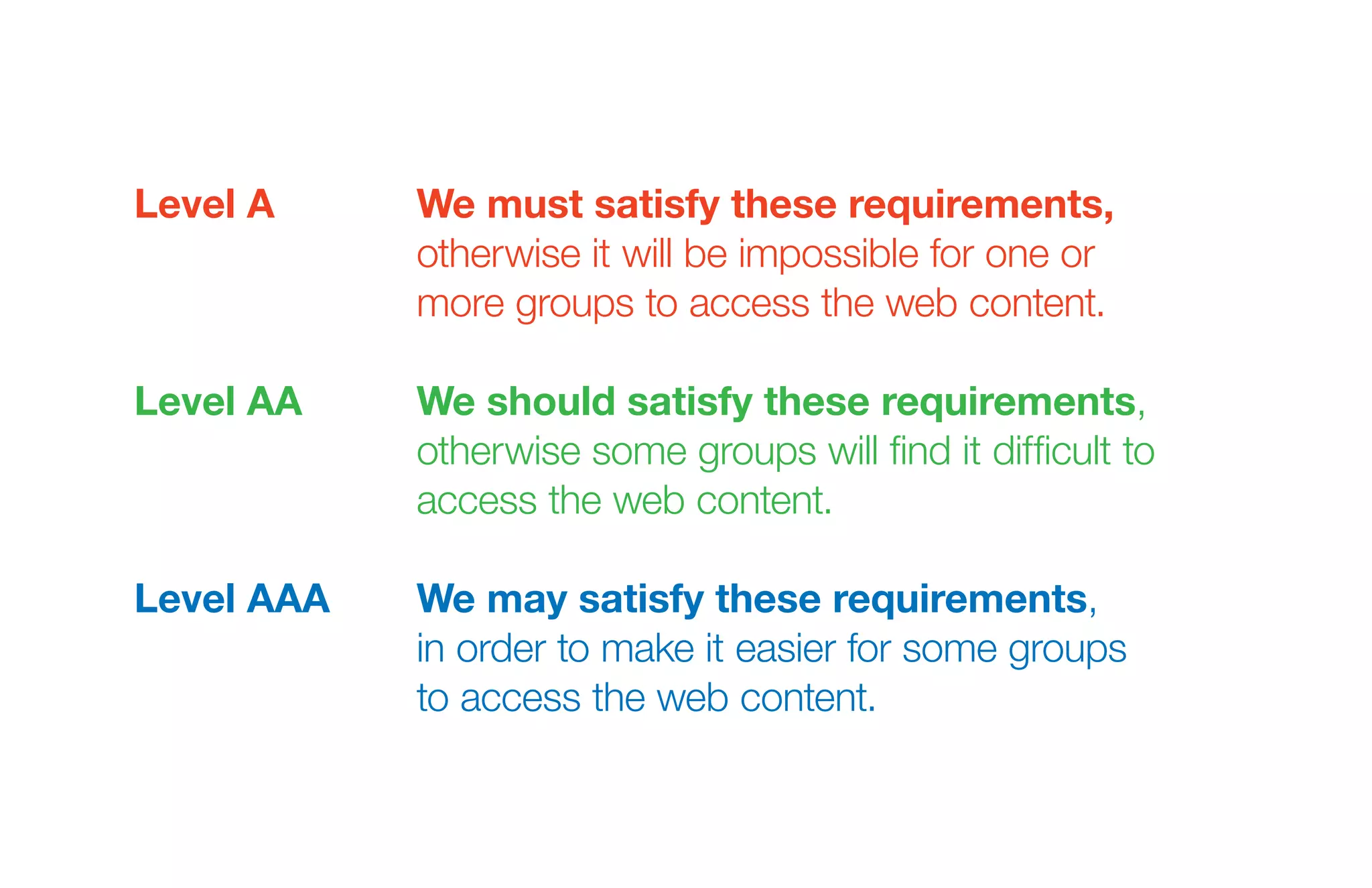
Level A	We must satisfy these requirements,
otherwise it will be impossible for one or
more groups to access the web content.
Level AA	We should satisfy these requirements,
otherwise some groups will find it difficult to
access the web content.
Level AAA	We may satisfy these requirements,
in order to make it easier for some groups
to access the web content.
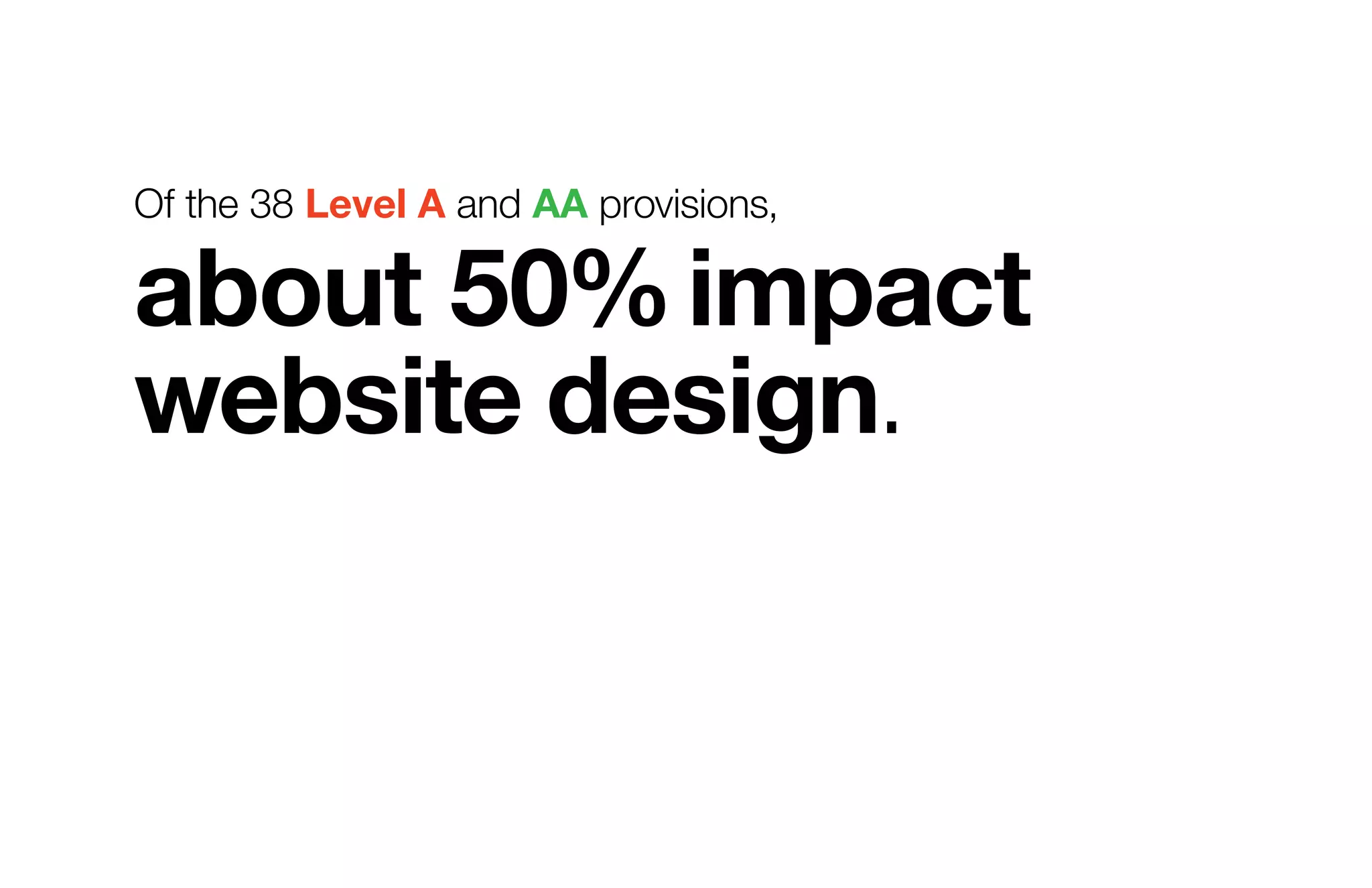
Of the 38 Level A and AA provisions,
about 50%impact
website design.
Visual /Audio
Design
Guideline 1.4.1	Level A
Color
Color should not be the only visual means of conveying essential
information. Recommended strategies include providing text
cues or using patterns in addition to different colors.
Guideline 1.4.3	Level AA
Contrast
Text should have a contrast ratio1
of at least 4.5 to 1 to
accommodate users with mild visual impairments. Exceptions
include text that is large,2
purely decorative, part of an inactive
interface component or part of a logo.
1
There are many online tools to check contrast ratio, including snook.ca/technical/colour_contrast/colour.html.
2
Large text is defined as ≥18px if not bold and ≥14px if bold, for which a 3 to 1 contrast ratio is sufficient.
Guideline 1.4.4	Level AA
Text Size
Text should be resizable up to 200% for users
with mild visual impairments.1
1
Many modern browsers provide a zoom function for the entire page to accommodate this.
Guideline 2.3.1	Level A
Seizures
Content should not be designed in a way known to cause
seizures in users with photosensitive epilepsy. Elements
occupying a significant portion of the display that flash more than
three times in one second should be tested for compliance.1
1
The Trace Center Photosensitive Epilepsy Analysis Tool (PEAT) is available at trace.wisc.edu/peat/
Guideline 2.4.7	Level AA
Focus
Users with motor impairments who rely on the keyboard to
navigate need a clear visual focus indicator.1
1
Many modern browser’s include built-in support to accommodate this.
Guideline 3.2.4	Level AA
Consistency
Users with disabilities may develop search strategies to efficiently
navigate a site, so label recurring functions consistently.
Guideline 3.3.2	Level A
Forms
Labels or instructions should be included whenever user
input is required, and should be positioned near the elements
they reference.
Guideline 3.3.2	Level A
Instructions
Instructions should not depend solely on a user’s ability to see
the content as presented. For example, “Press the button on the
right” requires visual information, while “Press the ‘submit’ button
on the right” does not.
Guideline 1.4.2	Level A
Audio
Audio that plays automatically may interfere with screen readers.
Any audio that plays automatically must be less than three
seconds, or provide an easily accessible mechanism to stop it.
Interaction
Design
Guideline 2.1.1	Level A
Keyboard
Sites should be fully operable using only the keyboard.
Guideline 3.2.3	Level AA
Navigation
Navigation should appear in a consistent and predictable
order throughout a site so users can efficiently navigate.
Guideline 2.4.3	Level A
Focus Order
When navigating in a sequential order (e.g. via the Tab key),
the focus should follow the natural reading order.
Guidelines 3.2.1, 3.2.2	Level A
On Focus/Input
Because it can be disorienting, changes of context should not
occur when shifting focus or choosing from a selection, but
rather when the user takes a specific action to do so.
Guideline 3.3.1	Level A
Errors
If an input error is detected, the error should be identified and
described to the user in a text form.
Guideline 2.2.2	Level A
Motion/Updates
Content that moves or automatically updates can cause issues
for those with disabilities. Ways to start and stop such activity
should be provided.
Guideline 2.2.1	Level A
Time Limits
Users with disabilities may require significantly more time to
complete tasks due to limitations in assistive technologies,
so time limits should be avoided whenever possible.1
1
Exceptions include when the user can turn off, adjust or extend the time limit as needed, when it is a real-time limit (e.g. an online auction),
when the time limit is essential to the activity, or when it is longer than 20 hours.
Guarino Reid, Loretta and Andi Snow-Weaver. “WCAG 2.0 for Designers: Beyond Screen Readers and Captions”
Proceedings of the 13th International Conference on Human-Computer Interaction. Springer-Verlag, 2009. pp. 674-682. v1 July 24, 2013 1:50 PM

WCAG 2.0 for Designers

  • 1.
    WCAG 2.0 for Designers DesigningAccessible Content Tim Madle, Associate Creative Director tmadle@brunnerworks.com
  • 2.
    Web Content Accessibility Guidelines(WCAG) are a series of guidelines for making web content accessible for all users, especially those with disabilities. The full current version (2.0) lives here: w3.org/TR/WCAG/
  • 3.
    Level A We mustsatisfy these requirements, otherwise it will be impossible for one or more groups to access the web content. Level AA We should satisfy these requirements, otherwise some groups will find it difficult to access the web content. Level AAA We may satisfy these requirements, in order to make it easier for some groups to access the web content.
  • 4.
    Of the 38Level A and AA provisions, about 50%impact website design.
  • 5.
  • 6.
    Guideline 1.4.1 Level A Color Colorshould not be the only visual means of conveying essential information. Recommended strategies include providing text cues or using patterns in addition to different colors.
  • 7.
    Guideline 1.4.3 Level AA Contrast Textshould have a contrast ratio1 of at least 4.5 to 1 to accommodate users with mild visual impairments. Exceptions include text that is large,2 purely decorative, part of an inactive interface component or part of a logo. 1 There are many online tools to check contrast ratio, including snook.ca/technical/colour_contrast/colour.html. 2 Large text is defined as ≥18px if not bold and ≥14px if bold, for which a 3 to 1 contrast ratio is sufficient.
  • 8.
    Guideline 1.4.4 Level AA TextSize Text should be resizable up to 200% for users with mild visual impairments.1 1 Many modern browsers provide a zoom function for the entire page to accommodate this.
  • 9.
    Guideline 2.3.1 Level A Seizures Contentshould not be designed in a way known to cause seizures in users with photosensitive epilepsy. Elements occupying a significant portion of the display that flash more than three times in one second should be tested for compliance.1 1 The Trace Center Photosensitive Epilepsy Analysis Tool (PEAT) is available at trace.wisc.edu/peat/
  • 10.
    Guideline 2.4.7 Level AA Focus Userswith motor impairments who rely on the keyboard to navigate need a clear visual focus indicator.1 1 Many modern browser’s include built-in support to accommodate this.
  • 11.
    Guideline 3.2.4 Level AA Consistency Userswith disabilities may develop search strategies to efficiently navigate a site, so label recurring functions consistently.
  • 12.
    Guideline 3.3.2 Level A Forms Labelsor instructions should be included whenever user input is required, and should be positioned near the elements they reference.
  • 13.
    Guideline 3.3.2 Level A Instructions Instructionsshould not depend solely on a user’s ability to see the content as presented. For example, “Press the button on the right” requires visual information, while “Press the ‘submit’ button on the right” does not.
  • 14.
    Guideline 1.4.2 Level A Audio Audiothat plays automatically may interfere with screen readers. Any audio that plays automatically must be less than three seconds, or provide an easily accessible mechanism to stop it.
  • 15.
  • 16.
    Guideline 2.1.1 Level A Keyboard Sitesshould be fully operable using only the keyboard.
  • 17.
    Guideline 3.2.3 Level AA Navigation Navigationshould appear in a consistent and predictable order throughout a site so users can efficiently navigate.
  • 18.
    Guideline 2.4.3 Level A FocusOrder When navigating in a sequential order (e.g. via the Tab key), the focus should follow the natural reading order.
  • 19.
    Guidelines 3.2.1, 3.2.2 LevelA On Focus/Input Because it can be disorienting, changes of context should not occur when shifting focus or choosing from a selection, but rather when the user takes a specific action to do so.
  • 20.
    Guideline 3.3.1 Level A Errors Ifan input error is detected, the error should be identified and described to the user in a text form.
  • 21.
    Guideline 2.2.2 Level A Motion/Updates Contentthat moves or automatically updates can cause issues for those with disabilities. Ways to start and stop such activity should be provided.
  • 22.
    Guideline 2.2.1 Level A TimeLimits Users with disabilities may require significantly more time to complete tasks due to limitations in assistive technologies, so time limits should be avoided whenever possible.1 1 Exceptions include when the user can turn off, adjust or extend the time limit as needed, when it is a real-time limit (e.g. an online auction), when the time limit is essential to the activity, or when it is longer than 20 hours.
  • 23.
    Guarino Reid, Lorettaand Andi Snow-Weaver. “WCAG 2.0 for Designers: Beyond Screen Readers and Captions” Proceedings of the 13th International Conference on Human-Computer Interaction. Springer-Verlag, 2009. pp. 674-682. v1 July 24, 2013 1:50 PM