

Using Wikis in Education Dr. Steve Yuen Professor Instructional Technology Department of Technology Education The University of Southern Mississippi
What is a Wiki? Wiki =quick (in Hawaiian)  Wiki  ≠  Wikipedia A collaborative website whose content can be edited by anyone who has access to it ( American Heritage Dictionary, 4 th  edition ) A fully editable Web site Software that allows people with no knowledge of HTML or other programming languages to create and/or edit a website
Wiki Definitions Wiki is “a collaborative workspace in which information can be gathered, shared, evaluated, organized or used to produce something new.” Achterman, Doug, (2006). Making connections with blogs and wikis. Paper presented at the California School Library Association Conference at San Jose State University
 
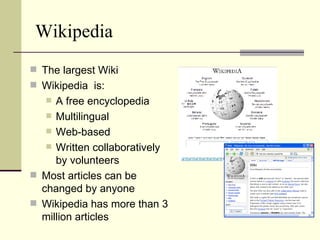
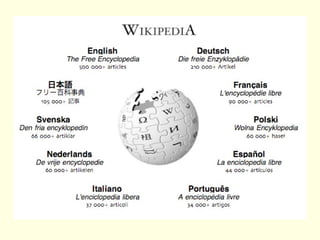
Wikipedia The largest Wiki Wikipedia  is:  A free encyclopedia Multilingual  Web-based  Written collaboratively by volunteers Most articles can be changed by anyone  Wikipedia has more than 3 million articles
Why Wiki? / Why Not Wiki? Easy to use Web-based Simple software commands Anyone can make changes Flexible and extensible Harness collective intelligence Can help develop a culture of sharing and working together The success of the Wikipedia may not necessarily be replicated elsewhere. Vandalism and spam Too open (trust issues) Concerns about  copyright and other legal issues regarding collaborative content Disorganized NO standard Wiki markup language Grossek, G, (April, 2007) A Successful Pedagogical Experiment: Using Wikis in Academic Lectures, eLSE07 Bucharest
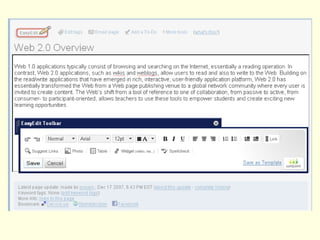
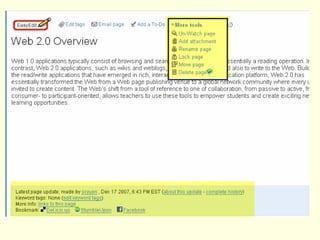
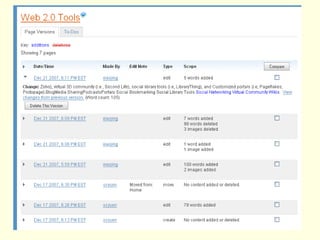
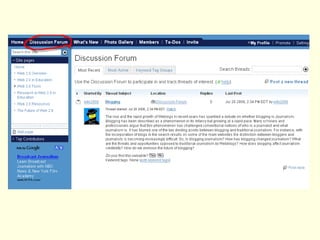
Features of Wikis Easy to update – no HTML needed Collaborative – can identify who made what changes Version control – can restore older versions and see history of changes Discussion feature – can discuss a page in a discussion area
Wikis vs Blogs Asynchronous Can add links, text, pictures and podcasts Can be edited by other people Can be password protected  Blog is like a threaded discussion Wiki is more like Web pages linked together Blog is more suited for journaling Wikis are suited for online collaboration Similarities Differences
Benefits of Wikis Reduce redundancy of resources Encourages interlinking of concepts Allows multiple edits of the same content Searchable Able to measure use Able to make timely updates
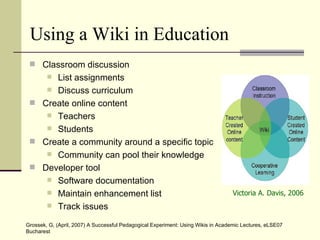
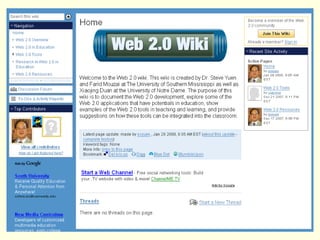
Using a Wiki in Education Classroom discussion List assignments Discuss curriculum Create online content Teachers Students Create a community around a specific topic Community can pool their knowledge Developer tool  Software documentation Maintain enhancement list Track issues Victoria A. Davis, 2006 Grossek, G, (April, 2007) A Successful Pedagogical Experiment: Using Wikis in Academic Lectures, eLSE07 Bucharest
Classroom Ideas Teachers can use Wikis for: managing school and classroom documents creating and maintaining a classroom FAQ providing a place for a classroom discussion and debate Students can use Wikis for: collaborating in research, case studies, or online class projects processing what they learn expressing their findings to wider audiences distributing information


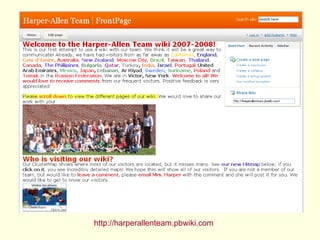
http://harperallenteam.pbwiki.com
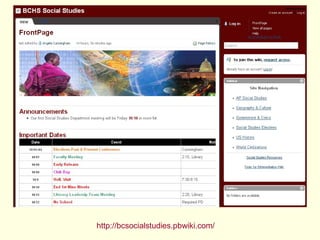
http://bcsocialstudies.pbwiki.com/
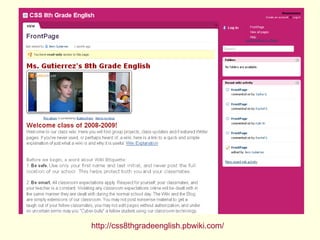
http://css8thgradeenglish.pbwiki.com/
http://thesandbox.pbwiki.com /
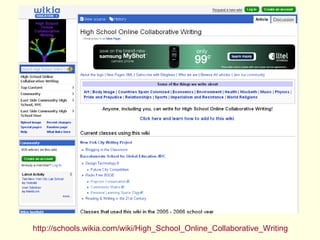
http://schools.wikia.com/wiki/High_School_Online_Collaborative_Writing
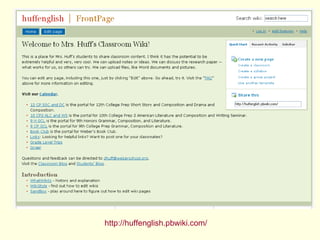
http://huffenglish.pbwiki.com/
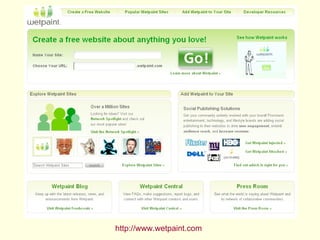
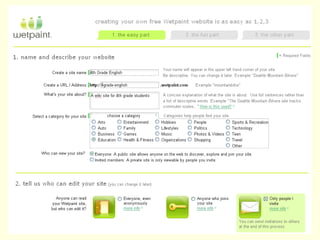
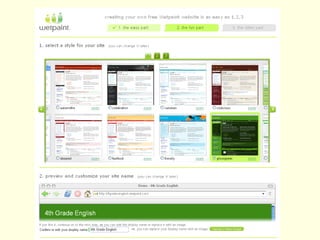
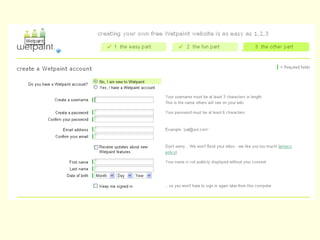
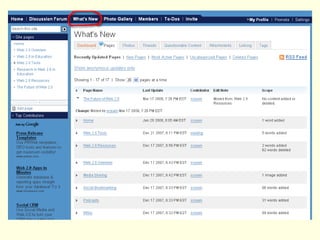
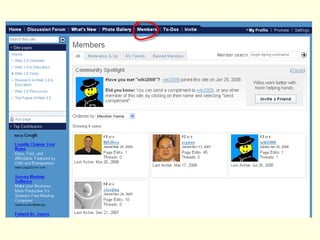
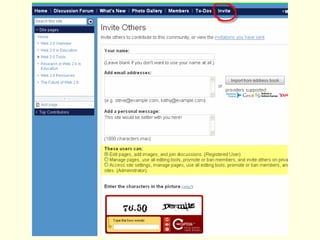
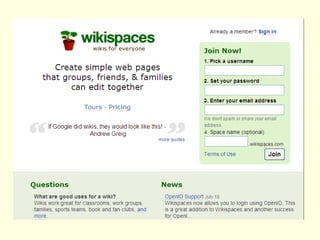
Create Your Own Wiki Make a plan Choose a wiki farm [i.e., Wetpaint, Wikispaces] Set up an account Create your wiki All pages in a wiki should be linked to another page in that wiki.  No page should stand alone
http://www.wetpaint.com


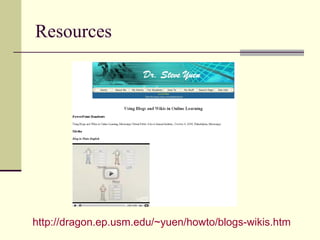
Resources http://dragon.ep.usm.edu/~yuen/howto/blogs-wikis.htm
The End Questions or Comments?

Using Wikis in Education

  • 1.
    Using Wikis inEducation Dr. Steve Yuen Professor Instructional Technology Department of Technology Education The University of Southern Mississippi
  • 2.
    What is aWiki? Wiki =quick (in Hawaiian) Wiki ≠ Wikipedia A collaborative website whose content can be edited by anyone who has access to it ( American Heritage Dictionary, 4 th edition ) A fully editable Web site Software that allows people with no knowledge of HTML or other programming languages to create and/or edit a website
  • 3.
    Wiki Definitions Wikiis “a collaborative workspace in which information can be gathered, shared, evaluated, organized or used to produce something new.” Achterman, Doug, (2006). Making connections with blogs and wikis. Paper presented at the California School Library Association Conference at San Jose State University
  • 4.
  • 5.
    Wikipedia The largestWiki Wikipedia is: A free encyclopedia Multilingual Web-based Written collaboratively by volunteers Most articles can be changed by anyone Wikipedia has more than 3 million articles
  • 6.
    Why Wiki? /Why Not Wiki? Easy to use Web-based Simple software commands Anyone can make changes Flexible and extensible Harness collective intelligence Can help develop a culture of sharing and working together The success of the Wikipedia may not necessarily be replicated elsewhere. Vandalism and spam Too open (trust issues) Concerns about copyright and other legal issues regarding collaborative content Disorganized NO standard Wiki markup language Grossek, G, (April, 2007) A Successful Pedagogical Experiment: Using Wikis in Academic Lectures, eLSE07 Bucharest
  • 7.
    Features of WikisEasy to update – no HTML needed Collaborative – can identify who made what changes Version control – can restore older versions and see history of changes Discussion feature – can discuss a page in a discussion area
  • 8.
    Wikis vs BlogsAsynchronous Can add links, text, pictures and podcasts Can be edited by other people Can be password protected Blog is like a threaded discussion Wiki is more like Web pages linked together Blog is more suited for journaling Wikis are suited for online collaboration Similarities Differences
  • 9.
    Benefits of WikisReduce redundancy of resources Encourages interlinking of concepts Allows multiple edits of the same content Searchable Able to measure use Able to make timely updates
  • 10.
    Using a Wikiin Education Classroom discussion List assignments Discuss curriculum Create online content Teachers Students Create a community around a specific topic Community can pool their knowledge Developer tool Software documentation Maintain enhancement list Track issues Victoria A. Davis, 2006 Grossek, G, (April, 2007) A Successful Pedagogical Experiment: Using Wikis in Academic Lectures, eLSE07 Bucharest
  • 11.
    Classroom Ideas Teacherscan use Wikis for: managing school and classroom documents creating and maintaining a classroom FAQ providing a place for a classroom discussion and debate Students can use Wikis for: collaborating in research, case studies, or online class projects processing what they learn expressing their findings to wider audiences distributing information
  • 12.
  • 13.
  • 14.
  • 15.
  • 16.
  • 17.
  • 18.
  • 19.
  • 20.
  • 21.
  • 22.
  • 23.
    Create Your OwnWiki Make a plan Choose a wiki farm [i.e., Wetpaint, Wikispaces] Set up an account Create your wiki All pages in a wiki should be linked to another page in that wiki. No page should stand alone
  • 24.
  • 25.
  • 26.
  • 27.
  • 28.
  • 29.
  • 30.
  • 31.
  • 32.
  • 33.
  • 34.
  • 35.
  • 36.
  • 37.
  • 38.
  • 39.
  • 40.
    The End Questionsor Comments?