Using the JMS 2.0 API with Apache
Pulsar
Enrico Olivelli
DataStax - Luna Streaming Team
Member of Apache Pulsar, Apache BookKeeper and Apache ZooKeeper PMC,
Apache Curator VP
Agenda
● Introduction to the Java Messaging Service API
● Benefits of Apache Pulsar for JMS/JavaEE applications
● Mapping JMS to Pulsar
● Code samples: standard Java code
● Live Demo using EJBs and Apache TomEE®
2
Java Messaging Service API - Messaging for JavaEE
3
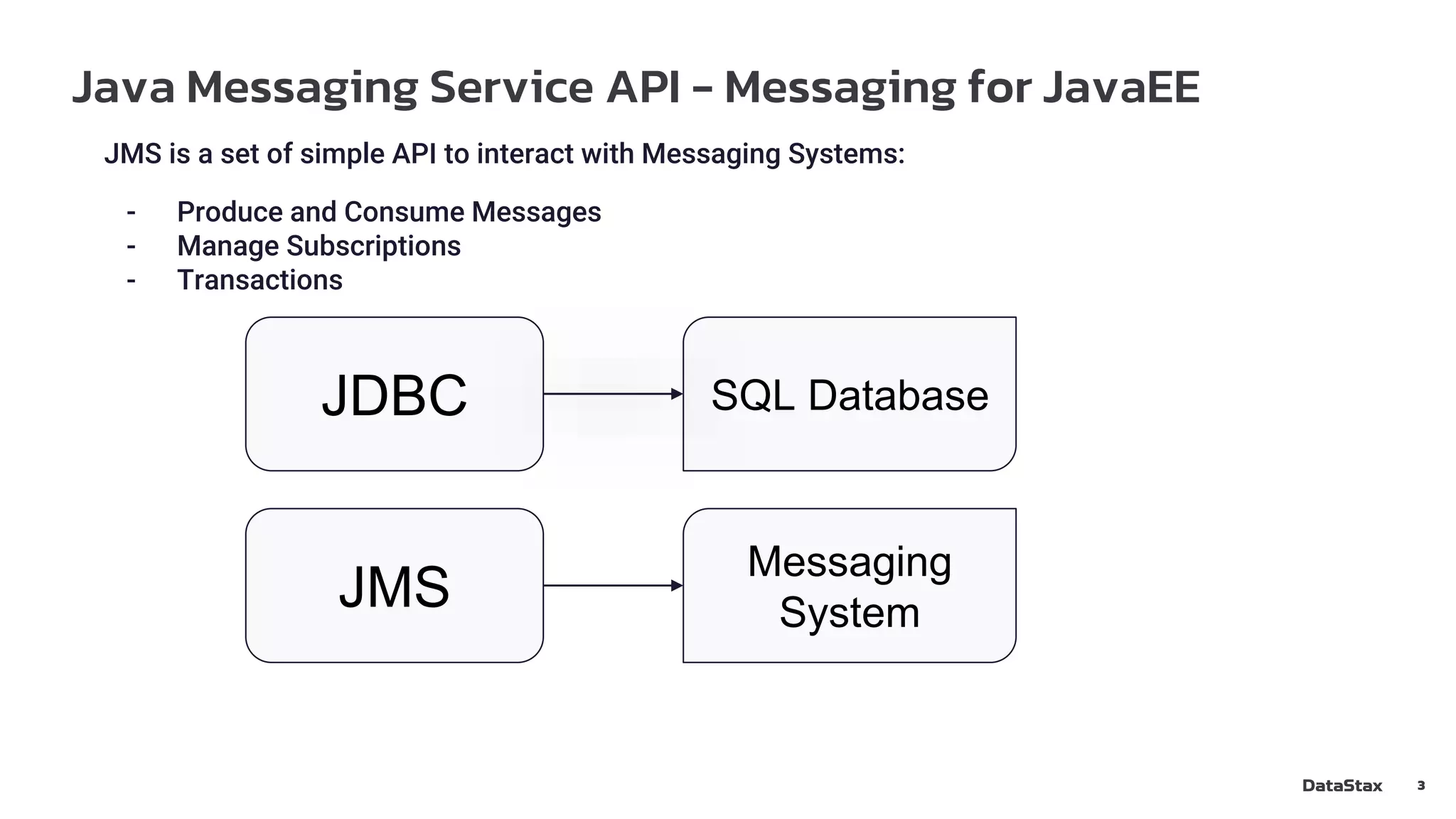
JMS is a set of simple API to interact with Messaging Systems:
- Produce and Consume Messages
- Manage Subscriptions
- Transactions
JDBC
JMS
SQL Database
Messaging
System
Java Messaging Service API - Core Concepts
4
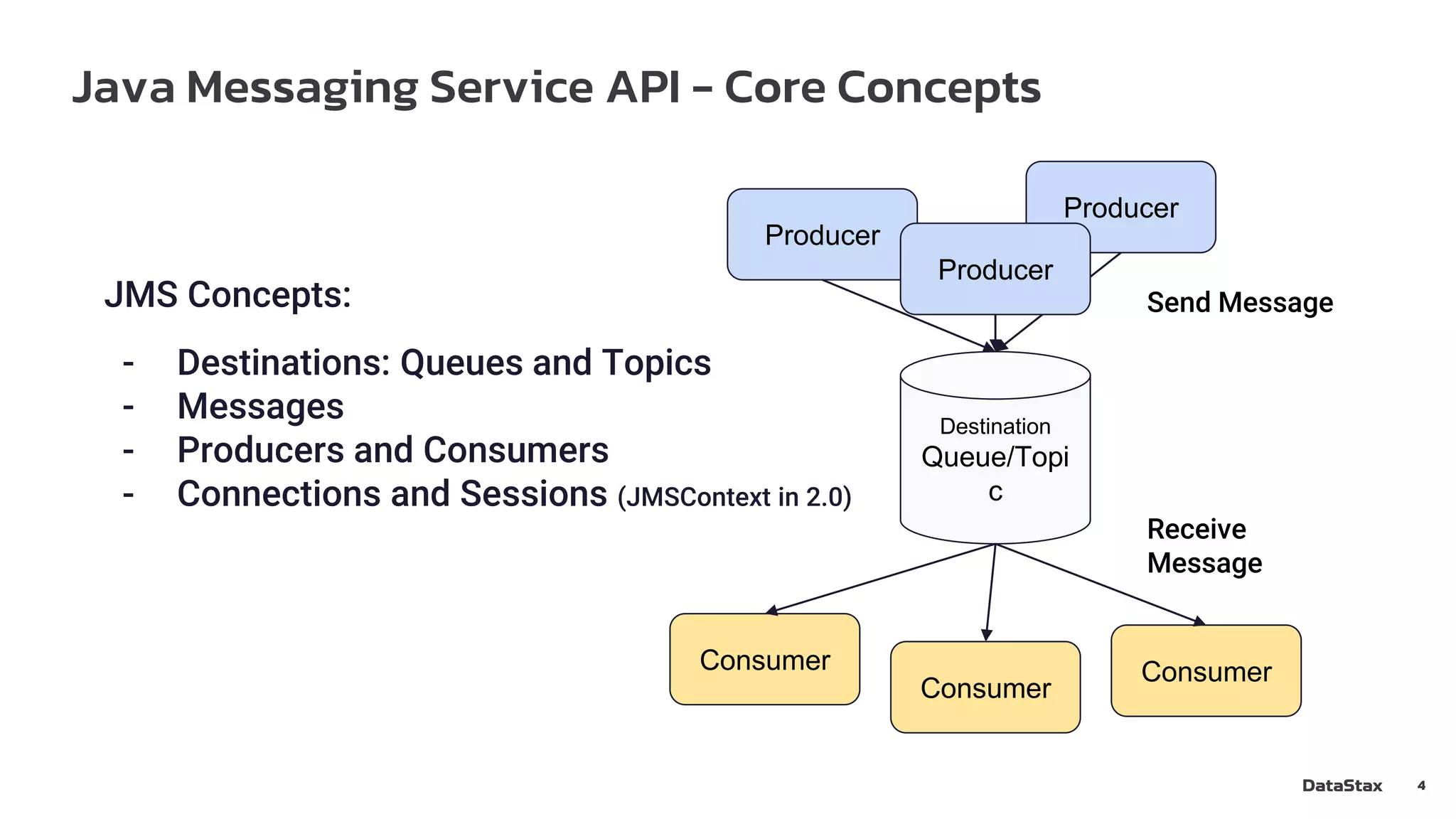
JMS Concepts:
- Destinations: Queues and Topics
- Messages
- Producers and Consumers
- Connections and Sessions (JMSContext in 2.0)
Destination
Queue/Topi
c
Producer
Producer
Consumer
Consumer
Consumer
Producer
Send Message
Receive
Message
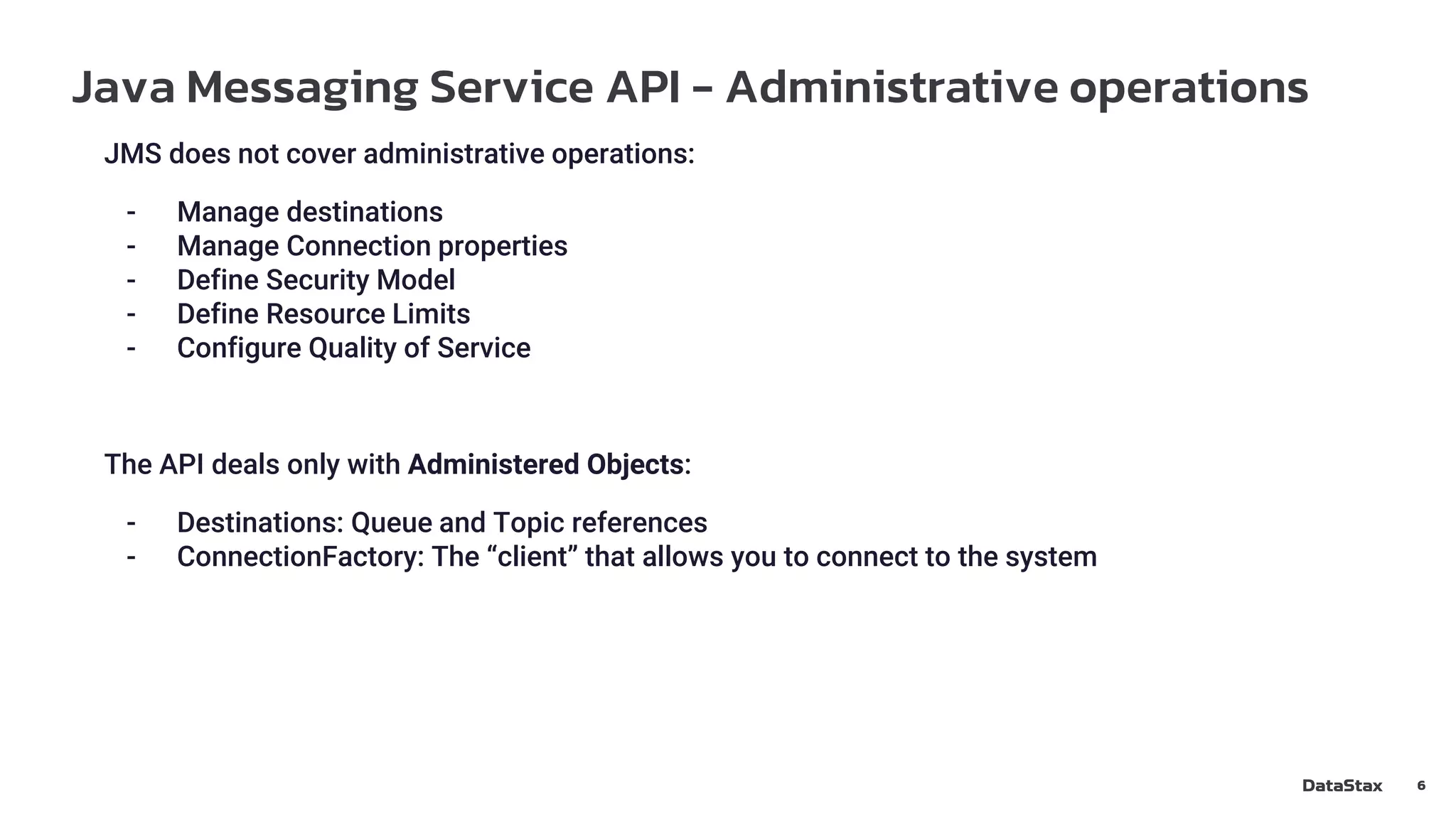
Java Messaging Service API - Destinations and clients
5
Destinations:
- Queue:
- Each message is received by one Consumer
- Browseable
- Topic:
- Multiple subscriptions
- Messages dispatched according to the Subscription Type
Consumer styles:
- Blocking receive() method, Application driven (no “async” receive)
- MessageListener method, JMS Driver driven
Producer styles:
- Blocking send() method
- Asynchronous send() with CompletionListener
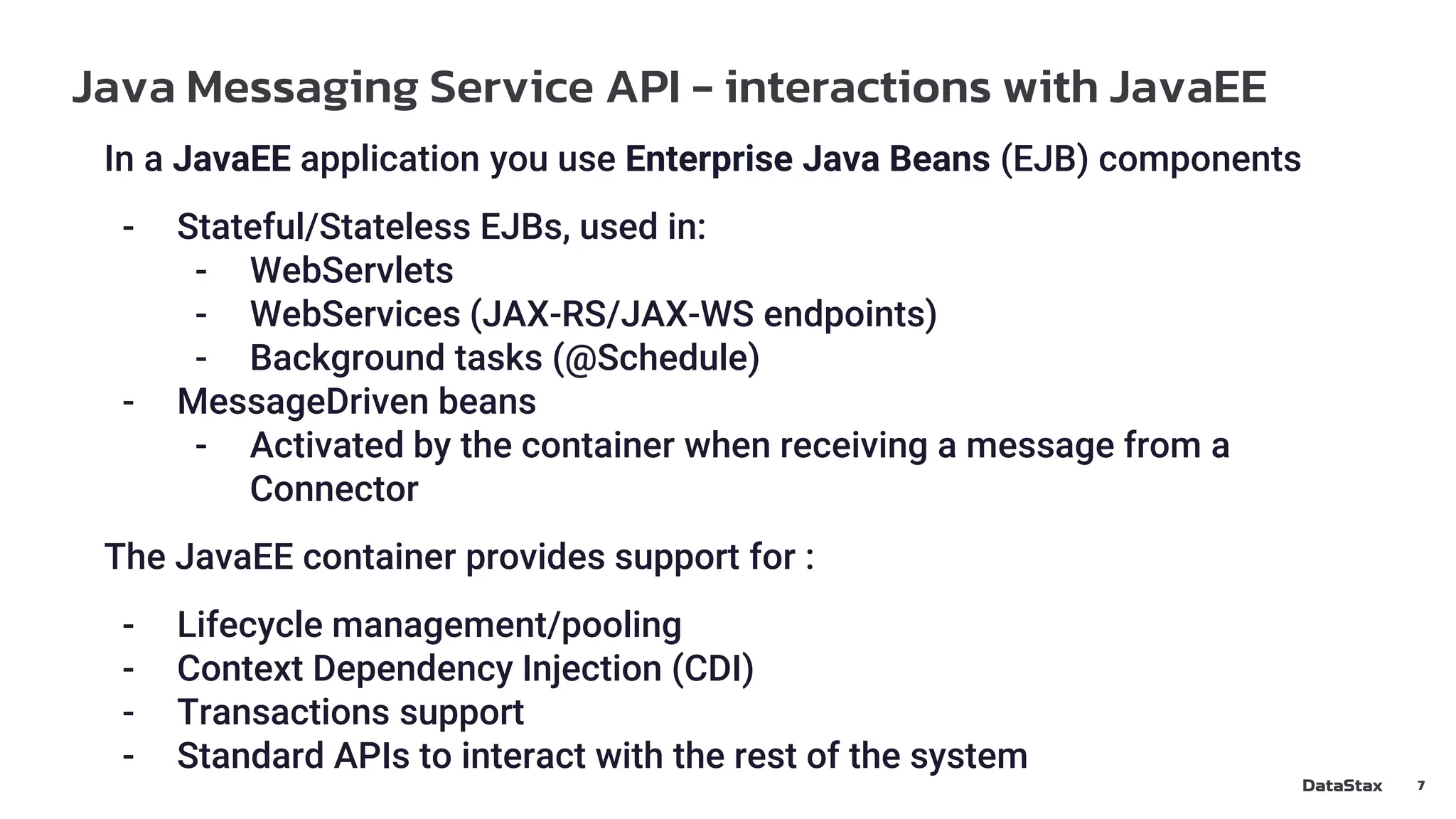
Java Messaging Service API - Administrative operations
6
JMS does not cover administrative operations:
- Manage destinations
- Manage Connection properties
- Define Security Model
- Define Resource Limits
- Configure Quality of Service
The API deals only with Administered Objects:
- Destinations: Queue and Topic references
- ConnectionFactory: The “client” that allows you to connect to the system
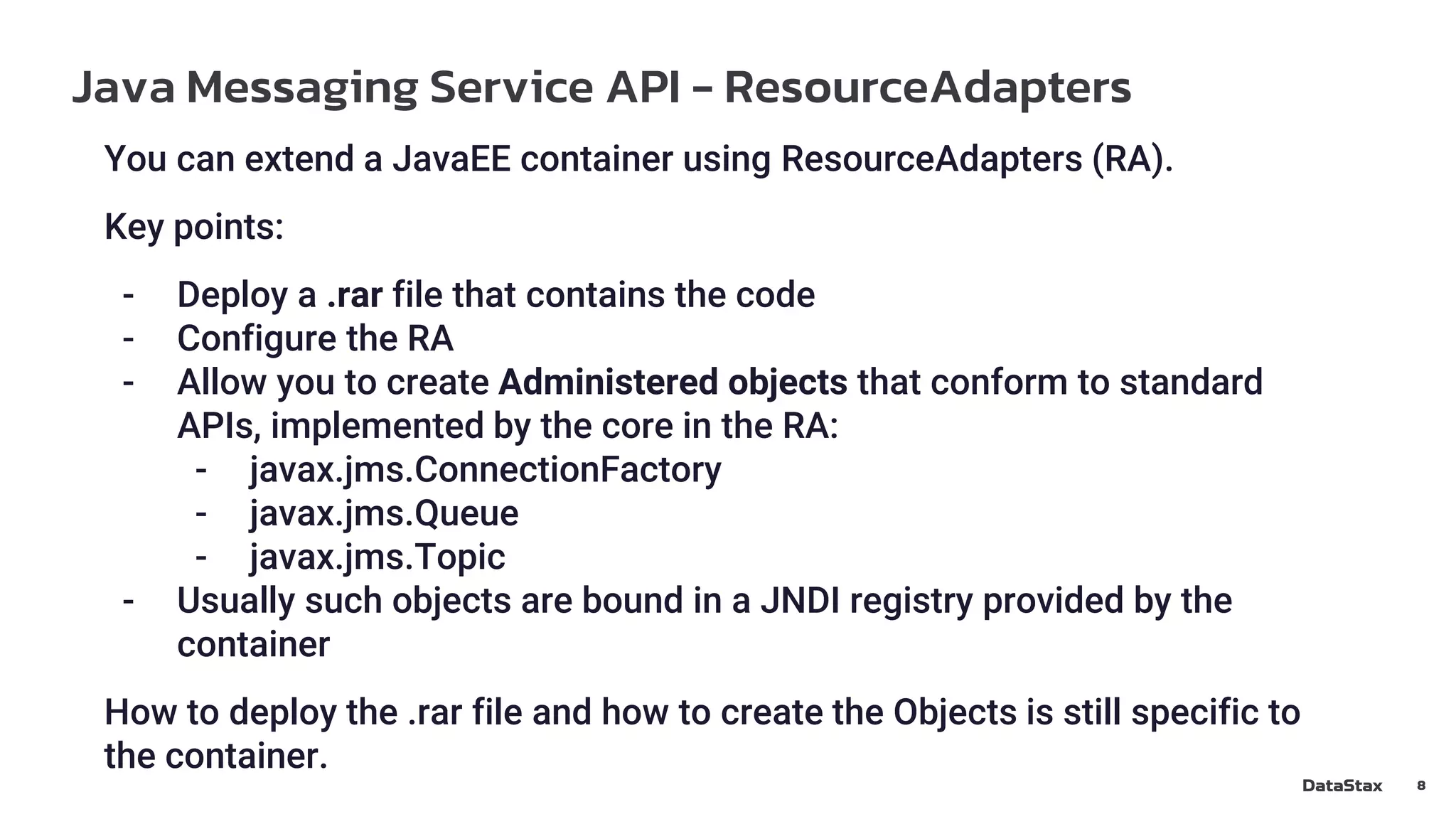
Java Messaging Service API - interactions with JavaEE
7
In a JavaEE application you use Enterprise Java Beans (EJB) components
- Stateful/Stateless EJBs, used in:
- WebServlets
- WebServices (JAX-RS/JAX-WS endpoints)
- Background tasks (@Schedule)
- MessageDriven beans
- Activated by the container when receiving a message from a
Connector
The JavaEE container provides support for :
- Lifecycle management/pooling
- Context Dependency Injection (CDI)
- Transactions support
- Standard APIs to interact with the rest of the system
Java Messaging Service API - ResourceAdapters
8
You can extend a JavaEE container using ResourceAdapters (RA).
Key points:
- Deploy a .rar file that contains the code
- Configure the RA
- Allow you to create Administered objects that conform to standard
APIs, implemented by the core in the RA:
- javax.jms.ConnectionFactory
- javax.jms.Queue
- javax.jms.Topic
- Usually such objects are bound in a JNDI registry provided by the
container
How to deploy the .rar file and how to create the Objects is still specific to
the container.
Apache Pulsar - benefits for a JavaEE application
9
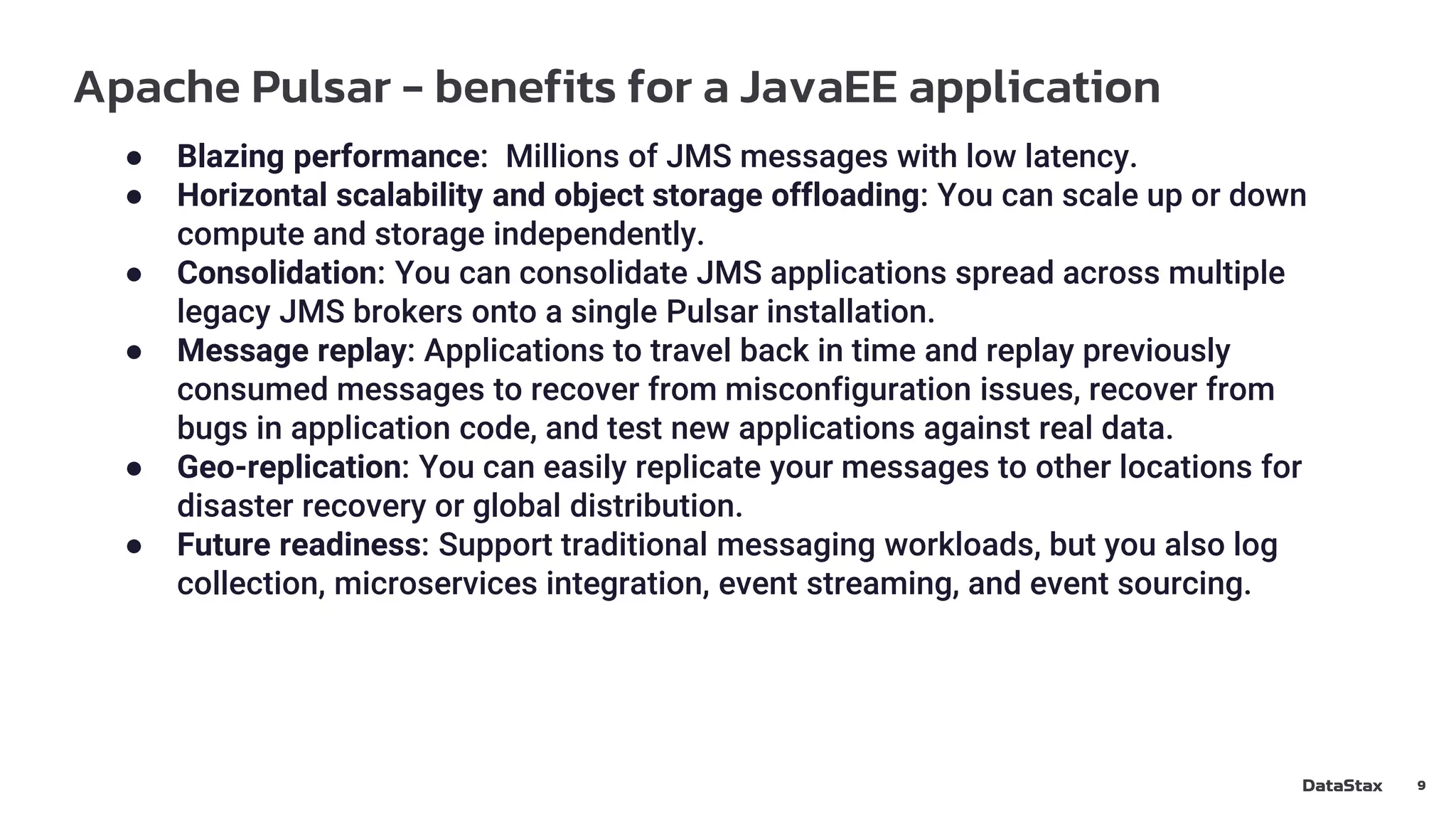
● Blazing performance: Millions of JMS messages with low latency.
● Horizontal scalability and object storage offloading: You can scale up or down
compute and storage independently.
● Consolidation: You can consolidate JMS applications spread across multiple
legacy JMS brokers onto a single Pulsar installation.
● Message replay: Applications to travel back in time and replay previously
consumed messages to recover from misconfiguration issues, recover from
bugs in application code, and test new applications against real data.
● Geo-replication: You can easily replicate your messages to other locations for
disaster recovery or global distribution.
● Future readiness: Support traditional messaging workloads, but you also log
collection, microservices integration, event streaming, and event sourcing.
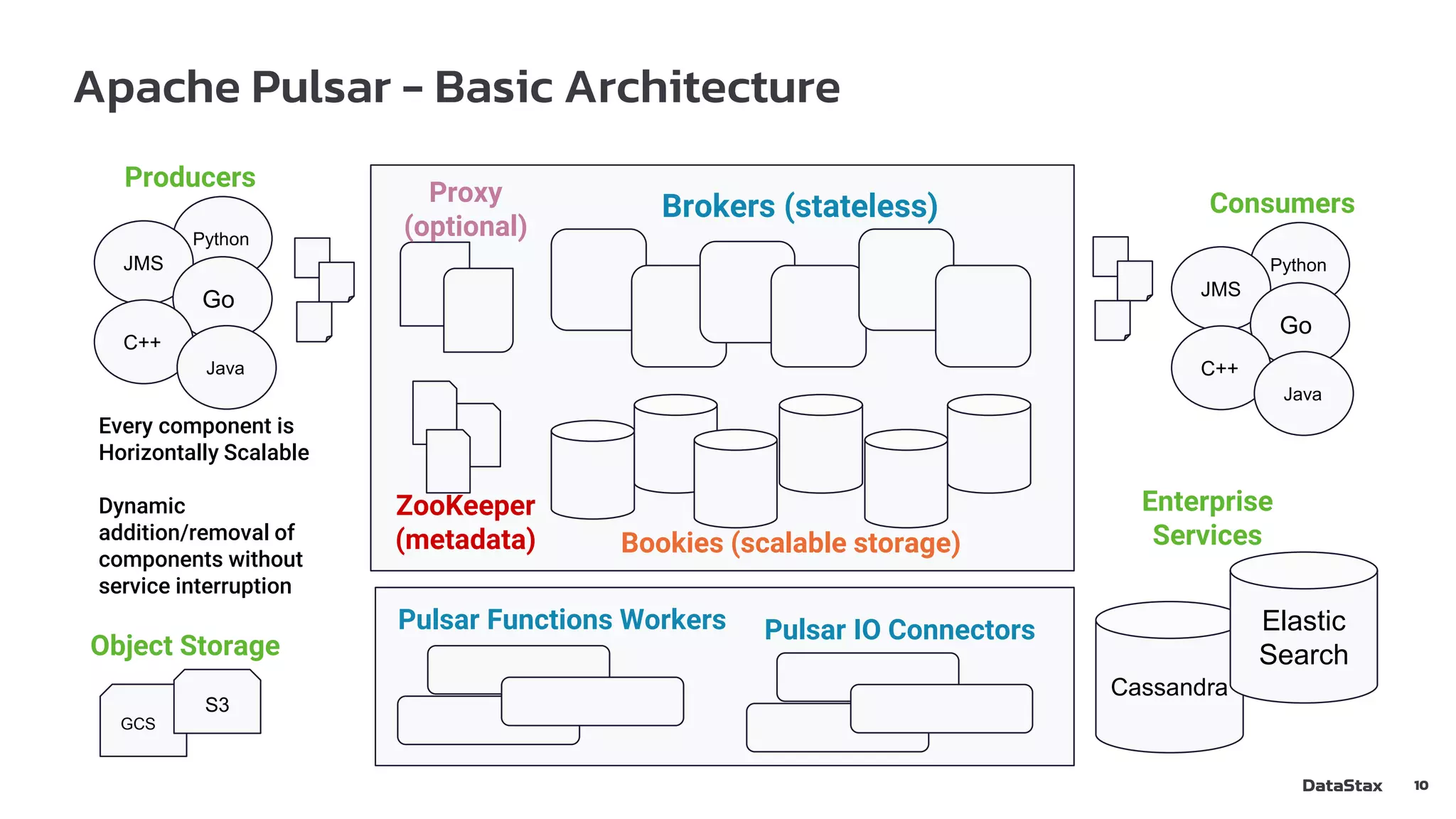
Apache Pulsar - Basic Architecture
10
Bookies (scalable storage)
Brokers (stateless)
ZooKeeper
(metadata)
Proxy
(optional)
Pulsar Functions Workers Pulsar IO Connectors
Python
Producers
JMS
Go
C++
Java
Python
Consumers
JMS
Go
C++
Java
Cassandra
Enterprise
Services
Elastic
Search
Every component is
Horizontally Scalable
Dynamic
addition/removal of
components without
service interruption
GCS
S3
Object Storage
Apache Pulsar - Topics and Subscriptions
11
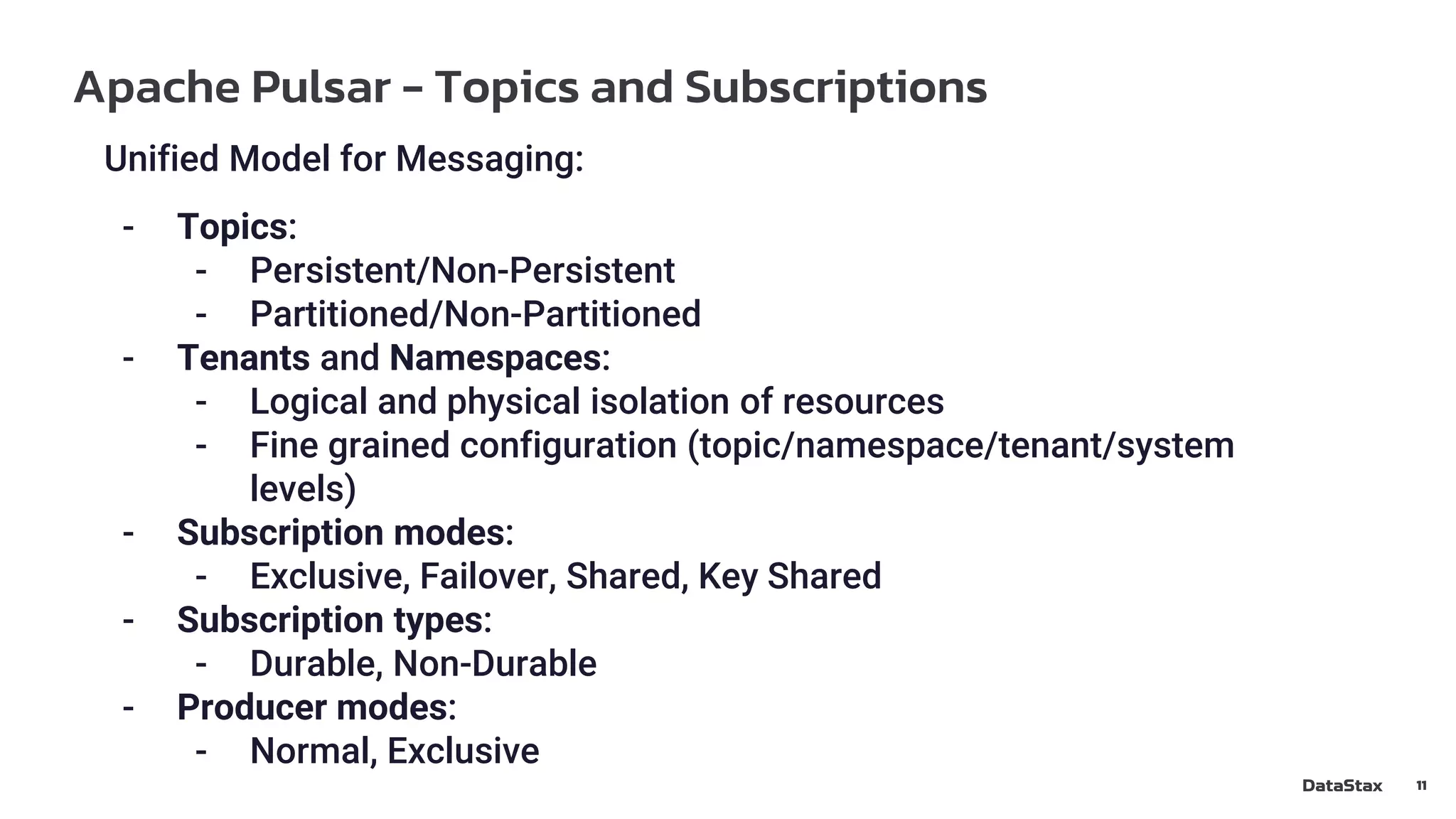
Unified Model for Messaging:
- Topics:
- Persistent/Non-Persistent
- Partitioned/Non-Partitioned
- Tenants and Namespaces:
- Logical and physical isolation of resources
- Fine grained configuration (topic/namespace/tenant/system
levels)
- Subscription modes:
- Exclusive, Failover, Shared, Key Shared
- Subscription types:
- Durable, Non-Durable
- Producer modes:
- Normal, Exclusive
Mapping the Pulsar to the JMS Model
12
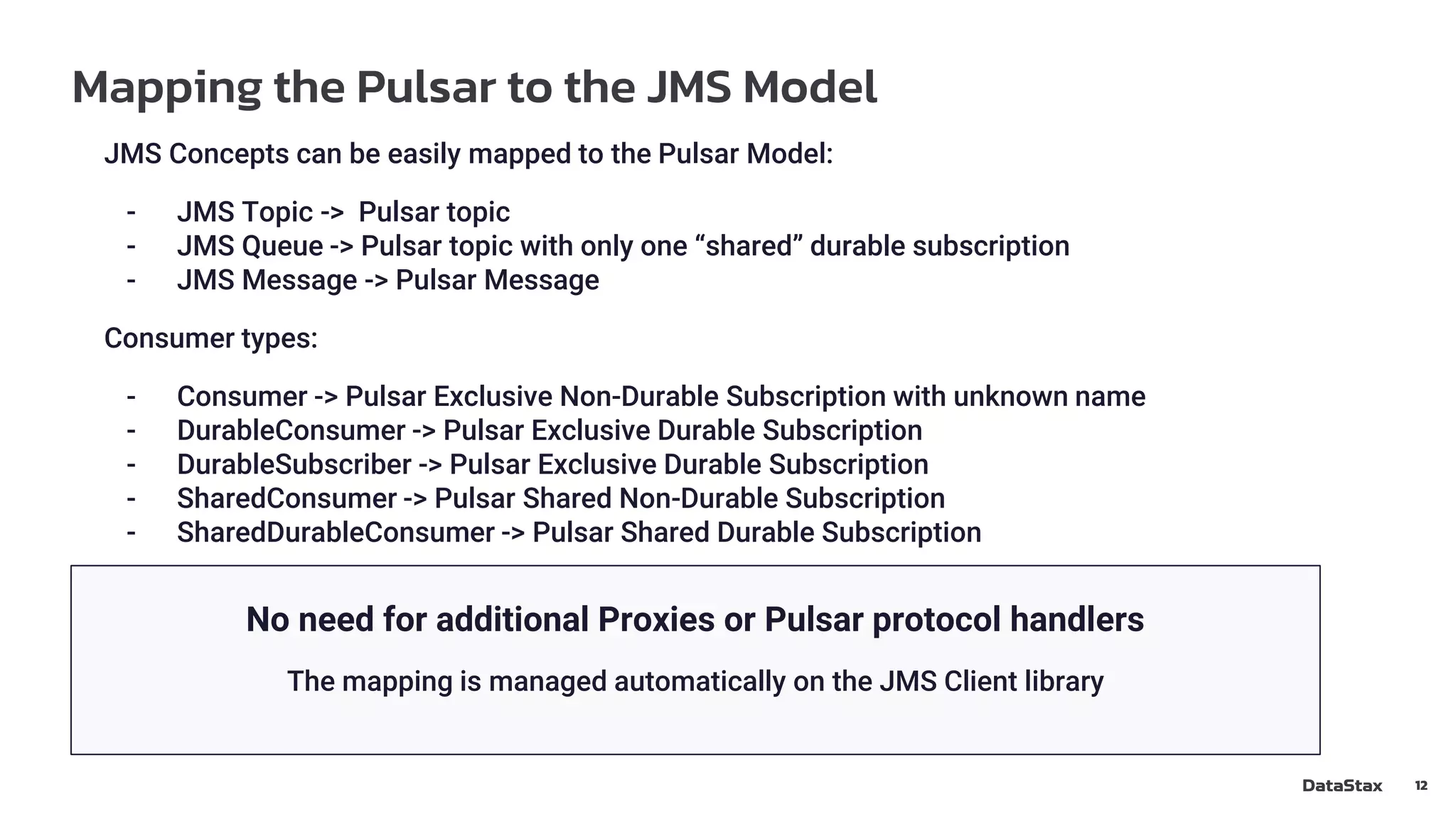
JMS Concepts can be easily mapped to the Pulsar Model:
- JMS Topic -> Pulsar topic
- JMS Queue -> Pulsar topic with only one “shared” durable subscription
- JMS Message -> Pulsar Message
Consumer types:
- Consumer -> Pulsar Exclusive Non-Durable Subscription with unknown name
- DurableConsumer -> Pulsar Exclusive Durable Subscription
- DurableSubscriber -> Pulsar Exclusive Durable Subscription
- SharedConsumer -> Pulsar Shared Non-Durable Subscription
- SharedDurableConsumer -> Pulsar Shared Durable Subscription
No need for additional Proxies or Pulsar protocol handlers
The mapping is managed automatically on the JMS Client library
Connect to Pulsar using the JMS API from JavaSE
13
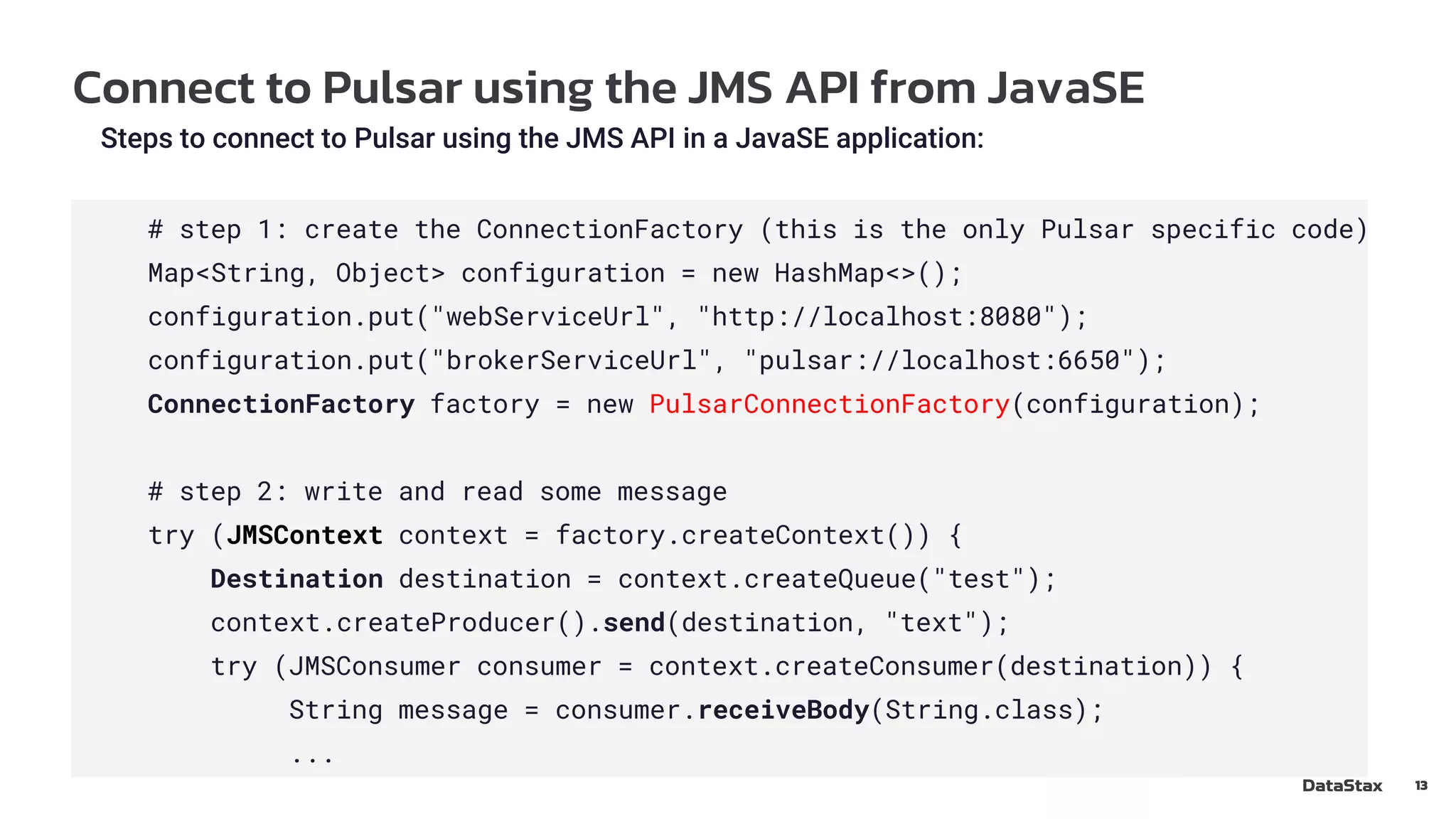
Steps to connect to Pulsar using the JMS API in a JavaSE application:
# step 1: create the ConnectionFactory (this is the only Pulsar specific code)
Map<String, Object> configuration = new HashMap<>();
configuration.put("webServiceUrl", "http://localhost:8080");
configuration.put("brokerServiceUrl", "pulsar://localhost:6650");
ConnectionFactory factory = new PulsarConnectionFactory(configuration);
# step 2: write and read some message
try (JMSContext context = factory.createContext()) {
Destination destination = context.createQueue("test");
context.createProducer().send(destination, "text");
try (JMSConsumer consumer = context.createConsumer(destination)) {
String message = consumer.receiveBody(String.class);
...
Live Demo - Producer Code - JavaEE - Singleton EJB
14
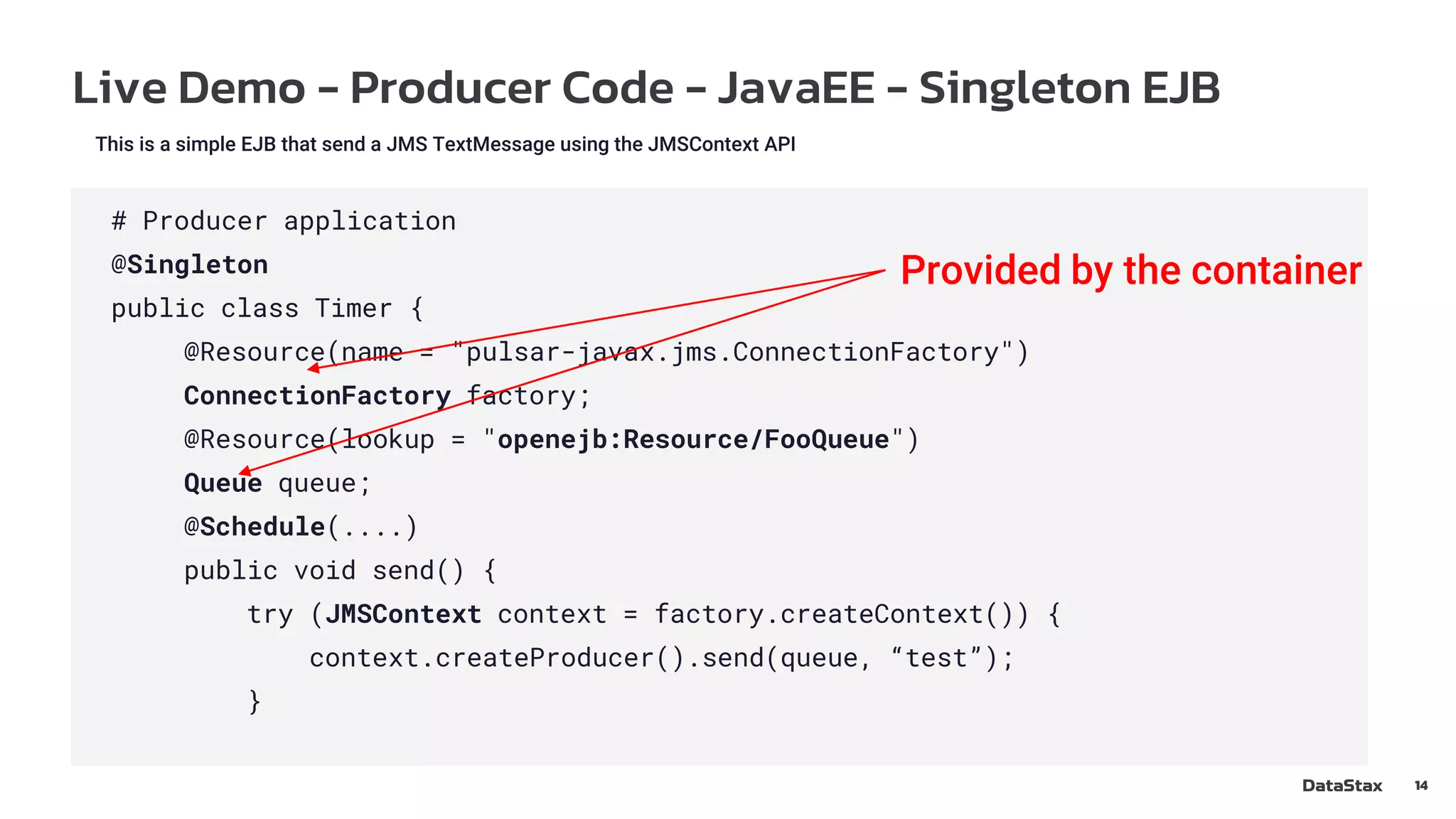
This is a simple EJB that send a JMS TextMessage using the JMSContext API
# Producer application
@Singleton
public class Timer {
@Resource(name = "pulsar-javax.jms.ConnectionFactory")
ConnectionFactory factory;
@Resource(lookup = "openejb:Resource/FooQueue")
Queue queue;
@Schedule(....)
public void send() {
try (JMSContext context = factory.createContext()) {
context.createProducer().send(queue, “test”);
}
Provided by the container
Live Demo - Consumer code - JavaEE - MessageDriver
bean
15
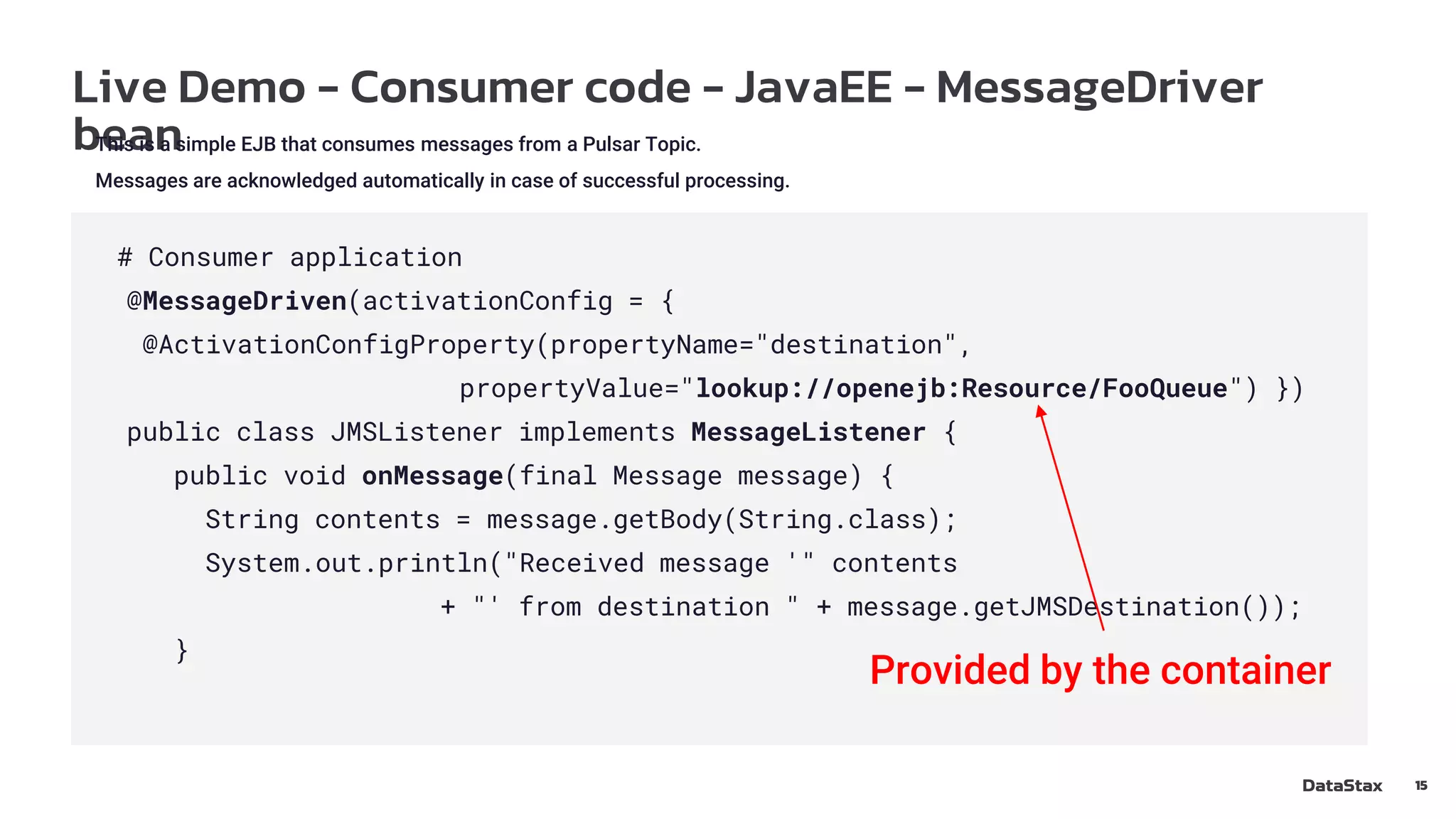
This is a simple EJB that consumes messages from a Pulsar Topic.
Messages are acknowledged automatically in case of successful processing.
# Consumer application
@MessageDriven(activationConfig = {
@ActivationConfigProperty(propertyName="destination",
propertyValue="lookup://openejb:Resource/FooQueue") })
public class JMSListener implements MessageListener {
public void onMessage(final Message message) {
String contents = message.getBody(String.class);
System.out.println("Received message '" contents
+ "' from destination " + message.getJMSDestination());
}
Provided by the container
Live Demo - Apache TomEE configuration
16
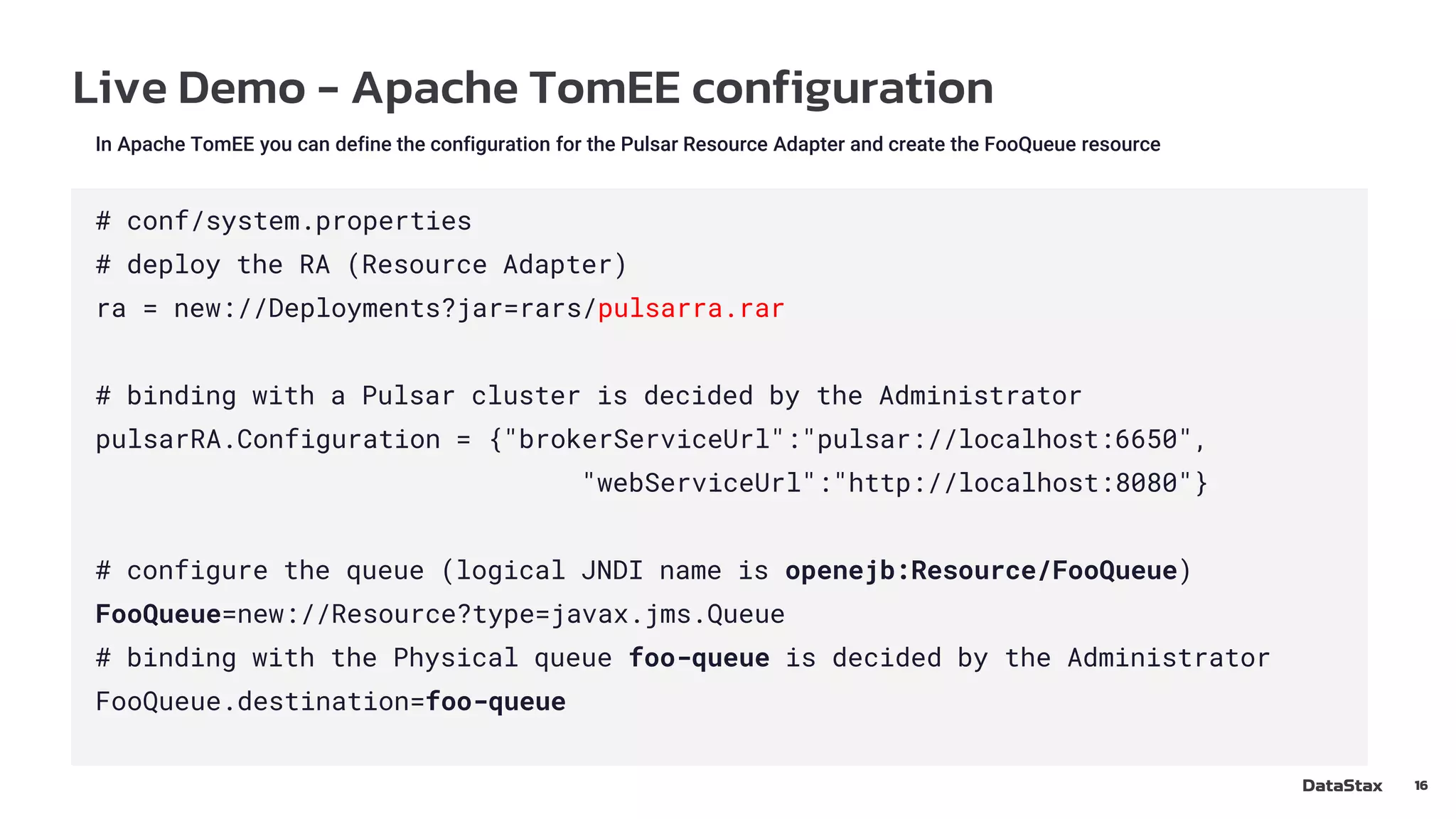
In Apache TomEE you can define the configuration for the Pulsar Resource Adapter and create the FooQueue resource
# conf/system.properties
# deploy the RA (Resource Adapter)
ra = new://Deployments?jar=rars/pulsarra.rar
# binding with a Pulsar cluster is decided by the Administrator
pulsarRA.Configuration = {"brokerServiceUrl":"pulsar://localhost:6650",
"webServiceUrl":"http://localhost:8080"}
# configure the queue (logical JNDI name is openejb:Resource/FooQueue)
FooQueue=new://Resource?type=javax.jms.Queue
# binding with the Physical queue foo-queue is decided by the Administrator
FooQueue.destination=foo-queue
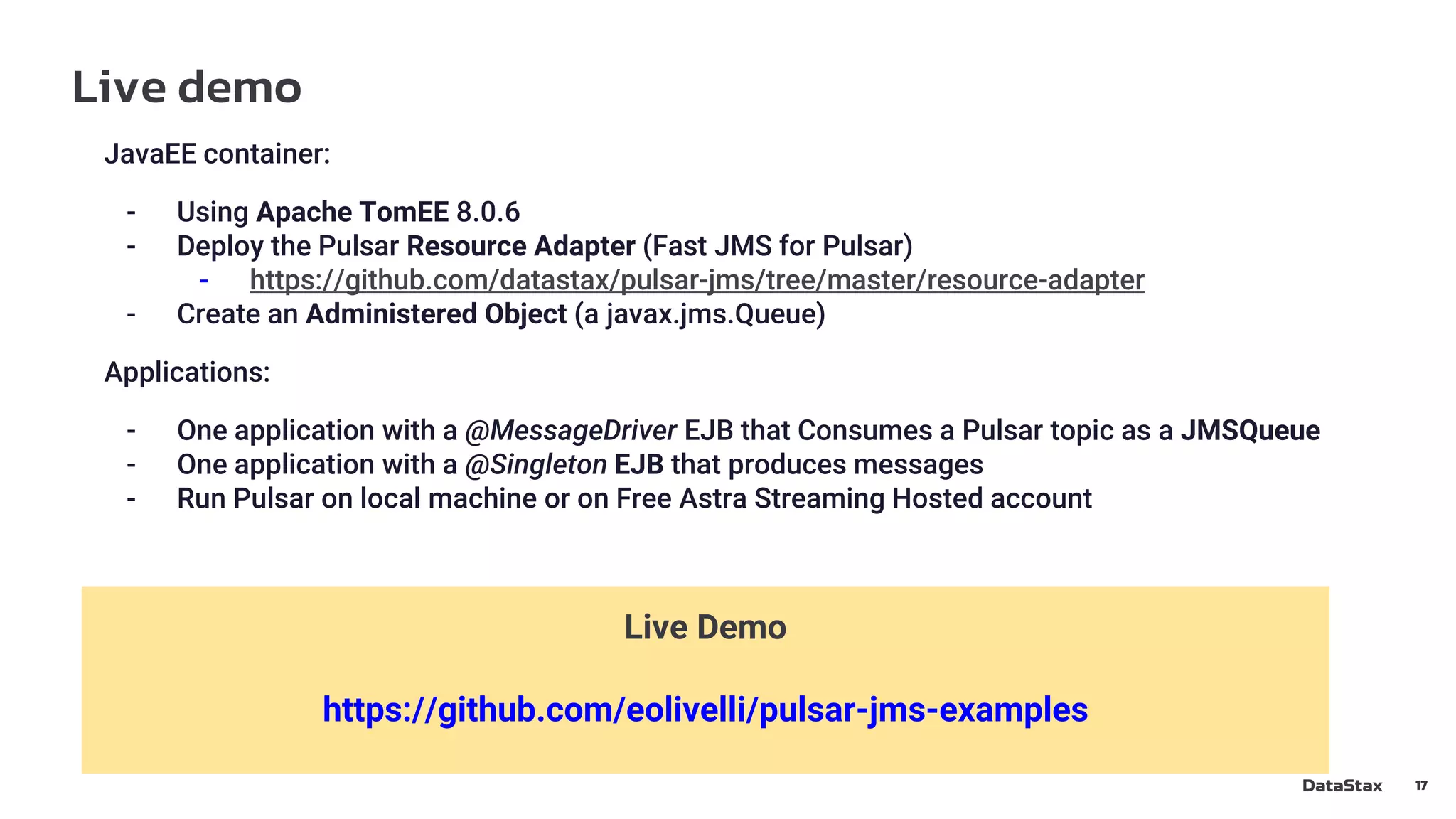
Live demo
17
JavaEE container:
- Using Apache TomEE 8.0.6
- Deploy the Pulsar Resource Adapter (Fast JMS for Pulsar)
- https://github.com/datastax/pulsar-jms/tree/master/resource-adapter
- Create an Administered Object (a javax.jms.Queue)
Applications:
- One application with a @MessageDriver EJB that Consumes a Pulsar topic as a JMSQueue
- One application with a @Singleton EJB that produces messages
- Run Pulsar on local machine or on Free Astra Streaming Hosted account
Live Demo
https://github.com/eolivelli/pulsar-jms-examples
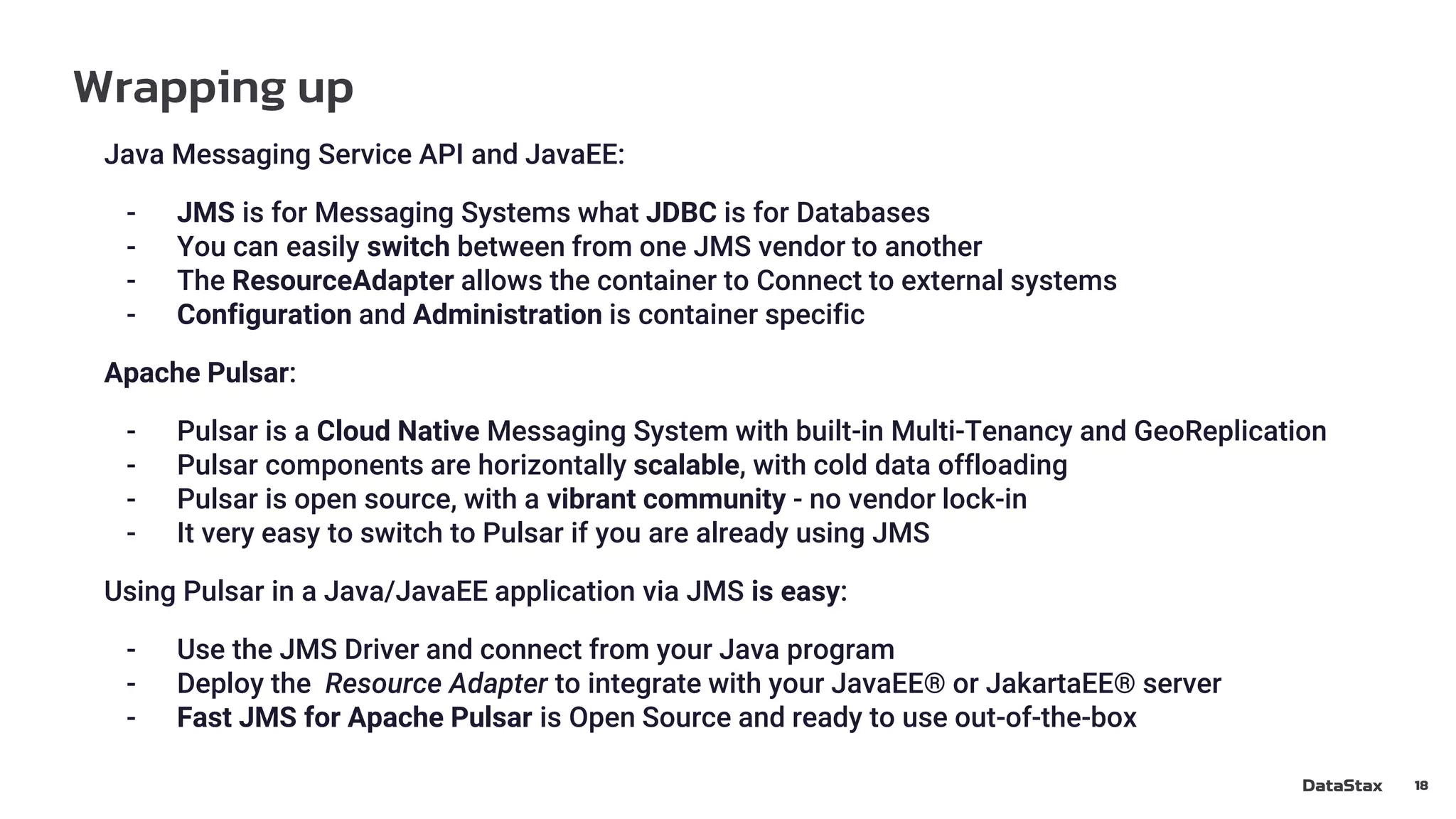
Wrapping up
18
Java Messaging Service API and JavaEE:
- JMS is for Messaging Systems what JDBC is for Databases
- You can easily switch between from one JMS vendor to another
- The ResourceAdapter allows the container to Connect to external systems
- Configuration and Administration is container specific
Apache Pulsar:
- Pulsar is a Cloud Native Messaging System with built-in Multi-Tenancy and GeoReplication
- Pulsar components are horizontally scalable, with cold data offloading
- Pulsar is open source, with a vibrant community - no vendor lock-in
- It very easy to switch to Pulsar if you are already using JMS
Using Pulsar in a Java/JavaEE application via JMS is easy:
- Use the JMS Driver and connect from your Java program
- Deploy the Resource Adapter to integrate with your JavaEE® or JakartaEE® server
- Fast JMS for Apache Pulsar is Open Source and ready to use out-of-the-box
References
19
LinkedIn - linkedin.com/in/enrico-olivelli-984b7874/
Twitter: twitter.com/eolivelli
Apache Pulsar Community: pulsar.apache.org/en/contact/ (Slack, ML…)
References:
Apache Pulsar: github.com/apache/pulsar (ASLv2)
Fast JMS for Apache Pulsar - github.com/datastax/pulsar-jms (ASLv2)
Jakarta JMS 2.0 speficifications - jakarta.ee/specifications/messaging/2.0/
Thank you !
20
We are hiring: https://www.datastax.com/company/careers

Using the JMS 2.0 API with Apache Pulsar - Pulsar Virtual Summit Europe 2021

  • 1.
    Using the JMS2.0 API with Apache Pulsar Enrico Olivelli DataStax - Luna Streaming Team Member of Apache Pulsar, Apache BookKeeper and Apache ZooKeeper PMC, Apache Curator VP
  • 2.
    Agenda ● Introduction tothe Java Messaging Service API ● Benefits of Apache Pulsar for JMS/JavaEE applications ● Mapping JMS to Pulsar ● Code samples: standard Java code ● Live Demo using EJBs and Apache TomEE® 2
  • 3.
    Java Messaging ServiceAPI - Messaging for JavaEE 3 JMS is a set of simple API to interact with Messaging Systems: - Produce and Consume Messages - Manage Subscriptions - Transactions JDBC JMS SQL Database Messaging System
  • 4.
    Java Messaging ServiceAPI - Core Concepts 4 JMS Concepts: - Destinations: Queues and Topics - Messages - Producers and Consumers - Connections and Sessions (JMSContext in 2.0) Destination Queue/Topi c Producer Producer Consumer Consumer Consumer Producer Send Message Receive Message
  • 5.
    Java Messaging ServiceAPI - Destinations and clients 5 Destinations: - Queue: - Each message is received by one Consumer - Browseable - Topic: - Multiple subscriptions - Messages dispatched according to the Subscription Type Consumer styles: - Blocking receive() method, Application driven (no “async” receive) - MessageListener method, JMS Driver driven Producer styles: - Blocking send() method - Asynchronous send() with CompletionListener
  • 6.
    Java Messaging ServiceAPI - Administrative operations 6 JMS does not cover administrative operations: - Manage destinations - Manage Connection properties - Define Security Model - Define Resource Limits - Configure Quality of Service The API deals only with Administered Objects: - Destinations: Queue and Topic references - ConnectionFactory: The “client” that allows you to connect to the system
  • 7.
    Java Messaging ServiceAPI - interactions with JavaEE 7 In a JavaEE application you use Enterprise Java Beans (EJB) components - Stateful/Stateless EJBs, used in: - WebServlets - WebServices (JAX-RS/JAX-WS endpoints) - Background tasks (@Schedule) - MessageDriven beans - Activated by the container when receiving a message from a Connector The JavaEE container provides support for : - Lifecycle management/pooling - Context Dependency Injection (CDI) - Transactions support - Standard APIs to interact with the rest of the system
  • 8.
    Java Messaging ServiceAPI - ResourceAdapters 8 You can extend a JavaEE container using ResourceAdapters (RA). Key points: - Deploy a .rar file that contains the code - Configure the RA - Allow you to create Administered objects that conform to standard APIs, implemented by the core in the RA: - javax.jms.ConnectionFactory - javax.jms.Queue - javax.jms.Topic - Usually such objects are bound in a JNDI registry provided by the container How to deploy the .rar file and how to create the Objects is still specific to the container.
  • 9.
    Apache Pulsar -benefits for a JavaEE application 9 ● Blazing performance: Millions of JMS messages with low latency. ● Horizontal scalability and object storage offloading: You can scale up or down compute and storage independently. ● Consolidation: You can consolidate JMS applications spread across multiple legacy JMS brokers onto a single Pulsar installation. ● Message replay: Applications to travel back in time and replay previously consumed messages to recover from misconfiguration issues, recover from bugs in application code, and test new applications against real data. ● Geo-replication: You can easily replicate your messages to other locations for disaster recovery or global distribution. ● Future readiness: Support traditional messaging workloads, but you also log collection, microservices integration, event streaming, and event sourcing.
  • 10.
    Apache Pulsar -Basic Architecture 10 Bookies (scalable storage) Brokers (stateless) ZooKeeper (metadata) Proxy (optional) Pulsar Functions Workers Pulsar IO Connectors Python Producers JMS Go C++ Java Python Consumers JMS Go C++ Java Cassandra Enterprise Services Elastic Search Every component is Horizontally Scalable Dynamic addition/removal of components without service interruption GCS S3 Object Storage
  • 11.
    Apache Pulsar -Topics and Subscriptions 11 Unified Model for Messaging: - Topics: - Persistent/Non-Persistent - Partitioned/Non-Partitioned - Tenants and Namespaces: - Logical and physical isolation of resources - Fine grained configuration (topic/namespace/tenant/system levels) - Subscription modes: - Exclusive, Failover, Shared, Key Shared - Subscription types: - Durable, Non-Durable - Producer modes: - Normal, Exclusive
  • 12.
    Mapping the Pulsarto the JMS Model 12 JMS Concepts can be easily mapped to the Pulsar Model: - JMS Topic -> Pulsar topic - JMS Queue -> Pulsar topic with only one “shared” durable subscription - JMS Message -> Pulsar Message Consumer types: - Consumer -> Pulsar Exclusive Non-Durable Subscription with unknown name - DurableConsumer -> Pulsar Exclusive Durable Subscription - DurableSubscriber -> Pulsar Exclusive Durable Subscription - SharedConsumer -> Pulsar Shared Non-Durable Subscription - SharedDurableConsumer -> Pulsar Shared Durable Subscription No need for additional Proxies or Pulsar protocol handlers The mapping is managed automatically on the JMS Client library
  • 13.
    Connect to Pulsarusing the JMS API from JavaSE 13 Steps to connect to Pulsar using the JMS API in a JavaSE application: # step 1: create the ConnectionFactory (this is the only Pulsar specific code) Map<String, Object> configuration = new HashMap<>(); configuration.put("webServiceUrl", "http://localhost:8080"); configuration.put("brokerServiceUrl", "pulsar://localhost:6650"); ConnectionFactory factory = new PulsarConnectionFactory(configuration); # step 2: write and read some message try (JMSContext context = factory.createContext()) { Destination destination = context.createQueue("test"); context.createProducer().send(destination, "text"); try (JMSConsumer consumer = context.createConsumer(destination)) { String message = consumer.receiveBody(String.class); ...
  • 14.
    Live Demo -Producer Code - JavaEE - Singleton EJB 14 This is a simple EJB that send a JMS TextMessage using the JMSContext API # Producer application @Singleton public class Timer { @Resource(name = "pulsar-javax.jms.ConnectionFactory") ConnectionFactory factory; @Resource(lookup = "openejb:Resource/FooQueue") Queue queue; @Schedule(....) public void send() { try (JMSContext context = factory.createContext()) { context.createProducer().send(queue, “test”); } Provided by the container
  • 15.
    Live Demo -Consumer code - JavaEE - MessageDriver bean 15 This is a simple EJB that consumes messages from a Pulsar Topic. Messages are acknowledged automatically in case of successful processing. # Consumer application @MessageDriven(activationConfig = { @ActivationConfigProperty(propertyName="destination", propertyValue="lookup://openejb:Resource/FooQueue") }) public class JMSListener implements MessageListener { public void onMessage(final Message message) { String contents = message.getBody(String.class); System.out.println("Received message '" contents + "' from destination " + message.getJMSDestination()); } Provided by the container
  • 16.
    Live Demo -Apache TomEE configuration 16 In Apache TomEE you can define the configuration for the Pulsar Resource Adapter and create the FooQueue resource # conf/system.properties # deploy the RA (Resource Adapter) ra = new://Deployments?jar=rars/pulsarra.rar # binding with a Pulsar cluster is decided by the Administrator pulsarRA.Configuration = {"brokerServiceUrl":"pulsar://localhost:6650", "webServiceUrl":"http://localhost:8080"} # configure the queue (logical JNDI name is openejb:Resource/FooQueue) FooQueue=new://Resource?type=javax.jms.Queue # binding with the Physical queue foo-queue is decided by the Administrator FooQueue.destination=foo-queue
  • 17.
    Live demo 17 JavaEE container: -Using Apache TomEE 8.0.6 - Deploy the Pulsar Resource Adapter (Fast JMS for Pulsar) - https://github.com/datastax/pulsar-jms/tree/master/resource-adapter - Create an Administered Object (a javax.jms.Queue) Applications: - One application with a @MessageDriver EJB that Consumes a Pulsar topic as a JMSQueue - One application with a @Singleton EJB that produces messages - Run Pulsar on local machine or on Free Astra Streaming Hosted account Live Demo https://github.com/eolivelli/pulsar-jms-examples
  • 18.
    Wrapping up 18 Java MessagingService API and JavaEE: - JMS is for Messaging Systems what JDBC is for Databases - You can easily switch between from one JMS vendor to another - The ResourceAdapter allows the container to Connect to external systems - Configuration and Administration is container specific Apache Pulsar: - Pulsar is a Cloud Native Messaging System with built-in Multi-Tenancy and GeoReplication - Pulsar components are horizontally scalable, with cold data offloading - Pulsar is open source, with a vibrant community - no vendor lock-in - It very easy to switch to Pulsar if you are already using JMS Using Pulsar in a Java/JavaEE application via JMS is easy: - Use the JMS Driver and connect from your Java program - Deploy the Resource Adapter to integrate with your JavaEE® or JakartaEE® server - Fast JMS for Apache Pulsar is Open Source and ready to use out-of-the-box
  • 19.
    References 19 LinkedIn - linkedin.com/in/enrico-olivelli-984b7874/ Twitter:twitter.com/eolivelli Apache Pulsar Community: pulsar.apache.org/en/contact/ (Slack, ML…) References: Apache Pulsar: github.com/apache/pulsar (ASLv2) Fast JMS for Apache Pulsar - github.com/datastax/pulsar-jms (ASLv2) Jakarta JMS 2.0 speficifications - jakarta.ee/specifications/messaging/2.0/
  • 20.
    Thank you ! 20 Weare hiring: https://www.datastax.com/company/careers

Editor's Notes

  • #2 June 15, 2021 Updates: Added Astra DB logo. Replaced Astra Streaming logo with updated version, while adding a horizontal lockup as a secondary option. Updated Luna Streaming logo.