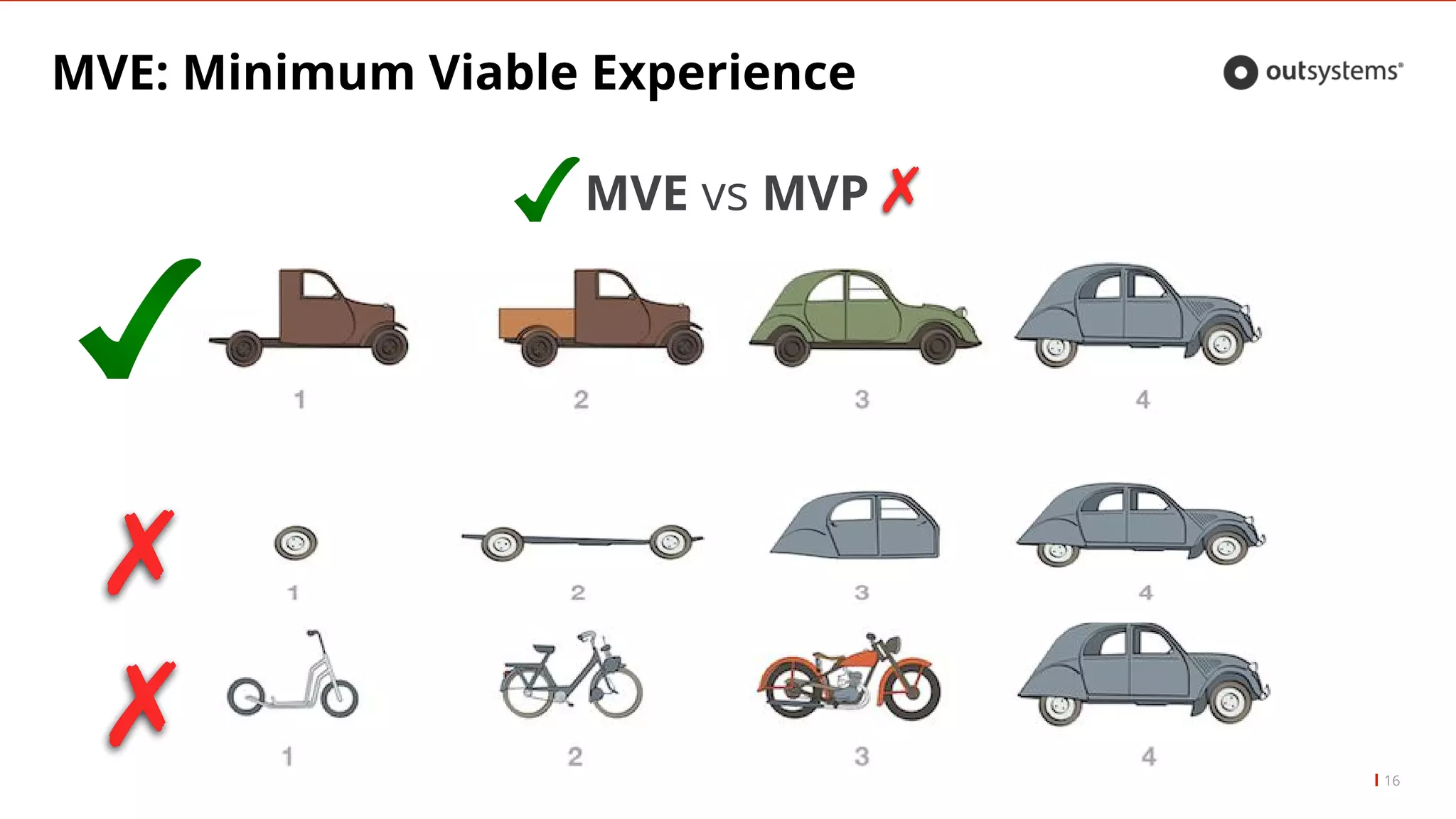
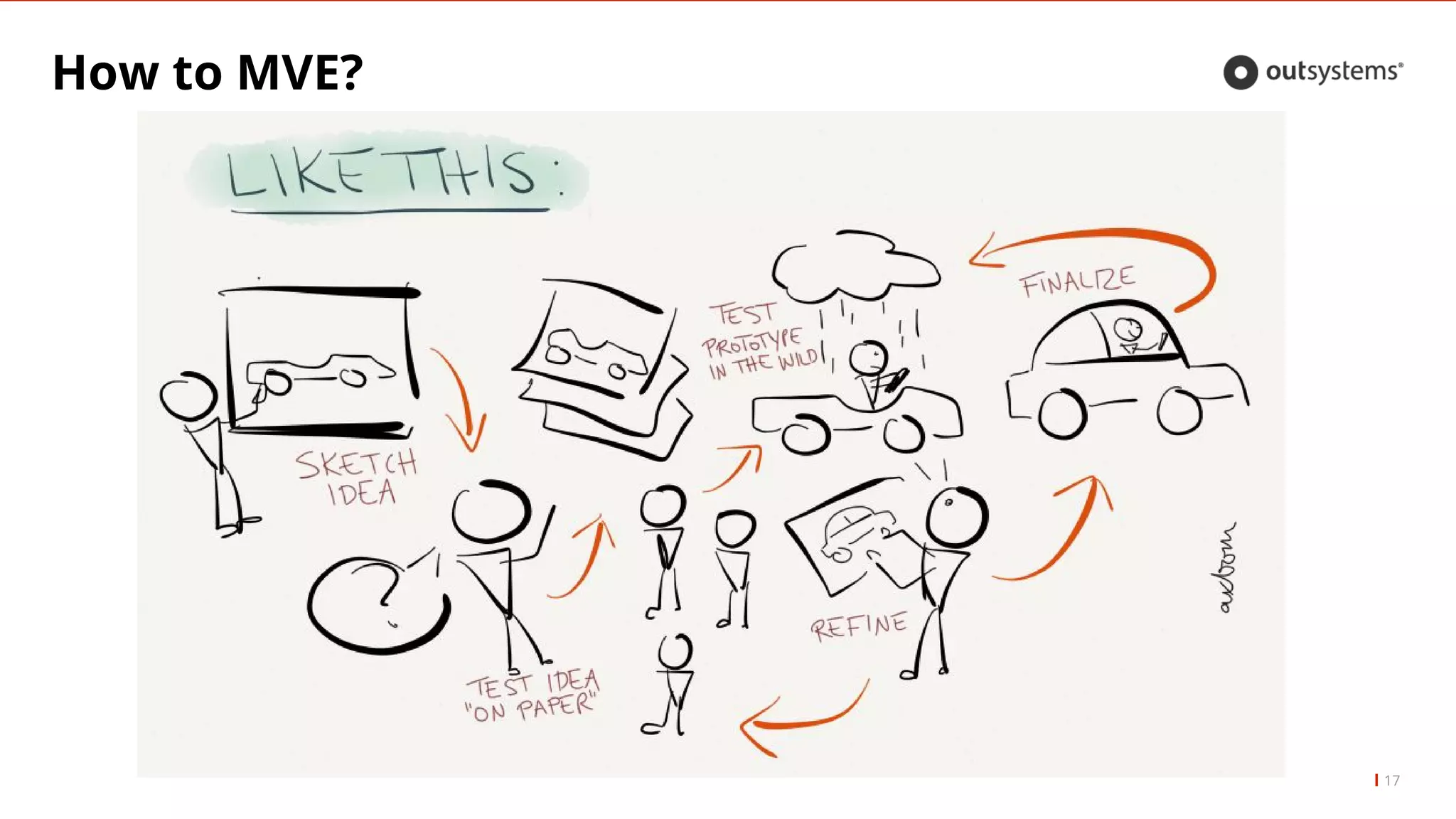
The document discusses the importance of user experience (UX) in software development, highlighting that poor communication and badly defined requirements can lead to failures. It emphasizes the Lean UX approach, proposing short cycles and early user testing to minimize costly rework and deliver effective solutions. The presentation outlines steps to create a minimum viable experience (MVE) and the benefits of actively engaging with users throughout the design process.
Overview of transitioning from poor to exceptional user experience using Lean UX.
Emphasizes UX's critical role, costs of poor UX, and potential ROI by minimizing rework.
Guidelines on evolving from mere screens to engaging user experiences using MVE.
Details on Lean UX methodology, short cycles, rapid testing, wireframing, and user involvement. Focuses on wireframes as tools for feedback and their role in visual design for user adoption.
Strategies for going live, user preparation, and the importance of continual user feedback post-launch.
Tips on avoiding common UX traps with additional resources and tools for improvement.
4
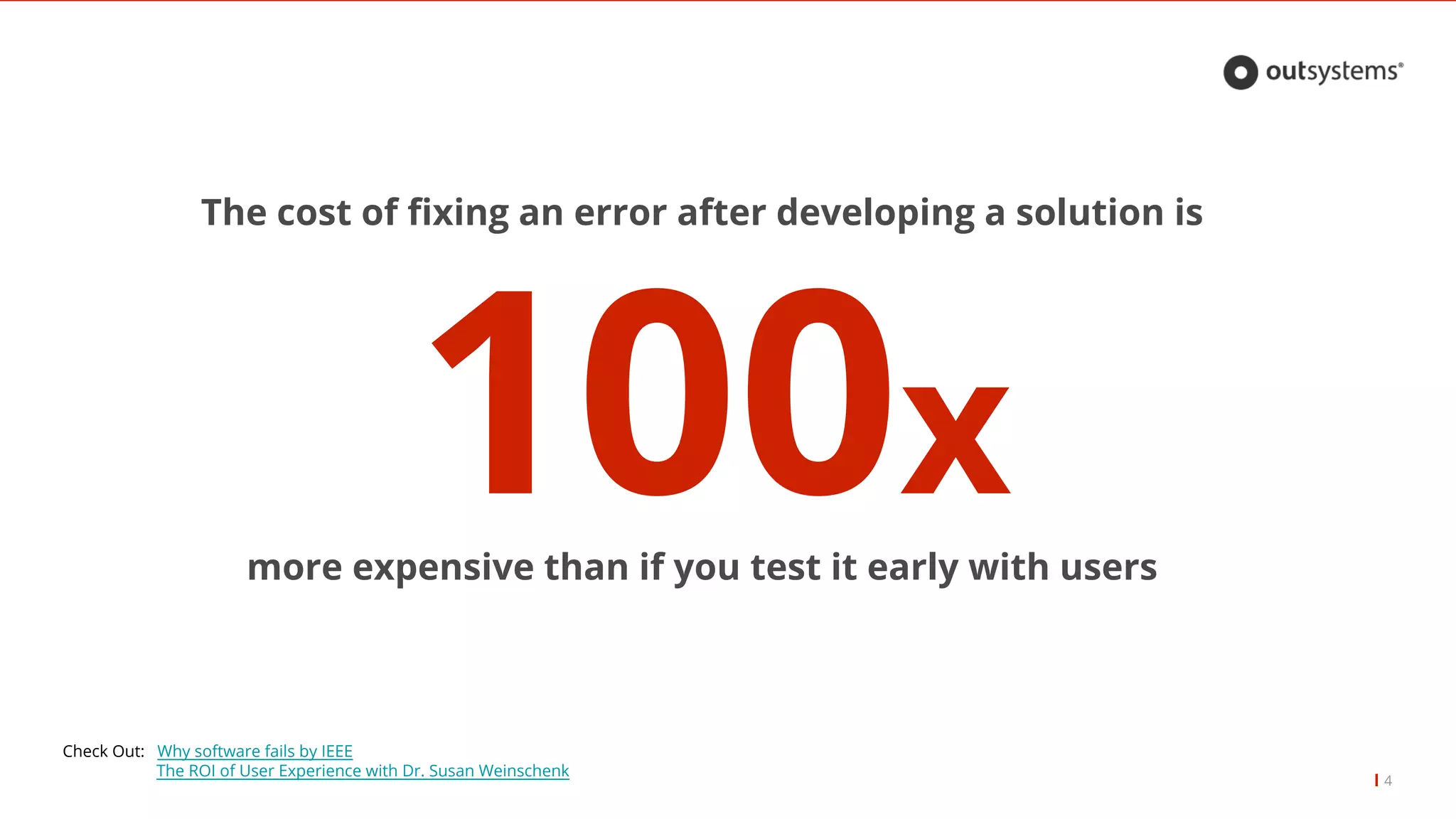
The cost offixing an error after developing a solution is
100xmore expensive than if you test it early with users
Check Out: Why software fails by IEEE
The ROI of User Experience with Dr. Susan Weinschenk
5.
5
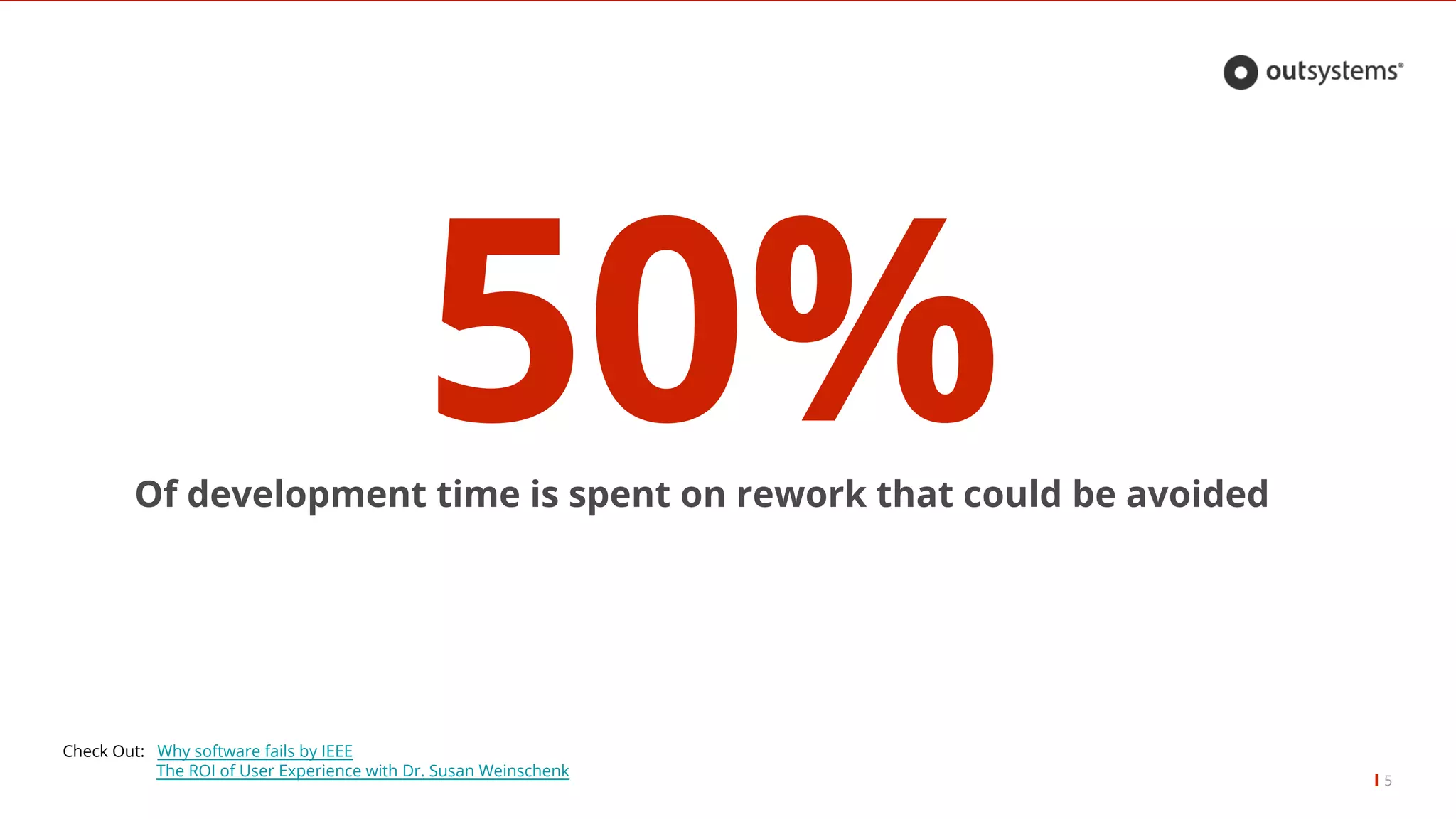
50%Of development timeis spent on rework that could be avoided
Check Out: Why software fails by IEEE
The ROI of User Experience with Dr. Susan Weinschenk
6.
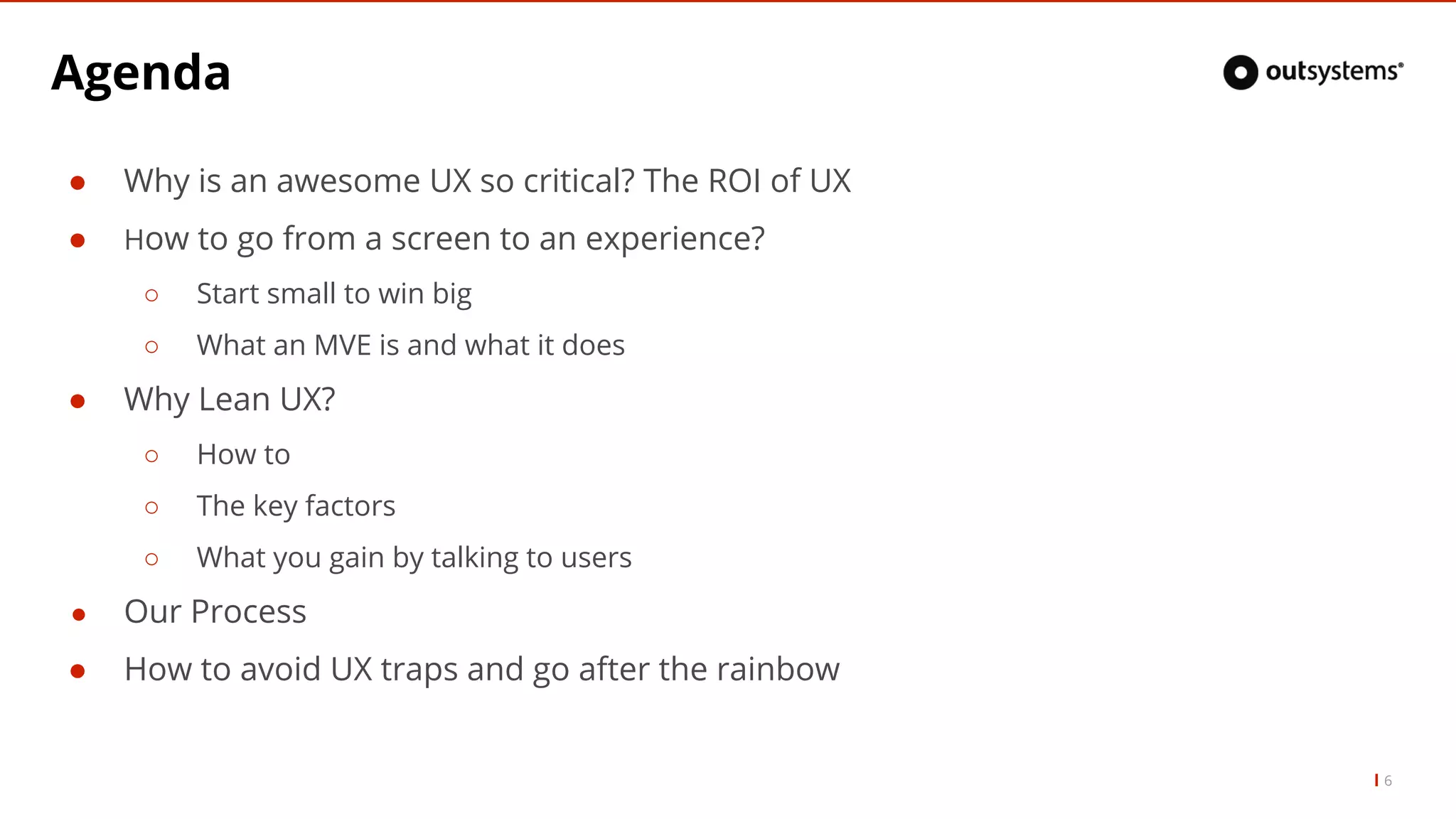
Agenda
β Why isan awesome UX so critical? The ROI of UX
β How to go from a screen to an experience?
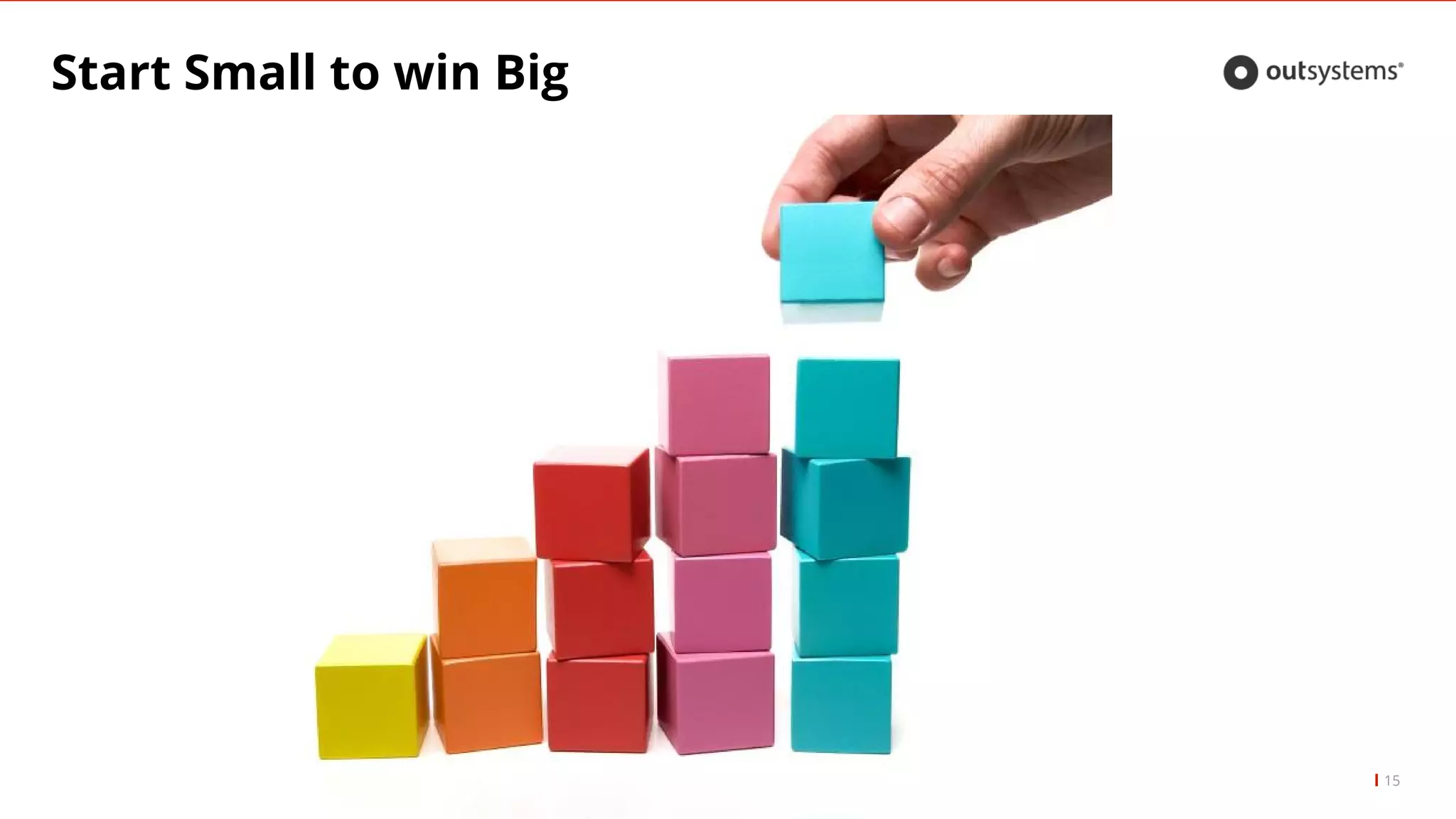
β Start small to win big
β What an MVE is and what it does
β Why Lean UX?
β How to
β The key factors
β What you gain by talking to users
β Our Process
β How to avoid UX traps and go after the rainbow
6
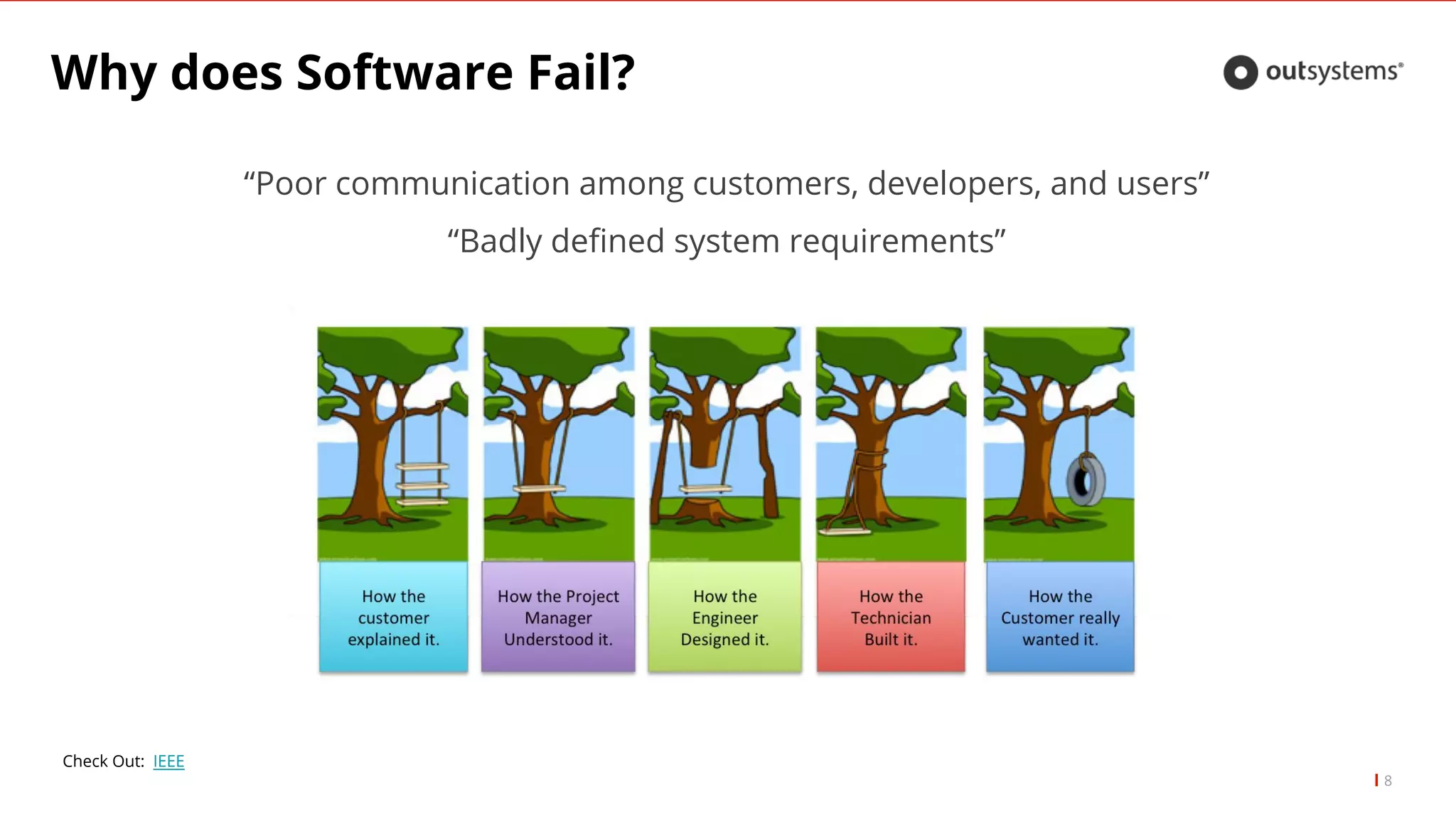
Why does SoftwareFail?
βPoor communication among customers, developers, and usersβ
βBadly defined system requirementsβ
8
Check Out: IEEE
9.
Why does SoftwareFail?
9
β Frustration: Big bang deployments βUhhmmm, so after all this time, this is it? OK...β
β Not up to stakeholderβs standards and user expectations: βI was expecting something
great. Can you make it a little bit more like Slack?β
β It is expensive to rework: βCan we change this?β
10.
Can UX help?
10
ββWe need to impressβ
β βThis needs to look greatβ
β βThey already know what they wantβ
Can UX help?
12
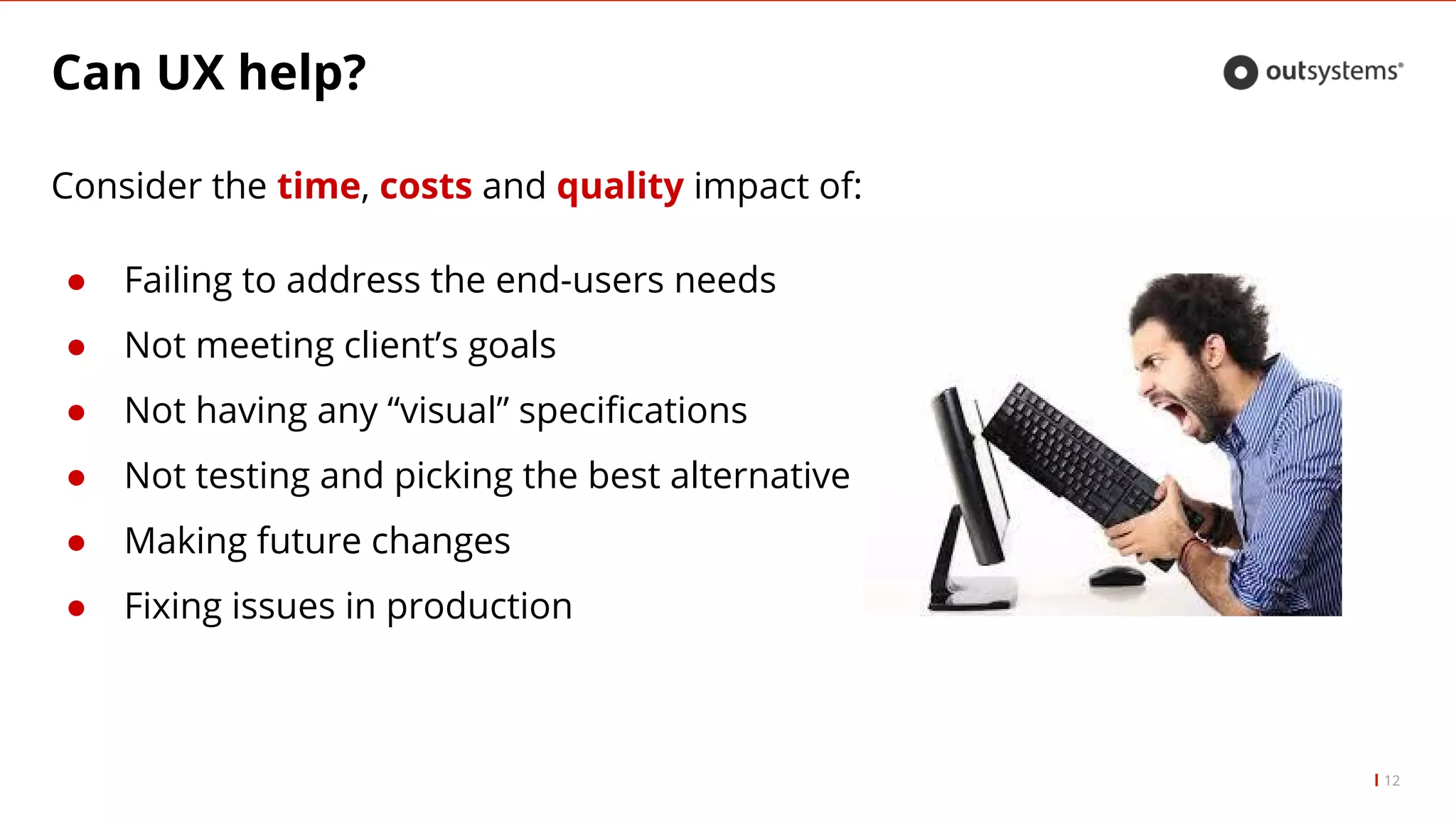
Considerthe time, costs and quality impact of:
β Failing to address the end-users needs
β Not meeting clientβs goals
β Not having any βvisualβ specifications
β Not testing and picking the best alternative
β Making future changes
β Fixing issues in production
How to: LeanUX
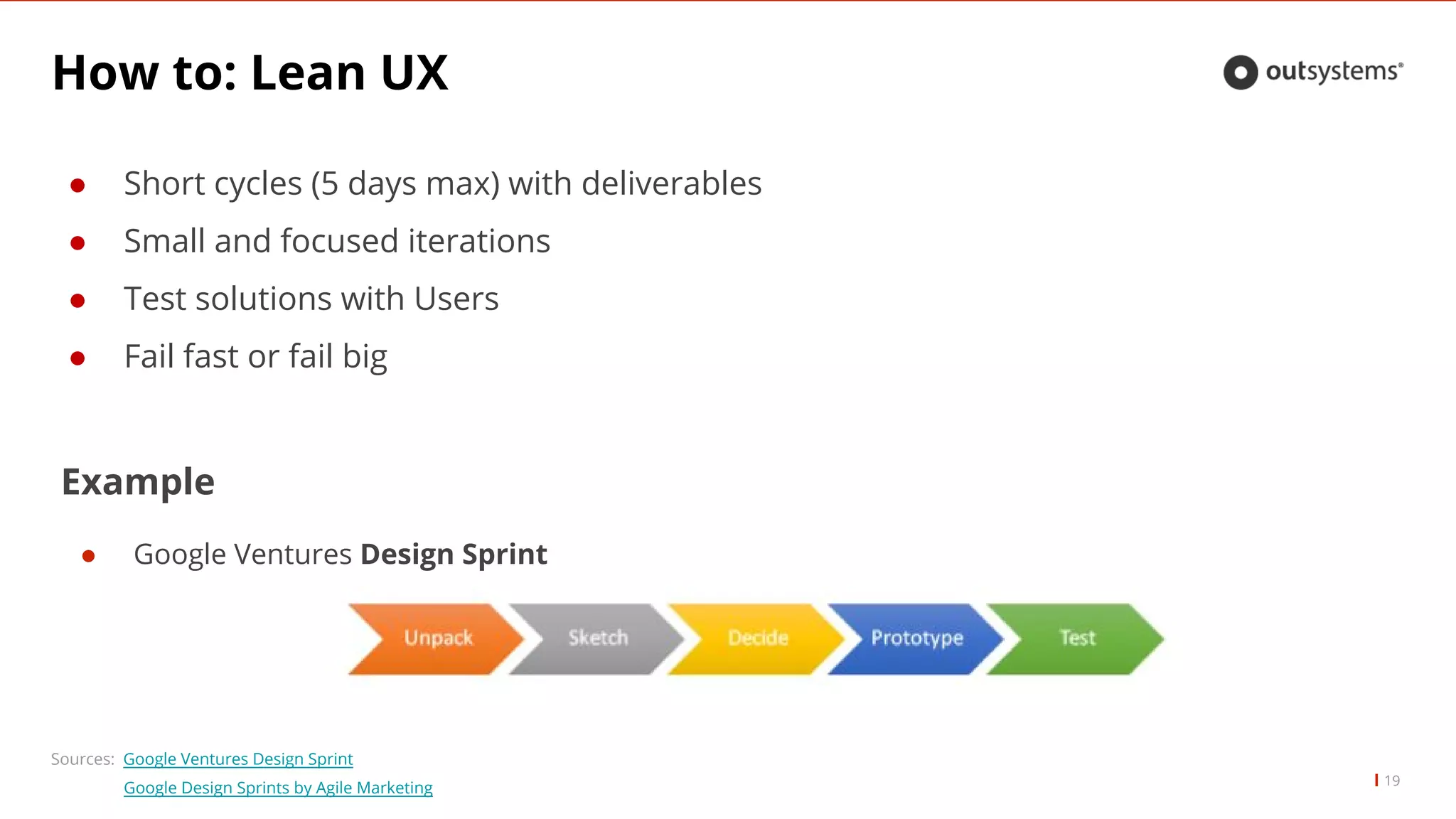
β Short cycles (5 days max) with deliverables
β Small and focused iterations
β Test solutions with Users
β Fail fast or fail big
19
Sources: Google Ventures Design Sprint
Google Design Sprints by Agile Marketing
Example
β Google Ventures Design Sprint
20.
How to: LeanUX
20
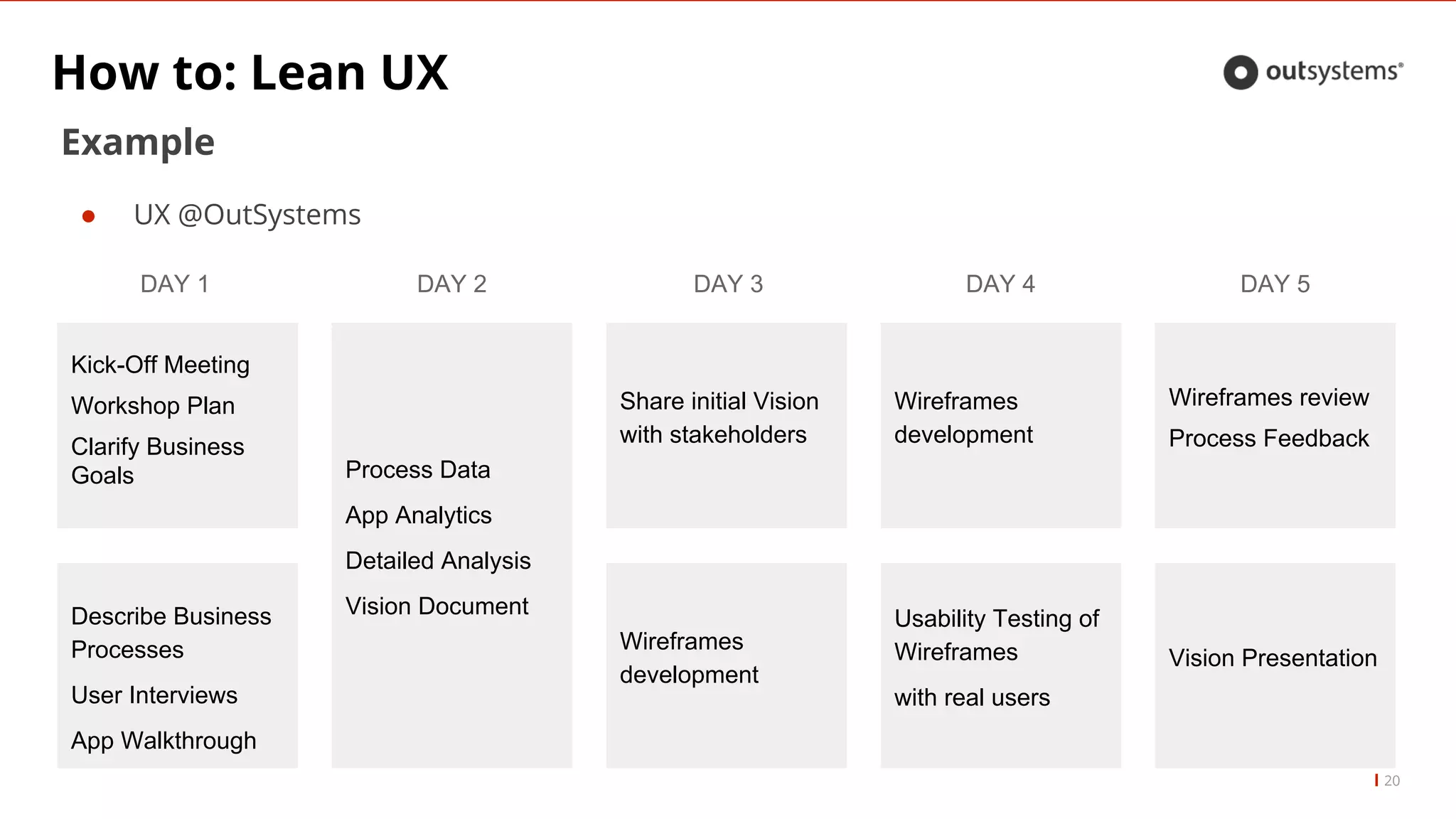
Example
β UX @OutSystems
Kick-Off Meeting
Workshop Plan
Clarify Business
Goals
DAY 1
Process Data
App Analytics
Detailed Analysis
Vision Document
DAY 2 DAY 3
Wireframes
development
Share initial Vision
with stakeholders
DAY 4
Usability Testing of
Wireframes
with real users
Wireframes
development
Describe Business
Processes
User Interviews
App Walkthrough
DAY 5
Wireframes review
Process Feedback
Vision Presentation
21.
The Key Factors
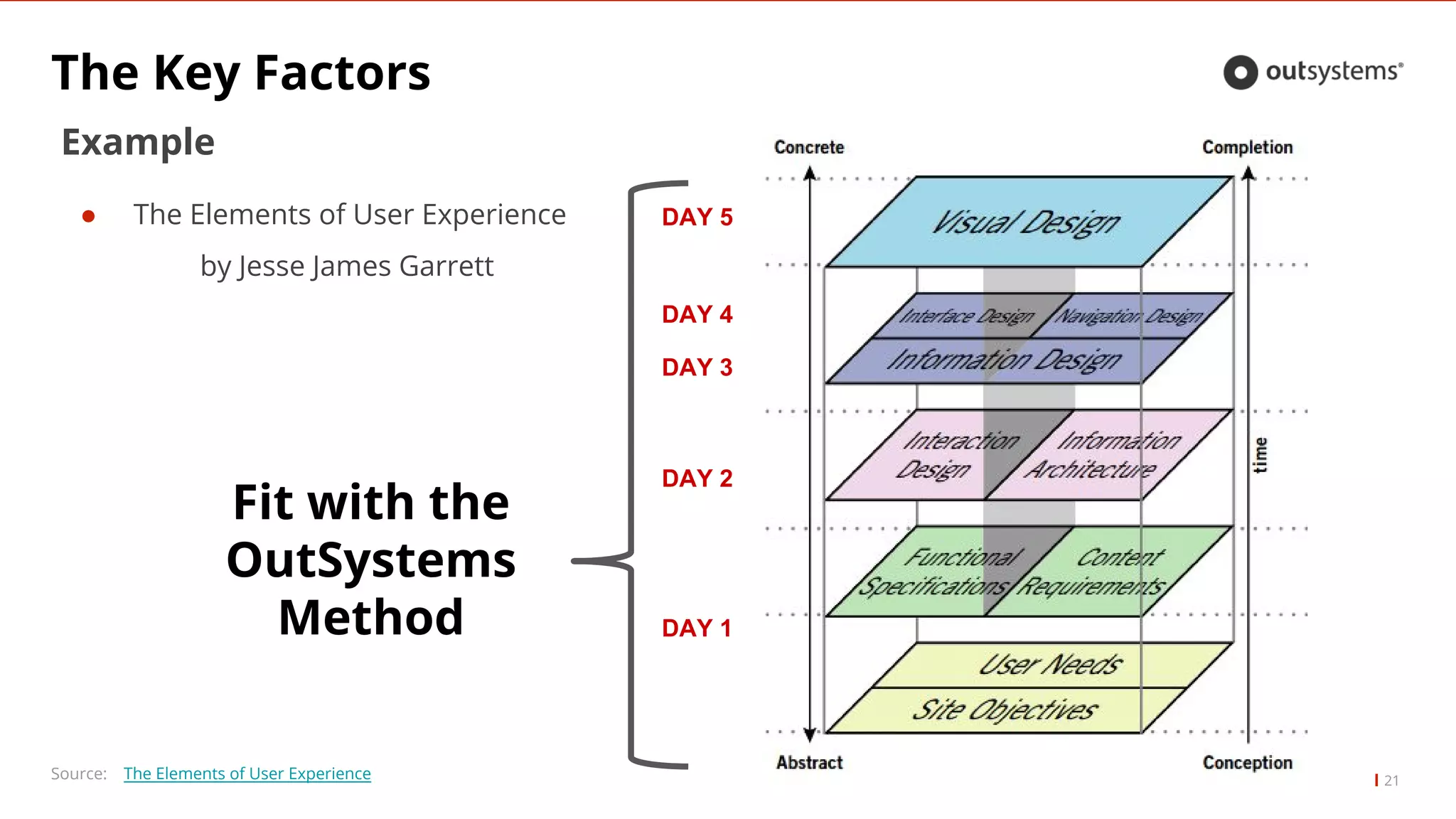
21Source:The Elements of User Experience
Example
β The Elements of User Experience
by Jesse James Garrett
Fit with the
OutSystems
Method DAY 1
DAY 2
DAY 3
DAY 4
DAY 5
22.
The Key Factors
22
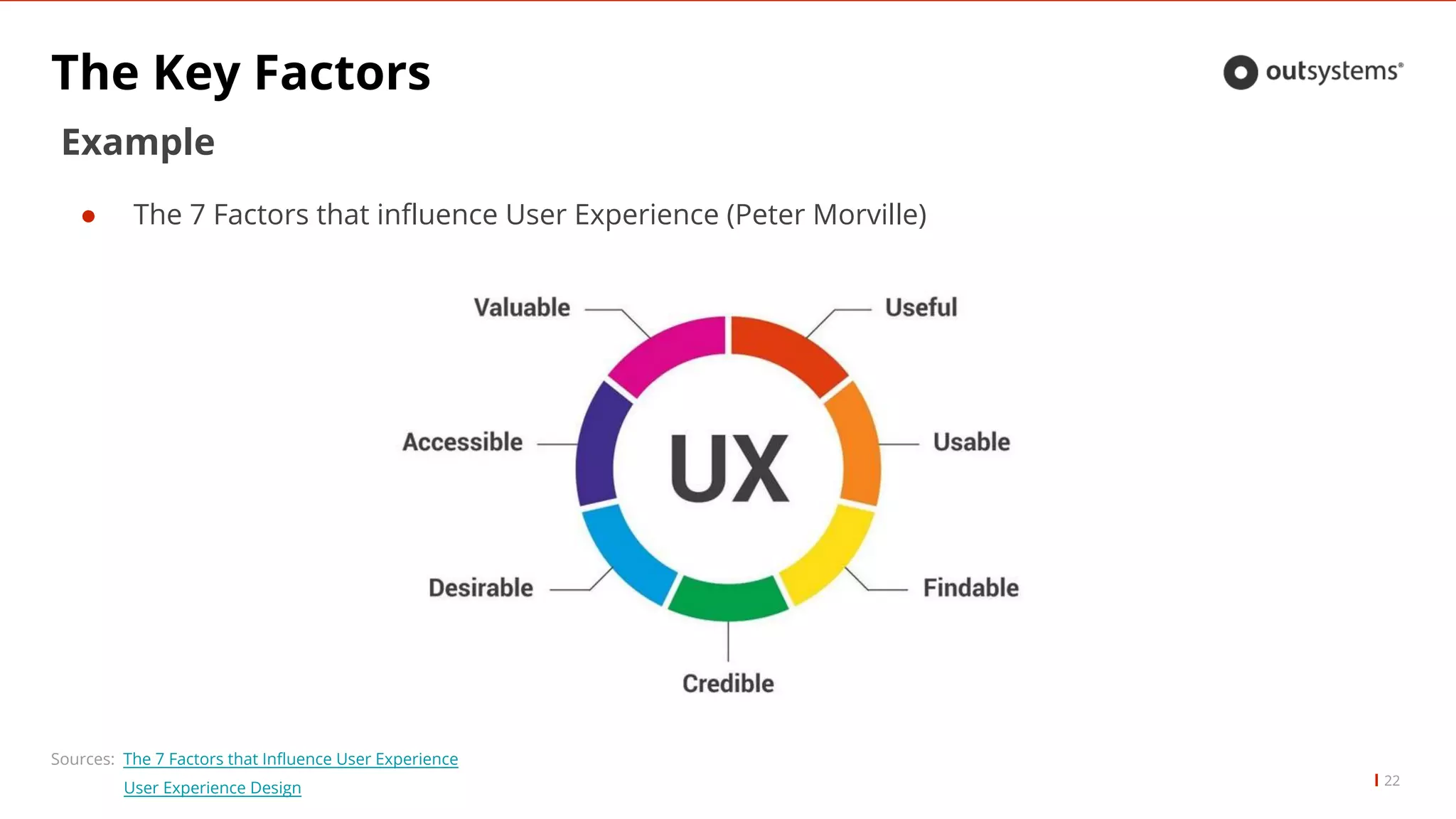
Sources:The 7 Factors that Influence User Experience
User Experience Design
Example
β The 7 Factors that influence User Experience (Peter Morville)
23.
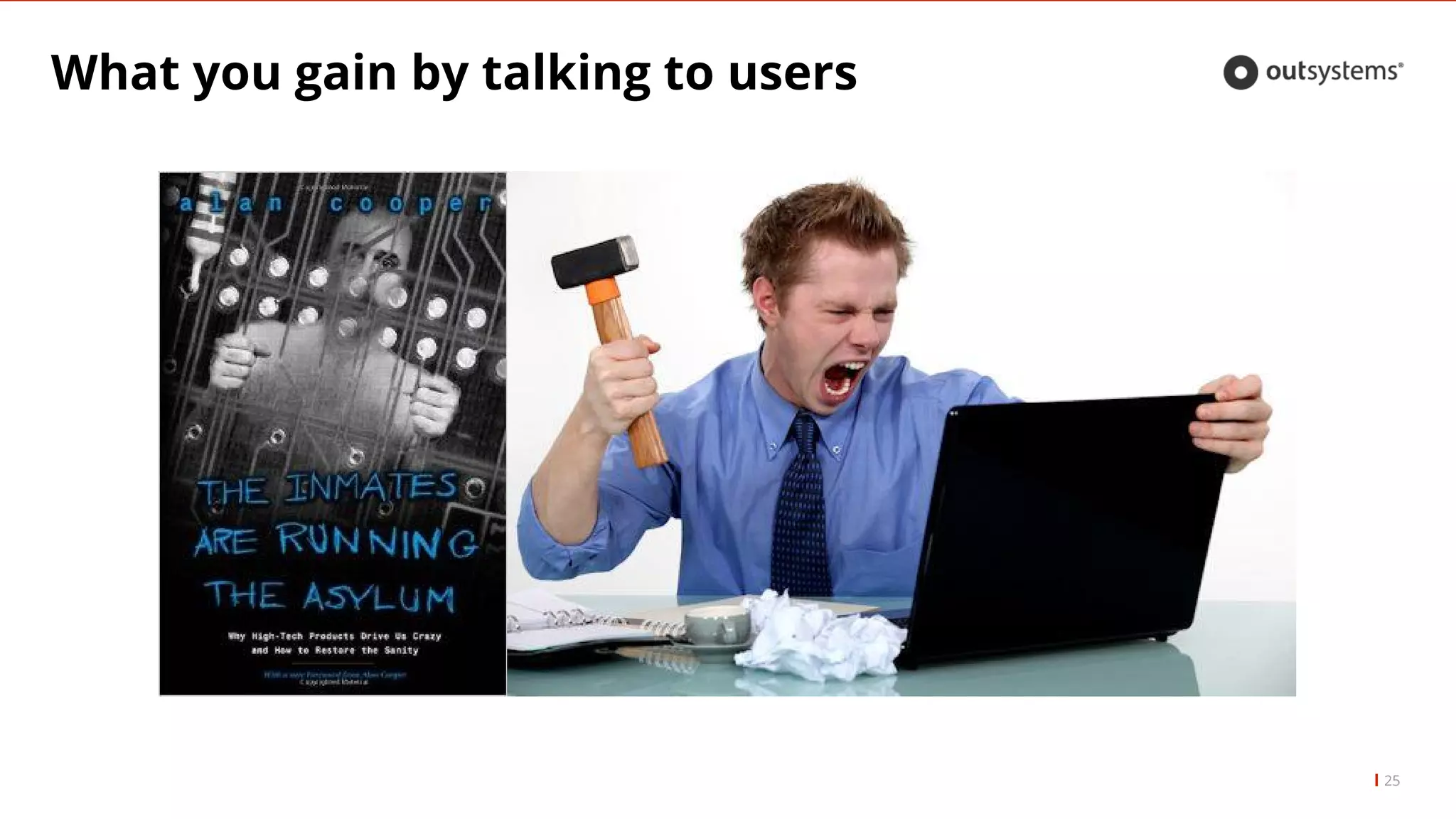
What you gainby talking to users
23
β You gain insights from those who will use the
system;
β They will probably have pains to report;
β They use shortcuts (some Shadow IT*);
β You gain a better understanding of who you are
building a solution for;
*Shadow IT = systems or apps that people use to accomplish a goal
but that are outside of the βofficial systemβ
The Lean UXMaster
26Source: The Elements of User Experience
If you have a hammer, not everything is a nail.
Each project and each team can and will adapt
these methods to their organizations and projects.
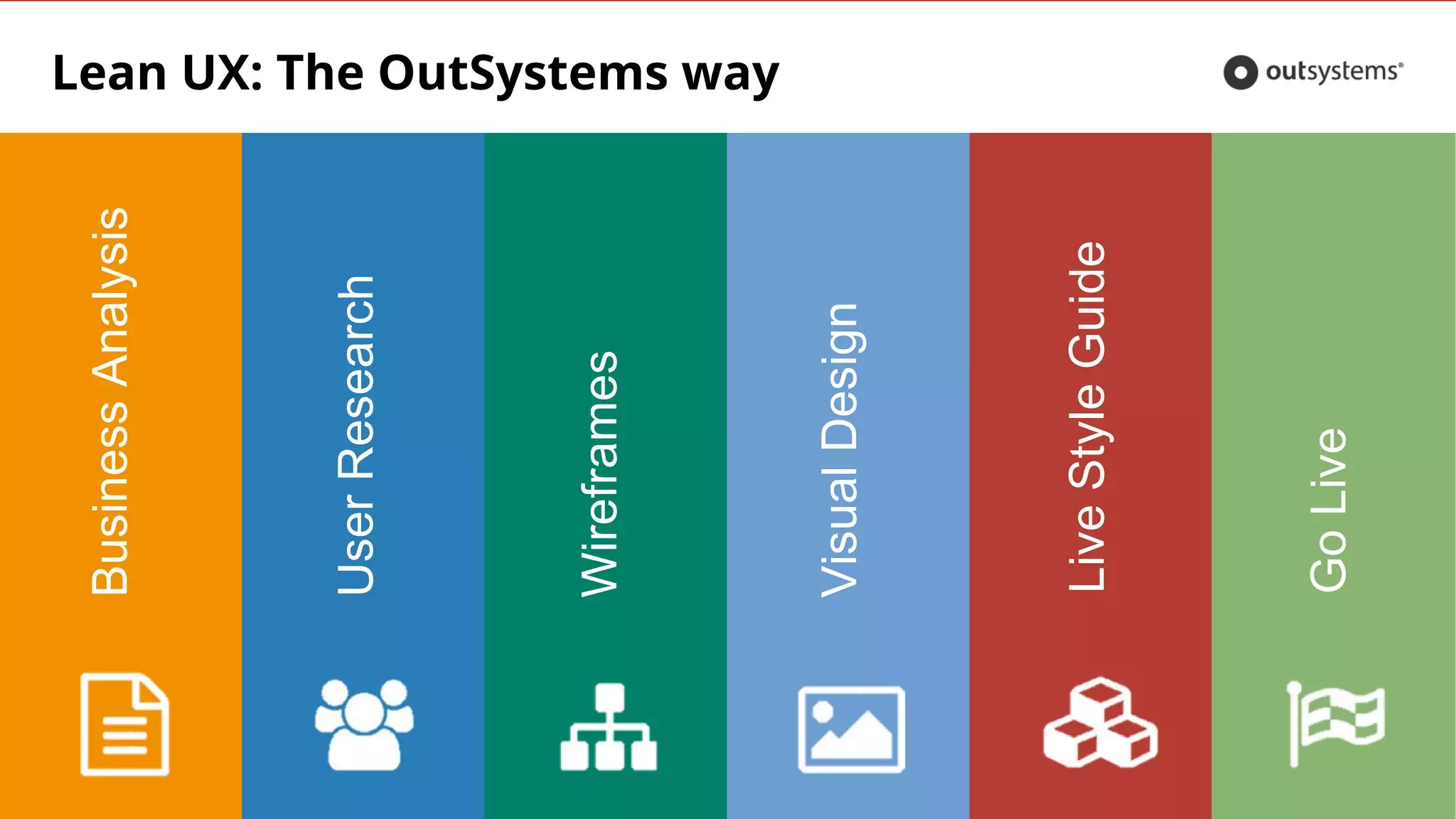
Lean UX: TheOutSystems way
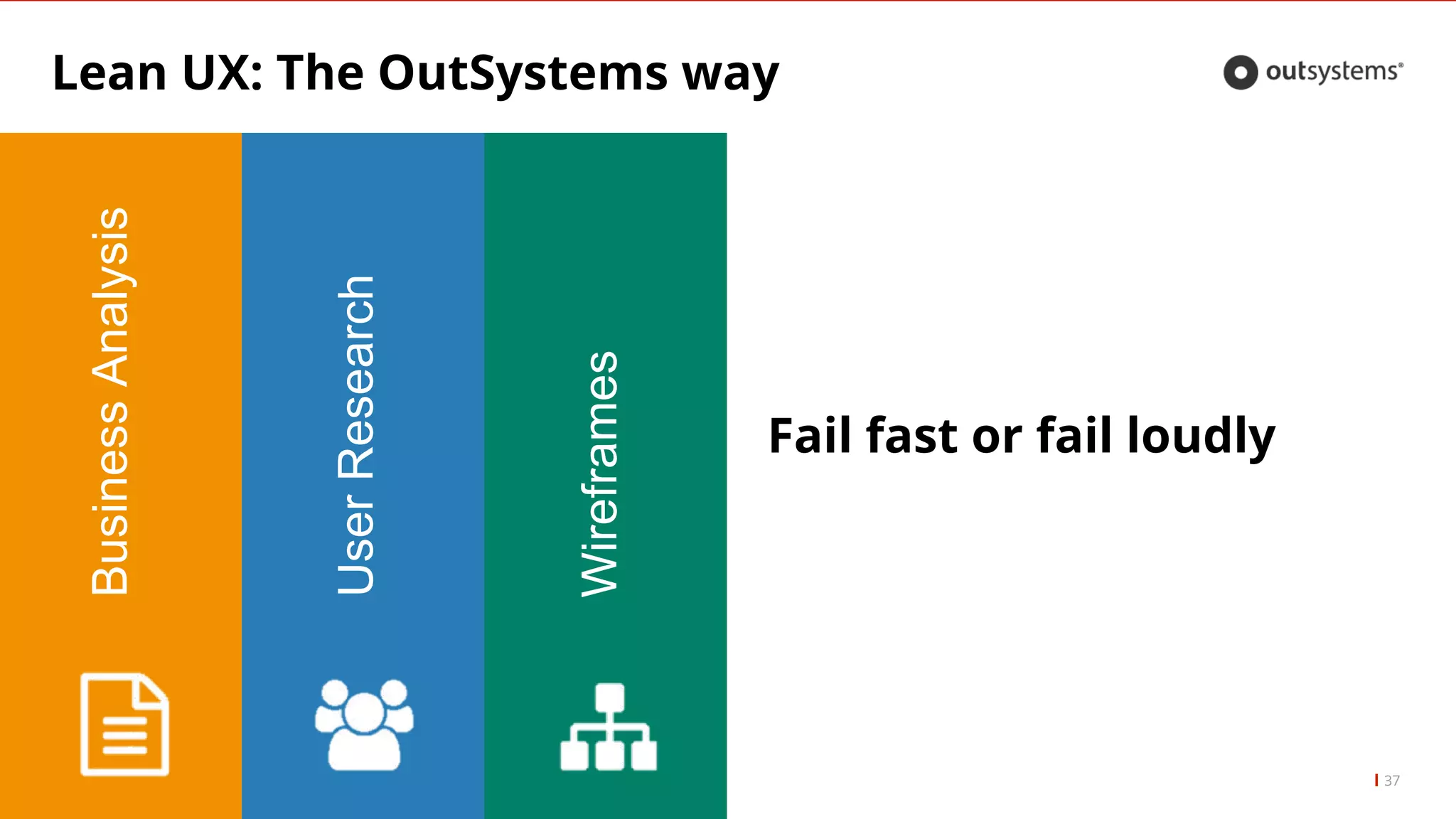
BusinessAnalysis
29
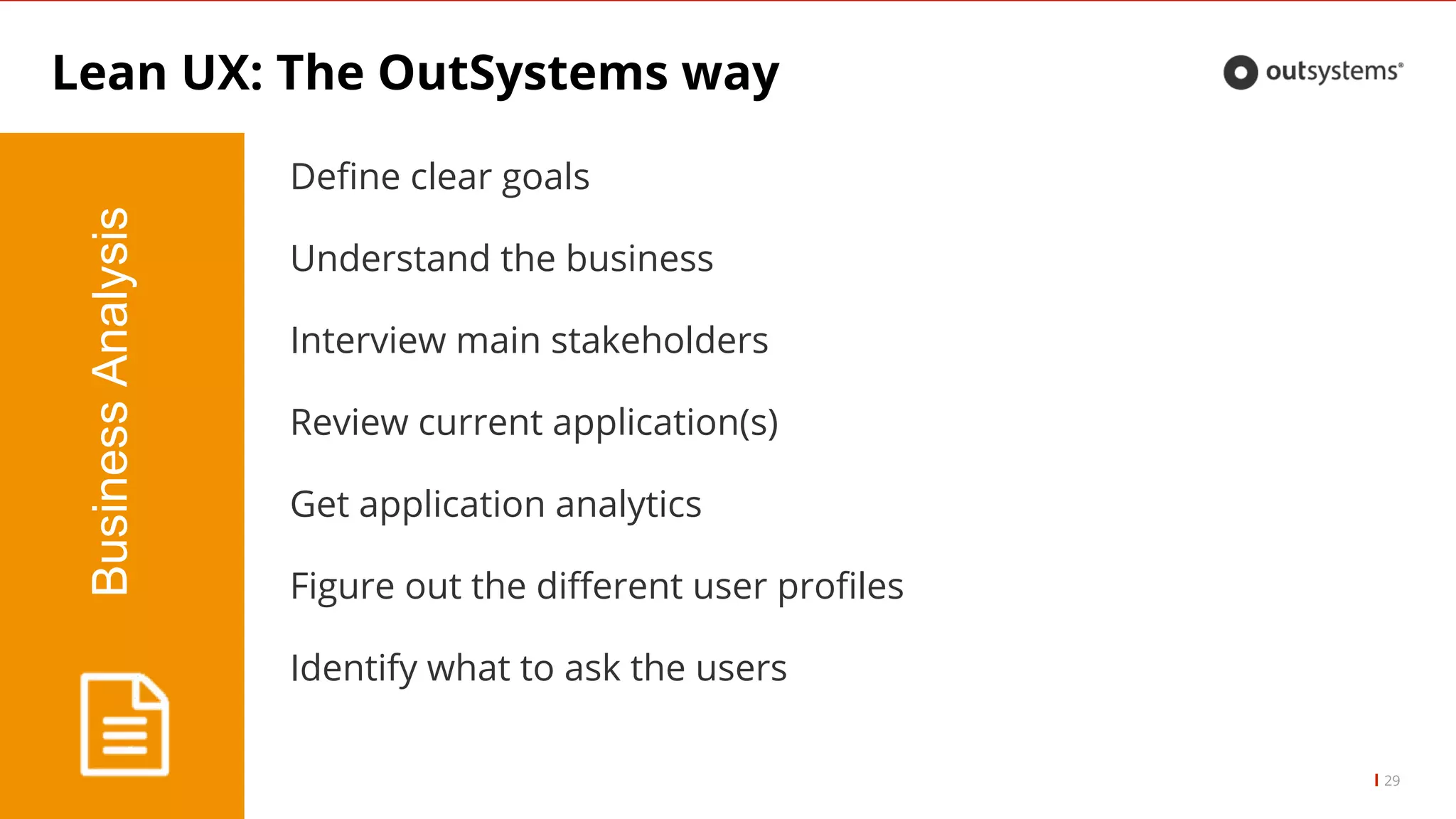
Define clear goals
Understand the business
Interview main stakeholders
Review current application(s)
Get application analytics
Figure out the different user profiles
Identify what to ask the users
30.
Lean UX: TheOutsystems way
30
CONTEXT IS KING
Donβt learn the business with the users
Create a context rich environment
Identify goals and constraints
31.
Lean UX: TheOutSystems way
31
BusinessAnalysis
UserResearch
Let us Meet the Users
32.
Lean UX: TheOutSystems way
32
UserResearch
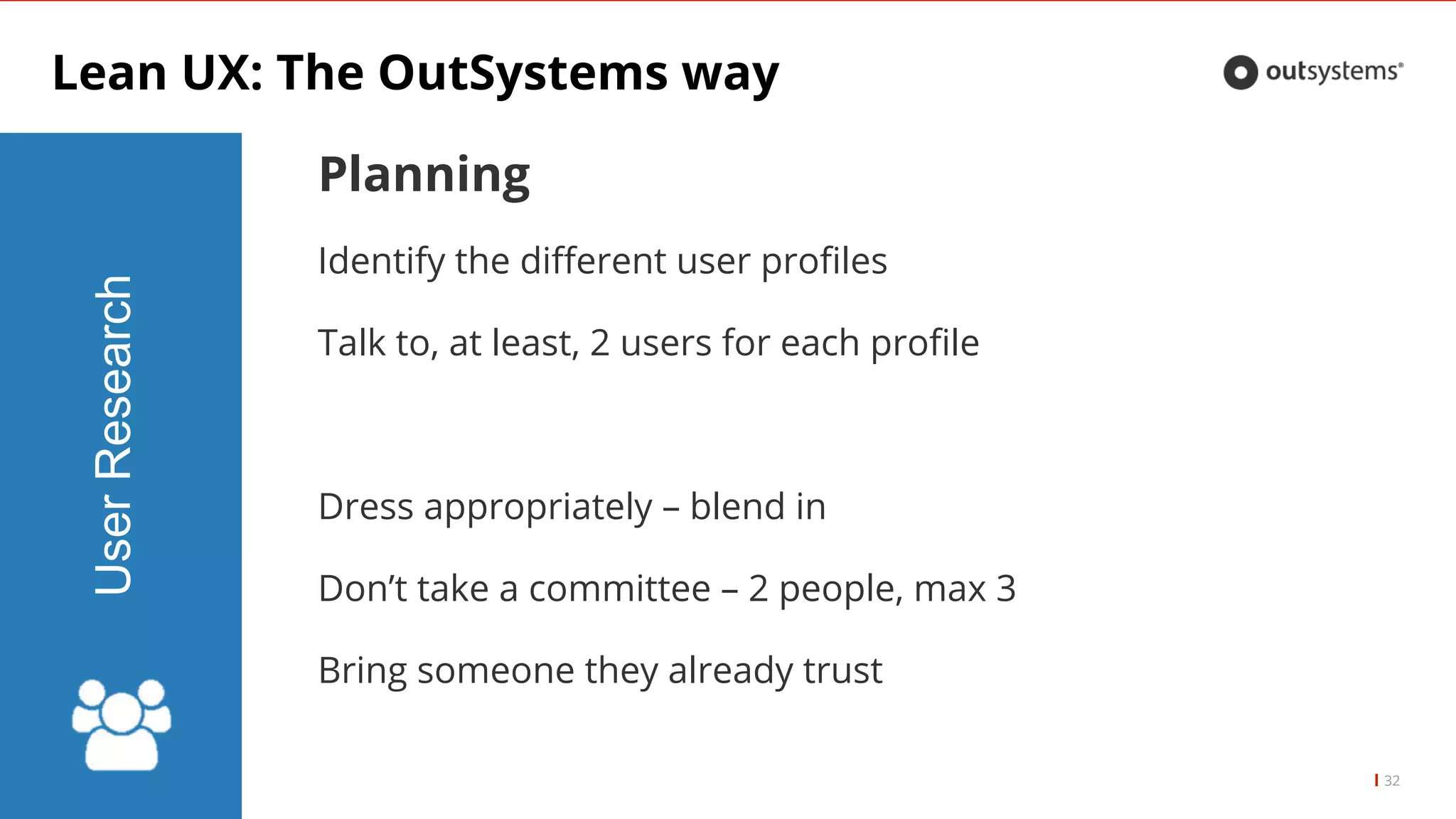
Planning
Identify the different user profiles
Talk to, at least, 2 users for each profile
Dress appropriately β blend in
Donβt take a committee β 2 people, max 3
Bring someone they already trust
33.
Lean UX: TheOutSystems way
33
UserResearch
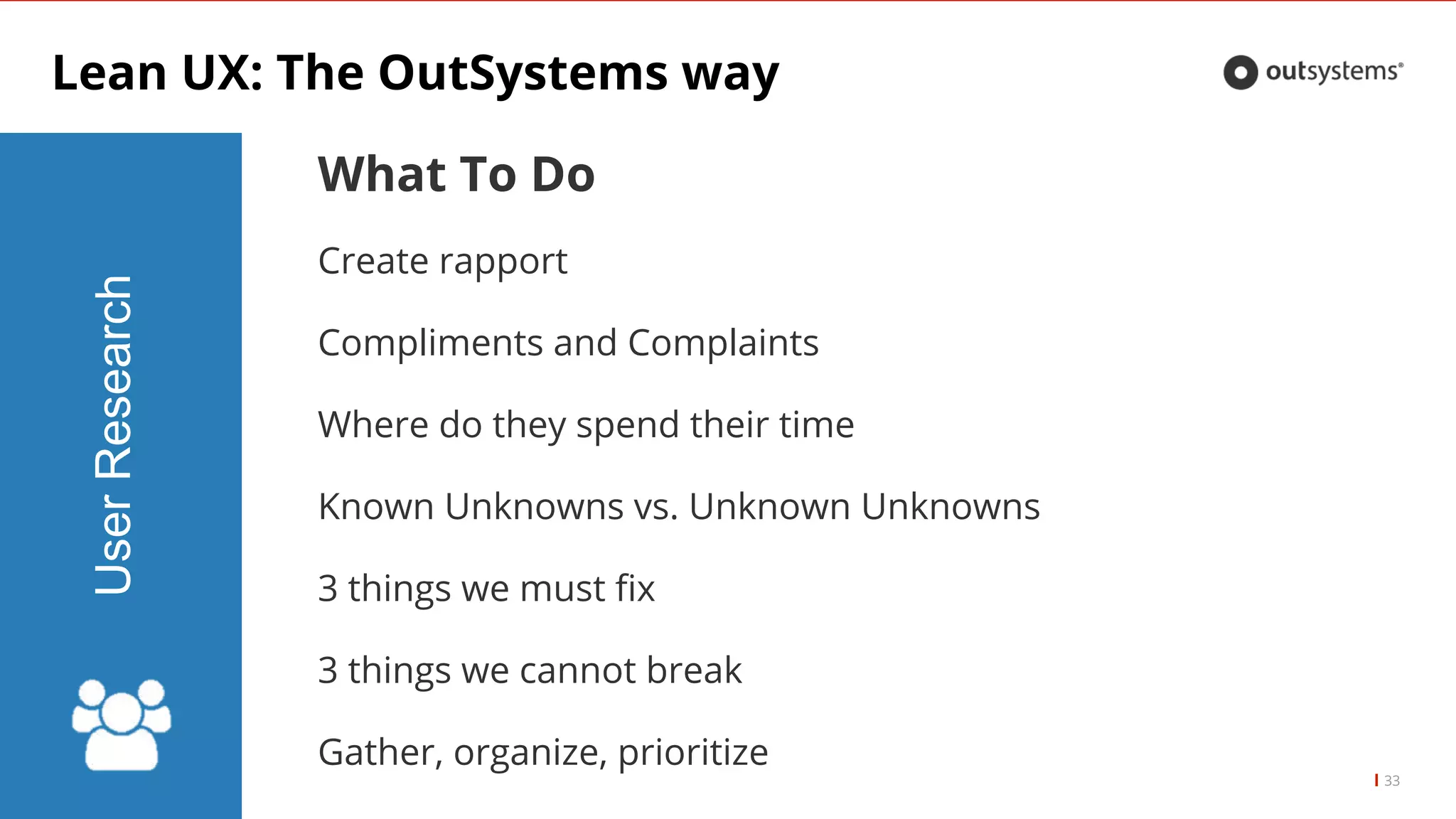
What To Do
Create rapport
Compliments and Complaints
Where do they spend their time
Known Unknowns vs. Unknown Unknowns
3 things we must fix
3 things we cannot break
Gather, organize, prioritize
34.
NOTHING LIKE WATCHING
CURRENTUSAGE AND
UNDERSTAND WHAT DRIVES IT
When we watch the users in their natural environment we get real data on
how they use the system and what for.
That way we discover the natural journey and can identify gaps within the
intended usage of the system(s).
Shadow IT can be discovered at this stage.
35.
NEVER ASK THEUSER
WHAT HE/SHE WANTS
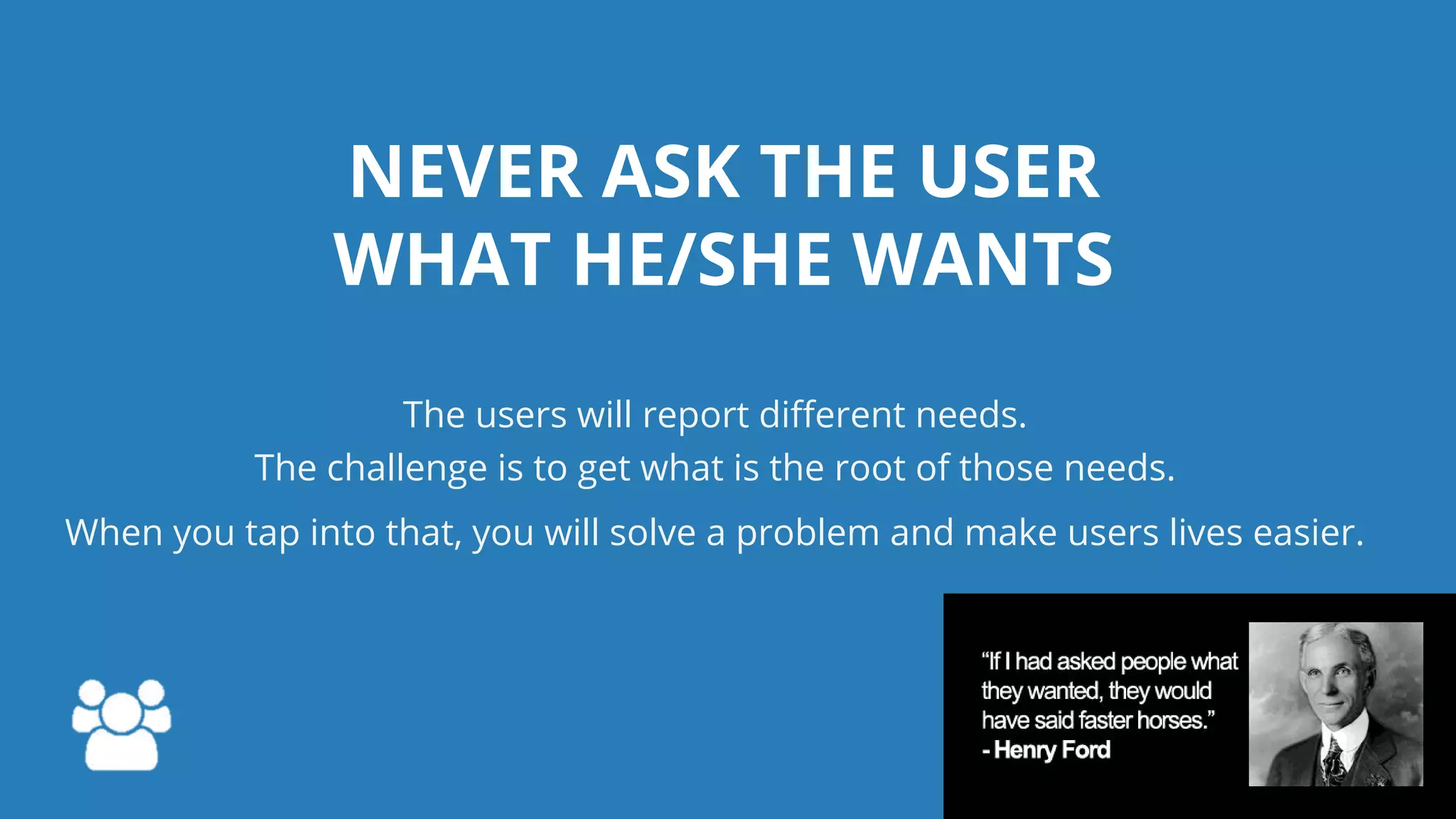
The users will report different needs.
The challenge is to get what is the root of those needs.
When you tap into that, you will solve a problem and make users lives easier.
Lean UX: TheOutSystems way
37
BusinessAnalysis
UserResearch
Wireframes
Fail fast or fail loudly
38.
Lean UX: TheOutSystems way
38
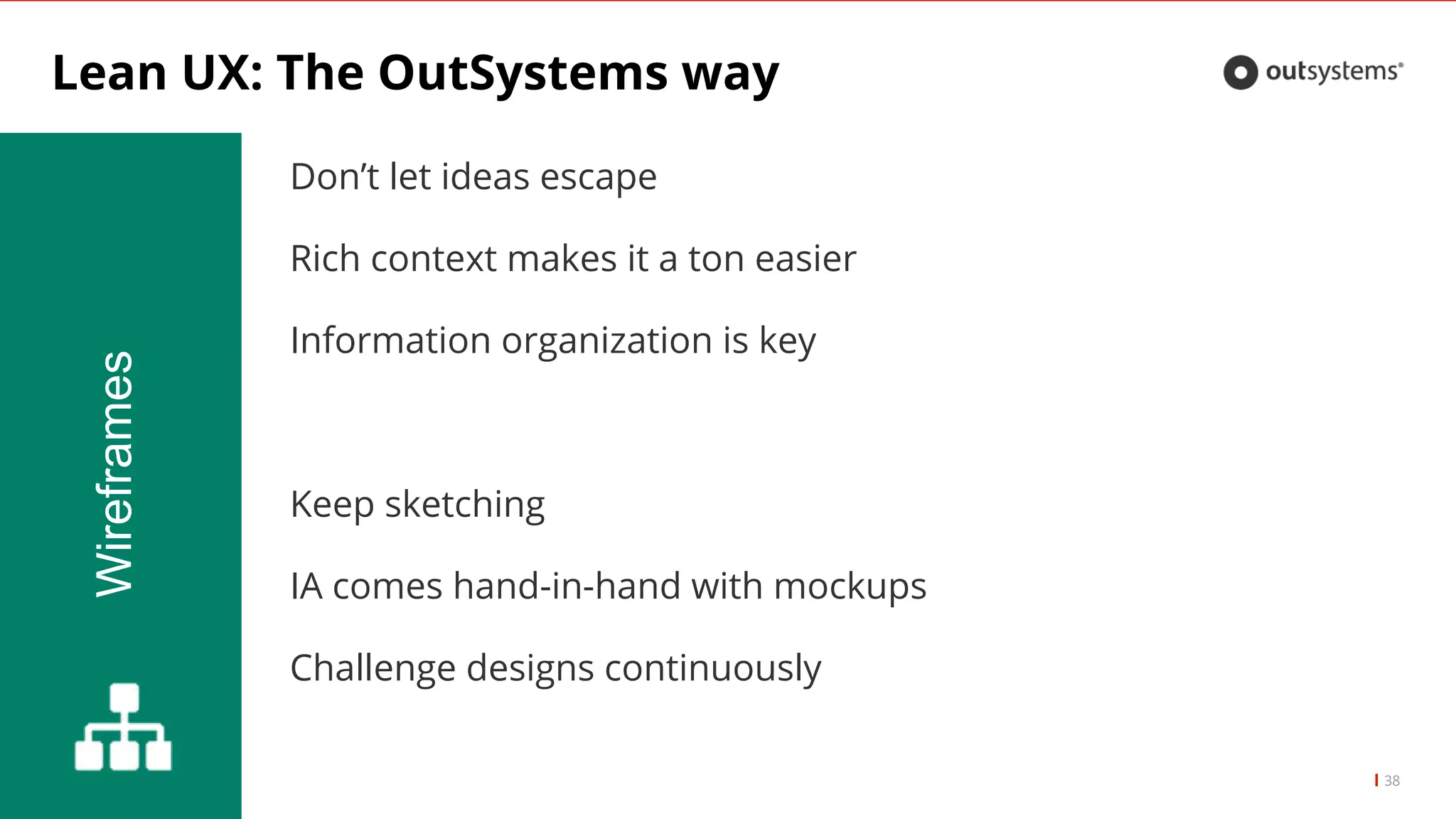
Wireframes
Donβt let ideas escape
Rich context makes it a ton easier
Information organization is key
Keep sketching
IA comes hand-in-hand with mockups
Challenge designs continuously
39.
Lean UX: TheOutSystems way
39
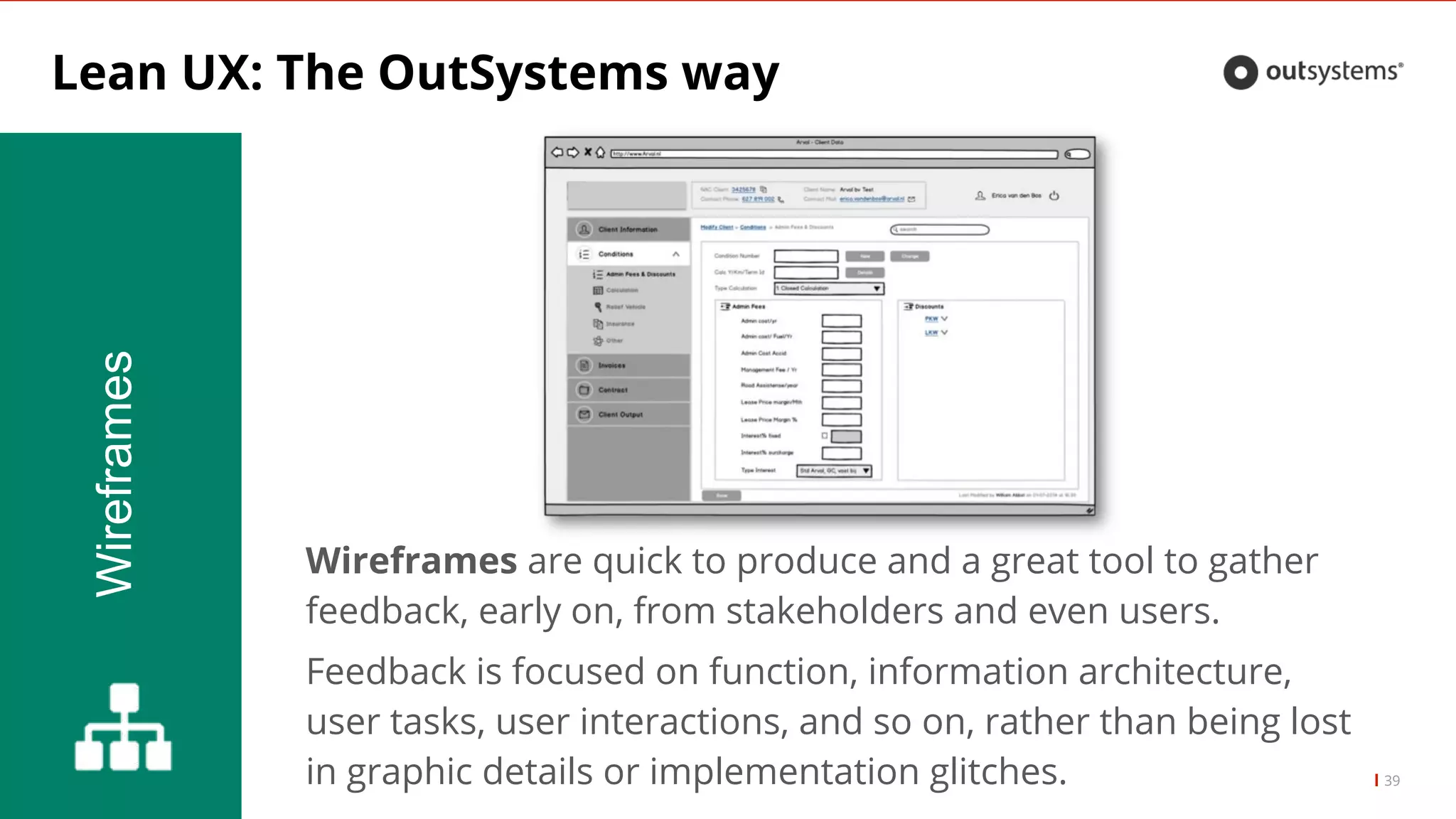
Wireframes
Wireframes are quick to produce and a great tool to gather
feedback, early on, from stakeholders and even users.
Feedback is focused on function, information architecture,
user tasks, user interactions, and so on, rather than being lost
in graphic details or implementation glitches.
WIREFRAMES ARE APOWERFUL
CHANGE MANAGEMENT TOOL
Everyone can understand what the changes mean
and where the company is headed
You can defeat the unknown⦠make change easier!
42.
Lean UX: TheOutSystems way
42
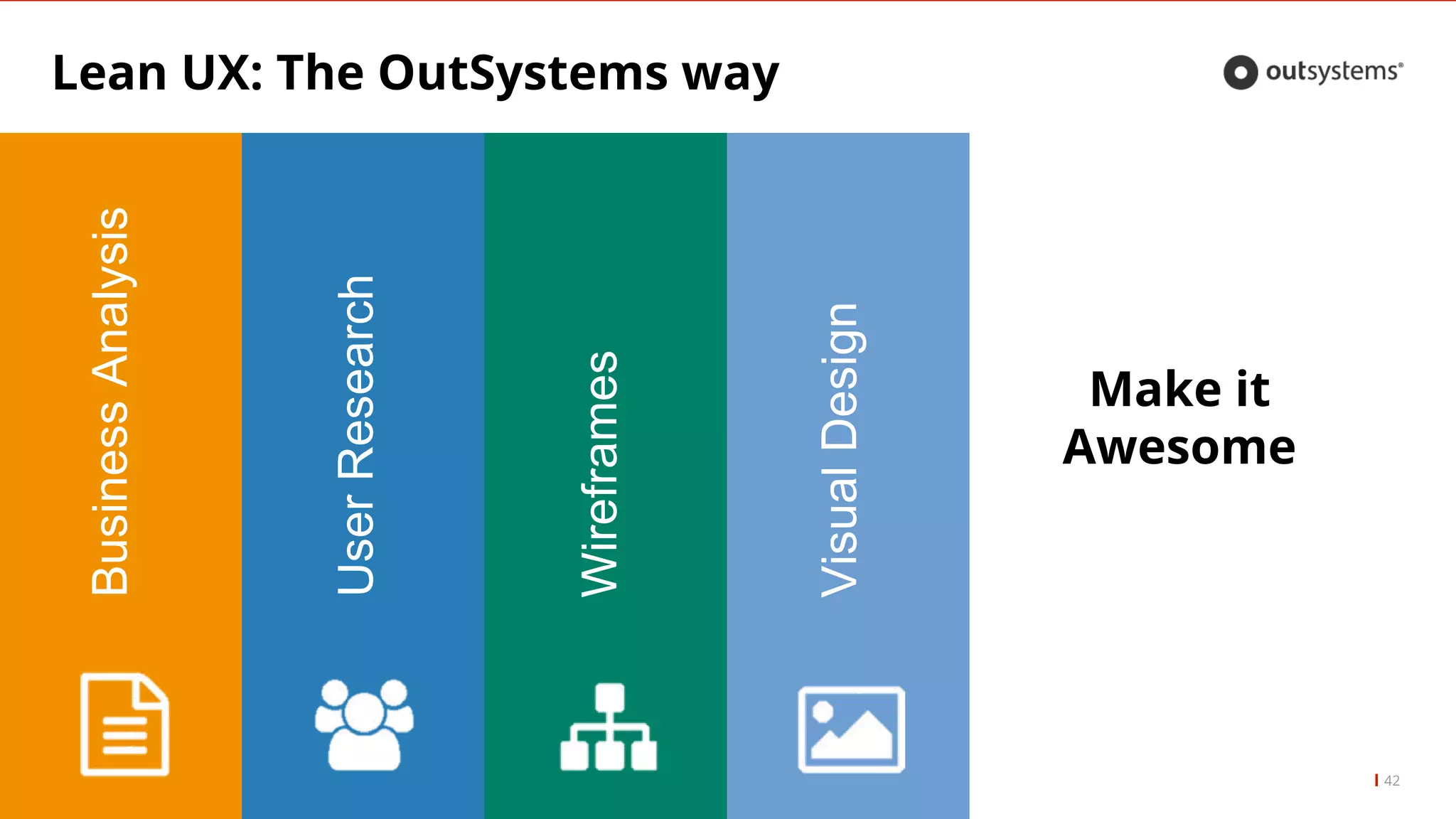
BusinessAnalysis
UserResearch
Wireframes
VisualDesign
Make it
Awesome
43.
Lean UX: TheOutSystems way
43
VisualDesign
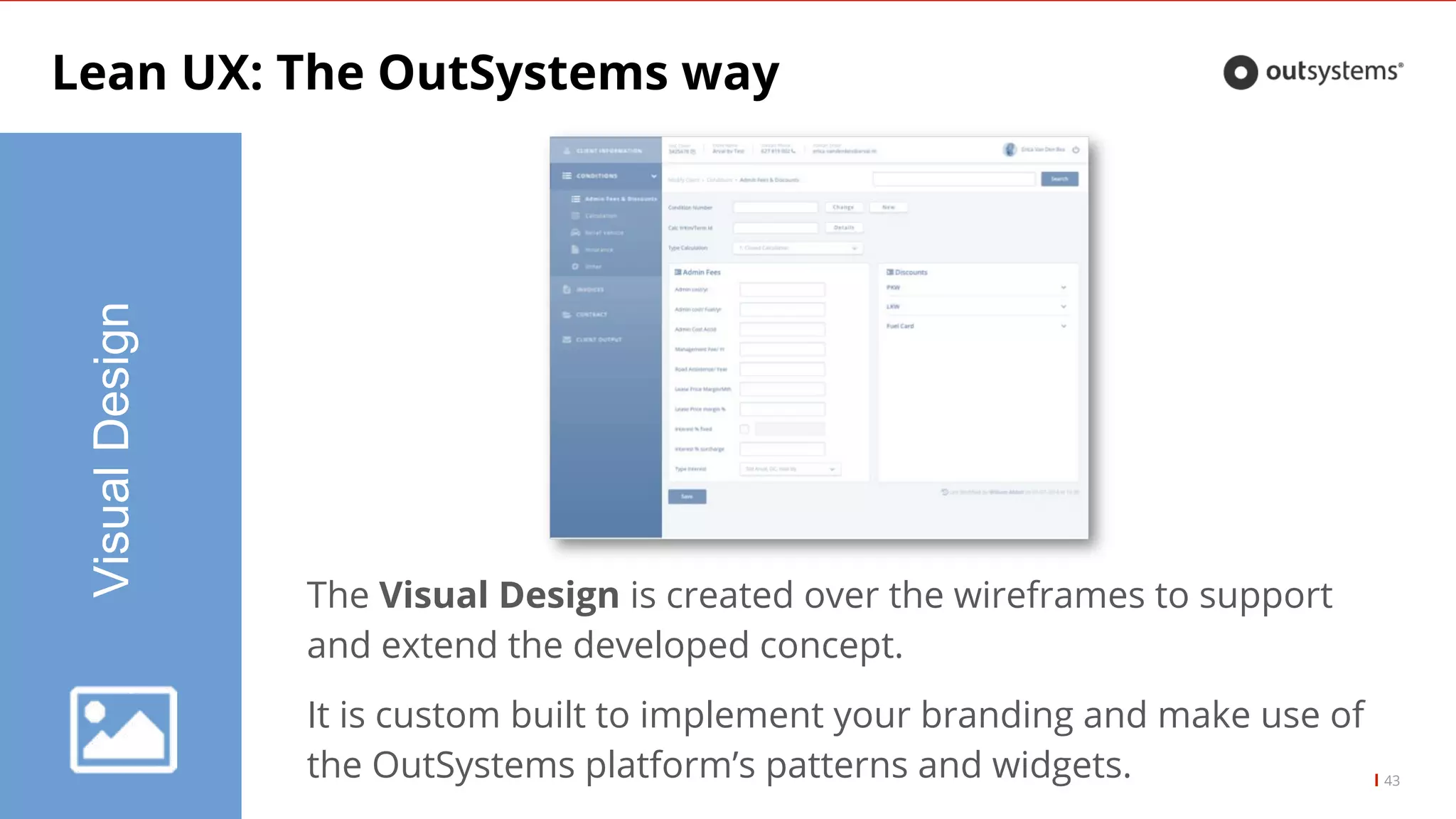
The Visual Design is created over the wireframes to support
and extend the developed concept.
It is custom built to implement your branding and make use of
the OutSystems platformβs patterns and widgets.
44.
VISUAL DESIGN ISKEY
FOR INITIAL ADOPTION
Usability benefits only kick in after the initial impression
45.
Lean UX: TheOutsystems way
45
LiveStyleGuide
Webinar: Building a Live Style Guide
46.
Lean UX: TheOutsystems way
46
GoLive
Keep it Real
Keep testing with real users
Identify user difficulties
Prepare users for whatβs coming
Understand ramp up needed for users
Teasers and Presentation Videos
Controlled rollout with a BETA version
47.
IT AINβT OVERUNTIL
THE FAT USER SINGS
Itβs easy to get it wrong
Stay close to the users and react, fast