www.outsystems.com
UX @OUTSYSTEMS
Usability Day 2015
0.1
www.outsystems.com2 © OutSystems. All Rights Reserved2
Lourenço Rodrigues
UX @Customer Experience
lourenco.rodrigues@outsystems.com
www.outsystems.com3 © OutSystems. All Rights Reserved3
Ricardo Luiz
UX / UI Expert Services Lead
ricardo.luiz@outsystems.com
The OutSystems®
Platform
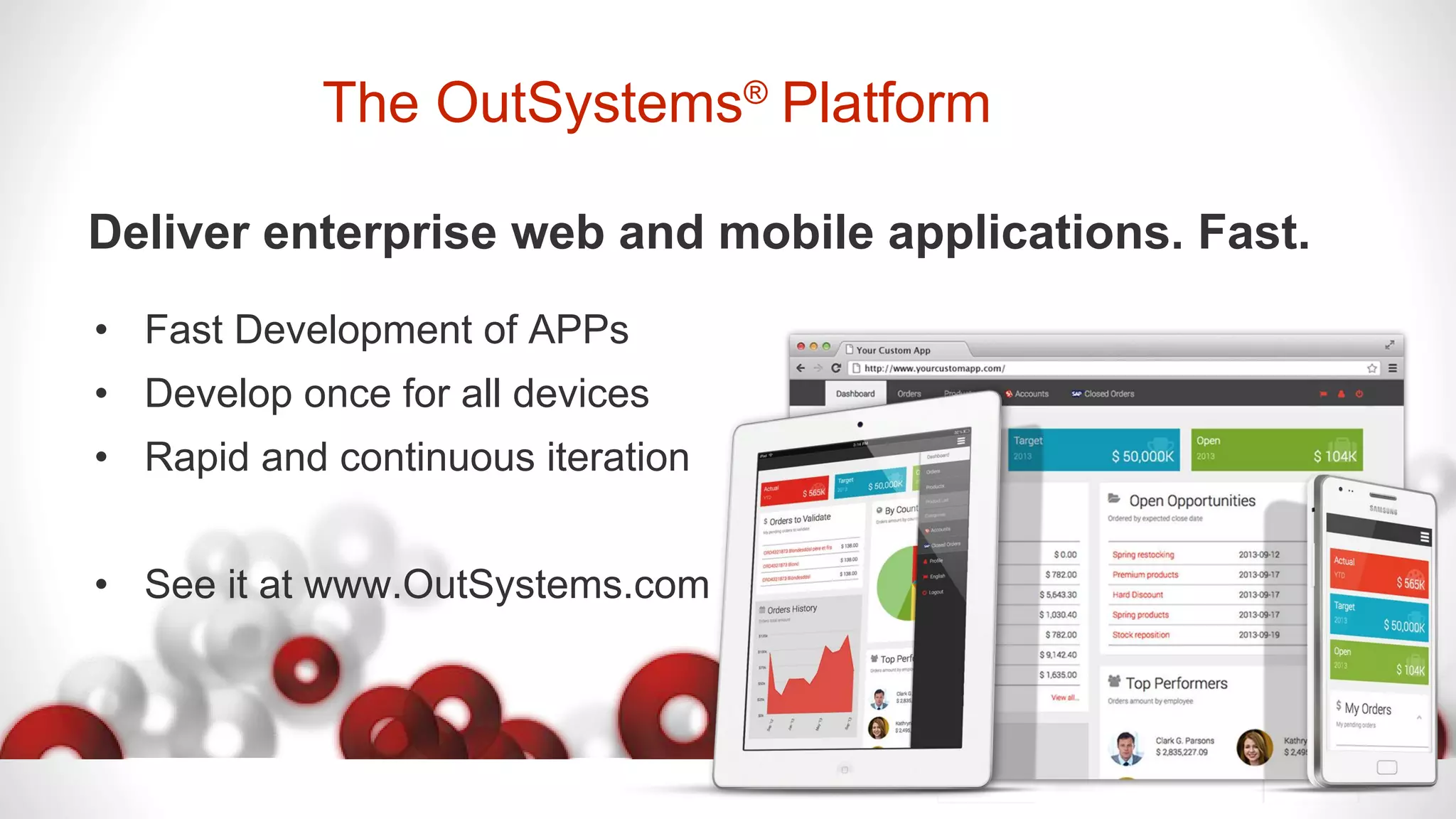
Deliver enterprise web and mobile applications. Fast.
• Fast Development of APPs
• Develop once for all devices
• Rapid and continuous iteration
• See it at www.OutSystems.com
www.outsystems.com5 © OutSystems. All Rights Reserved5
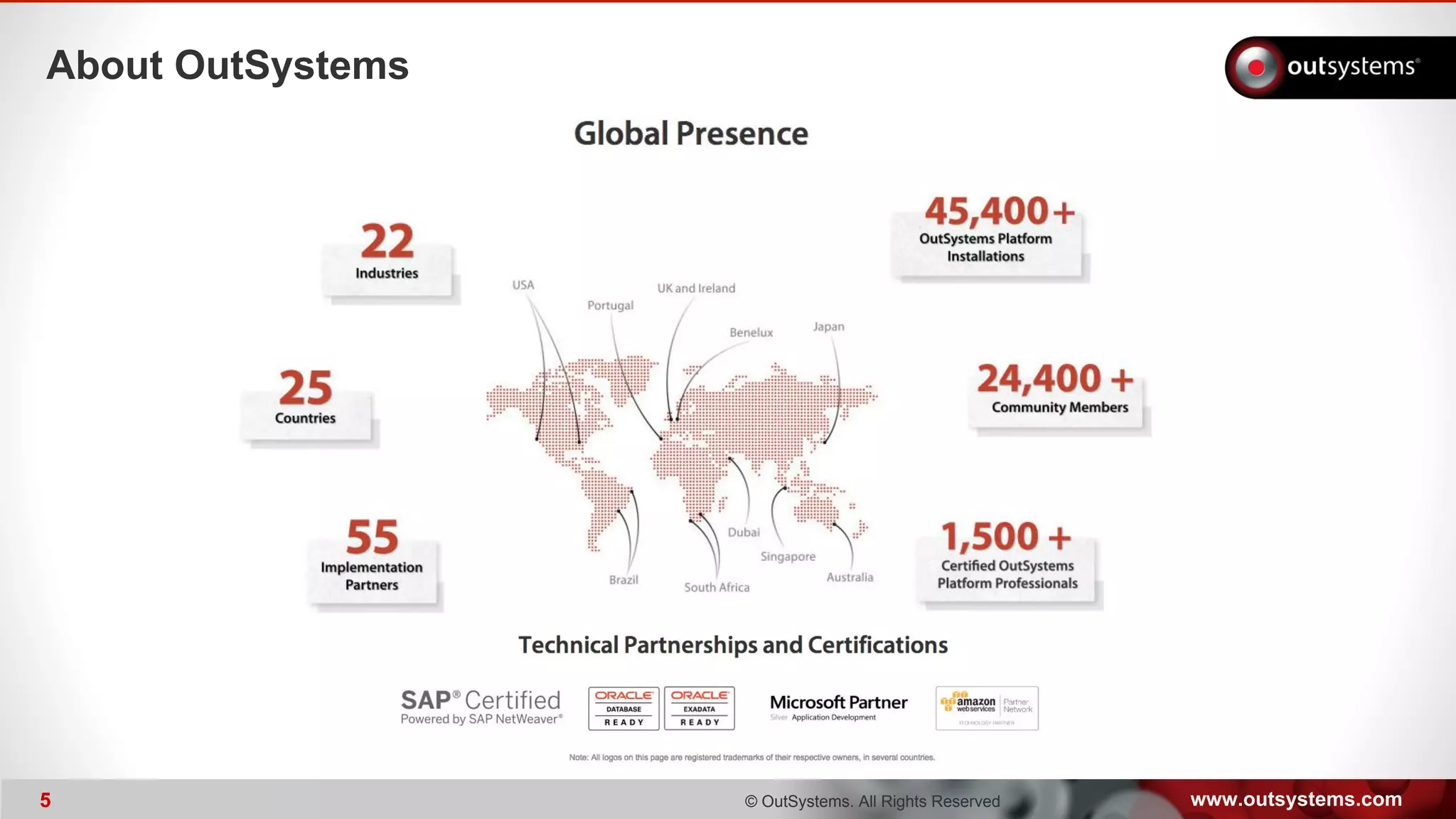
About OutSystems
www.outsystems.com6 © OutSystems. All Rights Reserved6
Some of our Customers
Different Industries, Similar IT Challenges
www.outsystems.com© OutSystems. All Rights Reserved
User Experience (UX) is a lot more than pretty interfaces*.
Poor UX leads to low user adoption, lost sales
and costs millions in employee training and support.
* We can help out to get pretty interfaces as well.
www.outsystems.com© OutSystems. All Rights Reserved
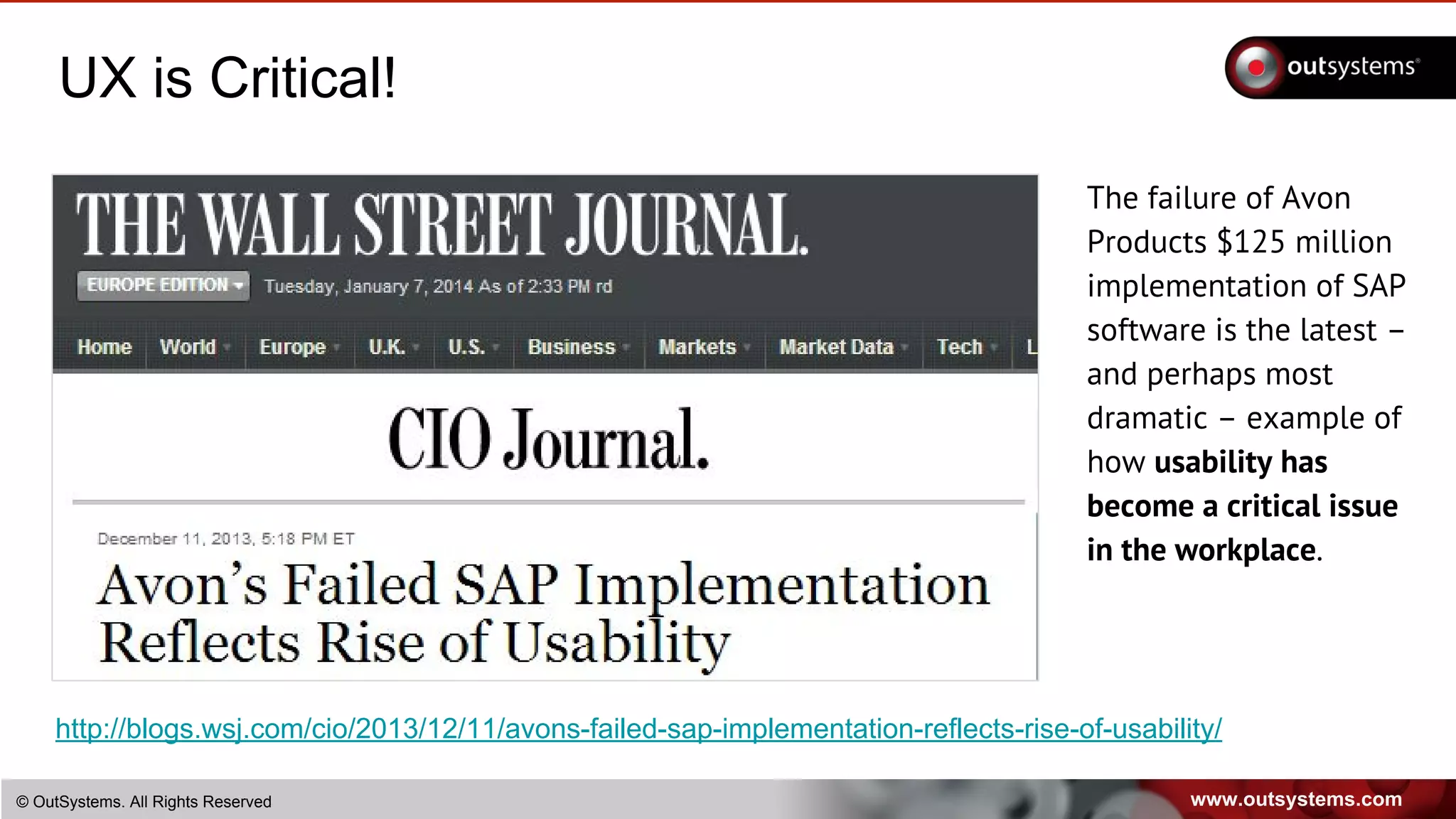
UX is Critical!
The failure of Avon
Products $125 million
implementation of SAP
software is the latest –
and perhaps most
dramatic – example of
how usability has
become a critical issue
in the workplace.
http://blogs.wsj.com/cio/2013/12/11/avons-failed-sap-implementation-reflects-rise-of-usability/
www.outsystems.com© OutSystems. All Rights Reserved
UX is Critical!
Why you need UX?
An application which is built without regard to how it will be used is often
condemned to suffer from weak user adoption, productivity losses and lost
business.
According to the IEEE, 15% of all projects are abandoned, and of the top twelve
reasons projects fail, three are directly related to not getting user experience
right.
At OutSystems we’re all about Rapid Application Delivery, and usability, so
through the last years we’ve developed a pragmatic approach to UX design to
be applied in our agile development projects. Through this approach we’ve
developed hundred of applications with great user experience.
www.outsystems.com© OutSystems. All Rights Reserved
Why UX?
How to create a
winning App?
www.outsystems.com© OutSystems. All Rights Reserved
Why UX?
Is it enough to create a pretty interface?
www.outsystems.com© OutSystems. All Rights Reserved
Why UX?
What is usability?
www.outsystems.com© OutSystems. All Rights Reserved
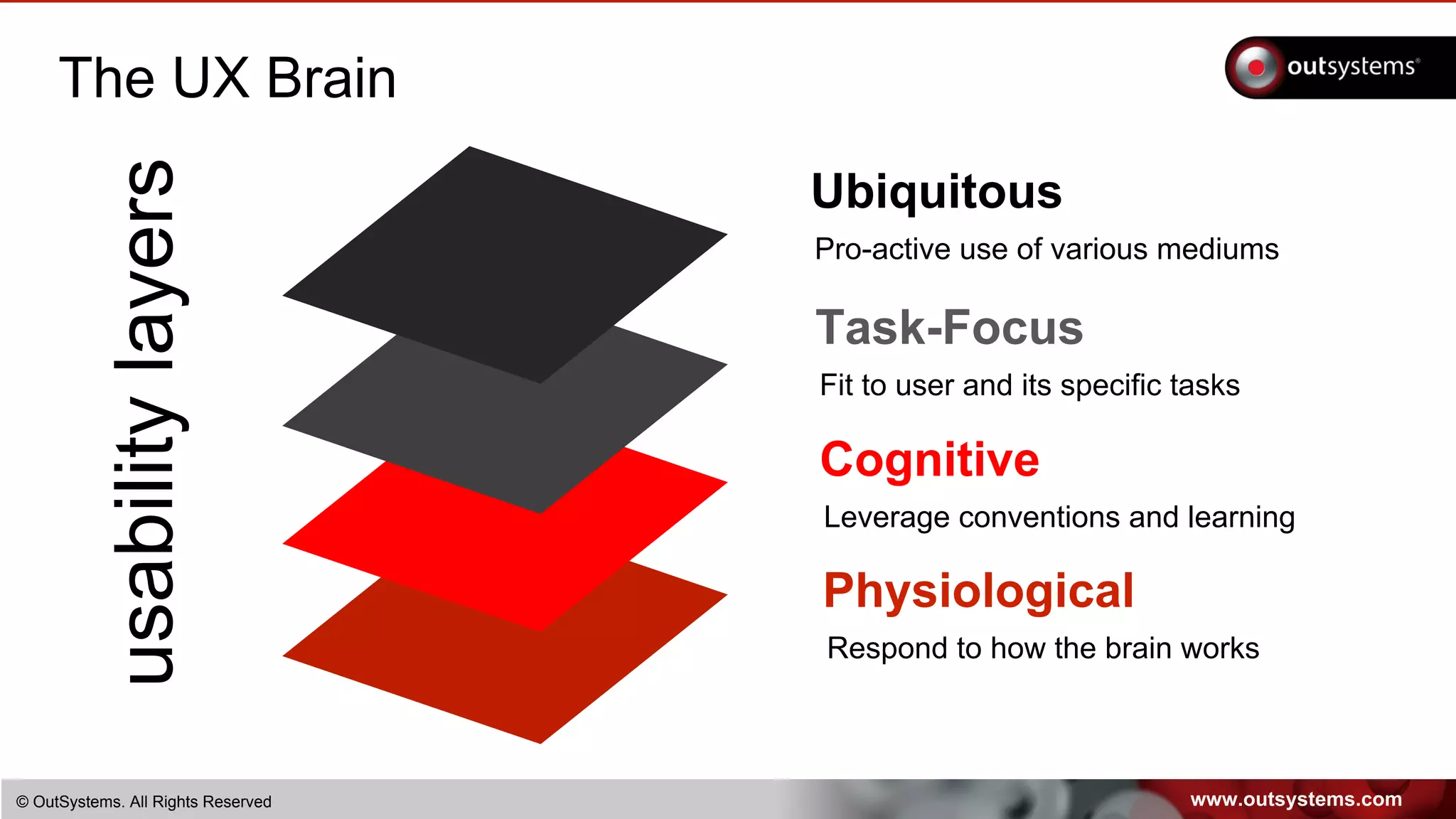
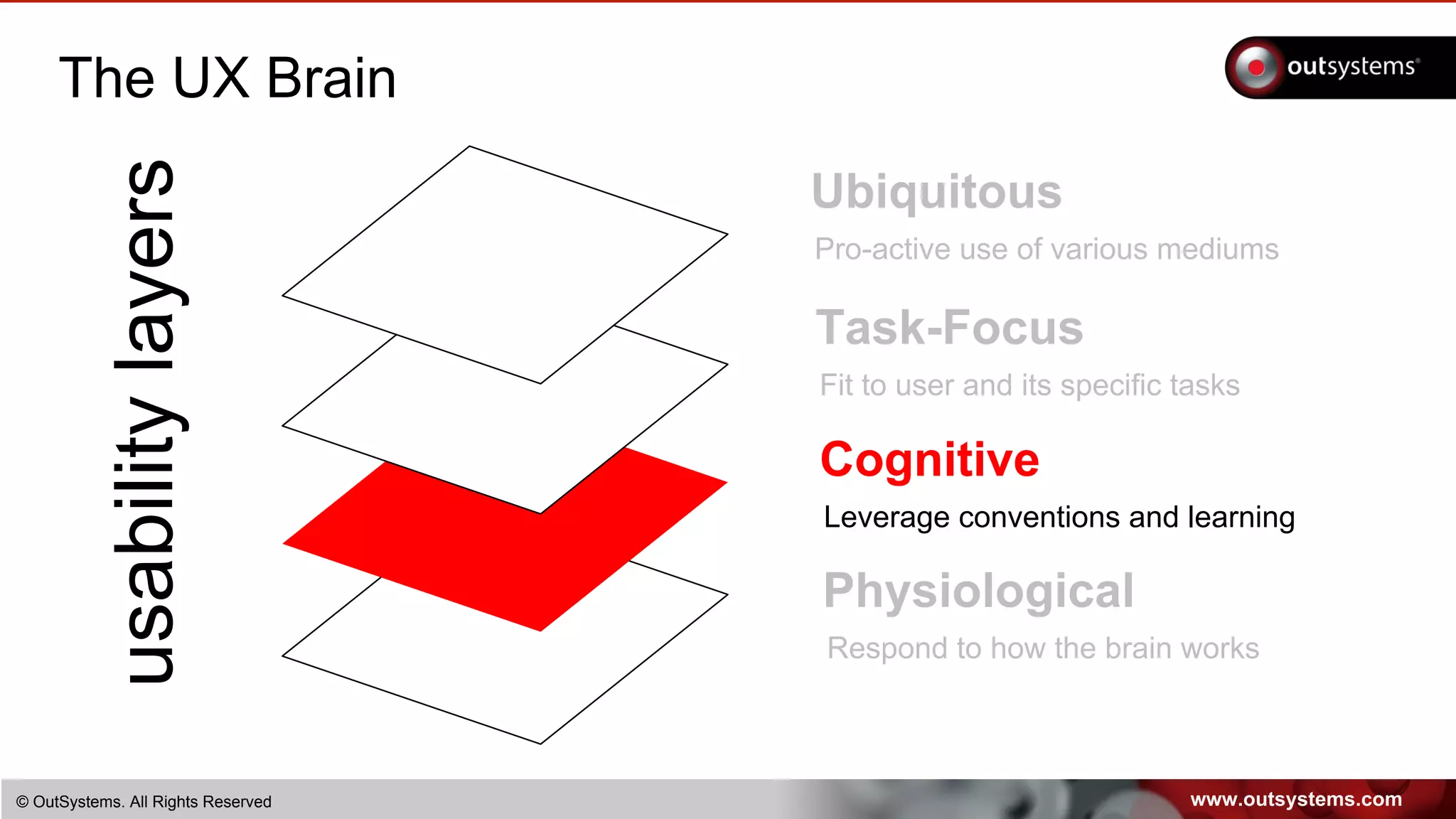
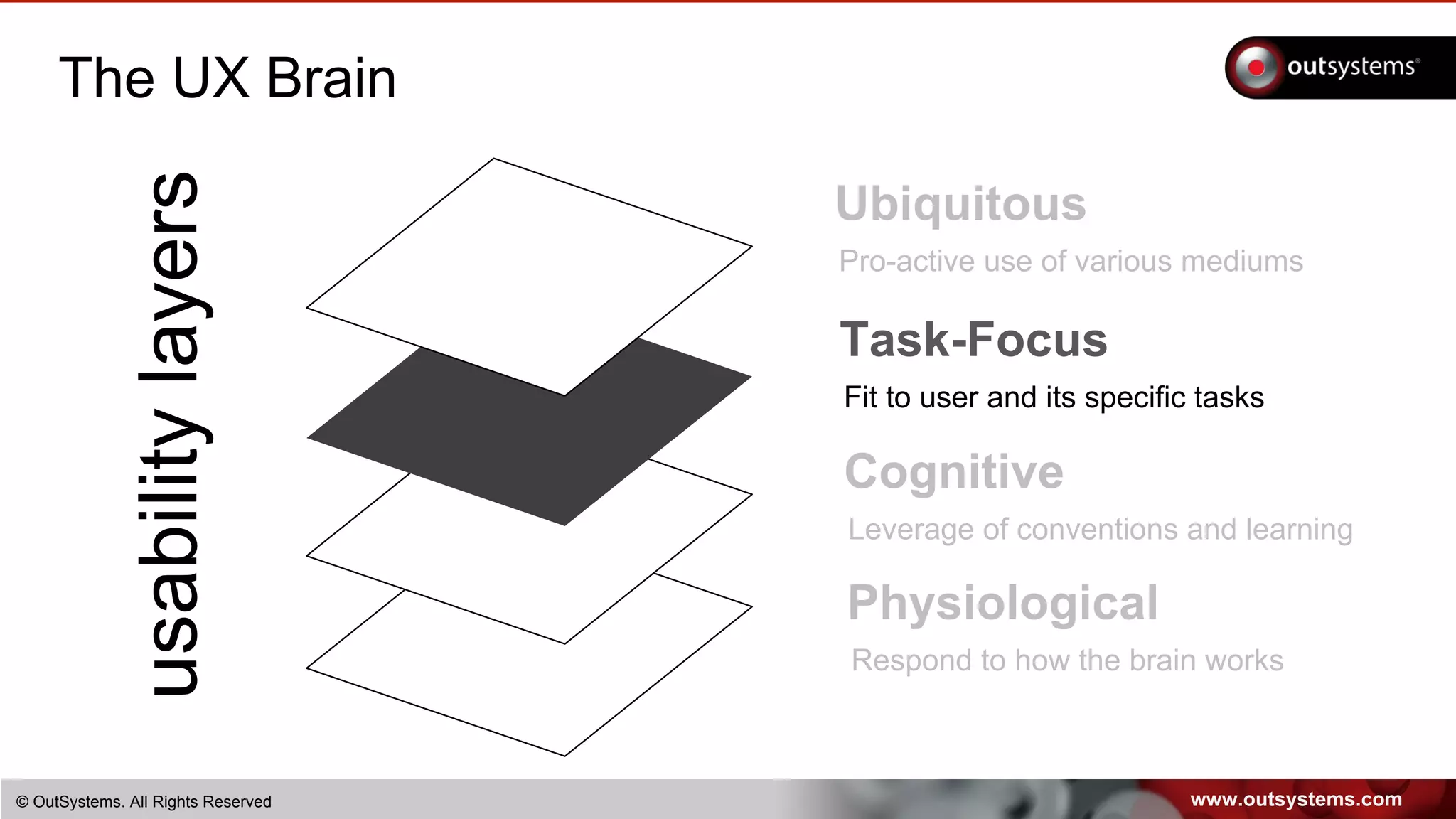
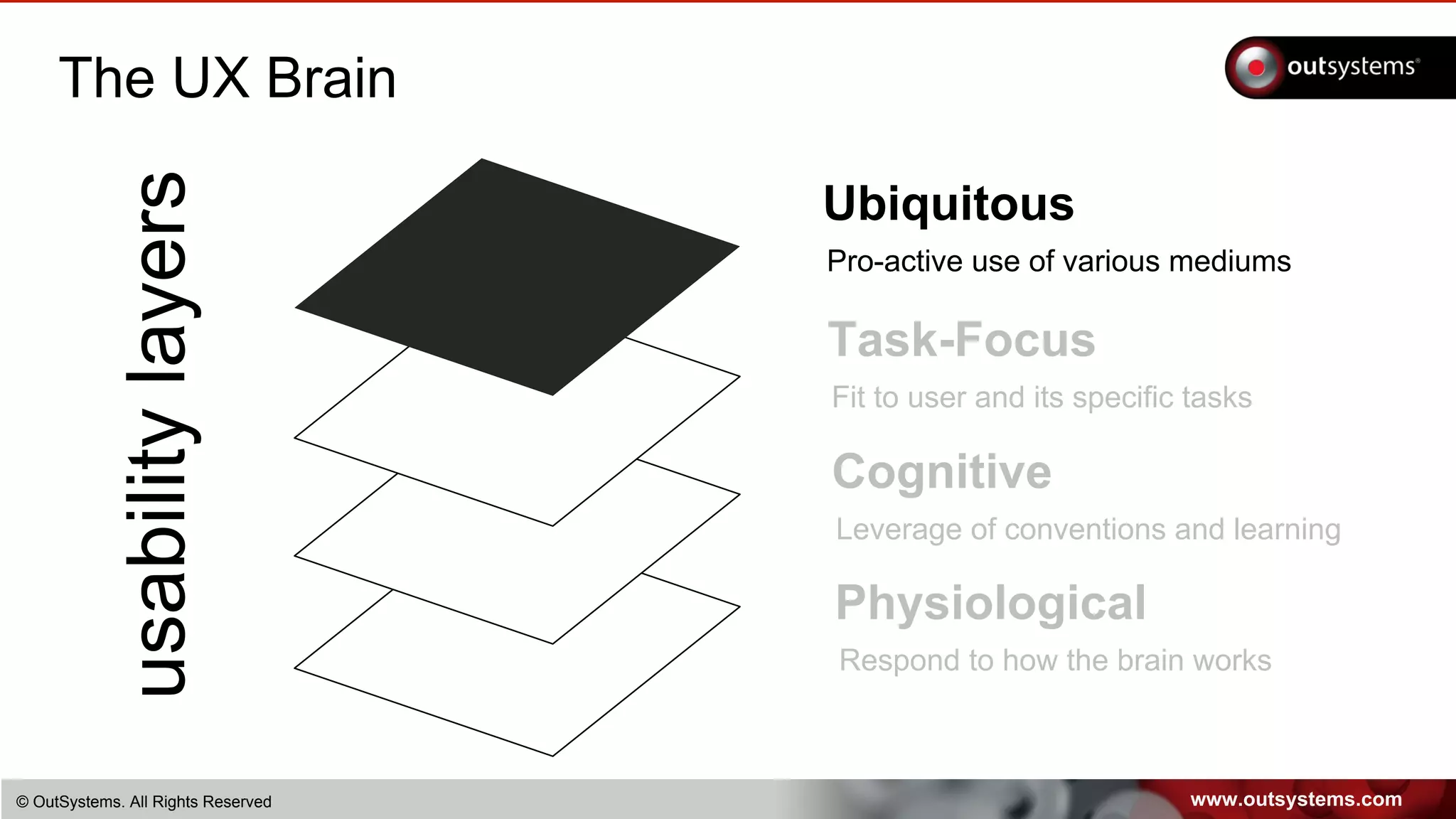
The UX Brain
usabilitylayers Ubiquitous
Pro-active use of various mediums
Task-Focus
Fit to user and its specific tasks
Cognitive
Leverage conventions and learning
Physiological
Respond to how the brain works
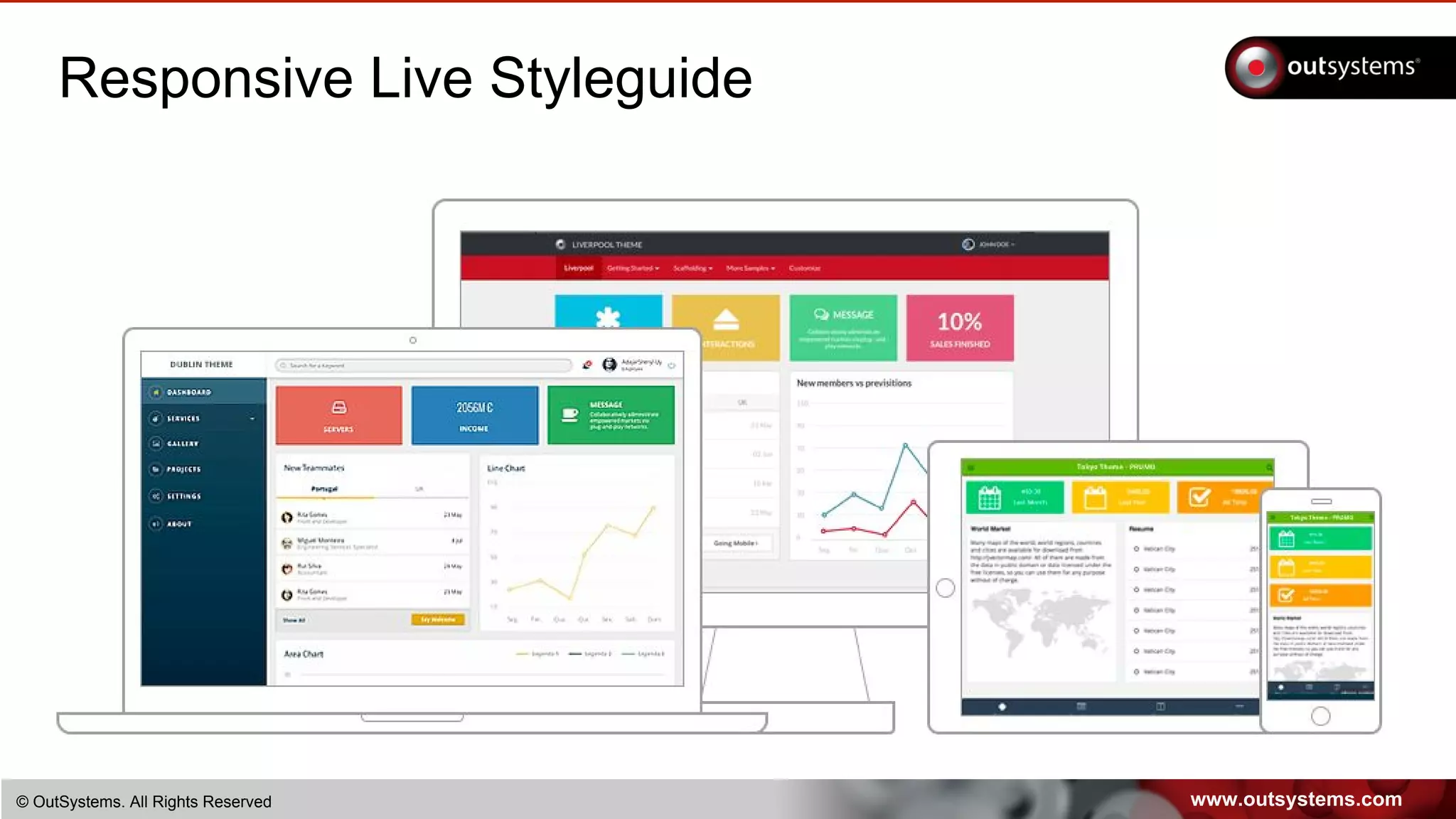
www.outsystems.com© OutSystems. All Rights Reserved
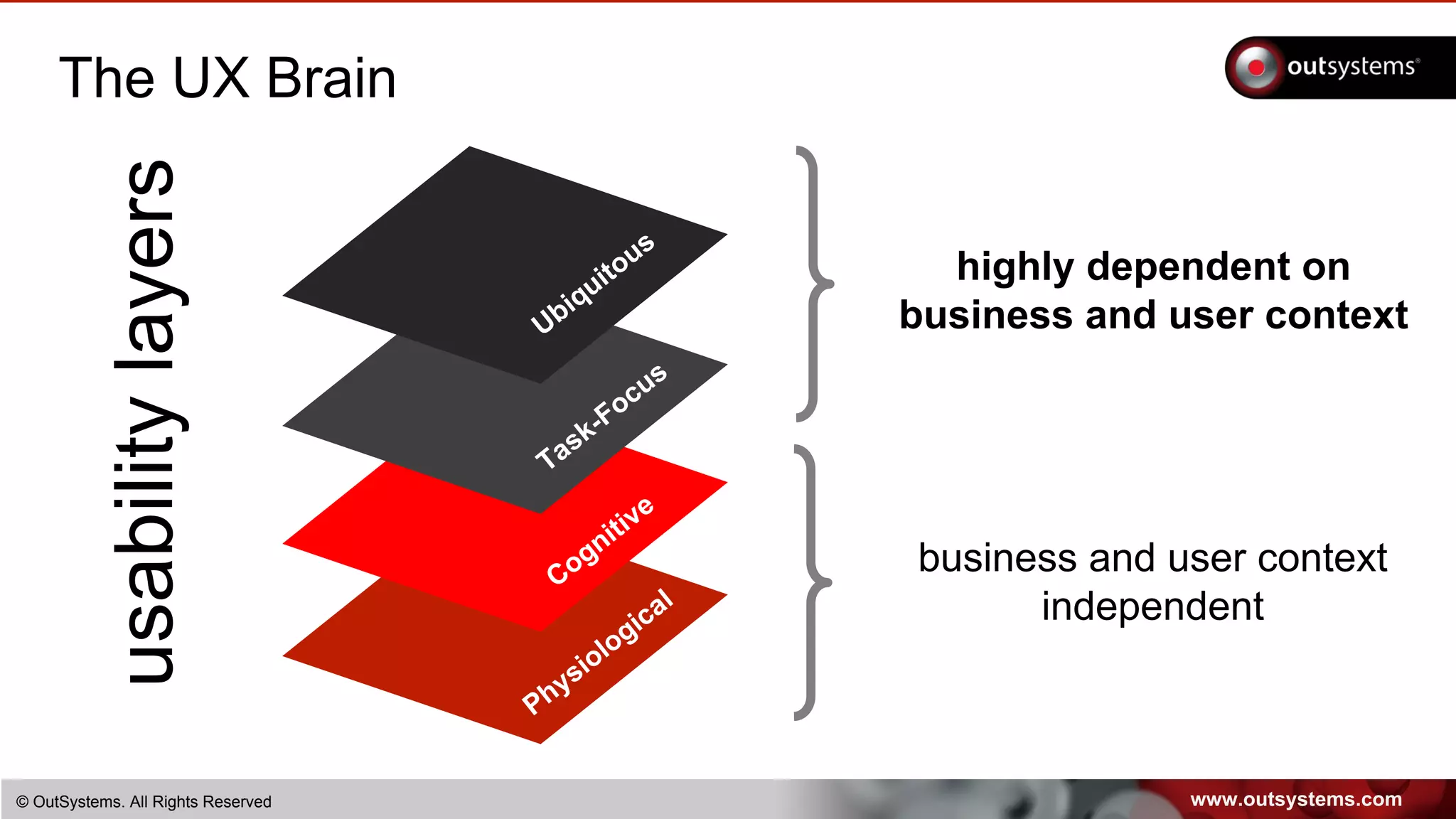
The UX Brain
usabilitylayers
Ubiquitous
Task-Focus
Cognitive
Physiological
business and user context
independent
highly dependent on
business and user context
www.outsystems.com© OutSystems. All Rights Reserved
The UX Brain
usabilitylayers Ubiquitous
Pro-active use of various mediums
Task-Focus
Fit to user and its specific tasks
Cognitive
Leverage of conventions and learning
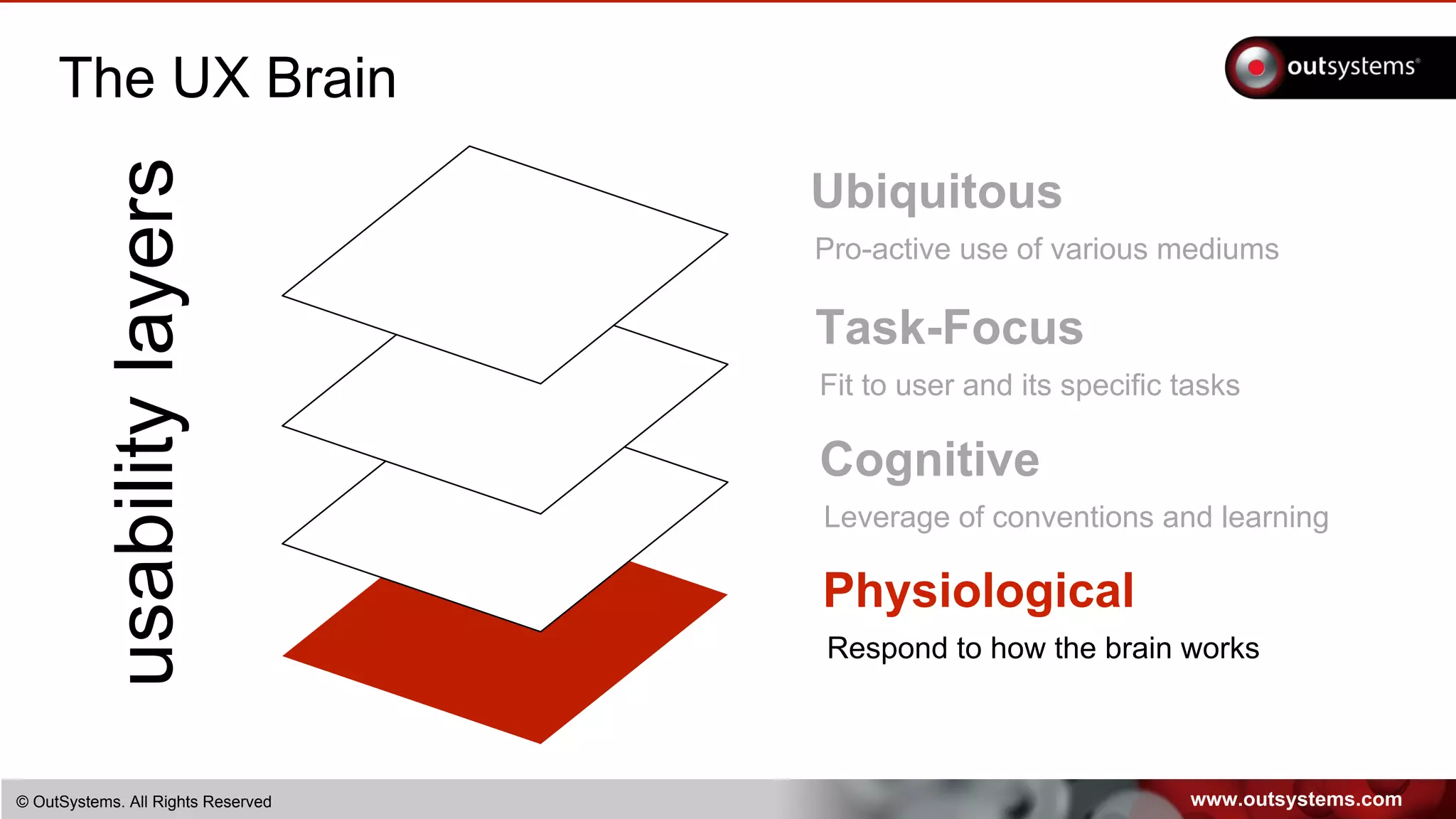
Physiological
Respond to how the brain works
www.outsystems.com© OutSystems. All Rights Reserved
The UX Brain
www.outsystems.com© OutSystems. All Rights Reserved
The UX Brain
usabilitylayers Ubiquitous
Pro-active use of various mediums
Task-Focus
Fit to user and its specific tasks
Cognitive
Leverage conventions and learning
Physiological
Respond to how the brain works
www.outsystems.com© OutSystems. All Rights Reserved
UX Workshop
www.outsystems.com© OutSystems. All Rights Reserved
The UX Brain
www.outsystems.com© OutSystems. All Rights Reserved
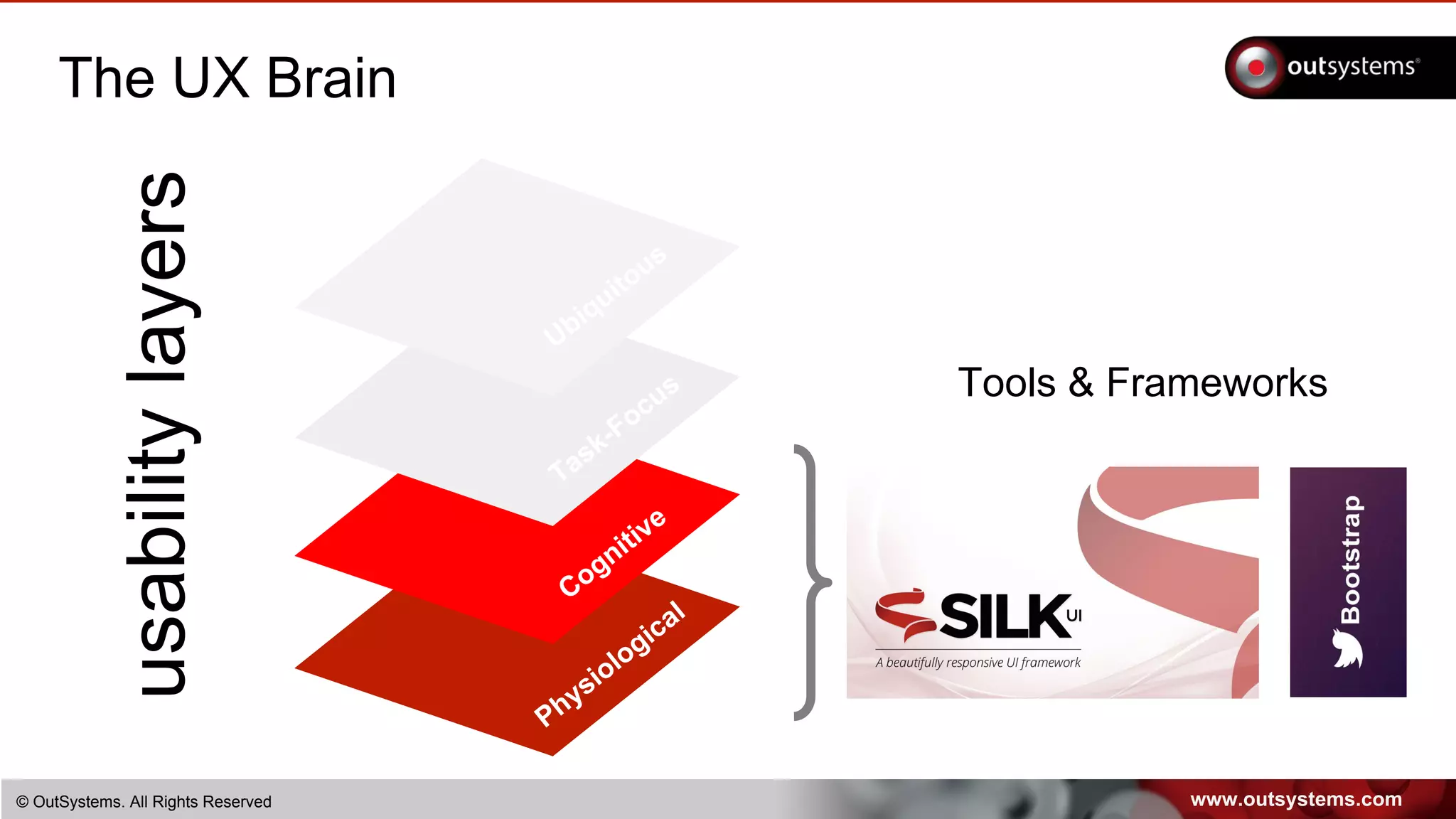
The UX Brain
usabilitylayers
Ubiquitous
Task-Focus
Cognitive
Physiological
Tools & Frameworks
www.outsystems.com© OutSystems. All Rights Reserved
The UX Brain
www.outsystems.com© OutSystems. All Rights Reserved
The UX Brain
usabilitylayers Ubiquitous
Pro-active use of various mediums
Task-Focus
Fit to user and its specific tasks
Cognitive
Leverage of conventions and learning
Physiological
Respond to how the brain works
www.outsystems.com© OutSystems. All Rights Reserved
The UX Brain
Usability means different things
for different users
www.outsystems.com© OutSystems. All Rights Reserved
The UX Brain
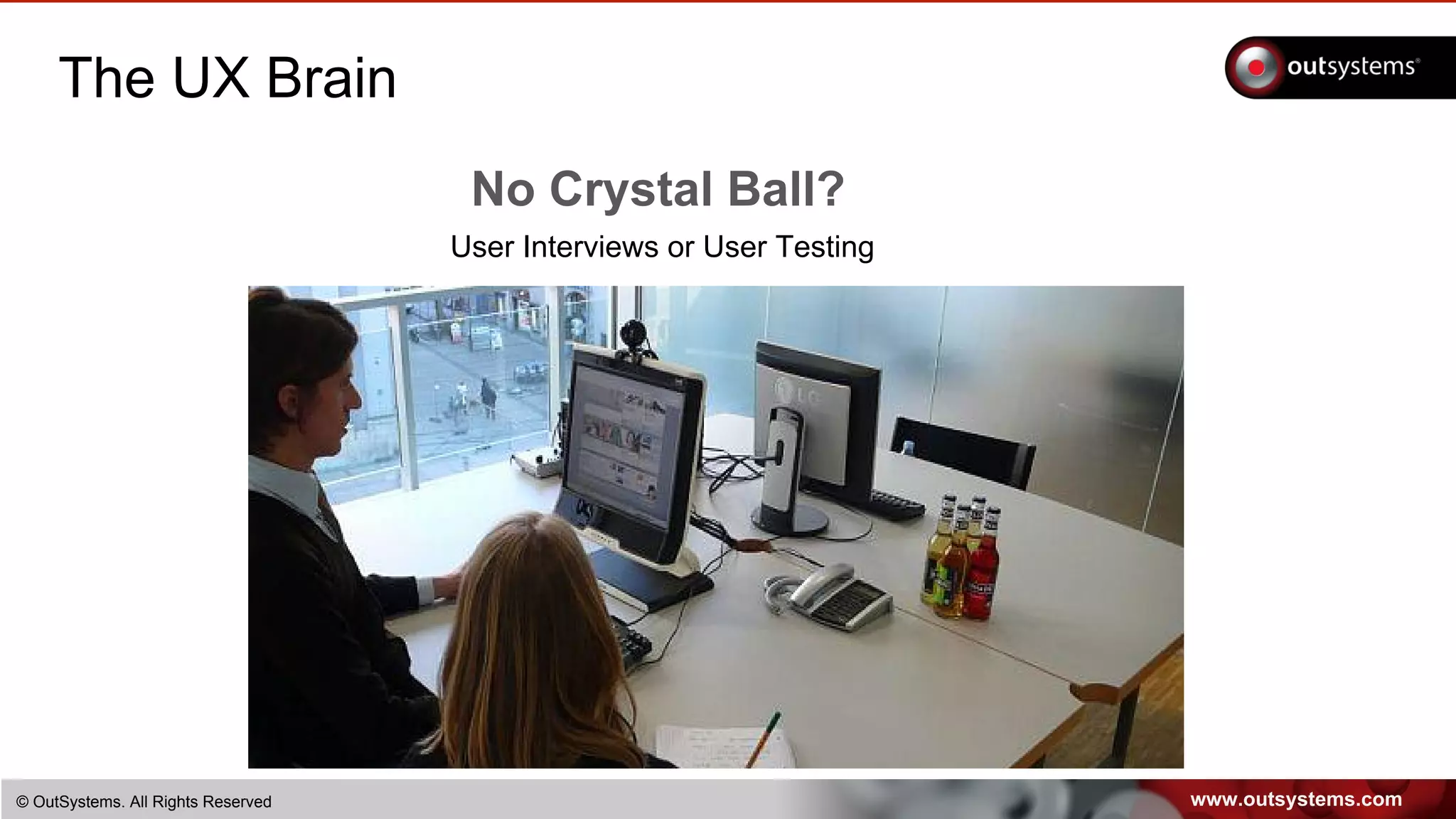
No Crystal Ball?
User Interviews or User Testing
www.outsystems.com© OutSystems. All Rights Reserved
The UX Brain
usabilitylayers Ubiquitous
Pro-active use of various mediums
Task-Focus
Fit to user and its specific tasks
Cognitive
Leverage of conventions and learning
Physiological
Respond to how the brain works
www.outsystems.com© OutSystems. All Rights Reserved
The UX Brain
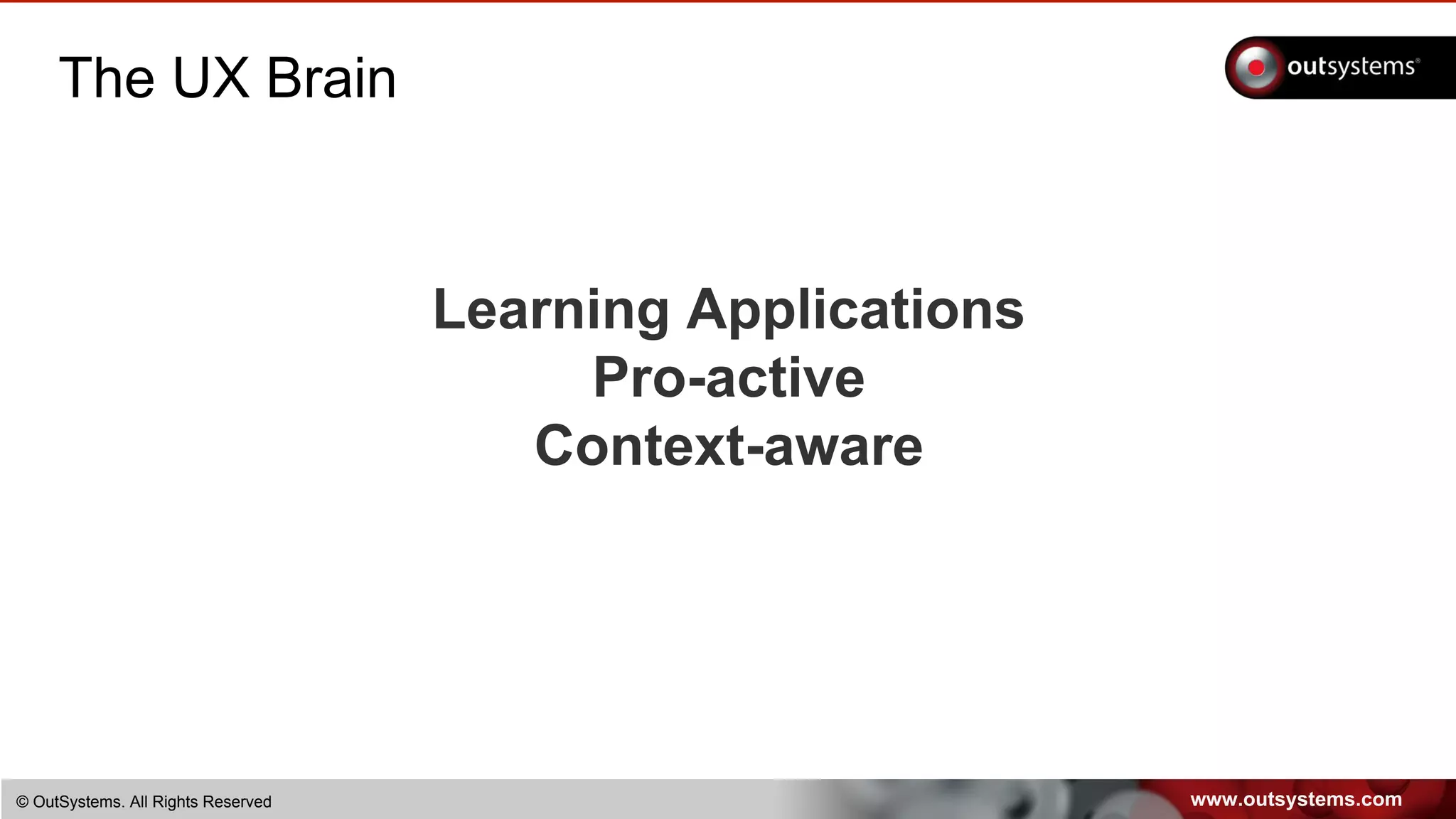
Learning Applications
Pro-active
Context-aware
www.outsystems.com© OutSystems. All Rights Reserved
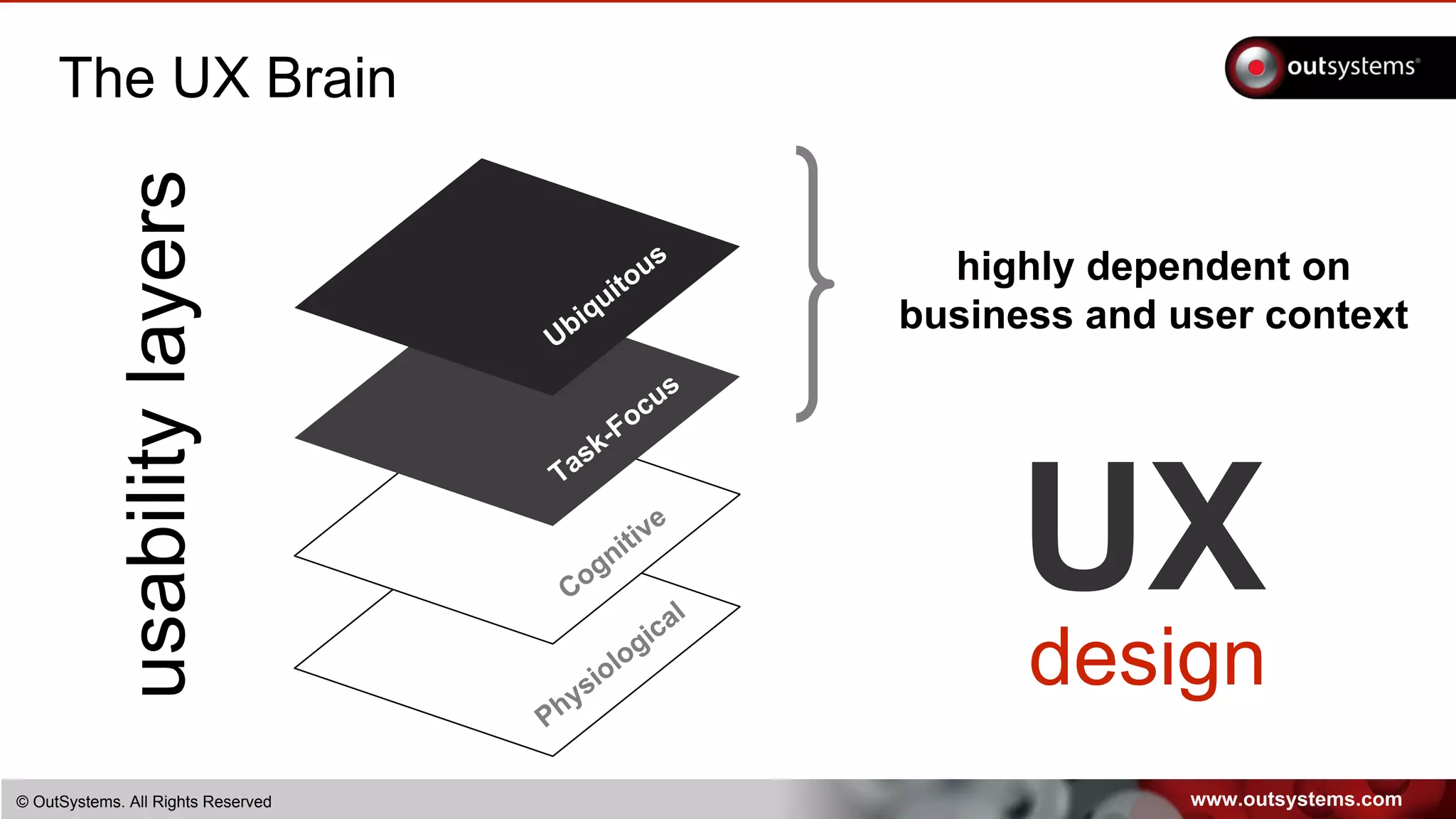
The UX Brain
usabilitylayers
Ubiquitous
Task-Focus
Cognitive
Physiological
highly dependent on
business and user context
UX
design
www.outsystems.com© OutSystems. All Rights Reserved
UX Design
UXdesign
www.outsystems.com© OutSystems. All Rights Reserved
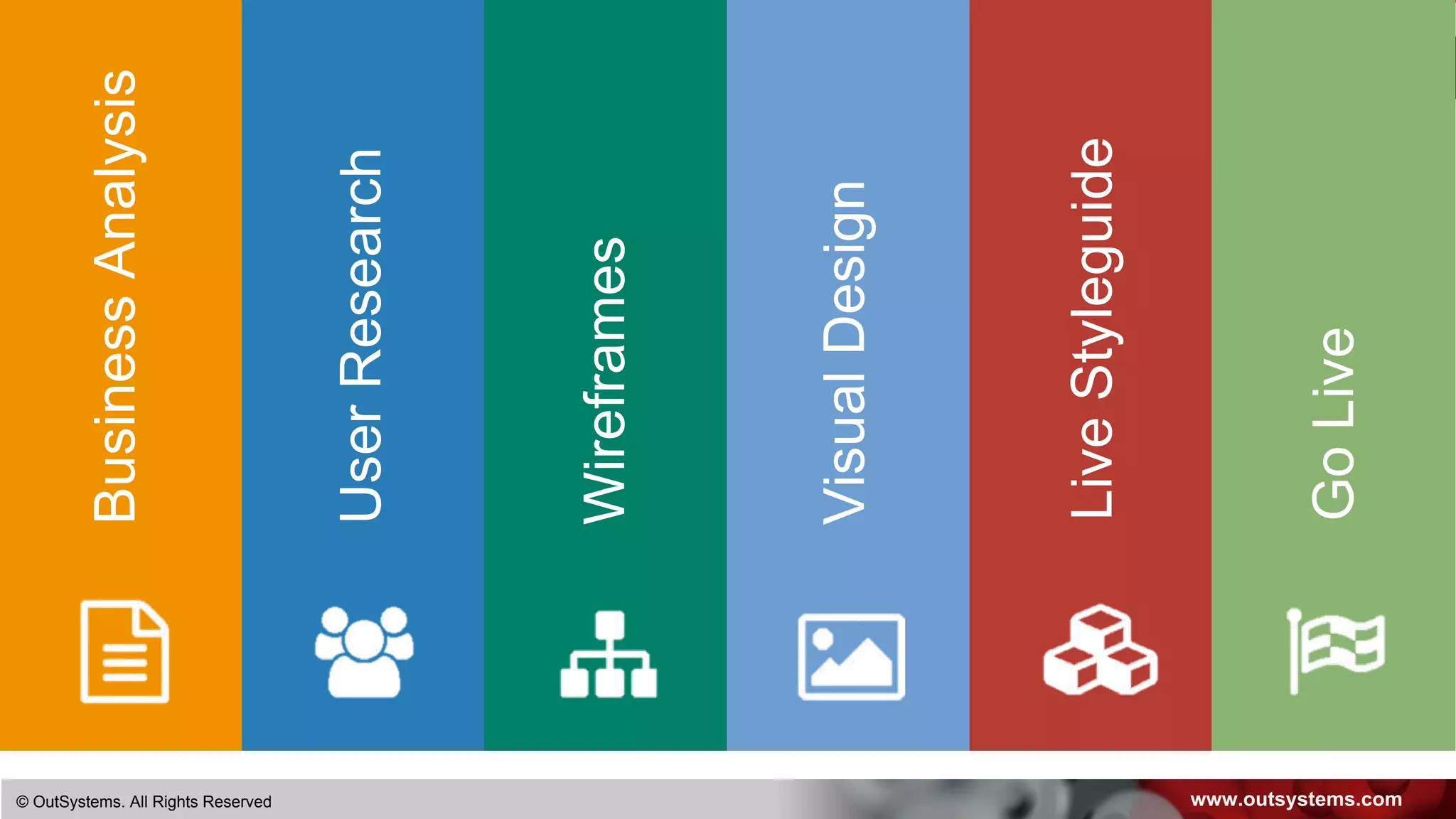
BusinessAnalysis
UserResearch
Wireframes
VisualDesign
LiveStyleguide
GoLive
www.outsystems.com© OutSystems. All Rights Reserved
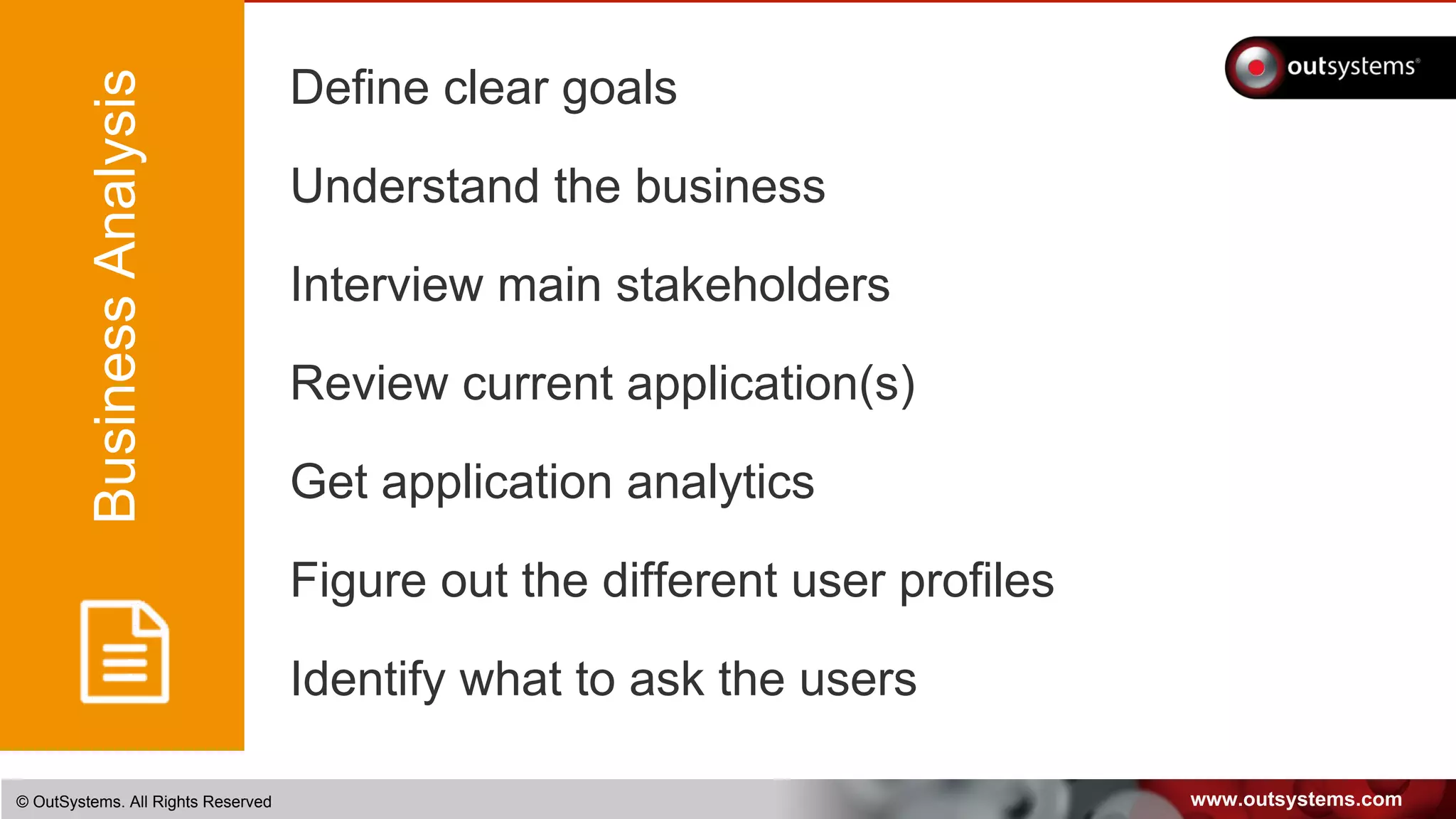
Define clear goals
Understand the business
Interview main stakeholders
Review current application(s)
Get application analytics
Figure out the different user profiles
Identify what to ask the users
BusinessAnalysis
www.outsystems.com© OutSystems. All Rights Reserved
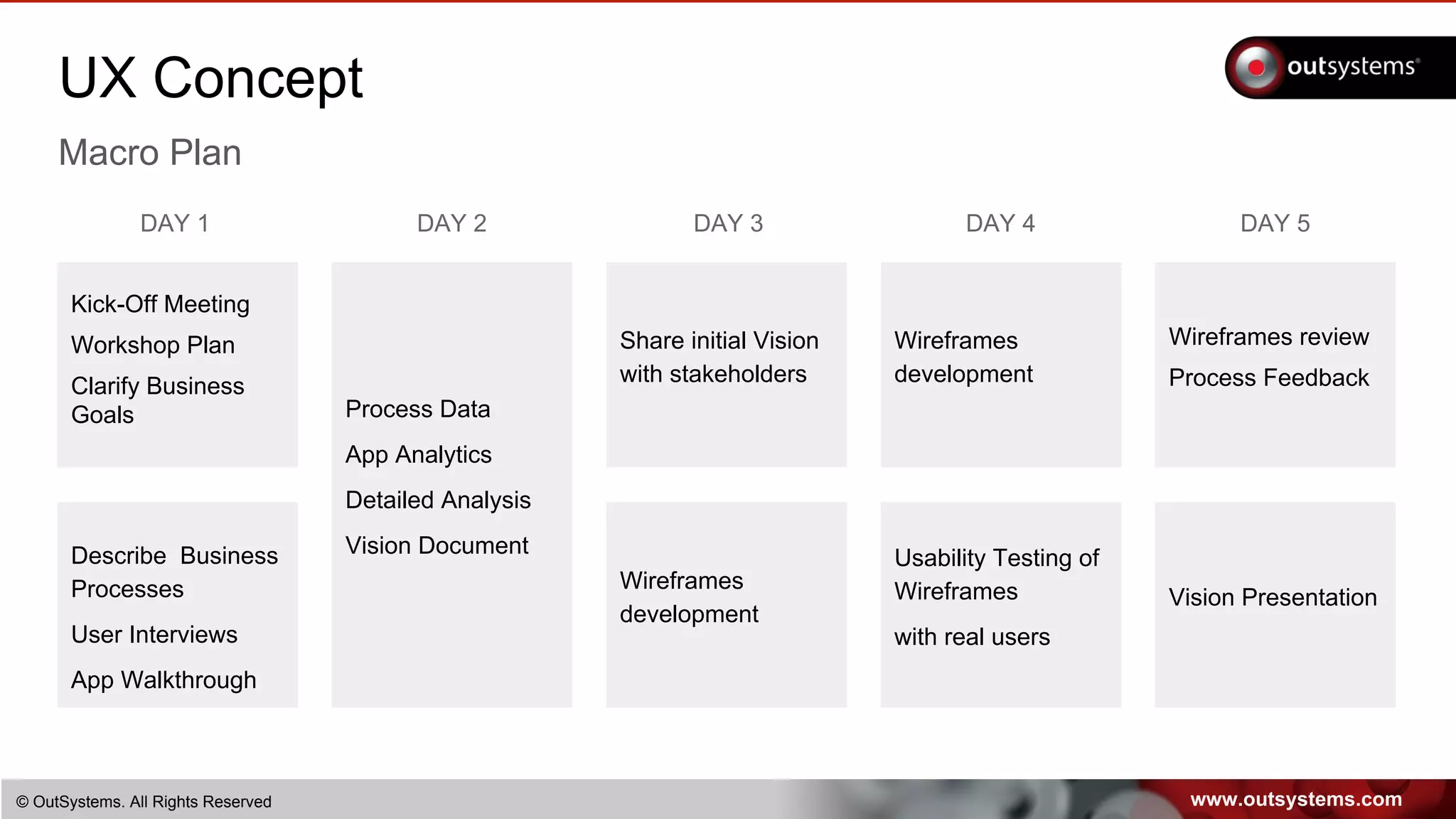
UX Concept
Macro Plan
Kick-Off Meeting
Workshop Plan
Clarify Business
Goals
DAY 1
Process Data
App Analytics
Detailed Analysis
Vision Document
DAY 2 DAY 3
Wireframes
development
Share initial Vision
with stakeholders
DAY 4
Usability Testing of
Wireframes
with real users
Wireframes
development
Describe Business
Processes
User Interviews
App Walkthrough
DAY 5
Wireframes review
Process Feedback
Vision Presentation
www.outsystems.com© OutSystems. All Rights Reserved
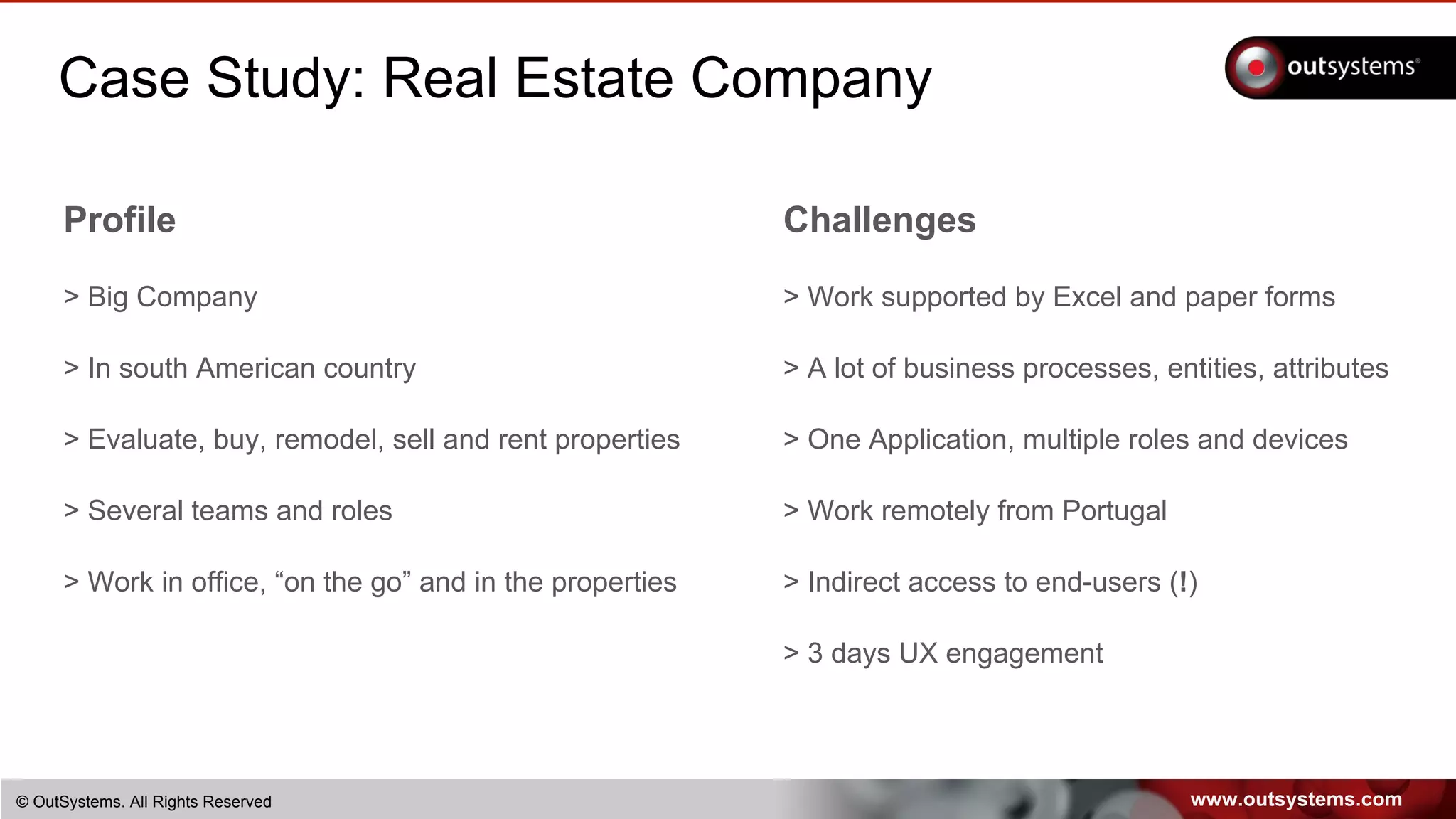
Case Study: Real Estate Company
Profile
> Big Company
> In south American country
> Evaluate, buy, remodel, sell and rent properties
> Several teams and roles
> Work in office, “on the go” and in the properties
Challenges
> Work supported by Excel and paper forms
> A lot of business processes, entities, attributes
> One Application, multiple roles and devices
> Work remotely from Portugal
> Indirect access to end-users (!)
> 3 days UX engagement
www.outsystems.com© OutSystems. All Rights Reserved
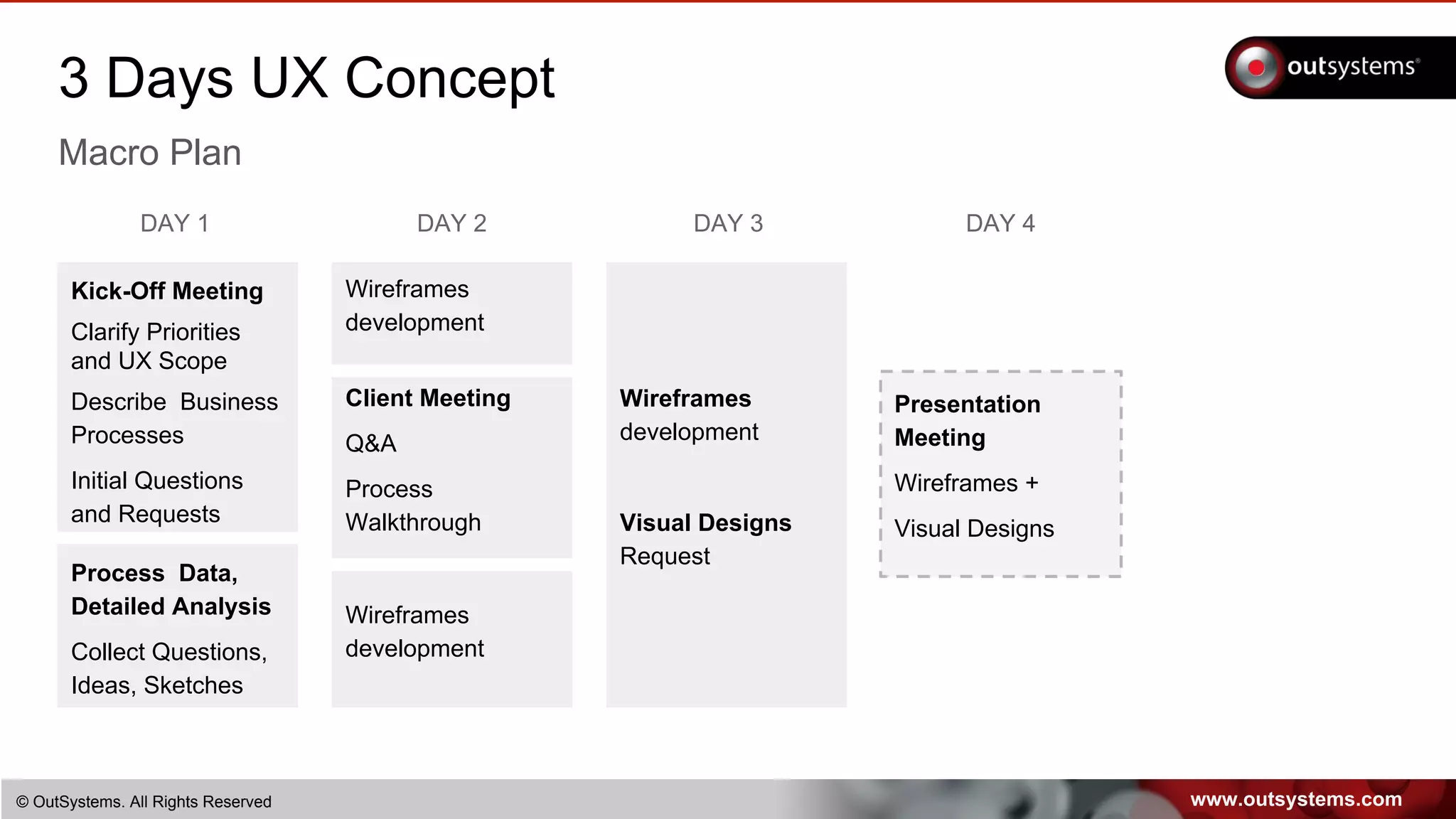
3 Days UX Concept
Macro Plan
Kick-Off Meeting
Clarify Priorities
and UX Scope
Describe Business
Processes
Initial Questions
and Requests
DAY 1
Client Meeting
Q&A
Process
Walkthrough
DAY 2 DAY 3
Wireframes
development
Visual Designs
Request
DAY 4
Presentation
Meeting
Wireframes +
Visual Designs
Process Data,
Detailed Analysis
Collect Questions,
Ideas, Sketches
Wireframes
development
Wireframes
development
www.outsystems.com© OutSystems. All Rights Reserved
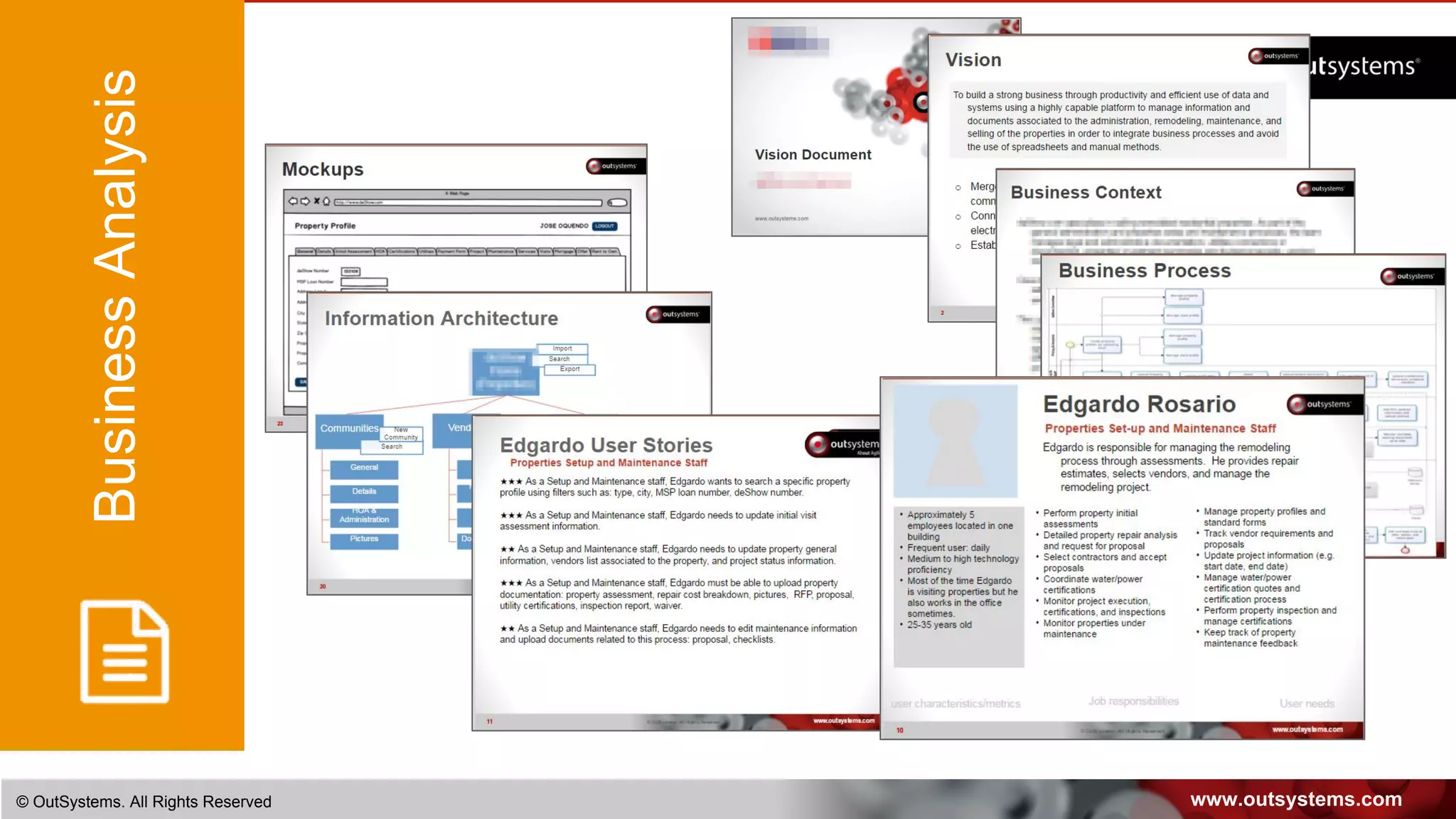
BusinessAnalysis
www.outsystems.com© OutSystems. All Rights Reserved
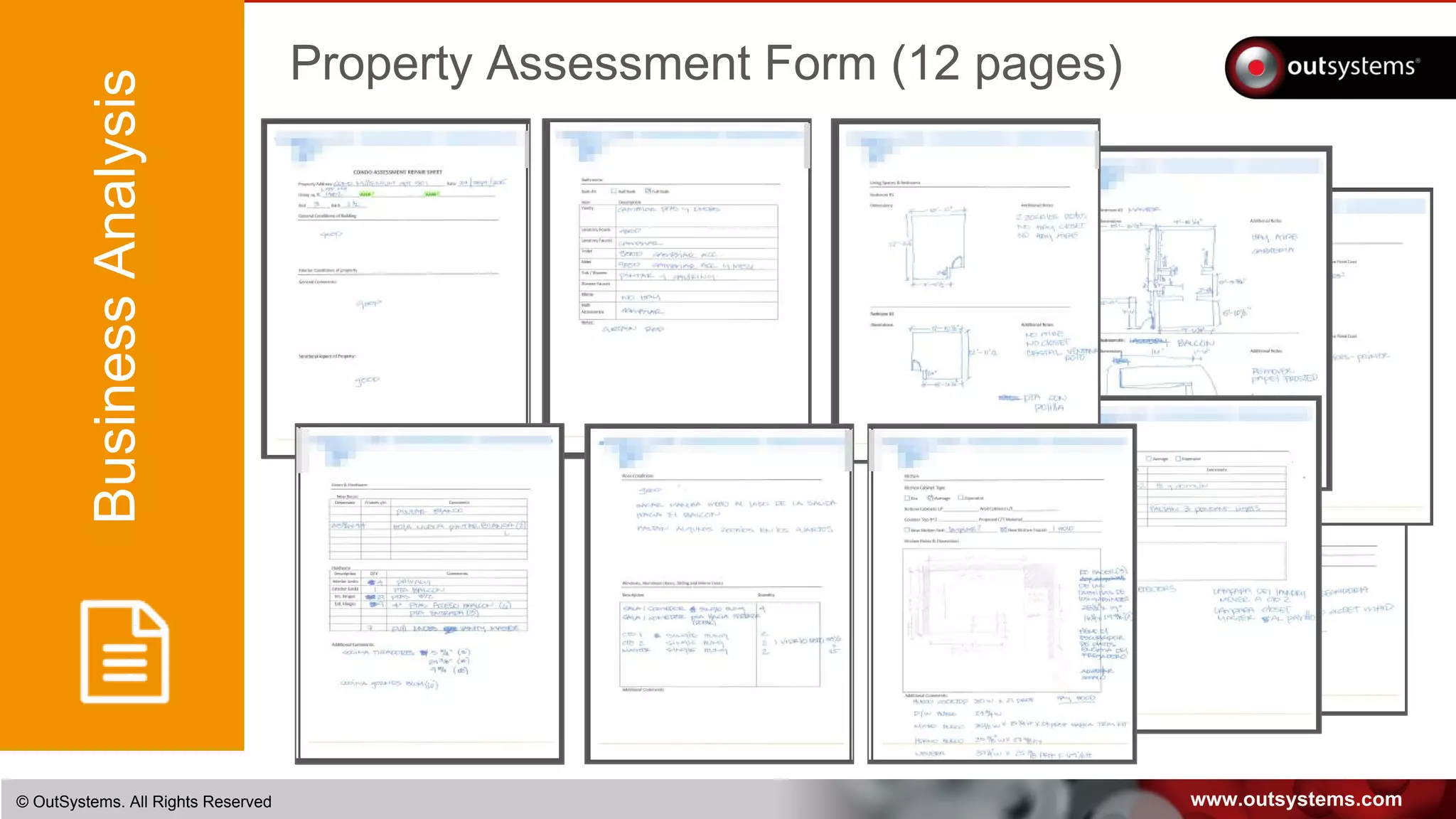
BusinessAnalysis
Property Assessment Form (12 pages)
www.outsystems.com© OutSystems. All Rights Reserved
BusinessAnalysis Seed / sample data
www.outsystems.com© OutSystems. All Rights Reserved
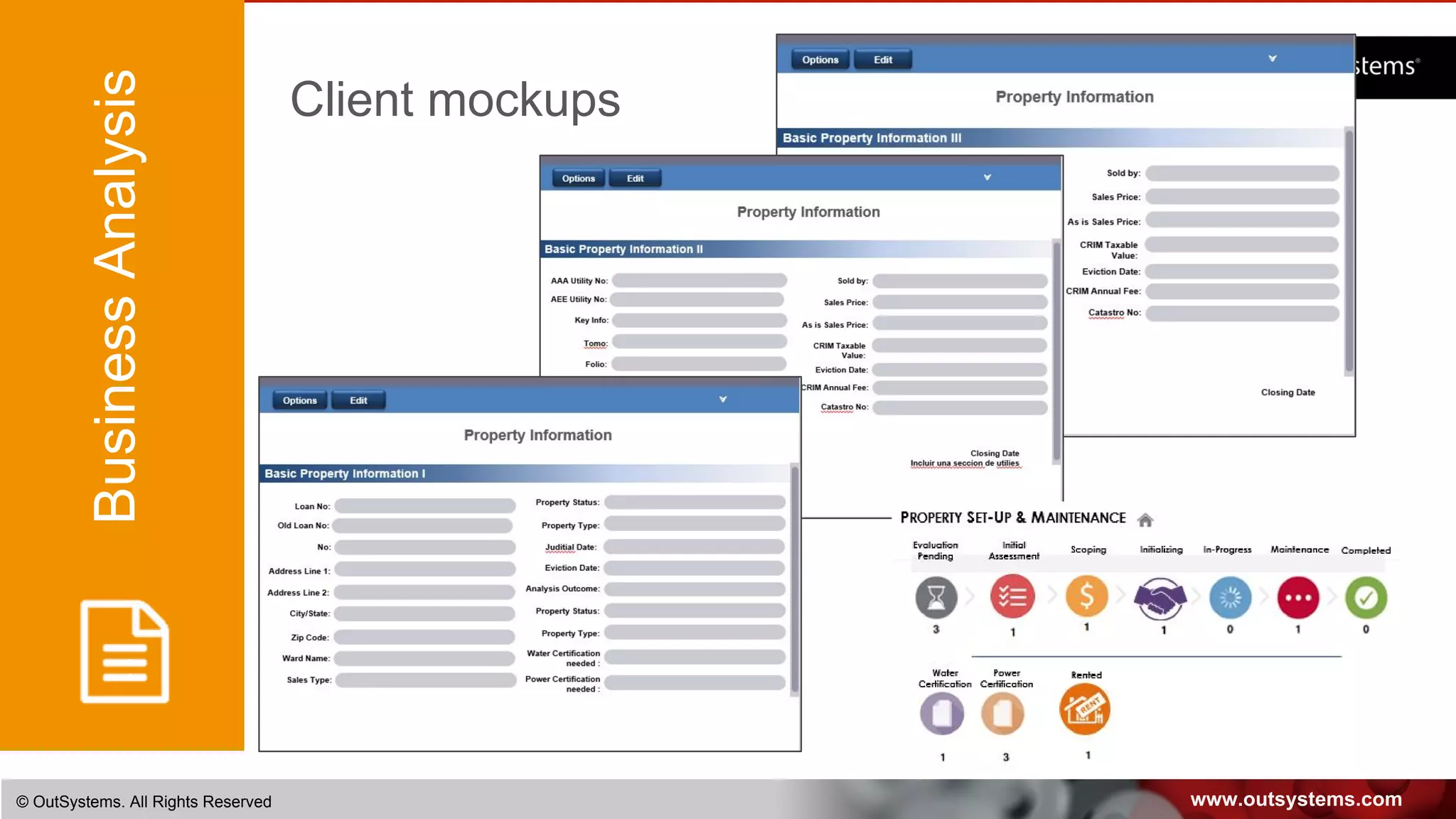
BusinessAnalysis Client mockups
CONTEXT IS KING
Don’t learn the business with the users
Create a context rich environment
Identify goals and constraints
www.outsystems.com© OutSystems. All Rights Reserved
Let’s meet the users
BusinessAnalysis
UserResearch
www.outsystems.com© OutSystems. All Rights Reserved
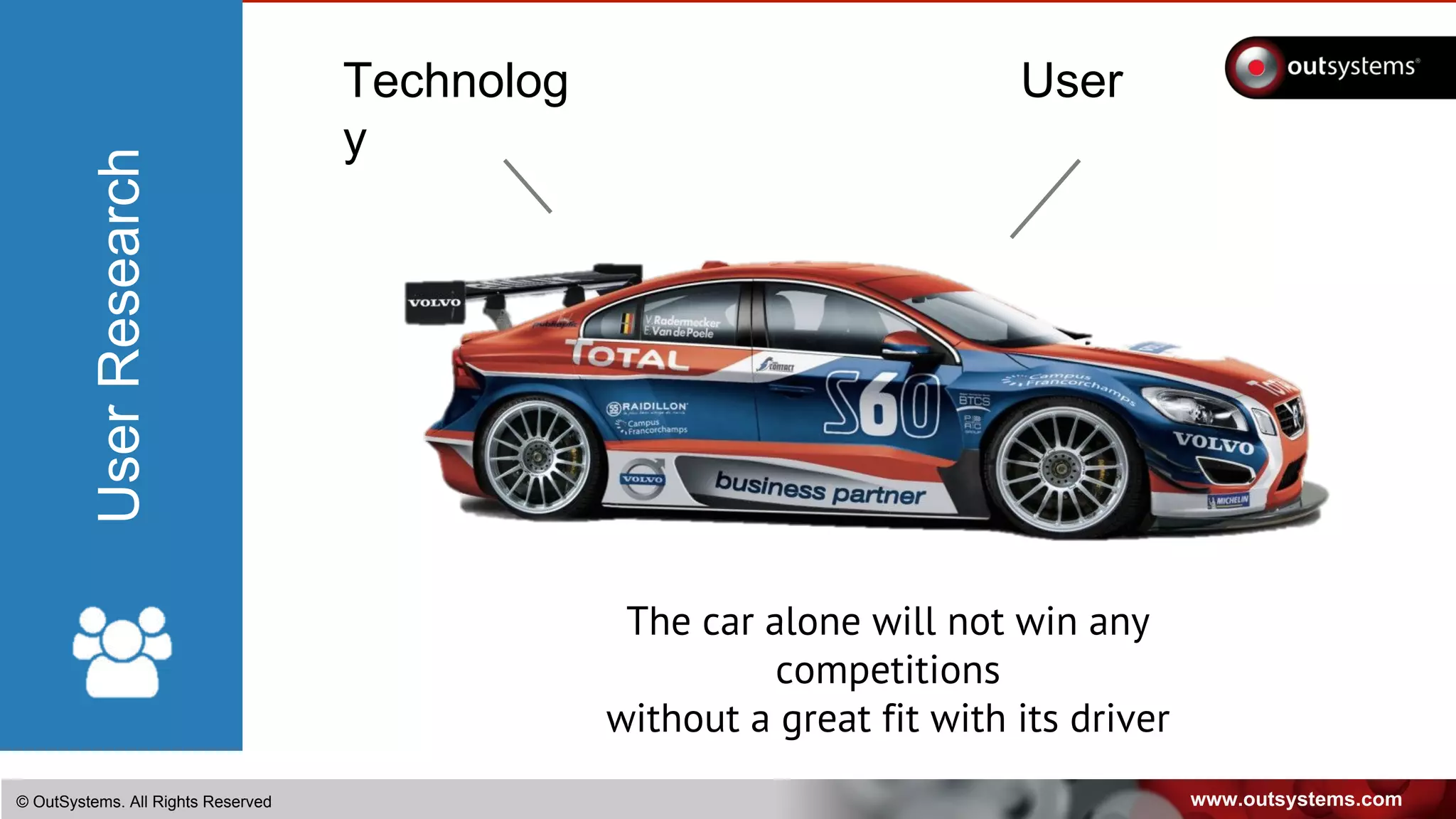
UserTechnolog
y
The car alone will not win any
competitions
without a great fit with its driver
UserResearch
www.outsystems.com© OutSystems. All Rights Reserved
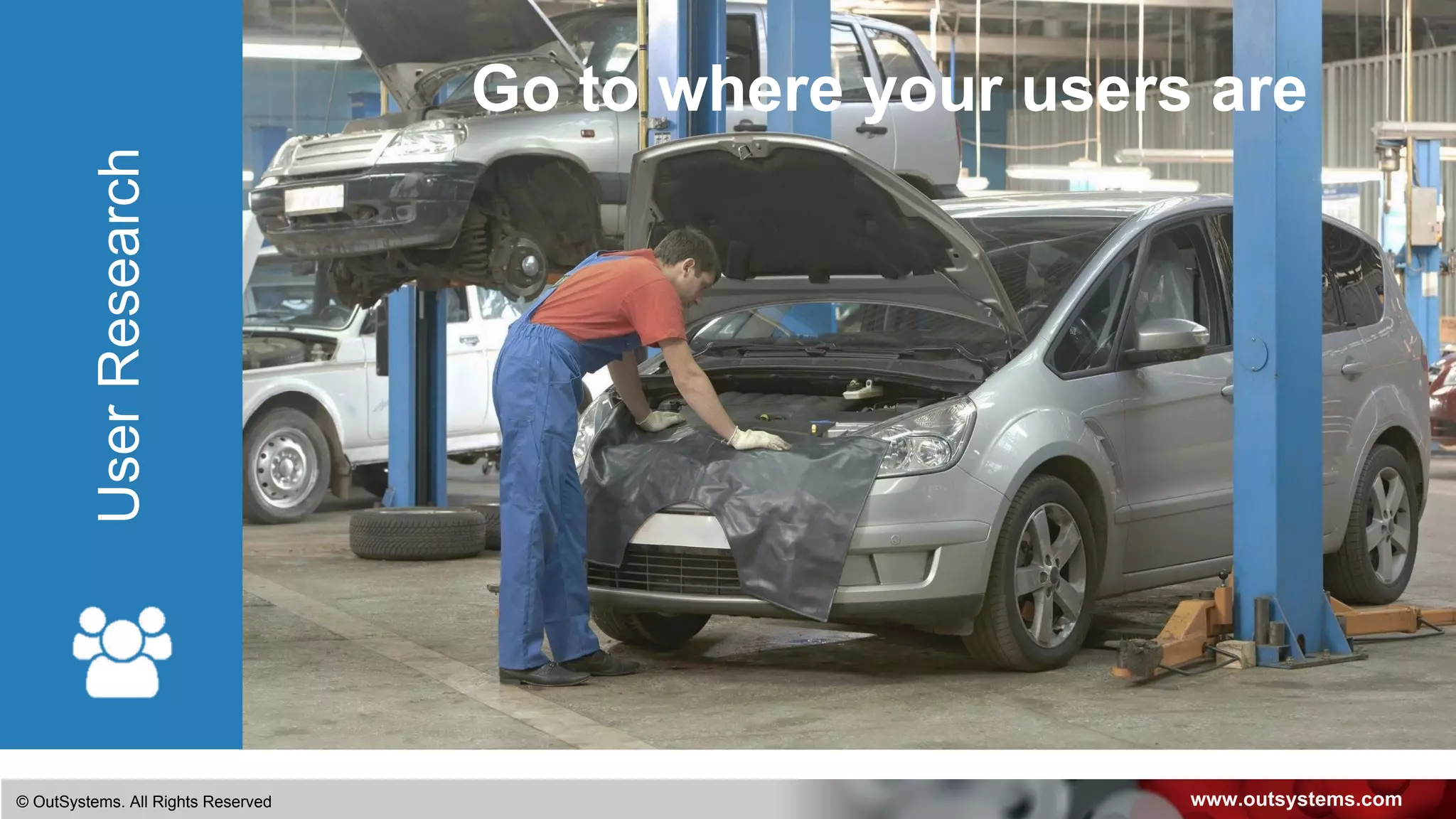
Go to where your users areUserResearch
www.outsystems.com© OutSystems. All Rights Reserved
UserResearch
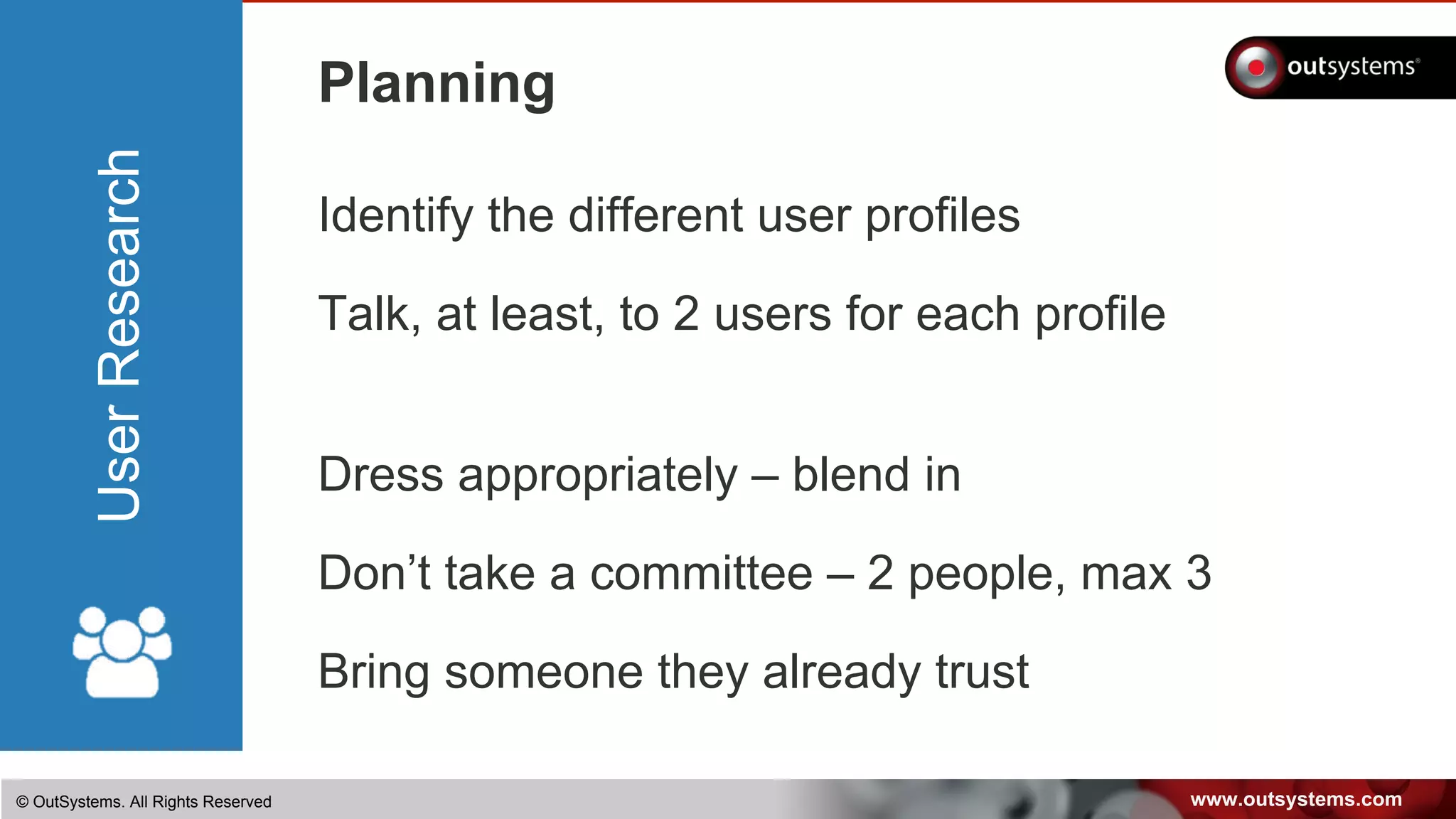
Planning
Identify the different user profiles
Talk, at least, to 2 users for each profile
Dress appropriately – blend in
Don’t take a committee – 2 people, max 3
Bring someone they already trust
www.outsystems.com© OutSystems. All Rights Reserved
UserResearch
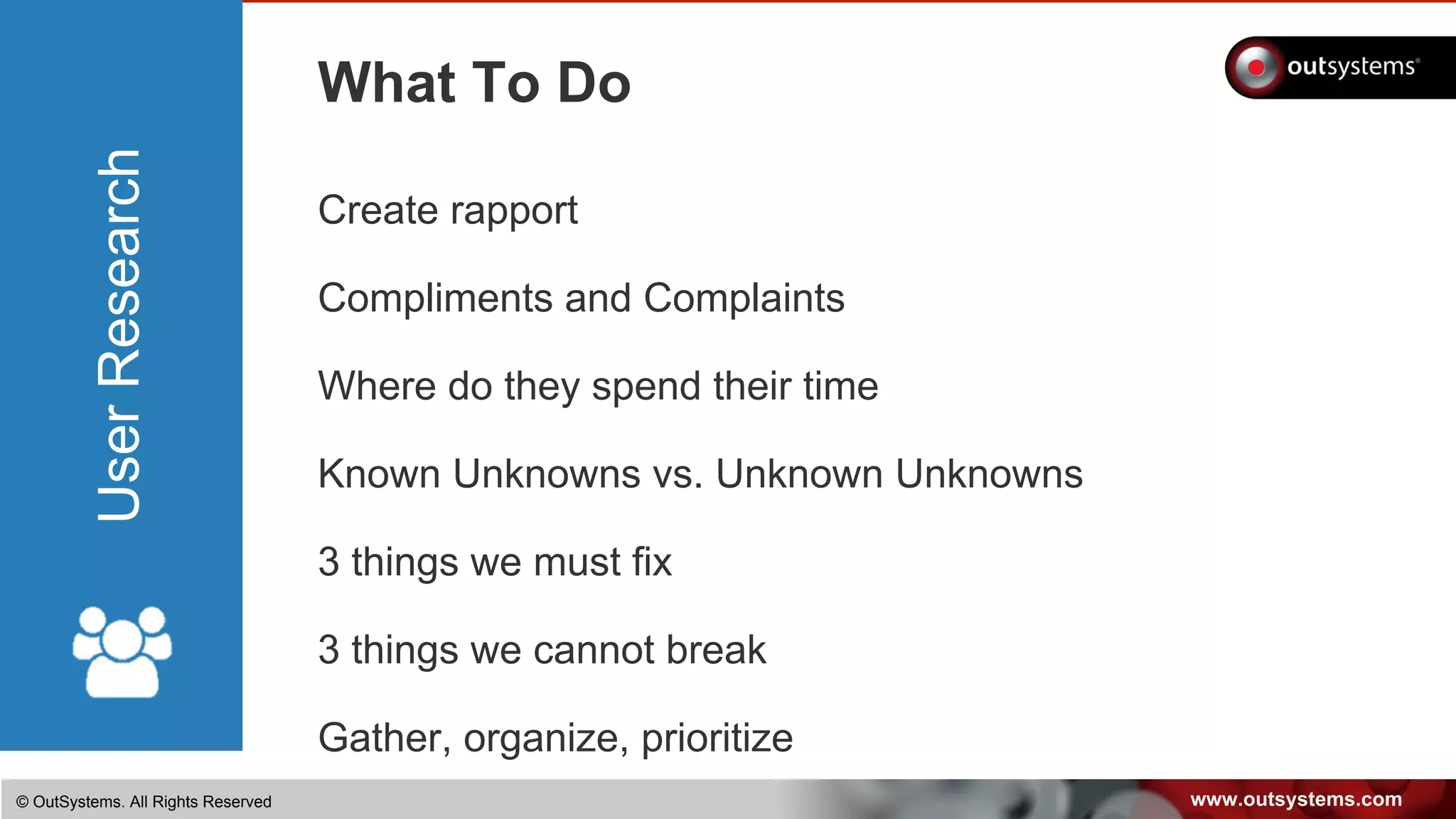
What To Do
Create rapport
Compliments and Complaints
Where do they spend their time
Known Unknowns vs. Unknown Unknowns
3 things we must fix
3 things we cannot break
Gather, organize, prioritize
www.outsystems.com© OutSystems. All Rights Reserved
UserResearch
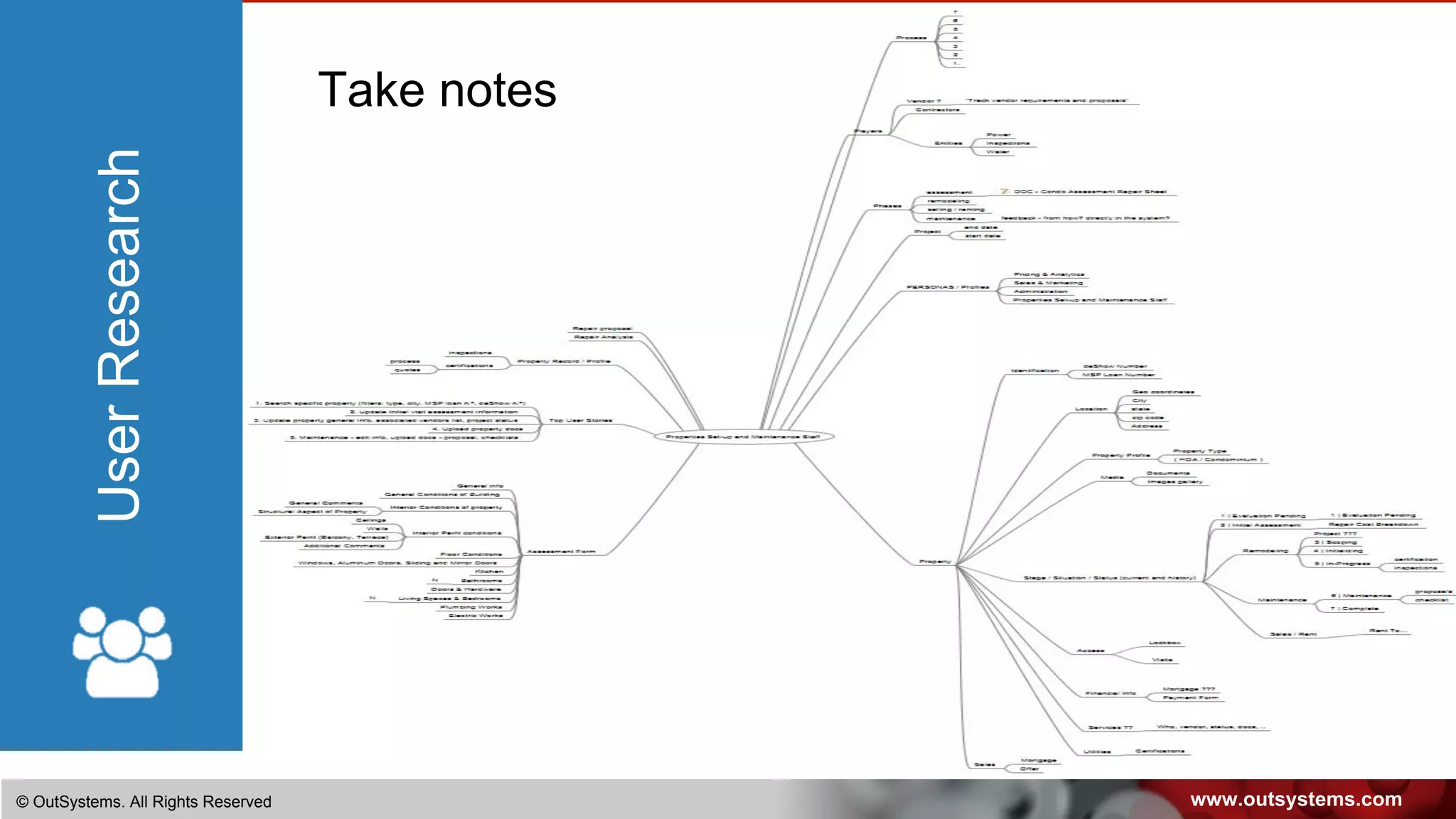
Take notes
www.outsystems.com© OutSystems. All Rights Reserved
UserResearch
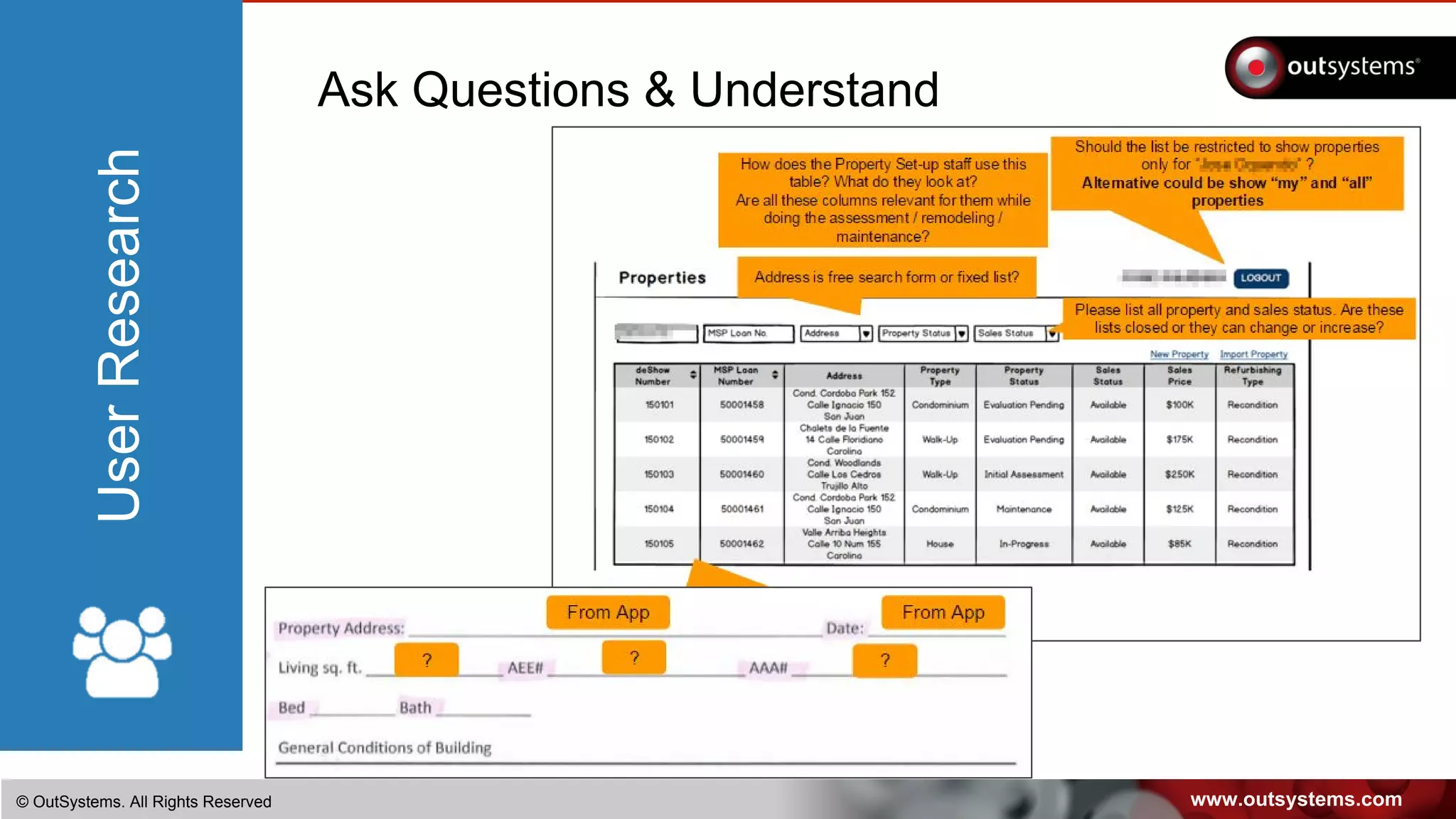
Ask Questions & Understand
www.outsystems.com© OutSystems. All Rights Reserved
UserResearch
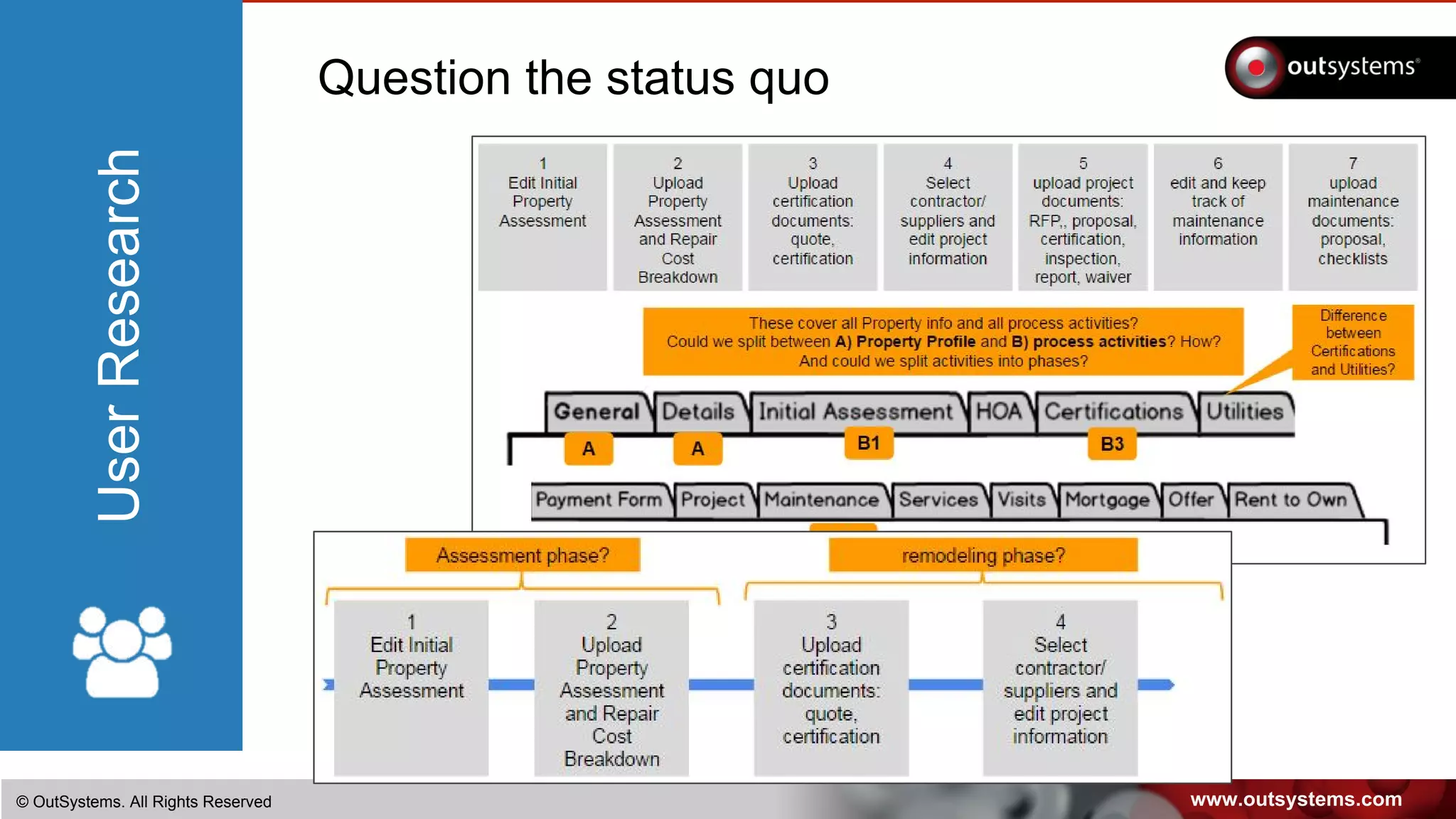
Question the status quo
NOTHING LIKE WATCHING CURRENT
USAGE AND UNDERSTAND WHAT
DRIVES IT
When we watch the users in their natural environment we get
real data on how they use the system and what for, so we
discover the natural journey and can identify gaps with the
intended usage of the system(s).
Shadow IT can be discovered at this stage.
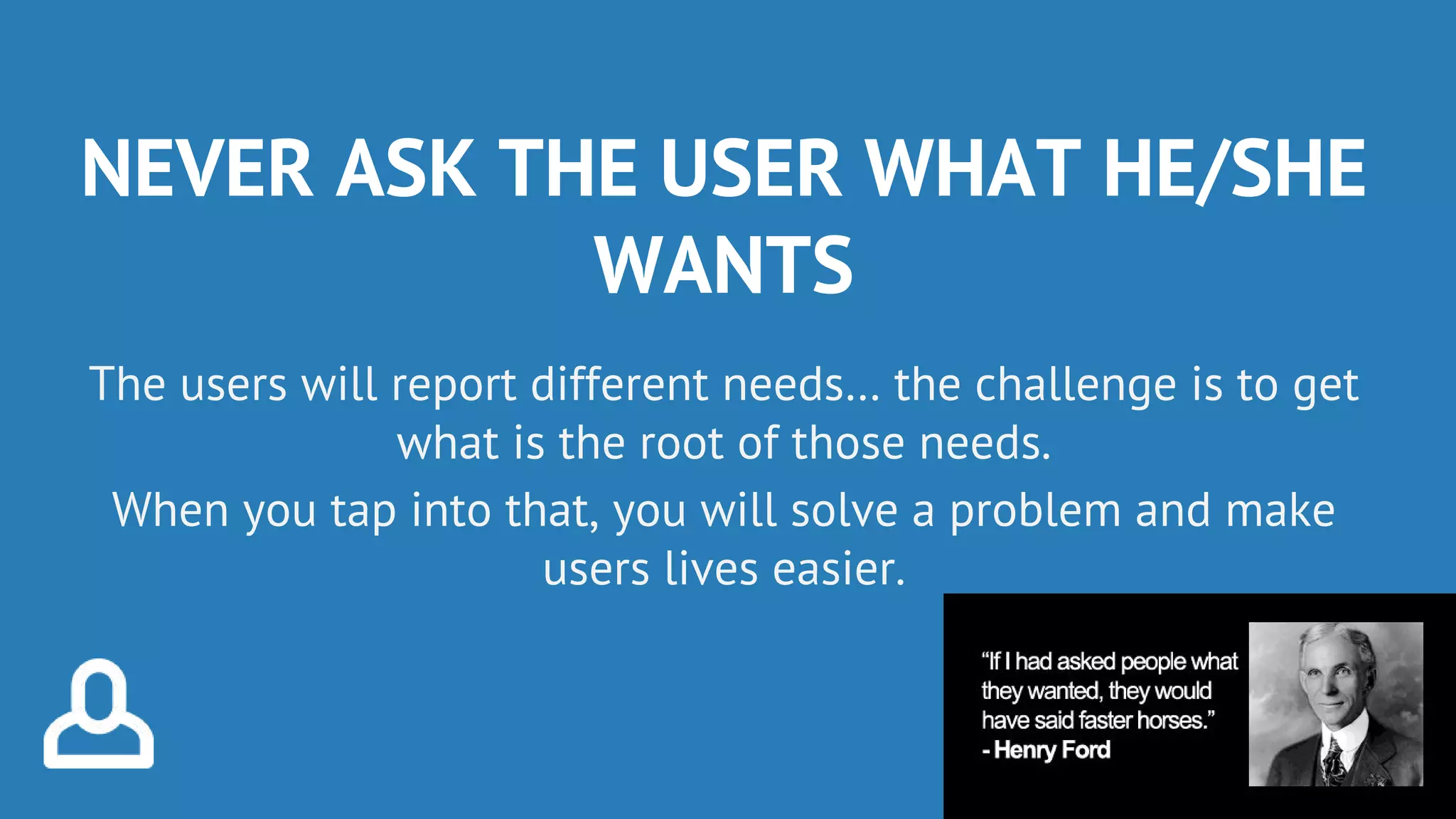
NEVER ASK THE USER WHAT HE/SHE
WANTS
The users will report different needs… the challenge is to get
what is the root of those needs.
When you tap into that, you will solve a problem and make
users lives easier.
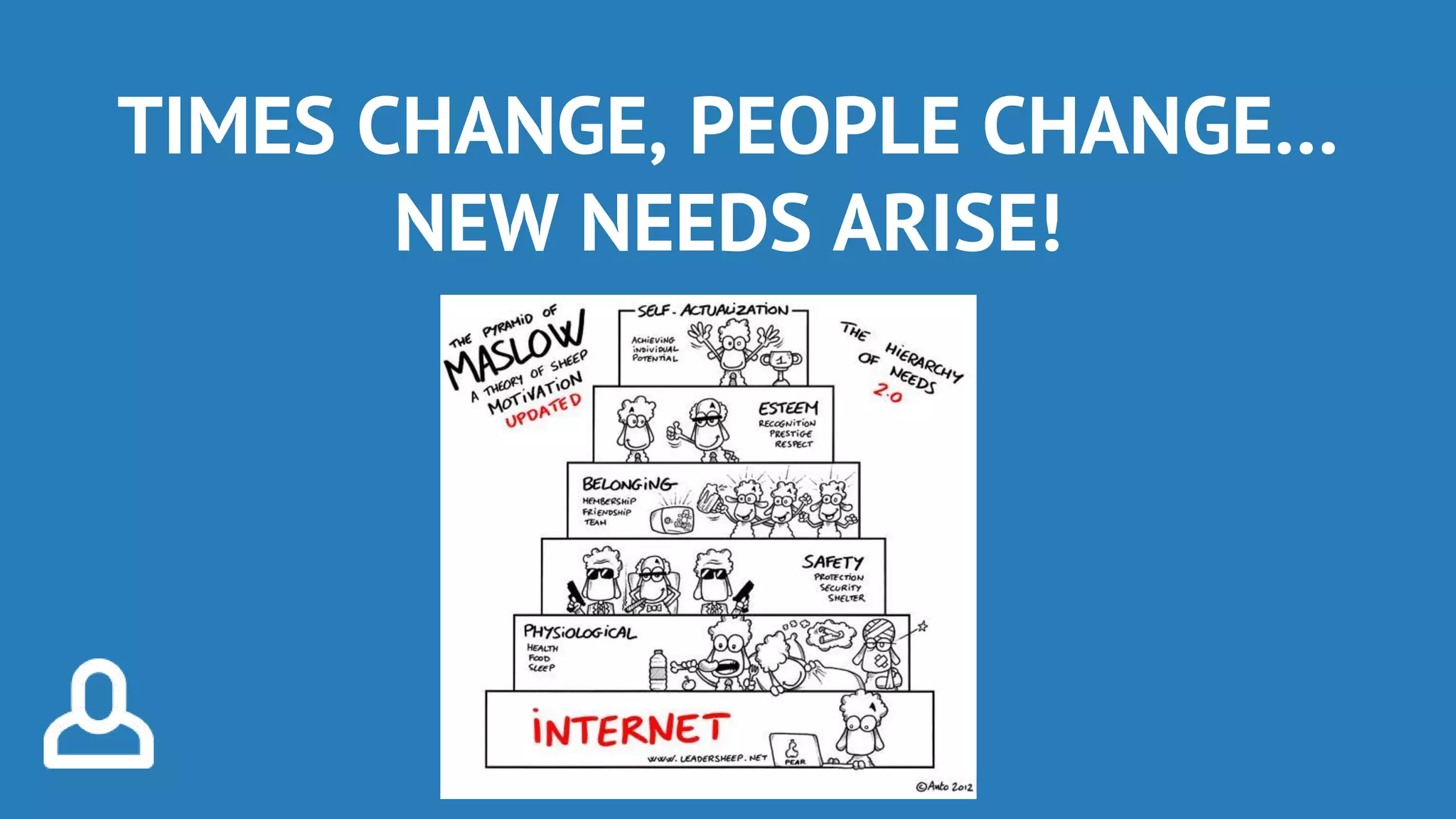
TIMES CHANGE, PEOPLE CHANGE…
NEW NEEDS ARISE!
www.outsystems.com© OutSystems. All Rights Reserved
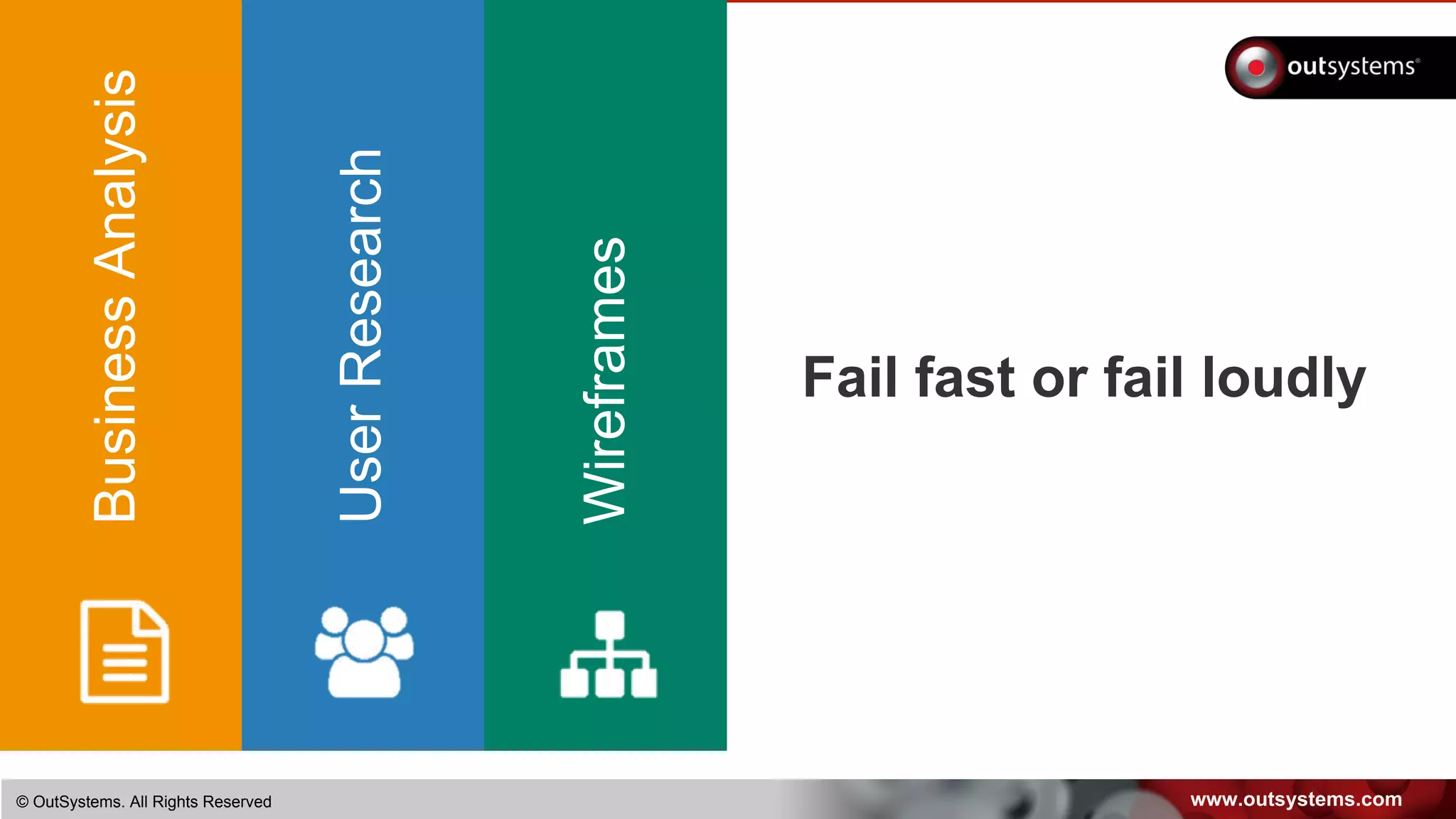
Fail fast or fail loudly
BusinessAnalysis
UserResearch
Wireframes
www.outsystems.com© OutSystems. All Rights Reserved
Don’t let ideas escape
Rich context makes it a ton easier
Information organization is key
Keep sketching
IA comes hand-in-hand with mockups
Challenge designs continuously
Wireframes
www.outsystems.com© OutSystems. All Rights Reserved
Wireframes
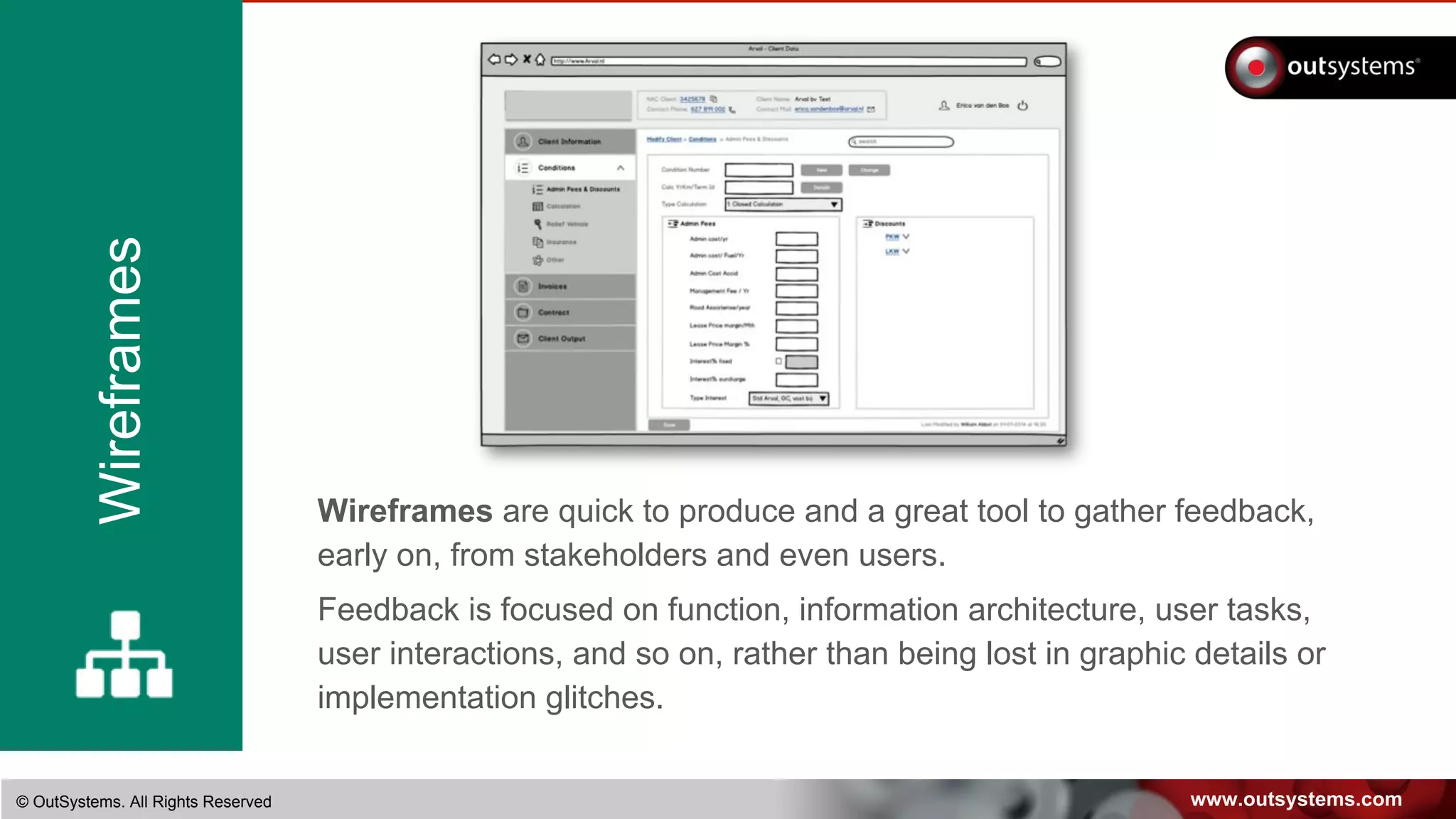
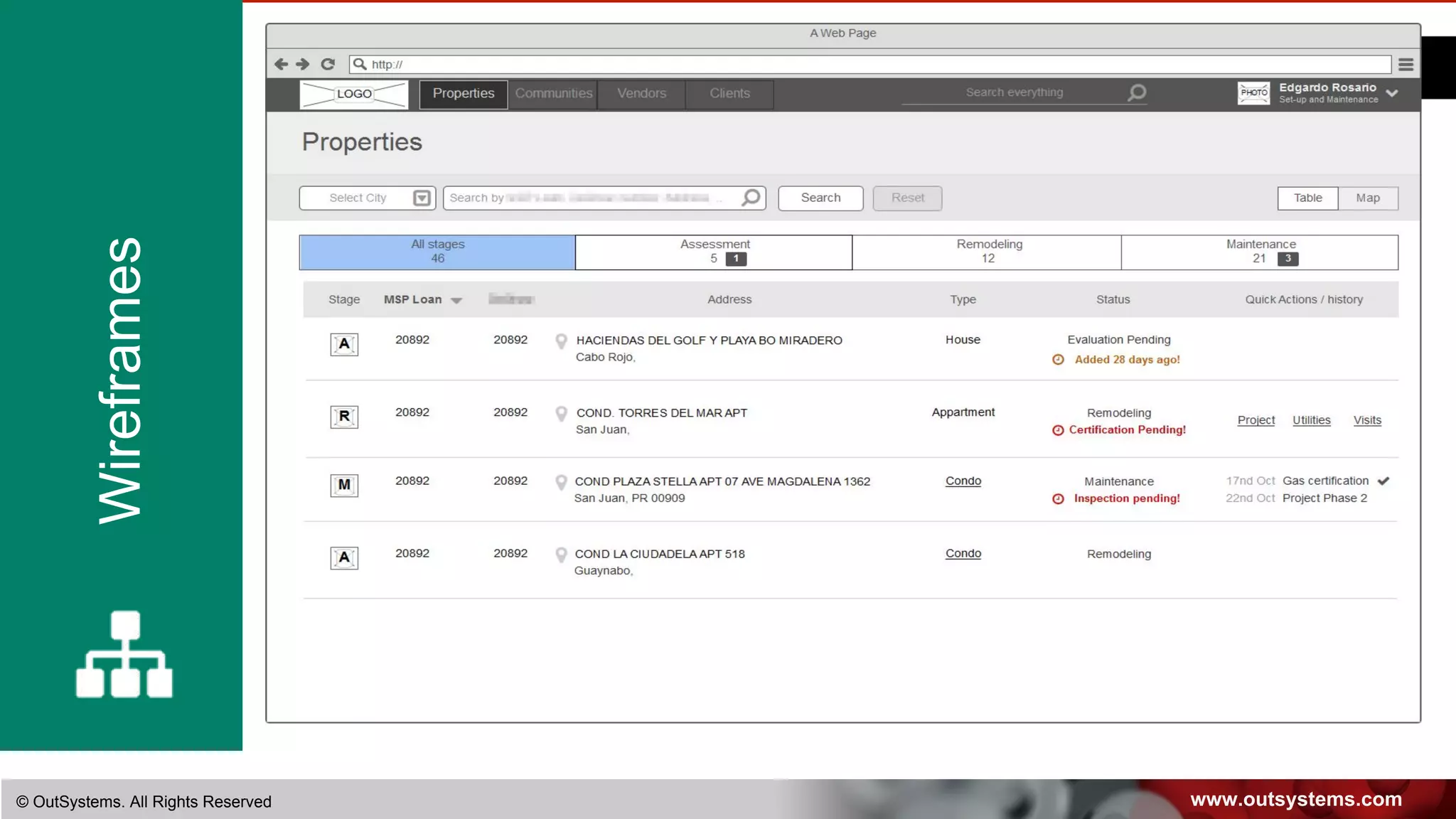
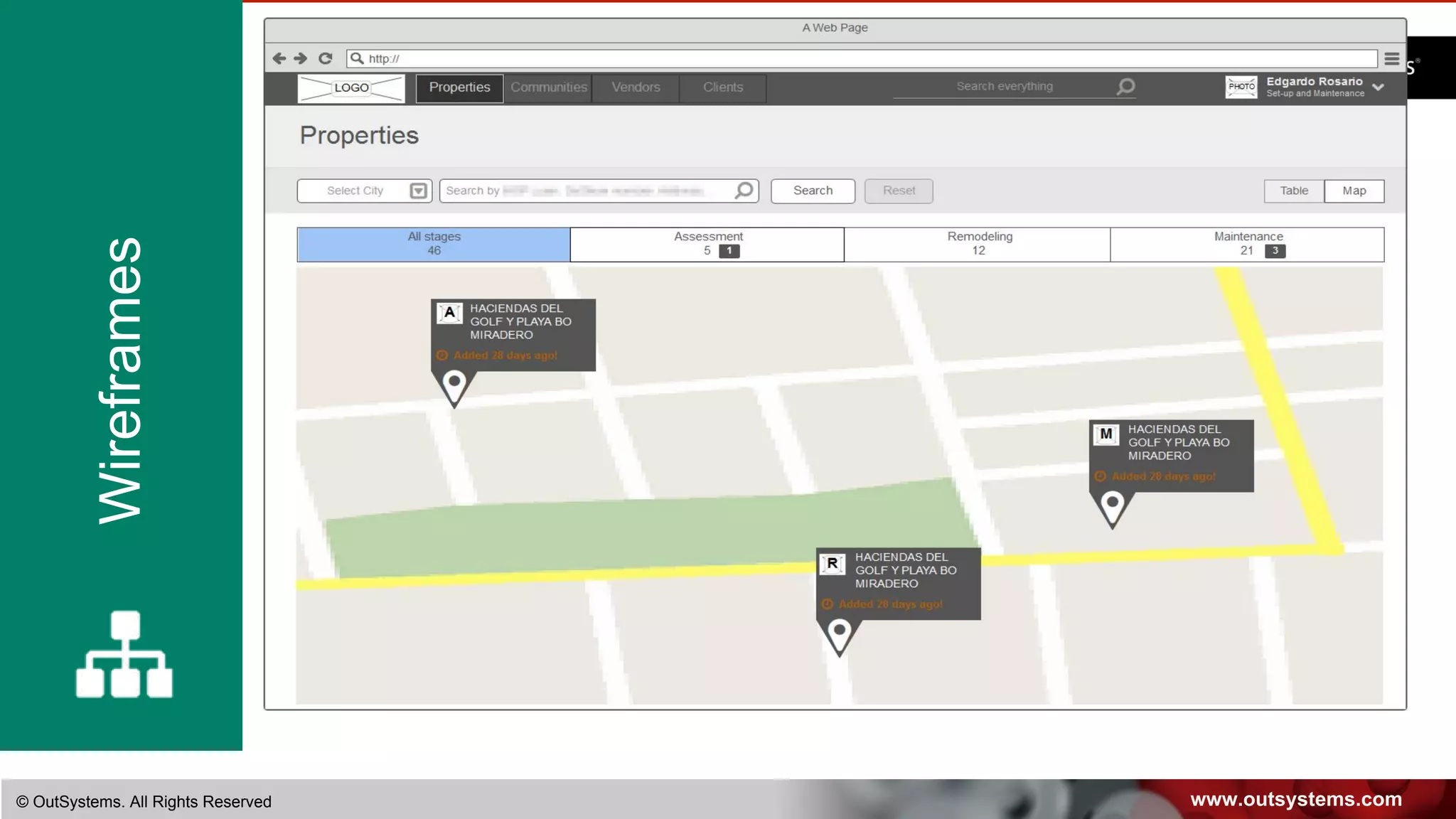
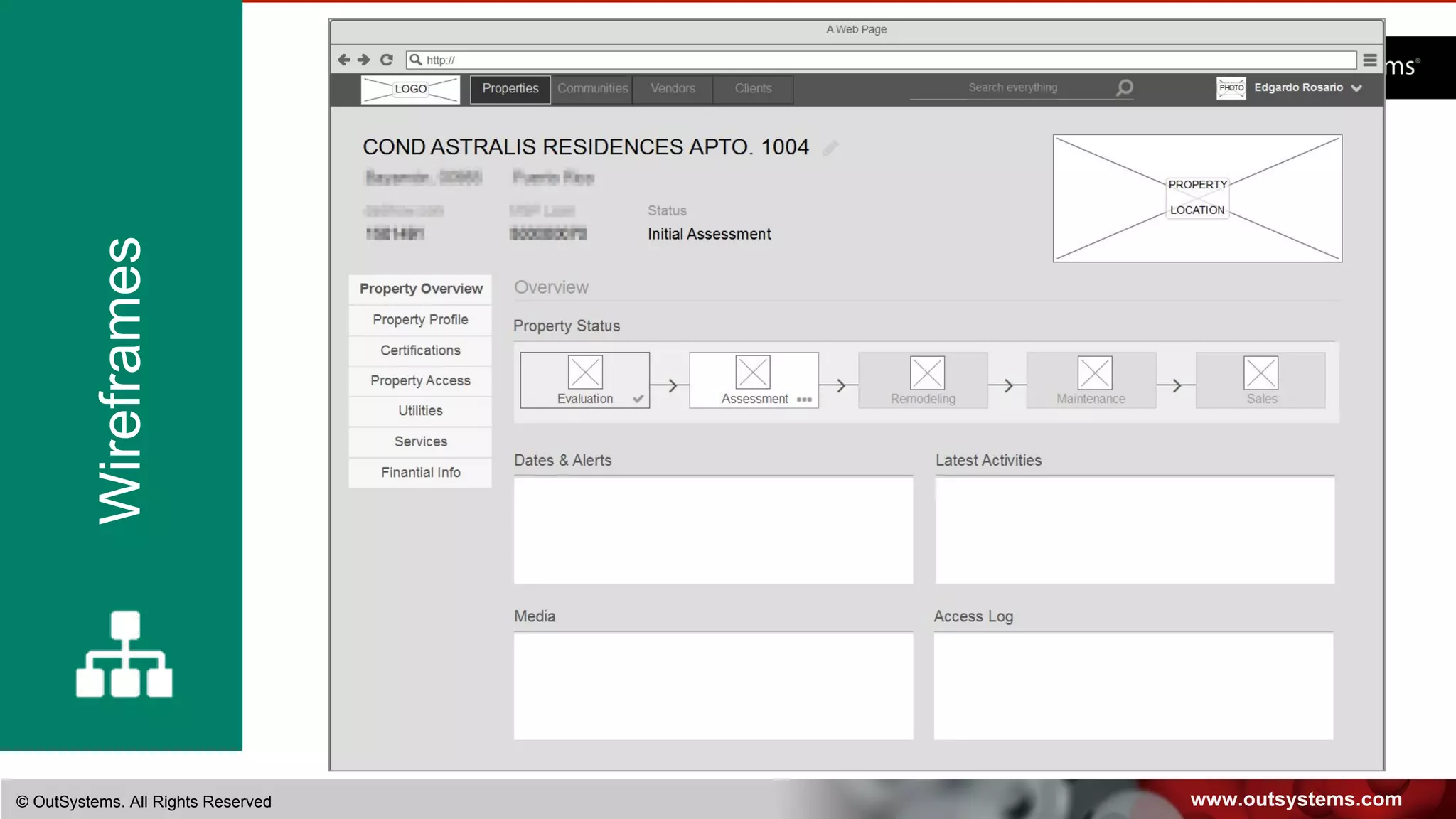
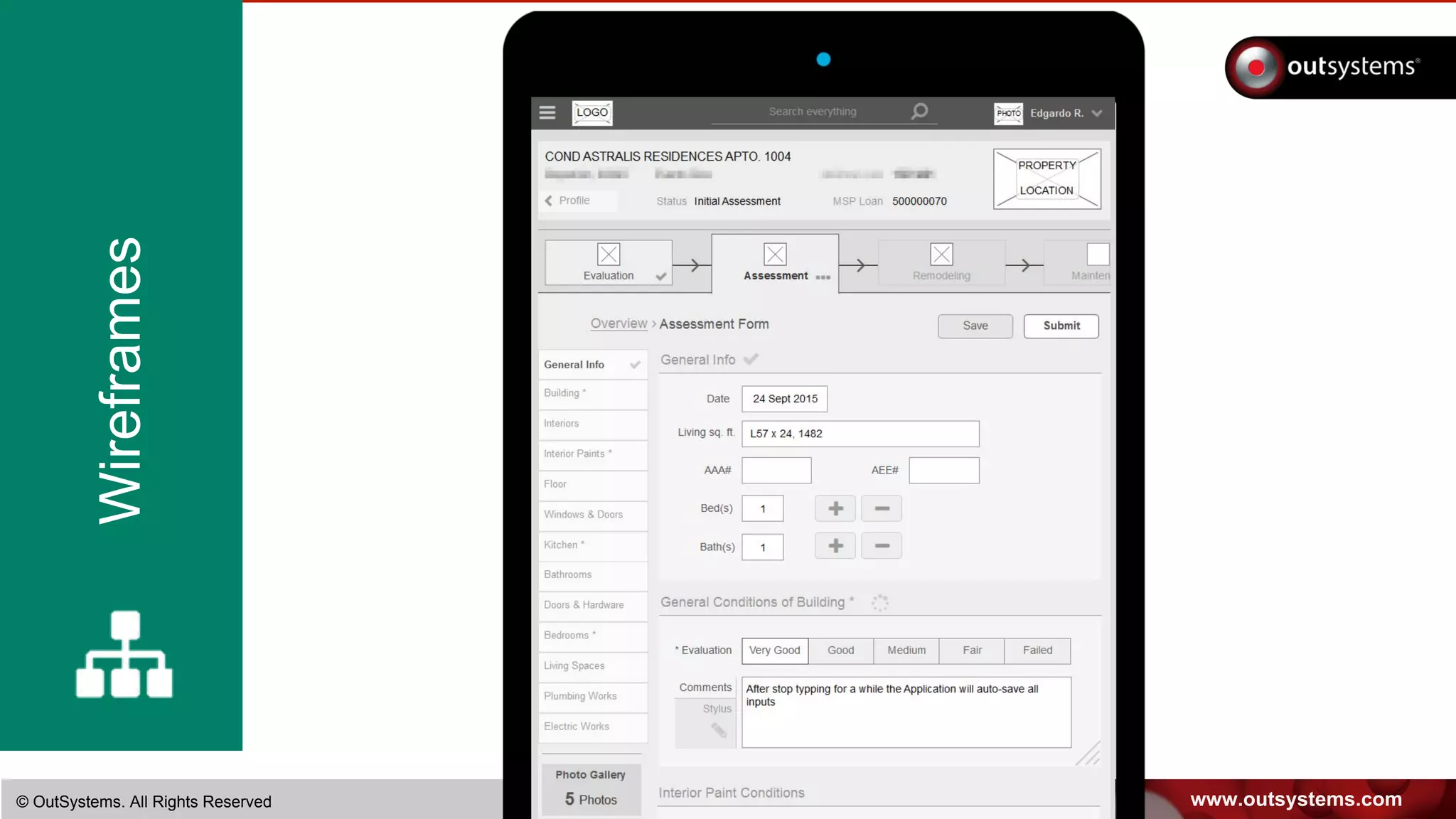
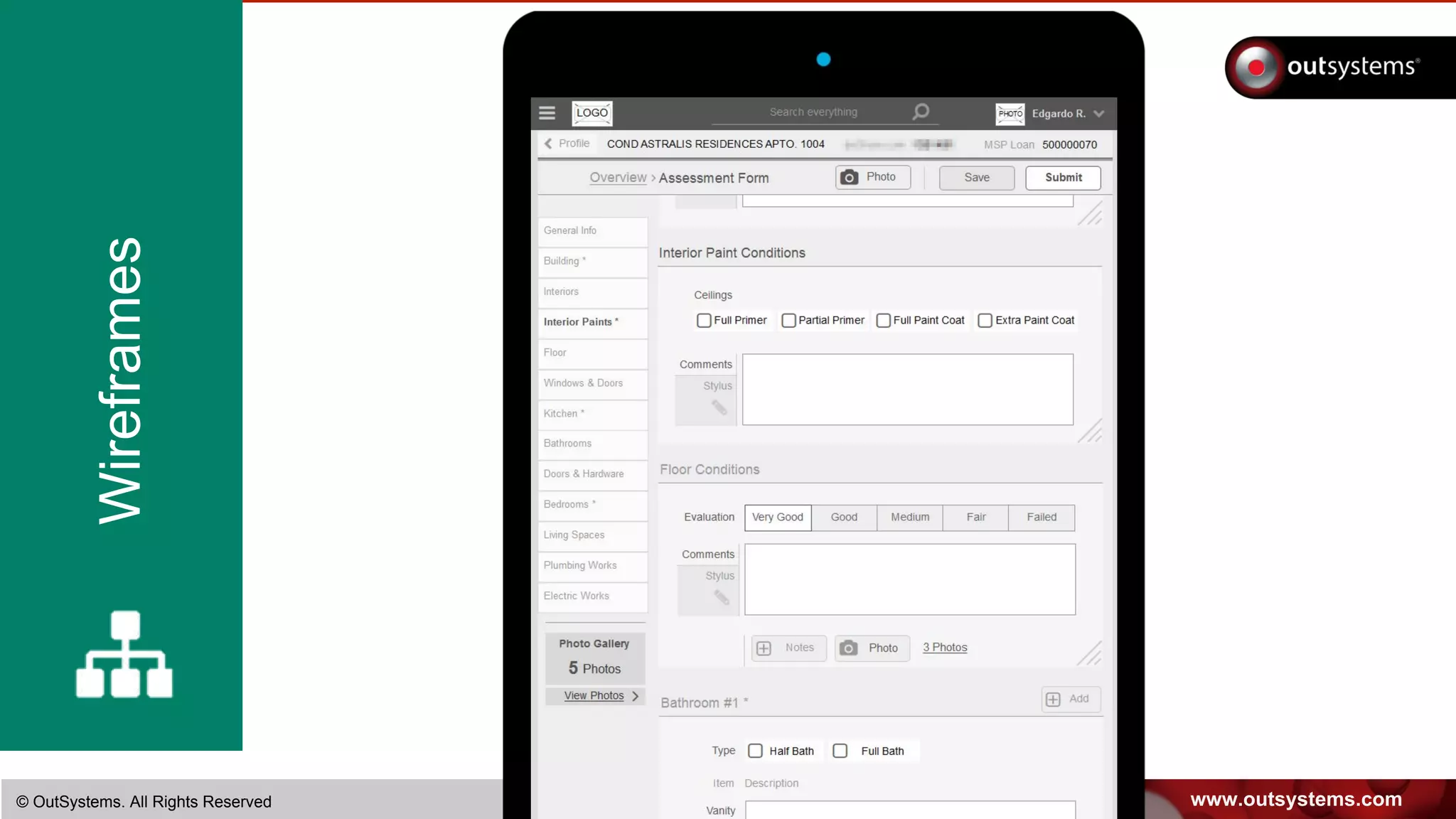
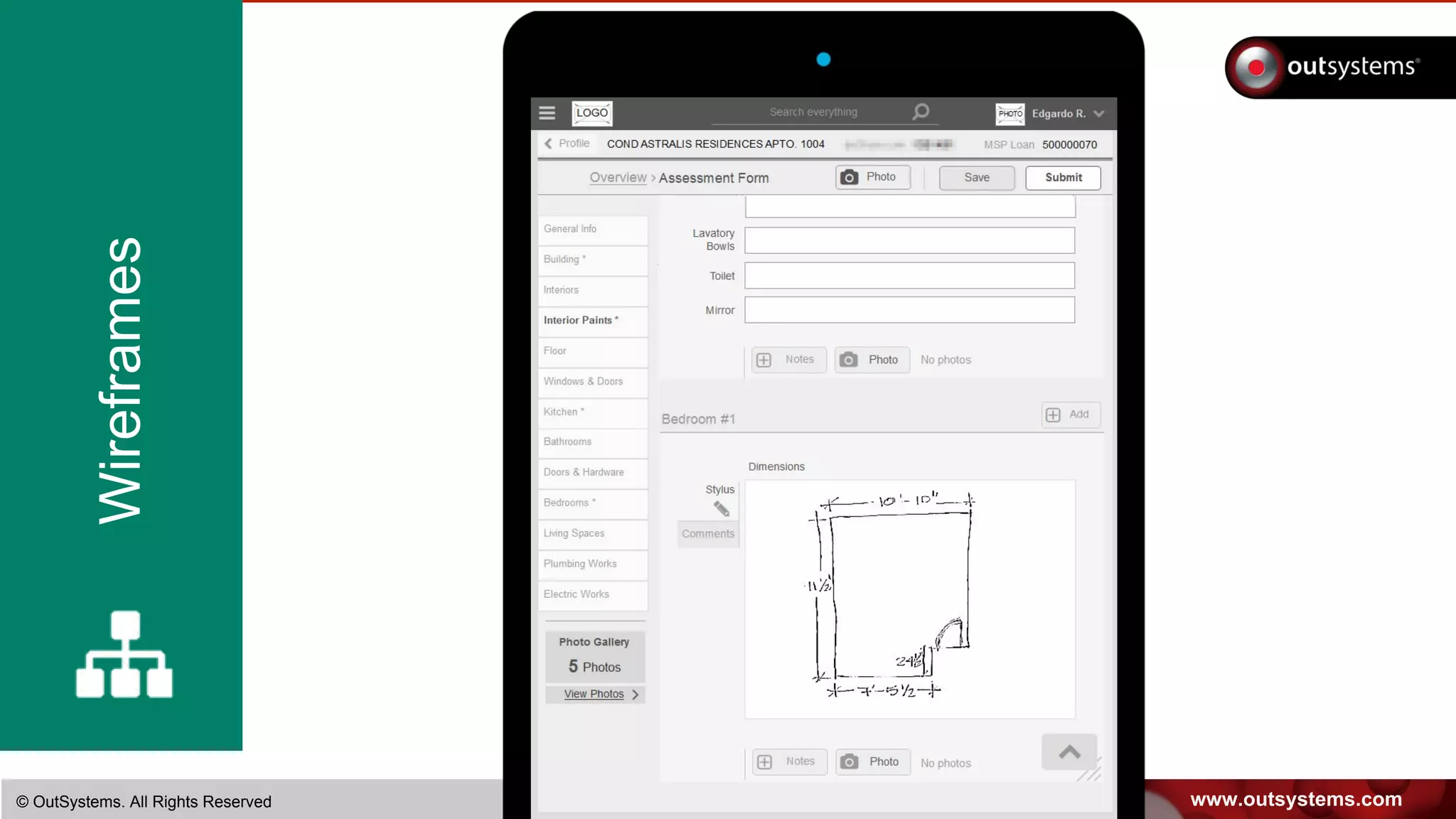
Wireframes are quick to produce and a great tool to gather feedback,
early on, from stakeholders and even users.
Feedback is focused on function, information architecture, user tasks,
user interactions, and so on, rather than being lost in graphic details or
implementation glitches.
www.outsystems.com© OutSystems. All Rights Reserved
Wireframes
www.outsystems.com© OutSystems. All Rights Reserved
Wireframes
www.outsystems.com© OutSystems. All Rights Reserved
Wireframes
www.outsystems.com© OutSystems. All Rights Reserved
Wireframes
www.outsystems.com© OutSystems. All Rights Reserved
Wireframes
www.outsystems.com© OutSystems. All Rights Reserved
Wireframes
www.outsystems.com© OutSystems. All Rights Reserved
Wireframes
MOCKUPS ARE A POWERFUL
CHANGE MANAGEMENT TOOL
Everyone can understand what the changes mean
and where the company is headed
You can defeat the unknown … make change easier!
www.outsystems.com© OutSystems. All Rights Reserved
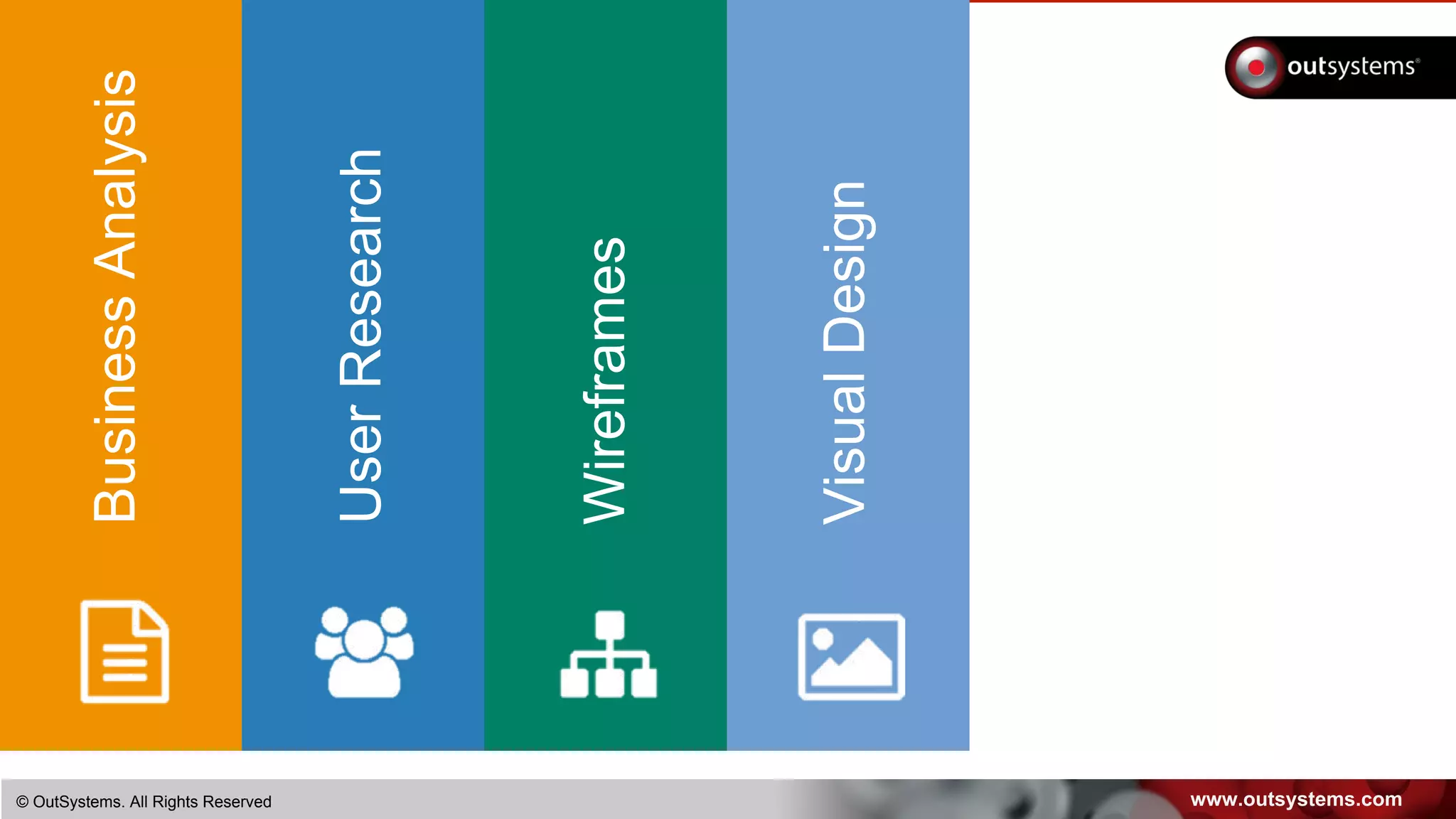
BusinessAnalysis
UserResearch
Wireframes
VisualDesign
www.outsystems.com© OutSystems. All Rights Reserved
VisualDesign
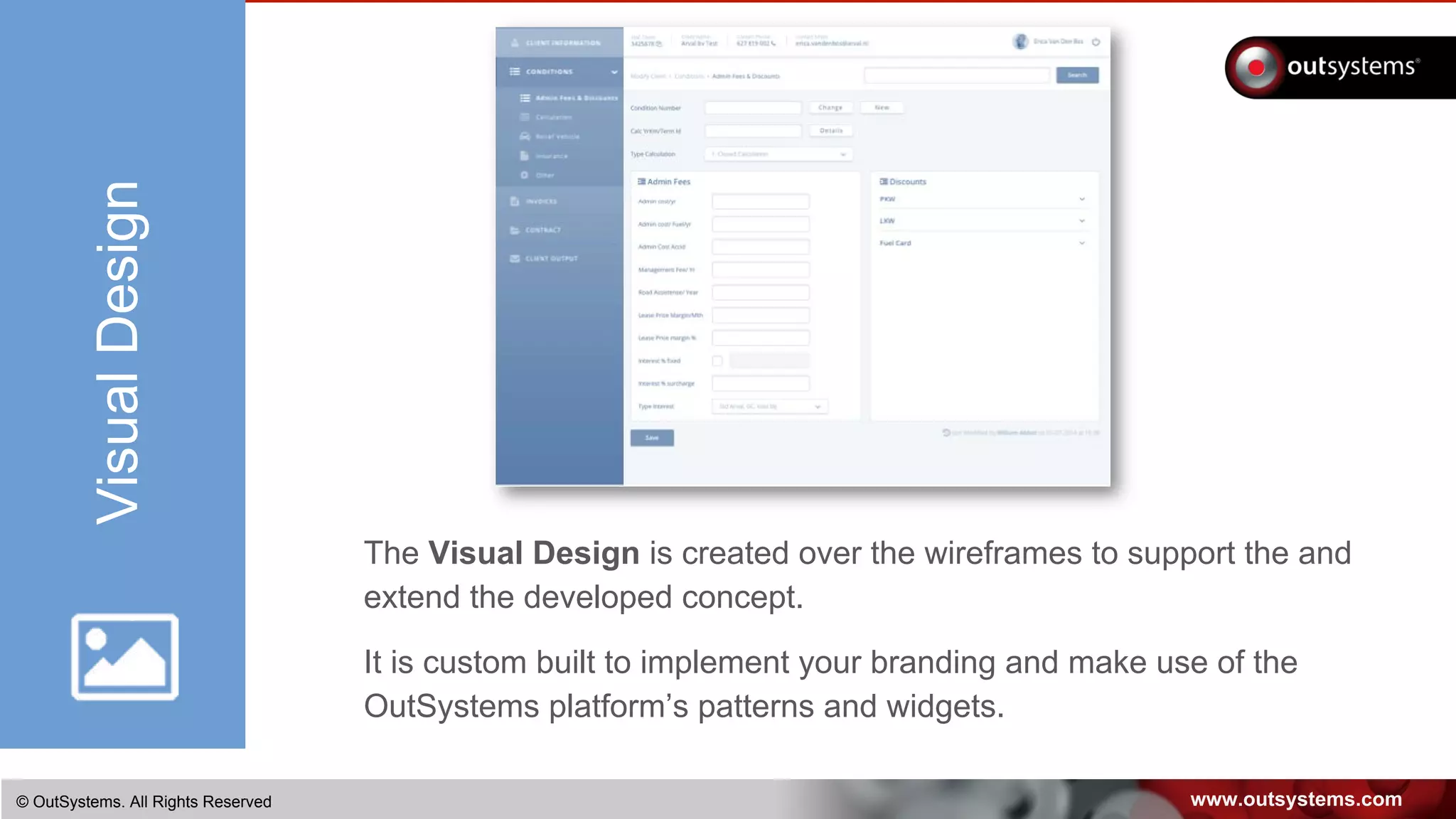
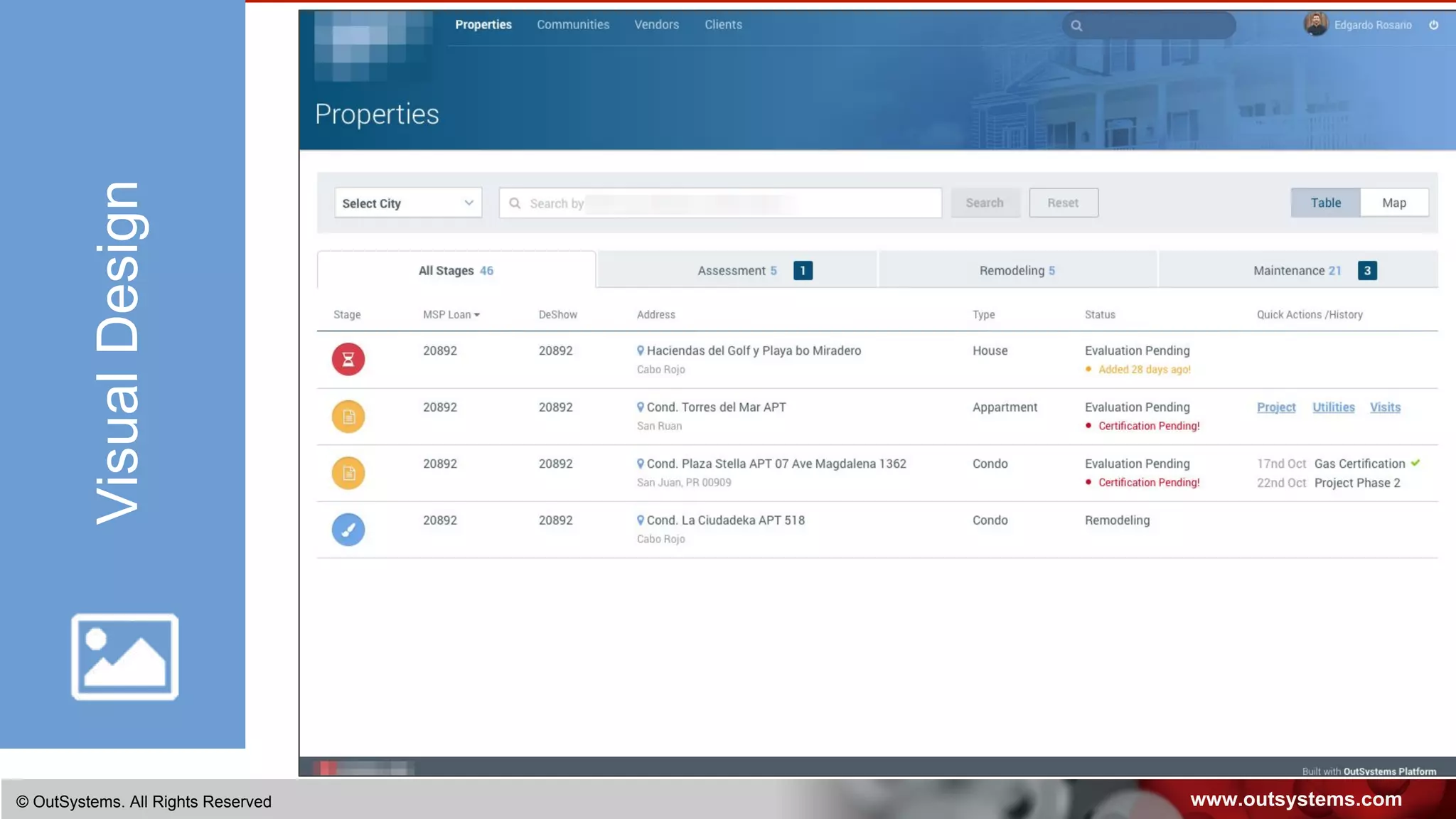
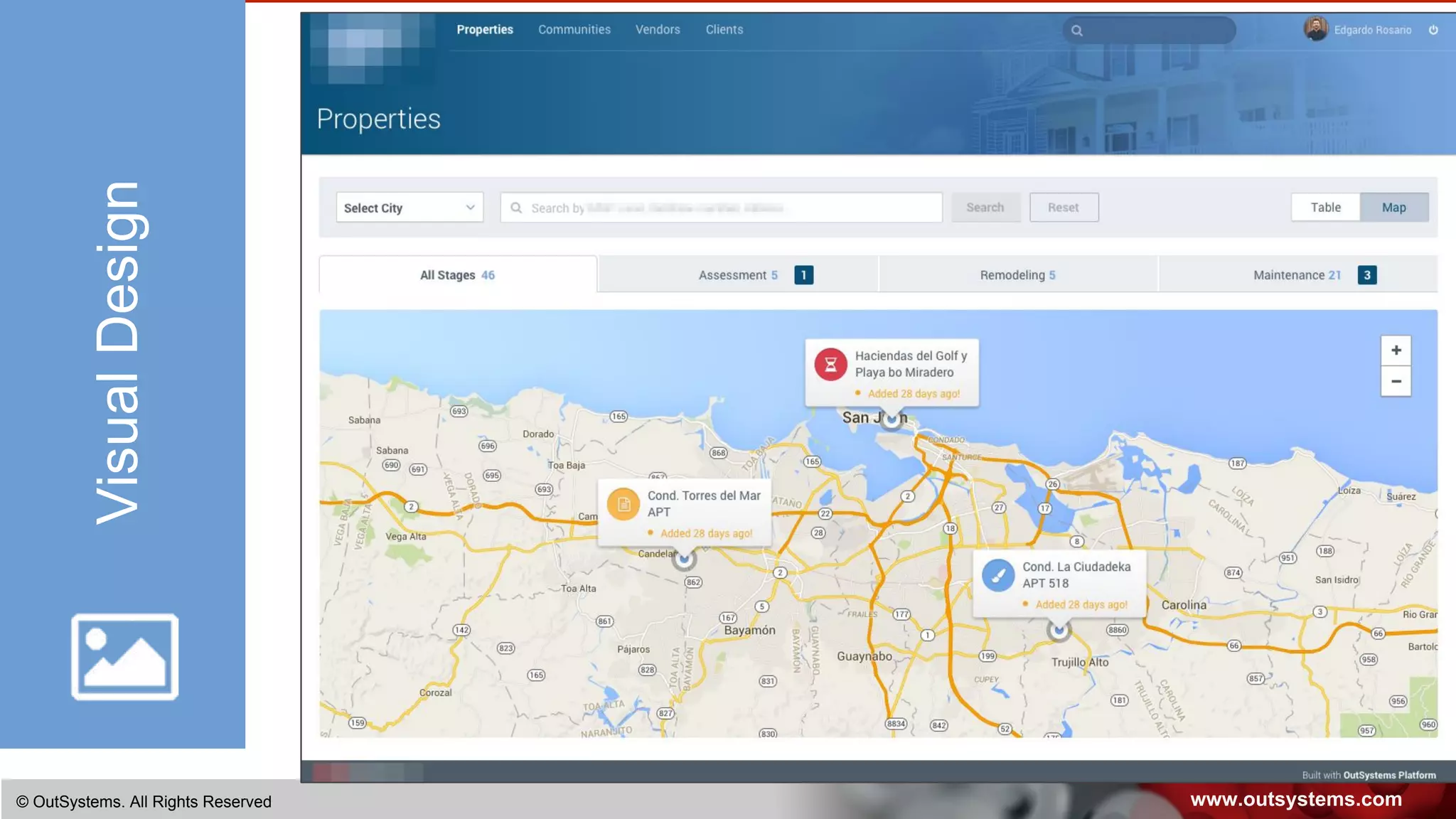
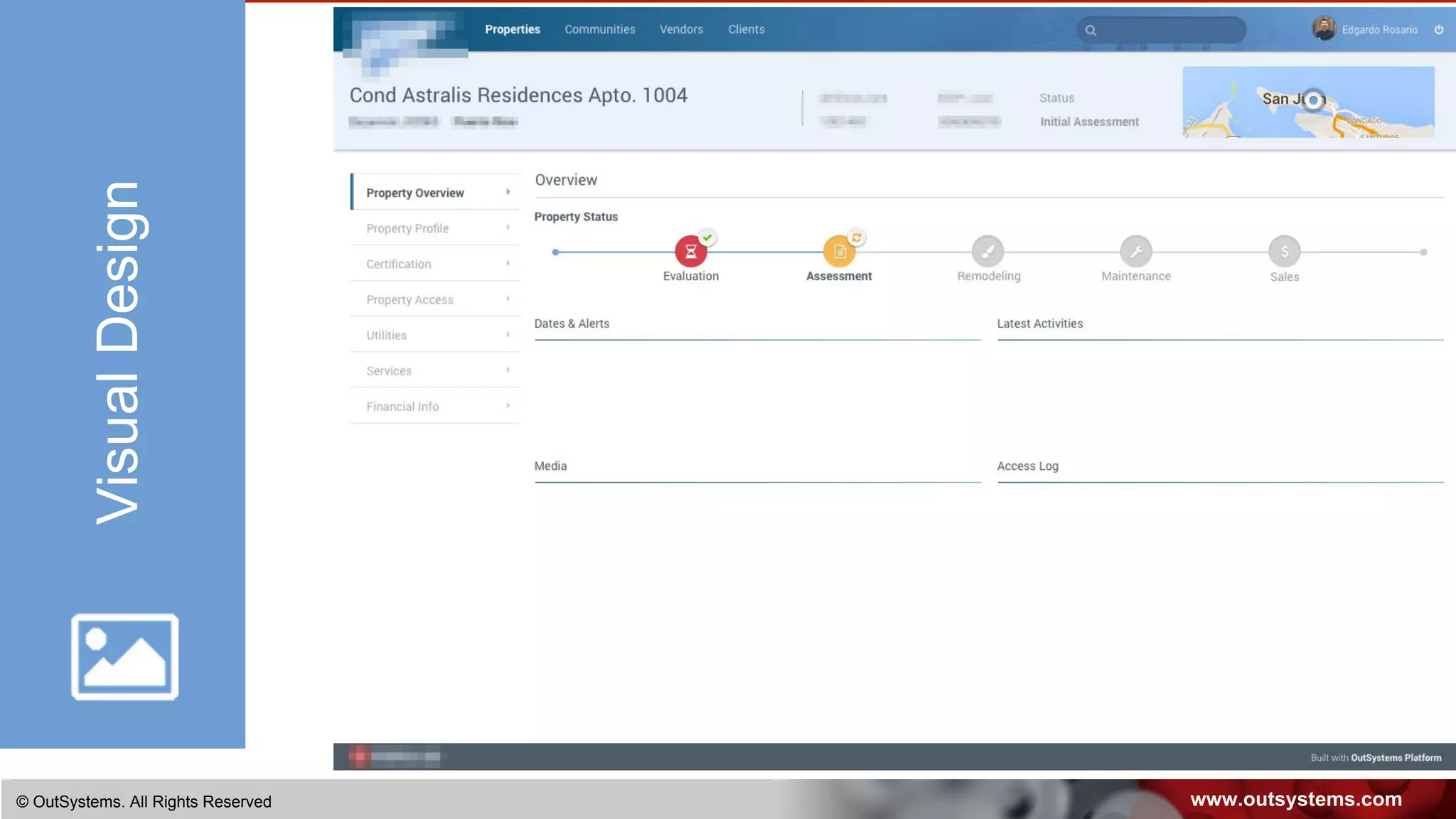
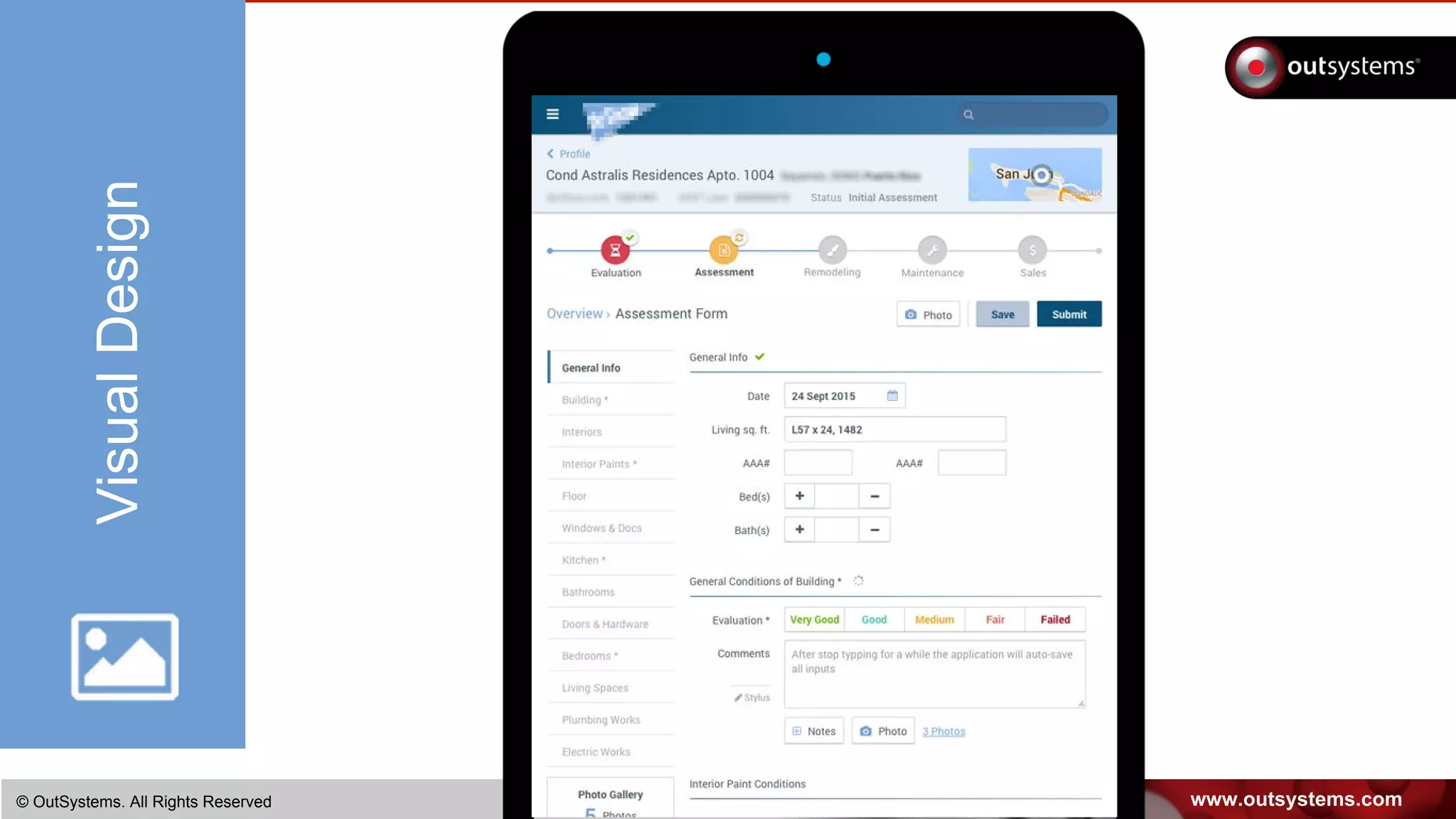
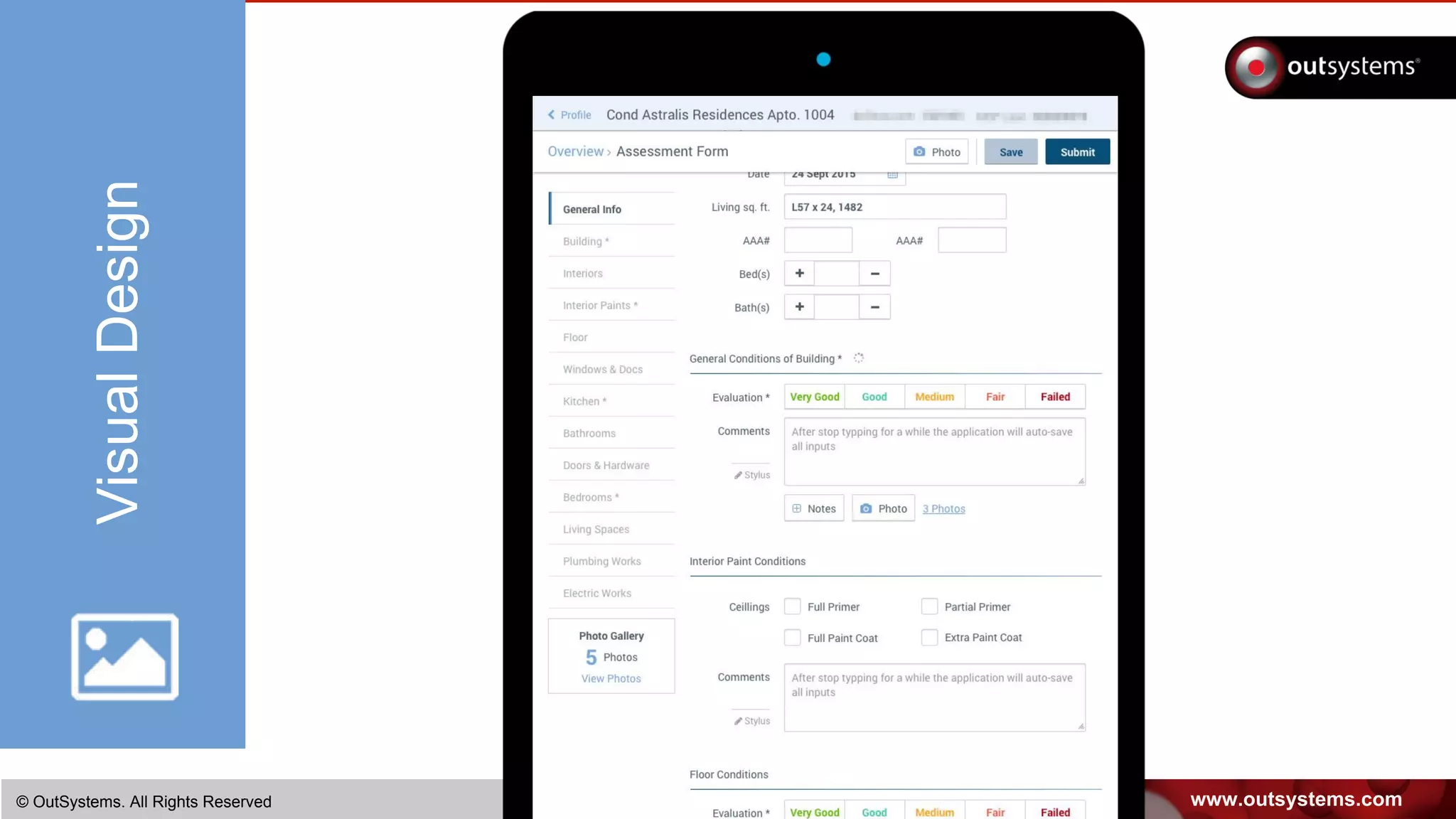
The Visual Design is created over the wireframes to support the and
extend the developed concept.
It is custom built to implement your branding and make use of the
OutSystems platform’s patterns and widgets.
www.outsystems.com© OutSystems. All Rights Reserved
VisualDesign
www.outsystems.com© OutSystems. All Rights Reserved
VisualDesign
www.outsystems.com© OutSystems. All Rights Reserved
VisualDesign
www.outsystems.com© OutSystems. All Rights Reserved
VisualDesign
www.outsystems.com© OutSystems. All Rights Reserved
VisualDesign
VISUAL DESIGN IS KEY
FOR INITIAL ADOPTION
Usability benefits only kick in after the initial impression
www.outsystems.com© OutSystems. All Rights Reserved
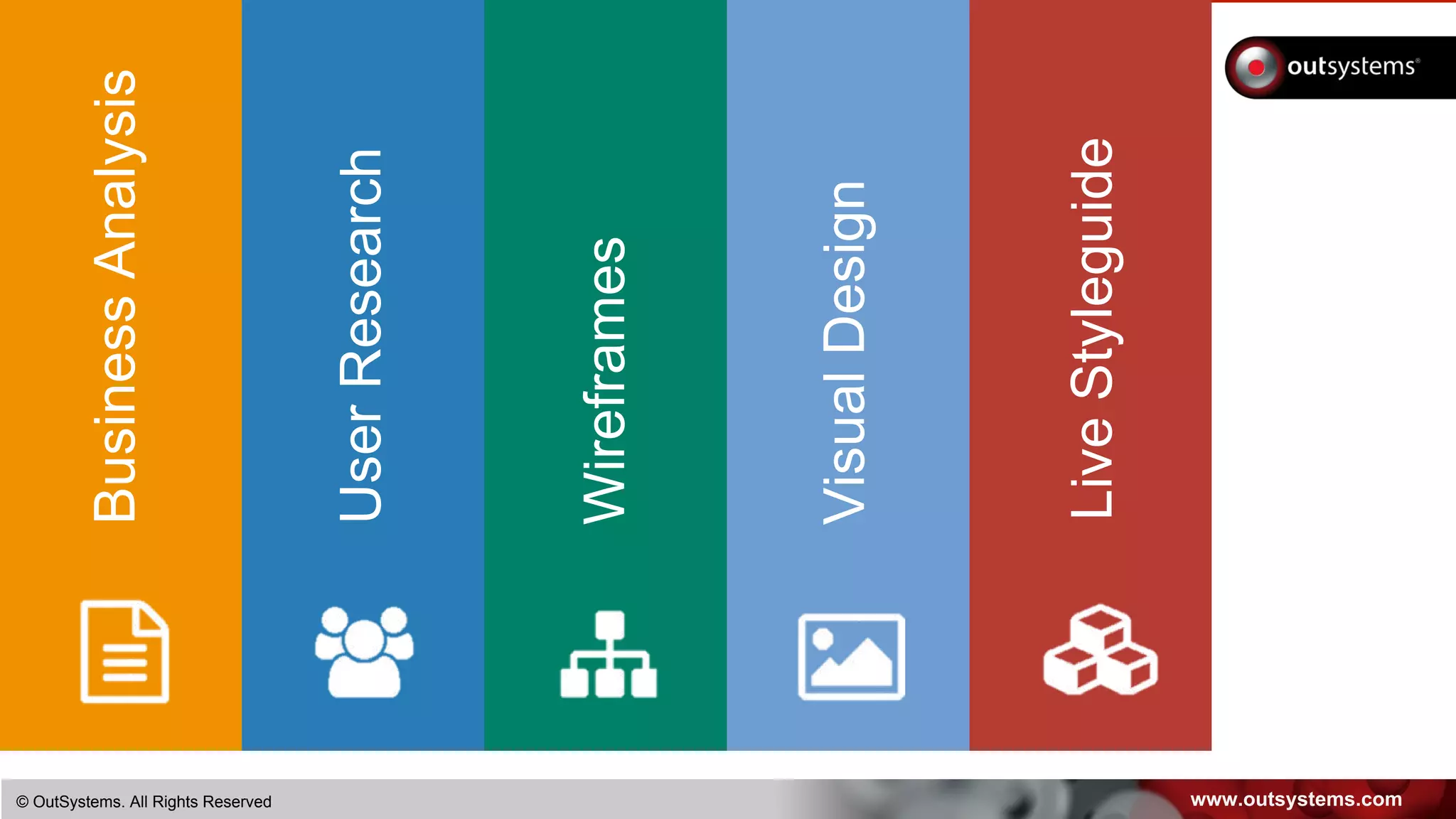
BusinessAnalysis
UserResearch
Wireframes
VisualDesign
LiveStyleguide
www.outsystems.com© OutSystems. All Rights Reserved
Why a Live Styleguide?
Styleguides are key for consistency and quality perception
… but also easily forgotten.
Live Styleguides support development, by providing
snippets of code.
Living Styleguides contain ready-to-use components by
development, abstracting implementation details.
LiveStyleguide
www.outsystems.com© OutSystems. All Rights Reserved
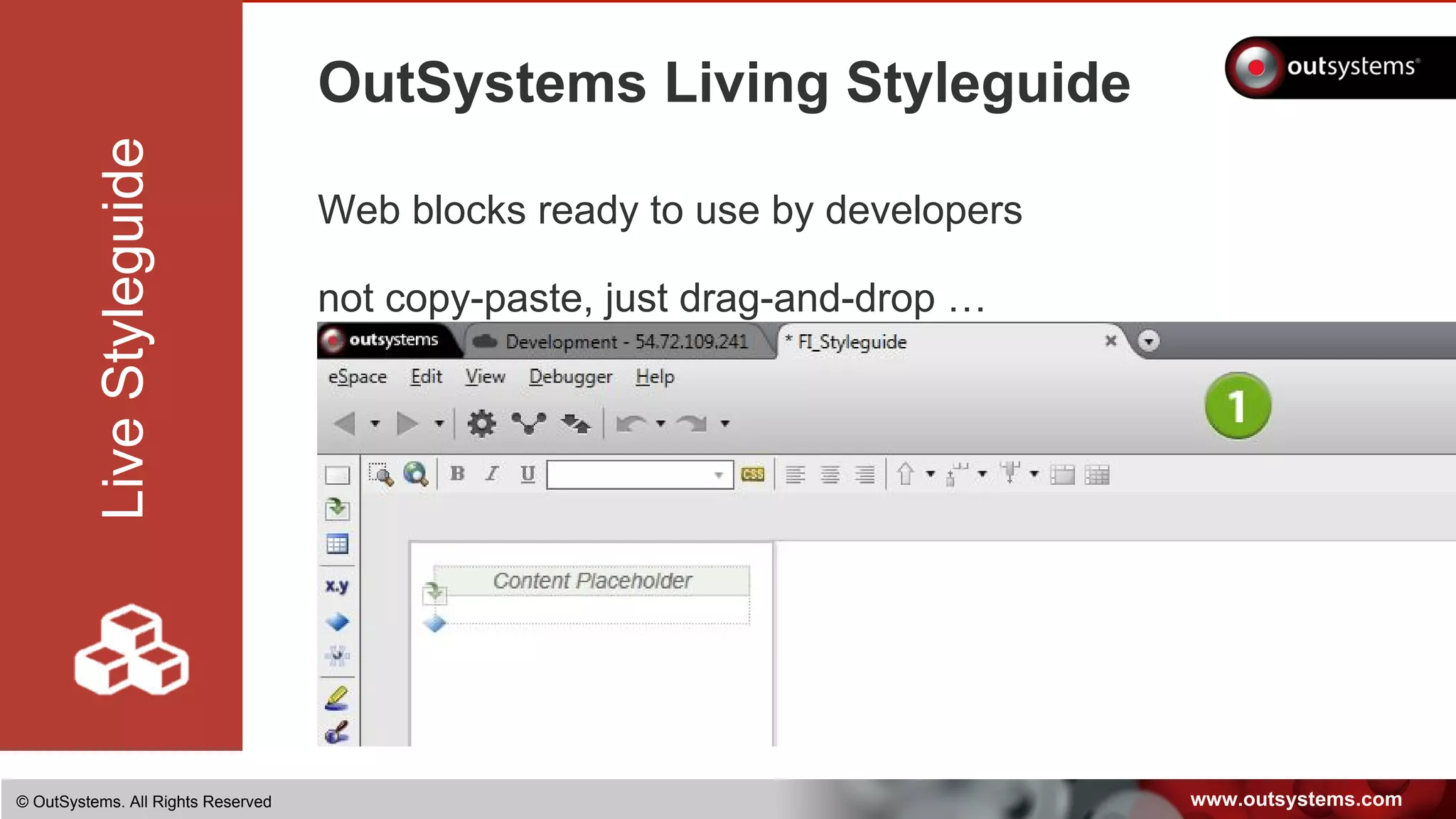
OutSystems Living Styleguide
Web blocks ready to use by developers
not copy-paste, just drag-and-drop …
LiveStyleguide
www.outsystems.com© OutSystems. All Rights Reserved
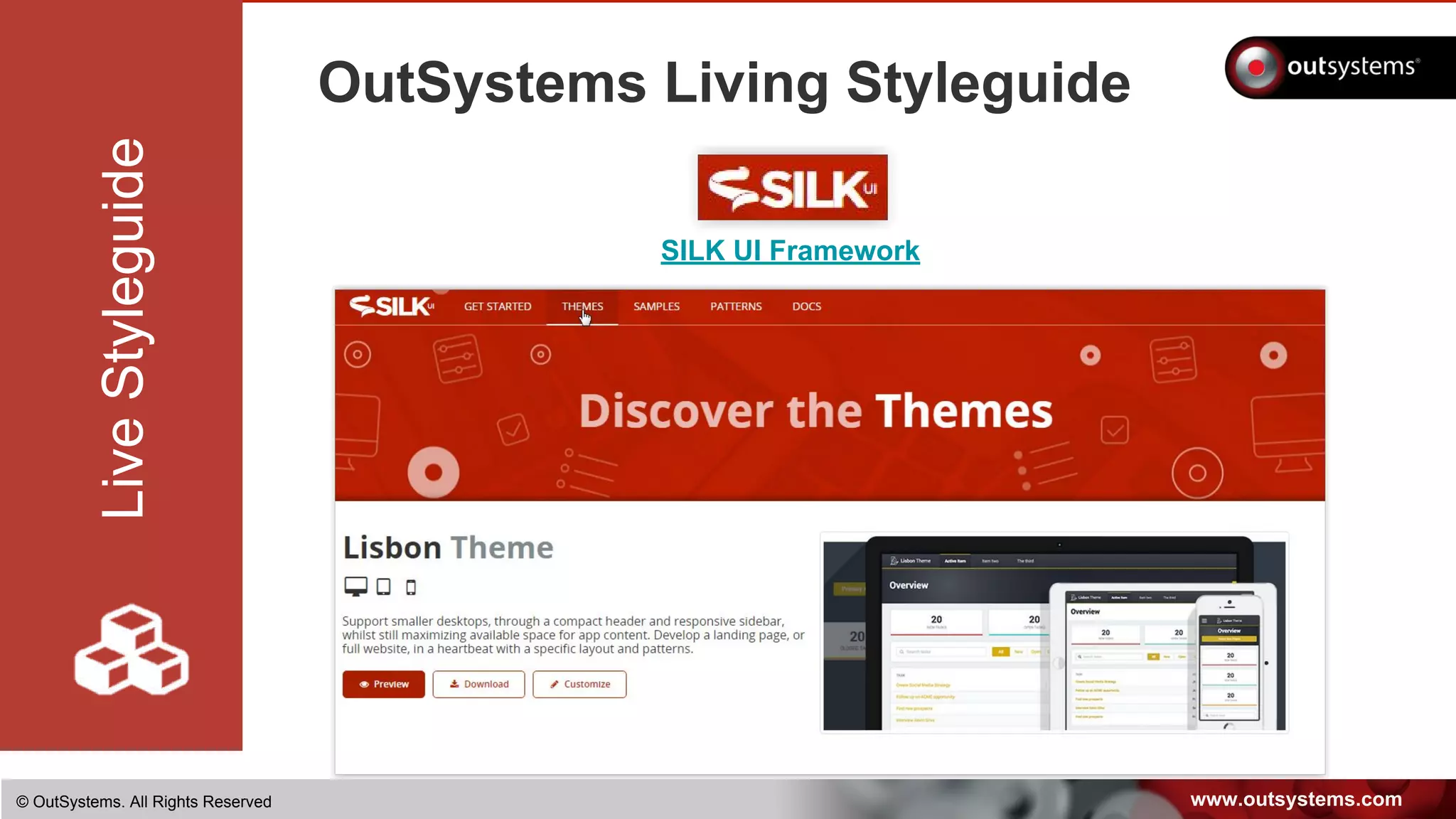
OutSystems Living Styleguide
LiveStyleguide
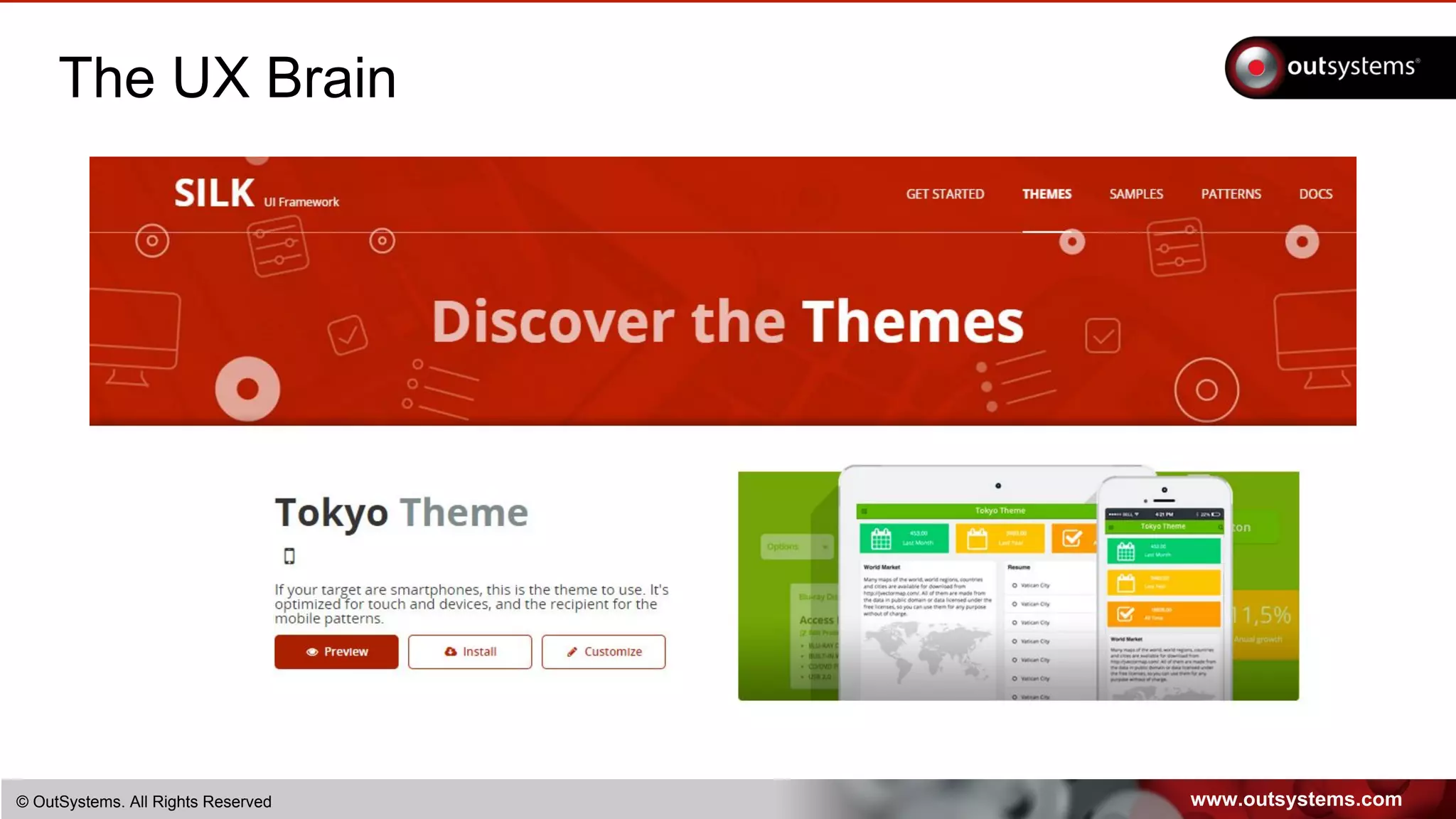
SILK UI Framework
www.outsystems.com© OutSystems. All Rights Reserved
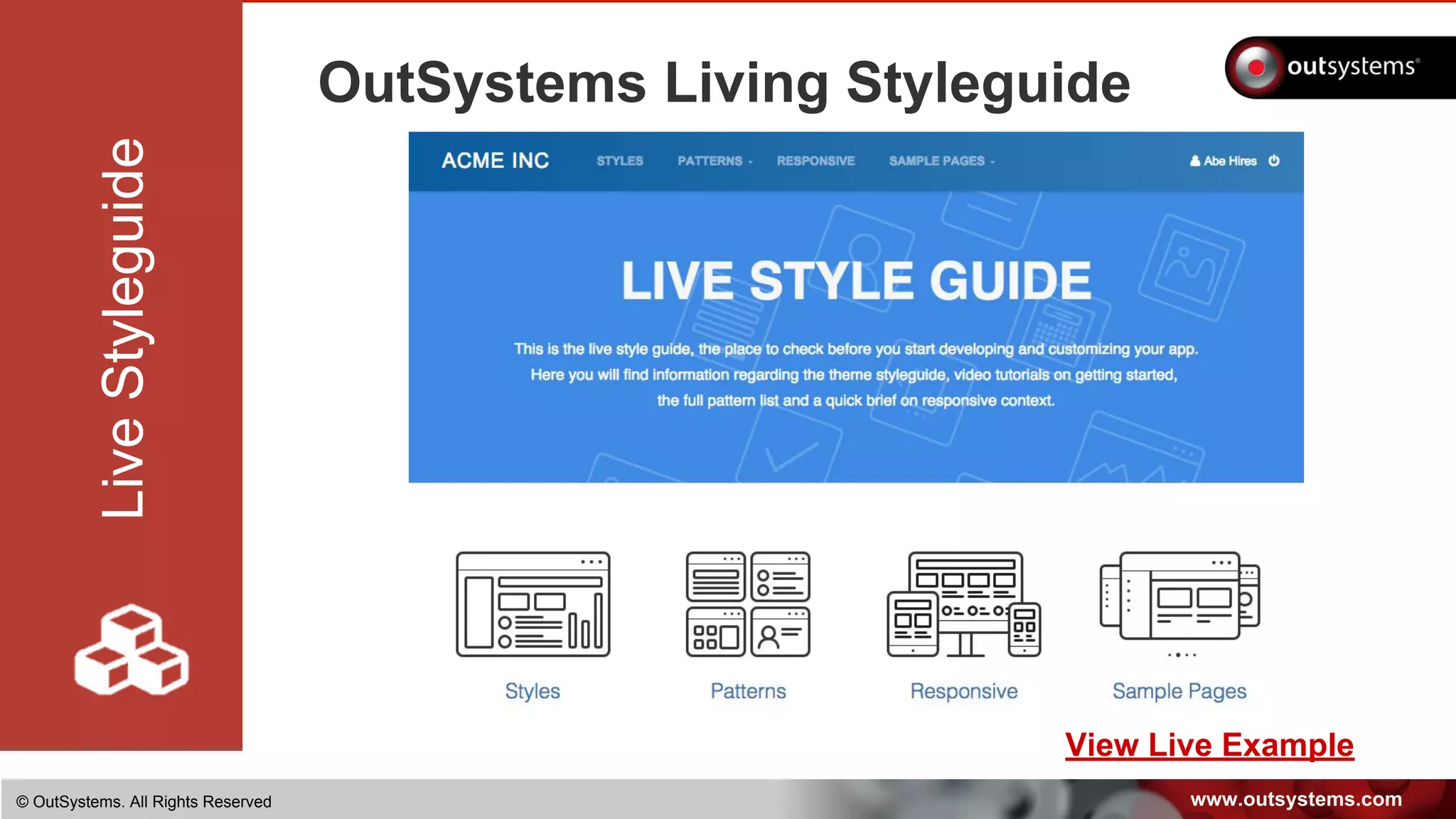
OutSystems Living Styleguide
LiveStyleguide
View Live Example
www.outsystems.com© OutSystems. All Rights Reserved
Responsive Live Styleguide
A LIVE STYLE GUIDE
GETS YOU IN THE DOOR
By creating a ready-to-use component
you jump start the development project
www.outsystems.com© OutSystems. All Rights Reserved
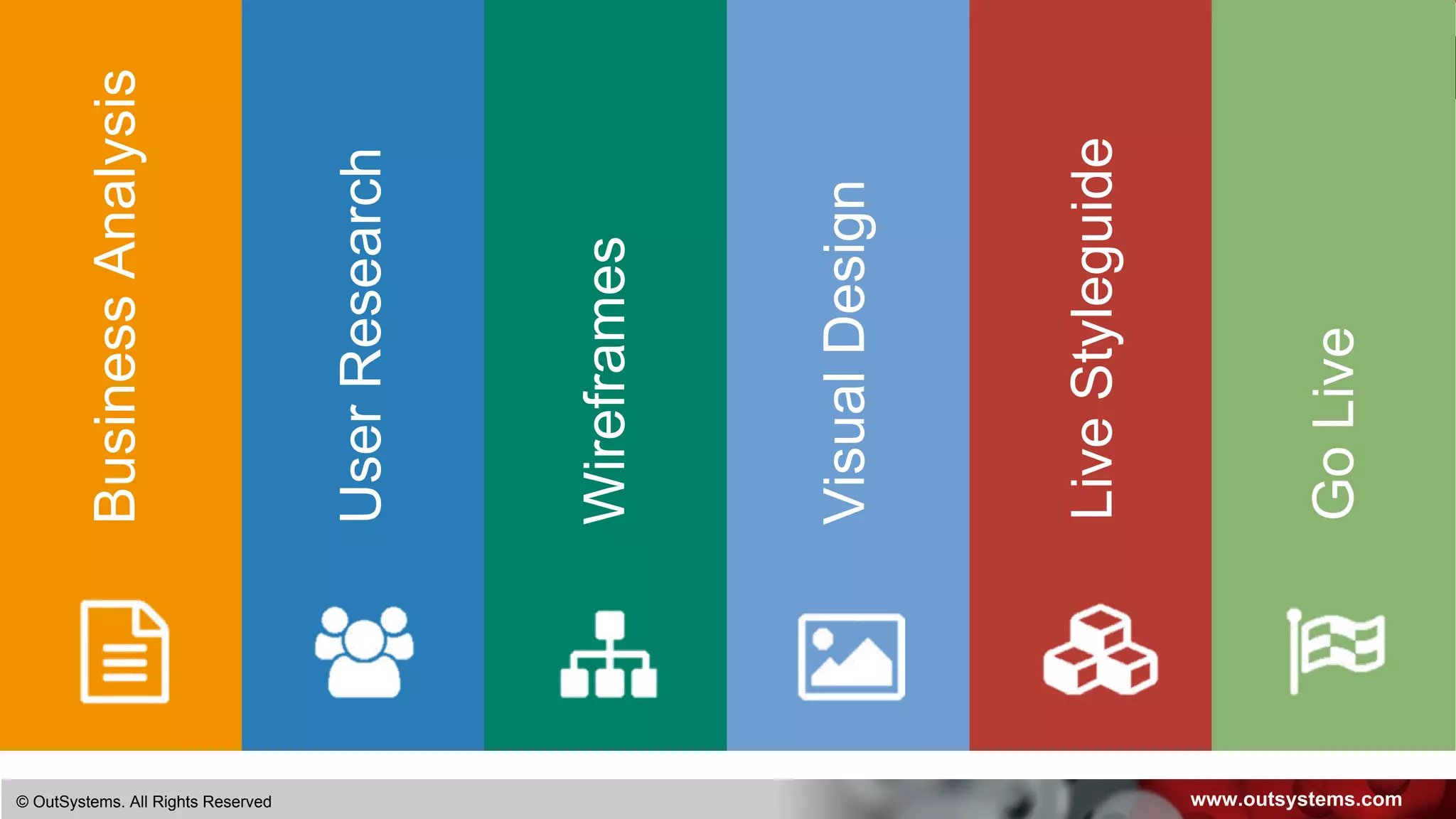
BusinessAnalysis
UserResearch
Wireframes
VisualDesign
LiveStyleguide
GoLive
www.outsystems.com© OutSystems. All Rights Reserved
Keep it real
Keep testing with real users
Identify user difficulties
Prepare users for what’s coming
Understand rampup needed for users
Teasers and Presentation Videos
Controlled rollout with a BETA version
GoLive
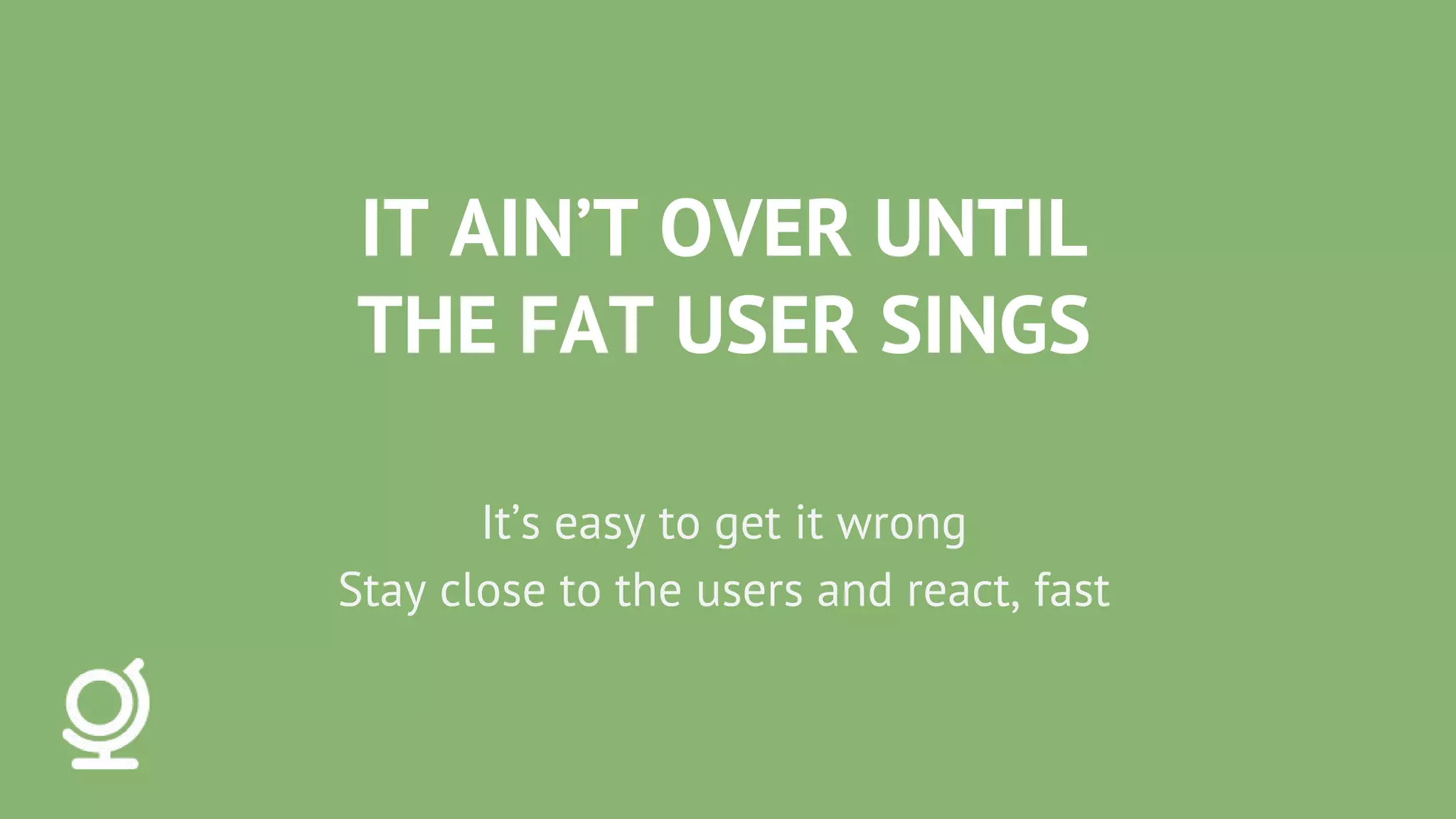
IT AIN’T OVER UNTIL
THE FAT USER SINGS
It’s easy to get it wrong
Stay close to the users and react, fast
www.outsystems.com© OutSystems. All Rights Reserved
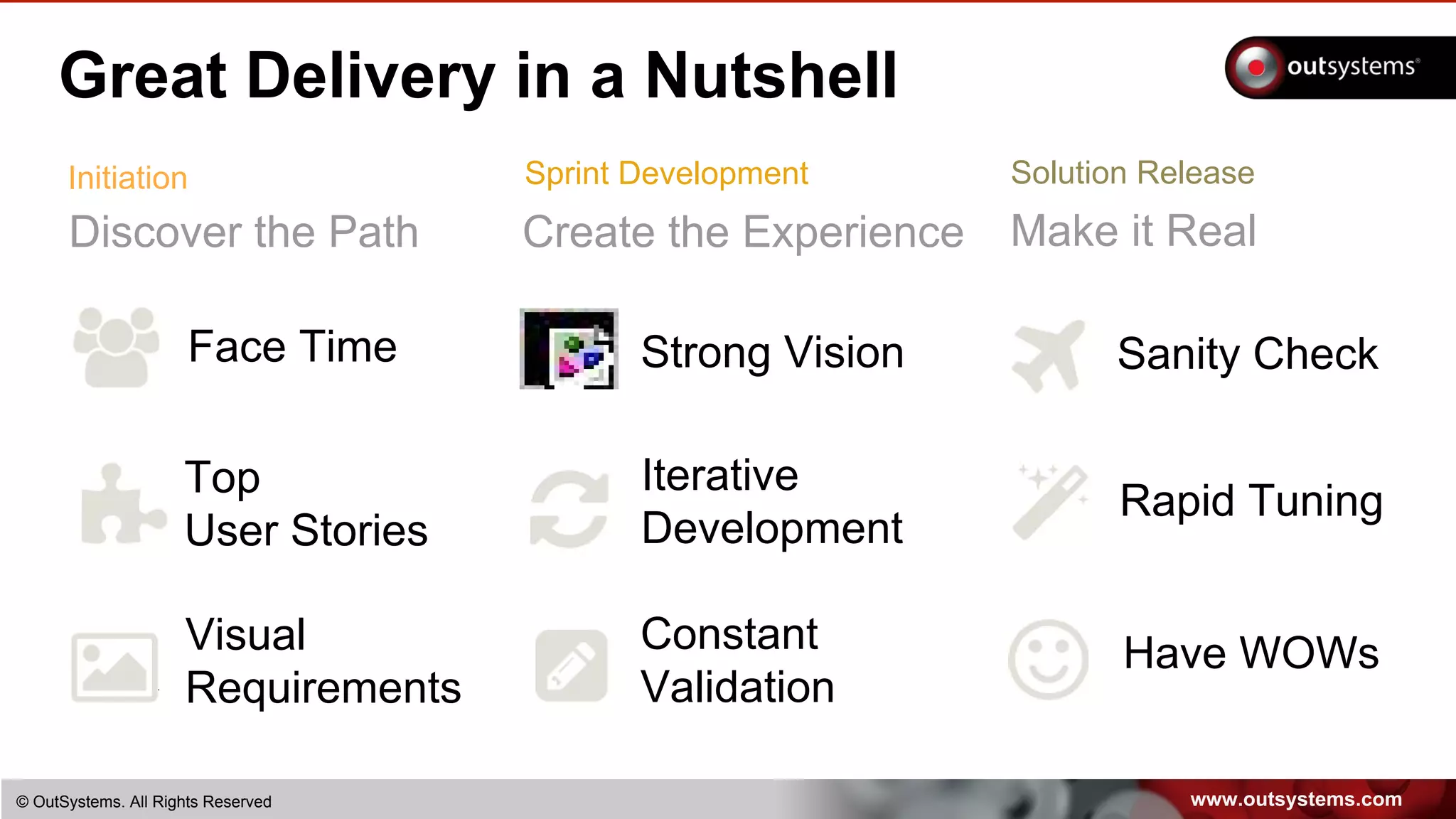
Great Delivery in a Nutshell
Discover the Path
Initiation
Face Time
Visual
Requirements
Top
User Stories
Create the Experience
Strong Vision
Sprint Development
Constant
Validation
Iterative
Development
Make it Real
Solution Release
Sanity Check
Have WOWs
Rapid Tuning
www.outsystems.com© OutSystems. All Rights Reserved
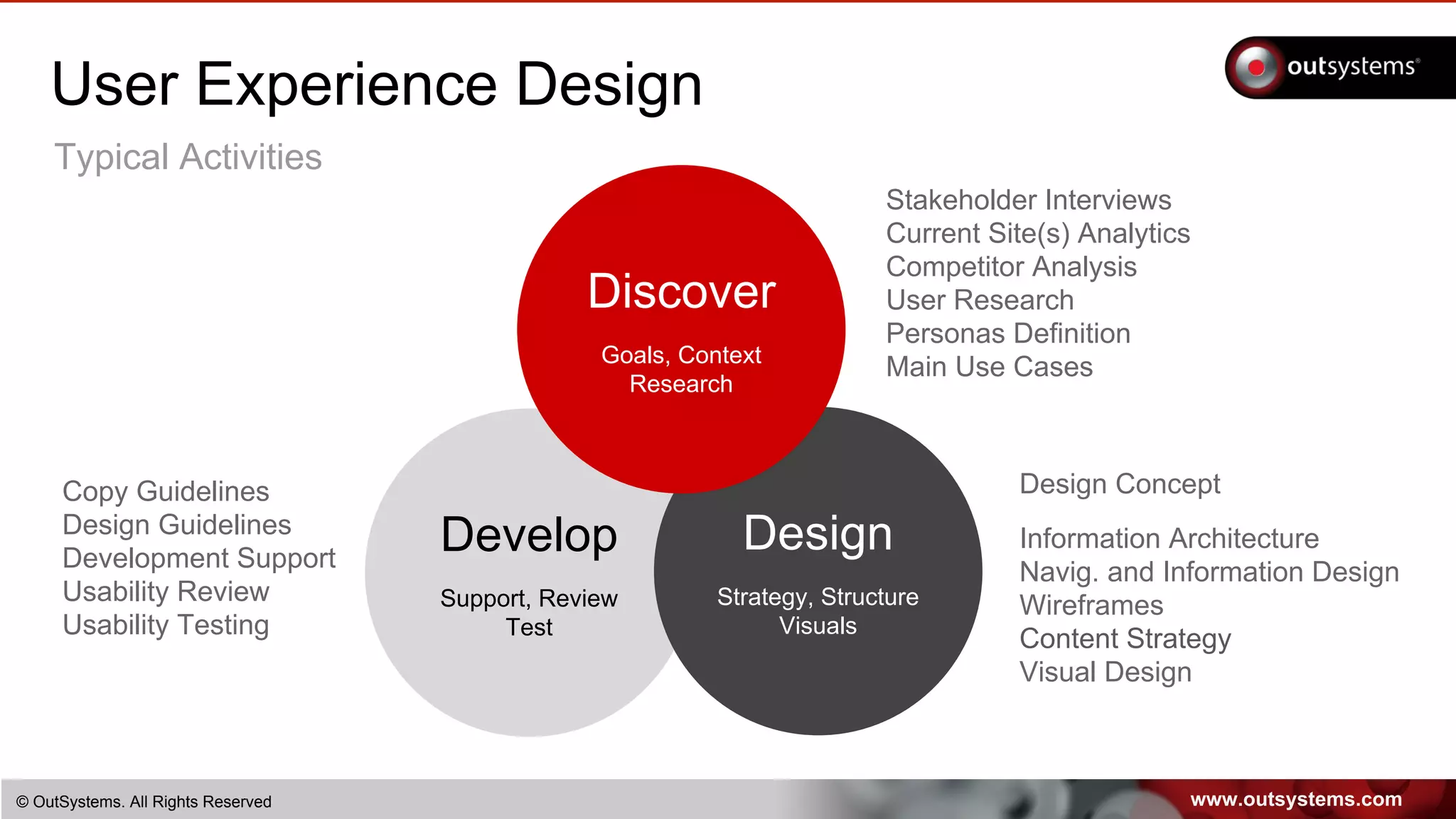
Develop
Support, Review
Test
Design
Strategy, Structure
Visuals
User Experience Design
Stakeholder Interviews
Current Site(s) Analytics
Competitor Analysis
User Research
Personas Definition
Main Use Cases
Design Concept
Information Architecture
Navig. and Information Design
Wireframes
Content Strategy
Visual Design
Discover
Goals, Context
Research
Copy Guidelines
Design Guidelines
Development Support
Usability Review
Usability Testing
Typical Activities
www.outsystems.com© OutSystems. All Rights Reserved
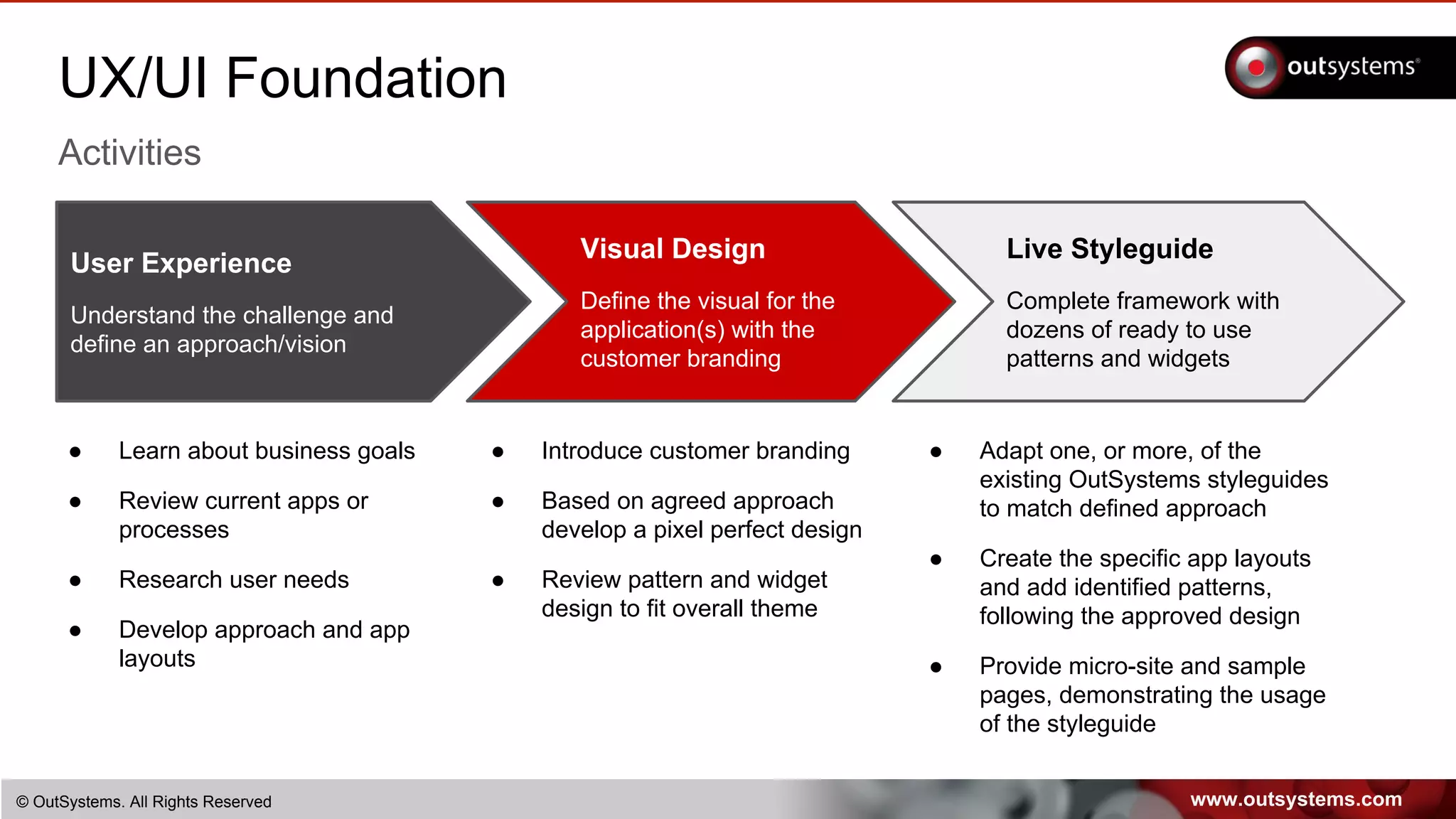
UX/UI Foundation
Activities
User Experience
Understand the challenge and
define an approach/vision
Visual Design
Define the visual for the
application(s) with the
customer branding
Live Styleguide
Complete framework with
dozens of ready to use
patterns and widgets
● Learn about business goals
● Review current apps or
processes
● Research user needs
● Develop approach and app
layouts
● Introduce customer branding
● Based on agreed approach
develop a pixel perfect design
● Review pattern and widget
design to fit overall theme
● Adapt one, or more, of the
existing OutSystems styleguides
to match defined approach
● Create the specific app layouts
and add identified patterns,
following the approved design
● Provide micro-site and sample
pages, demonstrating the usage
of the styleguide
www.outsystems.com82 © OutSystems. All Rights Reserved82
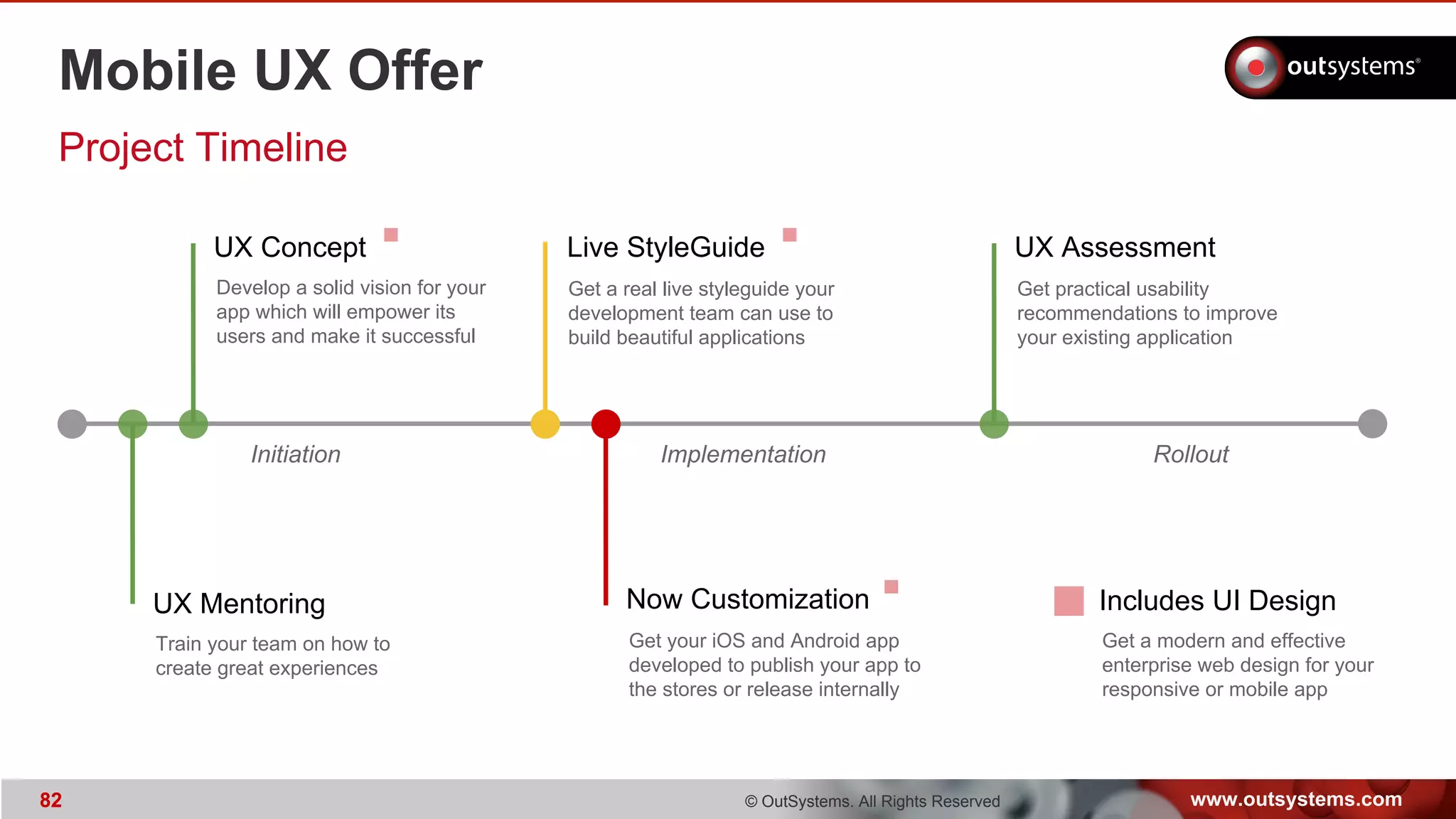
Mobile UX Offer
Project Timeline
Initiation Implementation Rollout
UX Concept UX AssessmentLive StyleGuide
UX Mentoring Now Customization
Train your team on how to
create great experiences
Develop a solid vision for your
app which will empower its
users and make it successful
Get a real live styleguide your
development team can use to
build beautiful applications
Get practical usability
recommendations to improve
your existing application
Get your iOS and Android app
developed to publish your app to
the stores or release internally
Includes UI Design
Get a modern and effective
enterprise web design for your
responsive or mobile app
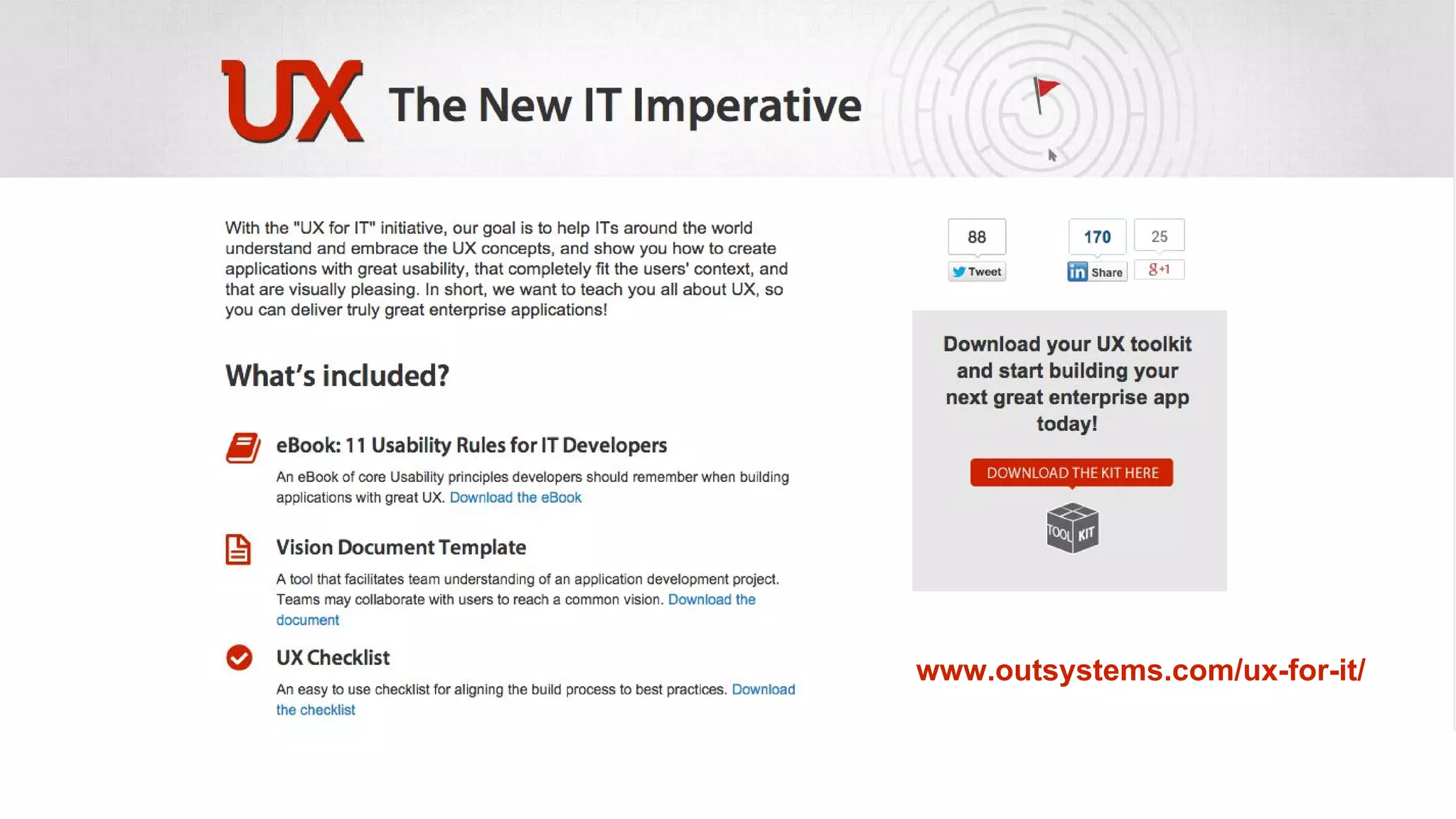
www.outsystems.com/ux-for-it/
www.outsystems.com84 © OutSystems. All Rights Reserved84
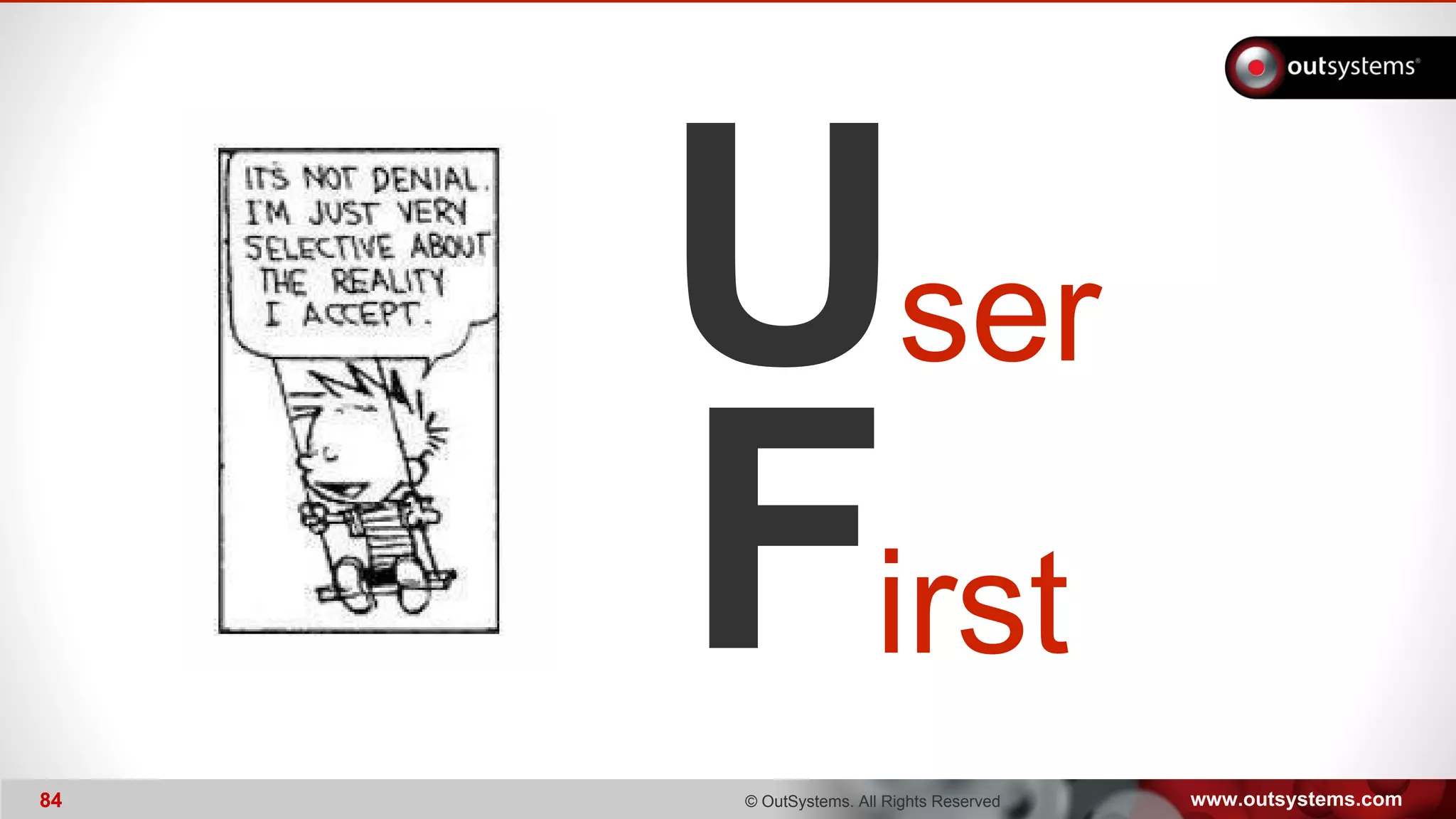
U
F
ser
irst
www.outsystems.com85 © OutSystems. All Rights Reserved85
Thanks
May the UX Force be with you all...

UX Workshop: Lean UX process (Usability Day FMH)

  • 1.
  • 2.
    www.outsystems.com2 © OutSystems.All Rights Reserved2 Lourenço Rodrigues UX @Customer Experience lourenco.rodrigues@outsystems.com
  • 3.
    www.outsystems.com3 © OutSystems.All Rights Reserved3 Ricardo Luiz UX / UI Expert Services Lead ricardo.luiz@outsystems.com
  • 4.
    The OutSystems® Platform Deliver enterpriseweb and mobile applications. Fast. • Fast Development of APPs • Develop once for all devices • Rapid and continuous iteration • See it at www.OutSystems.com
  • 5.
    www.outsystems.com5 © OutSystems.All Rights Reserved5 About OutSystems
  • 6.
    www.outsystems.com6 © OutSystems.All Rights Reserved6 Some of our Customers Different Industries, Similar IT Challenges
  • 7.
    www.outsystems.com© OutSystems. AllRights Reserved User Experience (UX) is a lot more than pretty interfaces*. Poor UX leads to low user adoption, lost sales and costs millions in employee training and support. * We can help out to get pretty interfaces as well.
  • 8.
    www.outsystems.com© OutSystems. AllRights Reserved UX is Critical! The failure of Avon Products $125 million implementation of SAP software is the latest – and perhaps most dramatic – example of how usability has become a critical issue in the workplace. http://blogs.wsj.com/cio/2013/12/11/avons-failed-sap-implementation-reflects-rise-of-usability/
  • 9.
    www.outsystems.com© OutSystems. AllRights Reserved UX is Critical! Why you need UX? An application which is built without regard to how it will be used is often condemned to suffer from weak user adoption, productivity losses and lost business. According to the IEEE, 15% of all projects are abandoned, and of the top twelve reasons projects fail, three are directly related to not getting user experience right. At OutSystems we’re all about Rapid Application Delivery, and usability, so through the last years we’ve developed a pragmatic approach to UX design to be applied in our agile development projects. Through this approach we’ve developed hundred of applications with great user experience.
  • 10.
    www.outsystems.com© OutSystems. AllRights Reserved Why UX? How to create a winning App?
  • 11.
    www.outsystems.com© OutSystems. AllRights Reserved Why UX? Is it enough to create a pretty interface?
  • 12.
    www.outsystems.com© OutSystems. AllRights Reserved Why UX? What is usability?
  • 13.
    www.outsystems.com© OutSystems. AllRights Reserved The UX Brain usabilitylayers Ubiquitous Pro-active use of various mediums Task-Focus Fit to user and its specific tasks Cognitive Leverage conventions and learning Physiological Respond to how the brain works
  • 14.
    www.outsystems.com© OutSystems. AllRights Reserved The UX Brain usabilitylayers Ubiquitous Task-Focus Cognitive Physiological business and user context independent highly dependent on business and user context
  • 15.
    www.outsystems.com© OutSystems. AllRights Reserved The UX Brain usabilitylayers Ubiquitous Pro-active use of various mediums Task-Focus Fit to user and its specific tasks Cognitive Leverage of conventions and learning Physiological Respond to how the brain works
  • 16.
    www.outsystems.com© OutSystems. AllRights Reserved The UX Brain
  • 17.
    www.outsystems.com© OutSystems. AllRights Reserved The UX Brain usabilitylayers Ubiquitous Pro-active use of various mediums Task-Focus Fit to user and its specific tasks Cognitive Leverage conventions and learning Physiological Respond to how the brain works
  • 18.
    www.outsystems.com© OutSystems. AllRights Reserved UX Workshop
  • 19.
    www.outsystems.com© OutSystems. AllRights Reserved The UX Brain
  • 20.
    www.outsystems.com© OutSystems. AllRights Reserved The UX Brain usabilitylayers Ubiquitous Task-Focus Cognitive Physiological Tools & Frameworks
  • 21.
    www.outsystems.com© OutSystems. AllRights Reserved The UX Brain
  • 22.
    www.outsystems.com© OutSystems. AllRights Reserved The UX Brain usabilitylayers Ubiquitous Pro-active use of various mediums Task-Focus Fit to user and its specific tasks Cognitive Leverage of conventions and learning Physiological Respond to how the brain works
  • 23.
    www.outsystems.com© OutSystems. AllRights Reserved The UX Brain Usability means different things for different users
  • 24.
    www.outsystems.com© OutSystems. AllRights Reserved The UX Brain No Crystal Ball? User Interviews or User Testing
  • 25.
    www.outsystems.com© OutSystems. AllRights Reserved The UX Brain usabilitylayers Ubiquitous Pro-active use of various mediums Task-Focus Fit to user and its specific tasks Cognitive Leverage of conventions and learning Physiological Respond to how the brain works
  • 26.
    www.outsystems.com© OutSystems. AllRights Reserved The UX Brain Learning Applications Pro-active Context-aware
  • 27.
    www.outsystems.com© OutSystems. AllRights Reserved The UX Brain usabilitylayers Ubiquitous Task-Focus Cognitive Physiological highly dependent on business and user context UX design
  • 28.
    www.outsystems.com© OutSystems. AllRights Reserved UX Design UXdesign
  • 29.
    www.outsystems.com© OutSystems. AllRights Reserved BusinessAnalysis UserResearch Wireframes VisualDesign LiveStyleguide GoLive
  • 30.
    www.outsystems.com© OutSystems. AllRights Reserved Define clear goals Understand the business Interview main stakeholders Review current application(s) Get application analytics Figure out the different user profiles Identify what to ask the users BusinessAnalysis
  • 31.
    www.outsystems.com© OutSystems. AllRights Reserved UX Concept Macro Plan Kick-Off Meeting Workshop Plan Clarify Business Goals DAY 1 Process Data App Analytics Detailed Analysis Vision Document DAY 2 DAY 3 Wireframes development Share initial Vision with stakeholders DAY 4 Usability Testing of Wireframes with real users Wireframes development Describe Business Processes User Interviews App Walkthrough DAY 5 Wireframes review Process Feedback Vision Presentation
  • 32.
    www.outsystems.com© OutSystems. AllRights Reserved Case Study: Real Estate Company Profile > Big Company > In south American country > Evaluate, buy, remodel, sell and rent properties > Several teams and roles > Work in office, “on the go” and in the properties Challenges > Work supported by Excel and paper forms > A lot of business processes, entities, attributes > One Application, multiple roles and devices > Work remotely from Portugal > Indirect access to end-users (!) > 3 days UX engagement
  • 33.
    www.outsystems.com© OutSystems. AllRights Reserved 3 Days UX Concept Macro Plan Kick-Off Meeting Clarify Priorities and UX Scope Describe Business Processes Initial Questions and Requests DAY 1 Client Meeting Q&A Process Walkthrough DAY 2 DAY 3 Wireframes development Visual Designs Request DAY 4 Presentation Meeting Wireframes + Visual Designs Process Data, Detailed Analysis Collect Questions, Ideas, Sketches Wireframes development Wireframes development
  • 34.
    www.outsystems.com© OutSystems. AllRights Reserved BusinessAnalysis
  • 35.
    www.outsystems.com© OutSystems. AllRights Reserved BusinessAnalysis Property Assessment Form (12 pages)
  • 36.
    www.outsystems.com© OutSystems. AllRights Reserved BusinessAnalysis Seed / sample data
  • 37.
    www.outsystems.com© OutSystems. AllRights Reserved BusinessAnalysis Client mockups
  • 38.
    CONTEXT IS KING Don’tlearn the business with the users Create a context rich environment Identify goals and constraints
  • 39.
    www.outsystems.com© OutSystems. AllRights Reserved Let’s meet the users BusinessAnalysis UserResearch
  • 40.
    www.outsystems.com© OutSystems. AllRights Reserved UserTechnolog y The car alone will not win any competitions without a great fit with its driver UserResearch
  • 41.
    www.outsystems.com© OutSystems. AllRights Reserved Go to where your users areUserResearch
  • 42.
    www.outsystems.com© OutSystems. AllRights Reserved UserResearch Planning Identify the different user profiles Talk, at least, to 2 users for each profile Dress appropriately – blend in Don’t take a committee – 2 people, max 3 Bring someone they already trust
  • 43.
    www.outsystems.com© OutSystems. AllRights Reserved UserResearch What To Do Create rapport Compliments and Complaints Where do they spend their time Known Unknowns vs. Unknown Unknowns 3 things we must fix 3 things we cannot break Gather, organize, prioritize
  • 44.
    www.outsystems.com© OutSystems. AllRights Reserved UserResearch Take notes
  • 45.
    www.outsystems.com© OutSystems. AllRights Reserved UserResearch Ask Questions & Understand
  • 46.
    www.outsystems.com© OutSystems. AllRights Reserved UserResearch Question the status quo
  • 47.
    NOTHING LIKE WATCHINGCURRENT USAGE AND UNDERSTAND WHAT DRIVES IT When we watch the users in their natural environment we get real data on how they use the system and what for, so we discover the natural journey and can identify gaps with the intended usage of the system(s). Shadow IT can be discovered at this stage.
  • 48.
    NEVER ASK THEUSER WHAT HE/SHE WANTS The users will report different needs… the challenge is to get what is the root of those needs. When you tap into that, you will solve a problem and make users lives easier.
  • 49.
    TIMES CHANGE, PEOPLECHANGE… NEW NEEDS ARISE!
  • 50.
    www.outsystems.com© OutSystems. AllRights Reserved Fail fast or fail loudly BusinessAnalysis UserResearch Wireframes
  • 51.
    www.outsystems.com© OutSystems. AllRights Reserved Don’t let ideas escape Rich context makes it a ton easier Information organization is key Keep sketching IA comes hand-in-hand with mockups Challenge designs continuously Wireframes
  • 52.
    www.outsystems.com© OutSystems. AllRights Reserved Wireframes Wireframes are quick to produce and a great tool to gather feedback, early on, from stakeholders and even users. Feedback is focused on function, information architecture, user tasks, user interactions, and so on, rather than being lost in graphic details or implementation glitches.
  • 53.
    www.outsystems.com© OutSystems. AllRights Reserved Wireframes
  • 54.
    www.outsystems.com© OutSystems. AllRights Reserved Wireframes
  • 55.
    www.outsystems.com© OutSystems. AllRights Reserved Wireframes
  • 56.
    www.outsystems.com© OutSystems. AllRights Reserved Wireframes
  • 57.
    www.outsystems.com© OutSystems. AllRights Reserved Wireframes
  • 58.
    www.outsystems.com© OutSystems. AllRights Reserved Wireframes
  • 59.
    www.outsystems.com© OutSystems. AllRights Reserved Wireframes
  • 60.
    MOCKUPS ARE APOWERFUL CHANGE MANAGEMENT TOOL Everyone can understand what the changes mean and where the company is headed You can defeat the unknown … make change easier!
  • 61.
    www.outsystems.com© OutSystems. AllRights Reserved BusinessAnalysis UserResearch Wireframes VisualDesign
  • 62.
    www.outsystems.com© OutSystems. AllRights Reserved VisualDesign The Visual Design is created over the wireframes to support the and extend the developed concept. It is custom built to implement your branding and make use of the OutSystems platform’s patterns and widgets.
  • 63.
    www.outsystems.com© OutSystems. AllRights Reserved VisualDesign
  • 64.
    www.outsystems.com© OutSystems. AllRights Reserved VisualDesign
  • 65.
    www.outsystems.com© OutSystems. AllRights Reserved VisualDesign
  • 66.
    www.outsystems.com© OutSystems. AllRights Reserved VisualDesign
  • 67.
    www.outsystems.com© OutSystems. AllRights Reserved VisualDesign
  • 68.
    VISUAL DESIGN ISKEY FOR INITIAL ADOPTION Usability benefits only kick in after the initial impression
  • 69.
    www.outsystems.com© OutSystems. AllRights Reserved BusinessAnalysis UserResearch Wireframes VisualDesign LiveStyleguide
  • 70.
    www.outsystems.com© OutSystems. AllRights Reserved Why a Live Styleguide? Styleguides are key for consistency and quality perception … but also easily forgotten. Live Styleguides support development, by providing snippets of code. Living Styleguides contain ready-to-use components by development, abstracting implementation details. LiveStyleguide
  • 71.
    www.outsystems.com© OutSystems. AllRights Reserved OutSystems Living Styleguide Web blocks ready to use by developers not copy-paste, just drag-and-drop … LiveStyleguide
  • 72.
    www.outsystems.com© OutSystems. AllRights Reserved OutSystems Living Styleguide LiveStyleguide SILK UI Framework
  • 73.
    www.outsystems.com© OutSystems. AllRights Reserved OutSystems Living Styleguide LiveStyleguide View Live Example
  • 74.
    www.outsystems.com© OutSystems. AllRights Reserved Responsive Live Styleguide
  • 75.
    A LIVE STYLEGUIDE GETS YOU IN THE DOOR By creating a ready-to-use component you jump start the development project
  • 76.
    www.outsystems.com© OutSystems. AllRights Reserved BusinessAnalysis UserResearch Wireframes VisualDesign LiveStyleguide GoLive
  • 77.
    www.outsystems.com© OutSystems. AllRights Reserved Keep it real Keep testing with real users Identify user difficulties Prepare users for what’s coming Understand rampup needed for users Teasers and Presentation Videos Controlled rollout with a BETA version GoLive
  • 78.
    IT AIN’T OVERUNTIL THE FAT USER SINGS It’s easy to get it wrong Stay close to the users and react, fast
  • 79.
    www.outsystems.com© OutSystems. AllRights Reserved Great Delivery in a Nutshell Discover the Path Initiation Face Time Visual Requirements Top User Stories Create the Experience Strong Vision Sprint Development Constant Validation Iterative Development Make it Real Solution Release Sanity Check Have WOWs Rapid Tuning
  • 80.
    www.outsystems.com© OutSystems. AllRights Reserved Develop Support, Review Test Design Strategy, Structure Visuals User Experience Design Stakeholder Interviews Current Site(s) Analytics Competitor Analysis User Research Personas Definition Main Use Cases Design Concept Information Architecture Navig. and Information Design Wireframes Content Strategy Visual Design Discover Goals, Context Research Copy Guidelines Design Guidelines Development Support Usability Review Usability Testing Typical Activities
  • 81.
    www.outsystems.com© OutSystems. AllRights Reserved UX/UI Foundation Activities User Experience Understand the challenge and define an approach/vision Visual Design Define the visual for the application(s) with the customer branding Live Styleguide Complete framework with dozens of ready to use patterns and widgets ● Learn about business goals ● Review current apps or processes ● Research user needs ● Develop approach and app layouts ● Introduce customer branding ● Based on agreed approach develop a pixel perfect design ● Review pattern and widget design to fit overall theme ● Adapt one, or more, of the existing OutSystems styleguides to match defined approach ● Create the specific app layouts and add identified patterns, following the approved design ● Provide micro-site and sample pages, demonstrating the usage of the styleguide
  • 82.
    www.outsystems.com82 © OutSystems.All Rights Reserved82 Mobile UX Offer Project Timeline Initiation Implementation Rollout UX Concept UX AssessmentLive StyleGuide UX Mentoring Now Customization Train your team on how to create great experiences Develop a solid vision for your app which will empower its users and make it successful Get a real live styleguide your development team can use to build beautiful applications Get practical usability recommendations to improve your existing application Get your iOS and Android app developed to publish your app to the stores or release internally Includes UI Design Get a modern and effective enterprise web design for your responsive or mobile app
  • 83.
  • 84.
    www.outsystems.com84 © OutSystems.All Rights Reserved84 U F ser irst
  • 85.
  • 86.
    Thanks May the UXForce be with you all...