Download to read offline
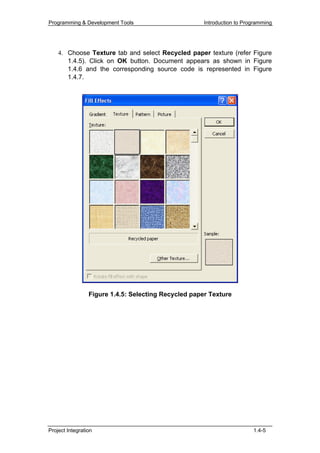
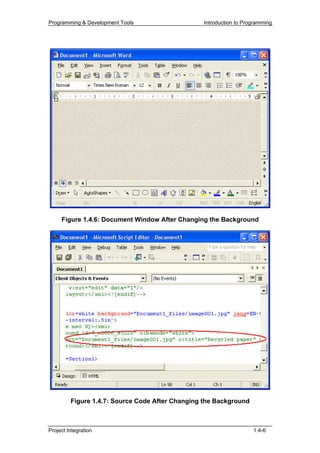
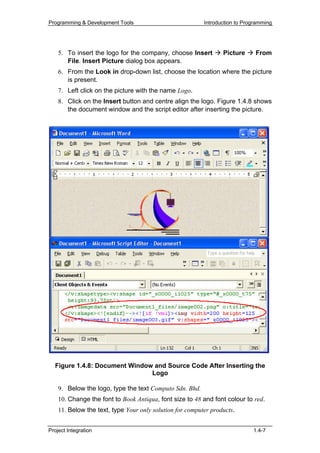
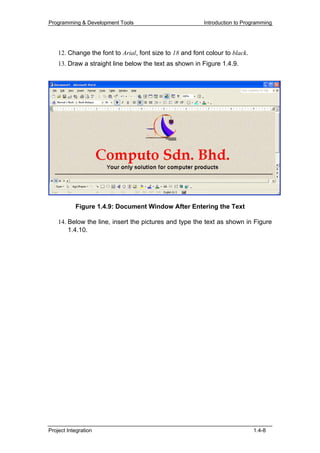
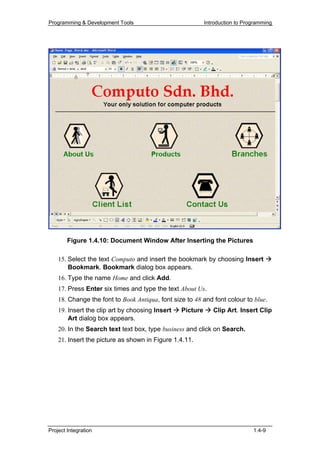
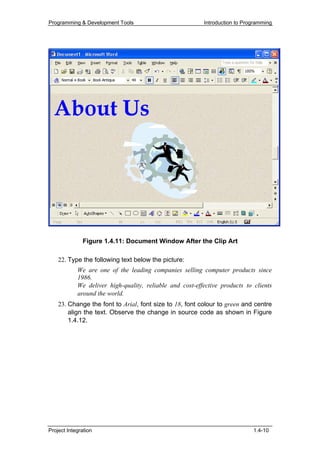
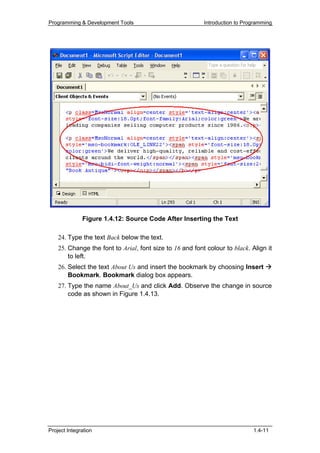
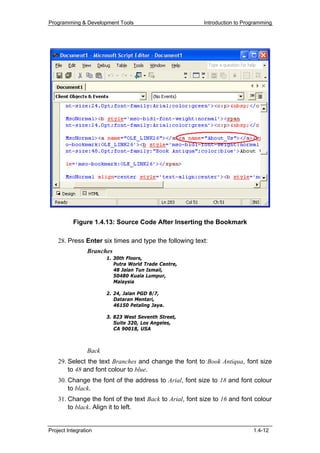
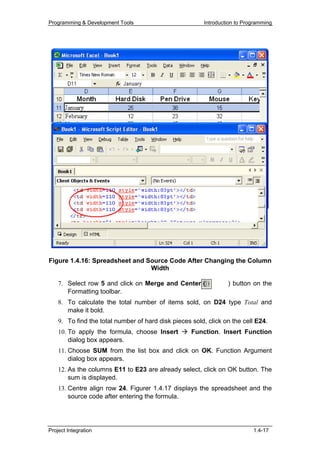
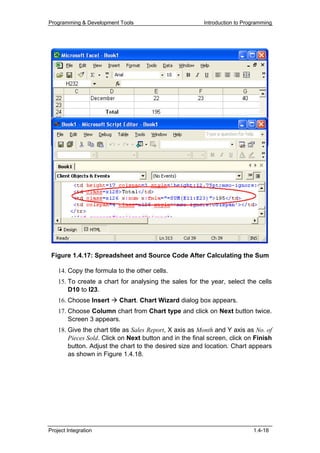
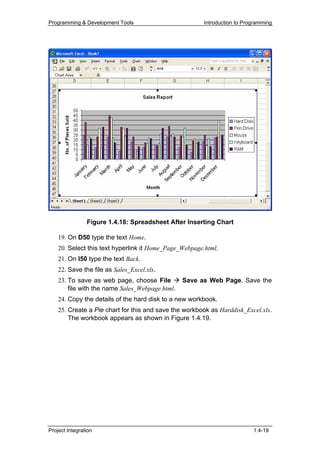
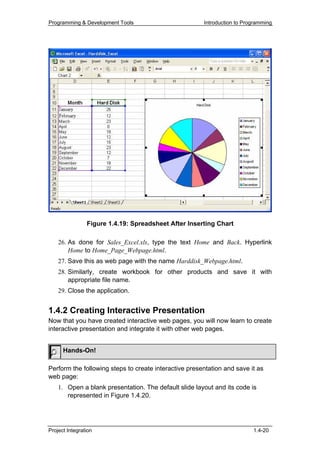
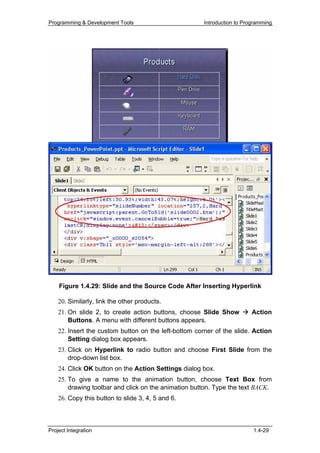
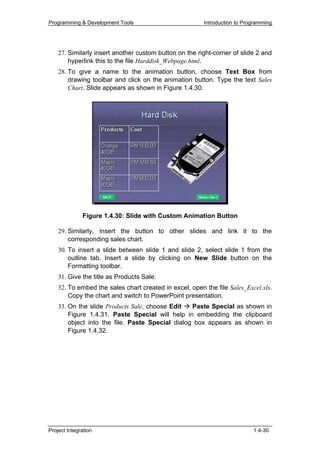
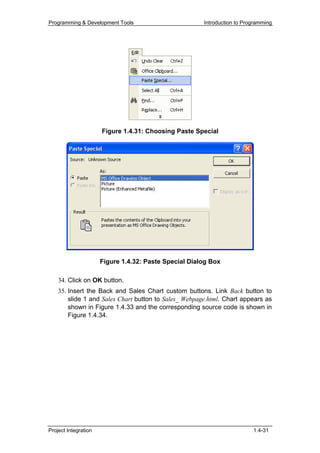
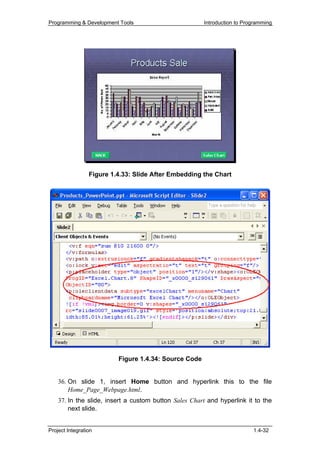
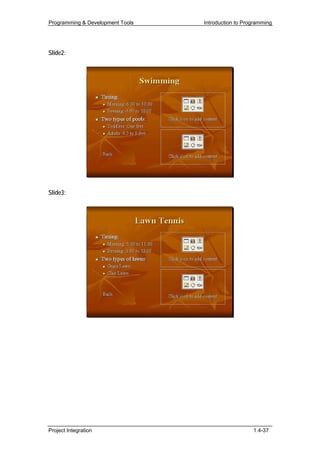
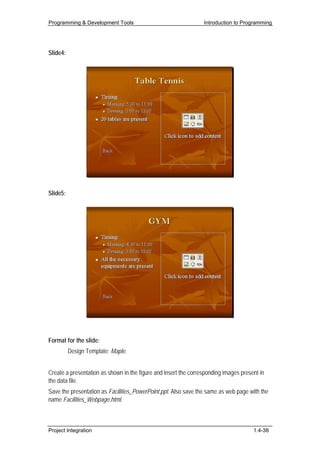
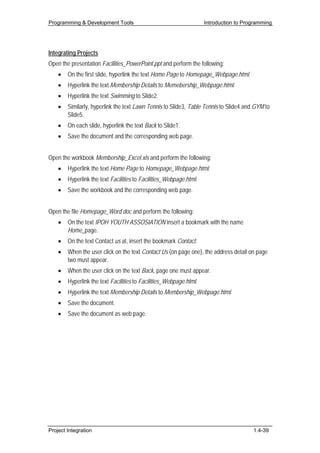
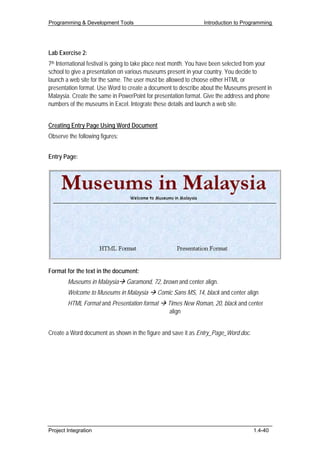
![Programming & Development Tools Introduction to Programming
Criterion Referenced Test
Instruction: Students must evaluate themselves to attain the list of
competencies to be achieved.
Name:
Subject: Programming and Development Tools
Unit: Project Integration
Please tick [ √ ] the appropriate box when you have achieved the respective
competency.
Date Project Integration
C1 C2 C3 C4
Comment
Competency Codes:
C1 = Create interactive web pages using Word Information Layout
C2 = Create interactive web pages using Data Information Layout
C3 = Create interactive presentations using Presentation Layout
C4 = Integrate the web pages created using various layouts
Project Integration 1.4-54](https://image.slidesharecdn.com/m01un04sm-111003085612-phpapp01/85/Unit-1-4-54-320.jpg)

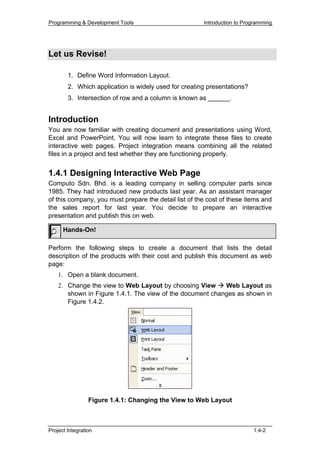
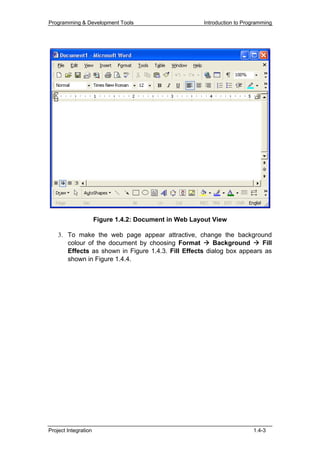
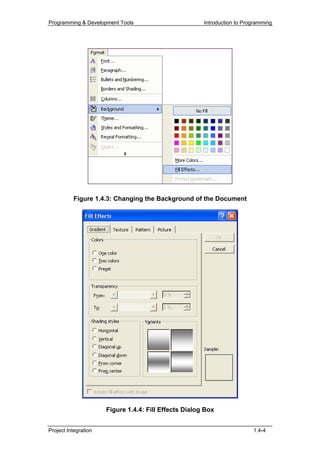
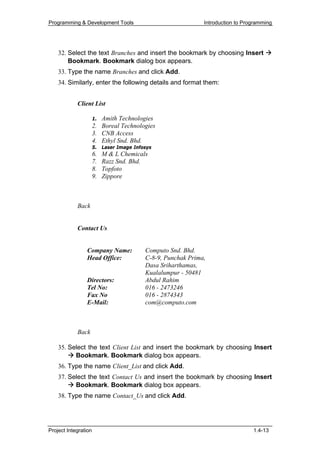
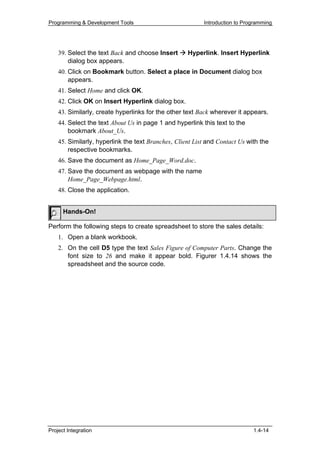
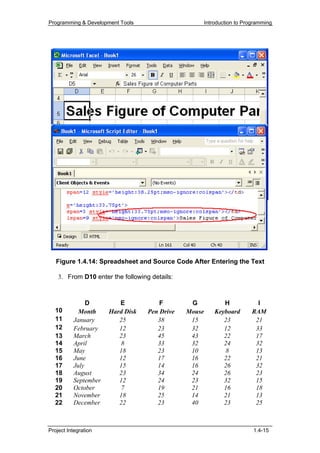
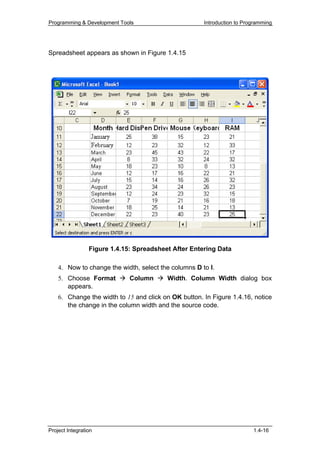
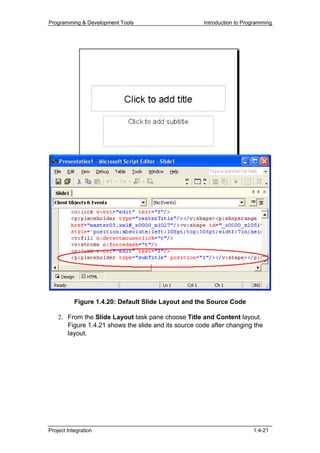
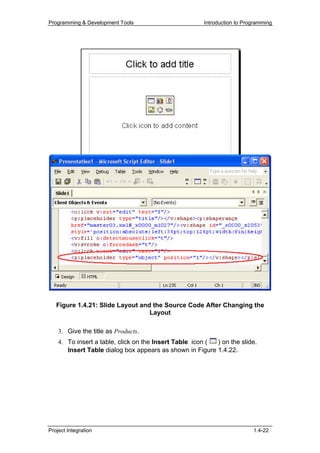
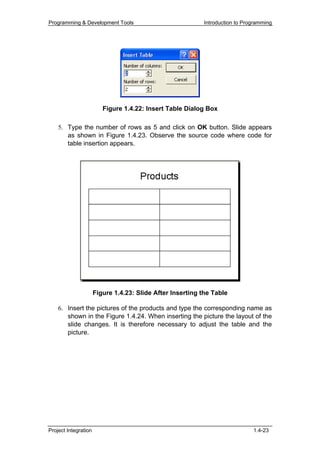
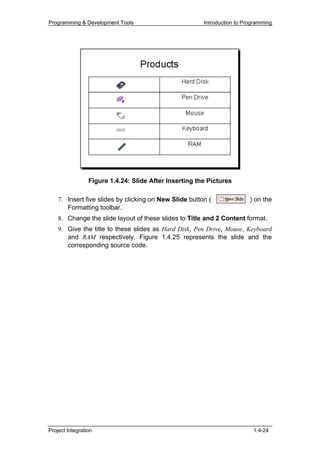
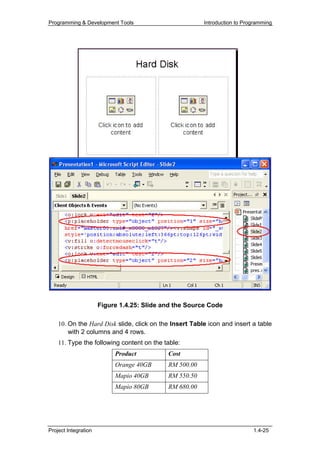
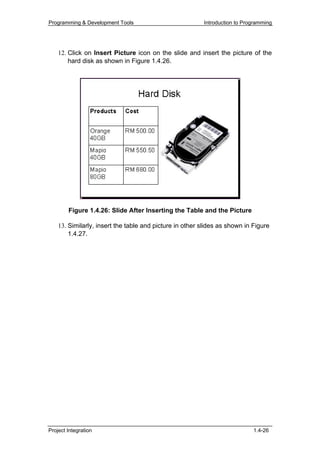
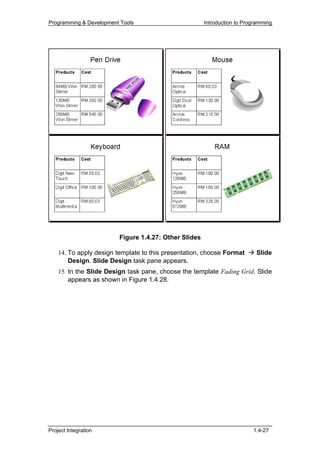
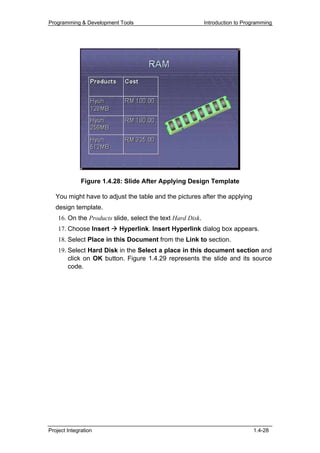
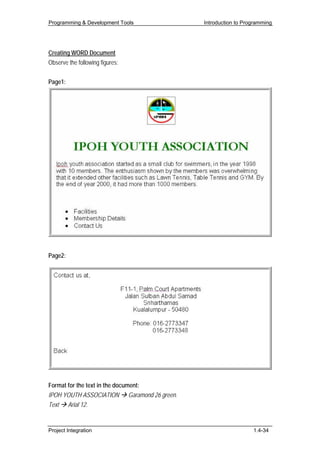
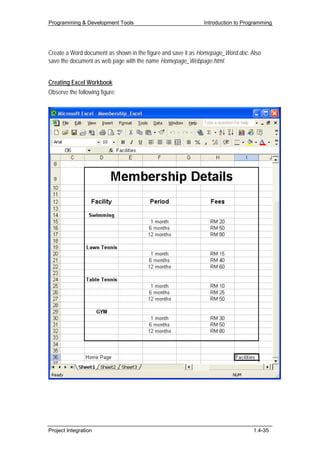
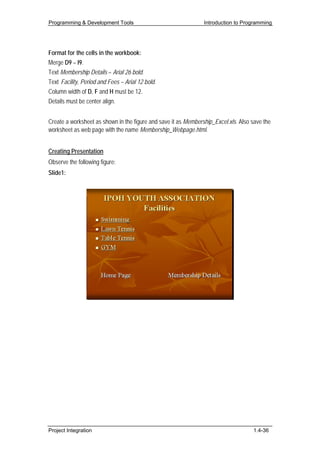
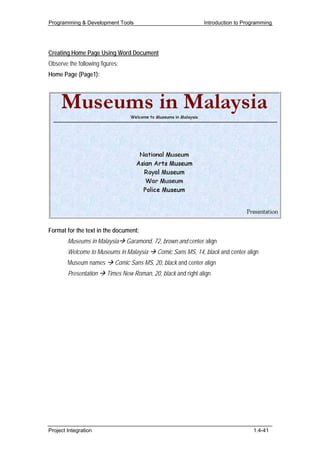
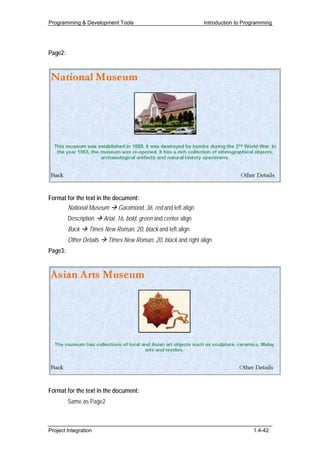
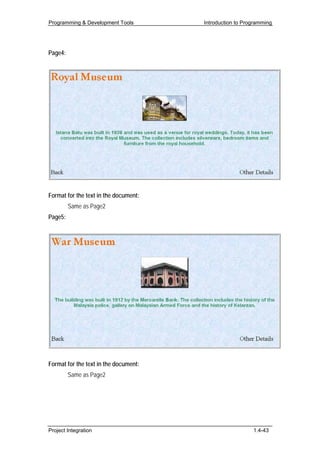
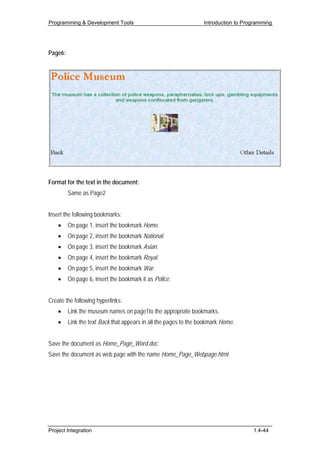
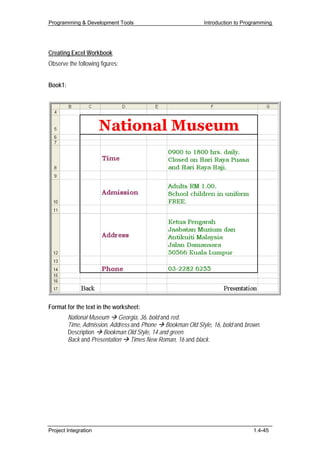
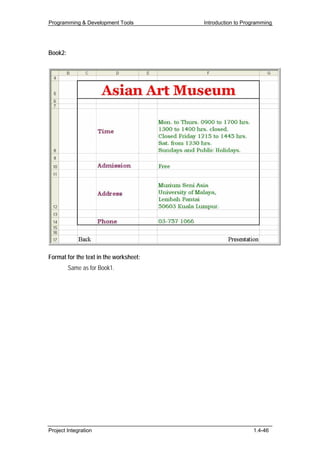
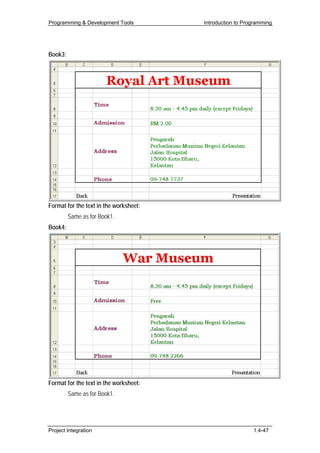
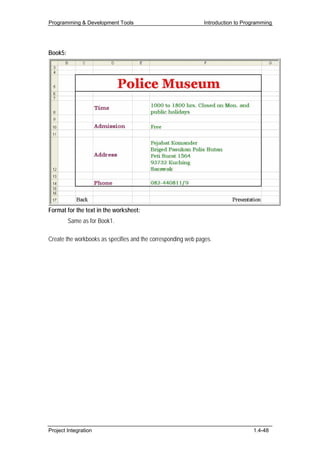
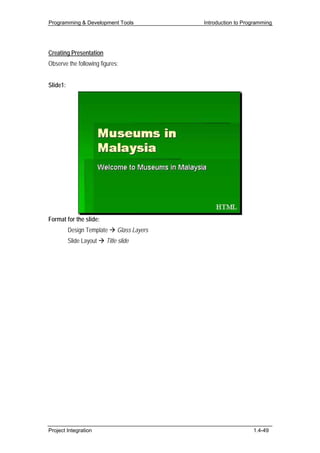
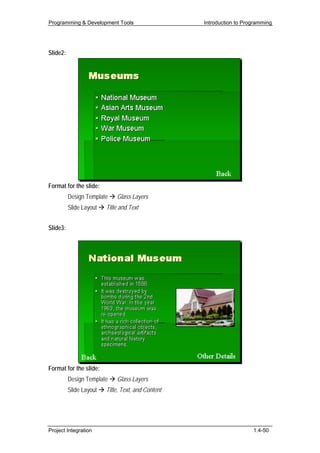
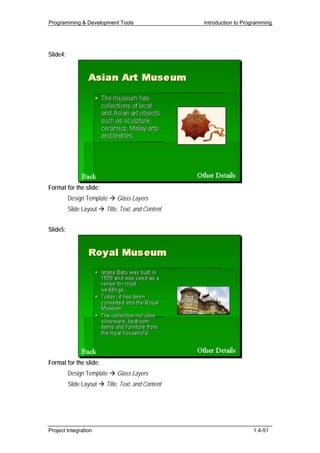
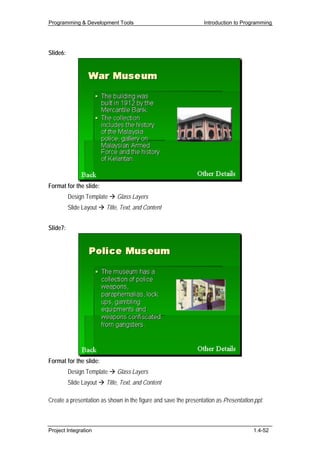
This document provides instructions for integrating projects created in various layouts to create interactive presentations and web pages. The steps include designing an interactive web page in Microsoft Word by inserting text, images, and bookmarks before saving as a web page. It also includes creating a sales spreadsheet in Excel with data, formatting, formulas, and a chart before saving as a web page. Finally, it describes creating an interactive presentation in PowerPoint by changing slide layouts and inserting a table and images.


![5G Explained! A High Level Overview [Introduction]](https://cdn.slidesharecdn.com/ss_thumbnails/5gexplainedahighleveloverview-260119165306-cc137a3e-thumbnail.jpg?width=640&height=640&fit=bounds)


