Copyright © 2006 by The McGraw-Hill Companies, Inc. All rights reserved.McGraw-Hill Technology Education
Understanding the Need
for Security Measures
Basic Security Concepts
• Threats
– Anything that can harm a computer
– Vulnerabilities are weaknesses in security
– Security attempts to neutralize threats
Basic Security Concepts
• Degrees of harm
– Level of potential damage
– Include all parts of system
• Potential data loss
• Loss of privacy
• Inability to use hardware
• Inability to use software
Basic Security Concepts
• Countermeasures
– Steps taken to block a threat
– Protect the data from theft
– Protect the system from theft
Threats To Users
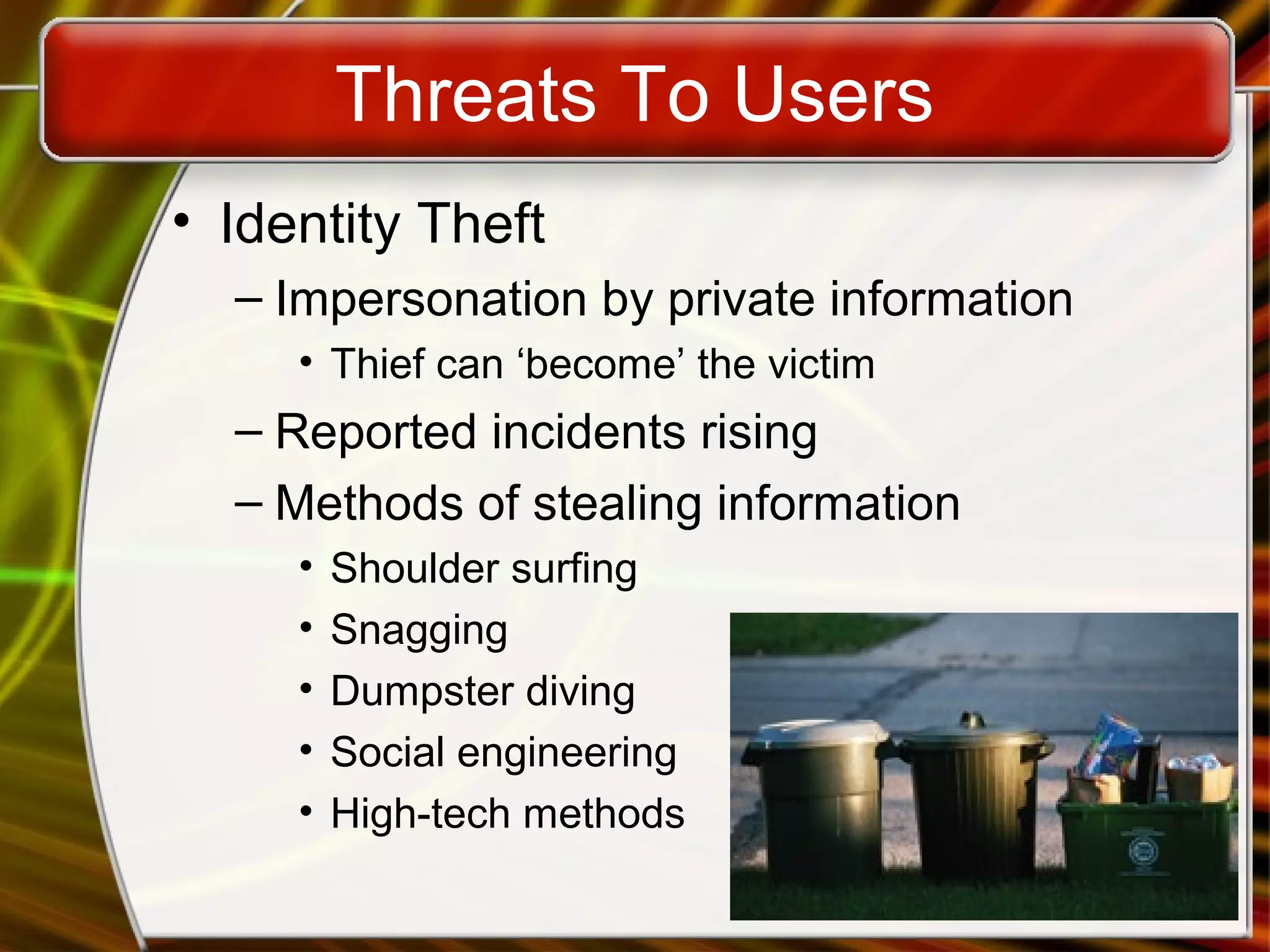
• Identity Theft
– Impersonation by private information
• Thief can ‘become’ the victim
– Reported incidents rising
– Methods of stealing information
• Shoulder surfing
• Snagging
• Dumpster diving
• Social engineering
• High-tech methods
Threats To Users
• Loss of privacy
– Personal information is stored electronically
– Purchases are stored in a database
• Data is sold to other companies
– Public records on the Internet
– Internet use is monitored and logged
– None of these techniques are illegal
Threats to Users
• Cookies
– Files delivered from a web site
– Originally improved a site’s function
– Cookies now track history and passwords
– Browsers include cookie blocking tools
Threats to Users
• Spyware
– Software downloaded to a computer
– Designed to record personal information
– Typically undesired software
– Hides from users
– Several programs exist to eliminate
Threats to Users
• Web bugs
– Small programs embedded in gif images
– Gets around cookie blocking tools
– Companies use to track usage
– Blocked with spyware killers
Threats to Users
• Spam
– Unsolicited commercial email
– Networks and PCs need a spam blocker
• Stop spam before reaching the inbox
– Spammers acquire addresses using many
methods
– CAN-SPAM Act passed in 2003
Threats to Hardware
• Affect the operation or reliability
• Power-related threats
– Power fluctuations
• Power spikes or browns out
– Power loss
– Countermeasures
• Surge suppressors
• Line conditioners
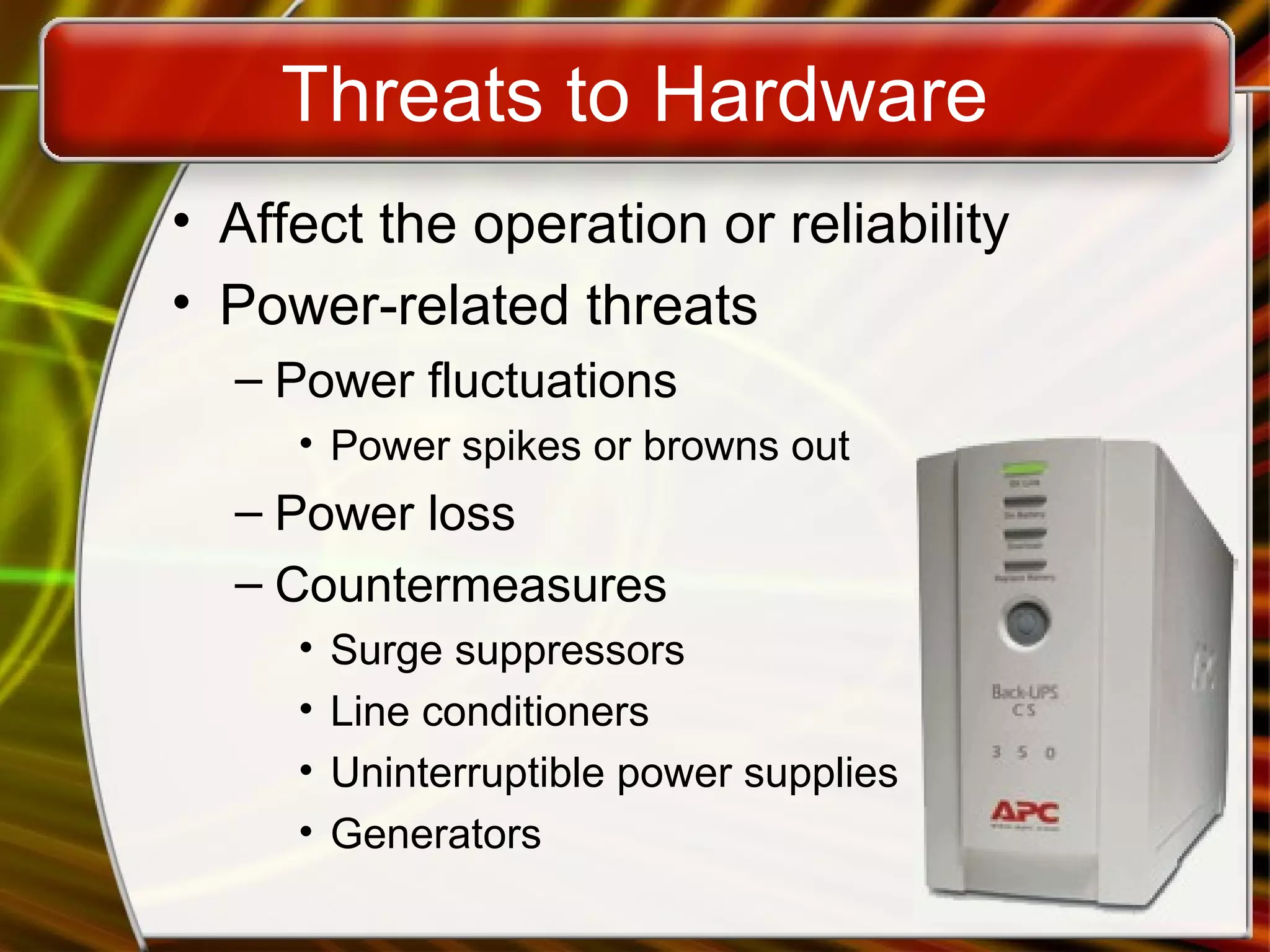
• Uninterruptible power supplies
• Generators
Threats to Hardware
• Theft and vandalism
– Thieves steal the entire computer
– Accidental or intentional damage
– Countermeasures
• Keep the PC in a secure area
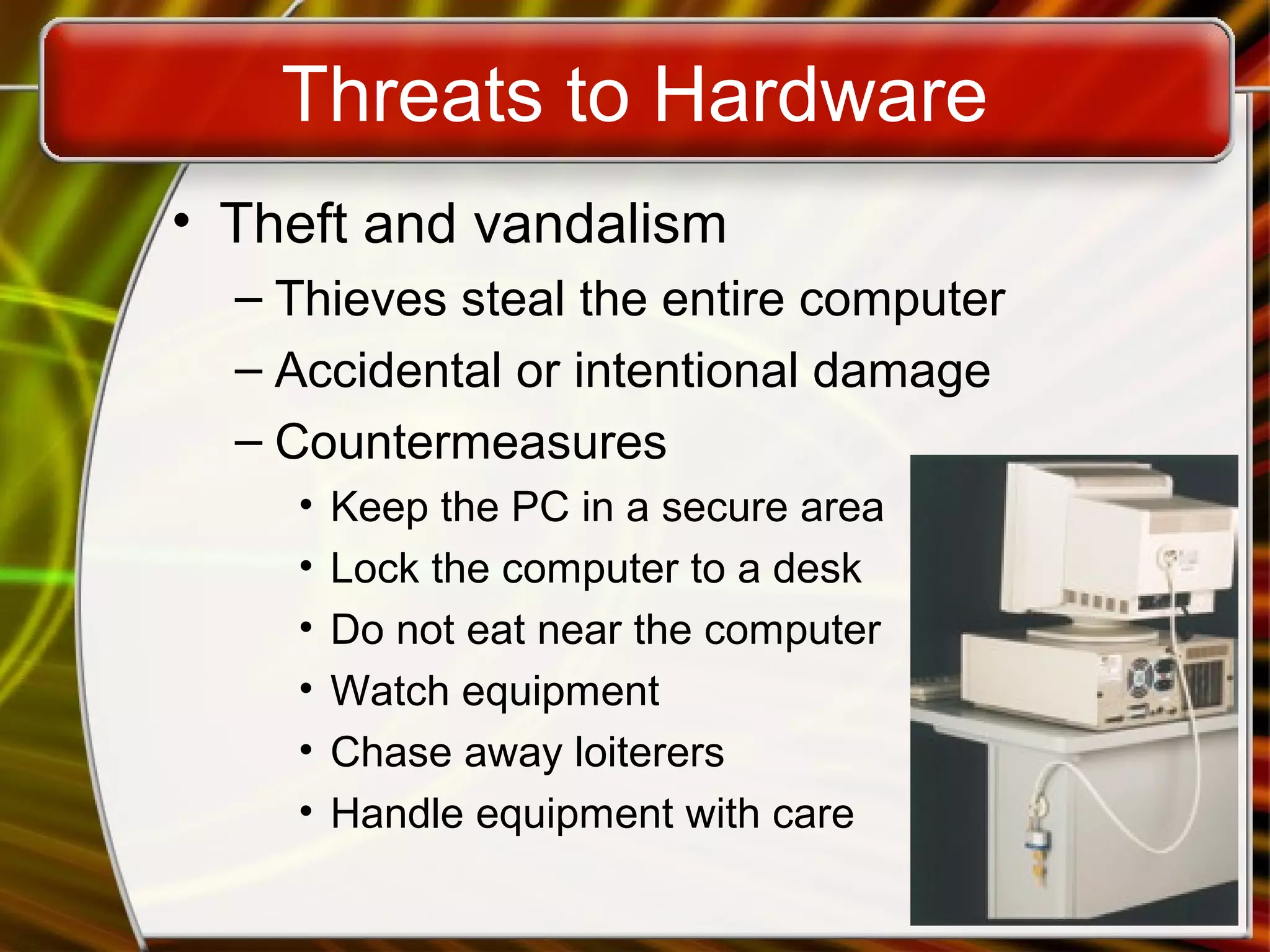
• Lock the computer to a desk
• Do not eat near the computer
• Watch equipment
• Chase away loiterers
• Handle equipment with care
Threats to Hardware
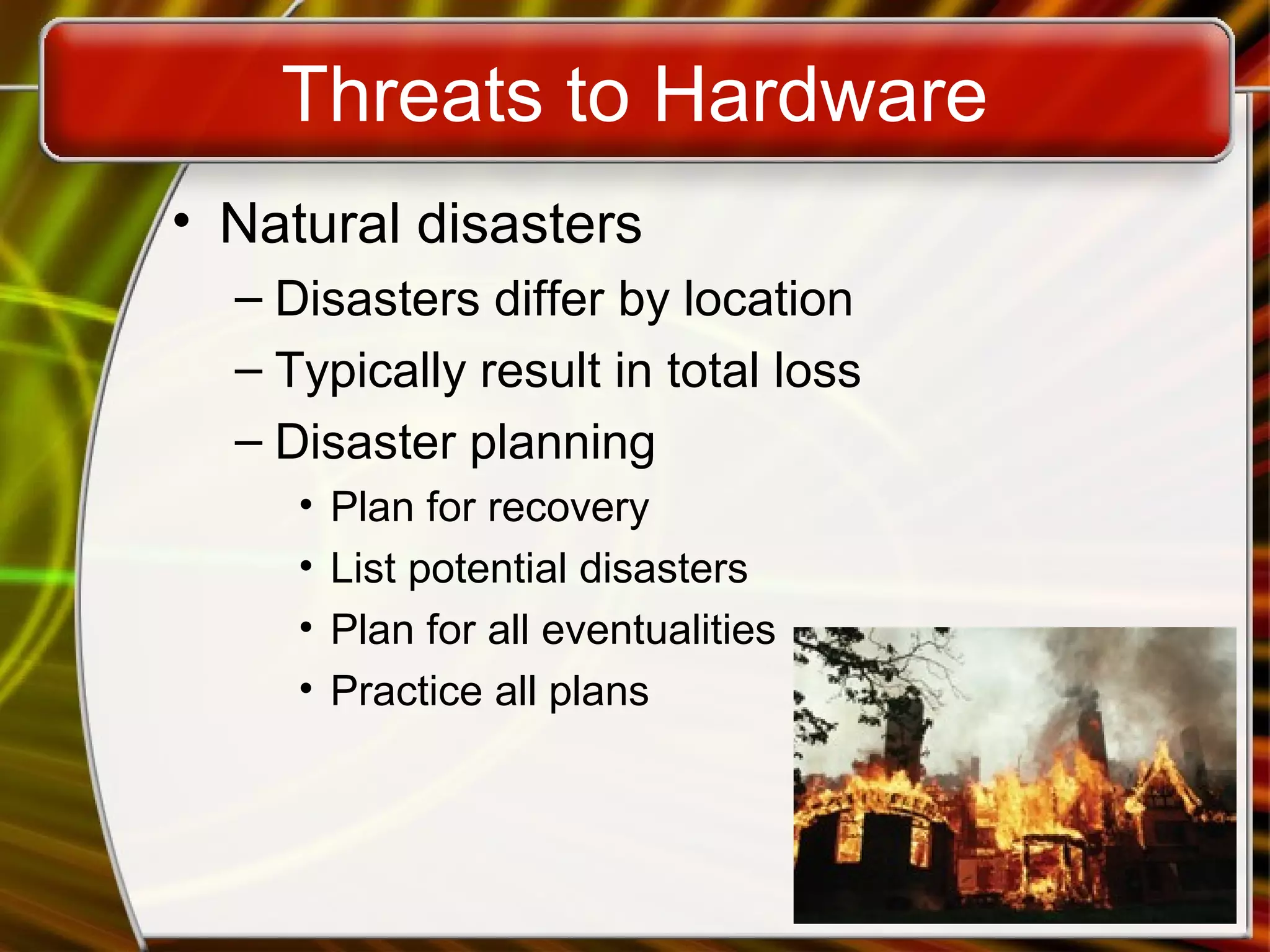
• Natural disasters
– Disasters differ by location
– Typically result in total loss
– Disaster planning
• Plan for recovery
• List potential disasters
• Plan for all eventualities
• Practice all plans
Threats to Data
• The most serious threat
– Data is the reason for computers
– Data is very difficult to replace
– Protection is difficult
• Data is intangible
Threats to Data
• Viruses
– Software that distributes and installs itself
– Ranges from annoying to catastrophic
– Countermeasures
• Anti-virus software
• Popup blockers
• Do not open unknown email
Threats to Data
• Trojan horses
– Program that poses as beneficial software
– User willingly installs the software
– Countermeasures
• Anti-virus software
• Spyware blocker
Threats to Data
• Cybercrime
– Using a computer in an illegal act
– Fraud and theft are common acts
Threats to Data
• Internet fraud
– Most common cybercrime
– Fraudulent website
– Have names similar to legitimate sites
Threats to Data
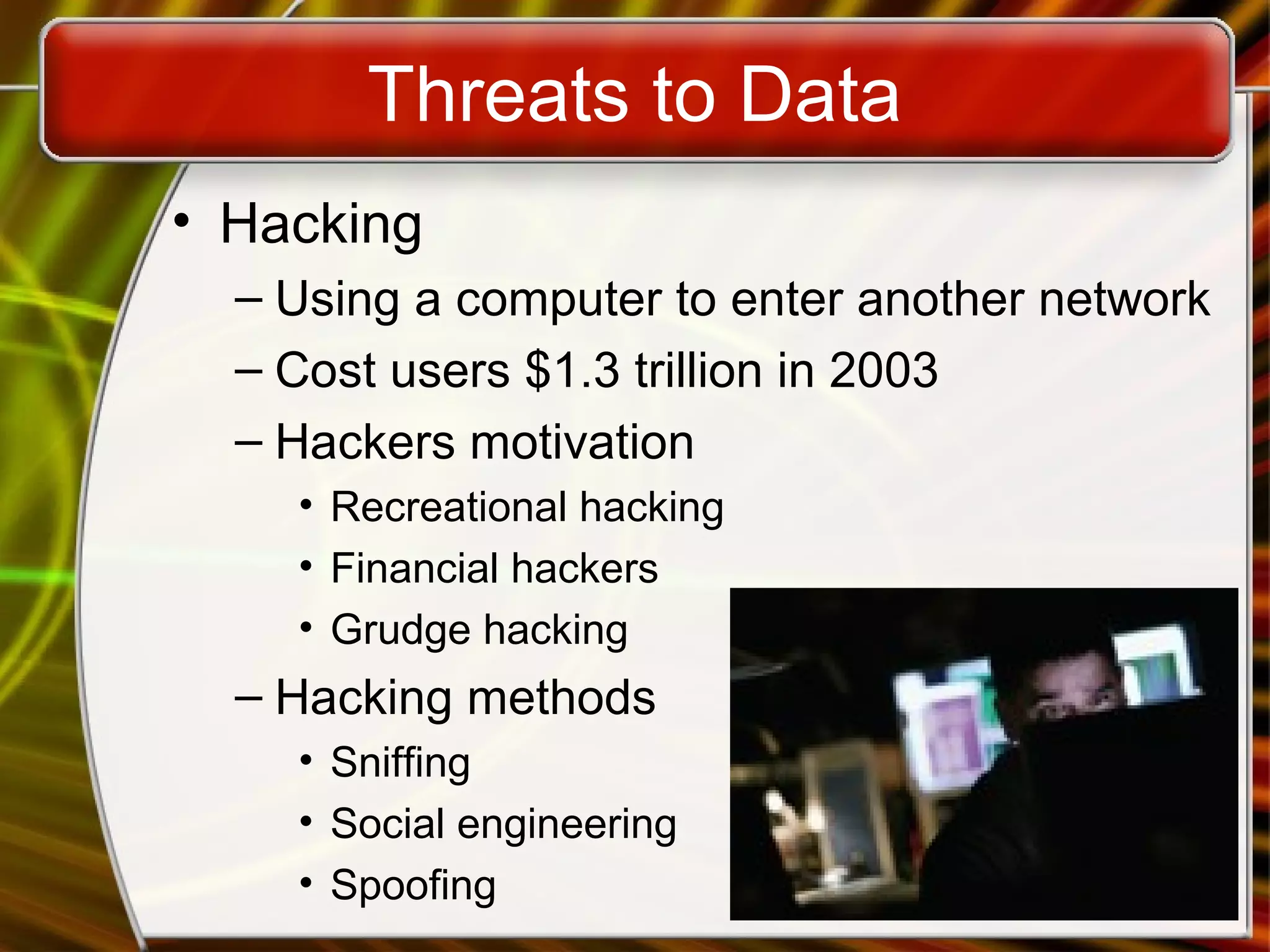
• Hacking
– Using a computer to enter another network
– Cost users $1.3 trillion in 2003
– Hackers motivation
• Recreational hacking
• Financial hackers
• Grudge hacking
– Hacking methods
• Sniffing
• Social engineering
• Spoofing
Threats to Data
• Distributed denial of service attack
– Attempt to stop a public server
– Hackers plant the code on computers
– Code is simultaneously launched
– Too many requests stops the server
Threats to Data
• Cyber terrorism
– Attacks made at a nations information
– Targets include power plants
– Threat first realized in 1996
– Organizations combat cyber terrorism
• Computer Emergency Response Team (CERT)
• Department of Homeland Security

Understanding the need for security measures

  • 1.
    Copyright © 2006by The McGraw-Hill Companies, Inc. All rights reserved.McGraw-Hill Technology Education Understanding the Need for Security Measures
  • 2.
    Basic Security Concepts •Threats – Anything that can harm a computer – Vulnerabilities are weaknesses in security – Security attempts to neutralize threats
  • 3.
    Basic Security Concepts •Degrees of harm – Level of potential damage – Include all parts of system • Potential data loss • Loss of privacy • Inability to use hardware • Inability to use software
  • 4.
    Basic Security Concepts •Countermeasures – Steps taken to block a threat – Protect the data from theft – Protect the system from theft
  • 5.
    Threats To Users •Identity Theft – Impersonation by private information • Thief can ‘become’ the victim – Reported incidents rising – Methods of stealing information • Shoulder surfing • Snagging • Dumpster diving • Social engineering • High-tech methods
  • 6.
    Threats To Users •Loss of privacy – Personal information is stored electronically – Purchases are stored in a database • Data is sold to other companies – Public records on the Internet – Internet use is monitored and logged – None of these techniques are illegal
  • 7.
    Threats to Users •Cookies – Files delivered from a web site – Originally improved a site’s function – Cookies now track history and passwords – Browsers include cookie blocking tools
  • 8.
    Threats to Users •Spyware – Software downloaded to a computer – Designed to record personal information – Typically undesired software – Hides from users – Several programs exist to eliminate
  • 9.
    Threats to Users •Web bugs – Small programs embedded in gif images – Gets around cookie blocking tools – Companies use to track usage – Blocked with spyware killers
  • 10.
    Threats to Users •Spam – Unsolicited commercial email – Networks and PCs need a spam blocker • Stop spam before reaching the inbox – Spammers acquire addresses using many methods – CAN-SPAM Act passed in 2003
  • 11.
    Threats to Hardware •Affect the operation or reliability • Power-related threats – Power fluctuations • Power spikes or browns out – Power loss – Countermeasures • Surge suppressors • Line conditioners • Uninterruptible power supplies • Generators
  • 12.
    Threats to Hardware •Theft and vandalism – Thieves steal the entire computer – Accidental or intentional damage – Countermeasures • Keep the PC in a secure area • Lock the computer to a desk • Do not eat near the computer • Watch equipment • Chase away loiterers • Handle equipment with care
  • 13.
    Threats to Hardware •Natural disasters – Disasters differ by location – Typically result in total loss – Disaster planning • Plan for recovery • List potential disasters • Plan for all eventualities • Practice all plans
  • 14.
    Threats to Data •The most serious threat – Data is the reason for computers – Data is very difficult to replace – Protection is difficult • Data is intangible
  • 15.
    Threats to Data •Viruses – Software that distributes and installs itself – Ranges from annoying to catastrophic – Countermeasures • Anti-virus software • Popup blockers • Do not open unknown email
  • 16.
    Threats to Data •Trojan horses – Program that poses as beneficial software – User willingly installs the software – Countermeasures • Anti-virus software • Spyware blocker
  • 17.
    Threats to Data •Cybercrime – Using a computer in an illegal act – Fraud and theft are common acts
  • 18.
    Threats to Data •Internet fraud – Most common cybercrime – Fraudulent website – Have names similar to legitimate sites
  • 19.
    Threats to Data •Hacking – Using a computer to enter another network – Cost users $1.3 trillion in 2003 – Hackers motivation • Recreational hacking • Financial hackers • Grudge hacking – Hacking methods • Sniffing • Social engineering • Spoofing
  • 20.
    Threats to Data •Distributed denial of service attack – Attempt to stop a public server – Hackers plant the code on computers – Code is simultaneously launched – Too many requests stops the server
  • 21.
    Threats to Data •Cyber terrorism – Attacks made at a nations information – Targets include power plants – Threat first realized in 1996 – Organizations combat cyber terrorism • Computer Emergency Response Team (CERT) • Department of Homeland Security

Editor's Notes

  • #5 Teaching tip It is important to note that no countermeasure is 100% effective all of the time. For proof, discuss an instance of a locked car being stolen. A truly dedicated attacker will eventually break through any security.
  • #6 Teaching tip The move Hackers includes scenes demonstrating most of these crimes in action.
  • #8 Teaching tip Cookies are named after the ‘magic cookie’.
  • #10 Teaching tip More information regarding web bugs can be found at en.wikipedia.org/wiki/Web_bug.
  • #11 Teaching tip Spam is rumored to be named in honor of the Monty Python skit, Spam!. In the skit, a customer is forced to select spam in his lunch. Much like we are forced to accept a spam message. Visit www.detritus.org/spam/skit.html for the entire spam skit. Discussion point Spam is one topic that nearly everyone in the class can relate to. Have your students think about spam from the other side. Have them consider the point of view of the self proclaimed ‘Spam King’, Scott Richter. For some conversation fodder visit www.pcworld.com/news/article/0,aid,116807,00.asp.
  • #12 Teaching tip Visit www.apc.com for information regarding UPS solutions. Teaching tip Larger installations use generators to protect networks. Hospitals, grocery stores and insurance companies may all use generators. Quite often the power solution is a combination of battery and generator. The batteries run long enough for the generators to start and stabilize. Then the batteries stop and the generators provide power to the facility.
  • #14 Discussion point In 2004 Hurricane Ivan caused massive damage to Florida and several other states. Network administrations in Florida are used to planning for hurricanes. However, computers in Southeastern Pennsylvania suffered massive loss of data due to Ivan. How culpable are the administrators in PA who did not plan for Ivan?
  • #16 Teaching tip For information on specific viruses visit securityresponse.Symantec.com/. Teaching tip Detailed information regarding the protection from viruses, see the Computing keynote at the end of the chapter.
  • #17 Teaching tip Ad Aware is sold by LavaSoft. The homepage is www.lavasoftusa.com/software/adaware/. Spybot is a product of Patrick M. Kolla. The true website is www.safer-networking.org/en/index.html.
  • #22 Teaching tip CERT’s home page is located at www.cert.org.