Cristen Serdy 

Universal Design for Learning 

November 27, 2011 


Universal Design for Learning began when educators wanted to help learners with disabilities 
find success within the general education curriculum.  When work began toward this goal, the 
developers found themselves taking current curriculum and fitting adaptations around it using 
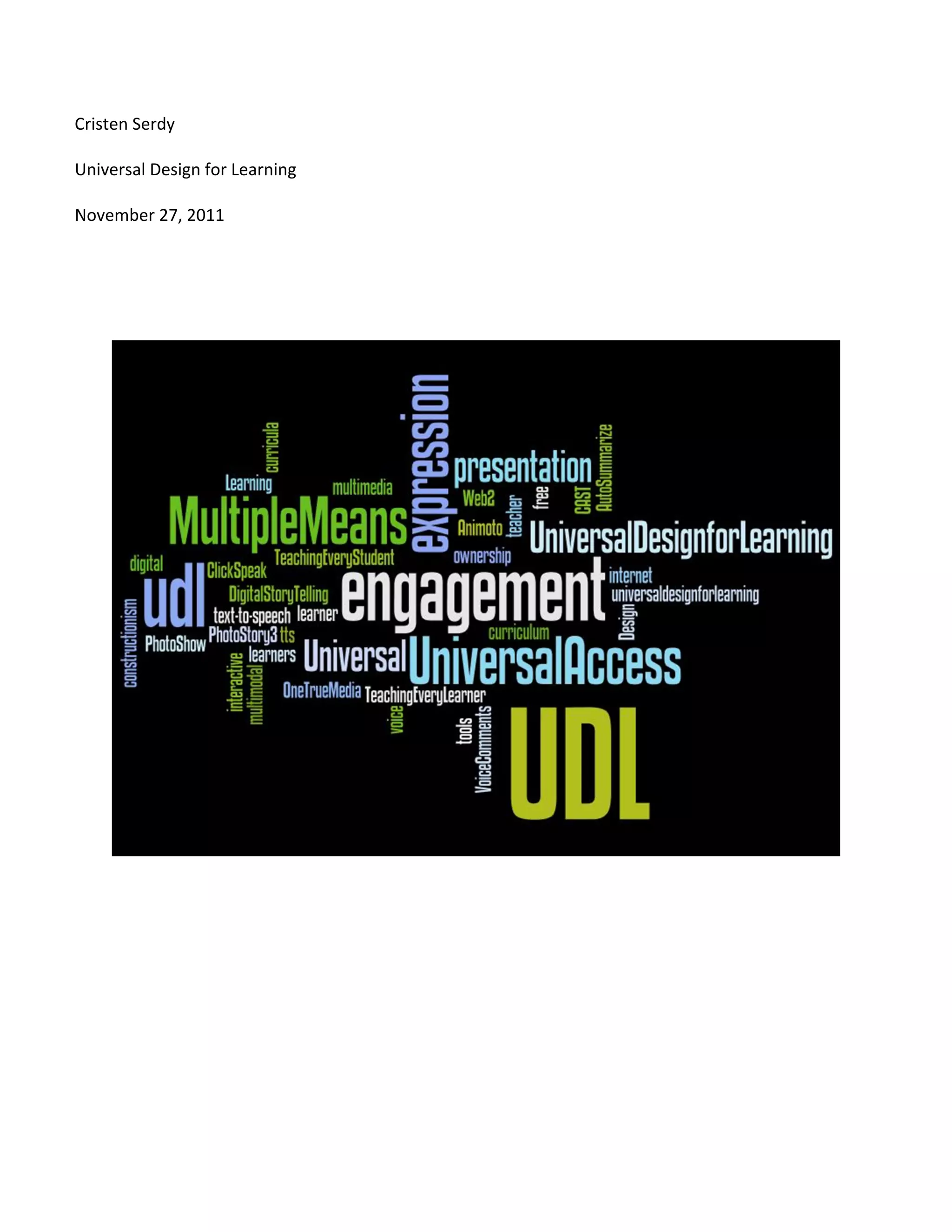
software and adaptive devices.  Eventually they found themselves with this model:  


Image 1: 


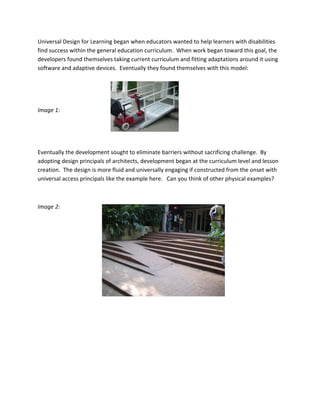
Eventually the development sought to eliminate barriers without sacrificing challenge.  By 
adopting design principals of architects, development began at the curriculum level and lesson 
creation.  The design is more fluid and universally engaging if constructed from the onset with 
universal access principals like the example here.   Can you think of other physical examples? 


Image 2:                               
 

There are three principles or brain networks that inform UDL. 

Principle 1: Recognition Network – “How we gather facts and categorize 
what we see, hear, and read. Identifying letters, words, or an author's 
style are recognition tasks” (CAST, 2011).   When you are teaching to 
activate this network, you are using multiple means of representation 
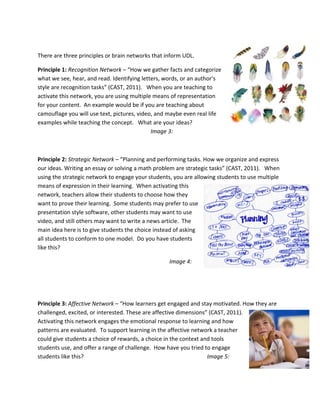
for your content.  An example would be if you are teaching about 
camouflage you will use text, pictures, video, and maybe even real life 
examples while teaching the concept.   What are your ideas? 
                                              Image 3: 


Principle 2: Strategic Network – “Planning and performing tasks. How we organize and express 
our ideas. Writing an essay or solving a math problem are strategic tasks” (CAST, 2011).   When 
using the strategic network to engage your students, you are allowing students to use multiple 
means of expression in their learning.  When activating this 
network, teachers allow their students to choose how they 
want to prove their learning.  Some students may prefer to use 
presentation style software, other students may want to use 
video, and still others may want to write a news article.  The 
main idea here is to give students the choice instead of asking 
all students to conform to one model.  Do you have students 
like this?  

                                                   Image 4: 


Principle 3: Affective Network – “How learners get engaged and stay motivated. How they are 
challenged, excited, or interested. These are affective dimensions” (CAST, 2011).   
Activating this network engages the emotional response to learning and how 
patterns are evaluated.  To support learning in the affective network a teacher 
could give students a choice of rewards, a choice in the context and tools 
students use, and offer a range of challenge.  How have you tried to engage 
students like this?                                                Image 5: 
 

When implementing curriculum utilizing UDL principles, technology offers easier and more 
effective implementation tools.  According to CAST “individualization of curricula [is] possible in 
practical, cost‐effective ways, and many of these technologies have built in supports, scaffolds, 
and challenges to help learners” (2011).   Using technology solutions to implement UDL is 
encouraged because of the flexibility it offers when working within the three networks.  This is 
not to say that low‐tech solutions should not be utilized and pursued, all tools, tech and non‐
tech have equal value and application.    

Karen Janowski, an Assistive & Educational Technology Consultant, has provided numerous 
technology examples for use in UDL implementation on her blog: 
http://teachingeverystudent.blogspot.com/2007/06/free‐technology‐toolkit‐for‐udl‐in‐all.html 
(2007). There are many text‐to‐speech programs that are very important for struggling readers 
and writers.  Math and writing websites offer level appropriate and engaging material to help 
scaffold skills.  Further, there are tools and presentation materials that will appeal to the 
affective networks.  However, many technology tools are so attractive because of their ability 
to appeal to the primary UDL principles or networks.  

Do you have ideas on this? 


Image 6 


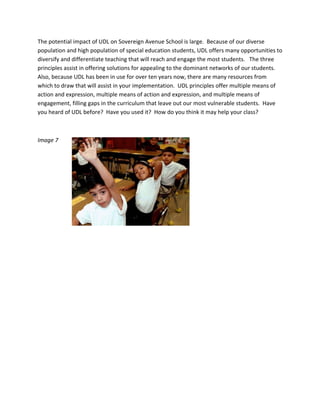
The potential impact of UDL on Sovereign Avenue School is large.  Because of our diverse 
population and high population of special education students, UDL offers many opportunities to 
diversify and differentiate teaching that will reach and engage the most students.   The three 
principles assist in offering solutions for appealing to the dominant networks of our students.  
Also, because UDL has been in use for over ten years now, there are many resources from 
which to draw that will assist in your implementation.  UDL principles offer multiple means of 
action and expression, multiple means of action and expression, and multiple means of 
engagement, filling gaps in the curriculum that leave out our most vulnerable students.  Have 
you heard of UDL before?  Have you used it?  How do you think it may help your class? 


Image 7  

                              
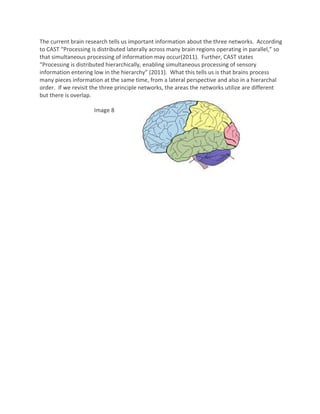
The current brain research tells us important information about the three networks.  According 
    to CAST “Processing is distributed laterally across many brain regions operating in parallel,” so 
    that simultaneous processing of information may occur(2011).  Further, CAST states 
    “Processing is distributed hierarchically, enabling simultaneous processing of sensory 
    information entering low in the hierarchy” (2011).  What this tells us is that brains process 
    many pieces information at the same time, from a lateral perspective and also in a hierarchal 
    order.  If we revisit the three principle networks, the areas the networks utilize are different 
    but there is overlap.   

                         Image 8 


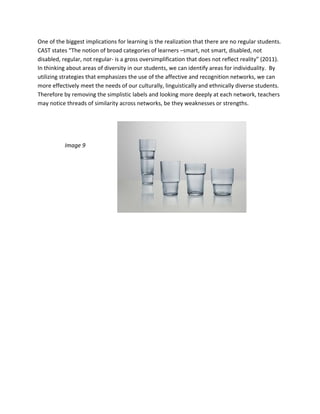
One of the biggest implications for learning is the realization that there are no regular students.  
CAST states “The notion of broad categories of learners –smart, not smart, disabled, not 
disabled, regular, not regular‐ is a gross oversimplification that does not reflect reality” (2011).  
In thinking about areas of diversity in our students, we can identify areas for individuality.  By 
utilizing strategies that emphasizes the use of the affective and recognition networks, we can 
more effectively meet the needs of our culturally, linguistically and ethnically diverse students.  
Therefore by removing the simplistic labels and looking more deeply at each network, teachers 
may notice threads of similarity across networks, be they weaknesses or strengths.   


           Image 9 


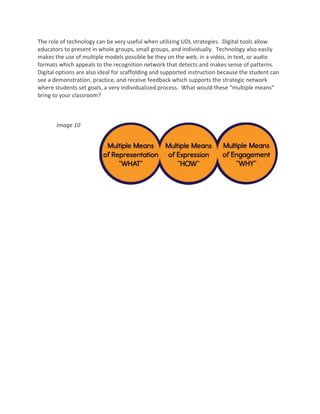
The role of technology can be very useful when utilizing UDL strategies.  Digital tools allow 
educators to present in whole groups, small groups, and individually.  Technology also easily 
makes the use of multiple models possible be they on the web, in a video, in text, or audio 
formats which appeals to the recognition network that detects and makes sense of patterns.  
Digital options are also ideal for scaffolding and supported instruction because the student can 
see a demonstration, practice, and receive feedback which supports the strategic network 
where students set goals, a very individualized process.  What would these “multiple means” 
bring to your classroom? 


       Image 10 


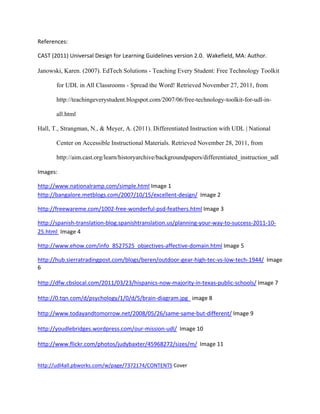
CAST has many tools available to help you implement UDL as soon as your next lesson plan. 
Please see http://www.cast.org/learningtools/index.html .  Some of my favorite include: 

1. CAST UDL Lesson Builder at http://www.cast.org/learningtools/lesson_builder/index.html 

“Provides educators with models and tools to create and adapt lessons that increase access
and participation in the general education curriculum for all students.”  

For the teacher who is new to UDL, this tool will help walk them through the process of 
designing lessons that provide students with multiple representations, offer multiple means of 
expression, and multiple means of engagement.  This will help teachers and ultimately students 
at our school by supporting teachers in their effort to transform their instructional practices. 

2. CAST Strategy Tour at http://www.cast.org/learningtools/strategy_tutor/index.html  For teachers 
and students 

       “A free online tool to support students and teachers doing reading and research on the
       Internet, ages 10 and up. Strategy Tutor helps students read, research, collect and
       understand information better and more efficiently. For teachers, Strategy Tutor provides a
       way to easily create web-based lessons embedded with research-based, highly effective
       learning strategy and vocabulary supports.”

If you have been unsure of how to teach your students about conducting research on the internet
then the Strategy Tour would be perfect. The addon installs right on to the Fire Fox internet browser
for students and teachers to access as help is needed. Teaching this skill has been problematic
because teachers themselves do not have the skill themselves.

3. Teaching Every Student (TES) Website http://www.cast.org/pd/tes/index.html  

       “TES offers model lessons, interactive activities, tutorials, curriculum resources, and other
       tools. It also includes a full-text digital edition of the book, Teaching Every Student in the
       Digital Age: Universal Design for Learning , by David H. Rose and Anne Meyer (ASCD,
       2002).”

This website will help guide teachers new to UDL practices by introducing them to tutorials,
resources, and model lessons. At Sovereign Avenue School, this tool will be a practical guide to
helping teachers to incorporate UDL strategies into their daily lessons.


                               Image 11


References: 

    CAST (2011) Universal Design for Learning Guidelines version 2.0.  Wakefield, MA: Author. 
 
    Janowski, Karen. (2007). EdTech Solutions - Teaching Every Student: Free Technology Toolkit

           for UDL in All Classrooms - Spread the Word! Retrieved November 27, 2011, from

           http://teachingeverystudent.blogspot.com/2007/06/free-technology-toolkit-for-udl-in-

           all.html

    Hall, T., Strangman, N., & Meyer, A. (2011). Differentiated Instruction with UDL | National

           Center on Accessible Instructional Materials. Retrieved November 28, 2011, from

           http://aim.cast.org/learn/historyarchive/backgroundpapers/differentiated_instruction_udl

    Images: 

    http://www.nationalramp.com/simple.html Image 1 
    http://bangalore.metblogs.com/2007/10/15/excellent‐design/  Image 2  

    http://freewareme.com/1002‐free‐wonderful‐psd‐feathers.html Image 3 

    http://spanish‐translation‐blog.spanishtranslation.us/planning‐your‐way‐to‐success‐2011‐10‐
    25.html  Image 4 

    http://www.ehow.com/info_8527525_objectives‐affective‐domain.html Image 5 

    http://hub.sierratradingpost.com/blogs/beren/outdoor‐gear‐high‐tec‐vs‐low‐tech‐1944/  Image 
    6 
     
    http://dfw.cbslocal.com/2011/03/23/hispanics‐now‐majority‐in‐texas‐public‐schools/ Image 7 
     
    http://0.tqn.com/d/psychology/1/0/d/5/brain‐diagram.jpg   image 8 
     
    http://www.todayandtomorrow.net/2008/05/26/same‐same‐but‐different/ Image 9 
     
    http://youdlebridges.wordpress.com/our‐mission‐udl/  Image 10 
     
    http://www.flickr.com/photos/judybaxter/45968272/sizes/m/  Image 11 
     

    http://udl4all.pbworks.com/w/page/7372174/CONTENTS Cover 

UDL at Sovereign Avenue