Universal Design for LearningUniversal Design for Learning
(UDL)(UDL)
Jonathan GarrettJonathan Garrett
Walden UniversityWalden University
Professor Evelyn ThompsonProfessor Evelyn Thompson
Reaching and Engaging All Learners Through TechnologyReaching and Engaging All Learners Through Technology
EDUC-6714I-3EDUC-6714I-3
November 28, 2010November 28, 2010
What is UDLWhat is UDL
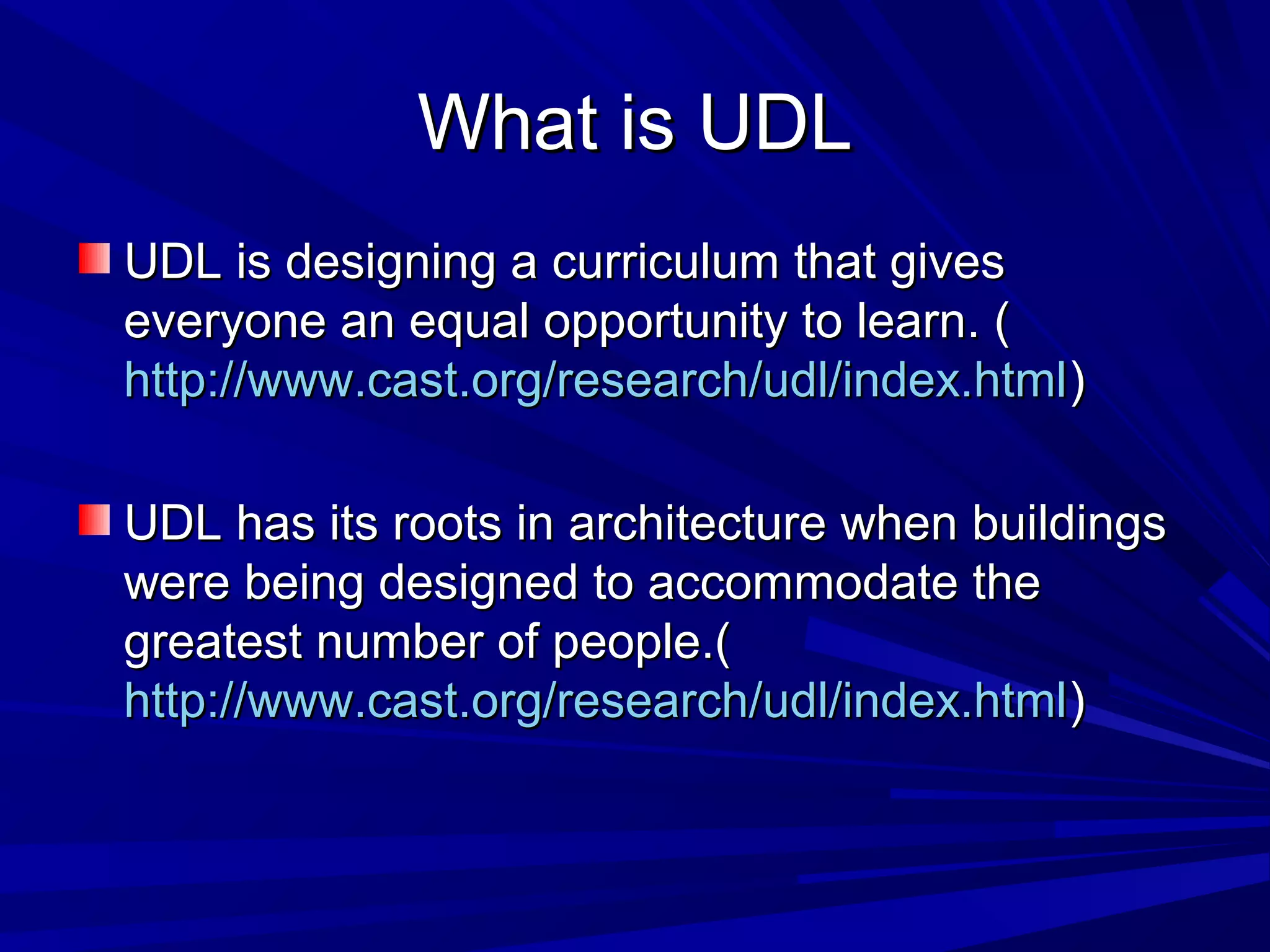
UDL is designing a curriculum that givesUDL is designing a curriculum that gives
everyone an equal opportunity to learn. (everyone an equal opportunity to learn. (
http://www.cast.org/research/udl/index.htmlhttp://www.cast.org/research/udl/index.html))
UDL has its roots in architecture when buildingsUDL has its roots in architecture when buildings
were being designed to accommodate thewere being designed to accommodate the
greatest number of people.(greatest number of people.(
http://www.cast.org/research/udl/index.htmlhttp://www.cast.org/research/udl/index.html))
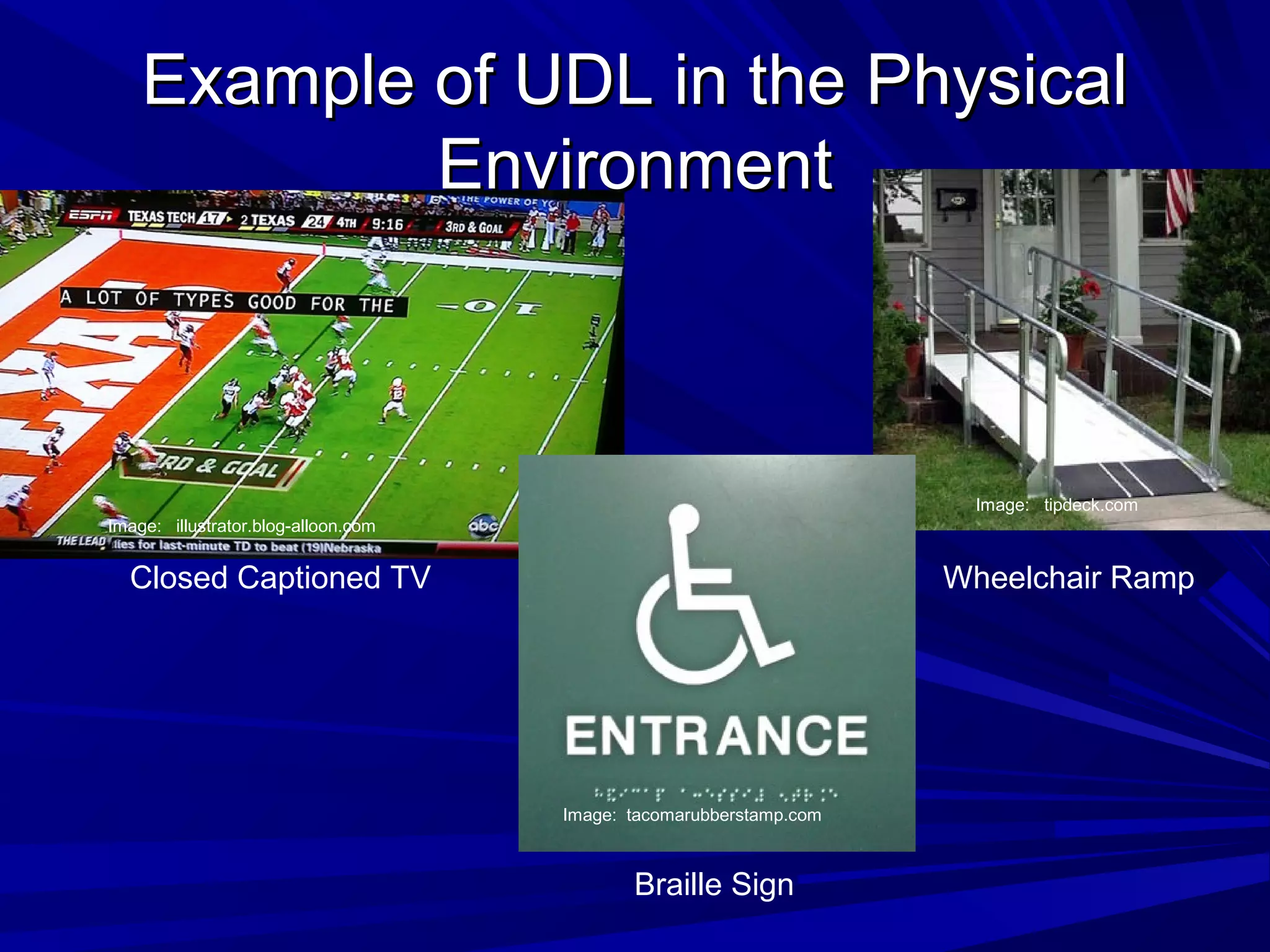
Example of UDL in the PhysicalExample of UDL in the Physical
EnvironmentEnvironment
Closed Captioned TV Wheelchair Ramp
Braille Sign
Image: tacomarubberstamp.com
Image: tipdeck.com
Image: illustrator.blog-alloon.com
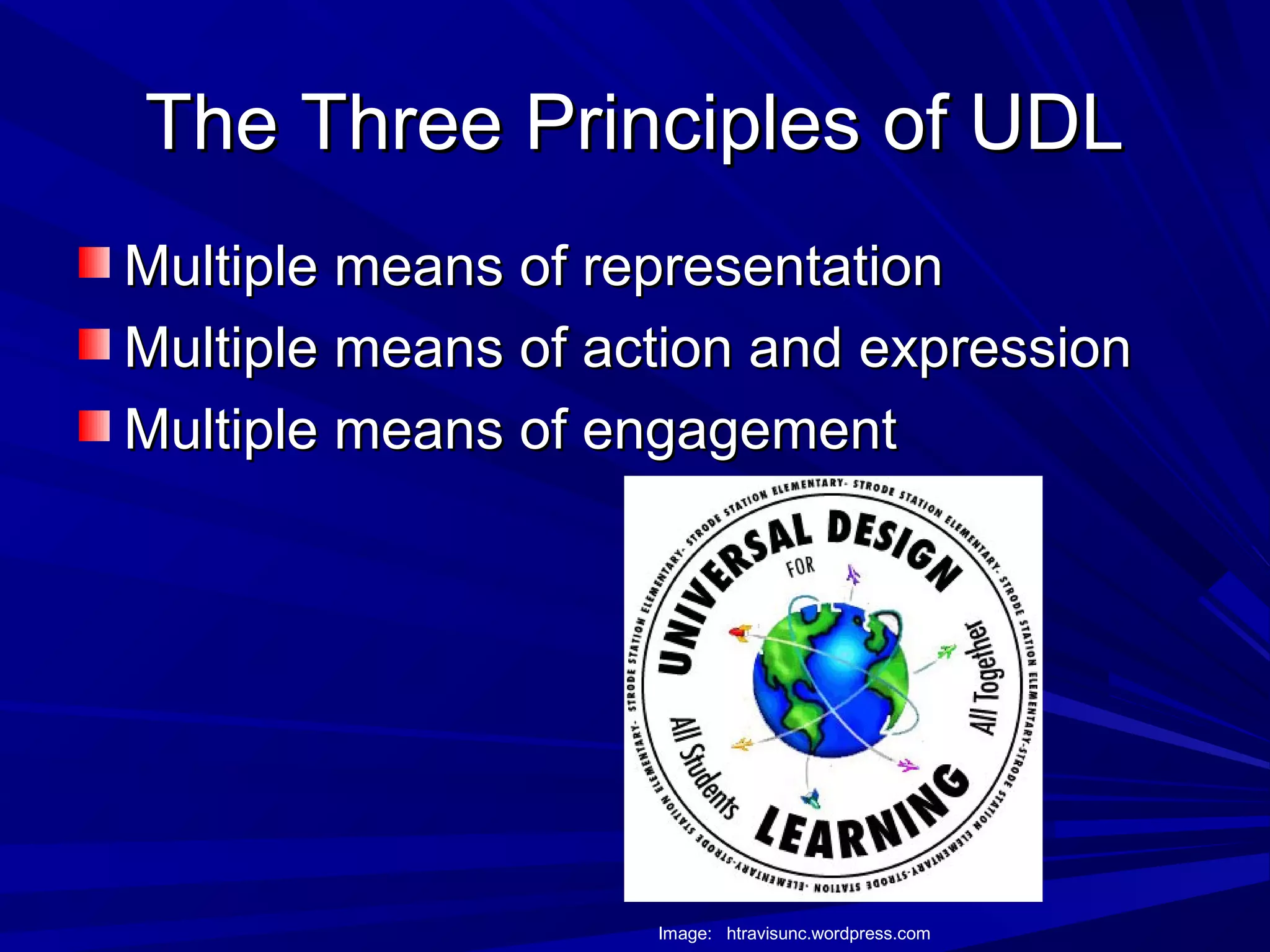
The Three Principles of UDLThe Three Principles of UDL
Multiple means of representationMultiple means of representation
Multiple means of action and expressionMultiple means of action and expression
Multiple means of engagementMultiple means of engagement
Image: htravisunc.wordpress.com
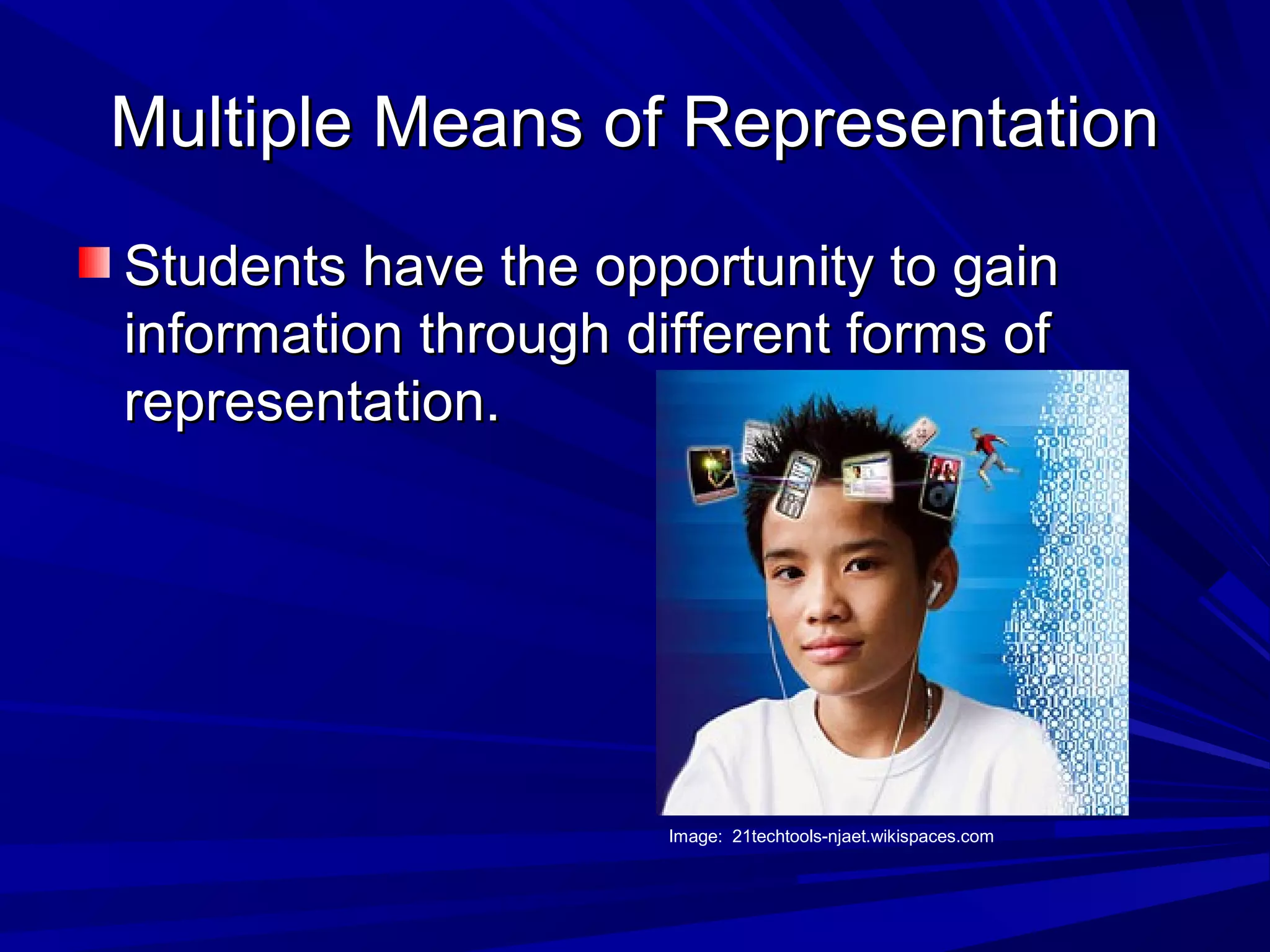
Multiple Means of RepresentationMultiple Means of Representation
Students have the opportunity to gainStudents have the opportunity to gain
information through different forms ofinformation through different forms of
representation.representation.
Image: 21techtools-njaet.wikispaces.com
Examples of RepresentationExamples of Representation
Audio lessonsAudio lessons
Video lessonsVideo lessons
Multimedia presentationsMultimedia presentations
Computer softwareComputer software
Photo presentationsPhoto presentations
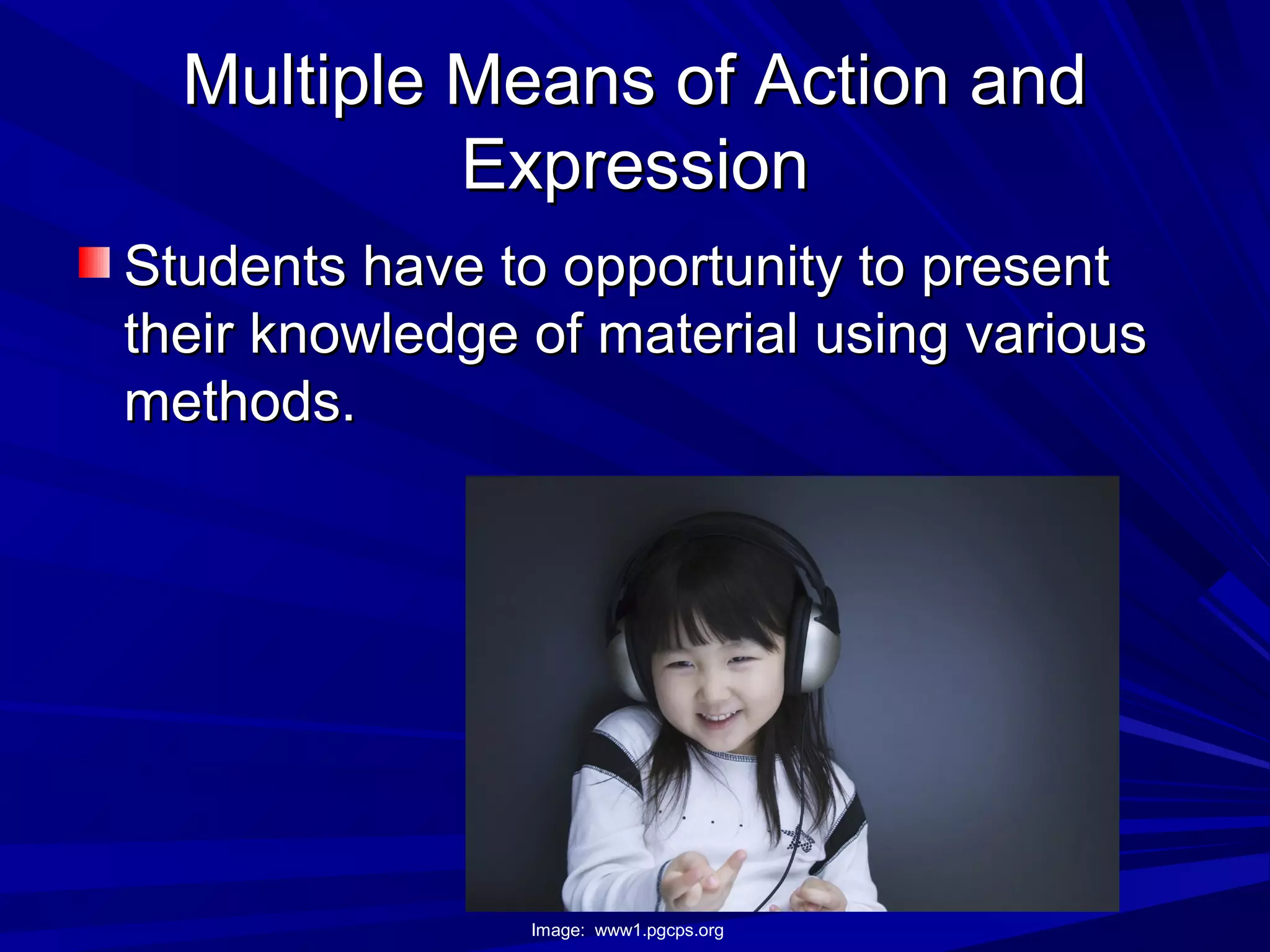
Multiple Means of Action andMultiple Means of Action and
ExpressionExpression
Students have to opportunity to presentStudents have to opportunity to present
their knowledge of material using varioustheir knowledge of material using various
methods.methods.
Image: www1.pgcps.org
Examples of Action and ExpressionExamples of Action and Expression
Student presentations using multimediaStudent presentations using multimedia
softwaresoftware
SimulationsSimulations
Graphic organizersGraphic organizers
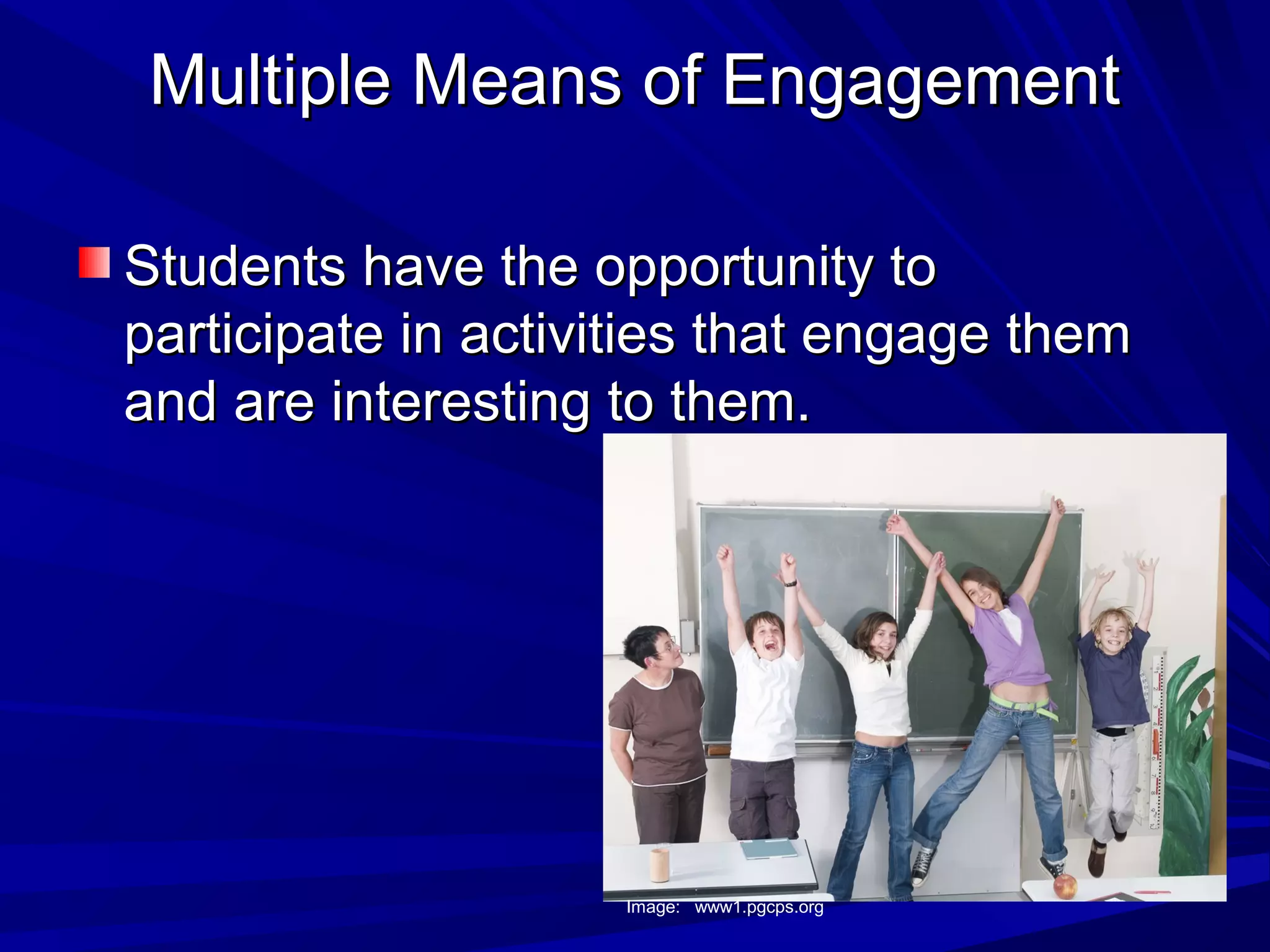
Multiple Means of EngagementMultiple Means of Engagement
Students have the opportunity toStudents have the opportunity to
participate in activities that engage themparticipate in activities that engage them
and are interesting to them.and are interesting to them.
Image: www1.pgcps.org
Examples of EngagementExamples of Engagement
Guest SpeakersGuest Speakers
SimulationsSimulations
Relation of material to pop cultureRelation of material to pop culture
Making the material relevant to theMaking the material relevant to the
students’ livesstudents’ lives
Technology in UDLTechnology in UDL
Technology allows us to implement UDLTechnology allows us to implement UDL
using a wide variety of sources.using a wide variety of sources.
Technology tools help to support theTechnology tools help to support the
individualization necessary to engage allindividualization necessary to engage all
different types of learners (different types of learners (
http://www.cast.org/research/udl/index.htmlhttp://www.cast.org/research/udl/index.html
))
Impact of UDL at our SchoolImpact of UDL at our School
Will help us reach our diverse studentsWill help us reach our diverse students
populationpopulation
Makes our lesson more relevant to ourMakes our lesson more relevant to our
studentsstudents
Gives students more options to learn andGives students more options to learn and
display their knowledge of materialdisplay their knowledge of material
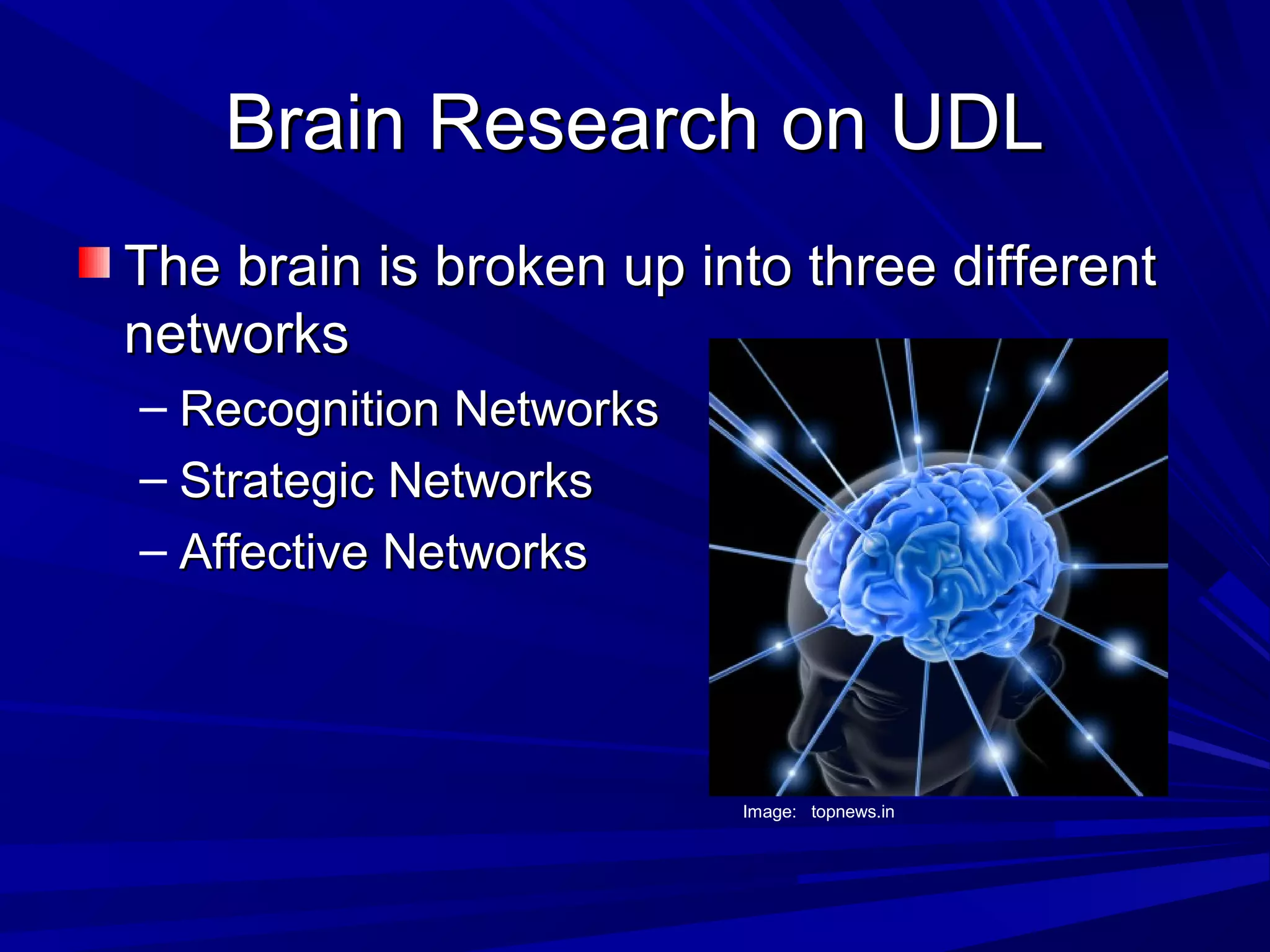
Brain Research on UDLBrain Research on UDL
The brain is broken up into three differentThe brain is broken up into three different
networksnetworks
– Recognition NetworksRecognition Networks
– Strategic NetworksStrategic Networks
– Affective NetworksAffective Networks
Image: topnews.in
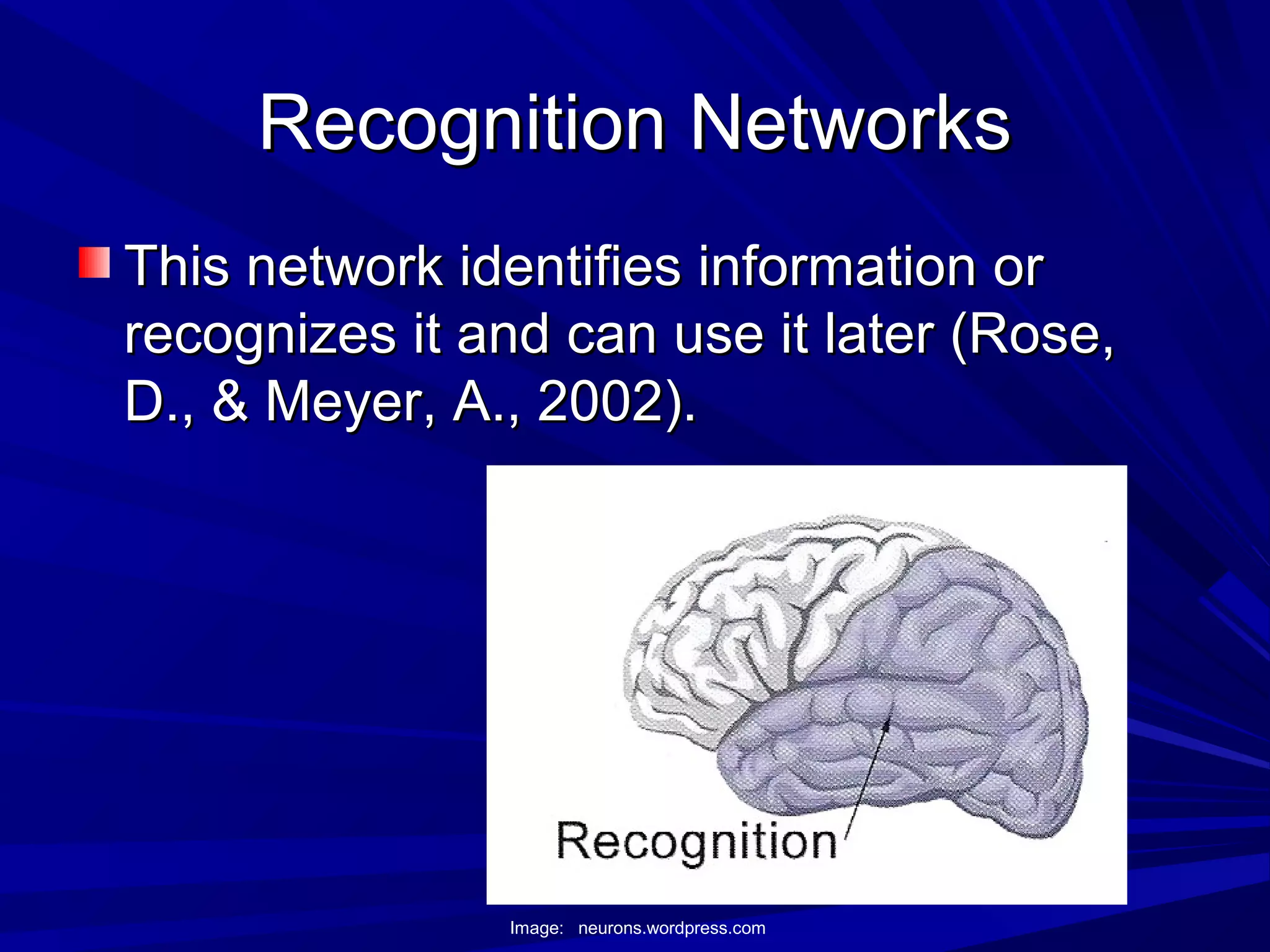
Recognition NetworksRecognition Networks
This network identifies information orThis network identifies information or
recognizes it and can use it later (Rose,recognizes it and can use it later (Rose,
D., & Meyer, A., 2002).D., & Meyer, A., 2002).
Image: neurons.wordpress.com
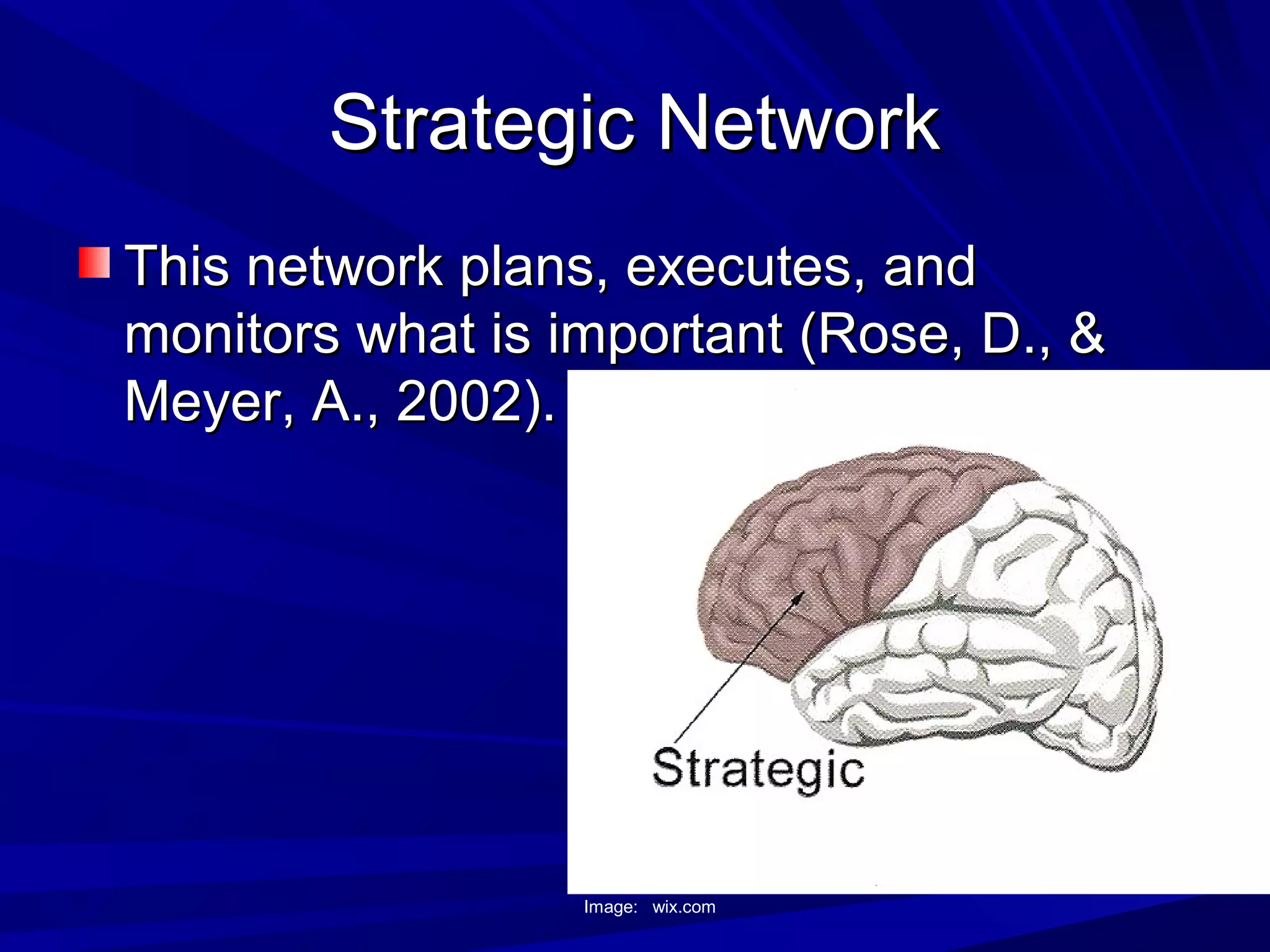
Strategic NetworkStrategic Network
This network plans, executes, andThis network plans, executes, and
monitors what is important (Rose, D., &monitors what is important (Rose, D., &
Meyer, A., 2002).Meyer, A., 2002).
Image: wix.com
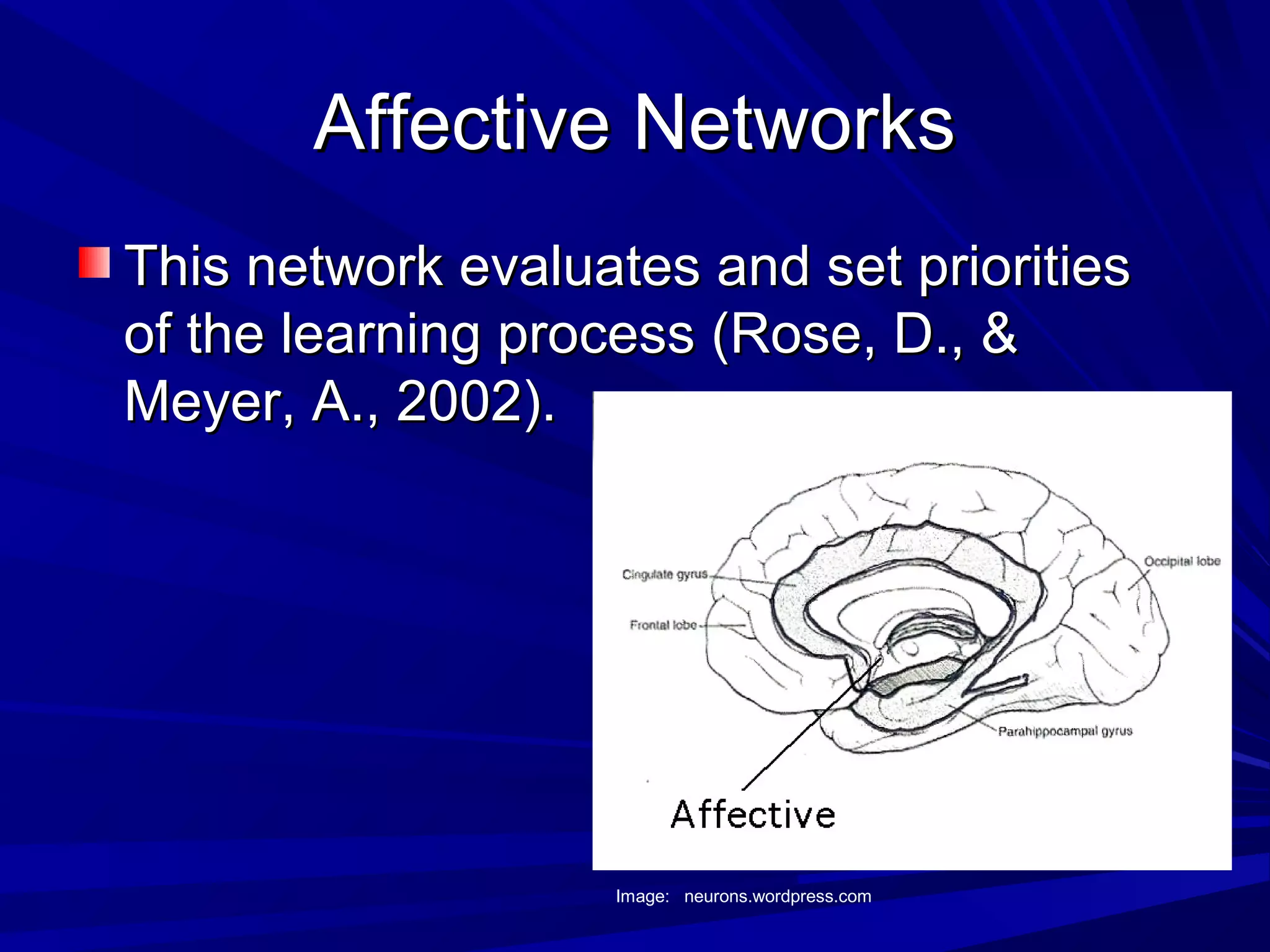
Affective NetworksAffective Networks
This network evaluates and set prioritiesThis network evaluates and set priorities
of the learning process (Rose, D., &of the learning process (Rose, D., &
Meyer, A., 2002).Meyer, A., 2002).
Image: neurons.wordpress.com
How UDL Supports DiversityHow UDL Supports Diversity
UDL is designed so that all learning stylesUDL is designed so that all learning styles
can be reachedcan be reached
Technology is an important tool that allowsTechnology is an important tool that allows
access to the different networks of theaccess to the different networks of the
brain and will help us reach all studentsbrain and will help us reach all students
CAST ResourcesCAST Resources
UDL Book BuilderUDL Book Builder
UDL Curriculum Self CheckUDL Curriculum Self Check
Teaching Every StudentTeaching Every Student
UDL Book BuilderUDL Book Builder
This resource helps teachers create digitalThis resource helps teachers create digital
books to support reading instructionbooks to support reading instruction
literacy learningliteracy learning
This tool will help our school since weThis tool will help our school since we
have many students who read belowhave many students who read below
grade level.grade level.
UDL Curriculum Self CheckUDL Curriculum Self Check
This resource helps teachers add flexibilityThis resource helps teachers add flexibility
into their lessons so they can reach andinto their lessons so they can reach and
engage all studentsengage all students
This resources will help our schoolThis resources will help our school
because it will give us a guideline to checkbecause it will give us a guideline to check
our lessons to make sure they areour lessons to make sure they are
meeting the UDL standardsmeeting the UDL standards
Teaching Every StudentTeaching Every Student
This resource explains the UDL and howThis resource explains the UDL and how
to implement it in the classroom. It hasto implement it in the classroom. It has
examples of lessons to help supportexamples of lessons to help support
teachersteachers
This resource will help our school becauseThis resource will help our school because
it will give our teachers examples andit will give our teachers examples and
tools to implement the UDL to make suretools to implement the UDL to make sure
we reach all of our studentswe reach all of our students
ResourcesResources
Center for Applied Special TechnologyCenter for Applied Special Technology
(CAST),(2010) Universial Design for(CAST),(2010) Universial Design for
Learning.Learning.
Rose, D., & Meyer, A. (2002). TeachingRose, D., & Meyer, A. (2002). Teaching
every student in the digital age: Universalevery student in the digital age: Universal
design for learning. Retrieved fromdesign for learning. Retrieved from http://http://
www.cast.org/teachingeverystudent/ideas/teswww.cast.org/teachingeverystudent/ideas/tes
//

Universal design for learning

  • 1.
    Universal Design forLearningUniversal Design for Learning (UDL)(UDL) Jonathan GarrettJonathan Garrett Walden UniversityWalden University Professor Evelyn ThompsonProfessor Evelyn Thompson Reaching and Engaging All Learners Through TechnologyReaching and Engaging All Learners Through Technology EDUC-6714I-3EDUC-6714I-3 November 28, 2010November 28, 2010
  • 2.
    What is UDLWhatis UDL UDL is designing a curriculum that givesUDL is designing a curriculum that gives everyone an equal opportunity to learn. (everyone an equal opportunity to learn. ( http://www.cast.org/research/udl/index.htmlhttp://www.cast.org/research/udl/index.html)) UDL has its roots in architecture when buildingsUDL has its roots in architecture when buildings were being designed to accommodate thewere being designed to accommodate the greatest number of people.(greatest number of people.( http://www.cast.org/research/udl/index.htmlhttp://www.cast.org/research/udl/index.html))
  • 3.
    Example of UDLin the PhysicalExample of UDL in the Physical EnvironmentEnvironment Closed Captioned TV Wheelchair Ramp Braille Sign Image: tacomarubberstamp.com Image: tipdeck.com Image: illustrator.blog-alloon.com
  • 4.
    The Three Principlesof UDLThe Three Principles of UDL Multiple means of representationMultiple means of representation Multiple means of action and expressionMultiple means of action and expression Multiple means of engagementMultiple means of engagement Image: htravisunc.wordpress.com
  • 5.
    Multiple Means ofRepresentationMultiple Means of Representation Students have the opportunity to gainStudents have the opportunity to gain information through different forms ofinformation through different forms of representation.representation. Image: 21techtools-njaet.wikispaces.com
  • 6.
    Examples of RepresentationExamplesof Representation Audio lessonsAudio lessons Video lessonsVideo lessons Multimedia presentationsMultimedia presentations Computer softwareComputer software Photo presentationsPhoto presentations
  • 7.
    Multiple Means ofAction andMultiple Means of Action and ExpressionExpression Students have to opportunity to presentStudents have to opportunity to present their knowledge of material using varioustheir knowledge of material using various methods.methods. Image: www1.pgcps.org
  • 8.
    Examples of Actionand ExpressionExamples of Action and Expression Student presentations using multimediaStudent presentations using multimedia softwaresoftware SimulationsSimulations Graphic organizersGraphic organizers
  • 9.
    Multiple Means ofEngagementMultiple Means of Engagement Students have the opportunity toStudents have the opportunity to participate in activities that engage themparticipate in activities that engage them and are interesting to them.and are interesting to them. Image: www1.pgcps.org
  • 10.
    Examples of EngagementExamplesof Engagement Guest SpeakersGuest Speakers SimulationsSimulations Relation of material to pop cultureRelation of material to pop culture Making the material relevant to theMaking the material relevant to the students’ livesstudents’ lives
  • 11.
    Technology in UDLTechnologyin UDL Technology allows us to implement UDLTechnology allows us to implement UDL using a wide variety of sources.using a wide variety of sources. Technology tools help to support theTechnology tools help to support the individualization necessary to engage allindividualization necessary to engage all different types of learners (different types of learners ( http://www.cast.org/research/udl/index.htmlhttp://www.cast.org/research/udl/index.html ))
  • 12.
    Impact of UDLat our SchoolImpact of UDL at our School Will help us reach our diverse studentsWill help us reach our diverse students populationpopulation Makes our lesson more relevant to ourMakes our lesson more relevant to our studentsstudents Gives students more options to learn andGives students more options to learn and display their knowledge of materialdisplay their knowledge of material
  • 13.
    Brain Research onUDLBrain Research on UDL The brain is broken up into three differentThe brain is broken up into three different networksnetworks – Recognition NetworksRecognition Networks – Strategic NetworksStrategic Networks – Affective NetworksAffective Networks Image: topnews.in
  • 14.
    Recognition NetworksRecognition Networks Thisnetwork identifies information orThis network identifies information or recognizes it and can use it later (Rose,recognizes it and can use it later (Rose, D., & Meyer, A., 2002).D., & Meyer, A., 2002). Image: neurons.wordpress.com
  • 15.
    Strategic NetworkStrategic Network Thisnetwork plans, executes, andThis network plans, executes, and monitors what is important (Rose, D., &monitors what is important (Rose, D., & Meyer, A., 2002).Meyer, A., 2002). Image: wix.com
  • 16.
    Affective NetworksAffective Networks Thisnetwork evaluates and set prioritiesThis network evaluates and set priorities of the learning process (Rose, D., &of the learning process (Rose, D., & Meyer, A., 2002).Meyer, A., 2002). Image: neurons.wordpress.com
  • 17.
    How UDL SupportsDiversityHow UDL Supports Diversity UDL is designed so that all learning stylesUDL is designed so that all learning styles can be reachedcan be reached Technology is an important tool that allowsTechnology is an important tool that allows access to the different networks of theaccess to the different networks of the brain and will help us reach all studentsbrain and will help us reach all students
  • 18.
    CAST ResourcesCAST Resources UDLBook BuilderUDL Book Builder UDL Curriculum Self CheckUDL Curriculum Self Check Teaching Every StudentTeaching Every Student
  • 19.
    UDL Book BuilderUDLBook Builder This resource helps teachers create digitalThis resource helps teachers create digital books to support reading instructionbooks to support reading instruction literacy learningliteracy learning This tool will help our school since weThis tool will help our school since we have many students who read belowhave many students who read below grade level.grade level.
  • 20.
    UDL Curriculum SelfCheckUDL Curriculum Self Check This resource helps teachers add flexibilityThis resource helps teachers add flexibility into their lessons so they can reach andinto their lessons so they can reach and engage all studentsengage all students This resources will help our schoolThis resources will help our school because it will give us a guideline to checkbecause it will give us a guideline to check our lessons to make sure they areour lessons to make sure they are meeting the UDL standardsmeeting the UDL standards
  • 21.
    Teaching Every StudentTeachingEvery Student This resource explains the UDL and howThis resource explains the UDL and how to implement it in the classroom. It hasto implement it in the classroom. It has examples of lessons to help supportexamples of lessons to help support teachersteachers This resource will help our school becauseThis resource will help our school because it will give our teachers examples andit will give our teachers examples and tools to implement the UDL to make suretools to implement the UDL to make sure we reach all of our studentswe reach all of our students
  • 22.
    ResourcesResources Center for AppliedSpecial TechnologyCenter for Applied Special Technology (CAST),(2010) Universial Design for(CAST),(2010) Universial Design for Learning.Learning. Rose, D., & Meyer, A. (2002). TeachingRose, D., & Meyer, A. (2002). Teaching every student in the digital age: Universalevery student in the digital age: Universal design for learning. Retrieved fromdesign for learning. Retrieved from http://http:// www.cast.org/teachingeverystudent/ideas/teswww.cast.org/teachingeverystudent/ideas/tes //