UDL and Brain Research
Holly Kwiatkowski
Reaching and Engaging All Learners Through
Technology (EDUC - 6714D - 2)
Dr. Marie Larcara
November 24, 2013
Origins of UDL
UDL stemmed from an architectural movement to
make buildings accessible to the “widest spectrum of
users” (Rose & Meyer, 2002, p.1).
Examples of universal design:
Ramps
Elevators
Curb cuts
Universal Design to UDL
Making buildings more accessible (schools
specifically) transferred to making information more
accessible, which in turn transferred to making
learning more accessible.
At first, the focus was placed on accommodating
students with disabilities, but the movement expanded
to enhance access to learning for all students (Rose &
Meyer, 2002).
CAST and UDL
CAST, the Center for Applied Special Technology, “is
a nonprofit research and development organization that
works to expand learning opportunities for all individuals
through Universal Design for Learning” (CAST, Inc. 19992013).
Howard writes, “CAST developed UDL as an approach to
teaching, learning, and assessment” (2004, p. 26).
UDL is now a framework that many teachers use to ensure
they are reaching and engaging all learners.
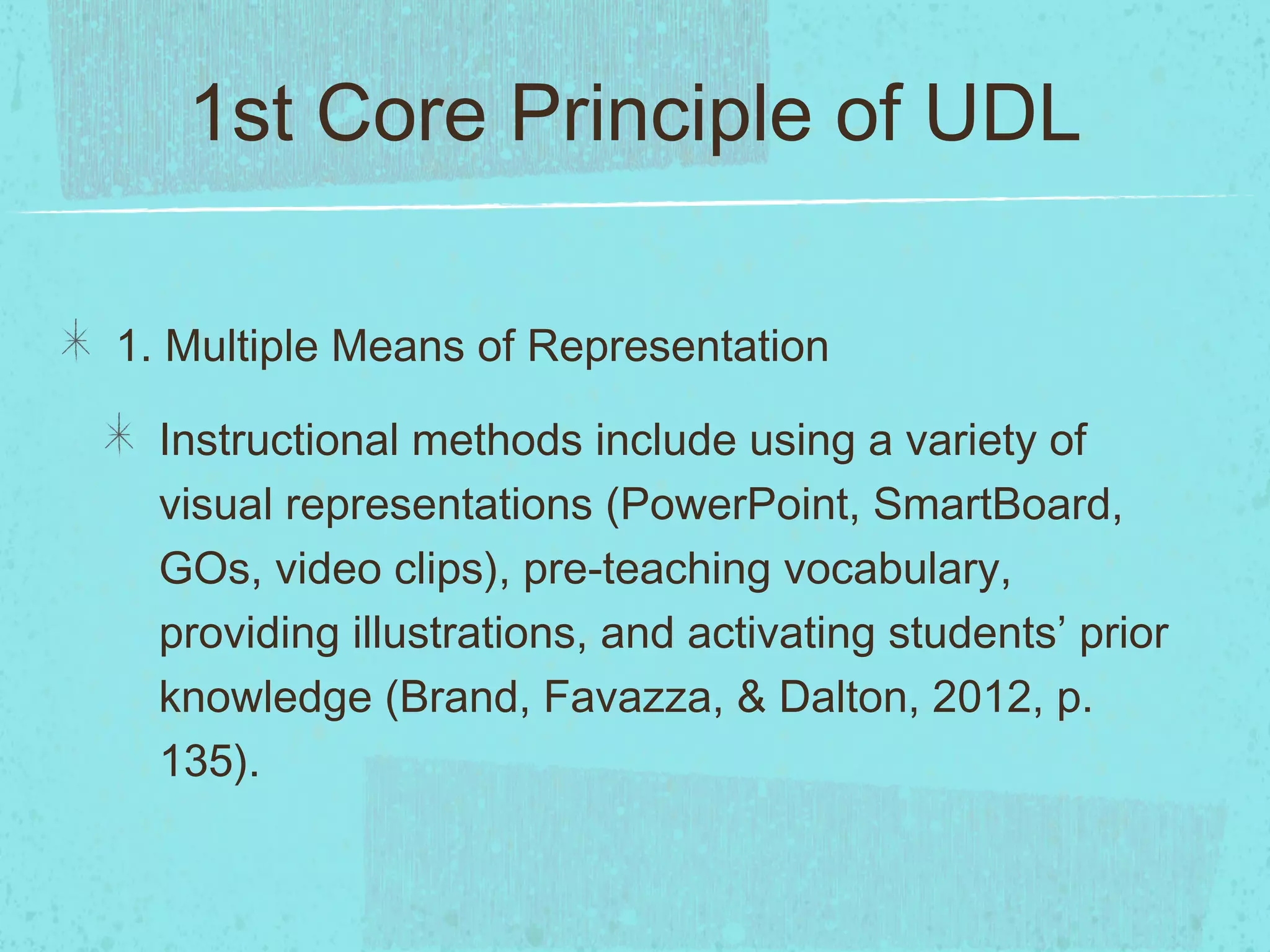
1st Core Principle of UDL
1. Multiple Means of Representation
Instructional methods include using a variety of
visual representations (PowerPoint, SmartBoard,
GOs, video clips), pre-teaching vocabulary,
providing illustrations, and activating students’ prior
knowledge (Brand, Favazza, & Dalton, 2012, p.
135).
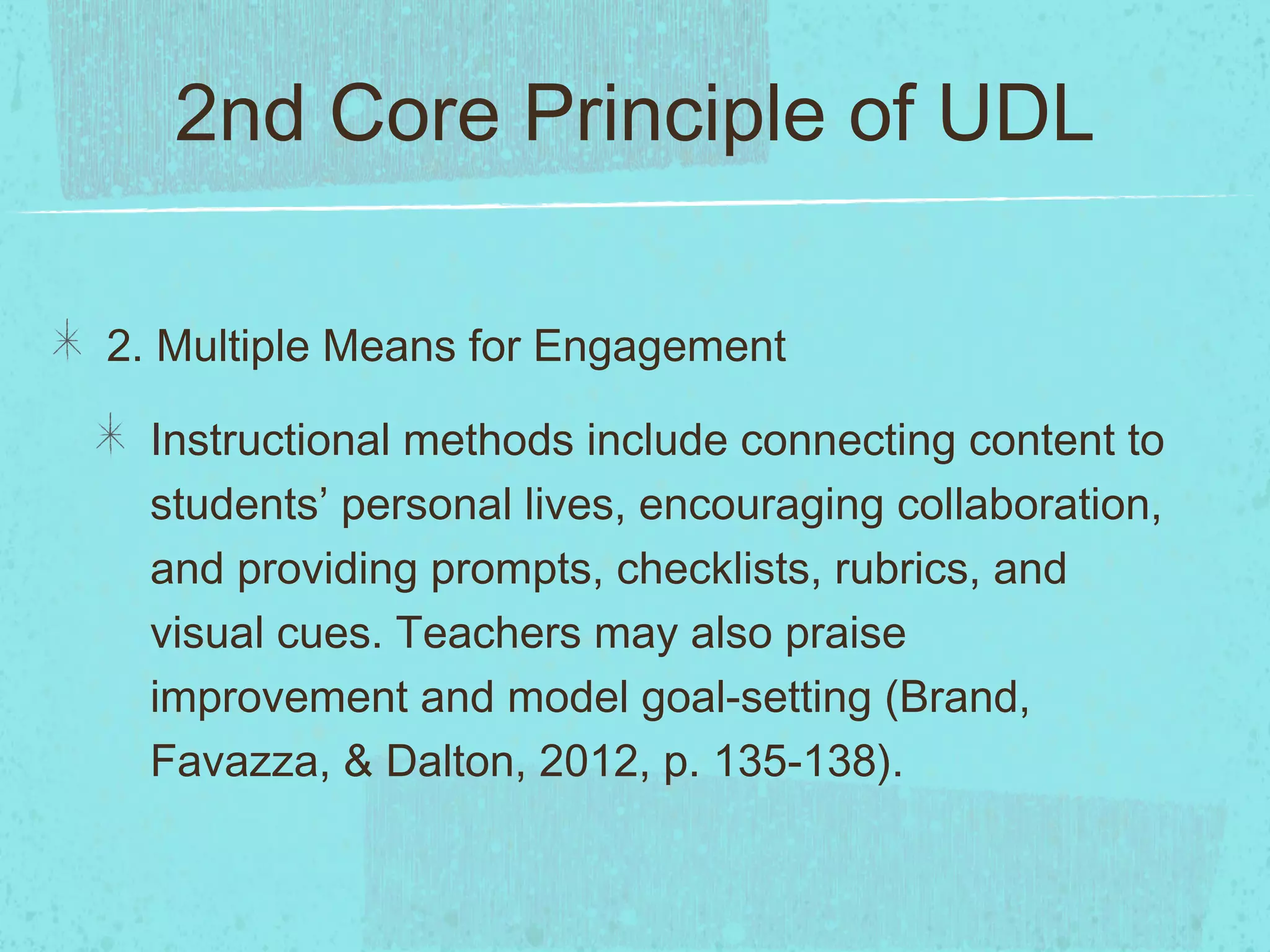
2nd Core Principle of UDL
2. Multiple Means for Engagement
Instructional methods include connecting content to
students’ personal lives, encouraging collaboration,
and providing prompts, checklists, rubrics, and
visual cues. Teachers may also praise
improvement and model goal-setting (Brand,
Favazza, & Dalton, 2012, p. 135-138).
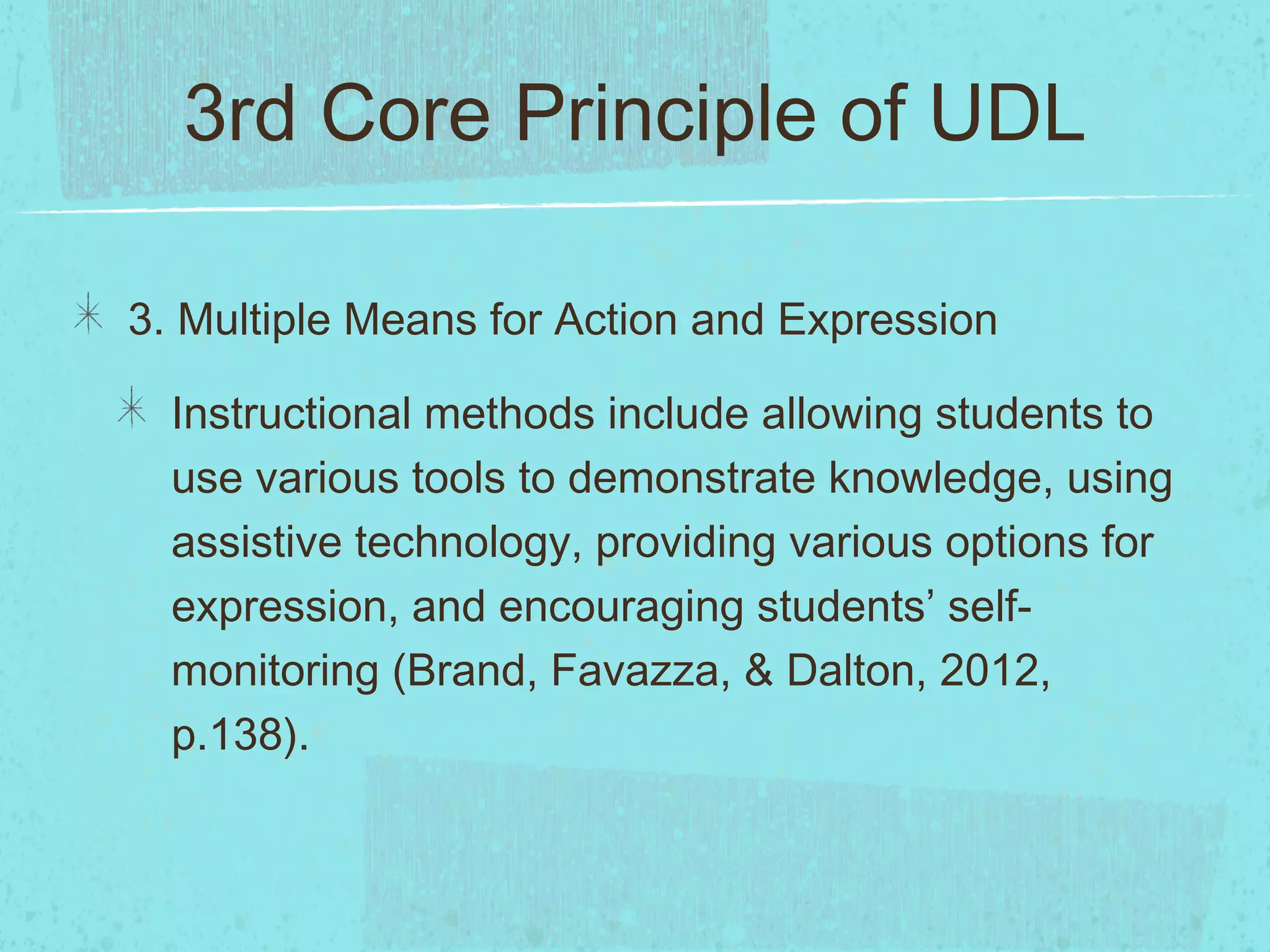
3rd Core Principle of UDL
3. Multiple Means for Action and Expression
Instructional methods include allowing students to
use various tools to demonstrate knowledge, using
assistive technology, providing various options for
expression, and encouraging students’ selfmonitoring (Brand, Favazza, & Dalton, 2012,
p.138).
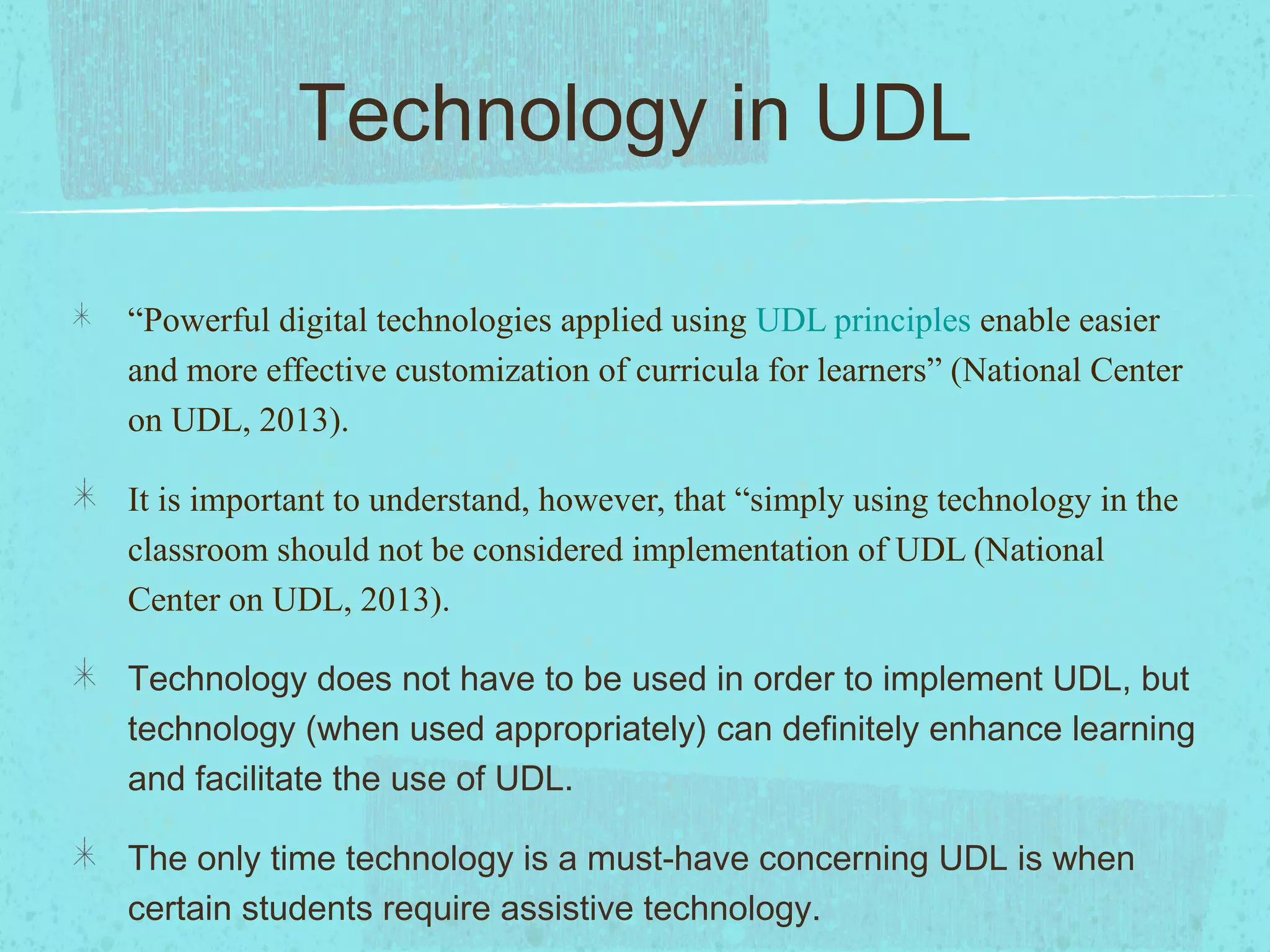
Technology in UDL
“Powerful digital technologies applied using UDL principles enable easier
and more effective customization of curricula for learners” (National Center
on UDL, 2013).
It is important to understand, however, that “simply using technology in the
classroom should not be considered implementation of UDL (National
Center on UDL, 2013).
Technology does not have to be used in order to implement UDL, but
technology (when used appropriately) can definitely enhance learning
and facilitate the use of UDL.
The only time technology is a must-have concerning UDL is when
certain students require assistive technology.
Ways to use Technology in
UDL
Technology can enhance UDL in the following ways:
Technology provides teachers with various ways to
present information (projector, SmartBoard, Prezi,
PowerPoint, video and music clips).
Technology provides students with various ways to
demonstrate knowledge (PowerPoint, Prezi, videos,
templates, GoogleDocs, SlideShare).
Technology can increase student interest and
engagement
UDL at my School
UDL allows students options and the ability to choose how
they can best demonstrate mastery of a skill. The autonomy
will increase students’ feelings of ownership and
independence.
The majority of the students at my school come from homes
with limited technologies and no Internet access. Just
because they do not have access at home, however, does
not mean they are not interested in technology. When
teachers use technology to implement UDL, my students’
interest and engagement levels will increase.
When all teachers buy into the idea of UDL, all students will
Brain Networks
The brain has three neural networks that are equally
essential to learning:
1. Recognition Networks
2. Strategic Networks
3. Affective Networks
Rose and Meyer write, “Although all brains share these
general characteristics, individual brains differ
substantially-a point that bears critical implications for
teaching” (2002).
Implications
According to Rose and Meyer, “One of the clearest and
most important revelations stemming from brain research is
that there are no "regular" students” (2002).
If there is no “regular student,” there should not be a
“regular” way to teach; this validates the necessity of UDL.
UDL naturally addresses the learner difference found
through brain research.
UDL and Technology to Support
Recognition Learning
Teachers should provide students with multiple examples when teaching new concepts.
Rose and Meyers write, “Digital media and tools can facilitate finding and presenting these
examples in the form of text, image, sound, or video” (2002).
Furthermore, students can use and manipulate technology to facilitate their recognition of patterns.
Teachers should also highlight key components for students; technology programs can make key
relationships or concepts more evident.
Providing students with multiple presentations of a concept make learning accessible for all
learners. According to Rose and Meyers, “Providing multiple representations of patterns through a
variety of media, formats, organizations, levels of detail, and degree of depth includes more
learners by offering both choice and redundancy” (2002).
Activating prior knowledge is also a key component in UDL and supporting recognition learning.
“Digital materials provide an ideal vehicle for supporting background knowledge because they are
flexible and because they can be linked to other information resources such as those on the Web”
(Rose & Meyers, 2002).
UDL and Technology to
Support Strategic Learning
•

To access strategic learning, teachers should
“present models of processes in a variety of contexts”
(Rose and Meyers, 2002). Technology, such as
Youtube videos, could be used to demonstrate
various processes. Any time I want to know how to do
something, I find a video that teaches me on Youtube.

•

Students needs specific feedback, and when teachers
or professionals are not available, there are many
software programs that assess skills and provide
feedback.
UDL and Technology to
Support Affective Learning

•

Affective learning is all about hooking students and
sparking interest in the content. “No one hook will work
for every students,” and technology offers teachers and
students various ways to present and access information
(Rose & Meyers, 2002).

•

The context of learning also has a great deal to do with
student engagement. Technology provides teachers with
tools to individual contexts for students. Specifically,
different webquests could be created for student use. A
program I often use is Compass Odyssey, which can be
both remedial and challenging for students depending on
CAST Online Tools and
Resources
•

The UDL Class Learning Profile Template is a form that teachers can use to
classify the strengths, weakness, and preferences of students according to
the three learning networks.
•

Teachers at my school could use this tool to better know their students and
decide which instructional techniques would reach the largest number of
students.

•

If teachers use this template, they are forced to analyze their students, which
in turn prompts them to analyze the way they teach their students.

•

Perhaps teachers at my school should be required to complete this form by
the end of the first quarter.
CAST Online Tools and
Resources
•

A second resource is the Deriving UDL Solutions Template.
This form asks teachers to identify solutions to specific
barriers that students may face.

•

This resource could be used at my school to prompt
teachers to brainstorm instructional solutions before barriers
affect learning. If teachers know ahead of time what
difficulties students will face and ways they will address
these obstacles, the learning process will not be interrupted.

•

Teachers could make a note of which solutions are most
effective.
CAST Online Tools and
Resources

•

UDL encourages teachers to present information is various ways.
One important representation is visual. The Image Collector Tool
allows teachers to find, describe, and save images that are related to
learning goals and content.

•

Teachers at my school could use this tool to ensure there is a visual
representation to accompany each learning goal. It would be great if
teachers at my school were able to share this tool and access every
picture found.

•

English teachers could use this tool specifically for teaching
symbolism or vocabulary terms. Social Studies teachers could collect
images of political figures, propaganda, and political cartoons.
Science teachers could find visual representations of condensation,
evaporation, etc. The key at my school would be demonstrate the
UDL, Technology, and Learning
Networks
•

Universal Design for Learning, technology, and the
three learning networks are all interrelated.

•

In order to successfully meet the needs of diverse
learners, teachers must understand the different ways
individuals learn, how to accommodate differences in
learning, and how technology can facilitate the
process.

•

A clear understanding of UDL, learning networks, and
technology tools will prepare teachers to make
learning accessible to all students.
References
Brand, S., Favazza, A. E., & Dalton, E. M. (2012). Universal Design for Learning: A
Blueprint for Success for All Learners. Kappa Delta Pi Record, 48(3), 134-139.
doi:10.1080/00228958.2012.707506
CAST, Inc. (1999-2013). About Cast. Retrieved from
http://www.cast.org/about/index.html
CAST, Inc. (2002–2011). Teaching every student: Tools and activities. Retrieved from
http://www.cast.org/teachingeverystudent/tools/
Howard, K. L. (2004). Universal design for learning: Meeting the needs of all students.
Learning & Leading with Technology, 31(5), 26–29.
National Center on Universal Design for Learning. (2013). UDL and Technology.
Retrieved from http://www.udlcenter.org/aboutudl/udltechnology.
Rose, D., & Meyer, A. (2002). Teaching every student in the digital age: Universal
design for learning. Retrieved from

UDL Presentation

  • 1.
    UDL and BrainResearch Holly Kwiatkowski Reaching and Engaging All Learners Through Technology (EDUC - 6714D - 2) Dr. Marie Larcara November 24, 2013
  • 2.
    Origins of UDL UDLstemmed from an architectural movement to make buildings accessible to the “widest spectrum of users” (Rose & Meyer, 2002, p.1). Examples of universal design: Ramps Elevators Curb cuts
  • 3.
    Universal Design toUDL Making buildings more accessible (schools specifically) transferred to making information more accessible, which in turn transferred to making learning more accessible. At first, the focus was placed on accommodating students with disabilities, but the movement expanded to enhance access to learning for all students (Rose & Meyer, 2002).
  • 4.
    CAST and UDL CAST,the Center for Applied Special Technology, “is a nonprofit research and development organization that works to expand learning opportunities for all individuals through Universal Design for Learning” (CAST, Inc. 19992013). Howard writes, “CAST developed UDL as an approach to teaching, learning, and assessment” (2004, p. 26). UDL is now a framework that many teachers use to ensure they are reaching and engaging all learners.
  • 5.
    1st Core Principleof UDL 1. Multiple Means of Representation Instructional methods include using a variety of visual representations (PowerPoint, SmartBoard, GOs, video clips), pre-teaching vocabulary, providing illustrations, and activating students’ prior knowledge (Brand, Favazza, & Dalton, 2012, p. 135).
  • 6.
    2nd Core Principleof UDL 2. Multiple Means for Engagement Instructional methods include connecting content to students’ personal lives, encouraging collaboration, and providing prompts, checklists, rubrics, and visual cues. Teachers may also praise improvement and model goal-setting (Brand, Favazza, & Dalton, 2012, p. 135-138).
  • 7.
    3rd Core Principleof UDL 3. Multiple Means for Action and Expression Instructional methods include allowing students to use various tools to demonstrate knowledge, using assistive technology, providing various options for expression, and encouraging students’ selfmonitoring (Brand, Favazza, & Dalton, 2012, p.138).
  • 8.
    Technology in UDL “Powerfuldigital technologies applied using UDL principles enable easier and more effective customization of curricula for learners” (National Center on UDL, 2013). It is important to understand, however, that “simply using technology in the classroom should not be considered implementation of UDL (National Center on UDL, 2013). Technology does not have to be used in order to implement UDL, but technology (when used appropriately) can definitely enhance learning and facilitate the use of UDL. The only time technology is a must-have concerning UDL is when certain students require assistive technology.
  • 9.
    Ways to useTechnology in UDL Technology can enhance UDL in the following ways: Technology provides teachers with various ways to present information (projector, SmartBoard, Prezi, PowerPoint, video and music clips). Technology provides students with various ways to demonstrate knowledge (PowerPoint, Prezi, videos, templates, GoogleDocs, SlideShare). Technology can increase student interest and engagement
  • 10.
    UDL at mySchool UDL allows students options and the ability to choose how they can best demonstrate mastery of a skill. The autonomy will increase students’ feelings of ownership and independence. The majority of the students at my school come from homes with limited technologies and no Internet access. Just because they do not have access at home, however, does not mean they are not interested in technology. When teachers use technology to implement UDL, my students’ interest and engagement levels will increase. When all teachers buy into the idea of UDL, all students will
  • 11.
    Brain Networks The brainhas three neural networks that are equally essential to learning: 1. Recognition Networks 2. Strategic Networks 3. Affective Networks Rose and Meyer write, “Although all brains share these general characteristics, individual brains differ substantially-a point that bears critical implications for teaching” (2002).
  • 12.
    Implications According to Roseand Meyer, “One of the clearest and most important revelations stemming from brain research is that there are no "regular" students” (2002). If there is no “regular student,” there should not be a “regular” way to teach; this validates the necessity of UDL. UDL naturally addresses the learner difference found through brain research.
  • 13.
    UDL and Technologyto Support Recognition Learning Teachers should provide students with multiple examples when teaching new concepts. Rose and Meyers write, “Digital media and tools can facilitate finding and presenting these examples in the form of text, image, sound, or video” (2002). Furthermore, students can use and manipulate technology to facilitate their recognition of patterns. Teachers should also highlight key components for students; technology programs can make key relationships or concepts more evident. Providing students with multiple presentations of a concept make learning accessible for all learners. According to Rose and Meyers, “Providing multiple representations of patterns through a variety of media, formats, organizations, levels of detail, and degree of depth includes more learners by offering both choice and redundancy” (2002). Activating prior knowledge is also a key component in UDL and supporting recognition learning. “Digital materials provide an ideal vehicle for supporting background knowledge because they are flexible and because they can be linked to other information resources such as those on the Web” (Rose & Meyers, 2002).
  • 14.
    UDL and Technologyto Support Strategic Learning • To access strategic learning, teachers should “present models of processes in a variety of contexts” (Rose and Meyers, 2002). Technology, such as Youtube videos, could be used to demonstrate various processes. Any time I want to know how to do something, I find a video that teaches me on Youtube. • Students needs specific feedback, and when teachers or professionals are not available, there are many software programs that assess skills and provide feedback.
  • 15.
    UDL and Technologyto Support Affective Learning • Affective learning is all about hooking students and sparking interest in the content. “No one hook will work for every students,” and technology offers teachers and students various ways to present and access information (Rose & Meyers, 2002). • The context of learning also has a great deal to do with student engagement. Technology provides teachers with tools to individual contexts for students. Specifically, different webquests could be created for student use. A program I often use is Compass Odyssey, which can be both remedial and challenging for students depending on
  • 16.
    CAST Online Toolsand Resources • The UDL Class Learning Profile Template is a form that teachers can use to classify the strengths, weakness, and preferences of students according to the three learning networks. • Teachers at my school could use this tool to better know their students and decide which instructional techniques would reach the largest number of students. • If teachers use this template, they are forced to analyze their students, which in turn prompts them to analyze the way they teach their students. • Perhaps teachers at my school should be required to complete this form by the end of the first quarter.
  • 17.
    CAST Online Toolsand Resources • A second resource is the Deriving UDL Solutions Template. This form asks teachers to identify solutions to specific barriers that students may face. • This resource could be used at my school to prompt teachers to brainstorm instructional solutions before barriers affect learning. If teachers know ahead of time what difficulties students will face and ways they will address these obstacles, the learning process will not be interrupted. • Teachers could make a note of which solutions are most effective.
  • 18.
    CAST Online Toolsand Resources • UDL encourages teachers to present information is various ways. One important representation is visual. The Image Collector Tool allows teachers to find, describe, and save images that are related to learning goals and content. • Teachers at my school could use this tool to ensure there is a visual representation to accompany each learning goal. It would be great if teachers at my school were able to share this tool and access every picture found. • English teachers could use this tool specifically for teaching symbolism or vocabulary terms. Social Studies teachers could collect images of political figures, propaganda, and political cartoons. Science teachers could find visual representations of condensation, evaporation, etc. The key at my school would be demonstrate the
  • 19.
    UDL, Technology, andLearning Networks • Universal Design for Learning, technology, and the three learning networks are all interrelated. • In order to successfully meet the needs of diverse learners, teachers must understand the different ways individuals learn, how to accommodate differences in learning, and how technology can facilitate the process. • A clear understanding of UDL, learning networks, and technology tools will prepare teachers to make learning accessible to all students.
  • 20.
    References Brand, S., Favazza,A. E., & Dalton, E. M. (2012). Universal Design for Learning: A Blueprint for Success for All Learners. Kappa Delta Pi Record, 48(3), 134-139. doi:10.1080/00228958.2012.707506 CAST, Inc. (1999-2013). About Cast. Retrieved from http://www.cast.org/about/index.html CAST, Inc. (2002–2011). Teaching every student: Tools and activities. Retrieved from http://www.cast.org/teachingeverystudent/tools/ Howard, K. L. (2004). Universal design for learning: Meeting the needs of all students. Learning & Leading with Technology, 31(5), 26–29. National Center on Universal Design for Learning. (2013). UDL and Technology. Retrieved from http://www.udlcenter.org/aboutudl/udltechnology. Rose, D., & Meyer, A. (2002). Teaching every student in the digital age: Universal design for learning. Retrieved from