My Top Ten Tech
Tools
Stephen Schawalder
Zest for Tech
Frostburg University
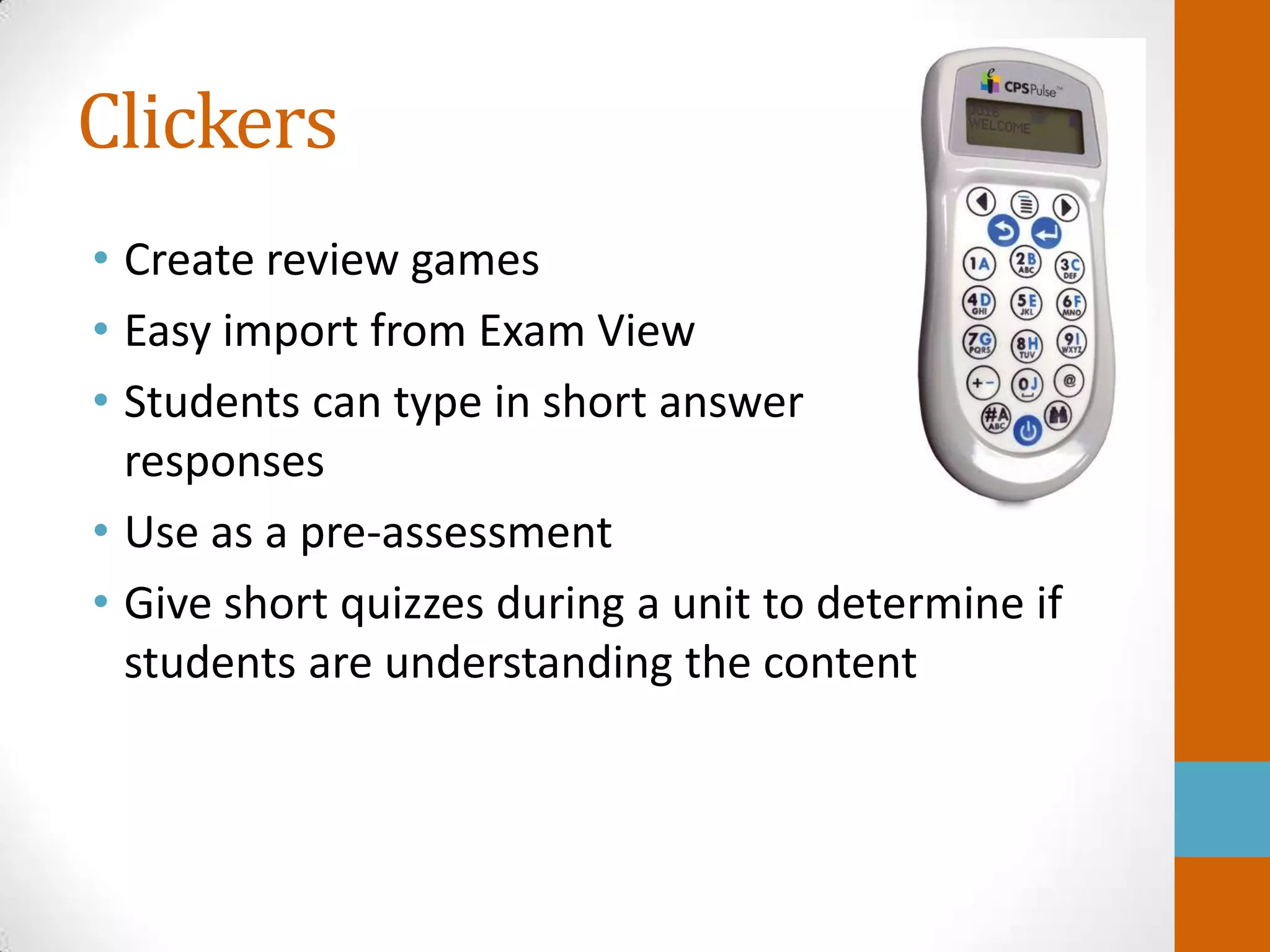
Clickers
• Create review games
• Easy import from Exam View
• Students can type in short answer
  responses
• Use as a pre-assessment
• Give short quizzes during a unit to determine if
  students are understanding the content
Prezi

• Free for teachers
• Vocabulary review
• Can show how concepts relate to each other
• Rotate, zoom in, and zoom out
• Students can work together at the same time on
  the same Prezi
Google Sites

• Created a class site with tons of resources for my
  students
• Post review activities for important exams
• Post important announcements
• Assignment calendar with all
  homework, tests, and quizzes listed
Google Earth

• Take virtual field trips around the world
• Explore and learn about other cultures
• View 360 degree panoramic images of many
  sites
Quizlet
• Free flash card and vocabulary games
• Sets take minutes to create
• Add pictures to your vocabulary review
• Multiple mobile apps to study Quizlet cards
Voice Thread

• Practice communication skills in a second
  language
• Students can upload images, documents, and
  videos and then talk about them
• Students can leave comments through text,
  audio files, webcams, microphone, or telephone
• Works on most computers, plus there is a free
  app
Google Drive/Docs
• Free
• Can be used on nearly any computer
• Easy for students to start at school and finish at
  home
• Students can work together and collaborate on
  the same document at the same time
Edmodo
• Collect student work
  • 100% paperless in my business education classes
• Provide instant feedback
• Conduct class polls
• Online discussions
iCloud


• Last year, I went paperless with my lessons
  thanks to iCloud and my iPad
• I type my lessons in Microsoft Word or Pages and
  then upload them into iCloud
• The documents are immediately sent to my iPad
  and I do not have to keep a paper copy
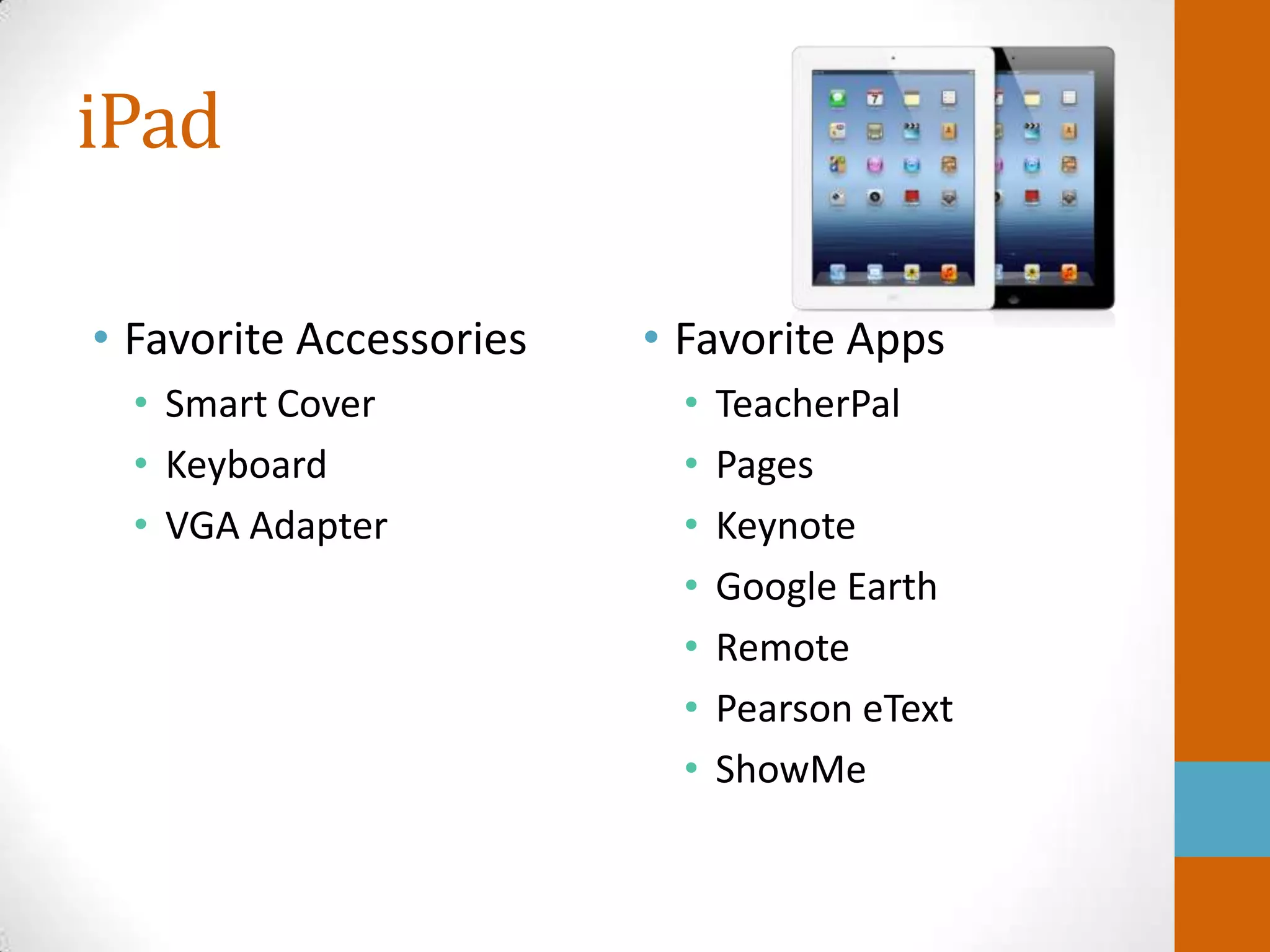
iPad

• Favorite Accessories   • Favorite Apps
  • Smart Cover            •   TeacherPal
  • Keyboard               •   Pages
  • VGA Adapter            •   Keynote
                           •   Google Earth
                           •   Remote
                           •   Pearson eText
                           •   ShowMe
TeacherPal


• Free app that lets you keep track of grades,
  attendance, and student behavior
• Fully customizable attendance codes
Pages


• Keep digital copies of lessons on Pages
Keynote


• Keep a copy of PowerPoints on my iPad and
  never have to worry about searching different
  computers and USB drives for them
Remote

• Control iTunes from an iPad, iPod Touch, or
  iPhone
Pearson eText


• Electronic copy of my Spanish textbook
• Includes all video and audio files
• Open it to the correct page and display on LCD
  projector
ShowMe


• Record whiteboard tutorials and share them
  online
• Great for absent students
Questions?


• Steve Schawalder
 • steveschawalder@gmail.com
 • Facebook
 • Linked In

Top 10 tech tools

  • 1.
    My Top TenTech Tools Stephen Schawalder Zest for Tech Frostburg University
  • 2.
    Clickers • Create reviewgames • Easy import from Exam View • Students can type in short answer responses • Use as a pre-assessment • Give short quizzes during a unit to determine if students are understanding the content
  • 3.
    Prezi • Free forteachers • Vocabulary review • Can show how concepts relate to each other • Rotate, zoom in, and zoom out • Students can work together at the same time on the same Prezi
  • 4.
    Google Sites • Createda class site with tons of resources for my students • Post review activities for important exams • Post important announcements • Assignment calendar with all homework, tests, and quizzes listed
  • 5.
    Google Earth • Takevirtual field trips around the world • Explore and learn about other cultures • View 360 degree panoramic images of many sites
  • 6.
    Quizlet • Free flashcard and vocabulary games • Sets take minutes to create • Add pictures to your vocabulary review • Multiple mobile apps to study Quizlet cards
  • 7.
    Voice Thread • Practicecommunication skills in a second language • Students can upload images, documents, and videos and then talk about them • Students can leave comments through text, audio files, webcams, microphone, or telephone • Works on most computers, plus there is a free app
  • 8.
    Google Drive/Docs • Free •Can be used on nearly any computer • Easy for students to start at school and finish at home • Students can work together and collaborate on the same document at the same time
  • 9.
    Edmodo • Collect studentwork • 100% paperless in my business education classes • Provide instant feedback • Conduct class polls • Online discussions
  • 10.
    iCloud • Last year,I went paperless with my lessons thanks to iCloud and my iPad • I type my lessons in Microsoft Word or Pages and then upload them into iCloud • The documents are immediately sent to my iPad and I do not have to keep a paper copy
  • 11.
    iPad • Favorite Accessories • Favorite Apps • Smart Cover • TeacherPal • Keyboard • Pages • VGA Adapter • Keynote • Google Earth • Remote • Pearson eText • ShowMe
  • 12.
    TeacherPal • Free appthat lets you keep track of grades, attendance, and student behavior • Fully customizable attendance codes
  • 13.
    Pages • Keep digitalcopies of lessons on Pages
  • 14.
    Keynote • Keep acopy of PowerPoints on my iPad and never have to worry about searching different computers and USB drives for them
  • 15.
    Remote • Control iTunesfrom an iPad, iPod Touch, or iPhone
  • 16.
    Pearson eText • Electroniccopy of my Spanish textbook • Includes all video and audio files • Open it to the correct page and display on LCD projector
  • 17.
    ShowMe • Record whiteboardtutorials and share them online • Great for absent students
  • 18.
    Questions? • Steve Schawalder • steveschawalder@gmail.com • Facebook • Linked In