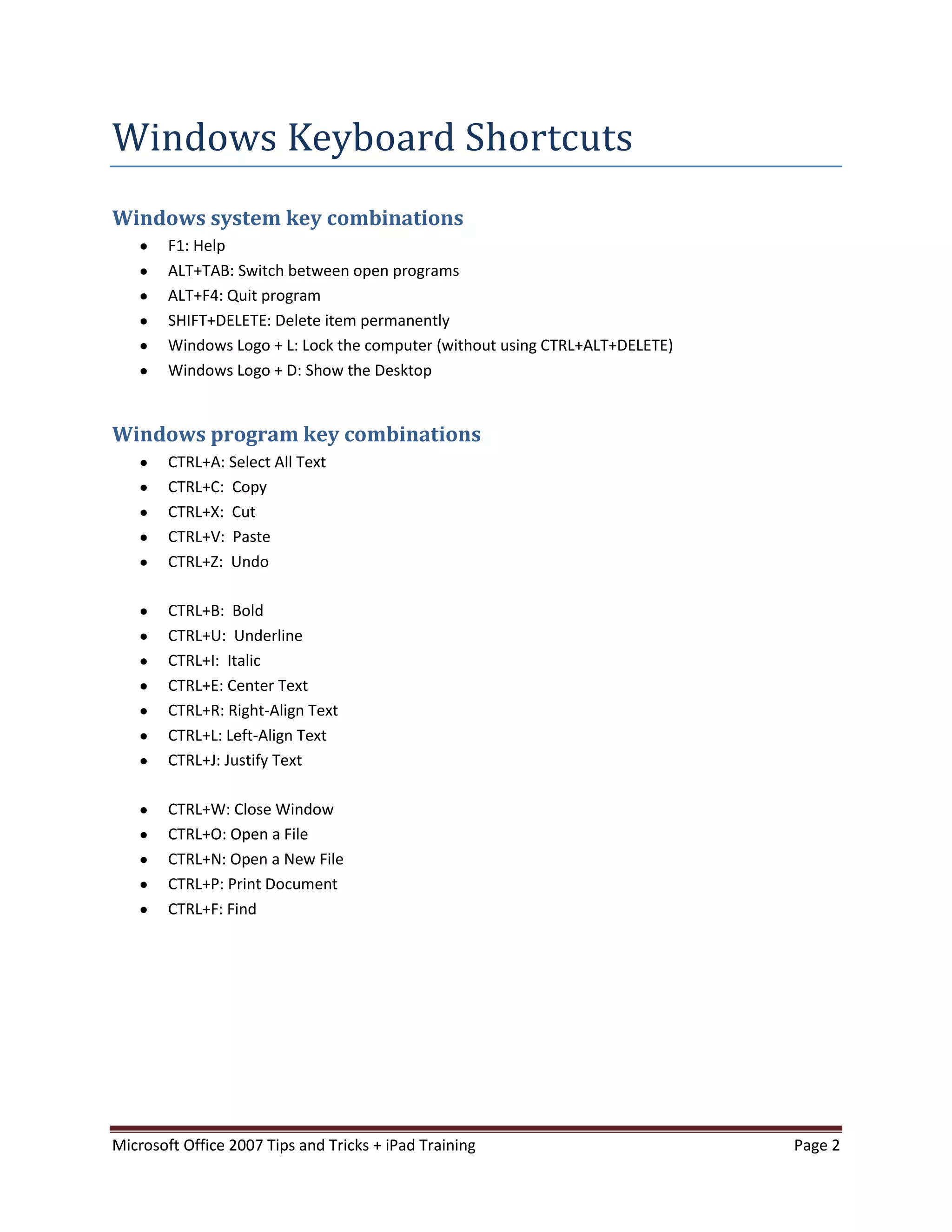
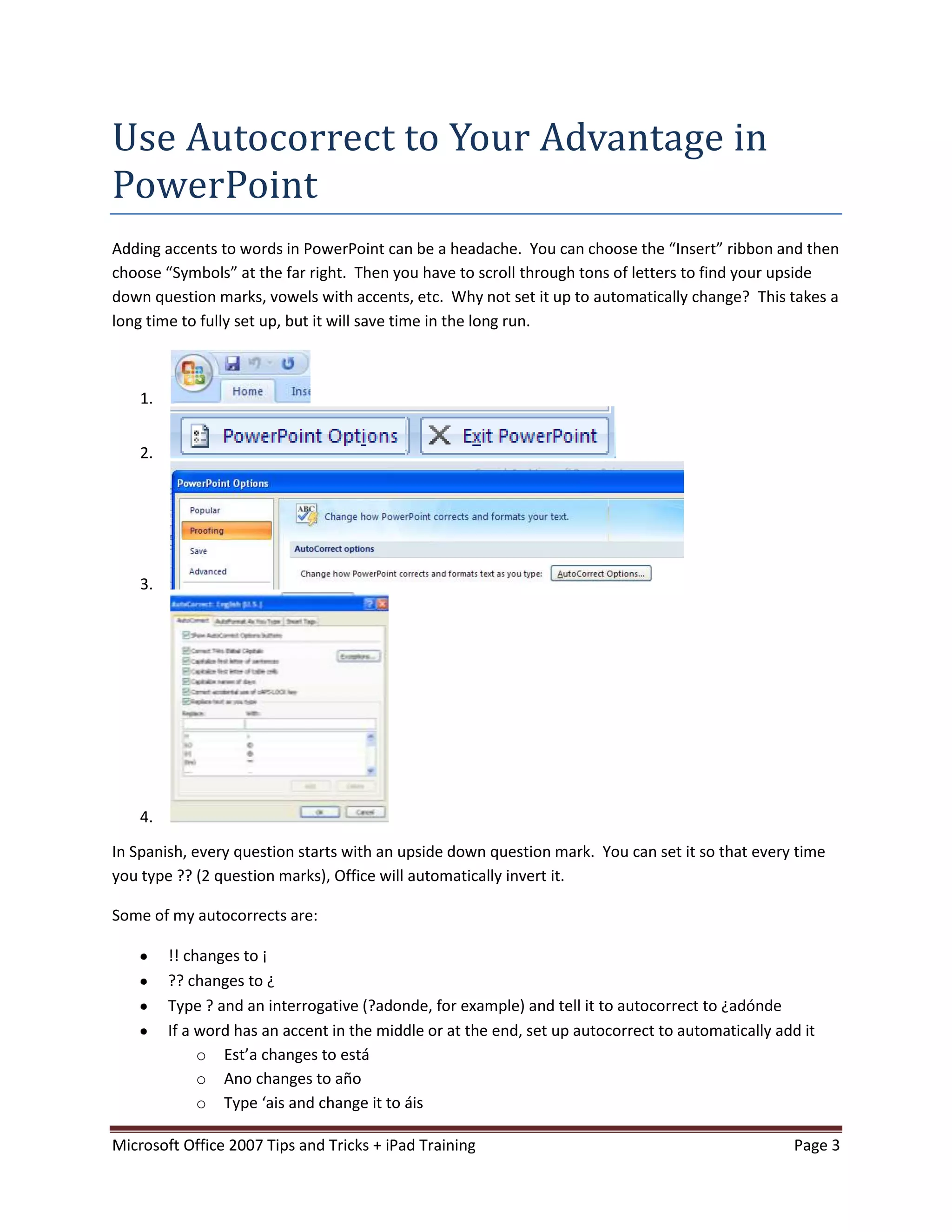
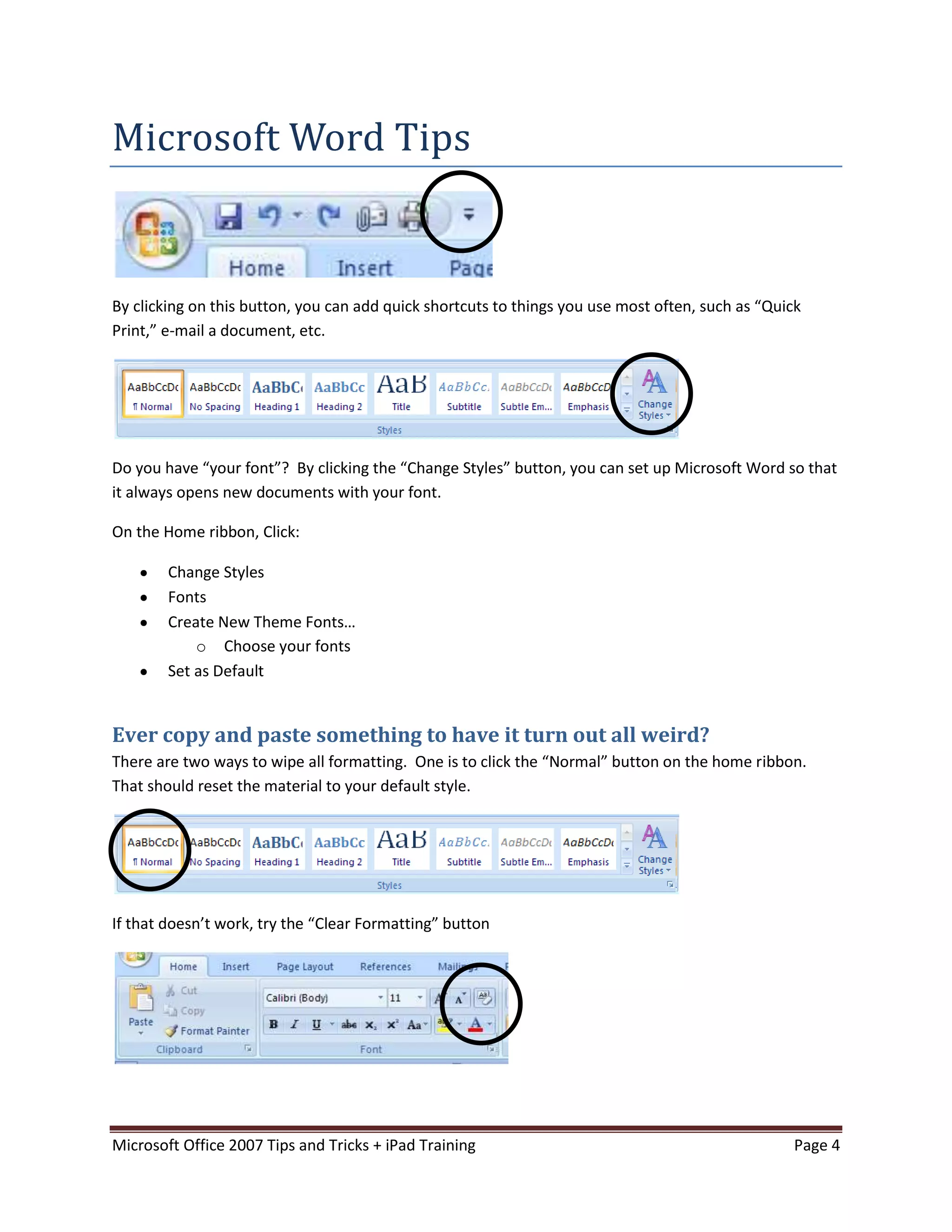
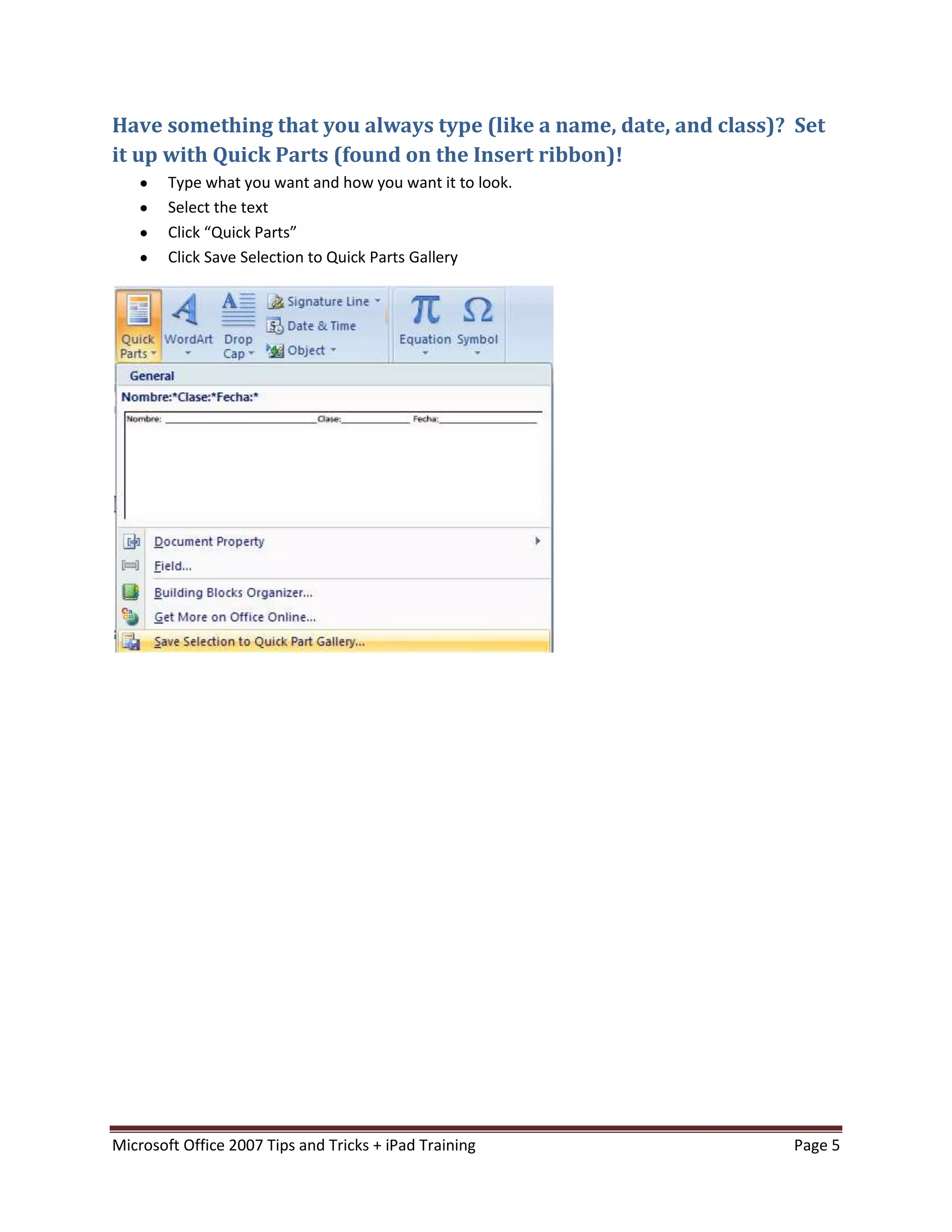
This document provides tips and tricks for using Microsoft Office 2007 and an iPad in the classroom. It discusses keyboard shortcuts in Windows and Office programs. It offers ways to use autocorrect, set default fonts, remove formatting, and create quick parts in Word. In PowerPoint, it suggests using autocorrect for accents and tracking changes to provide digital feedback on student work. It also provides ideas for integrating Office programs and useful apps to use on the iPad for language learning.
![Stephen Schawalder
schawste@wcps.k12.md.us
http://sites.google.com/site/schawste
[MICROSOFT OFFICE 2007 TIPS
AND TRICKS + IPAD TRAINING]
October 2011
Microsoft Office 2007 Tips and Tricks + iPad Training Page 1](https://image.slidesharecdn.com/officetipsandtricks-121111150213-phpapp01/75/Office-tips-and-tricks-1-2048.jpg)