Prep iPad take-
home trial 2012
Mobile Learning
‘Take a look around and chances are you'll see a mobile device. Phones, iPods,
laptops, netbooks, iPads, USB drives, and handheld games seem to be
everywhere. Combine these ever-present gadgets with educational and
productivity uses and you've got mobile learning.

Mobile learning can happen anywhere: in a classroom, at the dining room
table, on a bus, in front of a science exhibit, at the zoo…anywhere! Portability
is not as important as the ability of the learner to connect, communicate,
collaborate, and create using tools that are readily at hand.’

        (Tony Vincent http://learninginhand.com/)
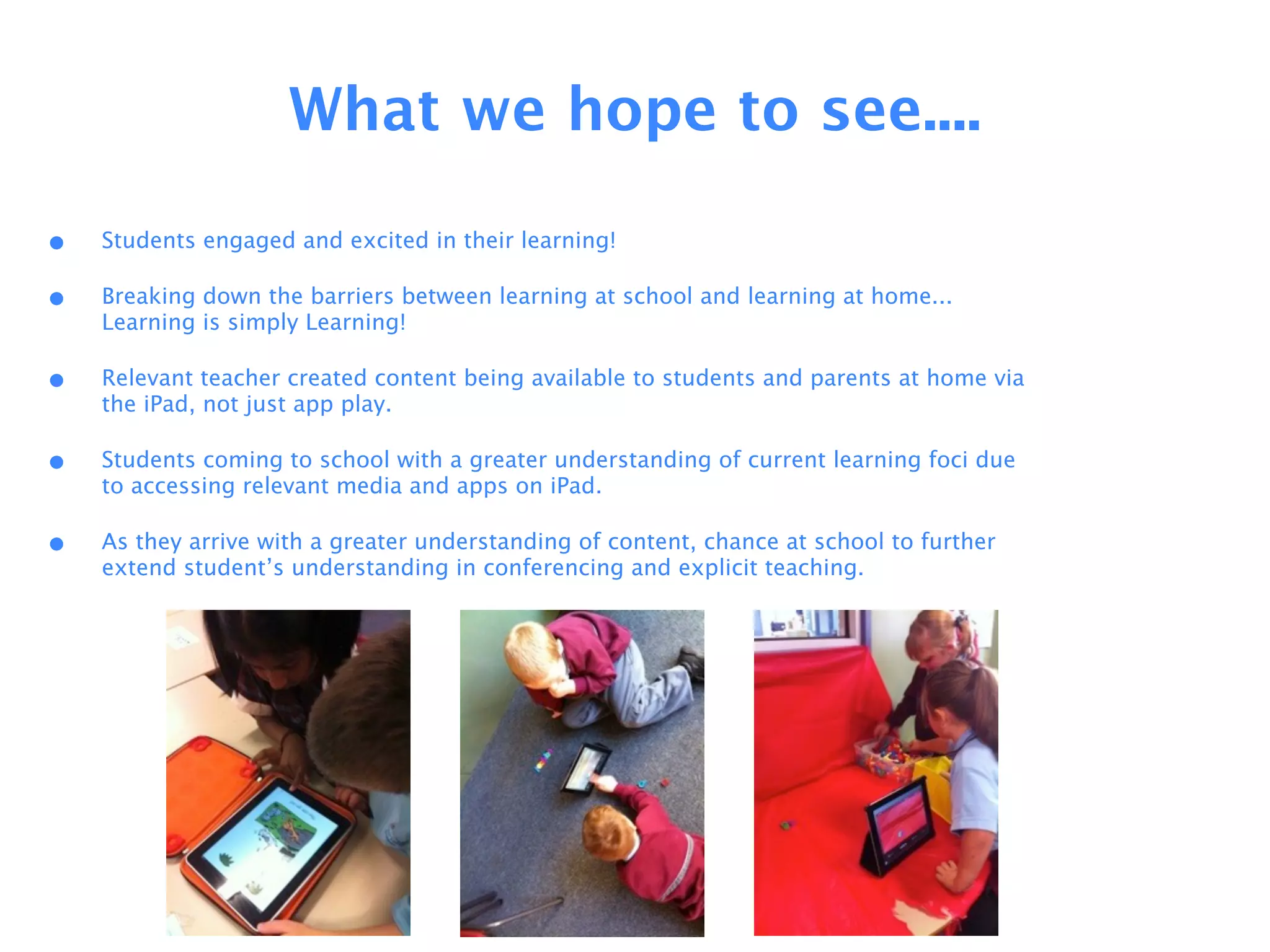
What we hope to see....

•   Students engaged and excited in their learning!

•   Breaking down the barriers between learning at school and learning at home...
    Learning is simply Learning!

•   Relevant teacher created content being available to students and parents at home via
    the iPad, not just app play.

•   Students coming to school with a greater understanding of current learning foci due
    to accessing relevant media and apps on iPad.

•   As they arrive with a greater understanding of content, chance at school to further
    extend student’s understanding in conferencing and explicit teaching.
How you can use
the iPads at home.
    !
            !


        !
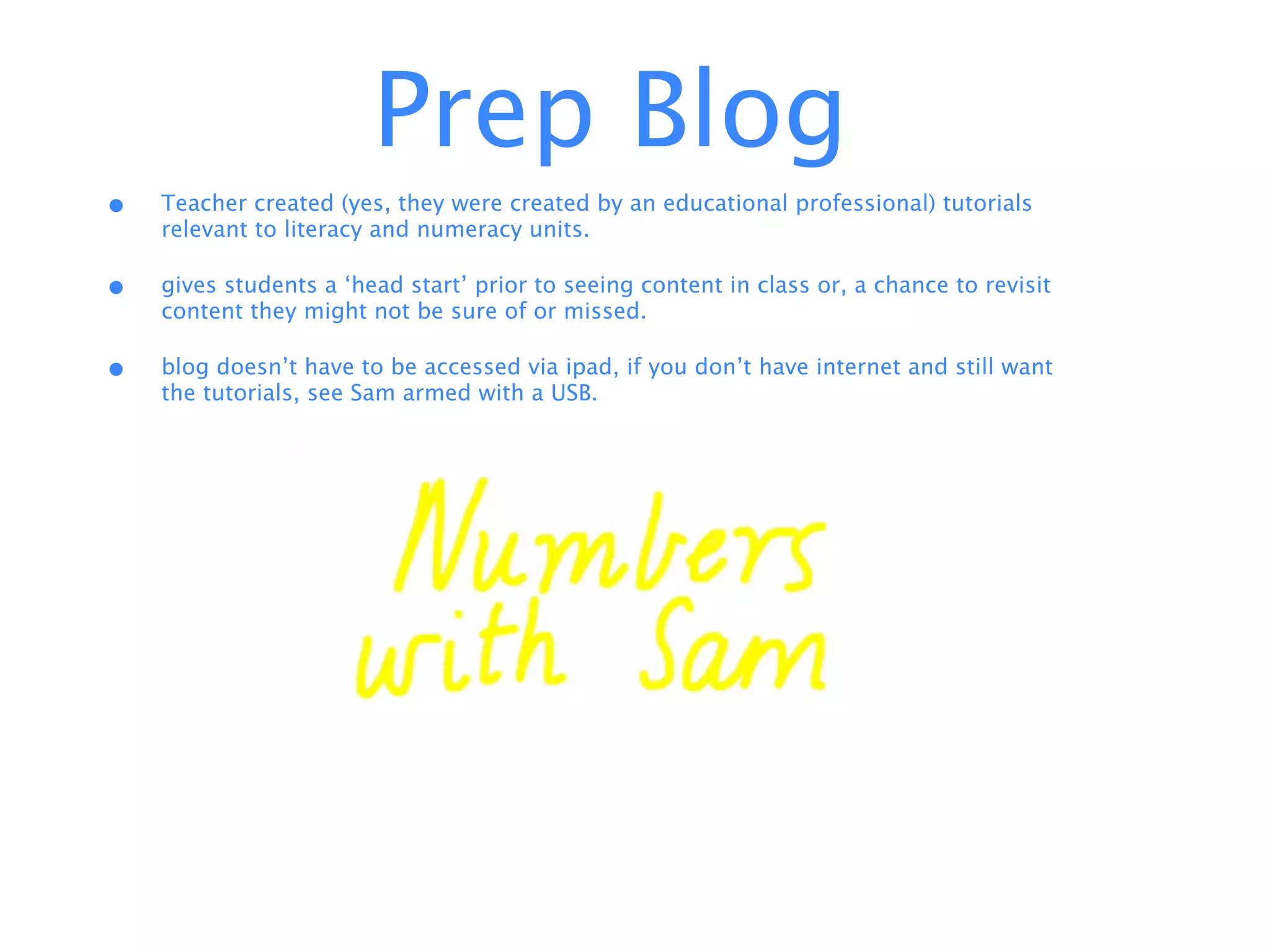
Prep Blog
•   Teacher created (yes, they were created by an educational professional) tutorials
    relevant to literacy and numeracy units.

•   gives students a ‘head start’ prior to seeing content in class or, a chance to revisit
    content they might not be sure of or missed.

•   blog doesn’t have to be accessed via ipad, if you don’t have internet and still want
    the tutorials, see Sam armed with a USB.
Drop Box
                        !


• High frequency word mini books
  available.

• Sharing of photos to create movies,
  texts etc (don’t be alarmed!)

• Uploading of created work to share.
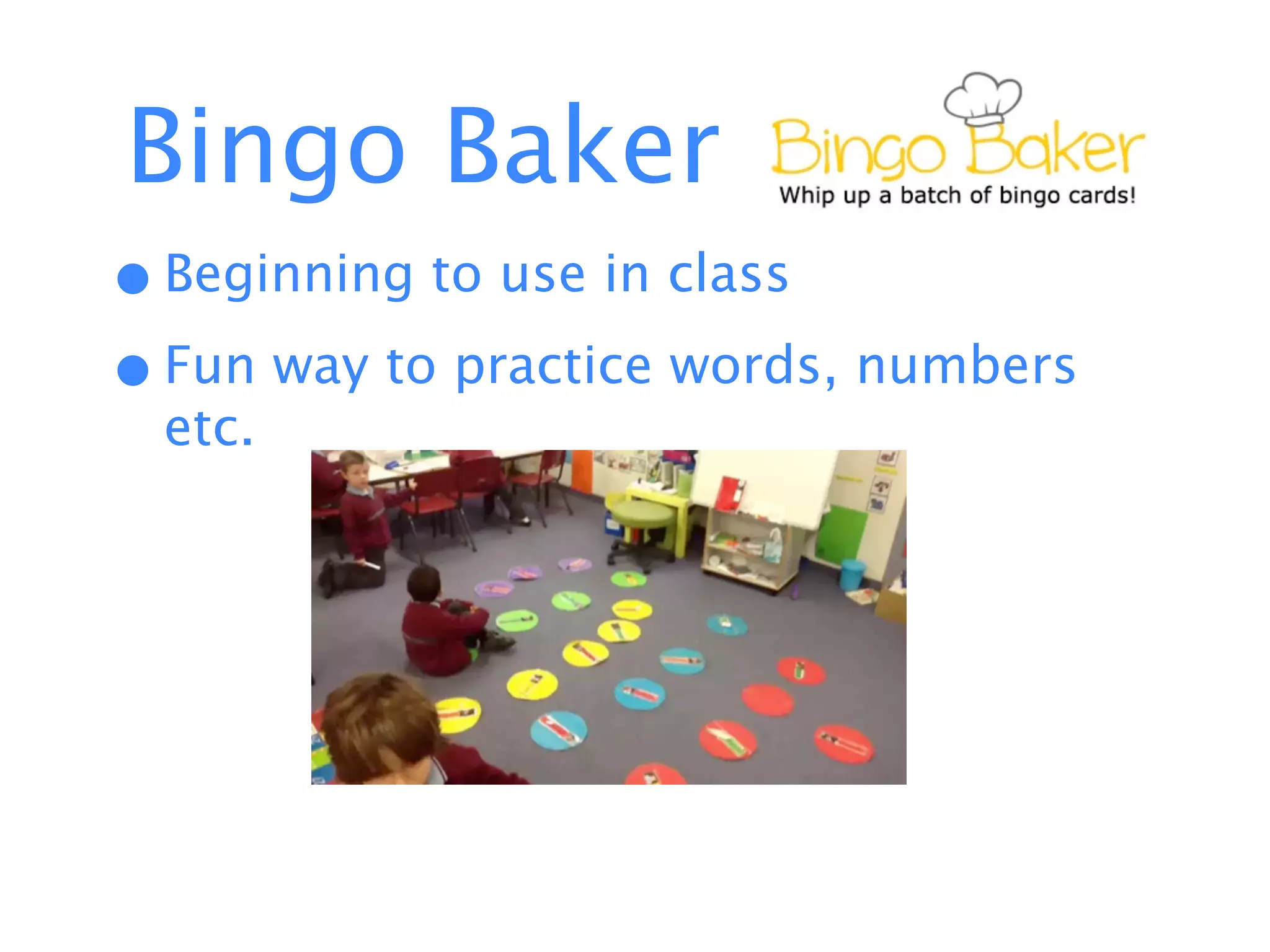
Bingo Baker
• Beginning to use in class
• Fun way to practice words, numbers
  etc.
LAZ Readers
• Levelled texts, familiar to students as part
  of independent reading.

• Ability to access high number of ‘just-
  right’ texts at once.
Publishing
                                                                     !


•   Currently use Storyrobe to publish texts.

•   Opportunity to use based on special events that occur at parties, weekends, sporting
    events that may be forgotten about in school, or maybe share some expert
    knowledge
Housekeeping
Do
•   Take your iPad home every night and charge if you have an
    apple charger at home (chargers will not go home with iPads)

•   Bring it back to school every day in your communication bag.
    iPads that are not returned may not be allowed to go home!

•   Use them at home on a regular basis, but do not overdo it!

•   Have lots of fun when you are using your iPad!

•   Be very careful with your iPad. If an iPad is damaged at home your child’s
    access will be limited to school hours only
Do Not
•   Add/delete/purchase apps. iPads are synced to accounts at the
    school and apps will be added at school as seen fit. Apps
    added at home will be deleted.

•   Forget to bring your ipad to school. They are still a valuable
    tool for learning in the classroom!

•   Due to privacy issues, photos and student work are not to be
    removed from the iPads. If you would like a copy of photos or
    work that is on the iPads please see your classroom teacher for
    assistance.
Safe use of iPads
•   At school, all students have earned an iPad license which means they use and handle
    their iPad with care. This means:

•   iPads are carried with two hands against their chest

•   iPads are used on a flat surface such as a table or in their lap.

•   when they have finished using their iPad it is to be put away in a safe place (ideally
    back into its case or communication bag).

•   They are never to be left lying on the floor or used around food and drink.

•   The iPad is a learning tool for the Prep students. While they may like to share their
    iPad with their siblings it should be predominately used by the Prep student.
Questions????
Still Interested??
• permission forms regarding photos,
  work content and safe use to be
  signed.

• yippee your iPad is going home!
Thankyou!

Prep i pad trial

  • 1.
  • 3.
    Mobile Learning ‘Take alook around and chances are you'll see a mobile device. Phones, iPods, laptops, netbooks, iPads, USB drives, and handheld games seem to be everywhere. Combine these ever-present gadgets with educational and productivity uses and you've got mobile learning. Mobile learning can happen anywhere: in a classroom, at the dining room table, on a bus, in front of a science exhibit, at the zoo…anywhere! Portability is not as important as the ability of the learner to connect, communicate, collaborate, and create using tools that are readily at hand.’ (Tony Vincent http://learninginhand.com/)
  • 4.
    What we hopeto see.... • Students engaged and excited in their learning! • Breaking down the barriers between learning at school and learning at home... Learning is simply Learning! • Relevant teacher created content being available to students and parents at home via the iPad, not just app play. • Students coming to school with a greater understanding of current learning foci due to accessing relevant media and apps on iPad. • As they arrive with a greater understanding of content, chance at school to further extend student’s understanding in conferencing and explicit teaching.
  • 5.
    How you canuse the iPads at home. ! ! !
  • 6.
    Prep Blog • Teacher created (yes, they were created by an educational professional) tutorials relevant to literacy and numeracy units. • gives students a ‘head start’ prior to seeing content in class or, a chance to revisit content they might not be sure of or missed. • blog doesn’t have to be accessed via ipad, if you don’t have internet and still want the tutorials, see Sam armed with a USB.
  • 7.
    Drop Box ! • High frequency word mini books available. • Sharing of photos to create movies, texts etc (don’t be alarmed!) • Uploading of created work to share.
  • 8.
    Bingo Baker • Beginningto use in class • Fun way to practice words, numbers etc.
  • 9.
    LAZ Readers • Levelledtexts, familiar to students as part of independent reading. • Ability to access high number of ‘just- right’ texts at once.
  • 10.
    Publishing ! • Currently use Storyrobe to publish texts. • Opportunity to use based on special events that occur at parties, weekends, sporting events that may be forgotten about in school, or maybe share some expert knowledge
  • 11.
  • 12.
    Do • Take your iPad home every night and charge if you have an apple charger at home (chargers will not go home with iPads) • Bring it back to school every day in your communication bag. iPads that are not returned may not be allowed to go home! • Use them at home on a regular basis, but do not overdo it! • Have lots of fun when you are using your iPad! • Be very careful with your iPad. If an iPad is damaged at home your child’s access will be limited to school hours only
  • 13.
    Do Not • Add/delete/purchase apps. iPads are synced to accounts at the school and apps will be added at school as seen fit. Apps added at home will be deleted. • Forget to bring your ipad to school. They are still a valuable tool for learning in the classroom! • Due to privacy issues, photos and student work are not to be removed from the iPads. If you would like a copy of photos or work that is on the iPads please see your classroom teacher for assistance.
  • 14.
    Safe use ofiPads • At school, all students have earned an iPad license which means they use and handle their iPad with care. This means: • iPads are carried with two hands against their chest • iPads are used on a flat surface such as a table or in their lap. • when they have finished using their iPad it is to be put away in a safe place (ideally back into its case or communication bag). • They are never to be left lying on the floor or used around food and drink. • The iPad is a learning tool for the Prep students. While they may like to share their iPad with their siblings it should be predominately used by the Prep student.
  • 15.
  • 16.
    Still Interested?? • permissionforms regarding photos, work content and safe use to be signed. • yippee your iPad is going home!
  • 17.