Ultimate guide to study
online!
What’s online education?
...a brief description
• Online education is electronically supported learning that relies
on the Internet for teacher/student interaction and the
distribution of class materials.
• The most important thing for an online course is for it to be
engaging and to deliver a clear outcome.
• We aren’t limited to just textbooks and chalkboards anymore.
• With technology, there are so many great and engaging ways to
present information to students.
• An online course should use things like videos, podcasts,
interactive web pages, and even mobile apps to really engage
students.
2) Top requirements
...for the best online education
A Proper Gadget
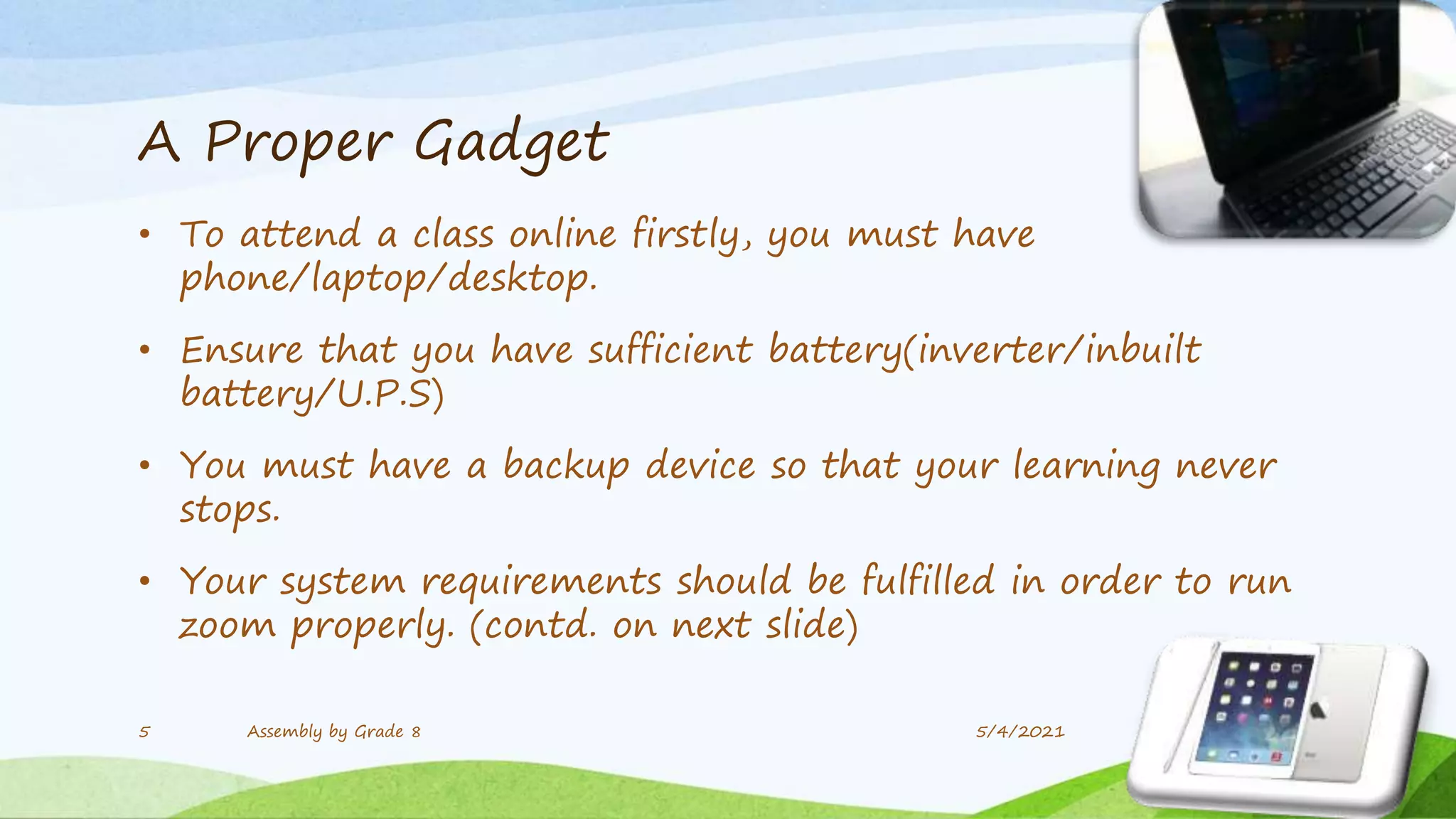
• To attend a class online firstly, you must have
phone/laptop/desktop.
• Ensure that you have sufficient battery(inverter/inbuilt
battery/U.P.S)
• You must have a backup device so that your learning never
stops.
• Your system requirements should be fulfilled in order to run
zoom properly. (contd. on next slide)
5/4/2021
5 Assembly by Grade 8
(contd.)
• Your laptop should have 4GB RAM
• It should have fast processors of Intel or AMD.
• If your laptop is having less RAM don’t run too many
software while you are using zoom.
• In case your device hangs too much, be patient and consult
experts.
• Similar guidelines could also be found with further details on
zoom support.
6 Assembly by Grade 8 5/4/2021
A High Speed Network
• Ensure you have a high speed network so that you are always
connected.
• Network outage may be one of the biggest reasons that disrupts
your focus.
• You should always have a network over 3mbps. Try using broadband
if possible
• Or, use a good 4G pack with sufficient data(1GB/day as minimum)
• Run speed tests using fast.com to know your net speed.
5/4/2021
7 Assembly by Grade 8
A Suitable Environment
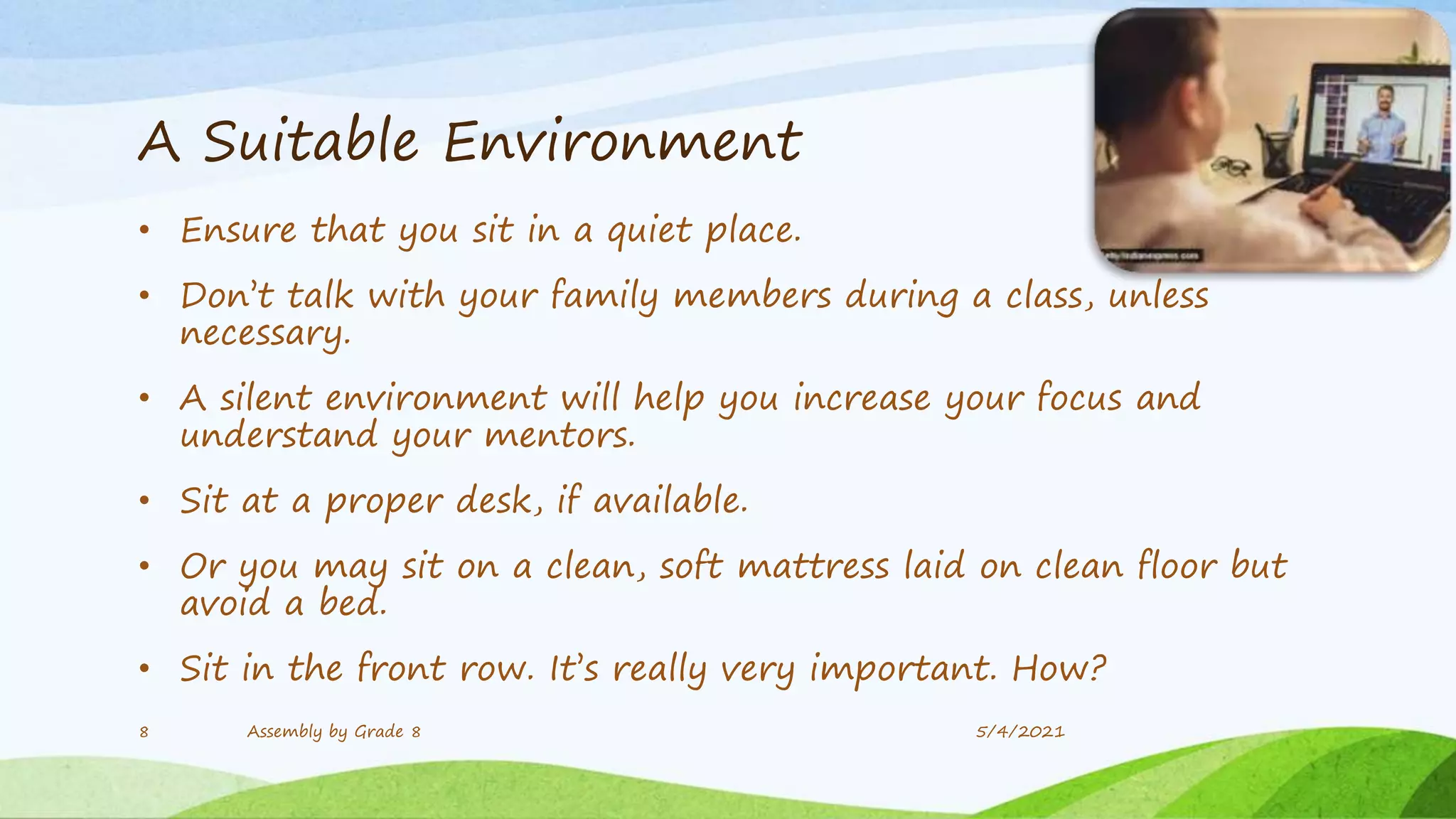
• Ensure that you sit in a quiet place.
• Don’t talk with your family members during a class, unless
necessary.
• A silent environment will help you increase your focus and
understand your mentors.
• Sit at a proper desk, if available.
• Or you may sit on a clean, soft mattress laid on clean floor but
avoid a bed.
• Sit in the front row. It’s really very important. How?
5/4/2021
8 Assembly by Grade 8
Can I sit in the front row?
• It means to behave in a similar way as you did in school
• Join your zoom meeting early like you went early to school.
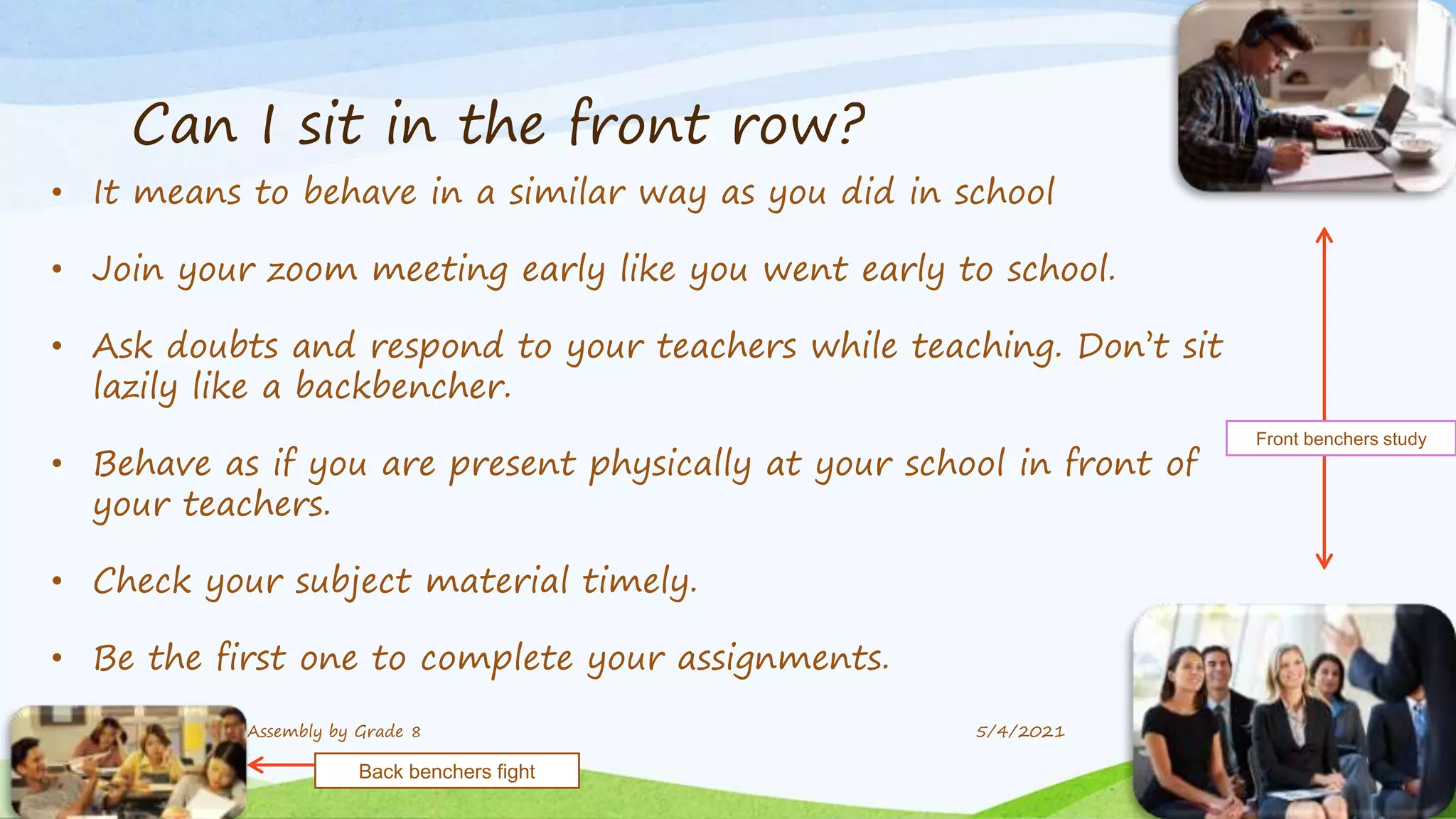
• Ask doubts and respond to your teachers while teaching. Don’t sit
lazily like a backbencher.
• Behave as if you are present physically at your school in front of
your teachers.
• Check your subject material timely.
• Be the first one to complete your assignments.
9 Assembly by Grade 8 5/4/2021
Front benchers study
Back benchers fight
The distractions...
...and the solutions, so that you can
concentrate!
Frustrating network!
•Online students require to join classes with a network
connected device.
•A strong internet connection is required.
•Low bandwidth and weak internet can affect your meeting
experience.
•Don’t be frustrated. Ask your teacher what you have missed.
Don’t sit idol like back-benchers.
•If you immediately ask what you’ve missed, you’ll have a
better focus.
11 Assembly by Grade 8 5/4/2021
Smart Phone
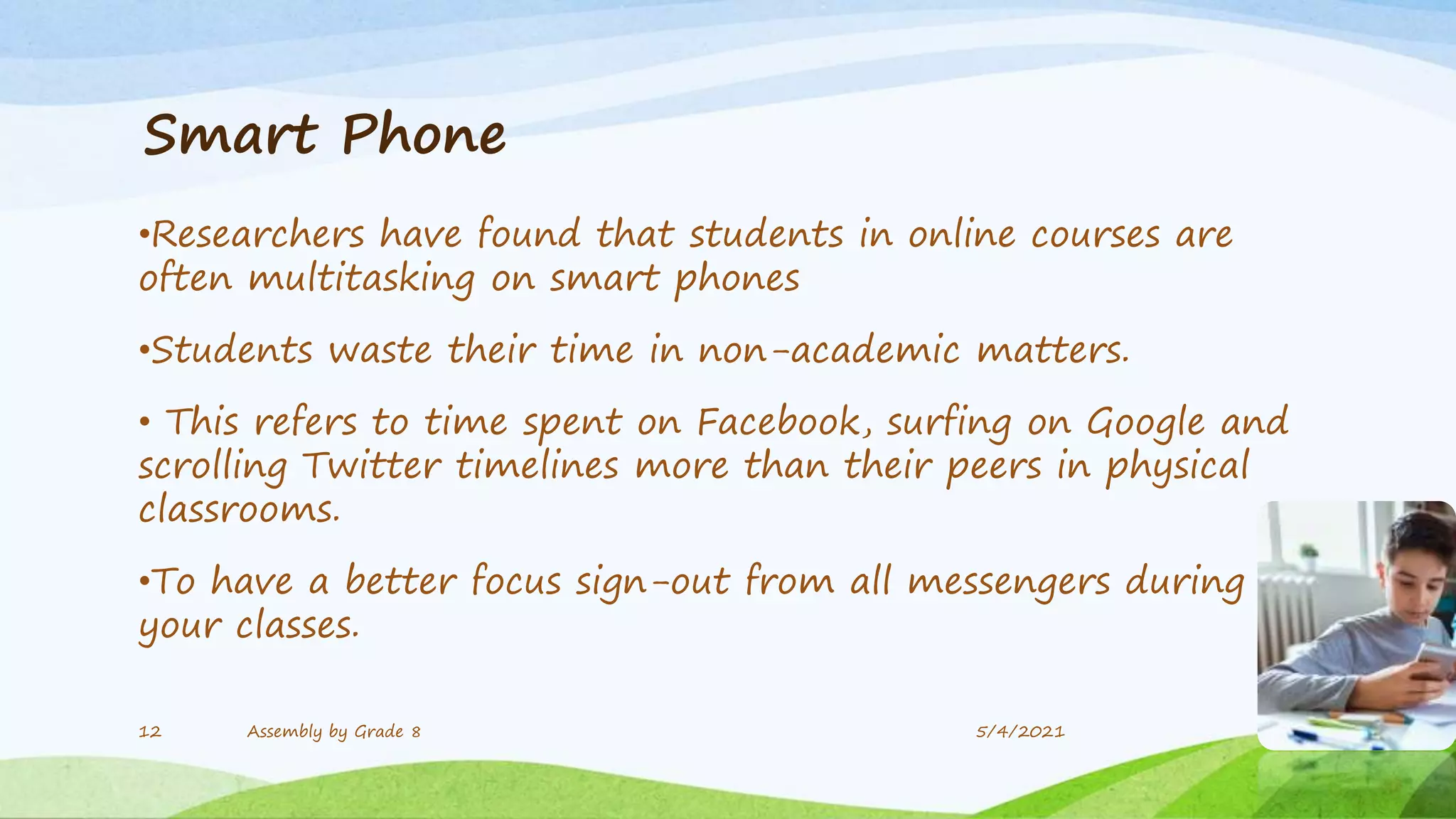
•Researchers have found that students in online courses are
often multitasking on smart phones
•Students waste their time in non-academic matters.
• This refers to time spent on Facebook, surfing on Google and
scrolling Twitter timelines more than their peers in physical
classrooms.
•To have a better focus sign-out from all messengers during
your classes.
12 Assembly by Grade 8 5/4/2021
Television
•Though the TV is not necessarily as popular as it was 10 years
ago, it can still be a significant distraction.
•You may be tempted to watch your favourite T.V. show or just
scroll through the channels.
•So if you feel that the TV will be a distraction for you, try a
room without a TV!
•It will help you resist the temptation and motivate you to
concentrate on your work!
13 Assembly by Grade 8 5/4/2021
Power Outage
•Severe weather can impact online education due to a loss of power.
•This can even take away your Wi-Fi
•Planning for such losses is essential to enable participation in the
online classroom.
•Constant power losses will cut you off from your online classes and you
can’t focus anymore!
•So, Always keep your phones and laptops charged.
•Ensure that your SIM works so that hotspots can be used.
•Use low brightness in case of low battery.
14 Assembly by Grade 8 5/4/2021
Overcoming the Challenges
• Now we have been in the virtual classroom for a while have
learned to deal with the problems that come with it.
• In India the total people who have access to the internet are
54.27% of people. And no internet means no class!
• Only 66% kids use phones.
• So we are grateful that we’ve these gadgets and we can
access the classes.
• Let’s come out of these small glitches and work towards a
focussed online class!
15 Assembly by Grade 8 5/4/2021
16 Assembly by Grade 8 5/4/2021

The Ultimate Guide To Study Online

  • 1.
    Ultimate guide tostudy online!
  • 2.
  • 3.
    • Online educationis electronically supported learning that relies on the Internet for teacher/student interaction and the distribution of class materials. • The most important thing for an online course is for it to be engaging and to deliver a clear outcome. • We aren’t limited to just textbooks and chalkboards anymore. • With technology, there are so many great and engaging ways to present information to students. • An online course should use things like videos, podcasts, interactive web pages, and even mobile apps to really engage students.
  • 4.
    2) Top requirements ...forthe best online education
  • 5.
    A Proper Gadget •To attend a class online firstly, you must have phone/laptop/desktop. • Ensure that you have sufficient battery(inverter/inbuilt battery/U.P.S) • You must have a backup device so that your learning never stops. • Your system requirements should be fulfilled in order to run zoom properly. (contd. on next slide) 5/4/2021 5 Assembly by Grade 8
  • 6.
    (contd.) • Your laptopshould have 4GB RAM • It should have fast processors of Intel or AMD. • If your laptop is having less RAM don’t run too many software while you are using zoom. • In case your device hangs too much, be patient and consult experts. • Similar guidelines could also be found with further details on zoom support. 6 Assembly by Grade 8 5/4/2021
  • 7.
    A High SpeedNetwork • Ensure you have a high speed network so that you are always connected. • Network outage may be one of the biggest reasons that disrupts your focus. • You should always have a network over 3mbps. Try using broadband if possible • Or, use a good 4G pack with sufficient data(1GB/day as minimum) • Run speed tests using fast.com to know your net speed. 5/4/2021 7 Assembly by Grade 8
  • 8.
    A Suitable Environment •Ensure that you sit in a quiet place. • Don’t talk with your family members during a class, unless necessary. • A silent environment will help you increase your focus and understand your mentors. • Sit at a proper desk, if available. • Or you may sit on a clean, soft mattress laid on clean floor but avoid a bed. • Sit in the front row. It’s really very important. How? 5/4/2021 8 Assembly by Grade 8
  • 9.
    Can I sitin the front row? • It means to behave in a similar way as you did in school • Join your zoom meeting early like you went early to school. • Ask doubts and respond to your teachers while teaching. Don’t sit lazily like a backbencher. • Behave as if you are present physically at your school in front of your teachers. • Check your subject material timely. • Be the first one to complete your assignments. 9 Assembly by Grade 8 5/4/2021 Front benchers study Back benchers fight
  • 10.
    The distractions... ...and thesolutions, so that you can concentrate!
  • 11.
    Frustrating network! •Online studentsrequire to join classes with a network connected device. •A strong internet connection is required. •Low bandwidth and weak internet can affect your meeting experience. •Don’t be frustrated. Ask your teacher what you have missed. Don’t sit idol like back-benchers. •If you immediately ask what you’ve missed, you’ll have a better focus. 11 Assembly by Grade 8 5/4/2021
  • 12.
    Smart Phone •Researchers havefound that students in online courses are often multitasking on smart phones •Students waste their time in non-academic matters. • This refers to time spent on Facebook, surfing on Google and scrolling Twitter timelines more than their peers in physical classrooms. •To have a better focus sign-out from all messengers during your classes. 12 Assembly by Grade 8 5/4/2021
  • 13.
    Television •Though the TVis not necessarily as popular as it was 10 years ago, it can still be a significant distraction. •You may be tempted to watch your favourite T.V. show or just scroll through the channels. •So if you feel that the TV will be a distraction for you, try a room without a TV! •It will help you resist the temptation and motivate you to concentrate on your work! 13 Assembly by Grade 8 5/4/2021
  • 14.
    Power Outage •Severe weathercan impact online education due to a loss of power. •This can even take away your Wi-Fi •Planning for such losses is essential to enable participation in the online classroom. •Constant power losses will cut you off from your online classes and you can’t focus anymore! •So, Always keep your phones and laptops charged. •Ensure that your SIM works so that hotspots can be used. •Use low brightness in case of low battery. 14 Assembly by Grade 8 5/4/2021
  • 15.
    Overcoming the Challenges •Now we have been in the virtual classroom for a while have learned to deal with the problems that come with it. • In India the total people who have access to the internet are 54.27% of people. And no internet means no class! • Only 66% kids use phones. • So we are grateful that we’ve these gadgets and we can access the classes. • Let’s come out of these small glitches and work towards a focussed online class! 15 Assembly by Grade 8 5/4/2021
  • 16.
    16 Assembly byGrade 8 5/4/2021