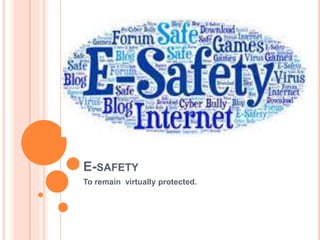
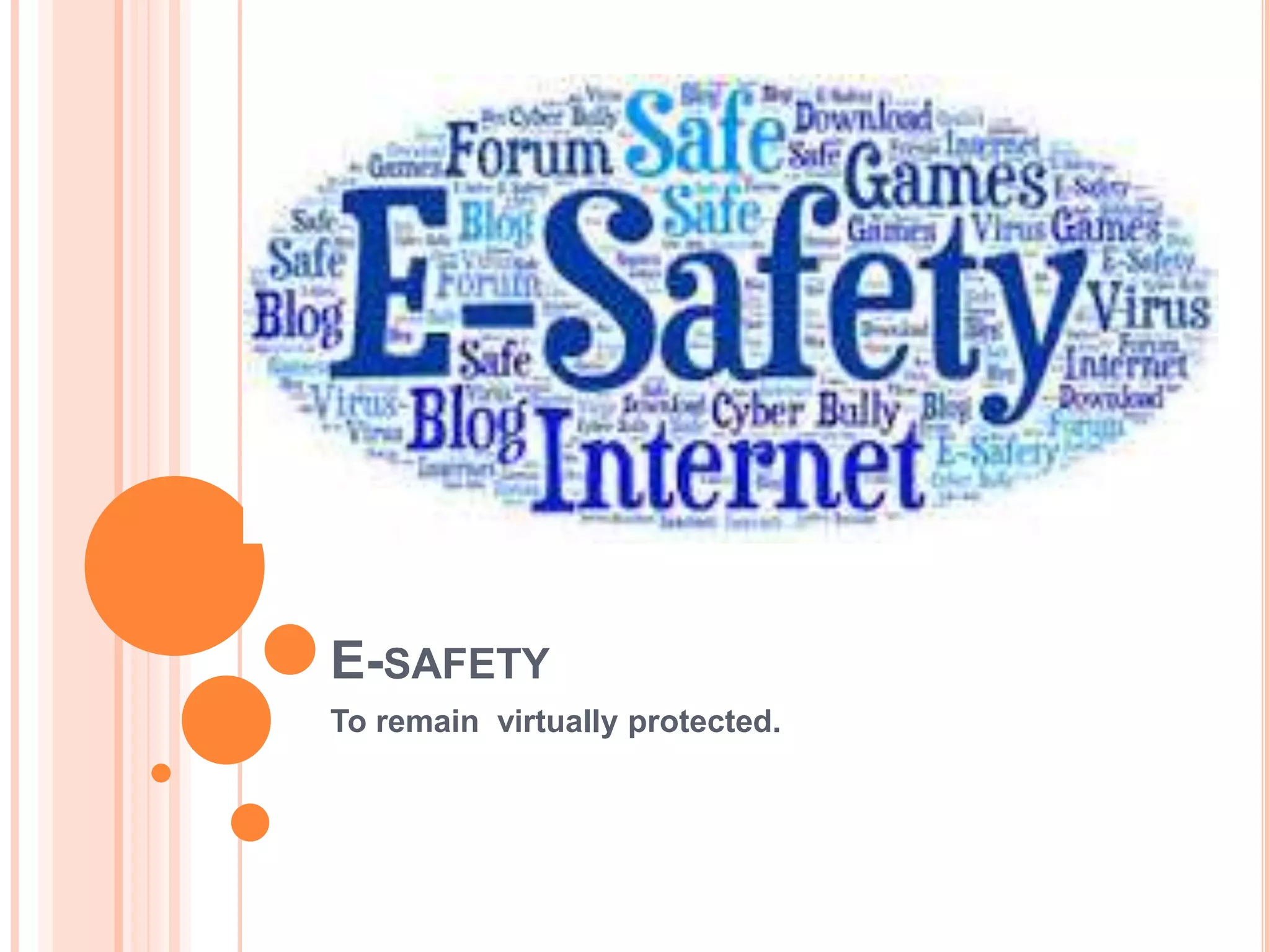
E-SAFETY
To remain virtually protected.
WHAT IS E-SAFETY?
 It refers to safety while using the internet.
 It also refers to the benefits ,risks and
responsibilities while using computer technology.
SOME COMMON RULES :
> Try to maintain your privacy settings on social media platforms.
> Use secure sites and learner-friendly search –engine.
> Open e-mails only from known sources.
HOW TO PREVENT HACKING ?
 Hacking is gaining unauthorised access to a
Computer system.
 It can be prevented by:
a) Use of firewalls *.
b) Use of strong passwords.^.
Myth : encryption prevents hacking.
No, it doesn't. It only makes the message unreadable
to the hacker.
HOW TO PREVENT PHISHING?
 Phishing is sending legitimate –looking
E-mails which require the targeted user to in fill his
confidential information.
 It can be prevented as follows ;
a) By using ISPs or browsers that are capable of
filtering phishing e-mails.
b) Avoiding clicking on executable file attachments.
HOW TO COMBAT SPYWARE ?
 This software gathers data by monitoring key
presses on the user’s keyboard.
 It’s risk can be reduced by:
a) Using anti-spyware software.
b) Try using pointing devices/touch screen while
entering data [e.g. Password]
HOW TO DEAL WITH VIRUS ?
 This replicating software is developed with an
intention to delete, corrupt files on a computer .
 It can be stopped by:
a) Using Anti-virus*.
b) Being careful while opening e-mail attachments.
Internet Safety Techniques

Internet Safety Techniques

  • 1.
  • 2.
    WHAT IS E-SAFETY? It refers to safety while using the internet.  It also refers to the benefits ,risks and responsibilities while using computer technology.
  • 3.
    SOME COMMON RULES: > Try to maintain your privacy settings on social media platforms. > Use secure sites and learner-friendly search –engine. > Open e-mails only from known sources.
  • 4.
    HOW TO PREVENTHACKING ?  Hacking is gaining unauthorised access to a Computer system.  It can be prevented by: a) Use of firewalls *. b) Use of strong passwords.^. Myth : encryption prevents hacking. No, it doesn't. It only makes the message unreadable to the hacker.
  • 5.
    HOW TO PREVENTPHISHING?  Phishing is sending legitimate –looking E-mails which require the targeted user to in fill his confidential information.  It can be prevented as follows ; a) By using ISPs or browsers that are capable of filtering phishing e-mails. b) Avoiding clicking on executable file attachments.
  • 6.
    HOW TO COMBATSPYWARE ?  This software gathers data by monitoring key presses on the user’s keyboard.  It’s risk can be reduced by: a) Using anti-spyware software. b) Try using pointing devices/touch screen while entering data [e.g. Password]
  • 7.
    HOW TO DEALWITH VIRUS ?  This replicating software is developed with an intention to delete, corrupt files on a computer .  It can be stopped by: a) Using Anti-virus*. b) Being careful while opening e-mail attachments.

Editor's Notes

  • #2 Good morning/afternoon to all. Our topic is e-safety.. Lets start.