The Next Generation
of PhyreEngine™
Matt Swoboda
Principal Engineer
Sony Computer Entertainment Europe
R&D
Slide 2
History
Slide 3
• PhyreEngine 2.X
– PlayStation®3 as primary target
• Heavy SPU usage; Supported multicore ports of SPU work
• Assumed RSX level for graphics
– Works on PC, portable to other platforms
• Shipped example DX9 implementation
• PSP®(PlayStation®Portable) version available
• Used in > 45 released titles
History
Slide 4
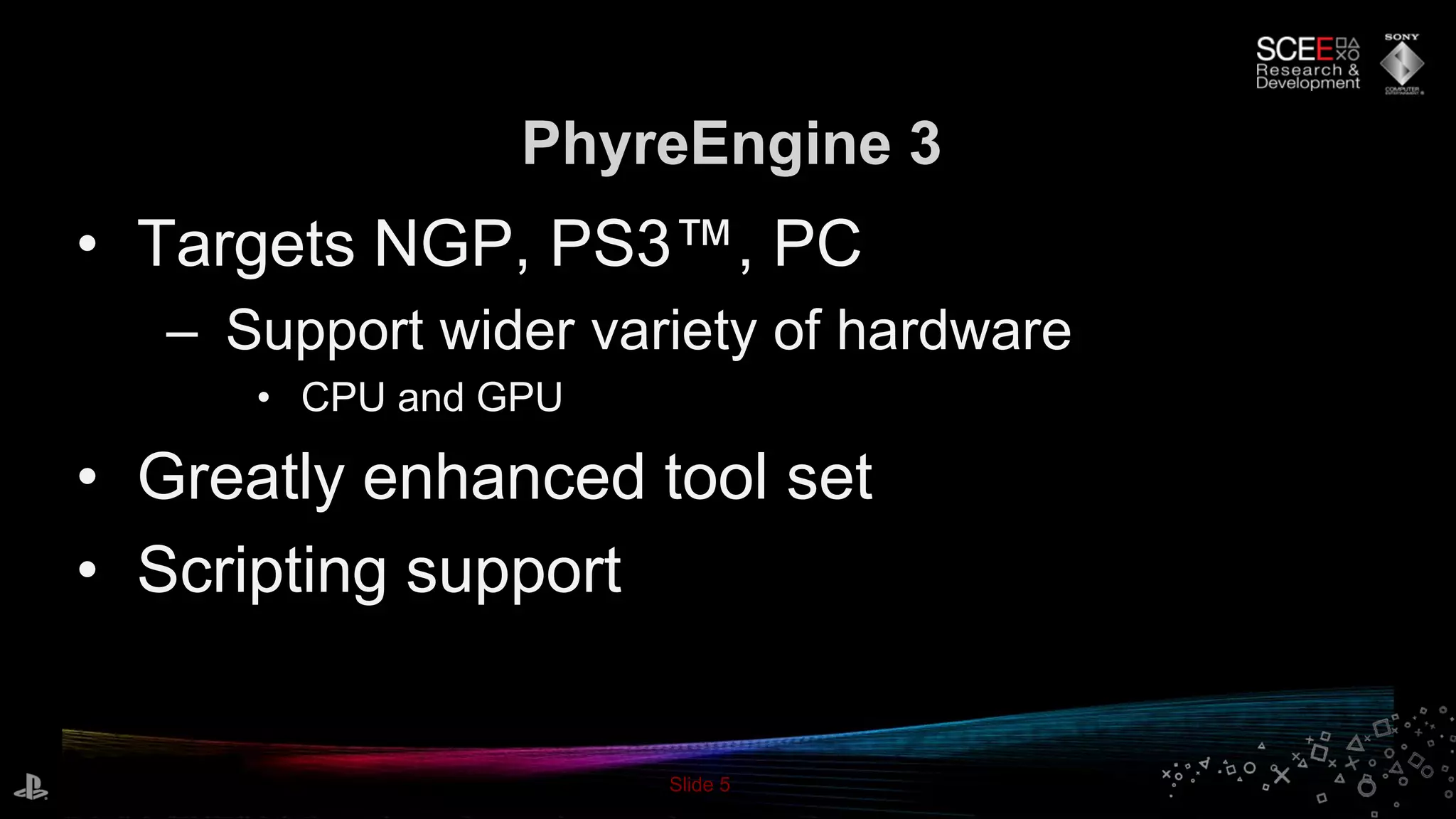
PhyreEngine 3
Slide 5
• Targets NGP, PS3™, PC
– Support wider variety of hardware
• CPU and GPU
• Greatly enhanced tool set
• Scripting support
PhyreEngine 3
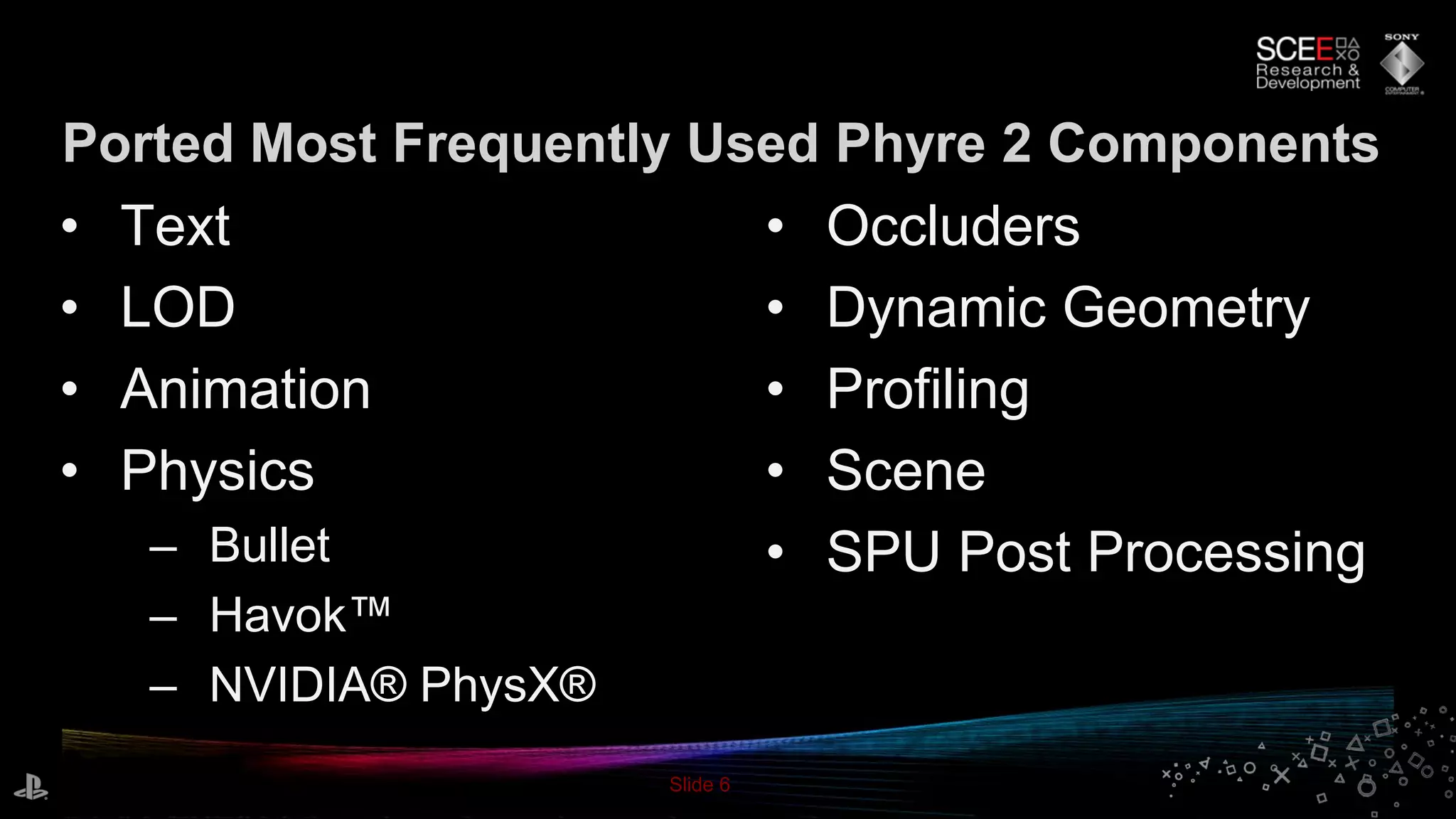
Slide 6
• Occluders
• Dynamic Geometry
• Profiling
• Scene
• SPU Post Processing
• Text
• LOD
• Animation
• Physics
– Bullet
– Havok™
– NVIDIA® PhysX®
Ported Most Frequently Used Phyre 2 Components
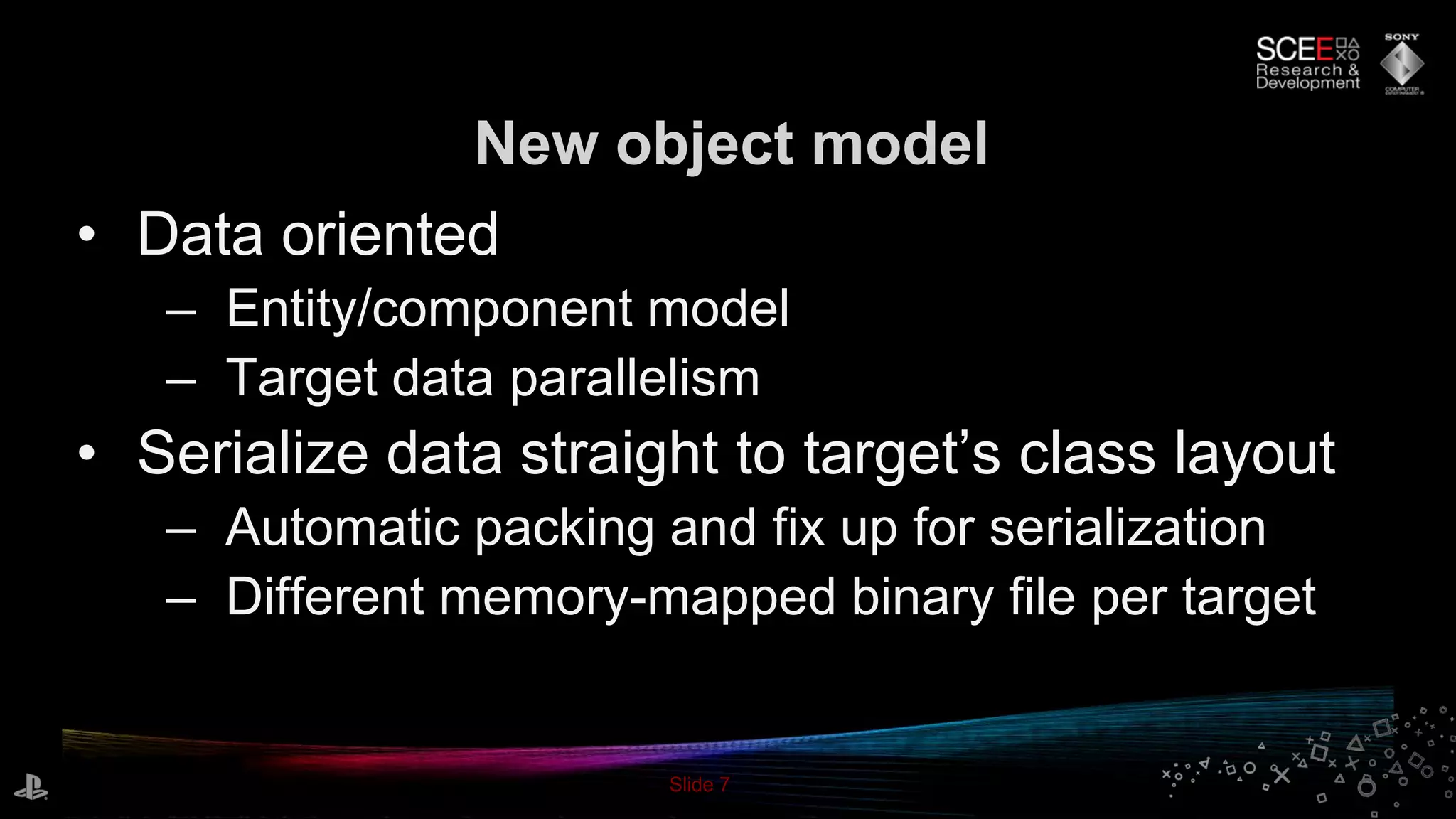
Slide 7
• Data oriented
– Entity/component model
– Target data parallelism
• Serialize data straight to target’s class layout
– Automatic packing and fix up for serialization
– Different memory-mapped binary file per target
New object model
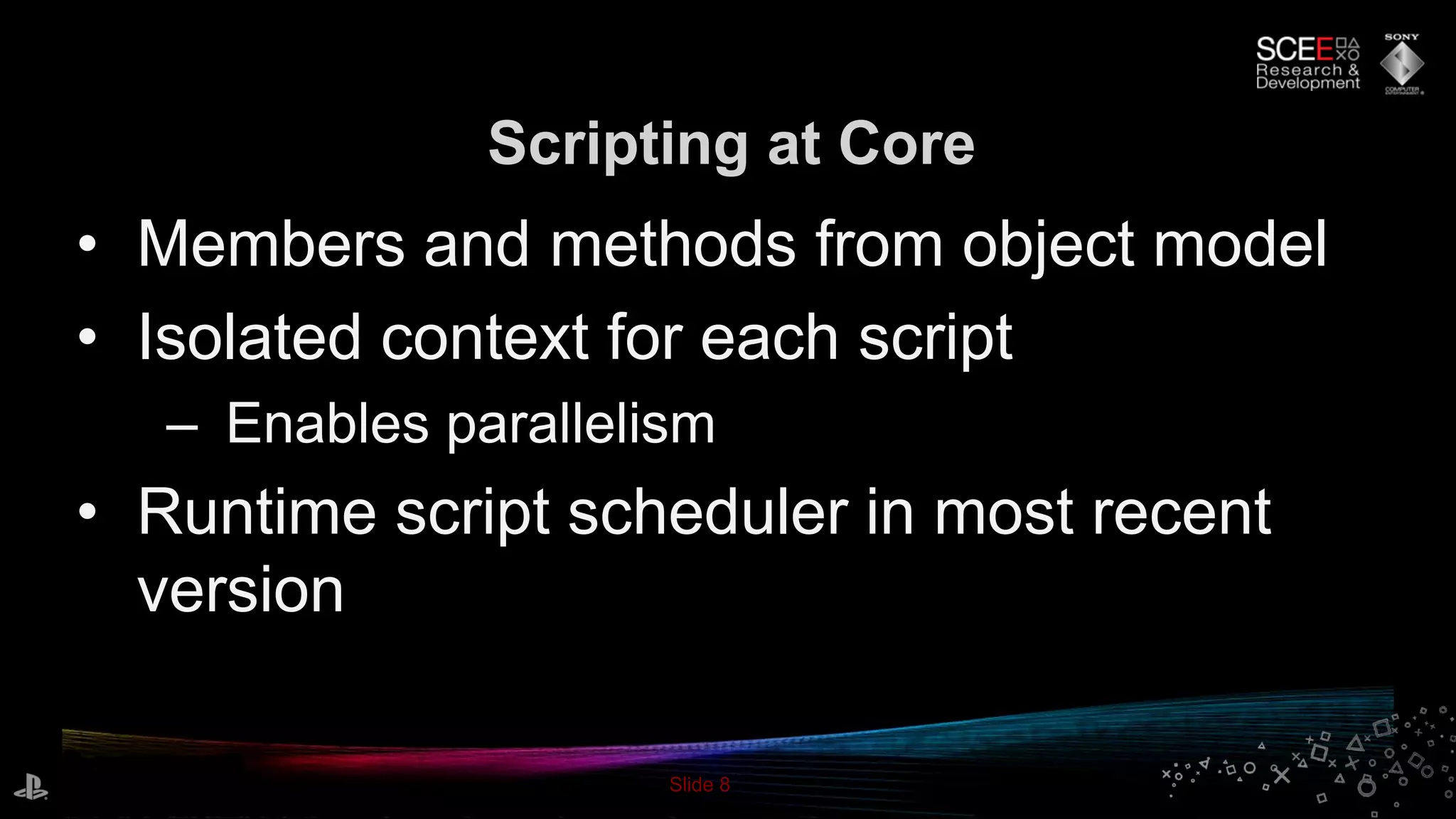
Slide 8
• Members and methods from object model
• Isolated context for each script
– Enables parallelism
• Runtime script scheduler in most recent
version
Scripting at Core
Slide 9
• Best features ported from Phyre 2
– SPU dynamic geometry, post processing, deferred
renderer etc.
• Added ubershader support
– Simplifies asset creation
• Split renderer into separate thread[s]
– Multithreaded submission to single render thread
Upgraded Renderer
Slide 10
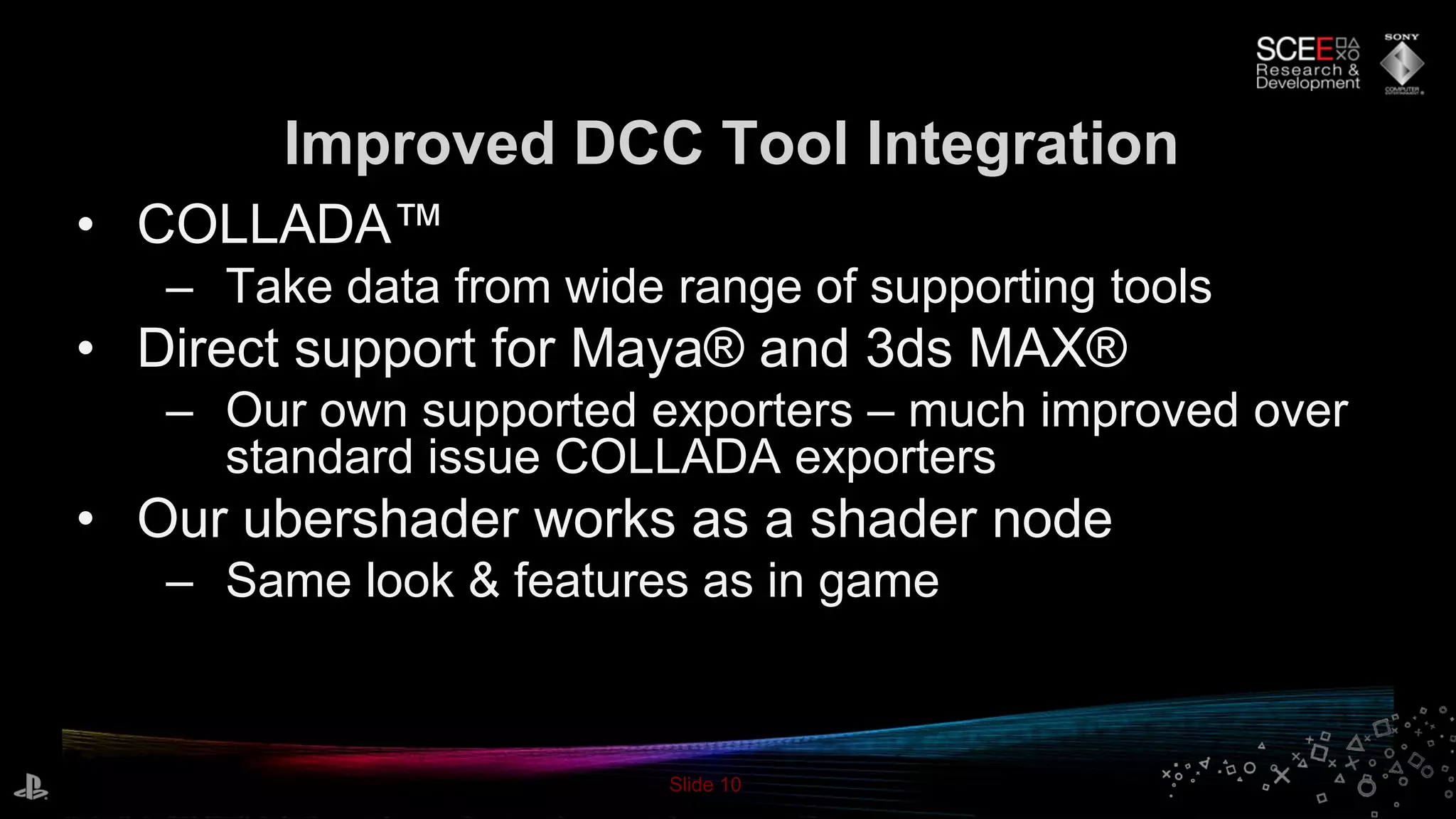
• COLLADA™
– Take data from wide range of supporting tools
• Direct support for Maya® and 3ds MAX®
– Our own supported exporters – much improved over
standard issue COLLADA exporters
• Our ubershader works as a shader node
– Same look & features as in game
Improved DCC Tool Integration
Slide 11
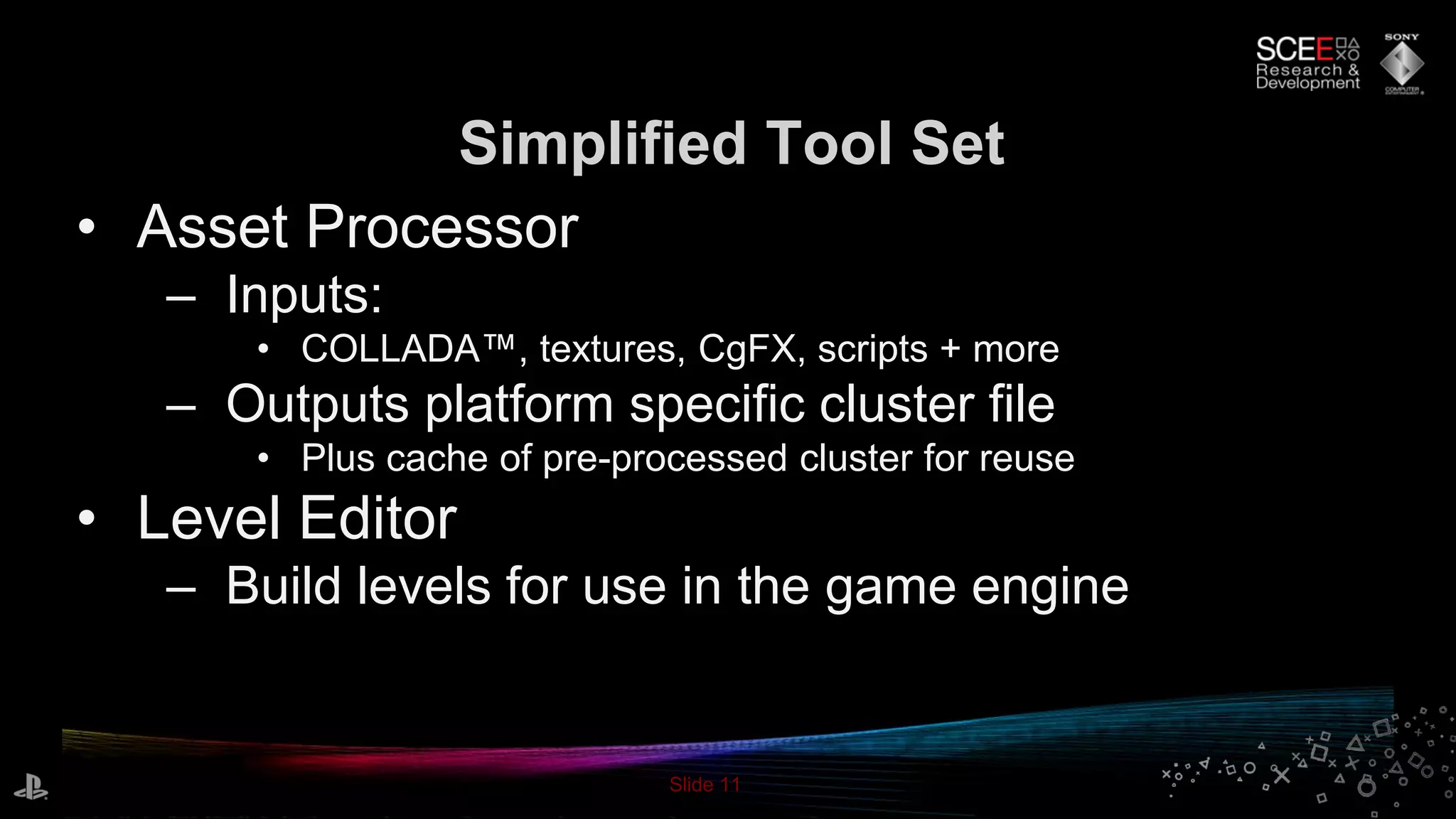
• Asset Processor
– Inputs:
• COLLADA™, textures, CgFX, scripts + more
– Outputs platform specific cluster file
• Plus cache of pre-processed cluster for reuse
• Level Editor
– Build levels for use in the game engine
Simplified Tool Set
Slide 12
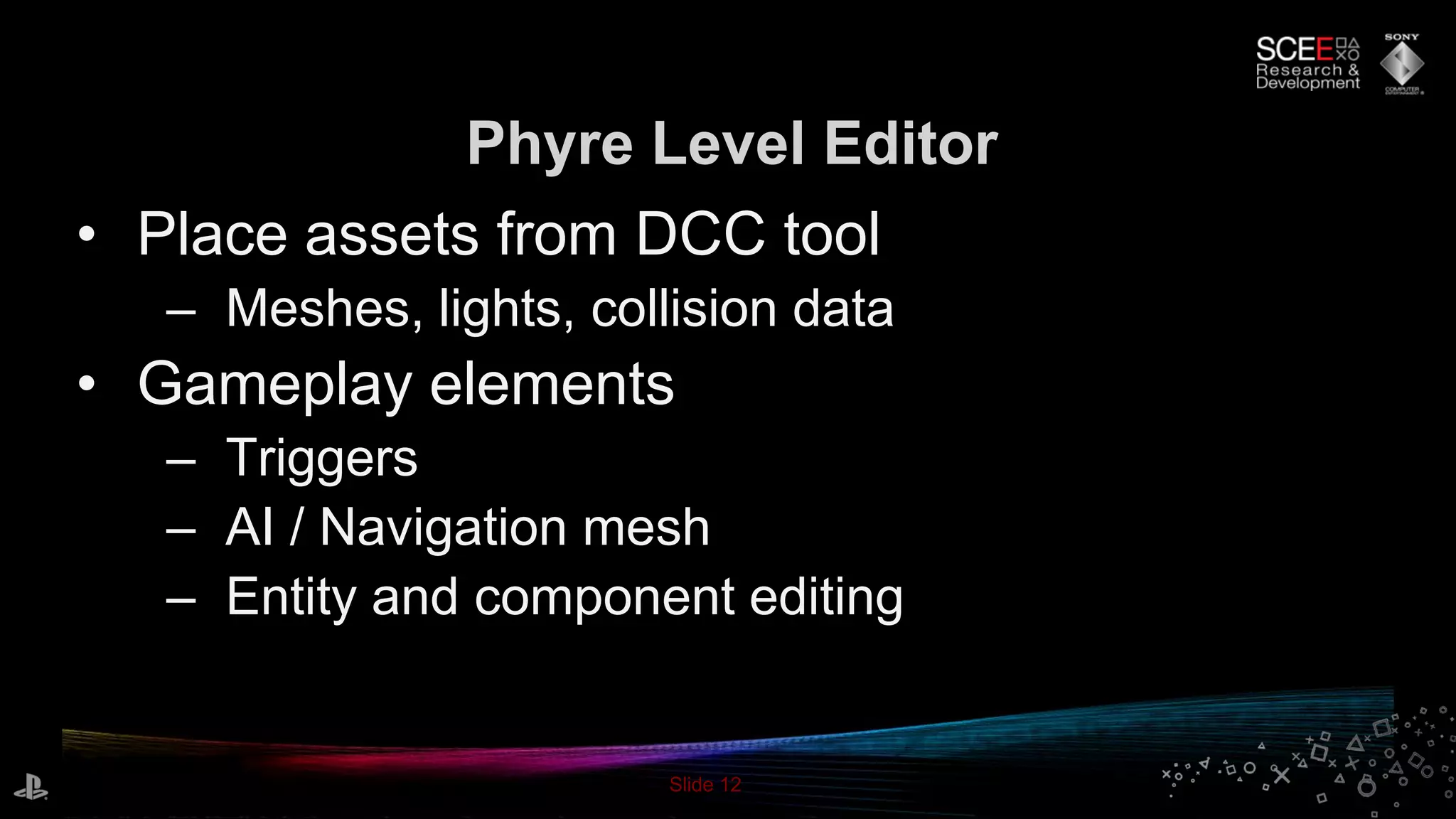
• Place assets from DCC tool
– Meshes, lights, collision data
• Gameplay elements
– Triggers
– AI / Navigation mesh
– Entity and component editing
Phyre Level Editor
Slide 13
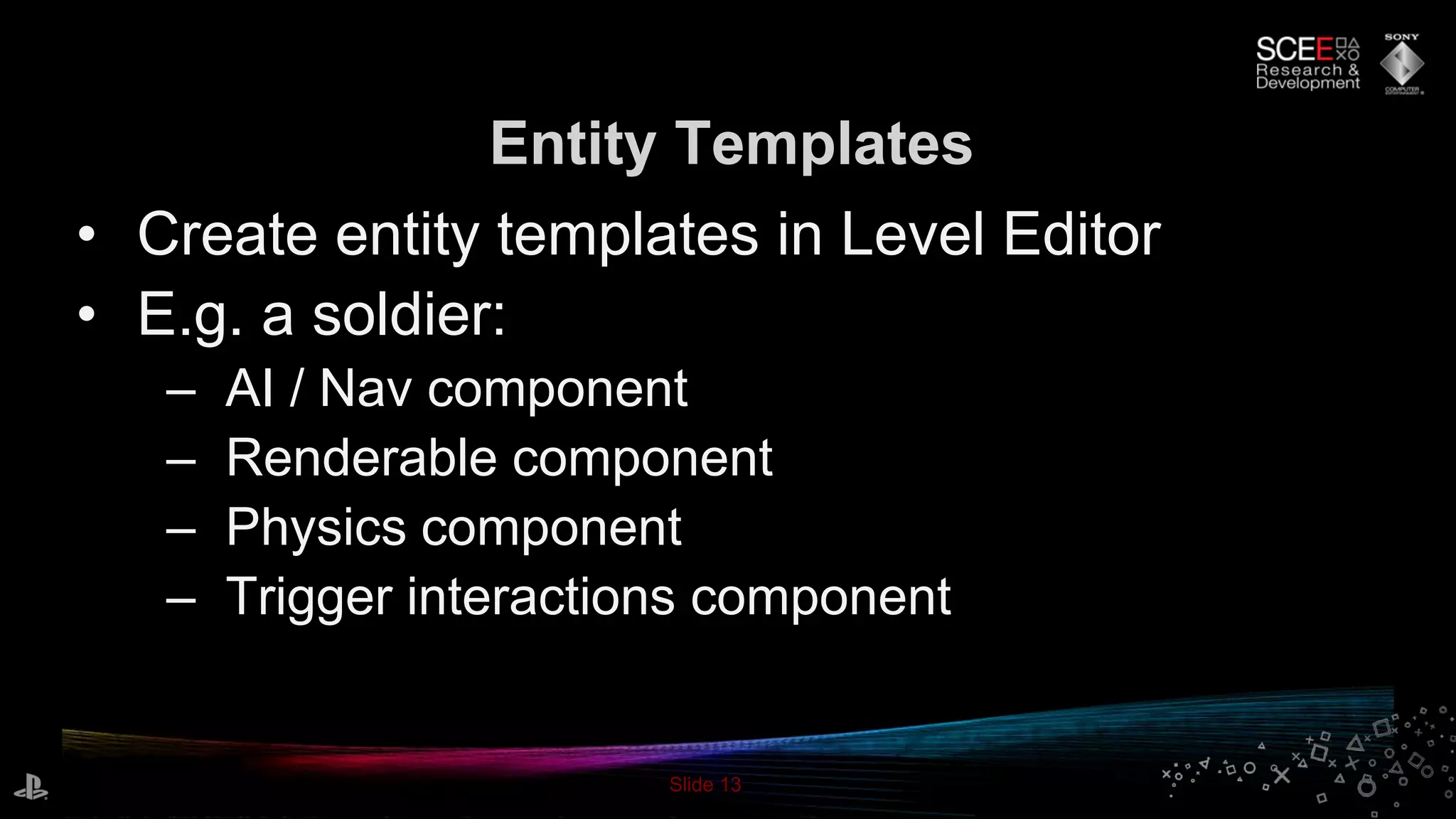
• Create entity templates in Level Editor
• E.g. a soldier:
– AI / Nav component
– Renderable component
– Physics component
– Trigger interactions component
Entity Templates
Slide 14
• Run your game application in the editor
– Communicates via TCP
– Hosts your game with Game Edit library
– Game Edit passes Phyre object model info to editor
• Additionally include game specific data
• Connect to PS3 and NGP
– On target preview and editing
Phyre Level Editor
Slide 15
Demo
The All-New Phyre 3 Game Template
Slide 16
• Assets built in DCC tool
– Level chunks
• Shaders, lights, collision mesh in DCC tool
– Characters + animations
• Imported into Phyre Level Editor
– Chunks snapped together to form a level
– Add occluder geometry
– Edit lighting
– Add triggers, doors, spawn points
Building The Demo
Slide 17
• High level soldier behavior scripted in Lua
– Communicates with Phyre object model
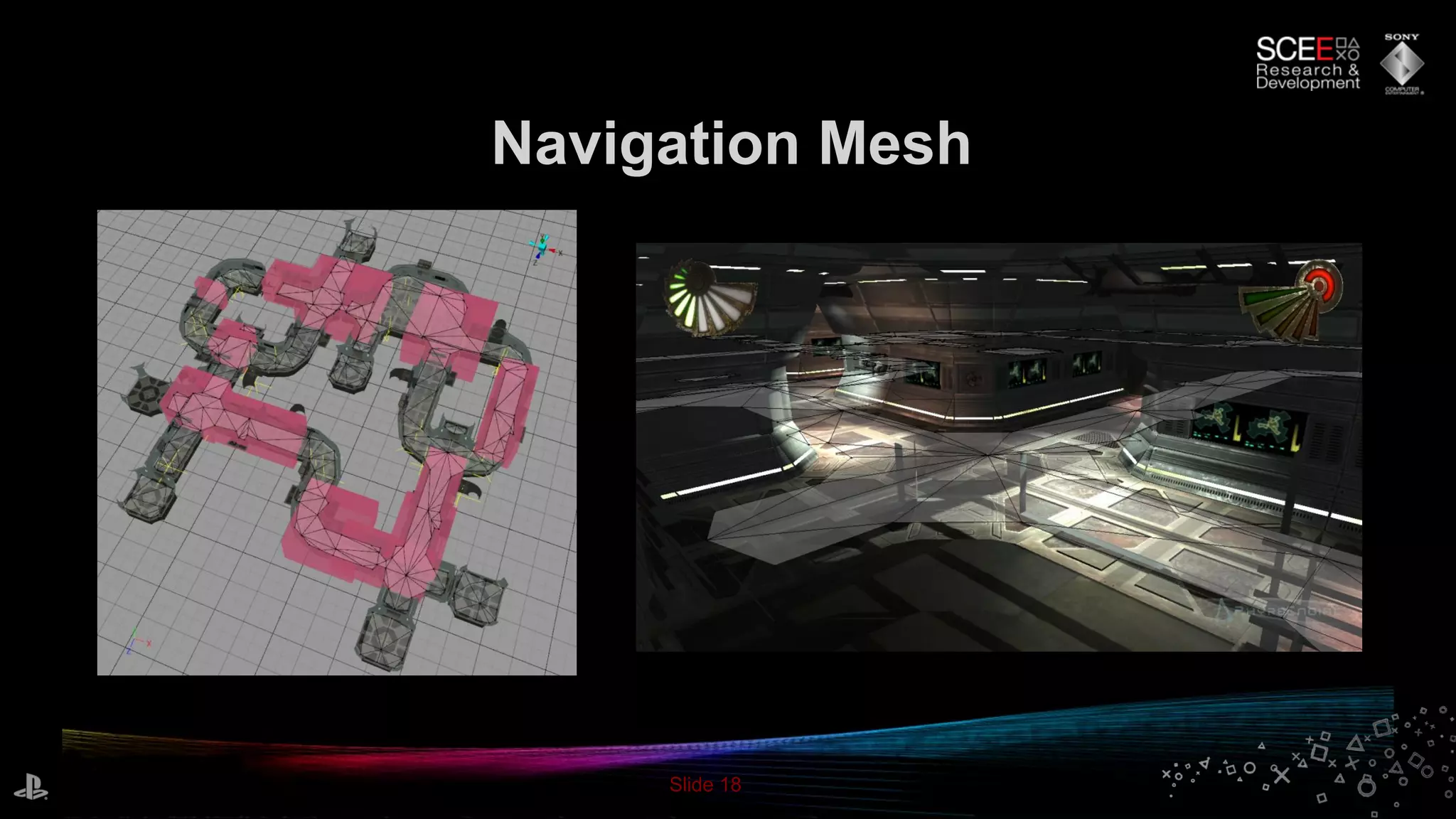
• Soldiers use navigation component
– Uses Detour to move to target
– Based on pre-generated Recast nav mesh
– Includes DetourCrowd to avoid collision
AI / Navigation
Slide 18
Navigation Mesh
Slide 19
• Physics meshes imported from DCC
– Rigid body setup
• Choice of Bullet, Havok, PhysX
– Can switch at compile time
Physics
Slide 20
Rendering Overview
• Good performance
– Full 720p – 1280x720 or half 1080p – 960x1080
– 60 hz framerate usually
– Load is roughly evenly balanced between RSX and SPU
• Full deferred renderer on SPU
– Large number of point and spot lights; 4 shadow casters
• Post processing on RSX/SPU
– Glow, motion blur, MLAA (no MSAA)
Slide 21
Rendering Overview
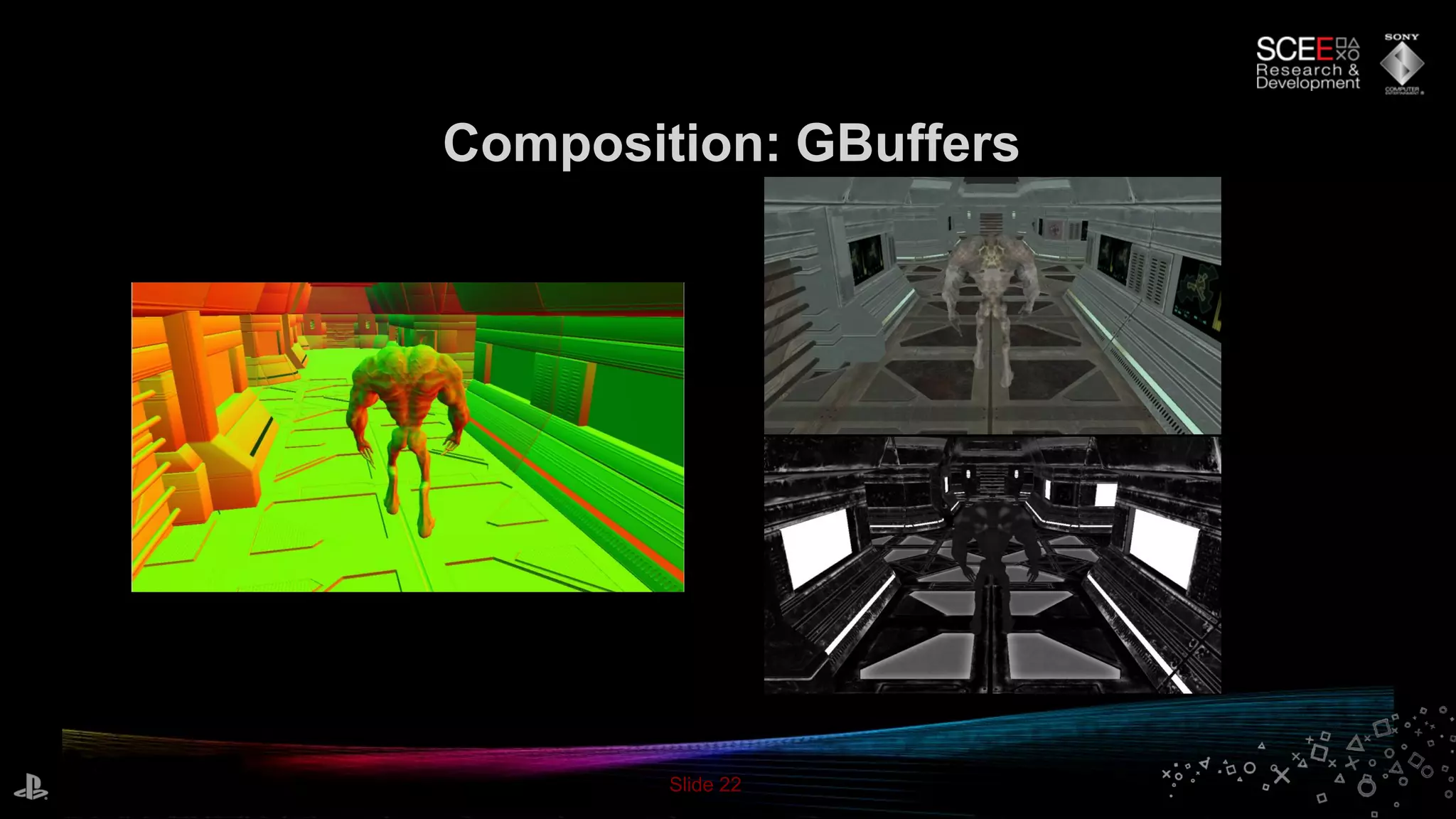
• GBuffers:
– 24 bit color + 8 bit specular gloss - in main memory
– 8 bit view space normal x & y + 16 bit view space linear depth -
in main memory
– 24 bit depth, 8 bit stencil - in VRAM
• Stencil is used for object ID for motion blur
– Shadow buffer : 32 bits split between N lights - in main memory
• Used 4 lights, 8 bit per light here
• Velocity buffer reconstructed in post
Slide 22
Composition: GBuffers
Slide 23
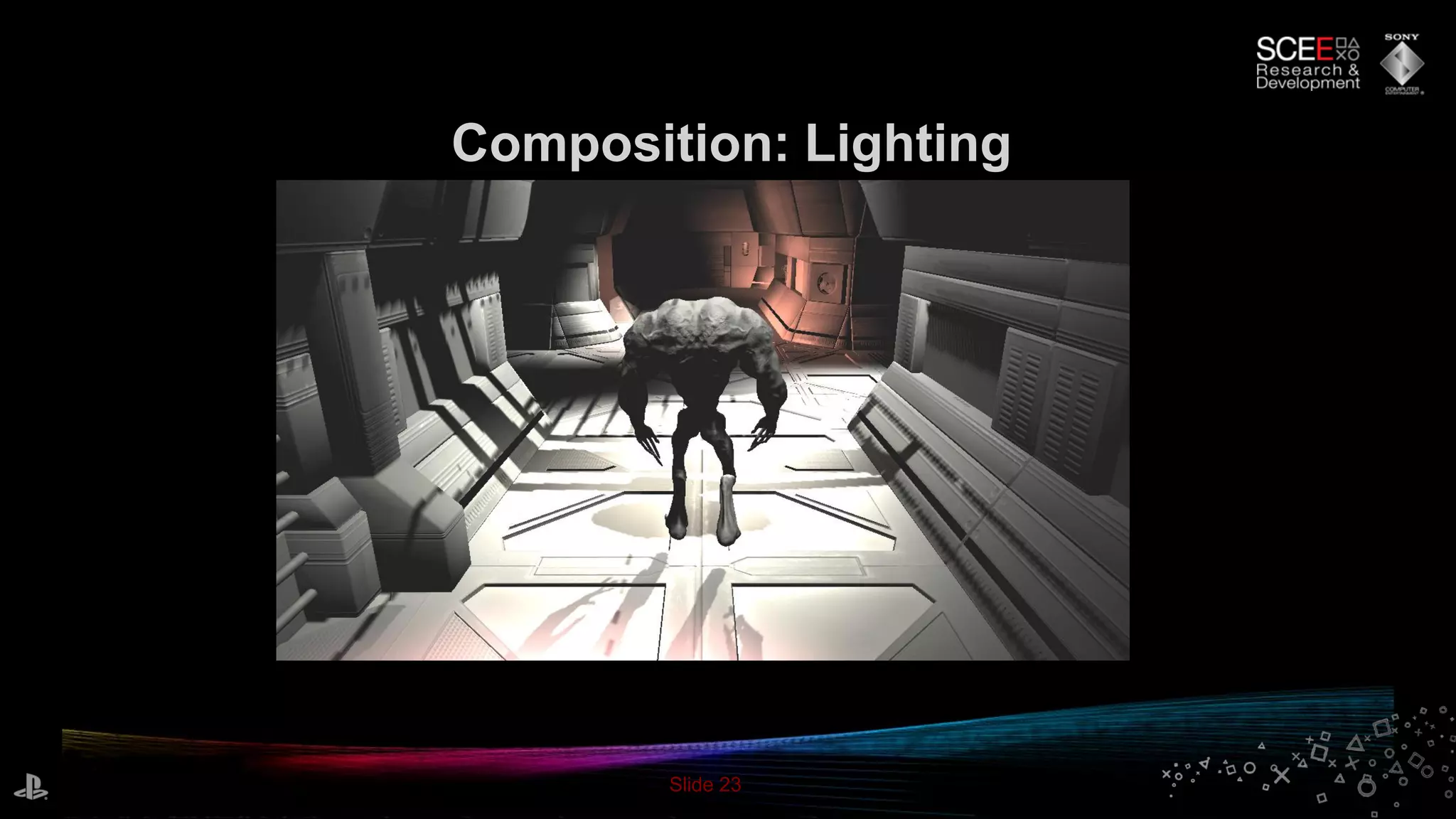
Composition: Lighting
Slide 24
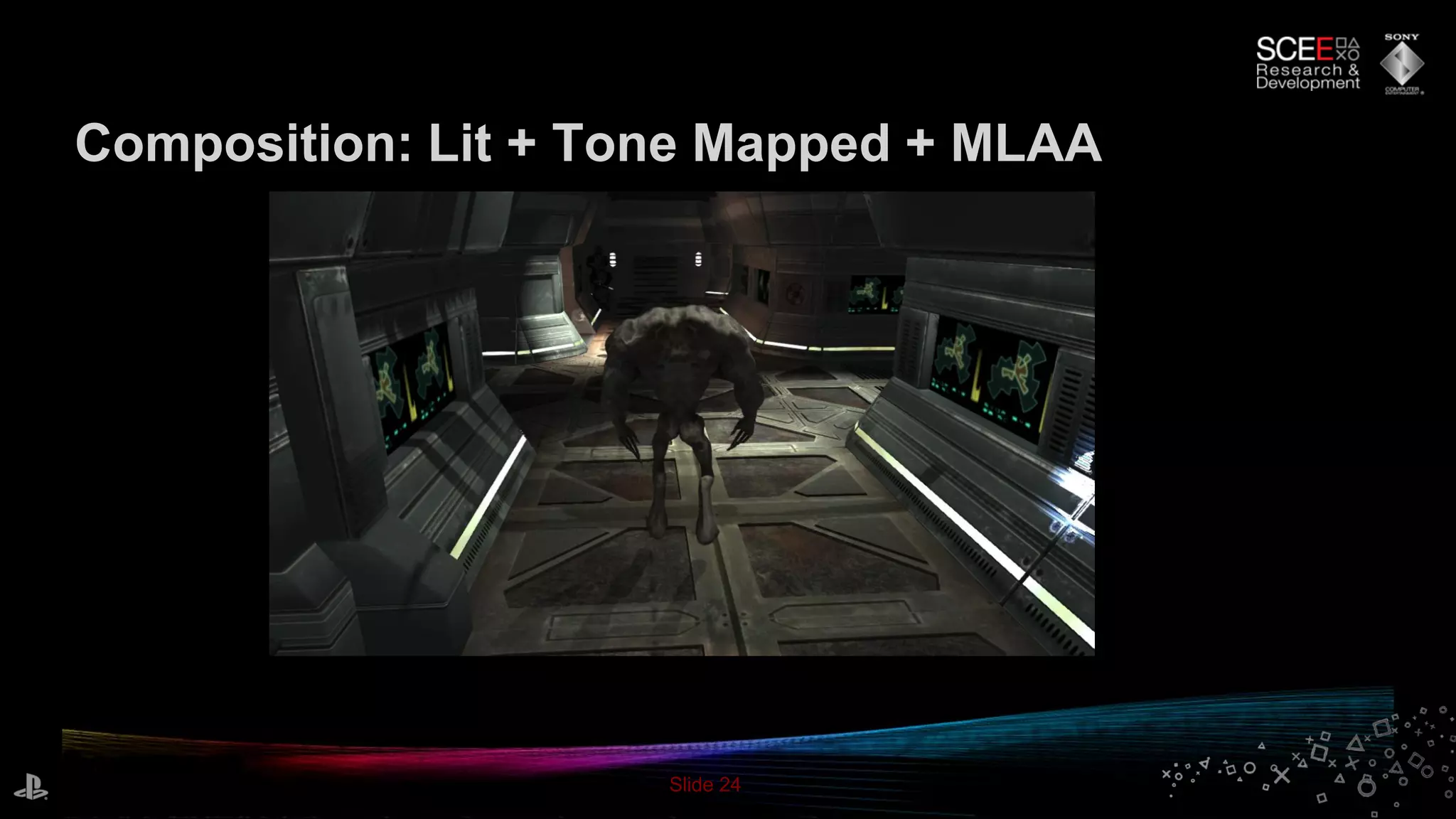
Composition: Lit + Tone Mapped + MLAA
Slide 25
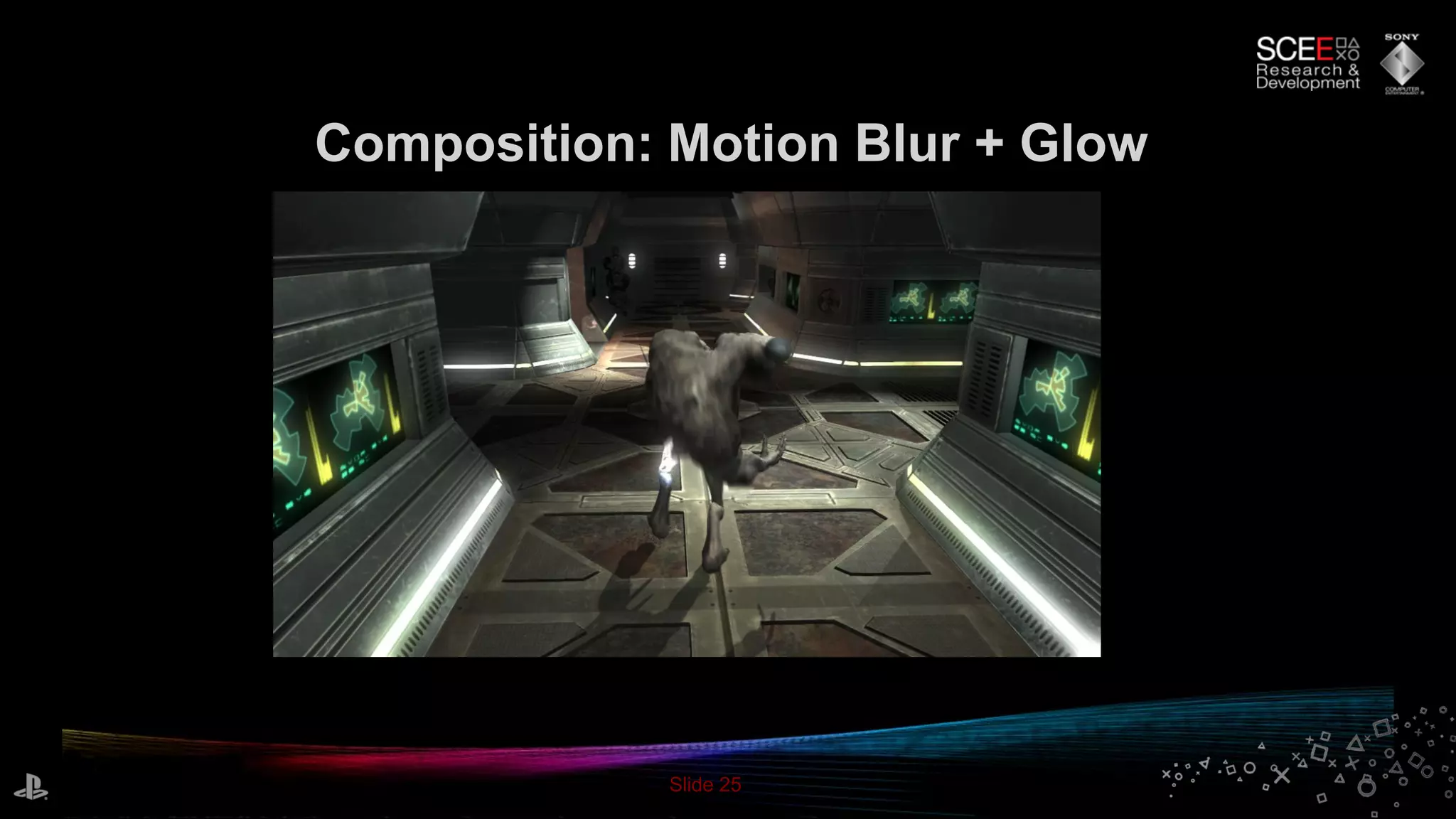
Composition: Motion Blur + Glow
Slide 26
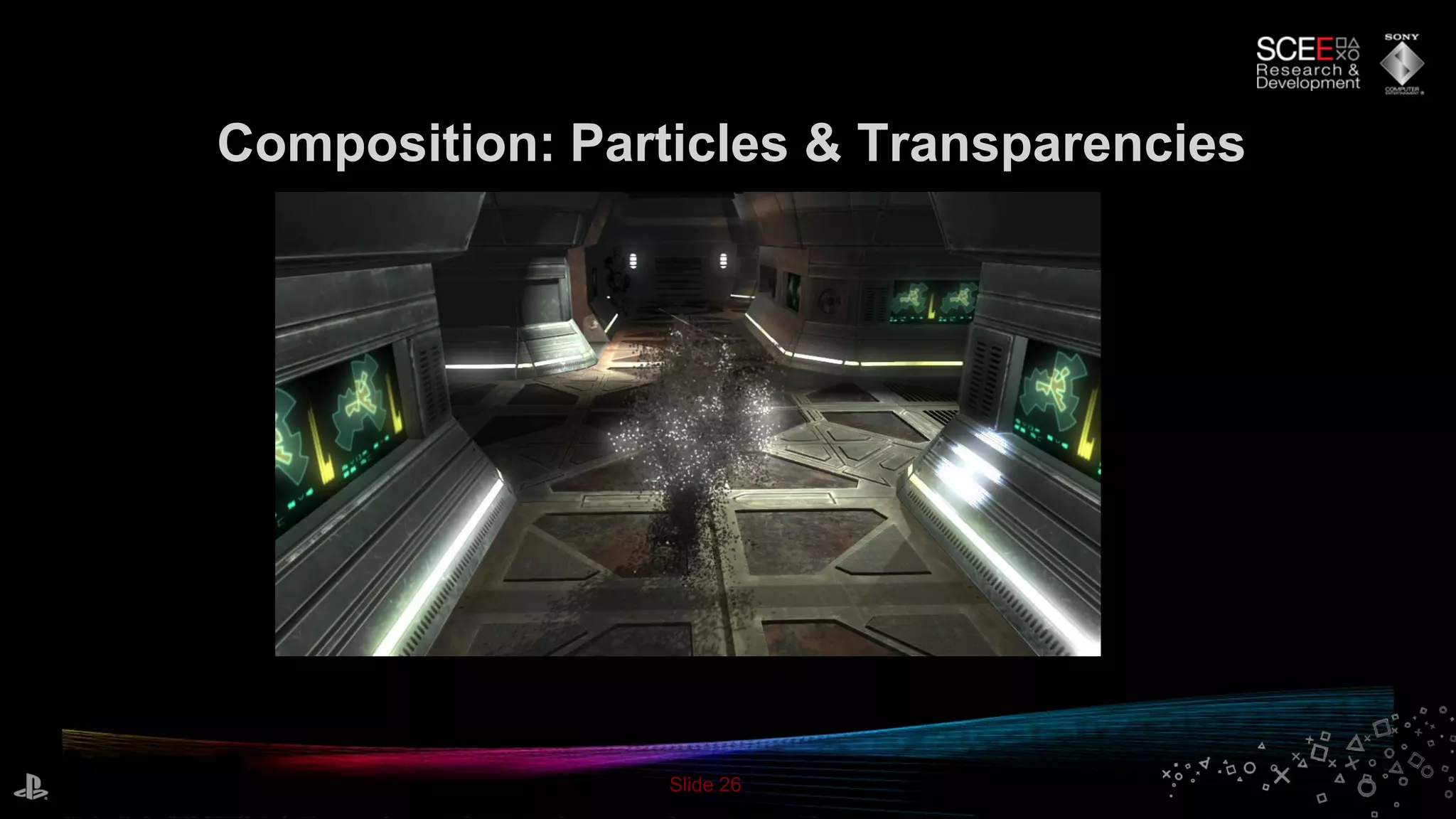
Composition: Particles & Transparencies
Slide 27
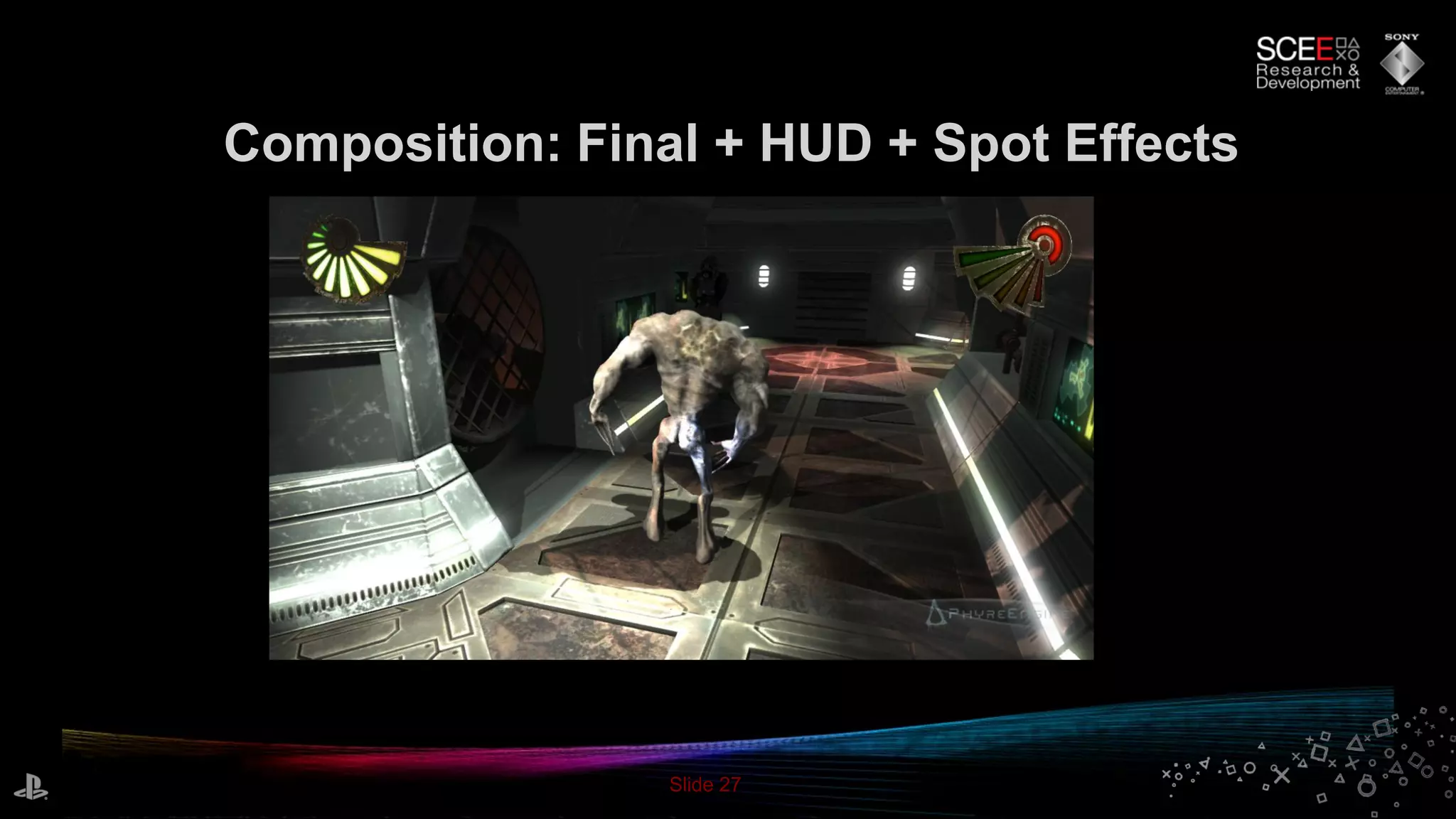
Composition: Final + HUD + Spot Effects
Slide 28
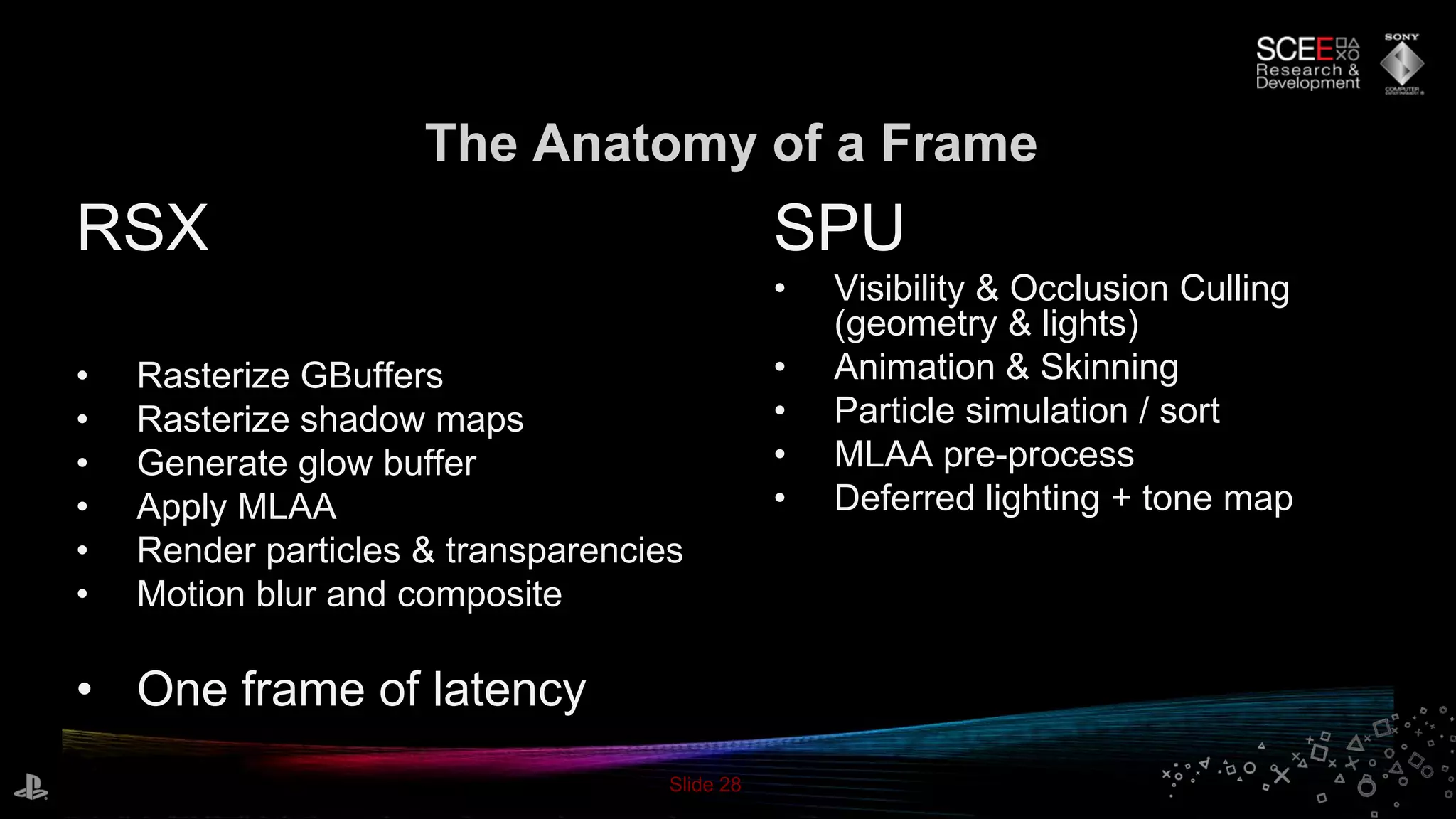
The Anatomy of a Frame
RSX
• Rasterize GBuffers
• Rasterize shadow maps
• Generate glow buffer
• Apply MLAA
• Render particles & transparencies
• Motion blur and composite
• One frame of latency
SPU
• Visibility & Occlusion Culling
(geometry & lights)
• Animation & Skinning
• Particle simulation / sort
• MLAA pre-process
• Deferred lighting + tone map
Slide 29
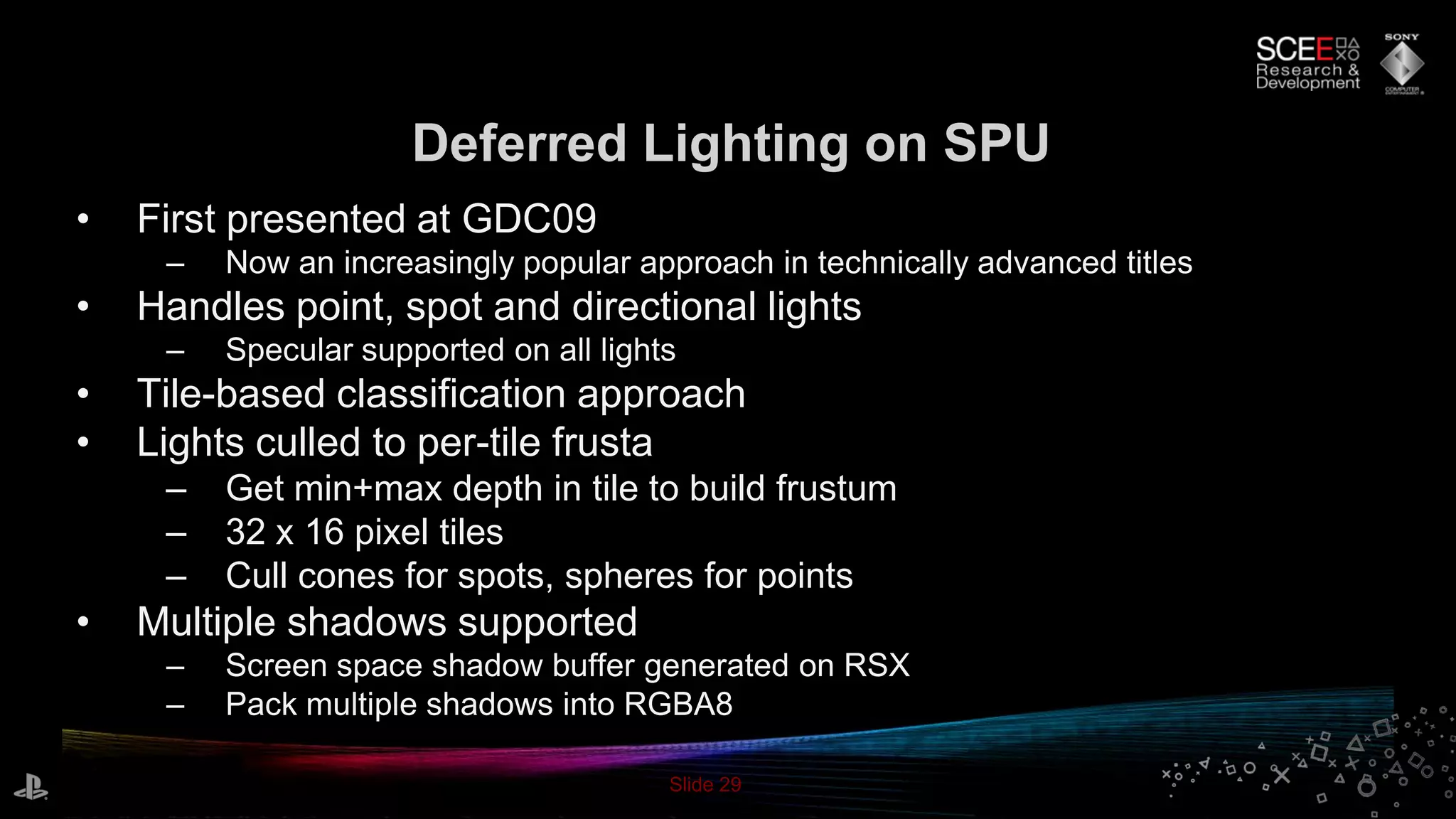
Deferred Lighting on SPU
• First presented at GDC09
– Now an increasingly popular approach in technically advanced titles
• Handles point, spot and directional lights
– Specular supported on all lights
• Tile-based classification approach
• Lights culled to per-tile frusta
– Get min+max depth in tile to build frustum
– 32 x 16 pixel tiles
– Cull cones for spots, spheres for points
• Multiple shadows supported
– Screen space shadow buffer generated on RSX
– Pack multiple shadows into RGBA8
Slide 30
Deferred Lighting on SPU
• Reads tiled input buffers from main memory
– No read back from RSX required
– Reading back multiple Gbuffers gets expensive
– De-tile on SPU
• MSAA optimisation
– Not used here..
• Tone map in place
• Also supports fog, color correction in place & more..
– Add value by rolling in more operations on same buffers for free/cheap
– Don’t waste RSX time on them
• Result: balanced SPU/RSX renderer
Slide 31
Morphological Antialiasing
• Post process for antialiasing edges [1]
• We have a GPU version for PC
– ~16 ms on RSX – too slow
• PlayStation®EDGE Post – SPU-only
– Fast
– Potential latency – executes on SPU after final color buffer
rendered
Slide 32
Morphological Antialiasing
• Our version: pre-process on SPU, final render on RSX
– Pick input available early, in main memory already – low latency
– Support tiled inputs
• Generate edge buffer and edge length buffer on SPU
– Fast linear processes
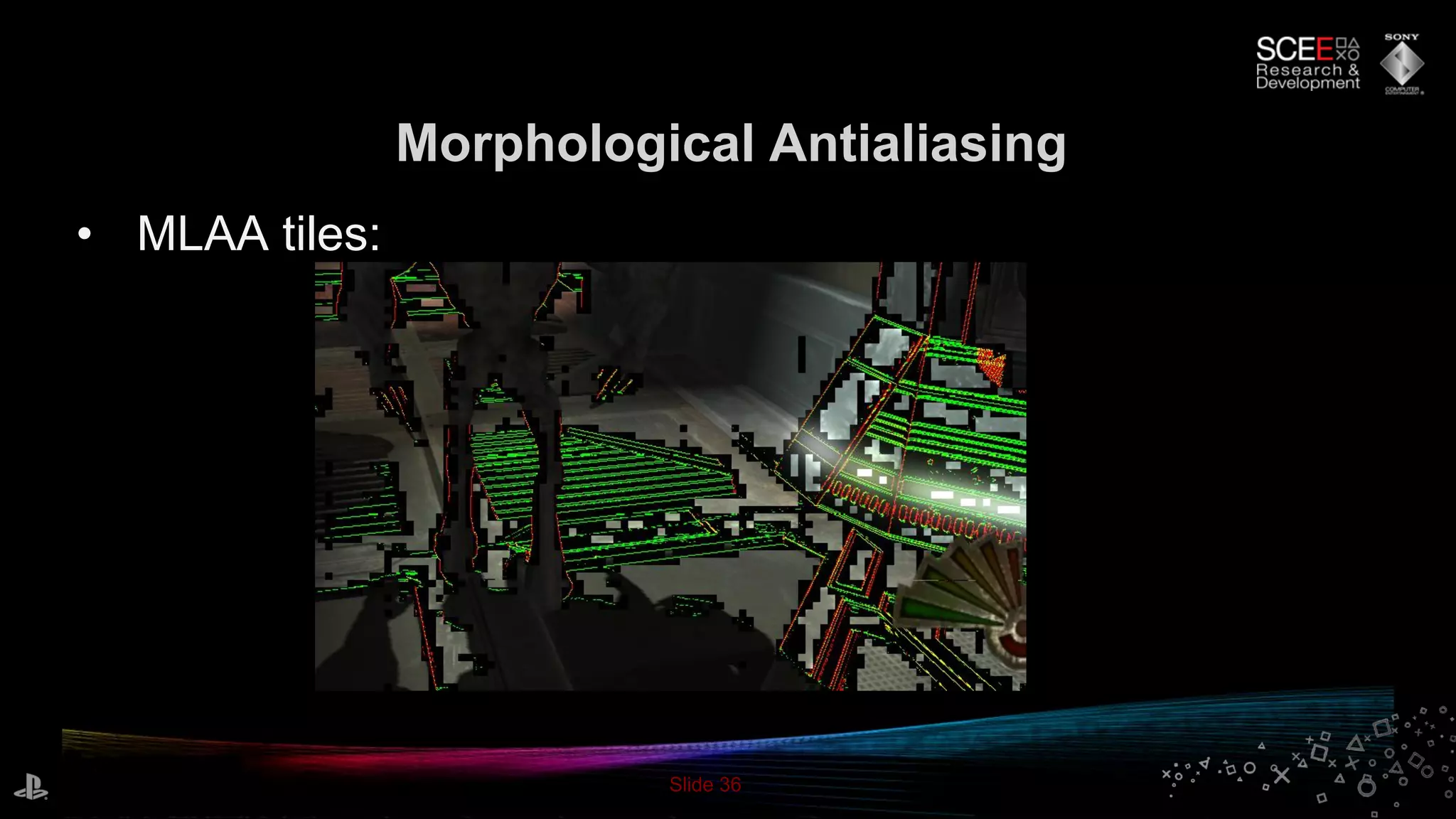
• Generate tile classification buffer on SPU
– Find regions with edges requiring MLAA
– Point sprite list, 8x8 pixel tiles
• Render final MLAA pass on RSX
– Low latency
Slide 33
Morphological Antialiasing
• Make best use of RSX and SPU together
– Perform each task on the best unit for the job
• Rolled pre-process into SPU deferred lighting
– Uses final output buffer for best possible quality
– Improved performance
• Edge detect and tile classify rolled in with lighting code: don’t have to DMA in & de-tile
again
Slide 34
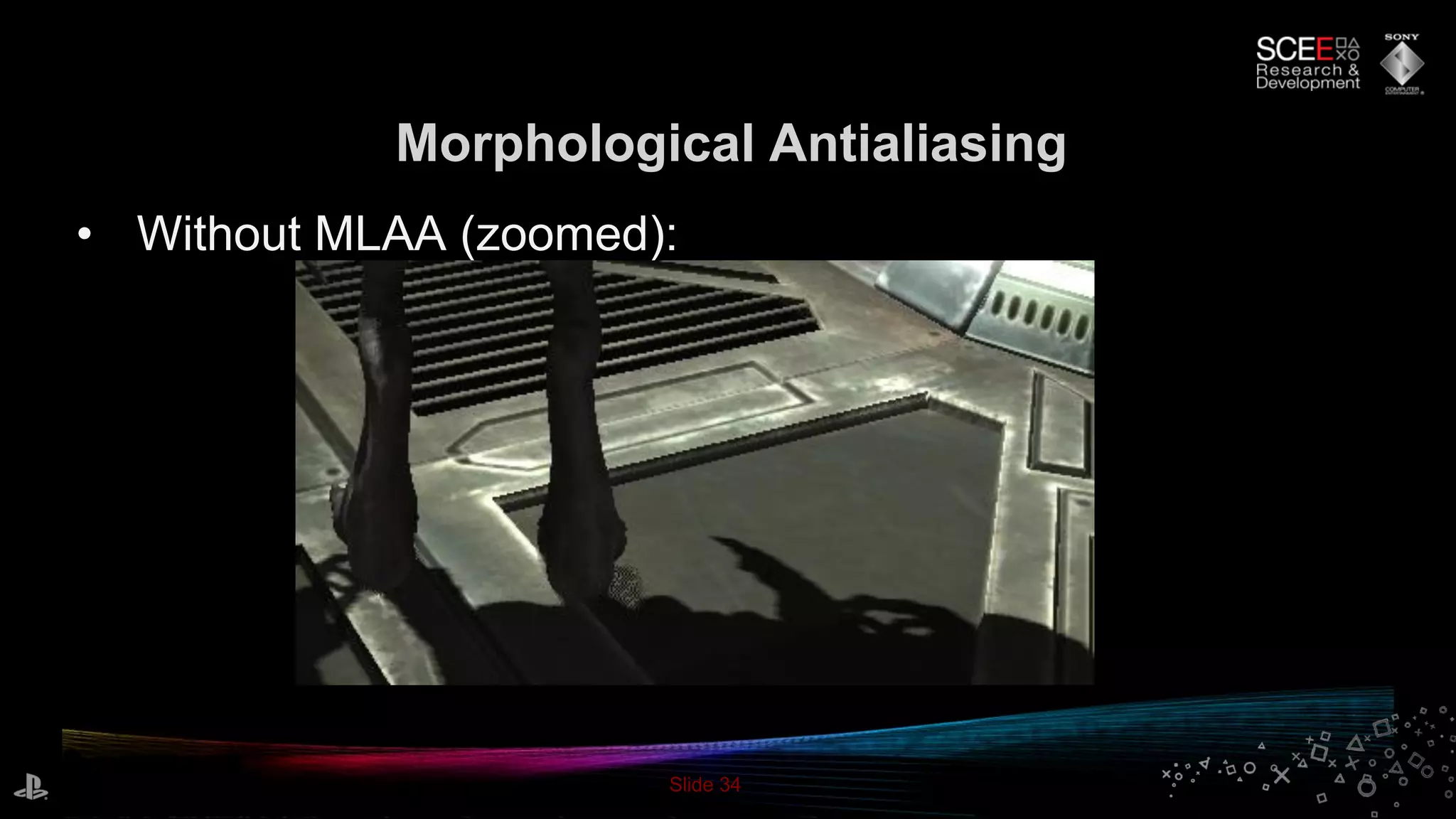
Morphological Antialiasing
• Without MLAA (zoomed):
Slide 35
Morphological Antialiasing
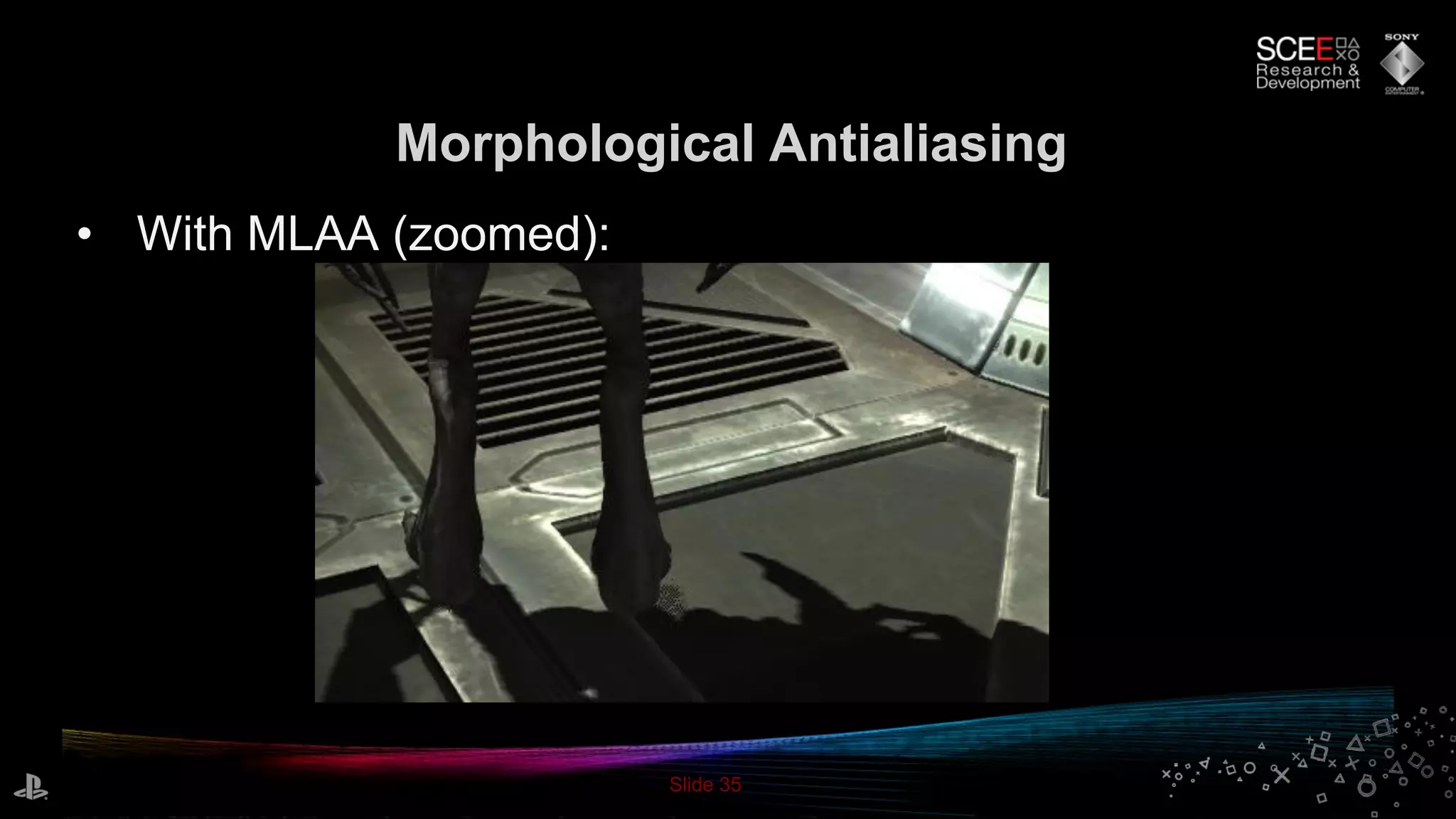
• With MLAA (zoomed):
Slide 36
Morphological Antialiasing
• MLAA tiles:
Slide 37
Particle System
• Motivation: modern, high quality GPU-style
particle system on SPU
• Emit from and attract to skinned meshes
– Smooth transition from mesh to particles
• Fluid-esque movement
• Depth sorting
Slide 38
Particle Simulation
• Skinned meshes
– Particle positions pre-calculated
– Spread particles by triangle area with barycentric coordinates
– Apply skin calculations to particles on SPU
• Curl noise [2]
– Approximates the look of fluid simulation procedurally
– Back-ported to SPU from my GPU version
– Optimisations for SPU: parallelize, reduce table lookups
Slide 39
Particle Sorting
• “Bucket and bitonic”
• Bitonic sort implementation from Phyre 2/3
– Fastest brute force sort on SPU
– Requires all elements in memory at once
• Bucket sort
– Place particles into buckets by depth
– FIFO per bucket - handles arbitrary particle count
• Bucket sort first, then bitonic sort per bucket
Slide 40
PhyreEngine on our next generation
portable entertainment system
(codename: NGP)
Slide 41
NGP Overview
• Multi-core ARM® mobile CPU
• GPU: SGX543MP4+ chipset
• Tile-based deferred renderer (TBDR)
• Flexible and programmable shaders [3]
• Different to typical desktop GPU architecture
– Requires some mental adjustment..
Slide 42
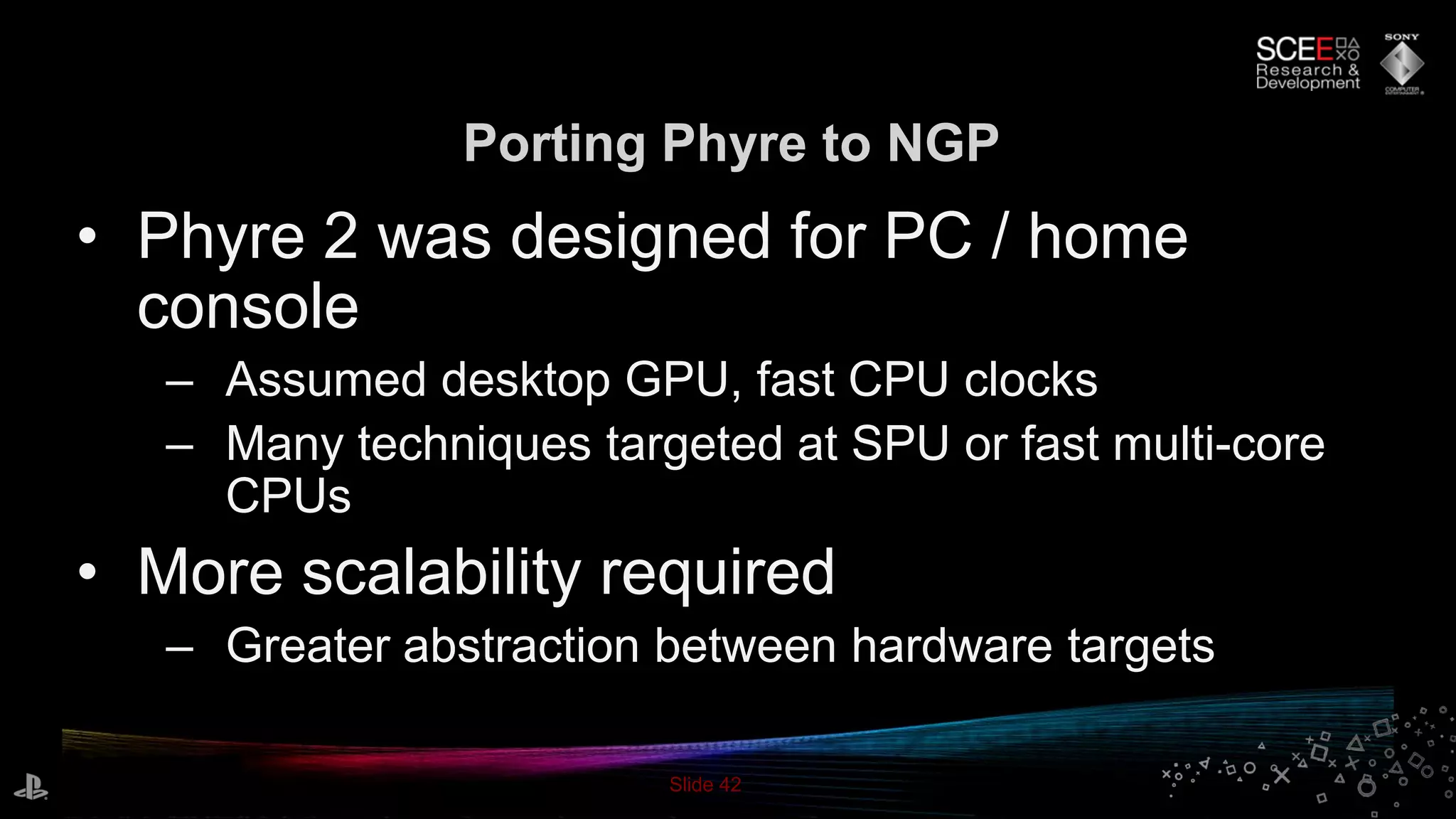
Porting Phyre to NGP
• Phyre 2 was designed for PC / home
console
– Assumed desktop GPU, fast CPU clocks
– Many techniques targeted at SPU or fast multi-core
CPUs
• More scalability required
– Greater abstraction between hardware targets
Slide 43
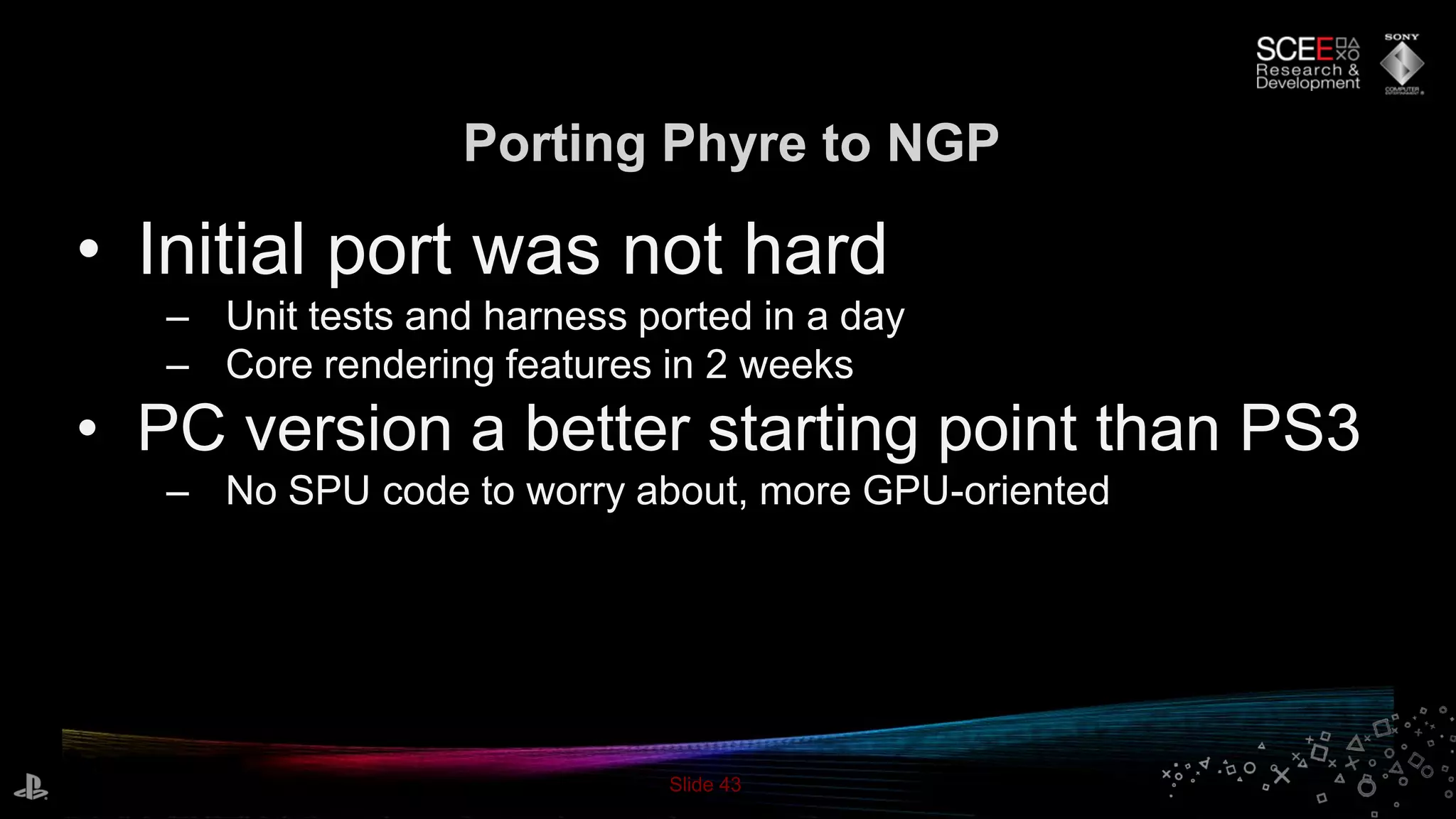
Porting Phyre to NGP
• Initial port was not hard
– Unit tests and harness ported in a day
– Core rendering features in 2 weeks
• PC version a better starting point than PS3
– No SPU code to worry about, more GPU-oriented
Slide 44
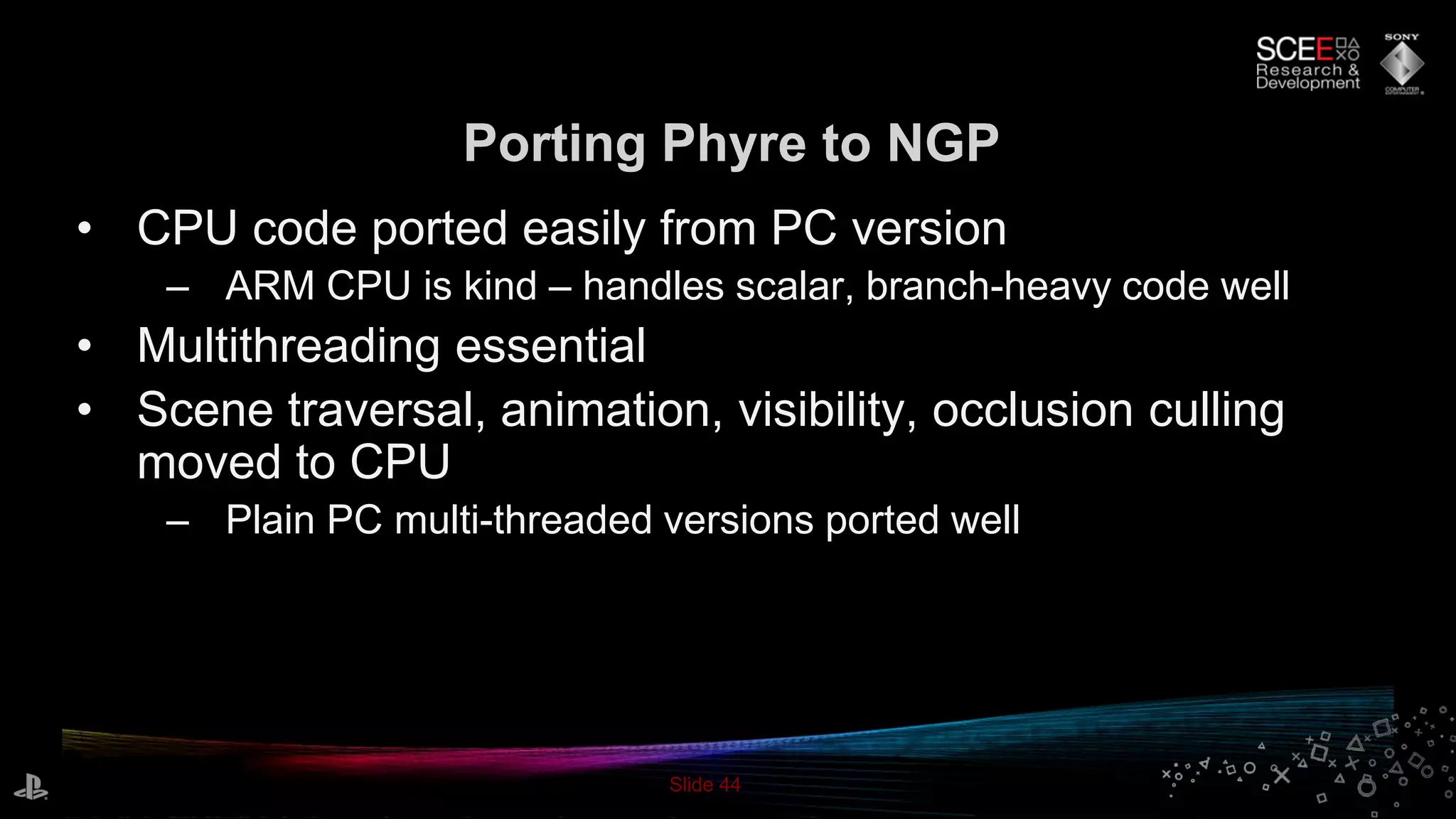
Porting Phyre to NGP
• CPU code ported easily from PC version
– ARM CPU is kind – handles scalar, branch-heavy code well
• Multithreading essential
• Scene traversal, animation, visibility, occlusion culling
moved to CPU
– Plain PC multi-threaded versions ported well
Slide 45
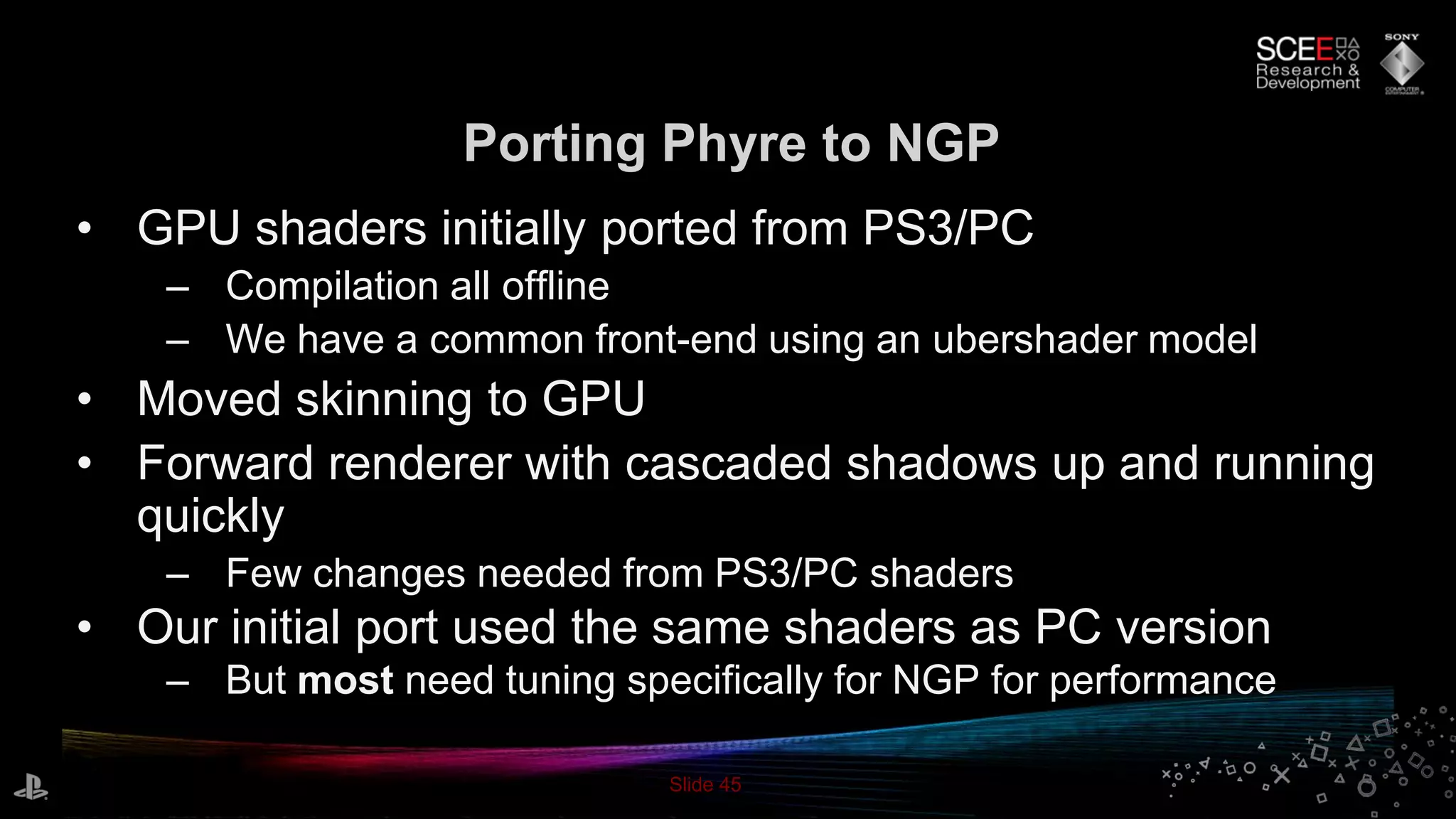
Porting Phyre to NGP
• GPU shaders initially ported from PS3/PC
– Compilation all offline
– We have a common front-end using an ubershader model
• Moved skinning to GPU
• Forward renderer with cascaded shadows up and running
quickly
– Few changes needed from PS3/PC shaders
• Our initial port used the same shaders as PC version
– But most need tuning specifically for NGP for performance
Slide 46
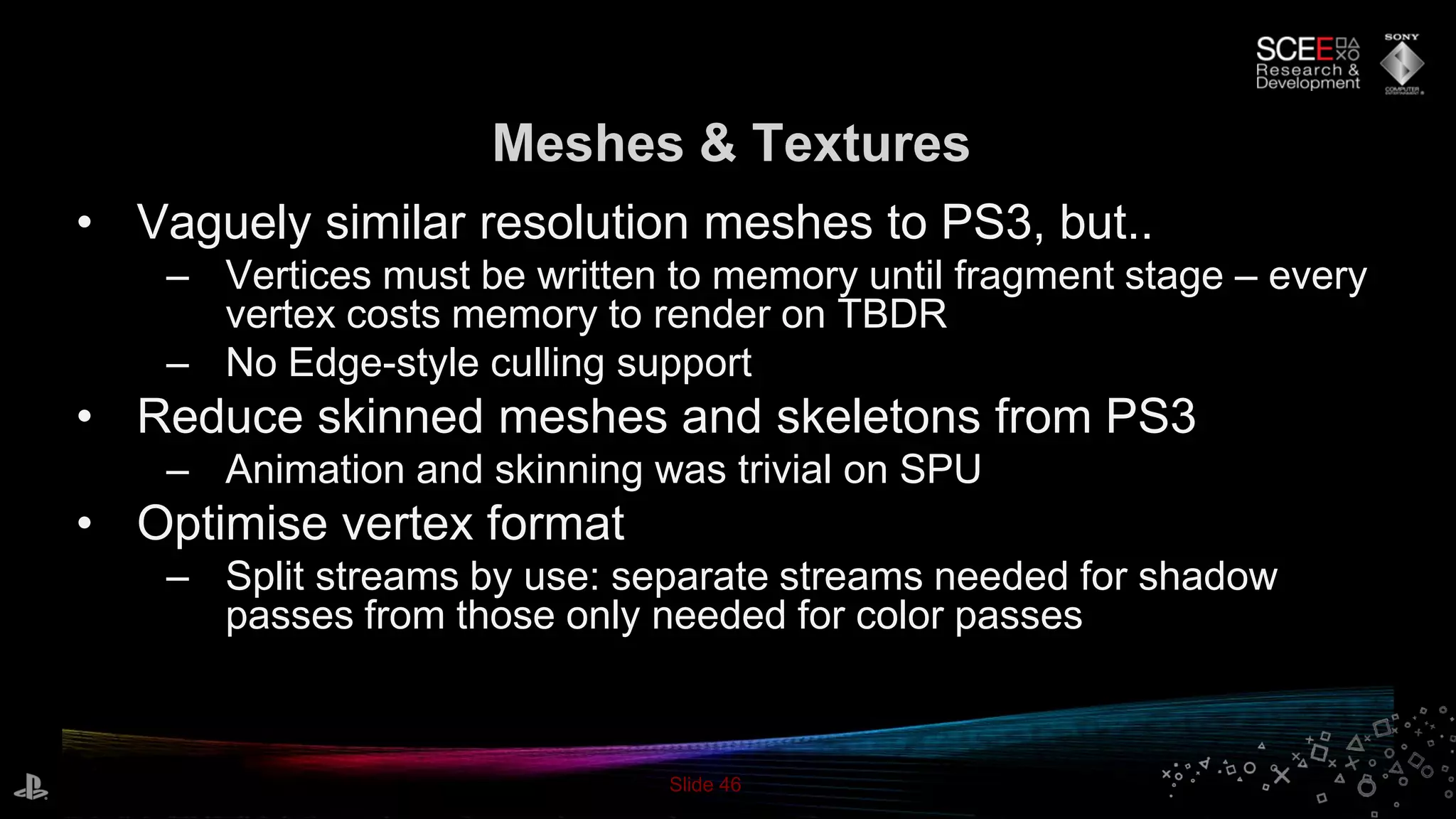
Meshes & Textures
• Vaguely similar resolution meshes to PS3, but..
– Vertices must be written to memory until fragment stage – every
vertex costs memory to render on TBDR
– No Edge-style culling support
• Reduce skinned meshes and skeletons from PS3
– Animation and skinning was trivial on SPU
• Optimise vertex format
– Split streams by use: separate streams needed for shadow
passes from those only needed for color passes
Slide 47
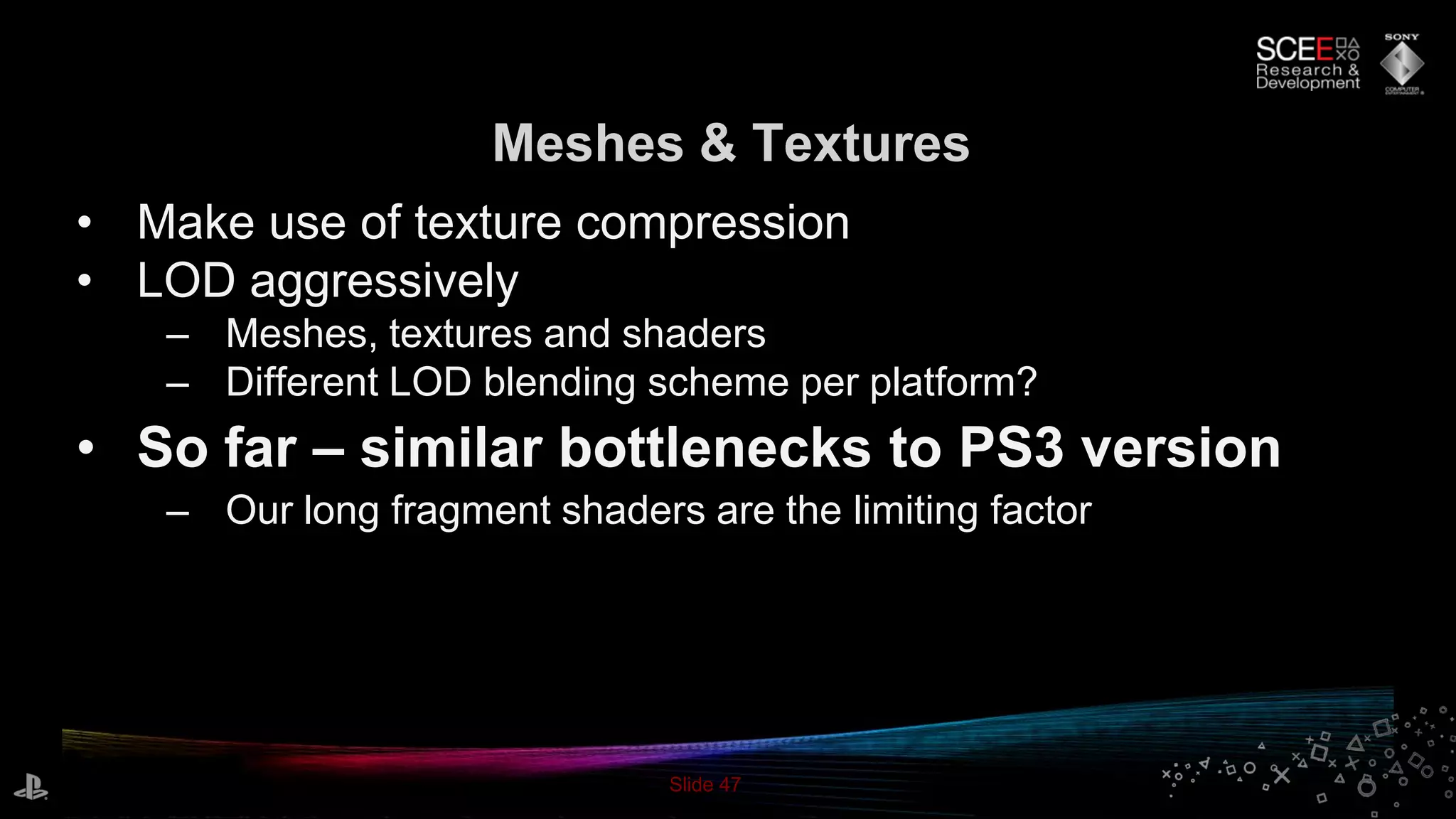
Meshes & Textures
• Make use of texture compression
• LOD aggressively
– Meshes, textures and shaders
– Different LOD blending scheme per platform?
• So far – similar bottlenecks to PS3 version
– Our long fragment shaders are the limiting factor
Slide 48
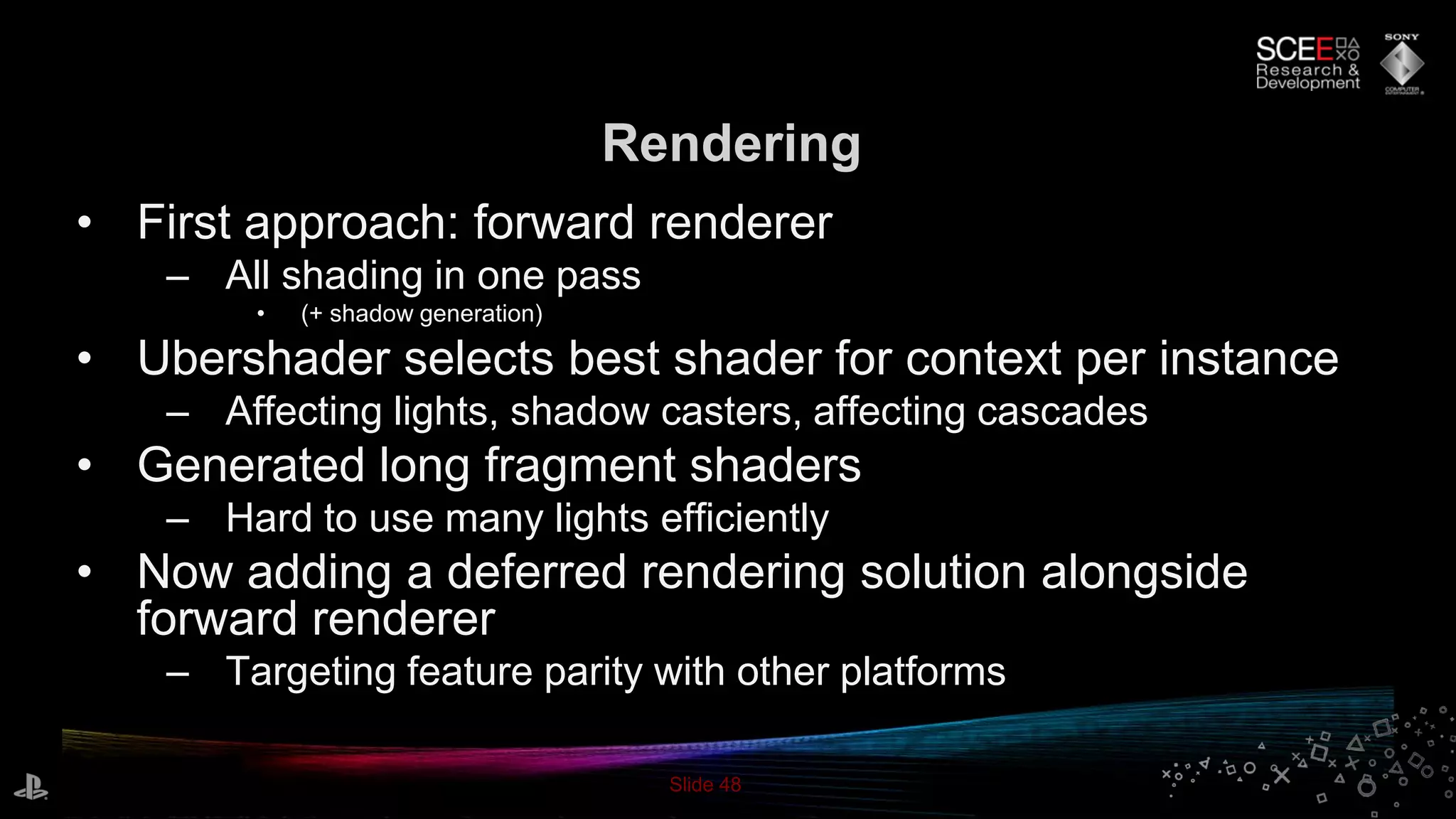
Rendering
• First approach: forward renderer
– All shading in one pass
• (+ shadow generation)
• Ubershader selects best shader for context per instance
– Affecting lights, shadow casters, affecting cascades
• Generated long fragment shaders
– Hard to use many lights efficiently
• Now adding a deferred rendering solution alongside
forward renderer
– Targeting feature parity with other platforms
Slide 49
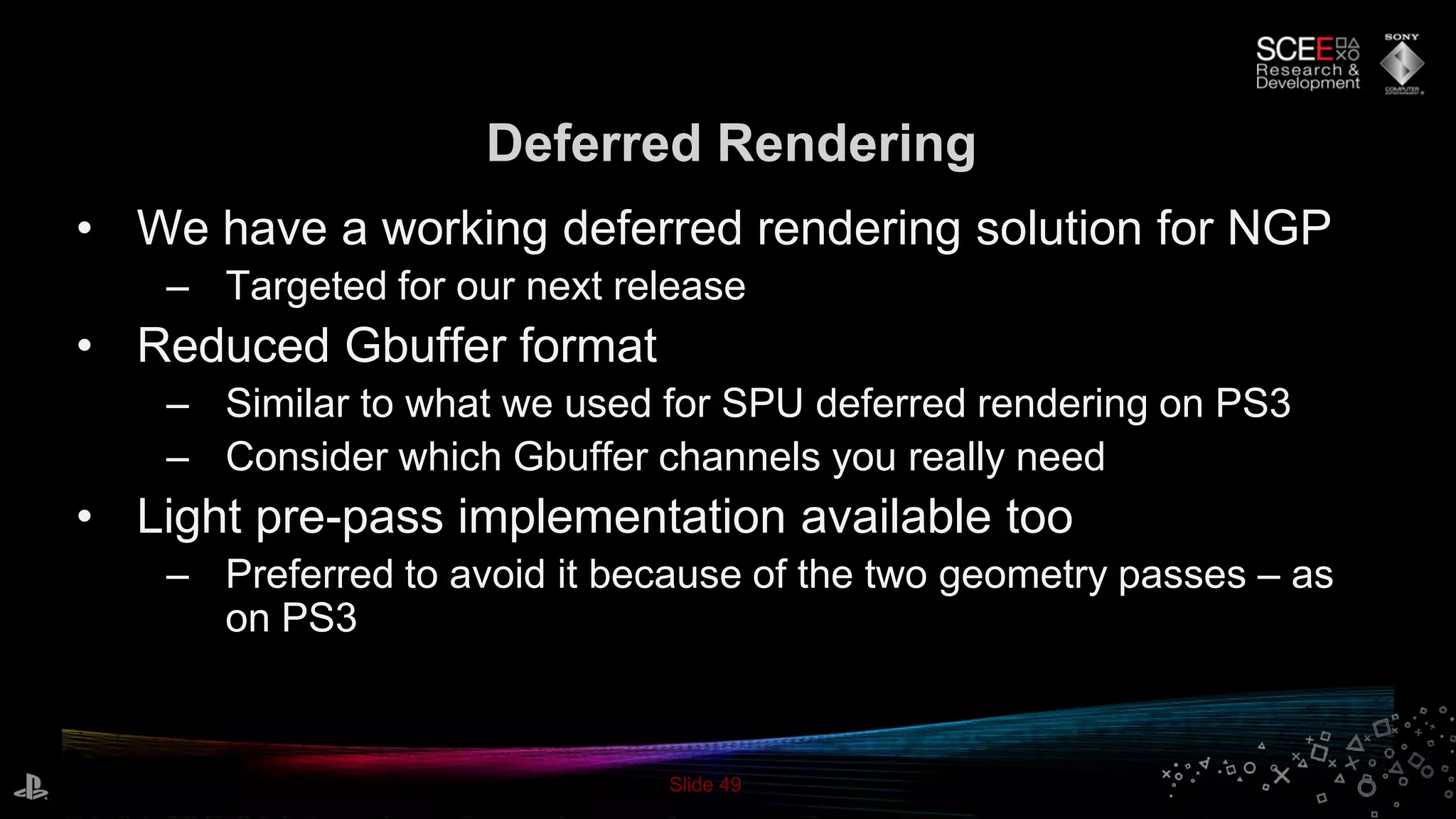
Deferred Rendering
• We have a working deferred rendering solution for NGP
– Targeted for our next release
• Reduced Gbuffer format
– Similar to what we used for SPU deferred rendering on PS3
– Consider which Gbuffer channels you really need
• Light pre-pass implementation available too
– Preferred to avoid it because of the two geometry passes – as
on PS3
Slide 50
Summary
Slide 51
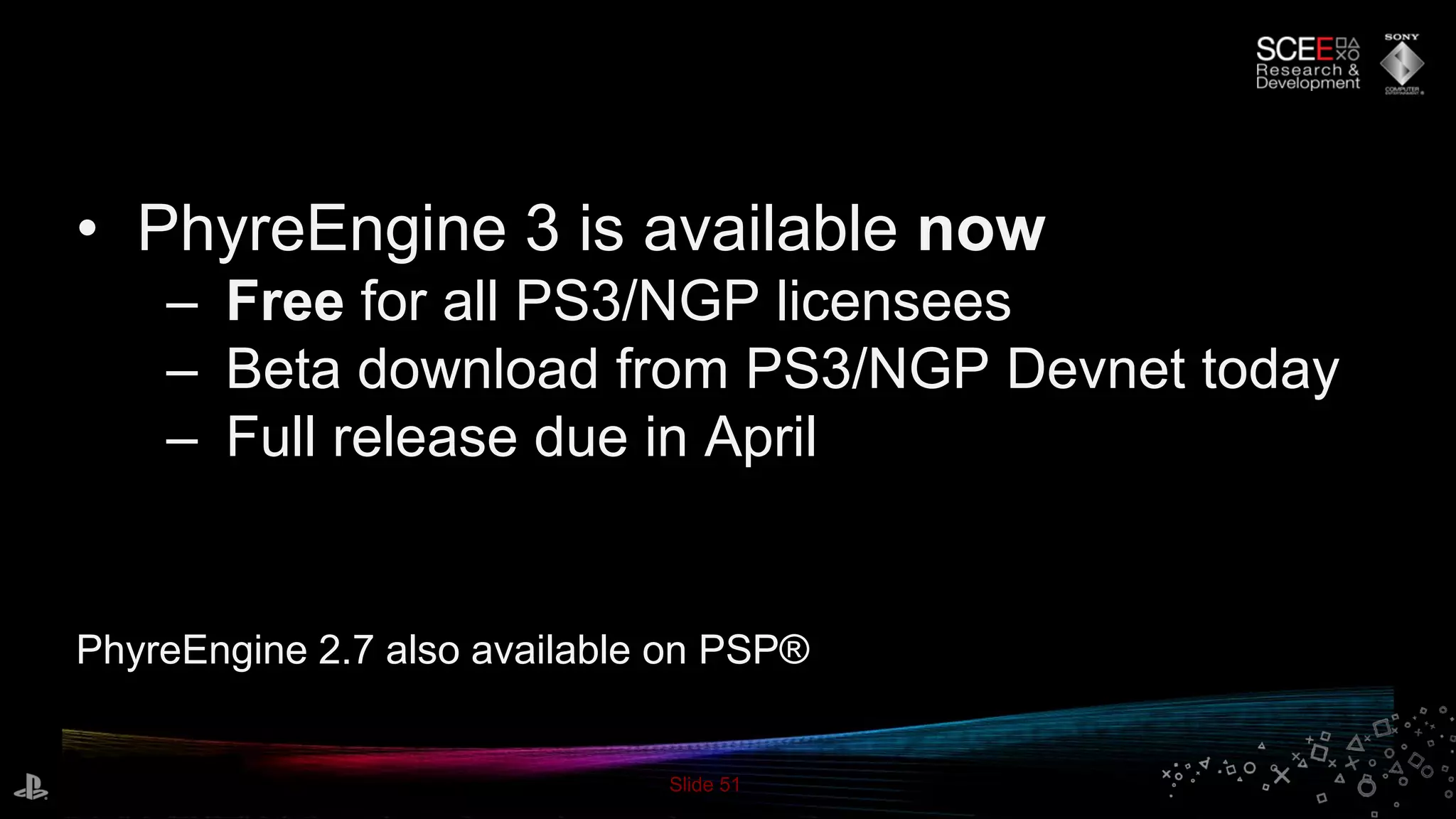
• PhyreEngine 3 is available now
– Free for all PS3/NGP licensees
– Beta download from PS3/NGP Devnet today
– Full release due in April
PhyreEngine 2.7 also available on PSP®
Slide 52
Thanks
• Contributors & Assistance:
– PhyreEngine Team
– SCE R&D
• Steven Tovey, Colin Hughes, Sebastien Schertenleib
– SCE WWS ATG
• Nicolas Serres, Simon Brown, Tobias Berghoff, Matteo
Scapuzzi, Jan Althaus et al.
Slide 53
References
• [1] Intel Labs: Morphological Antialiasing (2009)
• [2] R. Bridson: Curl noise for procedural fluid flow (2009)
• [3] http://www.imgtec.com/news/Release/index.asp?NewsID=428
• [4] http://www.scribd.com/doc/27337782/Powervr-Sgx-Series5xt-Ip-
Core-Family-1-0

The Next Generation of PhyreEngine

  • 1.
    The Next Generation ofPhyreEngine™ Matt Swoboda Principal Engineer Sony Computer Entertainment Europe R&D
  • 2.
  • 3.
    Slide 3 • PhyreEngine2.X – PlayStation®3 as primary target • Heavy SPU usage; Supported multicore ports of SPU work • Assumed RSX level for graphics – Works on PC, portable to other platforms • Shipped example DX9 implementation • PSP®(PlayStation®Portable) version available • Used in > 45 released titles History
  • 4.
  • 5.
    Slide 5 • TargetsNGP, PS3™, PC – Support wider variety of hardware • CPU and GPU • Greatly enhanced tool set • Scripting support PhyreEngine 3
  • 6.
    Slide 6 • Occluders •Dynamic Geometry • Profiling • Scene • SPU Post Processing • Text • LOD • Animation • Physics – Bullet – Havok™ – NVIDIA® PhysX® Ported Most Frequently Used Phyre 2 Components
  • 7.
    Slide 7 • Dataoriented – Entity/component model – Target data parallelism • Serialize data straight to target’s class layout – Automatic packing and fix up for serialization – Different memory-mapped binary file per target New object model
  • 8.
    Slide 8 • Membersand methods from object model • Isolated context for each script – Enables parallelism • Runtime script scheduler in most recent version Scripting at Core
  • 9.
    Slide 9 • Bestfeatures ported from Phyre 2 – SPU dynamic geometry, post processing, deferred renderer etc. • Added ubershader support – Simplifies asset creation • Split renderer into separate thread[s] – Multithreaded submission to single render thread Upgraded Renderer
  • 10.
    Slide 10 • COLLADA™ –Take data from wide range of supporting tools • Direct support for Maya® and 3ds MAX® – Our own supported exporters – much improved over standard issue COLLADA exporters • Our ubershader works as a shader node – Same look & features as in game Improved DCC Tool Integration
  • 11.
    Slide 11 • AssetProcessor – Inputs: • COLLADA™, textures, CgFX, scripts + more – Outputs platform specific cluster file • Plus cache of pre-processed cluster for reuse • Level Editor – Build levels for use in the game engine Simplified Tool Set
  • 12.
    Slide 12 • Placeassets from DCC tool – Meshes, lights, collision data • Gameplay elements – Triggers – AI / Navigation mesh – Entity and component editing Phyre Level Editor
  • 13.
    Slide 13 • Createentity templates in Level Editor • E.g. a soldier: – AI / Nav component – Renderable component – Physics component – Trigger interactions component Entity Templates
  • 14.
    Slide 14 • Runyour game application in the editor – Communicates via TCP – Hosts your game with Game Edit library – Game Edit passes Phyre object model info to editor • Additionally include game specific data • Connect to PS3 and NGP – On target preview and editing Phyre Level Editor
  • 15.
    Slide 15 Demo The All-NewPhyre 3 Game Template
  • 16.
    Slide 16 • Assetsbuilt in DCC tool – Level chunks • Shaders, lights, collision mesh in DCC tool – Characters + animations • Imported into Phyre Level Editor – Chunks snapped together to form a level – Add occluder geometry – Edit lighting – Add triggers, doors, spawn points Building The Demo
  • 17.
    Slide 17 • Highlevel soldier behavior scripted in Lua – Communicates with Phyre object model • Soldiers use navigation component – Uses Detour to move to target – Based on pre-generated Recast nav mesh – Includes DetourCrowd to avoid collision AI / Navigation
  • 18.
  • 19.
    Slide 19 • Physicsmeshes imported from DCC – Rigid body setup • Choice of Bullet, Havok, PhysX – Can switch at compile time Physics
  • 20.
    Slide 20 Rendering Overview •Good performance – Full 720p – 1280x720 or half 1080p – 960x1080 – 60 hz framerate usually – Load is roughly evenly balanced between RSX and SPU • Full deferred renderer on SPU – Large number of point and spot lights; 4 shadow casters • Post processing on RSX/SPU – Glow, motion blur, MLAA (no MSAA)
  • 21.
    Slide 21 Rendering Overview •GBuffers: – 24 bit color + 8 bit specular gloss - in main memory – 8 bit view space normal x & y + 16 bit view space linear depth - in main memory – 24 bit depth, 8 bit stencil - in VRAM • Stencil is used for object ID for motion blur – Shadow buffer : 32 bits split between N lights - in main memory • Used 4 lights, 8 bit per light here • Velocity buffer reconstructed in post
  • 22.
  • 23.
  • 24.
    Slide 24 Composition: Lit+ Tone Mapped + MLAA
  • 25.
  • 26.
  • 27.
    Slide 27 Composition: Final+ HUD + Spot Effects
  • 28.
    Slide 28 The Anatomyof a Frame RSX • Rasterize GBuffers • Rasterize shadow maps • Generate glow buffer • Apply MLAA • Render particles & transparencies • Motion blur and composite • One frame of latency SPU • Visibility & Occlusion Culling (geometry & lights) • Animation & Skinning • Particle simulation / sort • MLAA pre-process • Deferred lighting + tone map
  • 29.
    Slide 29 Deferred Lightingon SPU • First presented at GDC09 – Now an increasingly popular approach in technically advanced titles • Handles point, spot and directional lights – Specular supported on all lights • Tile-based classification approach • Lights culled to per-tile frusta – Get min+max depth in tile to build frustum – 32 x 16 pixel tiles – Cull cones for spots, spheres for points • Multiple shadows supported – Screen space shadow buffer generated on RSX – Pack multiple shadows into RGBA8
  • 30.
    Slide 30 Deferred Lightingon SPU • Reads tiled input buffers from main memory – No read back from RSX required – Reading back multiple Gbuffers gets expensive – De-tile on SPU • MSAA optimisation – Not used here.. • Tone map in place • Also supports fog, color correction in place & more.. – Add value by rolling in more operations on same buffers for free/cheap – Don’t waste RSX time on them • Result: balanced SPU/RSX renderer
  • 31.
    Slide 31 Morphological Antialiasing •Post process for antialiasing edges [1] • We have a GPU version for PC – ~16 ms on RSX – too slow • PlayStation®EDGE Post – SPU-only – Fast – Potential latency – executes on SPU after final color buffer rendered
  • 32.
    Slide 32 Morphological Antialiasing •Our version: pre-process on SPU, final render on RSX – Pick input available early, in main memory already – low latency – Support tiled inputs • Generate edge buffer and edge length buffer on SPU – Fast linear processes • Generate tile classification buffer on SPU – Find regions with edges requiring MLAA – Point sprite list, 8x8 pixel tiles • Render final MLAA pass on RSX – Low latency
  • 33.
    Slide 33 Morphological Antialiasing •Make best use of RSX and SPU together – Perform each task on the best unit for the job • Rolled pre-process into SPU deferred lighting – Uses final output buffer for best possible quality – Improved performance • Edge detect and tile classify rolled in with lighting code: don’t have to DMA in & de-tile again
  • 34.
  • 35.
  • 36.
  • 37.
    Slide 37 Particle System •Motivation: modern, high quality GPU-style particle system on SPU • Emit from and attract to skinned meshes – Smooth transition from mesh to particles • Fluid-esque movement • Depth sorting
  • 38.
    Slide 38 Particle Simulation •Skinned meshes – Particle positions pre-calculated – Spread particles by triangle area with barycentric coordinates – Apply skin calculations to particles on SPU • Curl noise [2] – Approximates the look of fluid simulation procedurally – Back-ported to SPU from my GPU version – Optimisations for SPU: parallelize, reduce table lookups
  • 39.
    Slide 39 Particle Sorting •“Bucket and bitonic” • Bitonic sort implementation from Phyre 2/3 – Fastest brute force sort on SPU – Requires all elements in memory at once • Bucket sort – Place particles into buckets by depth – FIFO per bucket - handles arbitrary particle count • Bucket sort first, then bitonic sort per bucket
  • 40.
    Slide 40 PhyreEngine onour next generation portable entertainment system (codename: NGP)
  • 41.
    Slide 41 NGP Overview •Multi-core ARM® mobile CPU • GPU: SGX543MP4+ chipset • Tile-based deferred renderer (TBDR) • Flexible and programmable shaders [3] • Different to typical desktop GPU architecture – Requires some mental adjustment..
  • 42.
    Slide 42 Porting Phyreto NGP • Phyre 2 was designed for PC / home console – Assumed desktop GPU, fast CPU clocks – Many techniques targeted at SPU or fast multi-core CPUs • More scalability required – Greater abstraction between hardware targets
  • 43.
    Slide 43 Porting Phyreto NGP • Initial port was not hard – Unit tests and harness ported in a day – Core rendering features in 2 weeks • PC version a better starting point than PS3 – No SPU code to worry about, more GPU-oriented
  • 44.
    Slide 44 Porting Phyreto NGP • CPU code ported easily from PC version – ARM CPU is kind – handles scalar, branch-heavy code well • Multithreading essential • Scene traversal, animation, visibility, occlusion culling moved to CPU – Plain PC multi-threaded versions ported well
  • 45.
    Slide 45 Porting Phyreto NGP • GPU shaders initially ported from PS3/PC – Compilation all offline – We have a common front-end using an ubershader model • Moved skinning to GPU • Forward renderer with cascaded shadows up and running quickly – Few changes needed from PS3/PC shaders • Our initial port used the same shaders as PC version – But most need tuning specifically for NGP for performance
  • 46.
    Slide 46 Meshes &Textures • Vaguely similar resolution meshes to PS3, but.. – Vertices must be written to memory until fragment stage – every vertex costs memory to render on TBDR – No Edge-style culling support • Reduce skinned meshes and skeletons from PS3 – Animation and skinning was trivial on SPU • Optimise vertex format – Split streams by use: separate streams needed for shadow passes from those only needed for color passes
  • 47.
    Slide 47 Meshes &Textures • Make use of texture compression • LOD aggressively – Meshes, textures and shaders – Different LOD blending scheme per platform? • So far – similar bottlenecks to PS3 version – Our long fragment shaders are the limiting factor
  • 48.
    Slide 48 Rendering • Firstapproach: forward renderer – All shading in one pass • (+ shadow generation) • Ubershader selects best shader for context per instance – Affecting lights, shadow casters, affecting cascades • Generated long fragment shaders – Hard to use many lights efficiently • Now adding a deferred rendering solution alongside forward renderer – Targeting feature parity with other platforms
  • 49.
    Slide 49 Deferred Rendering •We have a working deferred rendering solution for NGP – Targeted for our next release • Reduced Gbuffer format – Similar to what we used for SPU deferred rendering on PS3 – Consider which Gbuffer channels you really need • Light pre-pass implementation available too – Preferred to avoid it because of the two geometry passes – as on PS3
  • 50.
  • 51.
    Slide 51 • PhyreEngine3 is available now – Free for all PS3/NGP licensees – Beta download from PS3/NGP Devnet today – Full release due in April PhyreEngine 2.7 also available on PSP®
  • 52.
    Slide 52 Thanks • Contributors& Assistance: – PhyreEngine Team – SCE R&D • Steven Tovey, Colin Hughes, Sebastien Schertenleib – SCE WWS ATG • Nicolas Serres, Simon Brown, Tobias Berghoff, Matteo Scapuzzi, Jan Althaus et al.
  • 53.
    Slide 53 References • [1]Intel Labs: Morphological Antialiasing (2009) • [2] R. Bridson: Curl noise for procedural fluid flow (2009) • [3] http://www.imgtec.com/news/Release/index.asp?NewsID=428 • [4] http://www.scribd.com/doc/27337782/Powervr-Sgx-Series5xt-Ip- Core-Family-1-0