THE HOW & WHY OF
SMALL BUSINESS
BLOGGING
CLAIRE BROTHERTON @abrightclearweb
WORDCAMP LONDON, APRIL 2016
WHO AM I?
• Freelance web developer
• Edinburgh-based
WHY BLOG?
• get more traffic
• help SEO
• build loyalty
• build trust & credibility
• help & educate others
• help yourself (!)
• gain new business opportunities
HOW?
• establish a schedule
• use tools
• join accountability groups
• prioritize the time
• write posts the right way
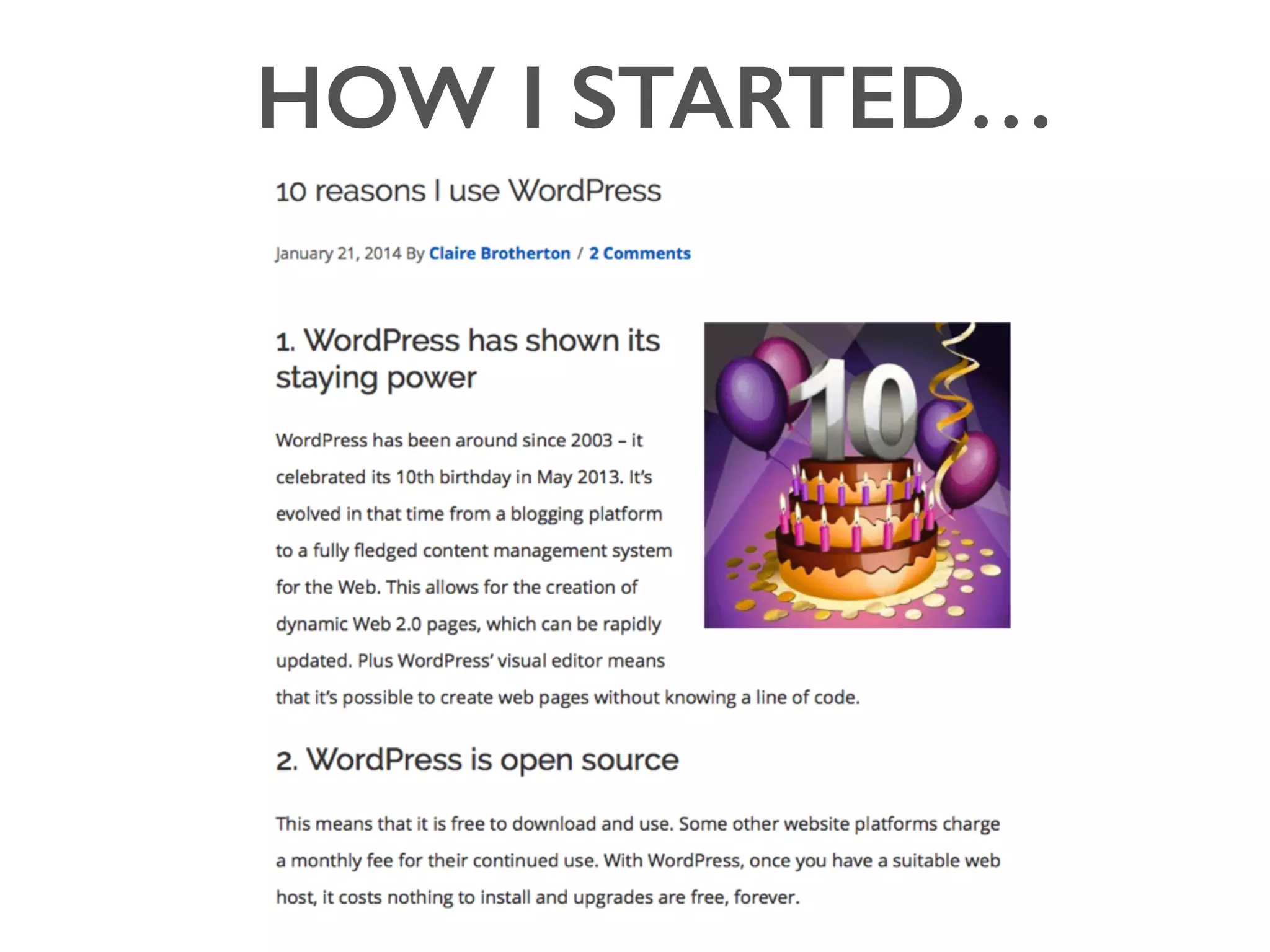
MY INSPIRATION
HOW I STARTED…
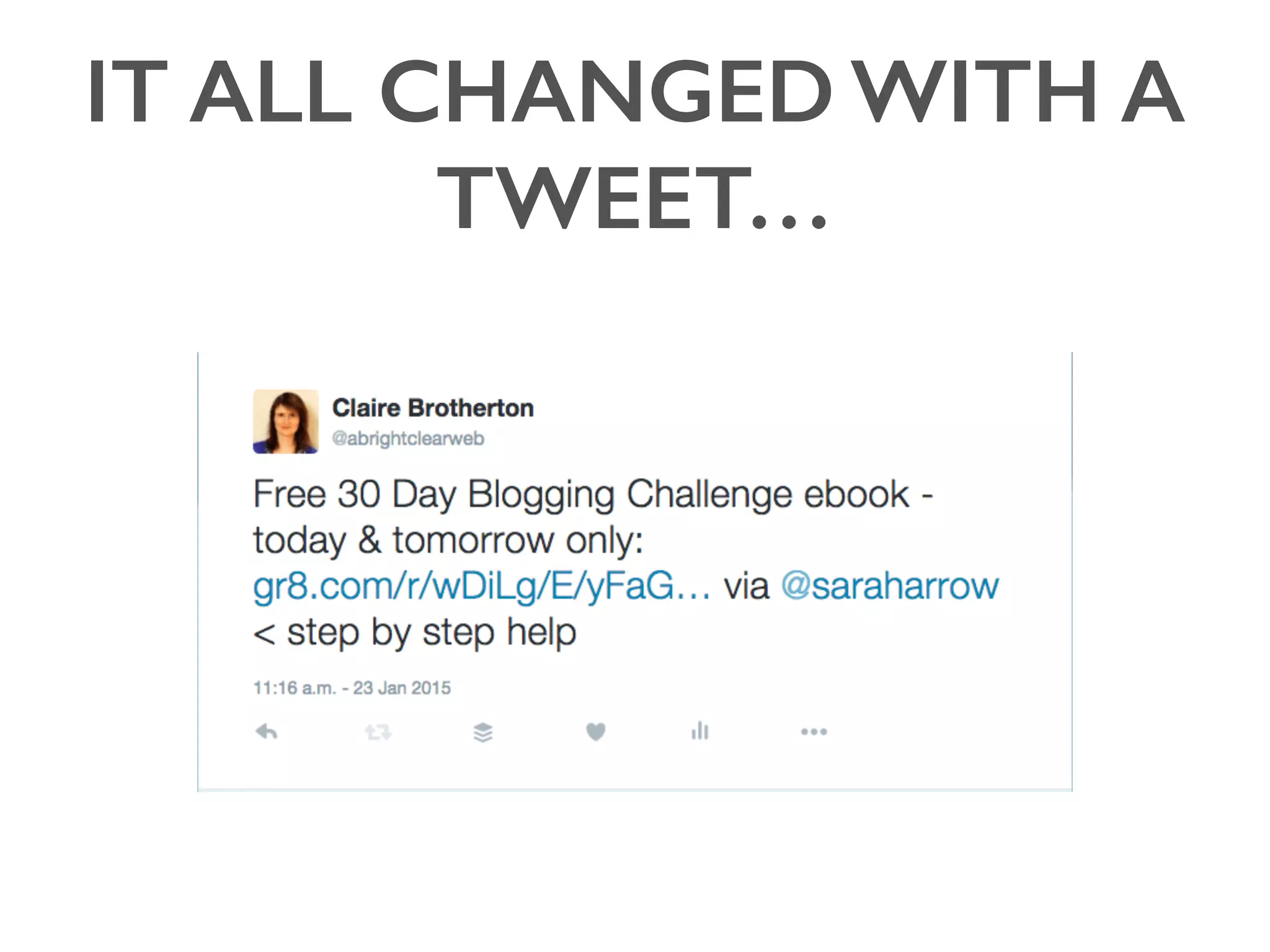
IT ALL CHANGED WITH A
TWEET…
WHICH LED TO A
CONVERSATION
AND A 

30 DAY BLOGGING CHALLENGE
• Run by Sarah & Kevin Arrow of Sark eMedia
(www.sarkemedia.com)
• 1 email a day for 30 days with suggestions for posts
• Post 1 blog daily for 30 days
MENTORING
& SUPPORT
AND REWARDS :)
AND MORE…
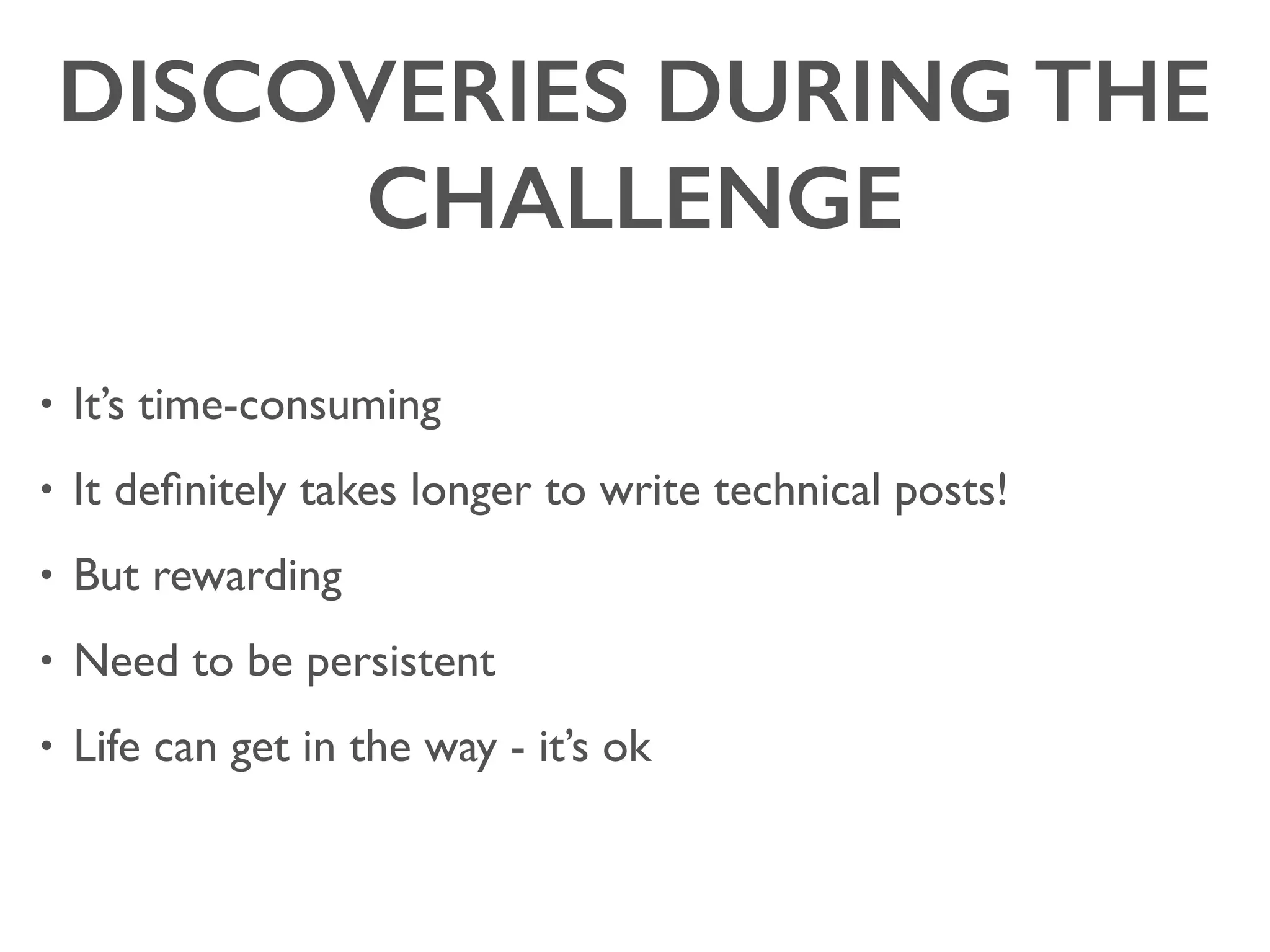
DISCOVERIES DURING THE
CHALLENGE
• It’s time-consuming
• It definitely takes longer to write technical posts!
• But rewarding
• Need to be persistent
• Life can get in the way - it’s ok
• Designers/developers
• Students
• Lay people using WordPress or other online things
• People who have been to the same events
• Potential clients!
AUDIENCE
POSTING STRATEGY
• Research your posts
• Write long posts if you can
• Mark up your posts properly (title, headings, alt text, meta
description)
• Only one <h1> per page - the post title
• Bullet points and images good to break up text
POSTING STRATEGY
• Write on a schedule you are
comfortable with
• Needs to be regular to build
traction
POSTING STRATEGY
• Call to action
• Leave plenty of time to
publicise posts
• Email your list if you have one
• Reply to comments
• Comment on/share other
people’s posts
WHAT TO WRITE ABOUT
FAQ
List post
Event
report
Pricing
+
How-To
Problem &
solution
Review or
comparison
BLOGGING ETHICS
• Copyright
• Outsourcing
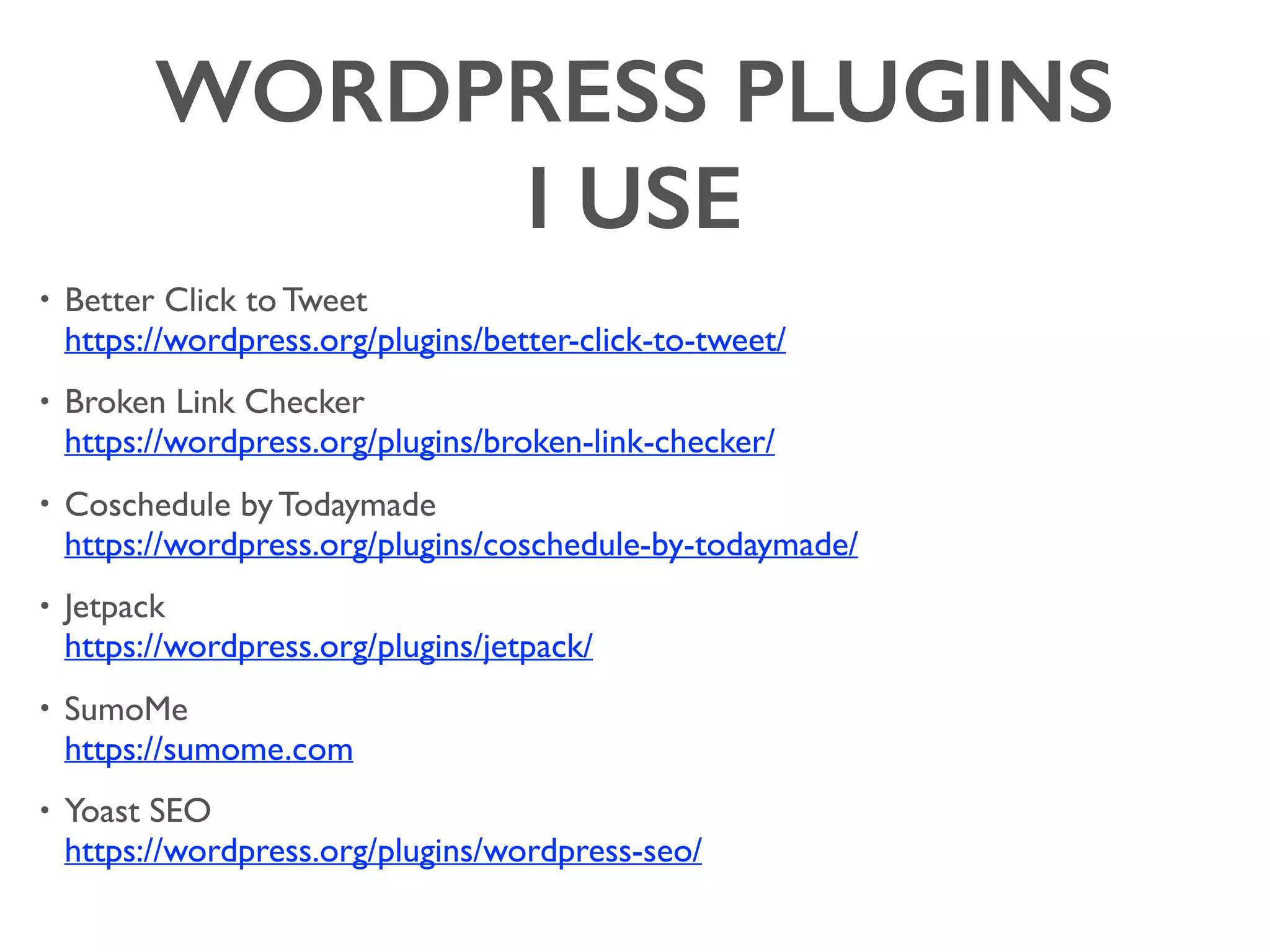
WORDPRESS PLUGINS 

I USE
BETTER CLICK TO TWEET
BROKEN LINK CHECKER
COSCHEDULE BY TODAYMADE
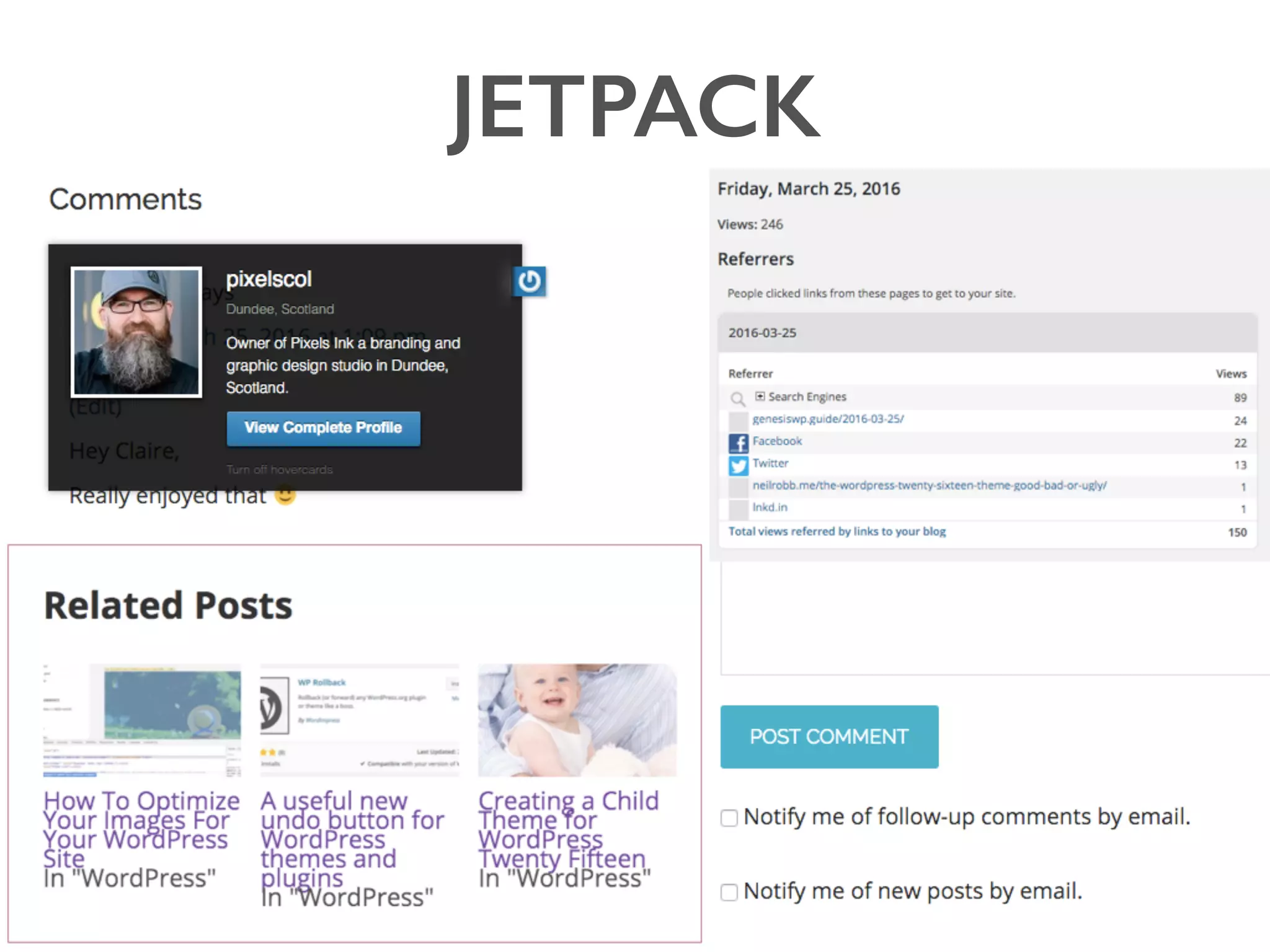
JETPACK
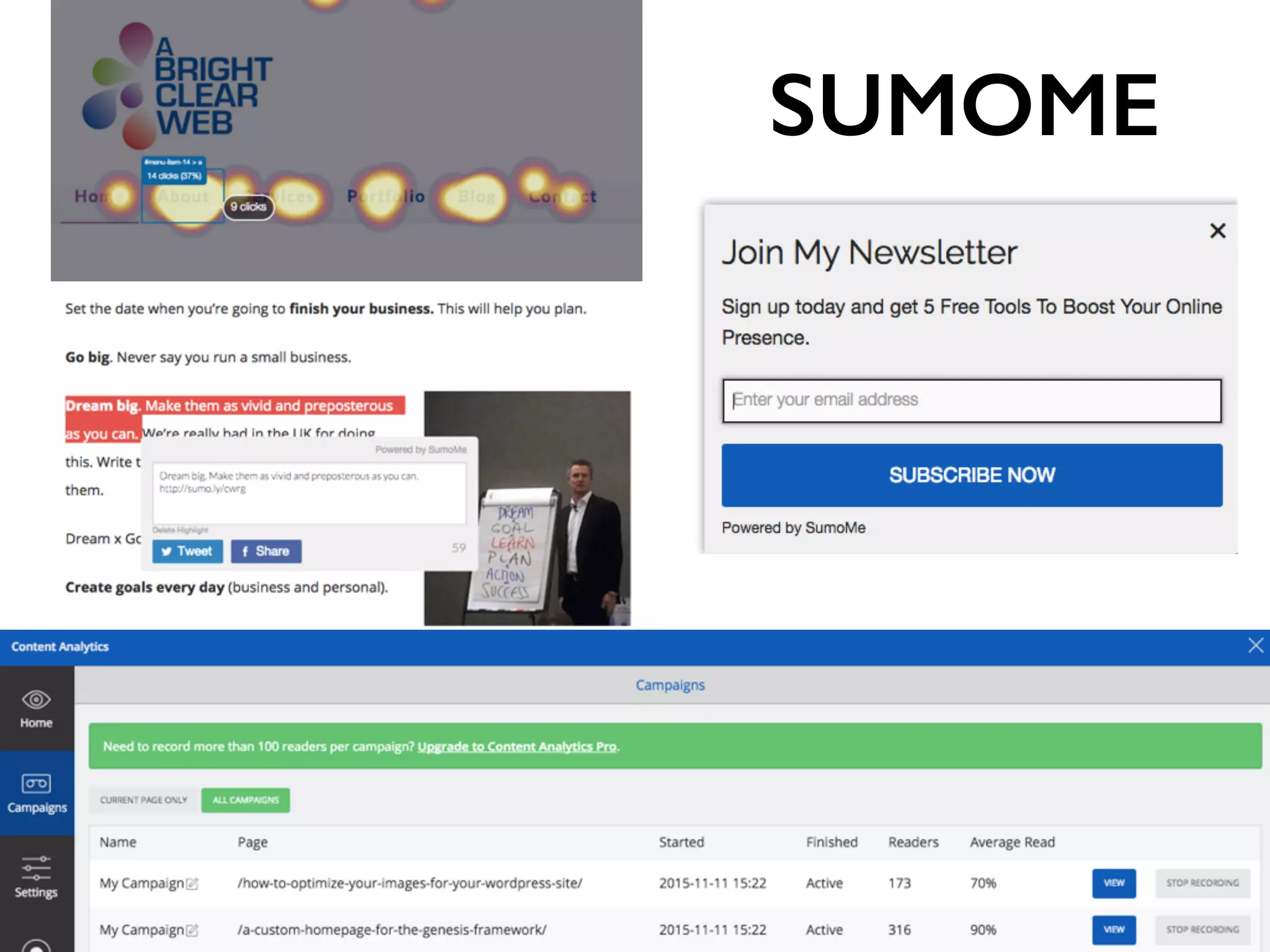
SUMOME
YOAST
SEO
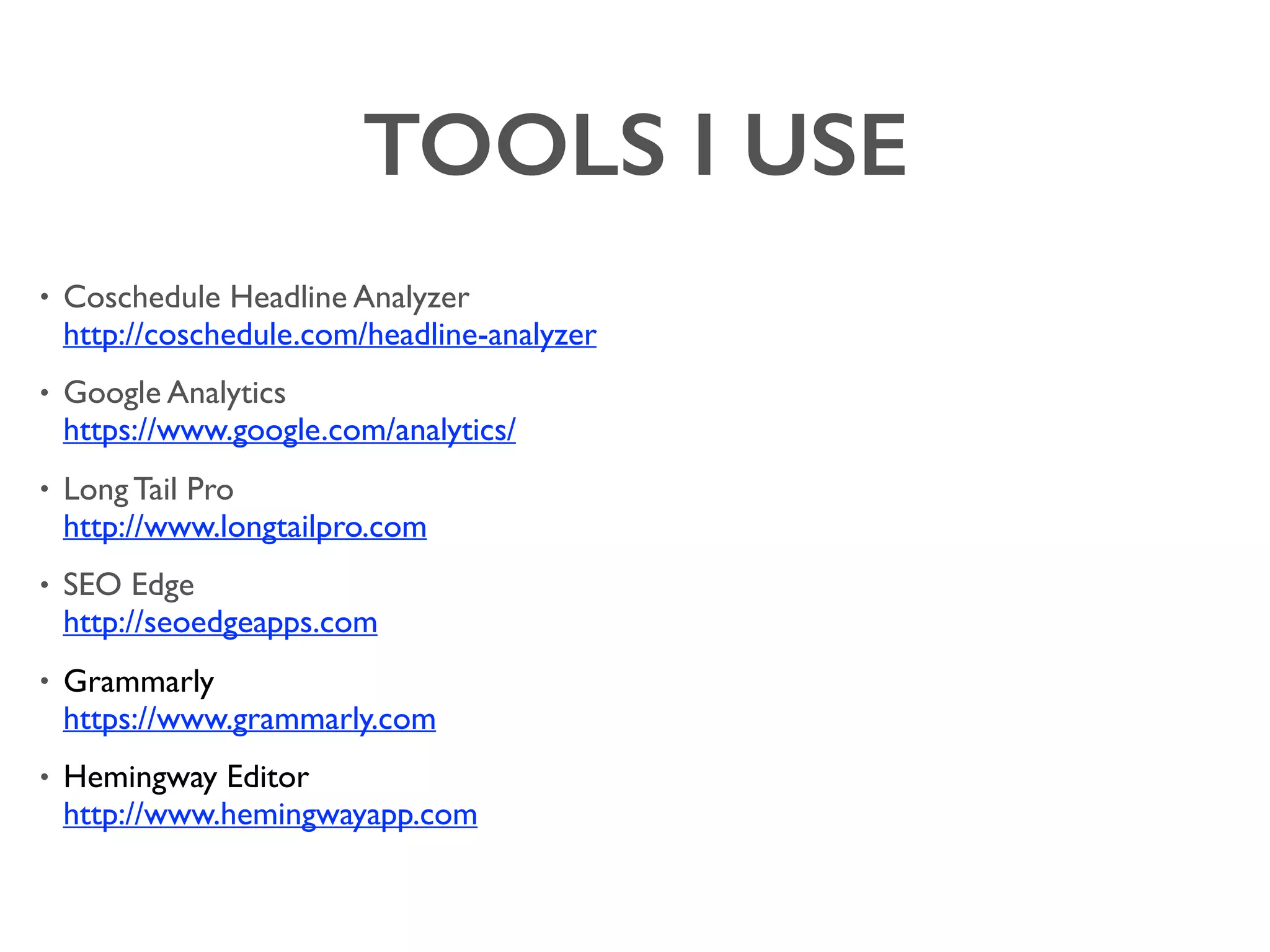
TOOLS I USE
TOOLS I USE
TOOLS I USE
- Rachel McCollin,WordPress developer and writer
“A blog is an invaluable tool for driving new
visitors to your site. 


I've often found that people researching
something online have found one of my blog
posts on the subject and after reading it, they've
hired me to do it for them instead of doing it
themselves.”
- Jo Waltham, web developer, CalliaWeb
“Be helpful. Write posts which either help
solve an issue or educate. Our best performing
posts are when we write how to solve some
glitch that we ran into.”
“Blogging helped me get to know my future ideal
customers. I learned a lot about their motivations,
goals, challenges and struggles.”
- Paige Poutiainen, Create Blog Love
QUESTIONS?
• www.abrightclearweb.com/blog/
• claire@abrightclearweb.com
• @abrightclearweb
WHAT TO WRITE ABOUT
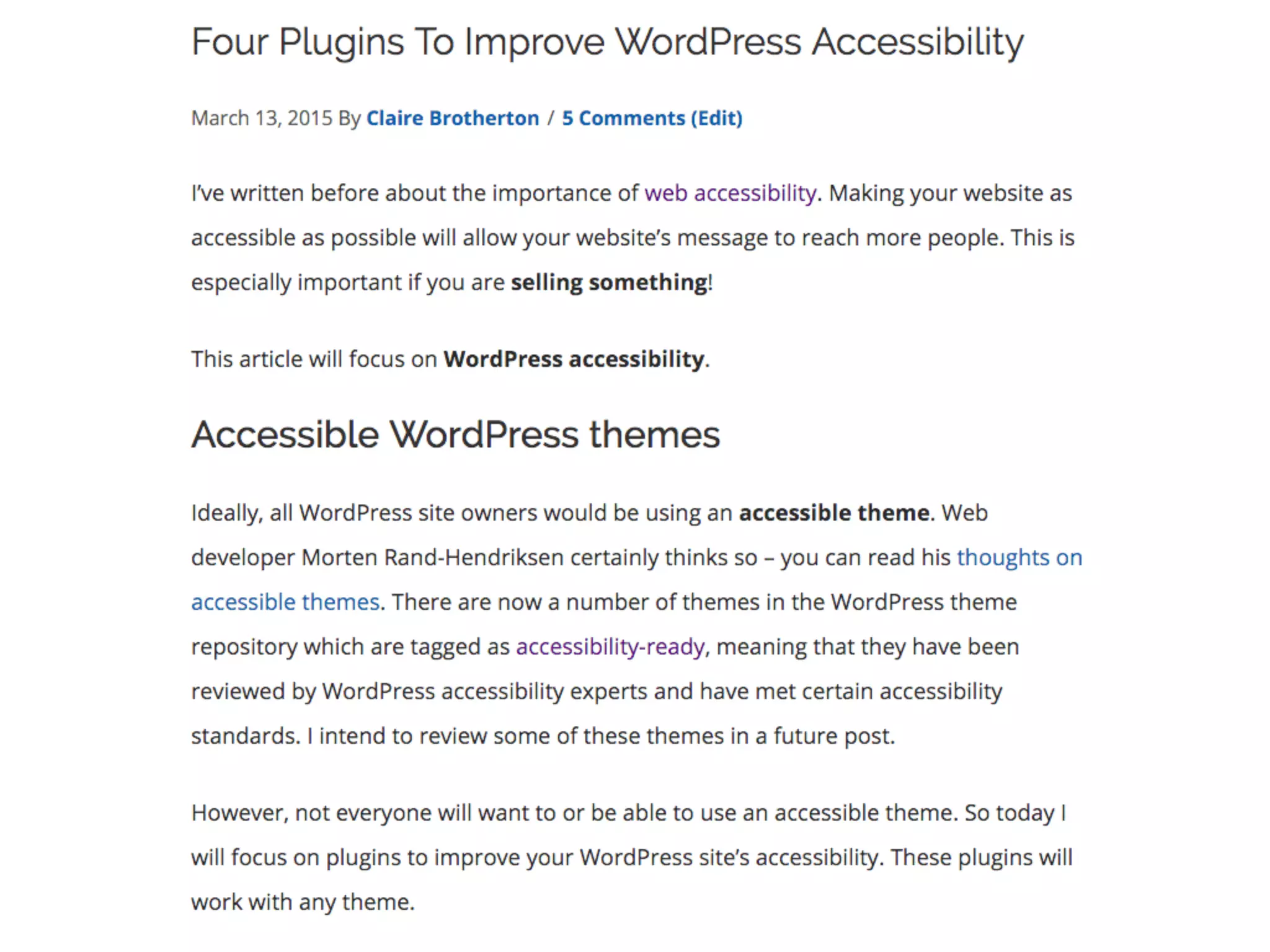
1. Problem & solution

e.g. Four Plugins To Improve WordPress Accessibility

http://www.abrightclearweb.com/four-plugins-to-improve-wordpress-accessibility/
2. FAQs

e.g. ProBlogger FAQ: How Often Should I Post?

http://www.problogger.net/archives/2015/04/21/problogger-faq-how-often-should-i-post/
3. How-to/Tutorial

e.g. How to Set UpYoast WordPress SEO Plugin [Updated]

http://www.shoutmeloud.com/how-to-set-up-yoast-wordpress-seo-plugin-
configuration.html
4. List post

e.g. 25+ Free Responsive Corporate WordPress Themes for Business 2016

http://www.codeinwp.com/blog/free-wordpress-business-themes/

WHAT TO WRITE ABOUT
5. Review or comparison

e.g. Divi ThemeVs Thrive Themes vs X Theme - Pros and Cons

http://madlemmings.com/2015/05/18/x-theme-vs-divi-vs-thrive-themes/
6. Event report

e.g. My Take On WordCamp US In Photos

https://serverpress.com/my-take-on-wordcamp-us-in-photos/
7. Pricing in your industry

e.g.WhyYou Can’t Get The Best Website For £500

http://www.abrightclearweb.com/why-you-cant-get-the-best-website-
for-500/
WORDPRESS PLUGINS 

I USE
• Better Click to Tweet

https://wordpress.org/plugins/better-click-to-tweet/
• Broken Link Checker

https://wordpress.org/plugins/broken-link-checker/
• Coschedule by Todaymade

https://wordpress.org/plugins/coschedule-by-todaymade/
• Jetpack

https://wordpress.org/plugins/jetpack/
• SumoMe

https://sumome.com
• Yoast SEO

https://wordpress.org/plugins/wordpress-seo/
TOOLS I USE
• Coschedule Headline Analyzer

http://coschedule.com/headline-analyzer
• Google Analytics

https://www.google.com/analytics/
• Long Tail Pro

http://www.longtailpro.com
• SEO Edge

http://seoedgeapps.com
• Grammarly

https://www.grammarly.com
• Hemingway Editor

http://www.hemingwayapp.com


The How & Why Of Small Business Blogging

  • 1.
    THE HOW &WHY OF SMALL BUSINESS BLOGGING CLAIRE BROTHERTON @abrightclearweb WORDCAMP LONDON, APRIL 2016
  • 2.
    WHO AM I? •Freelance web developer • Edinburgh-based
  • 3.
    WHY BLOG? • getmore traffic • help SEO • build loyalty • build trust & credibility • help & educate others • help yourself (!) • gain new business opportunities
  • 4.
    HOW? • establish aschedule • use tools • join accountability groups • prioritize the time • write posts the right way
  • 5.
  • 6.
  • 7.
    IT ALL CHANGEDWITH A TWEET…
  • 8.
    WHICH LED TOA CONVERSATION
  • 9.
    AND A 
 30DAY BLOGGING CHALLENGE • Run by Sarah & Kevin Arrow of Sark eMedia (www.sarkemedia.com) • 1 email a day for 30 days with suggestions for posts • Post 1 blog daily for 30 days
  • 10.
  • 11.
  • 12.
  • 13.
    DISCOVERIES DURING THE CHALLENGE •It’s time-consuming • It definitely takes longer to write technical posts! • But rewarding • Need to be persistent • Life can get in the way - it’s ok
  • 14.
    • Designers/developers • Students •Lay people using WordPress or other online things • People who have been to the same events • Potential clients! AUDIENCE
  • 15.
    POSTING STRATEGY • Researchyour posts • Write long posts if you can • Mark up your posts properly (title, headings, alt text, meta description) • Only one <h1> per page - the post title • Bullet points and images good to break up text
  • 17.
    POSTING STRATEGY • Writeon a schedule you are comfortable with • Needs to be regular to build traction
  • 18.
    POSTING STRATEGY • Callto action • Leave plenty of time to publicise posts • Email your list if you have one • Reply to comments • Comment on/share other people’s posts
  • 19.
    WHAT TO WRITEABOUT FAQ List post Event report Pricing + How-To Problem & solution Review or comparison
  • 22.
  • 23.
  • 24.
  • 25.
  • 26.
  • 27.
  • 28.
  • 29.
  • 30.
  • 31.
  • 32.
  • 33.
    - Rachel McCollin,WordPressdeveloper and writer “A blog is an invaluable tool for driving new visitors to your site. 
 
 I've often found that people researching something online have found one of my blog posts on the subject and after reading it, they've hired me to do it for them instead of doing it themselves.”
  • 34.
    - Jo Waltham,web developer, CalliaWeb “Be helpful. Write posts which either help solve an issue or educate. Our best performing posts are when we write how to solve some glitch that we ran into.”
  • 35.
    “Blogging helped meget to know my future ideal customers. I learned a lot about their motivations, goals, challenges and struggles.” - Paige Poutiainen, Create Blog Love
  • 36.
  • 37.
    WHAT TO WRITEABOUT 1. Problem & solution
 e.g. Four Plugins To Improve WordPress Accessibility
 http://www.abrightclearweb.com/four-plugins-to-improve-wordpress-accessibility/ 2. FAQs
 e.g. ProBlogger FAQ: How Often Should I Post?
 http://www.problogger.net/archives/2015/04/21/problogger-faq-how-often-should-i-post/ 3. How-to/Tutorial
 e.g. How to Set UpYoast WordPress SEO Plugin [Updated]
 http://www.shoutmeloud.com/how-to-set-up-yoast-wordpress-seo-plugin- configuration.html 4. List post
 e.g. 25+ Free Responsive Corporate WordPress Themes for Business 2016
 http://www.codeinwp.com/blog/free-wordpress-business-themes/

  • 38.
    WHAT TO WRITEABOUT 5. Review or comparison
 e.g. Divi ThemeVs Thrive Themes vs X Theme - Pros and Cons
 http://madlemmings.com/2015/05/18/x-theme-vs-divi-vs-thrive-themes/ 6. Event report
 e.g. My Take On WordCamp US In Photos
 https://serverpress.com/my-take-on-wordcamp-us-in-photos/ 7. Pricing in your industry
 e.g.WhyYou Can’t Get The Best Website For £500
 http://www.abrightclearweb.com/why-you-cant-get-the-best-website- for-500/
  • 39.
    WORDPRESS PLUGINS 
 IUSE • Better Click to Tweet
 https://wordpress.org/plugins/better-click-to-tweet/ • Broken Link Checker
 https://wordpress.org/plugins/broken-link-checker/ • Coschedule by Todaymade
 https://wordpress.org/plugins/coschedule-by-todaymade/ • Jetpack
 https://wordpress.org/plugins/jetpack/ • SumoMe
 https://sumome.com • Yoast SEO
 https://wordpress.org/plugins/wordpress-seo/
  • 40.
    TOOLS I USE •Coschedule Headline Analyzer
 http://coschedule.com/headline-analyzer • Google Analytics
 https://www.google.com/analytics/ • Long Tail Pro
 http://www.longtailpro.com • SEO Edge
 http://seoedgeapps.com • Grammarly
 https://www.grammarly.com • Hemingway Editor
 http://www.hemingwayapp.com