Introduction
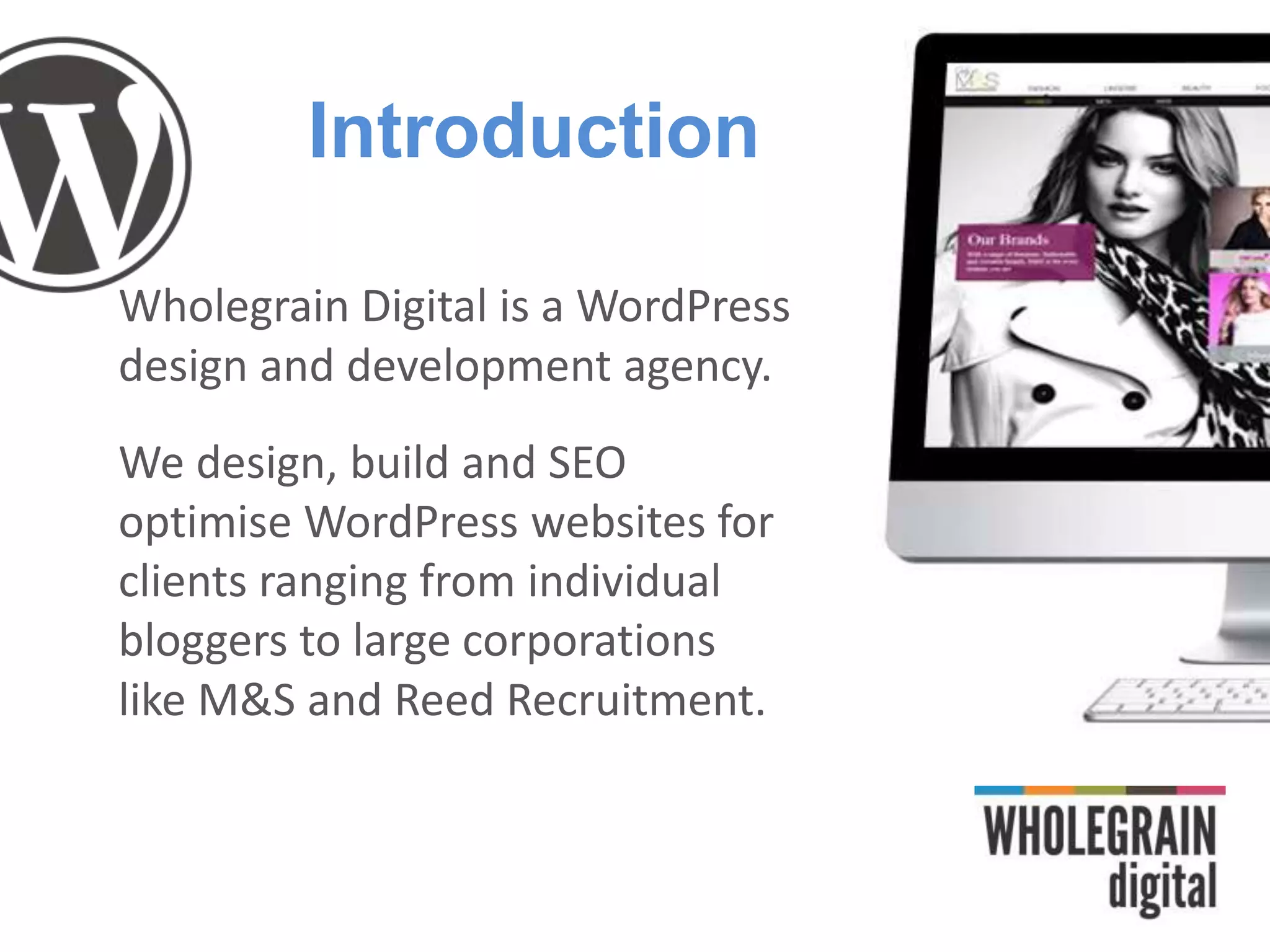
Wholegrain Digital is a WordPress
design and development agency.
We design, build and SEO
optimise WordPress websites for
clients ranging from individual
bloggers to large corporations
like M&S and Reed Recruitment.
What is WordPress?
WordPress is a content management system
(CMS). In simple terms, it provides an easy way to
add/edit content on your website.
Started as a blogging system
Now the world’s most popular CMS
How popular is WP?
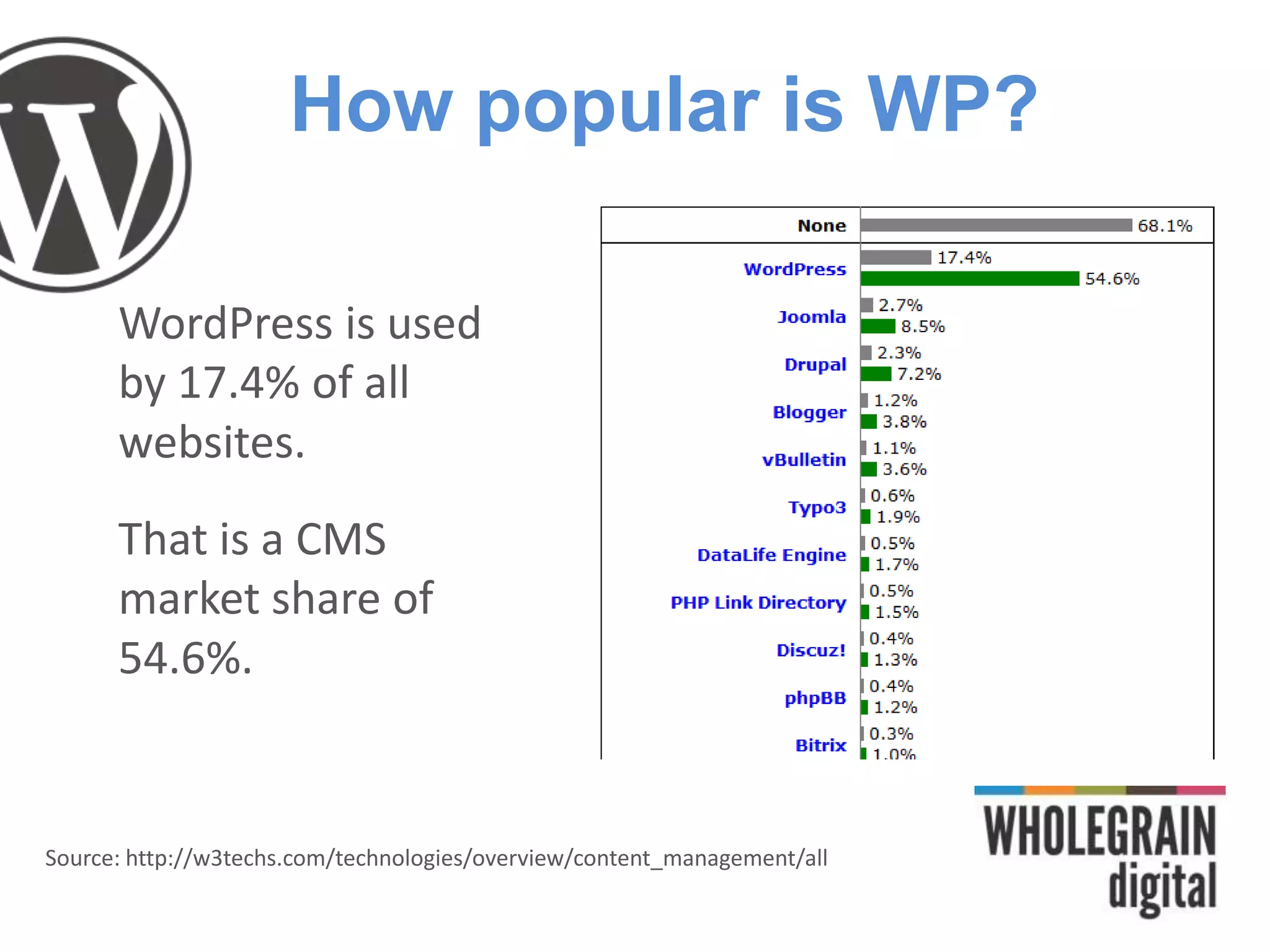
WordPress is used
by 17.4% of all
websites.
That is a CMS
market share of
54.6%.
Source: http://w3techs.com/technologies/overview/content_management/all
Why use WordPress?
•It is easy to use
•It is free
•It is infinitely flexible
•It has a huge community
•Google LOVES it
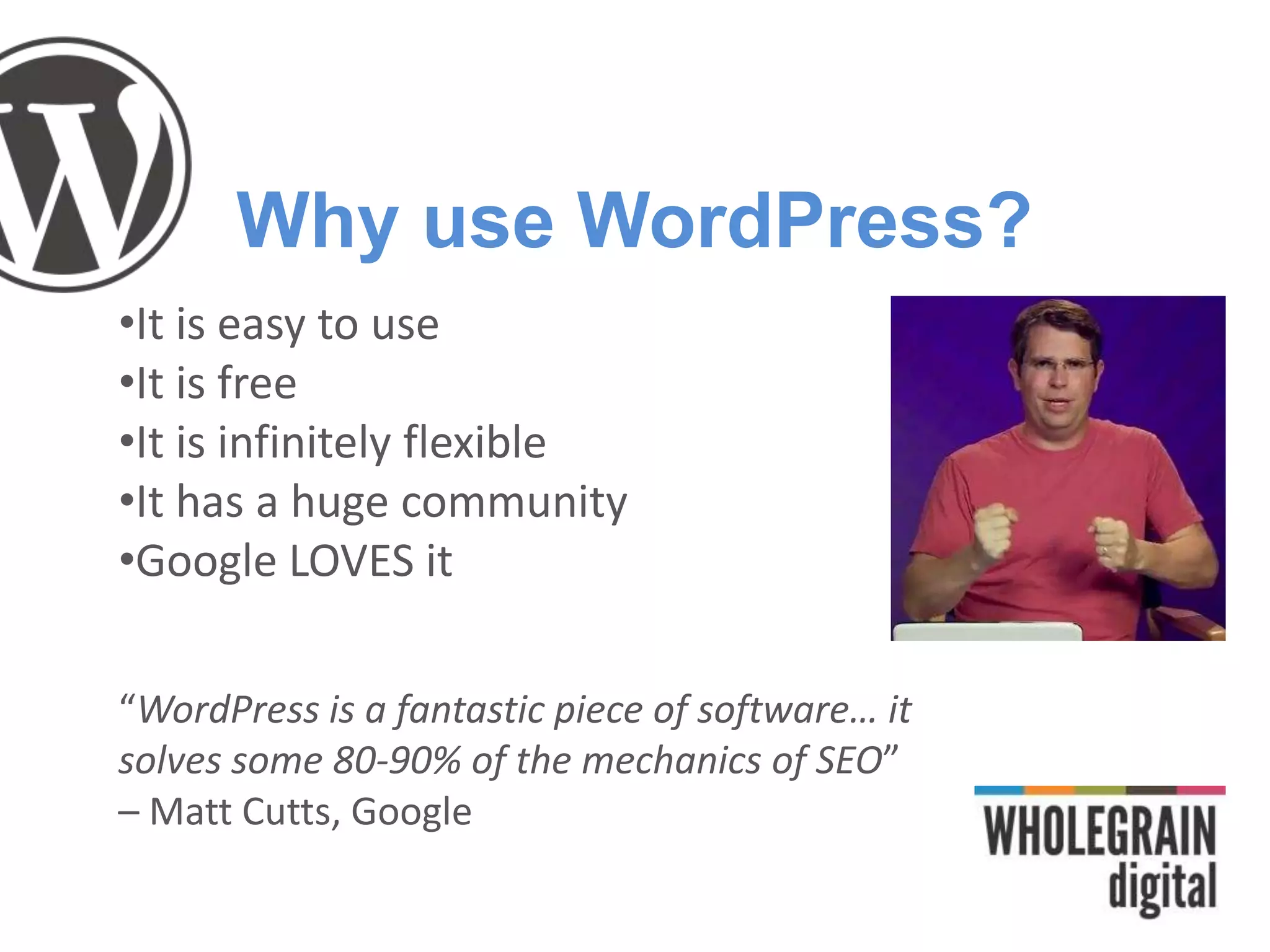
“WordPress is a fantastic piece of software… it
solves some 80-90% of the mechanics of SEO”
– Matt Cutts, Google
What is SEO?
The task of improving your website so that more
people can find it in search engines
Basics: Keywords
•Research popular search terms using Google
Keyword Tool (filter to ‘Exact Match’)
•Keywords are useful, but less critical for bloggers
than passion and personality
•Don’t stuff too many keywords into your posts or the
keywords will seem unnatural. Keywords should be
used sparingly, so don’t put keywords everywhere
unless the keywords sound right.
•Quality content first, keywords second
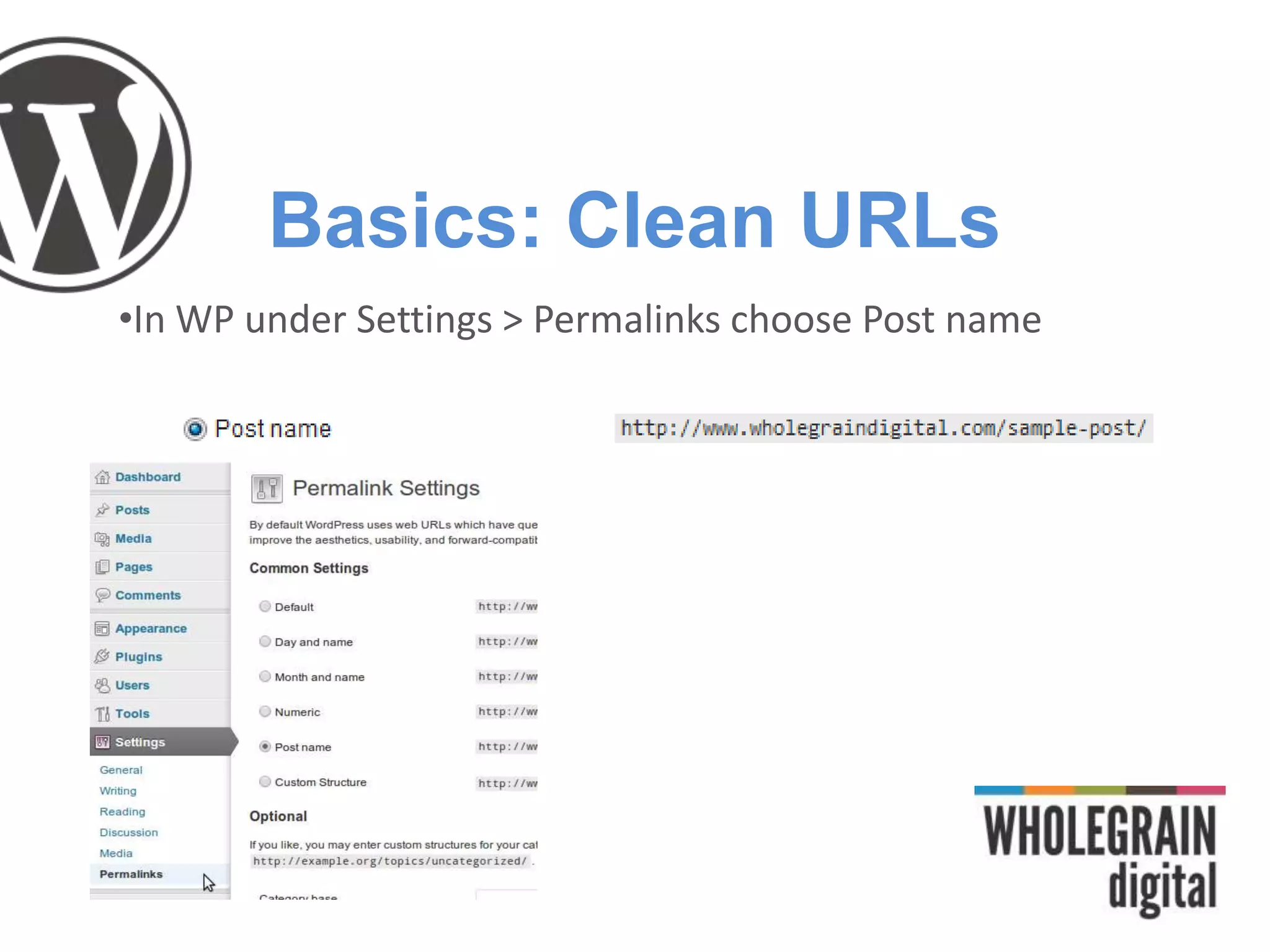
Basics: Clean URLs
•In WP under Settings > Permalinks choose Post name
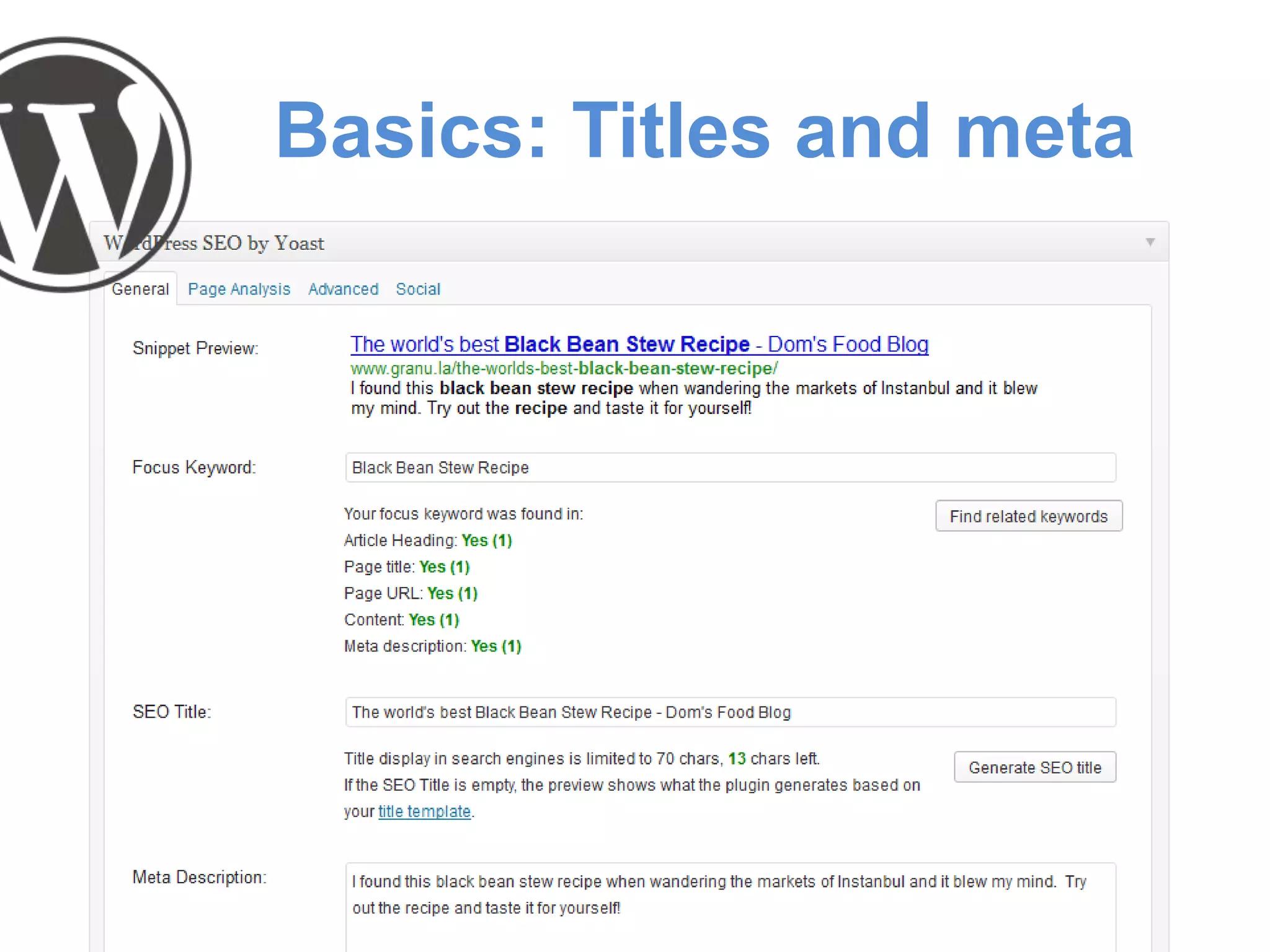
Basics: Titles and meta
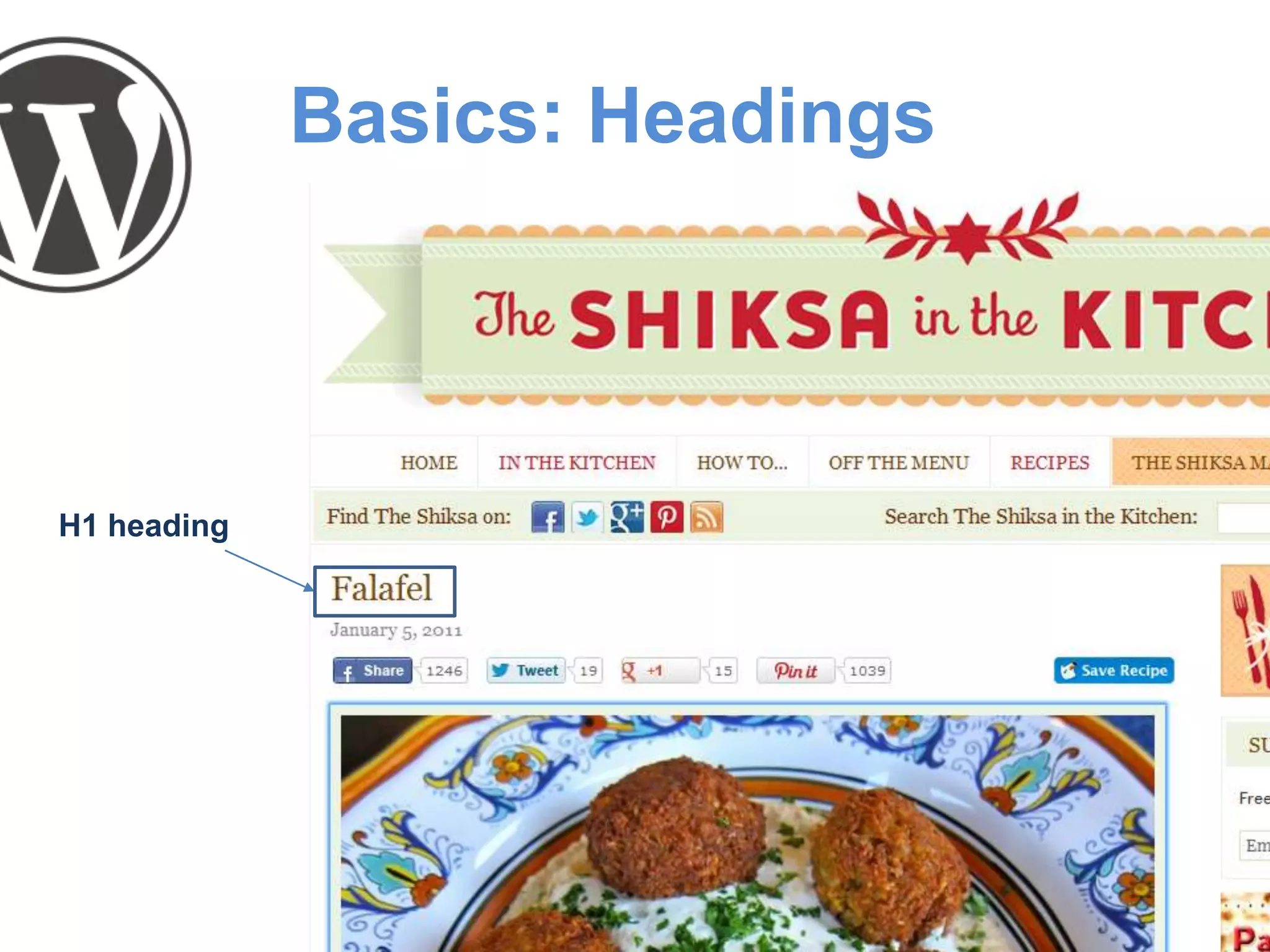
Basics: Headings
H1 heading
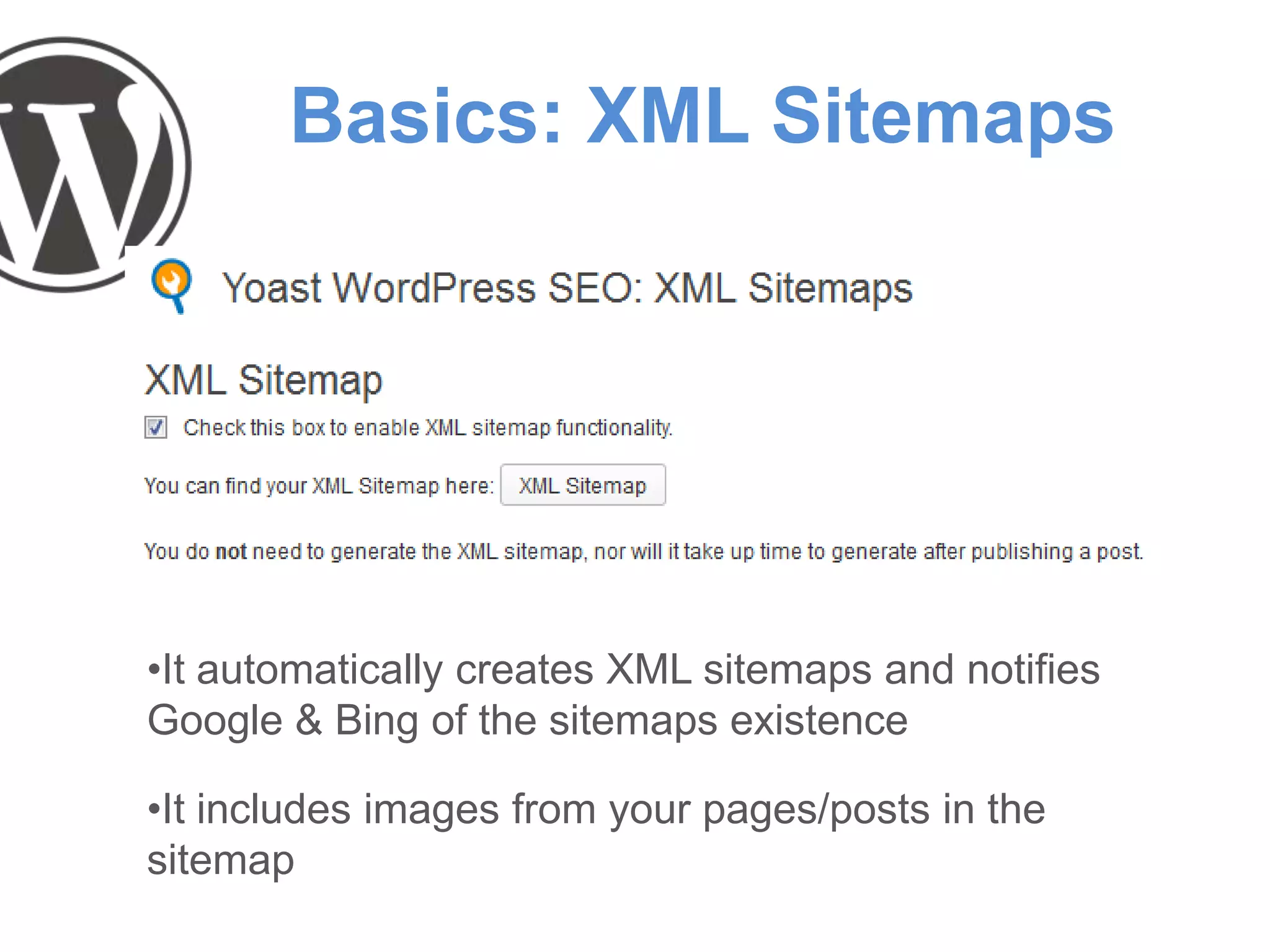
Basics: XML Sitemaps
•It automatically creates XML sitemaps and notifies
Google & Bing of the sitemaps existence
•It includes images from your pages/posts in the
sitemap
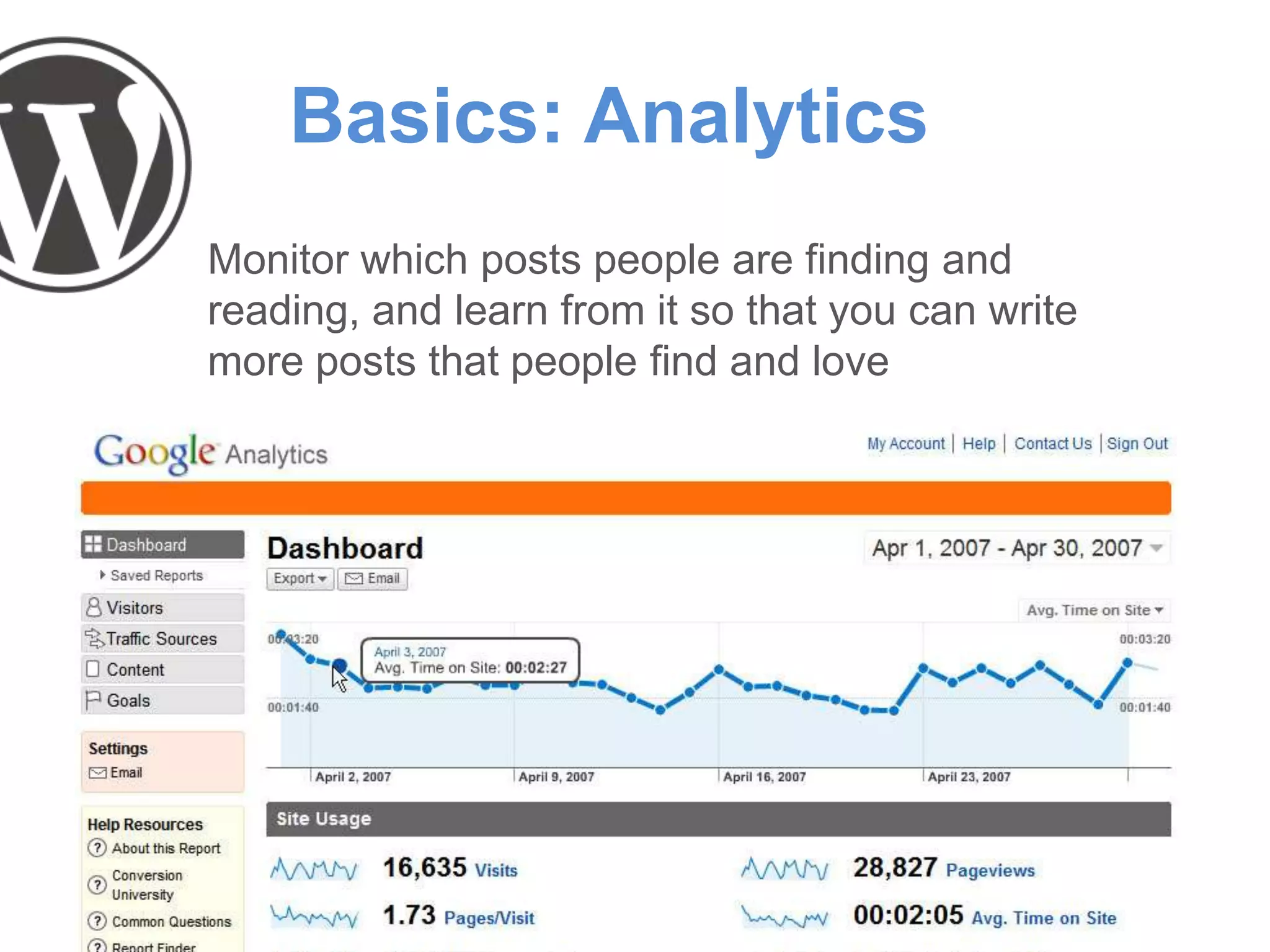
Basics: Analytics
Monitor which posts people are finding and
reading, and learn from it so that you can write
more posts that people find and love
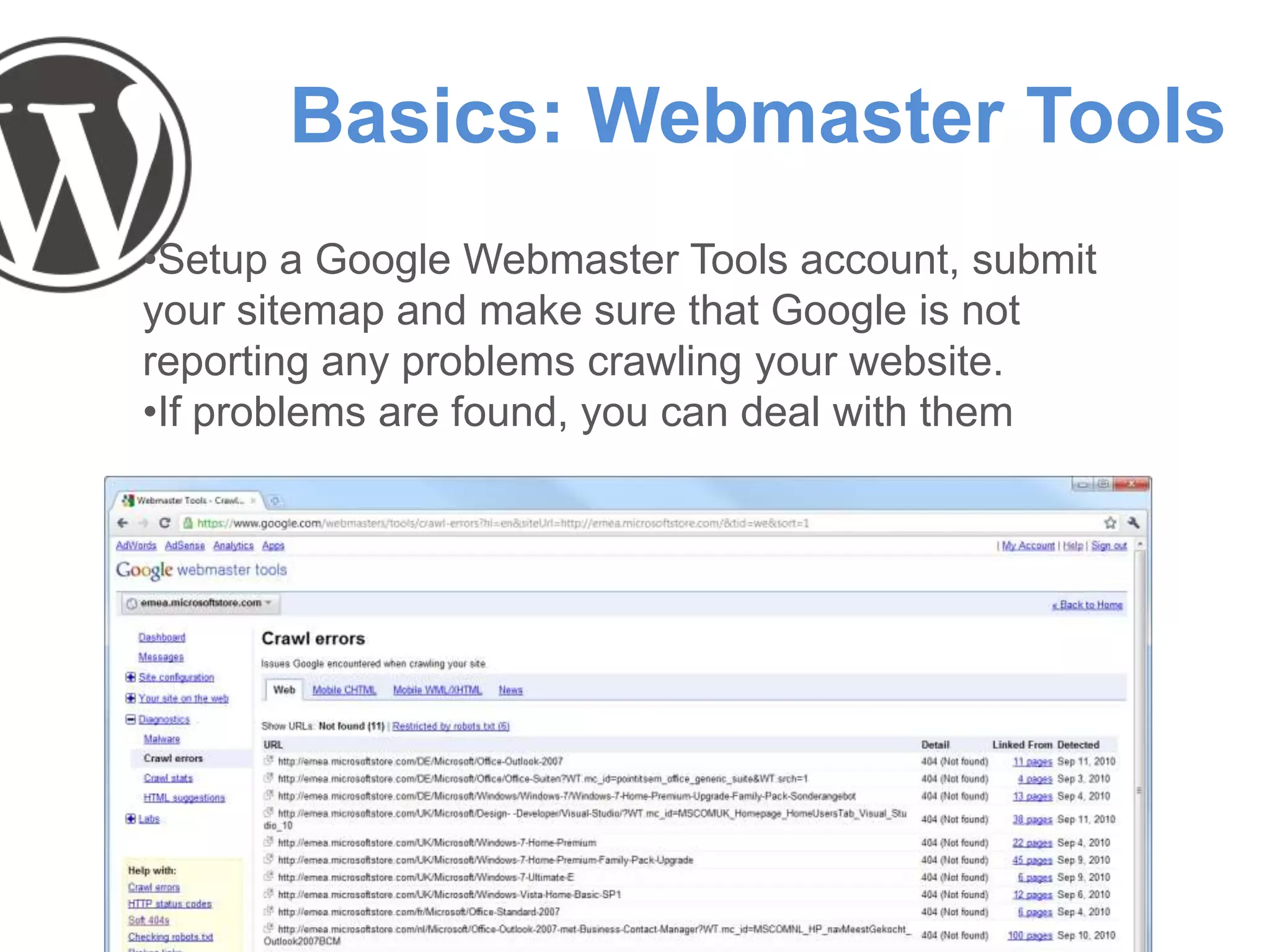
Basics: Webmaster Tools
•Setup a Google Webmaster Tools account, submit
your sitemap and make sure that Google is not
reporting any problems crawling your website.
•If problems are found, you can deal with them
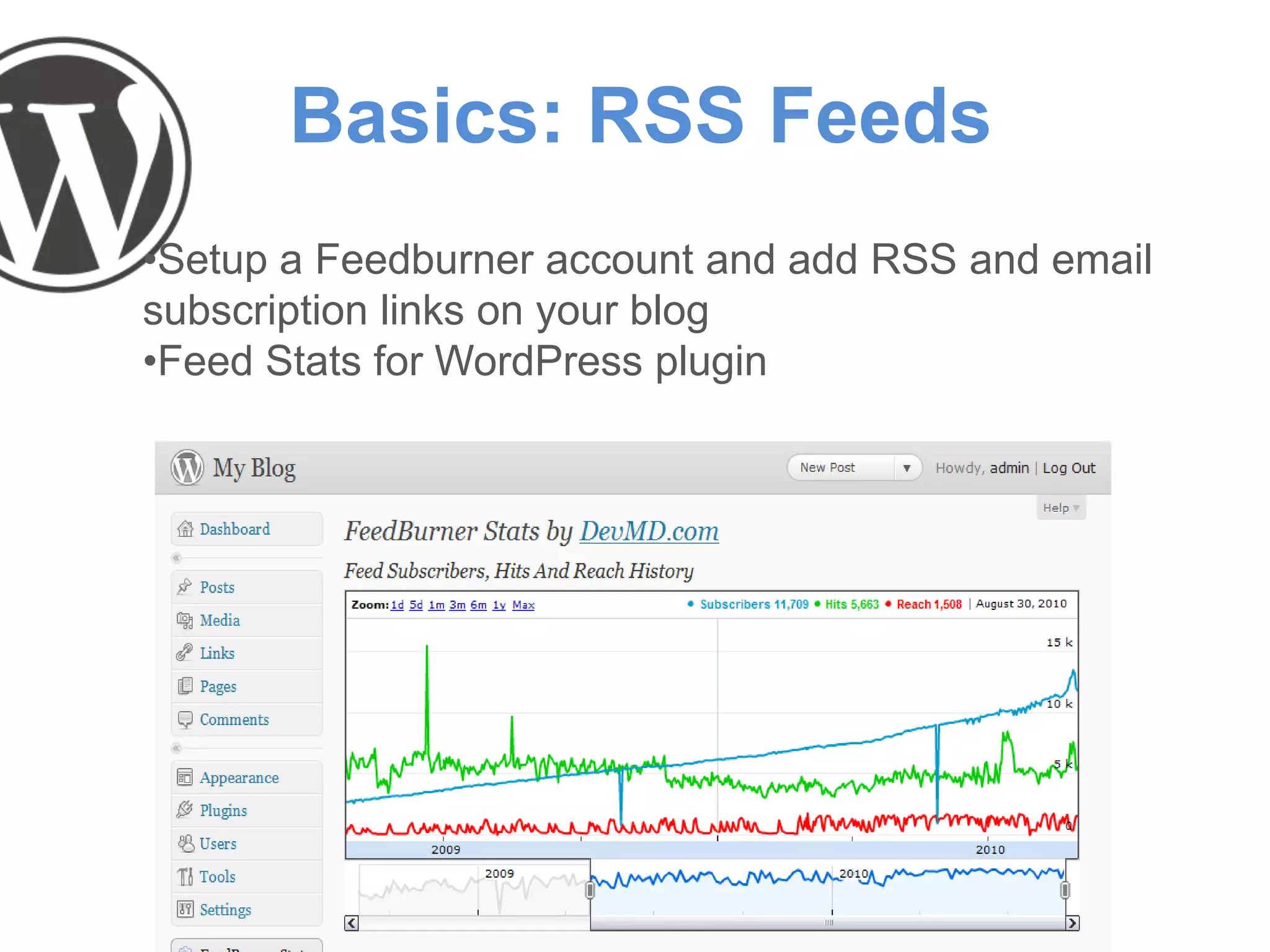
Basics: RSS Feeds
•Setup a Feedburner account and add RSS and email
subscription links on your blog
•Feed Stats for WordPress plugin
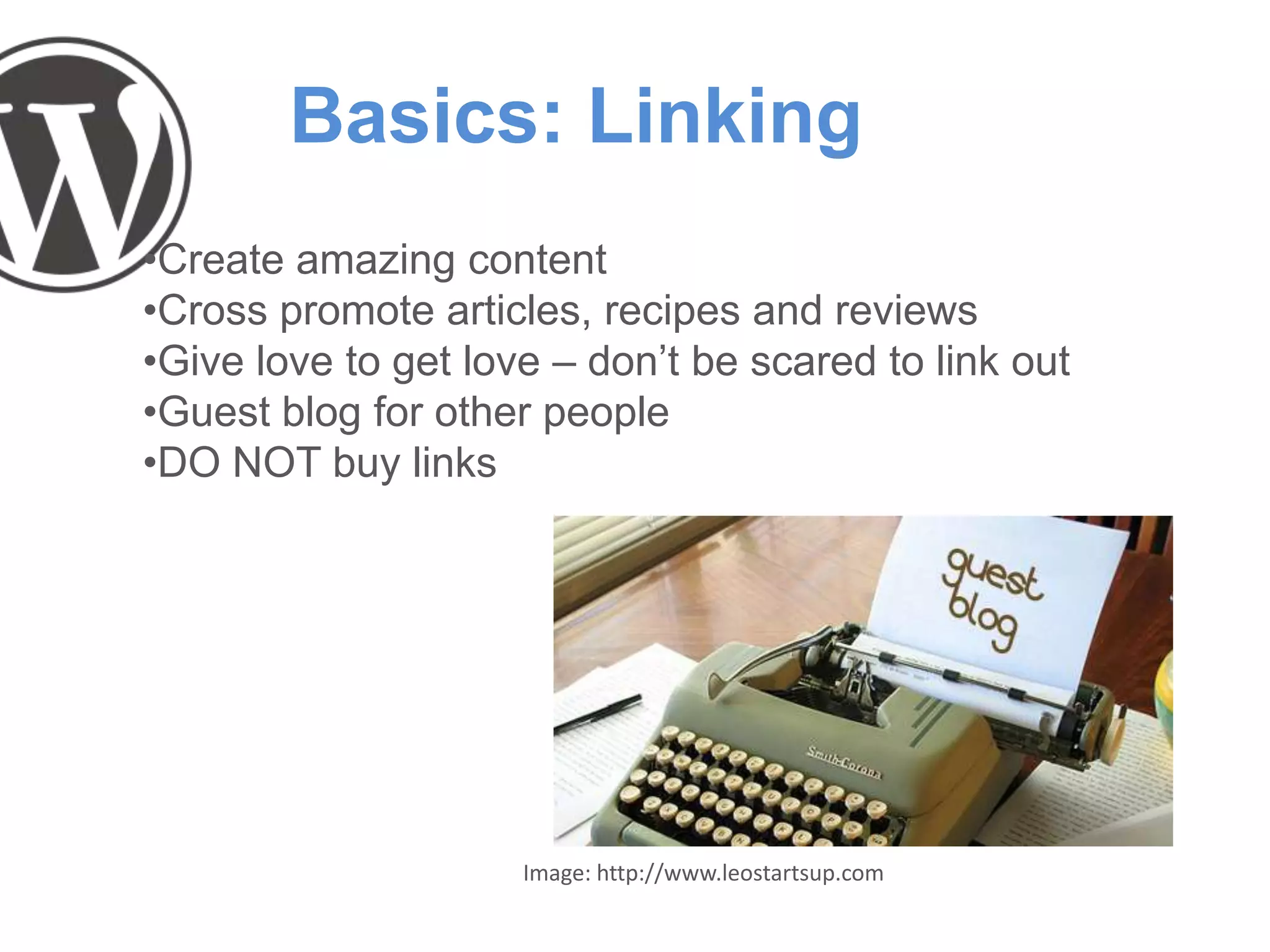
Basics: Linking
•Create amazing content
•Cross promote articles, recipes and reviews
•Give love to get love – don’t be scared to link out
•Guest blog for other people
•DO NOT buy links
Image: http://www.leostartsup.com
Food Blogger SEO
There are some specific things that food bloggers can
do to raise the profile of their blog
•Author profiles
•Photography
•Recipes
•Reviews
•Usability
•User Interaction
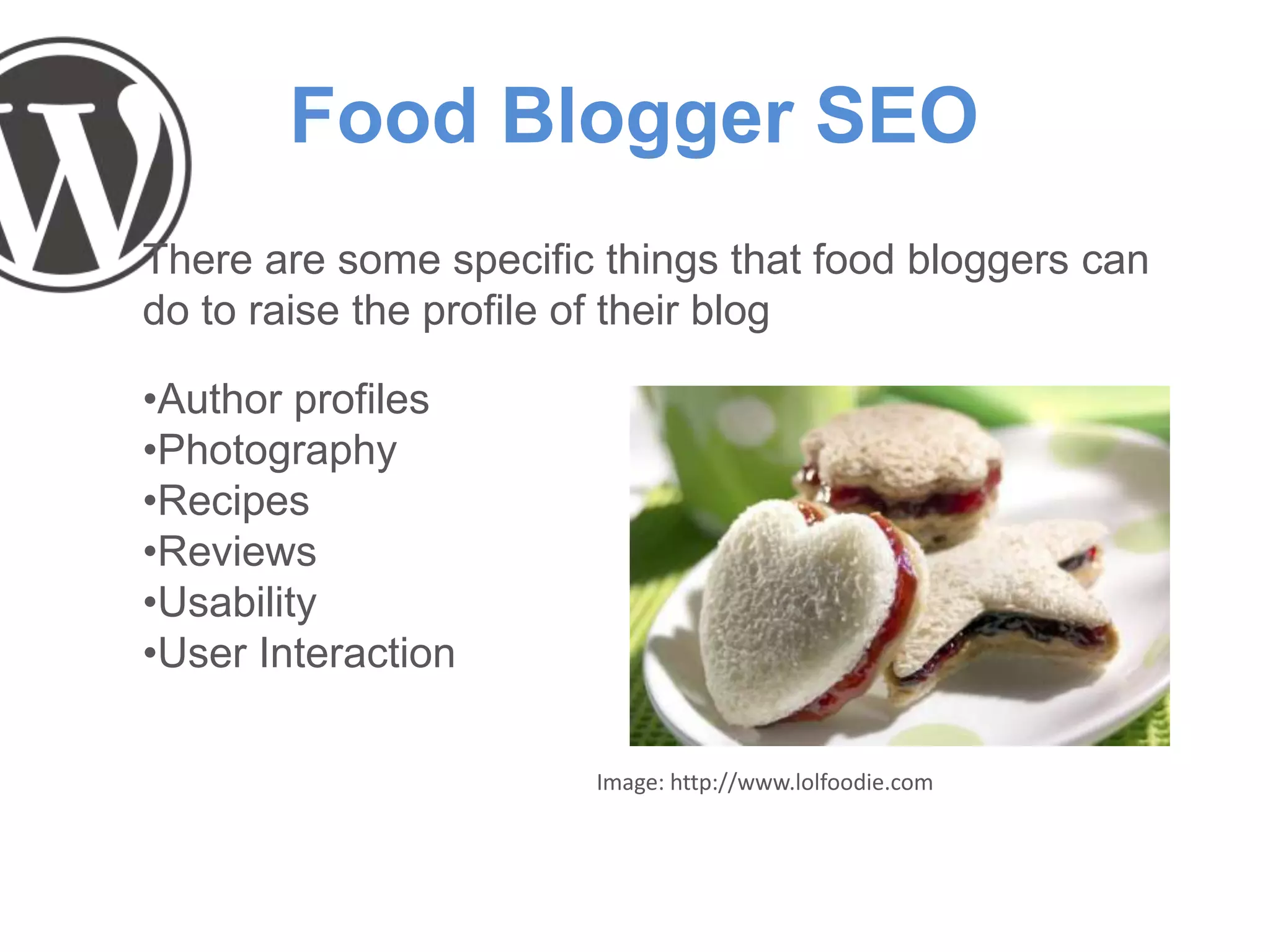
Image: http://www.lolfoodie.com
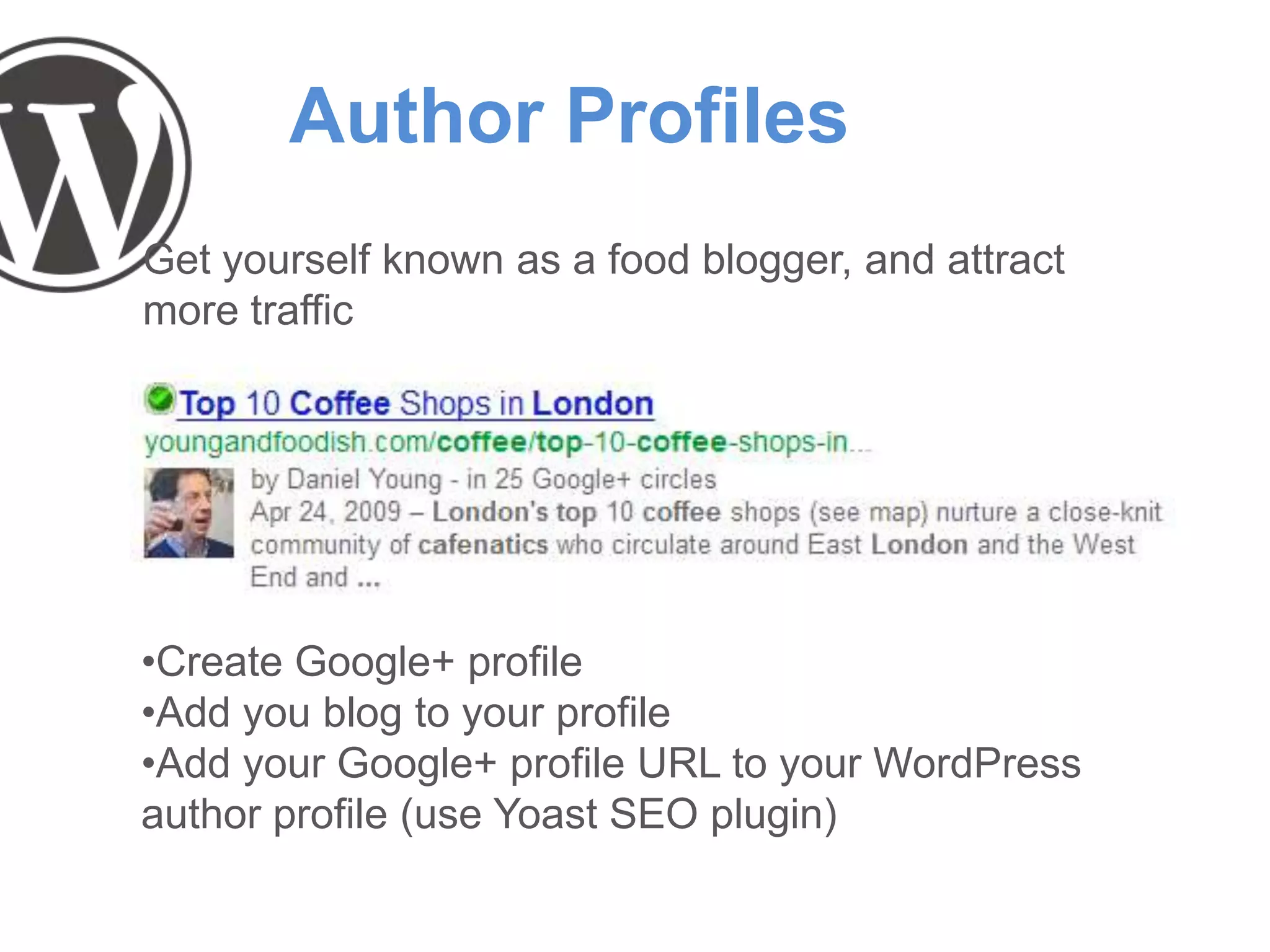
Author Profiles
Get yourself known as a food blogger, and attract
more traffic
•Create Google+ profile
•Add you blog to your profile
•Add your Google+ profile URL to your WordPress
author profile (use Yoast SEO plugin)
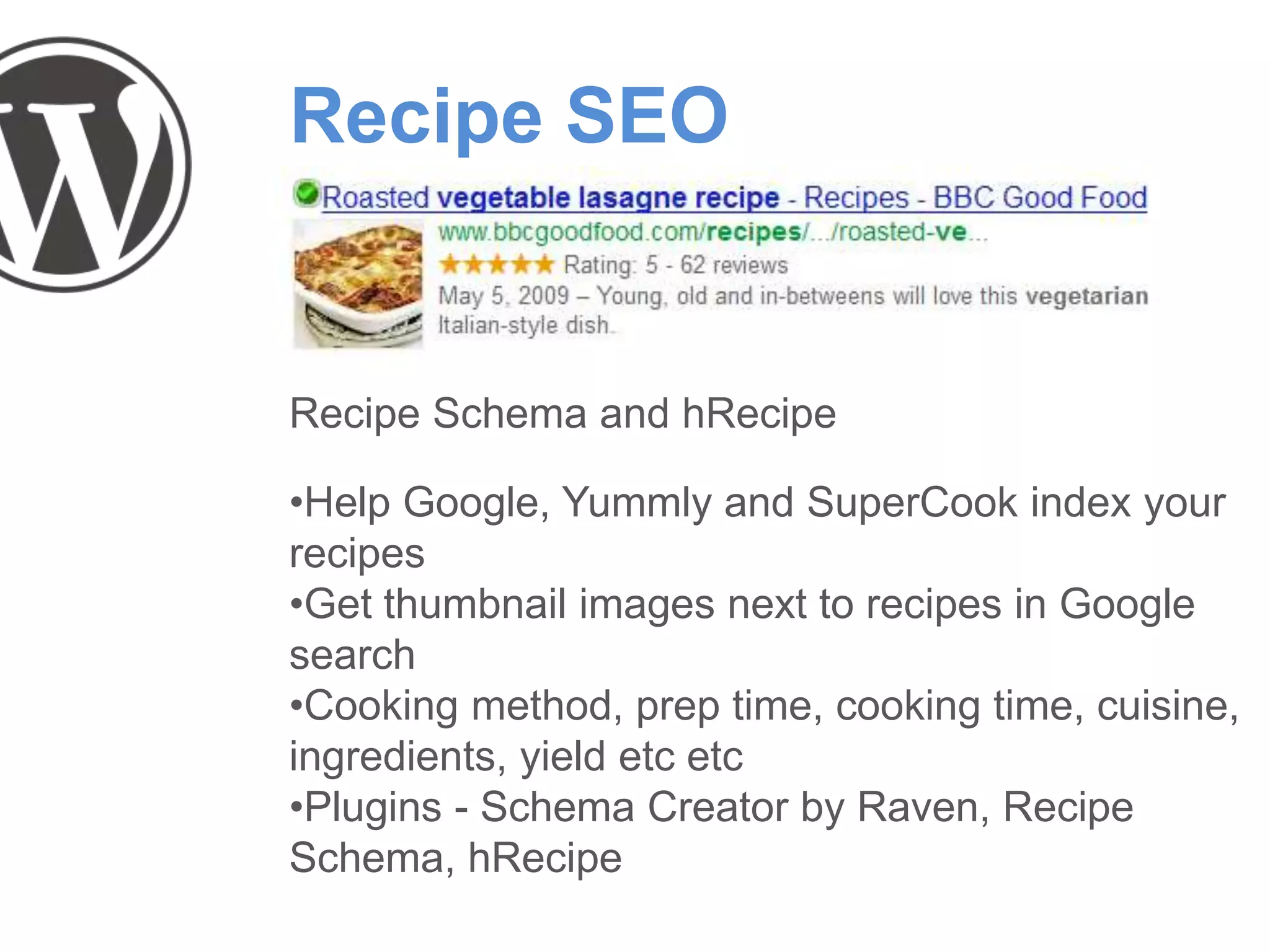
Recipe SEO
Recipe Schema and hRecipe
•Help Google, Yummly and SuperCook index your
recipes
•Get thumbnail images next to recipes in Google
search
•Cooking method, prep time, cooking time, cuisine,
ingredients, yield etc etc
•Plugins - Schema Creator by Raven, Recipe
Schema, hRecipe
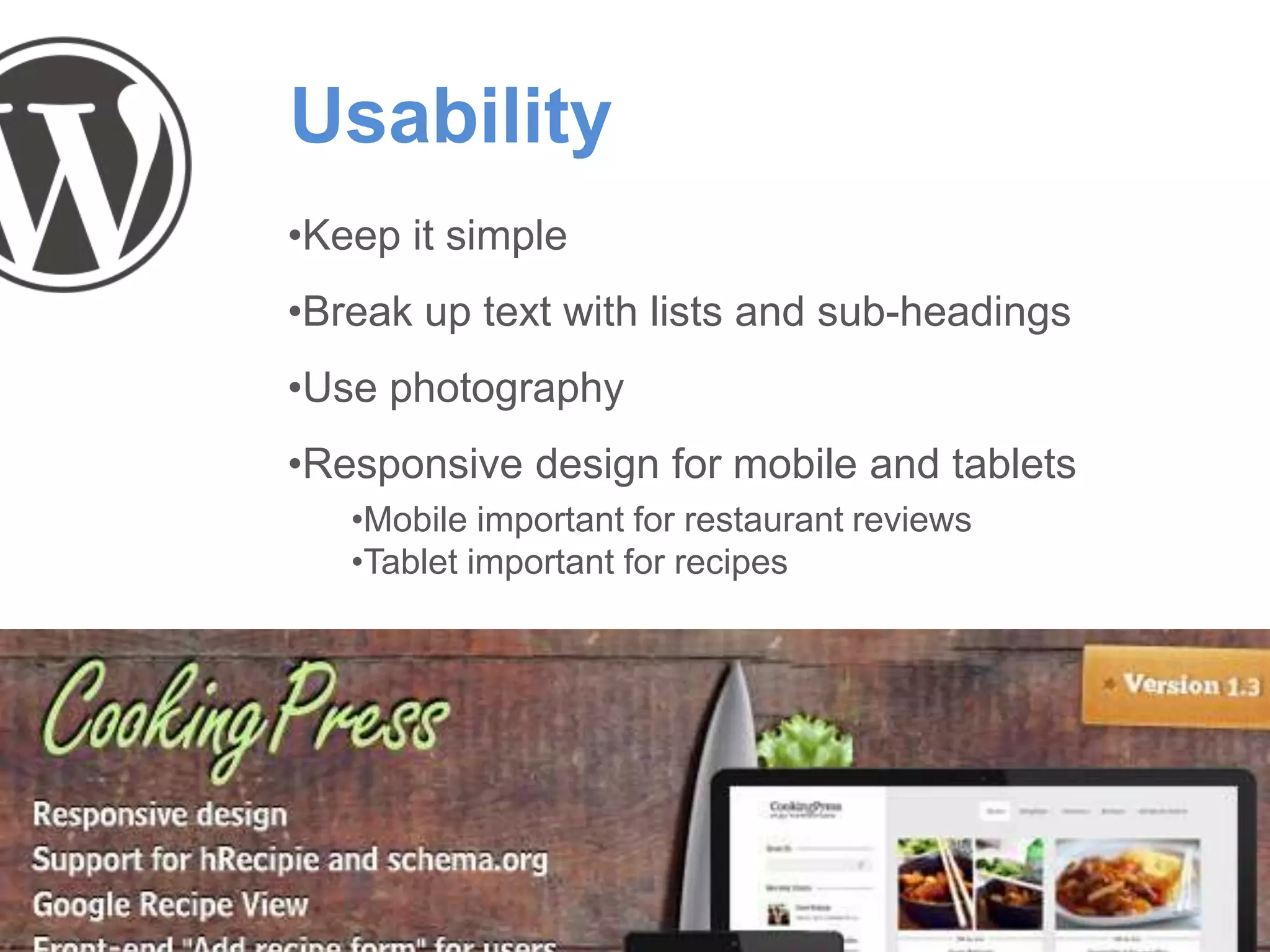
Usability
•Keep it simple
•Break up text with lists and sub-headings
•Use photography
•Responsive design for mobile and tablets
•Mobile important for restaurant reviews
•Tablet important for recipes
User Interaction
•Include sharing buttons prominently
•Lots of plugins for WordPress
•Engage with commenters
•Engage with influencial bloggers/tweeters
•Find influencers using Followerwonk.com
•Ask to interview them
•Reference their site or work
•Review their venue (e.g. chefs)
•Look for trending topics such as hot / new venues or
recipes getting a boost due to trends or celebrity chefs
(e.g. recipes from Masterchef). Notify influencers via
social media and interact.
Eugene from Wholegrain - Wordpress & SEO

Eugene from Wholegrain - Wordpress & SEO

  • 2.
    Introduction Wholegrain Digital isa WordPress design and development agency. We design, build and SEO optimise WordPress websites for clients ranging from individual bloggers to large corporations like M&S and Reed Recruitment.
  • 3.
    What is WordPress? WordPressis a content management system (CMS). In simple terms, it provides an easy way to add/edit content on your website. Started as a blogging system Now the world’s most popular CMS
  • 4.
    How popular isWP? WordPress is used by 17.4% of all websites. That is a CMS market share of 54.6%. Source: http://w3techs.com/technologies/overview/content_management/all
  • 5.
    Why use WordPress? •Itis easy to use •It is free •It is infinitely flexible •It has a huge community •Google LOVES it “WordPress is a fantastic piece of software… it solves some 80-90% of the mechanics of SEO” – Matt Cutts, Google
  • 6.
    What is SEO? Thetask of improving your website so that more people can find it in search engines
  • 8.
    Basics: Keywords •Research popularsearch terms using Google Keyword Tool (filter to ‘Exact Match’) •Keywords are useful, but less critical for bloggers than passion and personality •Don’t stuff too many keywords into your posts or the keywords will seem unnatural. Keywords should be used sparingly, so don’t put keywords everywhere unless the keywords sound right. •Quality content first, keywords second
  • 9.
    Basics: Clean URLs •InWP under Settings > Permalinks choose Post name
  • 10.
  • 11.
  • 12.
    Basics: XML Sitemaps •Itautomatically creates XML sitemaps and notifies Google & Bing of the sitemaps existence •It includes images from your pages/posts in the sitemap
  • 13.
    Basics: Analytics Monitor whichposts people are finding and reading, and learn from it so that you can write more posts that people find and love
  • 14.
    Basics: Webmaster Tools •Setupa Google Webmaster Tools account, submit your sitemap and make sure that Google is not reporting any problems crawling your website. •If problems are found, you can deal with them
  • 15.
    Basics: RSS Feeds •Setupa Feedburner account and add RSS and email subscription links on your blog •Feed Stats for WordPress plugin
  • 16.
    Basics: Linking •Create amazingcontent •Cross promote articles, recipes and reviews •Give love to get love – don’t be scared to link out •Guest blog for other people •DO NOT buy links Image: http://www.leostartsup.com
  • 17.
    Food Blogger SEO Thereare some specific things that food bloggers can do to raise the profile of their blog •Author profiles •Photography •Recipes •Reviews •Usability •User Interaction Image: http://www.lolfoodie.com
  • 18.
    Author Profiles Get yourselfknown as a food blogger, and attract more traffic •Create Google+ profile •Add you blog to your profile •Add your Google+ profile URL to your WordPress author profile (use Yoast SEO plugin)
  • 20.
    Recipe SEO Recipe Schemaand hRecipe •Help Google, Yummly and SuperCook index your recipes •Get thumbnail images next to recipes in Google search •Cooking method, prep time, cooking time, cuisine, ingredients, yield etc etc •Plugins - Schema Creator by Raven, Recipe Schema, hRecipe
  • 22.
    Usability •Keep it simple •Breakup text with lists and sub-headings •Use photography •Responsive design for mobile and tablets •Mobile important for restaurant reviews •Tablet important for recipes
  • 23.
    User Interaction •Include sharingbuttons prominently •Lots of plugins for WordPress •Engage with commenters •Engage with influencial bloggers/tweeters •Find influencers using Followerwonk.com •Ask to interview them •Reference their site or work •Review their venue (e.g. chefs) •Look for trending topics such as hot / new venues or recipes getting a boost due to trends or celebrity chefs (e.g. recipes from Masterchef). Notify influencers via social media and interact.