Building Your Brand
   With Blogging


   Expand Your Presence Online
Make Sure Your Message Gets Heard
Building Your Brand With Blogging


• Why start a blog
• Blogs are websites but not all websites are
blogs
• How to set up a blog
• Reach out and engage with your customers
• Find and build your content
• How to grow your fan base
Why start a blog?
Discover your real reason for starting a blog

   • Passion to make a difference
   • Extend the reach of your brand
   • Become a thought leader
   • Add value to your company’s marketing mix

      You have a voice. And you've been given something to say.
                  People need to hear it. - Jeff Goins
How much time can you invest?

The investment of time is just that … an investment

   • Spend more time in the beginning
   • What does your schedule look like now?
   • Blogging can be like a part-time job
Blogs can be Websites … but not all Websites
can be Blogs
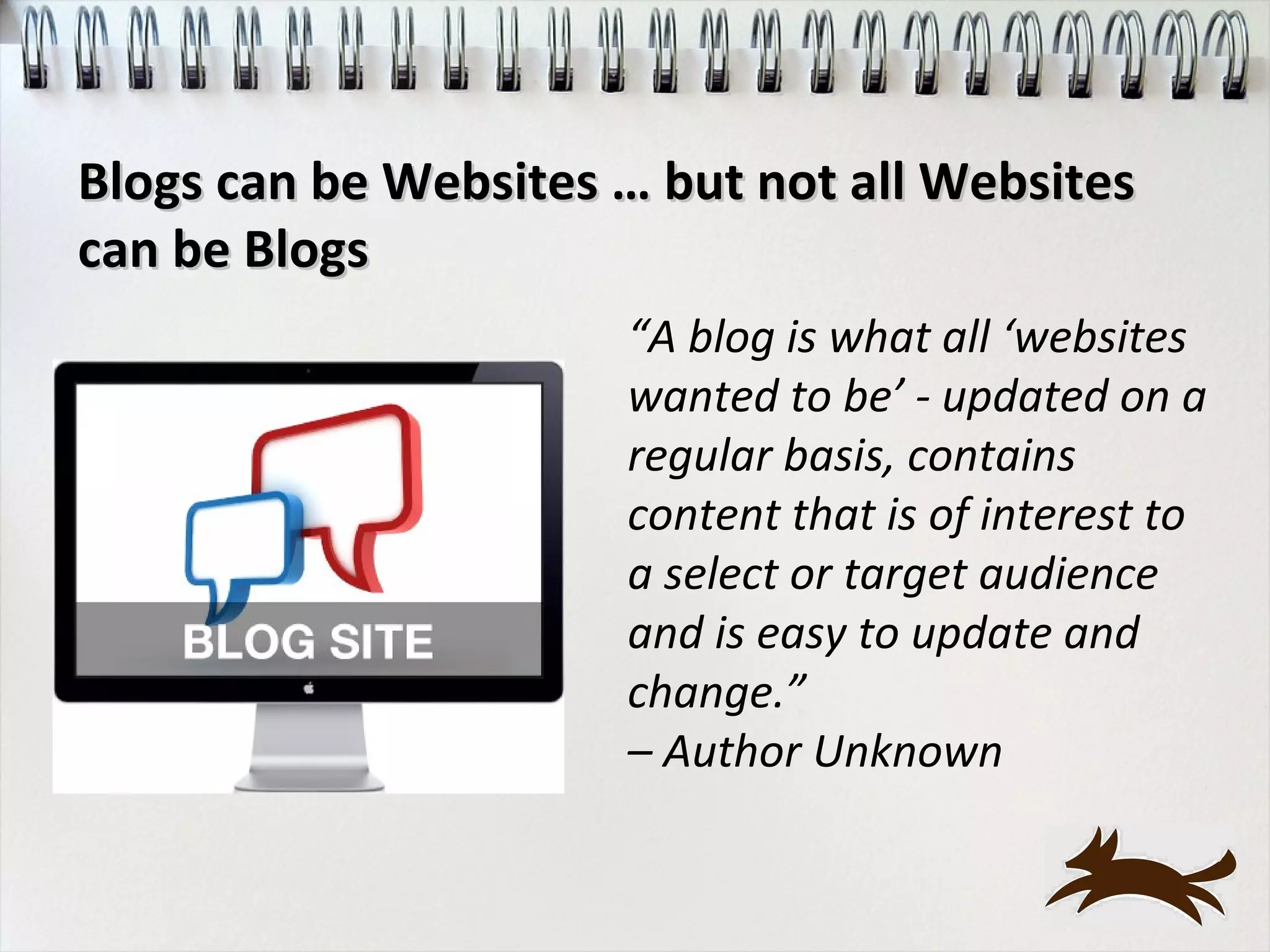
                      “A blog is what all ‘websites
                      wanted to be’ - updated on a
                      regular basis, contains
                      content that is of interest to
                      a select or target audience
                      and is easy to update and
                      change.”
                      – Author Unknown
Blogs can be Websites … but not all
     Websites can be Blogs
Ease of Use:
    • Blogs publish info frequently, without learning tech skills
    • Most sites have static info and require tech skills to update

Written Content:
    • Blog copy like a conversation with your customers
    • Website copy is written in ‘marketing-eze’ with key words
    and links to pull you into the site
Blogs can be Websites … but not all
               Websites can be Blogs
Customer Engagement:
   •Blogs: posting comments and linking from their blog to your
   posts
   •Website: only option for comments is your Contact Us form

SEO: "Blog" stands for "Better Listings on Google”
   •Blog’s features: frequent posts, linking from other sites to get
   your site better listings
   •Website: have to wait for Google to ‘crawl’ your site for new
   content and could take up to 2 weeks
How to setup a Blog
•Host or not to Host?
•FREE blogging programs – Blogger vs Wordpress
•Host your own Blog
How to setup a Blog
Free blogging programs: Blogger vs Wordpress

Free Blog Sites: your domain will be
mycompanysblog.wordpress.com and you won't
actually own the blog

Host your own blog: more flexibility and freedom to
do what you want
   • Have your own domain name and own the blog
   • You can get this for as little as $30 per year
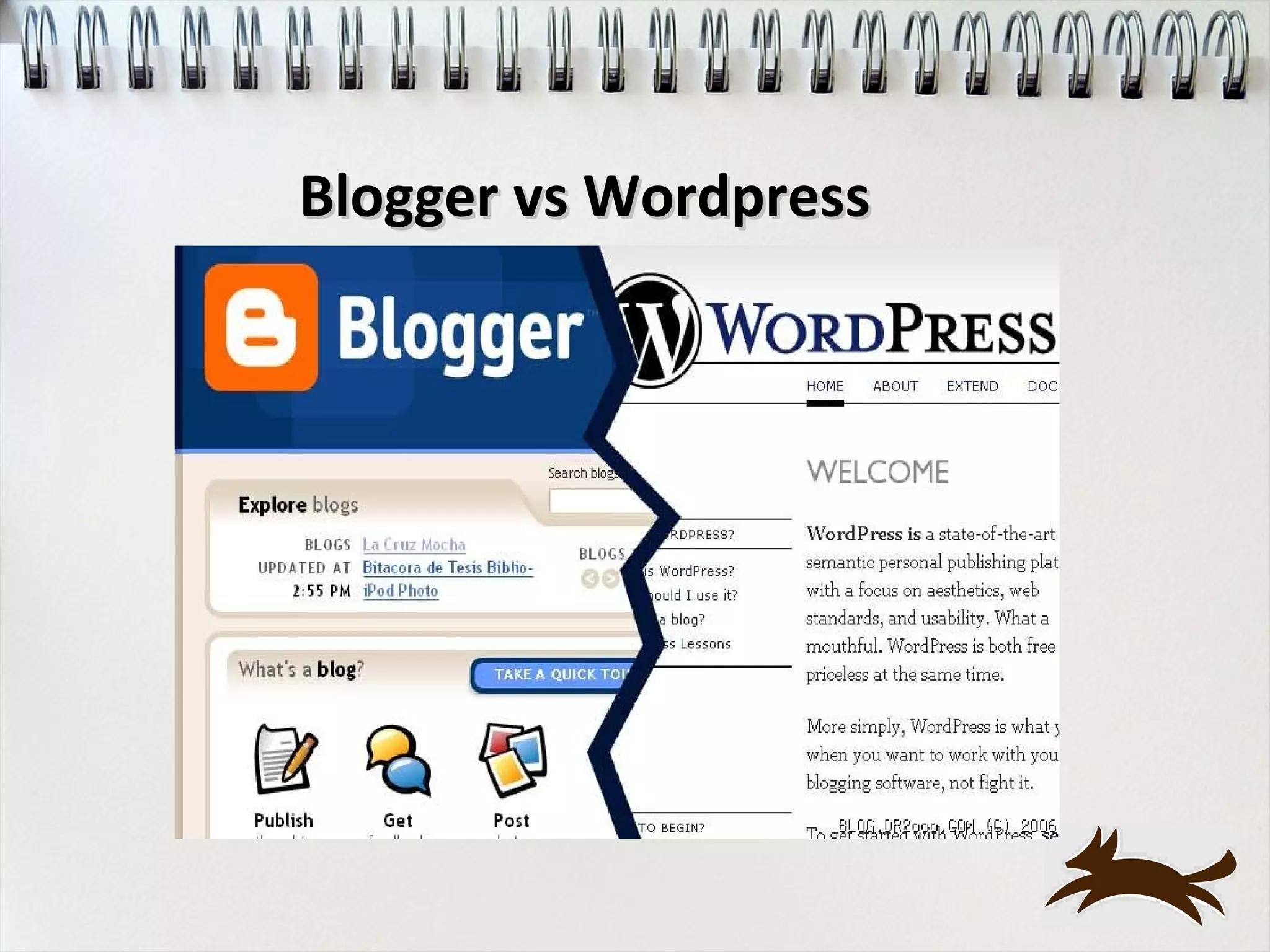
Blogger vs Wordpress
Which to use?

Host your domain with WordPress (WordPress.org) - full
functionality and the ability to change any of the code

Most businesses and companies use WordPress for their
blog/website.

Many personal bloggers who are only interested in the blog for
entertainment value choose Blogger.
How to set up a Wordpress Blog
• Choose domain name
• Register your domain
• Get web hosting
• Connect your domain to your web hosting
• Install Wordpress (or it may be pre-installed)
• Choose your theme or style
• Set up the basics
• Start writing your content!
Wordpress Plugins
What’s a Plugin?
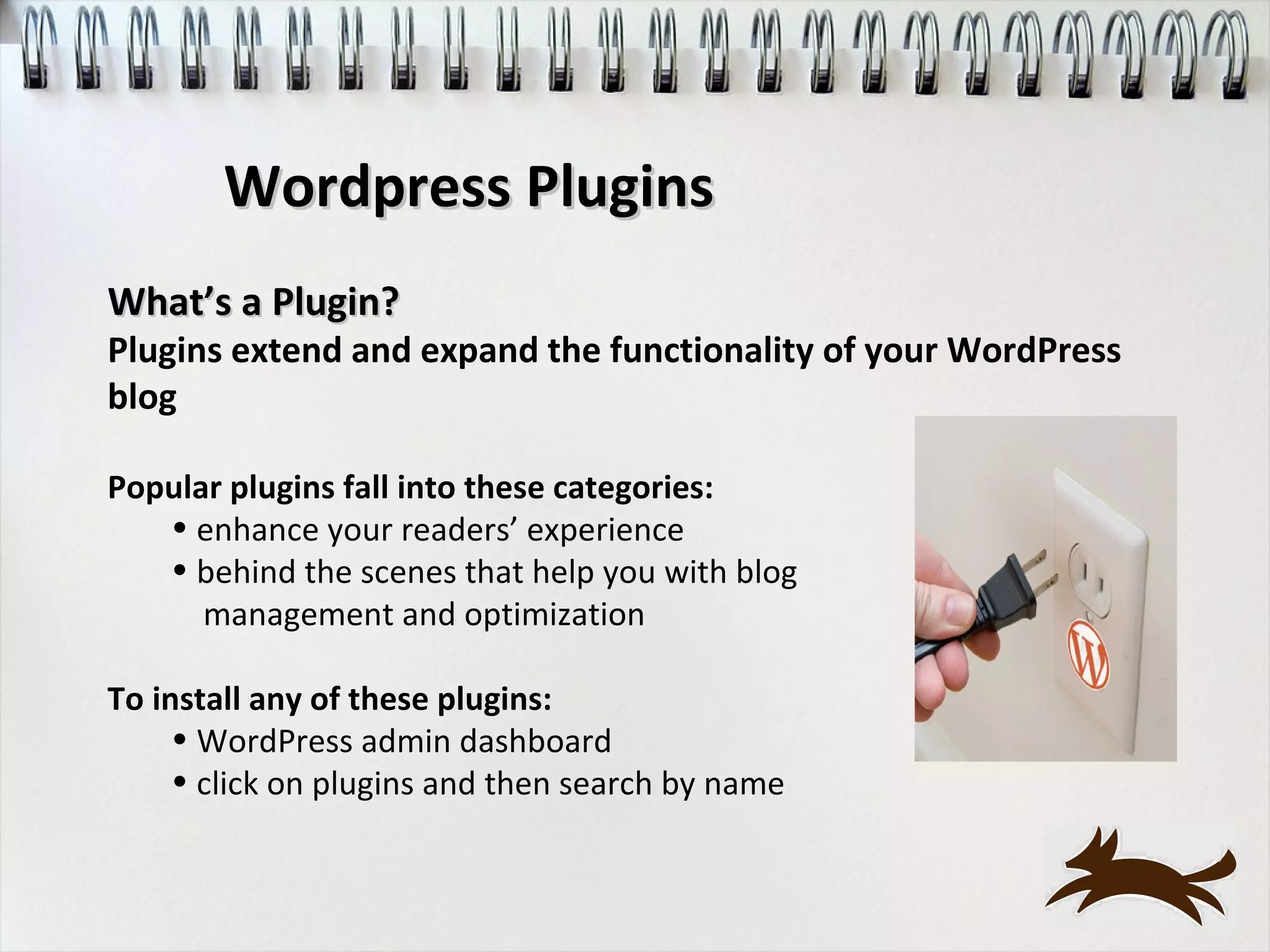
Plugins extend and expand the functionality of your WordPress
blog

Popular plugins fall into these categories:
   • enhance your readers’ experience
   • behind the scenes that help you with blog
      management and optimization

To install any of these plugins:
     • WordPress admin dashboard
     • click on plugins and then search by name
Wordpress Plugins

•   Audio, video and photo - add more interaction to your blog
•   Twitter tools – add tweets to your blog
•   SEO tools
•   Google Analytics
•   Facebook like button
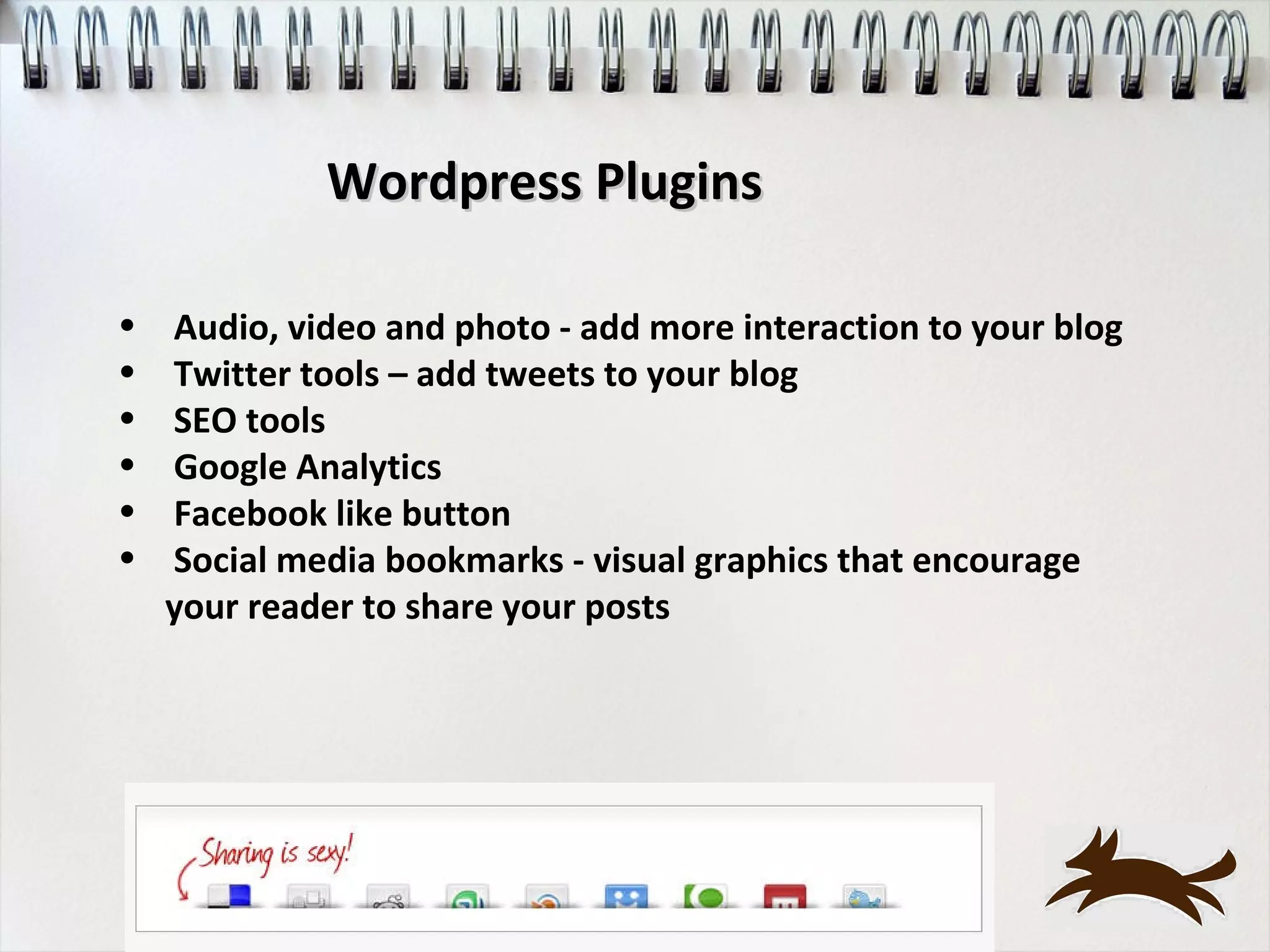
•   Social media bookmarks - visual graphics that encourage
    your reader to share your posts
Wordpress Commenting Programs
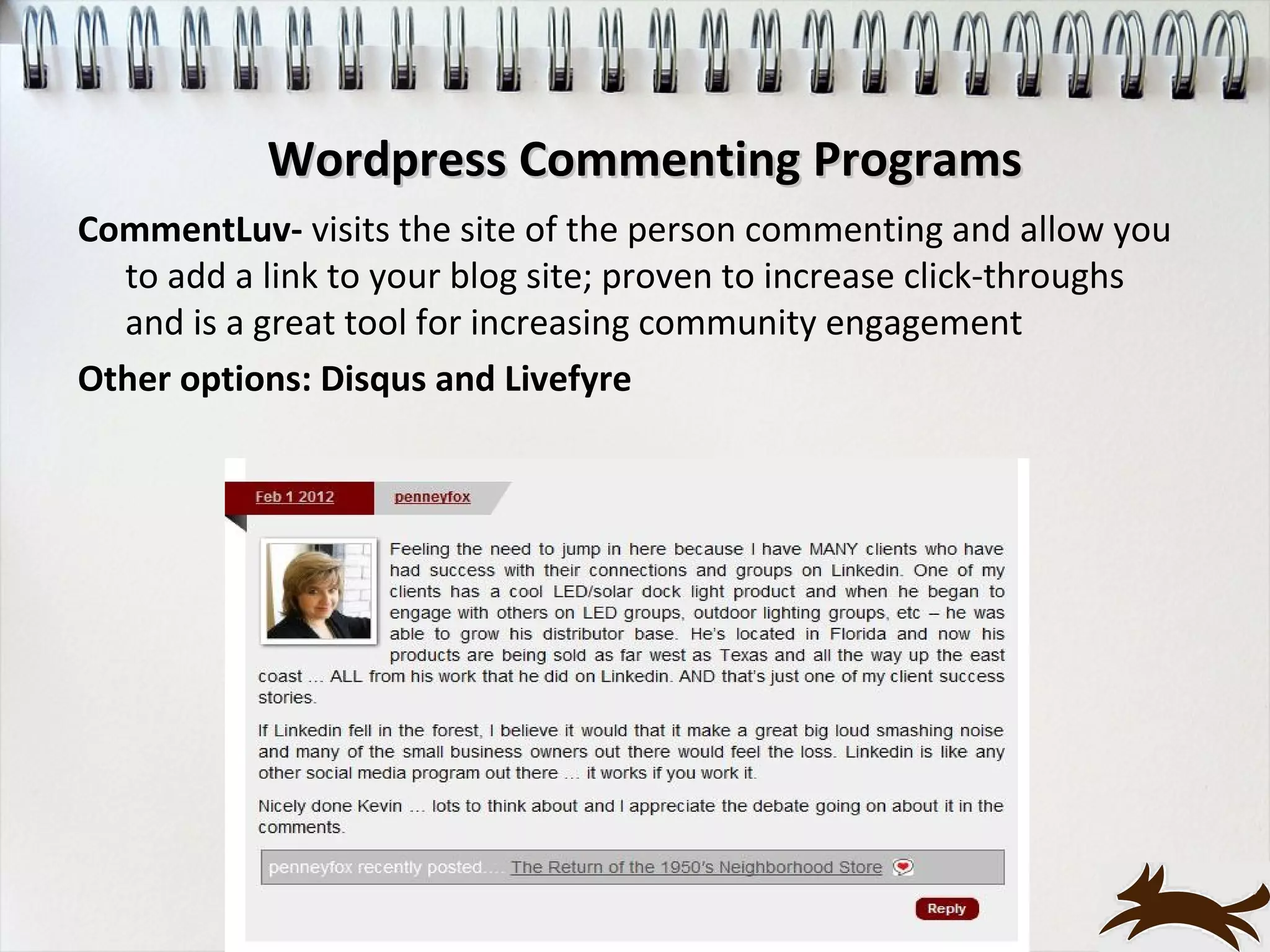
CommentLuv- visits the site of the person commenting and allow you
  to add a link to your blog site; proven to increase click-throughs
  and is a great tool for increasing community engagement
Other options: Disqus and Livefyre
You’ve got a blog … NOW what?
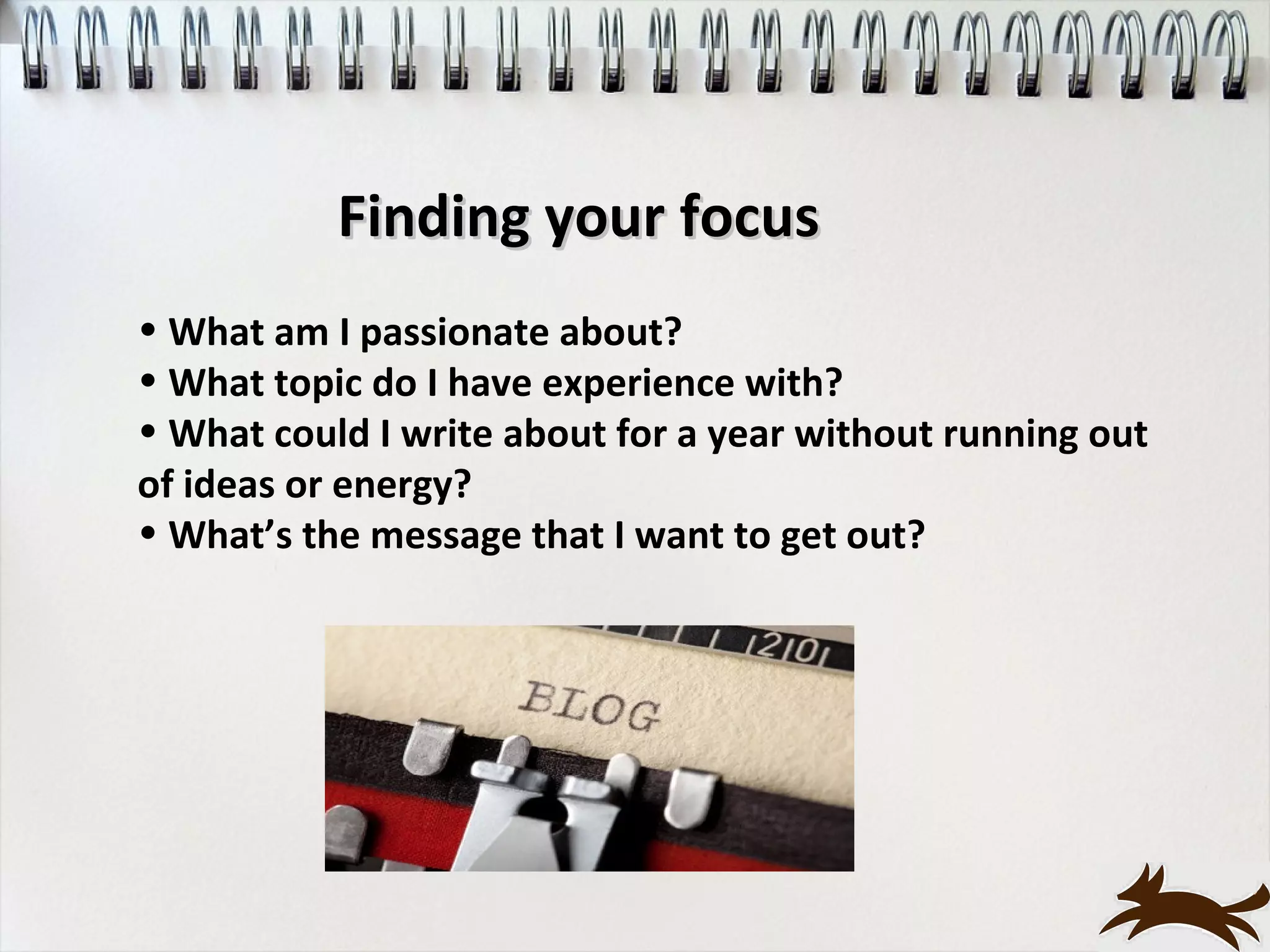
Finding your focus
• What am I passionate about?
• What topic do I have experience with?
• What could I write about for a year without running out
of ideas or energy?
• What’s the message that I want to get out?
What’s good content?


Characteristics of Good Content

 Provokes thought – add value to their lives
 Entertains - engages the reader to share or come back
 Educates – become an ‘expert’ in your field
 Inform – breaking news, updates on your projects, product
information
 Empowers – prospects, customers and clients to take action
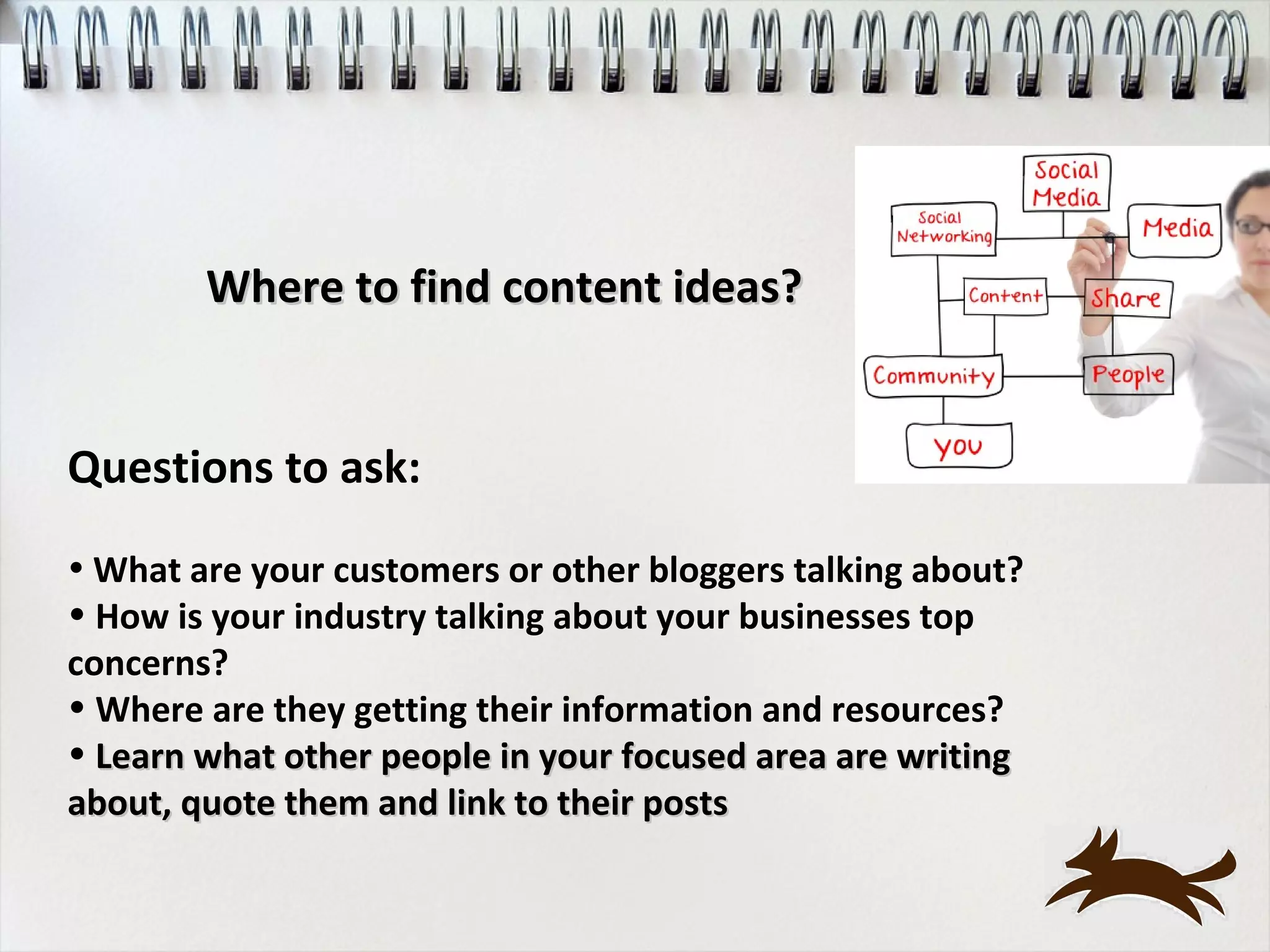
Where to find content ideas?


Questions to ask:
• What are your customers or other bloggers talking about?
• How is your industry talking about your businesses top
concerns?
• Where are they getting their information and resources?
• Learn what other people in your focused area are writing
about, quote them and link to their posts
Just the facts ma’am

Stumble upon some facts that are amazing … research to write
about how they relate to your customers


• Industry trends
• Your company’s product facts
• Let me tell you about a pool company
Content, content and yep, more content
Use other blogs for inspiration - write your own post in your own “voice”
keeping your reader’s interests in mind

         You’ll be contributing to a larger conversation

• Treat your readers like you care - whether you have 20 readers or 20,000,
acknowledge their presence
• Write your blog posts like a piece of real writing - have a beginning,
middle and end
• Keep it short - long narratives are fine if you’re telling a story,
         otherwise, keep it short
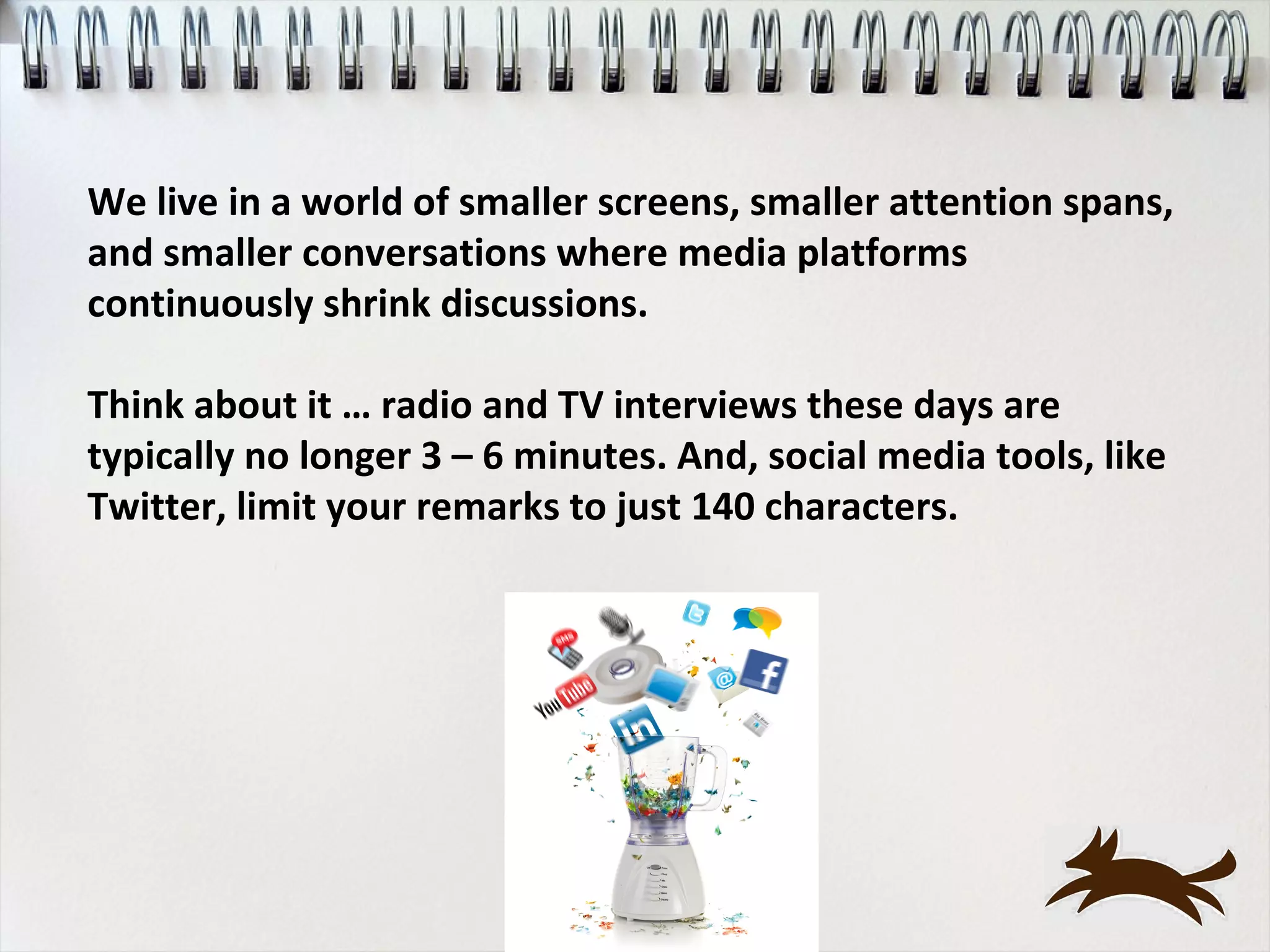
We live in a world of smaller screens, smaller attention spans,
and smaller conversations where media platforms
continuously shrink discussions.

Think about it … radio and TV interviews these days are
typically no longer 3 – 6 minutes. And, social media tools, like
Twitter, limit your remarks to just 140 characters.
How do I begin?

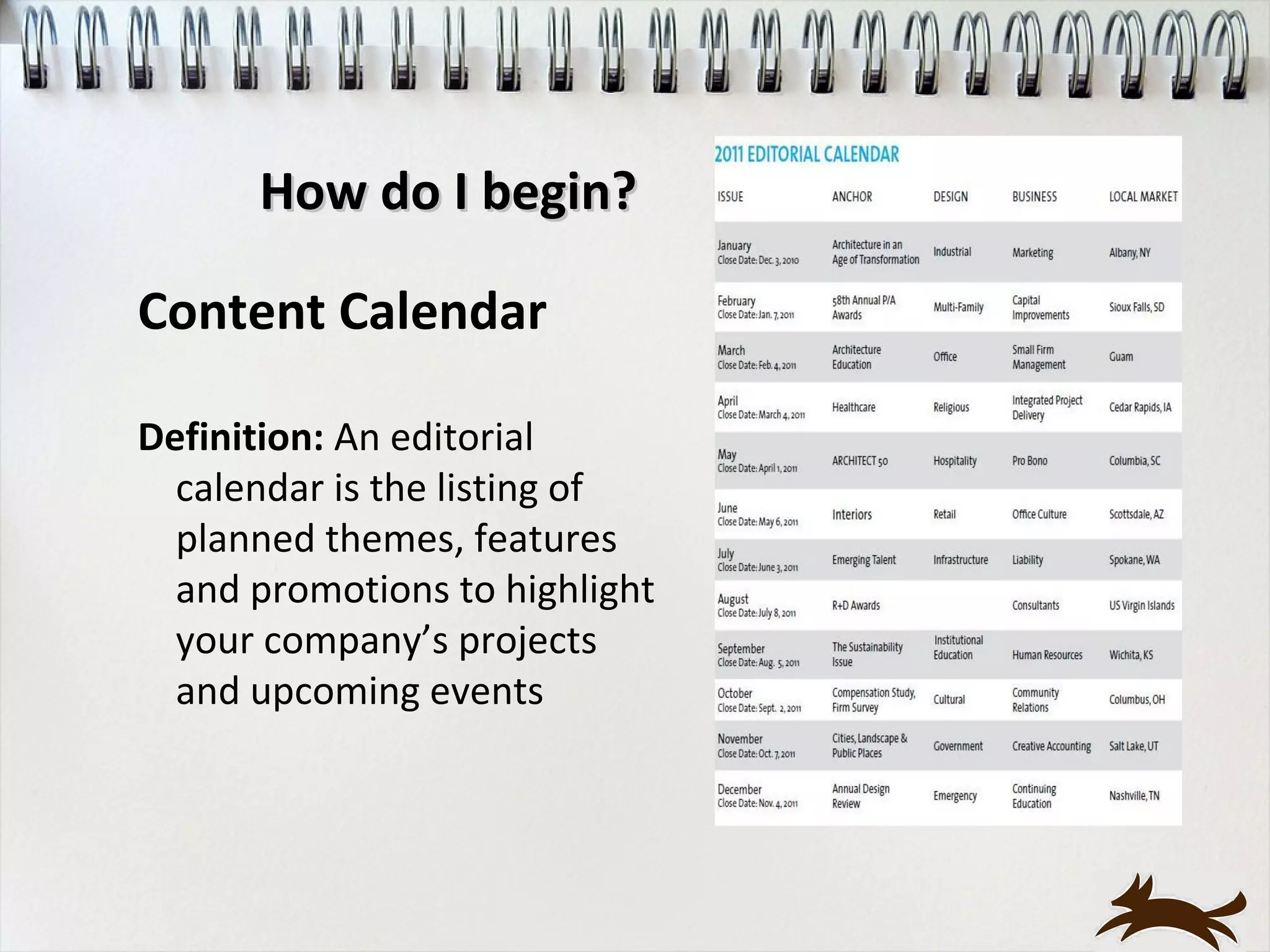
Content Calendar

Definition: An editorial
  calendar is the listing of
  planned themes, features
  and promotions to highlight
  your company’s projects
  and upcoming events
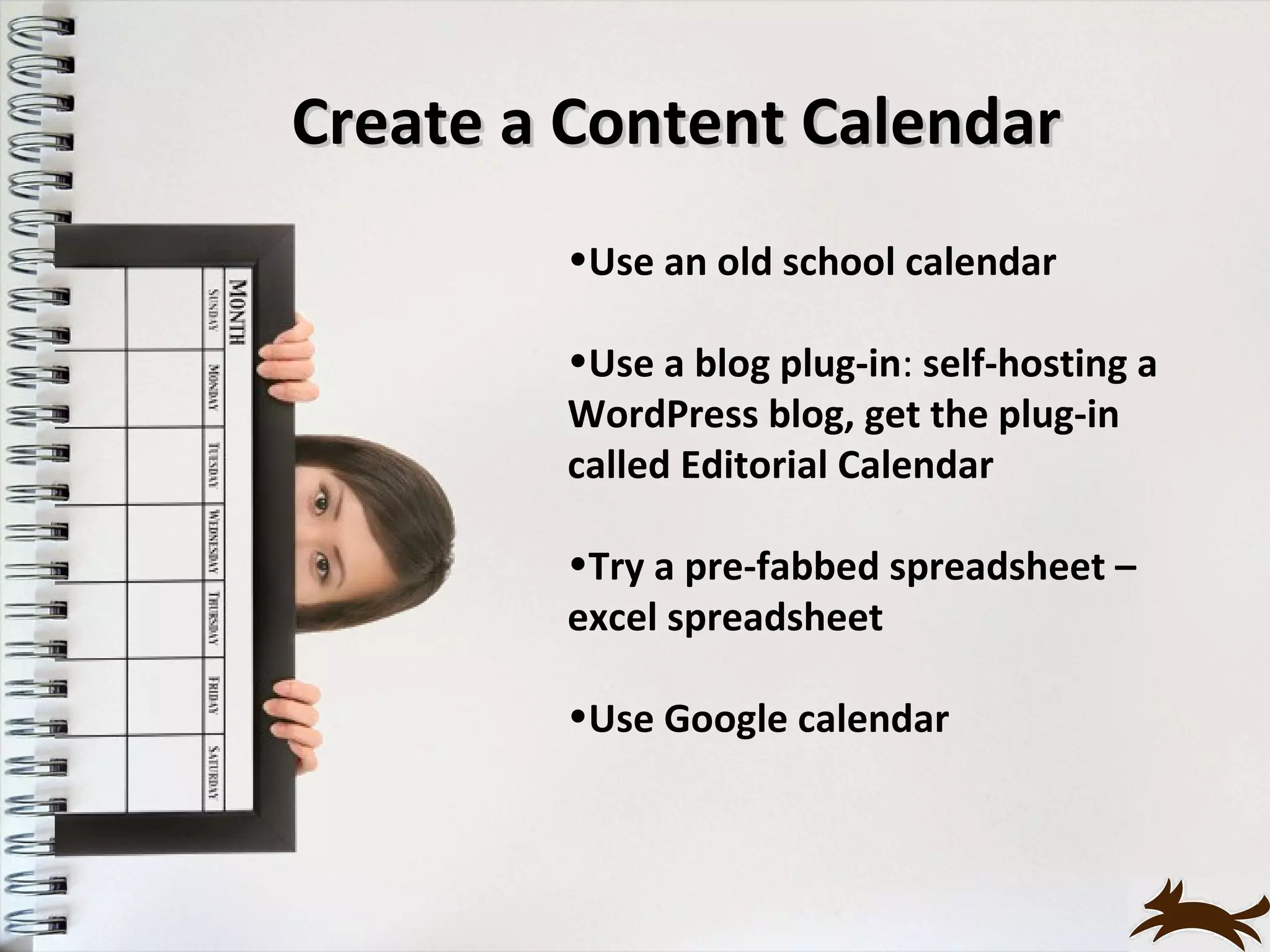
Create a Content Calendar
        •Use an old school calendar

        •Use a blog plug-in: self-hosting a
        WordPress blog, get the plug-in
        called Editorial Calendar

        •Try a pre-fabbed spreadsheet –
        excel spreadsheet

        •Use Google calendar
Content Calendar: Topics

           Plan 4 – 6 months out
• Leave room if something new comes up

• Create a guideline for ‘themes’ for your posts:
        Mondays – updates about your company
        or story
      Wednesdays – success stories
      Fridays – 5 Friday Fun

• Think about your tags that relate to your
categories
Writing Schedule
Don’t feel obligated to post every day -- wait until you have
enough material for a complete post


• Schedule time for research and write drafts
    • Add in time to engage/comment
     on other blogs


• Set a due date for each post – include research, writing and
review

• Consistency as a blogger may be one of the hardest things we
will ever learn - find a schedule/routine that works for you
Time to start writing!
Blog Writing Tips
Your writing will not improve if you don’t write - get the words out of
your head and onto paper or computer; don’t let well intentioned
criticism of others get you down


                 Keep on writing!


Bonus blogging lesson: write for just one member of your audience as
is you’re talking directly them

              You can’t be everything to everyone
Blog Writing Tips
Keep an Idea Notebook Handy

Carry a pen and a small notebook where ever you go

Write down your topic ideas, resource articles and even thoughts
on what to say in one place

When you’re ready to write – its all in one place!


              http://www.facebook.com/eatinganelephant
Blog Writing Tips
Make a List

• Pick one of your topics and make a list – use just a
couple of words for each entry.

• Have a blogging brainstorm session – write as fast as you
can for a specific period of time.

• Don’t stop writing – just think!


              http://www.facebook.com/eatinganelephant
Blog Writing Tips
Make a List: Part Two
• Break down your elephant into bite size pieces

• Pick one of the items on your list and repeat

• Do this until the bites are small, you can eat them quickly
and they’re easy to digest

• Add as much detail as you can and your blog post will
emerge


       http://www.facebook.com/eatinganelephant
Authenticity means
it’s true to you, your company
         and your brand.

‘Be who you are, not who you’d like to be, or who you think
others would like you to be.’

Who are you? Your mission/values, your vision, what makes
your business distinct, and what you can honestly and
authentically live up to?

Be passionate about what you know - share yourself without
being concerned about whether what you’re doing is right

Just be and do what comes naturally and easily to you - learn
to trust and follow your instincts
Commenting Campaigns
Engaging in Commenting Campaigns is one of the
best ways to increase your visibility to readers
• Consistently posting thoughtful, valuable blog
comments will cause other readers to take notice

• Quality over quantity – choose a few
selected blogs

• Drive traffic directly to your site
Commenting Campaigns
Things to Avoid:

• Blatant self promotion - directly promote your blog or
site in comments; it hurts your credibility

•Extremely brief and meaningless comments - such
comments as “good post,” “bad post” and “I agree!”

•Links to your own articles in every comment you post -
only acceptable when the link is relevant and directly
relates to the subject matter discussed

•Don’t be afraid to actively involve yourself in a
discussion, even if your opinion differs from that of
anyone else
Let’s talk about ME
Don’t create a boring About Page
• Second highest viewed page on your blog after your
home page

• Show your personality

• Let them see why you know what you do, write about
what you do and why they want to come back for more
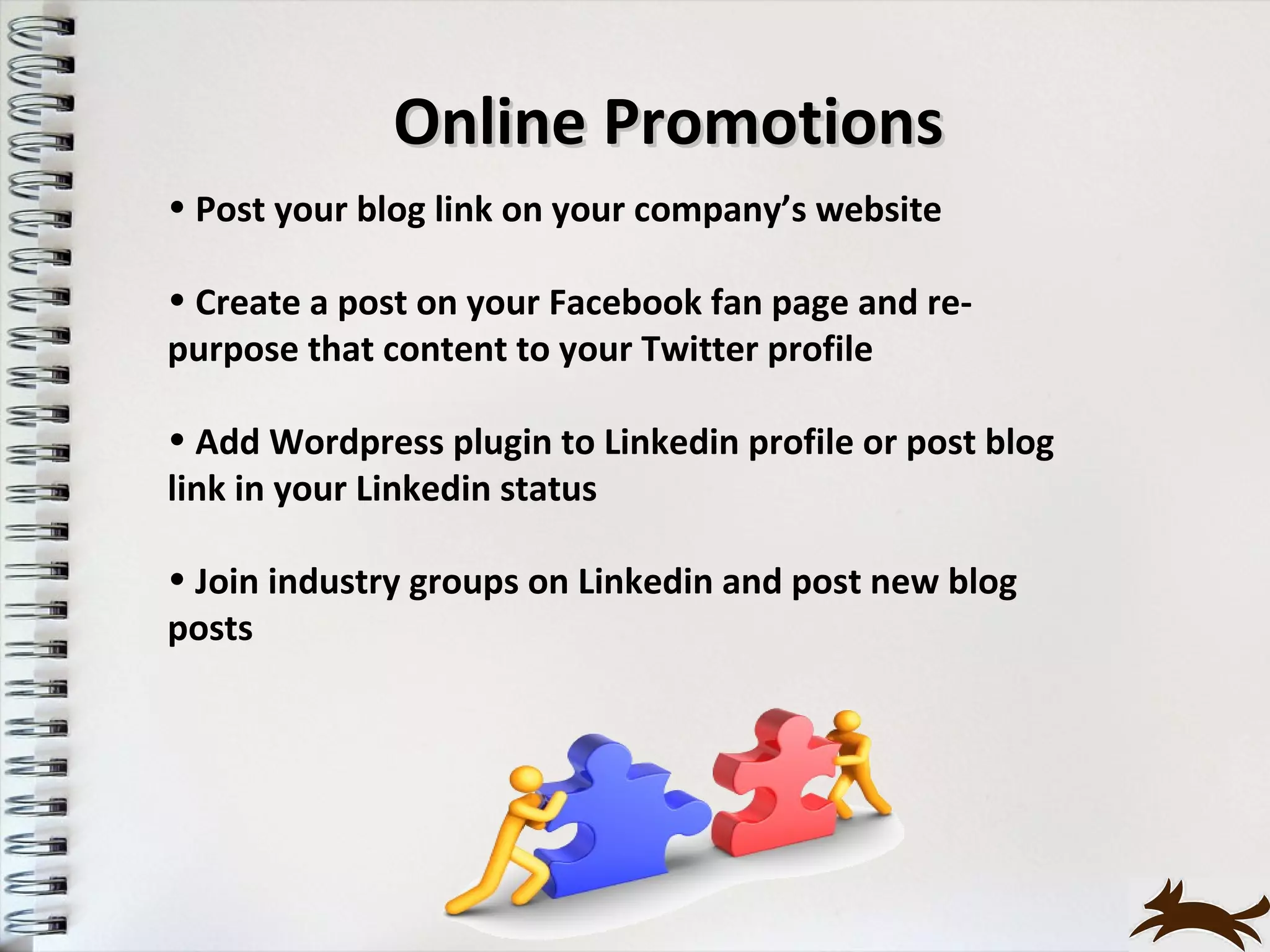
Online Promotions
• Post your blog link on your company’s website

• Create a post on your Facebook fan page and re-
purpose that content to your Twitter profile

• Add Wordpress plugin to Linkedin profile or post blog
link in your Linkedin status

• Join industry groups on Linkedin and post new blog
posts
Offline Promotions
• Add your blog URL to business cards and email
signature

• Promote your blog at industry events

• Get print publications to pick up your blog posts


• Use word of mouth to let customers and friends know
about your blog

• Include the blog URL in your company’s press releases
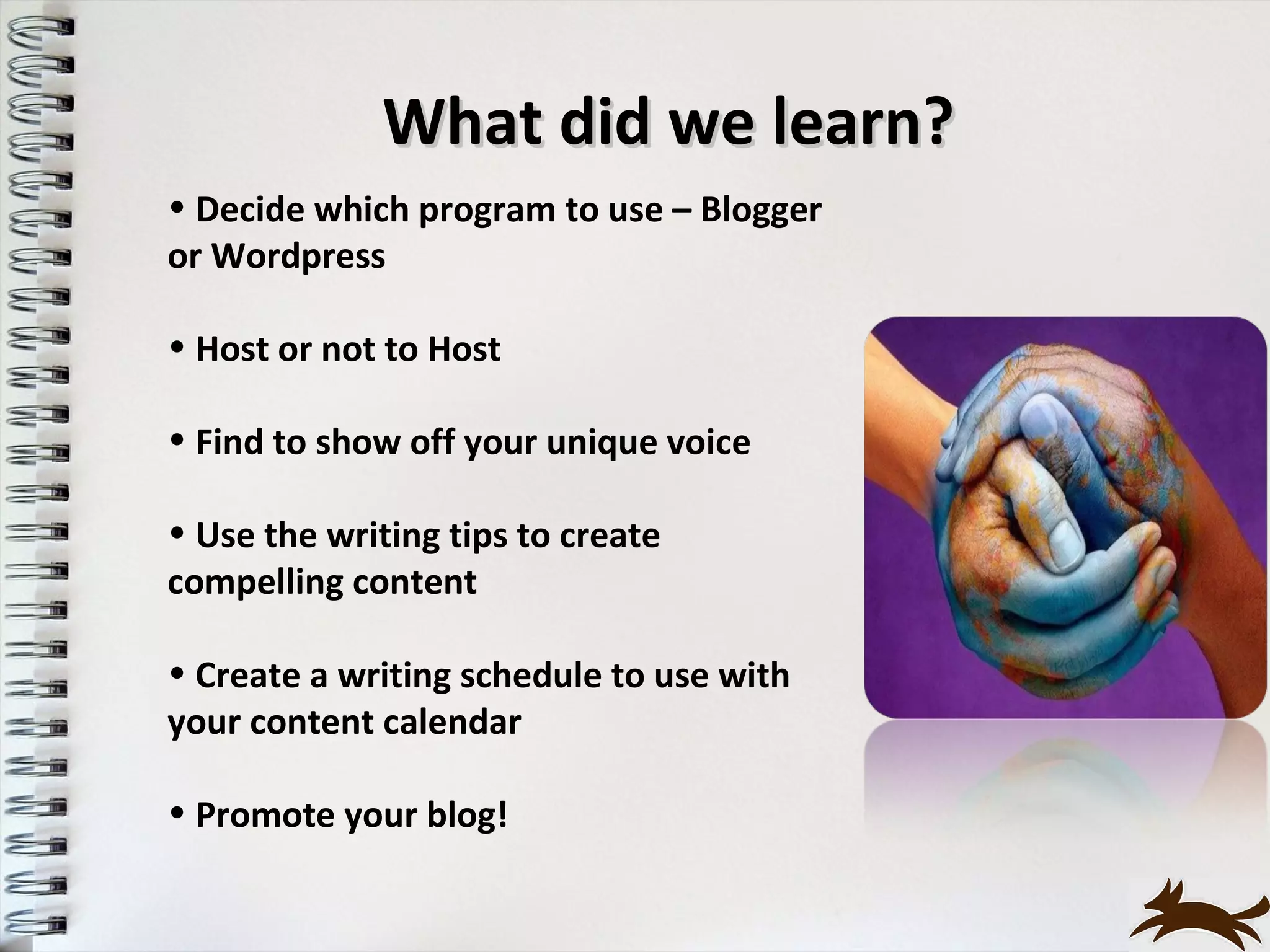
What did we learn?
• Decide which program to use – Blogger
or Wordpress

• Host or not to Host

• Find to show off your unique voice

• Use the writing tips to create
compelling content

• Create a writing schedule to use with
your content calendar

• Promote your blog!
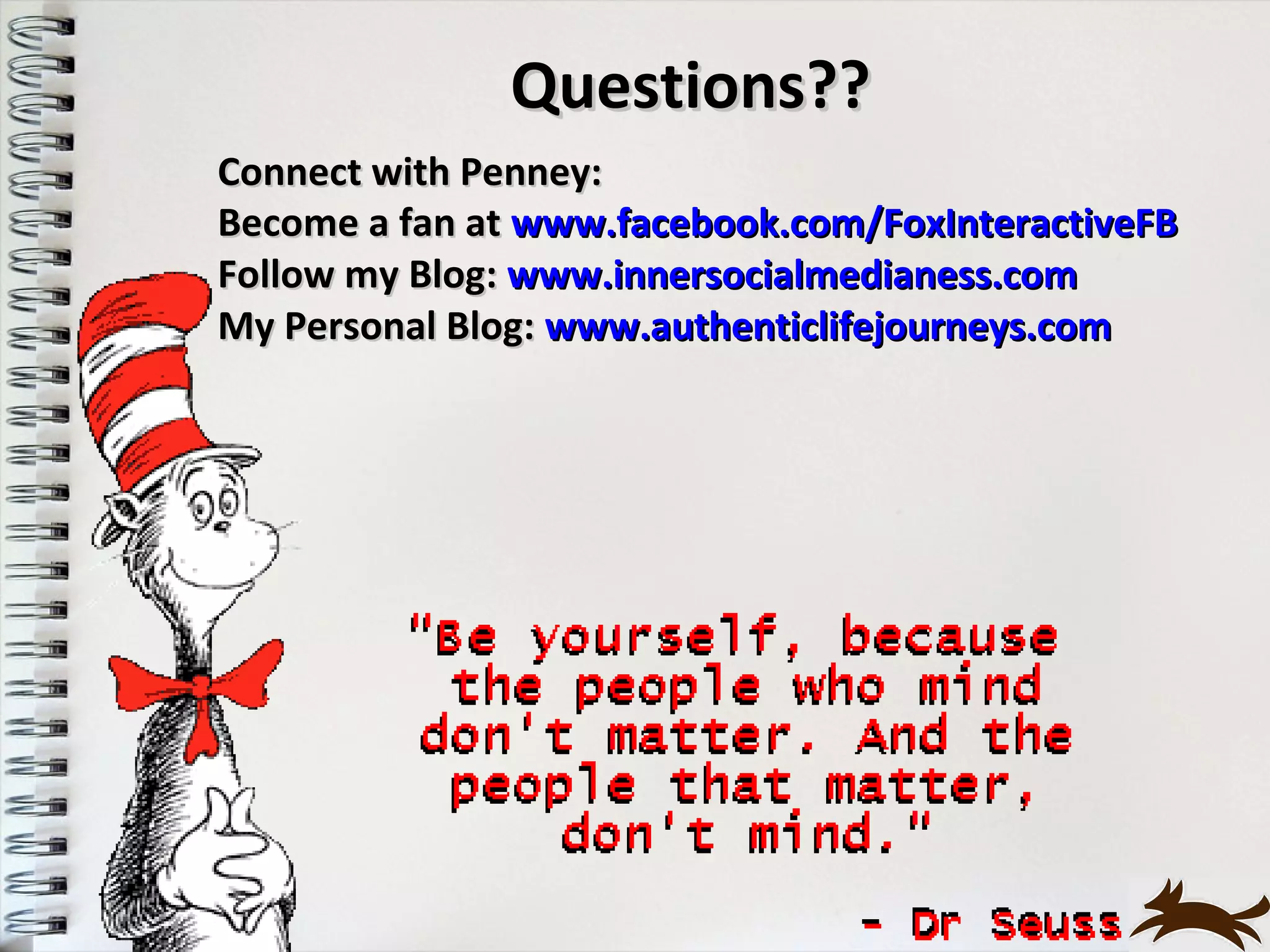
Questions??
Connect with Penney:
Become a fan at www.facebook.com/FoxInteractiveFB
Follow my Blog: www.innersocialmedianess.com
My Personal Blog: www.authenticlifejourneys.com

Building Your Brand wth Blogging Nov 2012

  • 1.
    Building Your Brand With Blogging Expand Your Presence Online
  • 2.
    Make Sure YourMessage Gets Heard
  • 4.
    Building Your BrandWith Blogging • Why start a blog • Blogs are websites but not all websites are blogs • How to set up a blog • Reach out and engage with your customers • Find and build your content • How to grow your fan base
  • 5.
    Why start ablog? Discover your real reason for starting a blog • Passion to make a difference • Extend the reach of your brand • Become a thought leader • Add value to your company’s marketing mix You have a voice. And you've been given something to say. People need to hear it. - Jeff Goins
  • 6.
    How much timecan you invest? The investment of time is just that … an investment • Spend more time in the beginning • What does your schedule look like now? • Blogging can be like a part-time job
  • 7.
    Blogs can beWebsites … but not all Websites can be Blogs “A blog is what all ‘websites wanted to be’ - updated on a regular basis, contains content that is of interest to a select or target audience and is easy to update and change.” – Author Unknown
  • 8.
    Blogs can beWebsites … but not all Websites can be Blogs Ease of Use: • Blogs publish info frequently, without learning tech skills • Most sites have static info and require tech skills to update Written Content: • Blog copy like a conversation with your customers • Website copy is written in ‘marketing-eze’ with key words and links to pull you into the site
  • 9.
    Blogs can beWebsites … but not all Websites can be Blogs Customer Engagement: •Blogs: posting comments and linking from their blog to your posts •Website: only option for comments is your Contact Us form SEO: "Blog" stands for "Better Listings on Google” •Blog’s features: frequent posts, linking from other sites to get your site better listings •Website: have to wait for Google to ‘crawl’ your site for new content and could take up to 2 weeks
  • 10.
    How to setupa Blog •Host or not to Host? •FREE blogging programs – Blogger vs Wordpress •Host your own Blog
  • 11.
    How to setupa Blog Free blogging programs: Blogger vs Wordpress Free Blog Sites: your domain will be mycompanysblog.wordpress.com and you won't actually own the blog Host your own blog: more flexibility and freedom to do what you want • Have your own domain name and own the blog • You can get this for as little as $30 per year
  • 12.
  • 13.
    Blogger vs Wordpress Whichto use? Host your domain with WordPress (WordPress.org) - full functionality and the ability to change any of the code Most businesses and companies use WordPress for their blog/website. Many personal bloggers who are only interested in the blog for entertainment value choose Blogger.
  • 14.
    How to setup a Wordpress Blog • Choose domain name • Register your domain • Get web hosting • Connect your domain to your web hosting • Install Wordpress (or it may be pre-installed) • Choose your theme or style • Set up the basics • Start writing your content!
  • 15.
    Wordpress Plugins What’s aPlugin? Plugins extend and expand the functionality of your WordPress blog Popular plugins fall into these categories: • enhance your readers’ experience • behind the scenes that help you with blog management and optimization To install any of these plugins: • WordPress admin dashboard • click on plugins and then search by name
  • 16.
    Wordpress Plugins • Audio, video and photo - add more interaction to your blog • Twitter tools – add tweets to your blog • SEO tools • Google Analytics • Facebook like button • Social media bookmarks - visual graphics that encourage your reader to share your posts
  • 17.
    Wordpress Commenting Programs CommentLuv-visits the site of the person commenting and allow you to add a link to your blog site; proven to increase click-throughs and is a great tool for increasing community engagement Other options: Disqus and Livefyre
  • 18.
    You’ve got ablog … NOW what?
  • 19.
    Finding your focus •What am I passionate about? • What topic do I have experience with? • What could I write about for a year without running out of ideas or energy? • What’s the message that I want to get out?
  • 20.
    What’s good content? Characteristicsof Good Content Provokes thought – add value to their lives Entertains - engages the reader to share or come back Educates – become an ‘expert’ in your field Inform – breaking news, updates on your projects, product information Empowers – prospects, customers and clients to take action
  • 21.
    Where to findcontent ideas? Questions to ask: • What are your customers or other bloggers talking about? • How is your industry talking about your businesses top concerns? • Where are they getting their information and resources? • Learn what other people in your focused area are writing about, quote them and link to their posts
  • 22.
    Just the factsma’am Stumble upon some facts that are amazing … research to write about how they relate to your customers • Industry trends • Your company’s product facts • Let me tell you about a pool company
  • 23.
    Content, content andyep, more content Use other blogs for inspiration - write your own post in your own “voice” keeping your reader’s interests in mind You’ll be contributing to a larger conversation • Treat your readers like you care - whether you have 20 readers or 20,000, acknowledge their presence • Write your blog posts like a piece of real writing - have a beginning, middle and end • Keep it short - long narratives are fine if you’re telling a story, otherwise, keep it short
  • 24.
    We live ina world of smaller screens, smaller attention spans, and smaller conversations where media platforms continuously shrink discussions. Think about it … radio and TV interviews these days are typically no longer 3 – 6 minutes. And, social media tools, like Twitter, limit your remarks to just 140 characters.
  • 25.
    How do Ibegin? Content Calendar Definition: An editorial calendar is the listing of planned themes, features and promotions to highlight your company’s projects and upcoming events
  • 26.
    Create a ContentCalendar •Use an old school calendar •Use a blog plug-in: self-hosting a WordPress blog, get the plug-in called Editorial Calendar •Try a pre-fabbed spreadsheet – excel spreadsheet •Use Google calendar
  • 27.
    Content Calendar: Topics Plan 4 – 6 months out • Leave room if something new comes up • Create a guideline for ‘themes’ for your posts: Mondays – updates about your company or story Wednesdays – success stories Fridays – 5 Friday Fun • Think about your tags that relate to your categories
  • 28.
    Writing Schedule Don’t feelobligated to post every day -- wait until you have enough material for a complete post • Schedule time for research and write drafts • Add in time to engage/comment on other blogs • Set a due date for each post – include research, writing and review • Consistency as a blogger may be one of the hardest things we will ever learn - find a schedule/routine that works for you
  • 29.
    Time to startwriting!
  • 30.
    Blog Writing Tips Yourwriting will not improve if you don’t write - get the words out of your head and onto paper or computer; don’t let well intentioned criticism of others get you down Keep on writing! Bonus blogging lesson: write for just one member of your audience as is you’re talking directly them You can’t be everything to everyone
  • 31.
    Blog Writing Tips Keepan Idea Notebook Handy Carry a pen and a small notebook where ever you go Write down your topic ideas, resource articles and even thoughts on what to say in one place When you’re ready to write – its all in one place! http://www.facebook.com/eatinganelephant
  • 32.
    Blog Writing Tips Makea List • Pick one of your topics and make a list – use just a couple of words for each entry. • Have a blogging brainstorm session – write as fast as you can for a specific period of time. • Don’t stop writing – just think! http://www.facebook.com/eatinganelephant
  • 33.
    Blog Writing Tips Makea List: Part Two • Break down your elephant into bite size pieces • Pick one of the items on your list and repeat • Do this until the bites are small, you can eat them quickly and they’re easy to digest • Add as much detail as you can and your blog post will emerge http://www.facebook.com/eatinganelephant
  • 34.
    Authenticity means it’s trueto you, your company and your brand. ‘Be who you are, not who you’d like to be, or who you think others would like you to be.’ Who are you? Your mission/values, your vision, what makes your business distinct, and what you can honestly and authentically live up to? Be passionate about what you know - share yourself without being concerned about whether what you’re doing is right Just be and do what comes naturally and easily to you - learn to trust and follow your instincts
  • 35.
    Commenting Campaigns Engaging inCommenting Campaigns is one of the best ways to increase your visibility to readers • Consistently posting thoughtful, valuable blog comments will cause other readers to take notice • Quality over quantity – choose a few selected blogs • Drive traffic directly to your site
  • 36.
    Commenting Campaigns Things toAvoid: • Blatant self promotion - directly promote your blog or site in comments; it hurts your credibility •Extremely brief and meaningless comments - such comments as “good post,” “bad post” and “I agree!” •Links to your own articles in every comment you post - only acceptable when the link is relevant and directly relates to the subject matter discussed •Don’t be afraid to actively involve yourself in a discussion, even if your opinion differs from that of anyone else
  • 37.
    Let’s talk aboutME Don’t create a boring About Page • Second highest viewed page on your blog after your home page • Show your personality • Let them see why you know what you do, write about what you do and why they want to come back for more
  • 38.
    Online Promotions • Postyour blog link on your company’s website • Create a post on your Facebook fan page and re- purpose that content to your Twitter profile • Add Wordpress plugin to Linkedin profile or post blog link in your Linkedin status • Join industry groups on Linkedin and post new blog posts
  • 39.
    Offline Promotions • Addyour blog URL to business cards and email signature • Promote your blog at industry events • Get print publications to pick up your blog posts • Use word of mouth to let customers and friends know about your blog • Include the blog URL in your company’s press releases
  • 40.
    What did welearn? • Decide which program to use – Blogger or Wordpress • Host or not to Host • Find to show off your unique voice • Use the writing tips to create compelling content • Create a writing schedule to use with your content calendar • Promote your blog!
  • 41.
    Questions?? Connect with Penney: Becomea fan at www.facebook.com/FoxInteractiveFB Follow my Blog: www.innersocialmedianess.com My Personal Blog: www.authenticlifejourneys.com