Download to read offline

![devices more specifically Input devices give input to the computer and output
devices show output from the computer to the users.
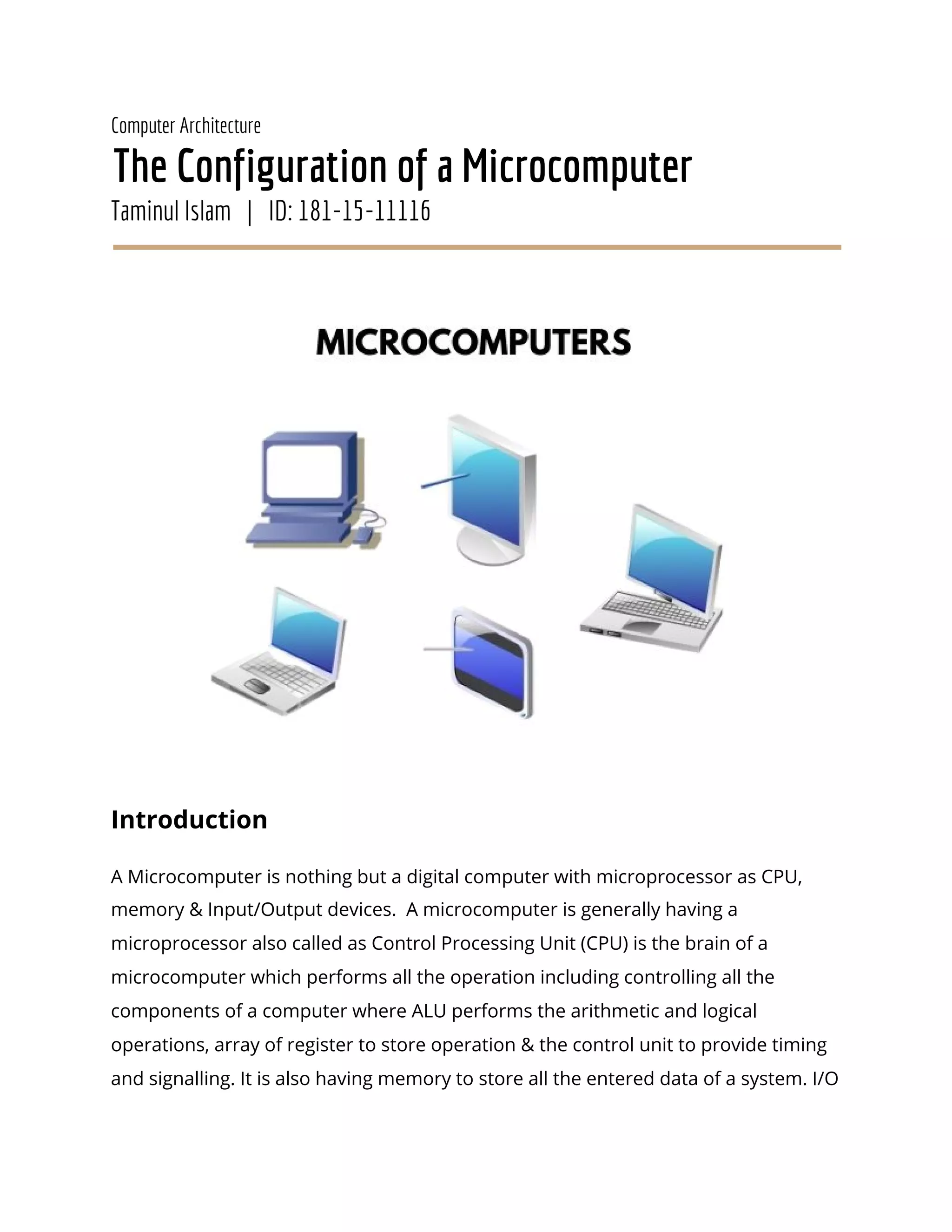
There can be many types of microcomputer like Desktop computers, Laptops,
Personal Digital Assistant (PDA), smart phones, tables etc. A microcomputer is
widely used & fastest growing computer which is generally uses for entertainment,
education and work purposes [1]. The first Microcomputer named The Altair 8800,
invented by Ed Roberts and produced by Micro Instrumentation and Telemetry
Systems (MITS) which had no operating system, but did recognize commands
entered via a row of switches [2].
Description
Microcomputers are generally made possible by advances in electronic devices
which manage to the development of large scale integrated circuits and these
advances made it possible to place the total microprocessor of a computer into a
single chip. Basically all computers have the same basic architecture. They have (i)](https://image.slidesharecdn.com/caoassignment0011-200617023554/85/The-Basic-Configuration-of-a-Microcomputer-2-320.jpg)
![Central Processing Unit (CPU), (ii) Input Devices, (iii) Output Devices, and (iv)
Memory.
Microprocessor : A microprocessor also called as a CPU (Central processing Unit) is
the brain of a microcomputer which performs all the operations including
controlling all the components of a computer. It is simply a chip located inside the
motherboard of a computer. Processing, Controlling and Executing is done by the
microprocessor. Now I am writing assignments through the command of my brain.
Like this example microprocessor is also the brain of a microcomputer who is
capable of processing data where it contains 0 and 1 digits. It takes the data then
decode & finally execute instructions into the operations.
Microprocessor system is generally configured by connecting an n/2-bit memory
and I/O to an n-bit microprocessor. It has a (i) read/write controller for
enabling/disabling a read/write control signal for accessing the memory, (ii) An
address latch counter for latching and updating the address, (iii) A bus converter for
converting the data bus through which the data is transferred, and finally (iv) a
timing generator which contains a detector for detecting that the instruction
executed by the microprocessor is a word transfer instruction. When the
microprocessor executes the word transfer instruction for the memory and
Input/Output, the read/write control signal is enabled and disabled to perform two
access cycles. The word transfer instruction can be automatically converted to two
transfer instructions [3]. The AMD Ryzen 9 3900X is the best microprocessor till
today. It’s more powerful & speedy than any other processors. Intel Core i9-9900K
is standing at the 2nd position. [4]
ALU:
Arithmetic Logic Unit is abbreviated as ALU is a digital circuit which is used to
perform basic arithmetic and logic operations (Examples of arithmetic operations
are addition, subtraction, multiplication, and division & examples of logical](https://image.slidesharecdn.com/caoassignment0011-200617023554/85/The-Basic-Configuration-of-a-Microcomputer-3-320.jpg)
![operations are comparisons of values such as NOT, AND, and OR). It represents the
fundamental building block of the microprocessor of a computer. Nowadays,
modern CPUs contain very powerful and complex ALUs. [5]
Register:
A register is one small set of data holding places that are part of the microcomputer
processor which can hold instruction, storage address, or any kind of data like as a
bit sequence or individual characters. Register has to be more enough to take &
hold an instruction. In a 64-bit computer, the length will be a register is 64 bits but
there are also smaller registers titled half-registers - for shorter instructions.
Registers may have different names depending on the processor design and
language rules [6]. It is generally a temporary storage location for performing
instructions of data. Data will be stored here temporary, after complete operation
data will be erased from the processor chip.
Input Devices:
A microcomputer is turned on first with empty memory. Before it can start
processing any data, the data has to get into the memory of the microcomputer.
There are basically four common methods of “how data entered in to the
microcomputer”
➔ Data is typed by the keyboard.
➔ Information takes in from secondary storage devices such as floppy disks,
hard disks, or tape drives.
➔ Data can be collected by the interface devices such as analog to digital
converters.
➔ Data is inputted into the computer from drawing devices like a digitizer
(drawing pad), a mouse, or a light pen. [7]](https://image.slidesharecdn.com/caoassignment0011-200617023554/85/The-Basic-Configuration-of-a-Microcomputer-4-320.jpg)
![Maximum data is entered into the microcomputer by typing on the keyboard.
Output Devices:
After having completed the work of the microcomputer we (user) have to see the
output. Generally microcomputer sends data to the output devices like video
monitors, printers, plotters, and secondary storage devices for viewing the result.
Almost every microcomputer is using the video monitor as a main output device.
There are two types of monitors are available which have used in microcomputer:
● Cathode Ray Tube (CRT) monitors
● Liquid Crystal Display (LCD) monitors.
Besides there are more output devices which are directly related to the
microcomputer such as printers, projectors, plotters, headphones, sound card,
speakers etc [8].
Memory:
Memory is a very important component of a microcomputer. It uses memory to
store the programs that control its operation, to store data waiting for processing,
and to store the results of operations performed by the microprocessor. A
microcomputer can’t do any operation without storing any data. That's why we can
say that, it is incapable to work any operation without any memory. Generally there
are two types of memory-
1. Primary Memory:
Primary memory, or primary storage is a memory which can be directly
addressable by the microprocessor. It contains an IC called memory chips. Each
memory location is assigned an address which is a number. The microprocessor](https://image.slidesharecdn.com/caoassignment0011-200617023554/85/The-Basic-Configuration-of-a-Microcomputer-5-320.jpg)
![uses these addresses to keep information stored in memory. It works very fast.
There are two types of primary memory. [7]
(i) RAM (Random Access Memory) which is the memory in a computer that is
accessible to the user to store data. It is used to store user programs that control
what the microprocessor is doing . RAM is a volatile memory which means that
everything stored in RAM is lost when the power is turned off.
(ii) ROM (Read Only Memory) is a nonvolatile memory, retaining the information
stored in it even when the power is turned off. Generally It is used to store the
instructions a microcomputer needs to get itself started after you turn on the
power. ROM can be used to store other programs supplied by the manufacturer as
well as programs stored in ROM are sometimes referred to as firmware. [7]
2. Secondary Memory:
Secondary memory or Secondary storage is a nonvolatile storage device which are
usually mechanical in nature and therefore. are much slower at transferring data to
the CPU. The most familiar secondary storage device is the floppy disk usually
known as Disk. Examples of secondary storage devices, Read-Only Memory (ROM),
hard disk drives (HDD), magnetic tapes and other types of internal/external storage
media.Secondary memory is slower than primary memory. [9]
Firmware:
Firmware is a specific kind of software which connects between Hardware and
Software Application.
Hardware - where we can touch, software - which is a bunch of coding. So, how can
connect these two different things? Firmware is the solution, which is a bridge
between these two things.
BIOS is an Example of Firmware.](https://image.slidesharecdn.com/caoassignment0011-200617023554/85/The-Basic-Configuration-of-a-Microcomputer-6-320.jpg)
![Types of Microcomputer
There are many types of microcomputer in this generation. We are very much
familiar with Desktop computer which is a personal computer with heavyweight &
it is used a one location and one person including LCD Screen, CPU, Keyboard,
Mouse, and UPS. Laptop, Smartphone, Tablet, NoteBook also very good
example of microcomputer [10]
Conclusion
Microcomputer is a very familiar in this generation. We are using everyday
microcomputers. This study will help to know about the configuration of a microcomputer.
From this study, readers will know how a microcomputer is designed, how it is worked,
what are the important components of a microcomputer. Components, Processes, Types of
microcomputer have also been discussed here. This study is a summary of a
microcomputer. There have also a lot of information left about the microcomputer that are
not present here.
References
[1]https://www.researchgate.net/publication/323880534_Lecture_1_Introduction_to
_Microcomputer_Microprocessor (October 11, 2017)
[2] https://turbofuture.com/computers/A-Brief-History-of-the-Micro-Computer
(October 27, 2016)
[3] Takenaka, T. (1989). U.S. Patent No. 4,860,198. Washington, DC: U.S. Patent and
Trademark Office.
[4] https://www.techradar.com/news/best-processors ( Bill Thomas. May, 2020)
[5]https://study.com/academy/lesson/arithmetic-logic-unit-alu-definition-design-fun
ction.html (Paul Zandbergen . 2016)](https://image.slidesharecdn.com/caoassignment0011-200617023554/85/The-Basic-Configuration-of-a-Microcomputer-7-320.jpg)
![[6] https://whatis.techtarget.com/definition/register (Margaret Rouse. December,
2019)
[7] http://oregonstate.edu/instruct/ch590/lessons/lesson1.html (Oregon State
University. 2006)
[8] https://www.computerhope.com/jargon/o/outputde.htm ( Computer Hope.
November, 2019)
[9] https://www.techopedia.com/definition/2280/secondary-memory (February 22,
2017)
[10] https://quicklearncomputer.com/types-of-microcomputers/ (Avinash Pandey.
April 2020)](https://image.slidesharecdn.com/caoassignment0011-200617023554/85/The-Basic-Configuration-of-a-Microcomputer-8-320.jpg)

A microcomputer consists of a microprocessor as the central processing unit, memory, and input/output devices. The microprocessor contains an arithmetic logic unit to perform calculations and logic operations. Memory is used to store programs and data and comes in primary forms like RAM and ROM, as well as secondary storage like hard disks. Common input devices include keyboards and output devices include monitors. Examples of microcomputers include desktops, laptops, tablets, and smartphones.


