IN MICROSOFT WORD
EMPOWERMENT TECHNOLOGIES
WRAPPING TEXT
Say hi!
Wrapping text
means controlling
how text flows
around an object,
such as an image
or shape.
To wrap text, select the
object and go to the
"Wrap Text" option in
the "Format" tab
•You can choose
from various
wrapping options,
such as "Square",
"Tight", or "Behind
Text"
•You can also
adjust the margins
and position of the
object to control the
text wrapping
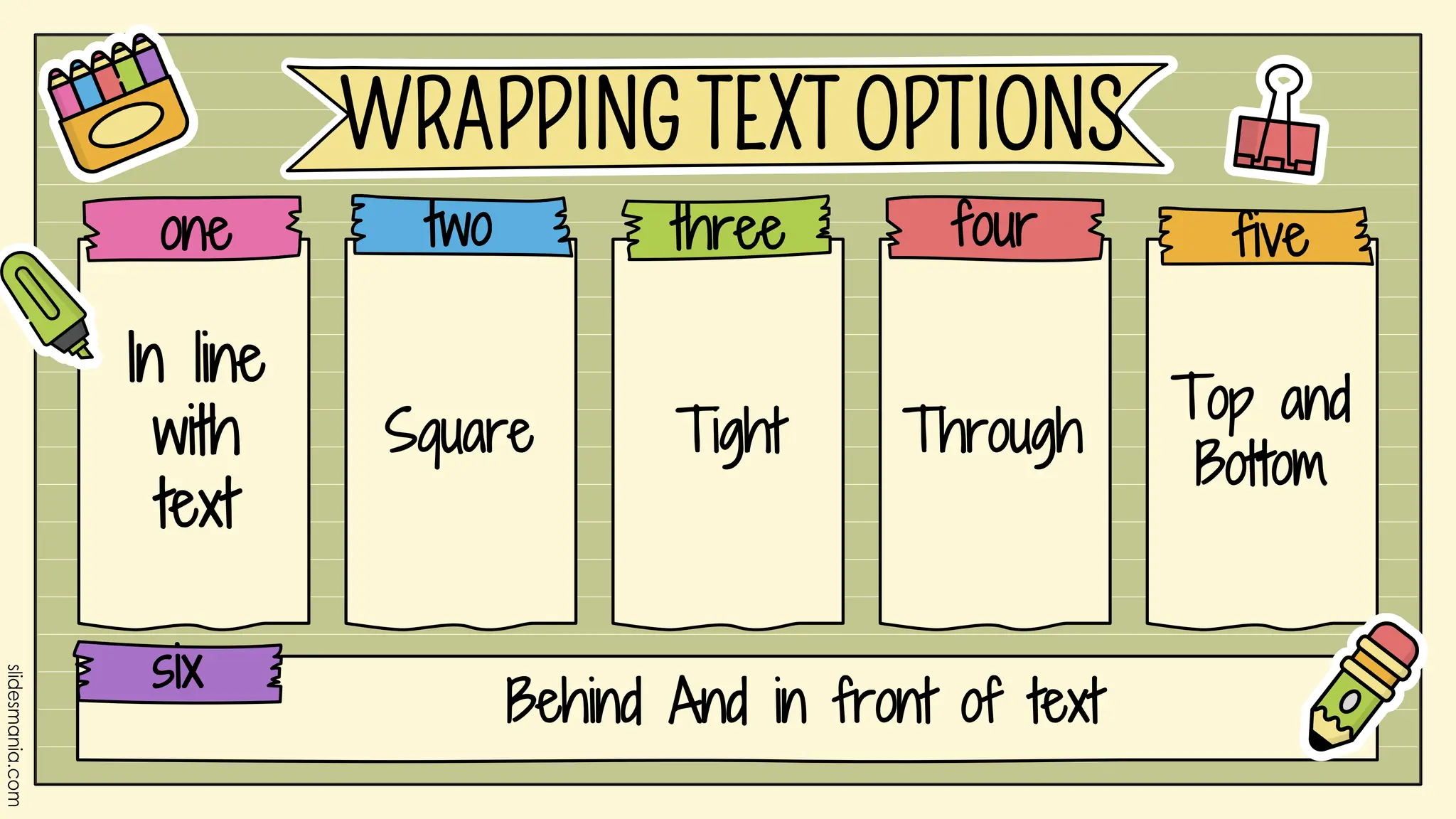
In line
with
text
Behind And in front of text
WRAPPING TEXT OPTIONS
Square Tight Through
Top and
Bottom
one two three four five
six
•In Line with Text is the default wrapping text
position in Word
•The object is positioned as if it were a
character in the text
•The text flows around the object, and if you
move the object, the text moves with it
IN LINE WITH TEXT
•Square wrapping text position places the object
in a square-shaped box
•The text flows around the object, but does not
overlap it
•You can adjust the distance between the object
and the text using the "Top", "Bottom", "Left", and
"Right" text wrapping options
SQUARE
•Tight wrapping text position wraps the text
around the contours of the object
•The text wraps closely around the object, so that
the object appears to be embedded in the text
•This option is useful for creating a more complex
layout with text and images
TIGHT
•Through wrapping text position allows
the text to flow through the object
•This option is useful for creating a more
complex layout with text and images,
where the text appears to be weaving
through the object
THROUGH
•Behind Text wrapping text position places the
object behind the text
•The object is positioned on the page, and the text
appears to float on top of it
•This option is useful for creating a more complex
layout with text and images, where the image acts
as a background element
BEHIND TEXT
•The "in front of text" wrapping text position
places the object in front of the text
•The object appears to float on top of the text
•You can adjust the position of the object
using the "Top", "Bottom", "Left", and "Right"
text wrapping options
IN FRONT OF TEXT
•The text appears below and above
the object, and flows around it.
TOP AND BOTTOM
IDENTIFY THE TEXT
WRAPPING OPTION
BEING USED.
QUIZ
NO.1
NO.2
NO.3
NO.4
NO.5
NO.6
NO.7
The text flows around
the object, but does
not overlap it
NO.8
The object is
positioned on the
page, and the text
appears to float on
top of it
NO.9
The object appears to
float on top of the text
NO.10
This means controlling
how text flows around
an object, such as an
image or shape.
Type something
here.
Type something
here.
Type something
here.
Type something
here.
Type something
here.
Type something
here.
Type something
here.
Type something
here.
Type something
here.
Type something
here.
Type something
here.
Type something
here.
Type something
here.
Type something
here.
Type something
here.
Type something
here.
Type something
here.
Type something
here.
Bingo
Add a kinesthetic activity Add a visual activity Add an auditory activity Add a read / write activity
Add a kinesthetic activity
Add a visual activity
Add an auditory activity
Add a read / write activity
Choice Board
Something
A
Something
B
Something
C
Something
D
Something
F
Something
E
Something
H
Something
G
Something
P
Something
O
Something
N
Something
M
Something
H
Something
L
Something
I
Something
J
Final Round!
Something
A
Something
L
Bracket Challenge

TEXT WRAPPING.pptx

  • 1.
  • 2.
    WRAPPING TEXT Say hi! Wrappingtext means controlling how text flows around an object, such as an image or shape. To wrap text, select the object and go to the "Wrap Text" option in the "Format" tab •You can choose from various wrapping options, such as "Square", "Tight", or "Behind Text" •You can also adjust the margins and position of the object to control the text wrapping
  • 3.
    In line with text Behind Andin front of text WRAPPING TEXT OPTIONS Square Tight Through Top and Bottom one two three four five six
  • 4.
    •In Line withText is the default wrapping text position in Word •The object is positioned as if it were a character in the text •The text flows around the object, and if you move the object, the text moves with it IN LINE WITH TEXT
  • 5.
    •Square wrapping textposition places the object in a square-shaped box •The text flows around the object, but does not overlap it •You can adjust the distance between the object and the text using the "Top", "Bottom", "Left", and "Right" text wrapping options SQUARE
  • 6.
    •Tight wrapping textposition wraps the text around the contours of the object •The text wraps closely around the object, so that the object appears to be embedded in the text •This option is useful for creating a more complex layout with text and images TIGHT
  • 7.
    •Through wrapping textposition allows the text to flow through the object •This option is useful for creating a more complex layout with text and images, where the text appears to be weaving through the object THROUGH
  • 8.
    •Behind Text wrappingtext position places the object behind the text •The object is positioned on the page, and the text appears to float on top of it •This option is useful for creating a more complex layout with text and images, where the image acts as a background element BEHIND TEXT
  • 9.
    •The "in frontof text" wrapping text position places the object in front of the text •The object appears to float on top of the text •You can adjust the position of the object using the "Top", "Bottom", "Left", and "Right" text wrapping options IN FRONT OF TEXT
  • 10.
    •The text appearsbelow and above the object, and flows around it. TOP AND BOTTOM
  • 11.
    IDENTIFY THE TEXT WRAPPINGOPTION BEING USED. QUIZ
  • 12.
  • 13.
  • 14.
  • 15.
  • 16.
  • 17.
  • 18.
    NO.7 The text flowsaround the object, but does not overlap it
  • 19.
    NO.8 The object is positionedon the page, and the text appears to float on top of it
  • 20.
    NO.9 The object appearsto float on top of the text
  • 21.
    NO.10 This means controlling howtext flows around an object, such as an image or shape.
  • 22.
    Type something here. Type something here. Typesomething here. Type something here. Type something here. Type something here. Type something here. Type something here. Type something here. Type something here. Type something here. Type something here. Type something here. Type something here. Type something here. Type something here. Type something here. Type something here. Bingo
  • 23.
    Add a kinestheticactivity Add a visual activity Add an auditory activity Add a read / write activity Add a kinesthetic activity Add a kinesthetic activity Add a kinesthetic activity Add a visual activity Add a visual activity Add a visual activity Add an auditory activity Add an auditory activity Add an auditory activity Add a read / write activity Add a read / write activity Add a read / write activity Choice Board
  • 24.