Many of us have stories to share
With so many things to care
So I decided to take the dare
And within 5 minutes I have to spare
And I will  keep it nice and fair Before I share, My name is Dianna
With this presentation,  I give you my share
Let us begin with your attention to bare.
Before this class, I learned everything about computer through experience
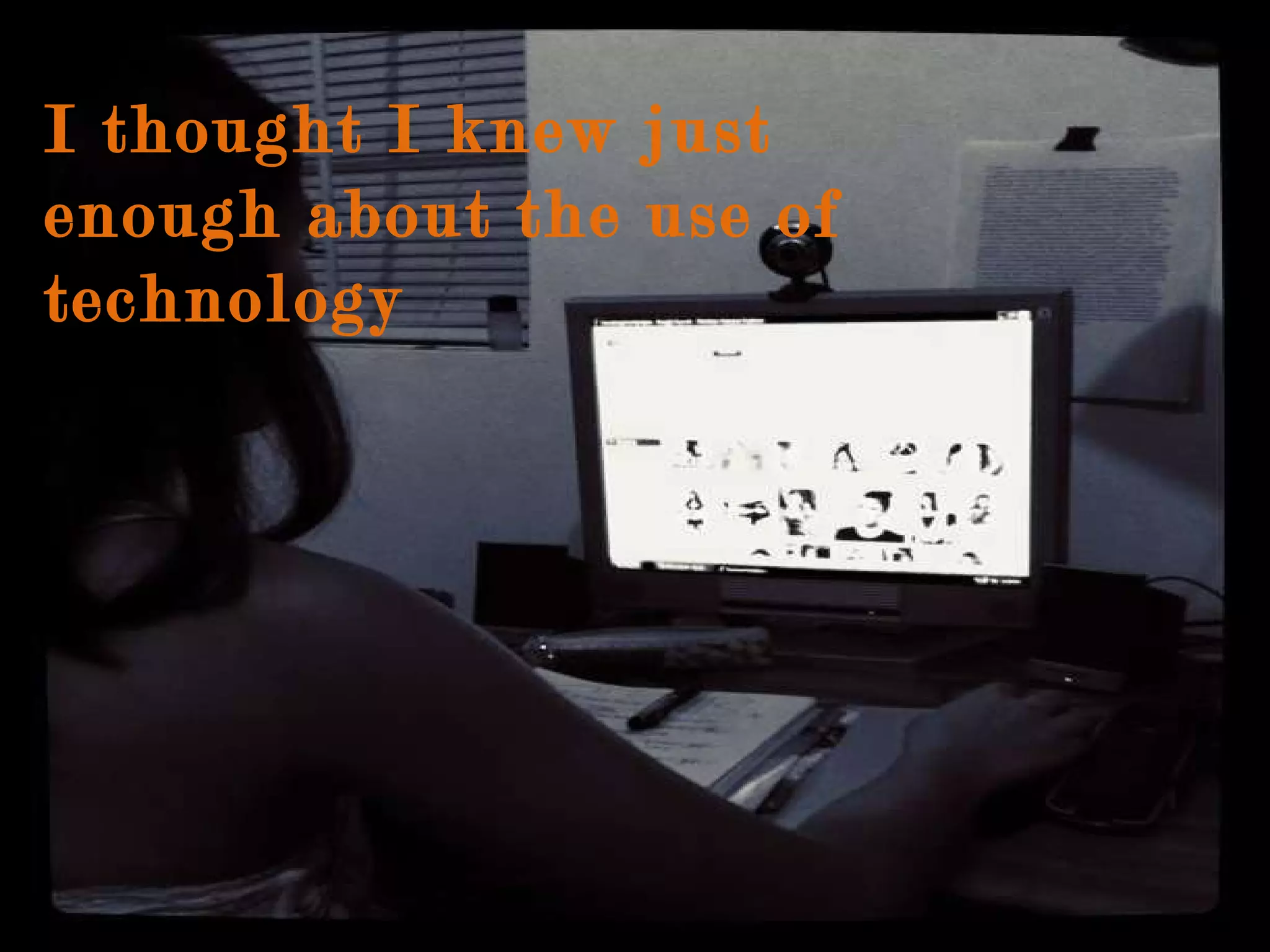
I thought I knew just enough about the use of technology
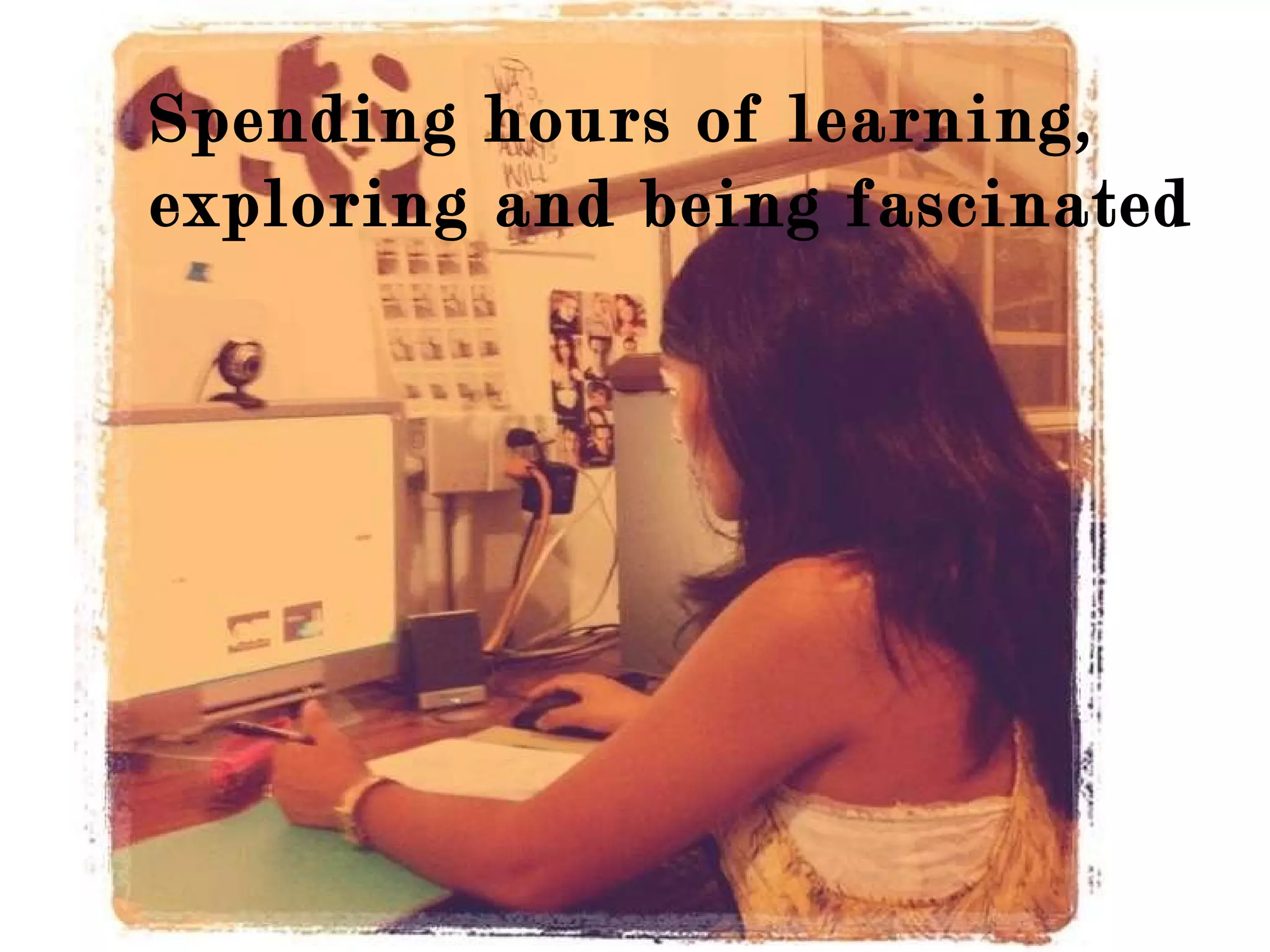
Spending hours of learning, exploring and being fascinated
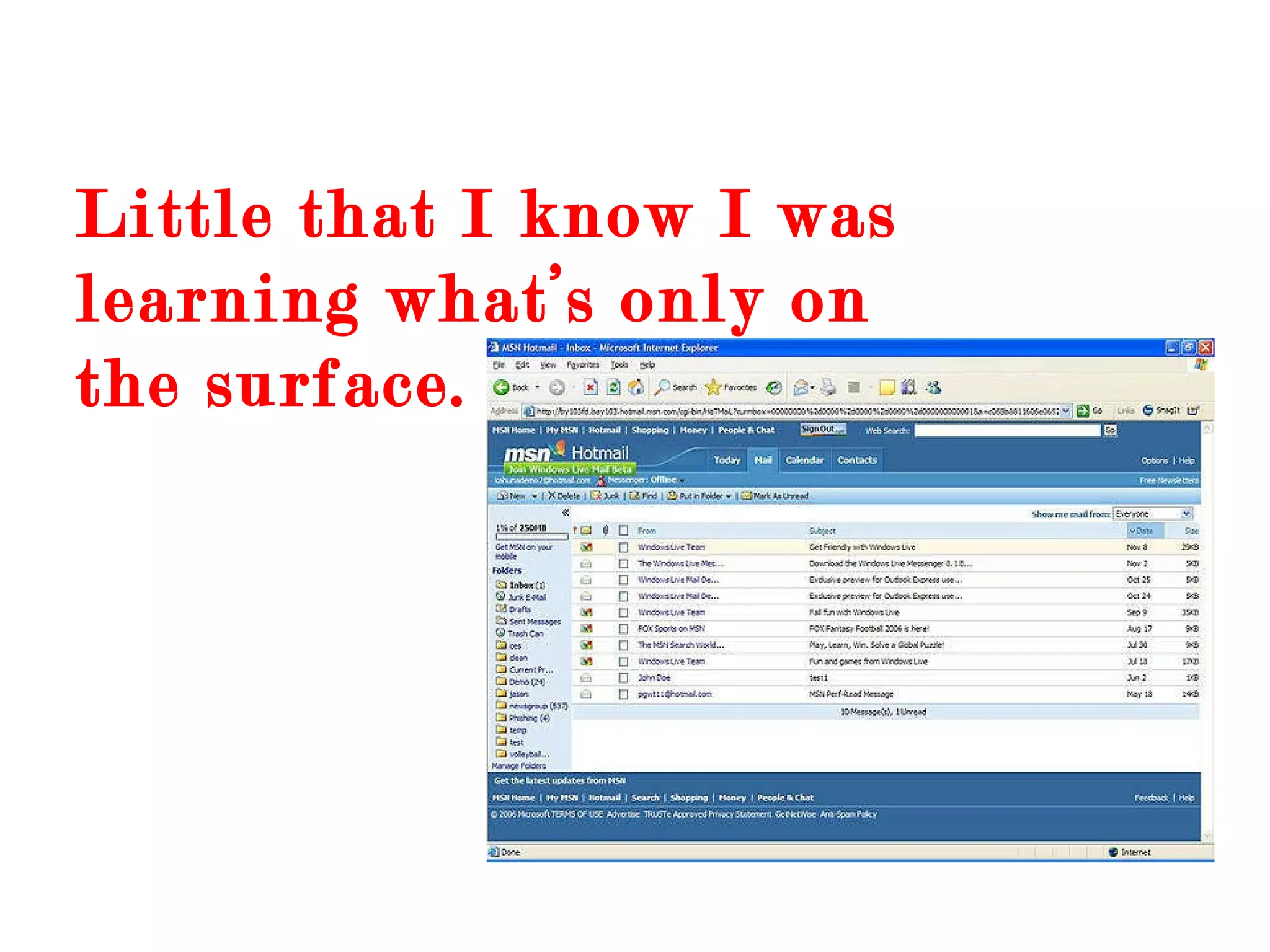
Little that I know I was learning what’s only on the surface.
I was attracted to websites that you can have fun that was free
spent hours of playing games online
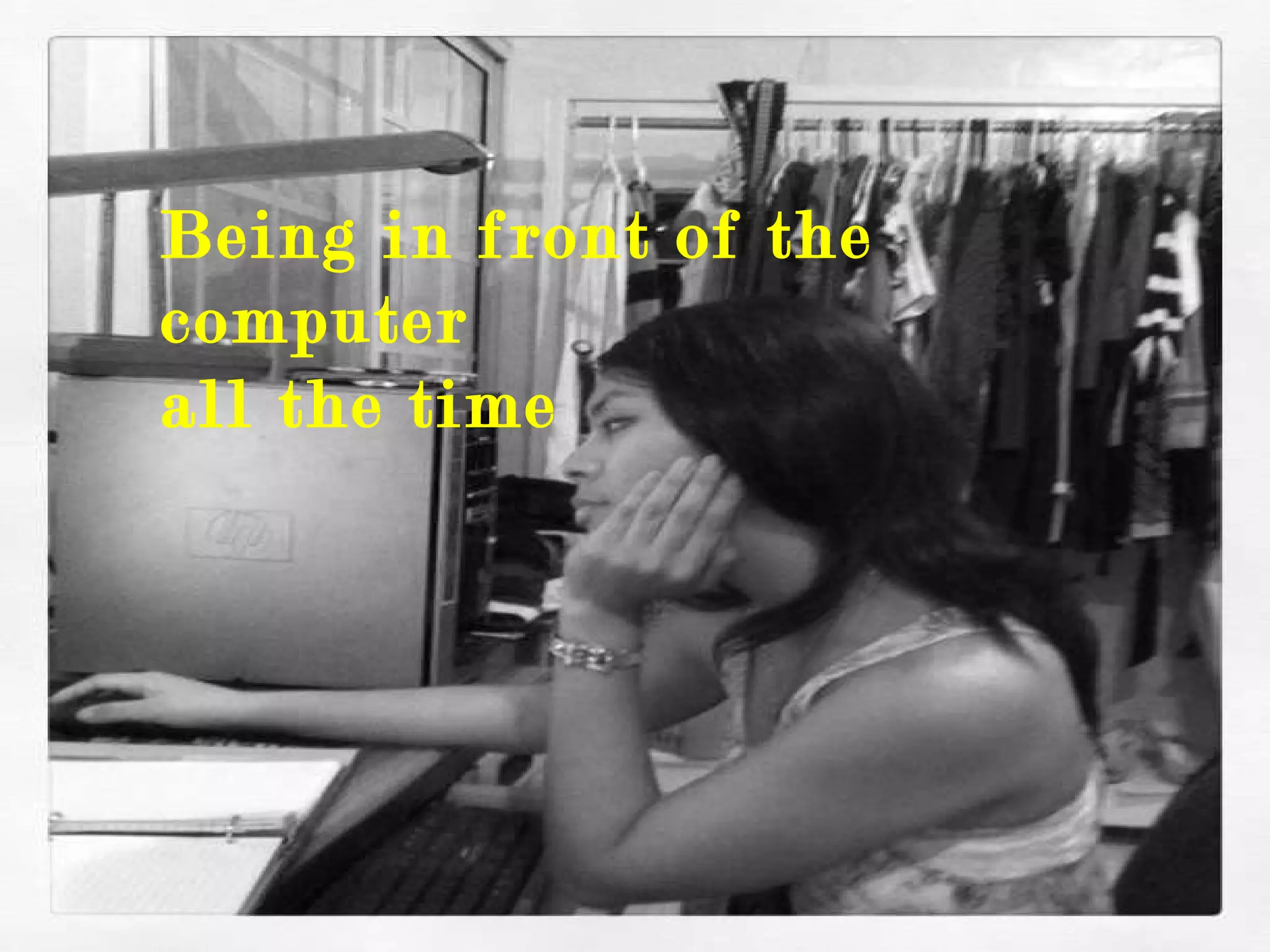
Being in front of the computer  all the time
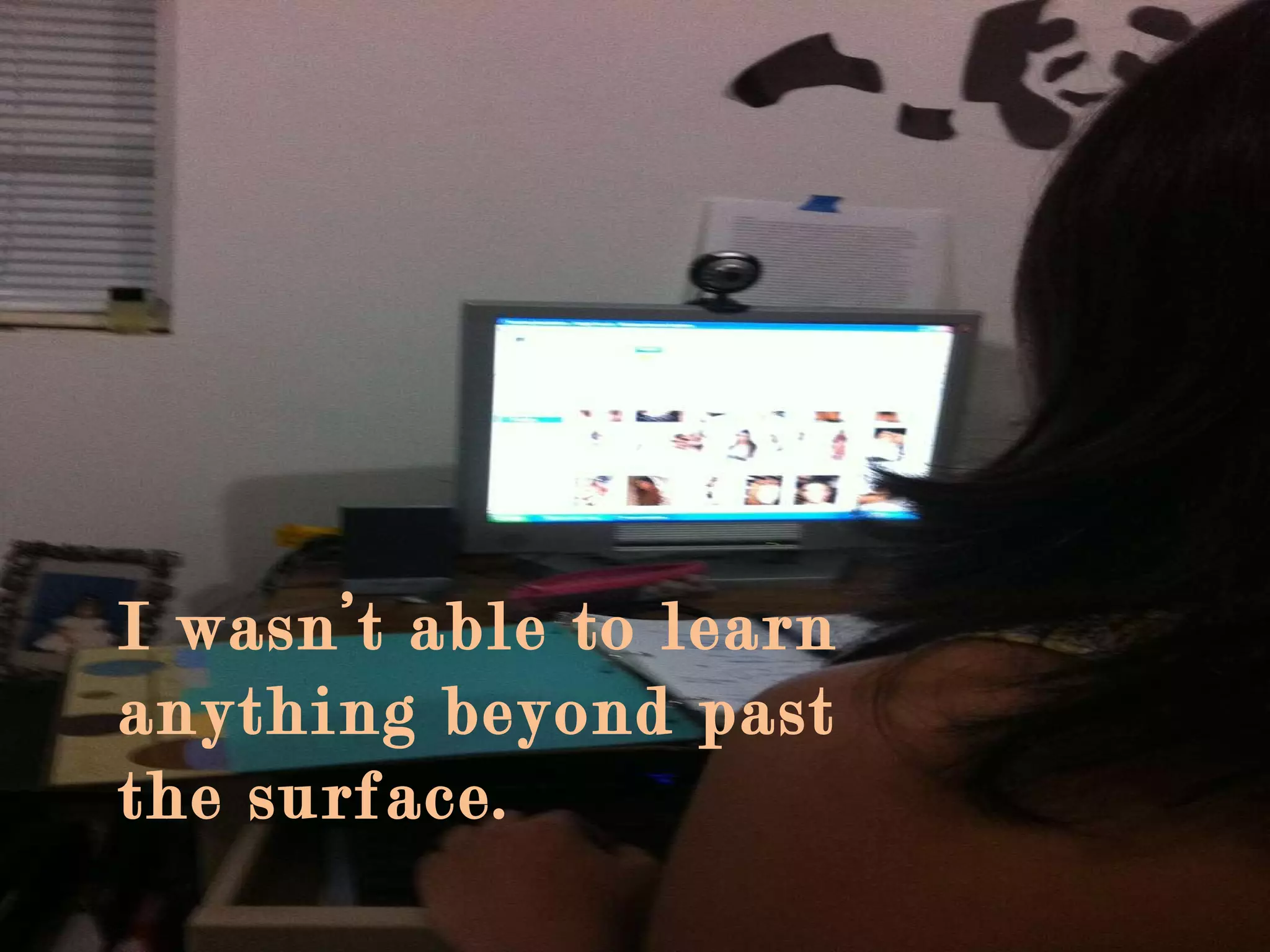
I wasn’t able to learn anything beyond past the surface.
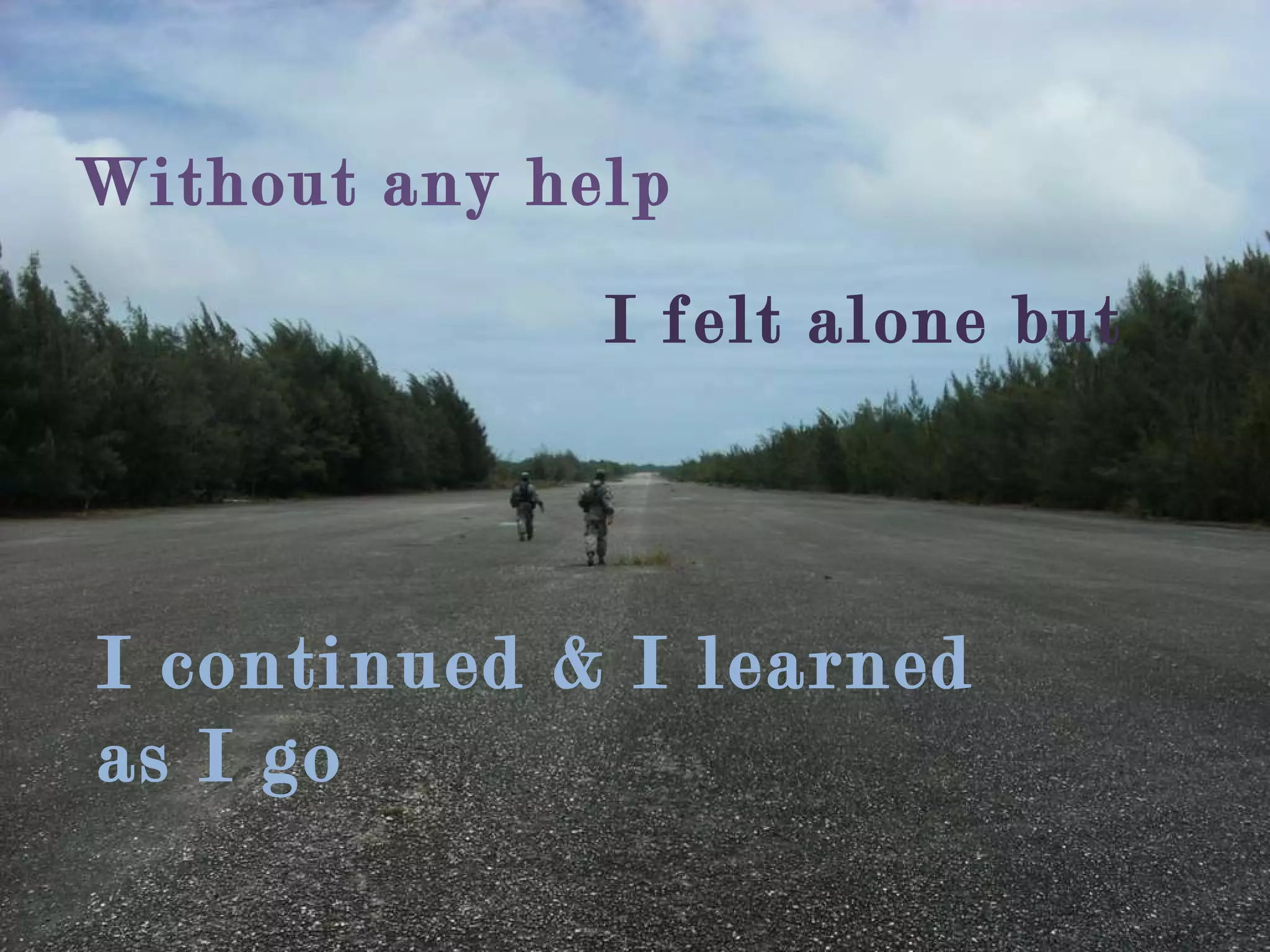
I continued & I learned as I go  Without any help  I felt alone but
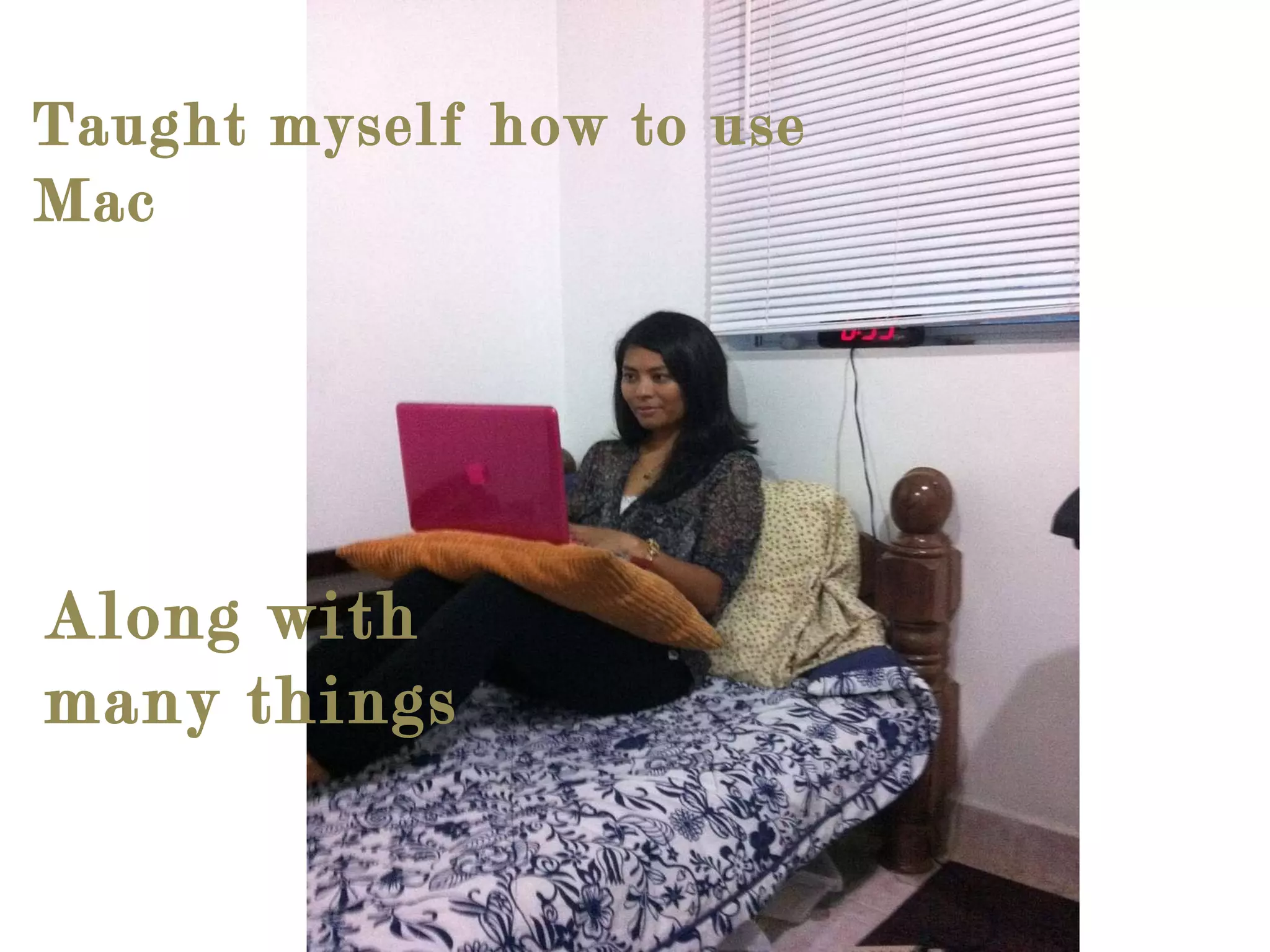
Taught myself how to use Mac Along with many things
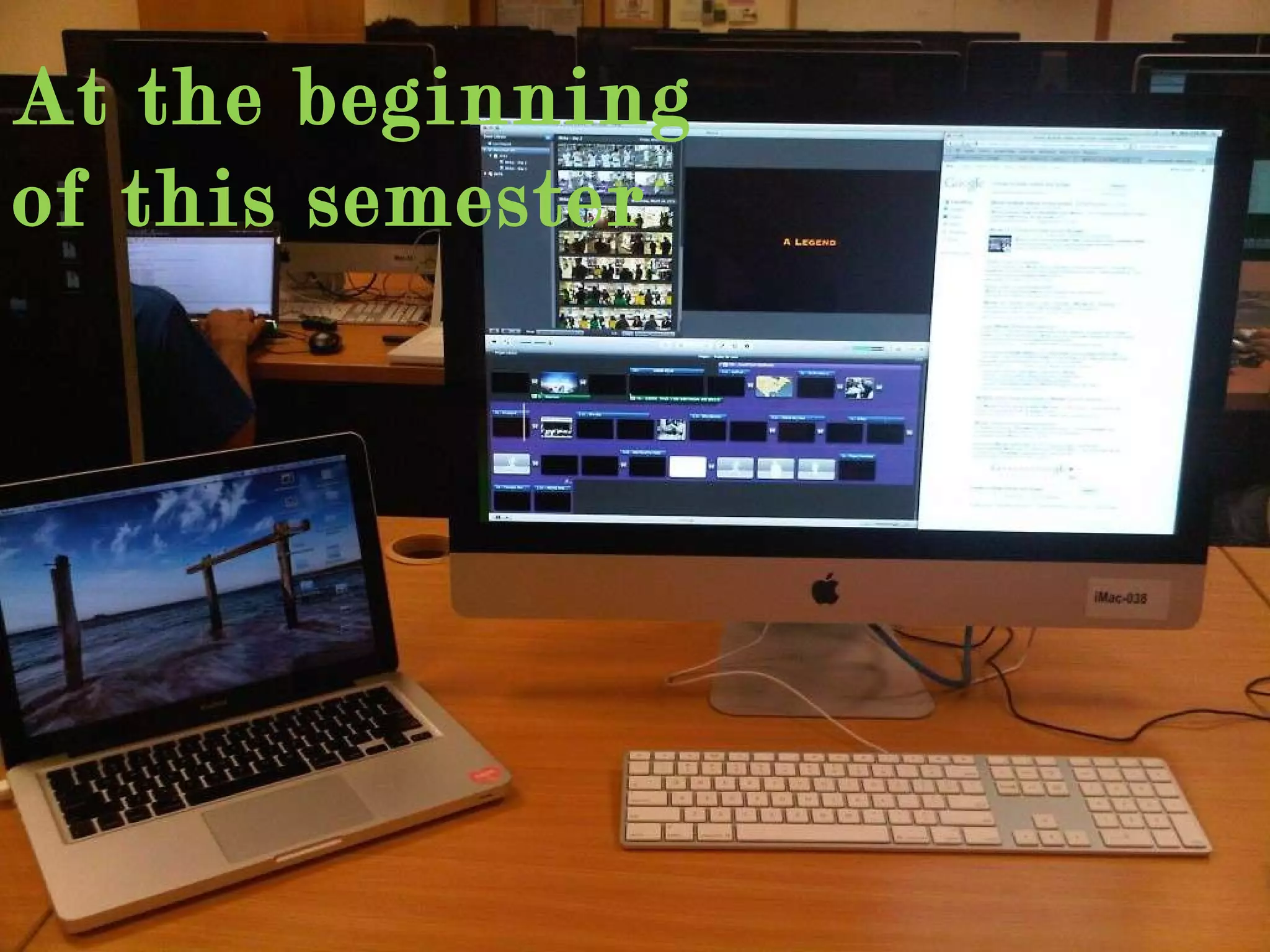
At the beginning of this semester
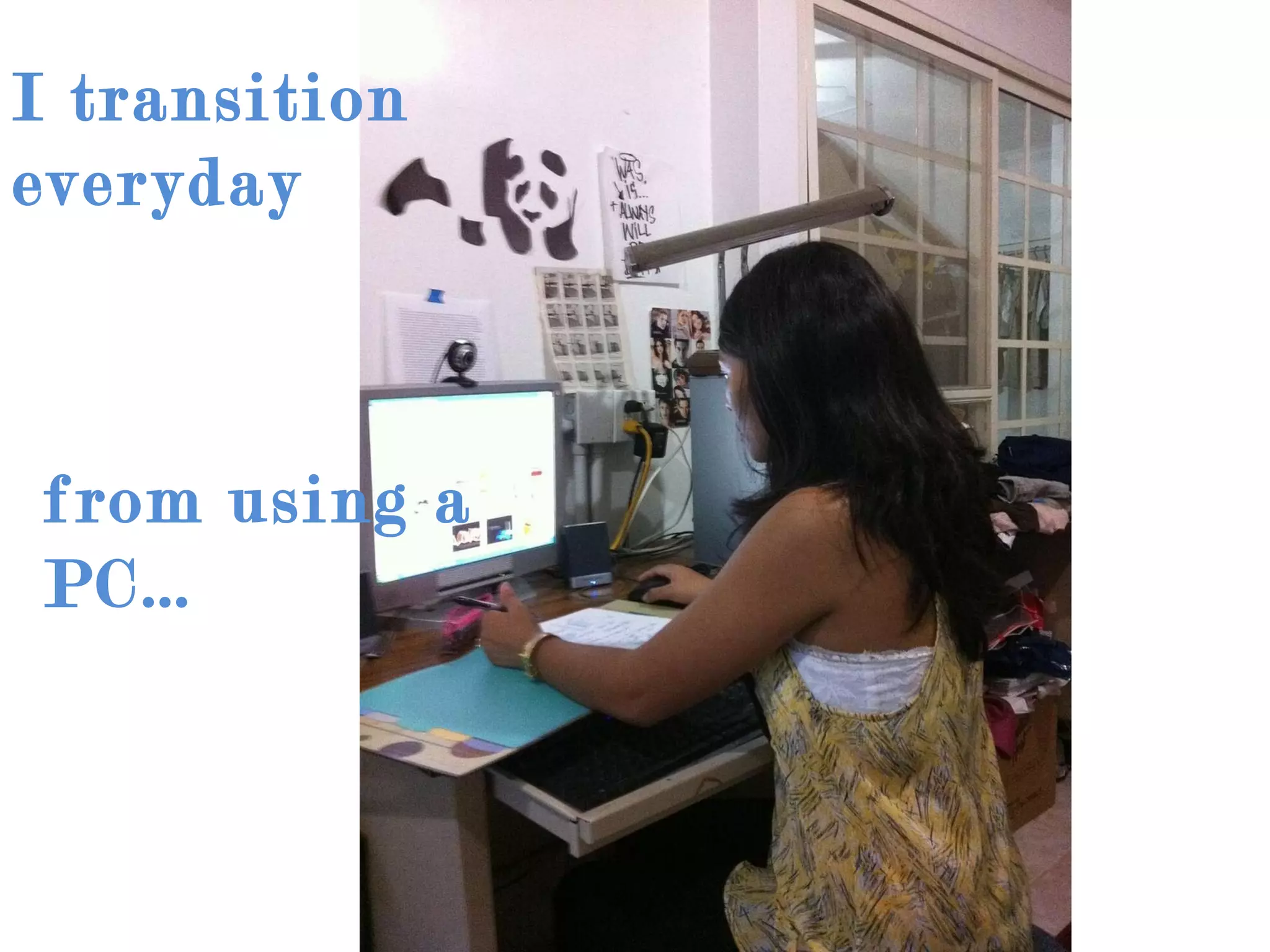
I transition everyday from using a PC…
To a Mac…
I learned how to use…
And more….
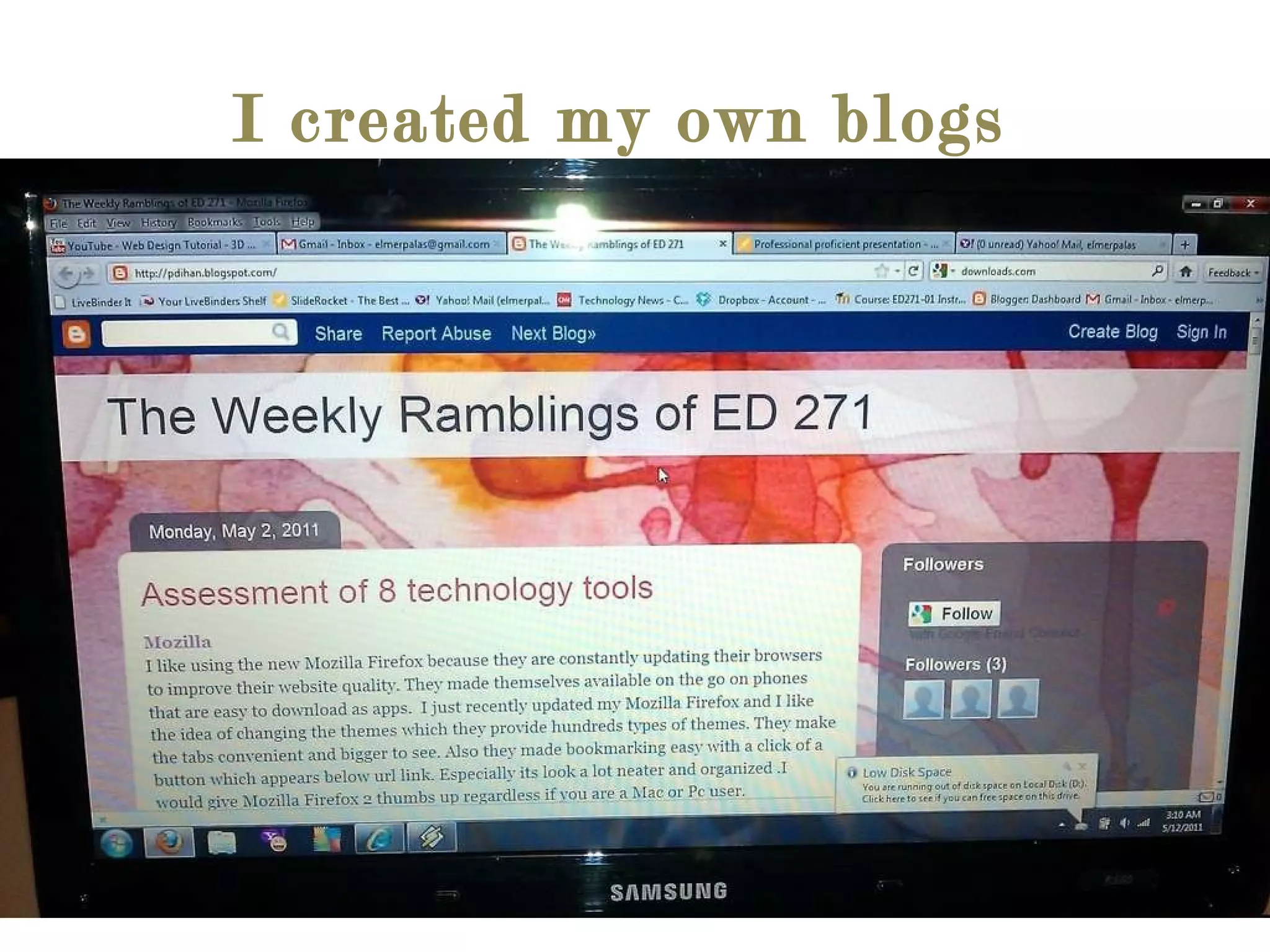
I created my own blogs
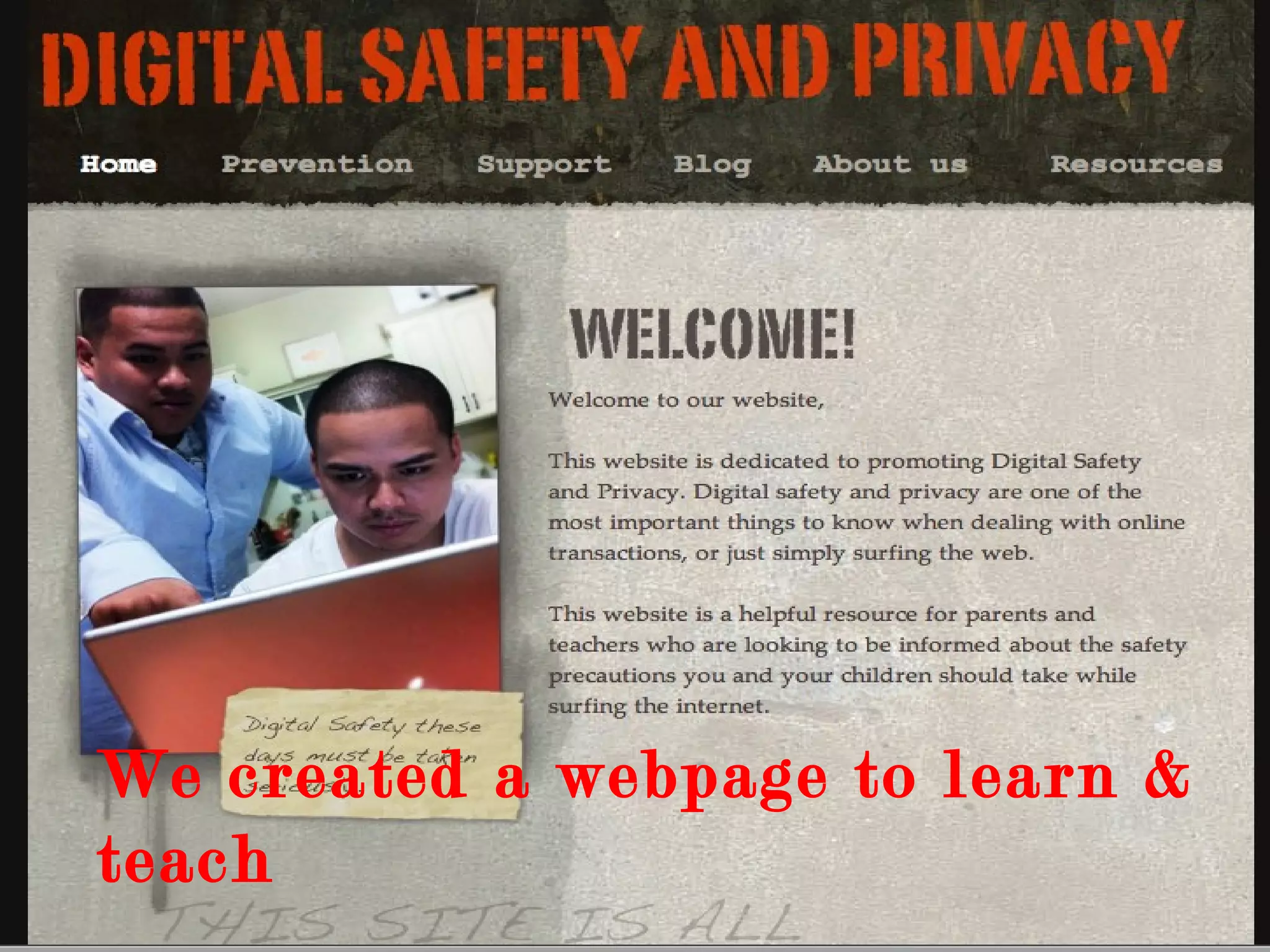
We created a webpage to learn & teach
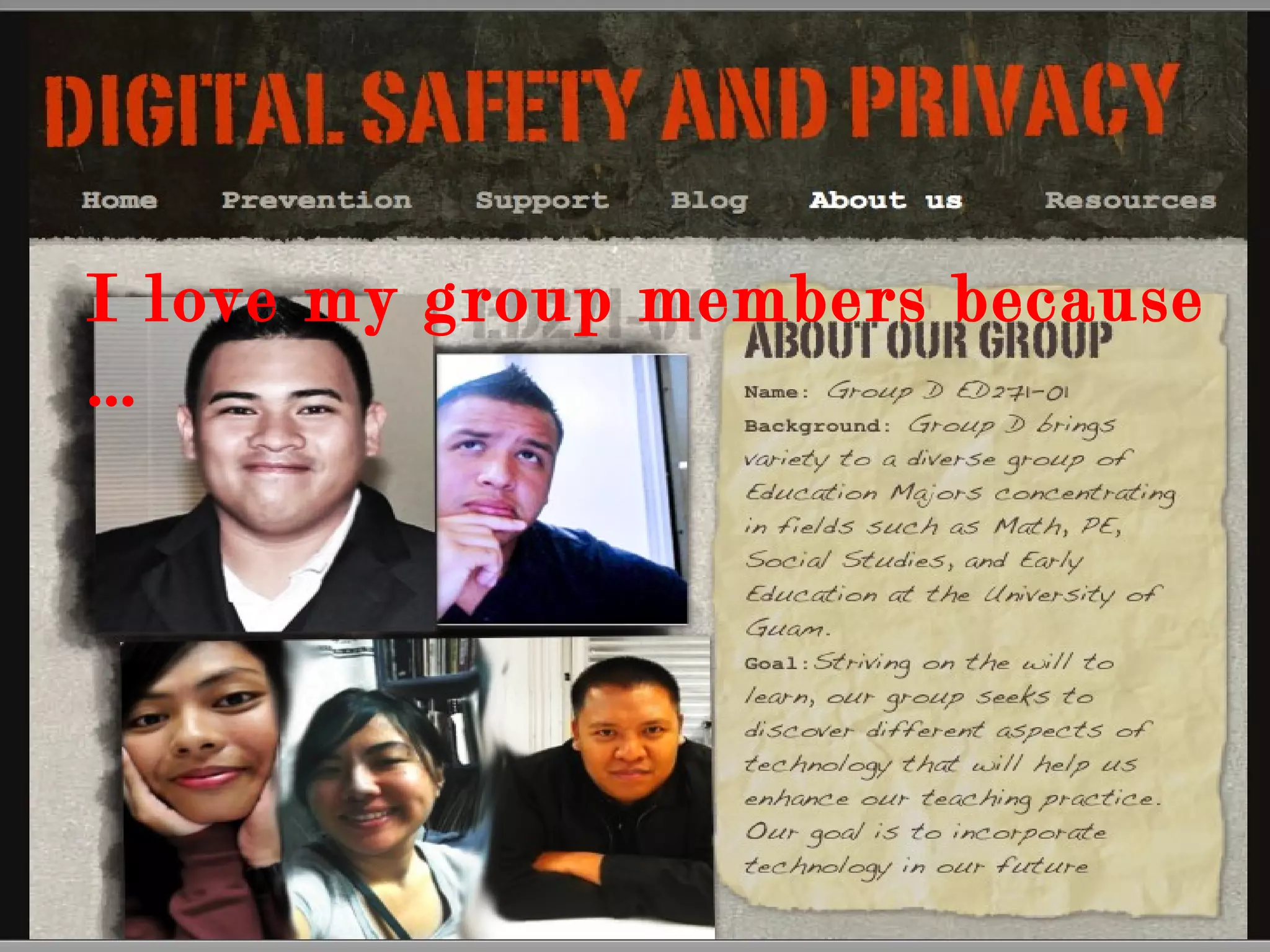
I love my group members because …
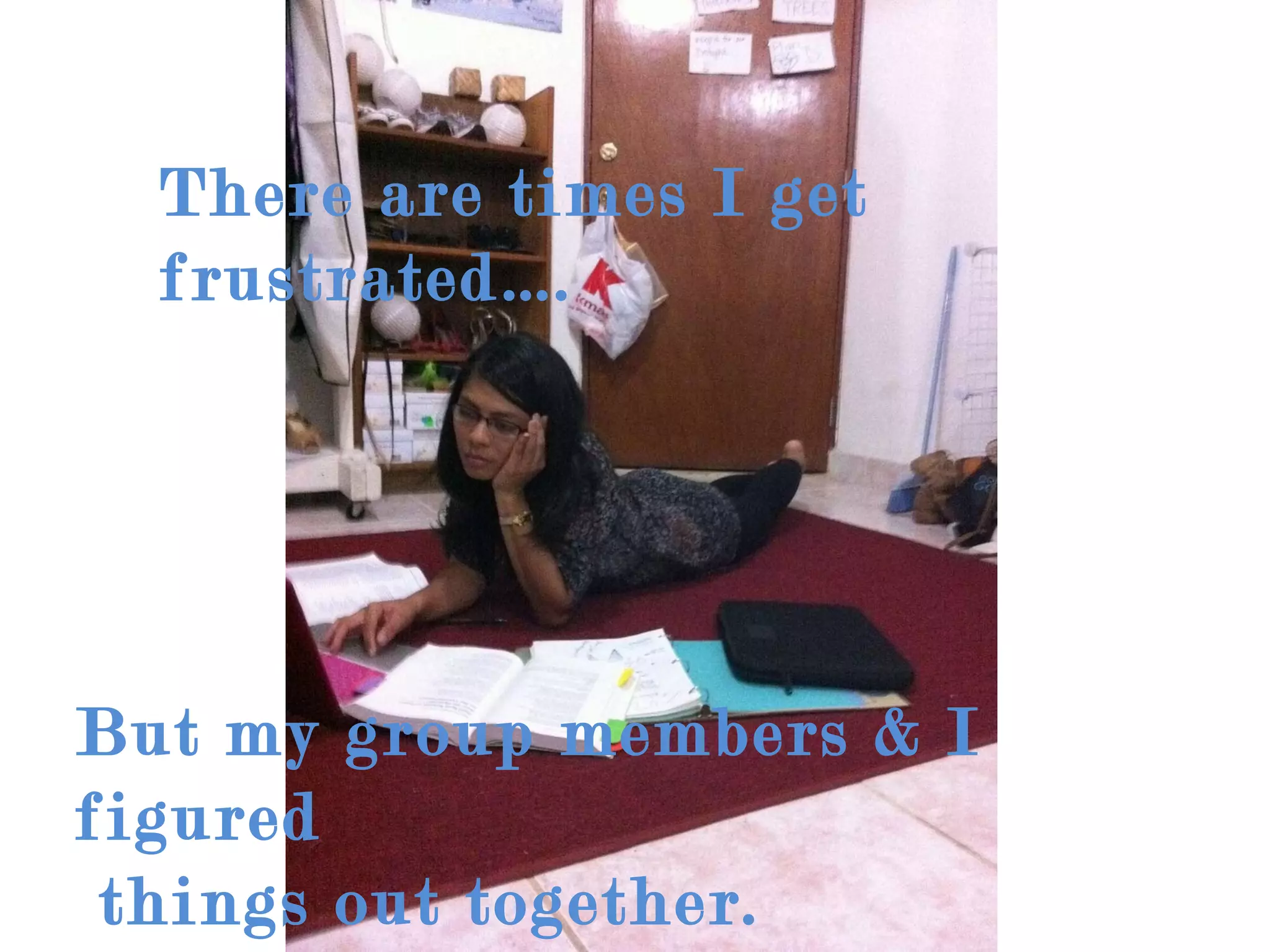
There are times I get frustrated…. But my group members & I figured  things out together.
We worked together to  create this webpage
We created a lesson plan together We
We learned at the same time
At the end I reflect back on the things I have learned
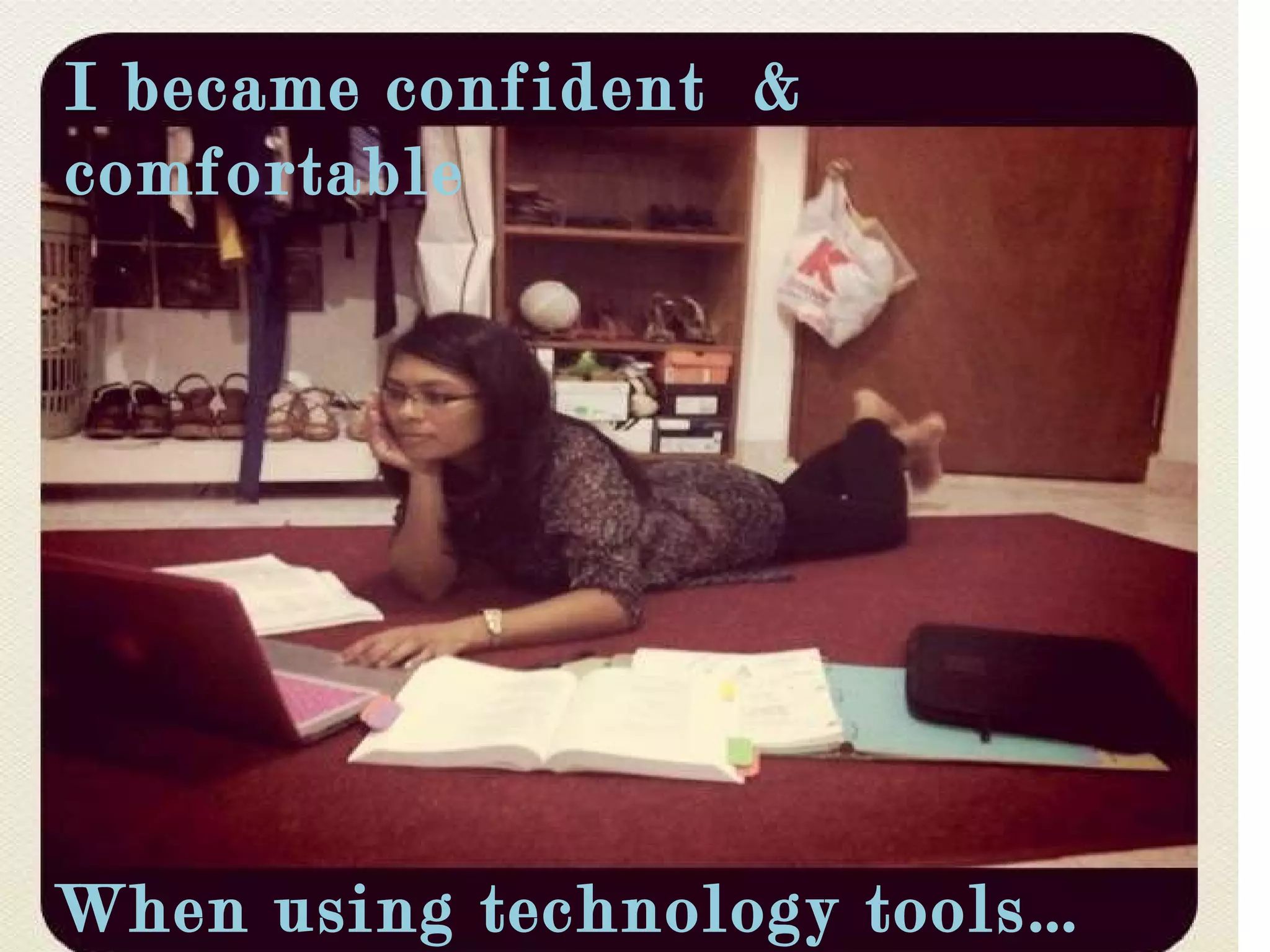
I became confident  & comfortable When using technology tools…
When I go some where
Where ever I will  be
Far away from home
Or on this island my home
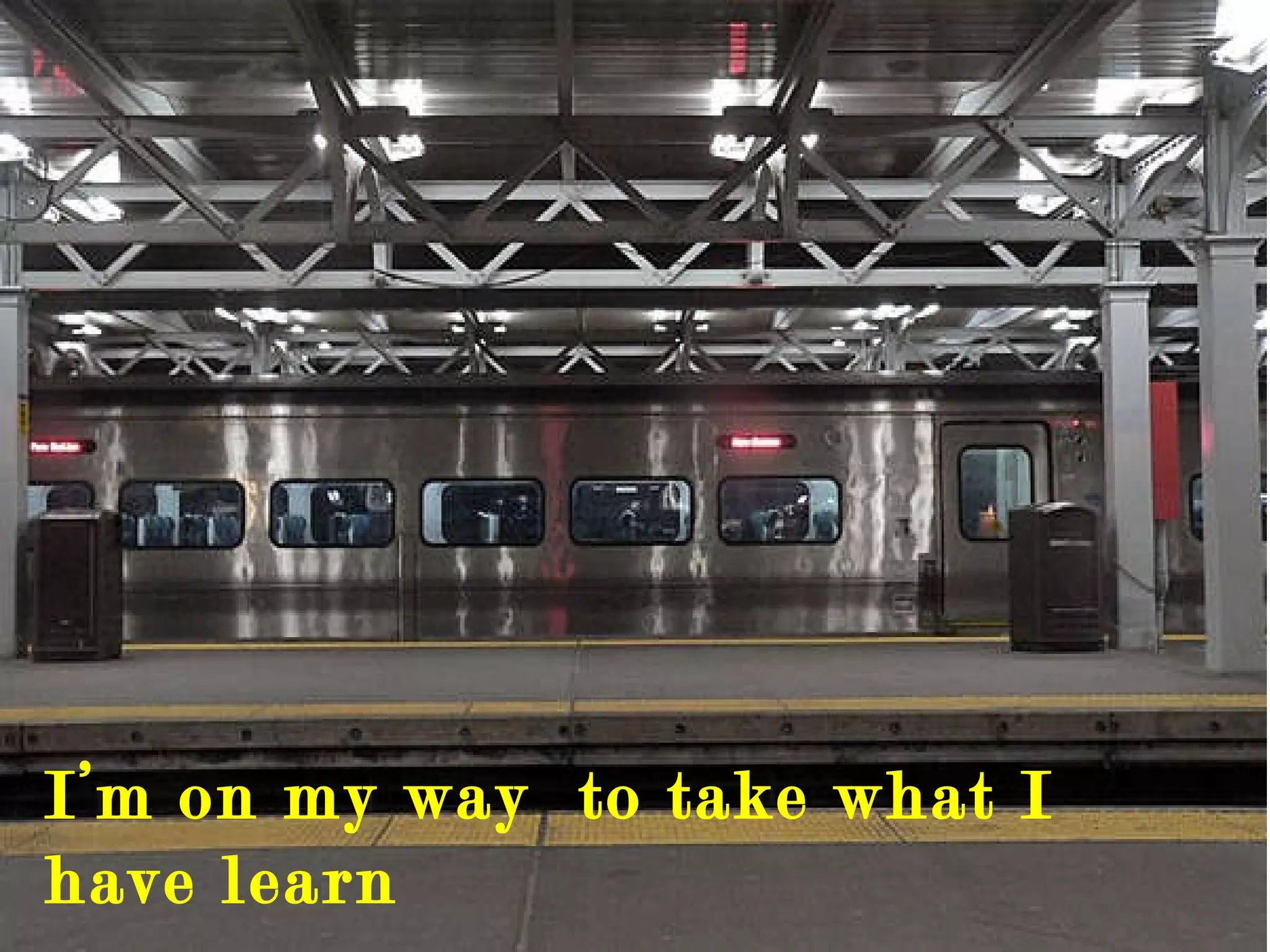
I’m on my way  to take what I have learn
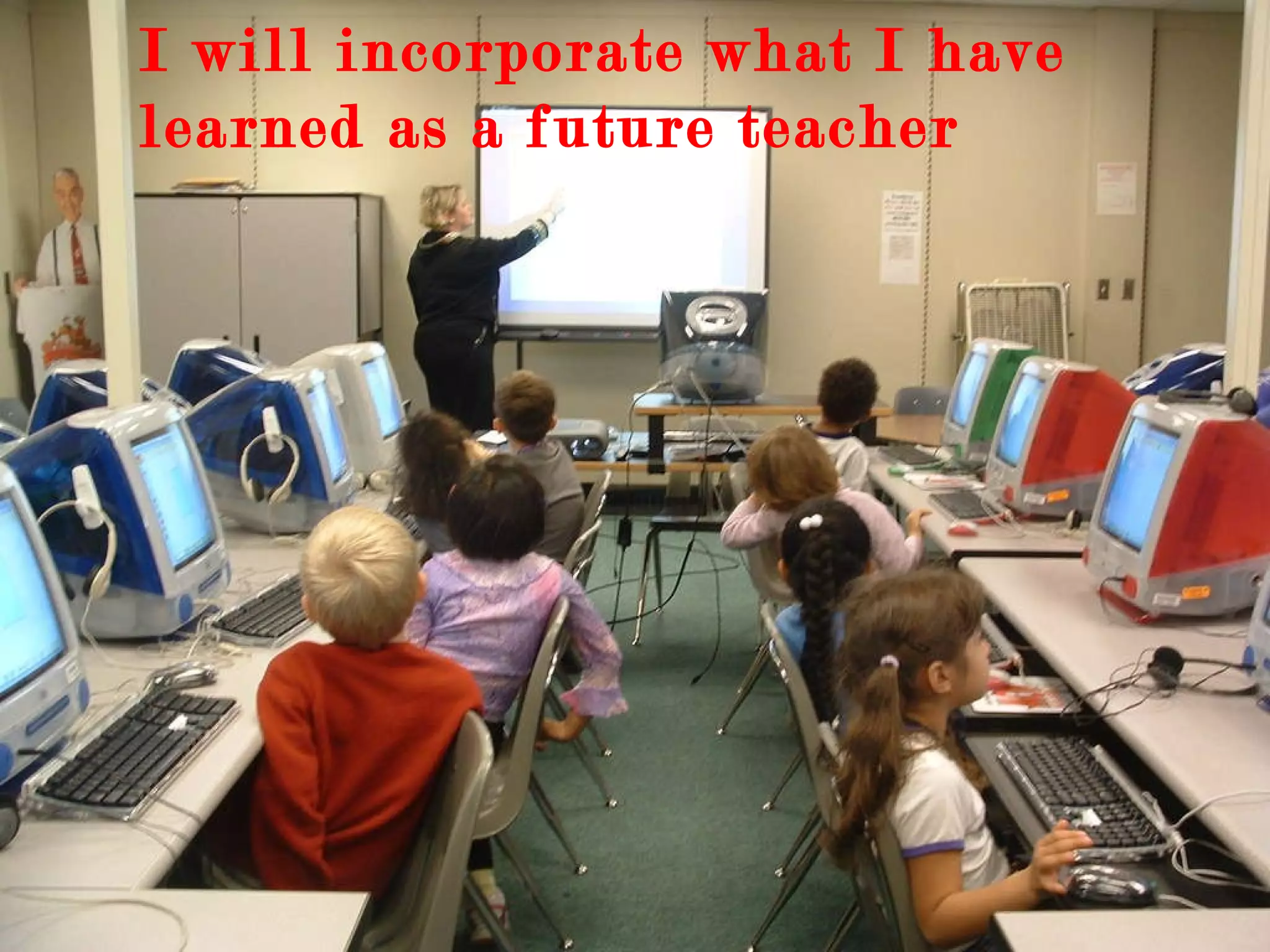
I will incorporate what I have learned as a future teacher
Integrate technology with assessments
Help other people with the creativity of the technology tools
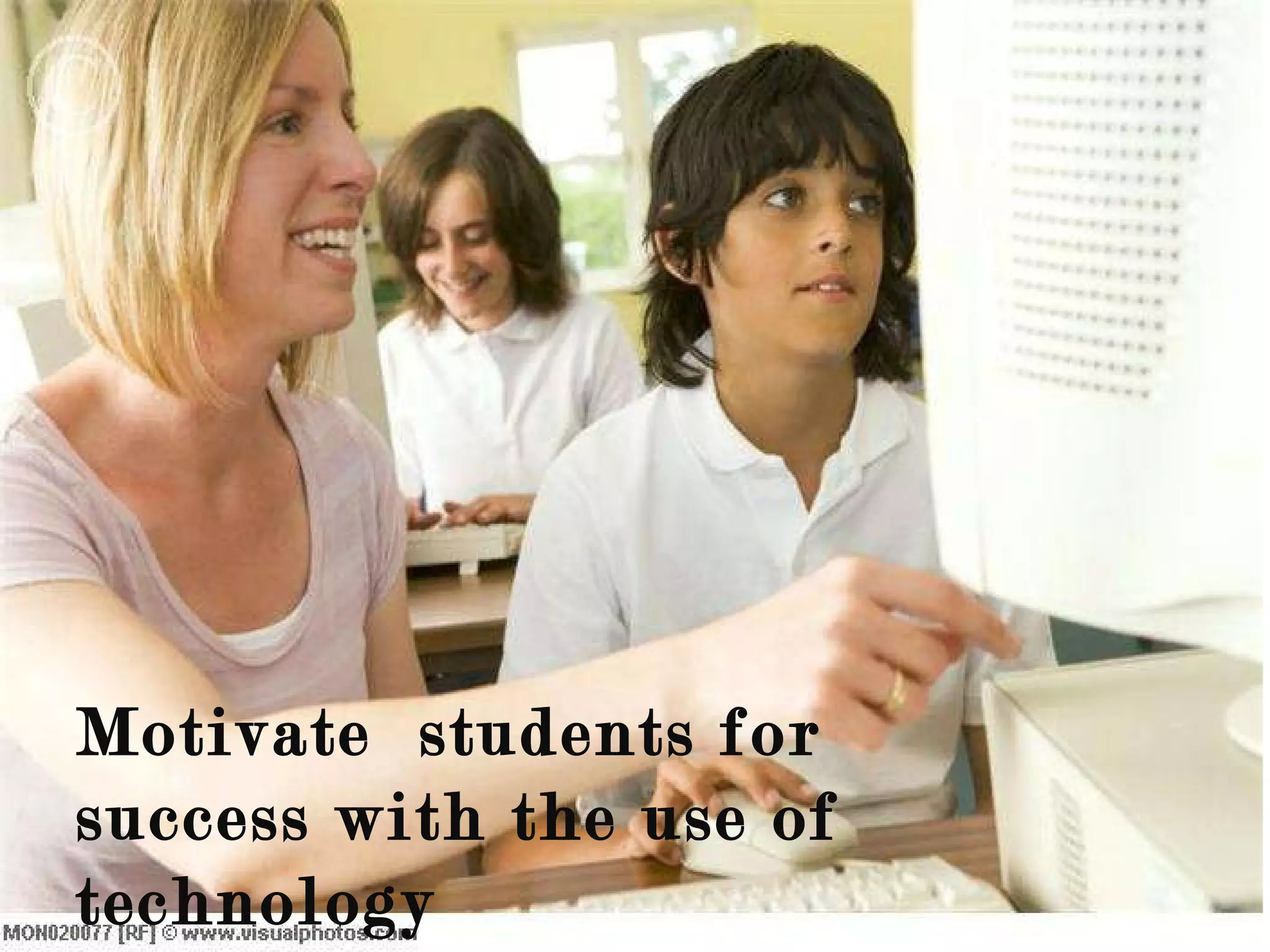
Motivate  students for success with the use of technology
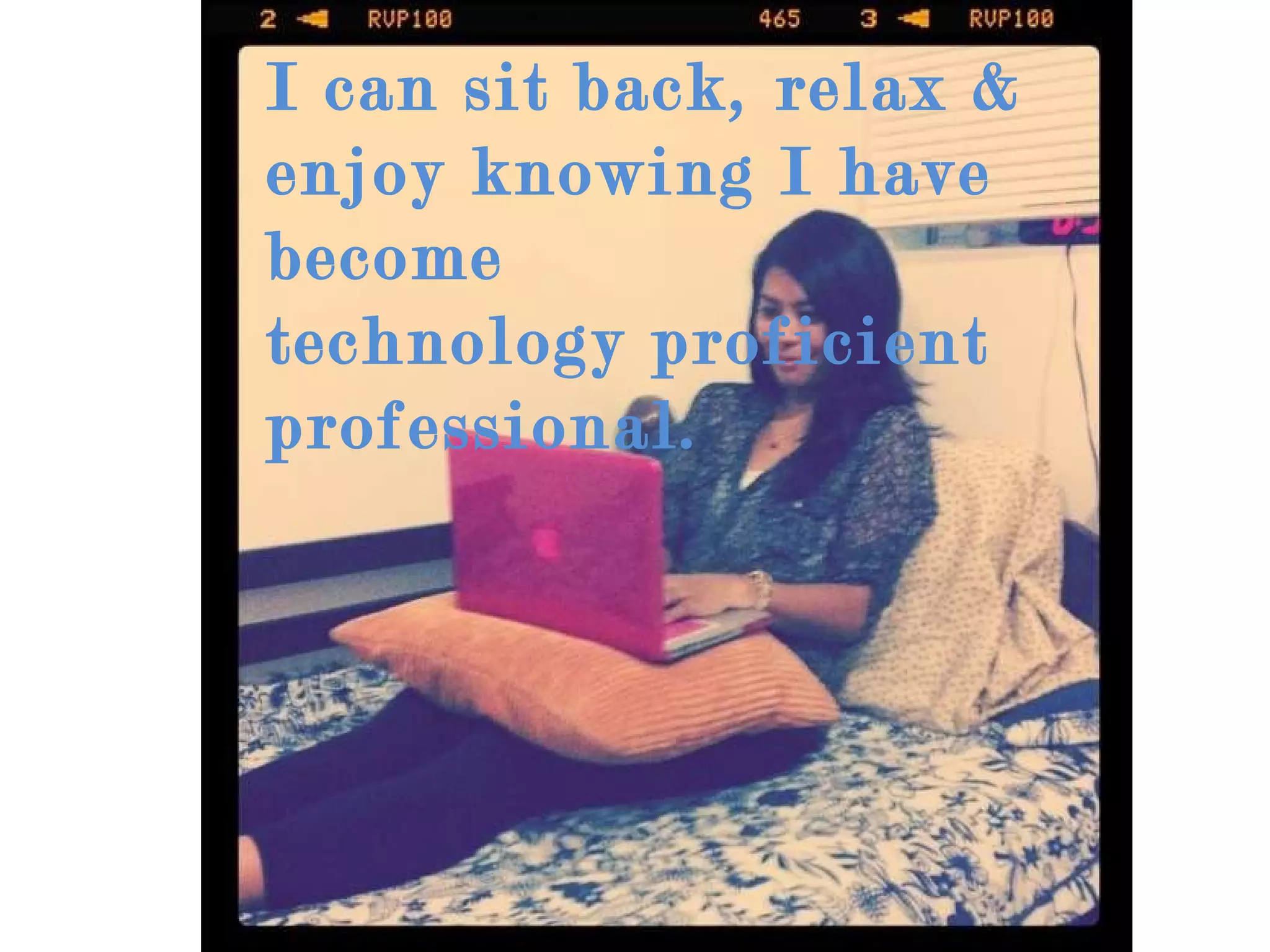
I can sit back, relax & enjoy knowing I have become  technology proficient professional.
Now I can tell people about this class
That brings  an end  to my sharing… Thank you for baring with me
Photo credits The pictures used in this power point presentation are intended for educational purposes from Dianna Payumo Firefox, Google Del.i.cious, Live Binder Microsoft, Hotmail
Photo Credits Blogger http://www.geardiary.com/wp-content/uploads/2010/02/blogger.png CandyStand http://banter.burningbanner.com/wp-content/uploads/2011/03/Candystand-Classic-Mini-Golf.png Moodle http://moodle.tcaps.net/file.php?file=/1/moodle.jpg Wix http://bededtech.sjwc.hct.ac.ae/blog/wp-content/uploads/wix2.jpg Google Docs http://news.cnet.com/i/bto/20090309/google_docs_logo.png Diigo http://www.jeffisageek.net/blog/wp-content/uploads/2009/08/diigo.jpg
Photo Credits Toy Story http://2.bp.blogspot.com/_Z0vWrjEi8LM/TCb5BuKnZCI/AAAAAAAAAS4/mKfy0goXxBc/s1600/Toy-Story-3-Ken-And-Barbie.jpg Xanga http://www.honeytechblog.com/wp-content/uploads/2009/05/xanga.jpg Vimeo http://www.forscom.army.mil/graphics/vimeo2.png   Slideshare  http://www.slideshare.net/images/logo/press-logos/slideshare_550x150.png
Photo Credits Eyejot http://ozgekaraoglu.edublogs.org/files/2009/12/logo_only_200px.jpg Go Animate http://www.viralblog.com/wp-content/uploads/2008/09/go_animate1.jpg Teacher & Students http://it.pinellas.k12.fl.us/schools/walsingham-es/images/C4A6E12BFD7E47A599340B5E7E0E804F.JPG
Photo Credits  Teacher helps student http://www.visualphotos.com/photo/2x4092211/student_and_teacher_at_computer_terminal_with_mon020077.jpg Tumon http://2.bp.blogspot.com/-zBY8cpQiOf8/TVzu1AvOSTI/AAAAAAAAAGI/LRrUDLMoPb4/s1600/Tumon+At+Night.jpg Teacher helping student http://us.123rf.com/400wm/400/400/stockbroker/stockbroker0806/stockbroker080605151/3207758-teacher-helping-student-at-computer-terminal-with-students-in-background-depth-of-field-high-key.jpg

Technology Proficient Professional Presentation

  • 1.
    Many of ushave stories to share
  • 2.
    With so manythings to care
  • 3.
    So I decidedto take the dare
  • 4.
    And within 5minutes I have to spare
  • 5.
    And I will keep it nice and fair Before I share, My name is Dianna
  • 6.
    With this presentation, I give you my share
  • 7.
    Let us beginwith your attention to bare.
  • 8.
    Before this class,I learned everything about computer through experience
  • 9.
    I thought Iknew just enough about the use of technology
  • 10.
    Spending hours oflearning, exploring and being fascinated
  • 11.
    Little that Iknow I was learning what’s only on the surface.
  • 12.
    I was attractedto websites that you can have fun that was free
  • 13.
    spent hours ofplaying games online
  • 14.
    Being in frontof the computer all the time
  • 15.
    I wasn’t ableto learn anything beyond past the surface.
  • 16.
    I continued &I learned as I go Without any help I felt alone but
  • 17.
    Taught myself howto use Mac Along with many things
  • 18.
    At the beginningof this semester
  • 19.
    I transition everydayfrom using a PC…
  • 20.
  • 21.
    I learned howto use…
  • 22.
  • 23.
    I created myown blogs
  • 24.
    We created awebpage to learn & teach
  • 25.
    I love mygroup members because …
  • 26.
    There are timesI get frustrated…. But my group members & I figured things out together.
  • 27.
    We worked togetherto create this webpage
  • 28.
    We created alesson plan together We
  • 29.
    We learned atthe same time
  • 30.
    At the endI reflect back on the things I have learned
  • 31.
    I became confident & comfortable When using technology tools…
  • 32.
    When I gosome where
  • 33.
    Where ever Iwill be
  • 34.
  • 35.
    Or on thisisland my home
  • 36.
    I’m on myway to take what I have learn
  • 37.
    I will incorporatewhat I have learned as a future teacher
  • 38.
  • 39.
    Help other peoplewith the creativity of the technology tools
  • 40.
    Motivate studentsfor success with the use of technology
  • 41.
    I can sitback, relax & enjoy knowing I have become technology proficient professional.
  • 42.
    Now I cantell people about this class
  • 43.
    That brings an end to my sharing… Thank you for baring with me
  • 44.
    Photo credits Thepictures used in this power point presentation are intended for educational purposes from Dianna Payumo Firefox, Google Del.i.cious, Live Binder Microsoft, Hotmail
  • 45.
    Photo Credits Bloggerhttp://www.geardiary.com/wp-content/uploads/2010/02/blogger.png CandyStand http://banter.burningbanner.com/wp-content/uploads/2011/03/Candystand-Classic-Mini-Golf.png Moodle http://moodle.tcaps.net/file.php?file=/1/moodle.jpg Wix http://bededtech.sjwc.hct.ac.ae/blog/wp-content/uploads/wix2.jpg Google Docs http://news.cnet.com/i/bto/20090309/google_docs_logo.png Diigo http://www.jeffisageek.net/blog/wp-content/uploads/2009/08/diigo.jpg
  • 46.
    Photo Credits ToyStory http://2.bp.blogspot.com/_Z0vWrjEi8LM/TCb5BuKnZCI/AAAAAAAAAS4/mKfy0goXxBc/s1600/Toy-Story-3-Ken-And-Barbie.jpg Xanga http://www.honeytechblog.com/wp-content/uploads/2009/05/xanga.jpg Vimeo http://www.forscom.army.mil/graphics/vimeo2.png Slideshare http://www.slideshare.net/images/logo/press-logos/slideshare_550x150.png
  • 47.
    Photo Credits Eyejothttp://ozgekaraoglu.edublogs.org/files/2009/12/logo_only_200px.jpg Go Animate http://www.viralblog.com/wp-content/uploads/2008/09/go_animate1.jpg Teacher & Students http://it.pinellas.k12.fl.us/schools/walsingham-es/images/C4A6E12BFD7E47A599340B5E7E0E804F.JPG
  • 48.
    Photo Credits Teacher helps student http://www.visualphotos.com/photo/2x4092211/student_and_teacher_at_computer_terminal_with_mon020077.jpg Tumon http://2.bp.blogspot.com/-zBY8cpQiOf8/TVzu1AvOSTI/AAAAAAAAAGI/LRrUDLMoPb4/s1600/Tumon+At+Night.jpg Teacher helping student http://us.123rf.com/400wm/400/400/stockbroker/stockbroker0806/stockbroker080605151/3207758-teacher-helping-student-at-computer-terminal-with-students-in-background-depth-of-field-high-key.jpg